Create Elegant AI Boudoir Portraits from One Uploaded Photo
Turn a selfie into tasteful, polished ai boudoir portraits with elegant lighting, realistic styling, and fast browser-based editing. This ai boudoir generator helps you create classy glamour looks, bridal-inspired scenes, and even vintage images of pin up models aesthetics without a studio shoot.
Review these example directions, then tailor the prompt details to get stronger results with this AI Boudoir Portraits Generator.
Soft Luxury Bedroom Portrait
Use the uploaded image as the subject and transform it into a tasteful boudoir portrait in a luxury bedroom. Add soft window lighting, satin bedding, warm neutral tones, refined skin detail, an elegant seated pose, subtle editorial retouching, shallow depth of field, and a polished, intimate yet classy mood.
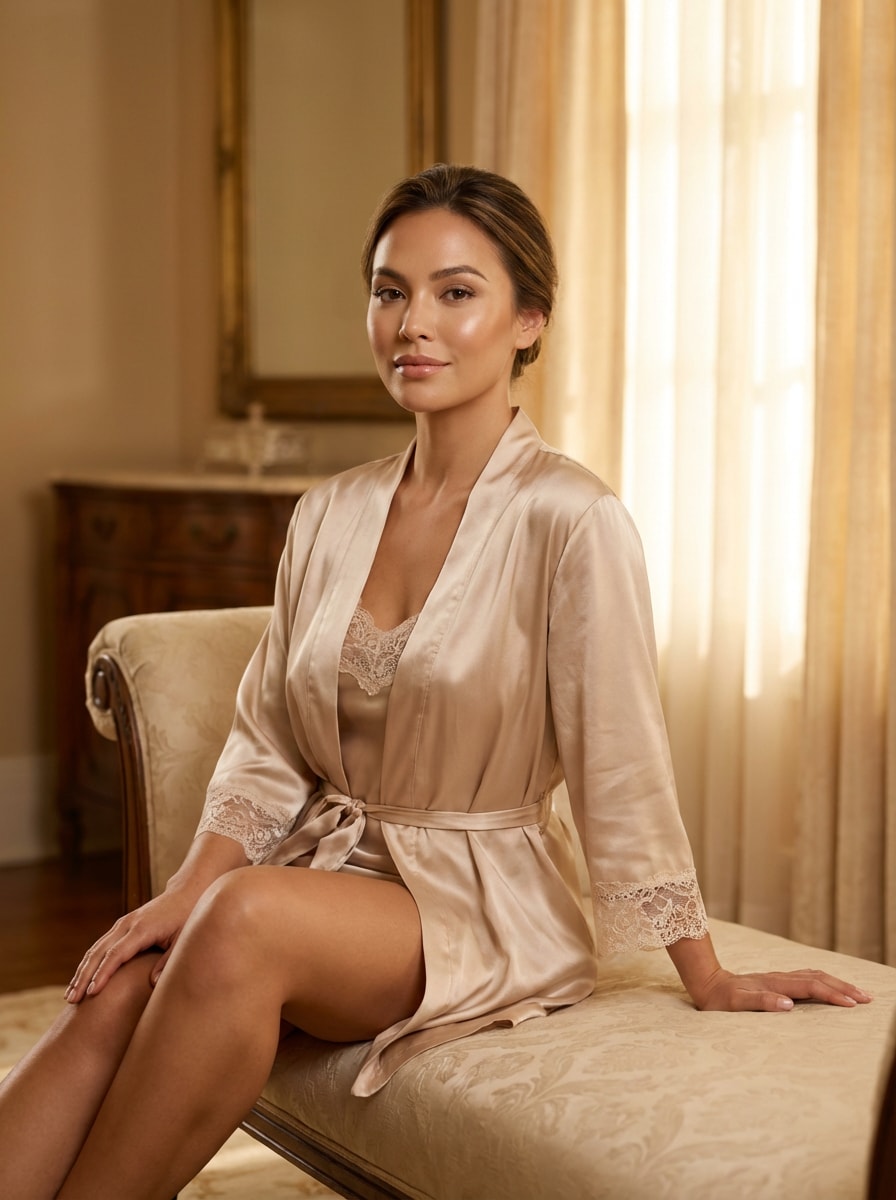
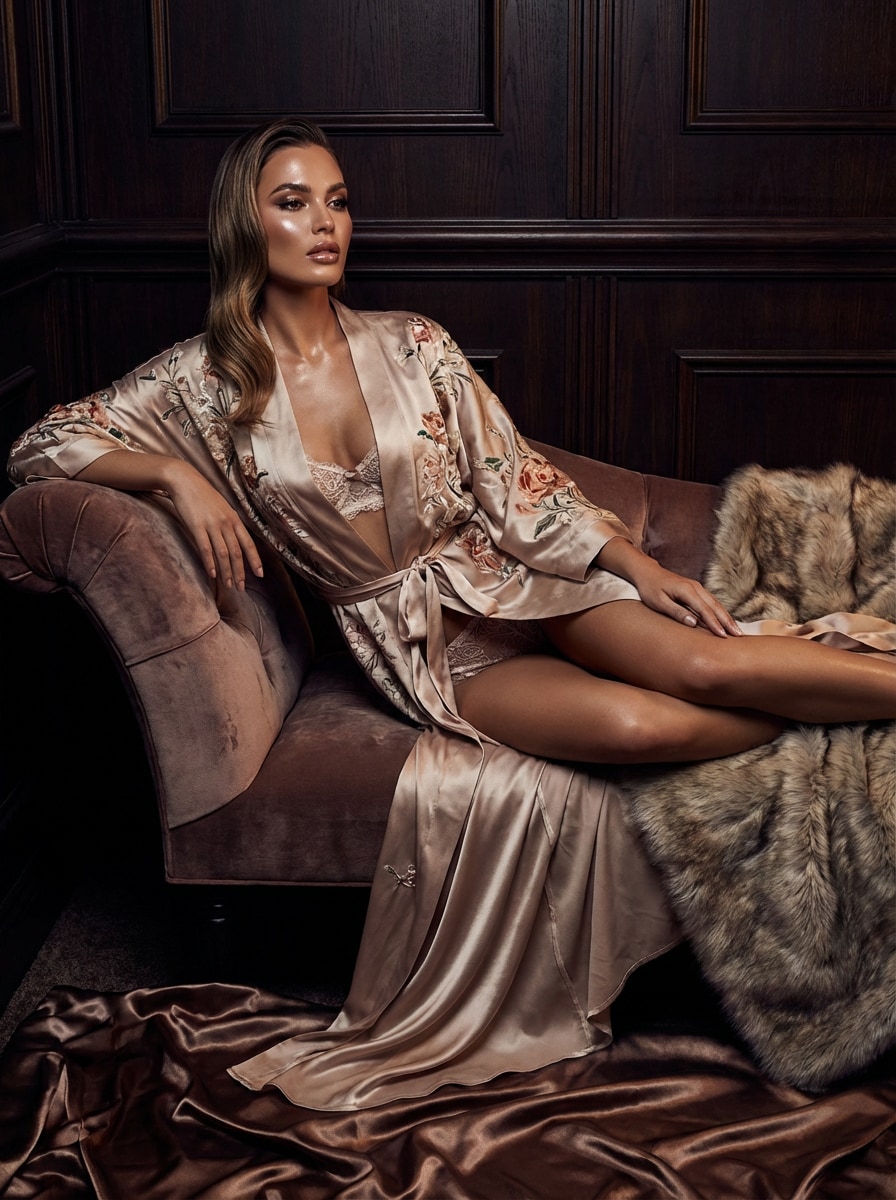
Champagne Glow Editorial
Use the uploaded image as the subject and restyle it into a classy editorial boudoir photo with warm champagne lighting. Emphasize glowing skin, polished makeup, satin and silk textures, a confident pose, clean composition, soft highlights, magazine-quality realism, and a luxurious, romantic atmosphere.
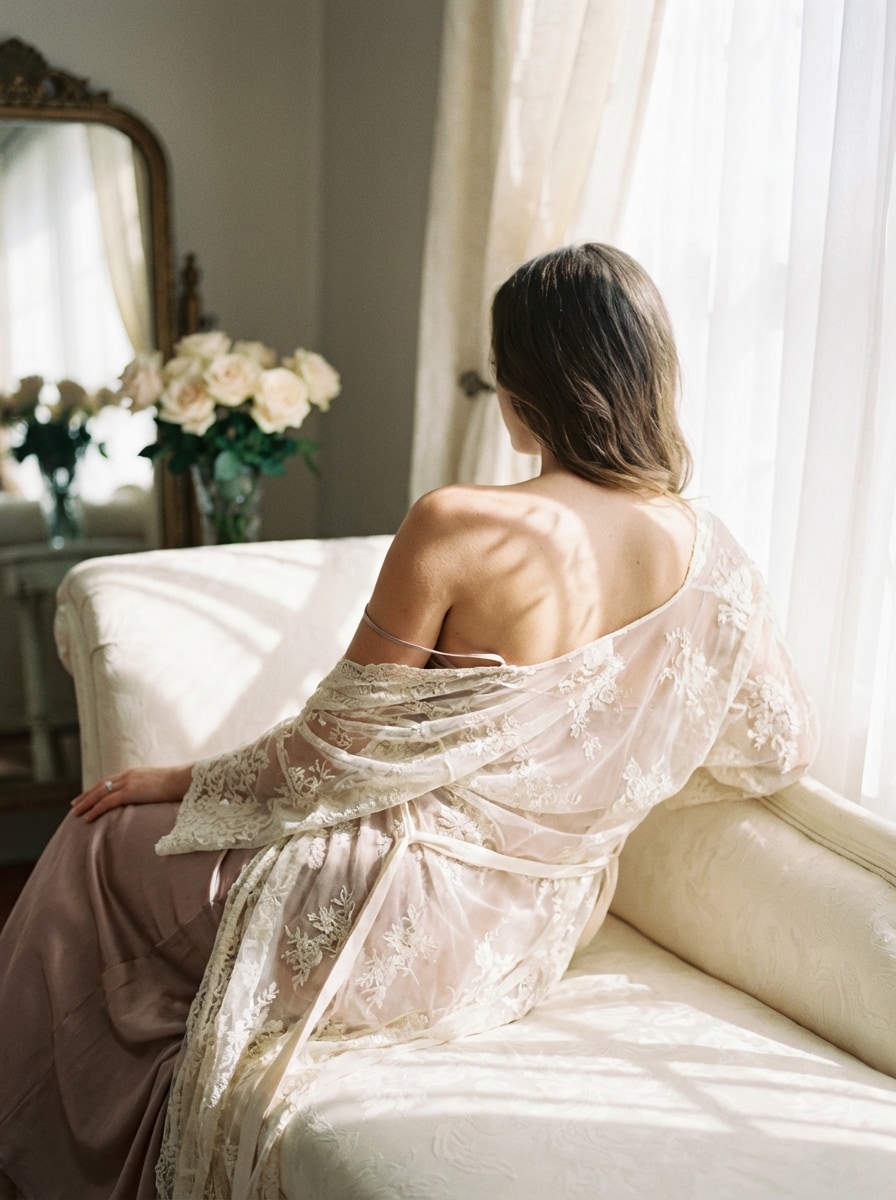
Lace and Soft Shadows
Use the uploaded image as the subject and create a romantic boudoir portrait with delicate lace styling and soft shadows. Keep the mood feminine and tasteful with blush and ivory tones, gentle directional light, elegant body angles, realistic texture, and a dreamy fine-art photography finish.
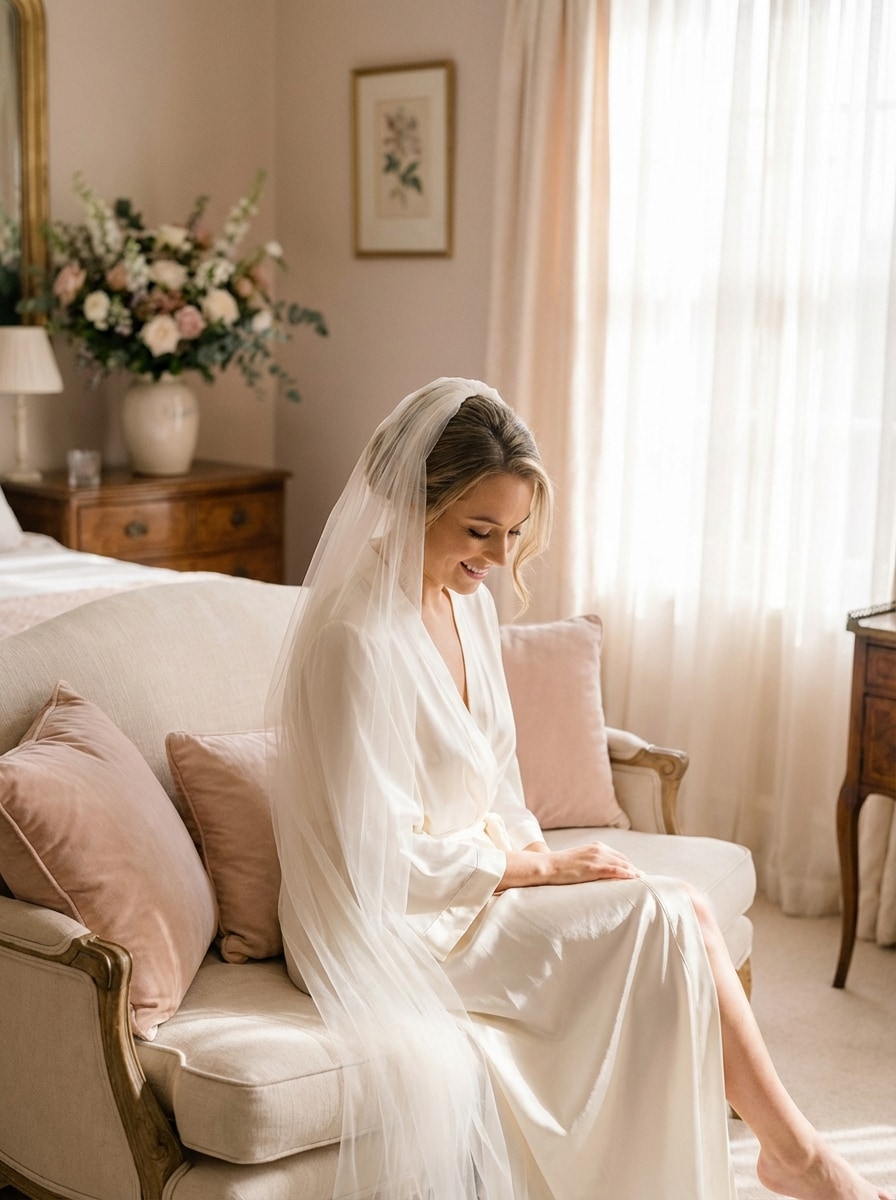
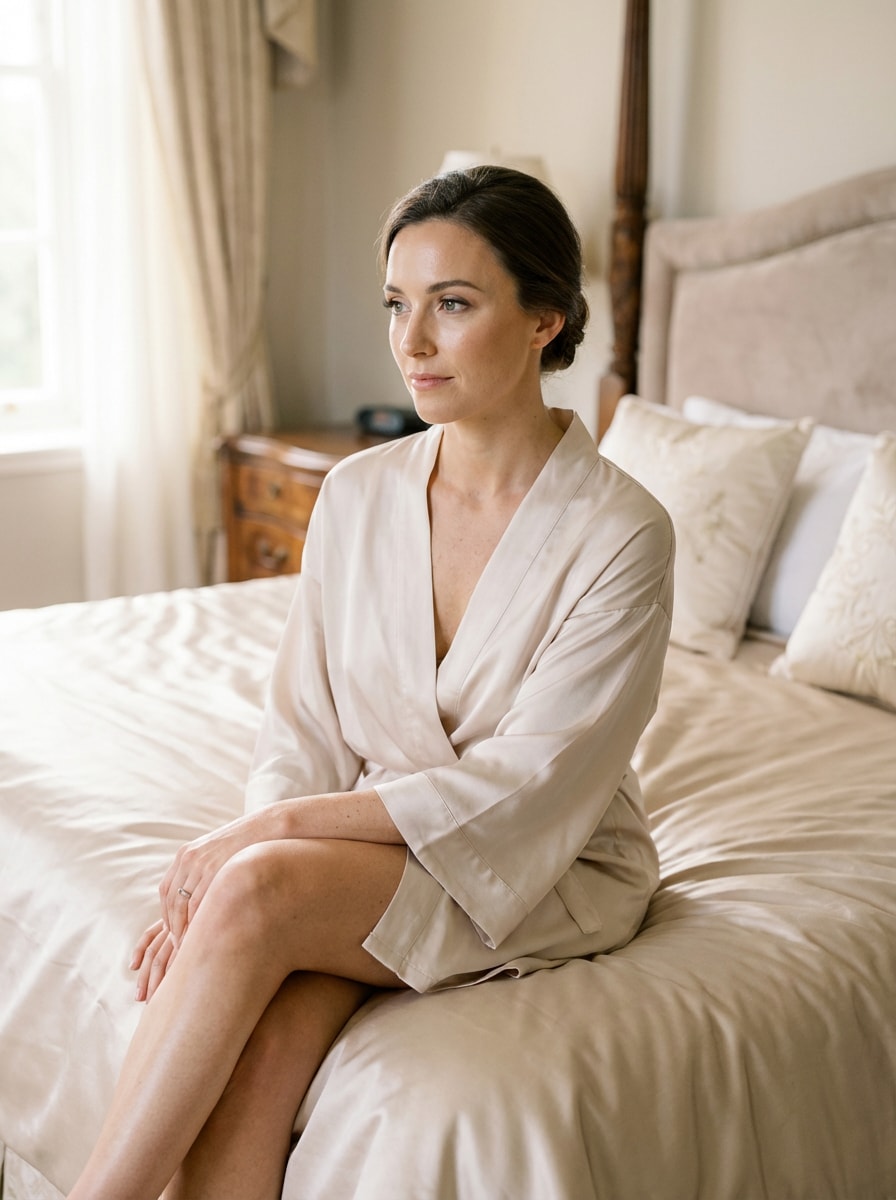
Bridal Boudoir
Use the uploaded image as the subject and transform it into a bridal boudoir portrait with a soft veil, satin robe, and airy morning light. Add creamy whites, blush highlights, elegant posing, delicate fabric textures, and realistic editorial quality for a romantic wedding-inspired scene.
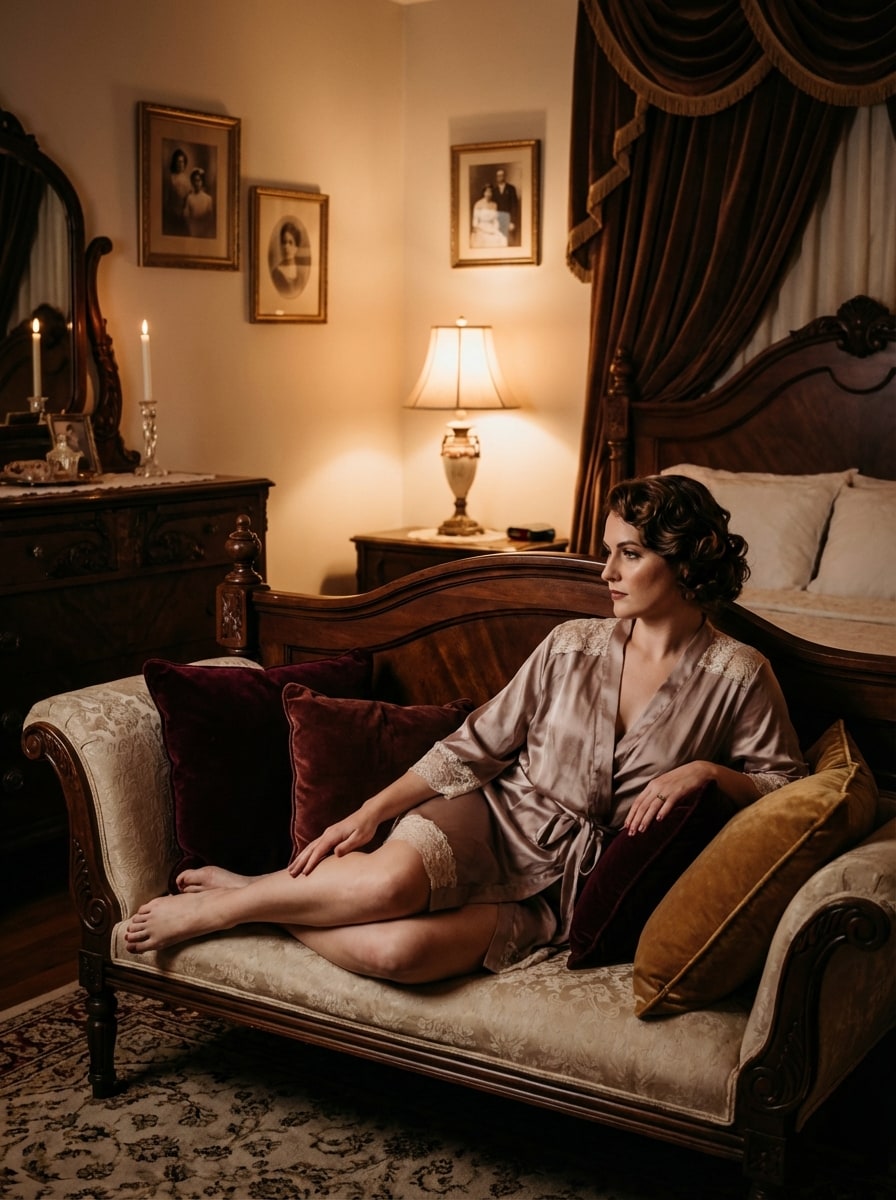
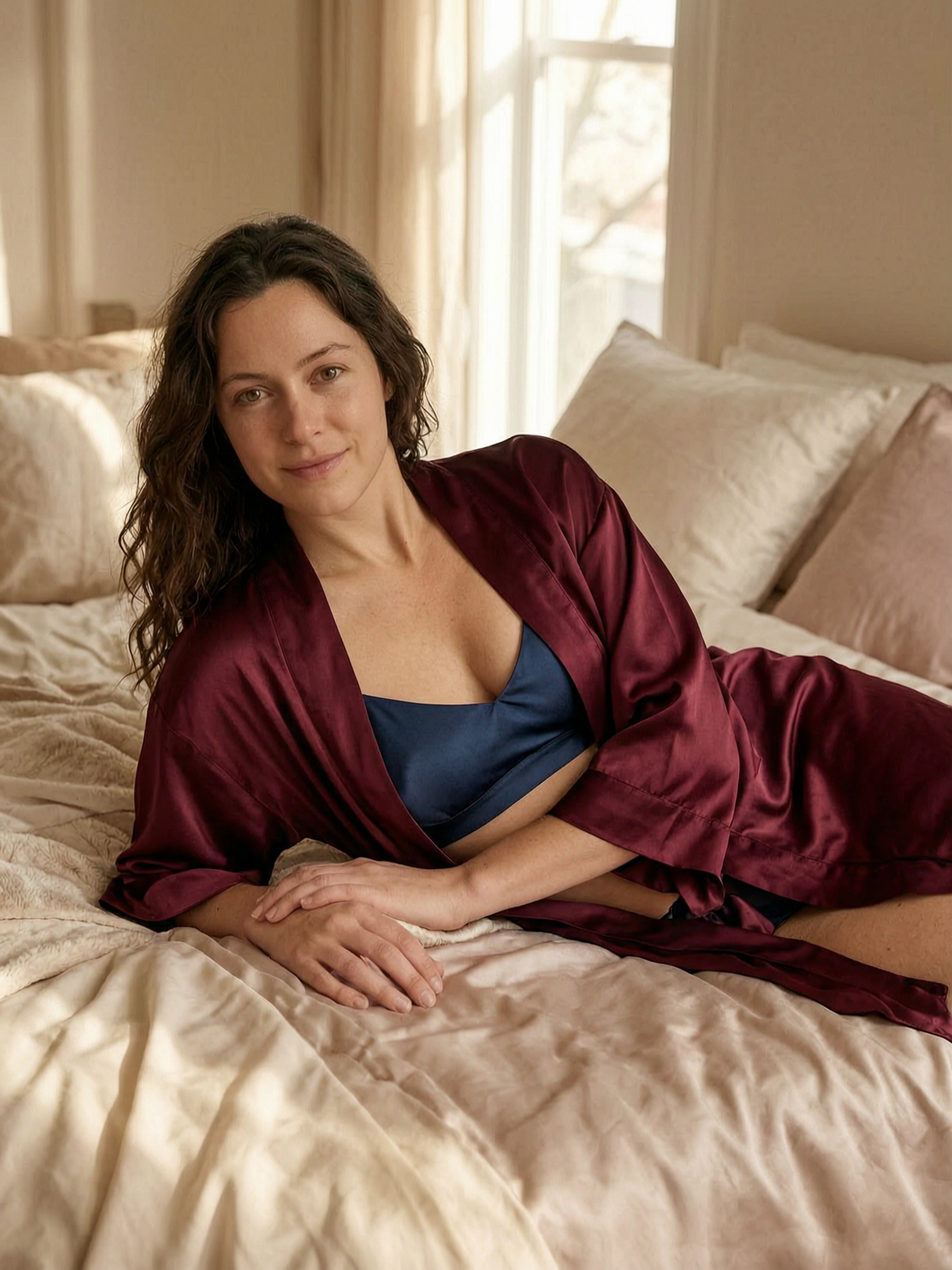
Vintage Bedroom Glamour
Use the uploaded image as the subject and restyle it into a vintage glamour boudoir portrait in an elegant old-fashioned bedroom. Add antique decor, velvet and lace textures, warm moody lighting, rich burgundy and gold tones, timeless posing, and cinematic realism with tasteful sophistication.
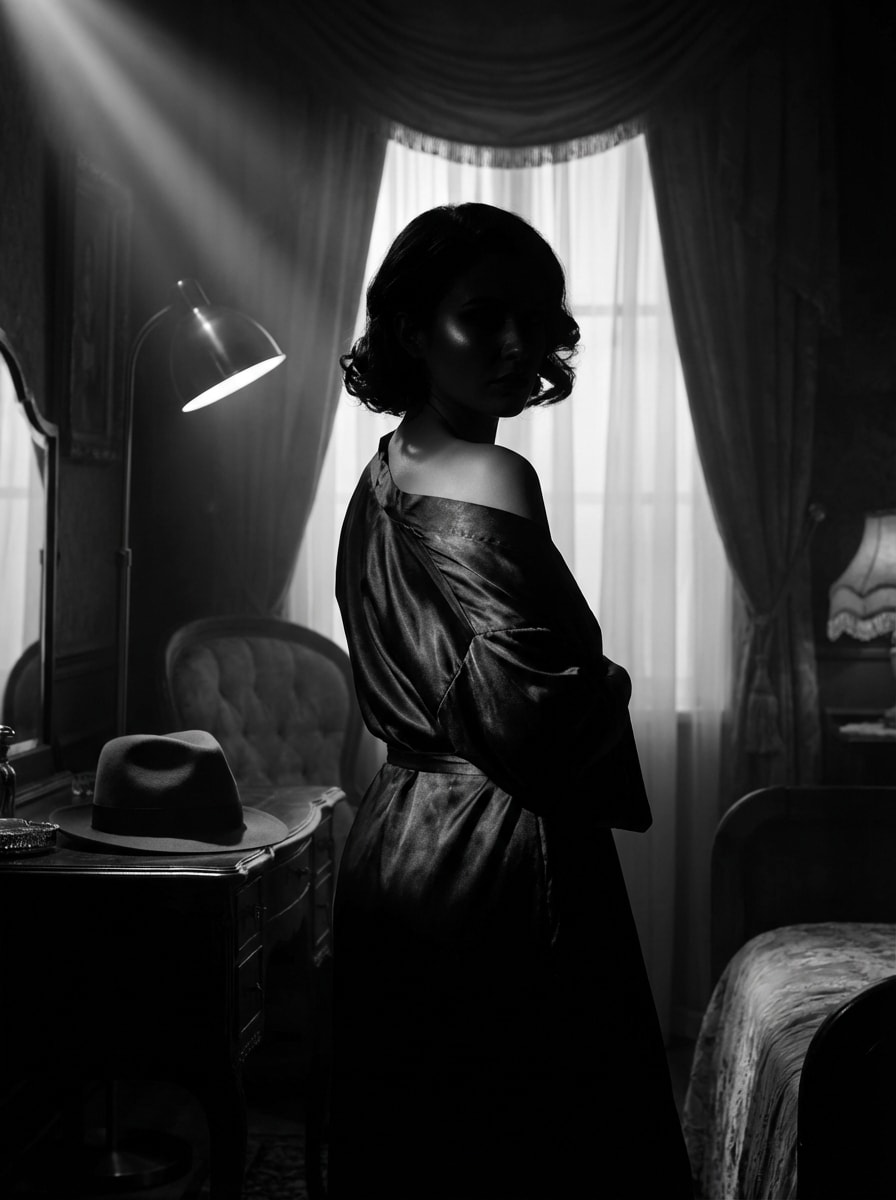
Film Noir Boudoir
Use the uploaded image as the subject and create a moody black-and-white boudoir portrait with cinematic film noir lighting. Focus on elegant silhouette, dramatic contrast, glossy shadows, classic glamour, fine-art composition, and photorealistic detail while keeping the result refined and tasteful.
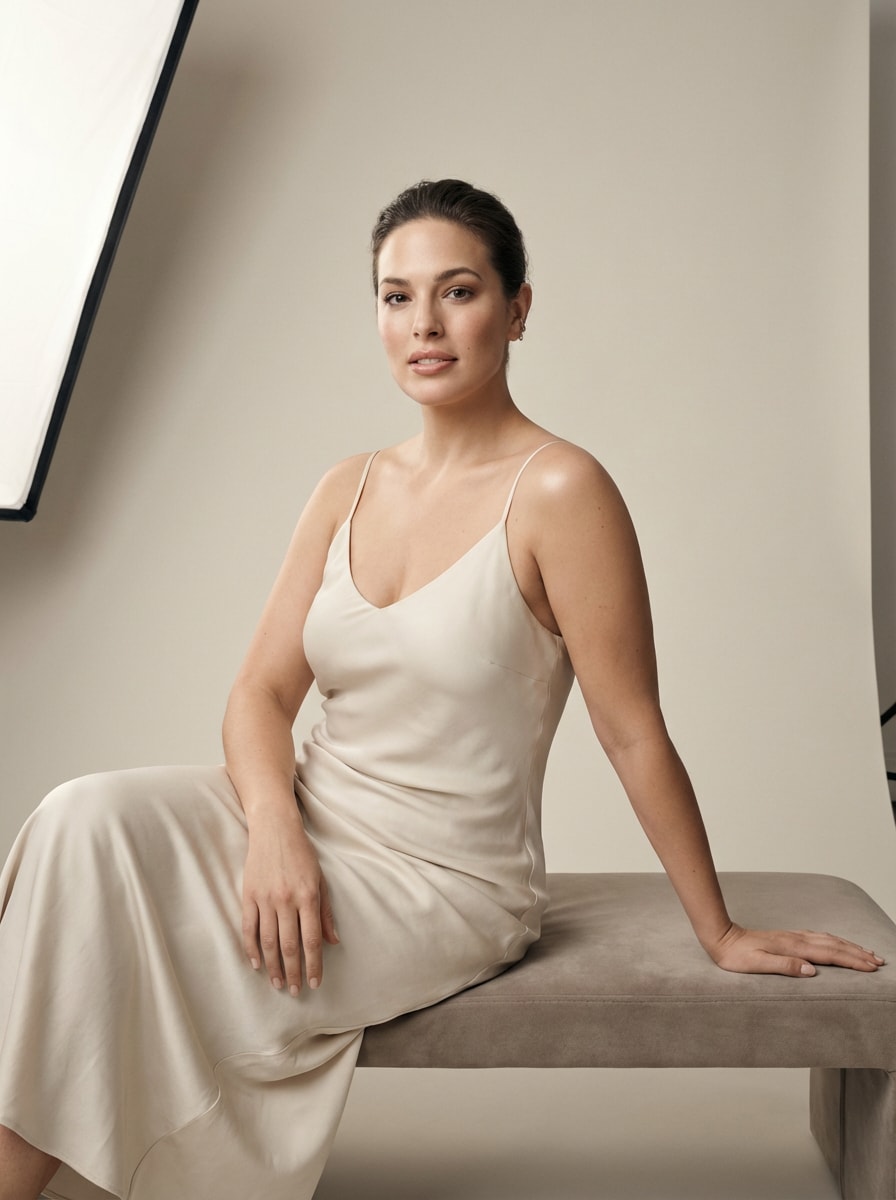
Minimal Studio Boudoir
Use the uploaded image as the subject and transform it into a modern studio boudoir shoot with a clean backdrop and soft light. Keep the look minimal, polished, and contemporary with neutral colors, subtle retouching, confident posing, smooth shadows, and premium beauty-editorial realism.
High-Fashion Glam Boudoir
Use the uploaded image as the subject and restyle it into a high-fashion boudoir portrait with polished makeup and a magazine look. Add dramatic but tasteful posing, luxury textures, glossy highlights, controlled studio lighting, sharp details, and a bold editorial finish.
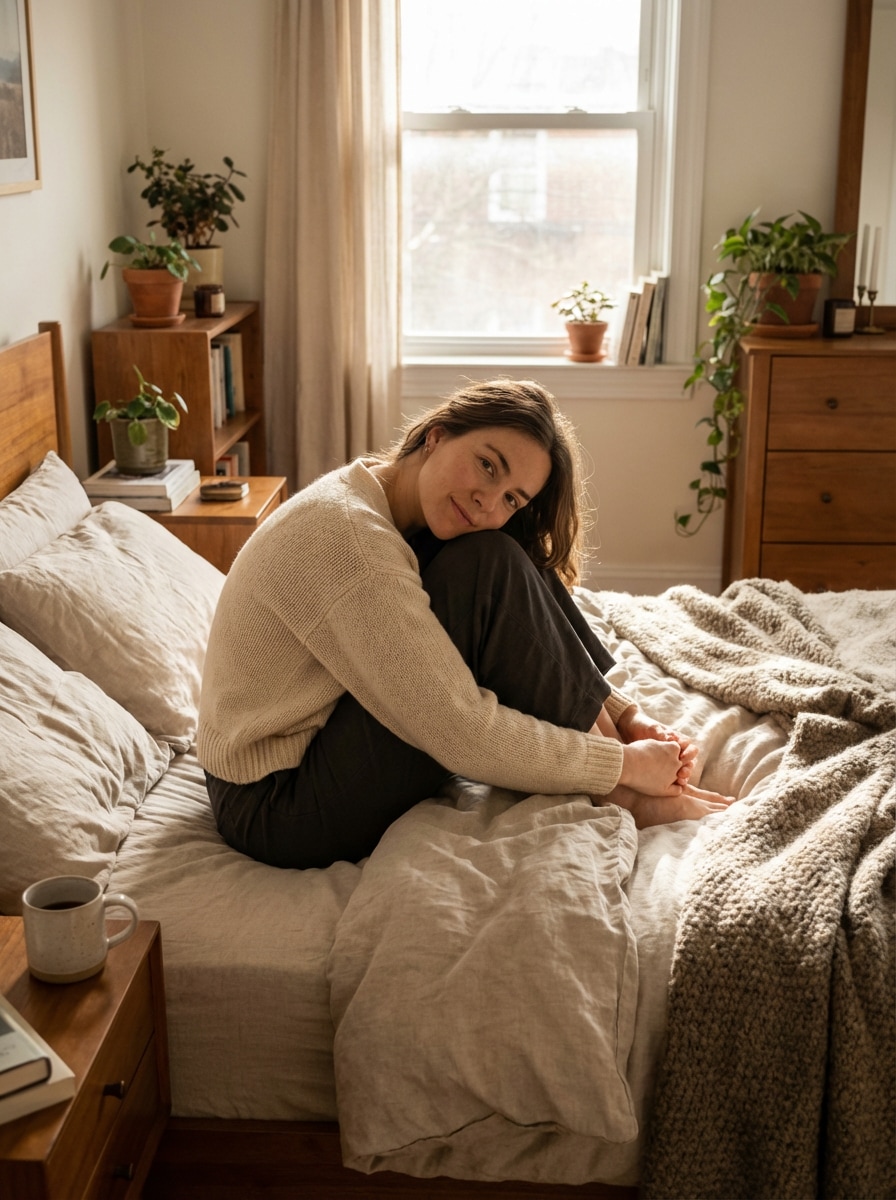
Cozy Morning Confidence
Use the uploaded image as the subject and create a cozy, confident boudoir portrait with natural morning light and a relaxed vibe. Include soft bedding, warm neutrals, gentle highlights, candid posing, realistic skin texture, and an empowering, approachable lifestyle mood.
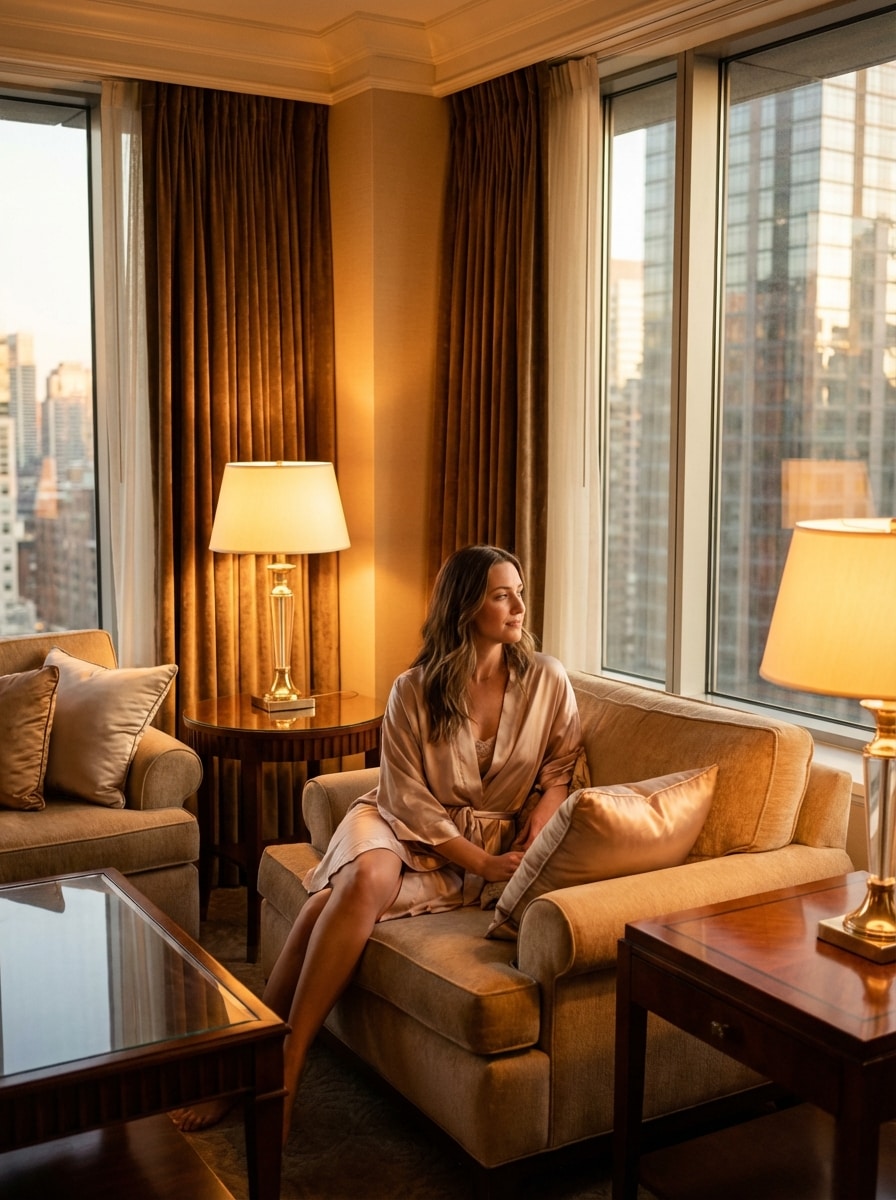
Luxury Hotel Suite Portrait
Use the uploaded image as the subject and transform it into a luxury hotel boudoir shoot with elegant styling and cinematic lighting. Add silk and satin textures, upscale interior details, a poised expression, warm ambient glow, premium composition, and realistic editorial polish.
Why Use Media.io for AI Boudoir Transformations
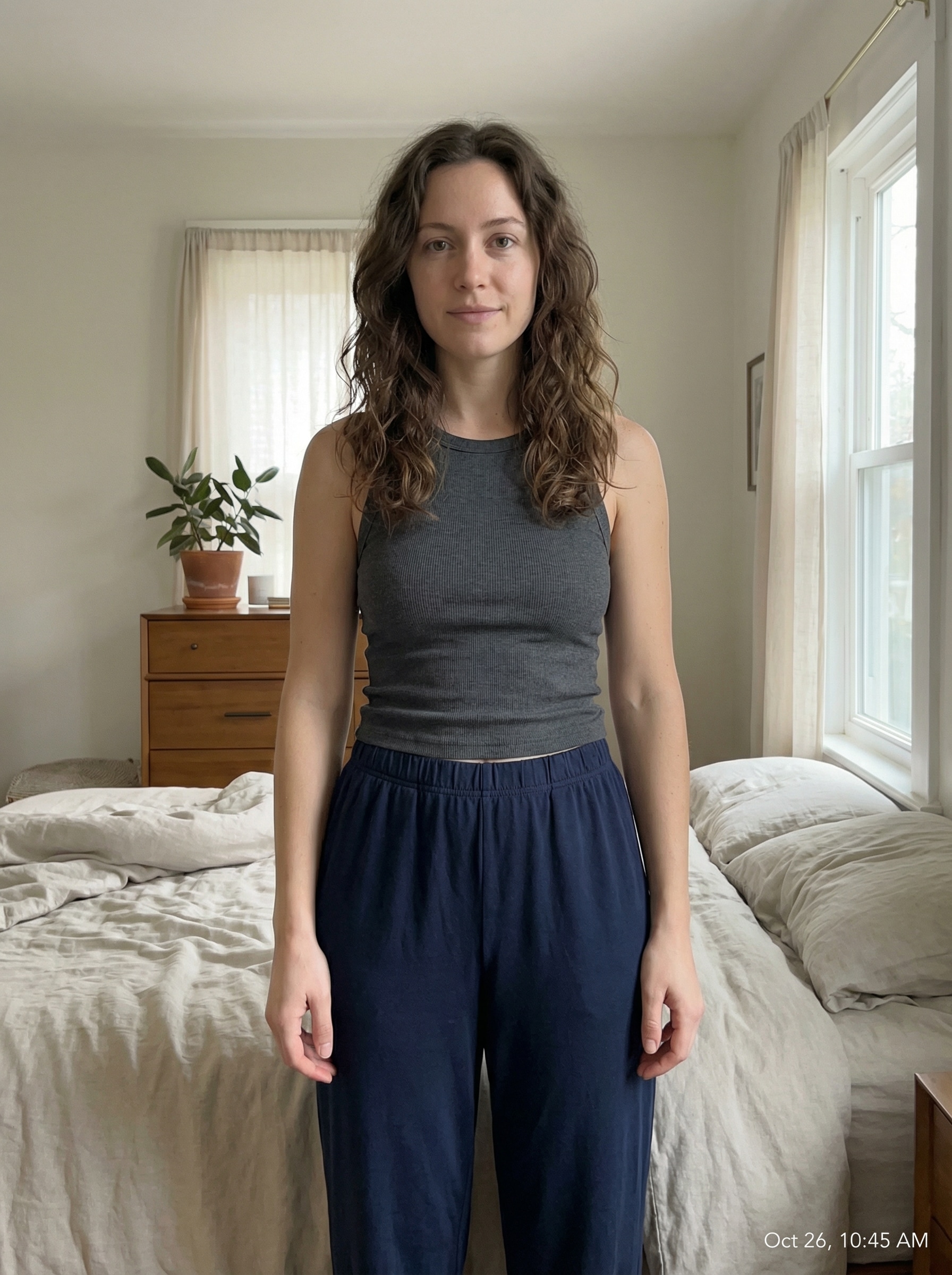
Upload One Photo and Restyle It
Create elegant boudoir-inspired portraits from a single JPG, PNG, or JPEG upload. Media.io uses your reference image to guide style transfer and keep the result aligned with your facial features and overall look.
Advanced Models for Realistic Detail
Powered by Nano Banana Pro, Nano Banana 2, and specialized options like Media 2.0, the tool is built for polished image-to-image edits, realistic textures, and stronger consistency across pose, clothing, and portrait styling.
Control Resolution and Framing
Fine-tune your output with 1K, 2K, or 4K resolution, choose aspect ratios like 3:4 or 4:3, and generate 1 to 4 images in a batch. It is ideal for portraits, social posts, moodboards, and polished pinups images concepts.
Privacy-Focused Browser Workflow
Media.io runs on the web and uploaded images are automatically deleted from servers after 7 days. That gives users a more privacy-conscious workflow when creating tasteful, personal portrait transformations online.
How to Make AI Boudoir Portraits Online
1
2
3
1
Step 1: Open Media.io AI Image Generator
Go to AI Image to Image Generator and open the AI Image Generator under AI -> Image Generator. This online tool runs in your browser, so you can start creating tasteful boudoir-style portraits on desktop or mobile without installing software.
2
Step 2: Enter a Prompt or Upload
Upload a reference photo, then add a detailed prompt like “Use my uploaded photo as the subject and create an elegant luxury-bedroom boudoir portrait with soft window light, satin textures, and warm editorial tones.” Adjust style, aspect ratio, model, and resolution settings as needed.
3
Step 3: Generate, Refine & Download
Click Generate. Review the results, refine your prompt or settings if needed, and then download your preferred image in high resolution. You can create multiple variations to compare lighting, mood, and composition.
See how creators use this Boudoir for content, marketing, and personal projects, then adapt each idea to fit the brief.
Create a Confidence-Boosting Personal Portrait Set
Turn a casual selfie into polished boudoir-inspired portraits for private keepsakes, anniversary gifts, or personal moodboards. Media.io makes it easy to test elegant looks, soft lighting, and luxury styling before investing in a full photoshoot.
Preview Bridal and Glam Concepts Before a Shoot
Brides, portrait clients, and photographers can use AI previews to explore veil styling, satin robes, bedroom settings, and warm editorial tones. It is a fast way to visualize a tasteful boudoir concept and align on the final creative direction.
Design Vintage Glam and Pin-Up Inspired Looks
Experiment with romantic retro styling, classy noir lighting, and polished glamour aesthetics inspired by images of pin up models. If you want artistic references or concept art for tasteful portrait planning, this workflow can help generate elegant, studio-style variations from one upload.
What Users Say
Alyssa R.
Lifestyle Creator
"Elegant results from one selfie" I uploaded one simple portrait and got back classy, soft-lit boudoir-style images that felt polished rather than overdone. The workflow was easy, and the bedroom and editorial presets looked surprisingly realistic.
Megan T.
Bridal Content Planner
"Great for bridal concept previews" I used it to test bridal boudoir ideas before a real shoot. The satin, veil, and morning-light styles helped me visualize the mood quickly, and having aspect ratio options was helpful for social mockups.
Danielle C.
Portrait Photographer
"Useful for client inspiration boards" This is a practical tool for showing clients different elegant portrait directions. I like that I can upload a reference image, refine the prompt, and generate multiple looks with a consistent subject.
Jenna L.
Small Business Designer
"Fast, private, and mobile-friendly" I wanted something browser-based that I could use on my phone. It was quick to upload, generate, and download, and the privacy information made me more comfortable using personal photos.
An AI boudoir generator is an image-to-image tool that transforms an uploaded photo into elegant, boudoir-inspired portraits using AI models and text prompts. In Media.io, you can upload a JPG, PNG, or JPEG reference image, choose your style direction, and generate refined portrait variations online.
2. Can I create boudoir photos from just one selfie?
Media.io supports image-to-image creation from a single reference photo, so one clear selfie can be enough to guide the transformation. For stronger results, use a well-lit image with a visible face and simple background, then describe the style, lighting, and setting you want.
3. How realistic are AI boudoir images?
Realism depends on your source photo, prompt quality, and selected model. Media.io offers advanced models including Nano Banana Pro, Nano Banana 2, and Media 2.0, which are designed for detailed image generation, stronger consistency, and polished portrait results. You can also export in 1K, 2K, or 4K for sharper output.
4. Is there a free AI boudoir photo generator?
Free users can try Media.io with free credits. Depending on your plan, free exports may include a watermark, while paid subscribers can download watermark-free high-resolution results. For more usage details, check the pricing page. Free users can use free credits. For more usage, users can subscribe to a plan on the pricing page. Upgrade to a paid plan on the pricing page for more credits and watermark-free high-resolution downloads.
5. How long does it take to generate AI boudoir portraits?
Generation is designed to be fast and browser-based, so you can upload a photo, enter your prompt, and create portrait variations in a short workflow. The exact time can vary based on settings like resolution, model choice, and whether you generate 1 image or a small batch.
6. Will my uploaded photos stay private?
Media.io is built with privacy in mind. Uploaded images are automatically deleted from our servers after 7 days. That makes it a more privacy-conscious option for users creating personal portrait edits or testing classy ai boudoir generator looks from their own photos.