
이미지에서 이미지까지
Nano Banana Pro
이미지 업로드
0 / 9
내 기록에서 선택하거나 업로드하려면 클릭하거나 드래그하세요
아이디어가 없나요? 먼저 이미지를 생성하세요. >
지원되는 업로드 형식: jpg, png, jpeg.
프롬프트
0/2000
1K
자동
1
바나나 프로 무제한 모드
제작물
아이디어 허브
전체
목록 생성
작업물은 7일 동안 저장됩니다. 업그레이드 후 생성된 에셋은 영구 저장됩니다.
ai_video_generator창의적 잠재력을 풀고 미디어 AI의 마법을 즉시 경험하십시오!

Add Birthday Hat to Image with Realistic AI Party Edits

Add Birthday Hat To Image Before
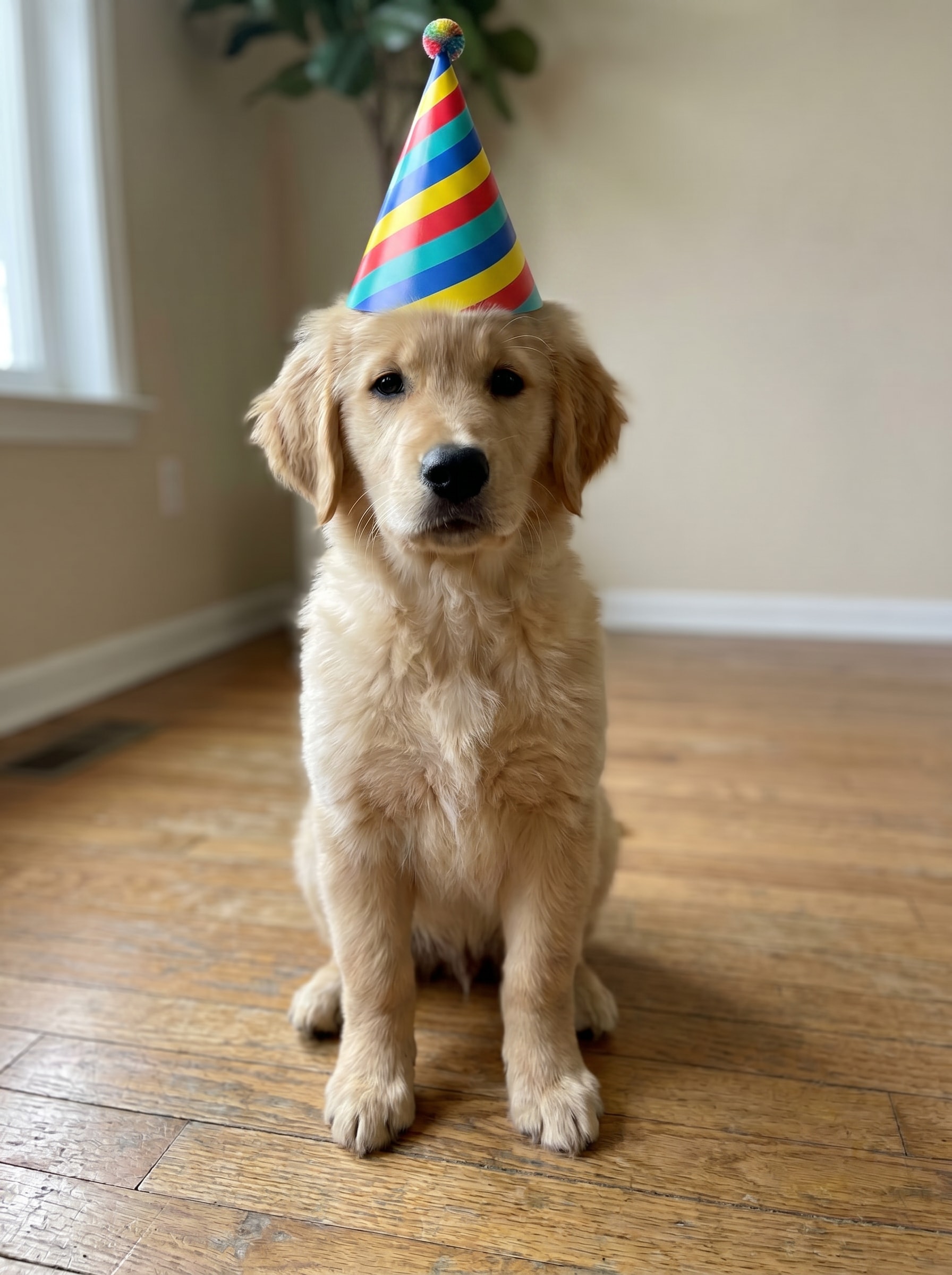
Add Birthday Hat To Image After

Use Media.io to add birthday hat to image files in seconds with either realistic AI blending or quick sticker-style edits. Upload a portrait, pet photo, or group shot, describe the look you want, and create fun celebration images online with an AI party hat workflow instead of complicated editing. It can also help with birthday party hat photo editor.

Add My Birthday Hat

Type your idea -> AI designs it. Free to try.

Review these example directions, then customize the details to get stronger results from Media.io when you add a birthday hat to a picture or build a more stylized birthday edit.

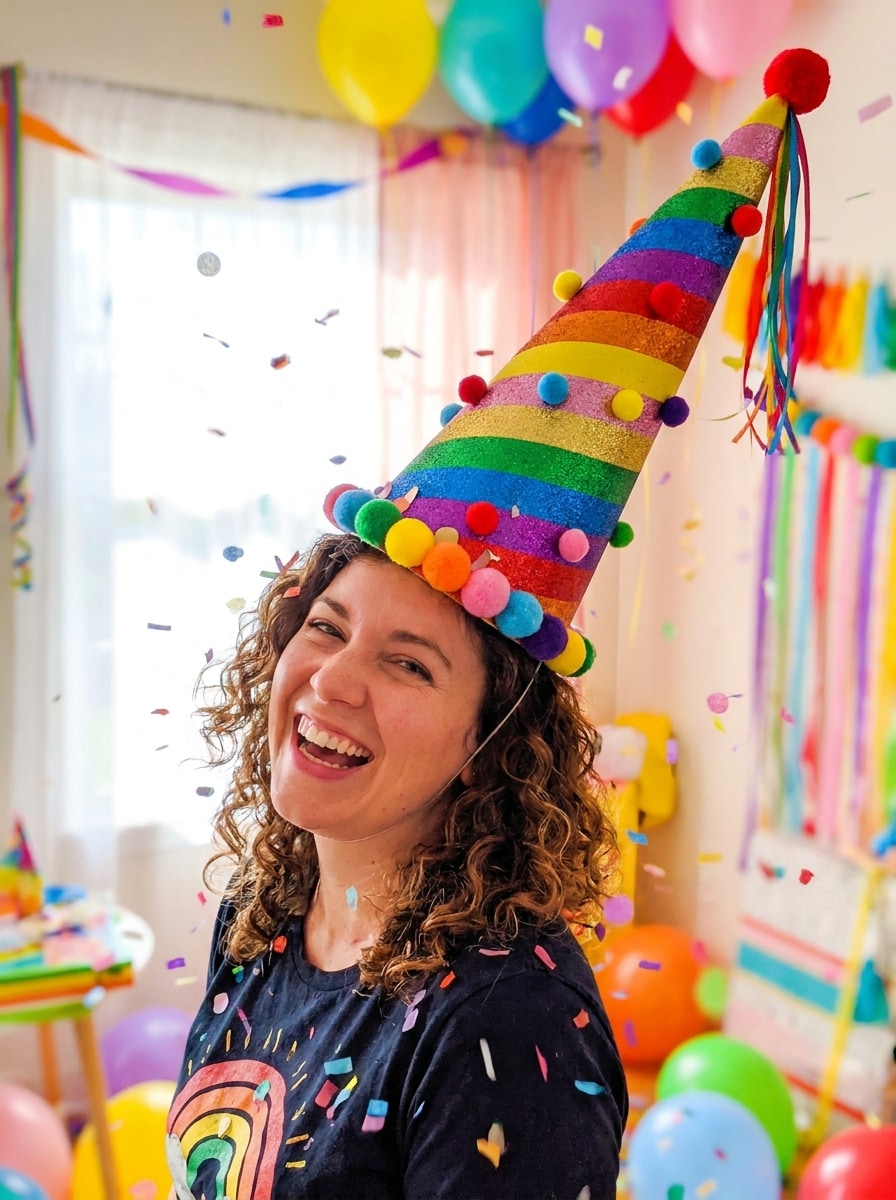
Colorful Cone Hat

Colorful Cone Hat

Use the uploaded image as the subject and add a bright cone-shaped birthday hat on the head, matched to the face angle and hairstyle. Use festive red, yellow, blue, and teal stripes, soft shadows, clean edges, realistic lighting, and a cheerful party mood with natural blending.

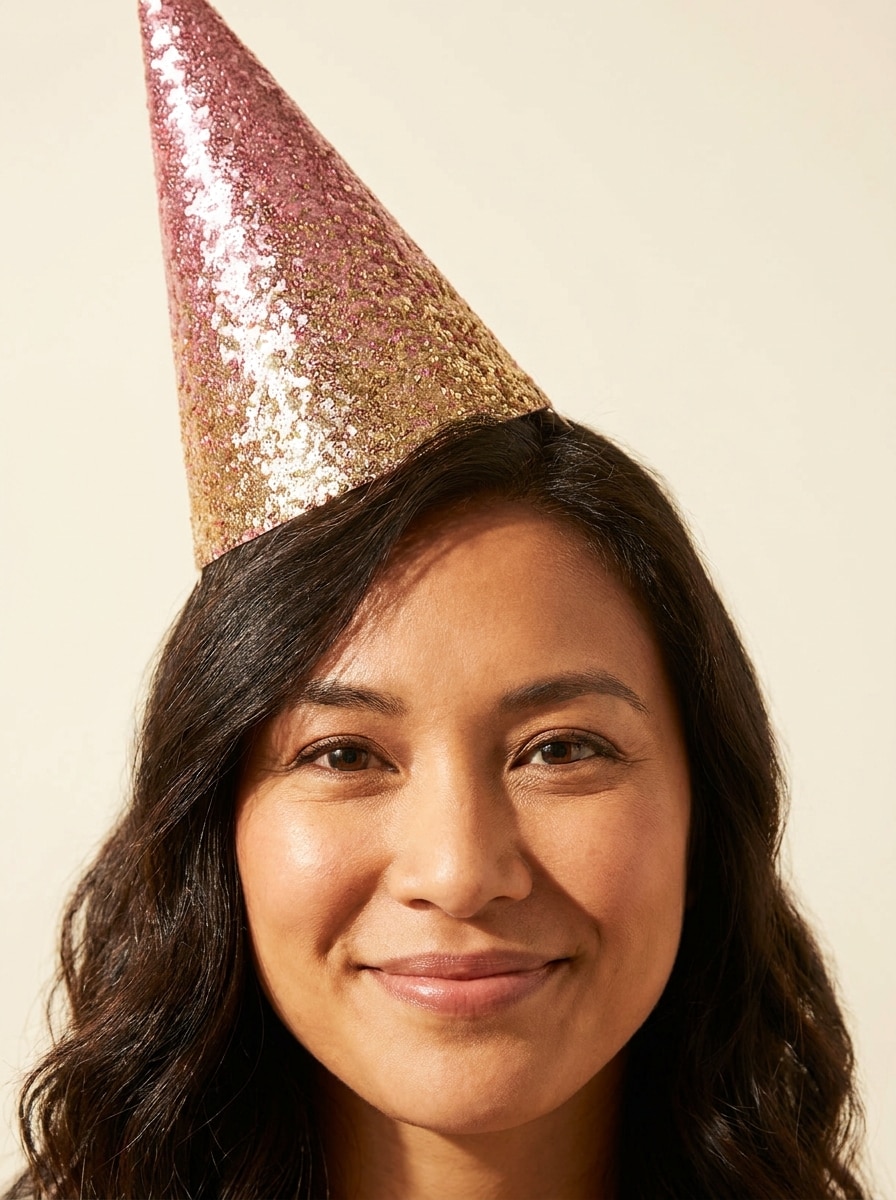
Glitter Party Hat

Glitter Party Hat

Use the uploaded image as the subject and place a sparkly glitter birthday hat on the head with realistic fit and soft hair overlap. Feature pink and gold shimmer, reflective texture, subtle sparkle details, flattering portrait lighting, elegant party mood, and seamless photoreal integration.

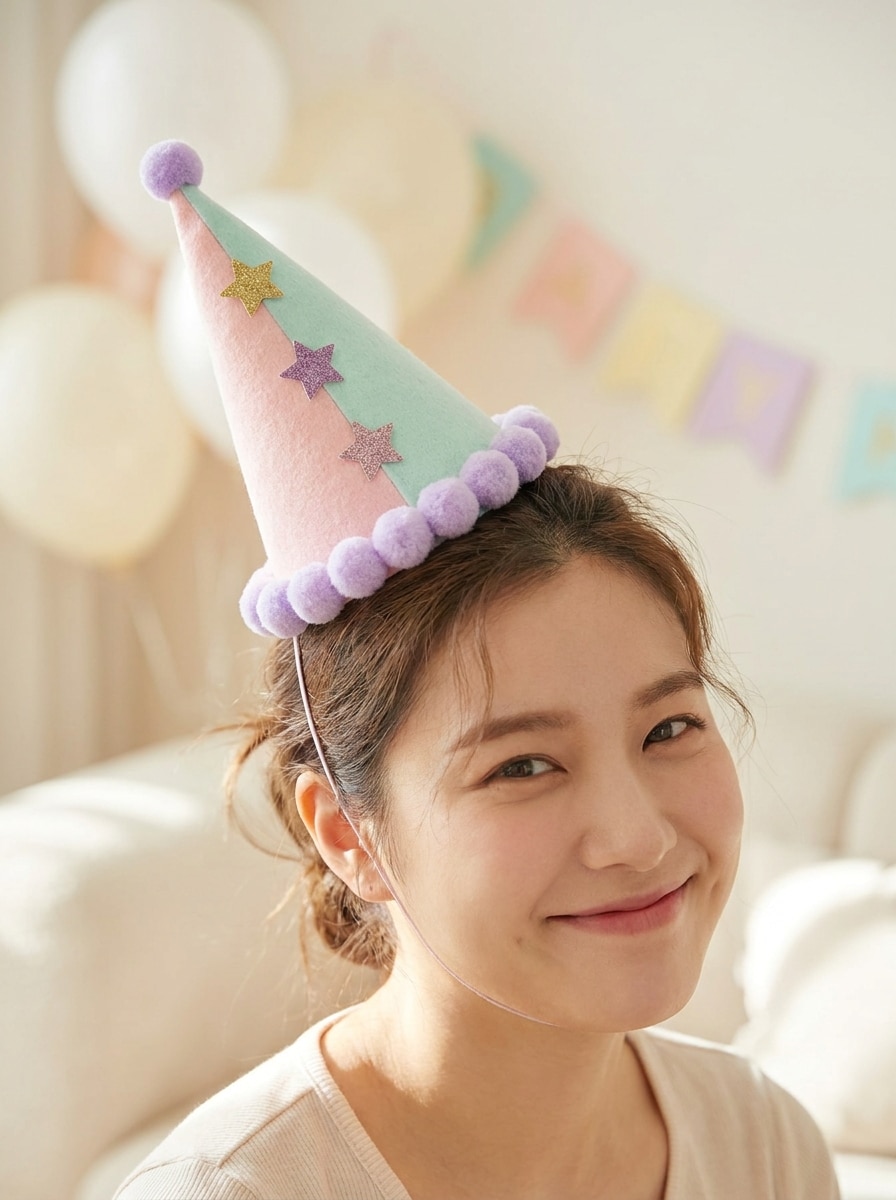
Pastel Kawaii Hat

Pastel Kawaii Hat

Use the uploaded image as the subject and transform it with a cute pastel birthday hat in soft pink, lavender, and mint tones. Add tiny stars and pom-pom trim, keep the hat aligned to the head angle, use bright airy lighting, and create a playful social-ready celebration aesthetic.

Confetti Celebration Hat

Confetti Celebration Hat

Use the uploaded image as the subject and add a festive birthday hat decorated with confetti patterns and colorful trim. Match the hat to the head position, keep realistic shadows and texture, and add a lively celebratory feel with clean composition and bright contrast.

Photoreal Party Hat Blend

Photoreal Party Hat Blend

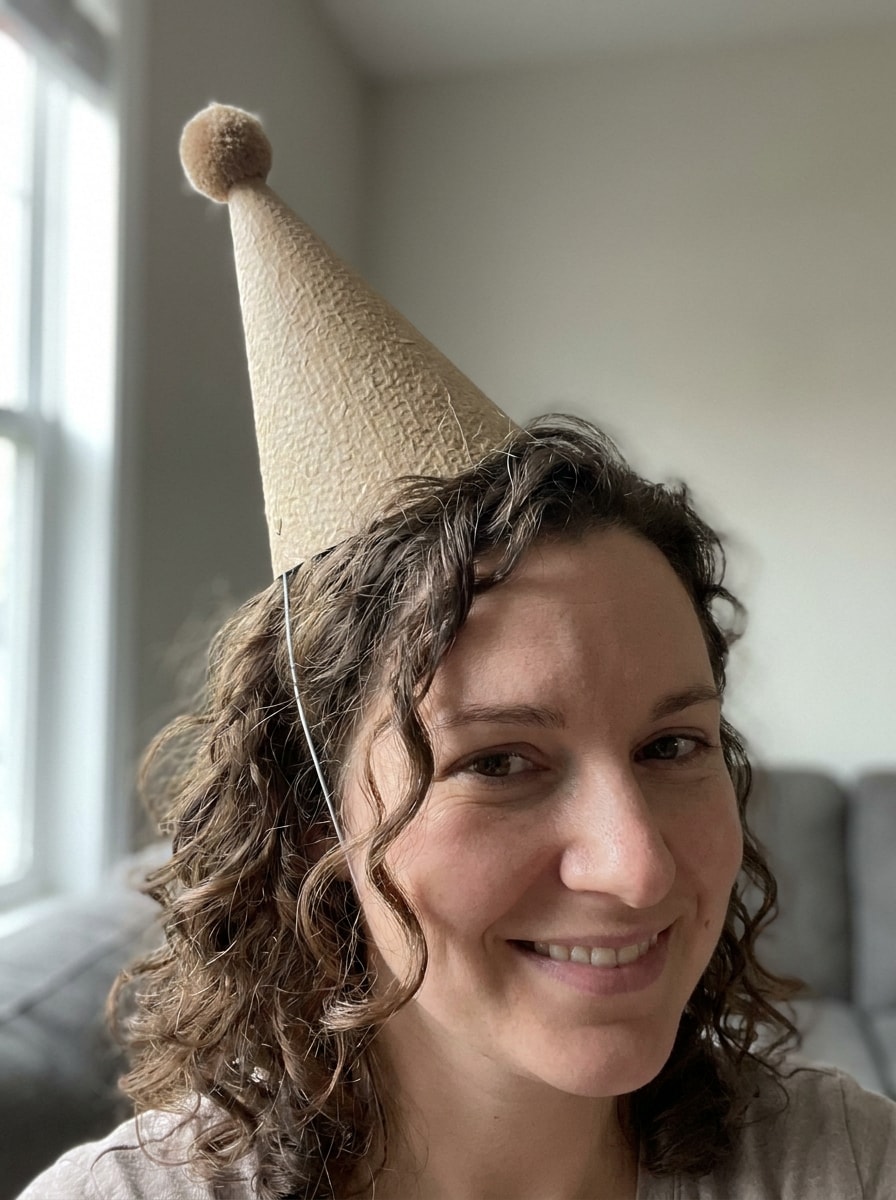
Use the uploaded image as the subject and make it look like they are truly wearing a birthday party hat. Match perspective, lighting direction, shadow falloff, hair overlap, and material texture so the hat blends naturally into the original photo with a seamless realistic finish.

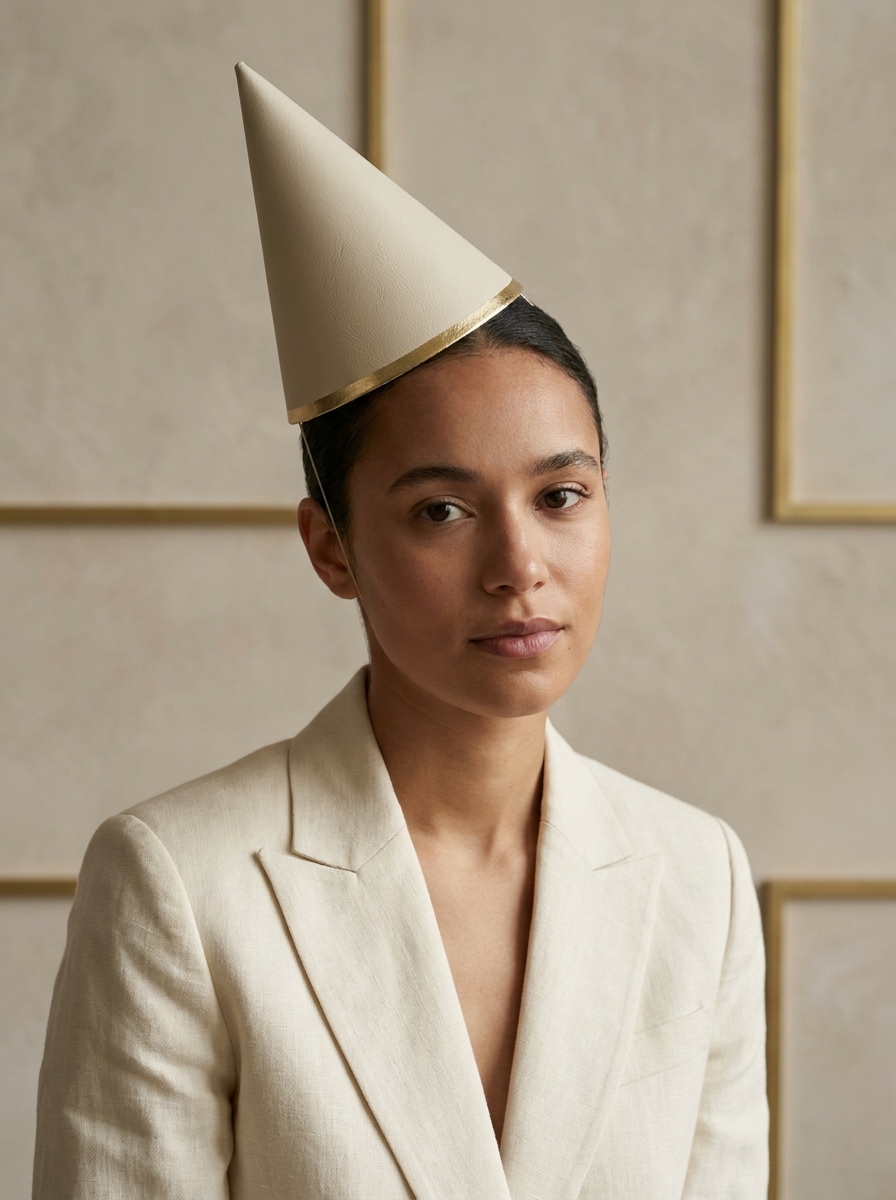
Elegant Minimal Hat

Elegant Minimal Hat

Use the uploaded image as the subject and add a simple elegant birthday hat with refined texture and neutral festive tones. Keep the design minimal, fit it naturally to the head shape, use soft premium lighting, and create a polished portrait suitable for classy birthday posts.

Oversized Funny Birthday Hat

Oversized Funny Birthday Hat

Use the uploaded image as the subject and add a comically oversized birthday hat for a humorous party edit. Keep the placement believable on the head, use vivid colors, playful scale, bright lighting, clean edges, and a fun social-media-friendly before-and-after transformation feel.

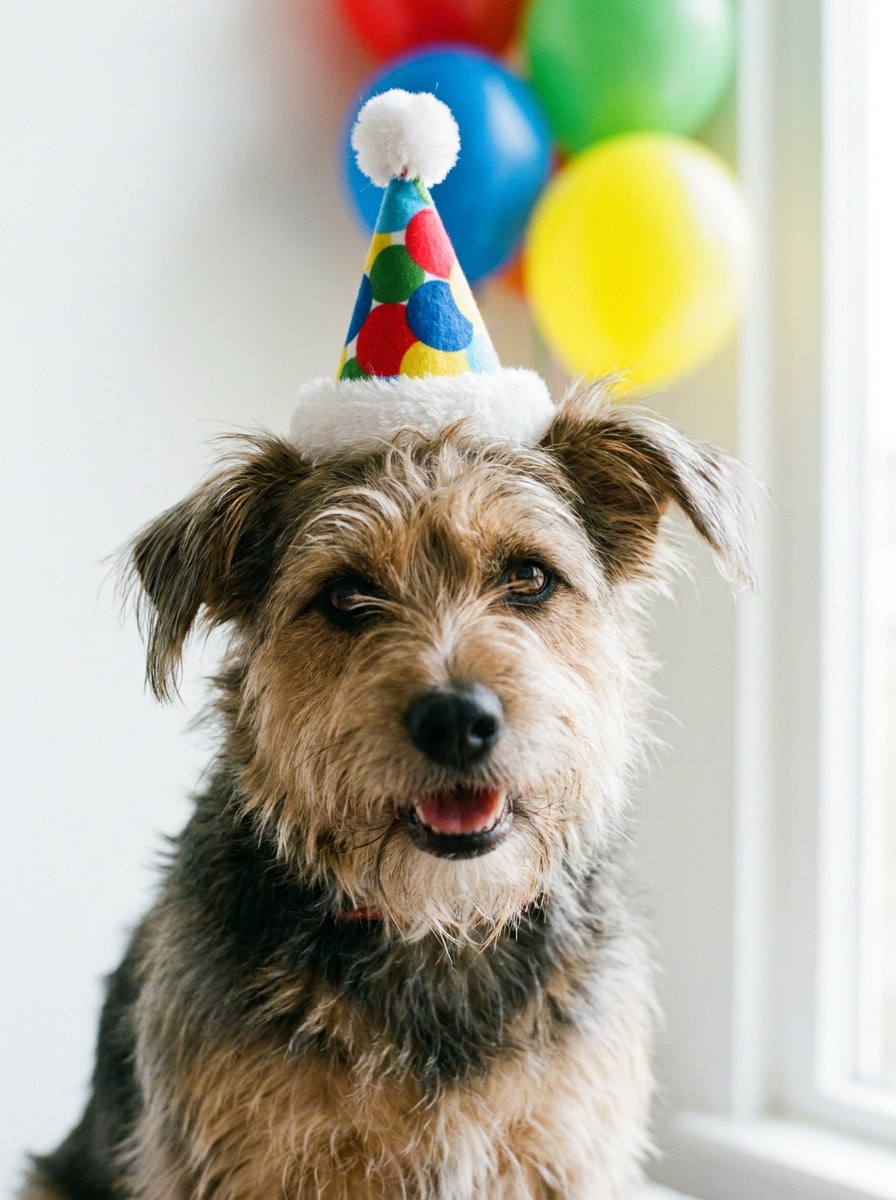
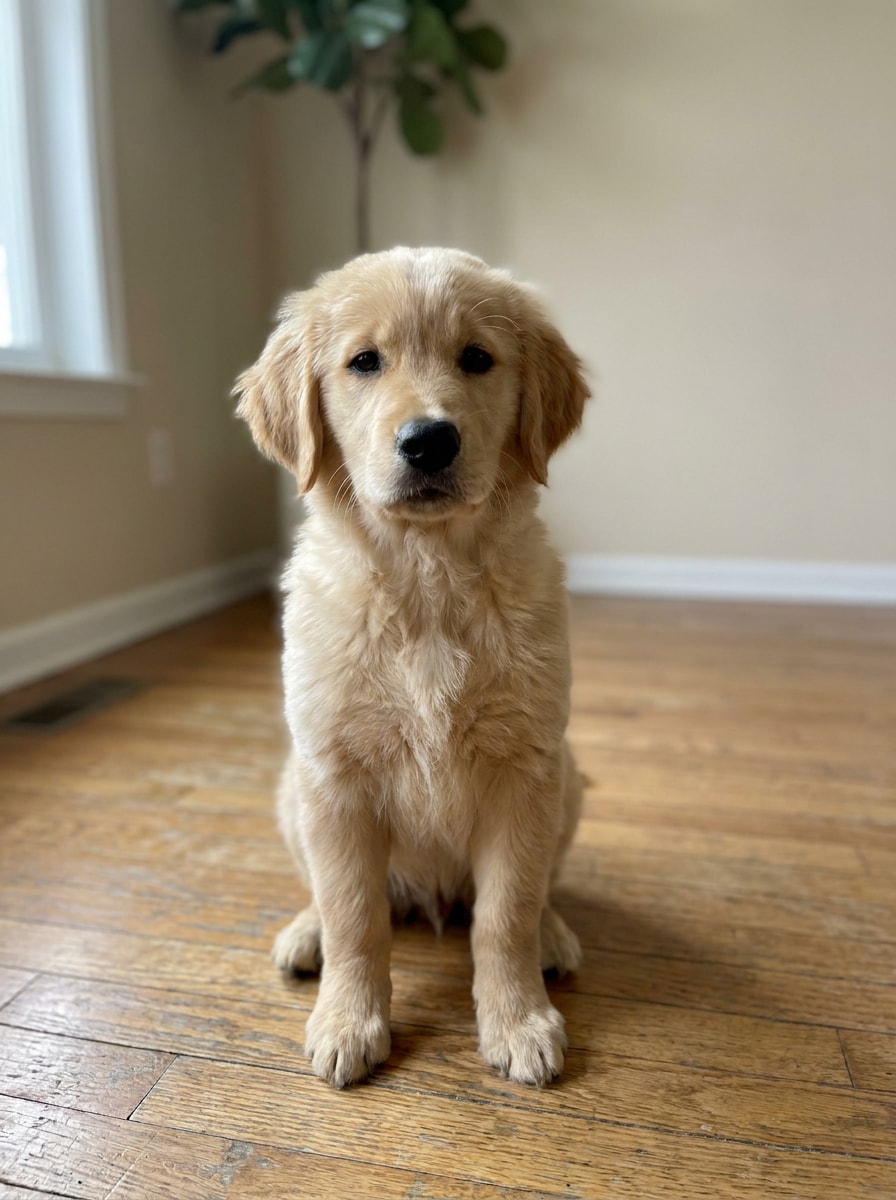
Pet Birthday Hat

Pet Birthday Hat

Use the uploaded image as the subject and place a small adorable birthday hat on the pet's head with a natural angle and gentle fur interaction. Add bright festive colors, soft trim details, clean realistic blending, and a warm playful mood perfect for shareable pet celebration photos.

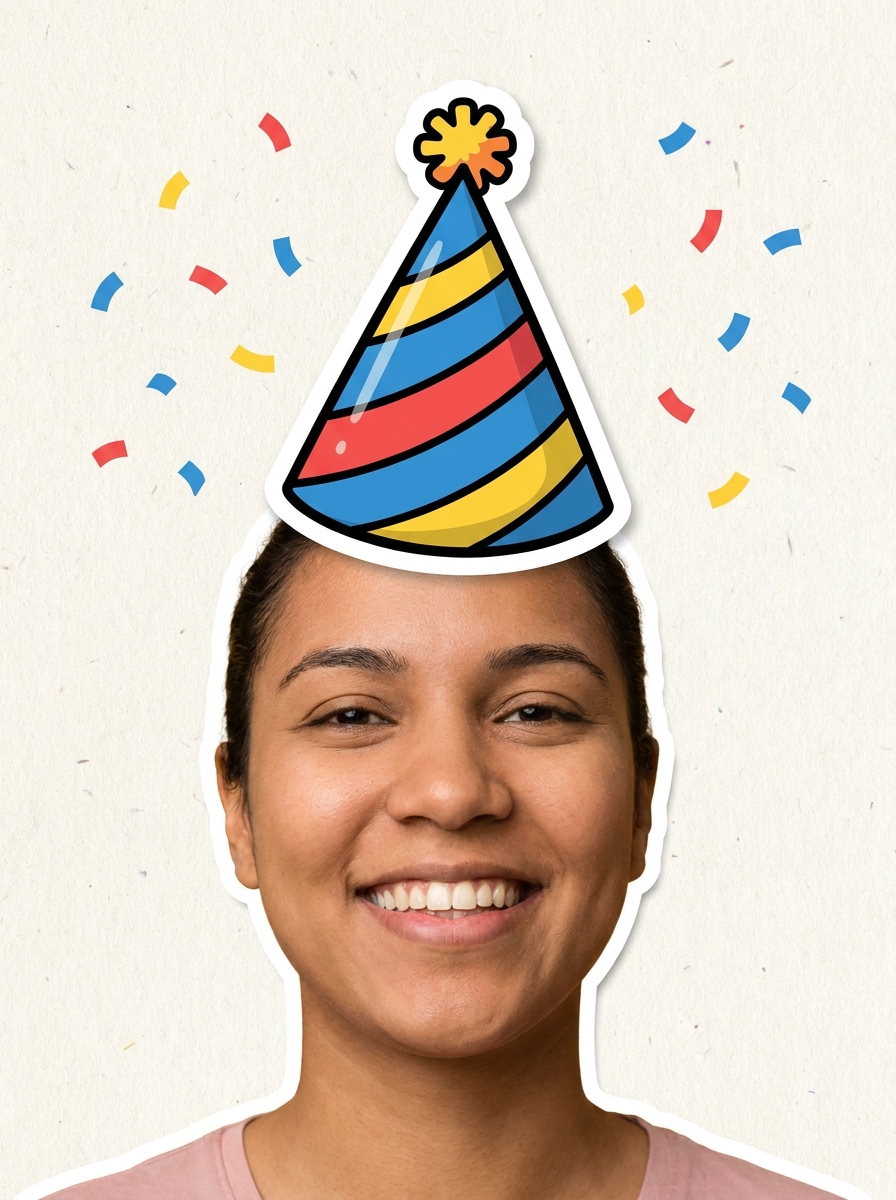
Sticker Cutout Hat

Sticker Cutout Hat

Use the uploaded image as the subject and add a crisp birthday hat sticker with a bold outline and clean cutout style. Place it clearly above the head, use bright celebratory colors, strong contrast, transparent-edge composite quality, and a fun scrapbook-like social post aesthetic.

Balloon and Hat Combo

Balloon and Hat Combo

Use the uploaded image as the subject and add a festive birthday hat plus subtle balloon and confetti accents around the frame. Keep the hat naturally aligned to the head, preserve realistic lighting, and create a colorful balanced celebration edit that feels polished and share-ready.

Why Use Media.io to Add a Party Hat to a Picture

Personalize Results Around a Reference Subject

From fast memes to polished portraits, Media.io lets you move between a simple party hat filter style and deeper AI editing, so you can add birthday hat to photo projects that feel playful, clean, or surprisingly lifelike.

Match the Right Style for Every Version

If the creative direction is still evolving, Media.io makes it easy to test multiple looks around the same birthday concept. That helps creative direction feel broader without adding as much rework.

Keep Final Visuals Sharp for Real Projects

For images that need to be reused in presentations, wallpapers, or social assets, Media.io delivers clearer results up to 4K. That means your add a birthday hat to a picture edit stays crisp and usable beyond a casual post.

Works Smoothly on Phone, Tablet, or Desktop

Creative work rarely stays on one screen. Media.io keeps the add birthday hat to image workflow in your browser, so you can start on phone and finish on desktop without stopping to install extra software.

How to Add Birthday Hat to Image Online

Turn your words into stunning visuals in three simple steps, then continue refining the result if you want to take it further.

how to use image to image AI for add birthday hat to image step 1
Step 1

Upload Your Reference Image

Start with a clear JPG, PNG, or JPEG portrait, pet photo, or group shot. If you want to add a birthday hat to a picture convincingly, choose an image where the head, hairline, and lighting are easy for the AI to read.

how to use image to image AI for add birthday hat to image step 2
Step 2

Describe the Change and Set Options

Tell Media.io whether you want to add birthday hat to picture edits with a realistic blend, glitter style, cute pastel look, or sticker effect. Then choose your model and adjust aspect ratio, image count, or resolution for the result you need.

how to use image to image AI for add birthday hat to image step 3
Step 3

Generate, Download, and Keep Improving

Create several variations, compare how each hat fits the face angle, and download your favorite result. If needed, refine the prompt, try another style, or regenerate until your festive edit looks just right.

Unlock the Potential of Add A Birthday Hat To A Picture

See how creators use Media.io to add birthday hat edits for content, marketing, and personal projects, then adapt each idea to fit your brief.

Turn Everyday Portraits Into Birthday Posts

Upgrade selfies, family snapshots, or office headshots with a festive cone hat before posting on Instagram, TikTok, or Stories. This is ideal when you want to add a party hat to a photo quickly while still keeping lighting and face details looking natural.

Make Pet and Baby Photos More Shareable

Cute celebration edits work especially well for pets and little kids. With Media.io, you can add a party hat to a picture using playful colors, soft trim, and balanced placement that frames the face without making the image feel cluttered.

Create Funny Group Edits for Invitations and Chats

Use one upload workflow in Media.io to add party hat to photo scenes for birthday invitations, WhatsApp greetings, or team shout-outs. You can also add birthday hat to picture group shots with oversized, glitter, or sticker-style hats to make them feel more lively, personal, and memorable.

What Users Say

user
Alyssa M.

Lifestyle Creator

star star star star star

"Fast and surprisingly realistic" I needed a quick way to add a birthday hat to a picture for an Instagram Story, and Media.io made it easy. The realistic version matched the head angle much better than a normal sticker app.

user
Jordan T.

Pet Account Owner

star star star star star

"Great for pet birthday edits" I used it to add birthday hat to photo shots of my dog, and the results were adorable. The fur blending looked clean, and I liked being able to generate a few different styles.

user
Priya S.

Event Planner

star star star star star

"Useful for invites and social graphics" This online birthday hat photo editor helped me make playful invite images without opening heavy design software. I could upload, edit, and download from my phone in just a few minutes.

user
Marcus L.

Casual User

star star star star star

"Simple enough for anyone" I only wanted to add a party hat to a photo for a family joke, but the tool gave me both sticker-style and realistic options. It felt much easier than manual photo editing.

FAQs About Add Birthday Hat To Photo

1. How can I add a birthday hat to an image online?

Media.io can generate high-quality birthday hat edits with enough detail for sharing, presentations, or further editing. Free downloads may include a watermark.

Free users can try Media.io with credits, which is helpful if you only need to add birthday hat to photo content for a quick post or greeting. Paid plans on the pricing page unlock more usage, more credits, and watermark-free high-resolution exports.

Most birthday hat edits are quick because Media.io keeps the process simple: upload the image, describe the hat, and generate variations. The exact time depends on resolution and how many versions you create, but the tool is built for fast online editing rather than long manual retouching.

Media.io is web-based, so you do not need to install an app to add a party hat to a picture. Open it in your browser, upload the image, generate the edit, and save the result from the device you already use.

Media.io is web-based, so you do not need to install an app to add a party hat to a picture. You can open it in a browser, upload your image, generate the edit, and save the result online from your usual device. Media.io is a web-based tool that works on any device with a browser (Windows, Mac, iOS, Android).

Media.io can generate high-quality add birthday hat to image visuals with enough detail for sharing, presentation, or further editing. Free users may have watermarks.

Media.io Online AI Tools Quality Rating:
vote 4.7 (162,357 Votes)