이미지에서 이미지까지
Nano Banana Pro
이미지 업로드
0 / 9
내 기록에서 선택하거나 업로드하려면 클릭하거나 드래그하세요
아이디어가 없나요? 먼저 이미지를 생성하세요. >
지원되는 업로드 형식: jpg, png, jpeg.
프롬프트
0/2000
1K
자동
1
바나나 프로 무제한 모드
제작물
아이디어 허브
전체
목록 생성
작업물은 7일 동안 저장됩니다. 업그레이드 후 생성된 에셋은 영구 저장됩니다.
ai_video_generator창의적 잠재력을 풀고 미디어 AI의 마법을 즉시 경험하십시오!

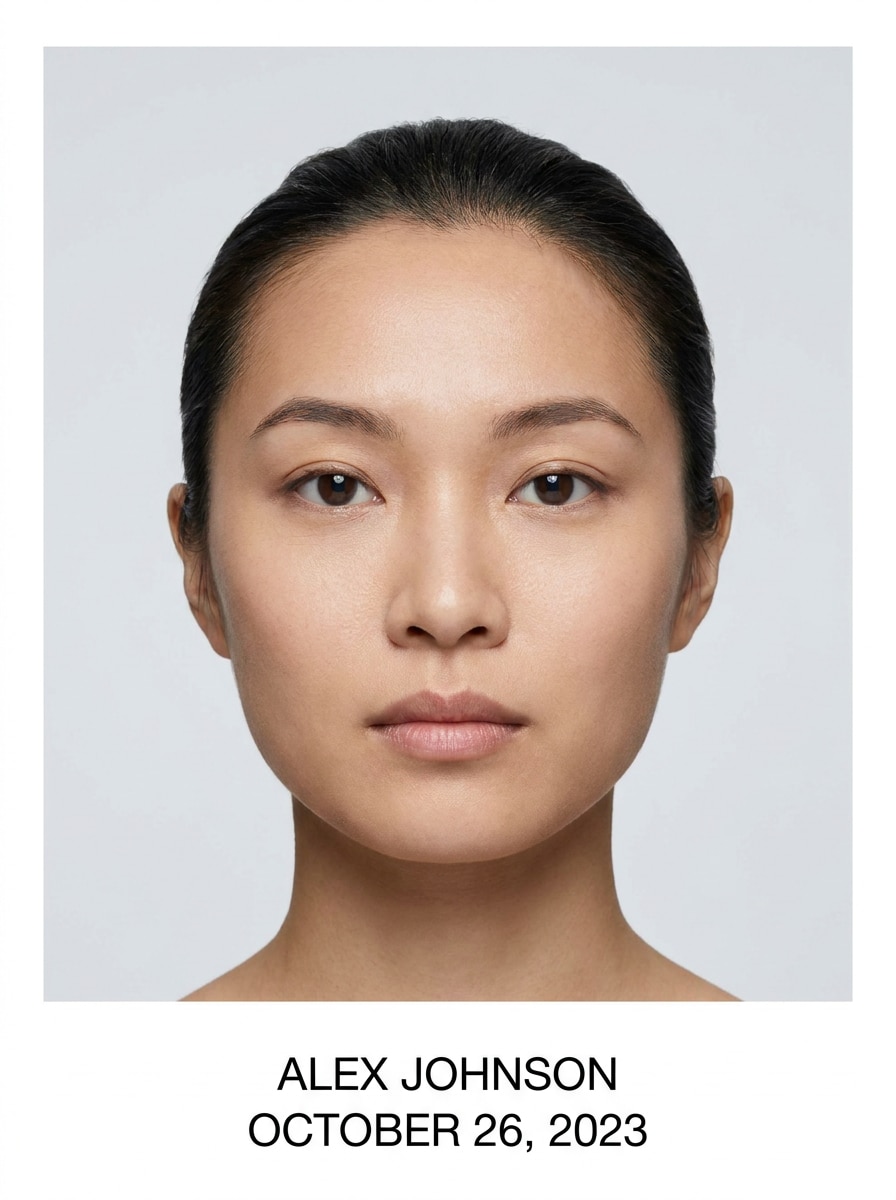
Add Name and Date in Photo with Clean, Readable Placement

Add Name And Date In Photo Before
Add Name And Date In Photo After

Use Media.io to add name and date in photo for passport shots, job applications, ID submissions, and everyday records. Upload an image, choose a clear text style, and place your details neatly without redoing the whole photo edit. Media.io makes it easy to add name and date in photo online from desktop or mobile. It is also a practical option for photo add name and date.

Add Name and Date Now

Type your idea -> AI designs it. Free to try.

Review these example directions, then tailor the prompt details to get stronger results with Media.io when you need to add date and name to photo files clearly and naturally. It is also a practical option for add name date on photo.

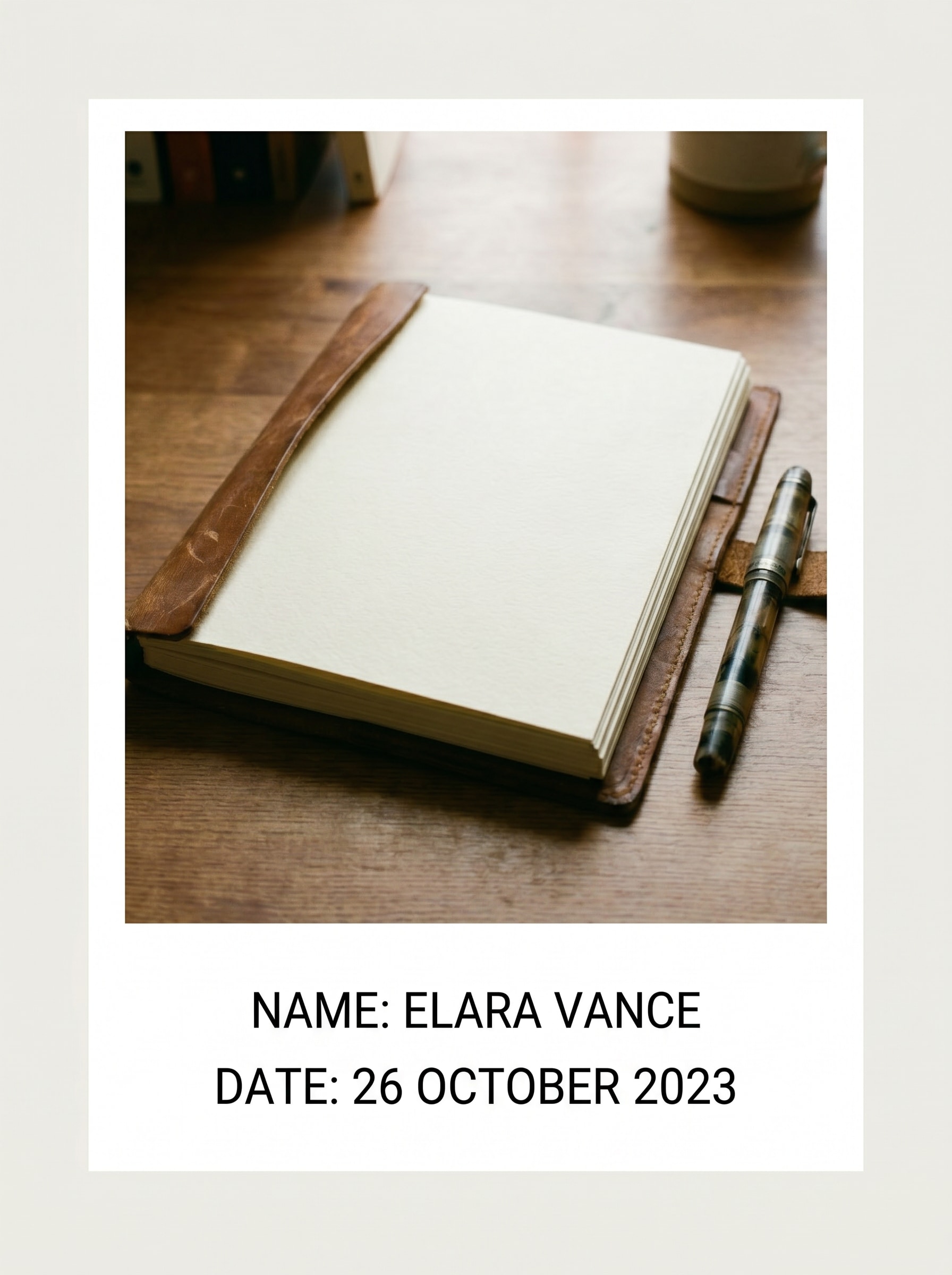
Bottom White Strip Label

Bottom White Strip Label

Use the uploaded image as the subject and transform it into a passport-style layout with a clean white strip below the photo. Add a full name and current date in crisp black sans-serif text, centered, highly legible, balanced spacing, neutral background, and print-ready clarity.

Official Corner Stamp

Official Corner Stamp

Use the uploaded image as the subject and place the person's name and date neatly in the bottom-right corner. Keep the text dark, compact, and official-looking with subtle spacing, clean alignment, minimal distraction, natural photo quality, and a practical layout suitable for forms or document use.

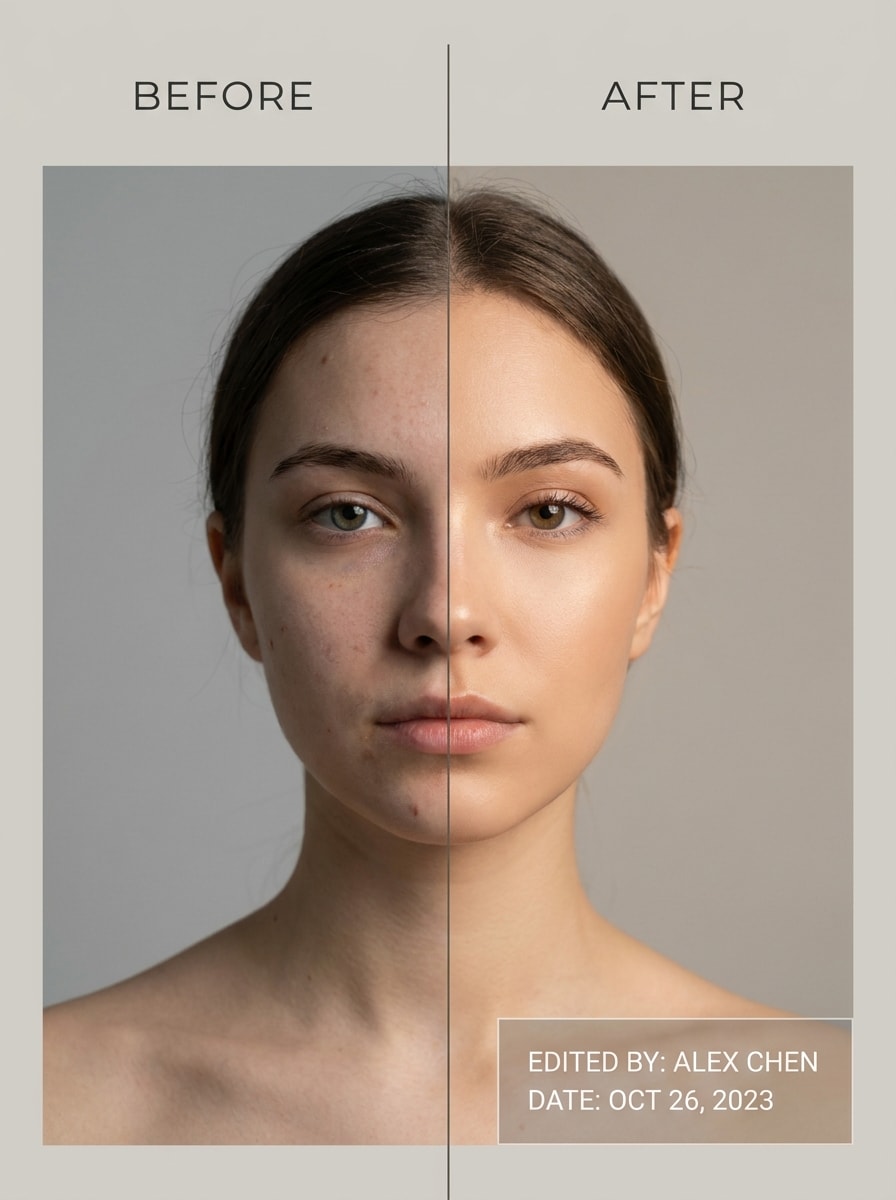
Quick Before-and-After Demo

Quick Before-and-After Demo

Use the uploaded image as the subject and turn it into a split-screen before-and-after preview. Show the original photo on the left and the edited version on the right with a neatly added name and date, clear contrast, modern utility styling, bright neutral tones, and mobile-friendly readability.

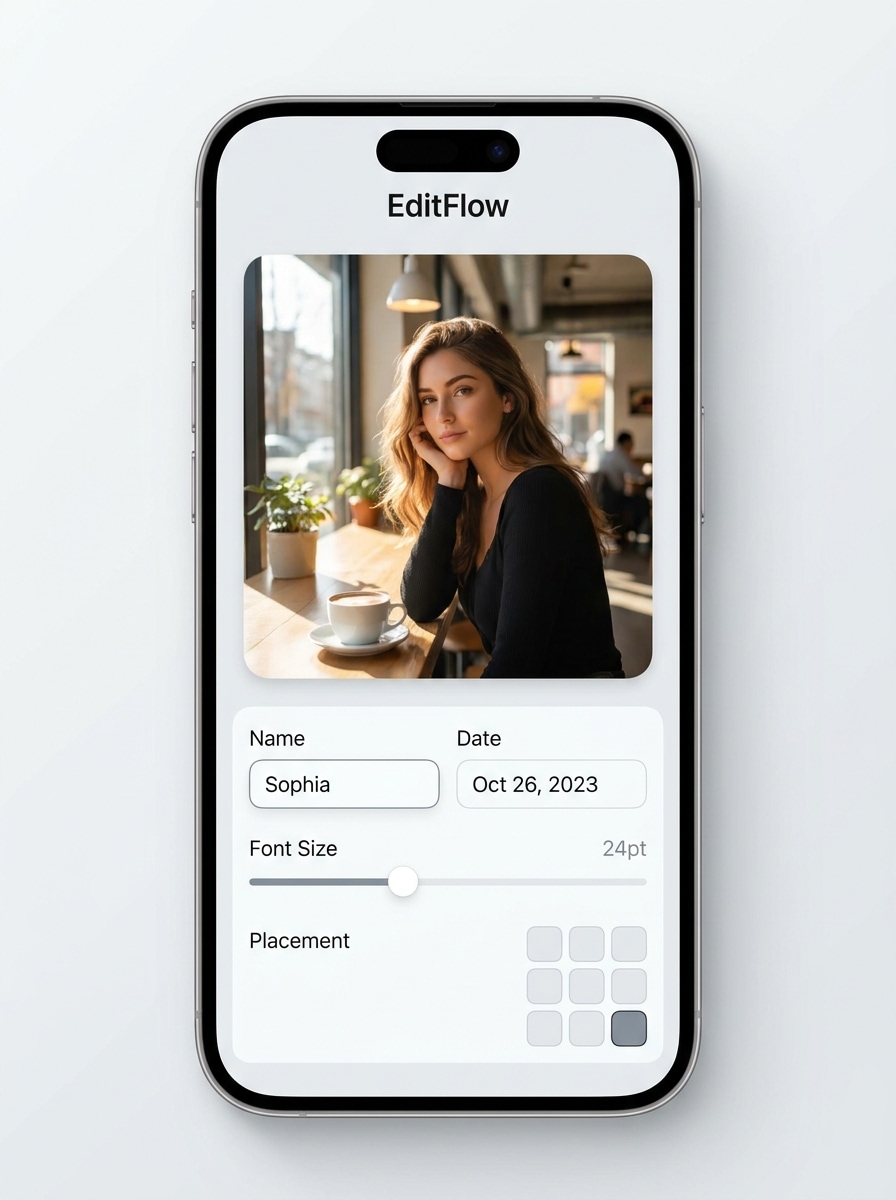
Tap-to-Edit Interface Mockup

Tap-to-Edit Interface Mockup

Use the uploaded image as the subject and present it inside a modern phone editor mockup. Show editable text fields for name and date, visible placement controls, clean UI panels, soft shadows, bright interface design, and a realistic preview that highlights quick mobile editing.

Minimal Sans Serif Overlay

Minimal Sans Serif Overlay

Use the uploaded image as the subject and add the name and date in a clean modern sans-serif font near the lower edge. Keep the composition uncluttered, spacing balanced, color contrast subtle but readable, and the final result elegant, minimal, and suitable for online submission.

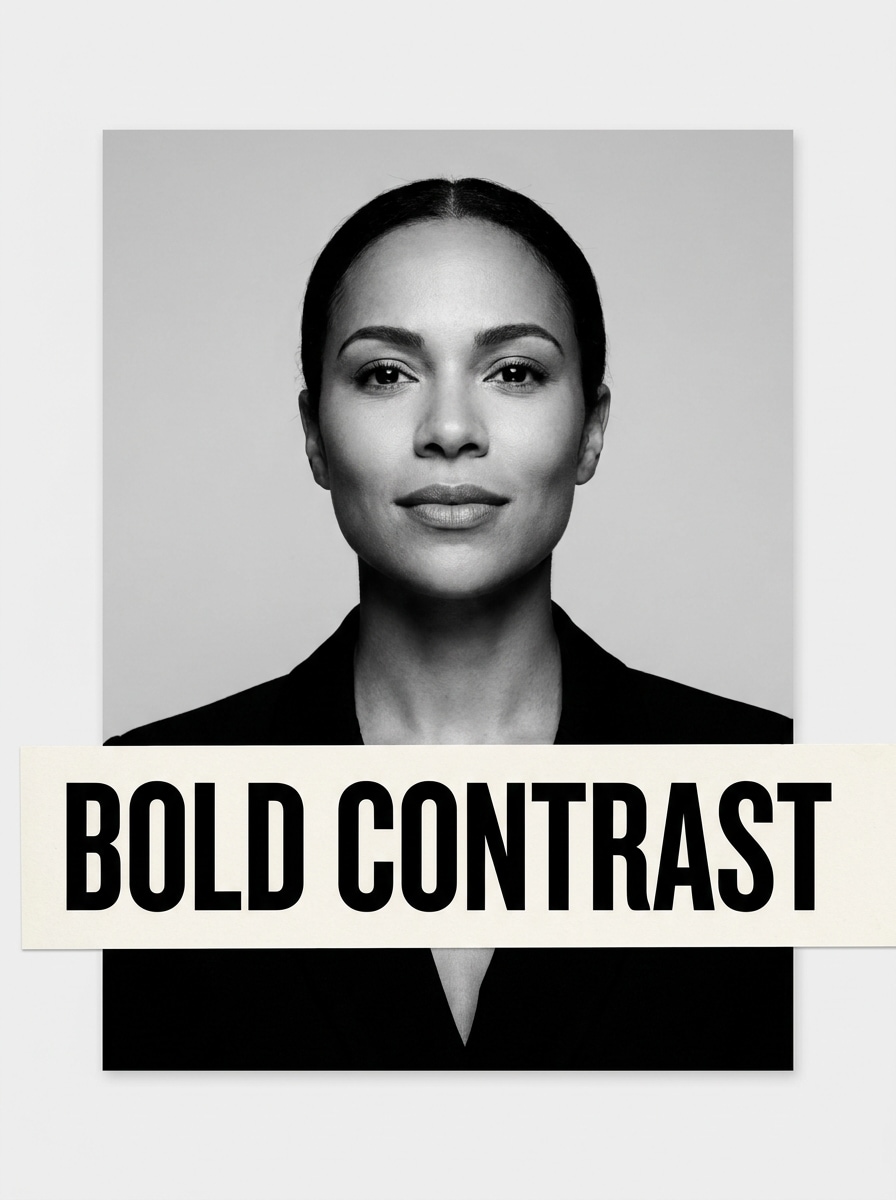
Bold High-Contrast Label

Bold High-Contrast Label

Use the uploaded image as the subject and create a bold high-contrast label for the name and date. Place the text on a light strip or bright block for maximum readability, with strong black lettering, precise alignment, clean print-friendly edges, and a practical official-document feel.

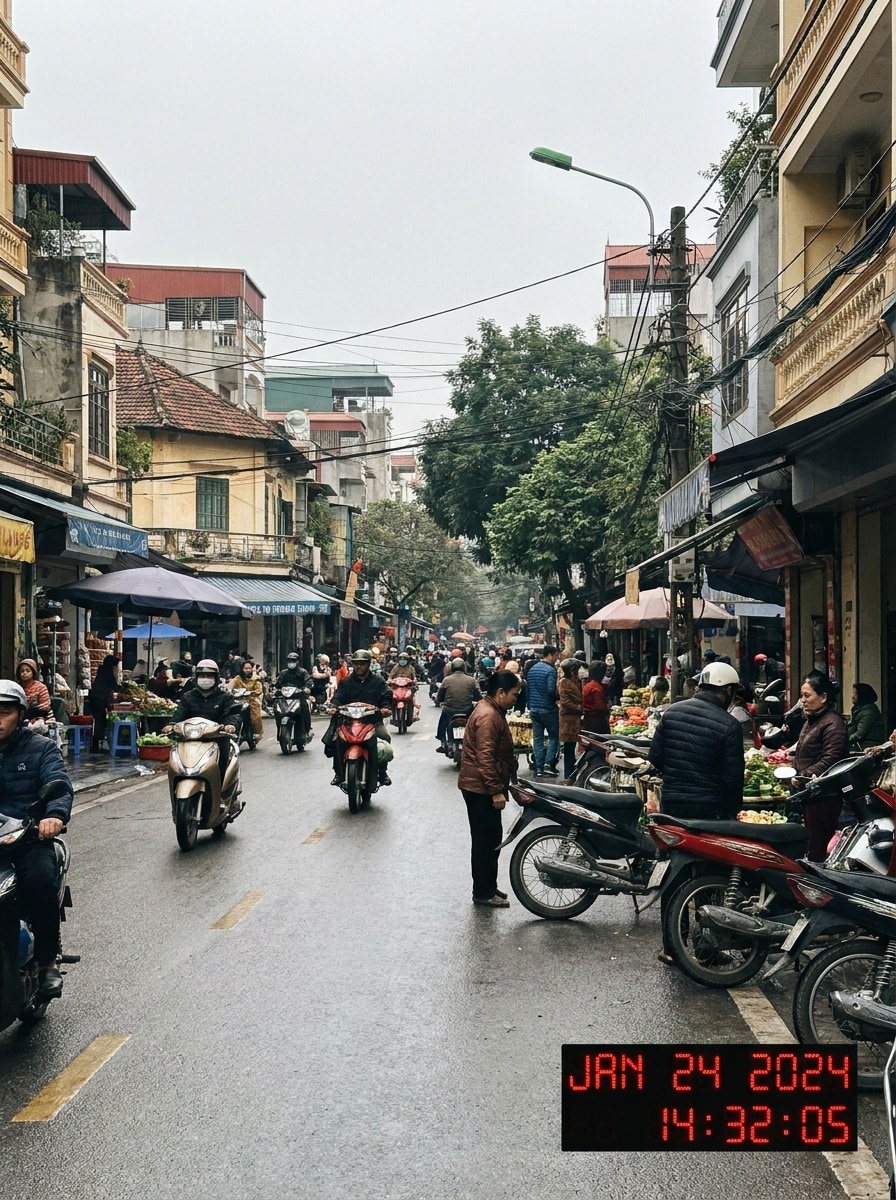
Date and Time Camera Stamp

Date and Time Camera Stamp

Use the uploaded image as the subject and add a camera-style timestamp with date and time in the lower corner. Keep the stamp compact, realistic, and easy to read, with a digital-camera look, subtle warm tones, natural lighting, and a clean documentary feel.

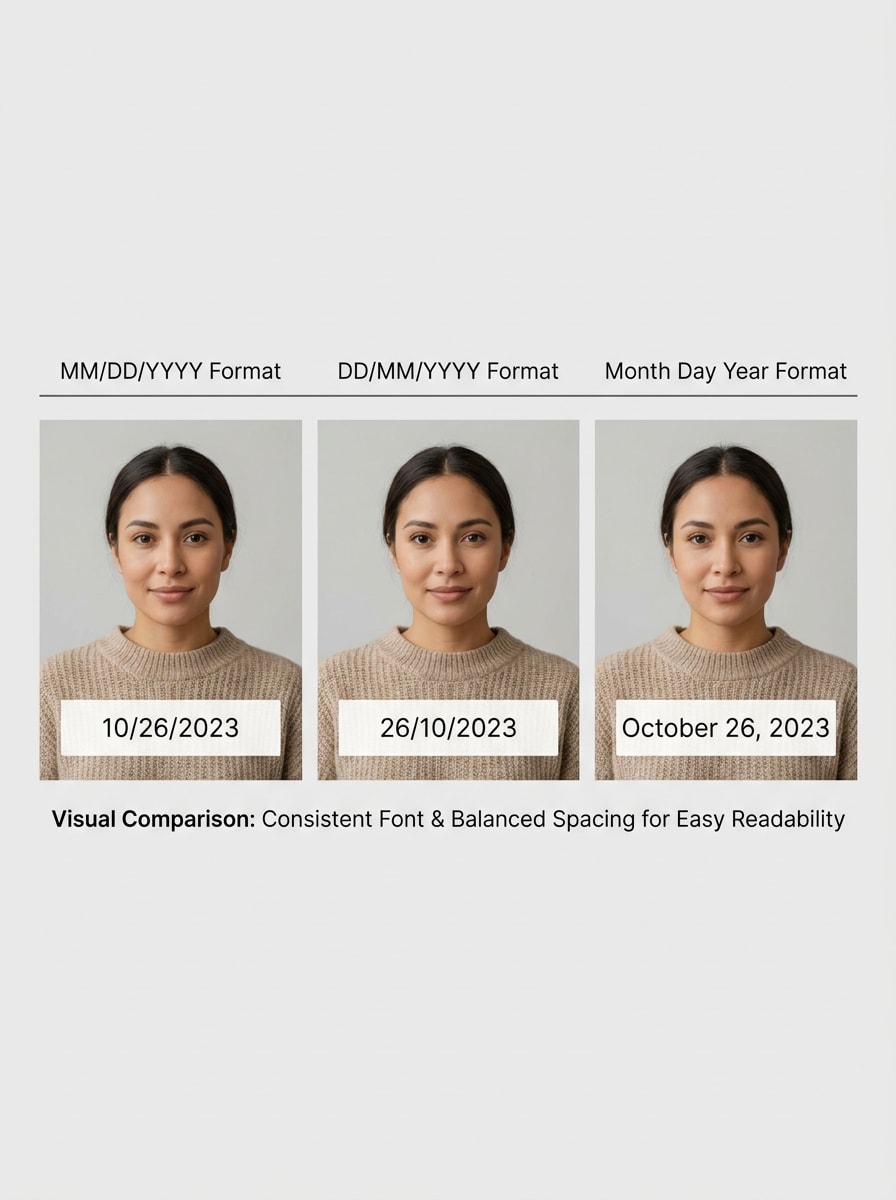
Universal Date Format Preview

Universal Date Format Preview

Use the uploaded image as the subject and show multiple neat date-format options on the same layout. Present examples like MM/DD/YYYY, DD/MM/YYYY, and Month Day Year with consistent typography, organized spacing, neutral design, and a clear comparison for choosing the right official format.

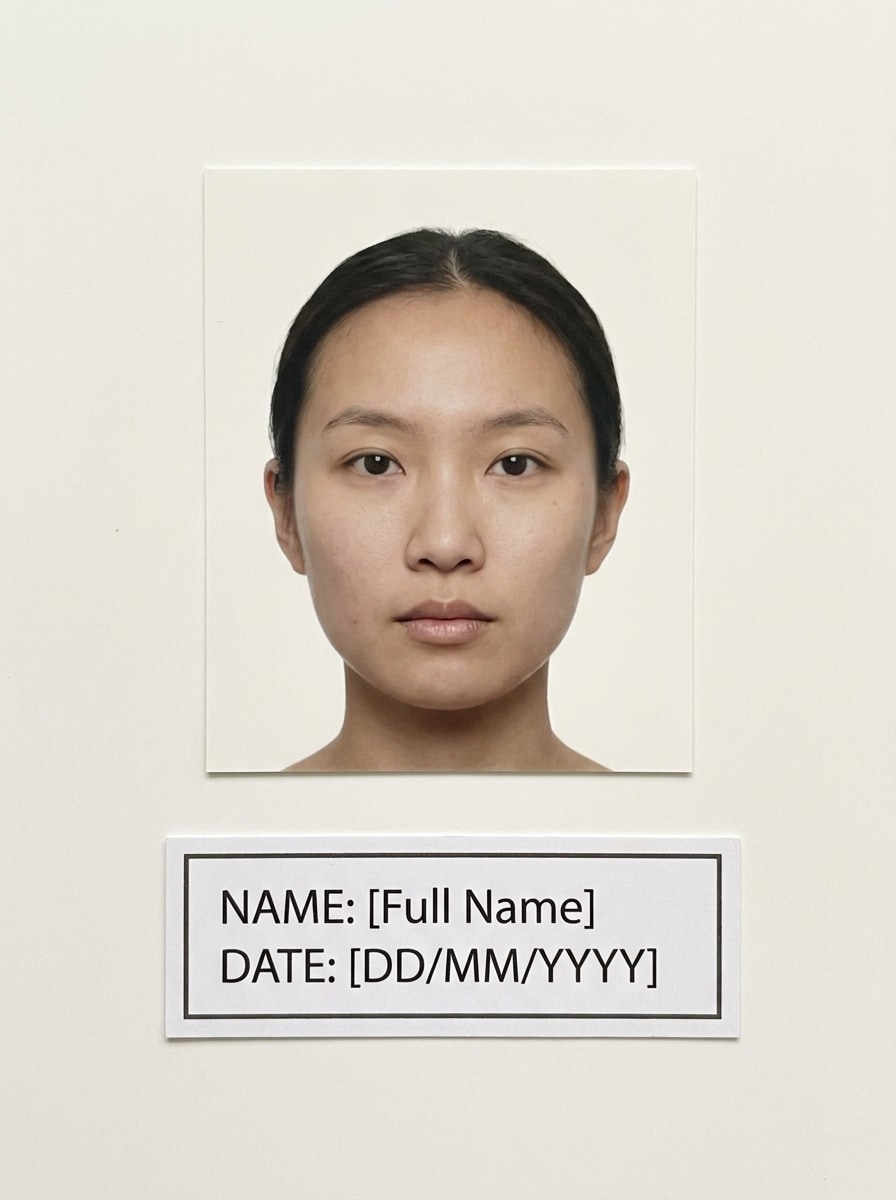
Passport Size With Name and Date

Passport Size With Name and Date

Use the uploaded image as the subject and format it as a passport-size photo with a clearly separated line for name and date. Maintain proper portrait framing, plain background, sharp details, official simplicity, and a tidy layout that looks ready for identity or application use.

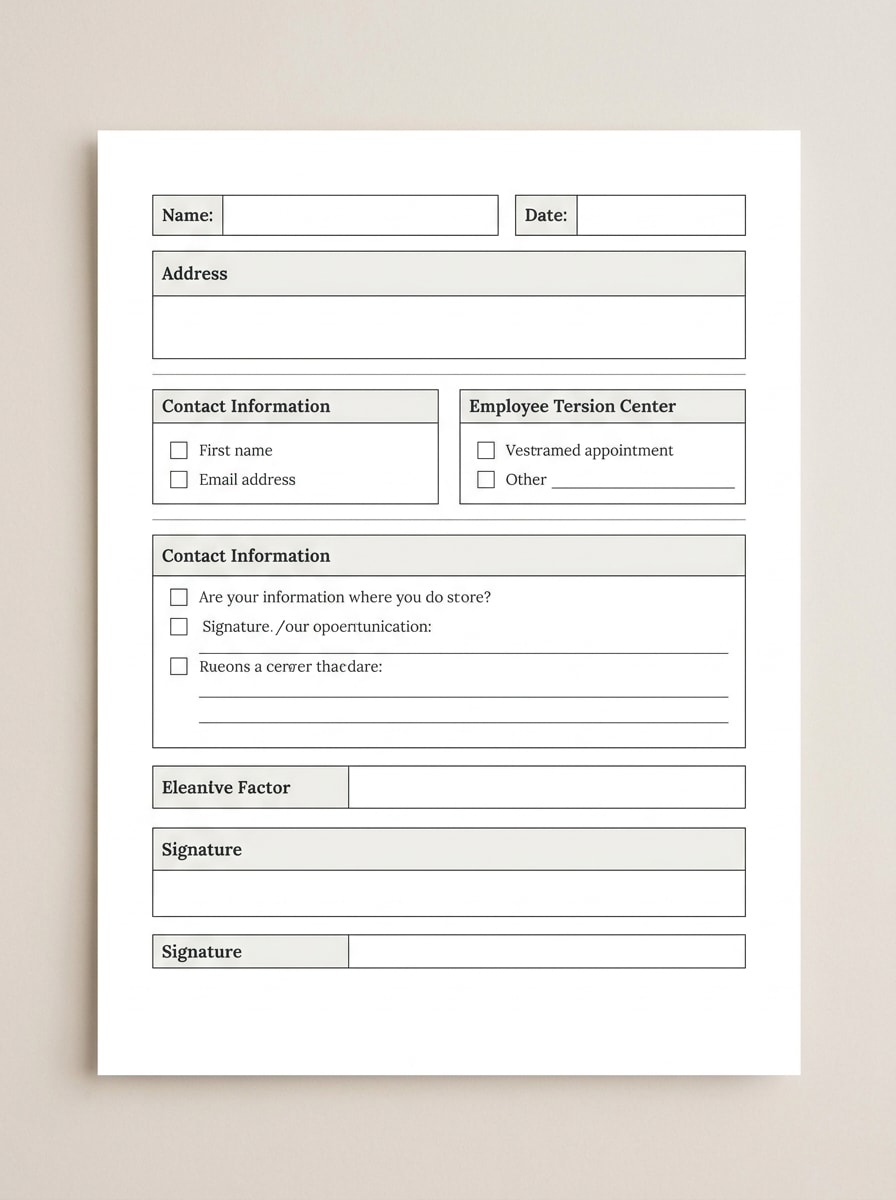
Printable Application Photo

Printable Application Photo

Use the uploaded image as the subject and prepare it as a print-friendly application photo with name and date added. Include clean margins, sharp text, balanced placement, neutral tones, and a polished layout that stays readable on both mobile screens and printed documents.

Why Use Media.io to Add Name and Date on Photos

Reference-Based Edits That Keep the Original Photo Recognizable

For social posts, branded visuals, or simple recordkeeping, Media.io helps keep the original subject recognizable while you add date and name in photo layouts that still look clean and intentional.

Match the Right Style for Every Version

Different outputs call for different aesthetics. Media.io helps you explore varied treatments of the same add name and date in photo concept so the final visual lands in the right tone faster.

Quality Options That Preserve Readability in Digital and Print Use

If the final add name and date in photo will be reused beyond a small preview, Media.io helps deliver sharper results up to 4K so the image stays more reliable in practical design and presentation work.

Easy Browser Workflow Across Phone and Desktop

When a add name and date in photo idea starts away from your main setup, Media.io lets you create and refine it in the browser so moving between mobile and desktop feels seamless instead of disruptive.

How to Add Date and Name to Photo in Three Easy Moves

Turn your words into stunning visuals in three simple steps, then continue refining the result if you want to take it further.

how to use image to image AI for add name and date in photo step 1
Step 1

Upload Your Reference Image

Start by uploading a clear JPG, PNG, or JPEG photo that you want to edit. A clean portrait, passport image, or application photo gives you a better base when you need to add date and name to photo neatly and keep the subject recognizable.

how to use image to image AI for add name and date in photo step 2
Step 2

Describe the Change and Set Options

Tell Media.io where and how to place the text, such as a bottom strip, corner stamp, or camera-style timestamp. You can also choose a model and adjust aspect ratio, image quality, and output count to match your document or sharing needs.

how to use image to image AI for add name and date in photo step 3
Step 3

Generate, Download, and Keep Improving

Create several versions, compare which one reads best, and download the final image once the name and date look right. If needed, refine the prompt, reposition the text, or generate another variation for a cleaner result.

Unlock the Potential of Add Date And Name To Photo

See how creators use Media.io to add date, name, and other identifying details to images for content, marketing, and personal projects, then adapt each idea to fit the brief.

Prepare Passport and Application Photos Faster

For job forms, ID submissions, and compliance-style uploads, Media.io helps you add name and date on photo with cleaner placement and a more official presentation. It is a practical way to create submission-ready images without rebuilding the photo from scratch.

Create Clear Record-Keeping Images for Daily Use

If you need to write name and date on photo files for school work, office documentation, inventory records, or event tracking, Media.io makes each image easier to identify later. Consistent labeling also helps reduce mix-ups when sharing images with others.

Preview Different Text Placements Before You Export

A flexible photo name and date editor is useful when you are unsure whether the details should sit below the image, in a corner, or as a timestamp. With Media.io, testing several clean versions helps you choose the one that stays most legible on screen and in print.

What Users Say About Media.io

user
Tina M.

Job Seeker

star star star star star

"Helped me label application photos quickly" I needed to add my name and date to a passport-style image for an application. Media.io made it easy to test a bottom strip and a corner version, and the final file still looked clean enough to submit.

user
Rahul P.

Administrative Assistant

star star star star star

"Useful for office records and mobile edits" We often need simple labeled images for internal records. I could upload a photo, add a clear date line, and download it from my phone browser without installing anything, which saved time during busy workdays.

user
Aisha K.

Student

star star star star star

"Clean text placement without ruining the photo" I tried Media.io to add name and date to photo files for a school submission. The text looked much neater than basic editor apps, and I liked being able to compare a few versions before downloading.

user
Daniel R.

Freelance Designer

star star star star star

"Good for printable document-style layouts" The print-friendly examples were what convinced me. I used it to format a client photo with a readable label below the image, and the exported result stayed sharp enough for both digital upload and printing.

FAQs About Add Name And Date In Photo Online

1. How do I insert a name and date in a photo online?

Upload your JPG, PNG, or JPEG image to Media.io, then describe how you want the text to appear, such as a bottom strip, corner label, or passport-style layout. This browser-based workflow makes it simple to add name and date to photo files online, generate variations, and download the version with the clearest placement.

You can usually get a first draft quickly in Media.io, then improve it with short prompt edits instead of rebuilding the entire design from scratch.

Media.io offers free credits for new users, so you can try edits before deciding whether you need more usage. Free outputs may include watermarks, while paid plans allow watermark-free high-resolution downloads. You can check the pricing page for current options.

Media.io supports resolution options including 1K, 2K, and 4K, which helps preserve clarity when you edit a labeled image. If you need a sharp result for a submission or printout, choosing the right export settings can help your photo name and date add output stay readable. Free users may have watermarks.

Media.io can turn an uploaded portrait into a passport-size style layout with a separated line for the name and date or a clean corner placement, depending on your needs. This is useful when you want to add photo name and date for job applications, IDs, or other compliance-style image requirements.

Media.io is web-based, so you can edit from a phone or tablet browser without installing extra software. That makes it convenient if you need a quick photo name and date adder while traveling, working remotely, or handling last-minute uploads from mobile.

Media.io Online AI Tools Quality Rating:
vote 4.7 (162,357 Votes)