Add Water Reflection to Photo for Realistic Mirror-Like Scenes
Use AI to turn any image into a reflective scene with lakes, glossy water, or dreamy mirrored surfaces. Media.io helps you add water reflection to photo results fast, fine-tune a natural water reflection effect, and create striking edits online without Photoshop.
Review these example directions, then tailor the prompt details to get stronger results with this Add Water Reflection To Photo.
Calm Lake Mirror
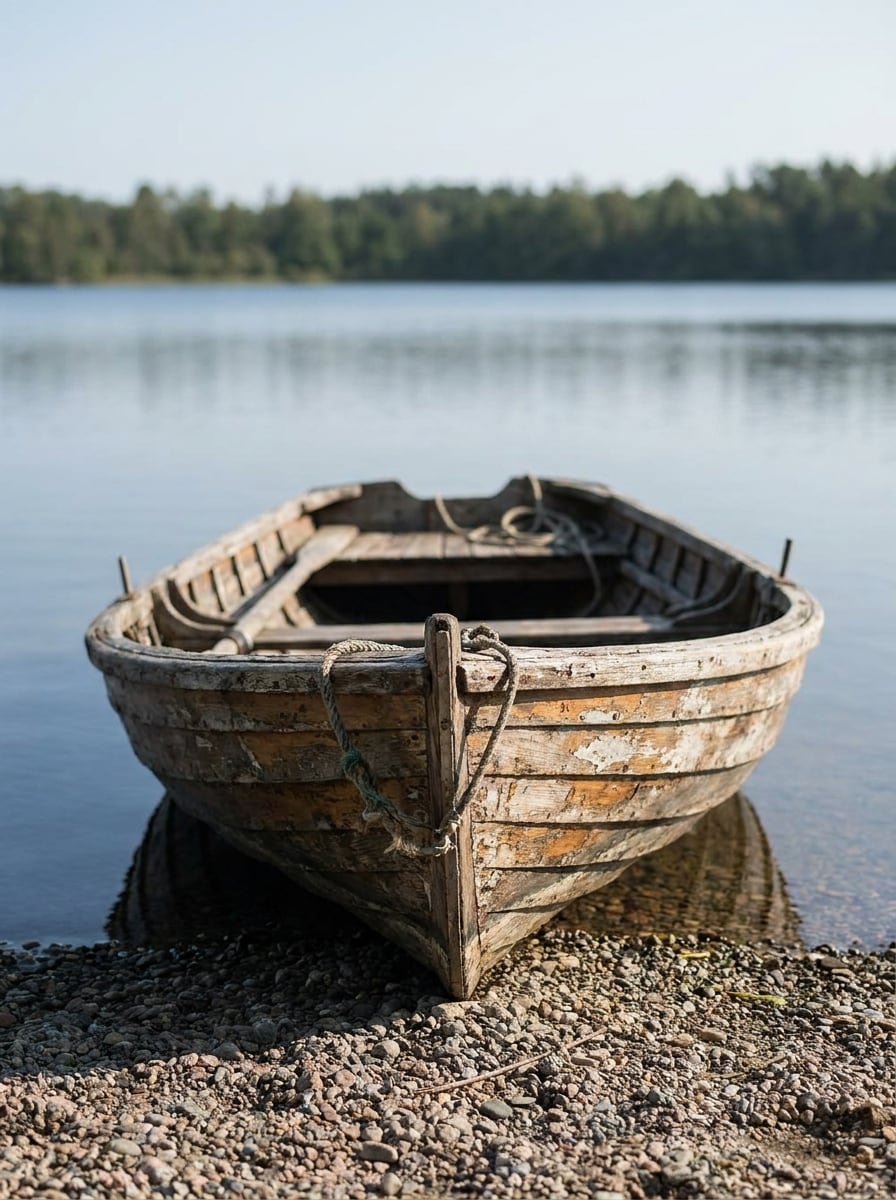
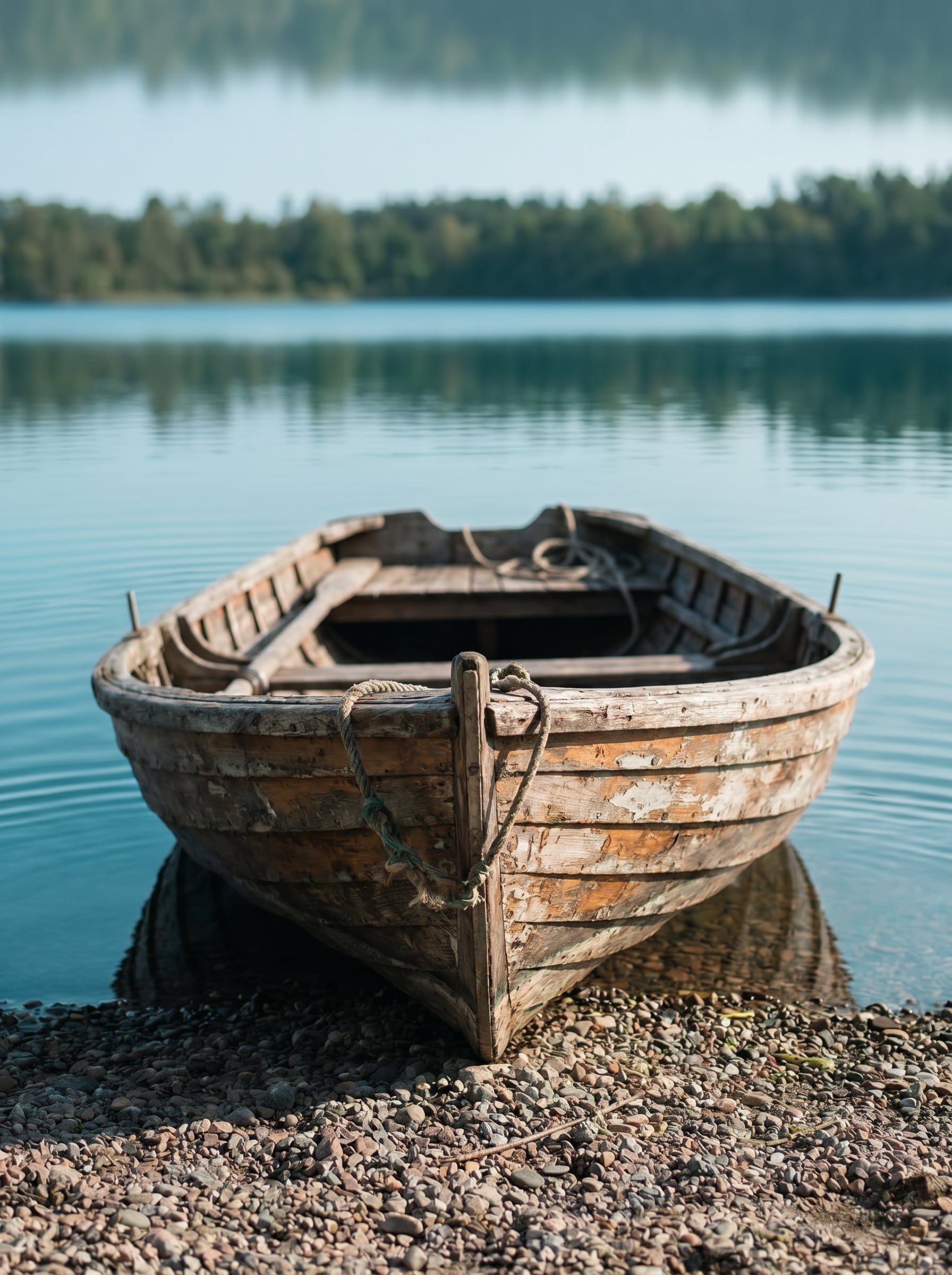
Use the uploaded image as the main scene and transform the lower foreground into a calm lake with a natural mirrored reflection. Match the original lighting, horizon, and perspective, keep the reflection crisp near the base and softer farther out, add delicate ripples, cool blue-green tones, and photorealistic water texture.
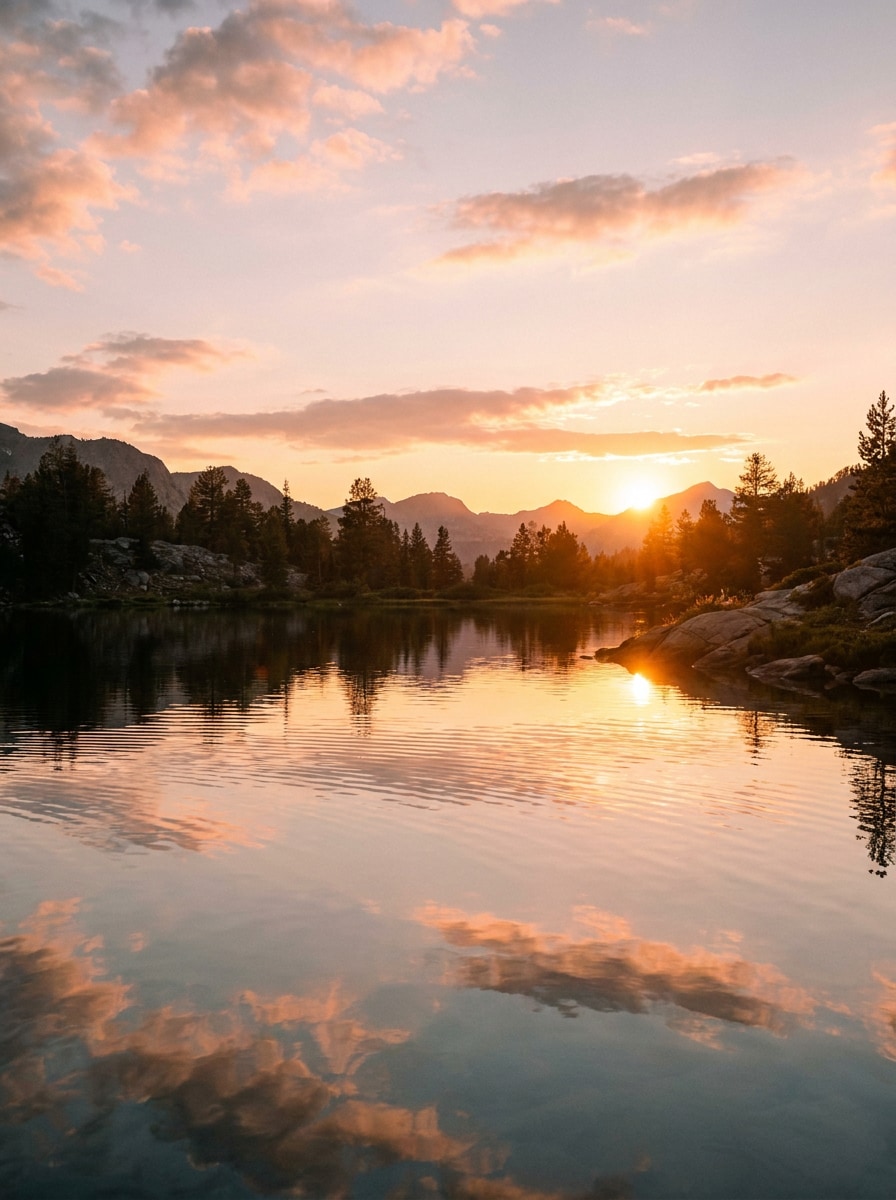
Golden Sunset Reflection
Use the uploaded image as the base and add reflective water across the foreground with a warm sunset mirror effect. Preserve the scene structure, echo orange, pink, and gold sky tones in the water, add soft ripples and luminous highlights, and keep the result cinematic, realistic, and richly detailed.
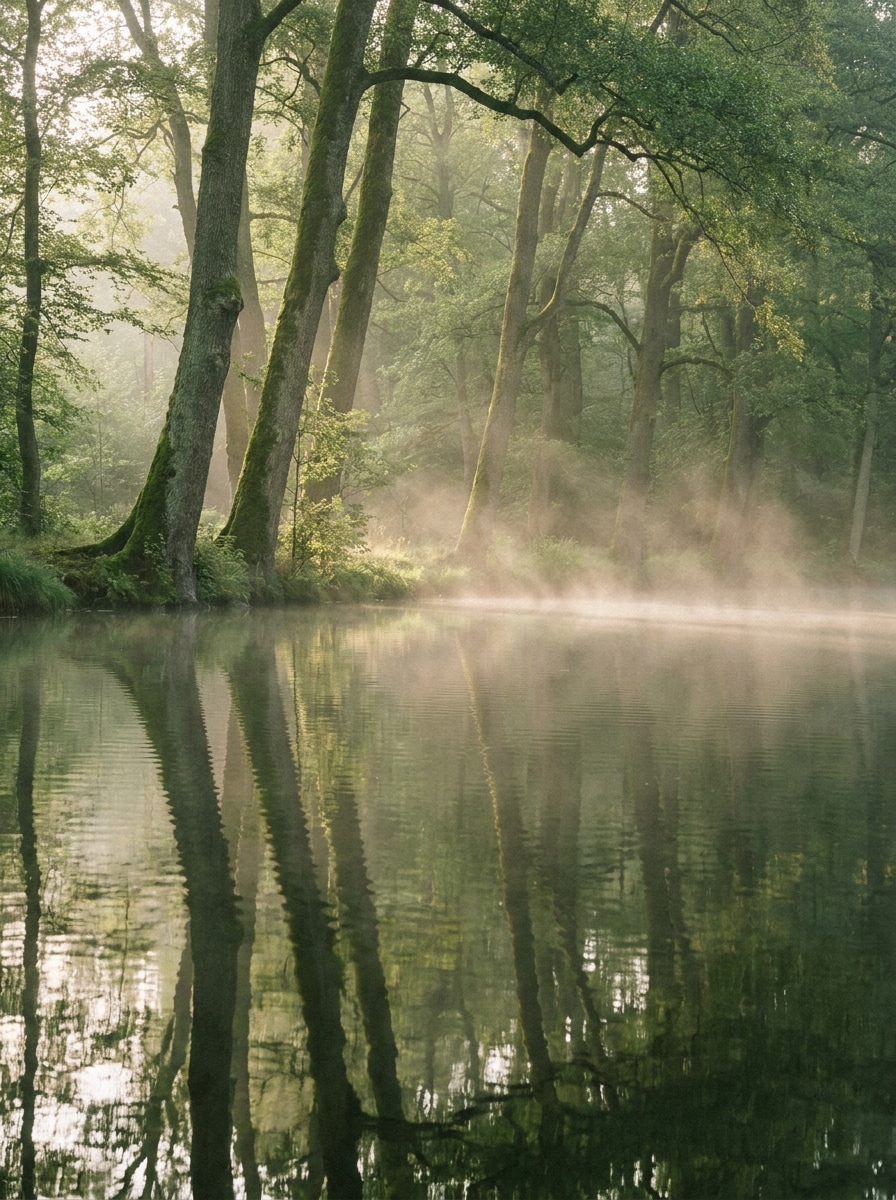
Misty Forest Lake
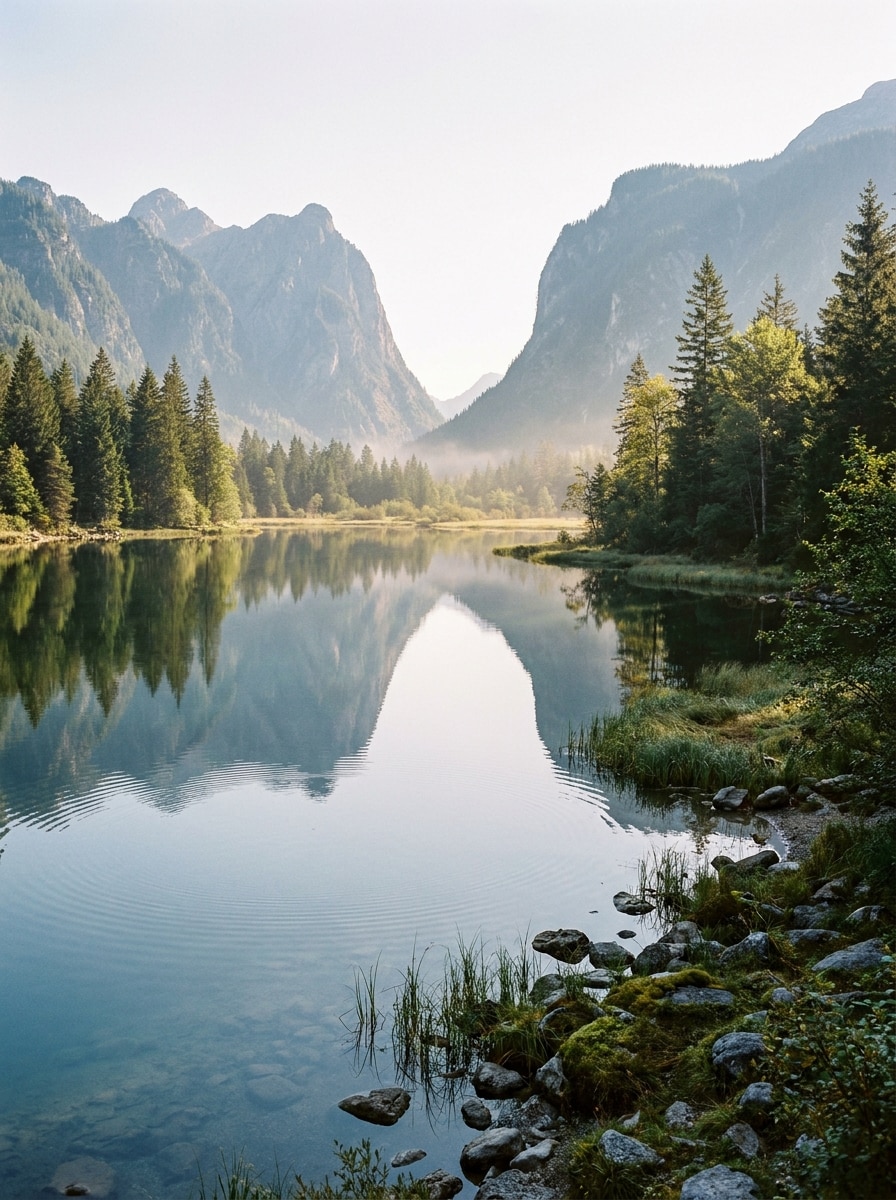
Use the uploaded forest image as the subject and extend it with a tranquil lake reflection below. Mirror the trees with realistic symmetry, add thin morning mist over the water, soft green and gray tones, subtle diffusion, delicate ripples, and maintain a calm, atmospheric, photoreal outdoor look.
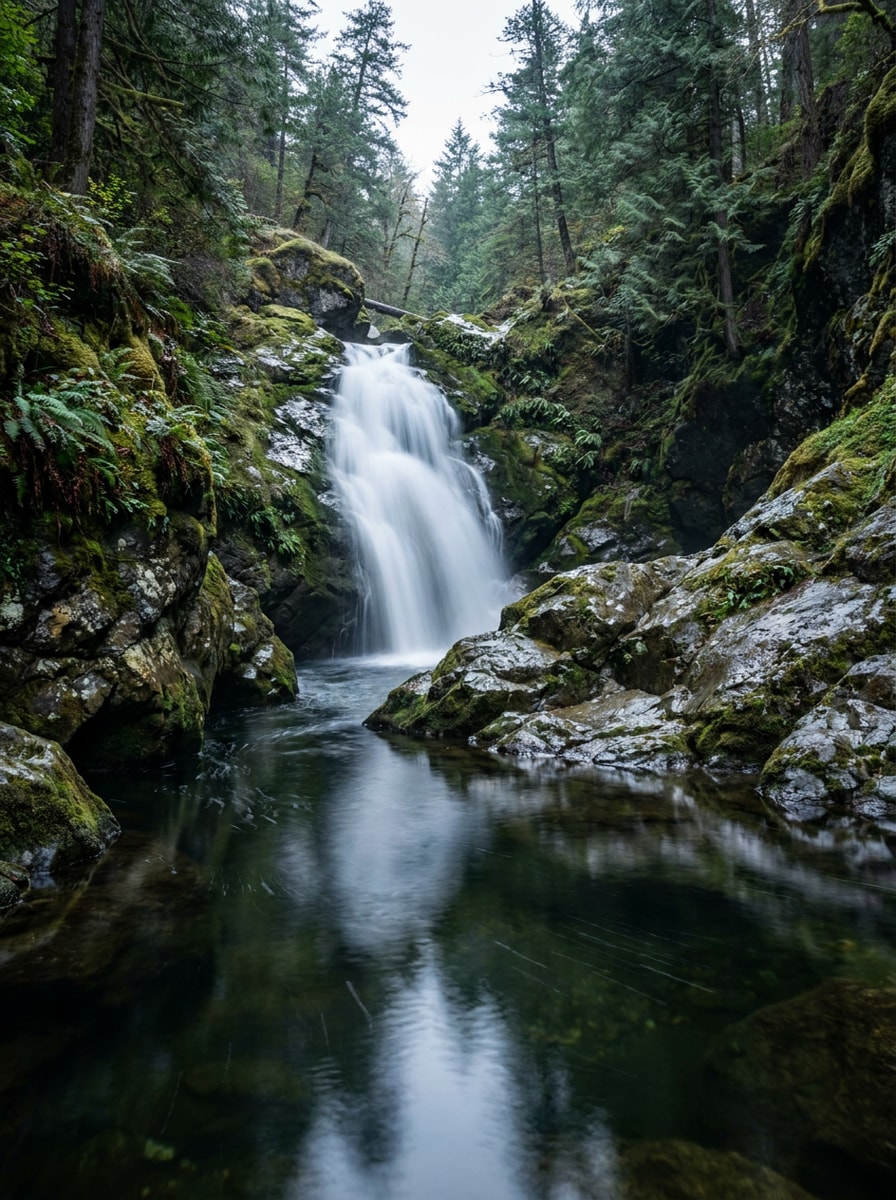
Waterfall Reflection Scene
Use the uploaded waterfall photo and add still reflective water beneath the falls to create a believable mirrored base. Keep rock formations and foliage consistent, reflect the white water with slight motion softness, blend highlights and shadows naturally, and retain a realistic adventure-photography mood.
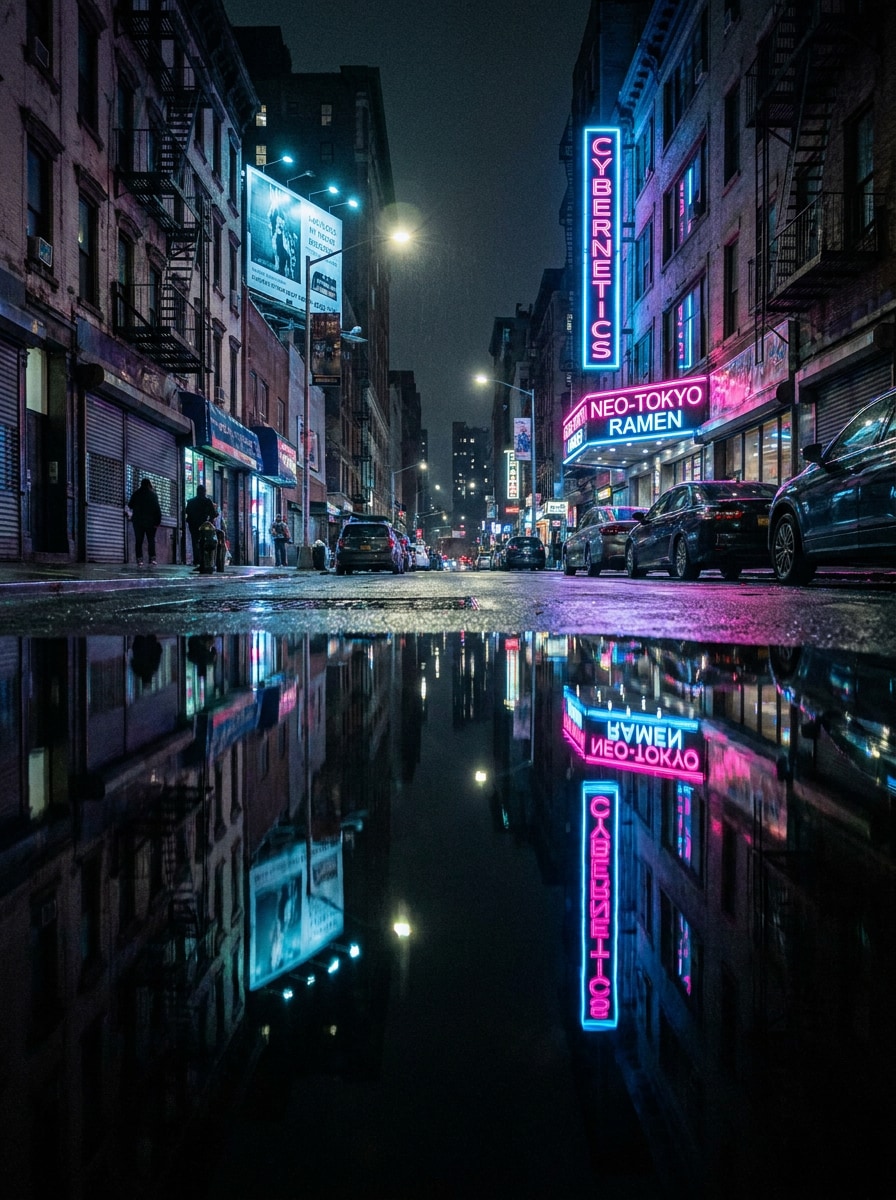
Neon City Reflection
Use the uploaded urban night image as the subject and add a glossy reflective water surface in the foreground. Mirror neon signs and windows with vivid pink, blue, and purple highlights, keep perspective accurate, add subtle ripples, cinematic contrast, and a polished cyberpunk-inspired night atmosphere.
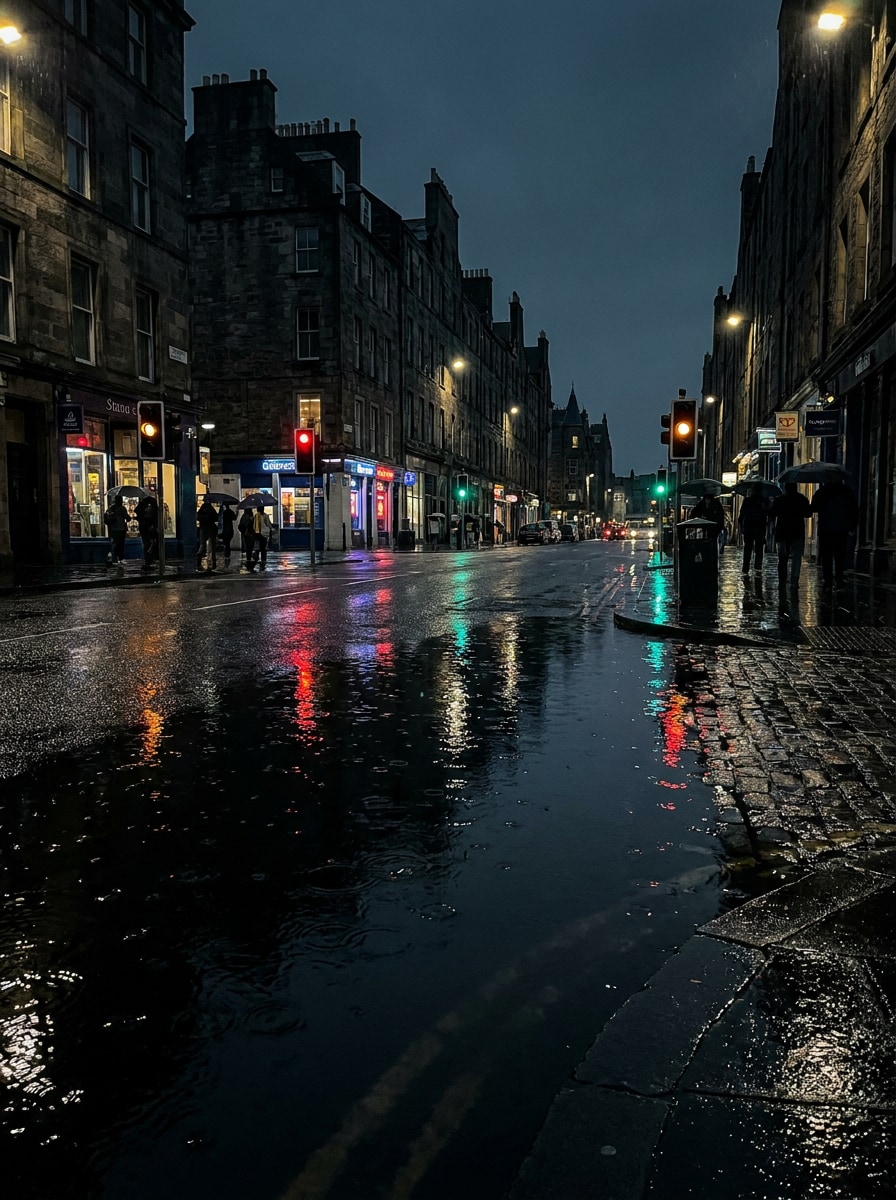
Rainy Street Mirror Effect
Use the uploaded street photo and transform the ground into a shallow reflective water layer for a dramatic mirror-water reflection photo look. Preserve buildings and lights, add wet-surface shine, realistic puddle continuity, soft rain mood, subtle ripples, and deep cinematic night tones.
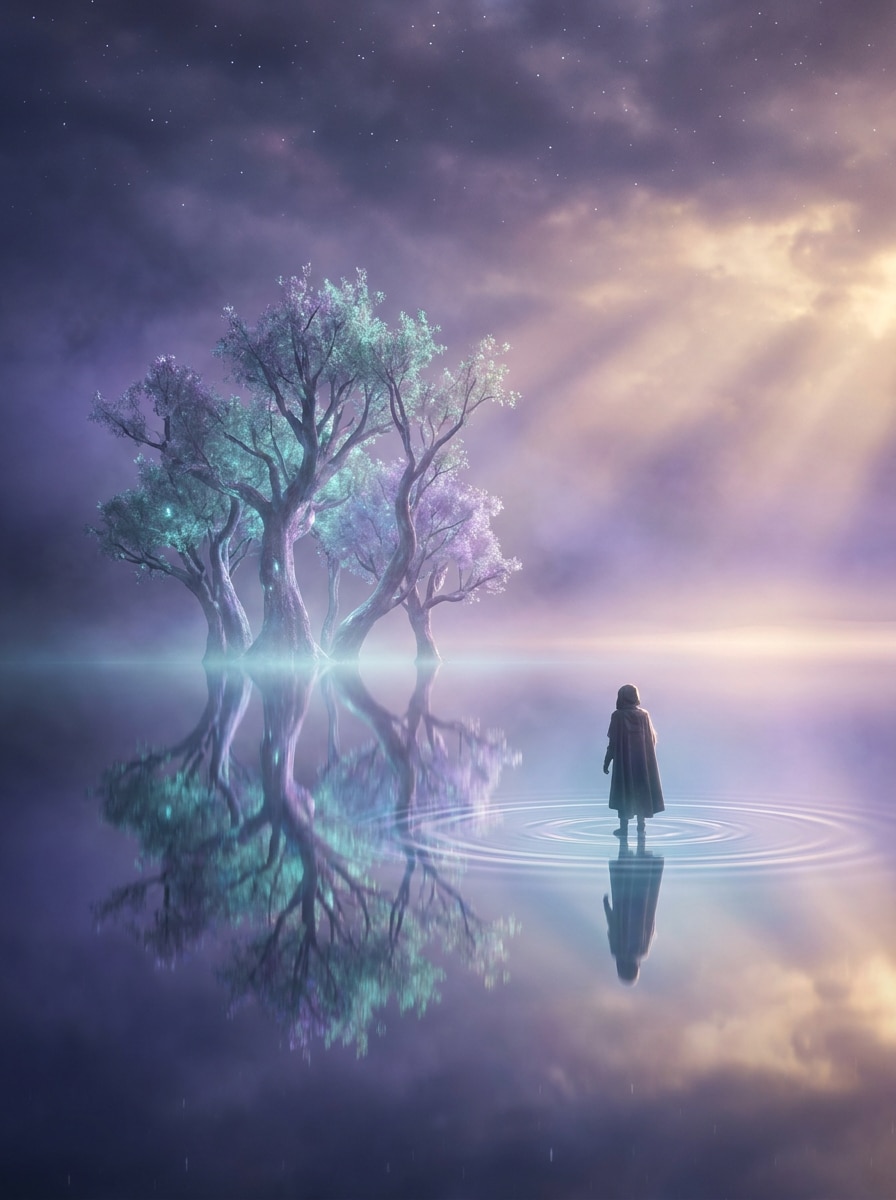
Dreamscape Water Base
Use the uploaded image as the main subject and place it above a surreal reflective water plane. Keep the subject clear and recognizable, add smooth mirror symmetry, faint magical ripples, cool teal and violet glow, soft haze, and a dreamy cinematic atmosphere that still feels visually coherent.
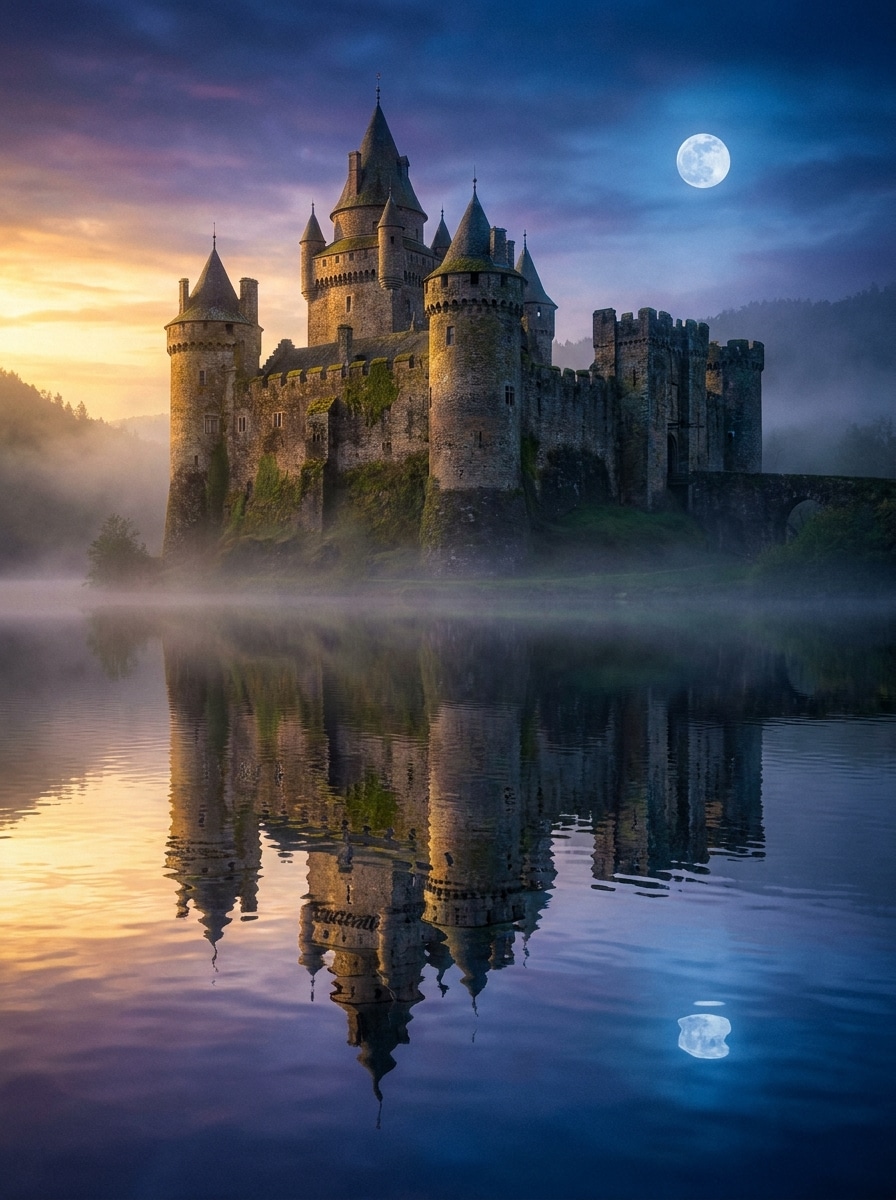
Castle Reflection Fantasy
Use the uploaded castle or grand architecture image as the base and add a fairytale lake reflection beneath it. Match towers and stone details with elegant mirrored lines, include soft moonlight or sunset glow, delicate ripples, atmospheric depth, and richly detailed fantasy realism.
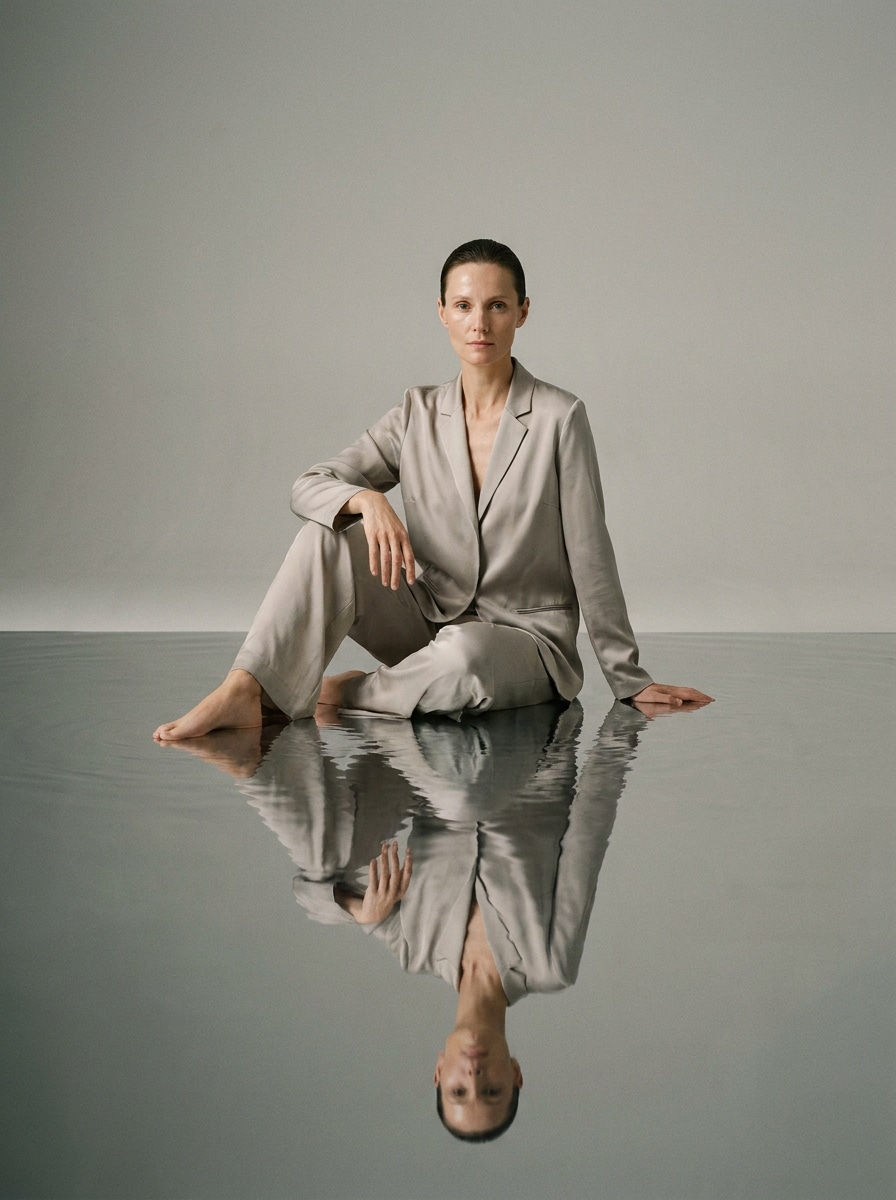
Portrait Over Water
Use the uploaded portrait as the subject and add a subtle reflective water surface below the person for an elegant editorial composite. Preserve face, skin tones, and outfit details, keep the reflection softer than the subject, use minimal ripple distortion, clean lighting, and refined premium styling.
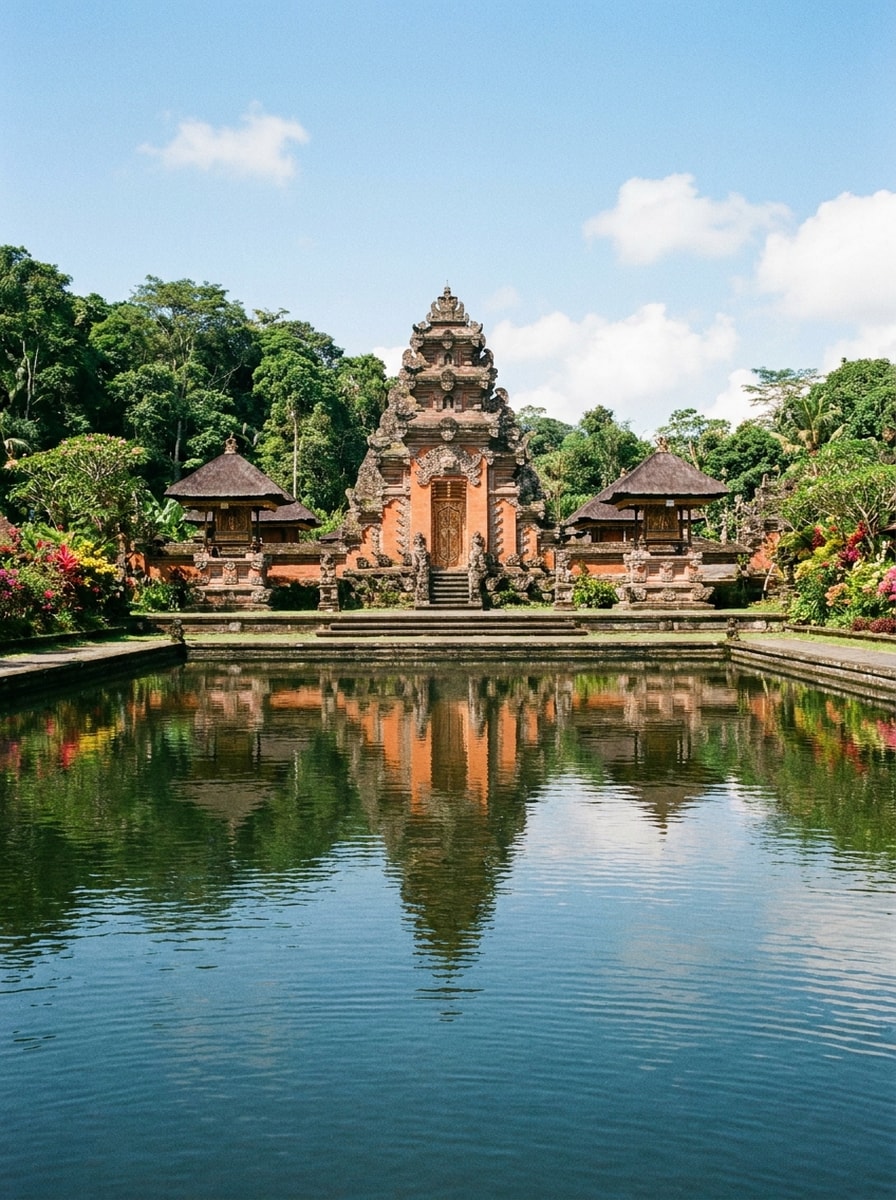
Temple Symmetry Reflection
Use the uploaded building or temple photo and create a precise reflective water foreground to emphasize symmetry. Mirror architectural lines accurately, keep colors vivid but natural, add only light ripples, preserve travel-photo realism, and aim for a balanced, serene, high-detail composition.
Why Use Media.io for Water Reflection Photo Edits
Keep the Subject Recognizable in New Styles
A flat landscape, travel shot, or city photo can feel far more cinematic once water is added. Media.io uses your uploaded image as a reference, helping you build a realistic reflection that follows the subject, scene depth, and overall composition.
Adjust mood, ripple strength, and reflection style
When style is part of the decision-making, Media.io helps you compare multiple directions from the same add water reflection to photo base, which makes creative selection more efficient.
Generate Cleaner Output Up to 4K
For projects that need more than draft quality, Media.io helps produce add water reflection to photo with up to 4K output so details stay cleaner when you present, crop, or repurpose the final file.
Edit online without building effects manually
Some add water reflection to photo concepts get drafted on the go and finished later at a desk. Media.io keeps that process online, so you can return to the same workflow without extra installs or setup.
How to Add a Water Reflection to a Photo Online
Turn your words into stunning visuals in three simple steps, then continue refining the result if you want to take it further.
Step 1
Upload Your Reference Image
Start by uploading a clear JPG, PNG, or JPEG that has enough open space for a lake, puddle, or mirrored water surface. Landscapes, architecture, portraits, and street scenes usually work best when the subject and horizon are easy to read.
Step 2
Describe the Change and Set Options
Enter a detailed prompt describing the reflection style you want, such as calm lake, glossy sunset water, or rainy mirror ground. Then choose your model and set aspect ratio, resolution, and image count to fit your preferred result.
Step 3
Generate, Download, and Keep Improving
Create several variations, compare how natural the reflection looks, and download your favorite version. If needed, refine the prompt to adjust symmetry, ripple intensity, lighting, or mood, then regenerate for a more realistic finish.
See how creators use this Add Water Reflection To Photo for content, marketing, and personal projects, then adapt each idea to fit the brief.
Upgrade travel and landscape shots instantly
Turn mountains, forests, temples, and sunset scenes into more immersive compositions by adding a believable reflective foreground. This is especially useful when you want a dramatic lake look without revisiting the location or rebuilding the image in manual editing software.
Create cinematic night scenes for social content
Urban photographers and content creators can add glossy street reflections, neon highlights, or moody puddle effects that make short-form posts feel more polished. A strong reflective surface often adds symmetry, color contrast, and that satisfying before-and-after visual viewers love.
Build surreal composites from ordinary photos
Designers can use a reflection edit to make portraits, castles, or product shots feel dreamlike and premium. If you want to mirror water reflection photo styling for posters, cover art, or concept visuals, this workflow is faster than creating the effect layer by layer.
What Users Say
Maya R.
Travel Content Creator
"Fast landscape upgrades" I used it to add lake reflections to mountain photos, and the results looked far more natural than I expected. It saved me a lot of time compared with trying to build the effect manually.
Jason L.
Social Media Designer
"Great for moody city edits" The rainy street and neon reflection looks are excellent for Reels thumbnails and promo visuals. I like that I can test a few variations quickly instead of committing to one complicated edit.
Priya S.
Freelance Photo Editor
"Useful for client mockups" This works well when a client wants a reflective water look added to an image that originally had no lake or puddle. The prompt control makes it easier to keep the effect subtle and realistic.
Daniel K.
Poster Artist
"Strong creative flexibility" I tested both realistic and fantasy reflection styles for cover art. The browser workflow is simple, and being able to regenerate with small prompt changes helped me land the exact mood I wanted.
1. How can I add a water reflection to a photo online?
Upload your image to Media.io, enter a prompt describing the reflection you want, then generate new variations with the image-to-image tool. You can guide the result with different models and adjust settings like aspect ratio, resolution, and image count to create a realistic reflection edit directly in your browser.
2. Can AI create a realistic water reflection if my image has no water?
Media.io can use your uploaded photo as a reference and generate a new reflective water area even if the original image has no lake, river, or puddle. The most convincing results usually come from images with clear subjects, readable perspective, and enough foreground space for the reflection to blend naturally.
3. Is there a free tool to add a water reflection effect to photos?
Yes, free users can try Media.io with free credits. If you need more generations or want watermark-free high-resolution downloads, you can check the pricing page for subscription options. Free users can use free credits. For more usage, users can subscribe to a plan on the pricing page. Upgrade to a paid plan on the pricing page for more credits and watermark-free high-resolution downloads.
4. What types of photos work best for a reflection image effect?
Photos with strong composition and visible foreground space tend to work best, including landscapes, architecture, waterfalls, portraits, and night streets. If you want a clean water reflection effect, choose an image where the main subject is easy to recognize and the lighting direction is consistent across the scene.
5. Can I control the reflection style, ripples, or water intensity?
Media.io lets you shape the result through your prompt, selected model, and output settings, so you can request calm mirror water, soft lake ripples, glossy neon reflections, or more dramatic fantasy looks. That makes it useful as an AI reflection photo editor when you want the effect to match a specific mood.
6. Will the edited image keep high resolution after adding reflections?
Media.io supports 1K, 2K, and 4K output options, so you can generate reflection edits at higher quality for sharing or publishing. Free users may have watermarks.
Beyond AI-Powered Online Add Water Reflection To Photo