AI Decals Generator for Custom Vinyl, Logo, and Car Designs
Turn text prompts into custom decal artwork in seconds with Media.io. Create bold, printable designs for vinyl decals, logo stickers, car window graphics, laptop decals, and packaging labels in trending styles, then export high-resolution images for your print or cut workflow.
Explore our curated collection of decals generator styles.
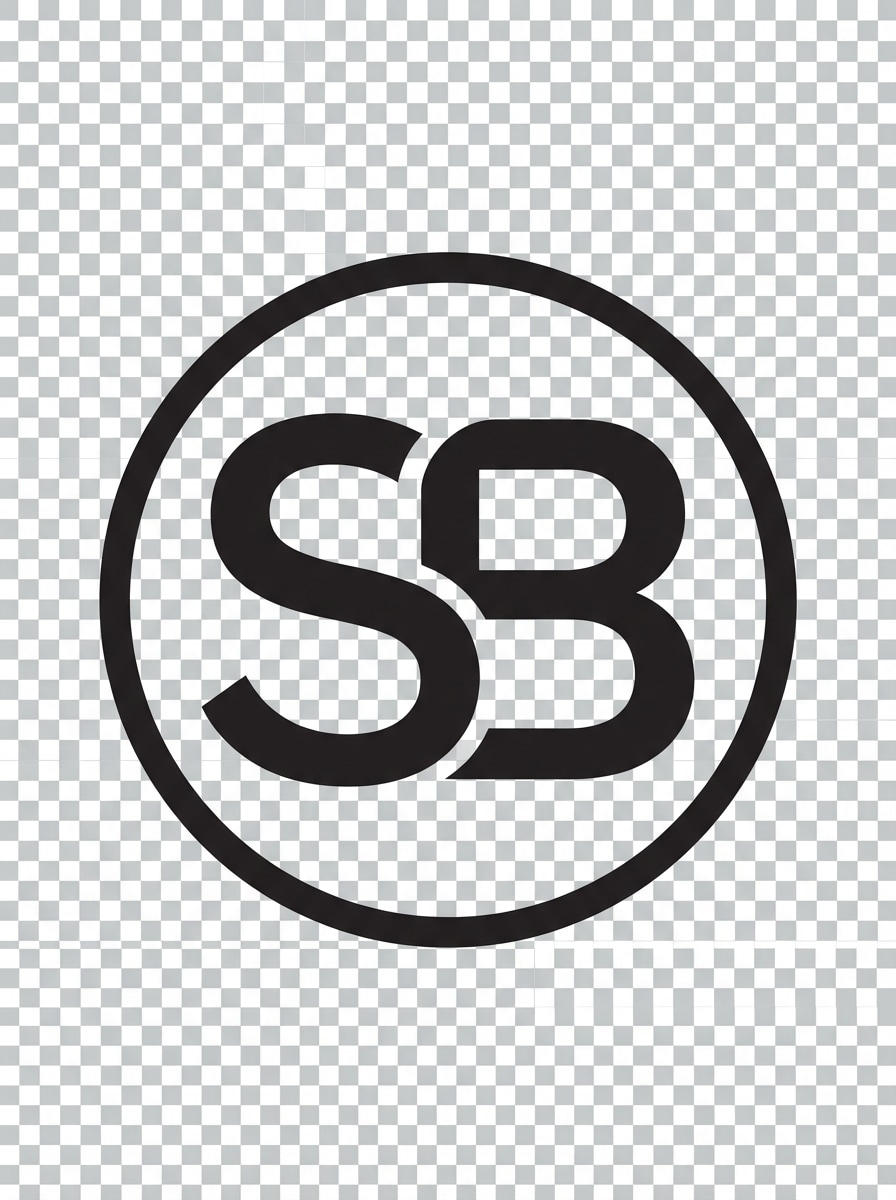
Minimal Monogram Vinyl
Create a clean monogram decal for a small business brand, centered composition on a transparent background, bold single-color vinyl look, smooth die-cut outline, crisp vector-like edges, matte black finish, minimal luxury mood, balanced negative space, high contrast, print-friendly decal artwork.
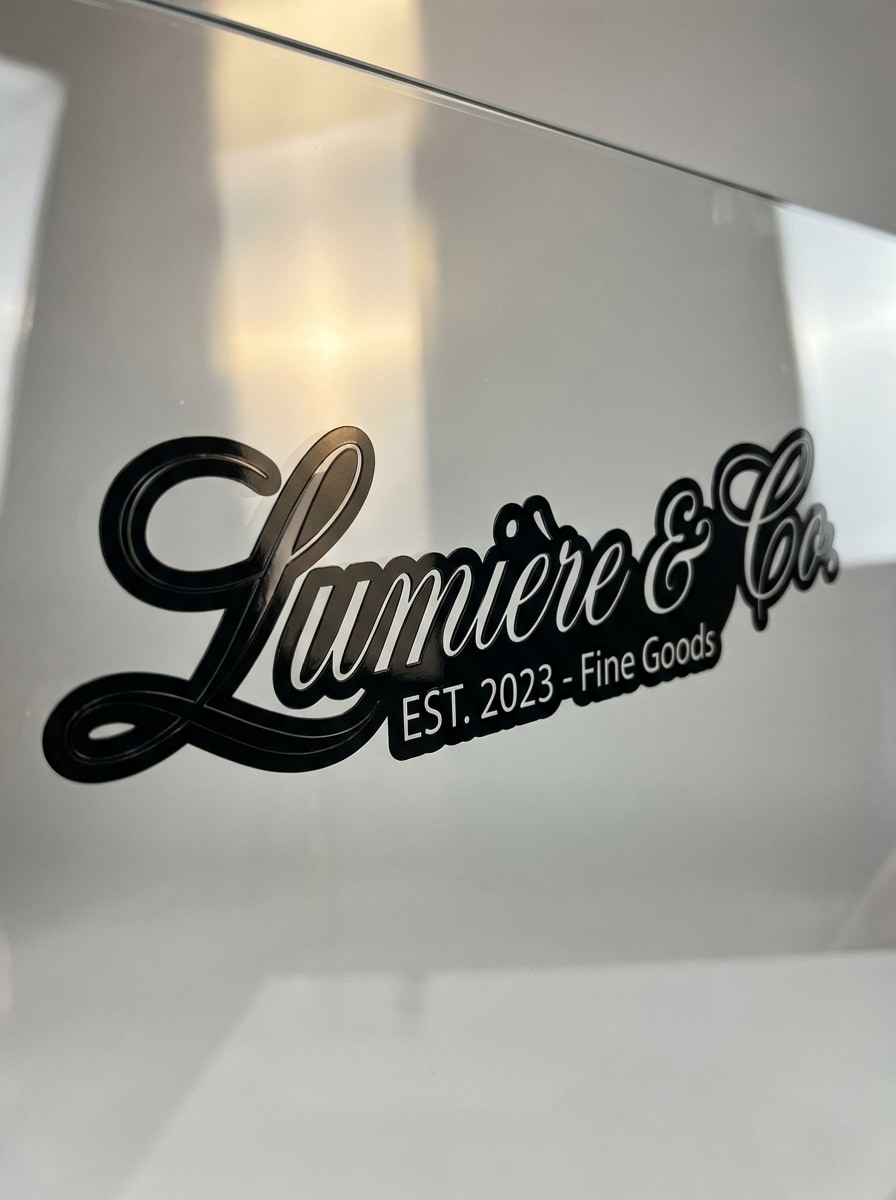
Elegant Script Shop Decal
Generate an elegant script decal for a boutique storefront or packaging label, flowing calligraphy lettering, black and white palette, transparent background, refined spacing, soft luxury mood, glossy vinyl texture cues, clean die-cut contour, premium branding style, sharp high-resolution output.
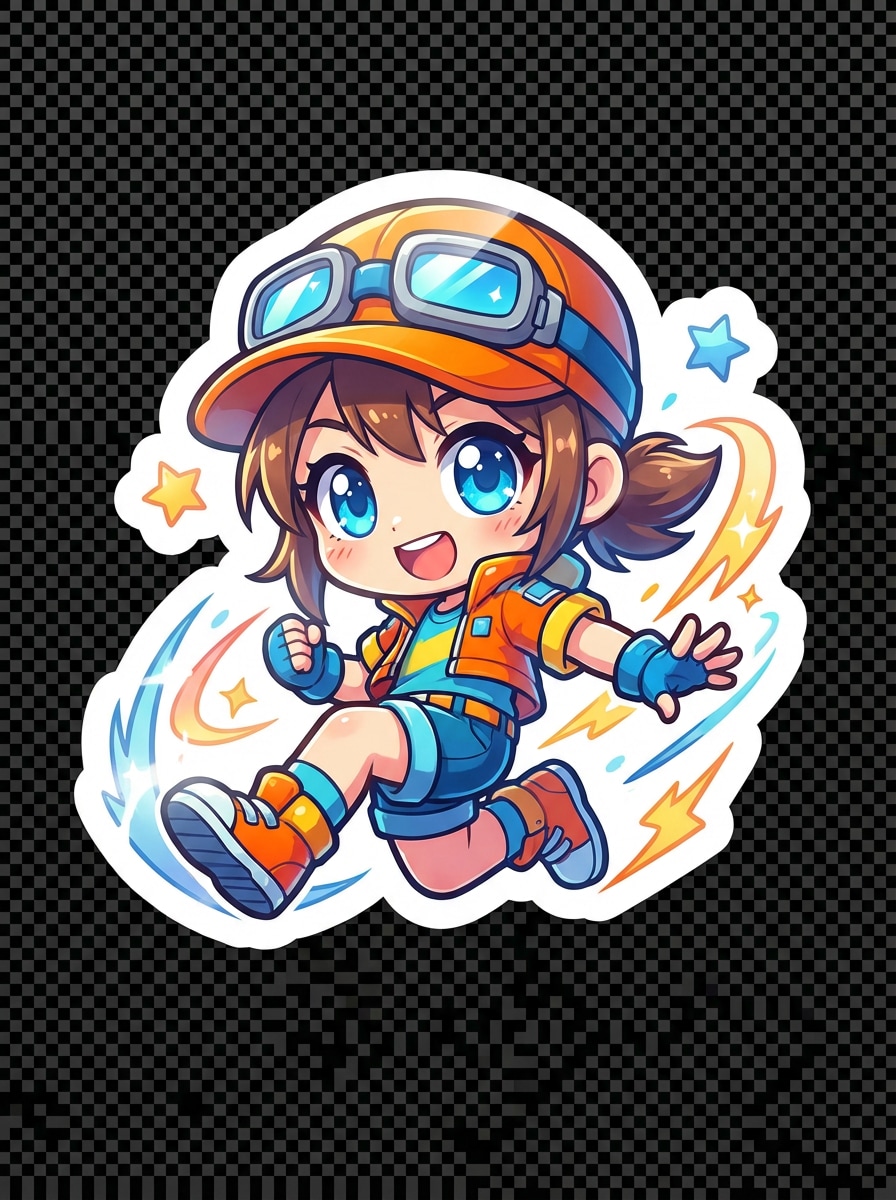
Kawaii Mascot Sticker Decal
Create a cute kawaii mascot decal with a smiling character, front-facing composition, pastel pink, mint, and cream palette, thick white sticker outline, glossy finish, soft shadows, friendly playful mood, rounded shapes, transparent background, die-cut ready, polished collectible sticker aesthetic.
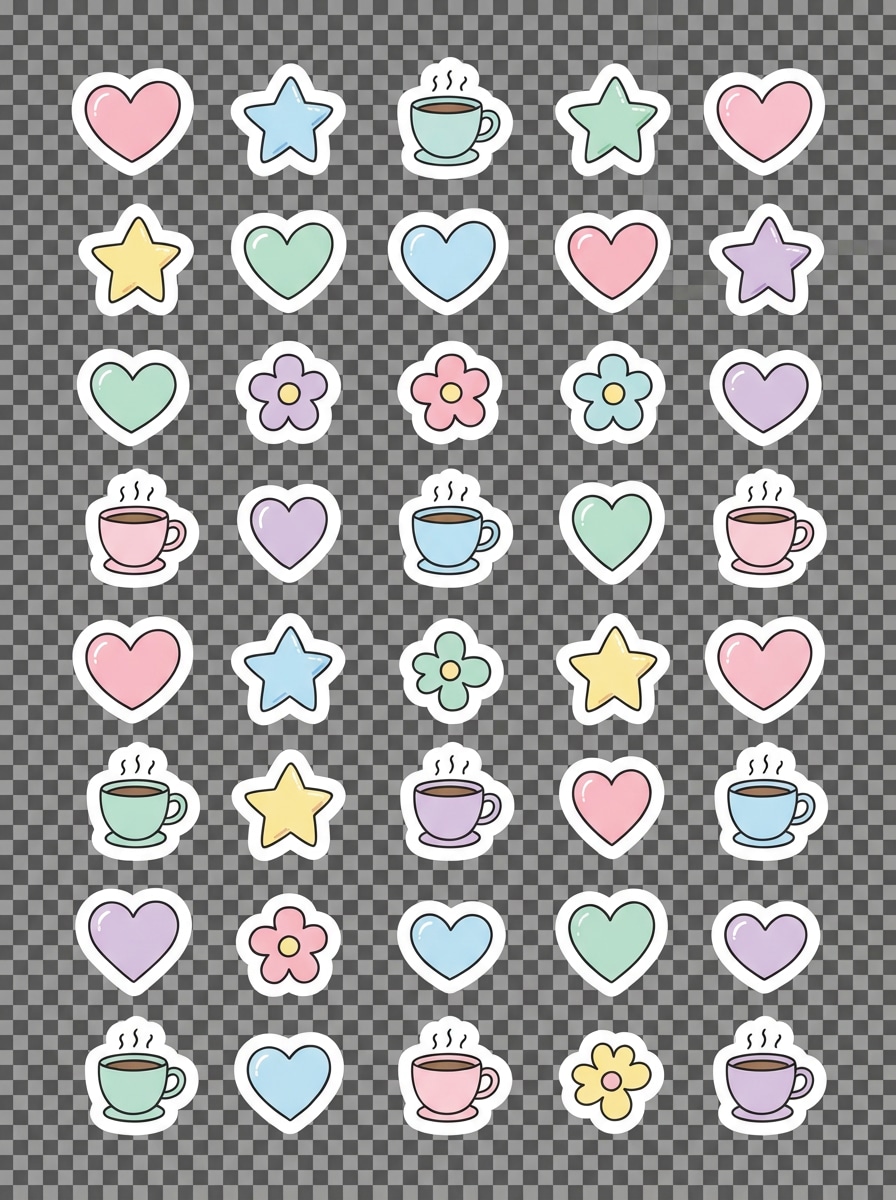
Planner Doodle Decal
Design a doodle-style decorative decal for journals and planners, arranged like a mini sticker pack, hand-drawn icons with hearts, stars, coffee cups, and flowers, pastel palette, clean white outline, transparent background, cheerful cozy mood, tidy composition, printable high-quality decal design.
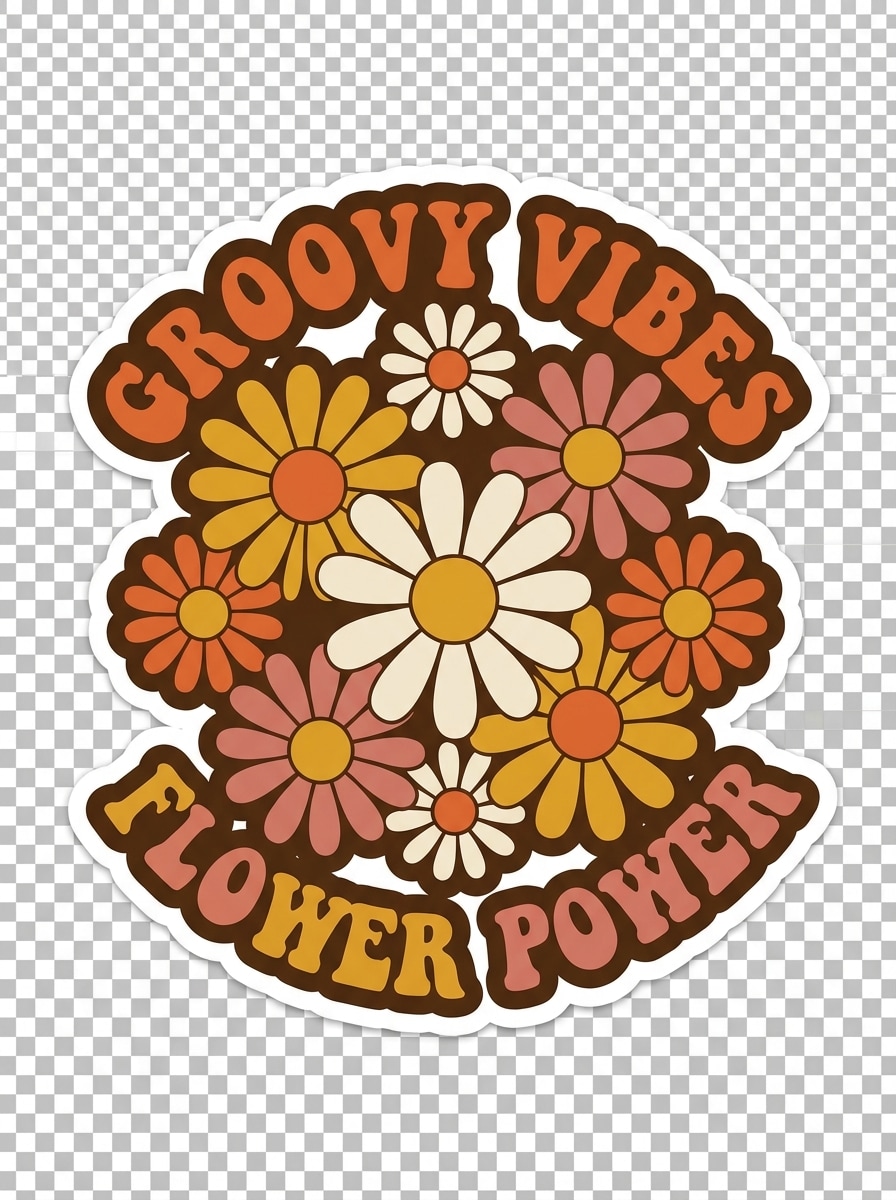
Groovy 70s Floral Decal
Create a retro groovy floral decal with 1970s energy, bold daisy flowers and curved typography, warm orange, mustard, pink, and brown palette, thick contour outline, transparent background, matte vinyl feel, playful vintage mood, centered composition, die-cut friendly, sharp printable artwork.
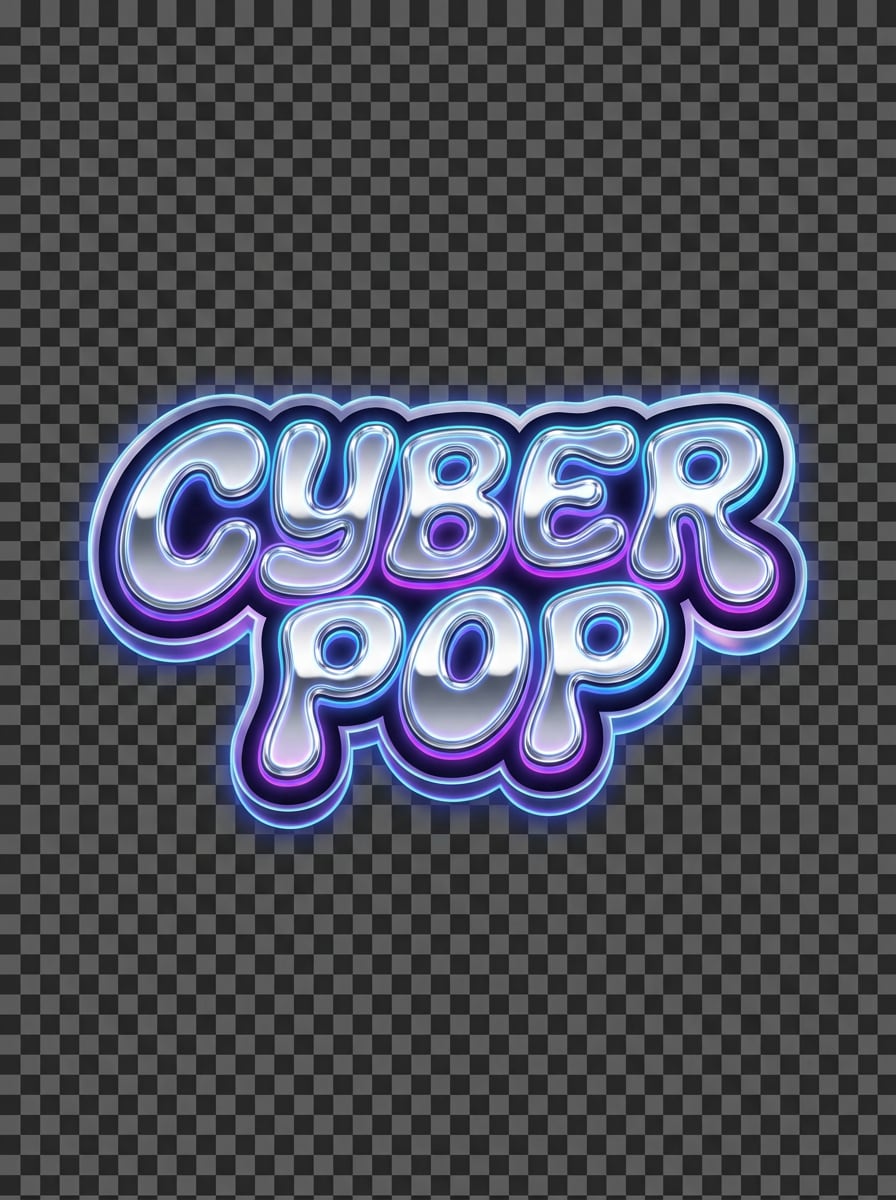
Y2K Chrome Text Decal
Generate a Y2K chrome text decal with futuristic attitude, bubbly metallic lettering, silver gradient highlights, reflective chrome texture, transparent background, neon blue and purple glow accents, glossy sticker mood, bold central composition, crisp die-cut edge, high-contrast cyber pop aesthetic.
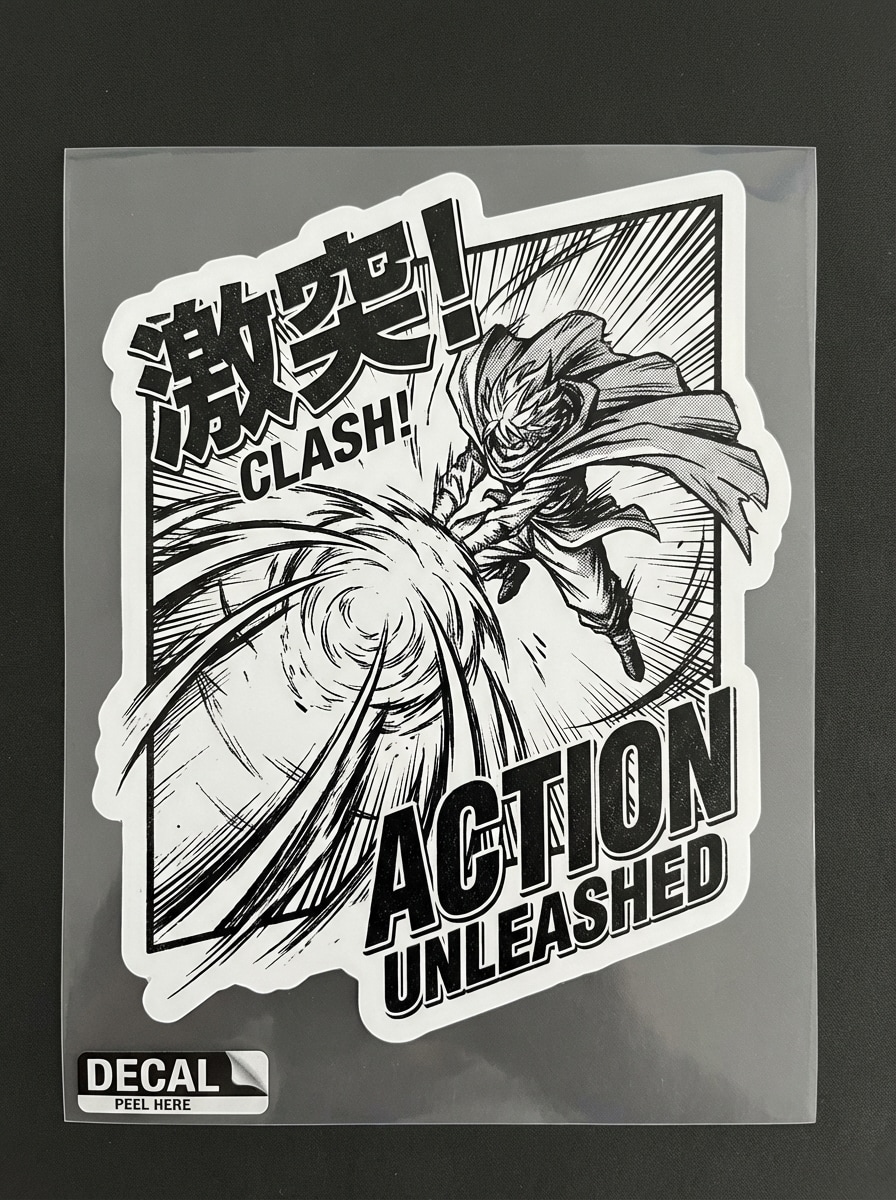
Make a black and white manga-style decal with dramatic energy, comic panel composition, strong ink lines, speed lines, bold contrast, transparent background, expressive graphic texture, sharp contour cut shape, intense action mood, clean print-friendly layout, high-impact decal illustration.
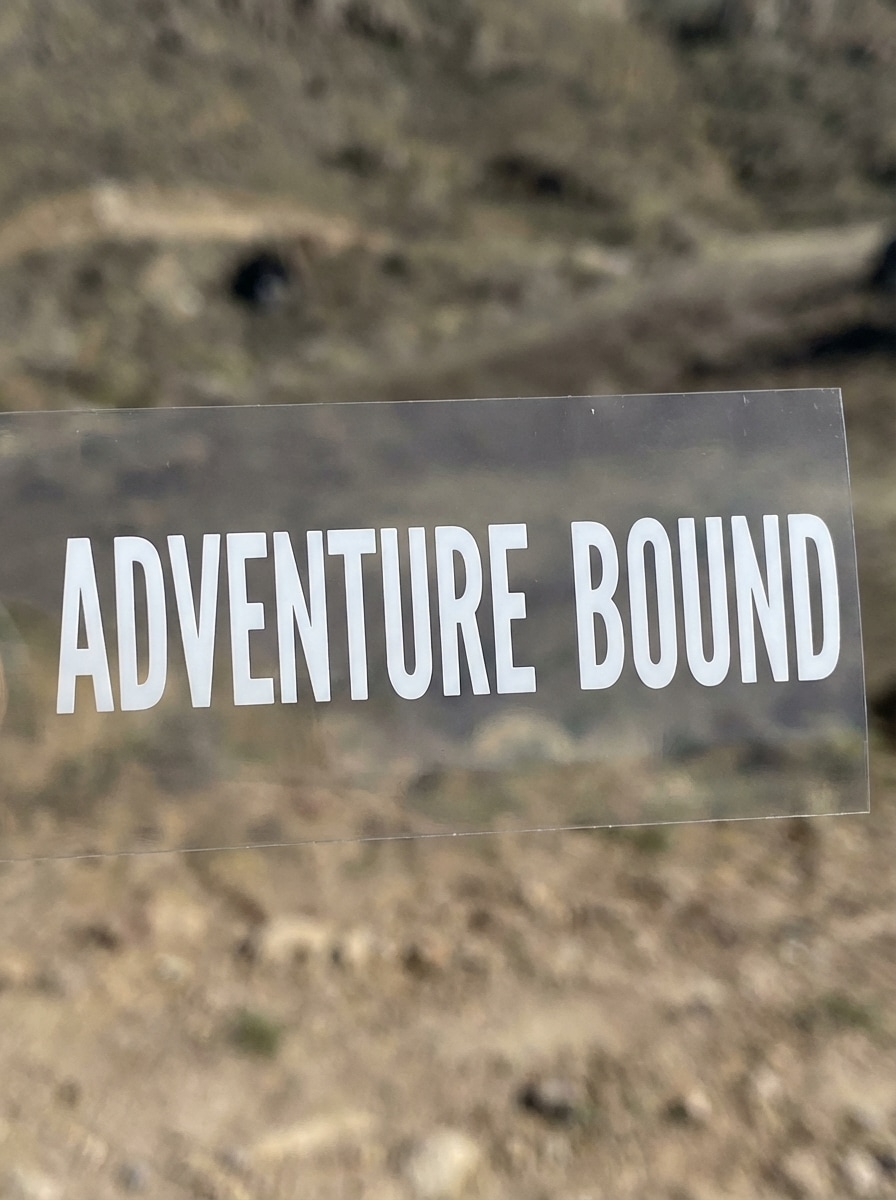
Bold Typographic Car Window Decal
Generate a bold text decal for a car rear window, single-color vinyl style, extra-legible uppercase lettering, transparent background, simple wide layout, clean cut path, matte white finish, rugged outdoor mood, crisp spacing, minimal distractions, practical high-contrast car decal design.
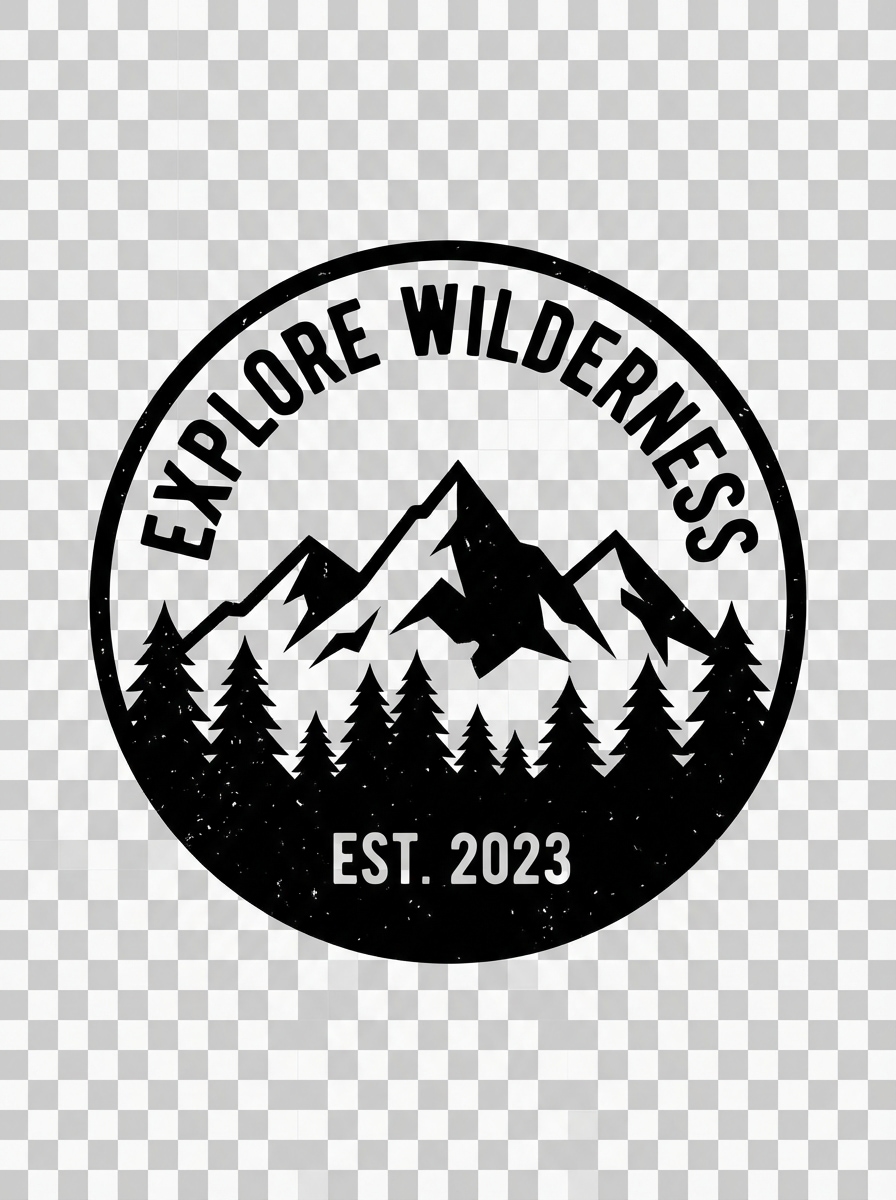
Mountain Adventure Decal
Create an outdoor adventure decal with mountains and pine trees, badge-style composition, monochrome vinyl look, transparent background, clean geometric silhouette, subtle distressed texture, rugged explorer mood, balanced circular framing, die-cut friendly lines, perfect for water bottles, cars, and gear.
Why Use Media.io for AI Decal Design Generation
Turn Text Into Decal Concepts Fast
Use simple prompts to generate custom decal designs for logos, car graphics, laptop stickers, packaging labels, and more in seconds, without starting from a blank canvas.
High-Resolution Output for Print Workflows
Generate decal artwork in 1K, 2K, or 4K, making it easier to prepare clean visuals for vinyl printing, Cricut cutting, mockups, or professional production.
Flexible Styles for Any Decal Use Case
Create everything from kawaii sticker packs to vinyl decal generator concepts, retro graphics, anime decals, chrome text, and minimal logo marks using multiple AI models and styles.
Works Online Across Devices
Media.io runs in your browser on Windows, Mac, iPhone, iPad, and Android, so you can create printable decal generator ideas anywhere without installing desktop software.
How to Use the Media.io AI Decals Generator
1
2
3
1
Step 1: Open Media.io AI Decals Generator
Go to Media.io and open the AI Decals Generator under AI -> Text to Image. This online tool runs in your browser, so you can create decal concepts on Windows, Mac, iOS, or Android without installing extra software.
2
Step 2: Enter a Prompt
Type a detailed prompt, such as “minimal mountain adventure vinyl decal, monochrome badge, transparent background, clean die-cut outline, rugged outdoor style.” Then choose your preferred model, style, aspect ratio, and resolution for the decal design you want.
3
Step 3: Generate, Refine & Download
Click Generate to create your decal artwork. If needed, refine the prompt for cleaner outlines, different typography, or a new style. Then download the high-resolution image for mockups, sticker printing, Cricut workflows, or decal production.
What Users Say About Media.io for Decal Design Ideas
Avery M.
Etsy Shop Owner
"Fast way to create sticker and decal concepts" I use Media.io when I need fresh decal ideas for my shop. It helps me turn a quick text prompt into a polished direction much faster than sketching every concept from scratch.
Jordan T.
Small Business Founder
"Helpful for logo and packaging decal mockups" I wanted a simple custom decal generator for packaging labels and laptop freebies. The clean style options made it easy to explore monograms, script logos, and bold branding looks.
Chris R.
Car Enthusiast
"Great for car decal inspiration" I tested a few prompts for rear window and outdoor-style decals. The results gave me solid starting artwork for a car decal project, especially when I wanted strong contrast and readable text.
Nina L.
Crafter & Cricut User
"Useful before printing or cutting" I like using it as a pre-print design step. I can generate decal art, compare styles, and then move the image into my cutting and printing workflow with much less trial and error.
Open Media.io's text-to-image tool, enter a detailed prompt describing the decal style you want, and generate your artwork online. You can create concepts for logo decals, car decals, laptop stickers, and printable vinyl-style designs directly in your browser on desktop or mobile.
2. What is the best program to make decals?
The best option depends on your workflow. If you want fast AI concept creation, Media.io is useful for generating custom decal artwork from text. It works on Windows, Mac, iOS, and Android in a browser, supports multiple image models, and lets you create high-resolution visuals before moving to your print or cut process.
3. Can I print my own vinyl decals after using this AI decals generator?
Media.io helps you create decal artwork and concepts that you can use in a later print workflow. It generates high-resolution images in 1K, 2K, and 4K, which can be helpful when preparing visuals for printing, Cricut projects, or professional decal production.
4. What file quality does Media.io support for printable decal designs?
Media.io supports high-resolution image generation at 1K, 2K, and 4K, with aspect ratios including 1:1, 9:16, 16:9, 4:3, 3:4, 3:2, and 2:3. That gives you flexibility when creating artwork for square sticker sheets, label layouts, or wider car decal mockups.
5. Is Media.io free to use for decal design generation?
Free users get 3 credits per day to try the decals generator. Free outputs may include watermarks, while paid subscribers can download watermark-free high-resolution images. If you need more credits or cleaner export options, you can upgrade here: https://www.media.io/pricing.html
6. Is my decal artwork private on Media.io?
Yes. Media.io states that uploaded images are automatically deleted from its servers after 7 days to help protect user privacy. Since this page focuses on text-to-image decal generation, that policy is especially relevant if you also use image-based workflows on the platform.