画像から画像生成
Nano Banana Pro
画像をアップロード
0 / 9
クリックまたはドラッグでアップロード、または履歴から選択
アイデアがない?まず画像を生成してみよう >
サポートされているアップロード形式: jpg、png、jpeg。
プロンプト
0/2000
1K
自動
1
Banana Pro無制限モード
公開設定
すべて
画像
動画
音声
生成リスト
生成結果の保存期間は7日間です。期限内に保存してください。
ai_video_generator創造力を解き放ち、Media AIの魔法をすぐに体験しよう!

Create a TikTok Profile Picture That Stands Out Instantly

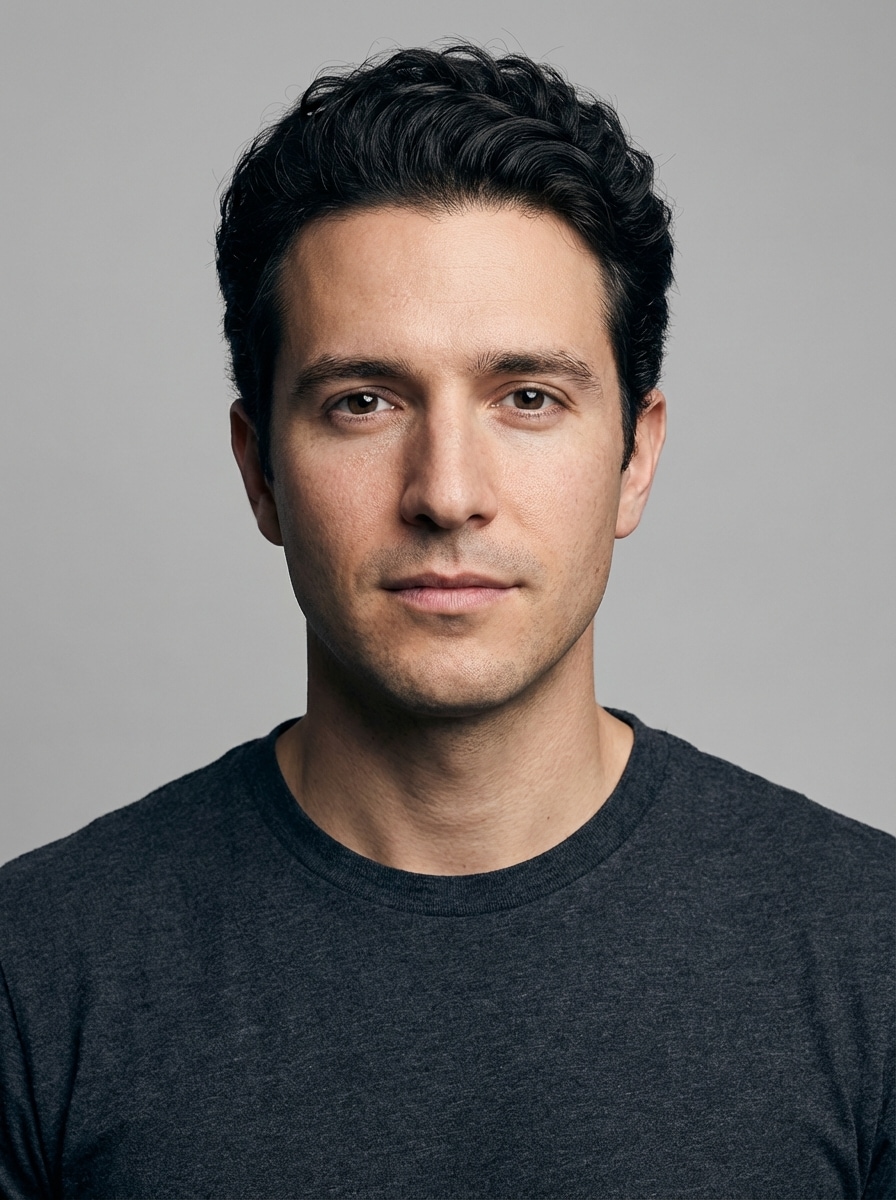
Turn your selfie into a polished tiktok profile picture with AI. Media.io helps you create anime, aesthetic, cartoon, faceless, and creator-style avatars that stay clear in a circular crop, so your profile picture for tiktok looks bold, readable, and ready to upload fast.

Create My TikTok PFP

Type your idea -> AI designs it. Free to try.

Review these example directions, then tailor the prompt details to get stronger results with this TikTok profile picture generator for a clearer, more personalized result.

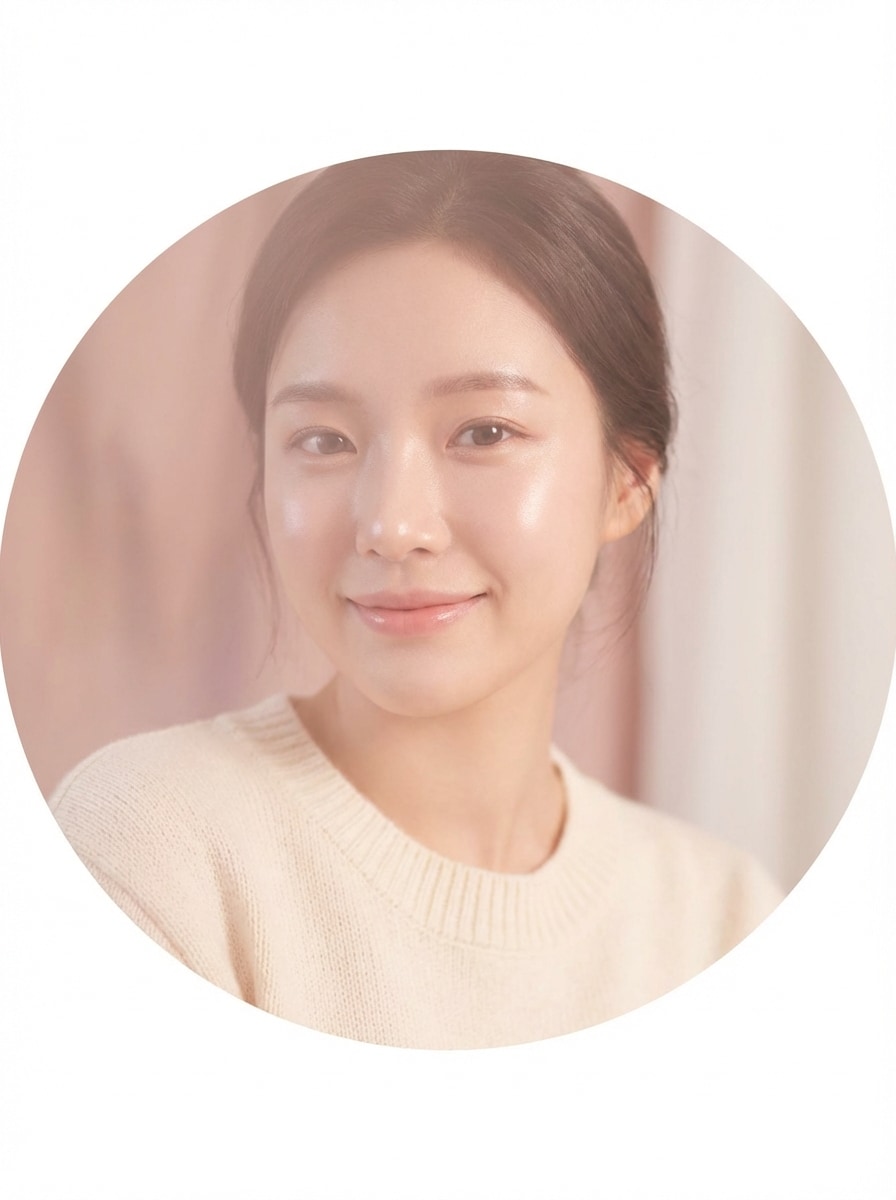
Soft Pastel Aesthetic

Soft Pastel Aesthetic

Use the uploaded image as the subject and transform it into a soft pastel TikTok profile picture, with a centered close-up face, smooth natural skin, pastel pink and cream tones, diffused glow lighting, soft texture, dreamy mood, clean uncluttered background, and crisp detail that stays readable in a circular avatar crop.

Clean Creator Headshot

Clean Creator Headshot

Use the uploaded image as the subject and restyle it into a clean creator profile picture for TikTok, with centered framing, crisp facial detail, neutral background, subtle skin retouching, natural daylight balance, modern polished mood, high contrast for small-size clarity, and a premium social avatar look.

Anime Avatar

Anime Avatar

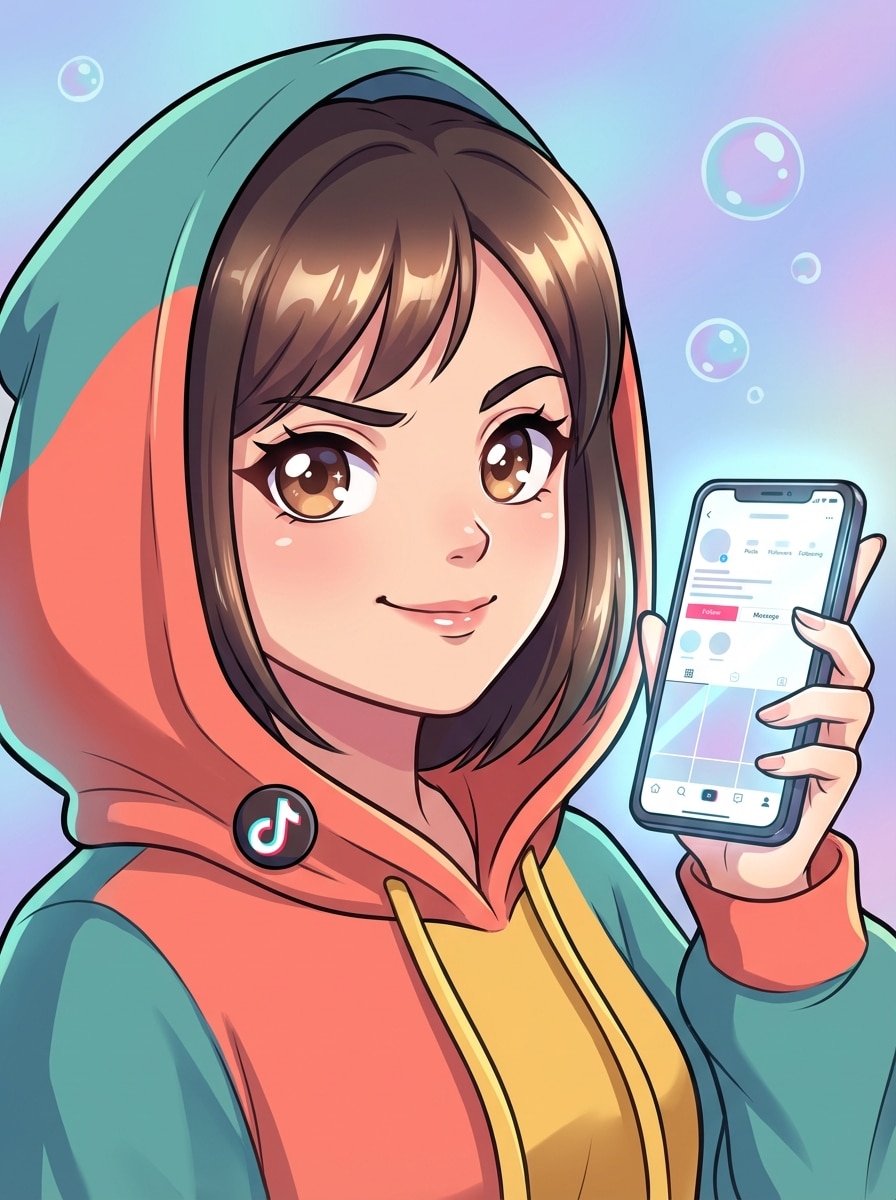
Use the uploaded image as the subject and turn it into an anime TikTok profile picture, with expressive eyes, smooth cel shading, clean line art, vibrant yet balanced colors, centered head-and-shoulders composition, simple background, bright polished finish, and strong facial readability in a circular crop.

Cute Cartoon Portrait

Cute Cartoon Portrait

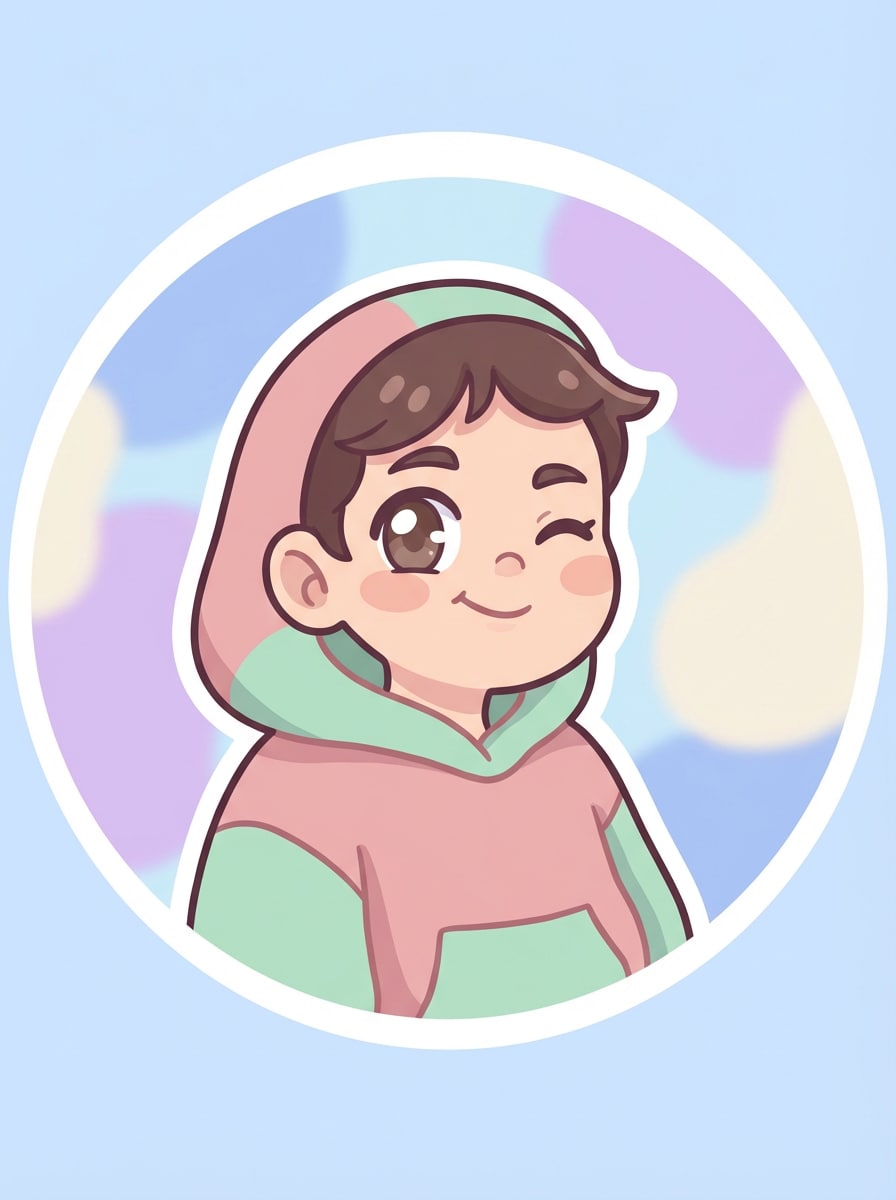
Use the uploaded image as the subject and transform it into a cute cartoon profile pic TikTok style, with rounded facial features, big bright eyes, soft lighting, simplified background, cheerful mood, smooth color blocks, clean outlines, and a flattering centered crop that reads clearly as a circular icon.

Y2K Flash Look

Y2K Flash Look

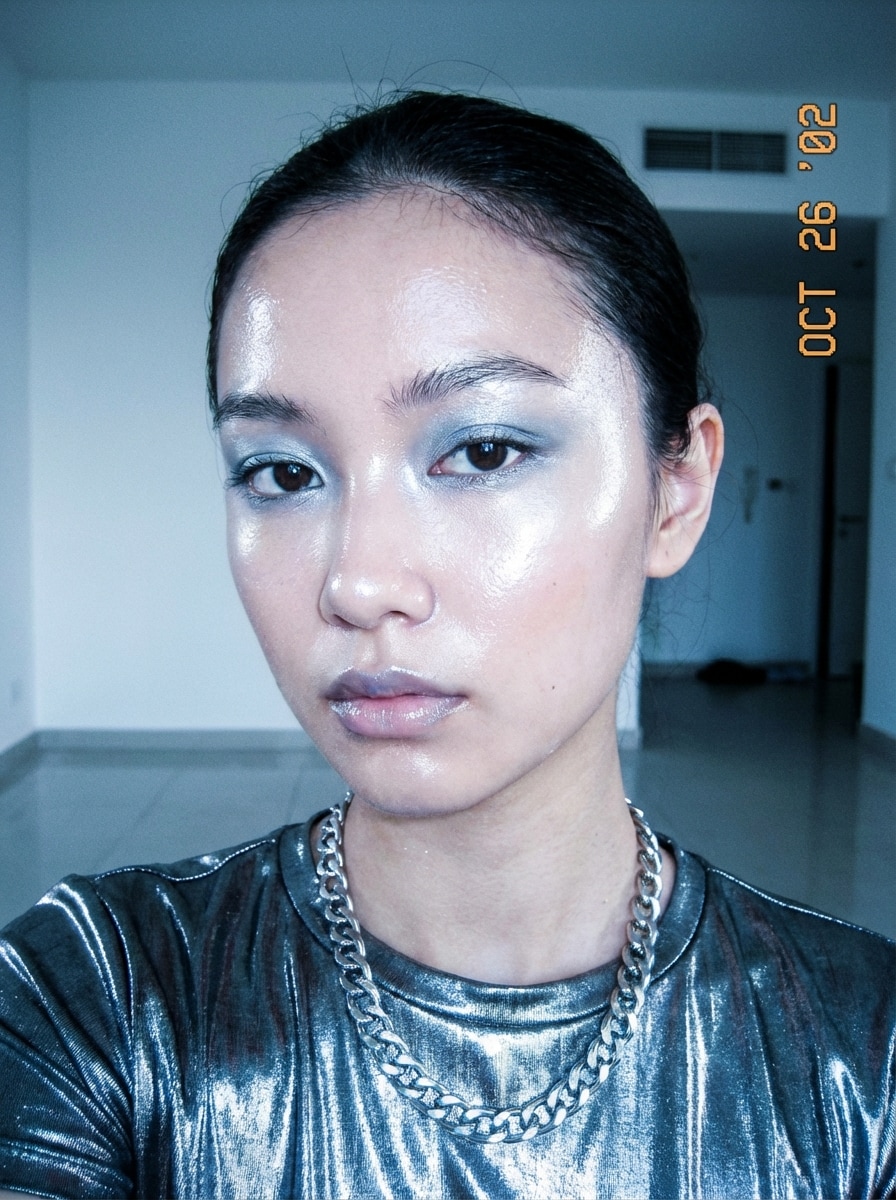
Use the uploaded image as the subject and restyle it into a Y2K TikTok profile picture, with direct flash lighting, glossy highlights, cool-toned contrast, nostalgic early-2000s mood, centered face framing, minimal background clutter, shiny texture accents, and bold clarity for a standout circular avatar.

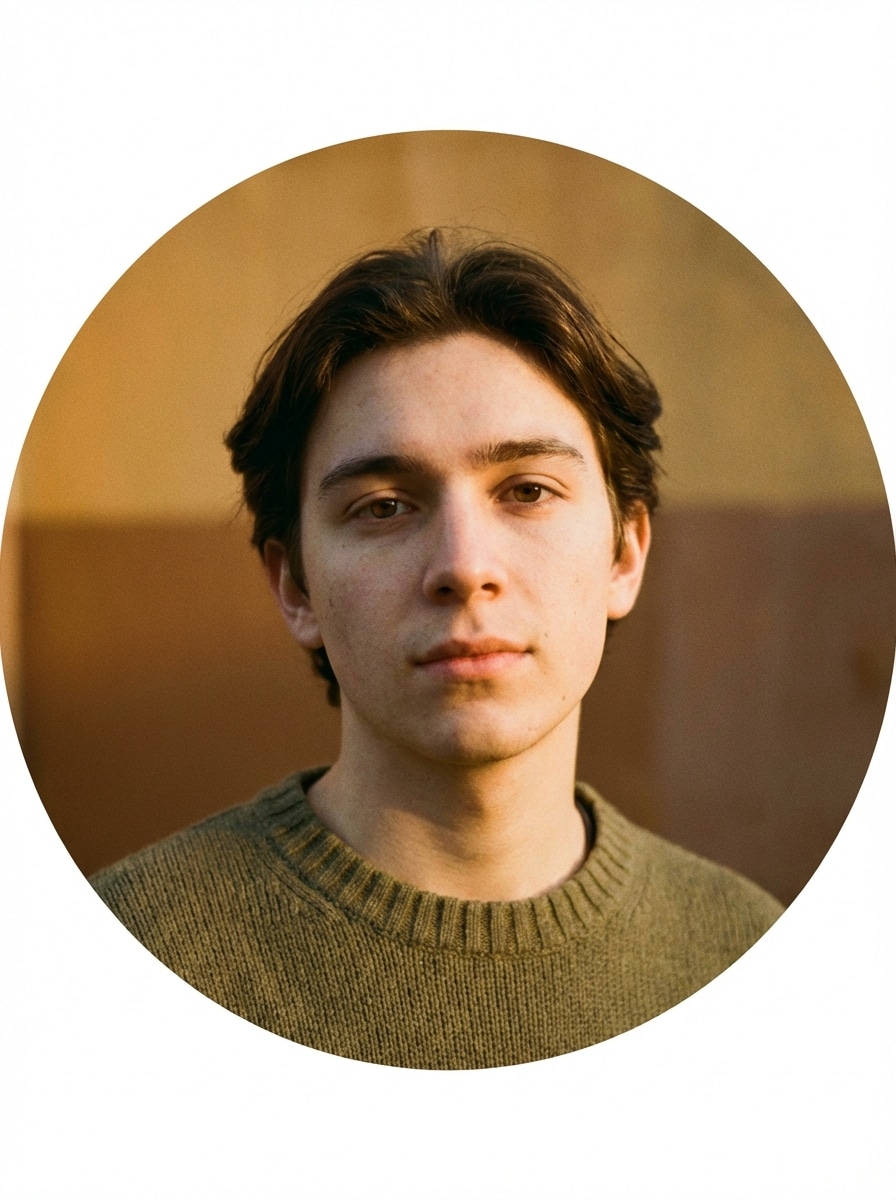
Film Camera Aesthetic

Film Camera Aesthetic

Use the uploaded image as the subject and make it look like a film-camera TikTok profile photo, with warm grain, soft contrast, subtle blur, analog texture, close-up framing, muted earthy colors, nostalgic mood, and enough facial sharpness to stay legible in a small round profile image.

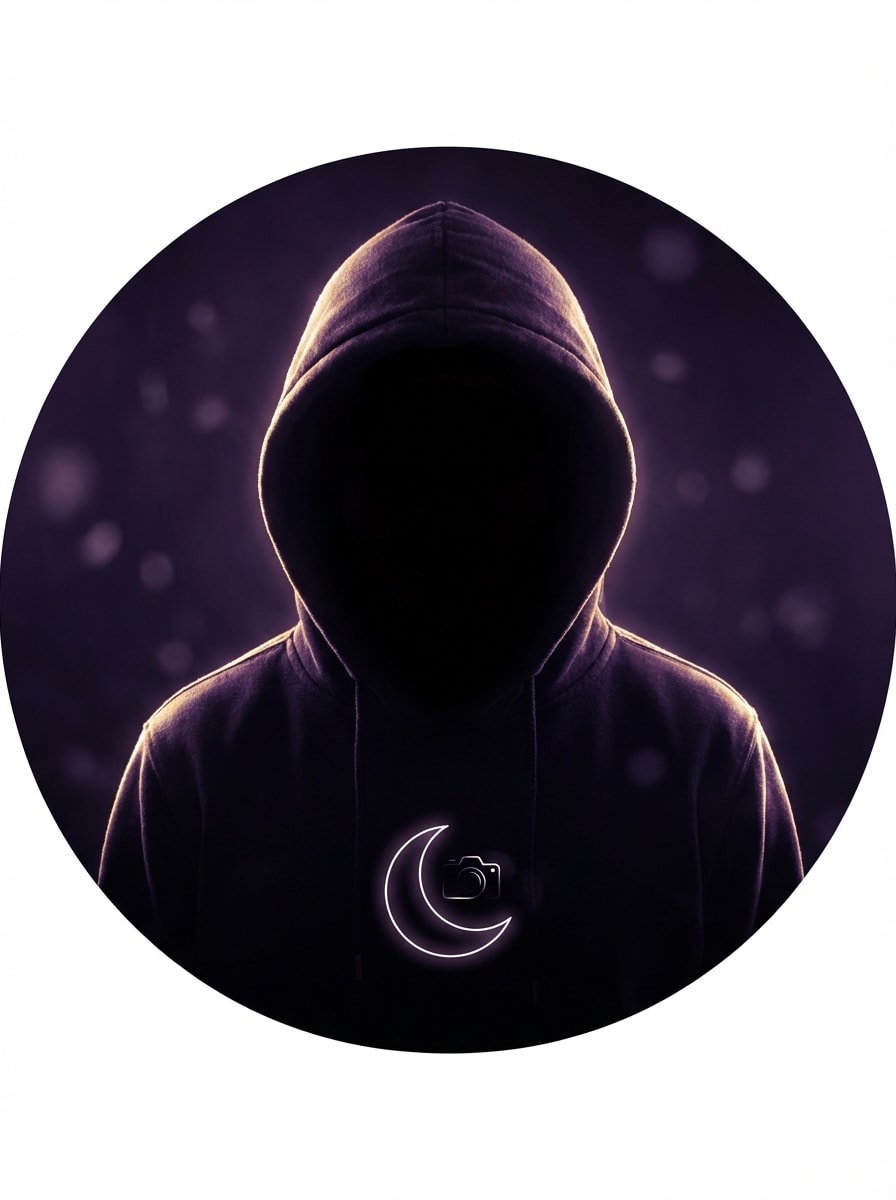
Faceless Silhouette Glow

Faceless Silhouette Glow

Use the uploaded image as the subject and create a faceless TikTok profile picture, with the face partially obscured or silhouetted, glowing edge light, moody dark background, stylish anonymous creator vibe, strong outline, centered composition, and dramatic contrast that still looks clean in a profile circle.

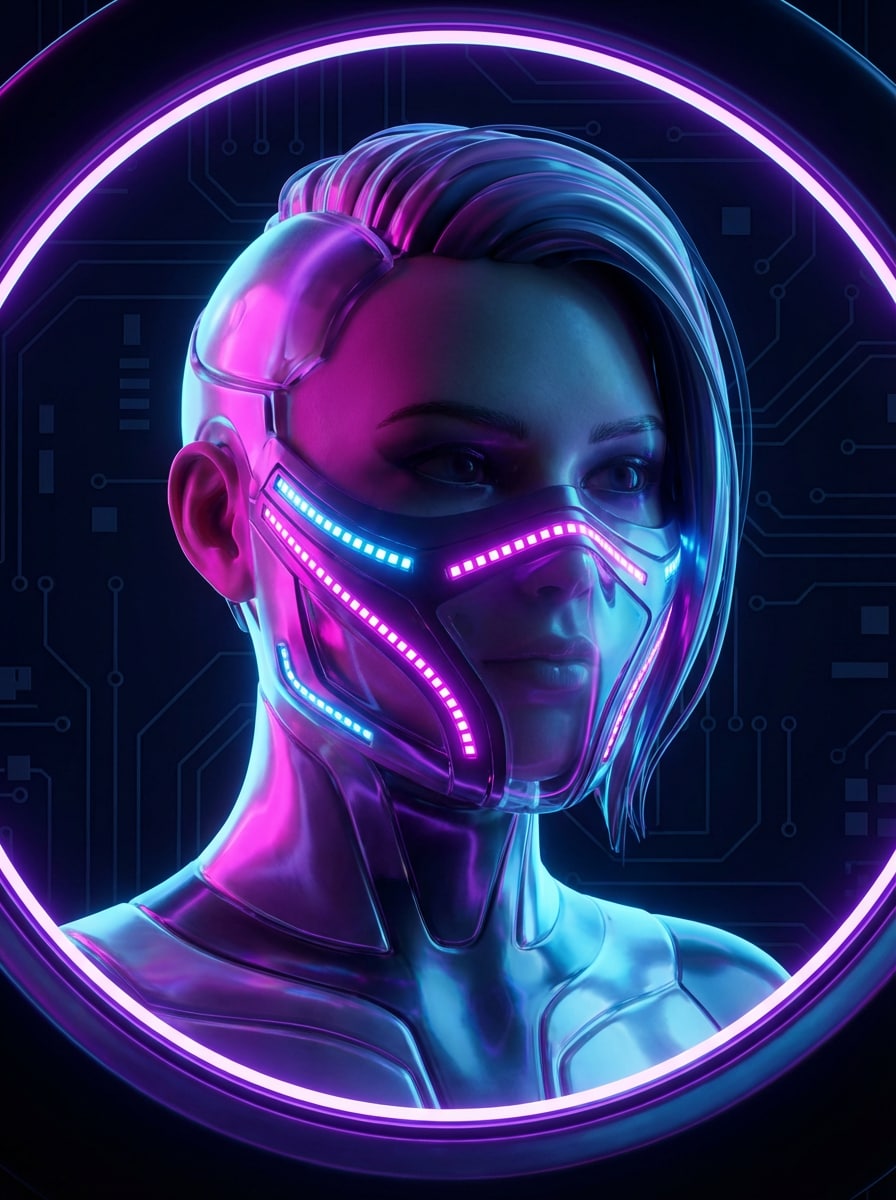
Masked Digital Avatar

Masked Digital Avatar

Use the uploaded image as the subject and transform it into a privacy-friendly digital avatar for TikTok, with partially masked features, cyber-inspired lighting accents, vivid magenta and blue glow, strong face framing, sleek textures, modern futuristic mood, and high readability for a small profile icon.

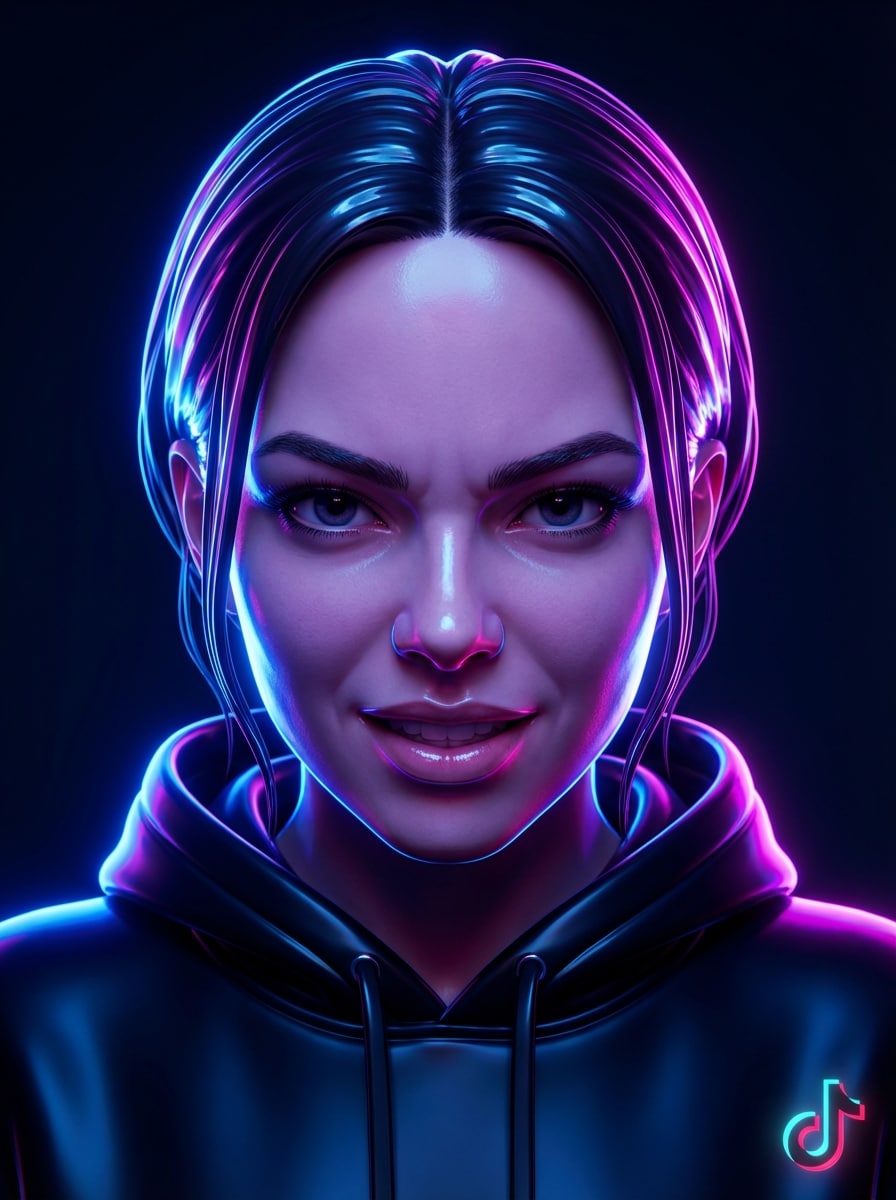
Neon Glow Portrait

Neon Glow Portrait

Use the uploaded image as the subject and make the TikTok profile picture glow with neon lights, featuring blue and pink edge lighting, dramatic contrast, sharp facial focus, dark background, glossy texture, energetic mood, and a centered crop designed to pop even as a tiny circular avatar.

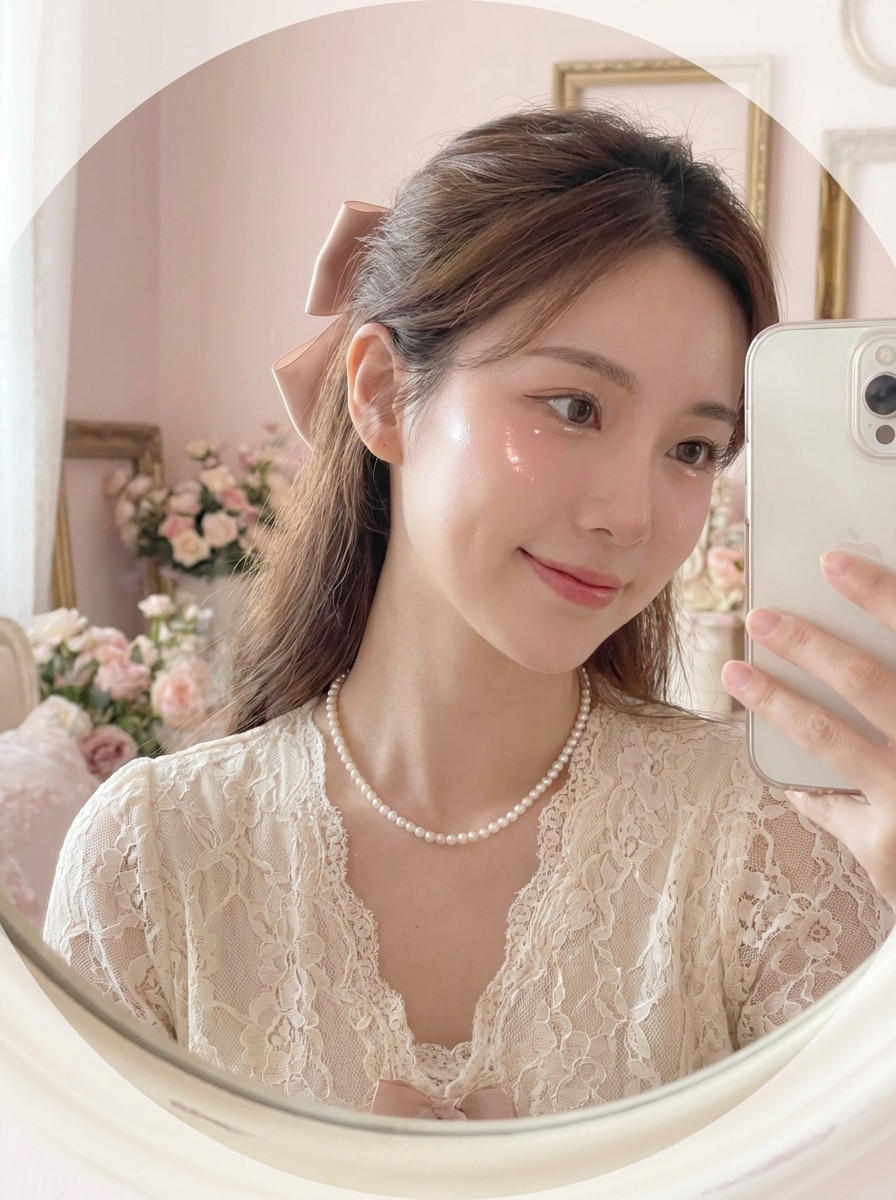
Dreamy Coquette Profile

Dreamy Coquette Profile

Use the uploaded image as the subject and transform it into a dreamy coquette TikTok pfp, with soft blush tones, delicate highlights, airy lighting, romantic mood, pastel textures, centered portrait framing, gentle contrast, and a clean background so the final avatar stays pretty and readable at small size.

Why Use Media.io for TikTok Profile Picture Edits

Built for Photo-to-PFP Transformations

Upload a JPG, PNG, or JPEG and turn your selfie into a cool pfp for TikTok, cartoon avatar, anime look, or polished creator headshot without needing design skills.

Avatar-Ready Framing and Resolution

Choose 1K, 2K, or 4K output and flexible aspect ratios like 1:1 or 3:4, making it easier to create a sharp best profile picture for TikTok that still looks clear after a circular crop.

Advanced AI Models for Style Control

Media.io is powered by Nano Banana Pro, Nano Banana 2, Media 2.0, Seedream 5.0 Lite, and Media 1.0, giving you more control when turning a selfie into a standout tiktok user pfp, custom tiktok profile image, or branded avatar.

Works on Any Device in Your Browser

Create a new photo for TikTok profile on Windows, Mac, iPhone, or Android. Media.io runs on the web, so you can edit a selfie and export a fresh avatar, whether you need a simple tik tok photo profile or updated tiktok account profile pictures from almost anywhere.

How to Make a TikTok Profile Photo in Minutes

1
2
3
1
Open Media.io TikTok Profile Picture Maker

Go to AI Image to Image Generator and open the TikTok Profile Picture Maker under AI -> Image to Image. This online tool runs in your browser, so you can create a new pic for TikTok profile or refresh old TikTok account profile pictures without installing software.

2
Upload Your Photo and Enter a Style Prompt

Upload a JPG, PNG, or JPEG selfie, then type a detailed prompt such as: “Use my uploaded photo as the subject and turn it into a soft pastel TikTok PFP with centered framing, dreamy lighting, clean background, and crisp circular-avatar readability.” Adjust aspect ratio, resolution, and image count as needed.

3
Generate, Refine & Download

Click Generate. Tweak the style if needed, then download your high-resolution result for use as a tik tok profile photo, pfp on TikTok, or a fresh TikTok profile image that fits your personal brand.

Step 1
Step 2
Step 3

Unlock the Potential of Profile Picture For Tiktok

See how creators use this TikTok profile picture tool for content, marketing, and personal projects, then adapt each idea to fit the brief.

Build a Clickable Creator Identity

Turn a plain selfie into a polished tik tok profile photo that looks clean, confident, and recognizable at small size. This is ideal for streamers, lifestyle creators, and personal brands that want a stronger first impression with a better TikTok account picture.

Create Stylish Anonymous or Faceless PFPs

If you do not want to use a fully real portrait, transform your image into a masked avatar, anime look, or glowing silhouette. It is a smart way to design profile pic tik tok styles, pfp TikTok profile ideas, and privacy-friendly TikTok user picture options that still feel personal, especially if you want a more stylized pfp on TikTok.

Match Seasonal and Trend-Driven Aesthetics

Quickly test viral looks like baddie profile pics for TikTok, preppy profile pictures for TikTok, dreamy coquette edits, Y2K flash portraits, or even christmas profile pictures for TikTok. Media.io helps you produce fresh TikTok profile pics whenever your content style changes, including a tiktok best profile picture or even a tiktok logo profile picture for branding.

What Users Say About Media.io for TikTok PFP Design

user
Ava Martinez

Beauty Creator

star star star star star

"Perfect for fast aesthetic PFP updates" I wanted a softer, cleaner TikTok profile picture without learning editing apps. Media.io made my selfie look polished in minutes, and the circular crop still looked great after upload.

user
Jordan Lee

Gaming Streamer

star star star star star

"Great for faceless and anime avatar styles" I do not like using a full real photo online, so I tried the anime and masked avatar looks. Both worked well for my TikTok logo profile picture vibe and gave me a profile image that felt unique.

user
Mia Thompson

Student Creator

star star star star star

"Easy on mobile and beginner-friendly" I made a cute profile picture for TikTok from my phone between classes. The tool was simple, the styles were trendy, and I liked being able to upload one selfie and test different looks.

user
Noah Patel

Social Media Manager

star star star star star

"Useful for branded and personal accounts" We used Media.io to create both creator headshots and stylized avatars for client accounts. It is a quick way to improve a TikTok best profile picture while keeping the face centered and easy to recognize.

TikTok Profile Picture FAQ

1. How do I make a TikTok profile picture from my photo?

Open Media.io’s image-to-image tool, upload a JPG, PNG, or JPEG selfie, then describe the style you want for your tiktok profile picture, such as anime, creator headshot, cartoon, or faceless avatar. Choose your preferred aspect ratio and resolution, generate the image, and download the result for your TikTok account.

TikTok profile photos display in a small circular format, so the most important thing is a centered face or subject with clean framing and strong contrast. In Media.io, you can generate a square-friendly or portrait source image and keep the main subject centered so your pic for TikTok profile stays readable after TikTok crops it into a circle.

Free users can use free credits to make a tiktok user pfp in Media.io. For more usage, extra credits, or watermark-free high-resolution downloads, you can check the pricing page. Free users can use free credits. For more usage, users can subscribe to a plan on the pricing page for more credits and watermark-free high-resolution downloads.

First, create or download the photo you want to use. Then open TikTok, go to your profile, tap Edit Profile, select your profile photo, and upload the new image. This workflow works whether you made a simple tik tok photo profile, a cartoon avatar, or one of your saved TikTok profile pics from Media.io.

Your TikTok profile pic does not have to be a real photo. Many users prefer illustrations, stylized selfies, faceless edits, logo-inspired avatars, or creator branding images. With Media.io, you can turn a selfie into a tiktok account picture that feels personal without showing a plain unedited portrait.

Media.io supports 1K, 2K, and 4K output, which helps you start with a sharper source image. While TikTok may compress uploaded files, a centered high-resolution image with clear facial detail usually holds up better. For the best profile picture for TikTok, keep the subject large in frame and avoid busy backgrounds. Free users may have watermarks.

Media.io Online AI Tools Quality Rating:
vote 4.7 (162,357 Votes)