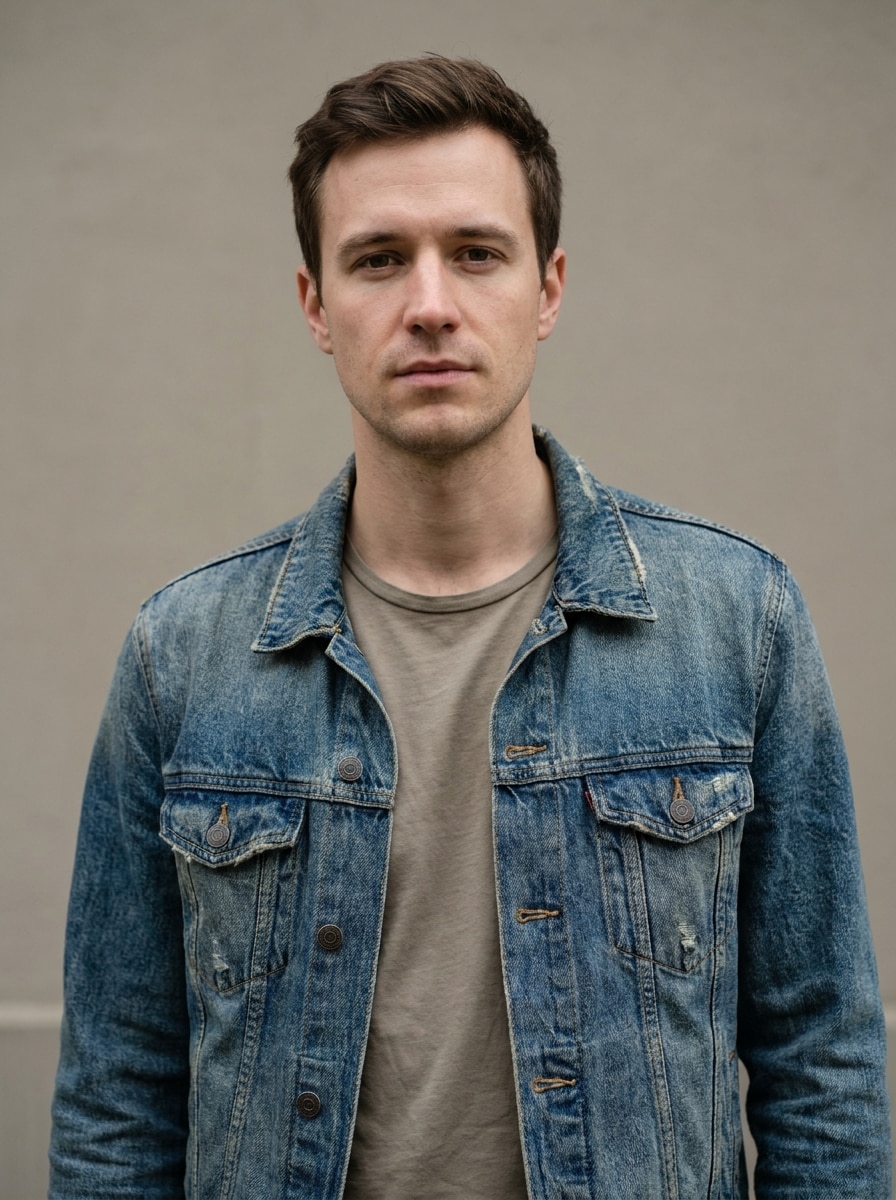
AI Soldier Filter for Realistic, Cinematic Portrait Transformations
Create a soldier filter look by turning your selfie into a realistic or stylized military-style portrait online. Media.io helps you make tactical, cinematic, or formal uniform edits fast, whether you want an army filter AI effect, a bold avatar, or a polished soldier portrait filter result.
Review these example directions, then tailor the prompt details to get stronger results with this Soldier Filter in Media.io.
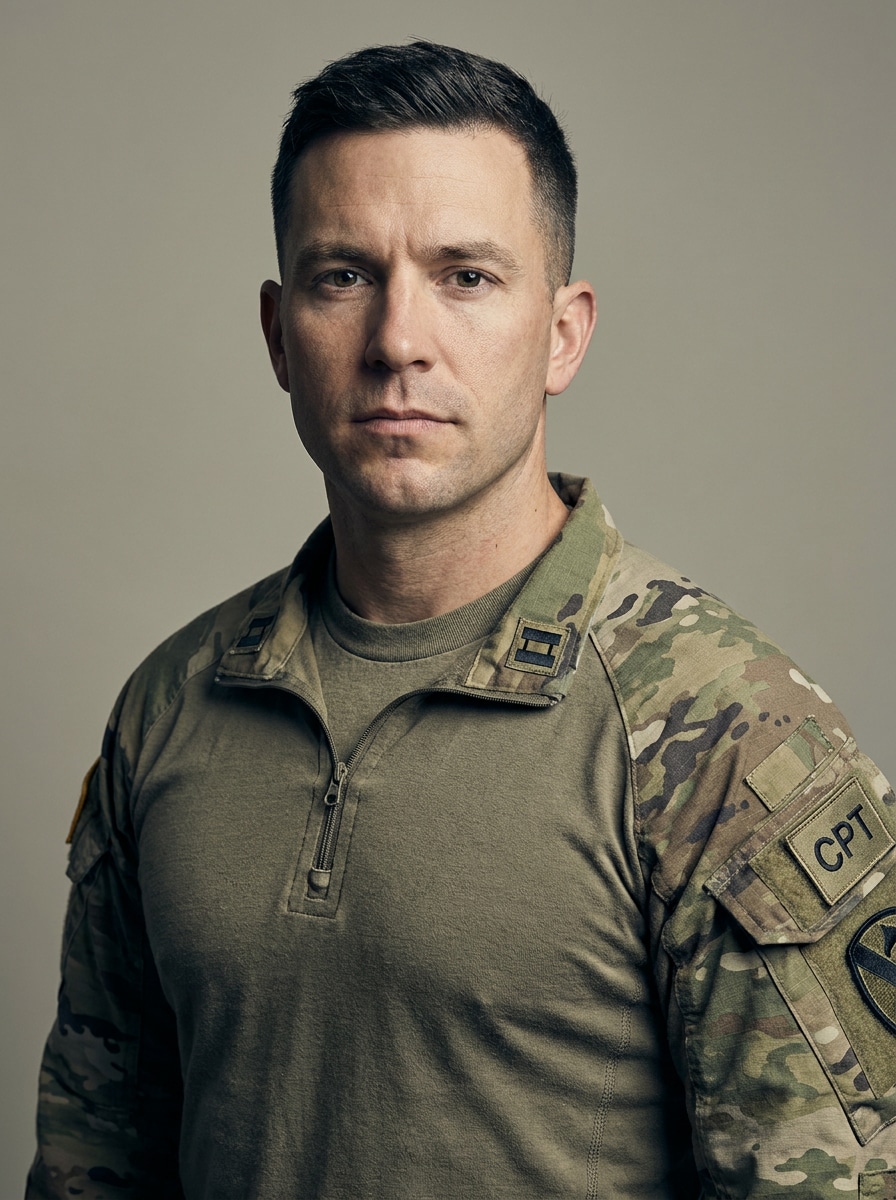
Modern Army Uniform
Use the uploaded image as the subject and transform it into a realistic modern army portrait. Preserve facial identity, add a detailed camouflage uniform with rank patches and a tactical undershirt, frame the subject from the chest up, use clean studio lighting, natural skin texture, muted green and tan tones, sharp focus, and a confident heroic mood.
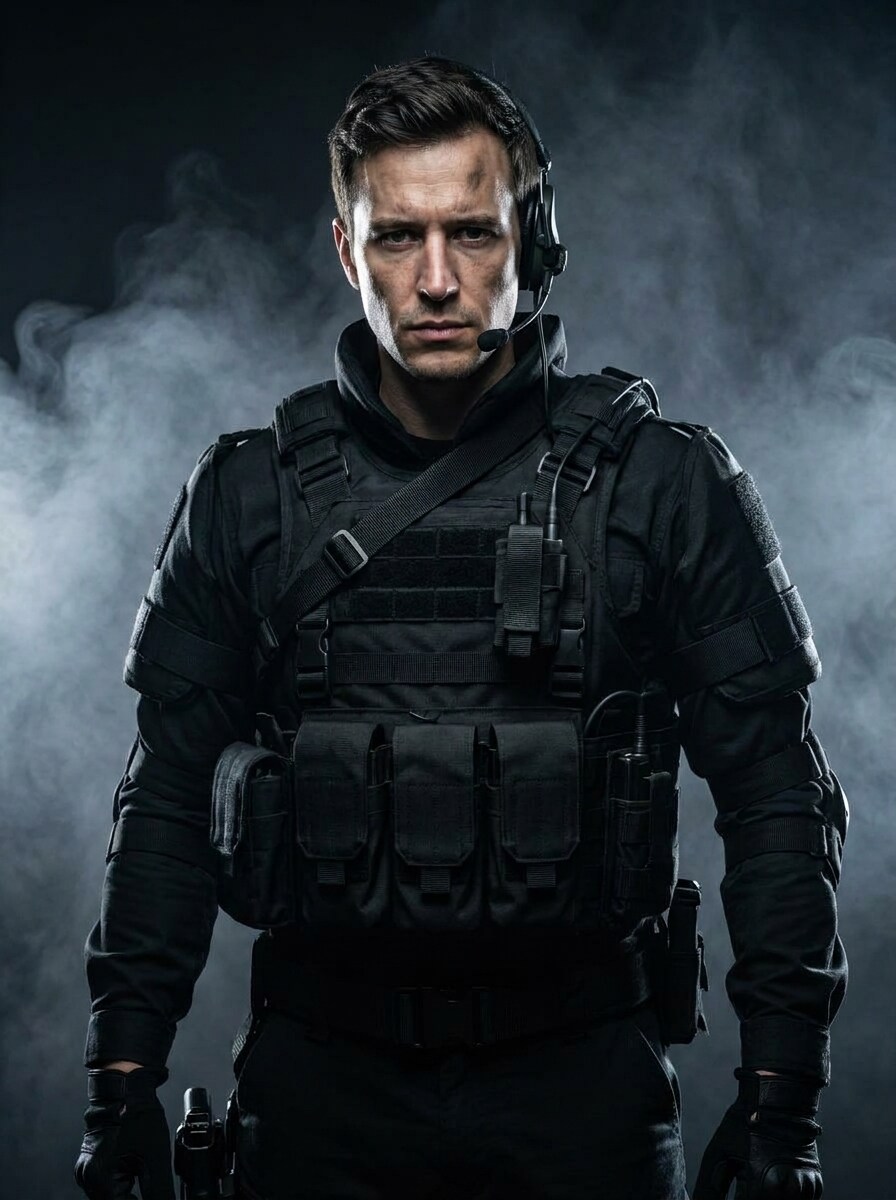
Tactical Operator
Use the uploaded portrait as the subject and turn it into an elite tactical operator. Keep the face recognizable, add body armor, tactical vest, earpiece headset, utility straps, and dark gloves, with dramatic rim lighting, smoky background, deep black and steel-gray palette, intense expression, and ultra-detailed cinematic realism.
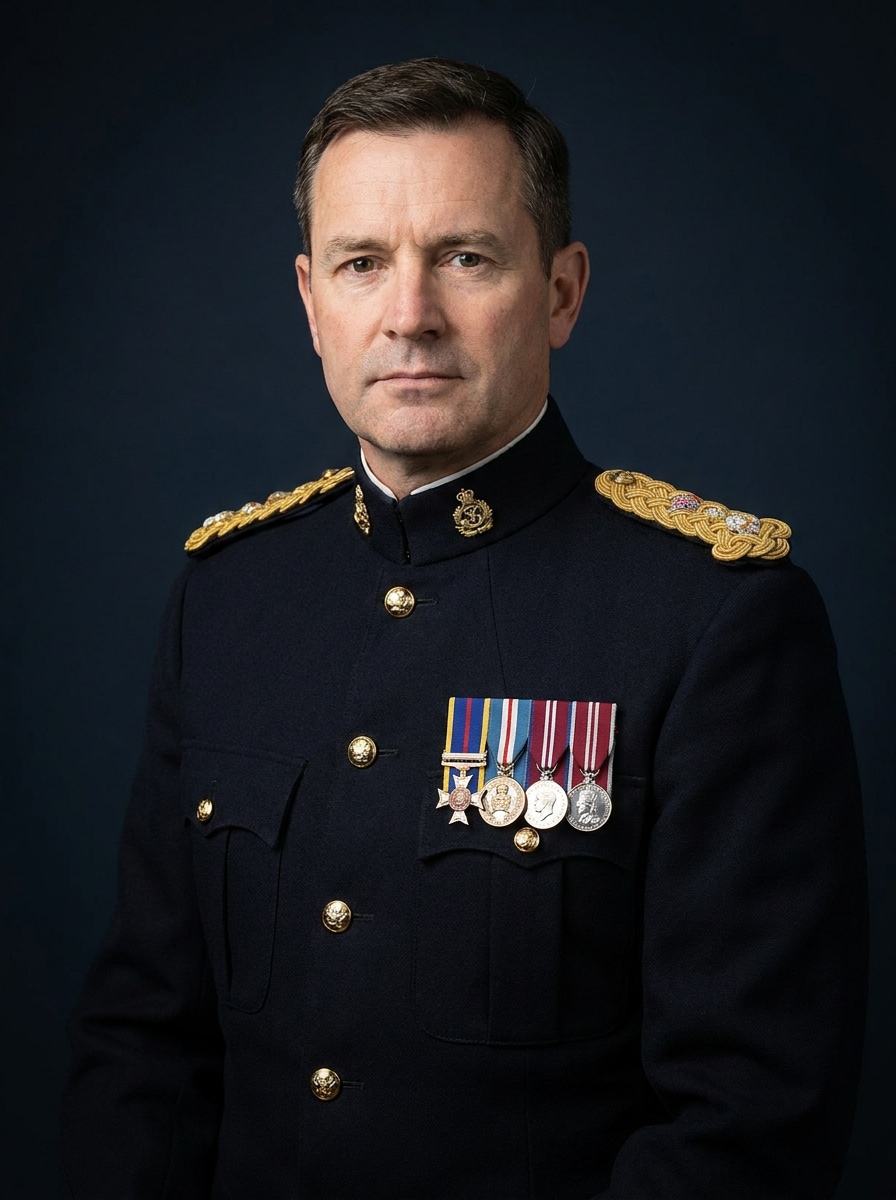
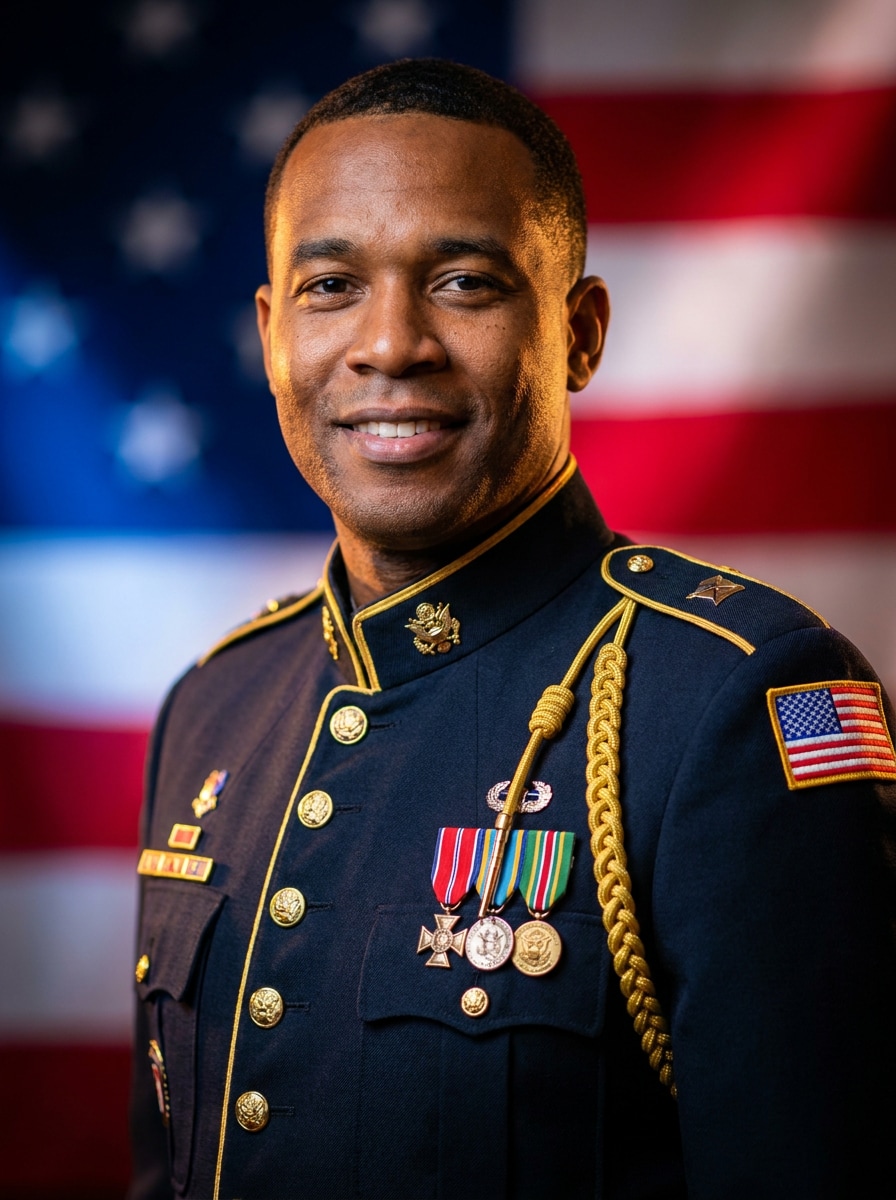
Dress Uniform Portrait
Use the uploaded image as the subject and create a formal military-style portrait in ceremonial dress uniform. Preserve the face clearly, add polished buttons, medals, epaulettes, and a crisp tailored jacket, use a dark blue backdrop, soft professional portrait lighting, elegant composition, refined textures, and a respectful dignified mood.
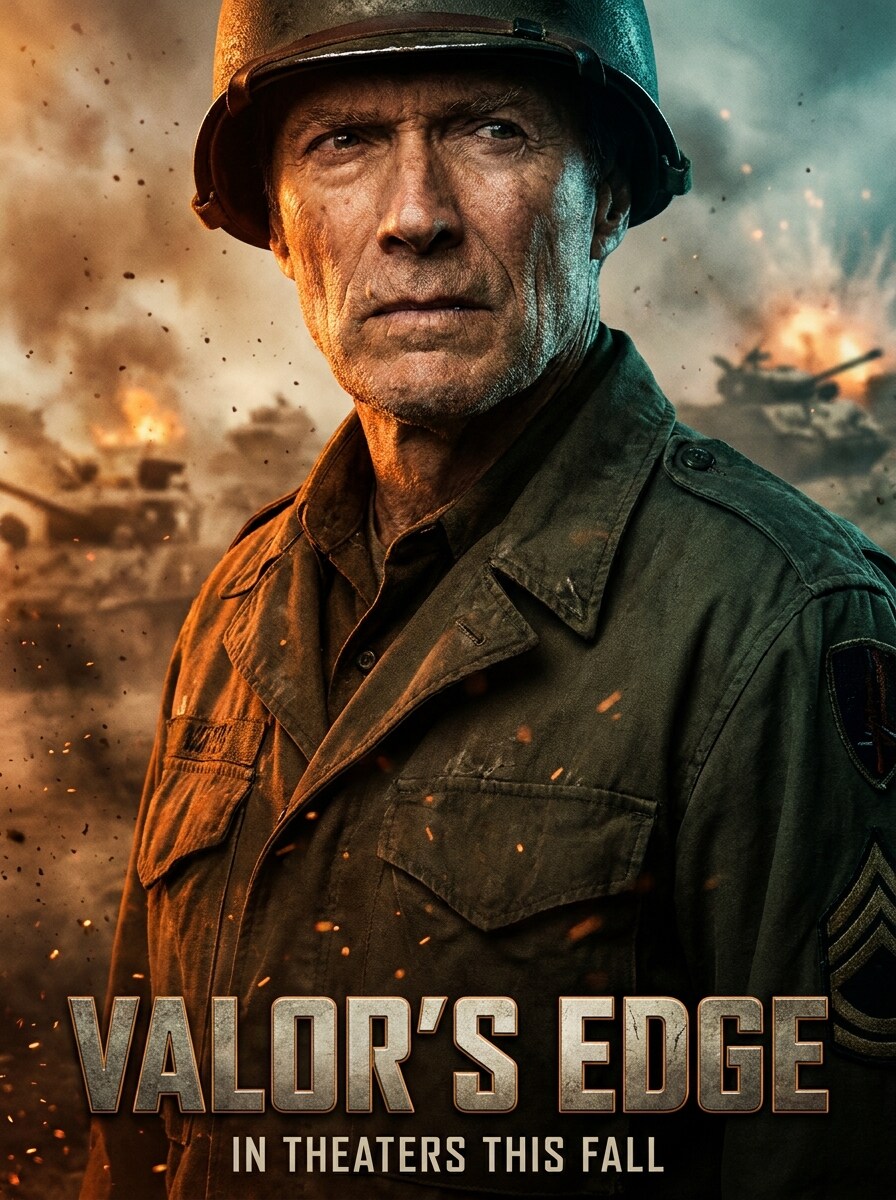
War Movie Poster
Use the uploaded photo as the subject and transform it into a cinematic war movie poster. Keep facial identity visible, add a rugged military uniform, drifting smoke, dust particles, dramatic orange and teal lighting, high-contrast poster composition, intense eye contact, textured atmosphere, and bold blockbuster energy.
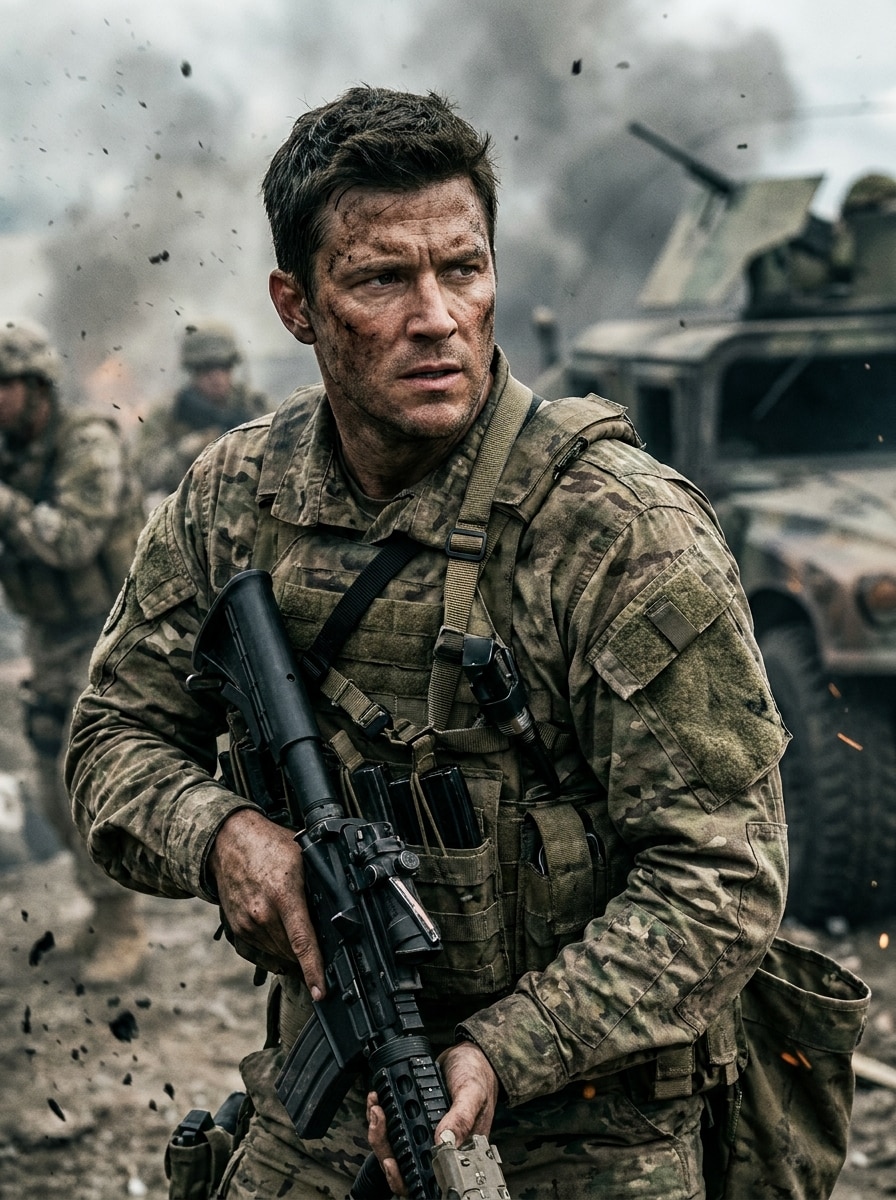
Battlefield Hero
Use the uploaded selfie as the subject and make it look like a battlefield hero scene. Preserve the face, add camouflage gear and tactical straps, place the subject in a smoky warzone backdrop with motion grit, cinematic shadows, earthy green and brown tones, dramatic contrast, and a brave action-driven mood.
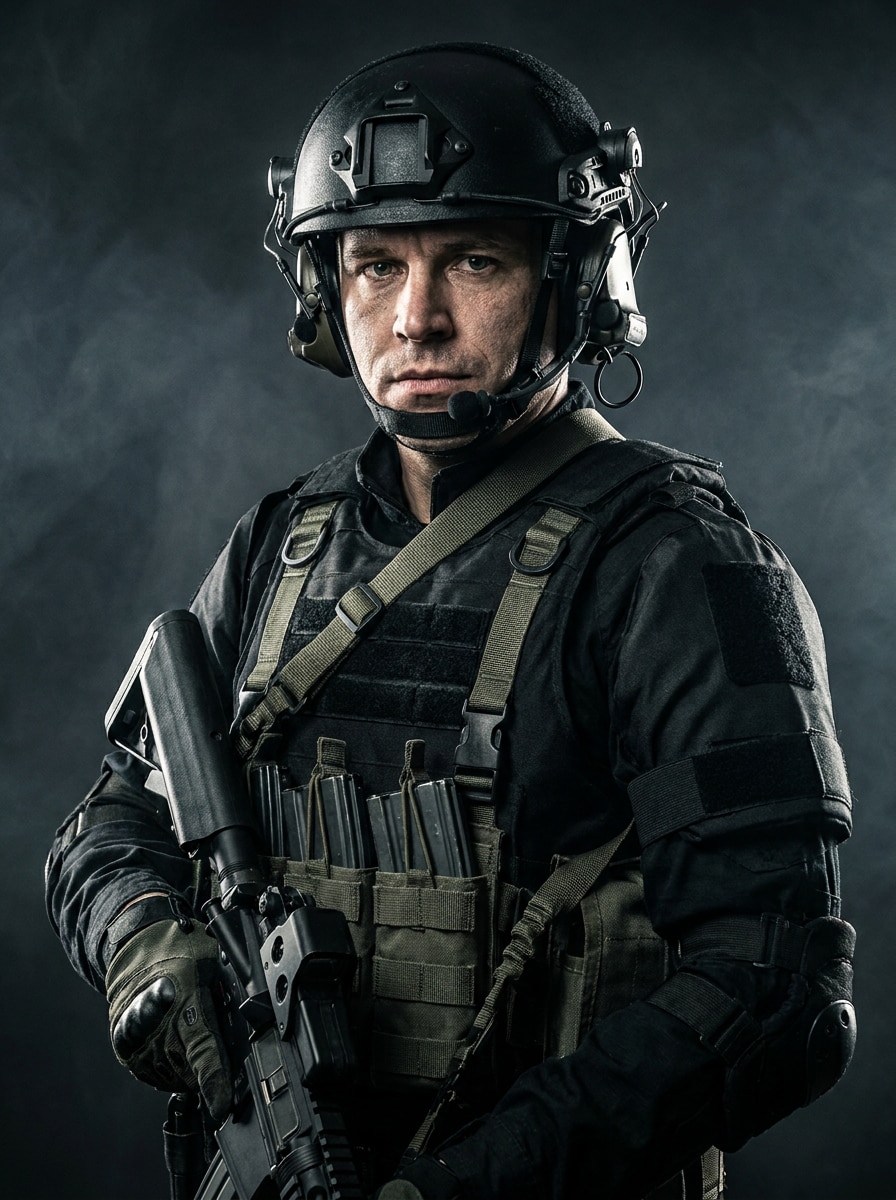
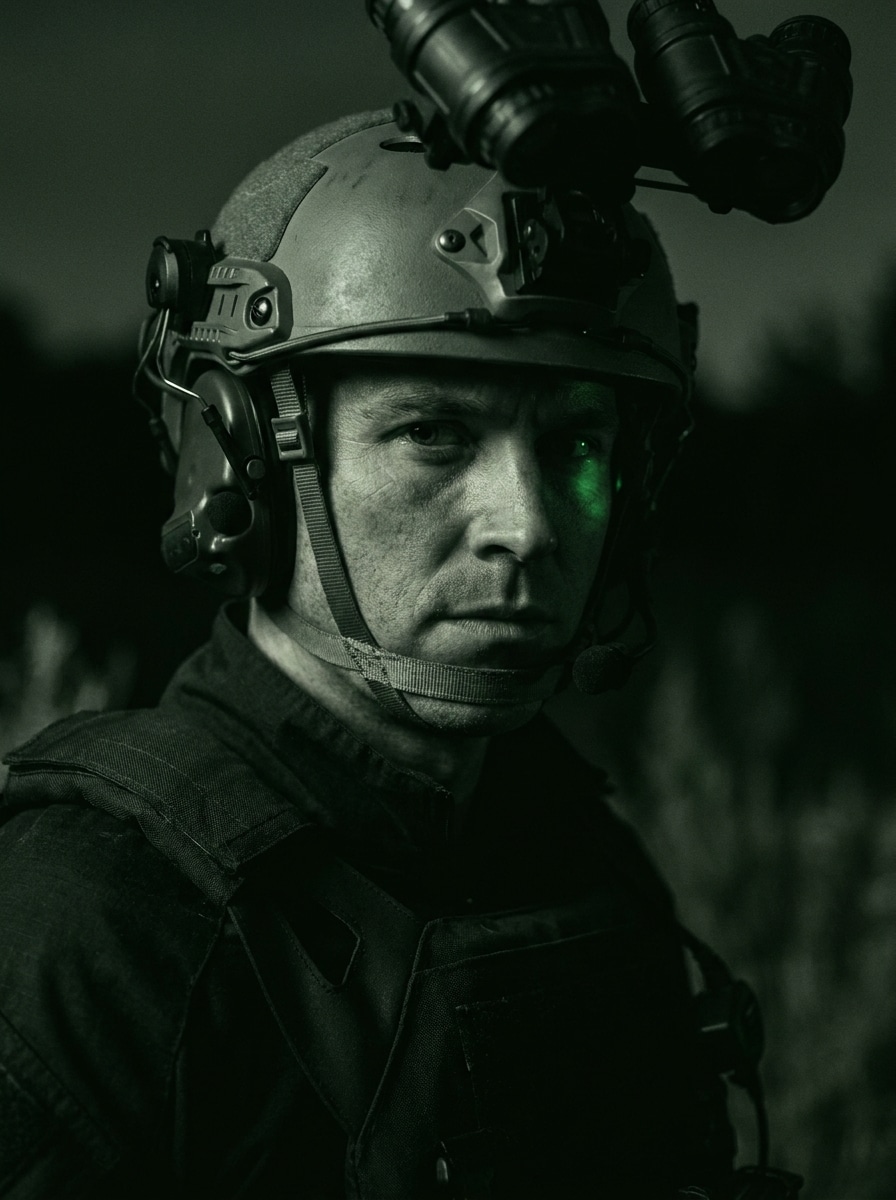
Night Vision Commando
Use the uploaded portrait as the subject and create a dark commando look with night-mission energy. Keep the face recognizable, add a tactical helmet, comms gear, and lightweight armor, use green-black color grading, moody shadows, subtle night-vision glow, precise facial detail, and a stealthy cinematic atmosphere.
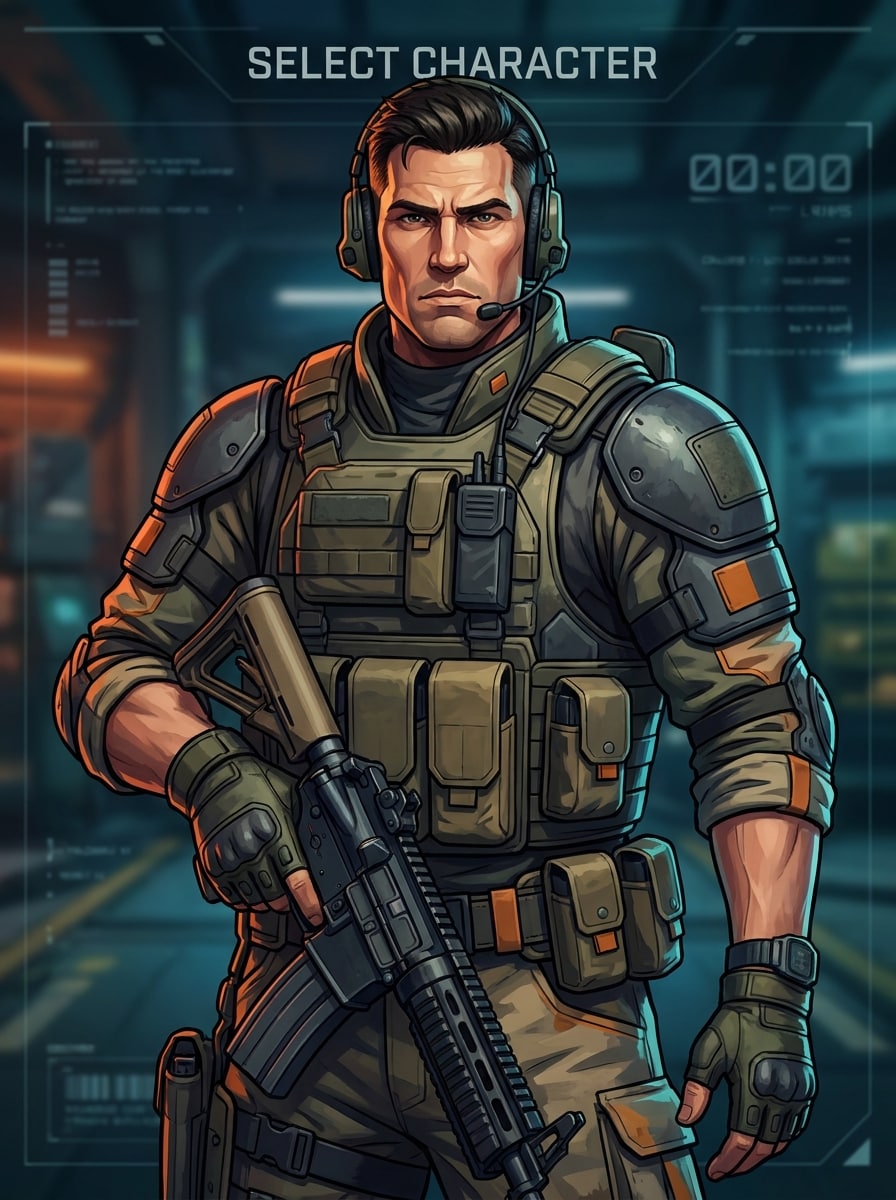
Game Character Soldier
Use the uploaded image as the subject and turn it into a game-style soldier avatar. Keep the main facial features recognizable, add tactical armor and utility gear, use bold color grading, crisp edges, a semi-realistic game-art finish, selection-screen framing, controlled highlights, and a confident high-energy character mood.
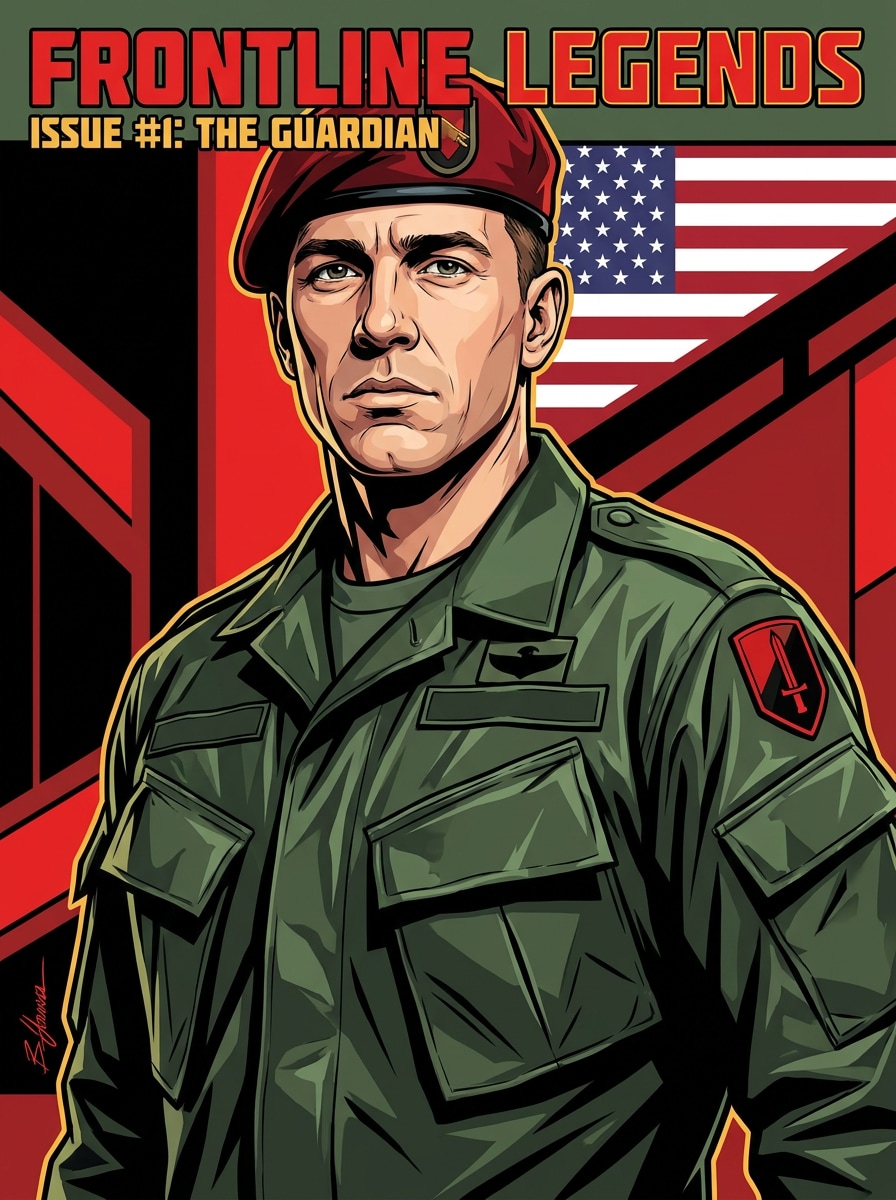
Comic Book Soldier
Use the uploaded photo as the subject and transform it into a comic-book soldier portrait. Preserve the face shape and expression, add a military outfit with dramatic folds, bold linework, graphic shadows, vivid but controlled greens, reds, and blacks, heroic framing, and a polished illustrated cover-style finish.
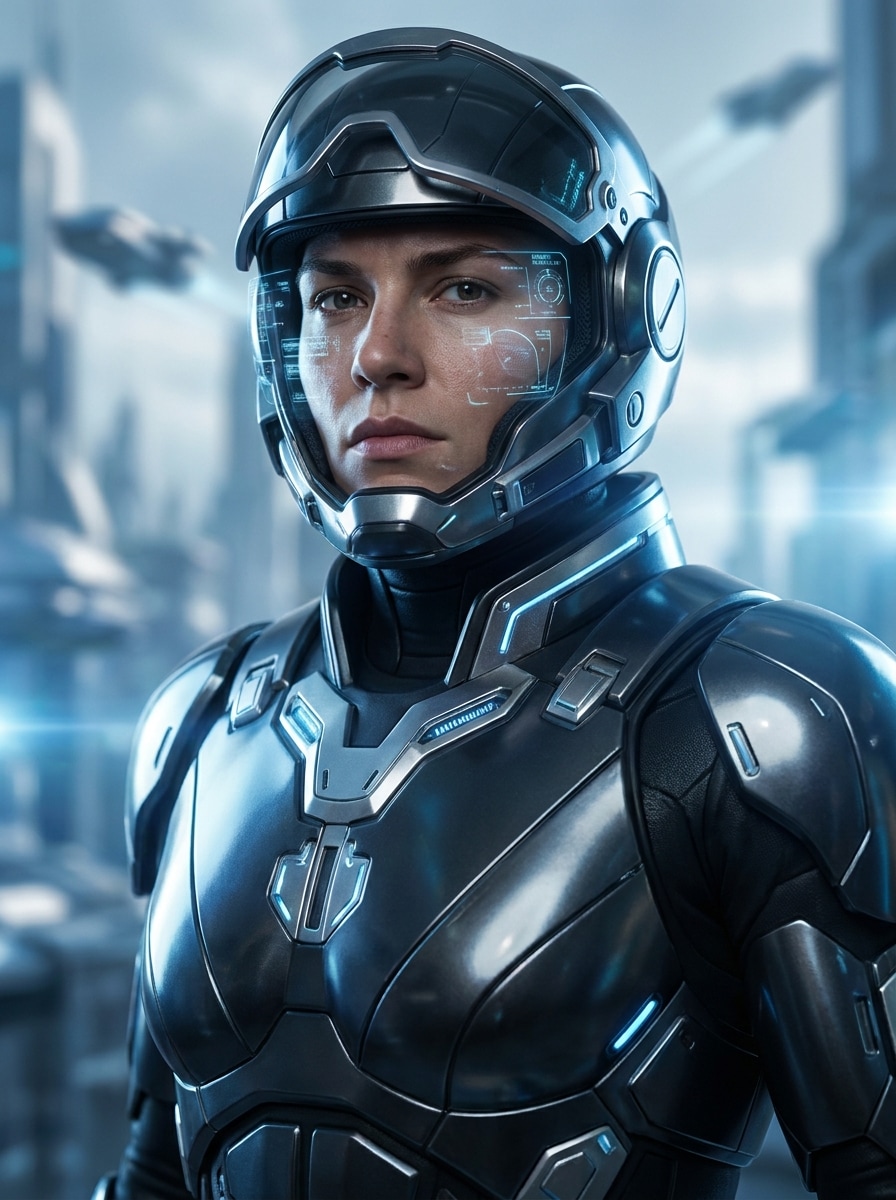
Sci-Fi Future Soldier
Use the uploaded portrait as the subject and create a futuristic soldier version. Keep the face recognizable, add sleek sci-fi armor, glowing interface accents, metallic textures, cool blue lighting, subtle holographic details, cinematic depth, and a realistic-meets-futuristic mood with premium sharpness.
Patriotic Hero Portrait
Use the uploaded selfie as the subject and create a patriotic hero portrait. Preserve the face naturally, add a military-style uniform, a subtle flag-inspired background, warm dramatic lighting, respectful chest-up composition, rich red, blue, and neutral tones, realistic textures, and an honorable uplifting mood.
Why Use Media.io for Military-Style Portrait Transformations
Keep the Subject Recognizable in New Styles
For selfie-to-uniform edits, Media.io lets you upload a reference image and guide the transformation so your features stay familiar while the outfit, lighting, and background shift into a believable military uniform filter look.
Switch Between Tactical, Formal, Cinematic, and Game Looks
If style direction matters, Media.io helps you compare multiple visual approaches from the same soldier filter starting point, so choosing between realistic, cinematic, or stylized results feels faster and more practical.
Keep Final Visuals Sharp for Real Projects
For projects that need more than draft quality, Media.io helps create soldier filter visuals with up to 4K output, so details stay cleaner when you present, crop, or reuse the final image.
Create and Refine Soldier Edits Right in Your Browser
Switching between phone and computer is easier with Media.io because soldier filter creation stays in the browser, giving you a practical way to make and refine images wherever you work, including concepts like a soldier water filter scene.
How to Make a Soldier-Style Portrait from Your Photo
Turn your words into stunning visuals in three simple steps, then continue refining the result if you want to take it further.
Step 1
Upload Your Reference Image
Start with a clear selfie or portrait in JPG, PNG, or JPEG format. A front-facing photo with good lighting helps the tool preserve your face more accurately during the transformation.
Step 2
Describe the Change and Set Options
Enter the look you want, such as tactical operator, cinematic poster, formal uniform, or futuristic commando. Then choose your model and adjust aspect ratio, resolution, and image count to match your final use.
Step 3
Generate, Download, and Keep Improving
Create your results, compare different variations, and download the version you like best. If needed, refine the prompt, try another style, or generate more options for a stronger final portrait.
See how creators use this Soldier Filter for content, marketing, and personal projects, then adapt each idea to fit the brief with Media.io.
Create a Shareable Tactical Profile Picture
Turn a simple selfie into a dramatic character-style portrait for TikTok, Instagram, Discord, or gaming profiles. Media.io gives you a quick way to build a bold visual identity without learning complex photo editing.
Design Cinematic Poster Art from a Portrait
Use one photo to build a war-poster or hero-scene composition with smoke, dramatic light, and uniform details. Media.io makes this useful for thumbnails, fan edits, event graphics, and stylized personal artwork.
Explore Different Uniform Concepts Before Posting
Test realistic, formal, futuristic, or illustrated looks from the same source image to find the version that fits your brand or content. Media.io is especially useful when you want a polished soldier portrait effect instead of a generic avatar.
What Users Say About This Soldier Filter
Marcus T.
Content Creator
"Fast, dramatic portrait edits" I uploaded a basic selfie and got a cinematic soldier-style portrait in minutes. The face stayed recognizable, and the tactical details looked much more polished than I expected from a browser tool.
Elena R.
Social Media Designer
"Great variety of looks" What I liked most was being able to switch between formal uniform, battlefield, and poster-style edits without starting over. It made concept testing much easier for short-form content visuals.
Jayden P.
Gamer & Streamer
"Perfect for avatar creation" I used it to make a game-inspired commando profile image. The result had the exact mix of realism and stylization I wanted, and the dark cinematic lighting made it stand out right away.
Nina C.
Digital Hobbyist
"Easy even for beginners" I am not a designer, so I appreciated how simple the workflow was. Upload photo, describe the style, generate, and refine. It felt approachable and still gave me impressive, high-detail results.
An AI soldier filter is an image-to-image effect that transforms an uploaded selfie or portrait into a military-style character image. With Media.io, you can turn a photo into realistic, cinematic, tactical, or stylized uniform-based portraits by guiding the AI with your reference image and prompt.
2. How do I turn my photo into a soldier image online?
Upload a clear portrait to Media.io, then describe the look you want, such as a realistic army portrait, cinematic poster, or futuristic commando scene. After that, choose your model and image settings, generate variations, and download the version that best fits your idea.
3. Is this soldier photo filter free to use?
Media.io offers free credits, so you can try this soldier photo filter without paying upfront. Free results may include watermarks, while paid plans unlock more usage and watermark-free high-resolution downloads. You can compare options on the pricing page.
4. Can I choose different military-style looks or uniforms?
Media.io supports a wide range of visual directions, including realistic camouflage portraits, tactical operator scenes, formal dress-uniform looks, poster-style edits, and futuristic armor concepts. That flexibility makes Media.io useful whether you want a serious portrait, a stylized avatar, or an AI military-themed character image.
5. Will the AI keep my face recognizable in the final image?
It can, especially when you start with a clear, well-lit reference photo. Media.io is built for upload-based transformations, so your image guides the result and helps the AI retain recognizable facial features while changing clothing, atmosphere, and overall style.
6. What image quality or resolution can I download?
Media.io lets you generate and download images in 1K, 2K, and 4K resolution options, depending on your plan and workflow. You can also adjust aspect ratios such as 1:1, 9:16, 16:9, 4:3, and 3:4 to match profile use, posters, covers, or social content. Free users may have watermarks.