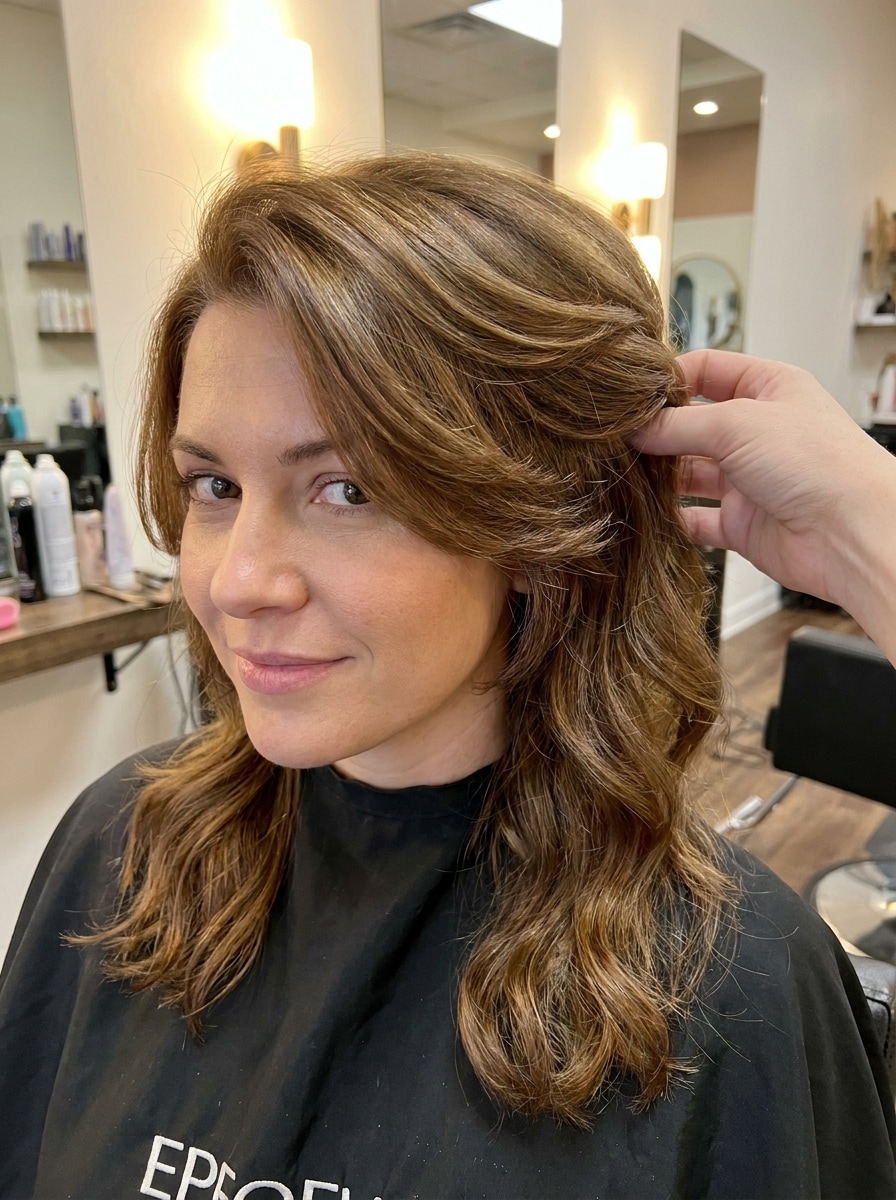
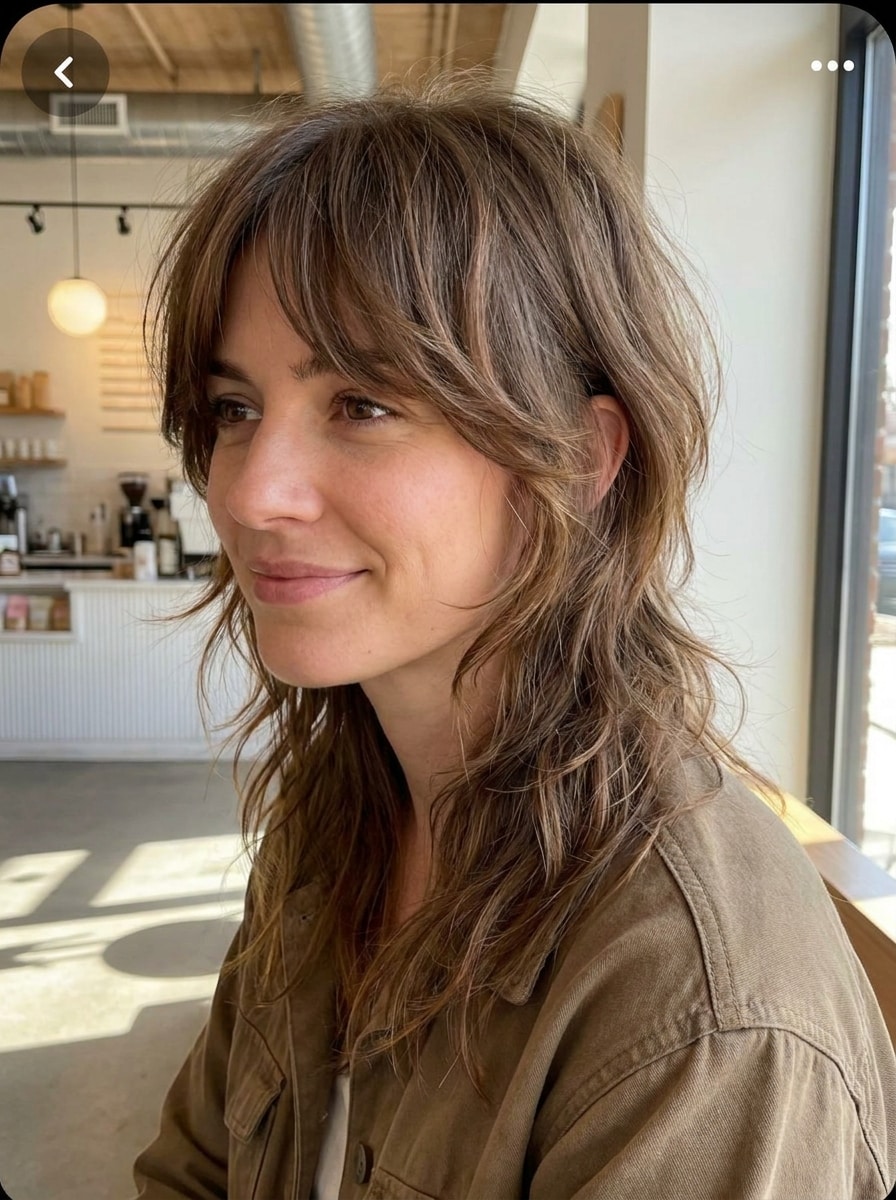
Try a Mullet Filter on Your Photo for Realistic Hairstyle Previews
Use mullet filter to preview a realistic haircut on your own photo in minutes. Upload one portrait, test modern, shaggy, curly, or fade variations, and use this AI mullet filter to compare looks online before you commit to a real cut.
Review these example directions, then tailor the prompt details to get stronger results with this mullet haircut filter.
Modern Soft Mullet
Use the uploaded image as the subject and transform the hairstyle into a modern soft mullet with airy layered texture, subtle length in the back, neatly blended sides, and soft face-framing movement. Keep identity, skin tone, pose, lighting, and background unchanged with realistic salon-quality detail.
Classic Retro Mullet
Use the uploaded photo as the base and add a classic retro mullet with shorter top and sides, fuller crown shape, and noticeably longer hair in the back. Keep the face recognizable, preserve natural lighting and background, and render realistic strand detail with a playful throwback vibe.
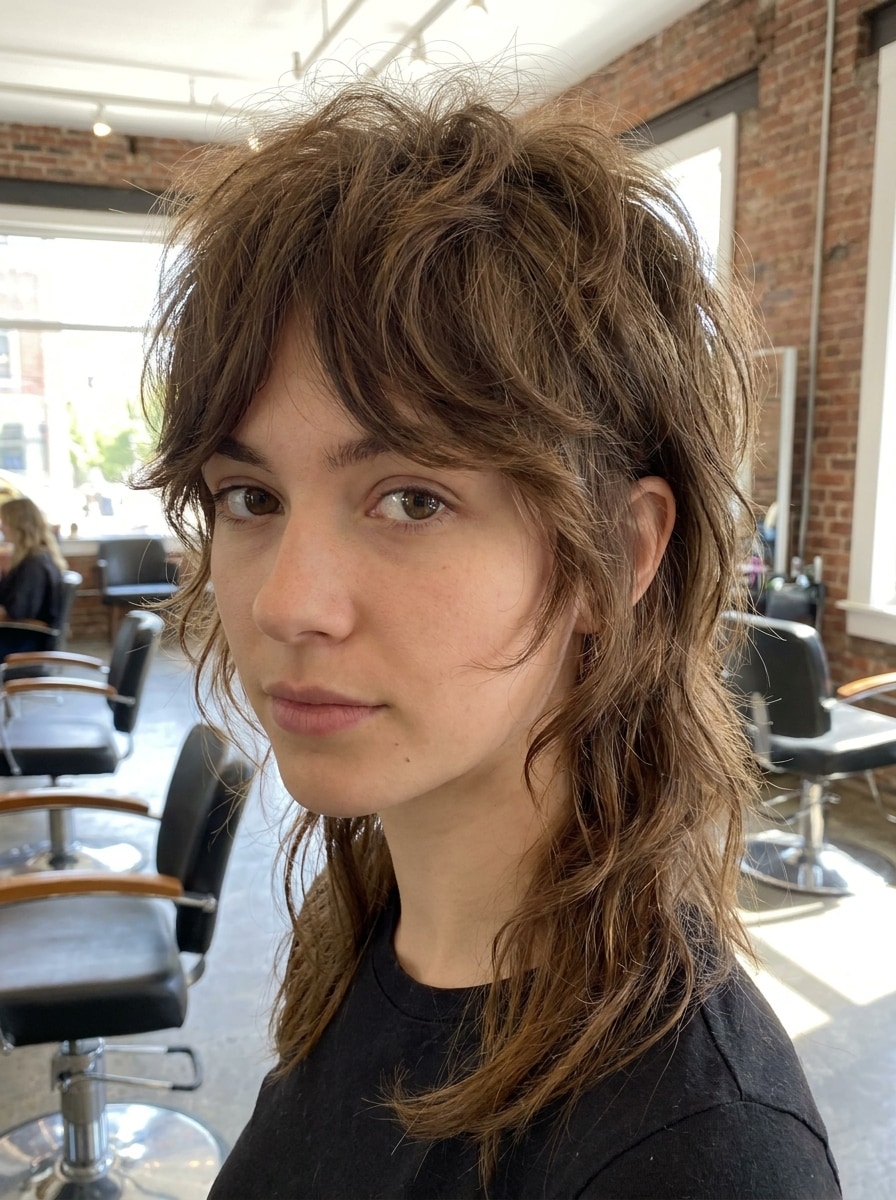
Shaggy Mullet
Use the uploaded portrait as the subject and turn the current hairstyle into a shaggy mullet with choppy layers, textured ends, soft messy volume, and a relaxed edgy finish. Keep the original facial features, hair tone, lighting, and background intact with realistic strand movement.
Wolf Cut Mullet
Use the uploaded image and restyle the hair into a wolf cut mullet hybrid with lifted crown layers, textured side framing, and tapered back length. Keep the person recognizable and preserve the original lighting, skin detail, and background for a fashionable but believable transformation.
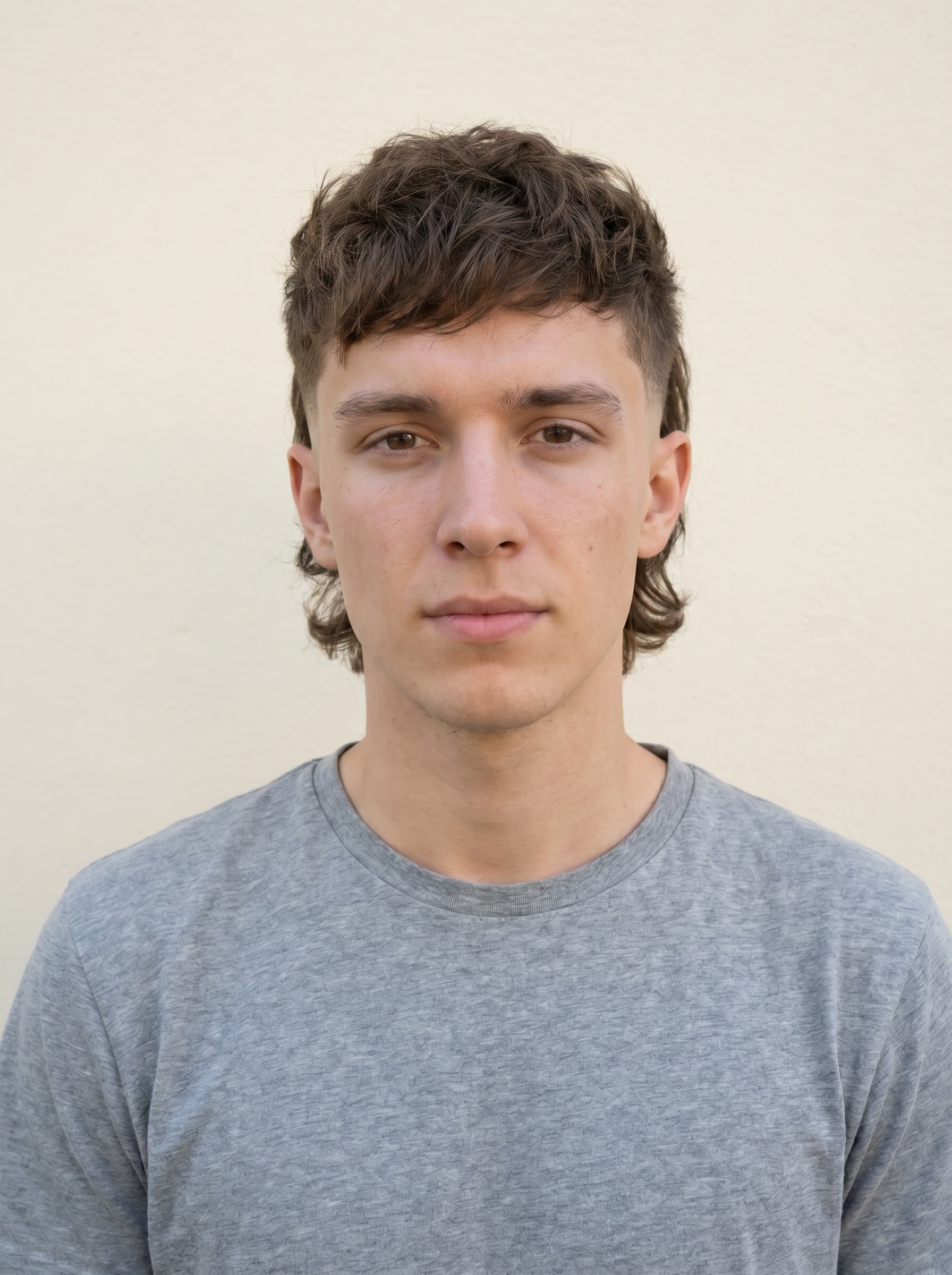
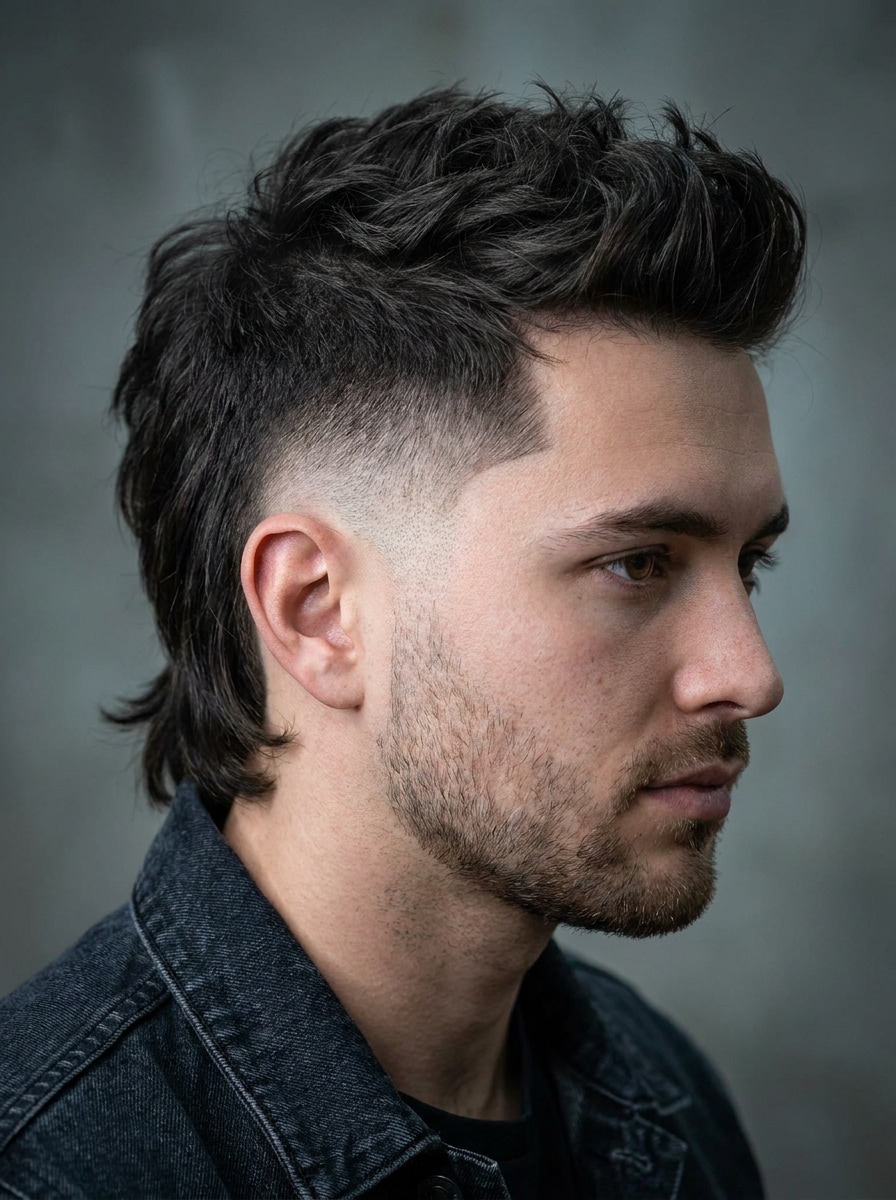
Fade Mullet
Use the uploaded portrait as the reference and create a clean fade mullet with tapered sides, textured top, and longer hair at the back. Keep the jawline, facial identity, skin tone, and photo lighting consistent, and render the haircut with barbershop-level realism and crisp edge detail.
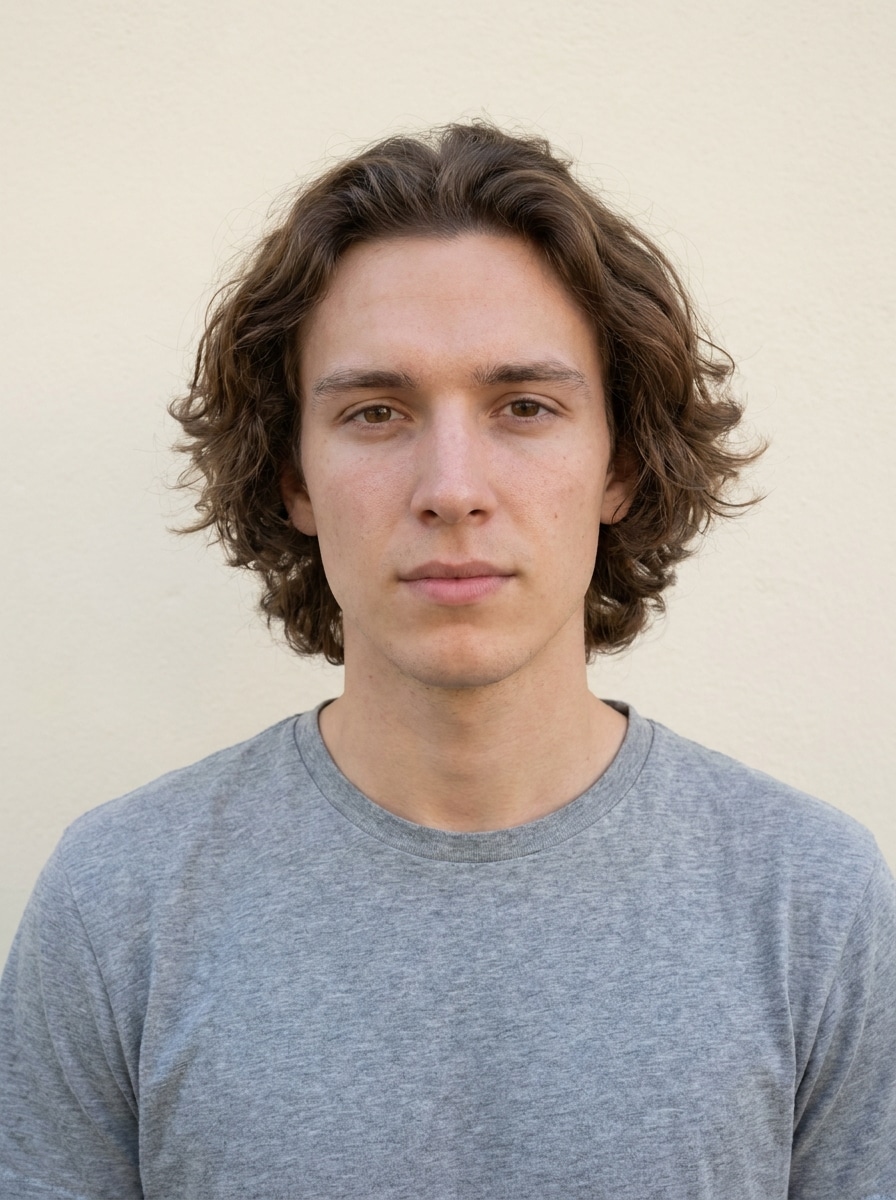
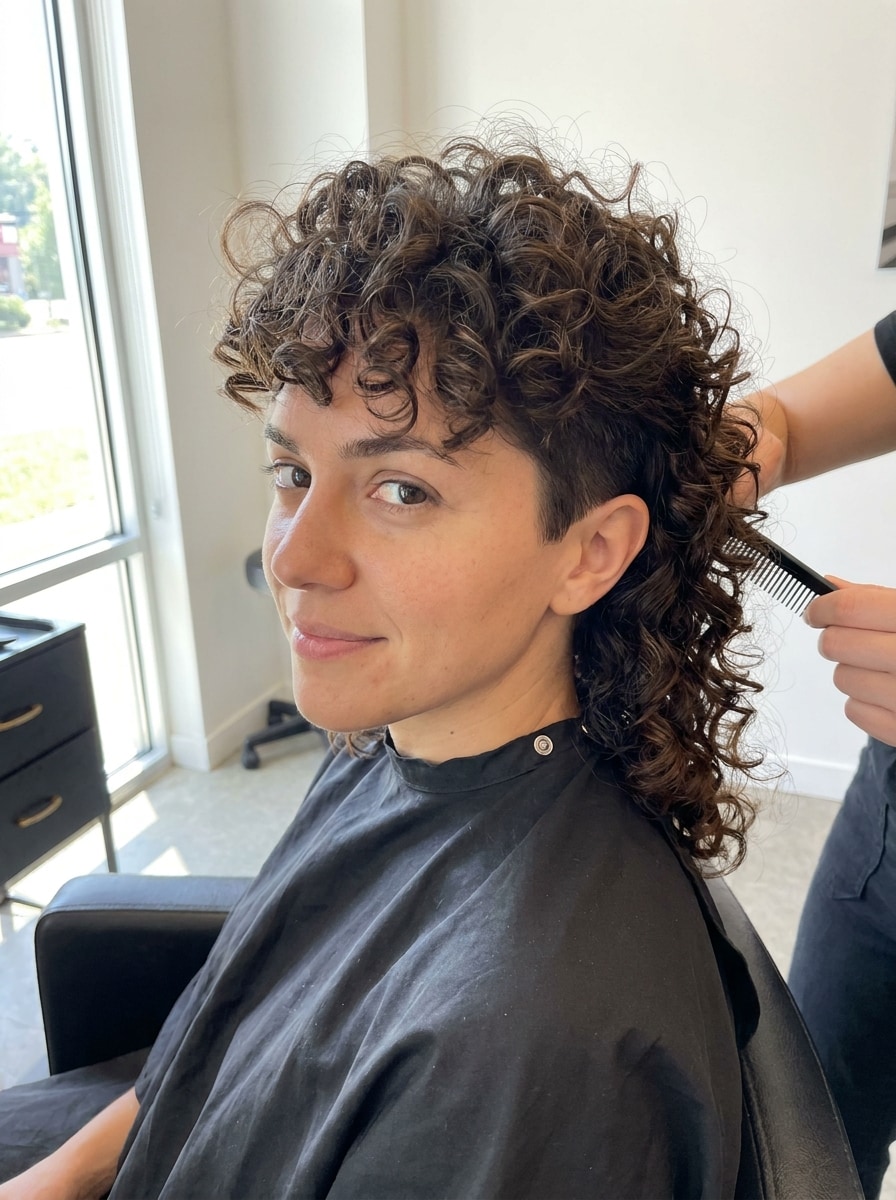
Curly Mullet
Use the uploaded image as the subject and transform the hairstyle into a curly mullet with defined curl texture, balanced volume on top, and longer curls flowing in the back. Preserve facial identity, lighting, and background while keeping the curl pattern natural and photorealistic.
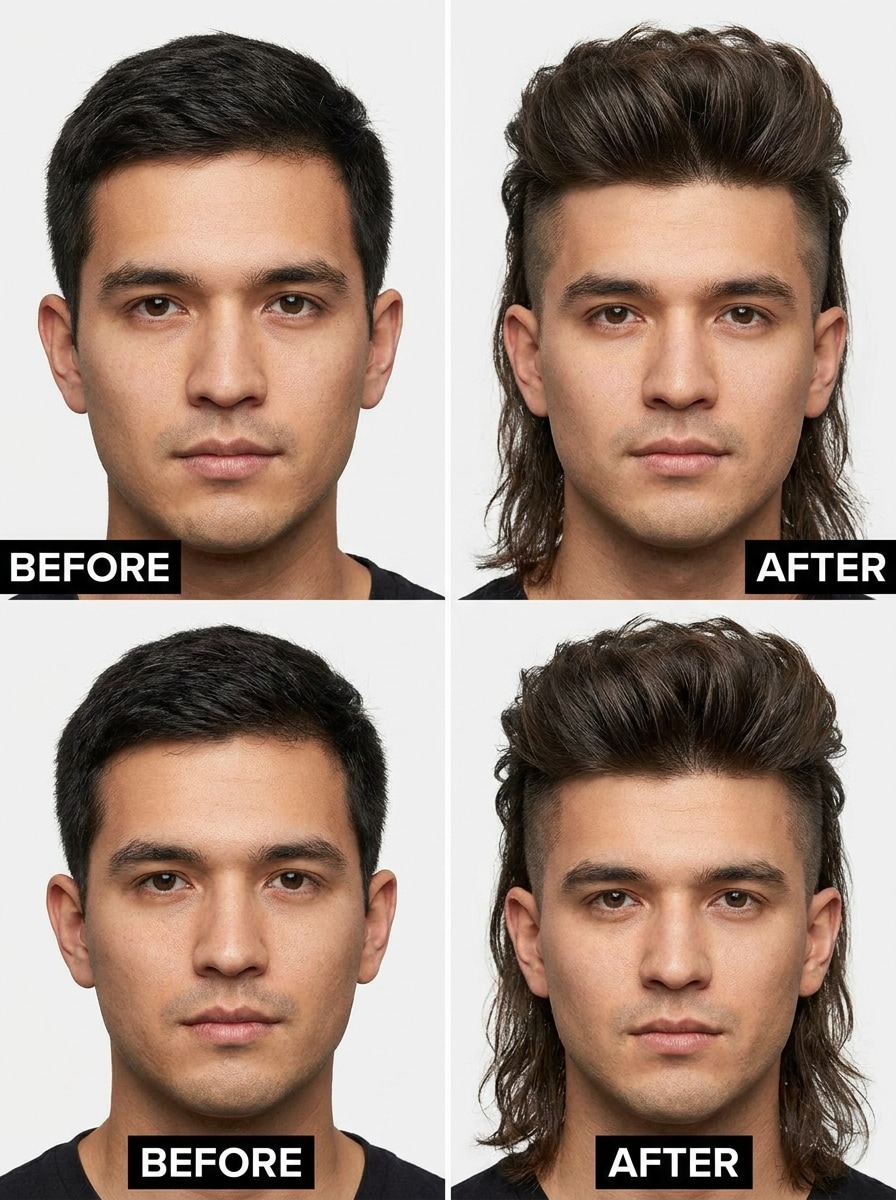
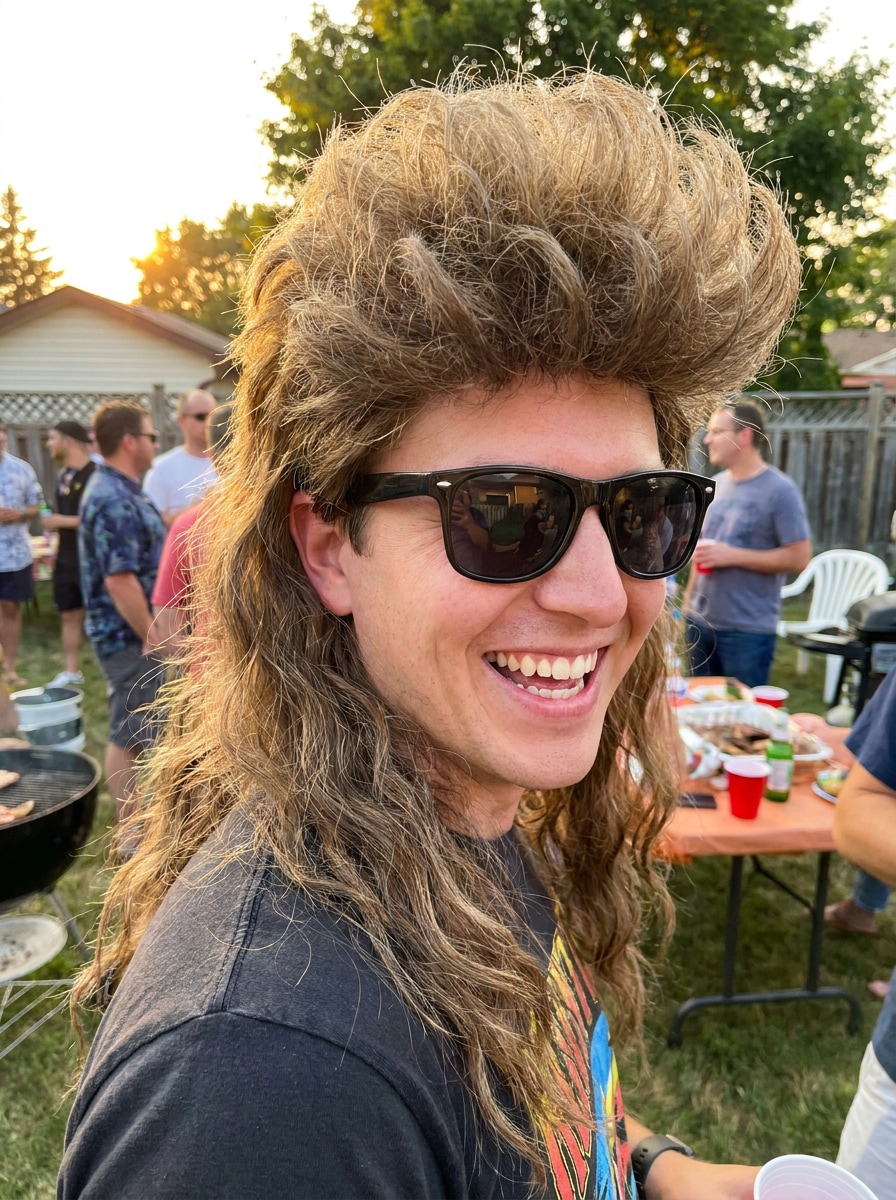
Extreme Party Mullet
Use the uploaded photo as the base and create an exaggerated party mullet with dramatic length contrast, bold top volume, and extra playful back length. Keep the subject recognizable and the image realistic, preserving skin tone, lighting, and background for a fun viral before-and-after effect.
Glam Mullet Blowout
Use the uploaded portrait and restyle the hair into a glam mullet blowout with smooth volume, polished layered ends, glossy shine, and elegant back length. Keep facial identity, makeup, skin tone, lighting, and background unchanged for a refined editorial makeover.
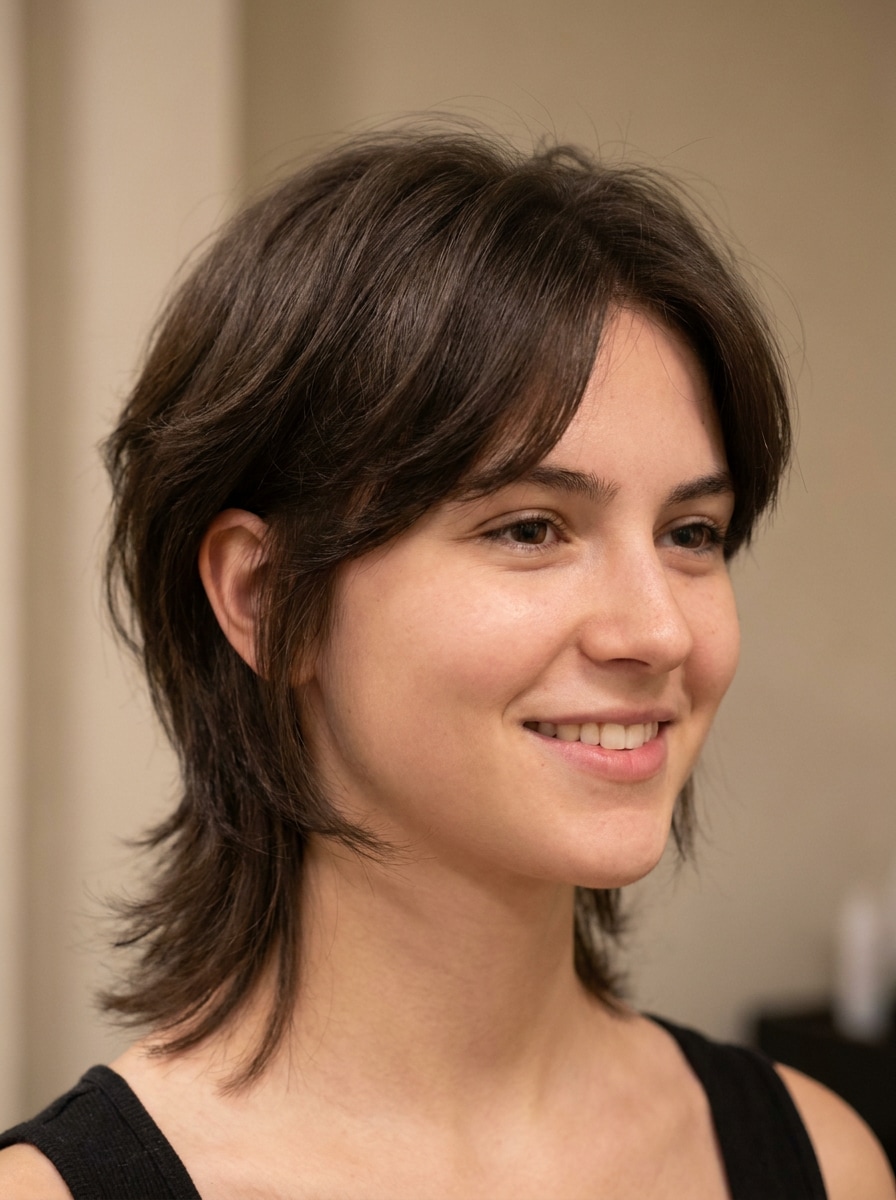
Feminine Mullet
Use the uploaded image as the subject and create a feminine mullet with soft framing layers, a modern silhouette, airy texture, and gentle back length. Keep the person recognizable, maintain realistic hairline integration, and preserve the original background and lighting for a flattering result.
Short Mullet Preview
Use the uploaded portrait as the reference and preview a short mullet haircut with subtle back length, tidy texture, and balanced proportions that feel easy to wear. Keep facial features, hair color, background, and lighting unchanged while rendering a realistic salon consultation look.
Why Use Media.io to Try a Mullet Hairstyle Online
Preview a recognizable new look from your own photo
For haircut decisions, Media.io lets you upload a portrait and try mullet hairstyle options while keeping your face, lighting, and overall identity recognizable, so the result feels more like a real salon preview than a generic face swap.
Match the Right Style for Every Version
If the creative direction is still open, Media.io helps you test multiple looks built around the same mullet filter idea, making it easier to explore different versions without rebuilding the image from zero.
Keep Final Visuals Sharp for Real Projects
When a mullet filter visual is headed for real publishing use, Media.io gives you sharper output up to 4K, which helps the image stay clear across presentations, backgrounds, and reused assets.
Create in Browser Across Devices
To compare more than one cut in a single session, Media.io makes it easy to test several versions with its mullet haircut filter workflow, so you can move from soft modern layers to a sharper barber-inspired finish without starting over.
How to Use the Mullet Filter
Turn your words into stunning visuals in three simple steps, then continue refining the result if you want to take it further.
Step 1
Upload Your Reference Image
Start with a clear portrait or selfie in JPG, PNG, or JPEG format. A front-facing photo with visible hairline, good lighting, and minimal obstruction gives Media.io a stronger base if you want to try mullet hairstyle ideas accurately.
Step 2
Describe the Change and Set Options
Enter the mullet style you want, such as modern, shaggy, curly, retro, or fade, then choose your preferred model and adjust aspect ratio, resolution, or image count to match how you plan to compare or share results.
Step 3
Generate, Download, and Keep Improving
Generate your hairstyle preview, compare different variations, and download the version you like best. If needed, refine the prompt, test another mullet shape, or create extra versions until the look feels right for your face and style.
See how creators use this mullet filter for content, marketing, and personal projects, then adapt each idea to fit the brief.
Test a new cut before booking the barber
Use Media.io to preview different lengths, layers, and side treatments before making a real haircut decision. It is especially useful when you want a more confident consultation photo instead of trying to explain the look from memory.
Create shareable before-and-after social posts
Turn a normal selfie into a dramatic hairstyle transformation for TikTok, Instagram, or group chats. A realistic preview from Media.io helps your content feel more clickable than a novelty lens, whether you want humor, trend testing, or style feedback.
Compare flattering versions for your face shape
Try softer, sharper, shorter, or more textured interpretations to see what balances your features best. This works well for anyone searching for a believable mullet haircut filter rather than a one-style-fits-all edit.
What Users Say
Jordan M.
Content Creator
"Way more realistic than a novelty lens" I wanted a before-and-after post, and this gave me a hairstyle preview that actually looked like me. The modern and shaggy versions were convincing enough that friends thought I had already cut my hair.
Taylor R.
Student
"Easy way to compare styles fast" I tested a fade version, a curly look, and a softer mullet without downloading anything. It was helpful to compare options side by side before deciding what I might ask for at the salon.
Alex P.
Barbershop Client
"Helpful for haircut planning" I used the preview as a reference image for my barber. The result kept my face and lighting natural, so it felt much closer to a real haircut consultation than a random face filter.
Casey L.
Social Media Manager
"Great for viral transformation content" The party mullet and retro mullet outputs were hilarious but still photorealistic. It worked well on mobile in the browser, and the exports looked clean enough to post without extra editing.
1. How can I try a mullet filter on my photo online?
Upload a clear portrait to Media.io, enter the hairstyle you want, and generate the edit in your browser. This image-to-image workflow lets you test a realistic mullet on your own face, compare variations, and download the version that fits you best.
2. Is this AI mullet filter free to use?
Yes, free users can try Media.io with free credits. If you need more generations or want watermark-free high-resolution downloads, you can check the pricing page for available plans.
3. Can I choose different mullet styles like modern, shaggy, or fade?
Media.io lets you guide the transformation with your prompt, so you can request modern, shaggy, curly, retro, fade, or softer layered versions. That makes it useful when you want to compare more than one haircut direction from the same uploaded photo.
4. Will the mullet hairstyle look realistic on my face shape?
It can look very realistic when you upload a clear, front-facing photo with visible hair and good lighting. Media.io uses your reference image to keep facial identity and scene details consistent, which helps the hairstyle preview fit your proportions more naturally.
5. Do I need to download an app to use the mullet filter?
Media.io is web-based, so you can use this AI mullet filter directly in your browser without installing an app. That makes it easy to upload a photo, test styles, and save results from desktop or mobile.
6. Can I use the mullet filter on iPhone, Android, or desktop?
Media.io works on any device with a browser, including iPhone, Android phones, Windows PCs, and Mac computers. You can start your hairstyle test on mobile or desktop and use the same browser-based workflow either way.