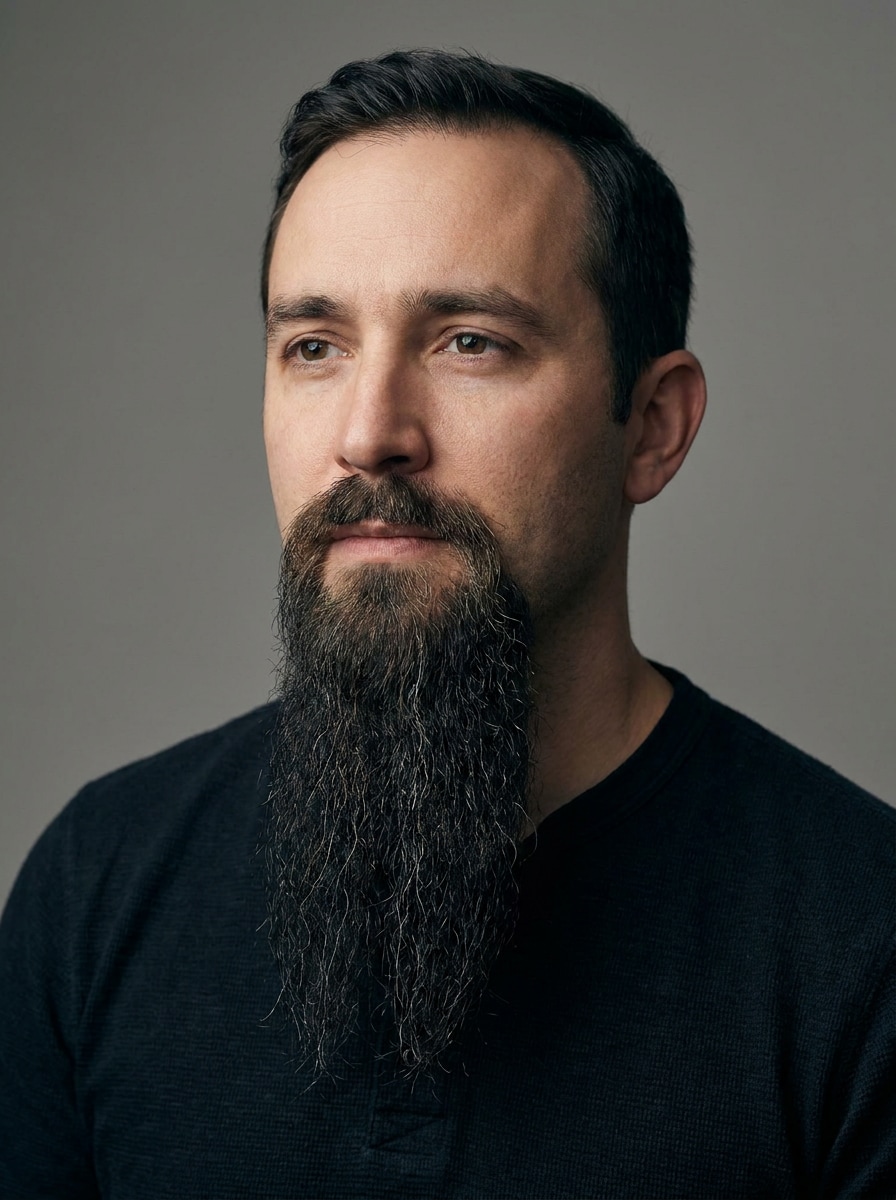
Goatee Filter for Realistic Facial Hair Try-On From Your Selfie
Upload a selfie and preview natural-looking goatee styles in seconds. Media.io helps you try goatee online with realistic texture, lighting match, and easy style changes, whether you want a classic trim, circle beard, or a sharper social-ready look.
Review these example directions, then tailor the prompt details to get stronger results with this goatee filter in Media.io.
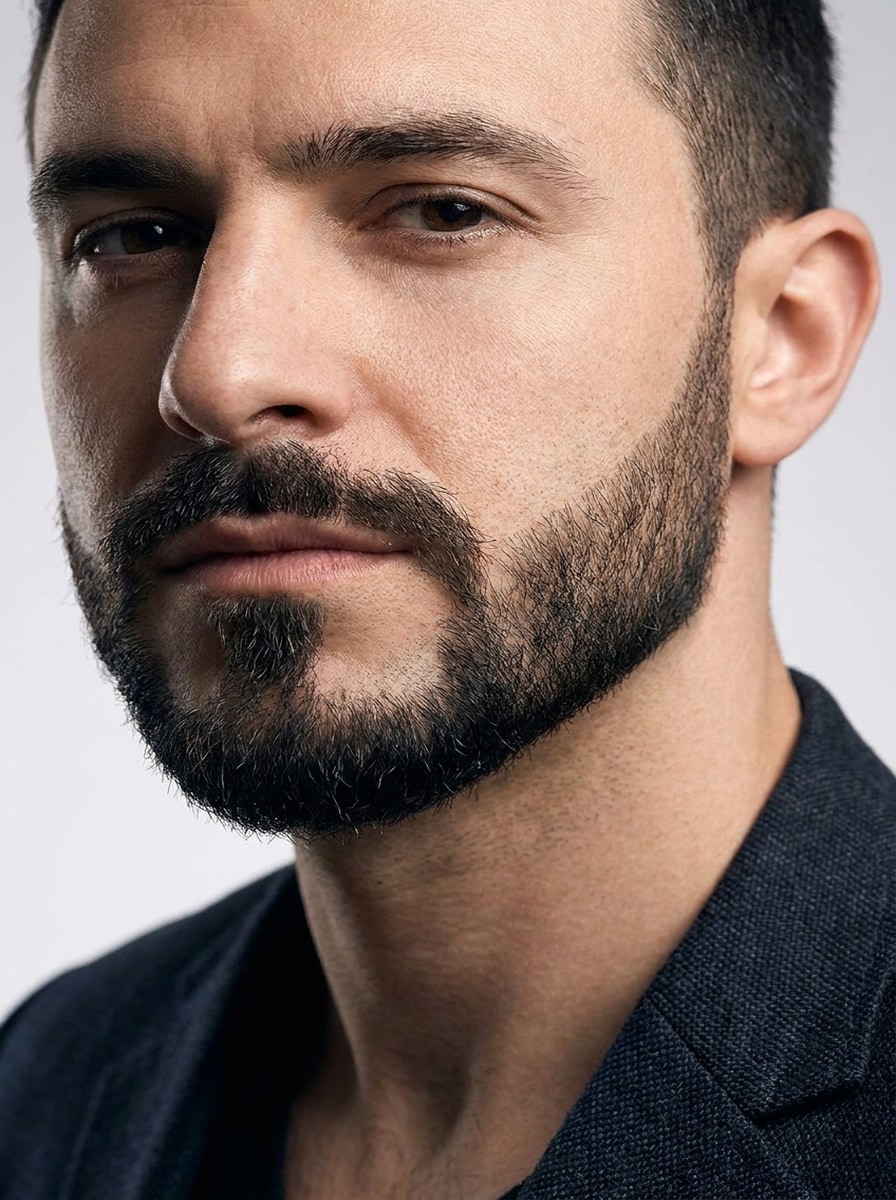
Classic Short Goatee
Use the uploaded image as the subject and add a realistic classic short goatee centered on the chin. Keep the cheeks clean, shape the beard with neat edges, match the existing facial angle and lighting, and blend natural dark hair texture with subtle shadows for a believable everyday grooming edit.
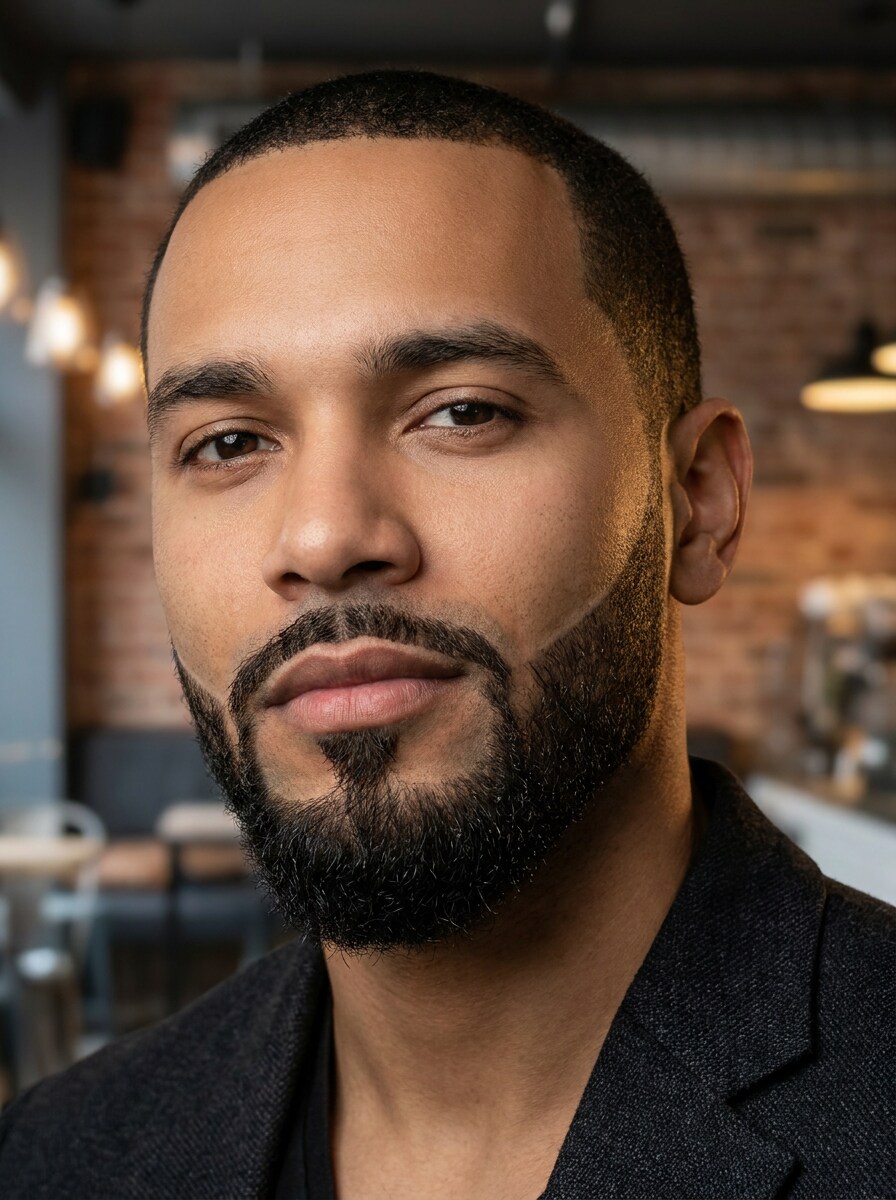
Circle Beard
Use the uploaded photo as the base and transform the subject with a realistic circle beard connected to the mustache. Keep the outline tidy and symmetrical, preserve skin texture, match hair density to the portrait, and use soft natural lighting for a polished but believable facial hair preview.
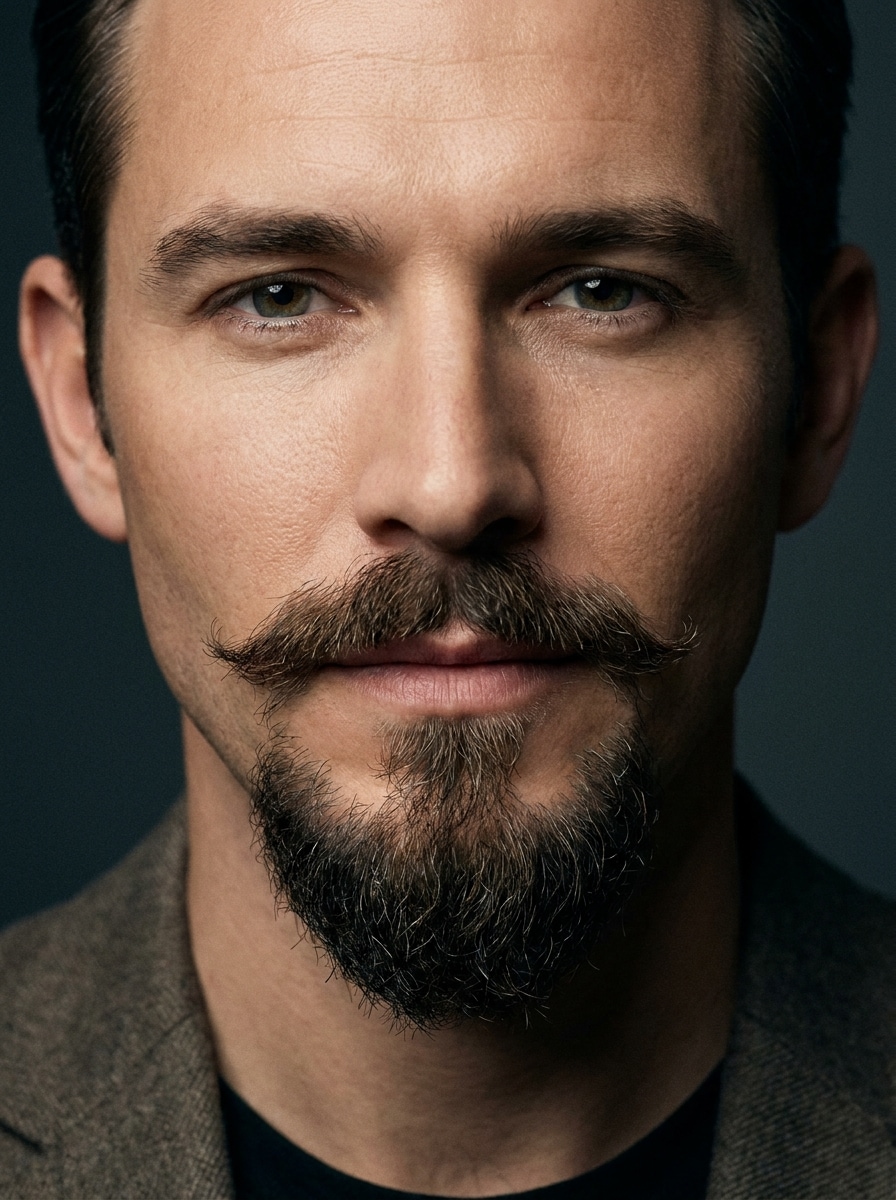
Van Dyke Goatee
Use the uploaded image as the subject and apply a sharp Van Dyke style with a pointed chin beard separated from a styled mustache. Keep cheeks clean, maintain realistic strand detail, and match the portrait lighting and face proportions for a refined, editorial-quality beard transformation.
Goatee Without Mustache
Use the uploaded selfie as the reference and add a standalone chin goatee without a mustache. Shape it neatly to fit the jawline, keep the cheeks and upper lip clean, and blend realistic beard texture, soft contrast, and natural shading into the original portrait.
Barbershop Fresh Trim
Use the uploaded image as the subject and give the portrait a fresh barbershop-style goatee makeover. Add ultra-clean lines, crisp chin definition, realistic beard texture, and subtle contrast enhancement while preserving the natural skin tone, facial structure, and believable selfie lighting.
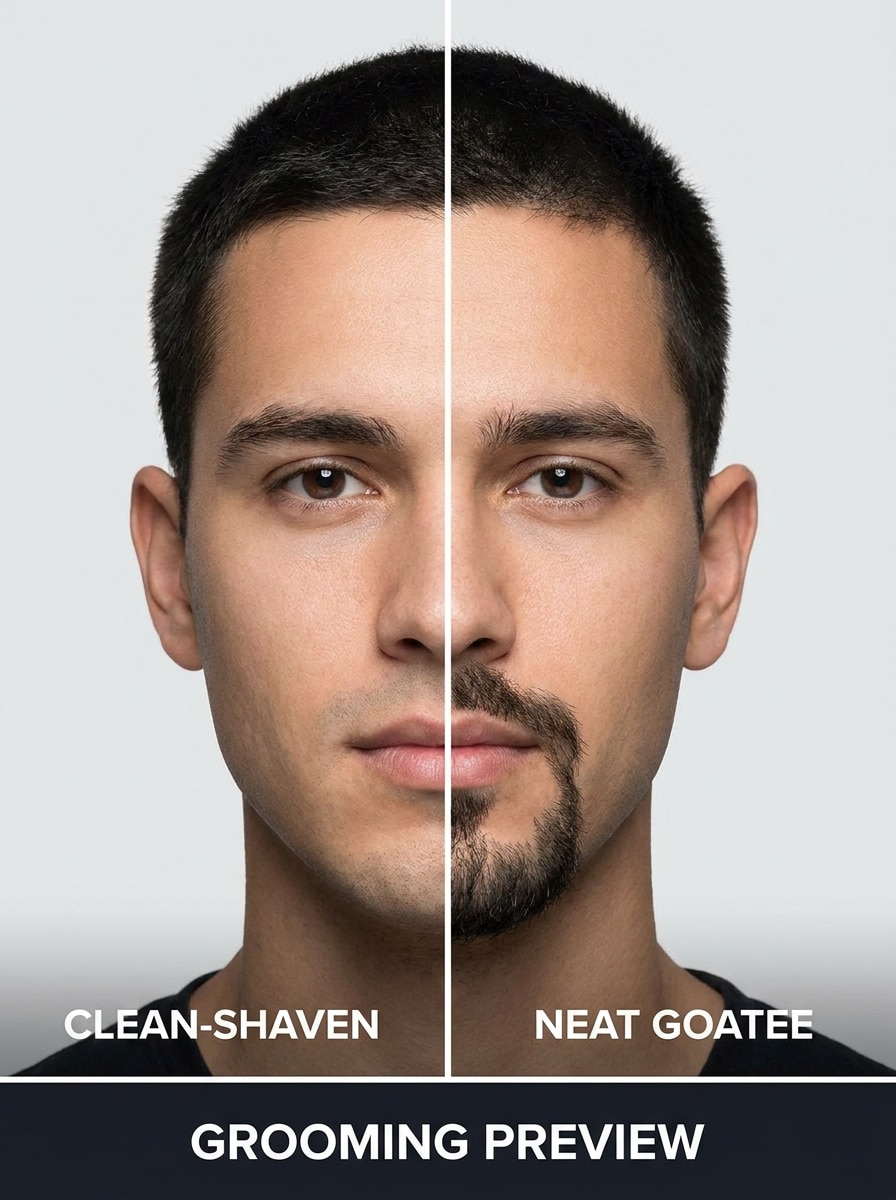
Before-and-After Goatee Comparison
Use the uploaded selfie as the reference and create a split-view comparison showing the original portrait beside a realistic edited version with a neat goatee. Keep facial position, lighting, and skin tone consistent so the transformation looks clear, useful, and social-media friendly.
Goatee for Round Face
Use the uploaded image as the subject and apply a face-slimming goatee designed to flatter a rounder face. Slightly elongate the chin beard, keep proportions balanced, and blend natural texture and shadow so the result looks flattering, realistic, and easy to evaluate before grooming.
Royale Beard Style
Use the uploaded portrait as the base and transform it with a royale-style goatee featuring a defined chin patch and mustache. Keep the trimming precise, enhance jawline structure naturally, and preserve believable hair texture, facial lighting, and realistic beard placement.
Salt and Pepper Goatee
Use the uploaded image as the subject and add a realistic salt-and-pepper goatee with mixed dark and gray strands. Keep the beard density natural, blend softly into the skin, and maintain flattering portrait lighting for a mature, premium, believable style preview.
Long Defined Goatee
Use the uploaded image as the subject and create a longer, defined goatee extending below the chin. Keep the edges tidy, width proportional to the face, and hair direction natural, with realistic lighting, texture, and a polished portrait finish that still looks wearable.
Why Use Media.io for a Goatee Beard Filter
Keep the Subject Recognizable in New Styles
Planning a facial-hair change before you trim? Media.io lets you upload one clear portrait and preview a realistic AI goatee filter result with lighting-aware blending, so the new look feels believable instead of pasted on.
Compare Multiple Goatee Styles Faster
If the style direction is still undecided, Media.io helps you explore multiple variations from the same goatee beard filter concept, so you can compare shapes and refine the look without starting over each time.
Generate Cleaner Output Up to 4K
If the final goatee filter visual will be reused beyond a small preview, Media.io helps deliver sharper results up to 4K so the image stays more reliable in practical design and presentation work.
Easy Browser-Based Editing on Any Device
Whether you are exploring goatee filter visuals on a laptop or checking drafts from your phone, Media.io keeps everything browser-based so you can pick up the same workflow across devices more easily.
How to Use the Goatee Filter
Turn your words into stunning visuals in three simple steps, then continue refining the result if you want to take it further.
Step 1
Upload Your Reference Image
Start with a clear selfie or portrait in JPG, PNG, or JPEG format. Choose a front-facing photo with visible chin, jawline, and upper lip so the beard placement looks cleaner and your goatee filter preview appears more accurate.
Step 2
Describe the Change and Set Options
Type the goatee style you want, such as a classic trim, circle beard, or Van Dyke. Then choose your preferred model and adjust aspect ratio, quality, or the number of image variations if you want to compare several facial-hair looks.
Step 3
Generate, Download, and Keep Improving
Create your edited results, compare the beard styles, and download the version you like best. If needed, refine the prompt, generate new variations, or test a different beard length and shape until the portrait matches the look you want.
See how creators use this goatee filter for content, marketing, and personal projects, then adapt each idea to fit the brief.
Preview Your Next Barber Look Before You Trim
See how a short chin beard, connected style, or sharper outline changes your face before making a real grooming decision. Media.io gives you a safer way to test a goatee style virtually before picking up the trimmer.
Create Social Glow-Up Posts and Comparison Edits
Make before-and-after portraits for TikTok, Instagram, or style content with realistic beard placement and clean visual changes. Media.io helps creators produce fast, attention-grabbing transformation posts without manual retouching, whether they want a polished edit or a goatee snapchat filter-style concept.
Find a Style That Works With Your Face Shape
Experiment with longer, tighter, or more sculpted chin styles to see what complements a rounder face, a stronger jaw, or a more mature look. Media.io makes this beard-simulation workflow practical, so you can judge proportion before growing anything out.
What Users Say
Marcus T.
Lifestyle Creator
"Fast and surprisingly realistic" I uploaded a selfie and got several believable goatee looks in minutes. The hair texture and shadows looked natural enough for social posts and personal style testing.
Ethan R.
Student
"Helped me decide before shaving" I wanted to know whether a circle beard or a shorter chin style would suit me. Seeing both on the same photo made the decision much easier.
Daniel K.
Barbershop Client
"Great for comparing styles" The side-by-side variations were the biggest win for me. I could test a Van Dyke, a classic goatee, and a longer version without downloading extra apps.
Noah P.
Mobile User
"Easy on phone and desktop" I used it on my phone first and later checked the same style ideas on my laptop. The workflow felt simple, and the beard edits looked much better than novelty filters.
1. What is a goatee filter and how does it work on a photo?
A goatee filter is an image-to-image AI editing tool that adds or reshapes facial hair on a portrait. In Media.io, you upload a selfie, describe the goatee style you want, and the AI generates a realistic beard edit that follows your face, lighting, and composition.
2. Can I try different goatee styles on one selfie?
Media.io lets you use one selfie as a reference and generate multiple style variations, which is useful for comparing a classic goatee, circle beard, royale, or longer chin shape on the same face. You can also adjust prompts and create several outputs in one round for faster comparison.
3. Is this goatee filter free to use?
Yes, free users can get started with free credits. If you need more generations or higher-end output options, you can check Media.io's pricing page. Free exports may include a watermark, while paid plans support watermark-free high-resolution downloads.
4. Will the AI beard filter look realistic on my face shape?
It can look very realistic when you upload a clear portrait with the chin and jawline visible. Media.io uses your reference image to guide placement and styling, so beard length, chin shape, and mustache connection can be adjusted to better suit different face shapes and portrait goals.
5. Can I use the goatee filter on iPhone, Android, or desktop?
Media.io is web-based, so you can use it in a browser on iPhone, Android, Windows, or Mac. That makes it easy to test a goatee look on mobile first, then review or download the result later on a desktop if you want a larger editing view.
6. How long does it take to add a goatee to an image?
It usually only takes a short workflow: upload your selfie, describe the beard style, choose your settings, and generate the result. Because Media.io works online in the browser, it is a quick way to preview facial hair without manual photo editing or a barber visit.