
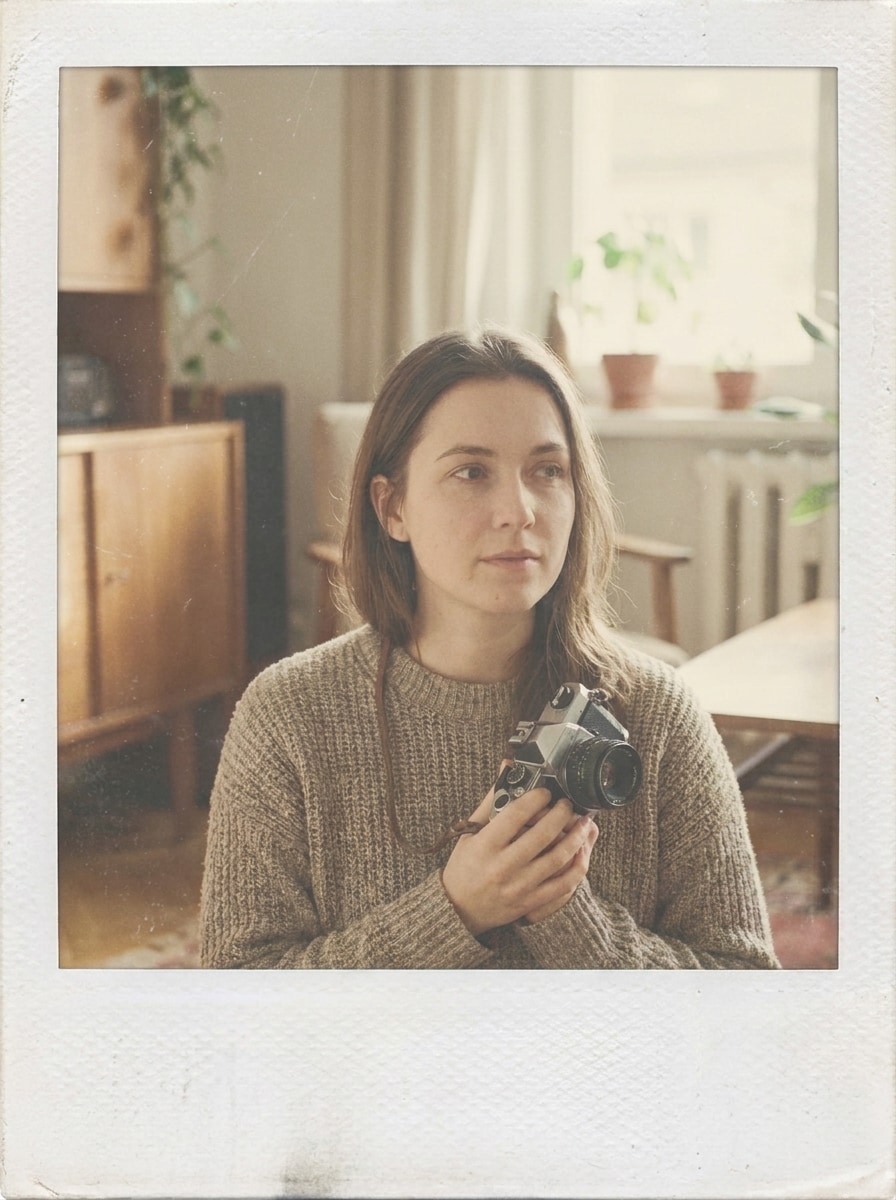
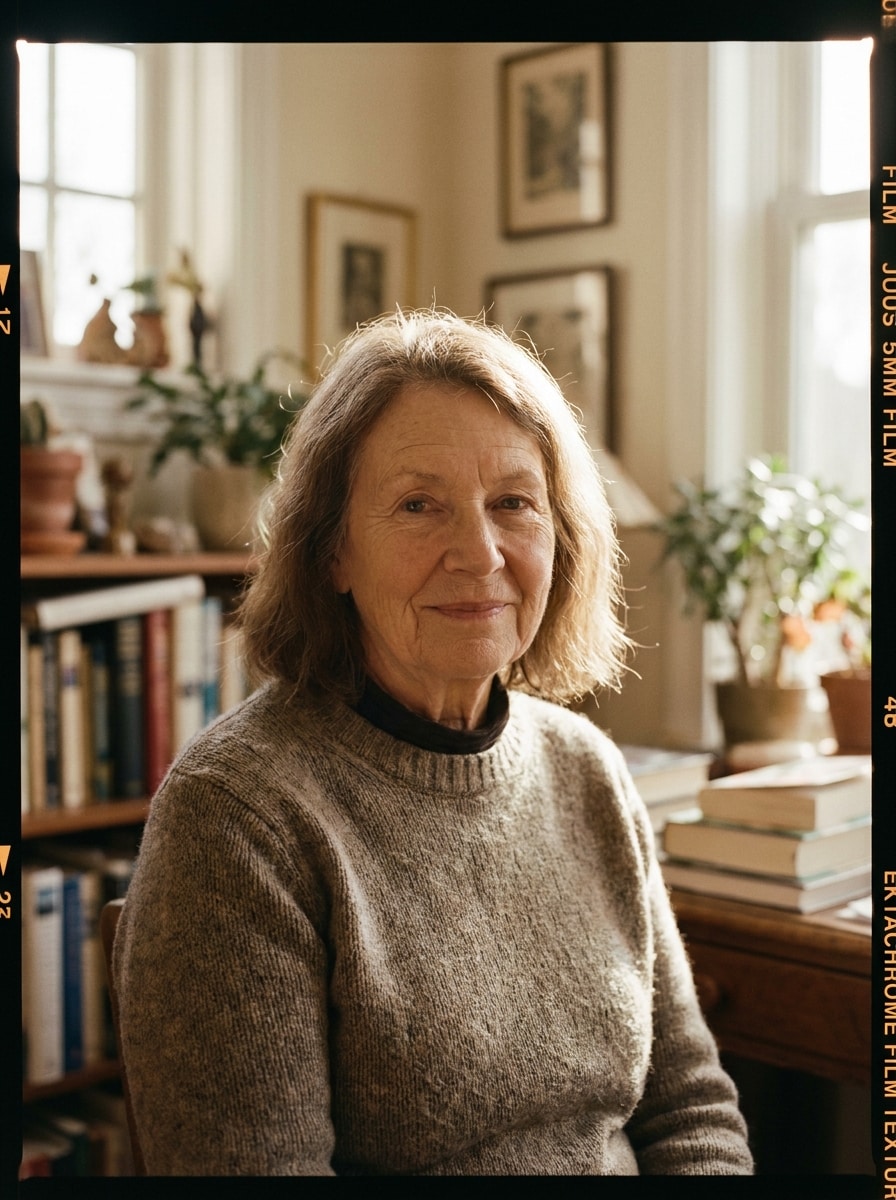
35mm ウォームグレイン
アップロードした画像をメインの被写体として使用し、リアルな温かみのある35mmフィルム写真に変換します。細かい自然なグレイン、わずかにフェードしたブラック、穏やかなコントラスト、明るい部分周辺のソフトなハレーション、本物のアナログテクスチャー、肌に優しい温かいトーン、そして顔の細部をシャープに保ちながら穏やかなノスタルジックな雰囲気を加えます。
 Nano Banana Pro
 創造力を解き放ち、Media AIの魔法をすぐに体験しよう!














アップロードした画像を、温かいグレイン、フェード、ほこり、光漏れを使ったノスタルジックなアナログスタイルの編集に変換します。Media.ioは レトロフィルム効果、サイレントフィルムフィルター、または洗練された サイレント映画写真エフェクト をオンラインで、初心者にも使いやすい操作で素早く作成するお手伝いをします。
アイデアを入力 → AIがデザイン。無料でお試しいただけます。
以下のサンプルの指示を参考にして、Media.ioのこのレトロフィルム効果でより良い結果が得られるようにプロンプトの詳細をカスタマイズしてください。クラシックな旧映画スタイルが必要な場合は AIサイレントフィルムフィルター の外観も含まれます。
アップロードした画像をメインの被写体として使用し、リアルな温かみのある35mmフィルム写真に変換します。細かい自然なグレイン、わずかにフェードしたブラック、穏やかなコントラスト、明るい部分周辺のソフトなハレーション、本物のアナログテクスチャー、肌に優しい温かいトーン、そして顔の細部をシャープに保ちながら穏やかなノスタルジックな雰囲気を加えます。
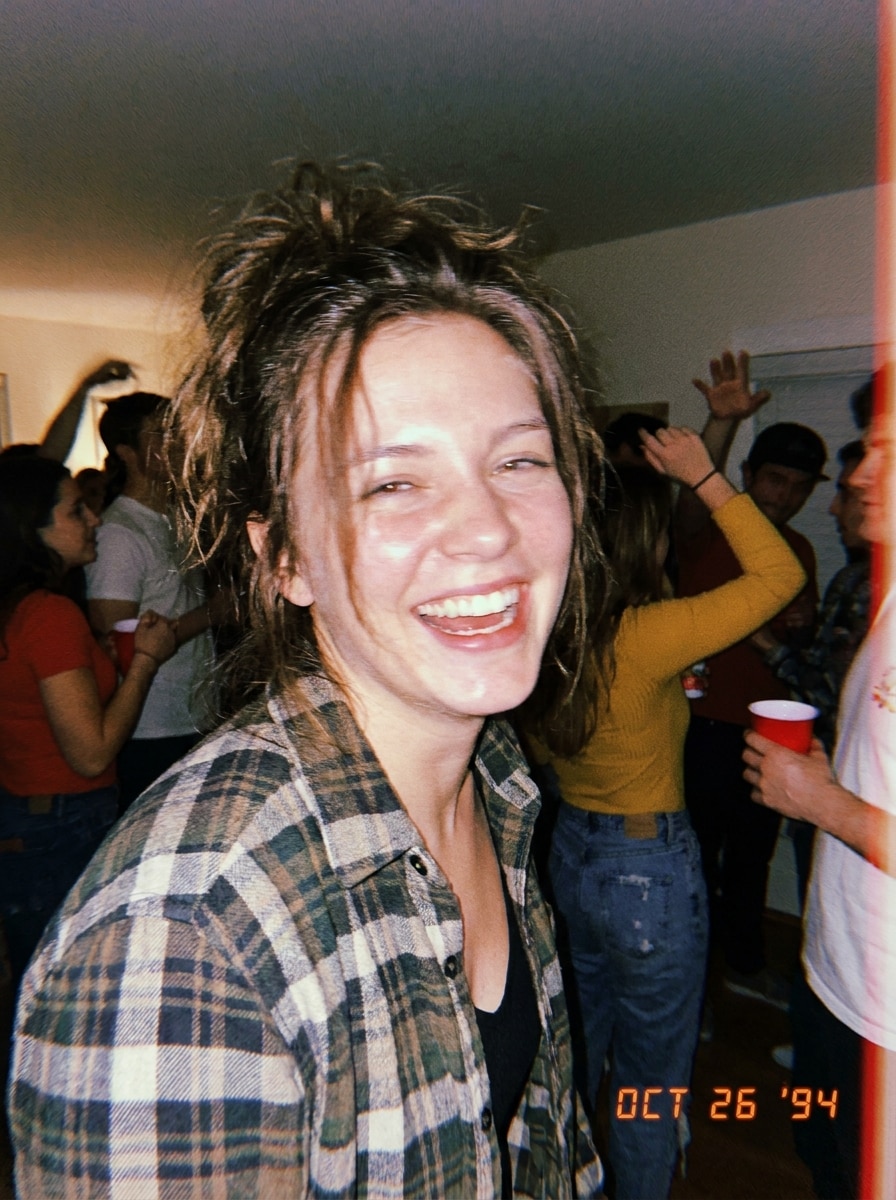
アップロードした画像を被写体として使用し、1990年代の使い捨てカメラのスナップショットのようにスタイルを変更します。直接フラッシュグロー、目に見えるグレイン、わずかに飛んだハイライト、軽いソフトネス、カジュアルなパーティーの雰囲気、微妙な日付スタンプスタイリング、そして人物を識別可能な状態に保ちながらノスタルジックなナイトライフのエネルギーを加えます。
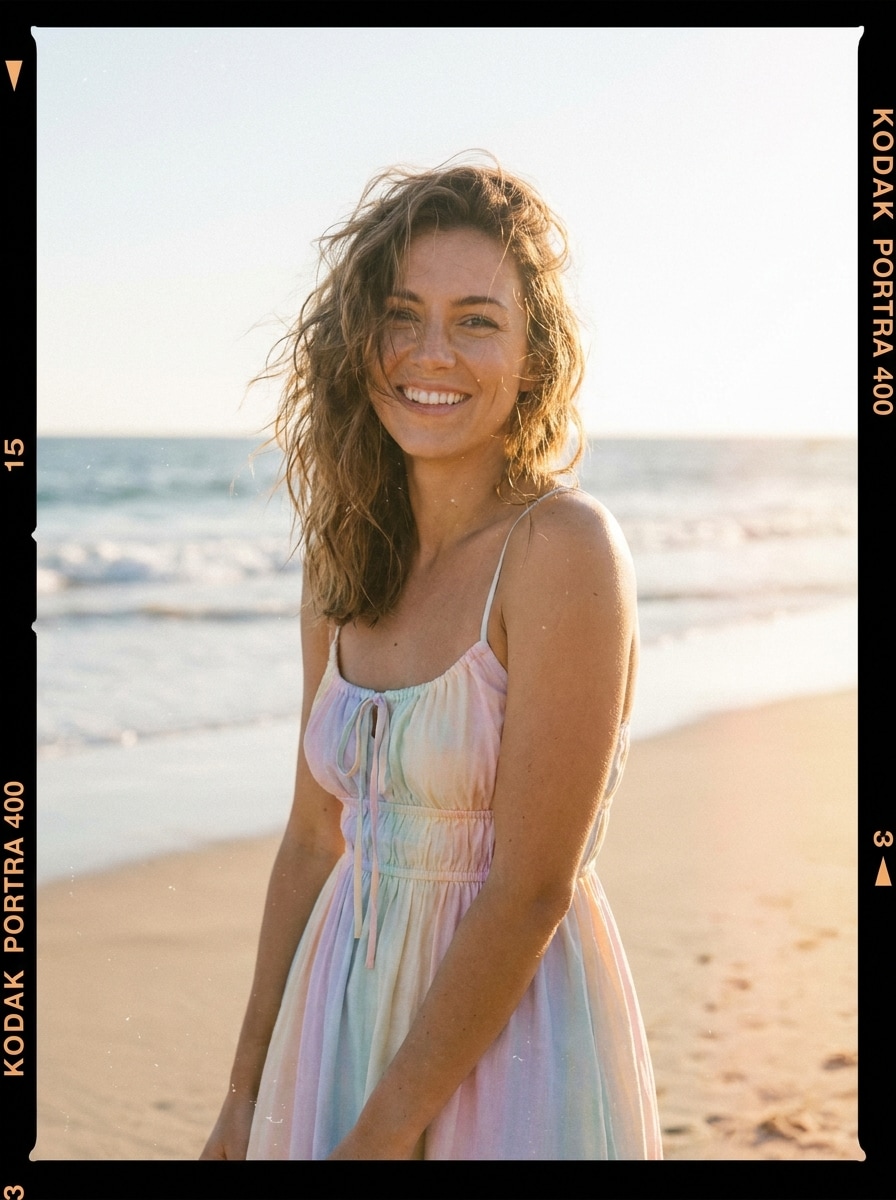
アップロードした画像を使用して、コダックにインスパイアされた夏のフィルムルックにフェードさせます。太陽に洗われた温かさ、パステルカラーのハイライト、穏やかなフェード、ソフトなフィルムグレイン、微妙なダストパーティクル、クリーミーな光、そして被写体の明瞭さを保持しながらリラックスしたバケーションムードと美しい色彩を加えます。
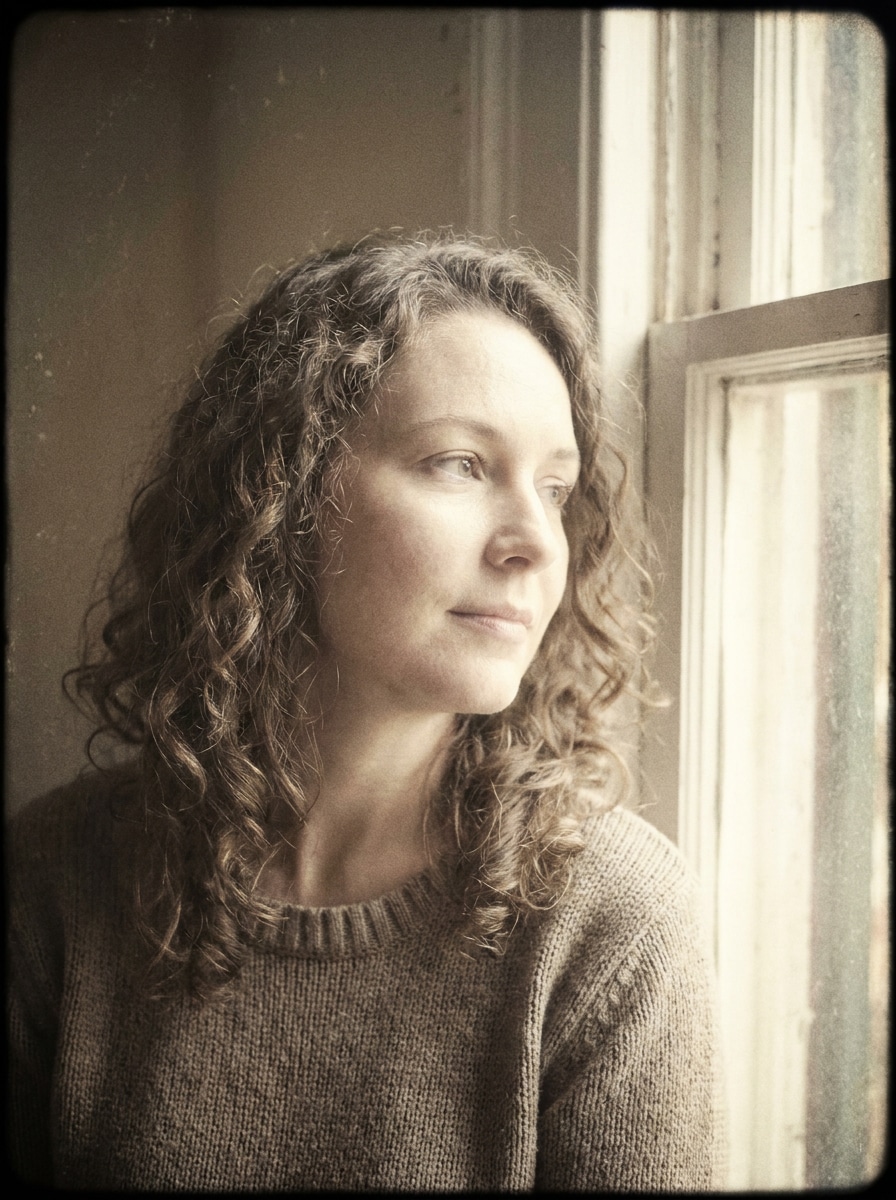
アップロードしたポートレートを使用して、ソフトなレトロスタジオルックに変換します。クリーミーなハイライト、抑えたコントラスト、軽いフィルムグレイン、微妙なビネット、繊細な色の経年変化、そして自然な顔の特徴と滑らかなトーン遷移を保ちながら洗練されたノスタルジックな雰囲気を加えます。
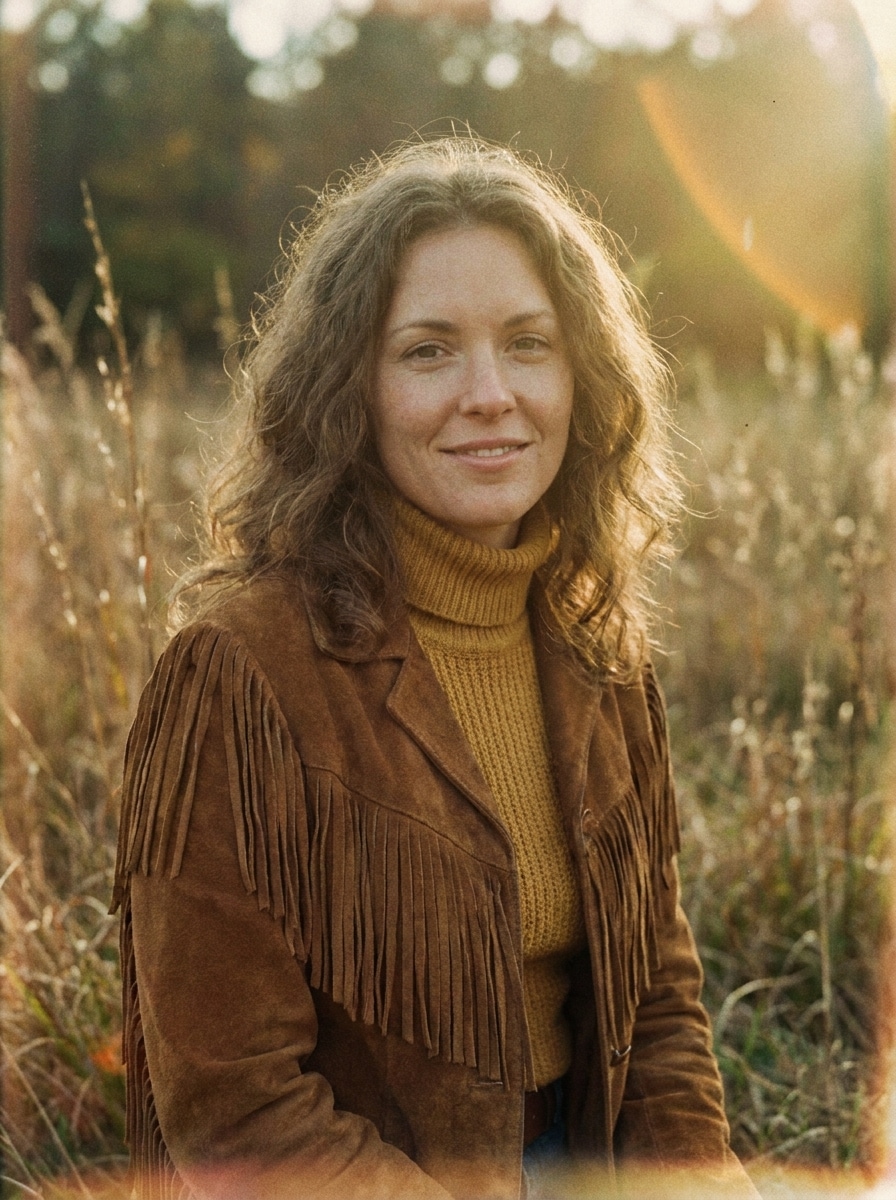
アップロードした画像を参考にして、1970年代のアナログポートレートにスタイルを変更します。ゴールデンな温かさ、穏やかなレンズグロー、フェードしたサチュレーション、目に見えるグレイン、エッジのソフトフォーカス、アーシーなトーン、そしてメインの被写体がはっきりと識別できる状態でエディトリアルなノスタルジックな感覚を加えます。
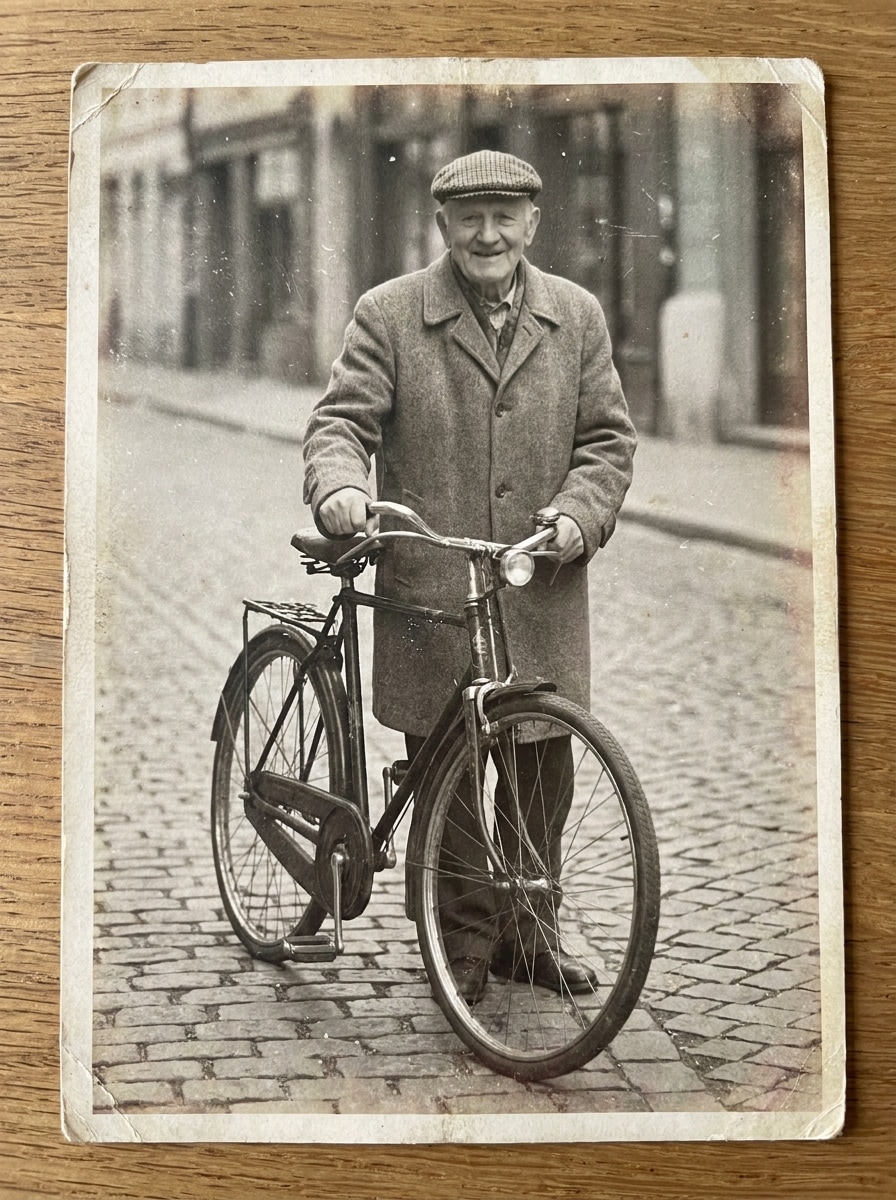
アップロードした画像を使用して、リアルなほこり、かすかなスクラッチ、マットなフェード、わずかな変色、そして穏やかなグレインを持つ経年劣化したフィルムテクスチャーを適用します。元のコンポジションを読みやすく保ちながら、使い込まれたアーカイブの魅力を持つ古い印刷写真の風格を与えます。
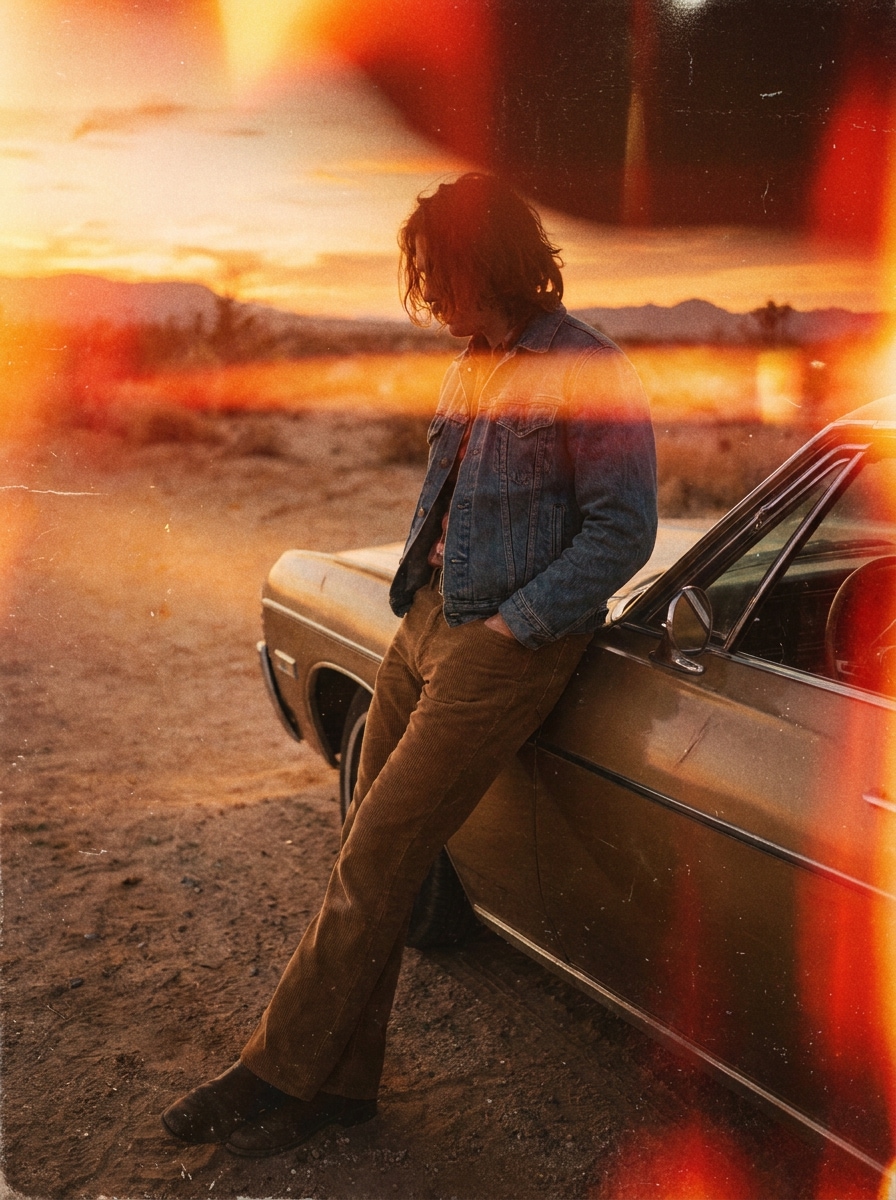
アップロードした画像を使用して、アナログフィルムバーン効果で強調します。オレンジと赤の光漏れ、目に見えるグレイン、軽いフェード、温かい偶発的な露光ストリーク、そしてメインのコンポジションを保ちながら被写体を識別しやすく保つビンテージカメラの感覚を加えます。
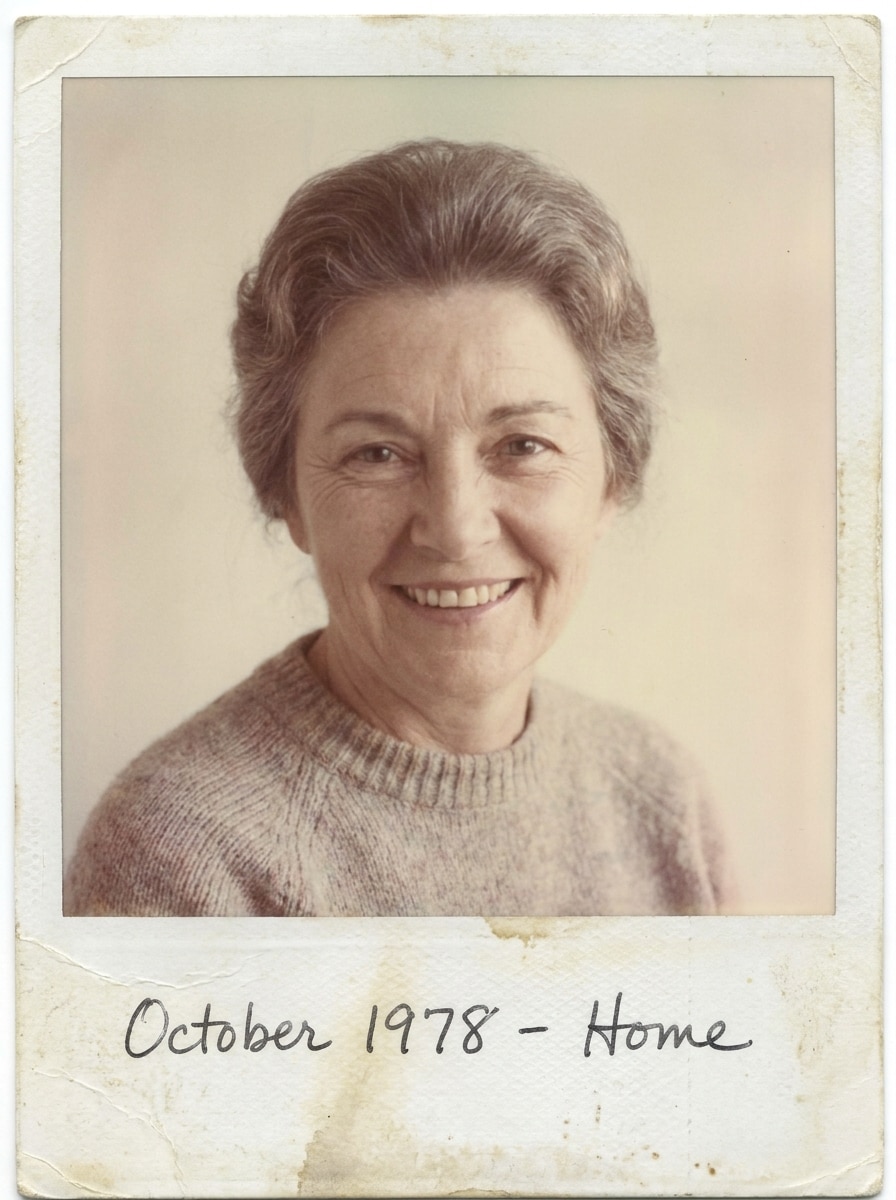
アップロードした画像を使用して、ビンテージのインスタント写真スタイルの編集に変換します。ソフトにフェードした色彩、低コントラスト、軽いフィルムグレイン、わずかなウォッシュアウト、白いポラロイドスタイルのボーダー、そして個人的で温かく、ソフトに経年変化したような記念品ムードを加えます。
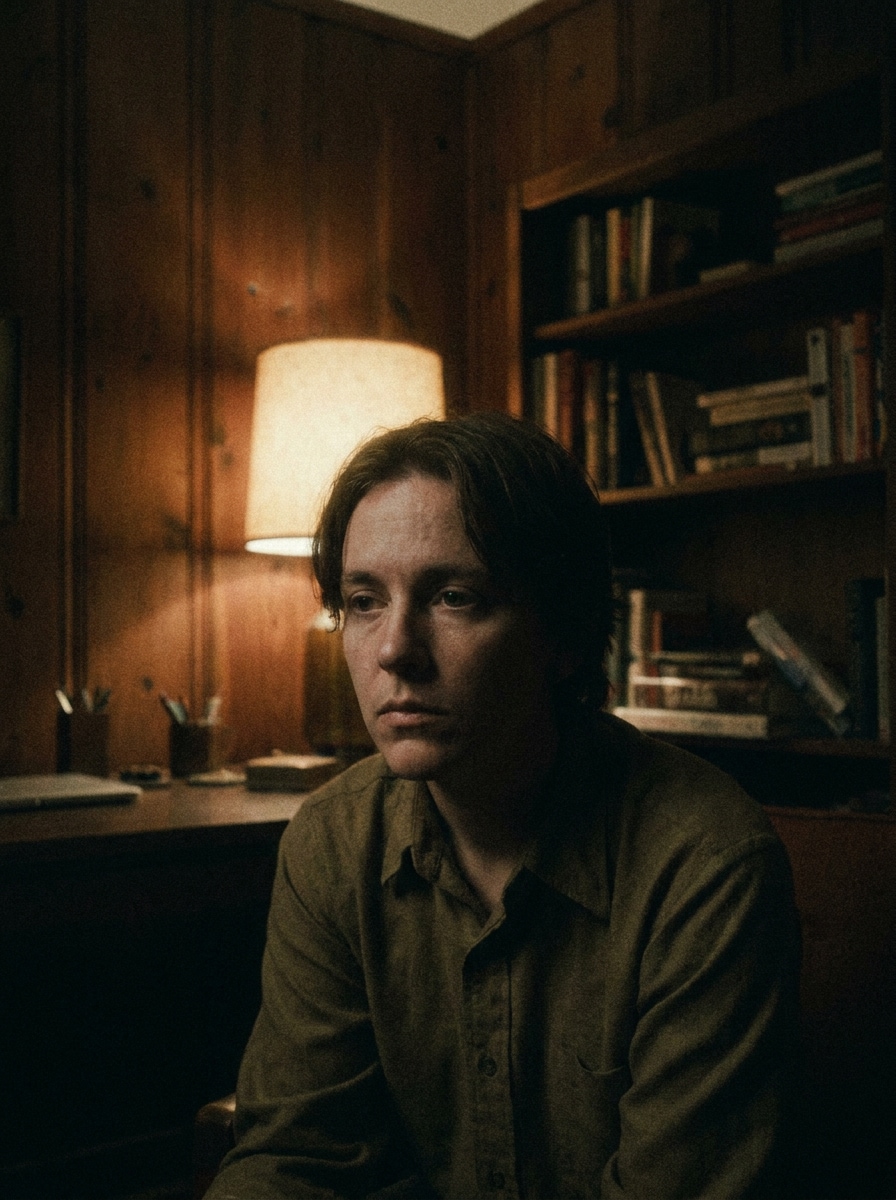
アップロードした画像を被写体として使用して、レトロな映画スチルに変換します。ムーディーなカラーグレーディング、オーガニックグレイン、ライト周辺のハレーション、微妙なシャドウフェード、ドラマチックなコントラスト、そして強いコンポジションとキャラクターの存在感を保ちながら洗練されたアナログの雰囲気を加えます。
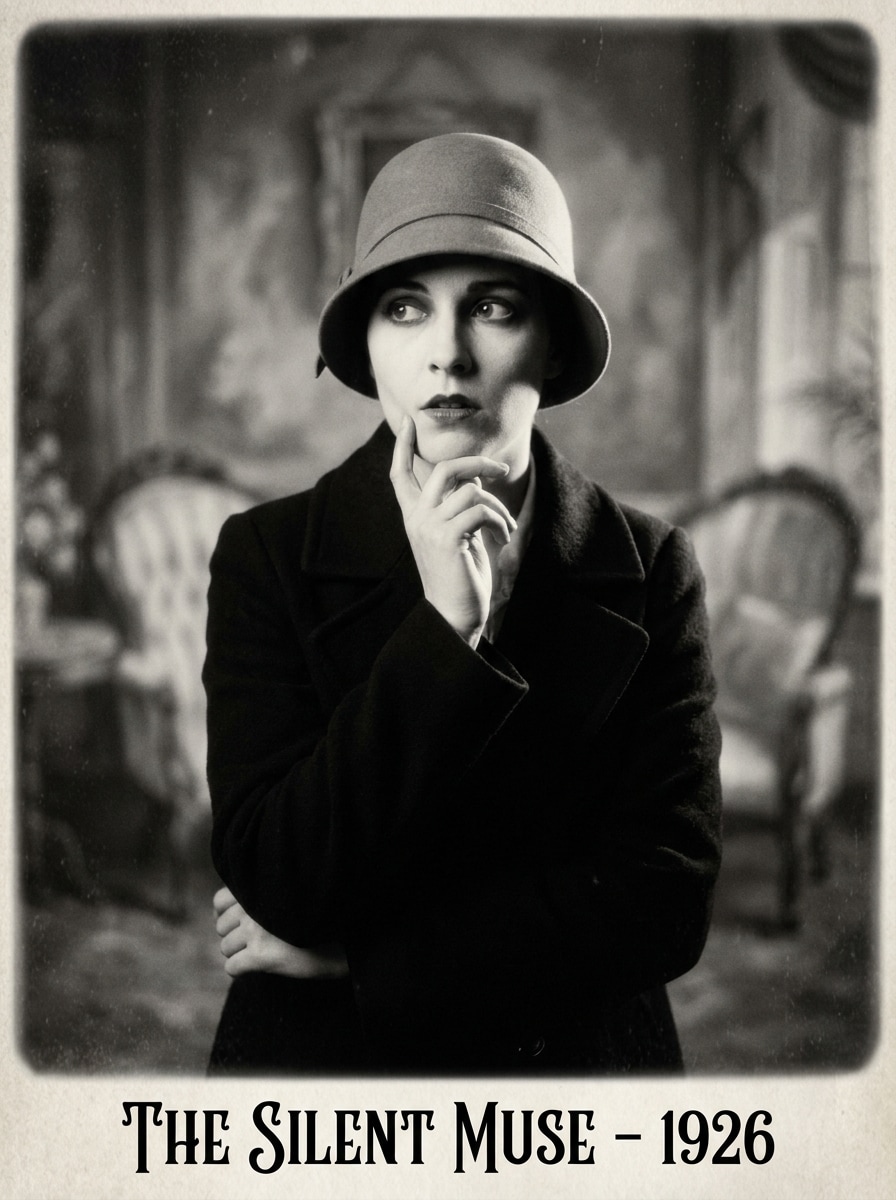
アップロードした画像を被写体として使用して、洗練された AIサイレントフィルムフィルター ルックを持つ初期映画のポートレートにスタイルを変更します。豊かな白黒に変換し、微妙なフリッカーテクスチャー、ソフトグレイン、かすかなビネット、クラシックなサイレント時代のコントラスト、そして時代を超えたドラマチックなムードを加えます。
自撮り写真や旅行写真を編集する場合でも、Media.ioでは1枚の画像をアップロードして、グレイン、フェード、光漏れなどのフィルムにインスパイアされたスタイリングをすばやく適用できるので、複雑な編集ソフトを学ばなくても洗練されたノスタルジックな結果が得られます。
公開または複数のアセットで再利用する必要がある画像に対して、Media.ioは最大4Kのシャープな出力を提供し、レトロスタイルのビジュアルをプレゼンテーション、背景、その他の最終デザインで鮮明に保つのに役立ちます。
最終的なレトロフィルム効果のビジュアルが小さなプレビュー以外で再利用される場合、Media.ioは最大4Kまでのよりシャープな結果を提供し、実際のデザインやプレゼンテーション作業での画像の信頼性を高めます。
レトロフィルム効果のビジュアルコンセプトの中には、外出先でドラフトを作成して後でデスクで仕上げるものもあります。Media.ioはそのプロセスをオンラインに保つので、追加のインストールやセットアップなしに同じワークフローに戻ることができます。
3つの簡単なステップで言葉を美しいビジュアルに変換し、さらに進めたい場合は結果を改良し続けることができます。

JPG、PNG、またはJPEG形式の明確なポートレート、自撮り、ストリートショット、または旅行写真から始めます。クリーンなソース画像は、グレイン、フェード、フラッシュグロー、モノクロームスタイリング、またはその他のアナログにインスパイアされた詳細を追加するためのAIに強力なベースを提供します。

温かい35mmグレイン、使い捨てカメラフラッシュ、またはサイレント時代の白黒仕上げなど、希望するルックを入力します。次に、モデルを選択し、意図した出力に合わせてアスペクト比、解像度、または生成する画像の数を調整します。

いくつかのバリエーションを生成してフィルムテクスチャーとカラームードを比較し、お気に入りの結果をダウンロードします。必要に応じて、プロンプトを改良したり、別のアナログスタイルを試したり、画像が正確なノスタルジックな美学に合うまで編集を続けます。
クリエイターがコンテンツ、マーケティング、個人プロジェクトにこのレトロフィルム効果をどのように使用しているかを確認し、Media.ioで各アイデアをブリーフに合わせて適応させてください。
最近のバケーションショットをグレイン、ダスト、サンウォッシュカラーで温かくフェードした画像に変換します。スクラップブックスタイルの投稿、記憶に残るカルーセルカバー、または標準的なフィルターよりも感情的に感じる35mmビンテージの雰囲気を求めるクリエイターに最適です。
美しいアナログテクスチャー、ソフトコントラスト、シネマティックな温かさでポートレートをアップグレードします。Media.ioは、プロフィール画像、カップル写真、ファッションコンセプト、またはテーマコンテンツ向けの微妙なサイレント映画写真エフェクトのために旧カメラルックが欲しい時に役立ちます。
フォトグラファー、マーケター、中小ブランドは、使い捨てフラッシュ、ポラロイドボーダー、モノクロームシネマスタイリング、またはAIサイレントフィルムフィルターの方向性で普通の写真を記憶に残るキャンペーンアセットに変換できます。Media.ioは、完全な手動レタッチワークフローなしにノスタルジックなクリエイティブコンセプトをテストするのを迅速にします。

ライフスタイルクリエイター

「旅行写真がついにシネマティックに見えるようになりました。」 バケーションのポートレートをいくつかアップロードしたところ、フェードした35mmのムードがほぼ瞬時に得られました。グレインと温かいトーンは自然に見え、やりすぎ感がなく、さまざまなバリエーションがインスタグラムのカルーセルに合ったバージョンを選ぶのに役立ちました。

ポートレートフォトグラファー
「クイックレトロクライアントプレビューに最適。」 これはアナログルックをゼロから構築するよりもはるかに速いです。クライアントの画像に使い捨てカメラフラッシュ、ダスト、またはモノクロームの古いフィルムスタイリングをテストして、被写体を識別可能な状態に保ちながらコンセプトをすばやく送ることができます。

ソーシャルメディアマネージャー
「デスクトップでもスマートフォンでも使いやすい。」 ローンチやストーリー投稿にノスタルジックなビジュアルが必要なときに使用しています。ワークフローはシンプルで、アスペクト比のオプションにより、すべてをやり直すことなくさまざまなチャンネルに対応した編集を簡単に作成できます。

インディーミュージックマーケター
「カバーとプロモアートに最適。」 光漏れや白黒の旧映画スタイルを含む、シングルカバーコンセプトのためにいくつかのレトロルックをテストしました。特にフルデザインチームを雇わずに雰囲気のあるものが必要なときに、結果は表現豊かで使いやすいと感じました。
Media.ioに画像をアップロードし、希望するルックを説明して、編集結果を生成します。温かい35mmグレイン、使い捨てカメラフラッシュ、ダスト、フェード、光漏れ、またはモノクロームの旧映画ルックを要求して、最も気に入ったバージョンをダウンロードできます。
Media.ioは無料クレジットを提供しているので、アップグレードする前にエフェクトを試すことができます。無料ユーザーにはウォーターマークが表示される場合がありますが、有料プランではウォーターマークなしの高解像度ダウンロードとより多くの使用量が利用可能になります。料金ページでオプションを比較できます。
レトロフィルム効果は通常、35mmグレイン、使い捨てフラッシュ、ダスト、ハレーション、またはフェードカラーなど、特定のアナログカメラルックを再現することを目的としています。ビンテージ写真フィルターはより広範な場合が多く、単に古風なトーンを加えることもあります。Media.ioは、アップロードした画像からより方向性のあるフィルムスタイルの変換が欲しい場合に適しています。
Media.ioはimage-to-imageのスタイル変更をサポートしているので、写真をアップロードして35mmルック、使い捨てカメラフラッシュ、ポラロイドフェード、またはサイレントフィルムフィルタースタイルのプロンプトを入力できます。これにより、同じ元の画像からさまざまなアナログ美学を簡単にテストできます。
Media.ioは1K、2K、4Kを含む解像度オプションを提供しており、ソーシャル投稿、カバー、および多くの印刷向け用途に適した画像を作成するのに役立ちます。また、最終的なレトロスタイルの画像をダウンロードする前に、レイアウトに合わせてアスペクト比を調整することもできます。無料ユーザーにはウォーターマークが表示される場合があります。
Media.ioはウェブベースなので、デスクトップまたはモバイルデバイスのブラウザで使用できます。つまり、キャンペーンワークフロー中にラップトップから写真をアップロードして編集したり、スマートフォンから直接ノスタルジックな投稿をすばやく作成したりできます。
 4.7 (162,357 票)


