画像から画像生成
Nano Banana Pro
画像をアップロード
0 / 9
クリックまたはドラッグでアップロード、または履歴から選択
アイデアがない?まず画像を生成してみよう >
サポートされているアップロード形式: jpg、png、jpeg。
プロンプト
0/2000
1K
自動
1
Banana Pro無制限モード
作品
アイデアハブ
すべて
生成リスト
作品は 7 日間保存されます。アップグレード後に作成されたアセットは永久保存されます。
ai_video_generator創造力を解き放ち、Media AIの魔法をすぐに体験しよう!

Create an Old Money Filter Look With Elegant AI Portrait Edits

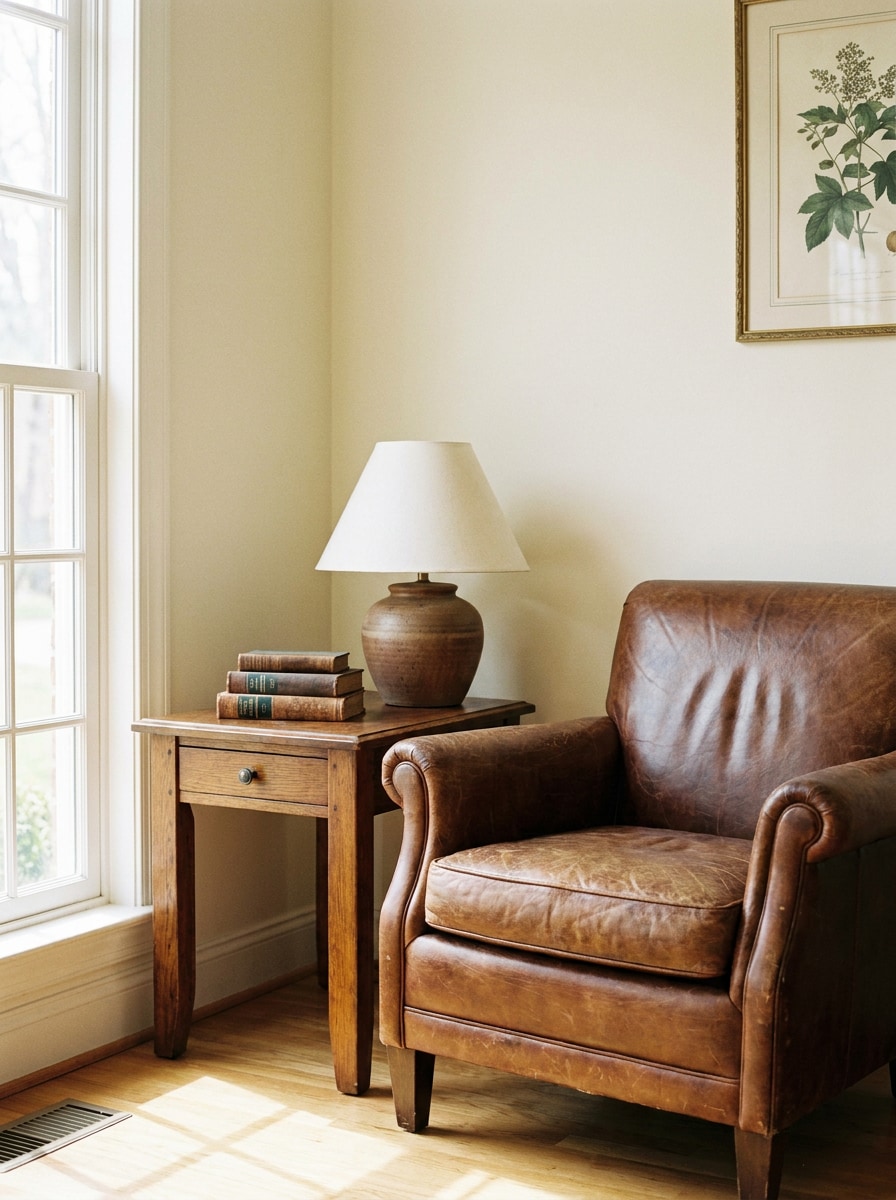
Old Money Filter Before
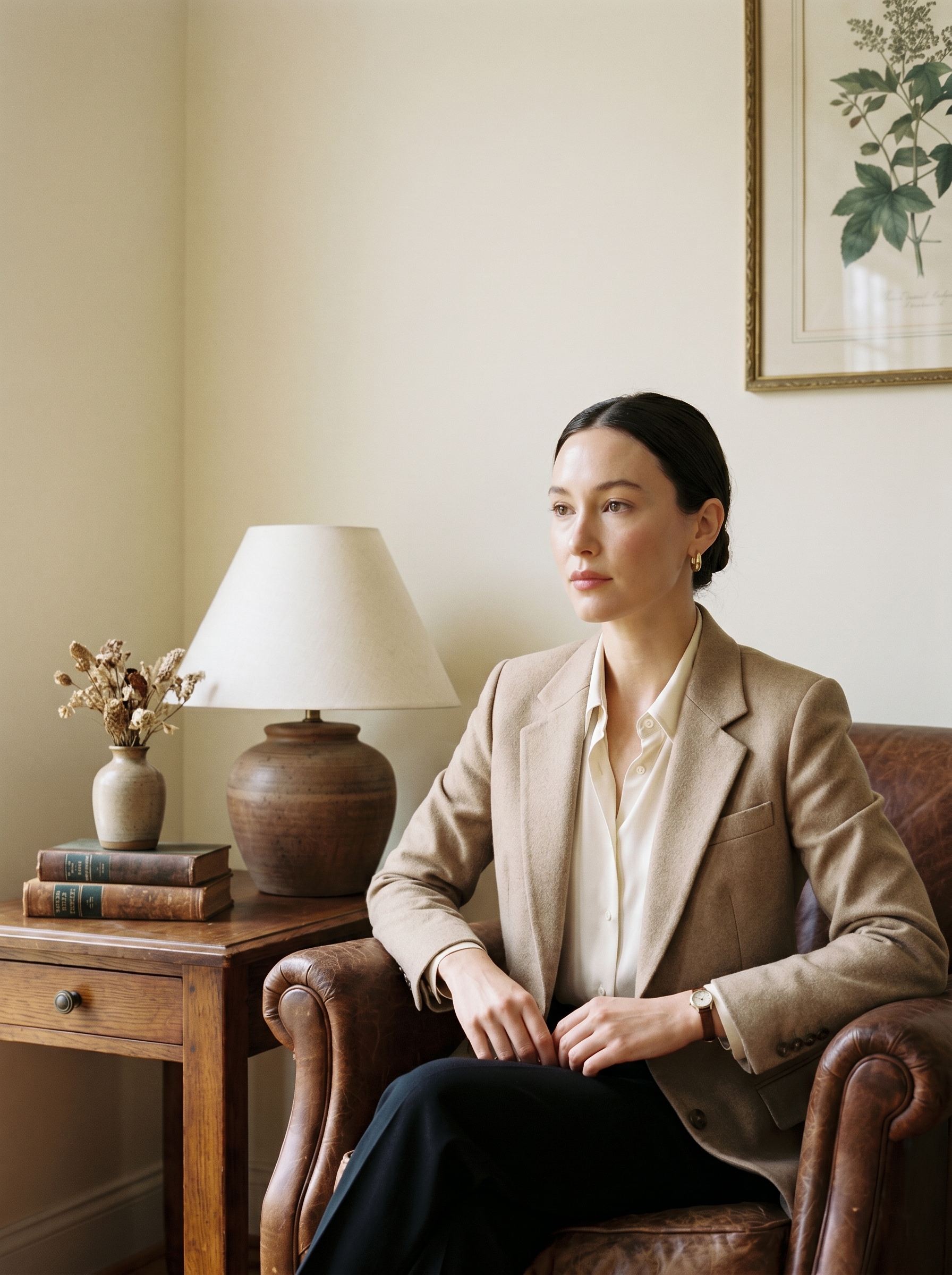
Old Money Filter After

Turn selfies and portraits into polished quiet-luxury visuals with Media.io’s old money filter. Create a refined old money aesthetic filter look with soft editorial lighting, preppy styling, vintage wealth tones, and realistic facial detail in a fast online workflow. This workflow is especially useful for old money photo filter.

Try the Old Money Filter

Type your idea -> AI designs it. Free to try.

Review these example directions, then tailor the prompt details to get stronger results with this Media.io old money filter.

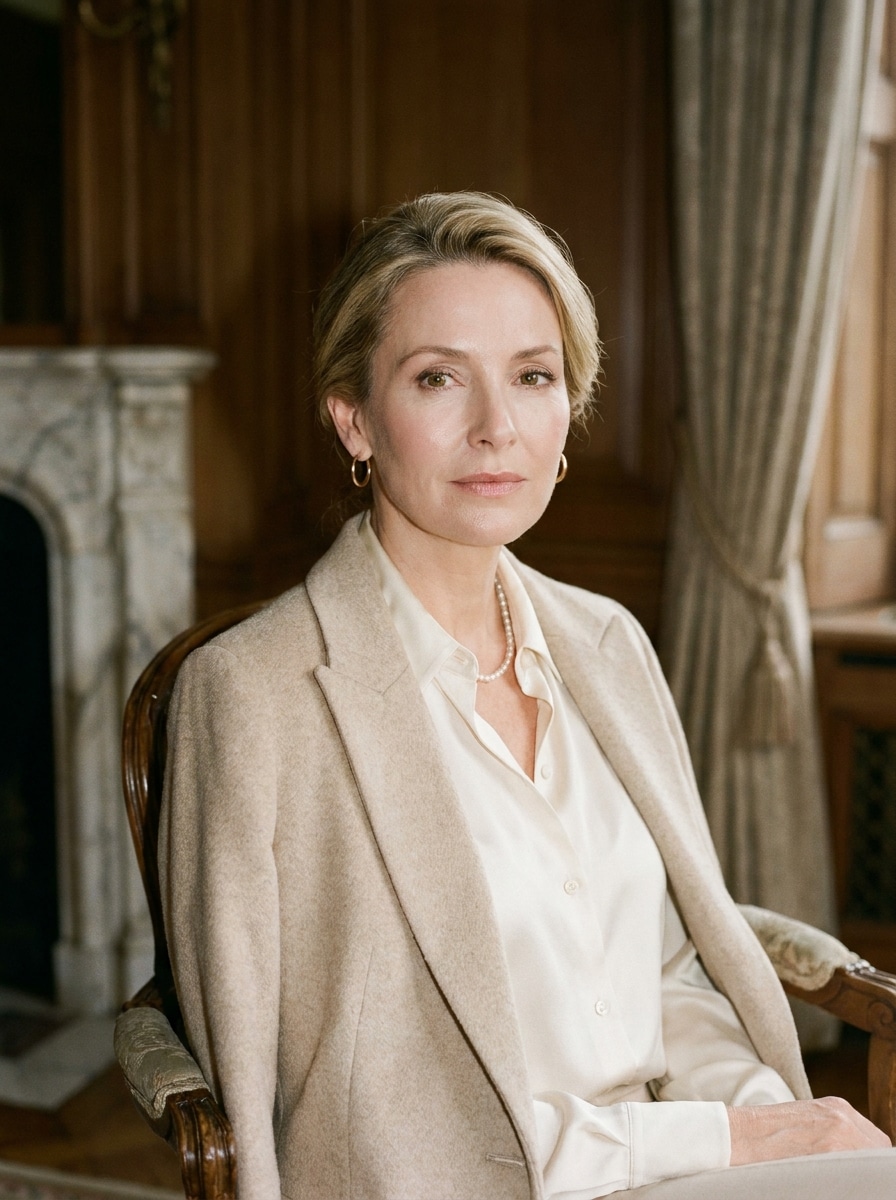
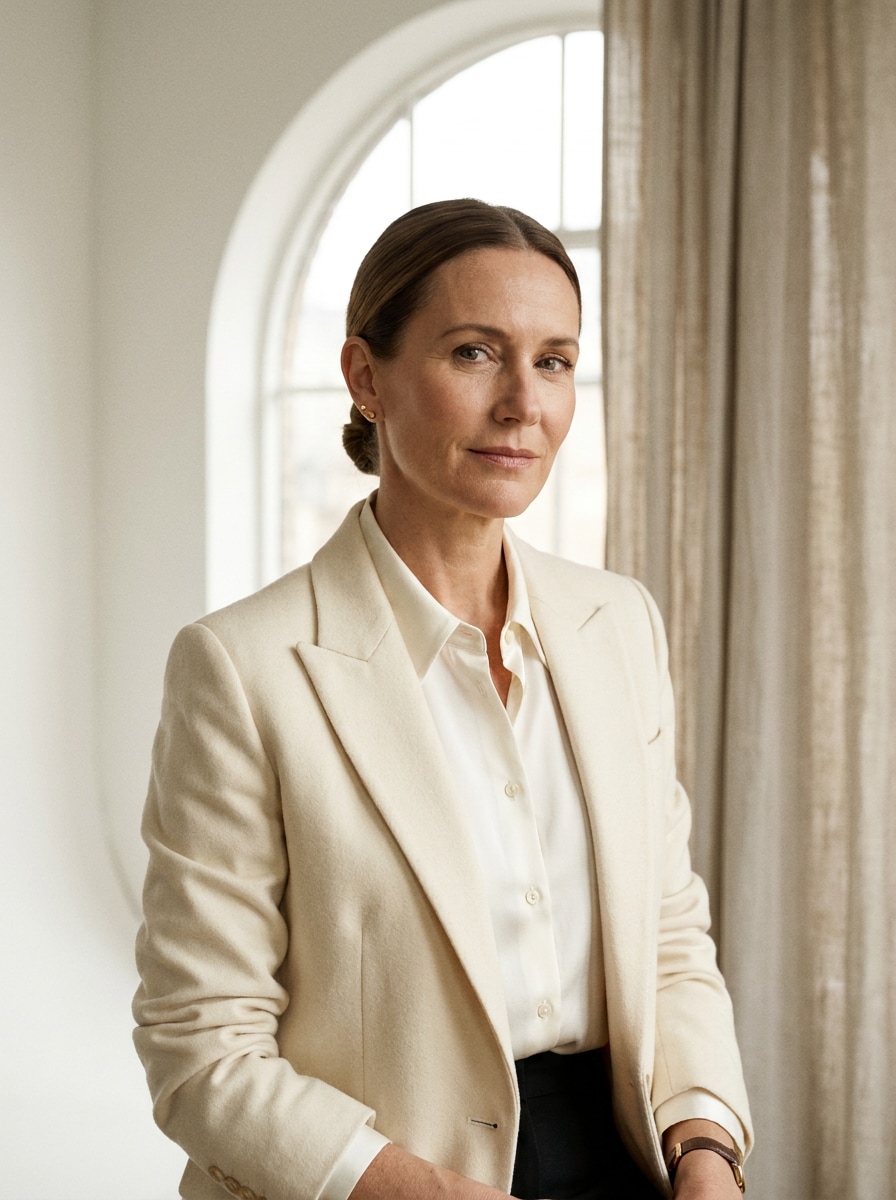
Quiet Luxury Studio Portrait

Quiet Luxury Studio Portrait

Use the uploaded image as the subject and transform it into a refined quiet luxury editorial portrait. Add a beige and ivory palette, tailored blazer styling, minimal jewelry, soft window light, smooth but realistic skin texture, clean background, subtle contrast, and an elegant understated old money mood.

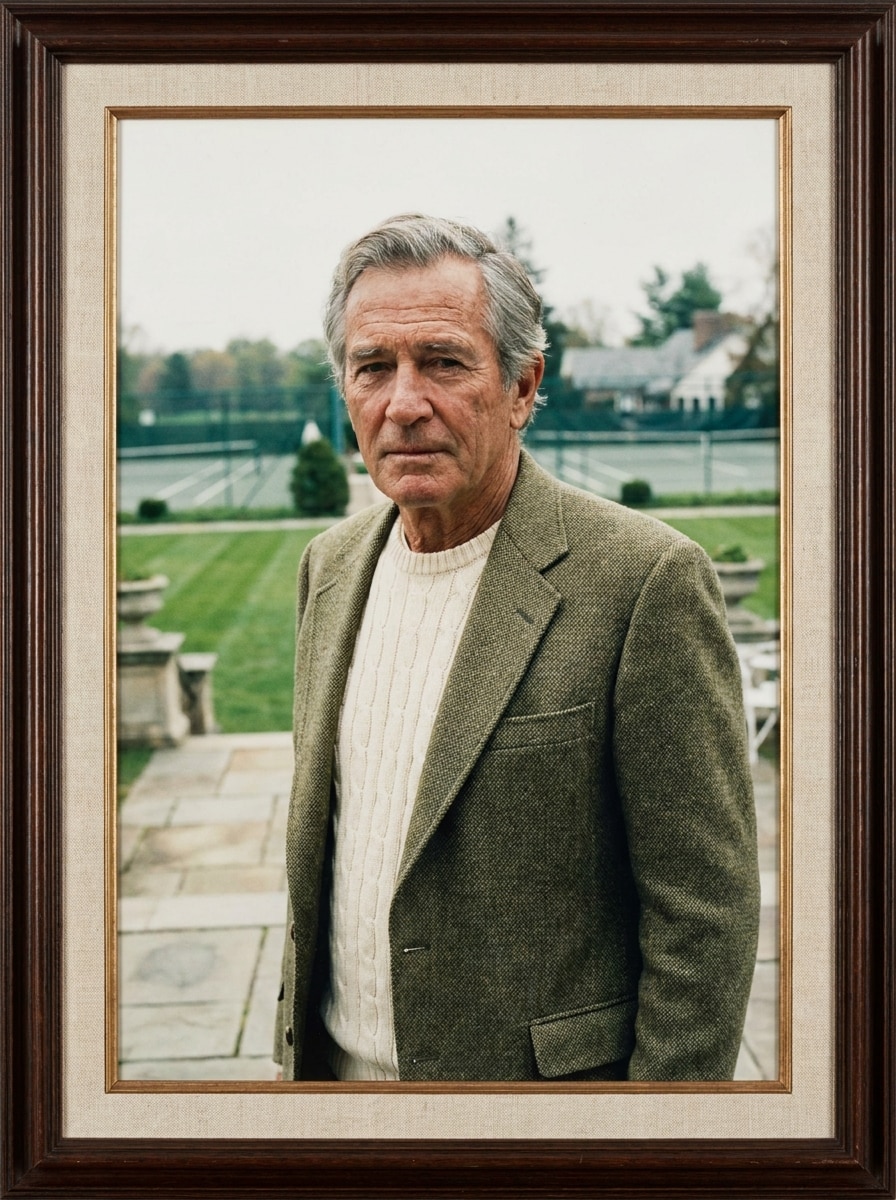
Country Club Portrait

Country Club Portrait

Use the uploaded image as the subject and restyle it into a country club portrait with classic preppy elegance. Add a cream knit sweater, structured blazer, tennis club or estate backdrop, soft daylight, crisp composition, muted greens and neutrals, realistic facial detail, and a timeless upper-class atmosphere.

Film Grain Heritage Look

Film Grain Heritage Look

Use the uploaded image as the subject and apply a heritage-inspired old money edit with subtle 35mm film grain. Add warm neutrals, faded greens, soft shadows, muted highlights, classic wardrobe tones, realistic skin, and a timeless aristocratic mood that feels cinematic, tasteful, and naturally affluent.

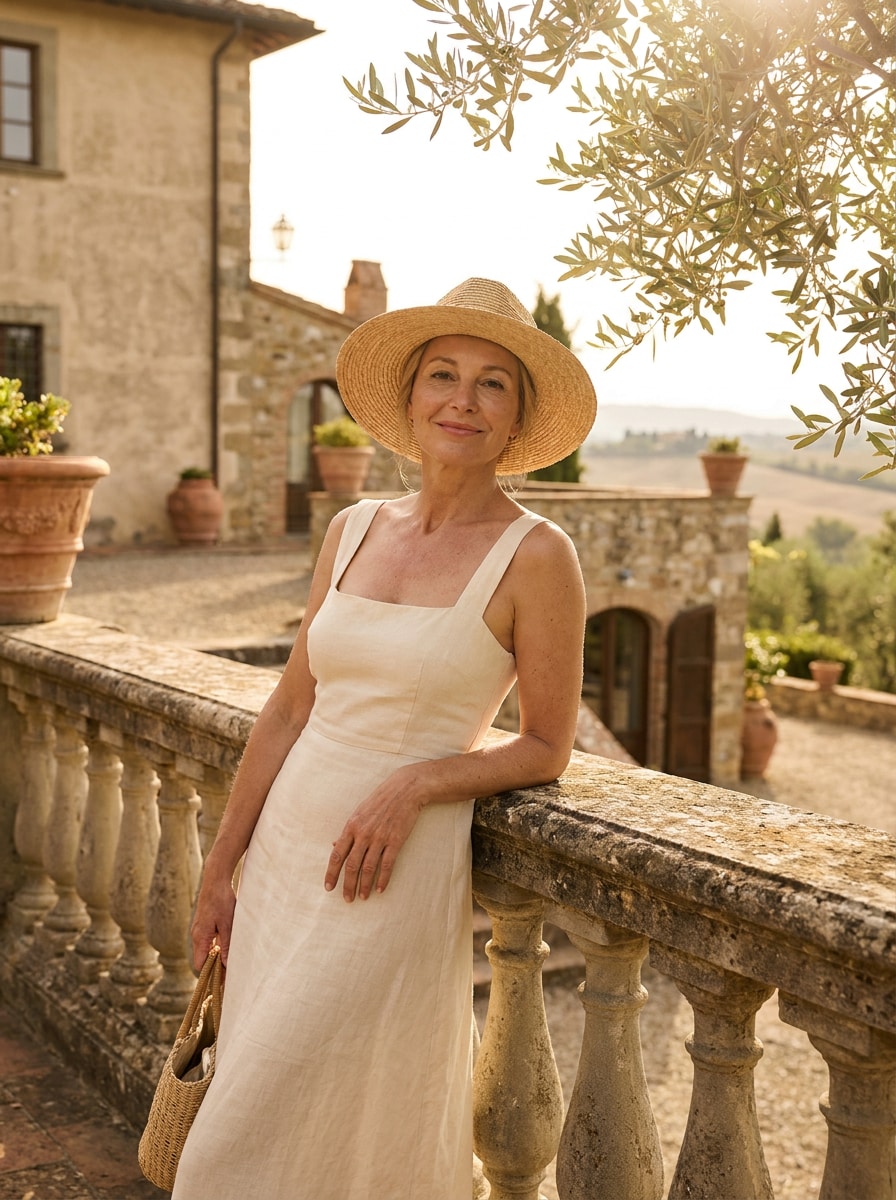
European Summer Estate

European Summer Estate

Use the uploaded image as the subject and transform it into a sunlit European summer estate portrait. Add linen-inspired fashion, creamy neutrals, soft golden daylight, stone villa surroundings, airy composition, elegant vacation mood, realistic texture, and the subtle charm of inherited wealth rather than flashy glamour.

Ivy League Preppy

Ivy League Preppy

Use the uploaded image as the subject and give it an Ivy League-inspired old money makeover. Add a navy blazer, collared shirt, knit sweater layer, library or campus backdrop, muted prep-school colors, soft natural light, realistic face detail, and a polished academic portrait feel.

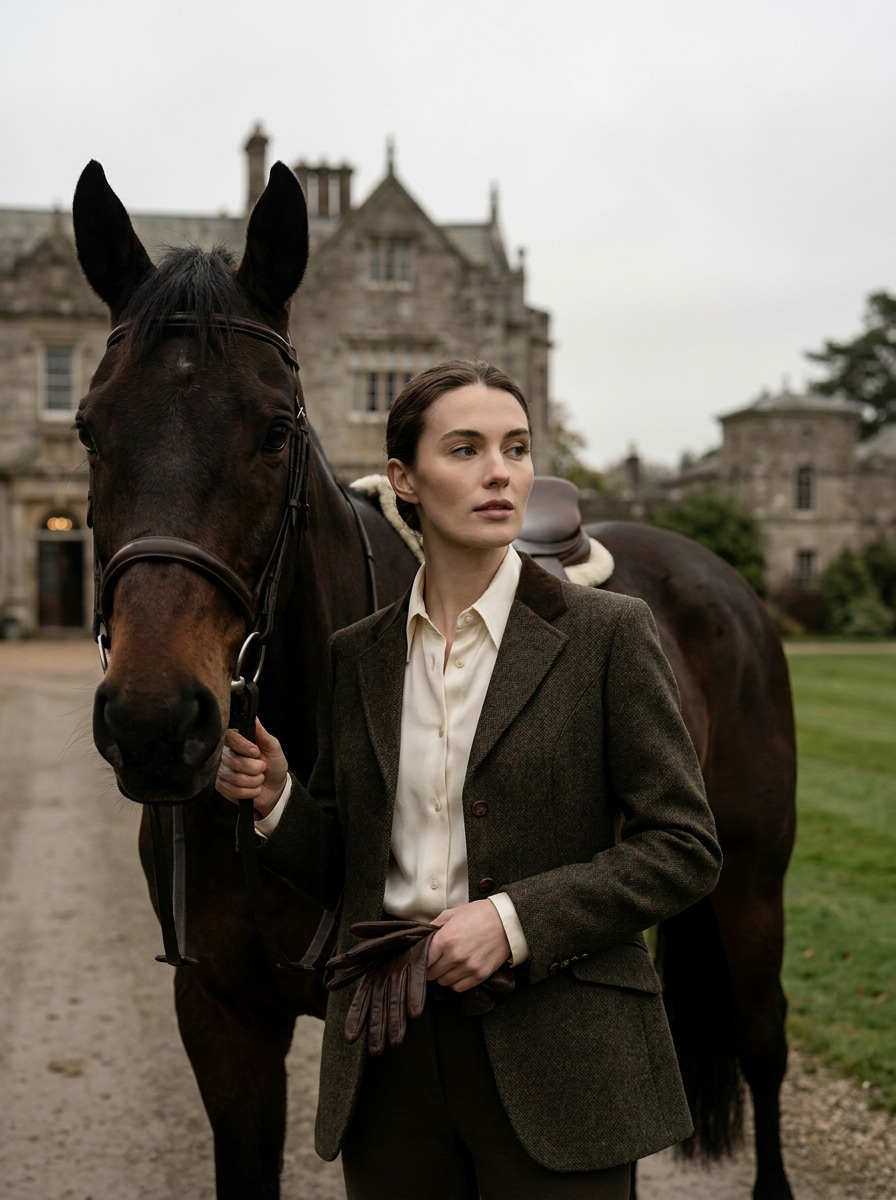
Equestrian Estate Style

Equestrian Estate Style

Use the uploaded image as the subject and turn it into an equestrian estate portrait with heritage luxury. Add structured riding-inspired fashion, deep brown and cream tones, countryside estate scenery, soft overcast light, leather and wool textures, realistic facial detail, and a poised editorial mood.

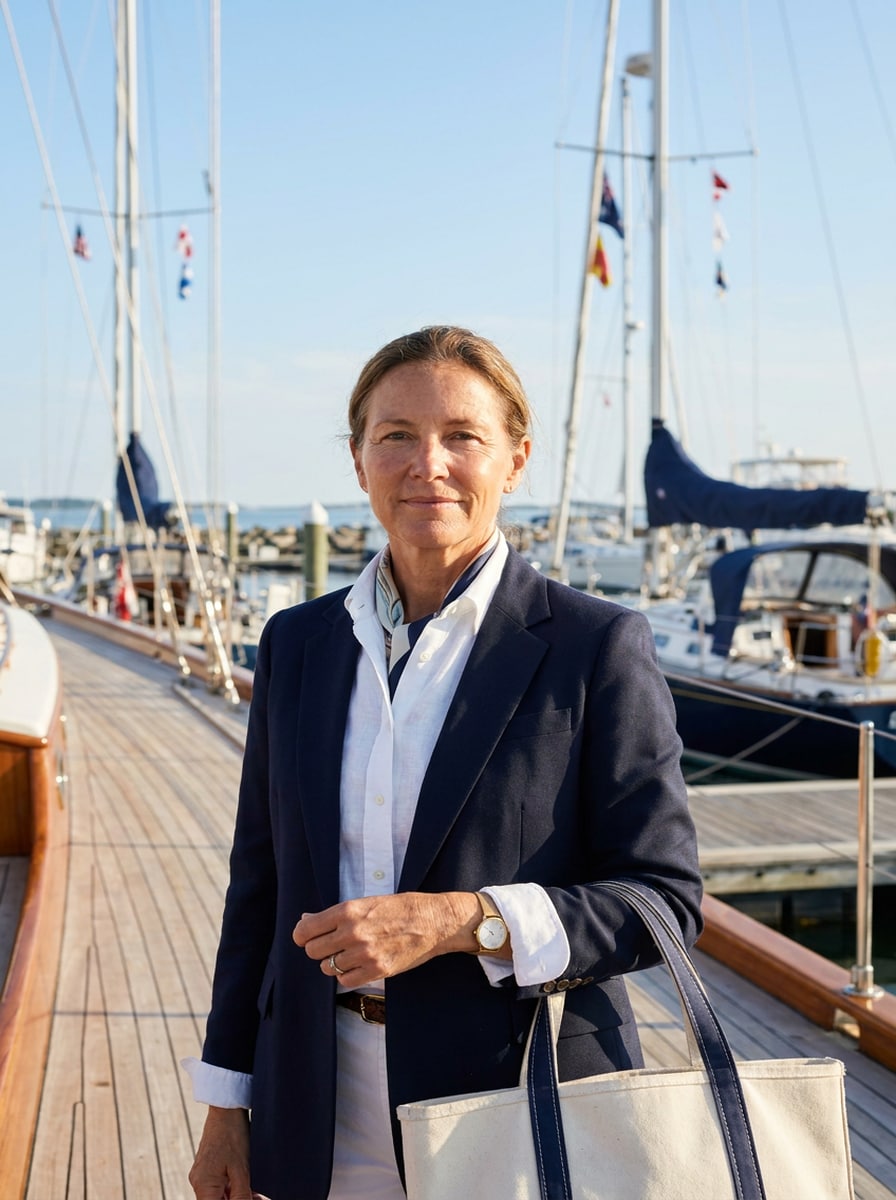
Yacht Club Minimal Luxury

Yacht Club Minimal Luxury

Use the uploaded image as the subject and create a yacht club portrait with understated coastal luxury. Add clean white and navy styling, marina or oceanfront scenery, bright airy light, crisp composition, natural skin texture, refined accessories, and a calm wealthy mood that feels modern and discreet.

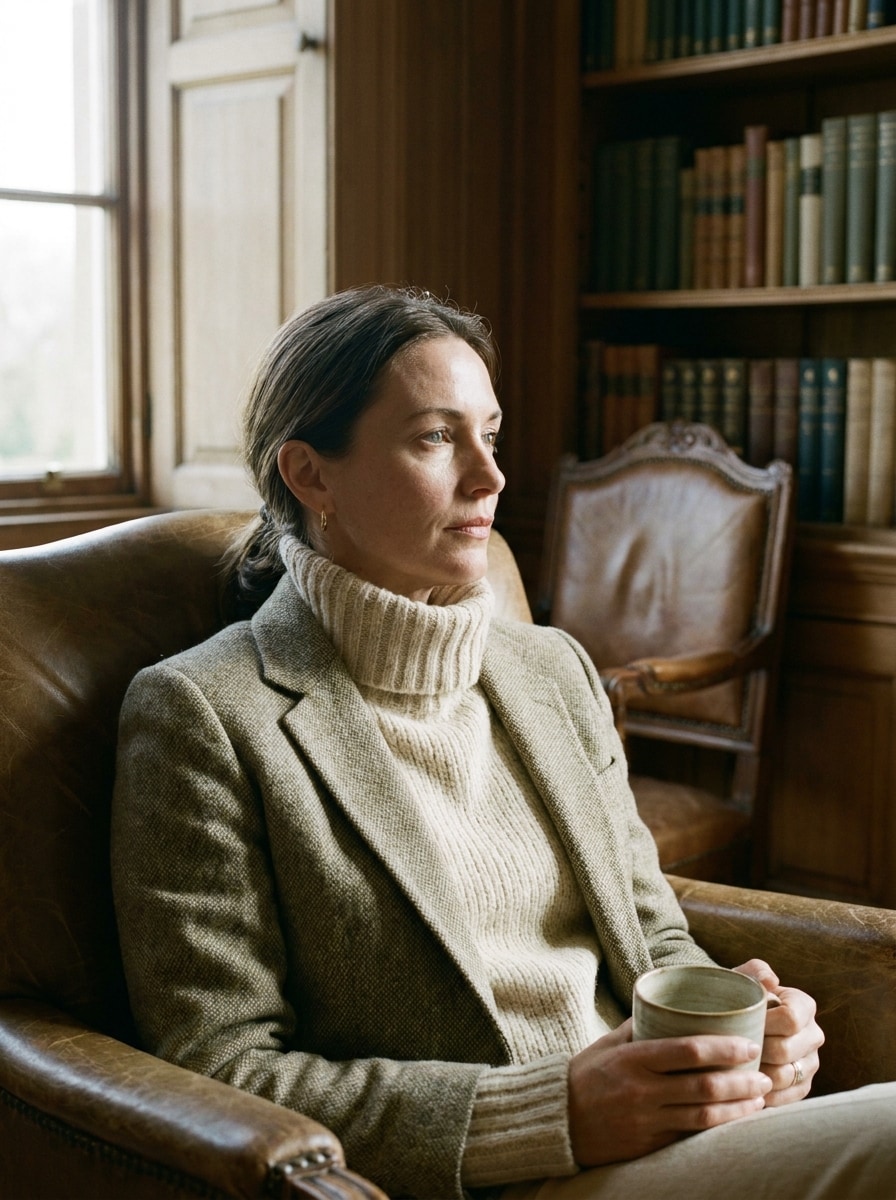
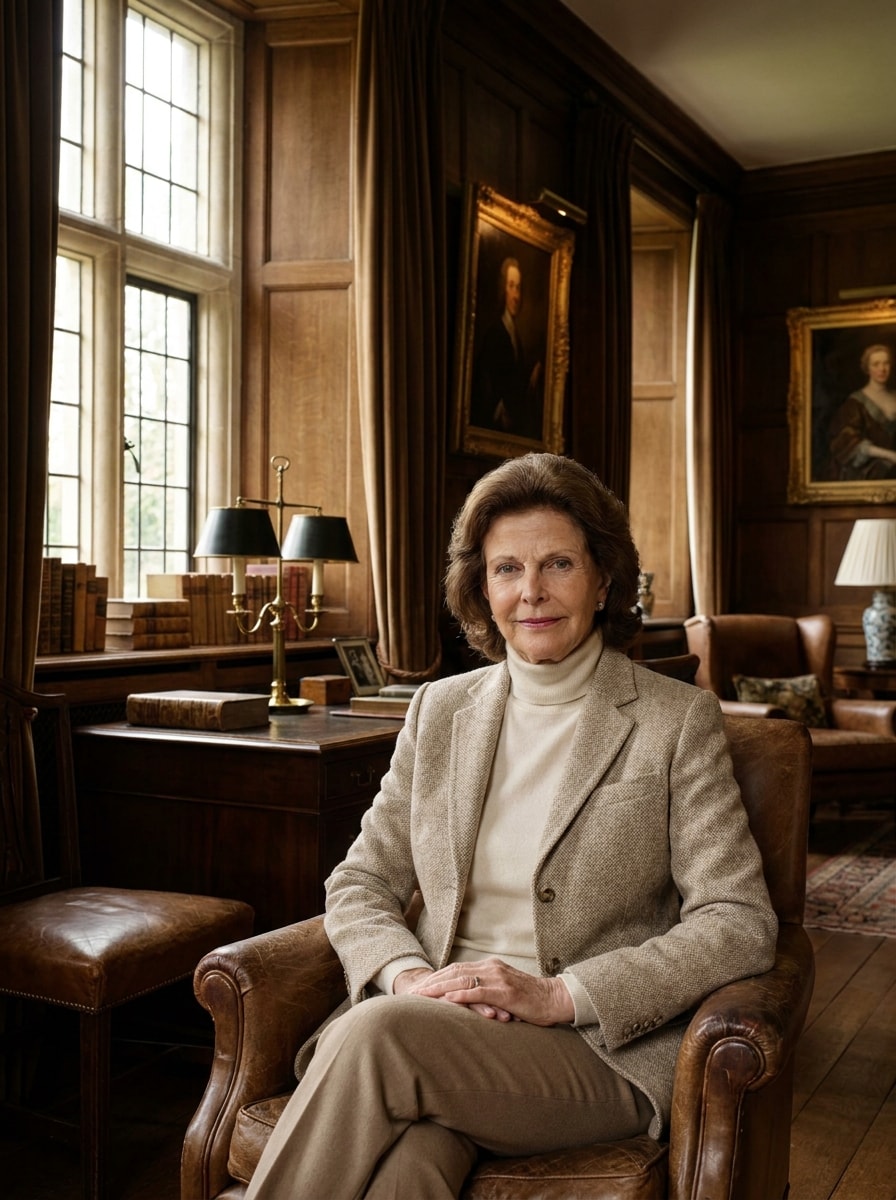
Manor House Interior

Manor House Interior

Use the uploaded image as the subject and place it in a classic manor house portrait scene. Add dark wood interiors, tasteful decor, soft window light, neutral wardrobe styling, rich brown and cream tones, realistic facial detail, and an aristocratic atmosphere that feels cinematic but believable.

Soft Flash Society Portrait

Soft Flash Society Portrait

Use the uploaded image as the subject and apply a soft-flash society portrait edit. Add refined beauty styling, smooth yet realistic skin, subtle direct flash, beige luxury tones, clean fashion framing, understated jewelry, and a polished socialite mood with quiet confidence and editorial realism.

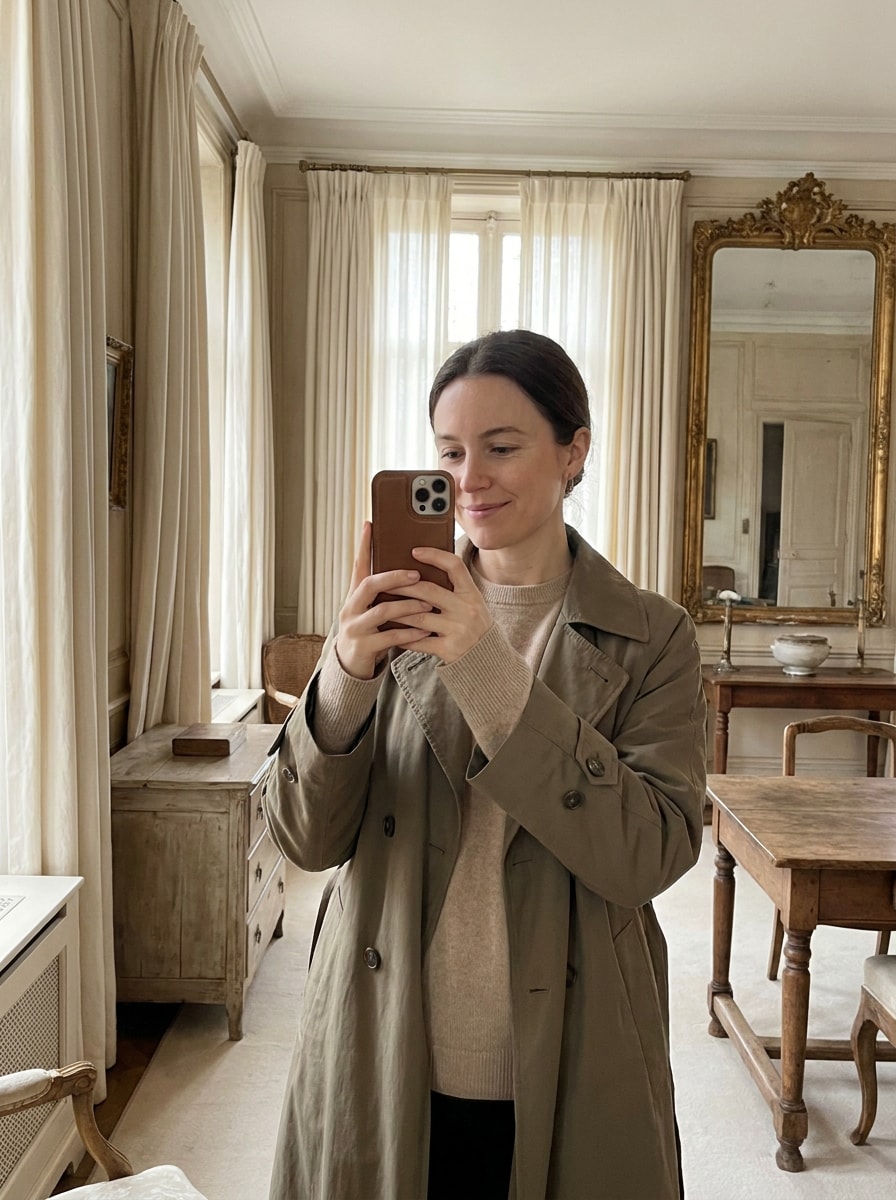
Muted Luxury Selfie

Muted Luxury Selfie

Use the uploaded image as the subject and turn it into a quiet luxury selfie with old money elegance. Add creamy neutrals, muted contrast, minimal retouching, soft natural light, tasteful wardrobe refinement, realistic facial features, and a premium social-ready finish that looks expensive without looking flashy.

Why Use Media.io for an Old Money Portrait Makeover

Keep Your Identity While Upgrading the Style

For selfies and portrait edits, Media.io uses your reference image to create a refined luxury portrait filter result while keeping core facial features recognizable, so the final image still feels like you in a more polished, quiet-luxury setting.

Switch Between Quiet Luxury, Preppy, and Heritage Looks

Style decisions are easier when you can explore options side by side. Media.io helps you compare multiple directions from the same old money aesthetic filter base, making creative selection faster and more consistent.

Generate Cleaner Output Up to 4K

When a old money filter visual is headed for real publishing use, Media.io gives you sharper output up to 4K, which helps the image stay clear across presentations, backgrounds, and reused assets.

Work Across Devices Without Extra Installs

Creative work rarely stays on one screen. Media.io keeps the old money filter visual workflow in your browser, so you can start on phone and finish on desktop without stopping to install extra software.

How to Apply an Old Money Filter Online

Turn your words into stunning visuals in three simple steps, then continue refining the result if you want to take it further.

how to use image to image AI for old money filter step 1
Step 1

Upload Your Reference Image

Start with a clear selfie or portrait in JPG, PNG, or JPEG format. A well-lit photo with a visible face and simple background gives Media.io a stronger base for refined quiet-luxury, preppy, or editorial-style transformations.

how to use image to image AI for old money filter step 2
Step 2

Describe the Change and Set Options

Enter the look you want, such as manor house elegance, country club polish, or a soft-flash society portrait. Then choose your model and adjust aspect ratio, resolution, and the number of image variations to match your intended use.

how to use image to image AI for old money filter step 3
Step 3

Generate, Download, and Keep Improving

Create multiple versions, compare the mood and styling, then download your favorite result. You can keep refining the prompt for stronger old-money details, test a new backdrop, or generate more polished variations from the same portrait.

Unlock the Potential of Old Money Aesthetic Filter

See how creators use this old money filter for content, marketing, and personal projects, then adapt each idea to fit the brief.

Elevate Everyday Selfies Into Quiet-Luxury Portraits

Turn a casual phone photo into a polished editorial image with softer neutrals, tailored styling cues, and refined lighting. Media.io makes it easy to create a more expensive-looking profile picture without heavy retouching or flashy effects.

Build a Consistent Preppy or Heritage-Inspired Feed

Creators can use one reference photo in Media.io to explore country club, Ivy League, yacht club, or film-grain looks while keeping the same identity across posts. It’s a practical way to shape a cohesive visual brand with a believable upscale mood.

Create Fashion-Forward Portraits for Moodboards and Covers

Design students, stylists, and content teams can turn simple portraits into elegant concept visuals for moodboards, mockups, or cover art. Media.io’s browser-based workflow makes it easy to test an old money aesthetic filter direction before committing to a full shoot.

What Users Say

user
Ava Collins

Lifestyle Creator

star star star star star

"My selfies finally look polished, not overedited" I wanted that quiet-luxury portrait feel without losing my actual face. Media.io gave me soft editorial lighting, better styling cues, and a believable upscale mood from one simple selfie.

user
Noah Bennett

Social Media Manager

star star star star star

"Great for testing multiple old-money looks fast" The best part was being able to compare manor house, country club, and yacht-inspired versions from the same upload. It saved time and gave us several usable options for campaign visuals.

user
Sophie Mercer

Fashion Student

star star star star star

"Useful for moodboards and concept portraits" I used it to create editorial references for a class project. The results felt tasteful and restrained, with the right neutral palette and heritage styling instead of a generic vintage effect.

user
Daniel Hayes

Portrait Photography Hobbyist

star star star star star

"Easy on mobile and surprisingly realistic" I tried it on my phone expecting a basic filter, but the portrait stayed recognizable and the color grading looked premium. It felt more like a styled photo transformation than a one-tap gimmick.

Old Money Filter FAQs

1. What is an old money filter?

An old money filter is a portrait editing style that gives photos a refined, understated luxury look. Instead of flashy effects, it usually uses soft lighting, muted neutral tones, elegant styling, and classic backgrounds to create a polished, quiet-wealth aesthetic.

Upload a clear portrait to Media.io, then describe the mood you want, such as quiet luxury, country club, heritage film, or manor house elegance. Next, choose your model and image settings, generate a few variations, and download the version that best matches your ideal old money look.

Media.io lets free users try the tool with free credits, which is a simple way to test the effect before upgrading. Free results may include a watermark, while paid plans offer watermark-free high-resolution downloads. You can compare options on the pricing page.

Yes, Media.io is built for image-to-image editing, so it works well with selfies and portraits. You upload a reference image, and Media.io transforms the styling, mood, and background while keeping the subject as the visual anchor for a more realistic old money portrait result.

The best source images are clear, well-lit portraits with a visible face, simple background, and natural expression. Clean composition gives Media.io more room to add classic wardrobe cues, soft editorial lighting, and the restrained elegance people expect from this style.

In most cases, yes. Media.io uses your uploaded reference image to guide the transformation, which helps preserve facial identity better than starting from text alone. Results can still vary by prompt and model choice, so generating a few versions is the best way to find the most recognizable edit.

Media.io Online AI Tools Quality Rating:
vote 4.7 (162,357 Votes)