画像から画像生成
Nano Banana Pro
0/2000
1K
自動
1
Banana Pro無制限モード
作品
アイデアハブ
すべて
生成リスト
作品は 7 日間保存されます。アップグレード後に作成されたアセットは永久保存されます。
ai_video_generator創造力を解き放ち、Media AIの魔法をすぐに体験しよう!

Create a Kidcore Filter Look From Any Photo Online

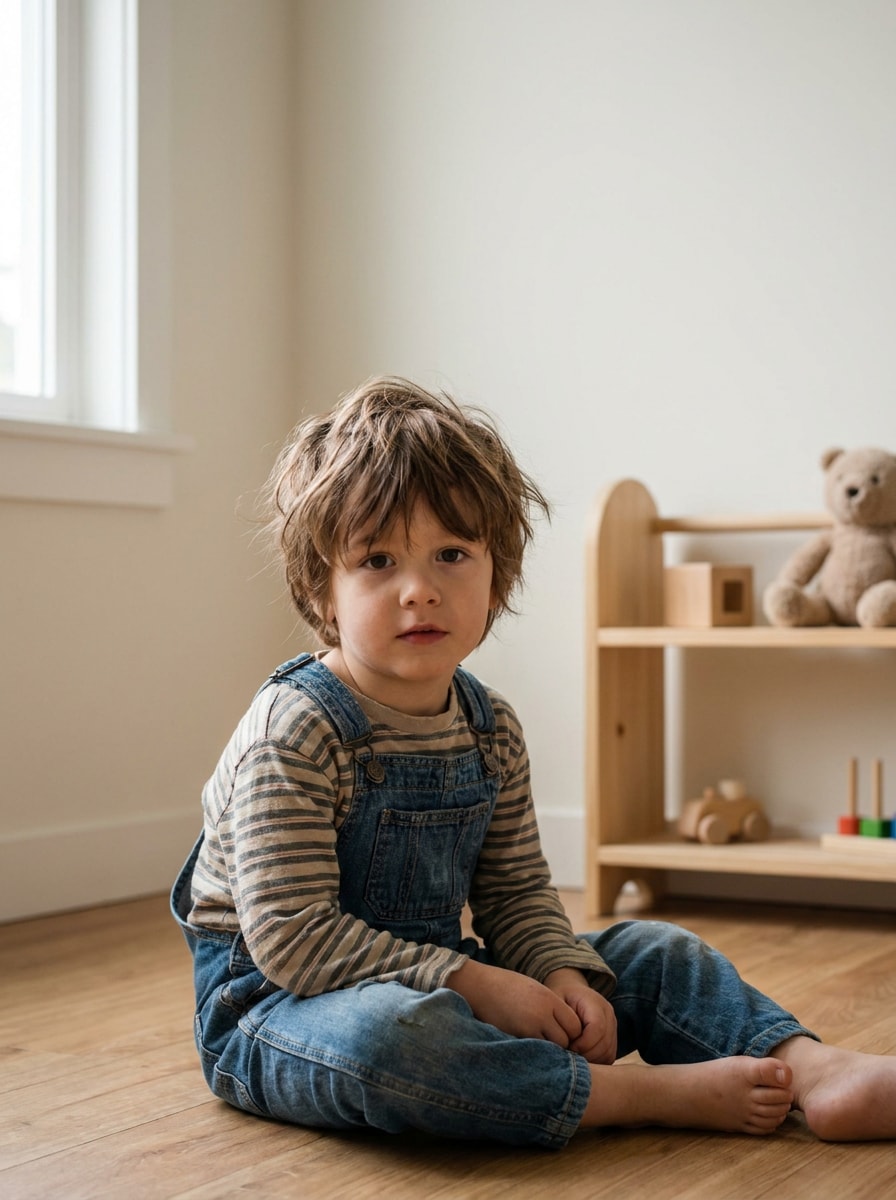
Kidcore Filter Before
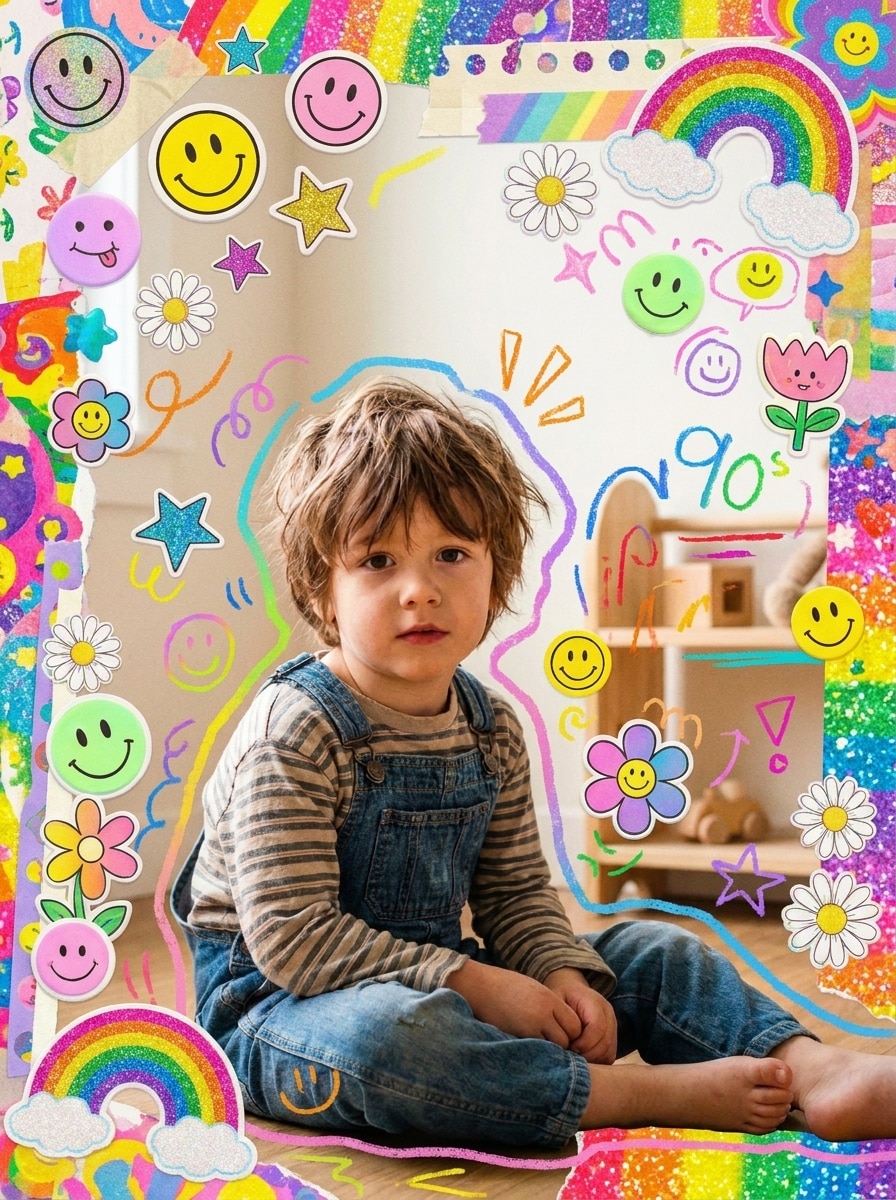
Kidcore Filter After

Turn selfies, outfits, rooms, and objects into bright retro edits with a kidcore filter. Media.io helps you create a kidcore aesthetic filter look with stickers, flash color, doodles, and nostalgic rainbow styling in a fast browser-based workflow. It can also help with colorful kidcore photo.

Create My Kidcore Edit

Type your idea -> AI designs it. Free to try.

Review these example directions, then tailor the prompt details to get stronger results with this AI kidcore filter in Media.io.

Rainbow Scrapbook Portrait

Rainbow Scrapbook Portrait

Use the uploaded image as the subject and transform it into a vibrant kidcore scrapbook portrait with rainbow tones, pastel and neon contrast, sticker overlays, smiley faces, stars, flowers, hand-drawn doodles, soft direct-flash lighting, playful paper textures, nostalgic 90s energy, and clean facial detail.

Indie Kid Flash Edit

Indie Kid Flash Edit

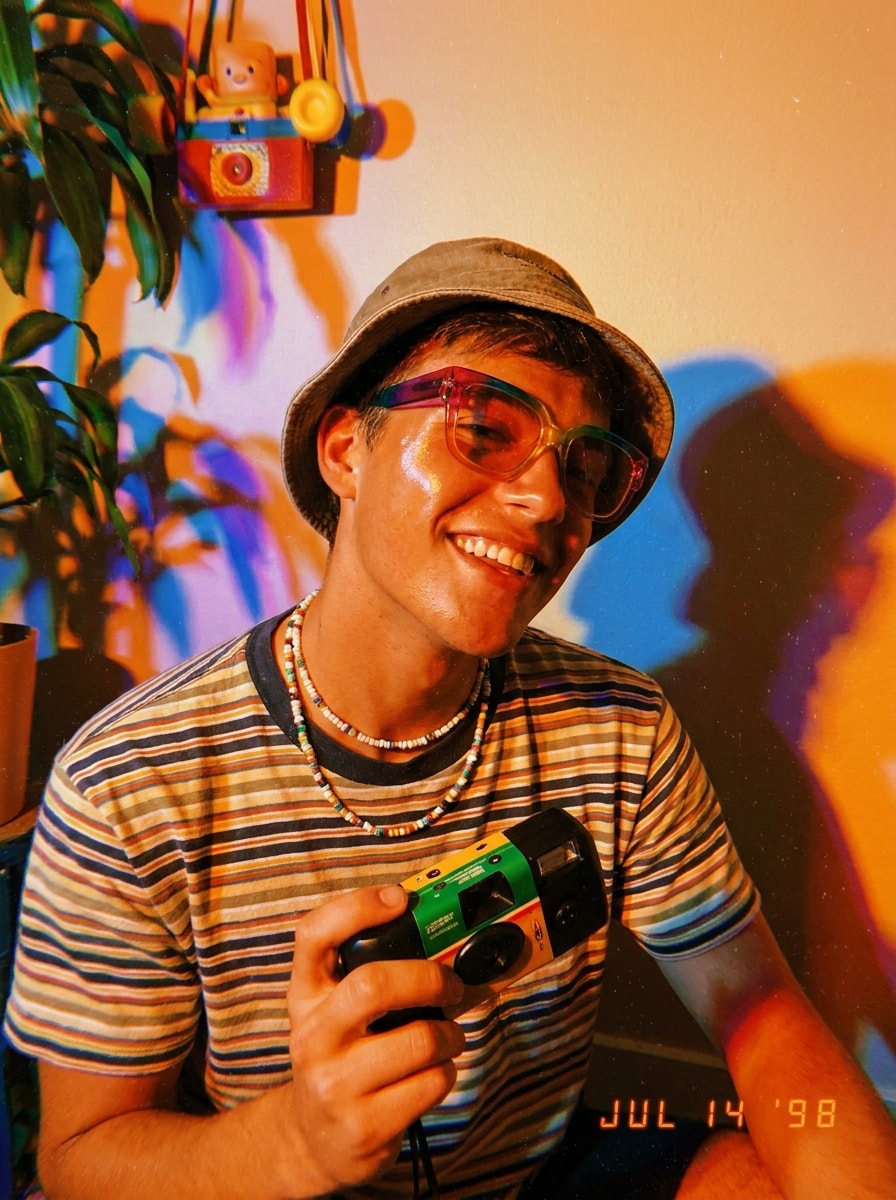
Use the uploaded photo as the base and restyle it into an AI kidcore filter portrait with direct flash, vivid warm saturation, colorful cast shadows, slight film grain, glossy highlights, carefree summer mood, disposable-camera texture, playful accessories, and sharp subject focus with nostalgic indie energy.

Disposable Camera Kidcore

Disposable Camera Kidcore

Use the uploaded image and give it a disposable-camera kidcore effect with overexposed flash highlights, warm nostalgic color grading, soft blur, fine grain, playful multicolor accents, candid snapshot framing, toy-store palette, and cheerful retro energy while keeping the main subject recognizable.

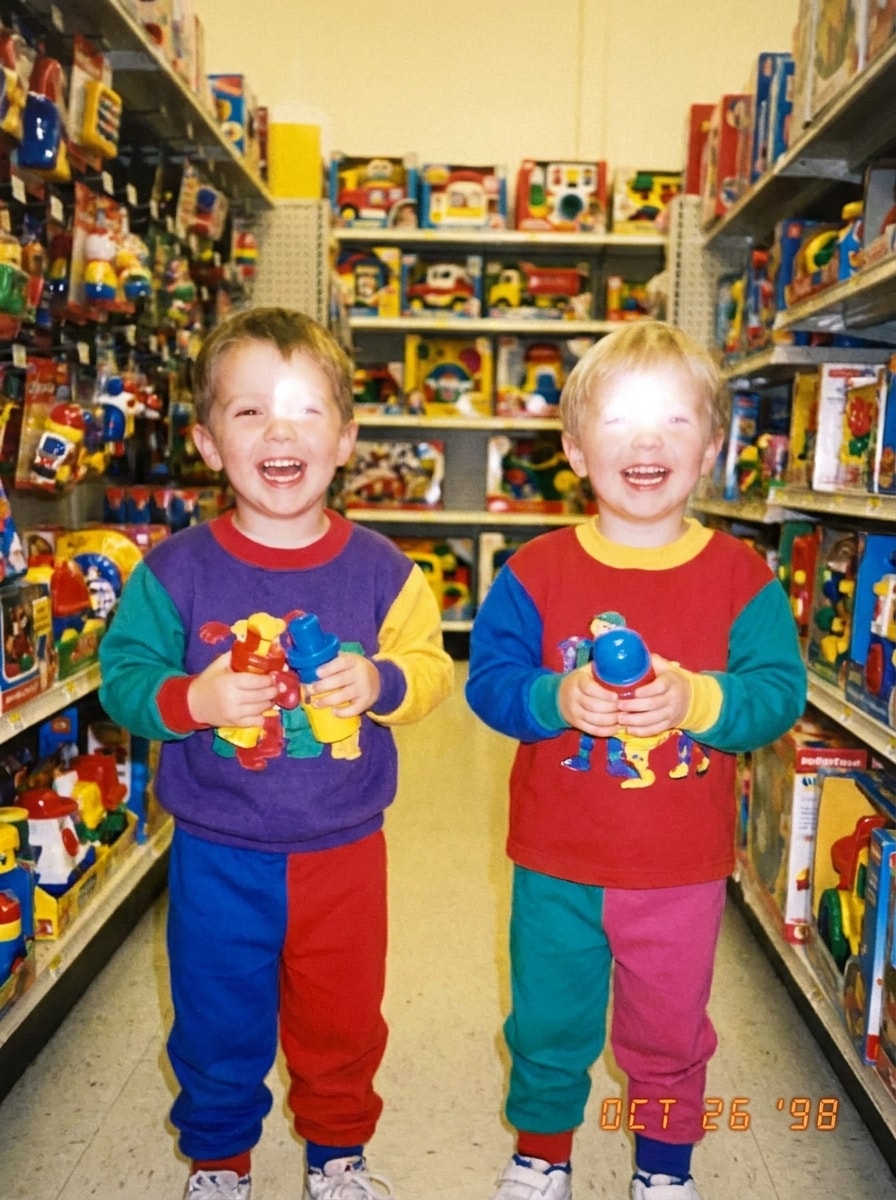
90s Toy Store Color Pop

90s Toy Store Color Pop

Transform the uploaded image into a bold 90s toy store scene with bright primary colors, glossy plastic textures, red yellow blue accents, cheerful childhood nostalgia, maximalist styling, clean subject separation, playful lighting, and a polished commercial finish full of upbeat kidcore energy.

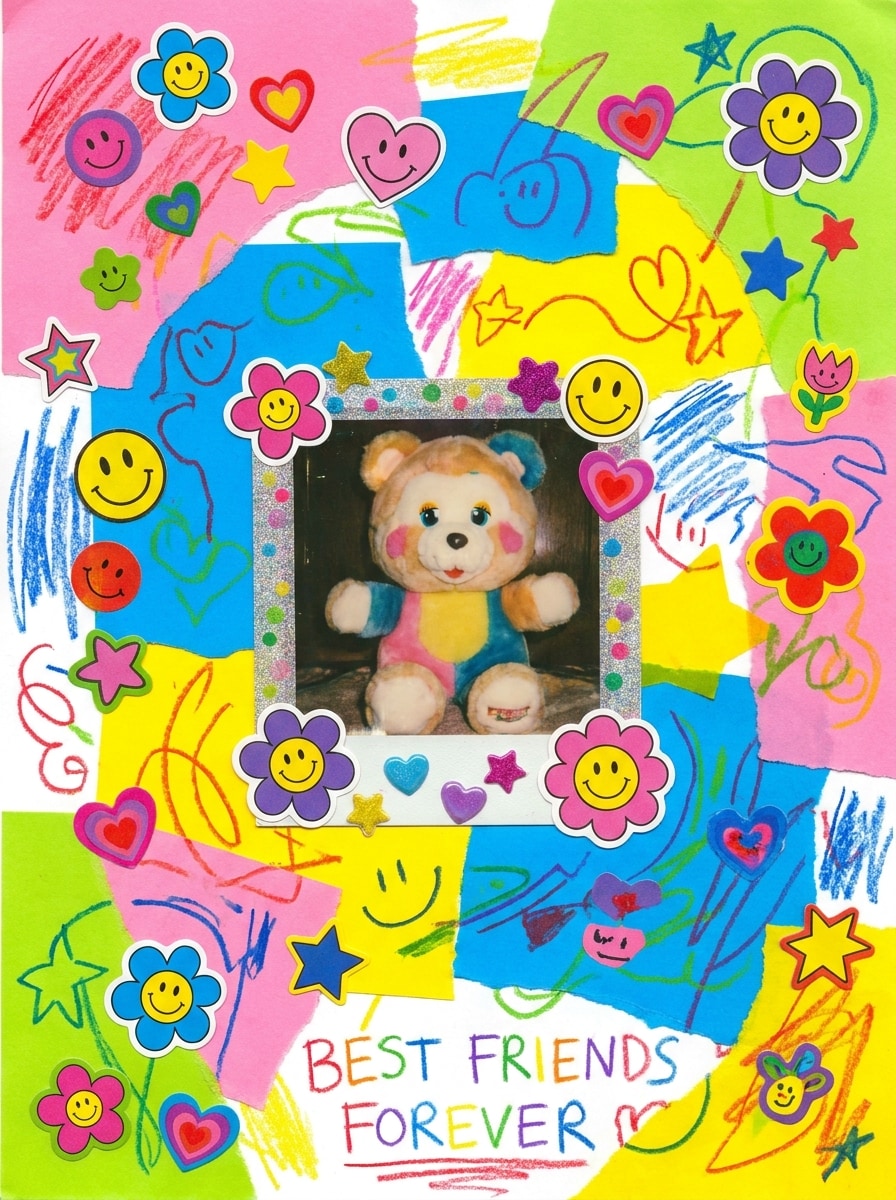
Sticker Bomb Collage

Sticker Bomb Collage

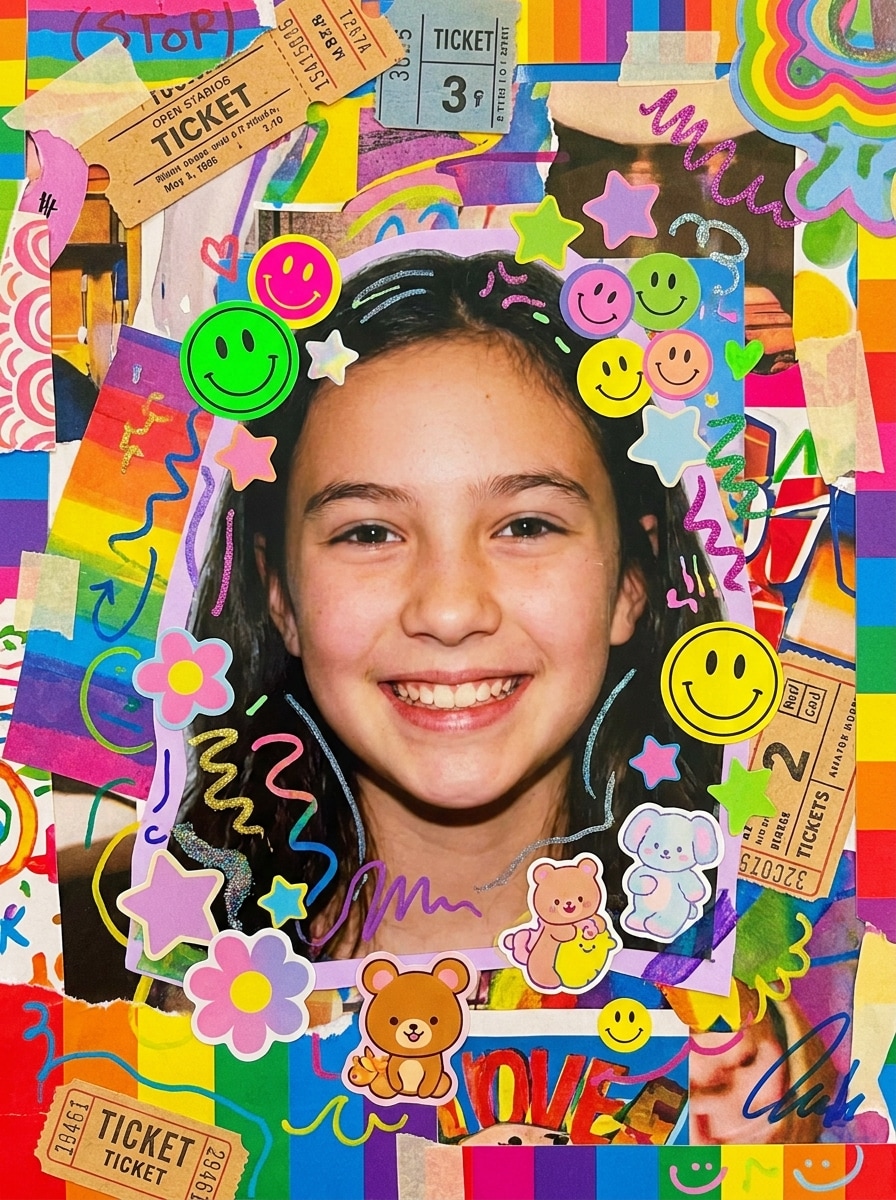
Use the uploaded image as the centerpiece and create a kidcore collage with layered stickers, smiley faces, hearts, stars, flowers, crayons, torn paper edges, marker doodles, candy-bright palette, energetic scrapbook layout, and strong subject preservation for a chaotic but polished nostalgic edit.

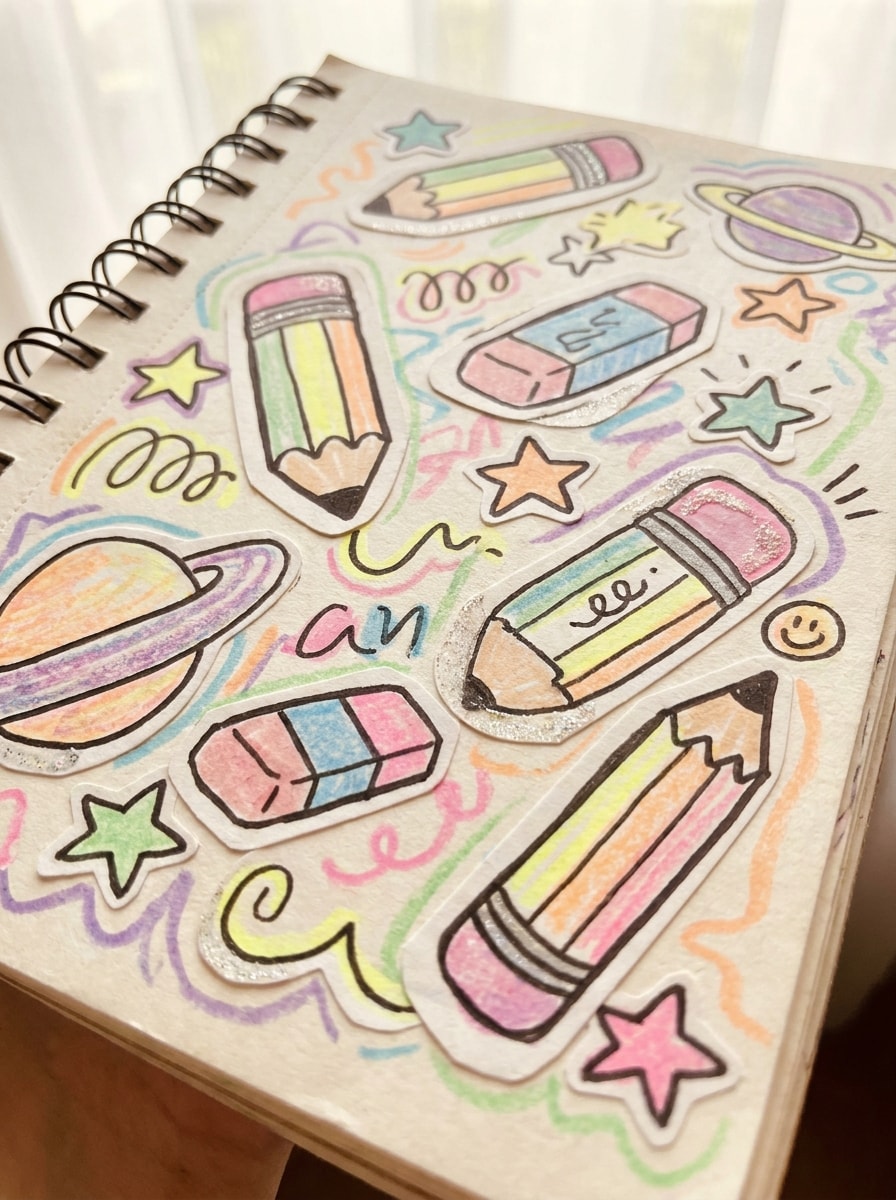
Notebook Doodle Aesthetic

Notebook Doodle Aesthetic

Transform the uploaded picture into a notebook doodle style kidcore edit with hand-drawn outlines, crayon and marker textures, pastel-neon colors, school-supplies nostalgia, paper cutout layering, whimsical composition, soft brightness, and preserved realism beneath the illustrated decorative elements.

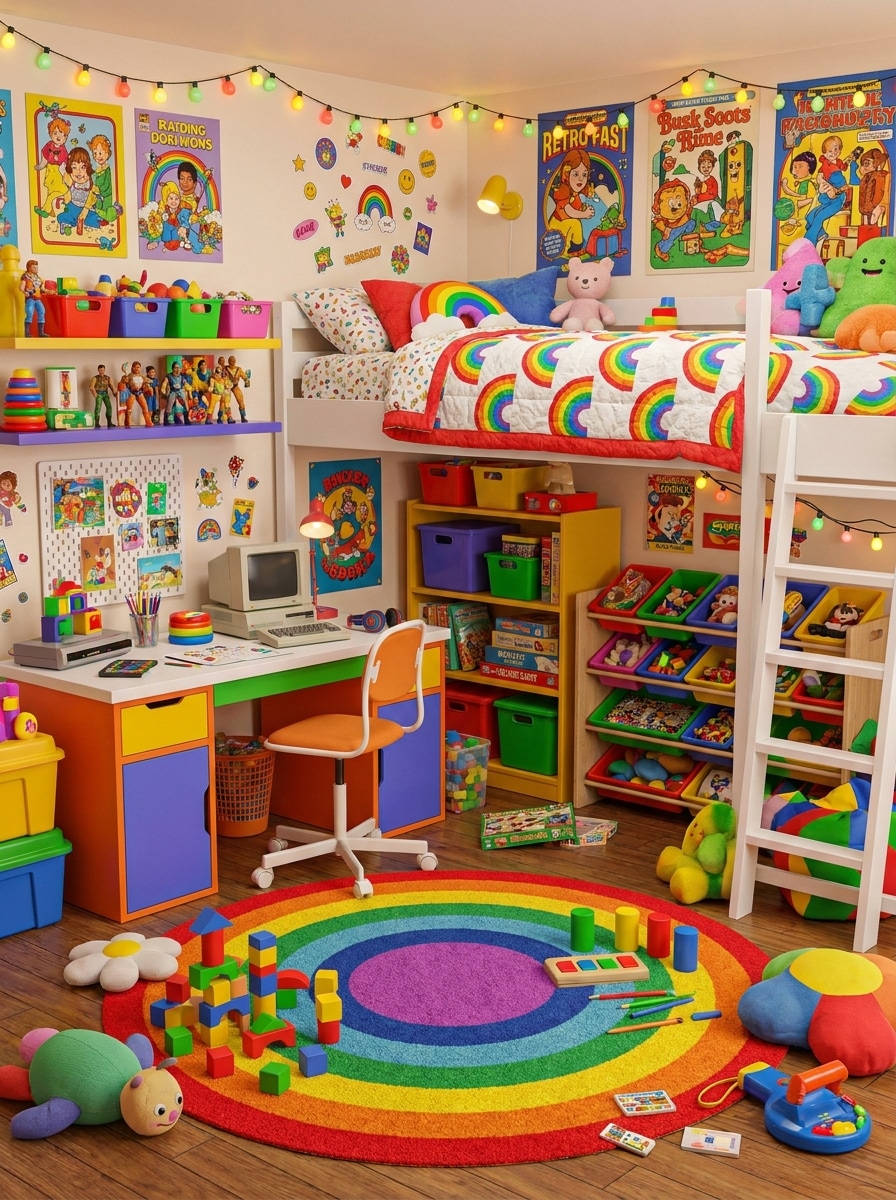
Kidcore Bedroom Makeover

Kidcore Bedroom Makeover

Use the uploaded room photo and restyle it into a colorful kidcore space with rainbow decor, toy-like accents, retro posters, playful clutter, nostalgic childhood objects, sticker-style embellishments, cozy maximalist atmosphere, bright balanced lighting, and clear furniture details for a fun makeover.

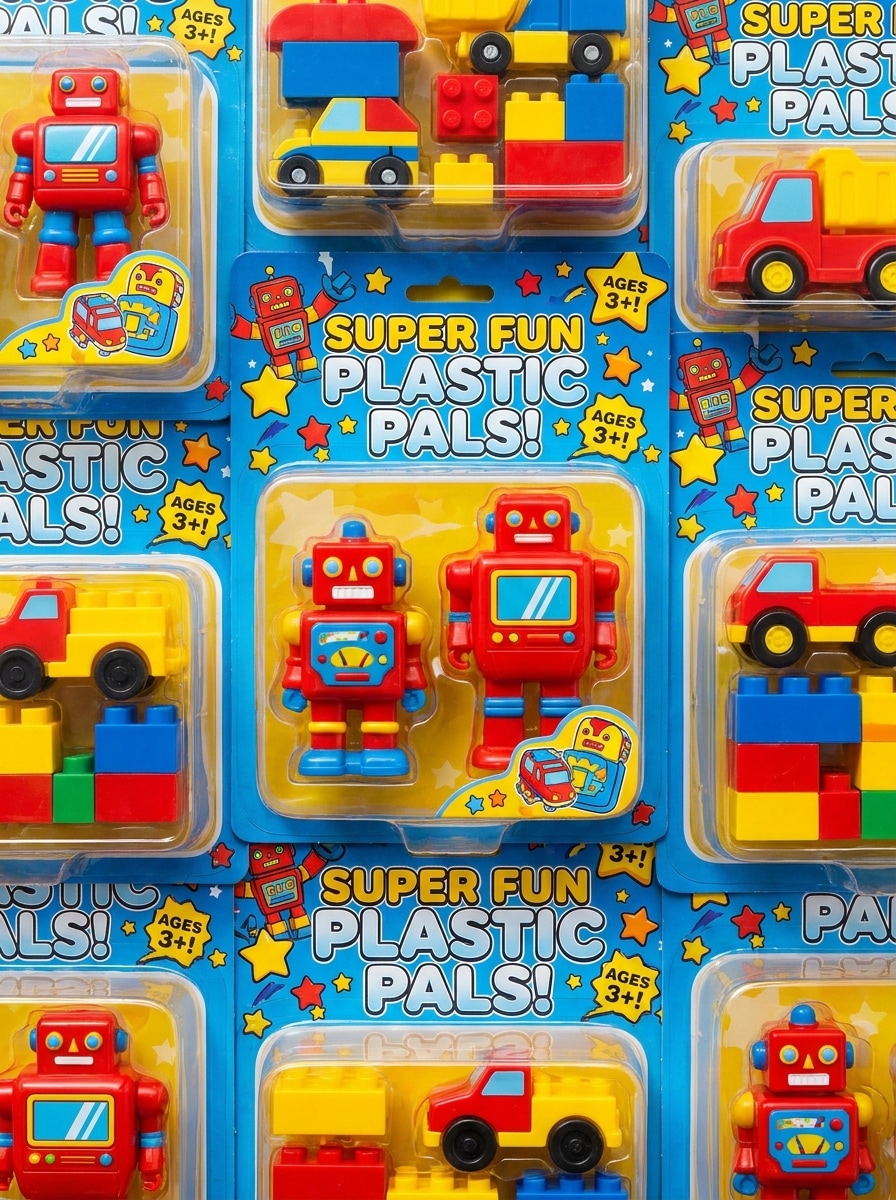
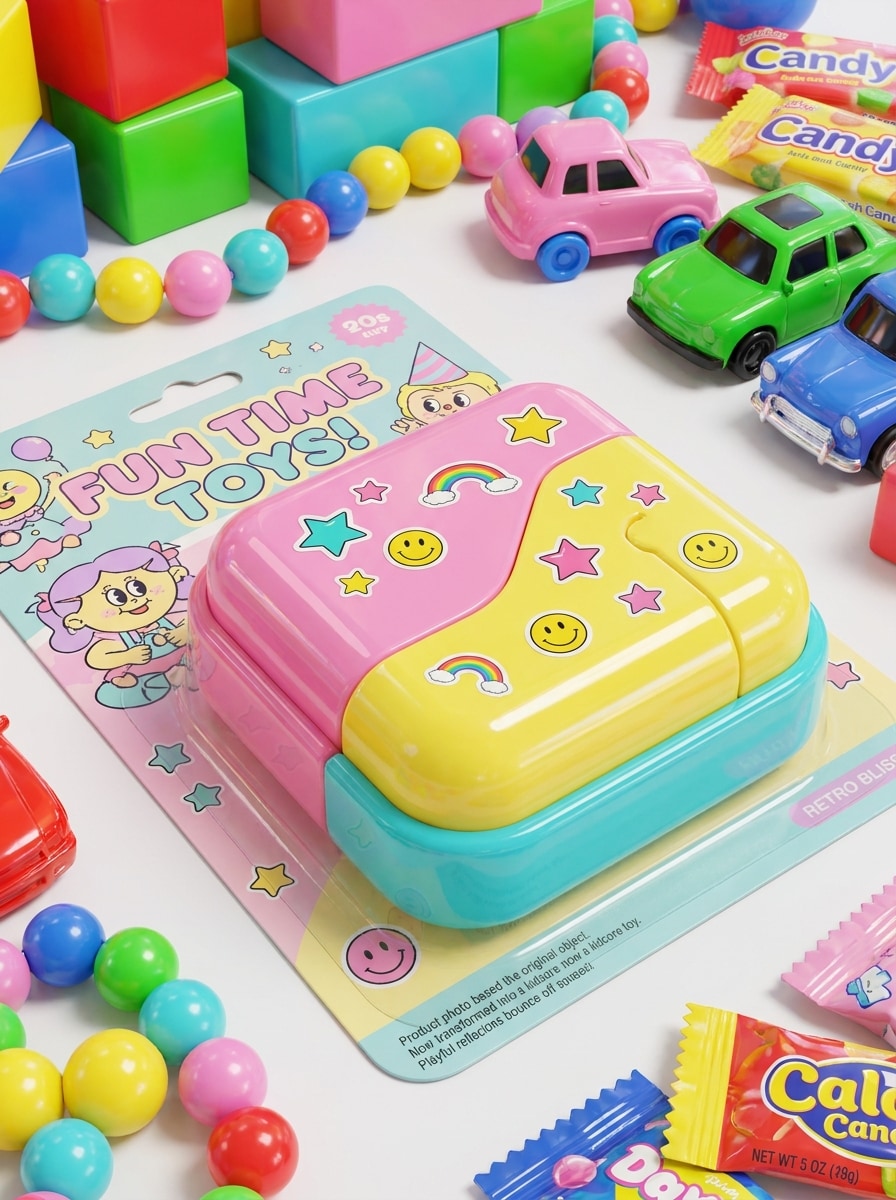
Candy Color Product Shot

Candy Color Product Shot

Use the uploaded object photo and turn it into a colorful kidcore photo with candy-toned colors, glossy toy-like textures, bright background props, retro packaging influence, sticker accents, playful reflections, clean product focus, and a polished nostalgic advertising style.

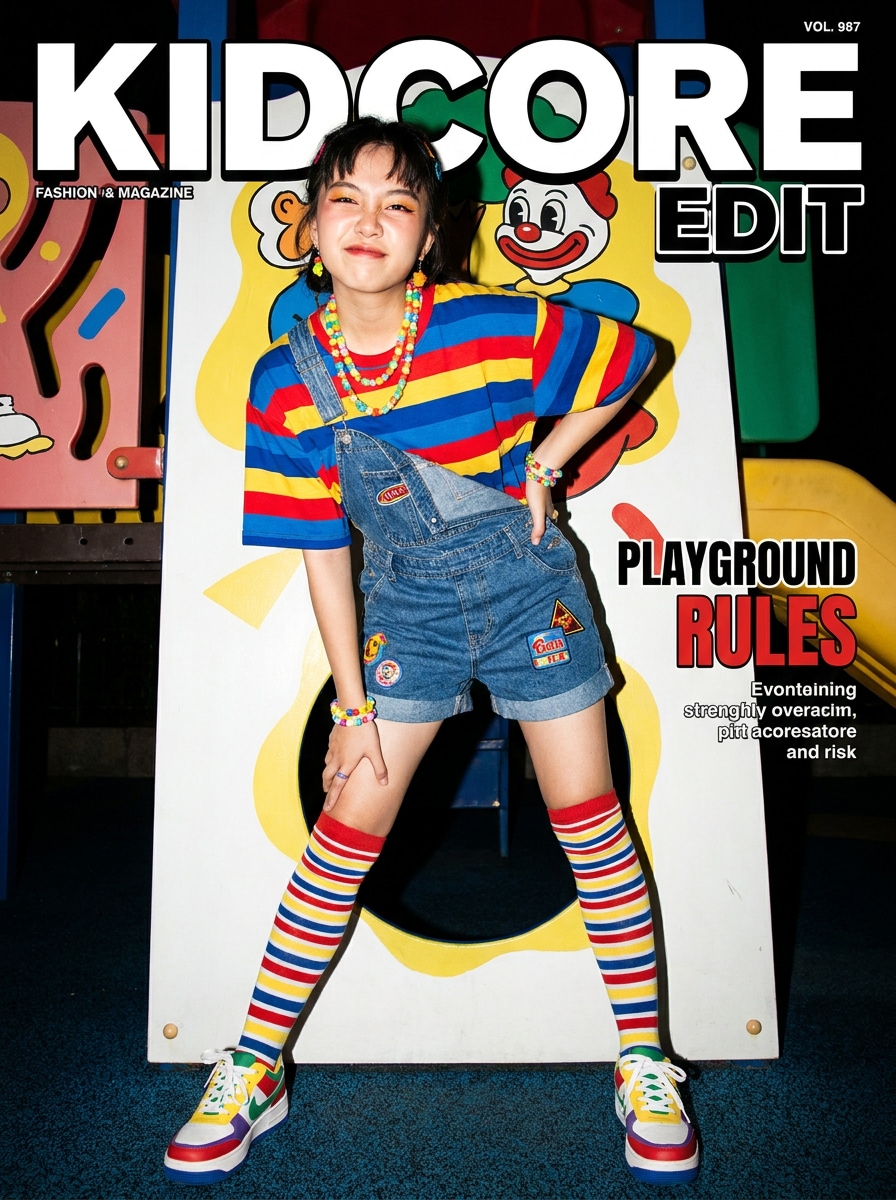
Playground Fashion Editorial

Playground Fashion Editorial

Transform the uploaded outfit photo into a kidcore fashion editorial with playground-inspired colors, striped socks, plastic jewelry, glossy flash, vibrant contrast, retro youth references, polished magazine framing, playful confidence, and crisp clothing detail for a bold nostalgic style statement.

Cartoon Soft Pop Kidcore

Cartoon Soft Pop Kidcore

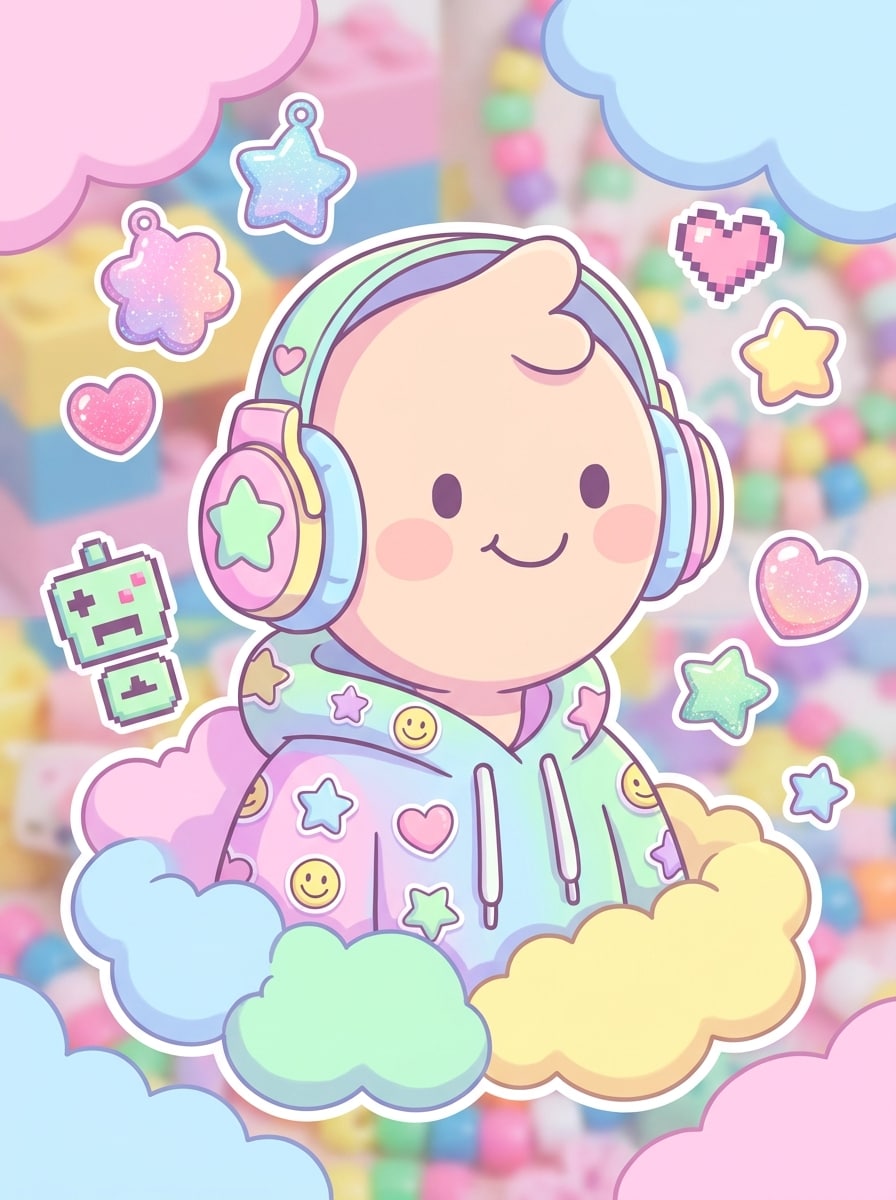
Use the uploaded image as the subject and apply a soft cartoon kidcore transformation with pastel-neon hues, rounded cheerful shapes, softened outlines, toy-inspired textures, cute nostalgic embellishments, sticker motifs, smooth lighting, and a polished playful finish ideal for profile images and creative posts.

Why Use Media.io for Kidcore Photo Edits

Reference-Based Edits That Still Look Like You

Selfies, outfit shots, and pet photos feel more personal with Media.io because the uploaded image stays the visual anchor. Media.io applies playful kidcore styling while keeping your face, pose, and key details recognizable in the final result.

Rework One Subject Into Multiple Styles

Practical design work often needs more than a tiny preview, and Media.io helps by generating sharper kidcore-style results up to 4K. That added clarity makes the final image more reliable for presentations, layouts, and polished creative use.

Create High-Resolution Images for Real Use

If the final kidcore filter visual will be reused beyond a small preview, Media.io helps deliver sharper results up to 4K so the image stays more reliable in practical design and presentation work.

Fast Browser Workflow for Phone or Desktop

Some kidcore filter visual concepts get drafted on the go and finished later at a desk. Media.io keeps that process online, so you can return to the same workflow without extra installs or setup.

How to Apply a Kidcore Filter Online

Turn your words into stunning visuals in three simple steps, then continue refining the result if you want to take it further.

how to use image to image AI for kidcore filter step 1
Step 1

Upload Your Reference Image

Start with a clear selfie, outfit shot, bedroom photo, pet picture, or object image in JPG, PNG, or JPEG format. A well-lit source photo gives the AI stronger facial detail, cleaner edges, and a more polished nostalgic transformation.

how to use image to image AI for kidcore filter step 2
Step 2

Describe the Change and Set Options

Add a prompt that explains the look you want, such as rainbow colors, scrapbook stickers, flash photography, doodles, toy-like textures, or 90s vibes. Then choose your model and adjust aspect ratio, resolution, and the number of image variations.

how to use image to image AI for kidcore filter step 3
Step 3

Generate, Download, and Keep Improving

Create your kidcore variations, compare the results, and download the version you like best. If needed, refine the prompt, change the styling intensity, or regenerate new options until the retro color and collage mood feel right.

Unlock the Potential of Kidcore Aesthetic Filter

See how creators use this Kidcore Filter for content, marketing, and personal projects, then adapt each idea to fit the brief.

Make Social Posts More Playful

Turn casual selfies and mirror shots into bright scrapbook-style visuals for TikTok, Instagram, or mood boards. This approach works well when you want a nostalgic indie look with stickers, flash color, and candy-bright energy that stands out in fast-scrolling feeds.

Restyle Rooms, Desks, and Decor Photos

Upload a bedroom, shelf, or workspace image and experiment with rainbow decor, toy-inspired accents, and maximalist childhood nostalgia. It is useful for creators, students, or aesthetic accounts that want vivid room content without planning a full physical makeover.

Create Fun Product and Outfit Visuals

Use the effect on fashion photos, accessories, or small product shots to create a bold retro promo image. Brands, resellers, and content creators can quickly build eye-catching visuals with a playful personality and a consistent kidcore-inspired theme.

What Users Say

user
Ava M.

Lifestyle Creator

star star star star star

"Perfect for bright scrapbook edits" I uploaded a basic selfie and got a colorful retro result that actually looked polished. The stickers, flash feel, and rainbow tones gave me the exact kidcore vibe I wanted for social posts.

user
Jordan T.

Vintage Fashion Seller

star star star star star

"Great for outfit photos" I use it to turn simple clothing shots into playful editorial images. It keeps the outfit details visible while adding enough nostalgia and color to make the pictures look more clickable.

user
Mia R.

Pinterest Hobbyist

star star star star star

"Easy to use on mobile" I didn’t need an app or complicated editing steps. I opened it in my browser, uploaded a room photo, and got multiple kidcore-inspired versions fast. It feels much easier than layering effects manually.

user
Leo C.

Student Designer

star star star star star

"Good detail preservation" What impressed me most was that my face and pose still looked like me. The tool added the bright nostalgic style without turning the image into a messy blur.

Kidcore Filter FAQs

1. What is a kidcore filter?

A kidcore filter is a photo effect that gives an image bright, nostalgic styling inspired by childhood colors, toy-like textures, scrapbook elements, flash photography, and playful overlays. In practice, it often blends saturated rainbow tones, doodles, stickers, and retro energy to create a bold, youthful edit.

Upload your image to Media.io, describe the look you want, and generate the result in your browser. You can guide the style with prompts for scrapbook layers, sticker accents, 90s color, or an indie kid mood, then adjust aspect ratio, resolution, and variations before downloading.

Media.io offers free credits, so you can try a kidcore photo edit before paying. Free users may see watermarks, while paid subscribers can download watermark-free high-resolution images and get more credits; for exact limits, check the pricing page.

Yes. Media.io supports image-to-image editing, so you can upload your own selfie, outfit shot, room photo, or object image as the reference. That makes it easier to create a kidcore-inspired version with colorful overlays, flash styling, and nostalgic details based on your original composition.

Media.io is web-based, so it works on iPhone, Android, Mac, and Windows through a browser. That makes it easy to create and download a colorful retro edit on the device you already use.

Media.io is designed for reference-based image transformation, so your uploaded photo helps preserve core facial features, pose, and important scene details. Results can vary by prompt and source image quality, but a clear upload and a focused style description usually produce the most recognizable final image.

Media.io Online AI Tools Quality Rating:
vote 4.7 (162,357 Votes)