魅惑の森のポートレート
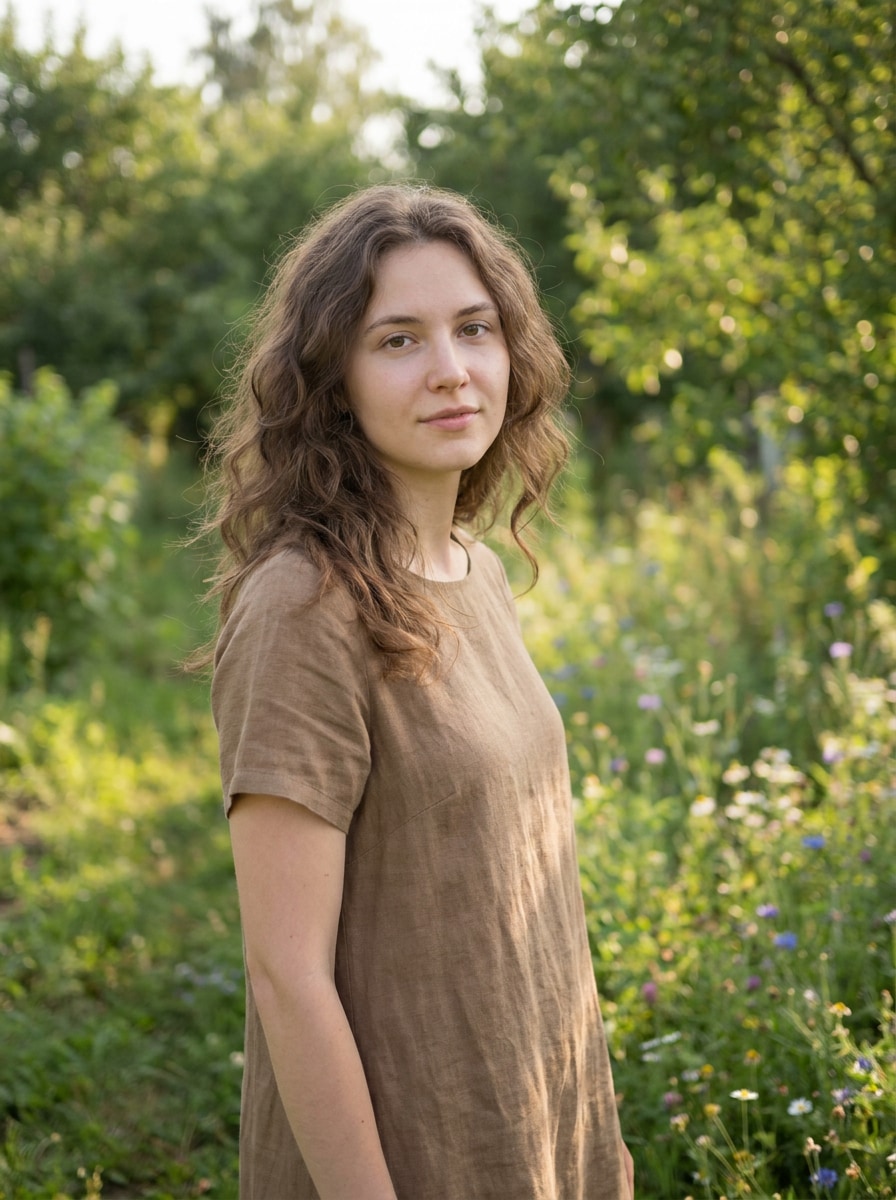
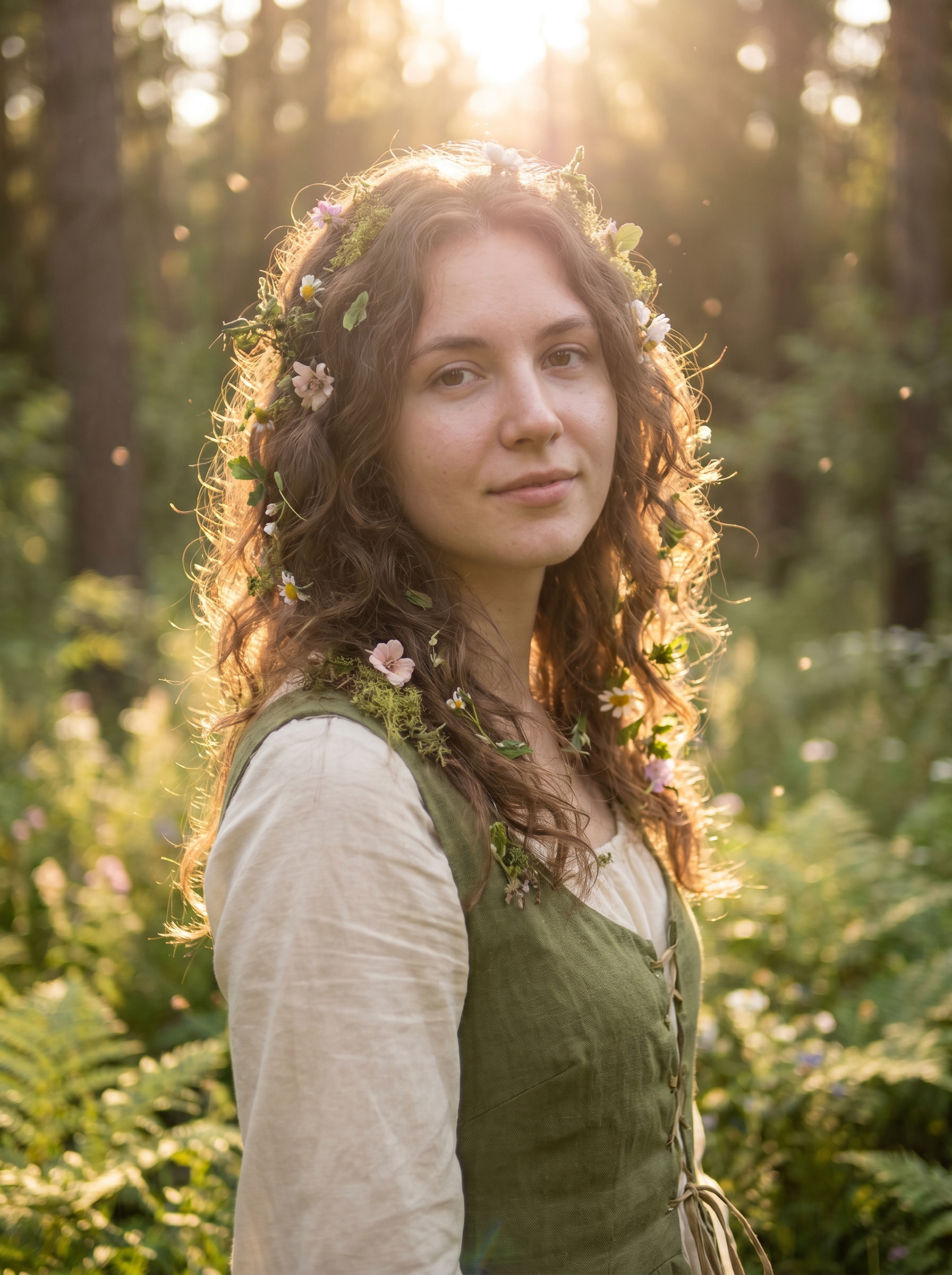
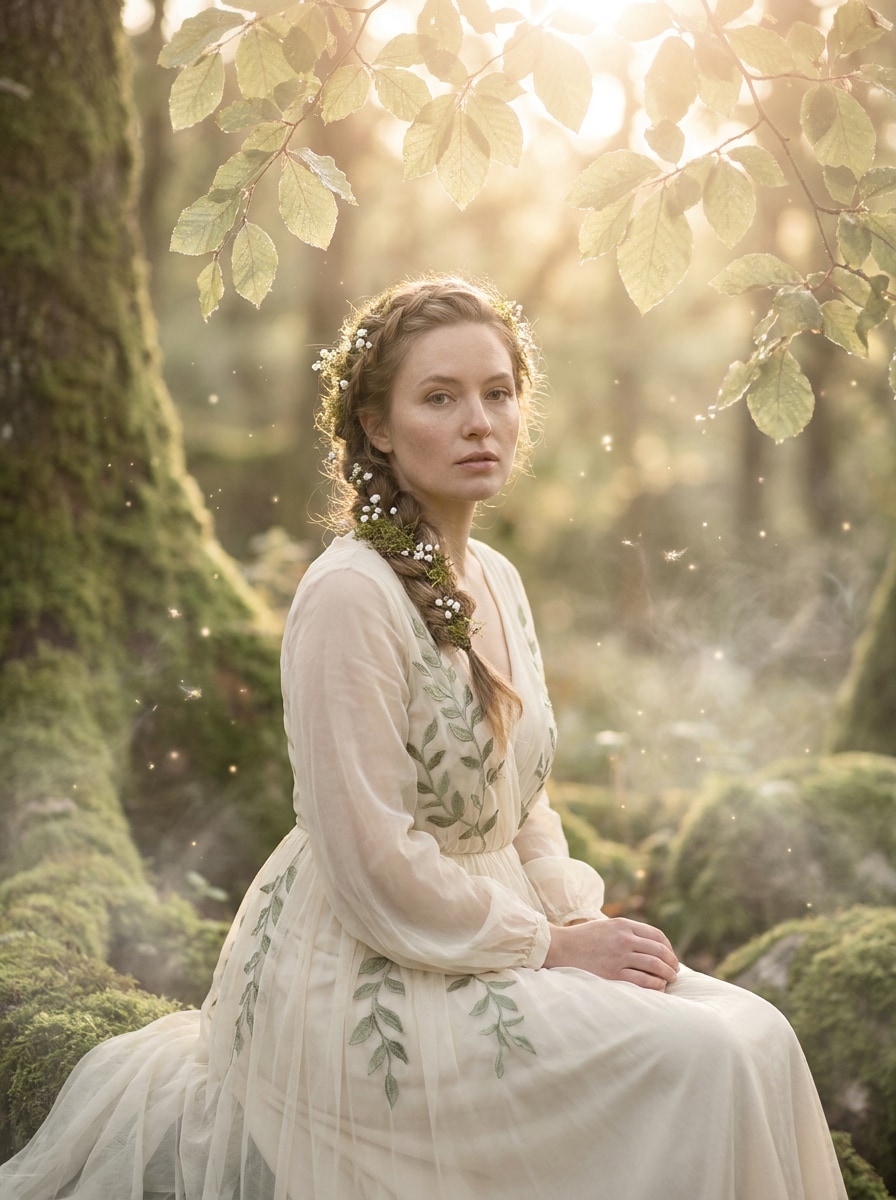
アップロードした画像を被写体として使用し、ソフトなグリーンとクリームのトーン、木々を通る温かいバックライト、髪と肩の周りの繊細な花、優しいブルーム、エアリーなヘイズ、自然な肌の質感、幻想的な雰囲気、そして洗練された高品質なファンタジー写真を持つ魅惑の森のフェアリーコアポートレートに変換してください。
 Nano Banana Pro
 創造力を解き放ち、Media AIの魔法をすぐに体験しよう!














ポートレートや写真をオンラインでソフトで魔法のようなフェアリーインスパイアード編集に変換します。Media.ioは フェアリーコアフィルター をグロー、ヘイズ、フローラルアクセント、魅惑的なカラームードで適用するのに役立ち、どんなクリアな画像からでも数秒で フェアリーコア美的フィルター ルックを簡単に作成できます。
アイデアを入力 -> AIがデザインします。無料でお試しください。
これらのサンプルの方向性を確認してから、プロンプトの詳細を調整して、このフェアリーコアフィルターでより強力な結果を得てください。
アップロードした画像を被写体として使用し、ソフトなグリーンとクリームのトーン、木々を通る温かいバックライト、髪と肩の周りの繊細な花、優しいブルーム、エアリーなヘイズ、自然な肌の質感、幻想的な雰囲気、そして洗練された高品質なファンタジー写真を持つ魅惑の森のフェアリーコアポートレートに変換してください。
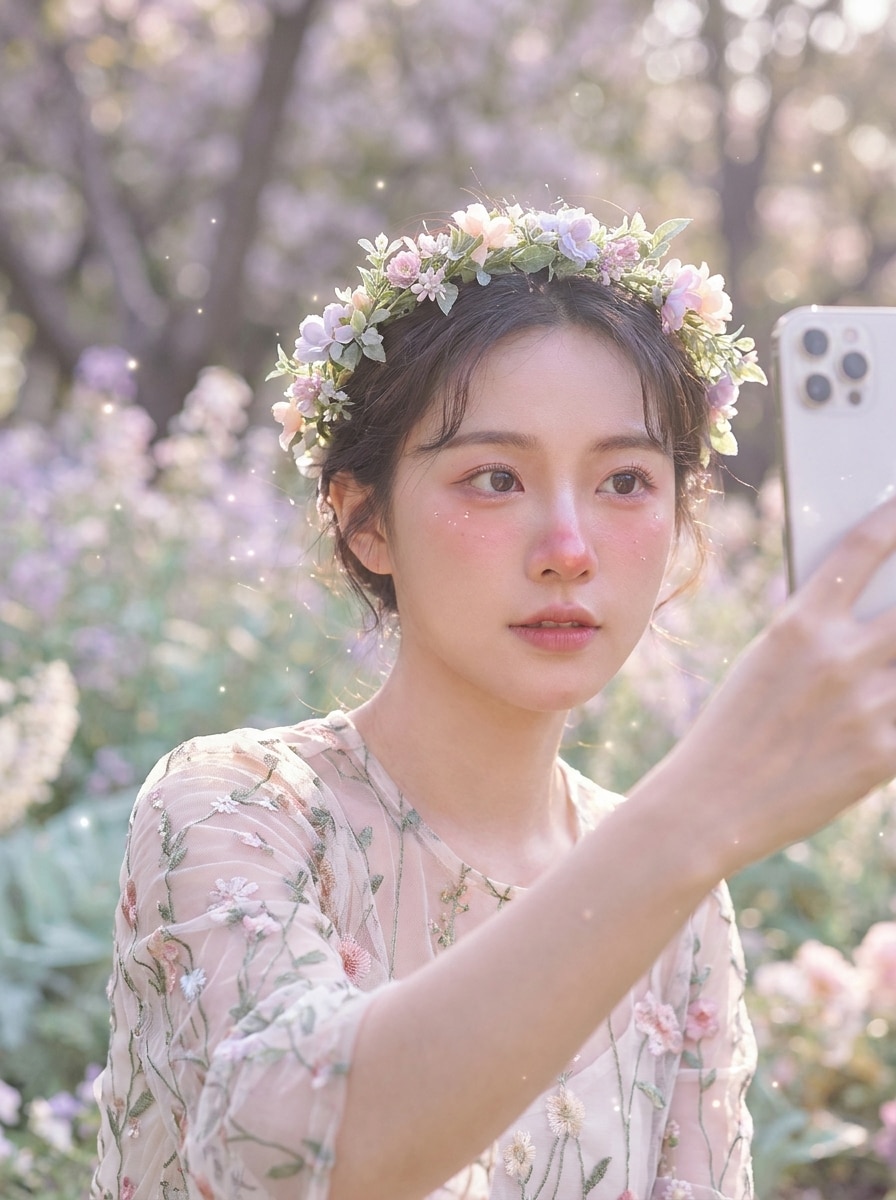
アップロードしたセルフィーをメインの被写体として使用し、パステルの花、バラ色のハイライト、柔らかな日光、夢のようなグロー、浮かぶスパークル、クリーミーな背景ブラー、繊細なファンタジースタイリング、そして顔の特徴を自然に保ちながらロマンチックな雰囲気を持つフラワークラウンフェアリーに変身させてください。
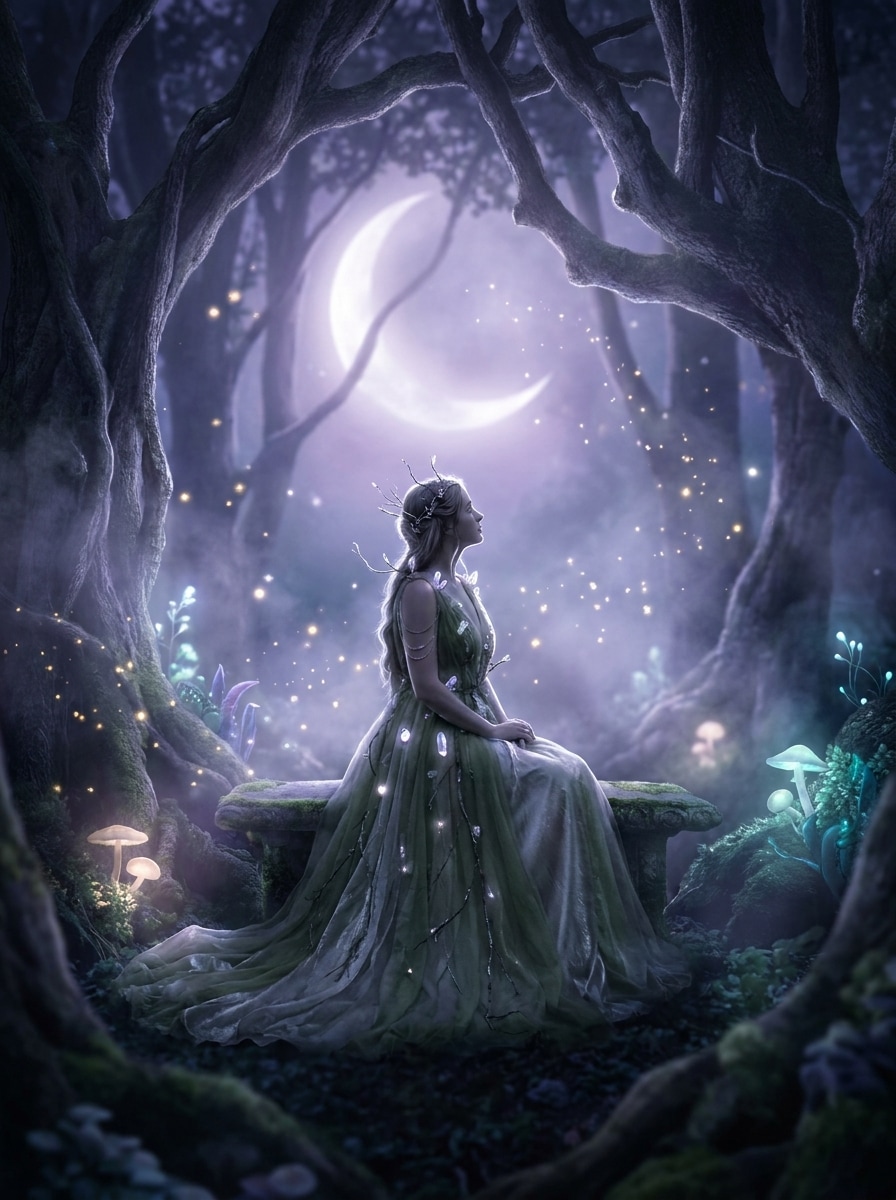
アップロードした画像を被写体として使用し、クールなラベンダーブルーのグロー、霧がかったハイライト、浮かぶスパークル、柔らかな影、繊細なシルバーのシマー、魅惑的な夜の雰囲気、シネマティックなコントラスト、そして被写体のアイデンティティを失わずに穏やかな夢のような雰囲気を持つ月明かりのフェアリーシーンに変換してください。
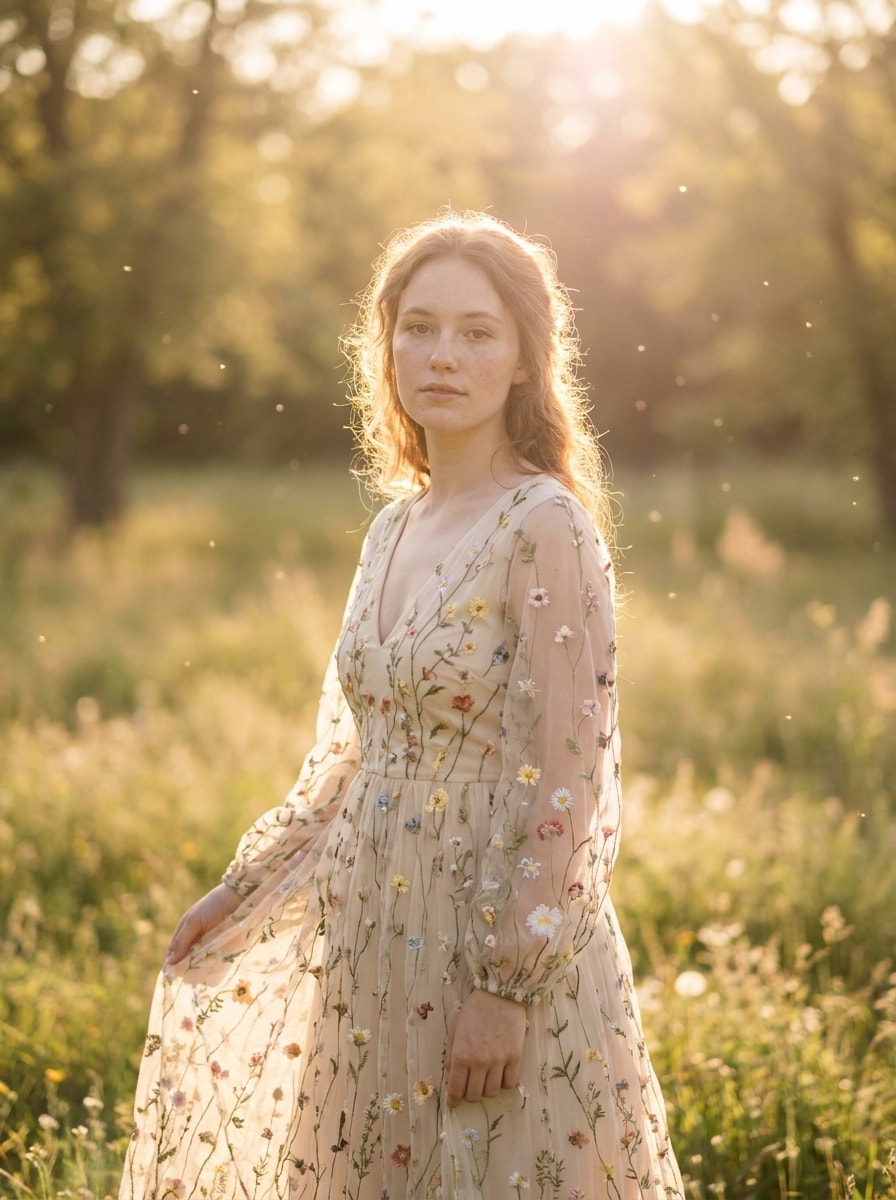
アップロードした写真を被写体として使用し、太陽に照らされたヘイズ、柔らかなブルーム、パステルのハイライト、輝くエッジ、ワイルドフラワーの雰囲気、優しいレンズフレア、クリーミーなテクスチャ、そして魔法のような夕日のストーリーテリングのような温かみのある幻想的な雰囲気を持つ温かいゴールデンフェアリーコア編集を適用してください。
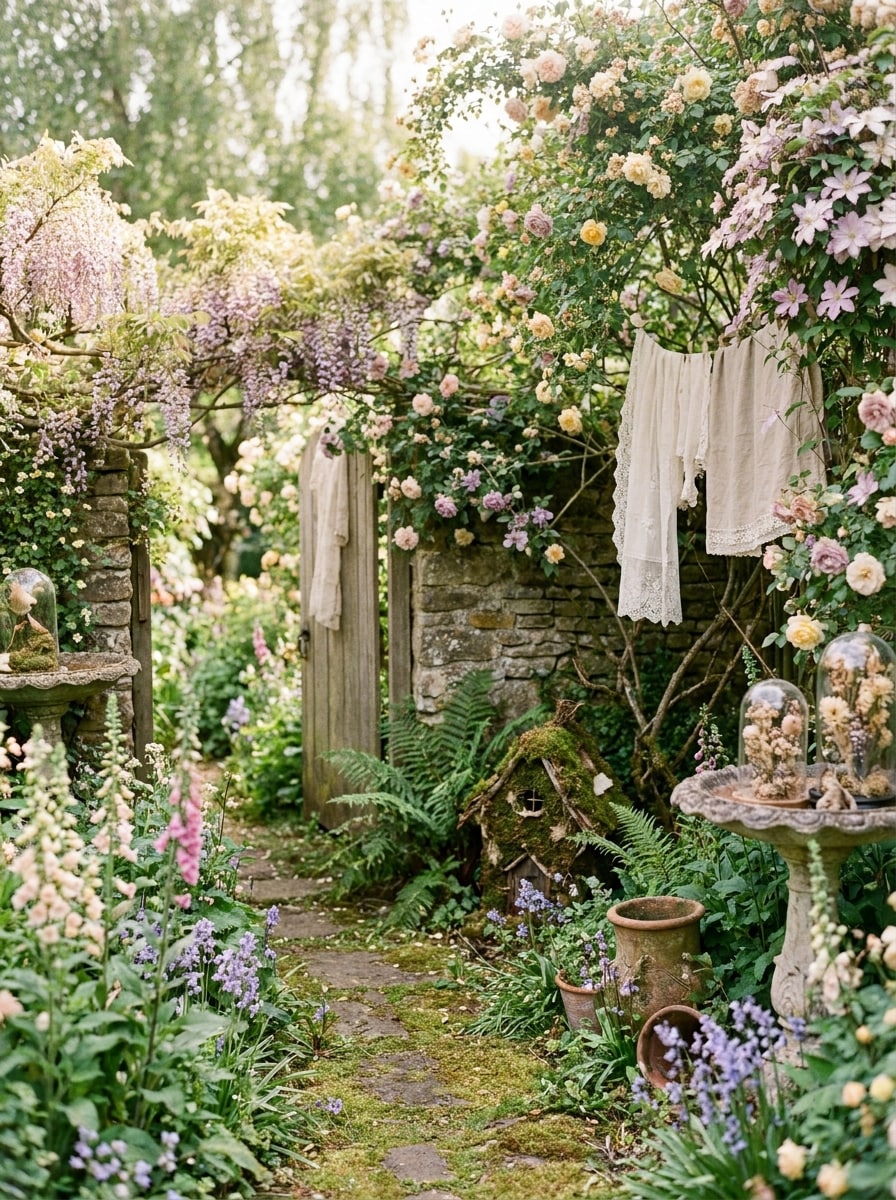
アップロードした画像を被写体として使用し、柔らかな緑、小さな花、拡散した日光、ヴィンテージの柔らかさ、アーシーなパステルトーン、ロマンチックなテクスチャ、夢のようなフローラルの雰囲気、そして フェアリーポートレートフィルター スタイルに適した優しいストーリーブックの感覚を持つコテージガーデンフェアリーポートレートに変換してください。
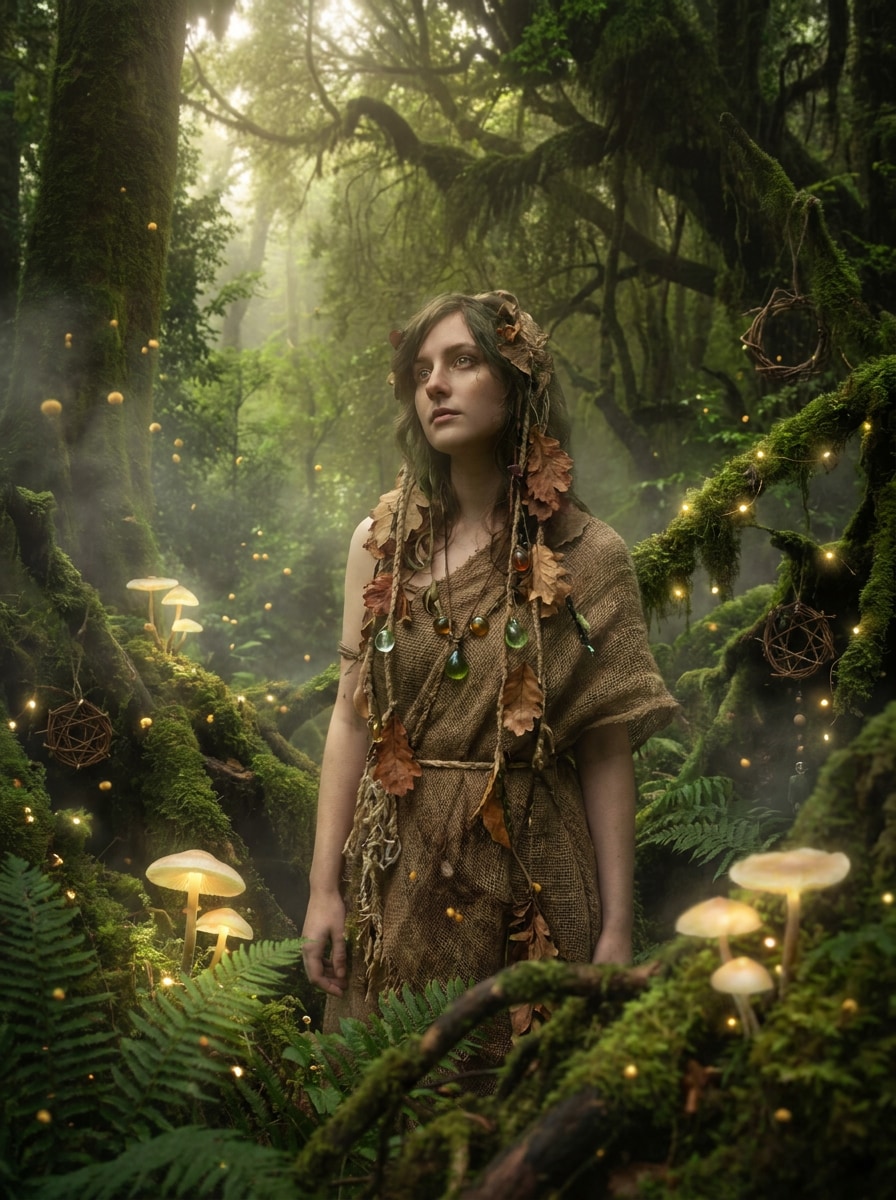
アップロードした写真を被写体として使用し、コケのテクスチャ、森のキノコ、浮かぶ胞子、豊かなグリーン、柔らかな霧、薄暗い魅惑の光、重層的な深み、そして信頼できるポートレート構造を保ちながら幻想的なおとぎ話の詳細を持つ魔法のキノコの森のファンタジーに変換してください。
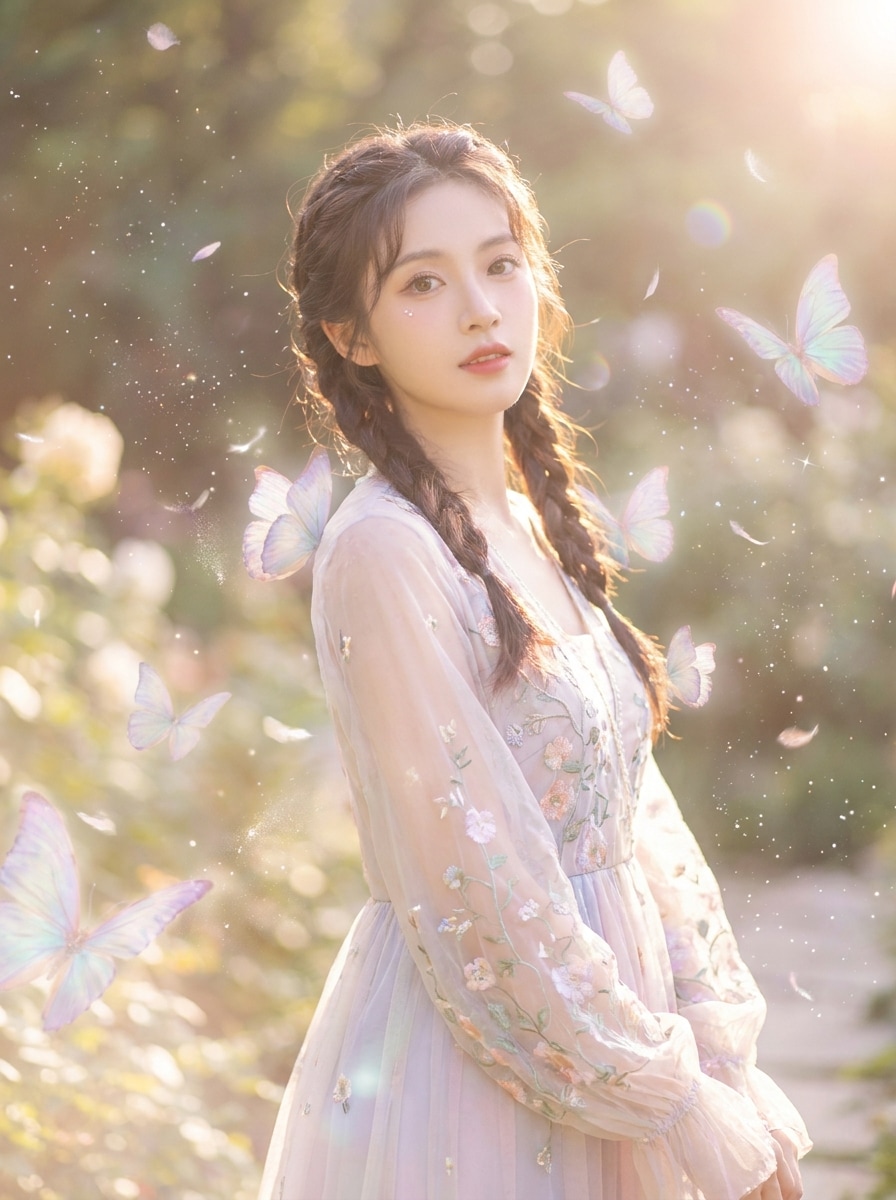
アップロードした画像を被写体として使用し、柔らかな蝶、きらめくスパークル、パステルグロー、エアリーなハイライト、繊細なレンズヘイズ、繊細な浮かぶパーティクル、そして遊び心があり、輝かしく、SNS映えするロマンチックなファンタジーの雰囲気を持つ夢のようなフェアリーコアエフェクトを追加してください。
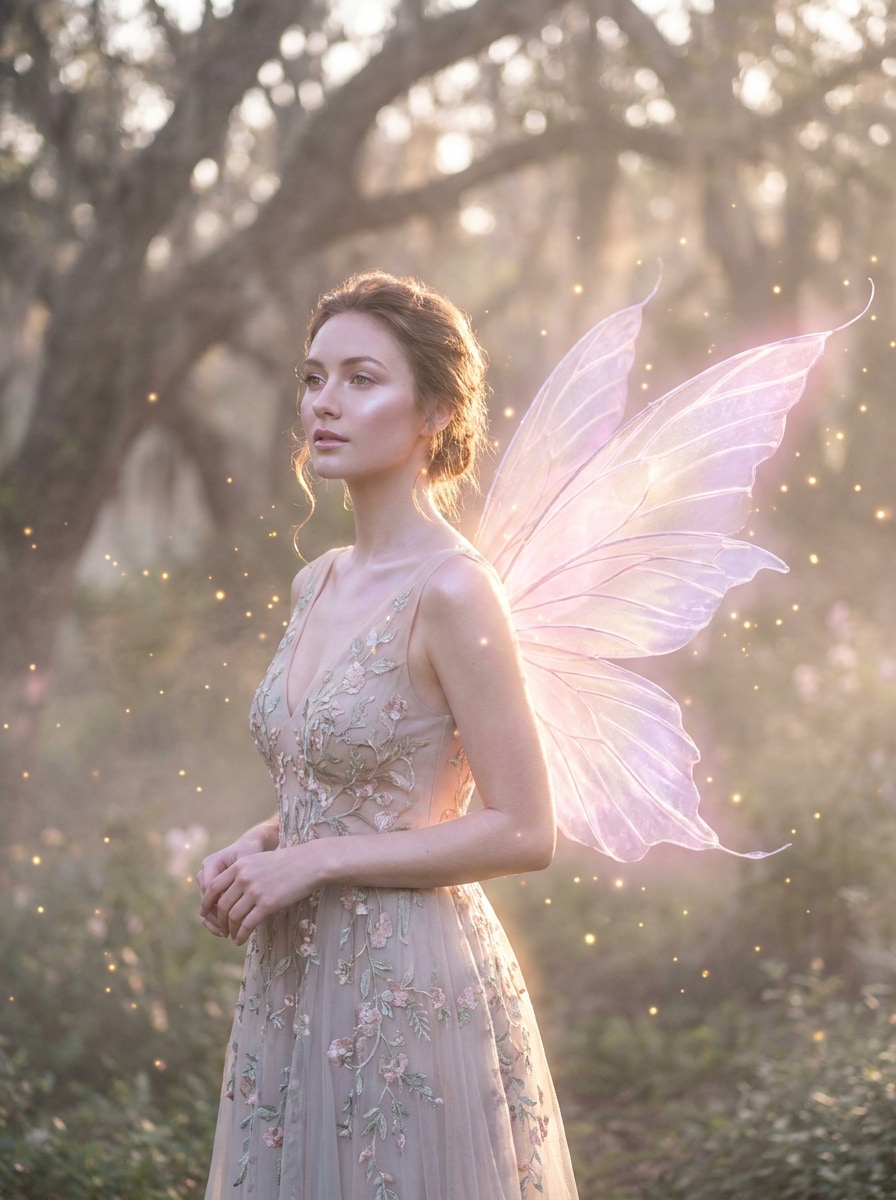
アップロードしたポートレートを被写体として使用し、半透明のフェアリーウィング、魔法のリムライト、浮かぶパーティクル、柔らかなピンクとライラックのトーン、輝く肌、夢のようなヘイズ、洗練されたファンタジースタイリング、そして印象的な フェアリーコアフォトフィルター の結果のためのバランスの取れたコンポジションを与えてください。
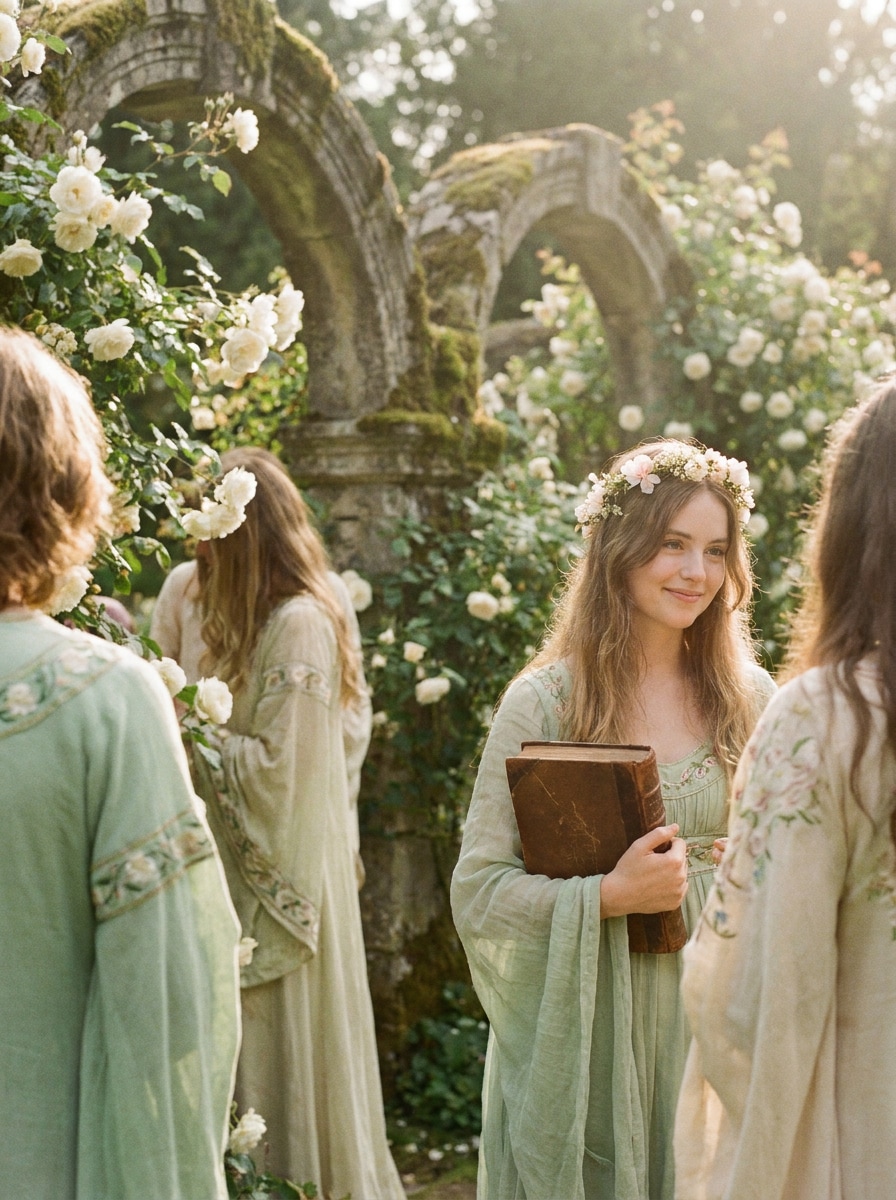
アップロードした写真を被写体として使用し、柔らかなフィルムグレイン、フェードしたパステルグリーン、温かいハイライト、ブルーミングホワイト、繊細なコントラスト、ノスタルジックなカラーグレーディング、そして優しく、シネマティックで、時代を超えたストーリーブックの雰囲気を持つヴィンテージな夢のようなフェアリーコア編集を作成してください。
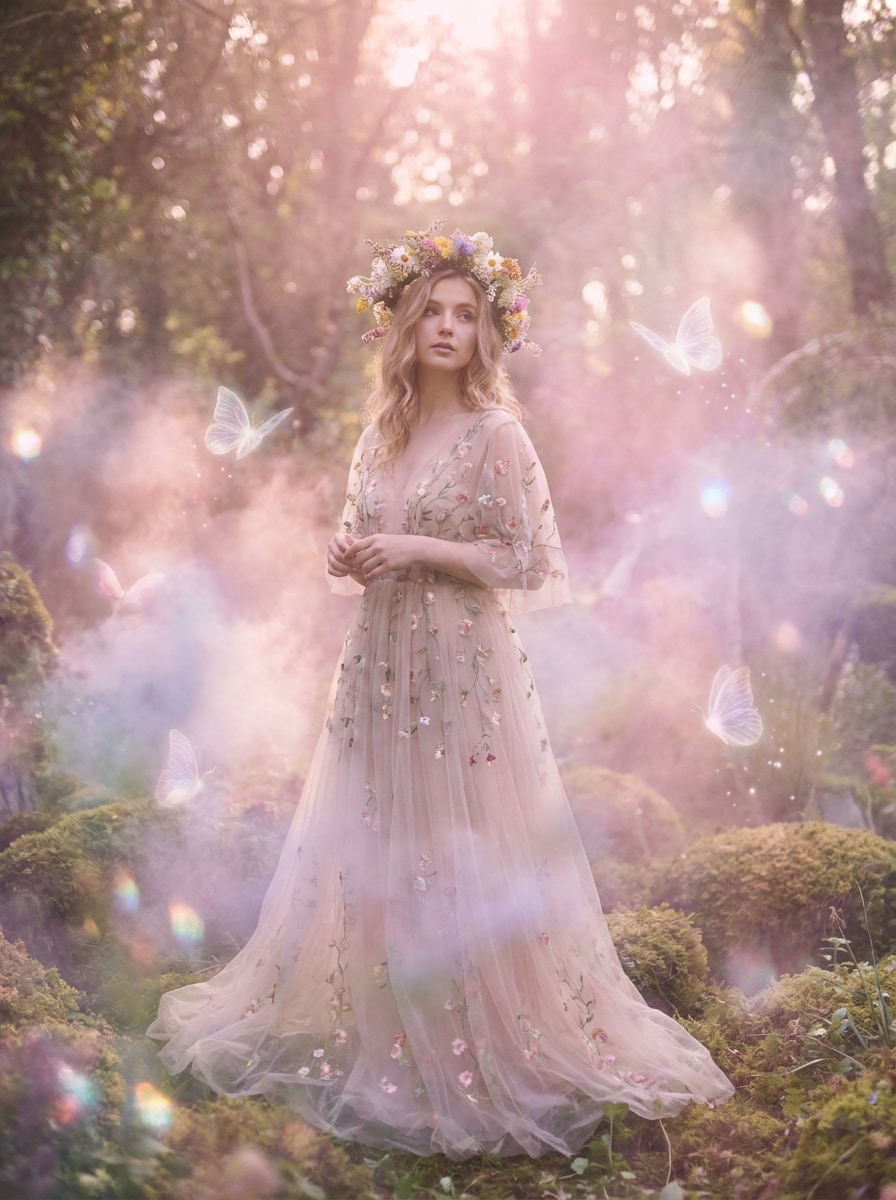
アップロードした画像を被写体として使用し、シュールなミスト、柔らかなブラー、パステルフォグ、輝くハイライト、幻想的なカラーキャスト、エアリーなコンポジション、そして繊細で、想像力豊かで、視覚的に没入感のある幻想的で非現実的な雰囲気でフェアリーコアとドリームコアを融合させてください。
変換後も被写体が同じように見える必要がある場合、Media.ioはコアのアイデンティティキューを保持しながら、最終的なフェアリーコアフィルターのビジュアルスタイルをよりクリーンな仕上がりに更新するのに役立ちます。
スタイルが意思決定の一部である場合、Media.ioは同じフェアリーコアフィルターのビジュアルベースから複数の方向性を比較するのに役立ち、クリエイティブな選択をより効率的にします。
一部の結果はプレビューで見栄えが良いだけでは不十分です。Media.ioは最大4Kの出力でよりクリーンなフェアリーコアフィルタービジュアルを生成するのに役立ち、最終画像が壁紙、デッキ、モックアップでも品質を維持します。
デバイスを切り替えても制作を遅らせるべきではありません。Media.ioはブラウザでフェアリーコアフィルタービジュアルを構築、調整、ダウンロードできるため、画面を移動する際もモメンタムを維持しやすくなります。
3つの簡単なステップで言葉を魅力的なビジュアルに変換し、さらに発展させたい場合は結果を磨き続けてください。

JPG、PNG、またはJPEG形式の鮮明なセルフィー、ポートレート、または写真から始めてください。顔の詳細や鮮明なメイン被写体が見える明るく照らされた画像は、より信頼性の高いフェアリーインスパイアード変換のためにMedia.ioにより強力なベースを提供します。

輝く森の光、フラワークラウン、パステルヘイズ、蝶、または月明かりのファンタジートーンなど、望むルックを入力してください。次に、好みのモデルを選択し、アスペクト比、解像度、および画像数をプロジェクトに合わせて調整してください。

複数のバリエーションを作成し、雰囲気を比較して、お気に入りの結果をダウンロードしてください。必要に応じて、プロンプトを洗練させ、別のスタイル方向を試すか、フェアリー編集が柔らかく、魔法のようで、元の画像に忠実に感じられるまで再生成してください。
クリエイターがコンテンツ、マーケティング、個人プロジェクトにこのフェアリーコアフィルターをどのように使用しているかを確認し、各アイデアをブリーフに合わせて適応させてください。
日常のセルフィーをSNSプロフィール、ムードボード、またはテーマ投稿用の輝くファンタジーポートレートに変換してください。柔らかなフローラル編集、ライトヘイズ、魅惑的なカラーグレーディングにより、高度な手動レタッチを必要とせずにシンプルな写真をよりアーティスティックに感じさせることができます。
クリエイターは、蝶、月明かり、ウッドランドトーン、ヴィンテージの柔らかさを使って、共有可能な短尺コンテンツ用の夢のようなビジュアルを素早く制作できます。個人的なビジュアルアイデンティティを維持しながら、現在のファンタジーインスパイアードのトレンドに合わせる簡単な方法です。
フェアリーをテーマにした編集を、スマートフォンの壁紙、デジタルコラージュ、カバー、カード、またはプレゼンテーションビジュアルに使用してください。柔軟なアスペクト比と高解像度出力により、1つの変換画像をさまざまなフォーマットの複数の洗練されたアセットに適応させることができます。

ライフスタイルクリエイター

「夢のようなポートレート編集に最適」 複雑な編集アプリを学ばずに柔らかなウッドランドルックが欲しかったです。Media.ioは数回の試みで私のセルフィーを輝かしく、フローラルで、魔法のように見せてくれ、最終結果もまだ私らしく見えました。

Pinterestコンテンツデザイナー
「ブラウザで素早くフェアリー美的結果を獲得」 見つけたほとんどのツールはインスピレーションボードやプリセットパックだけでした。これは実際に写真をアップロードしてオンラインで変換できるため、ファンタジーをテーマにしたビジュアルを構築する際に多くの時間を節約できました。

ソーシャルメディアマネージャー
「複数のファンタジームードを簡単にテスト」 同じソース画像からゴールデングロー、月明かりのスパークル、ヴィンテージフェアリー編集など、さまざまな方向性を試せることが気に入りました。クイックコンテンツ制作には十分シンプルでありながら、洗練された結果を提供してくれました。

デジタルコラージュアーティスト
「クリエイティブプロジェクトに最適な品質」 幻想的な感覚のカバーアートや壁紙スタイルのポートレートを作るために使用しました。ライティング、ヘイズ、フローラルの詳細が美しく見え、高品質なエクスポートにより画像がシャープに保たれました。
フェアリーコアフィルターは、普通の画像を柔らかく幻想的なファンタジールックに変換する写真エフェクトです。通常、夢のようなグロー、パステルまたは自然に基づいたカラートーン、フローラルの詳細、ヘイズ、スパークル、魅惑的なライティングなどの要素を追加して、幻想的な美学を作り出します。
Media.ioに鮮明な画像をアップロードし、森の光、フラワークラウン、蝶、月明かりのグロー、またはヴィンテージフェアリースタイリングなど、望む雰囲気を説明してください。モデルを選択し、アスペクト比または解像度を調整し、最終編集が理想的なフェアリーインスパイアードルックに合うまでバリエーションを生成できます。
Media.ioは無料クレジットを提供しているので、アップグレードする前にこのフェアリーコアフィルターワークフローを試すことができます。無料ユーザーはウォーターマークが表示される場合がありますが、有料プランはウォーターマークなしの高解像度ダウンロードをサポートしています。料金ページでオプションを比較できます。無料ユーザーは無料クレジットを使用できます。さらに利用するには、料金ページでプランにサブスクライブできます。より多くのクレジットとウォーターマークなしの高解像度ダウンロードのために、料金ページで有料プランにアップグレードしてください。
Media.ioは参照ベースの画像変換をサポートしているため、セルフィーをアップロードして、フローラルアクセント、輝く光、パステルヘイズ、またはウィングインスパイアードスタイリングを持つ柔らかなファンタジーポートレートに変換できます。これにより、顔の認識を保ちながらパーソナライズされた フェアリーポートレートフィルター 結果を望む場合の実用的なオプションになります。
Media.ioは1K、2K、4Kの解像度オプションを提供しているため、有用な画像品質を犠牲にせずに夢のようなエフェクトを生成できます。これは、編集した画像をSNS投稿、壁紙、カバー、カード、またはその他の洗練されたクリエイティブアセットに使用する予定がある場合に特に役立ちます。無料ユーザーにはウォーターマークが付く場合があります。
Media.ioはウェブベースのため、iPhone、Android、Mac、Windowsを含むブラウザを持つデバイスで動作します。つまり、専用アプリをインストールせずにモバイルまたはデスクトップで フェアリーコアフォトフィルター 編集を開始できます。Media.ioはブラウザを持つあらゆるデバイス(Windows、Mac、iOS、Android)で動作するウェブベースのツールです。
 4.7 (162,357 票)


