Curly Hair Filter for Realistic Photo Makeovers in Seconds
Upload a portrait to preview believable curls, waves, and salon-style hair changes with Media.io. This curly hair filter helps you test different textures, lengths, and volume fast, whether you want a subtle makeover, a bold transformation, or to try curly hair online before your next haircut.
Review these example directions, then tailor the prompt details to get stronger results with this Media.io Curly Hair Filter, whether you want soft waves, defined curls, or a more specific curly hairstyle filter look.
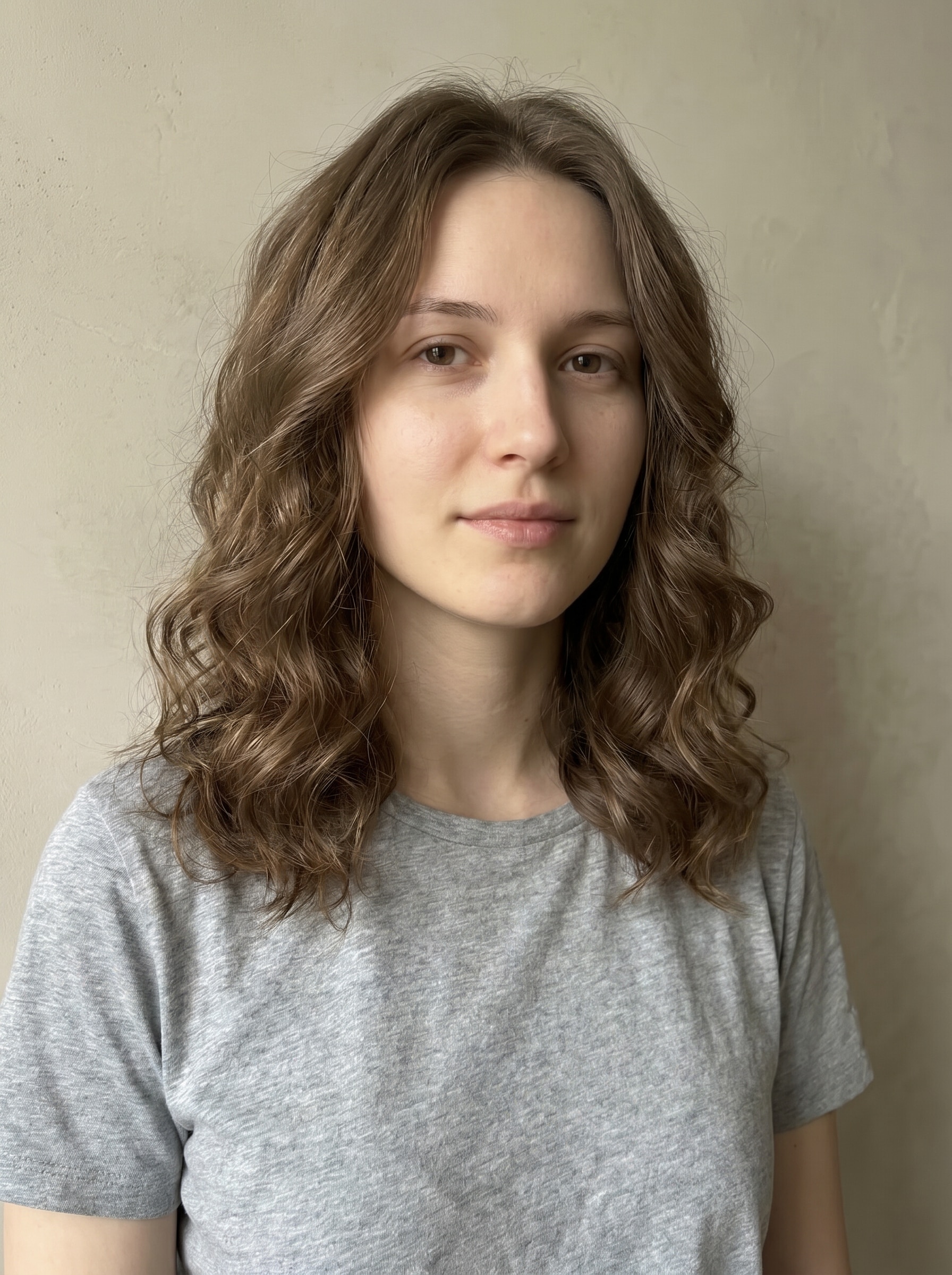
Soft Loose Curls
Use the uploaded image as the subject and transform the hairstyle into soft loose curls with natural bounce, airy face-framing layers, realistic strand detail, gentle shine, a flattering salon finish, balanced volume, warm neutral tones, and photorealistic lighting while preserving facial identity and hairline.
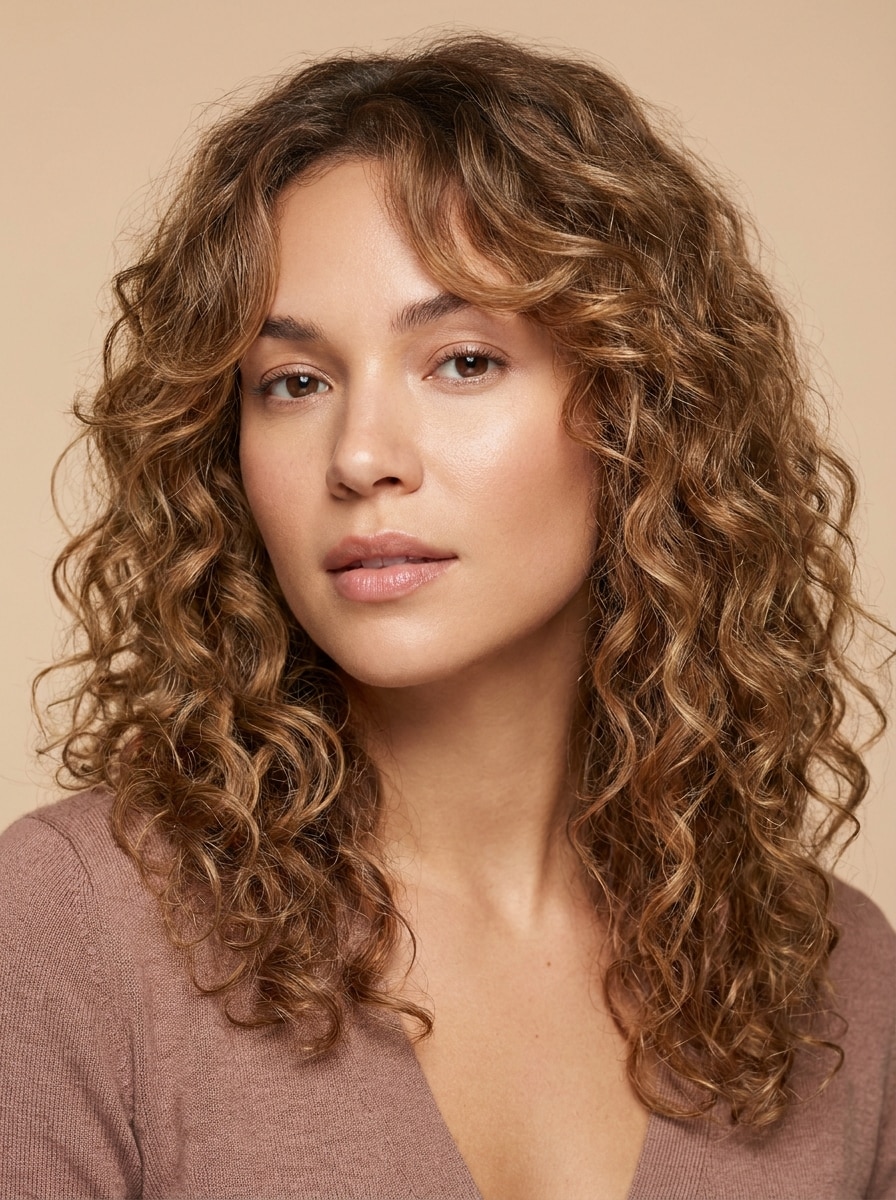
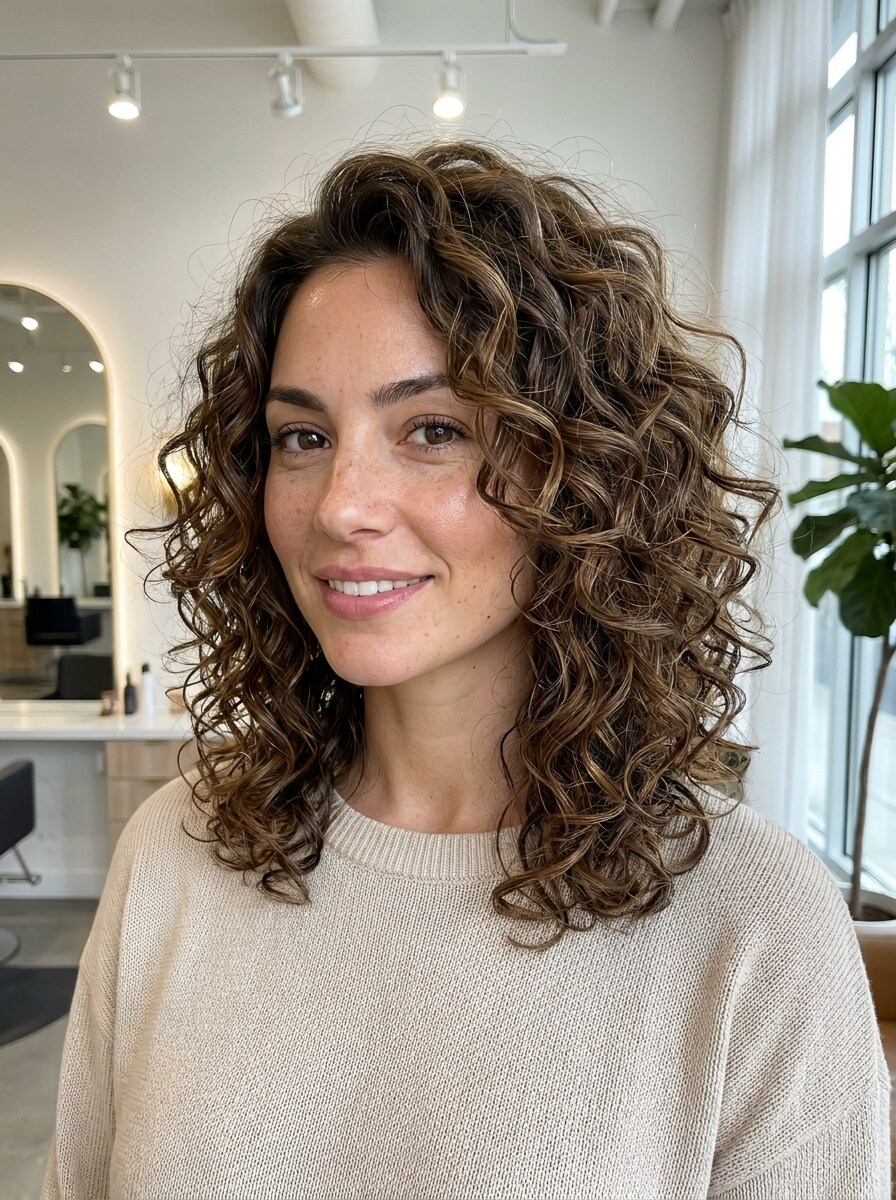
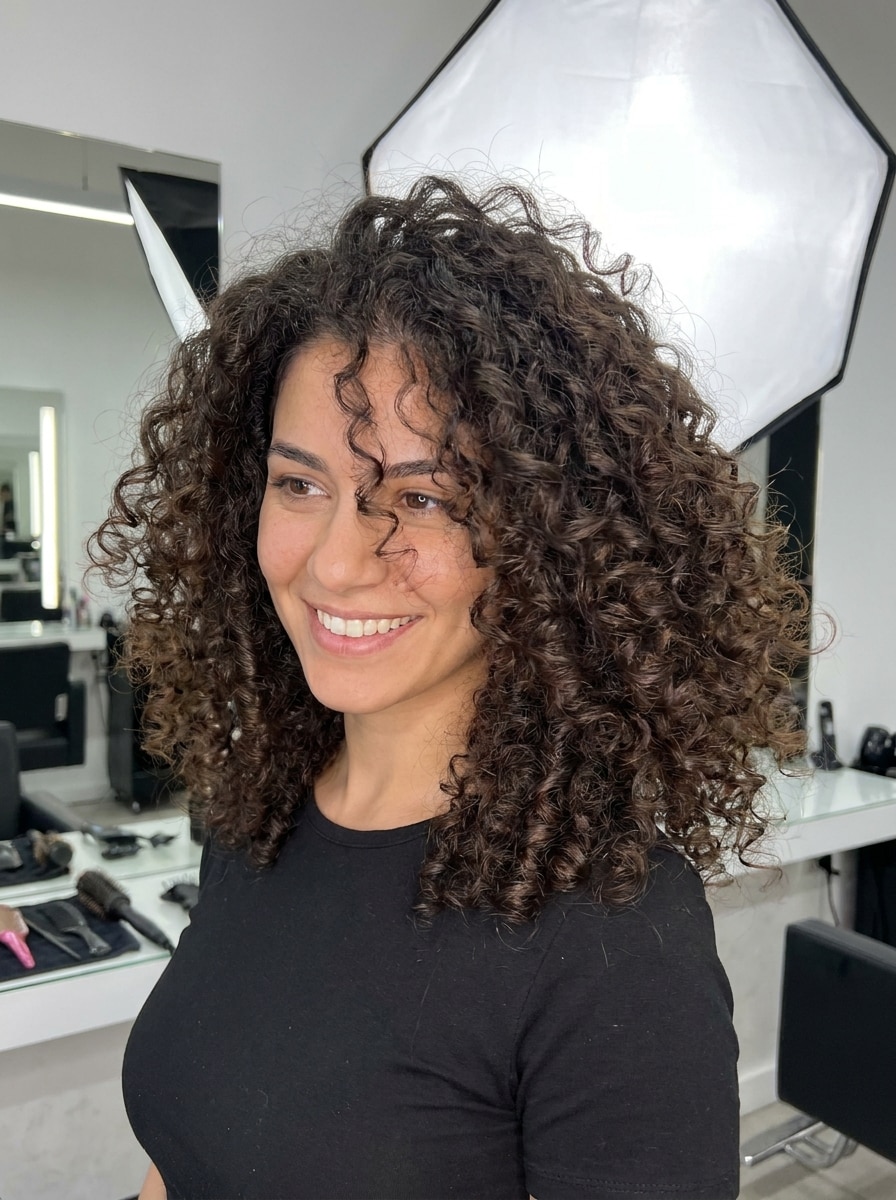
Defined 3A Curls
Use the uploaded portrait as the base and add defined 3A curls with polished curl clumping, natural roots, healthy shine, moderate volume, soft movement, realistic texture separation, flattering face shape balance, and crisp beauty-editor lighting while keeping the subject instantly recognizable.
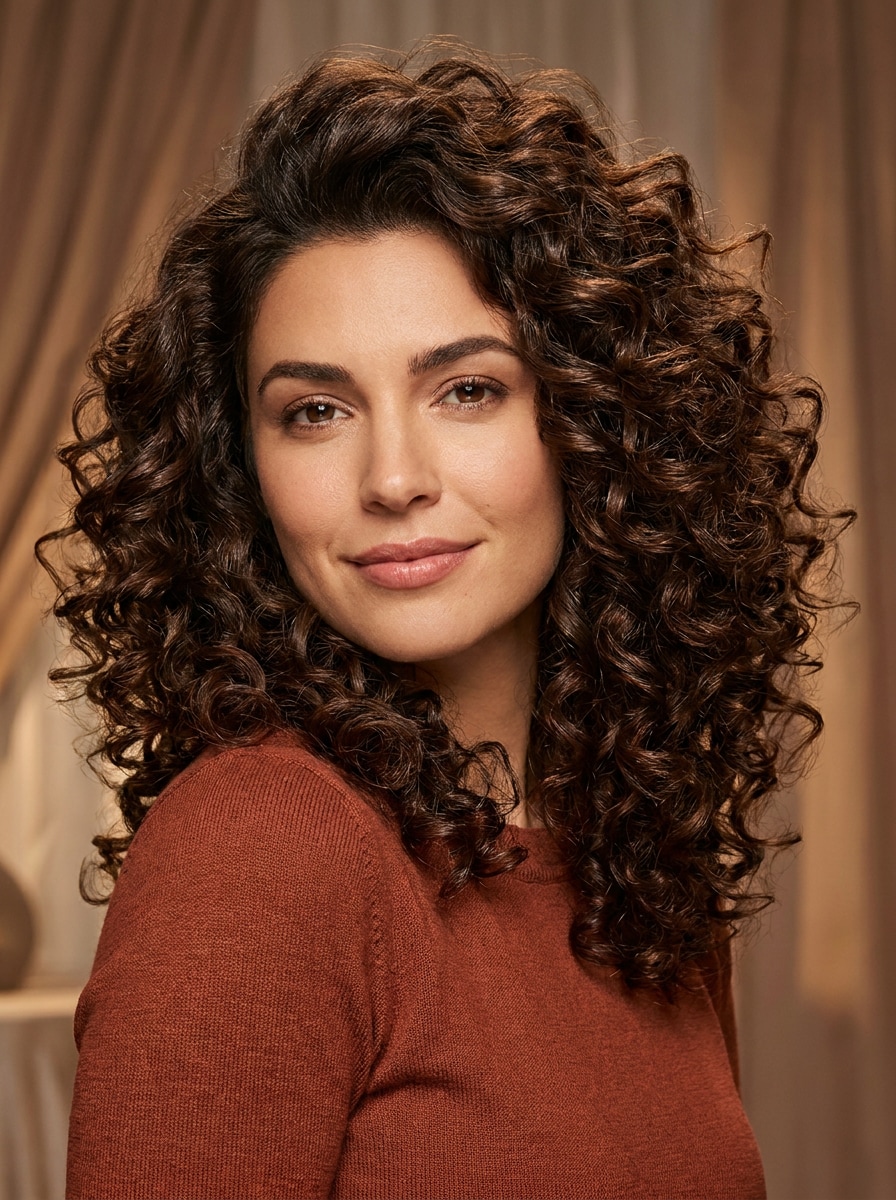
Big Volume Spiral Curls
Use the uploaded image as subject and create a dramatic spiral curl makeover with fuller shape, springy texture, lifted roots, bold bounce, realistic density, soft shadowing, glossy finish, and vibrant salon energy while preserving facial details, natural scalp coverage, and overall realism.
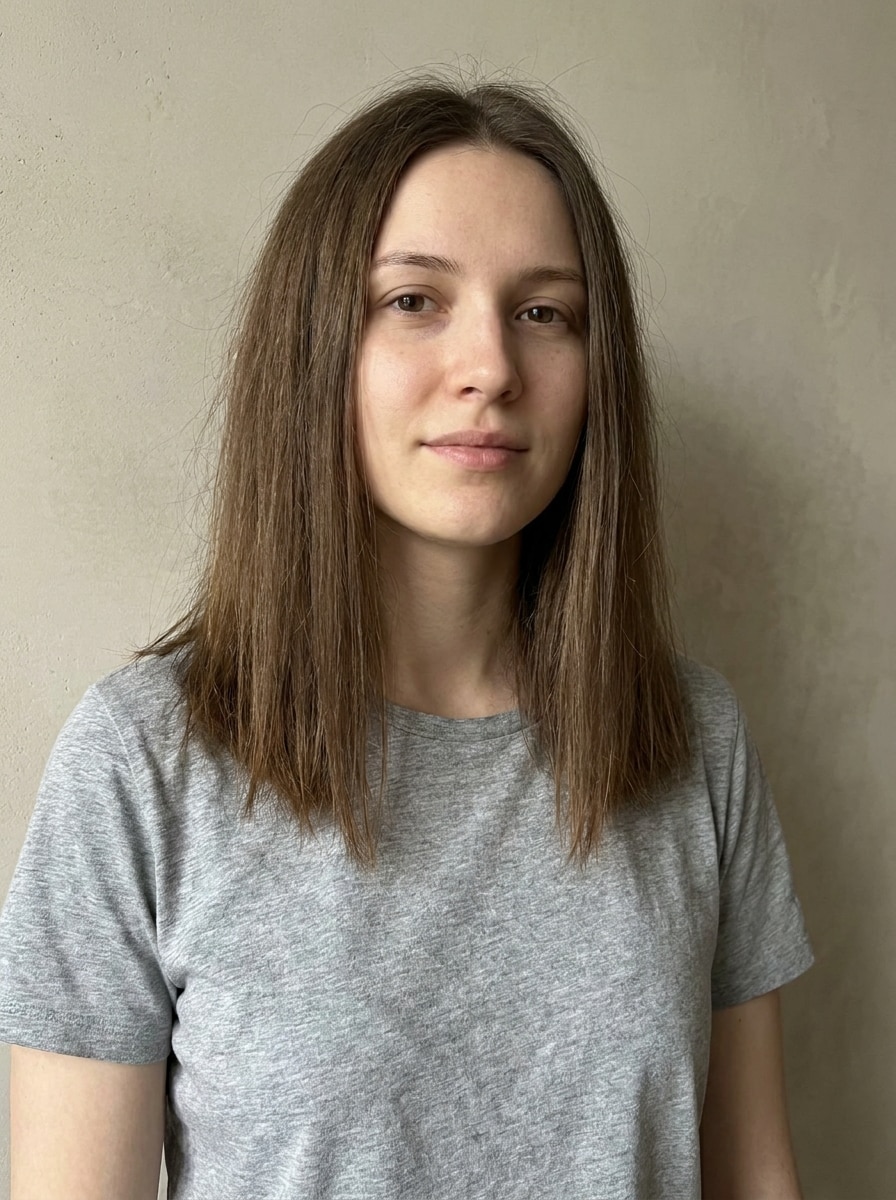
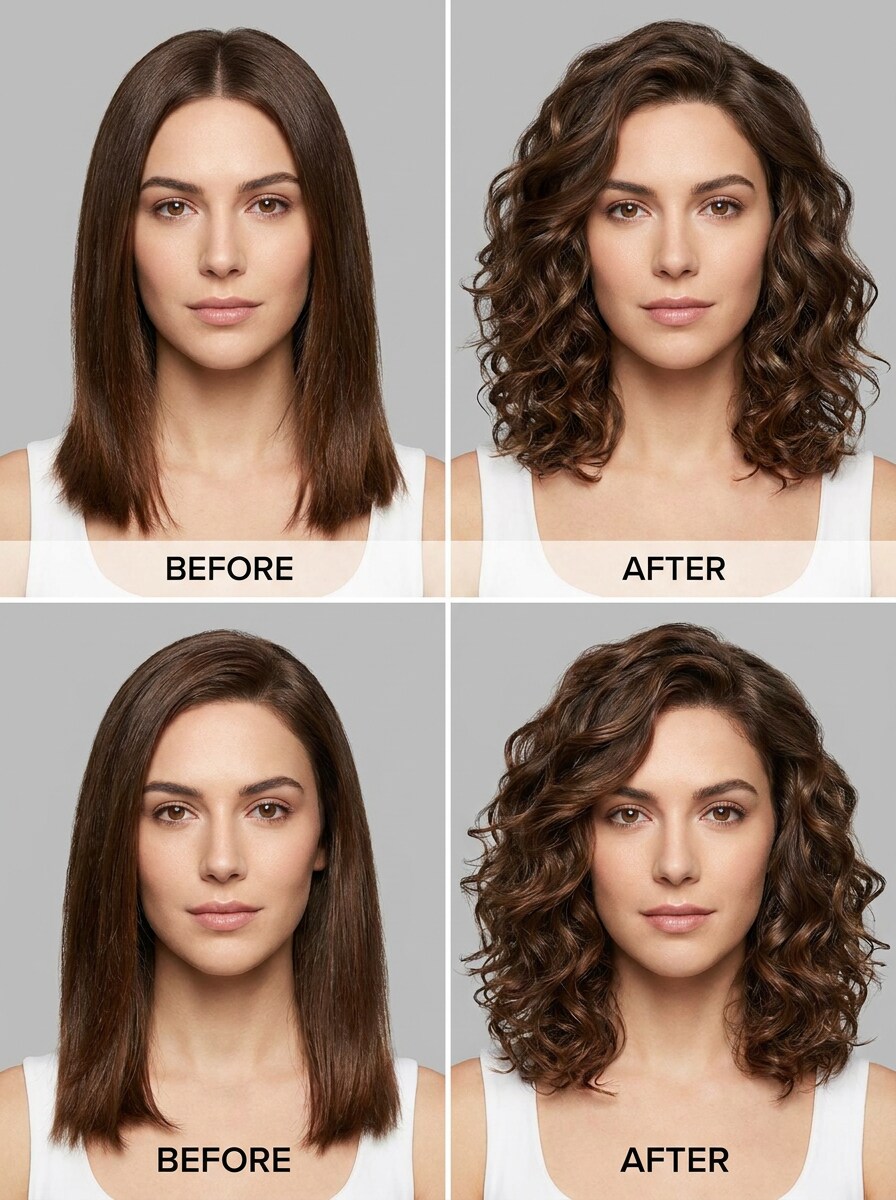
Straight-to-Curly Makeover
Use the uploaded photo to convert straight hair into natural-looking curls while keeping similar length, adding realistic body, soft definition, gentle shine, believable layering, natural shadows, and a fresh salon finish that looks like a true before-and-after transformation.
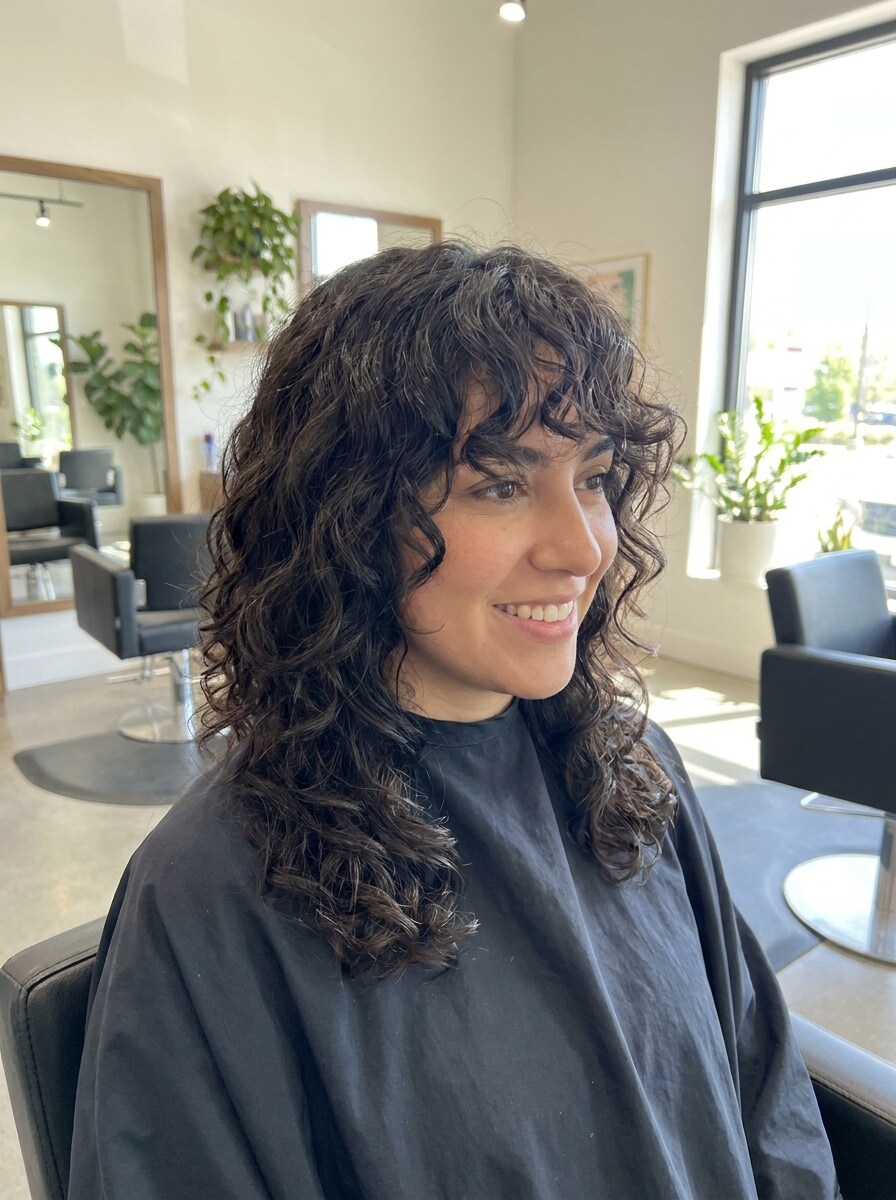
Curly Curtain Bangs
Use the uploaded portrait and add curly curtain bangs with soft layered curls around the face, natural blending into the existing hairstyle, realistic texture, airy movement, flattering forehead framing, healthy shine, and salon-quality detail under soft editorial lighting.
Layered Curly Lob
Use the uploaded image as reference and reshape the hair into a layered curly lob with a clean shoulder-skimming silhouette, realistic curl pattern, airy volume, healthy shine, soft texture definition, balanced proportions, and a polished salon look that still keeps the person recognizable.
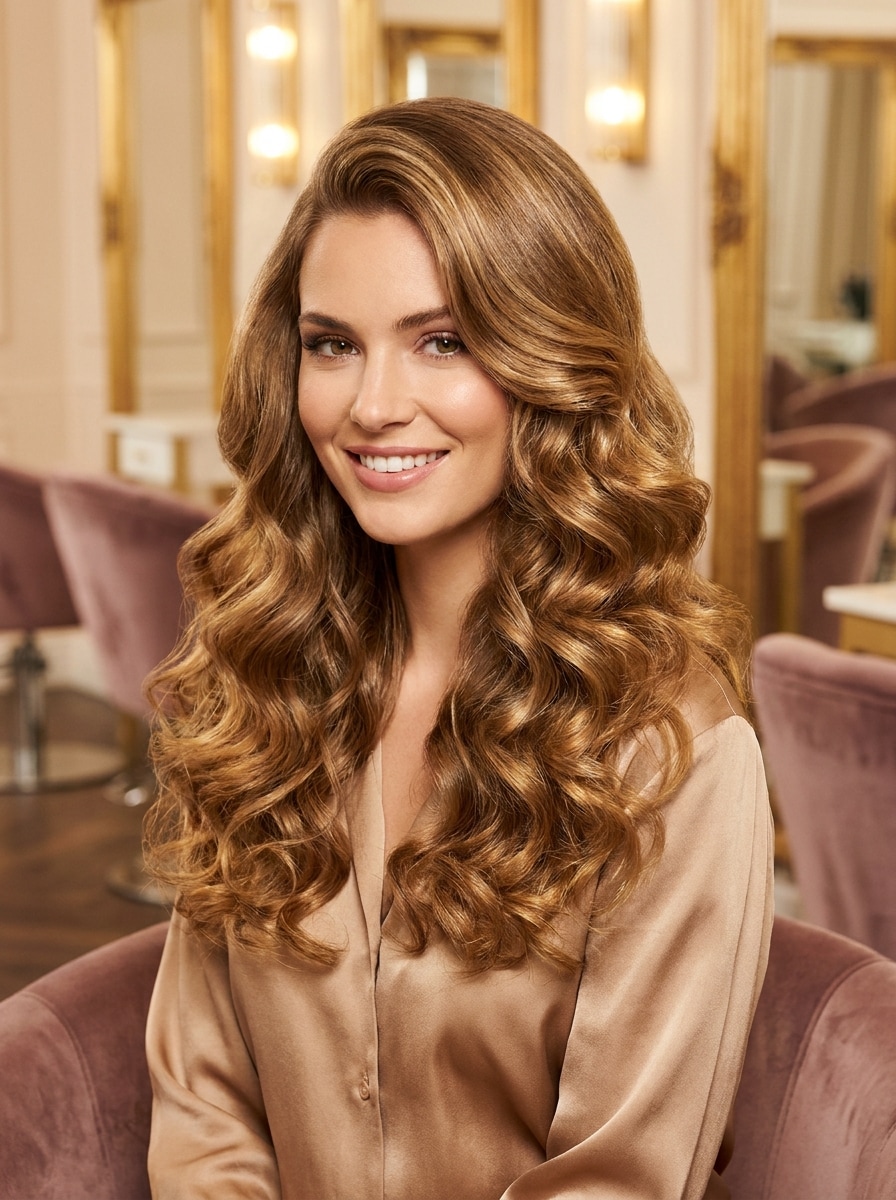
Hollywood Curly Blowout
Use the uploaded portrait and transform the hairstyle into a glamorous curly blowout with polished curls, glossy finish, sculpted volume, smooth crown, elegant face framing, warm golden highlights, and luxurious red-carpet lighting while keeping the original features intact.
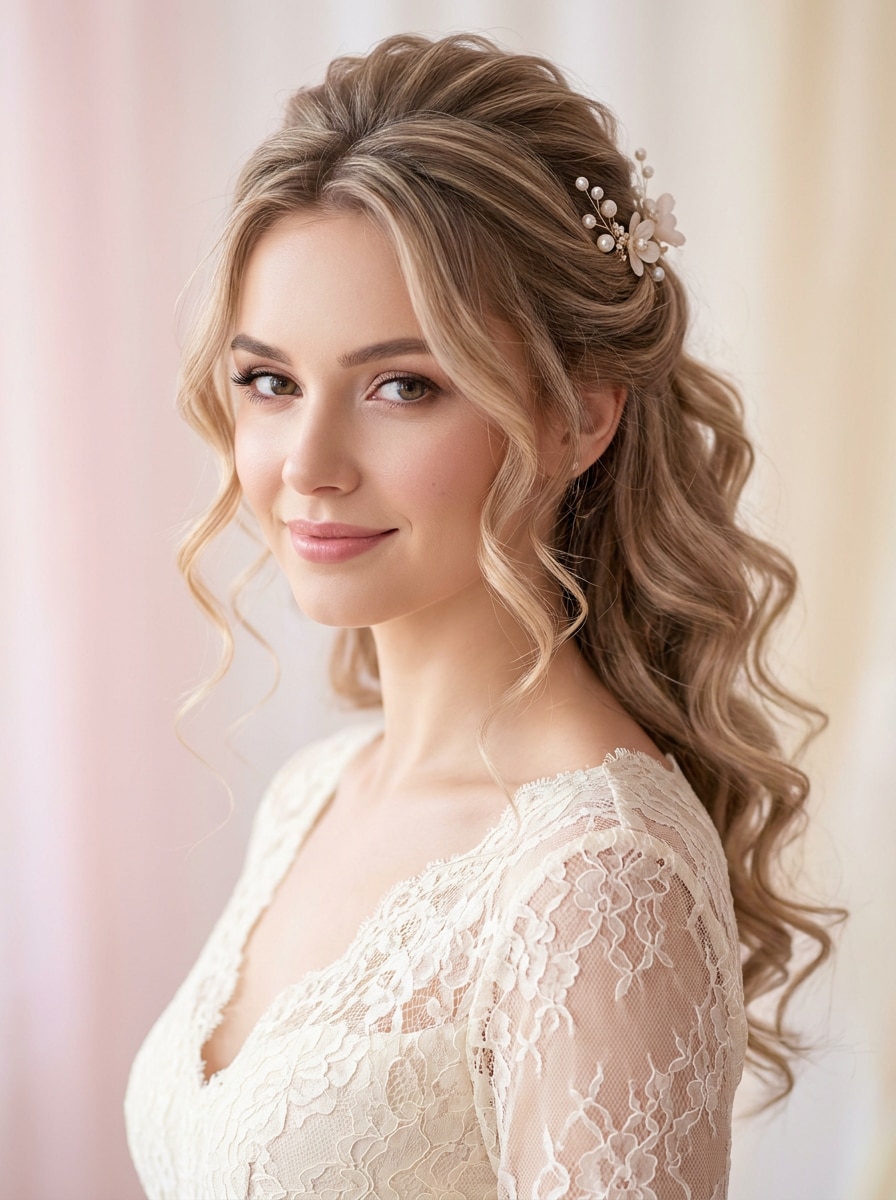
Wedding Half-Up Curls
Use the uploaded image as subject and create a romantic half-up curly style with soft cascading curls, delicate crown volume, refined texture, luminous shine, graceful face framing, subtle bridal elegance, and natural photorealism with preserved identity and flattering soft light.
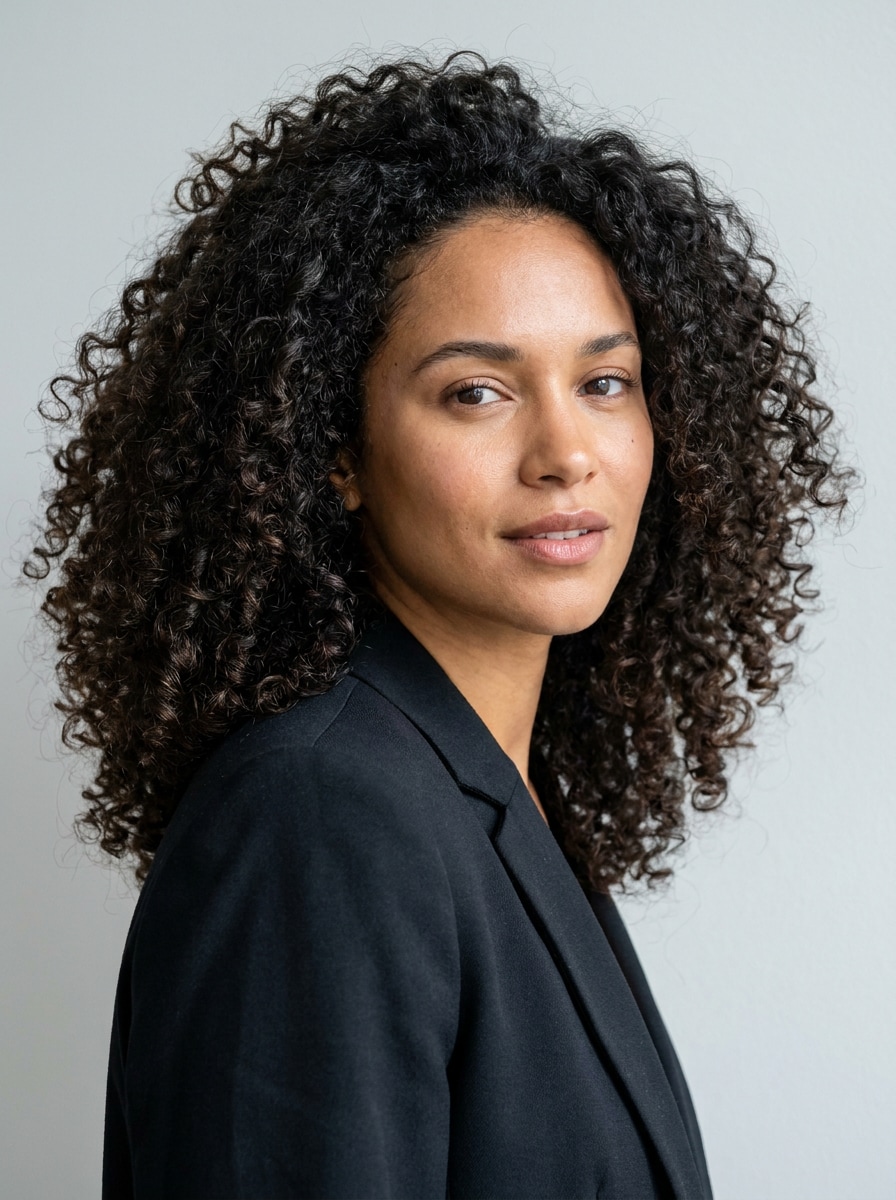
Tight Ringlet Curls
Use the uploaded portrait and change the hairstyle into tight ringlet curls with springy definition, realistic density, natural roots and edges, lively movement, soft shine, rich texture detail, balanced shape, and a believable high-resolution makeover that preserves facial identity.
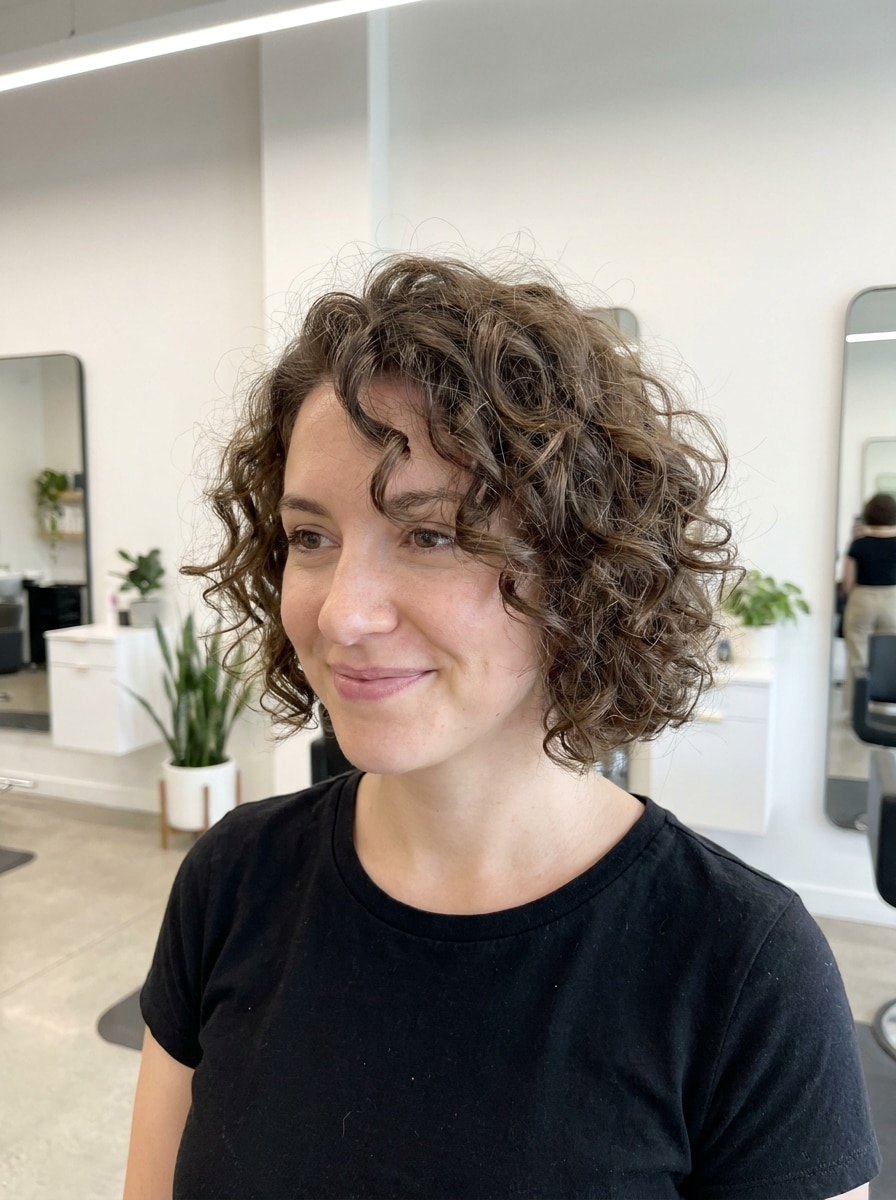
Natural Curly Bob
Use the uploaded photo as the subject and transform the hairstyle into a natural curly bob with chin-length shape, airy volume, soft curl definition, realistic blending, healthy texture, playful movement, and flattering proportions under clean salon-style lighting for a believable finish.
Why Use Media.io for a Curly Hairstyle Filter
Keep the Subject Recognizable in New Styles
For social posts, brand mockups, or personal previews, Media.io keeps the result tied to the original subject while applying a believable AI curly hair filter style, so the image still looks recognizable and useful.
Explore Different Looks Without Losing Direction
Style exploration feels more practical with Media.io because you can compare multiple directions from the same starting image, whether you are deciding between a curly hairstyle filter look or a softer wavy hair filter variation for the best creative fit.
Create High-Resolution Images for Real Use
If the final image needs to do more than serve as a small preview, Media.io helps produce sharper curly hair filter results up to 4K, making the visual more dependable for presentations, client mockups, or polished sharing.
Fast Browser-Based Try-On for Before-and-After Ideas
For creators who bounce between mobile and desktop, Media.io keeps curly hair filter visual creation in the browser so the workflow stays practical wherever you happen to be working.
How to Use the Curly Hair Filter Online
Turn your words into stunning visuals in three simple steps, then continue refining the result if you want to take it further.
Step 1
Upload Your Reference Image
Start with a clear selfie or portrait in JPG, PNG, or JPEG format. A front-facing image with visible hairline, balanced lighting, and clean facial detail gives Media.io the best base for a realistic curly hairstyle filter result.
Step 2
Describe the Change and Set Options
Enter the hairstyle you want, such as soft loose curls, a layered curly lob, or tighter ringlets. Then choose your preferred model and adjust image ratio, resolution, and number of outputs to match your makeover or sharing goal.
Step 3
Generate, Download, and Keep Improving
Create several variations, compare the results, and download the version you like best. If needed, refine the prompt to test a different curl pattern, hair color, or volume level until the transformation feels right.
Unlock the Potential of Curly Hair Snapchat Filter
See how creators use this Media.io Curly Hair Filter for content, marketing, and personal projects, then adapt each idea to fit the brief.
Preview a New Salon Look Before You Commit
Test loose curls, layered shapes, or a shorter curly cut before booking an appointment. Media.io makes it easier to compare subtle and dramatic changes, so you can walk into the salon with a clearer visual direction instead of relying only on inspiration photos.
Create Viral Before-and-After Social Content
If you love makeover reveals, Media.io helps you build scroll-stopping transformations for Reels, TikTok, and stories. It works well for users looking for a curly hair snapchat filter or snapchat curly hair filter vibe, but with more control over realism, curl shape, and output quality.
Experiment With Curls on Any Device
From quick selfies to polished profile pictures, Media.io lets you try curly hair online from your browser without advanced editing skills. It’s a practical option for anyone comparing a curly hair snapchat filter look with a more customizable virtual hairstyle try-on.
What Users Say About This Curly Hair Try-On
Maya T.
Beauty Content Creator
"Great for realistic hair previews" I wanted to see if curls would suit my face shape before changing my hairstyle. The results looked surprisingly natural, especially around the hairline and bangs. It felt much more believable than a simple social app filter.
Jordan R.
Lifestyle Blogger
"Easy to use on mobile" I uploaded a selfie from my phone and tested a few different curl types in minutes. I liked that I could compare softer waves with tighter curls and download the version that matched the look I wanted for a post.
Elena C.
Salon Client
"Helpful before a haircut appointment" This helped me decide between a curly lob and longer layered curls before seeing my stylist. Having a visual reference made the conversation much easier, and the final preview looked polished enough to save and share.
Chris A.
Social Media Manager
"Useful for makeover concepts" We used it to mock up hair transformation ideas for short-form content. The browser workflow was straightforward, and the generated images looked clean enough for planning thumbnails, story graphics, and before-and-after concepts.
1. What is a curly hair filter and how does it work?
A curly hair filter is an image-to-image editing tool that changes the hairstyle in your photo to simulate curls, waves, or more defined texture. In Media.io, you upload a reference image, describe the look you want, and the AI generates a new version while aiming to preserve your facial identity and overall portrait realism.
2. Can I see what I look like with curly hair from a photo?
Upload a clear selfie or portrait, then describe the hairstyle you want to test, such as loose curls, ringlets, curtain bangs, or a curly bob. Media.io is designed for reference-based transformations, so it can help you preview a virtual curly hair try-on from your own photo instead of generating a random face.
3. Is this curly hair AI filter free to use?
Yes, free users can try Media.io with free credits. If you need more generations or higher-value usage, you can explore paid options on the pricing page. Free downloads may include a watermark, while paid subscribers can download watermark-free high-resolution images.
4. How realistic are the curly hair results?
Results can look very realistic when you start with a clear portrait and use a detailed prompt. Media.io supports advanced image-to-image generation and lets you guide the transformation with your own uploaded photo, which helps curls or waves blend more naturally with your face, hairline, lighting, and original hairstyle structure.
5. Can I add curly hair to selfies on iPhone and Android?
Yes. Media.io is a web-based curly hair filter online tool, so it works on iPhone, Android, Mac, or Windows through a browser. That makes it convenient for testing a quick makeover, creating a selfie edit, or comparing hairstyle ideas without installing a separate app.
6. How long does it take to generate a curly hair transformation?
It usually only takes a short time to upload your image, enter the hairstyle prompt, and generate results. The exact speed can vary based on the model and settings you choose, but Media.io is built for fast browser-based transformations that work well for quick before-and-after previews.