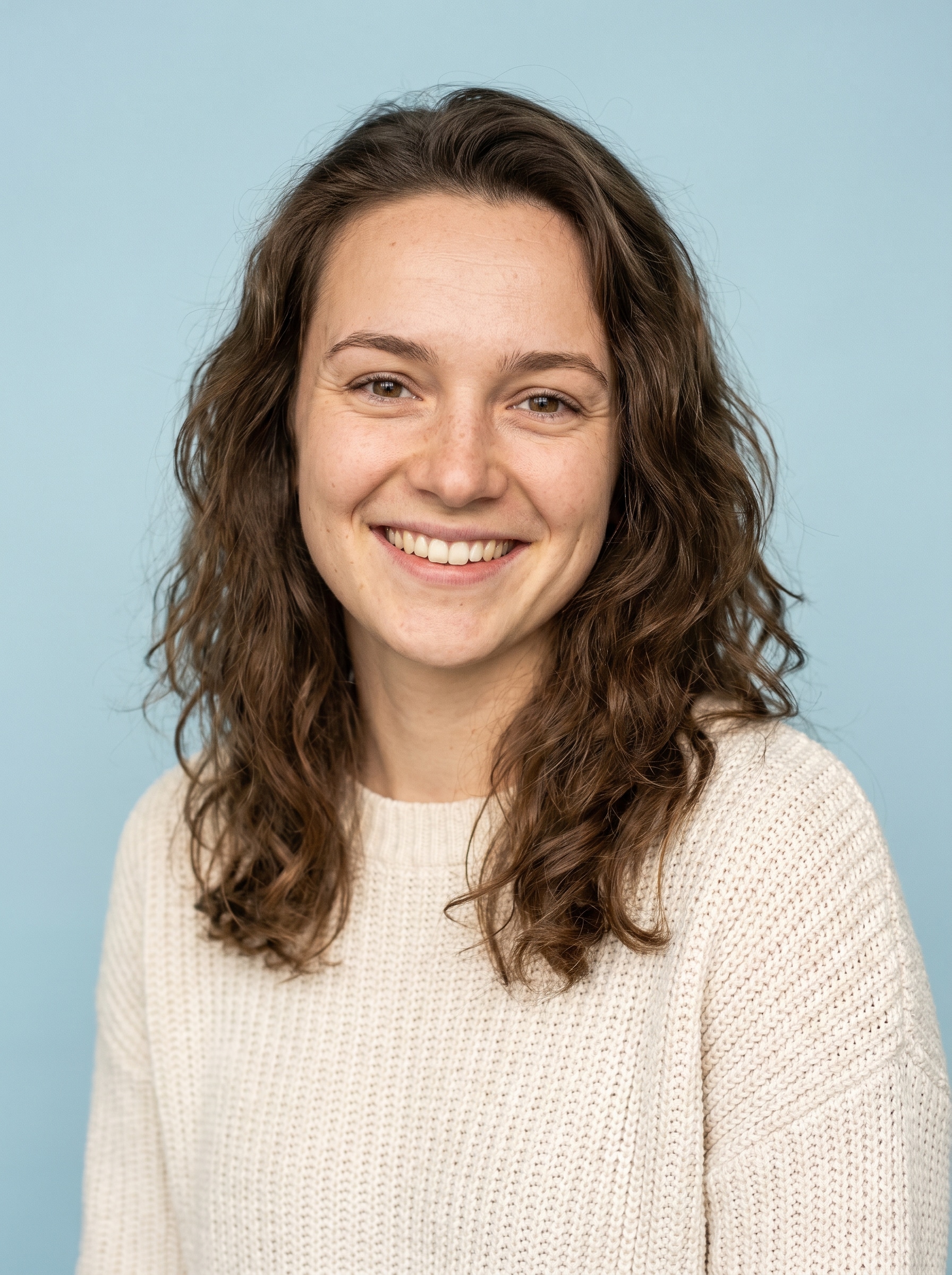
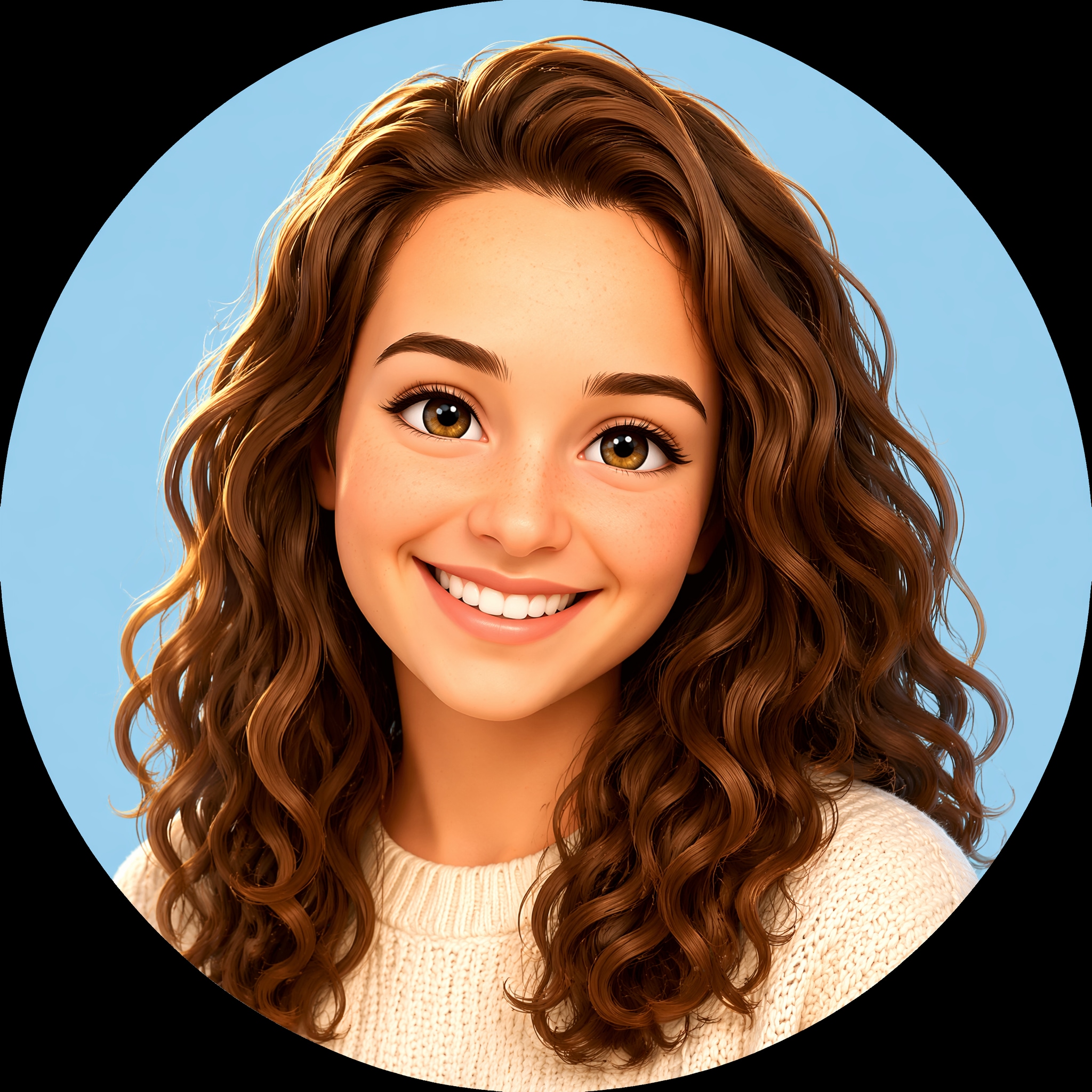
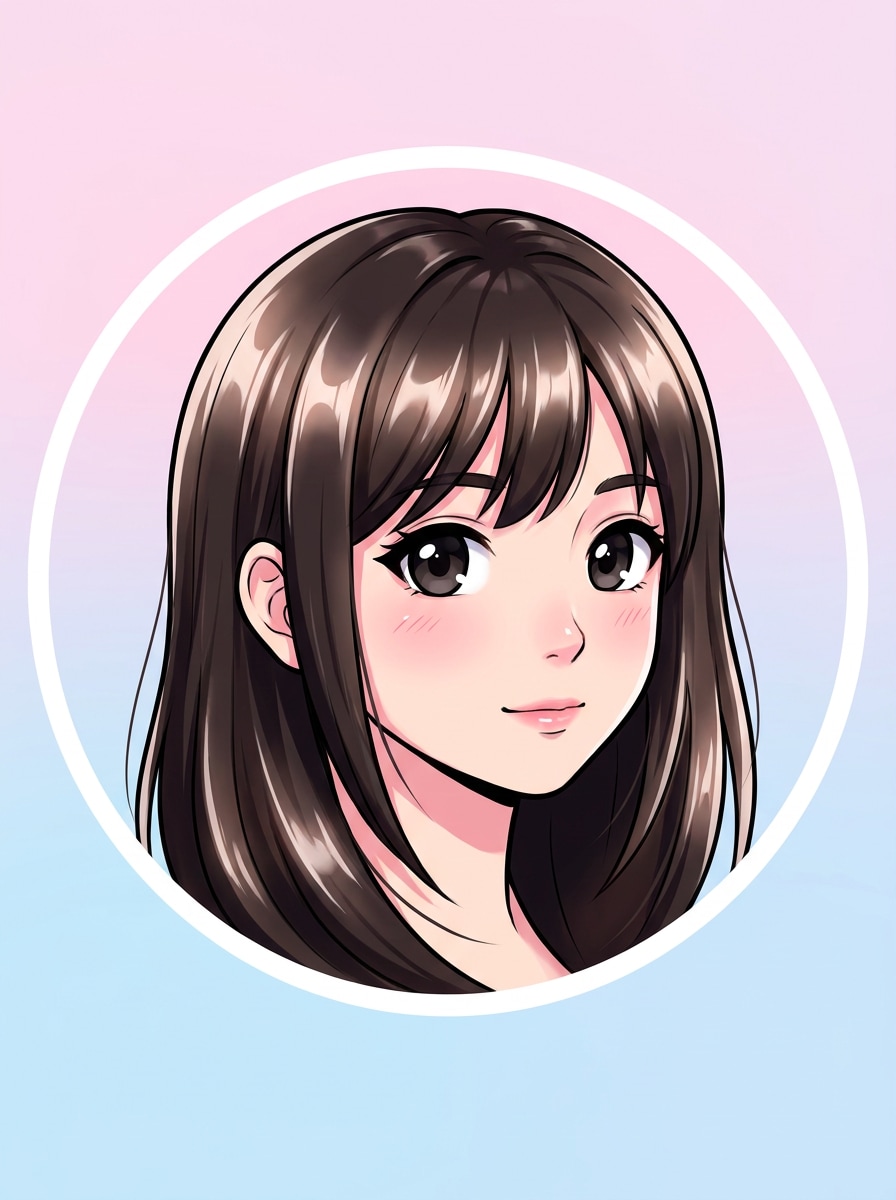
アニメポートレート
アップロードした画像を被写体として使用し、クリーンなアニメスタイルのDiscordアバターに変換します。円形クロップのために顔を中央に配置し、大きく表情豊かな目、柔らかいセルシェーディング、くっきりとした線画、繊細な髪のハイライト、シンプルなパステル背景、そして小さなサイズでも読みやすいポリッシュされた高コントラストの仕上がりを加えます。
 Nano Banana Pro
 創造力を解き放ち、Media AIの魔法をすぐに体験しよう!














目立つ discord pfp メーカー の結果を数分で自分の写真から作成できます。Media.ioは自撮り写真をアニメ、ゲーマー、aesthetic、またはカートゥーンのプロフィールアイコンに変換します。円形に適したコンポジション、鮮明なエクスポート、プロフィールやサーバー用の簡単なブラウザワークフローを提供します。このセットアップは pfp メーカー discord.
アイデアを入力 -> AIがデザインします。無料でお試しください。
これらのサンプル方向を確認してから、このDiscord Pfp Makerでより良い結果を得るためにプロンプトの詳細をカスタマイズしてください。Media.ioは discord pfp ジェネレーター としても優れており、より明確なプロンプトの詳細でスタイルをガイドしたい場合に役立ちます。このワークフローはavatar maker discordに特に便利です。
アップロードした画像を被写体として使用し、クリーンなアニメスタイルのDiscordアバターに変換します。円形クロップのために顔を中央に配置し、大きく表情豊かな目、柔らかいセルシェーディング、くっきりとした線画、繊細な髪のハイライト、シンプルなパステル背景、そして小さなサイズでも読みやすいポリッシュされた高コントラストの仕上がりを加えます。
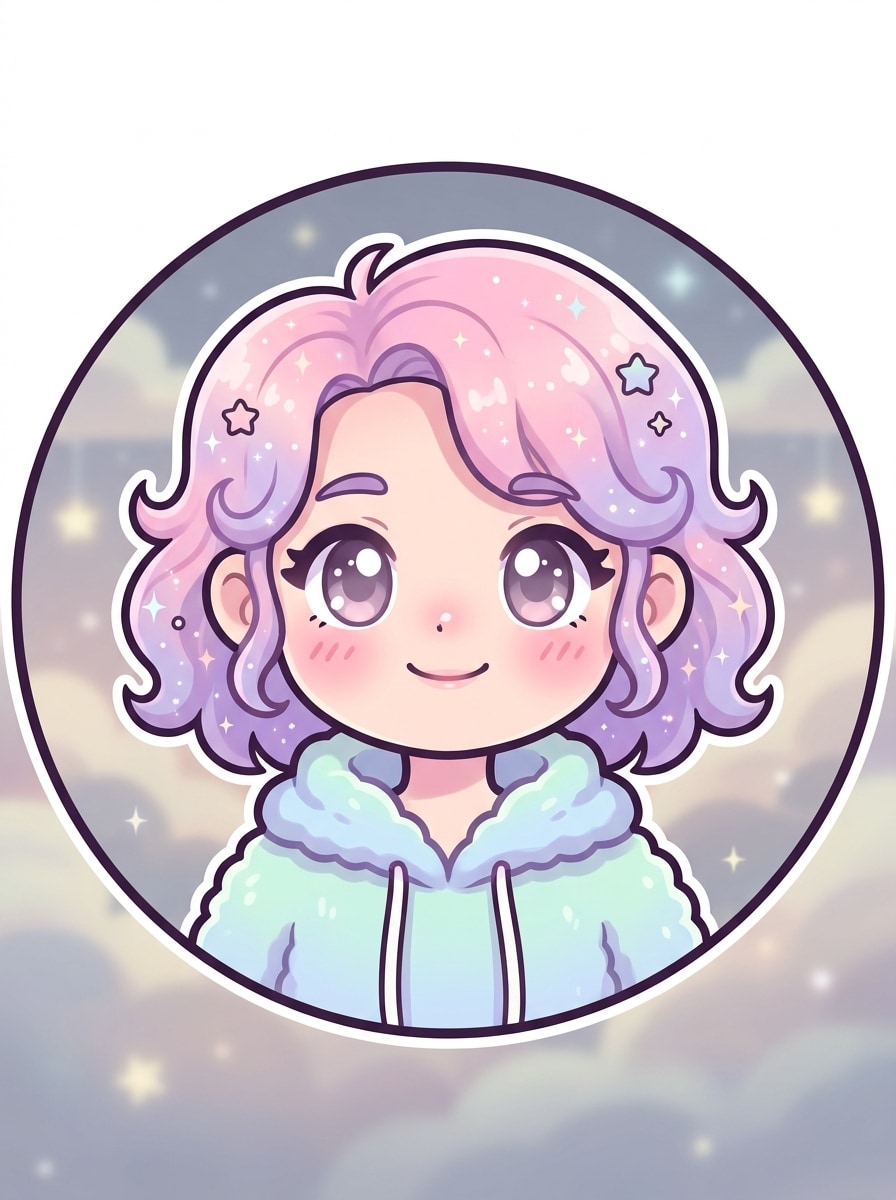
アップロードした画像を被写体として使用し、Discord用のかわいいパステルプロフィールアイコンに変換します。顔を中央に配置し、顔の特徴を柔らかくし、バラ色の頬、丸みのある形、ラベンダーとピンクのトーン、ミニマルな夢のような背景、クリーンなアウトライン、そして小さな円の中でも甘く読みやすいアバターに見えるよう明るく鮮明に仕上げます。
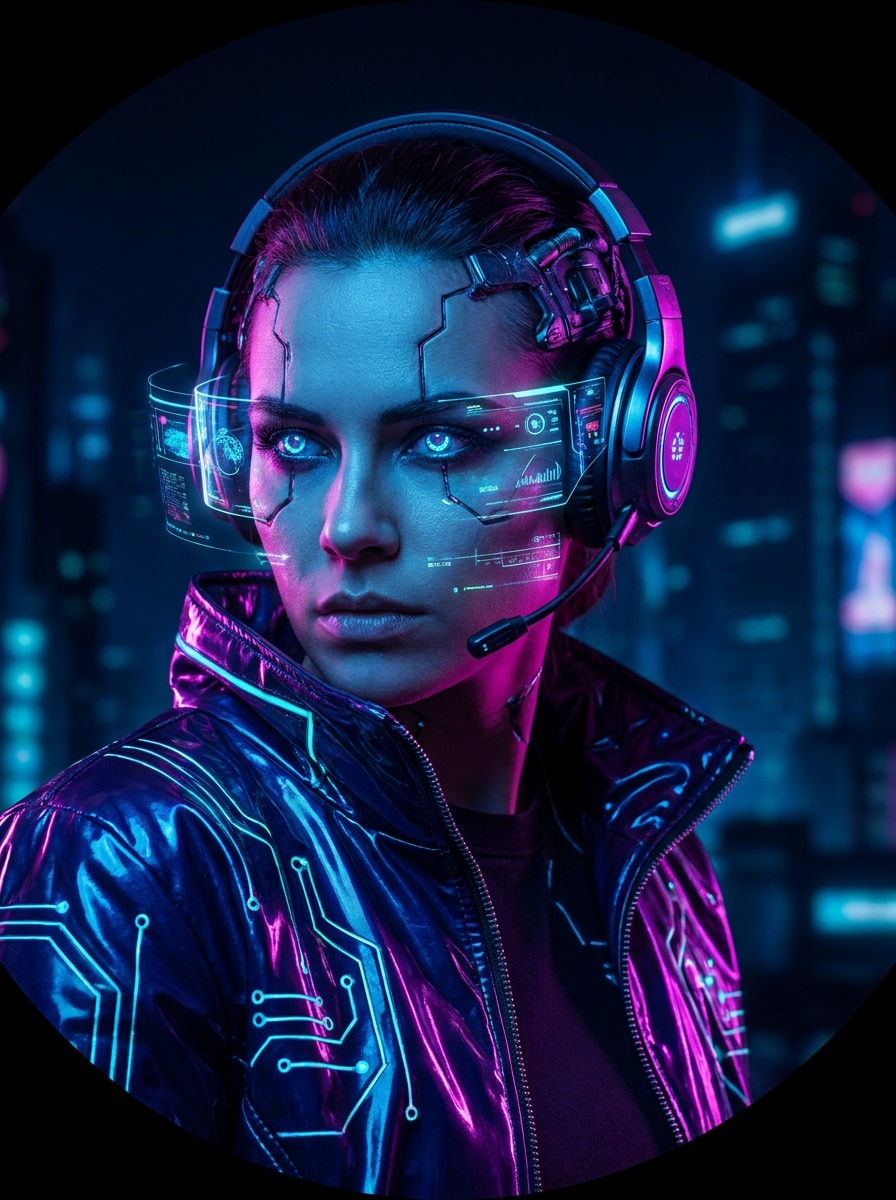
アップロードした画像を被写体として使用し、ネオンサイバーパンクゲーマーアバターにリスタイルします。中央に配置した顔、ドラマチックな表情、青と紫のリムライティング、暗い未来的な背景、光沢のあるジャケットテクスチャ、強いコントラスト、微妙なテックグロー、そして円形のDiscordプロフィール画像の中で映える大胆なコンポジションを加えます。
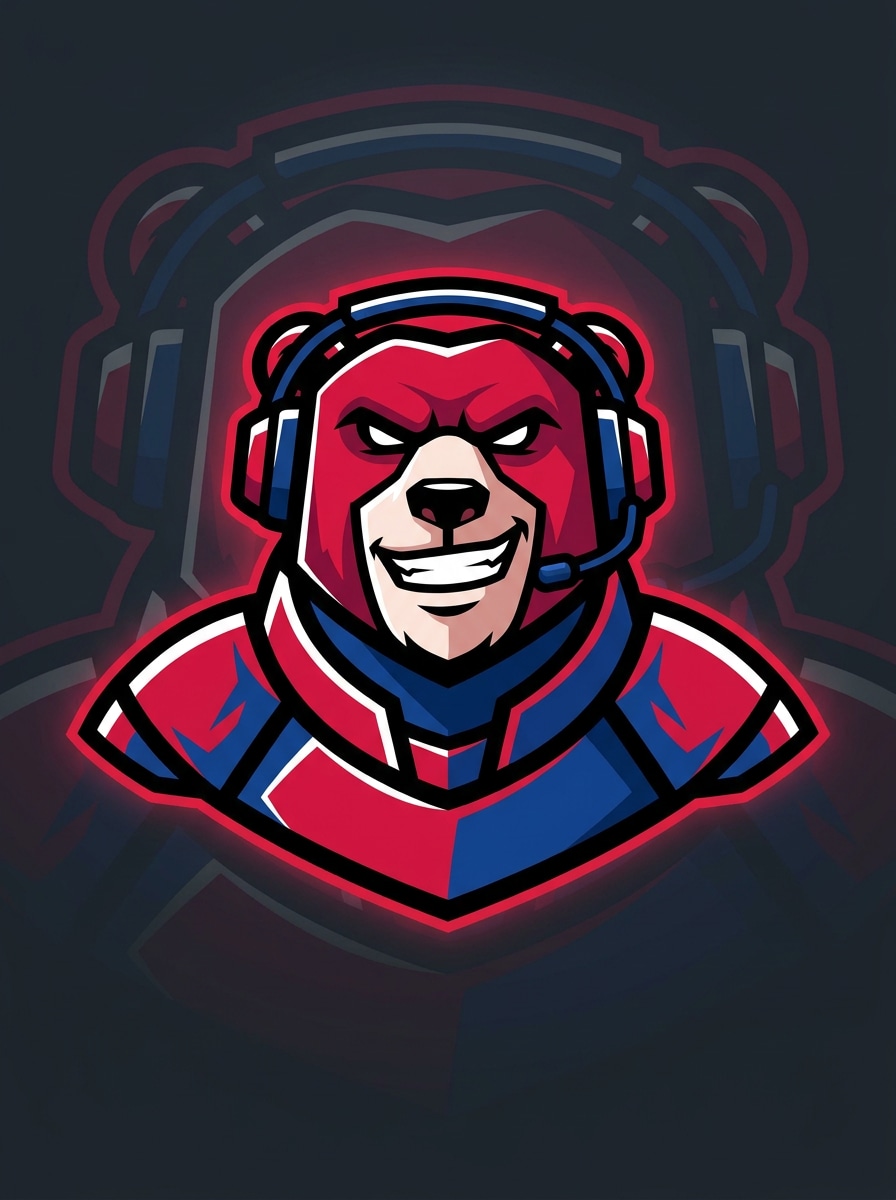
アップロードした画像を被写体として使用し、eスポーツエネルギーを持つストリーマーマスコットアバターに変換します。顔を中央に配置し、形状を簡略化し、太いアウトライン、鮮やかな赤と青、クリーンな暗い背景、ロゴのようなコントラスト、そして個人プロフィールやDiscordサーバーバッジに使えるよう自信のある表情を加えます。
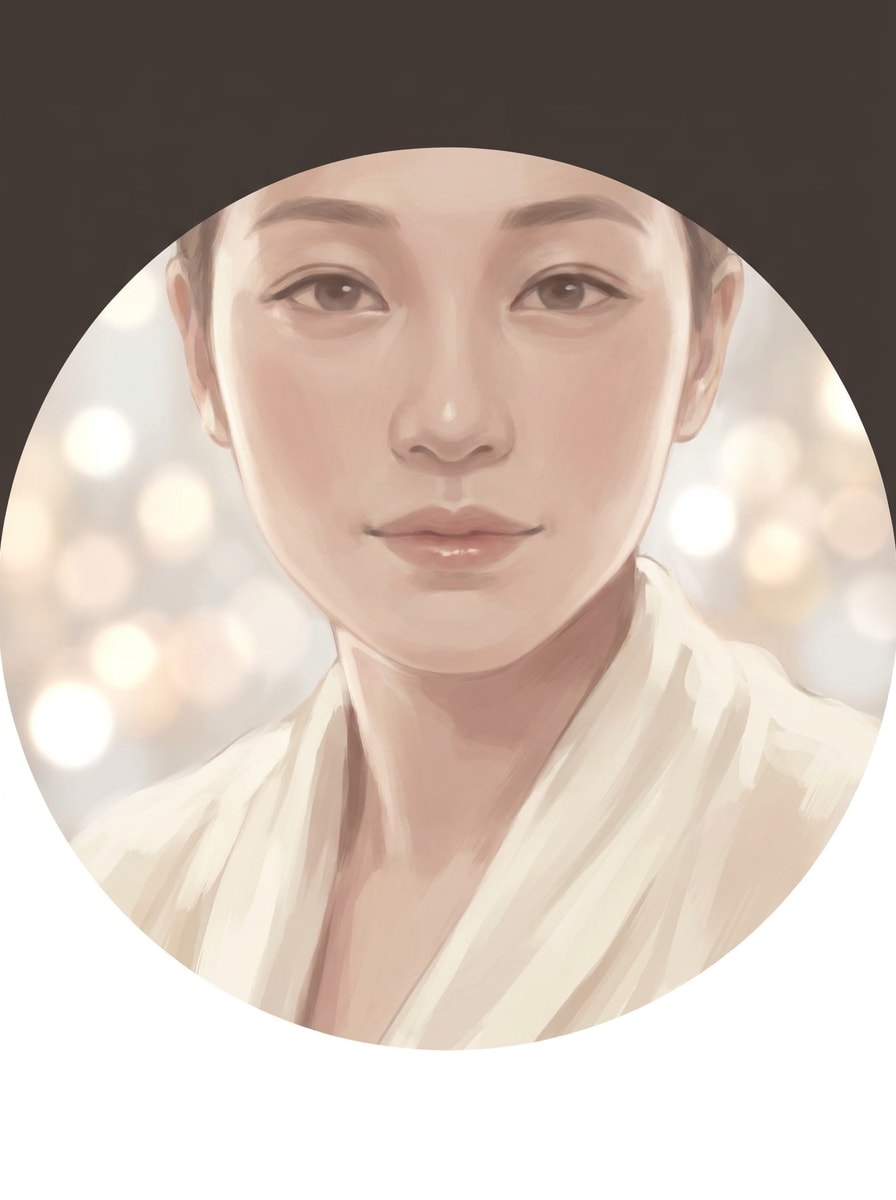
アップロードした画像を被写体として使用し、Discord用のソフトaestheticアバターを作成します。顔を中央に配置し、拡散ライティング、ミュートされたベージュとブラッシュトーン、滑らかな絵画風レンダリング、繊細なボケ、穏やかなムード、そして顔の詳細を失わずにモダンで洗練された優しい感じのクリーンな円形対応コンポジションを適用します。
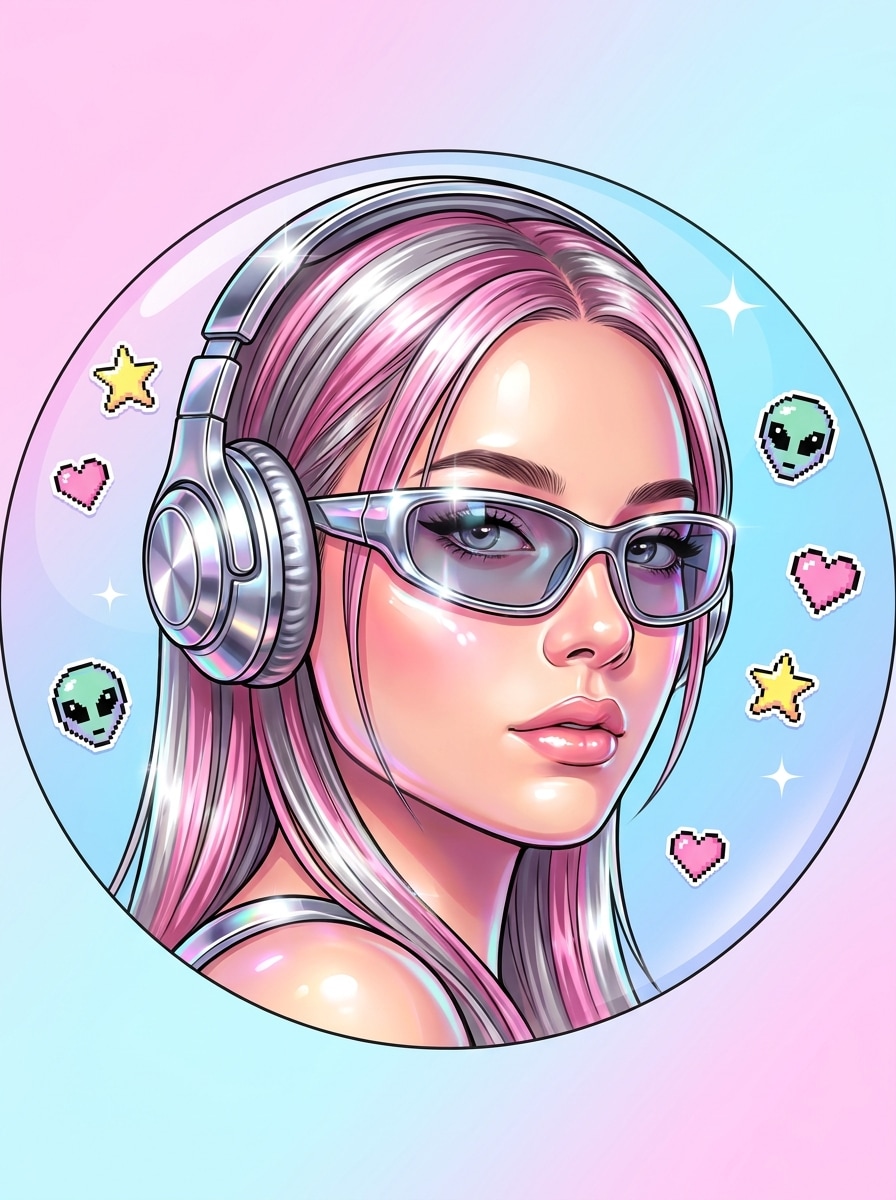
アップロードした画像を被写体として使用し、Y2Kインスパイアのプロフィールアイコンにリスタイルします。顔を中央に配置し、光沢のあるクロームアクセント、遊び心のあるステッカーの詳細、明るいピンクとシルバーのハイライト、ノスタルジックなポップスタイリング、滑らかな肌のグロー、そして円形のDiscordアバタークロップで散らかりなく読みやすい大胆な背景を加えます。
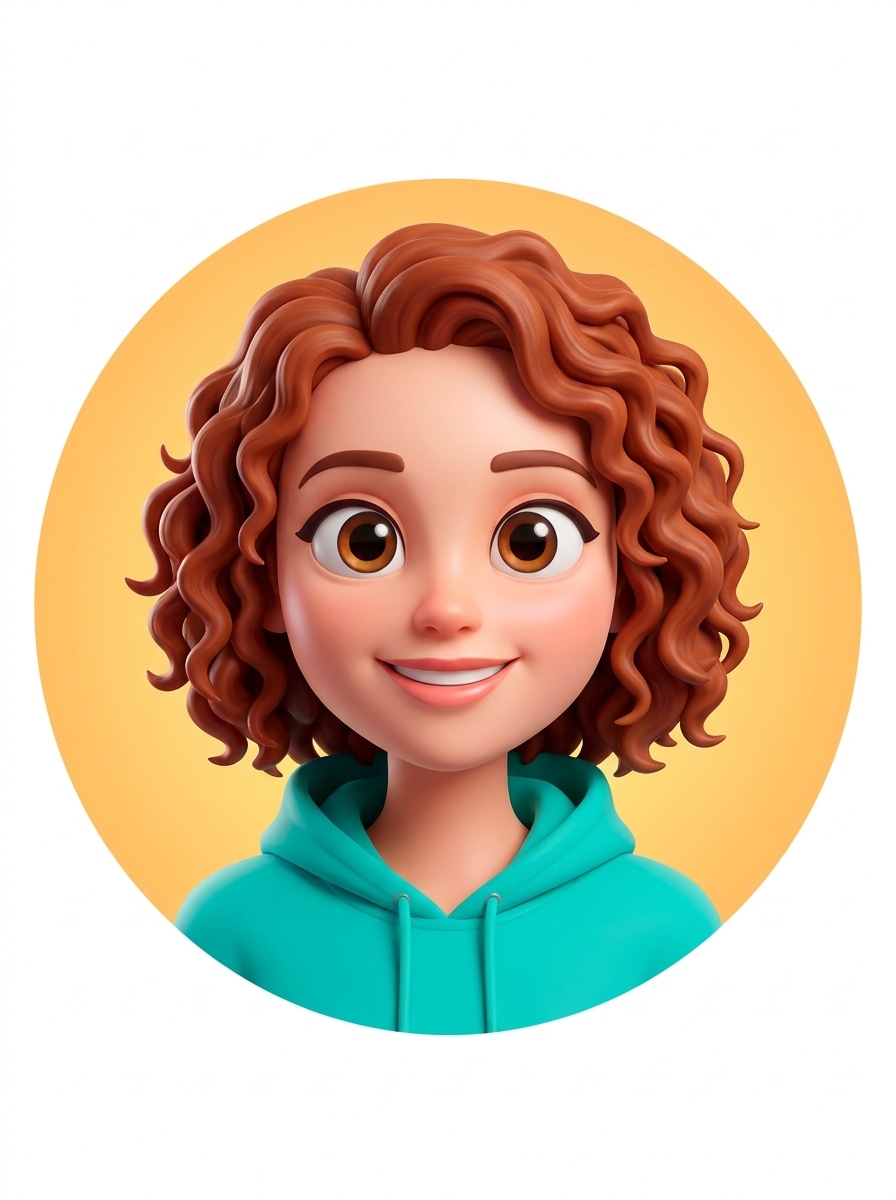
アップロードした画像を被写体として使用し、洗練された3Dカートゥーンアバターに変換します。顔を中央に配置し、目をわずかに大きくし、滑らかなシェーディング、明るい色、柔らかいスタジオリフレクション、フレンドリーな笑顔、そしてDiscordプロフィールアイコンとして表情豊かでクリーン、かつ高い視認性を感じさせるシンプルな背景を加えます。
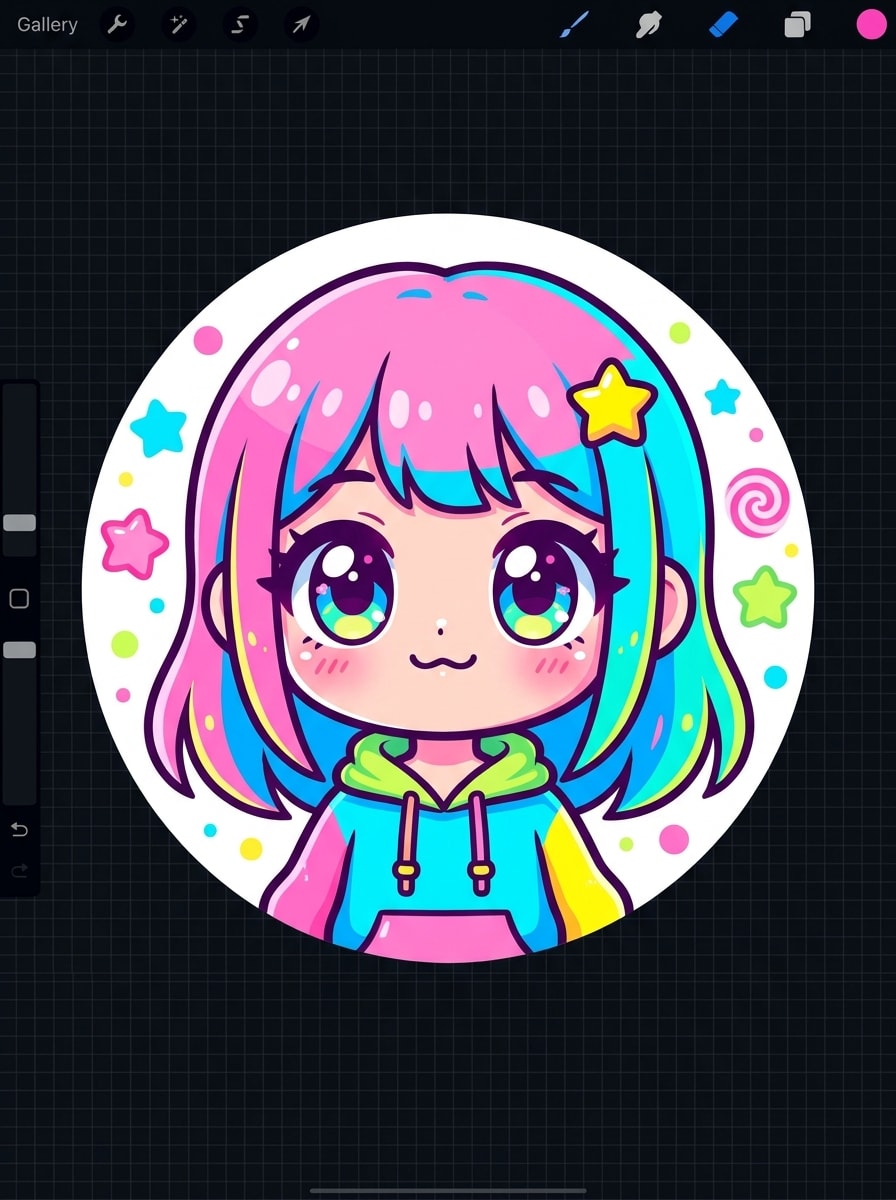
アップロードした画像を被写体として使用し、チビスタイルのDiscordプロフィール画像を作成します。中央に配置したバストクロップ、大きめの頭の比率、小さな肩、かわいく簡略化された特徴、明るいキャンディカラー、クリーンなアウトライン、そして小さな表示サイズでも魅力的で認識しやすいアバターに見えるようミニマルな形状の遊び心ある背景を加えます。
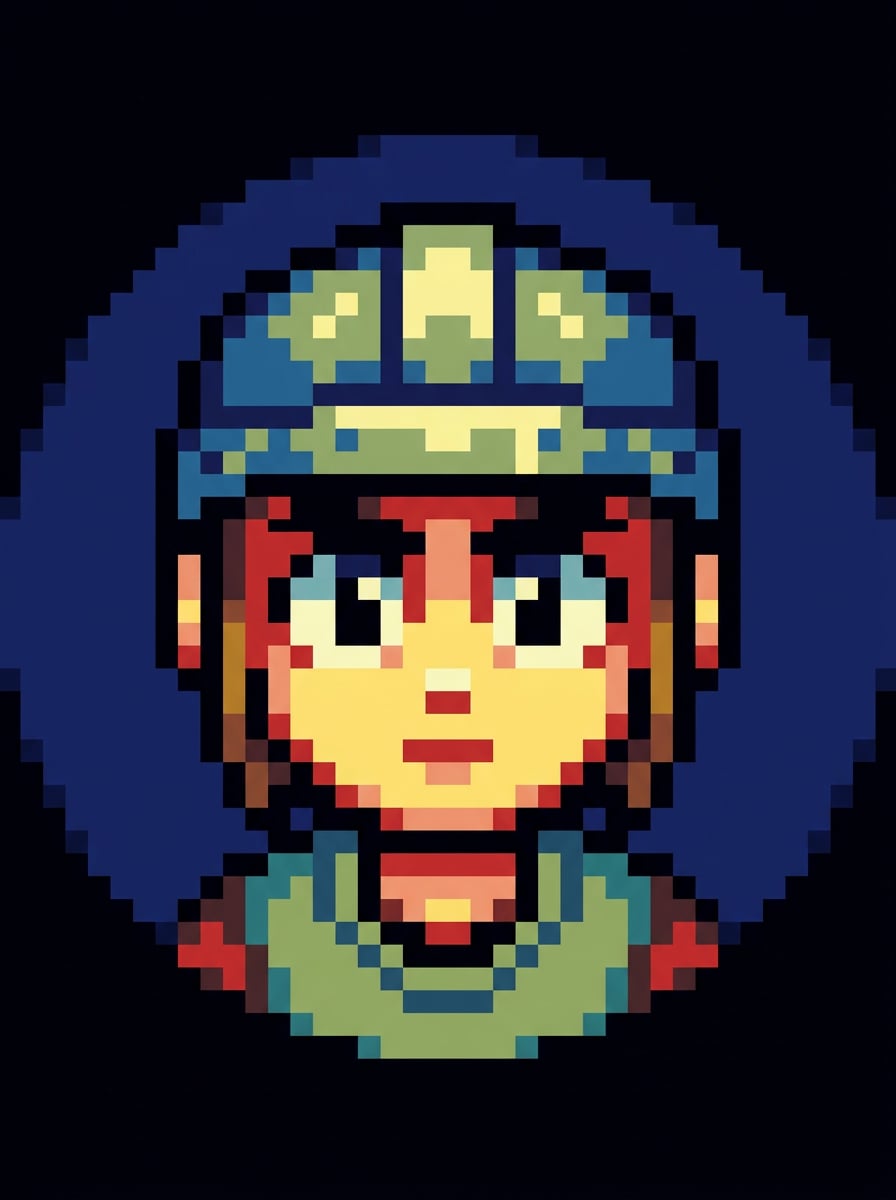
アップロードした画像を被写体として使用し、Discord用のピクセルアートアバターに変換します。顔を正面向きで中央に配置し、限られたカラーパレット、強いシルエット、表情豊かなピクセルの目、暗いコントラストのある背景、そして小さなアイコンサイズでも際立ち読みやすいクリーンなブロック状のシェーディングを使用します。
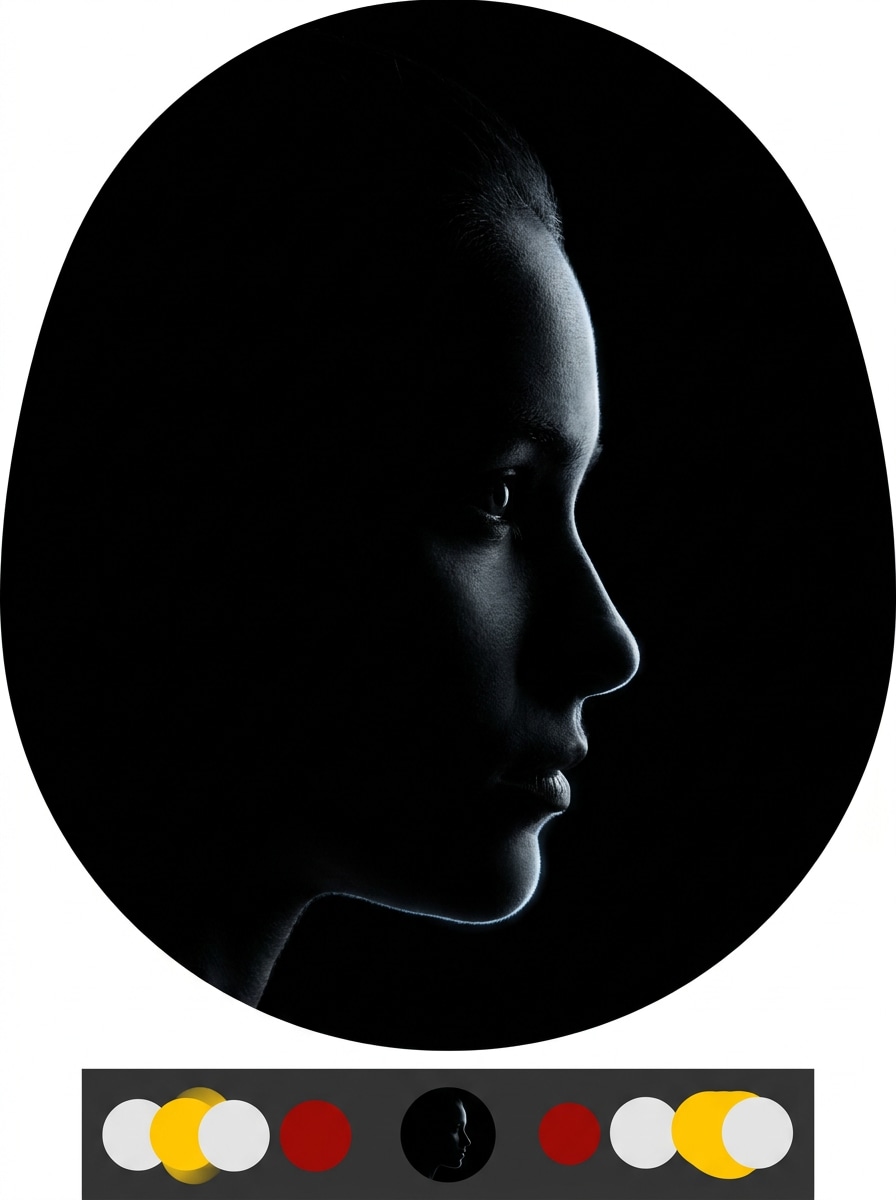
アップロードした画像を被写体として使用し、Discord用のダークミニマルプロフィールアイコンを作成します。顔を中央に配置し、ポートレートを強いシルエットに簡略化し、モノクロームのチャコールトーン、微妙なエッジグロー、クリーンなネガティブスペース、そしてダークモードで洗練されてモダンに見え認識しやすい高コントラストを使用します。
リファレンスベースの作業には単なるスタイルの変更以上のものが必要です。Media.ioは、discord pfp メーカーのポートレートルックを作り直しながら、主要なアイデンティティの詳細を認識可能に保つのに役立ちます。そのため、結果は汎用的ではなく個人的なものに感じられます。
リファレンスベースの作業には単なるスタイルの変更以上のものが必要です。Media.ioは、discord pfp メーカーのポートレートルックを作り直しながら、主要なアイデンティティの詳細を認識可能に保つのに役立ちます。そのため、結果は汎用的ではなく個人的なものに感じられます。
ドラフト品質以上のものが必要なプロジェクトの場合、Media.ioは最大4K出力でdiscord pfp メーカーのポートレートを作成するのに役立ち、最終ファイルをプレゼント、クロップ、または再利用する際に詳細がよりクリーンに保たれます。
Media.ioではデスクトップとモバイルの切り替えが簡単です。ワークフローが最初から最後までブラウザベースであるためです。これにより、一つのデバイスに縛られていない場合でもプロセスが実用的に保たれます。
AI画像から画像へのジェネレーター にアクセスし、AI -> AI画像ジェネレーターからAI画像ジェネレーターを開きます。このオンラインツールはブラウザで動作するため、何もインストールせずにデスクトップまたはモバイルで pfp メーカー discord ワークフローを開始できます。
JPG、PNG、またはJPEGの自撮り写真をアップロードし、「アップロードした写真を被写体として使用し、青紫のライティング、中央の顔、暗い背景、円形クロップ対応のネオンサイバーパンクゲーマーアバターに変換してください」などの詳細なプロンプトを入力します。必要に応じてスタイル、アスペクト比、解像度を調整します。
「生成」をクリックします。異なるムードが欲しい場合はプロンプトを微調整するか別のプリセットスタイルを試し、その後高解像度画像をダウンロードして新しいDiscordプロフィール画像またはサーバーアイコンとしてアップロードします。



クリエイターがこのDiscord Pfp Makerをコンテンツ、マーケティング、個人プロジェクトにどのように使用しているかを確認し、各アイデアをブリーフに合わせてアレンジしてください。
チャット、ゲームサーバー、またはストリーミングコミュニティでより強いパーソナルブランドを求めている場合は、Media.ioに写真をアップロードしてネオン、マスコット、またはエッジの利いたポートレートにリスタイルしてください。これはイラストレーターを雇わずに目立つプロフィール画像を作成する速い方法であり、洗練されたカスタムdiscord pfpを求める人にも適しています。
ソフトパステル、アニメ、チビ、Y2Kのルックは、オンラインでよりフレンドリーまたは表情豊かなアイデンティティを求めるときに効果的です。Media.ioは、小さな円形クロップで鮮明に見えるポリッシュされたアイコンを作成するための実用的なdiscord pfp クリエイターワークフローを提供します。無料discord pfp メーカーとして考えても、シンプルなアバターリフレッシュツールとして考えても使えます。
グループブランディングのための discord サーバー pfp メーカー アプローチが必要ですか?Media.ioは、サーバーの雰囲気に合った統一されたマスコット、テーマ付きポートレート、またはダークモード対応アイコンを生成し、バナー、ソーシャルポスト、コミュニティグラフィックス全体で同じビジュアルスタイルを再利用するのに役立ちます。

学生ゲーマー

「アニメスタイルのプロフィール画像に最適」 Discordアイコン用に柔らかいアニメルックが欲しくて、これで本当に簡単にできました。顔は認識可能なままで、ランダムなモバイルアバターアプリよりもずっと良い結果になりました。

ストリーマー
「大胆なマスコットとゲーマールックに最適」 自撮りを使ってストリーマースタイルのマスコットポートレートに変換しました。中央のコンポジションが円形クロップに上手く機能し、アップロード後も最終画像はシャープに見えました。

コミュニティモデレーター
「マッチングサーバービジュアルを作る速い方法」 コミュニティブランディング用にいくつかのスタイルをテストし、使えるプロフィールとサーバーアイコンのアイデアをすばやく得ました。デザインアプリで全てをゼロから作るよりも時間を節約できました。

カジュアルクリエイター
「スマホとノートPCで簡単」 スマホで自撮りから始めて、後でノートPCで仕上げました。ブラウザのワークフローはシンプルで、追加のソフトウェアなしにかわいい、ピクセル、サイバーパンクのバージョンを試せたのが気に入りました。
良いツールは、実際の写真をアップロードし、異なるアバタースタイルを適用し、小さな円形クロップでも読みやすい鮮明な画像をエクスポートできるものでなければなりません。Media.ioはJPG、PNG、JPEGファイルからの画像から画像への生成をサポートし、ブラウザベースのワークフローで自撮りをアニメ、ゲーマー、かわいい、またはaestheticなプロフィール画像に変換するのに適しています。
Media.ioは無料クレジットを提供しているので、 無料discord pfp メーカー ワークフローを試してから、より多くの生成が必要かどうかを判断できます。無料使用にはウォーターマークが含まれる場合があり、有料プランではより多くのクレジットとウォーターマークなしの高解像度ダウンロードが利用できます。プランの詳細については、料金ページをご確認ください。
自撮りをMedia.ioにアップロードし、アニメポートレート、ネオンゲーマーアバター、チビアイコン、ストリーマーマスコットなど希望のスタイルを説明します。Media.ioはリファレンス画像を使って変換をガイドするため、完全に無関係な顔になるのではなく認識可能なままの無料discord pfpの強力な出発点になります。
プロフィール画像はDiscordの円形表示にきれいに収まるよう正方形にする必要があります。高解像度の1:1画像から始めることで、顔の詳細、アウトライン、コントラストを保持するための余裕が生まれます。Media.ioは複数のアスペクト比と高解像度出力をサポートし、よりシャープなアバターソースを提供します。
クリーンで高解像度の画像と小さなサイズでの表示を考慮した中央のコンポジションから始めると、通常はよりシャープに保たれます。Media.ioは高解像度出力オプションをサポートしており、Discordの圧縮後も太いアウトライン、顔の鮮明さ、コントラストをより効果的に保持するのに役立ちます。
Media.ioはウェブベースなので、Windows、Mac、iOS、Androidのブラウザで使用できます。discord アニメーション pfp メーカーを探している場合、アニメーション discord pfp メーカーを比較している場合、または異なるデバイスで静的なアバターを作成している場合に実用的です。
 4.7 (162,357 票)


