画像から画像生成
Nano Banana Pro
0/2000
1K
自動
1
Banana Pro無制限モード
キャラクターに保存
作品
アイデアハブ
すべて
生成リスト
作品は 7 日間のみ保存されます。メンバーシッププランにアップグレードした後に作成されたアセットは、永久に保存されます。
ai_video_generator創造力を解き放ち、Media AIの魔法をすぐに体験しよう!

Color Picker From Image for Fast, Precise Color Code Extraction

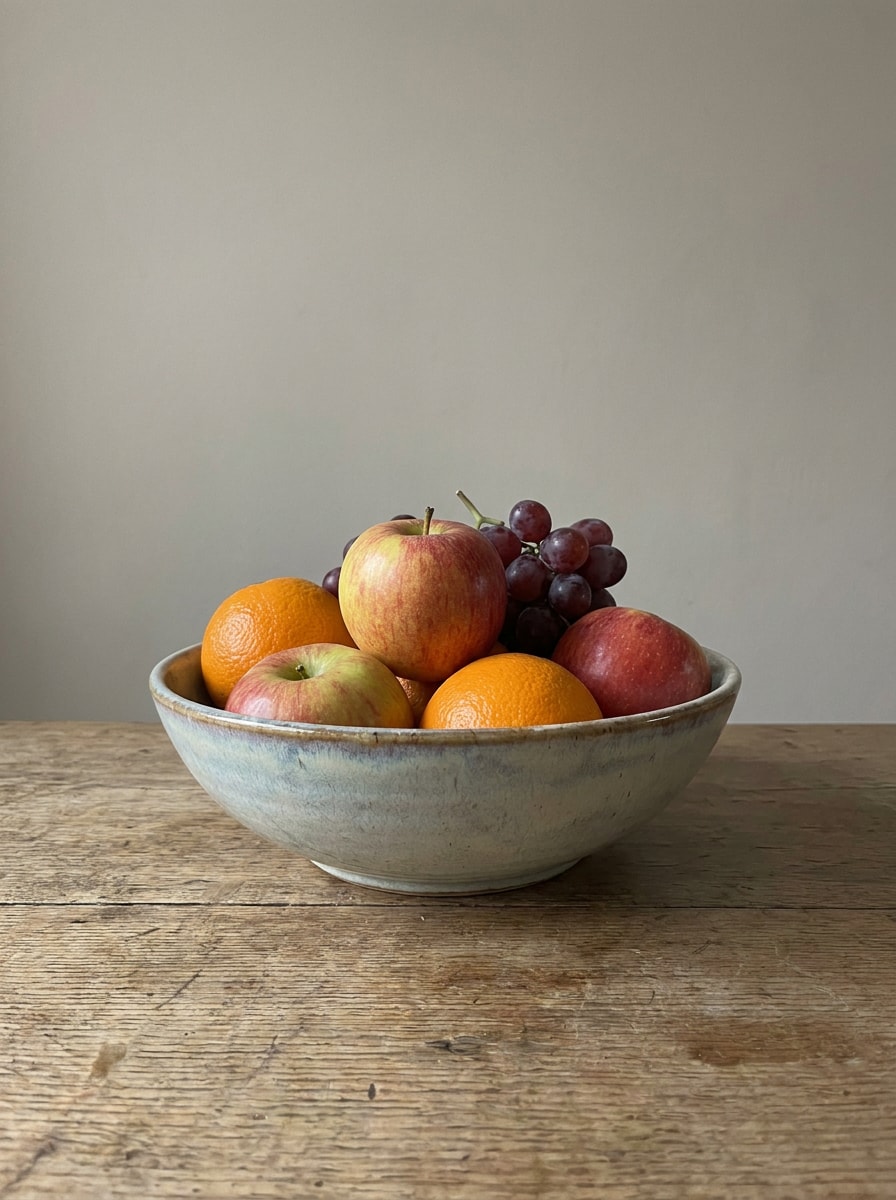
Color Picker From Image Before
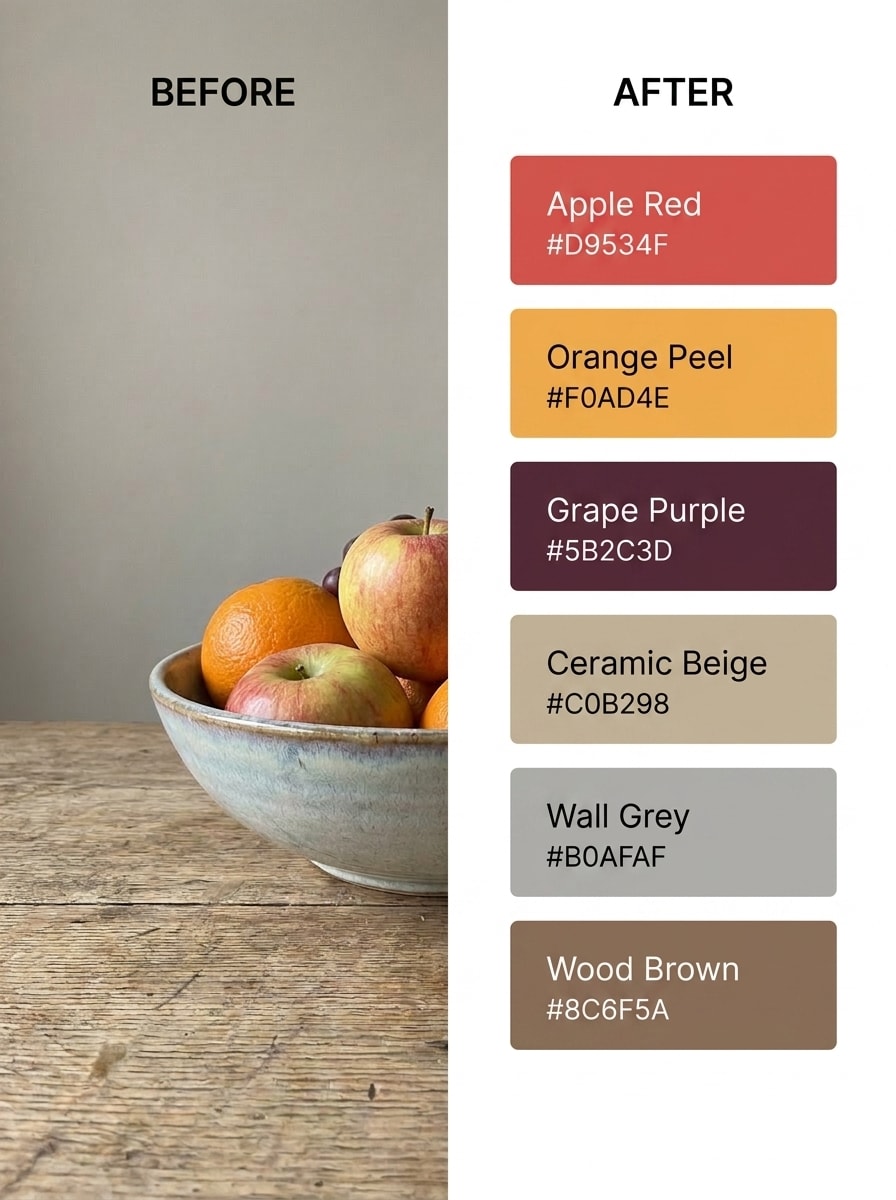
Color Picker From Image After

Use this color picker from image tool to sample exact colors from photos, screenshots, and design references. Upload, drag and drop, or paste an image to reveal HEX, RGB, and HSL values quickly, then refine visual outputs with Media.io for palette building, branding, and creative workflow inspiration.

Pick Colors From My Image

Type your idea -> AI designs it. Free to try.

Review these example directions, then tailor the prompt details to get stronger results with this color picker with image workflow in Media.io.

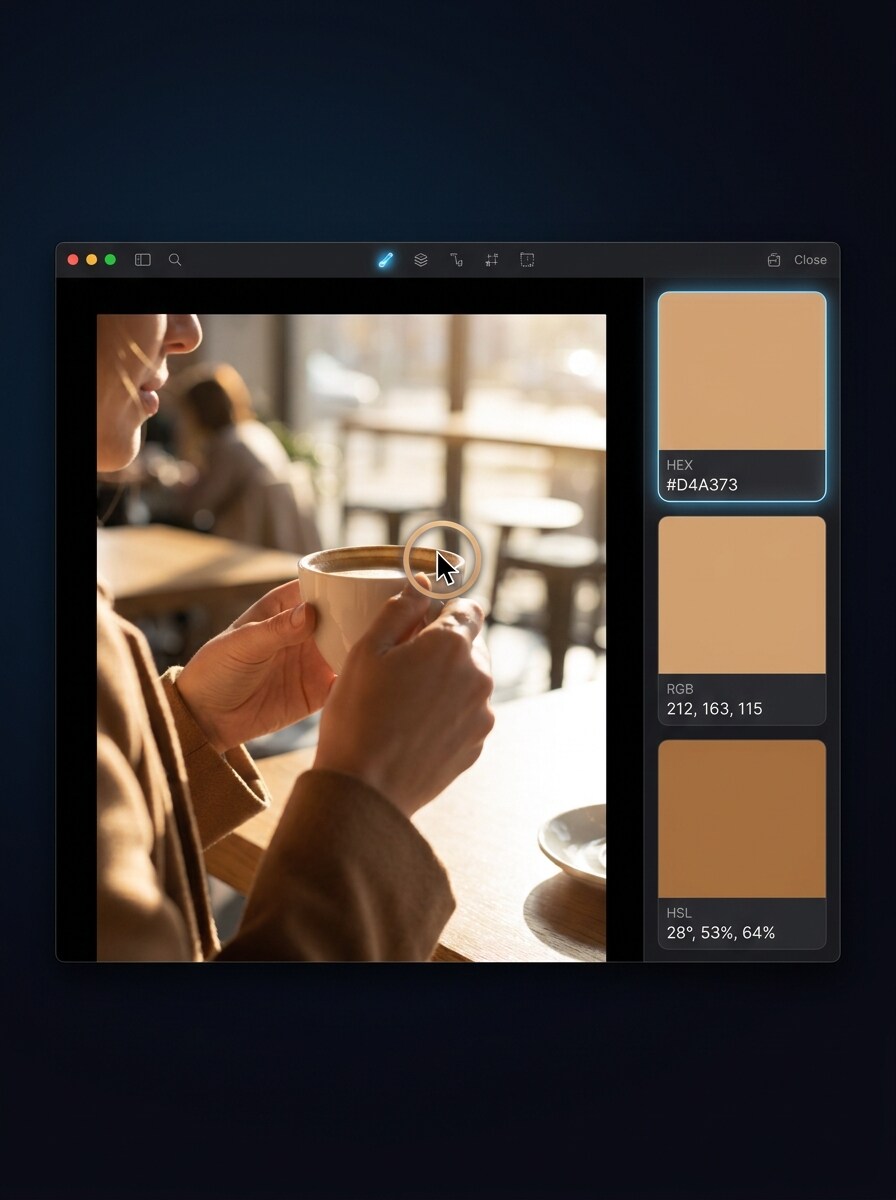
Clean Cursor Pick Demo

Clean Cursor Pick Demo

Use the uploaded image as the subject and transform it into a clean SaaS-style product demo showing a cursor selecting one exact pixel from the photo. Add a modern side panel with HEX, RGB, and HSL values, bright white interface, subtle shadows, crisp typography, and high-clarity dashboard composition.

Before and After Color Extraction

Before and After Color Extraction

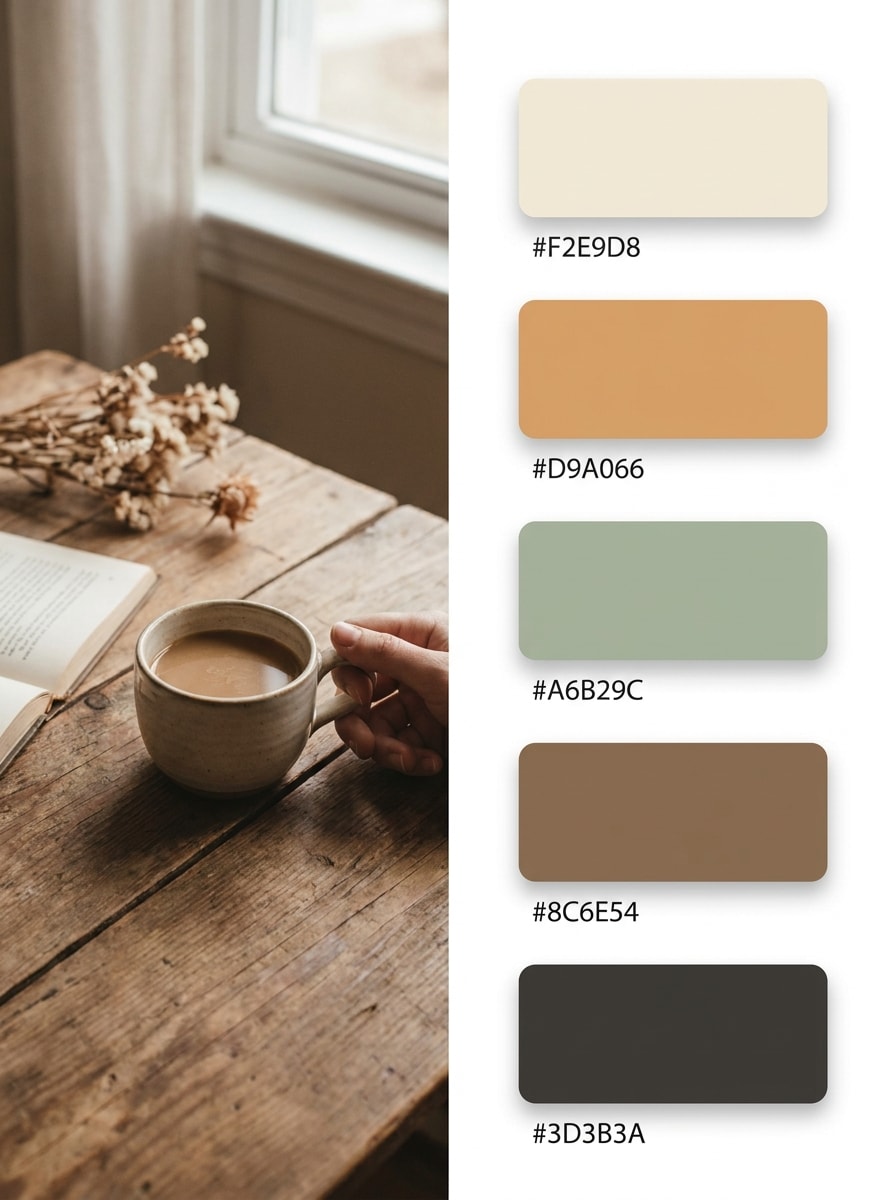
Use the uploaded image as the source and turn it into a split-screen before-and-after visual. Keep the original photo on the left and place an extracted palette with labeled swatches on the right, modern editorial SaaS style, clean spacing, refined typography, balanced lighting, and highly legible color data.

Aesthetic Photo to Palette

Aesthetic Photo to Palette

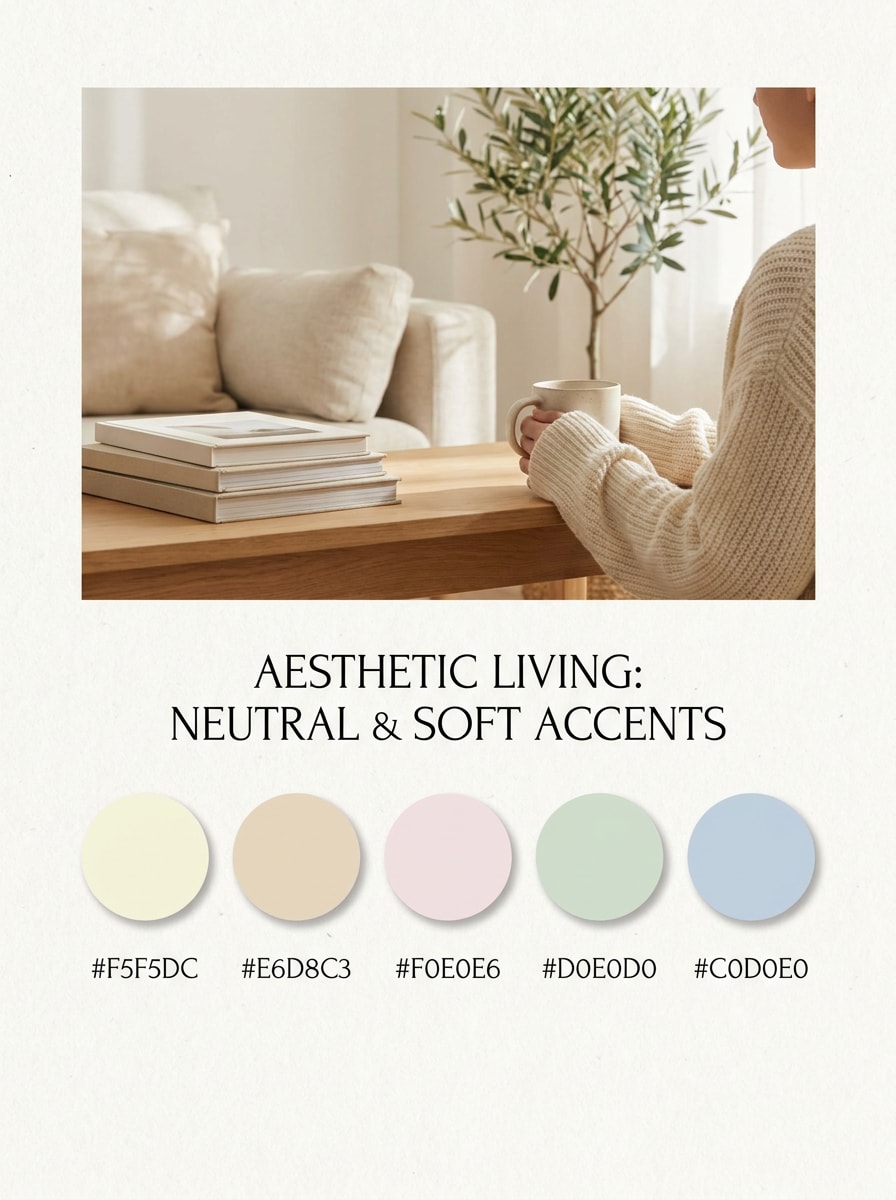
Use the uploaded image as the reference and transform it into a Pinterest-ready design board that pairs the photo with a matching five-color palette. Emphasize soft shadows, premium branding mood, elegant spacing, warm tones, HEX labels, tactile textures, and a vertical layout optimized for inspiration sharing.

Brand Palette Extraction

Brand Palette Extraction

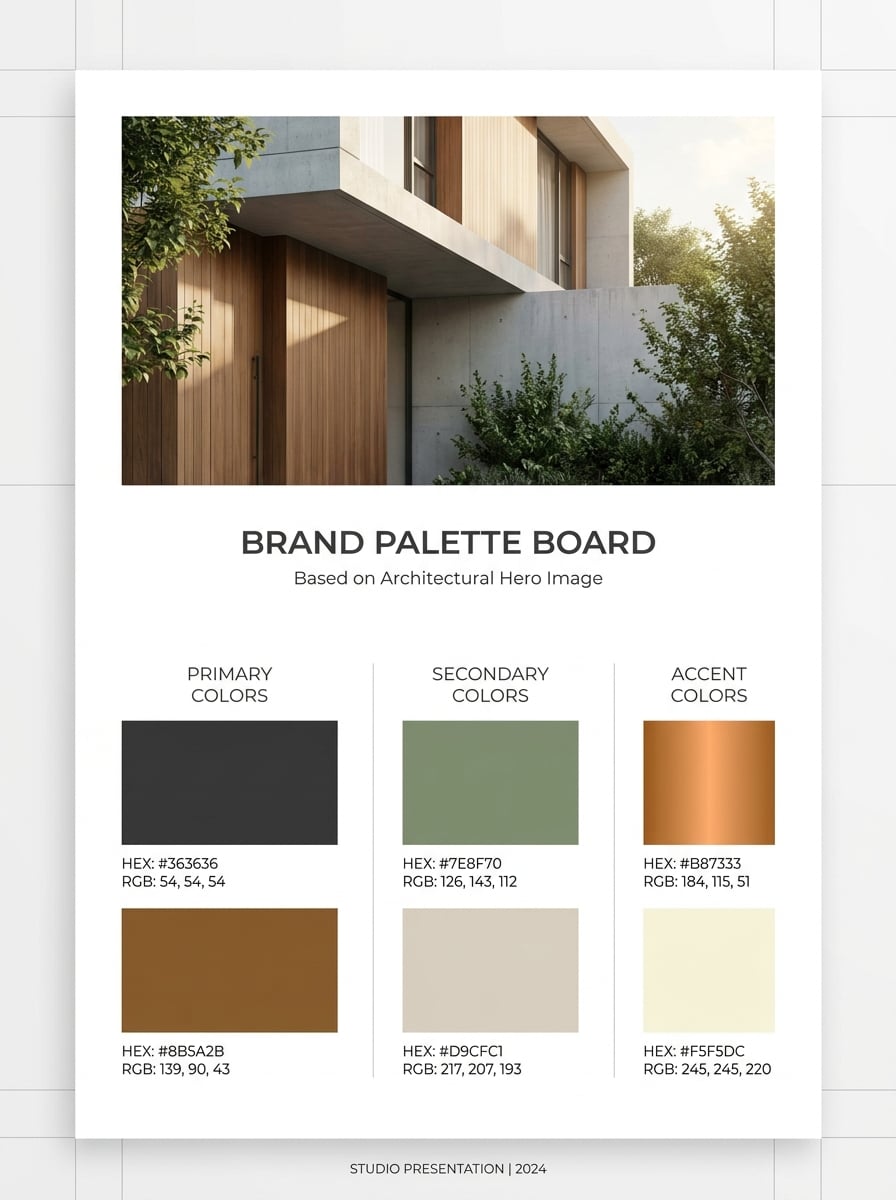
Use the uploaded image as the brand reference and convert it into a polished branding mockup. Show primary, secondary, and accent swatches derived from the image, include HEX and RGB labels, modern presentation panels, clean hierarchy, premium lighting, and a confident professional design-system mood.

Website Screenshot Color Sampling

Website Screenshot Color Sampling

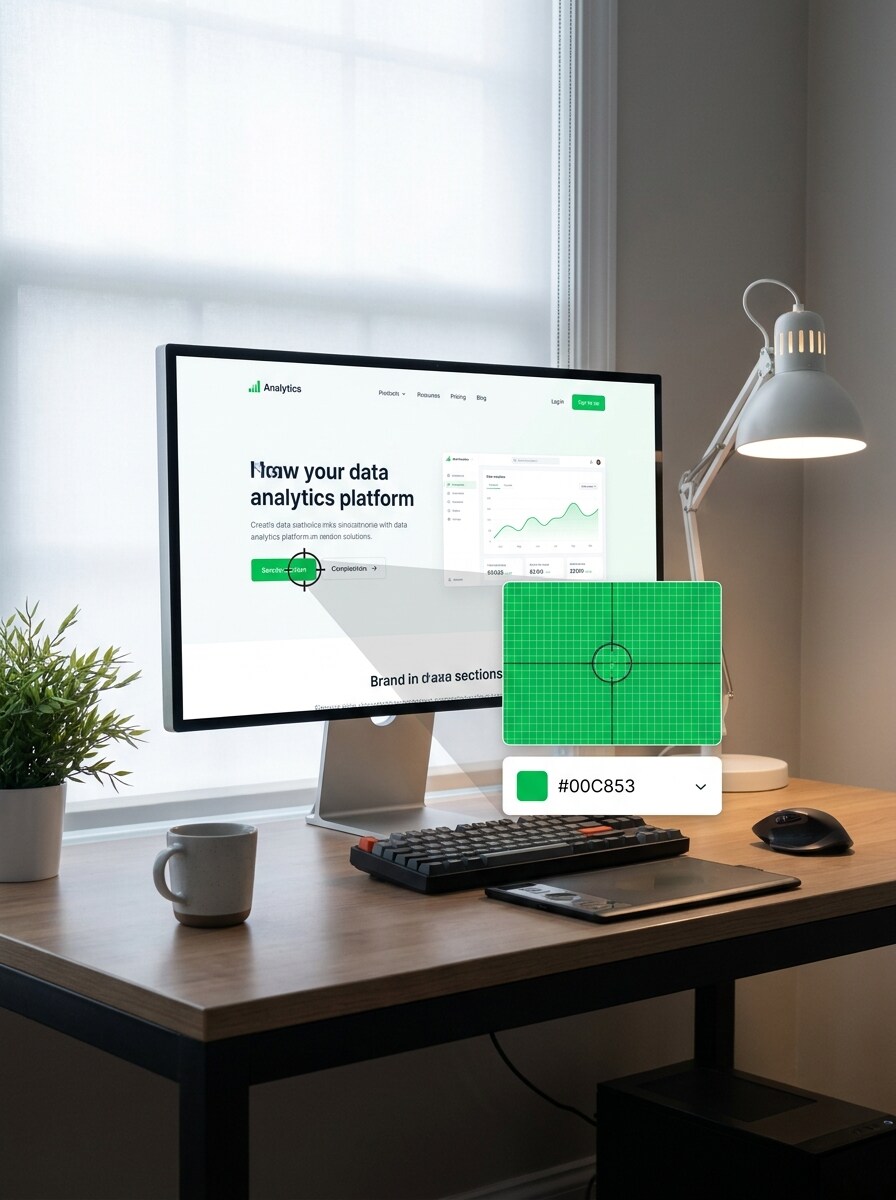
Use the uploaded screenshot as the subject and transform it into a realistic workspace mockup showing a color picker sampling an exact area of the interface. Display copied color code output, zoomed selection detail, clean software UI, modern desk ambiance, and sharp high-contrast presentation.

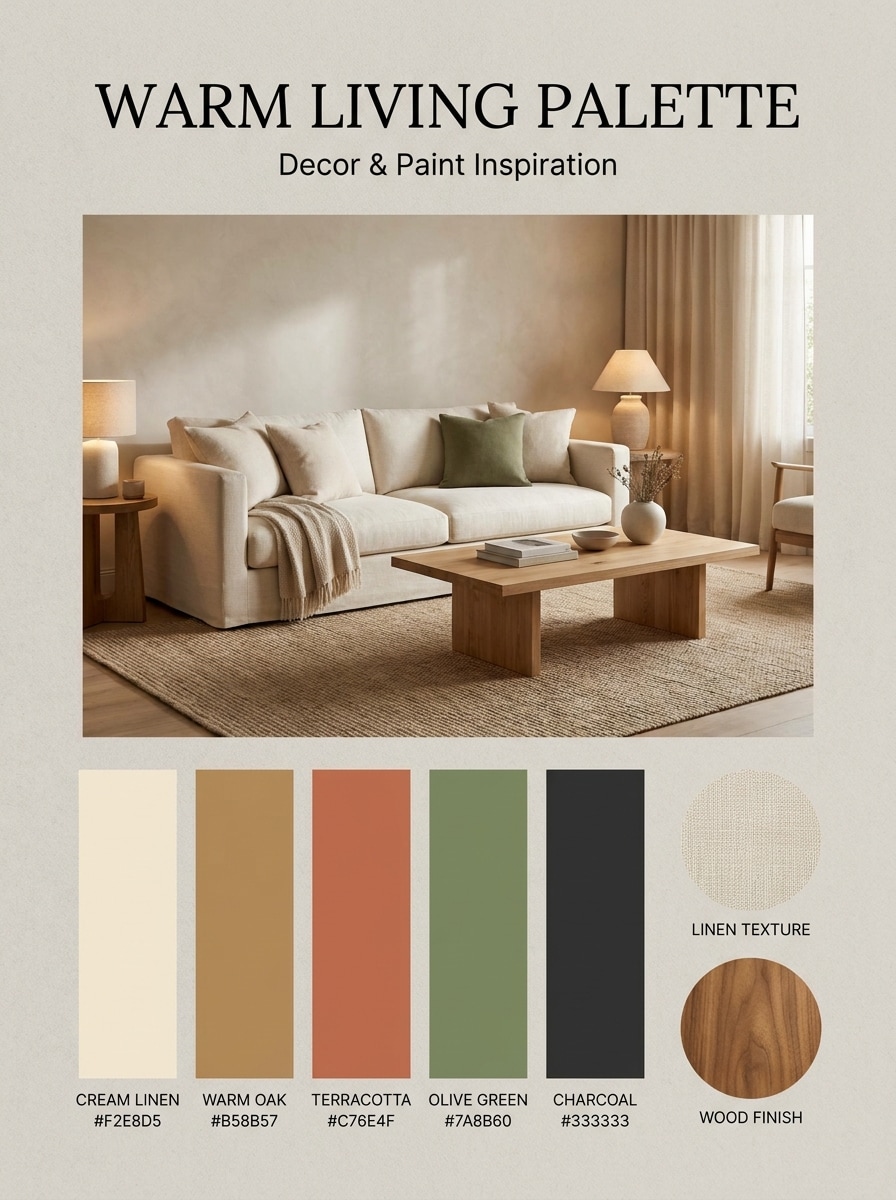
Interior Design Palette Finder

Interior Design Palette Finder

Use the uploaded room photo as the reference and turn it into an elegant interior design board. Extract paint-like swatches from furniture, walls, and decor, label each with HEX values, and present the result with editorial composition, soft natural light, material textures, and an upscale home styling feel.

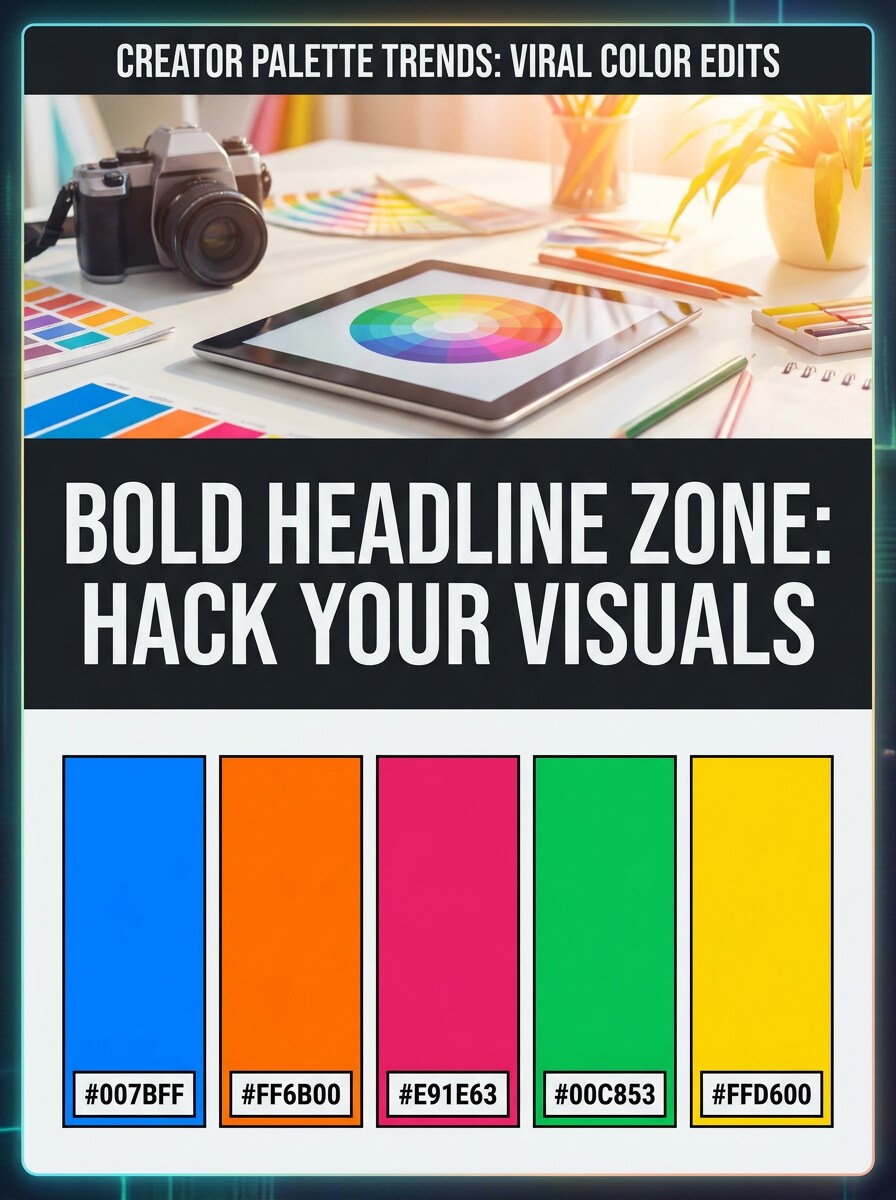
Steal This Palette Reel Cover

Steal This Palette Reel Cover

Use the uploaded image as the visual anchor and transform it into a bold social media cover graphic. Add a striking headline area, five prominent palette swatches with HEX labels, trendy creator energy, saturated contrast, clear typography, and a layout designed for shareable short-form content.

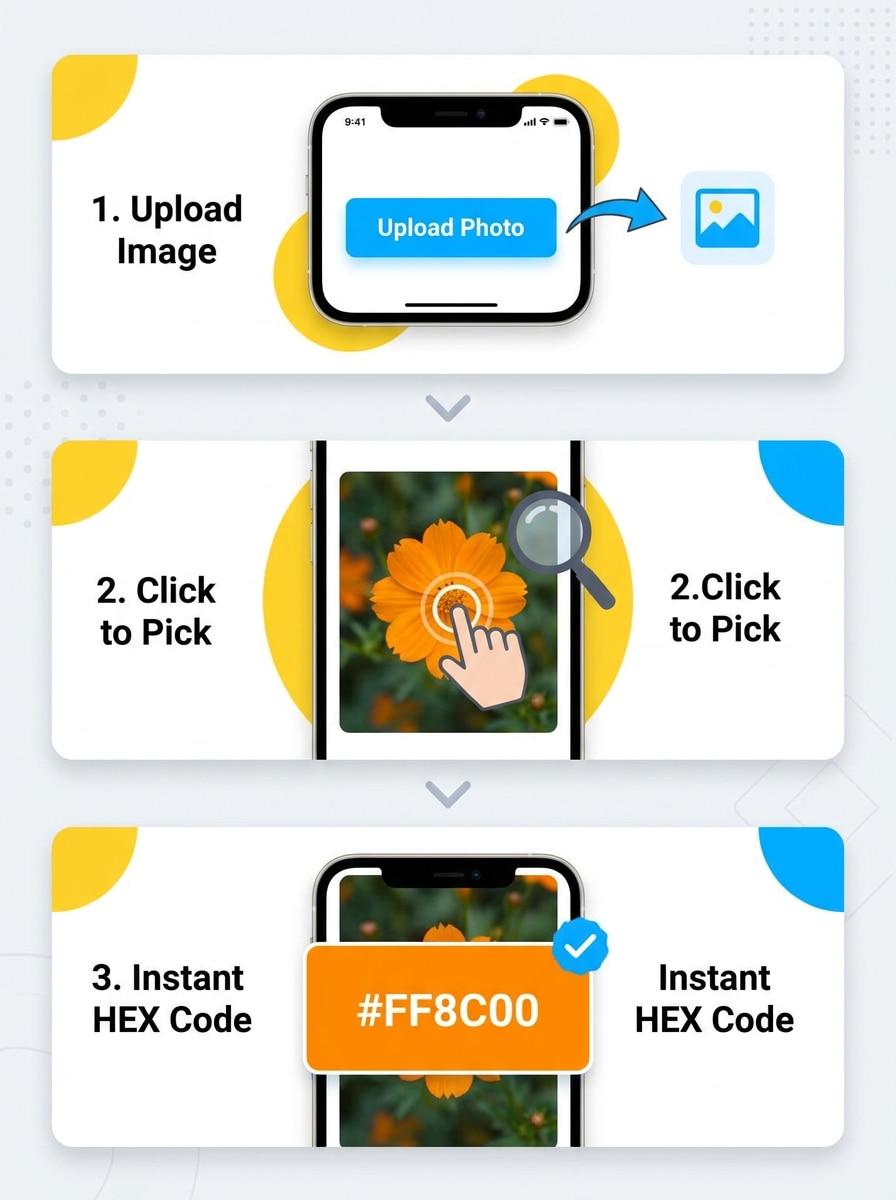
Fast Hex Reveal Sequence

Fast Hex Reveal Sequence

Use the uploaded image as the source and transform it into a sequential workflow visual that shows upload, pixel click, and instant HEX reveal. Emphasize motion cues, bright interface elements, clear step-by-step panels, concise code readouts, and a dynamic short-form demo aesthetic with polished clarity.

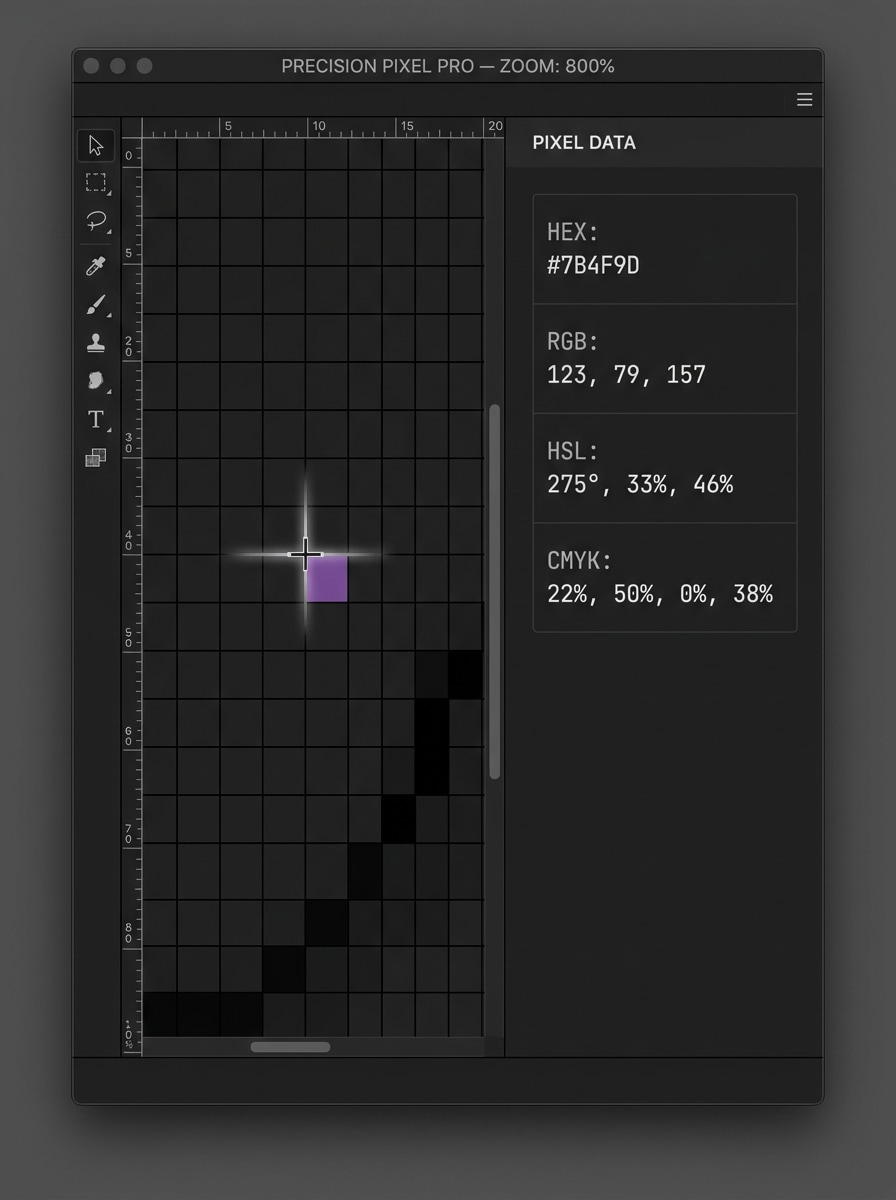
Designer Precision Picker

Designer Precision Picker

Use the uploaded image as the reference and transform it into a professional design-tool interface focused on exact color matching. Show a zoomed pixel grid, precision crosshair, and outputs for HEX, RGB, HSL, and CMYK, with technical clarity, restrained colors, and a trustworthy expert workflow mood.

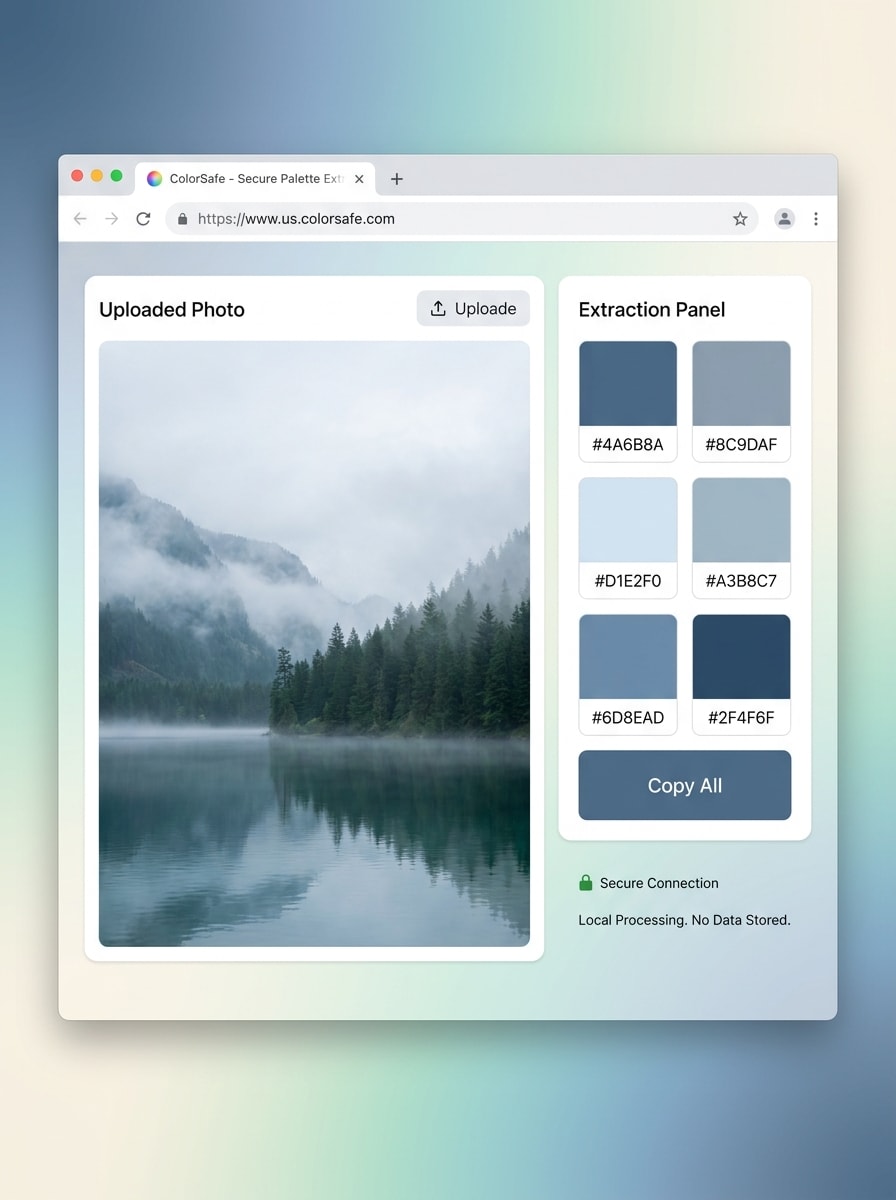
Local Privacy-First Tool Visual

Local Privacy-First Tool Visual

Use the uploaded image as the source and transform it into a modern landing-page hero visual for a privacy-conscious color tool. Show a secure browser workflow, visible color extraction panel, calming interface design, clean icons, soft gradients, and a reassuring, minimal product presentation.

Why Use Media.io for Color Picking and Palette Reference Work

Upload a reference and explore color-led variations quickly

In upload-based edits, Media.io helps keep the reference subject visually consistent while you adjust the final color image picker direction, making personalized results easier to review and use with confidence.

Match the Right Style for Every Version

Different projects need different aesthetics, and Media.io makes it easier to explore varied treatments of the same color chooser from image concept so the final visual reaches the right tone faster.

Refine visual details with higher-resolution output control

Some outputs need to do more than look good in preview panels. Media.io helps you create cleaner color picker for image results, with output up to 4K, so the final visual stays sharp for wallpapers, decks, and mockups.

Work from any browser while comparing multiple color directions

Creators often move between phone and desktop during a project, and Media.io keeps the colour picker image process in the browser so you can continue working practically across devices without breaking flow.

How to Use This Image Color Workflow

Turn your words into stunning visuals in three simple steps, then continue refining the result if you want to take it further.

how to use image to image AI for color picker from image step 1
Step 1

Upload Your Reference Image

Upload a clear photo, screenshot, UI reference, room image, or brand visual in JPG, PNG, or JPEG format. A sharp source image makes it easier to build a useful image color picker style workflow and clearer palette examples.

how to use image to image AI for color picker from image step 2
Step 2

Describe the Change and Set Options

Enter a prompt for the kind of demo, palette board, or visual layout you want, then choose the model and adjust aspect ratio, quality, or number of results. This is useful for a color picker with image concept, a palette showcase, or a comparison visual.

how to use image to image AI for color picker from image step 3
Step 3

Generate, Download, and Keep Improving

Generate several versions, compare the strongest result, and download the one that best communicates your color selection idea. You can keep refining the prompt, test new layouts, or create follow-up graphics for branding, teaching, or social posts.

Unlock the Potential of Color Chooser From Image

See how creators use this color picker from image workflow for content, marketing, and personal projects, then adapt each idea to fit the brief.

Build cleaner brand and social palette boards

Turn a mood photo, product shot, or campaign visual into polished swatch layouts for presentations, carousels, and brand guides. This helps teams use a color chooser from image workflow to present tones more clearly without manually rebuilding every reference.

Sample UI and website colors for design matching

Use screenshots to study buttons, backgrounds, and accent colors, then turn those findings into clear reference visuals. A practical hex color finder from image process is especially useful for redesigns, audits, and style-system discussions.

Extract room and decor inspiration from photos

Interior designers, decorators, and content creators can pull wall, fabric, and furniture tones from a single image and turn them into easy-to-share palette concepts. It works well as a colour picker from photo or colour picker photo approach for mood boards and renovation planning.

What Users Say

user
Maya Chen

Brand Designer

star star star star star

"Great for palette presentations" I often need to show clients how colors can be pulled from a reference shot. Media.io helps me create polished palette visuals fast, and the results look much more presentable than a raw screenshot.

user
Jordan Ellis

UI Designer

star star star star star

"Useful for screenshot-based color studies" I use it when I want to explain interface color choices from website screenshots. The ability to generate clean demo-style visuals makes design reviews easier for both teammates and clients.

user
Sofia Ramirez

Content Creator

star star star star star

"Perfect for social palette content" The palette-board examples are ideal for reels and carousels. I can upload one aesthetic photo and quickly turn it into something that looks shareable, modern, and on-brand.

user
Ethan Brooks

Interior Stylist

star star star star star

"Helpful for room color inspiration" I like using room photos as the base and then generating color-led boards from them. It speeds up early concept work and gives clients a much clearer sense of the overall atmosphere.

Color Picker From Image FAQs

1. How do I pick a color from an image online?

Start by uploading a clear JPG, PNG, or JPEG image into Media.io, then use it as your reference for a color-focused workflow or visual demo. If you want a practical color picker for image process, the easiest approach is to begin with a screenshot, photo, or design asset that clearly shows the area you want to sample.

Yes, that is a common goal for an image color finder workflow. Media.io can help you create polished visuals and reference layouts around sampled colors from a photo, especially when you want to present HEX, RGB, and HSL-style outputs in a cleaner, more shareable format. It can also support a color finder from picture or color finder image workflow when you need to communicate sampled tones clearly.

Free users can get started with free credits on Media.io. If you need more usage, you can upgrade through the pricing page. Free downloads may include watermarks, while paid plans support watermark-free high-resolution output.

Media.io is a web-based tool, so it works on phones, tablets, and computers through a browser. That makes it convenient whether you think of it as an image color picker, a colour image picker, or a fast way to review references while moving between devices.

Media.io deletes uploaded images from its servers automatically after 7 days to support user privacy. If you are using a color selector from image or colour finder from image workflow with private brand materials, that retention policy can be helpful when handling sensitive visual references.

The page is designed around a flexible image-input workflow, and Media.io supports uploading JPG, PNG, and JPEG files as reference images. That works well for people looking for a color selector from picture, color finder by image, picture colour picker, or colour finder from picture process built around fast visual input.

Media.io Online AI Tools Quality Rating:
vote 4.7 (162,357 Votes)