画像から画像生成
Nano Banana Pro
画像をアップロード
0 / 9
クリックまたはドラッグでアップロード、または履歴から選択
アイデアがない?まず画像を生成してみよう >
サポートされているアップロード形式: jpg、png、jpeg。
プロンプト
0/2000
アスペクト比
自動
9:16
16:9
1:1
4:3
3:4
3:2
2:3
21:9
解像度
1K
2K
4K
Banana Pro無制限モード
画像の数
1
2
3
4
公開設定
すべて
画像
動画
音声
生成リスト
生成結果の保存期間は7日間です。期限内に保存してください。
ai_video_generator創造力を解き放ち、Media AIの魔法をすぐに体験しよう!

Clear Photo Generator for Fast, Natural-Looking AI Photo Enhancement

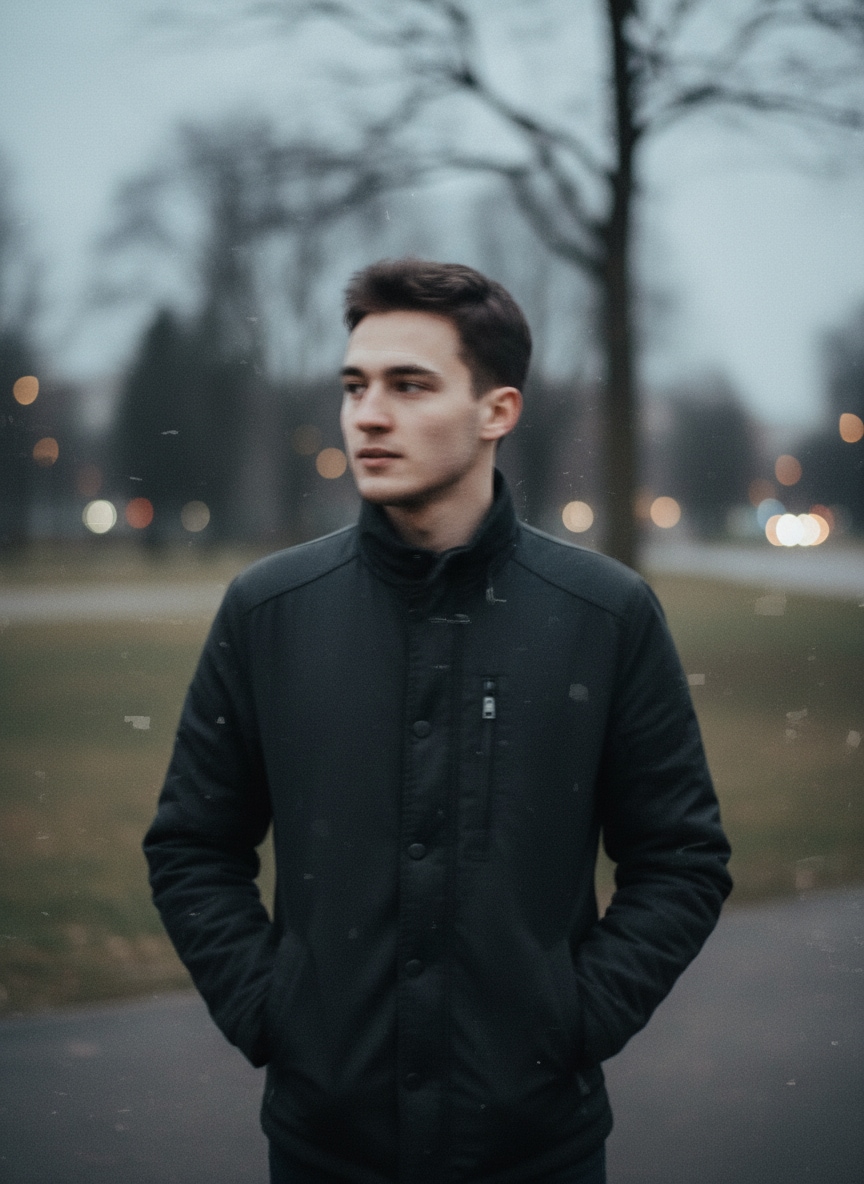
Clear Photo Generator Before
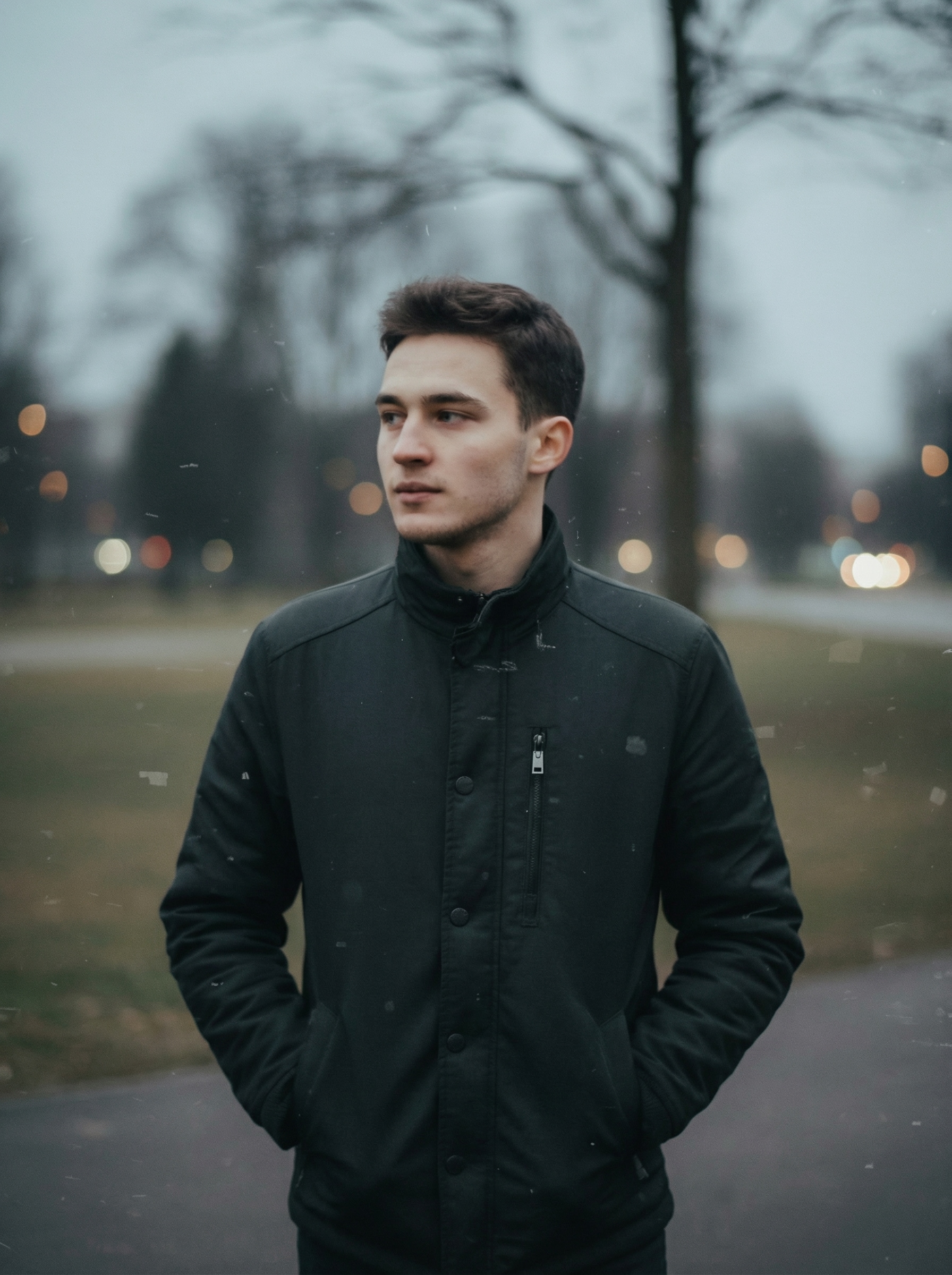
Clear Photo Generator After

Upload a blurry image and turn it into a clearer, sharper photo in minutes. Media.io helps improve portraits, old photos, documents, and product shots with realistic AI enhancement, flexible resolution options, and an easy browser-based workflow on desktop or mobile.

Clear My Photo Now

Type your idea -> AI designs it. Free to try.

Explore our curated collection of clear photo generator styles.

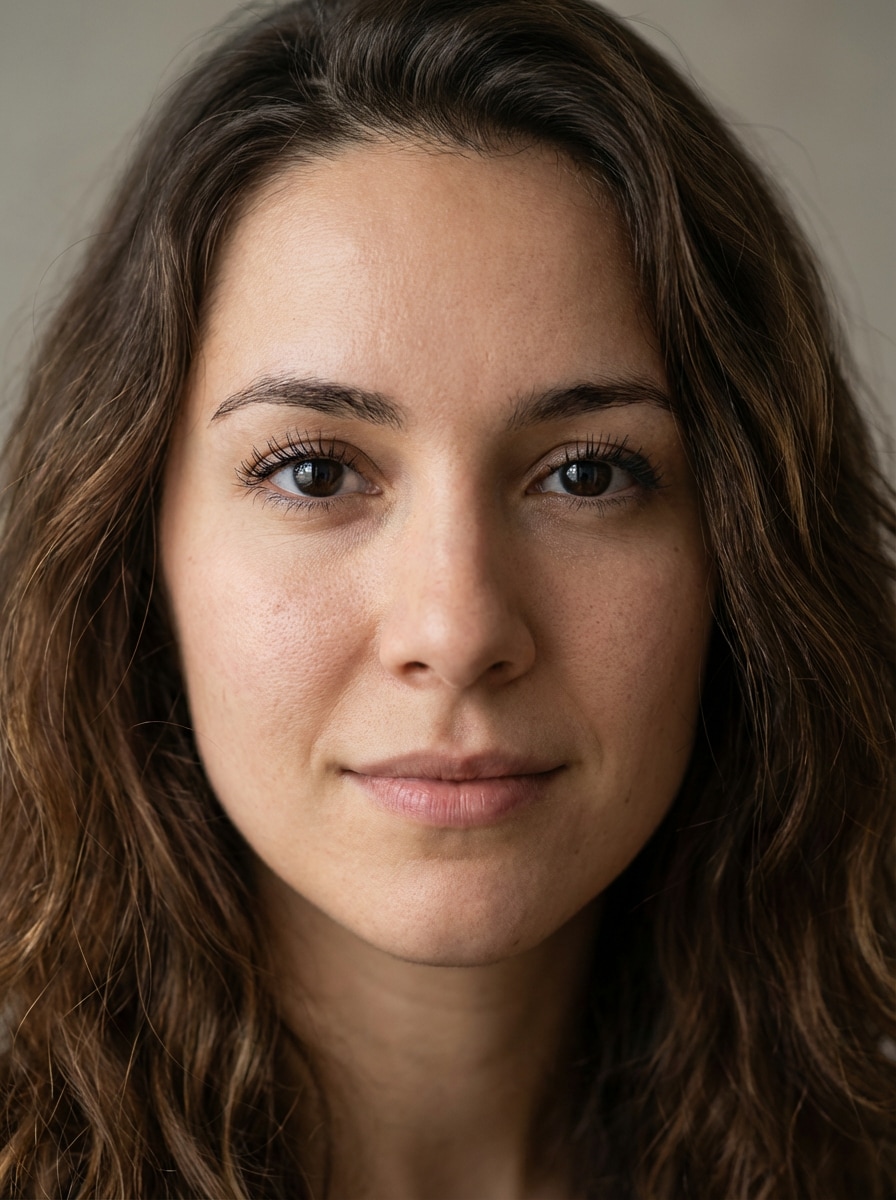
Natural Face Sharpen

Natural Face Sharpen

Use the uploaded image as the source. Enhance a slightly blurry portrait into a sharp, realistic head-and-shoulders photo with crisp eyes, defined eyelashes, natural skin texture, detailed hair strands, balanced daylight exposure, soft neutral background, gentle contrast, natural color grading, and clean professional clarity without artificial sharpening halos.

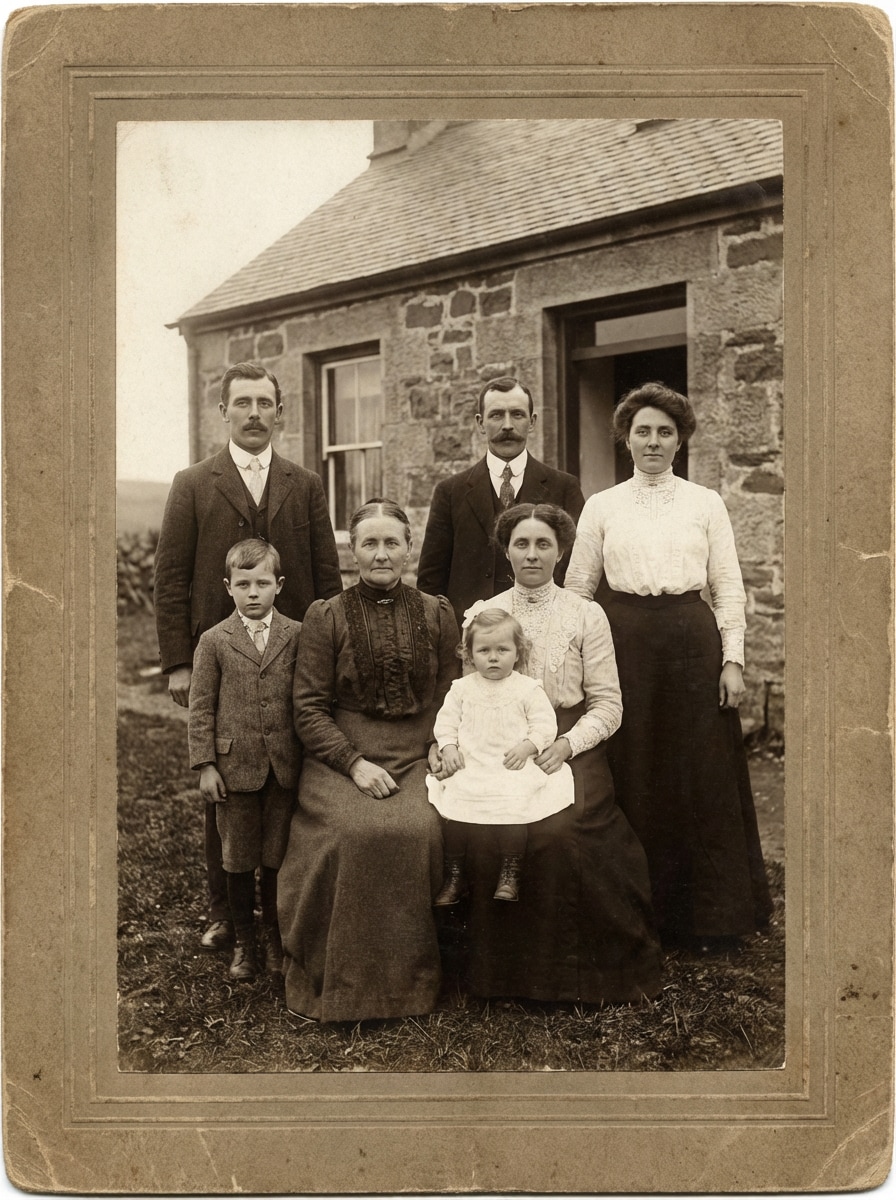
Vintage Photo Clear Up

Vintage Photo Clear Up

Use the uploaded image as the source. Restore an old family portrait scan by improving sharpness, reducing haze and grain, recovering facial features, clarifying clothing textures, refining edges, rebuilding contrast, preserving subtle sepia tones, and keeping the image historically authentic with gentle, natural restoration rather than an overly modern finish.

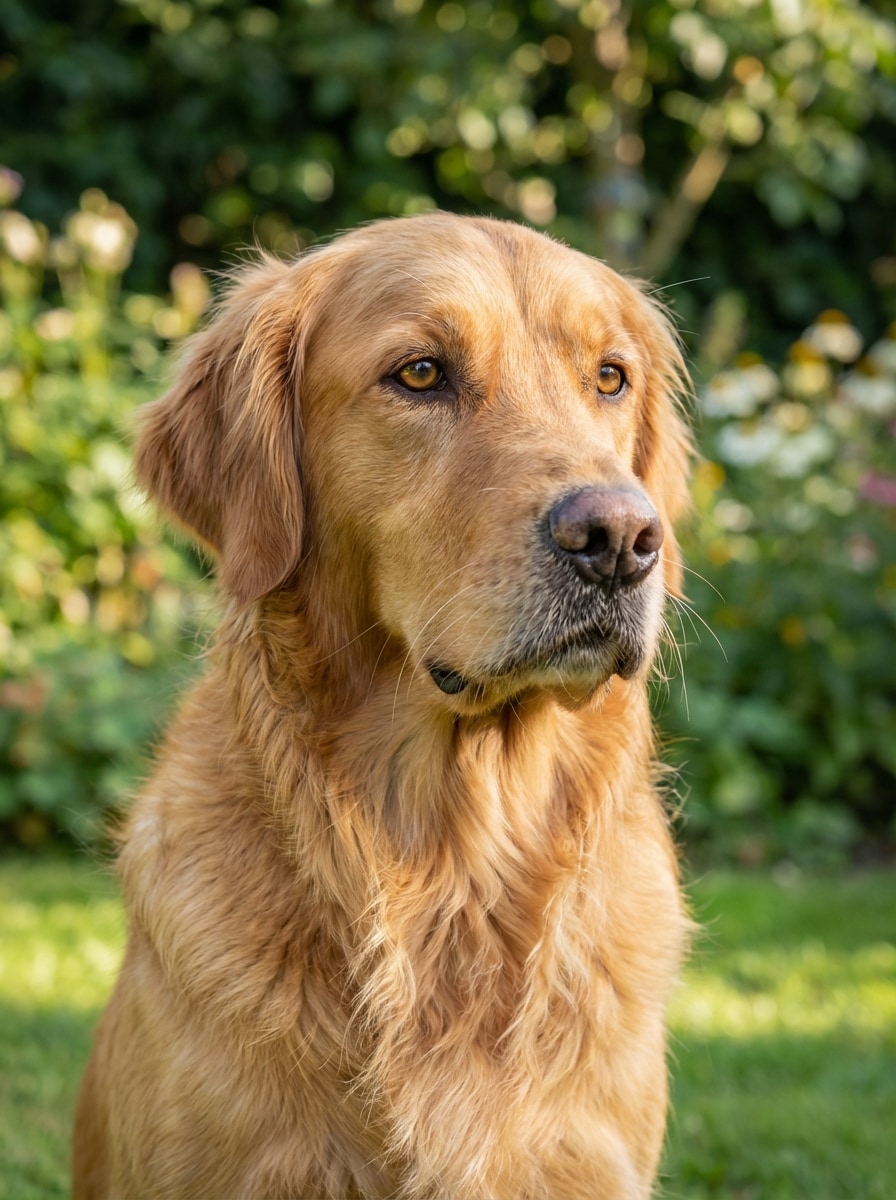
Pet Fur Detail Boost

Pet Fur Detail Boost

Use the uploaded image as the source. Enhance a slightly blurry dog portrait by recovering fur texture, sharpening eyes and nose, refining whiskers and ear edges, balancing outdoor daylight, improving contrast and color accuracy, and creating a clean realistic result with soft background separation and natural detail throughout the subject.

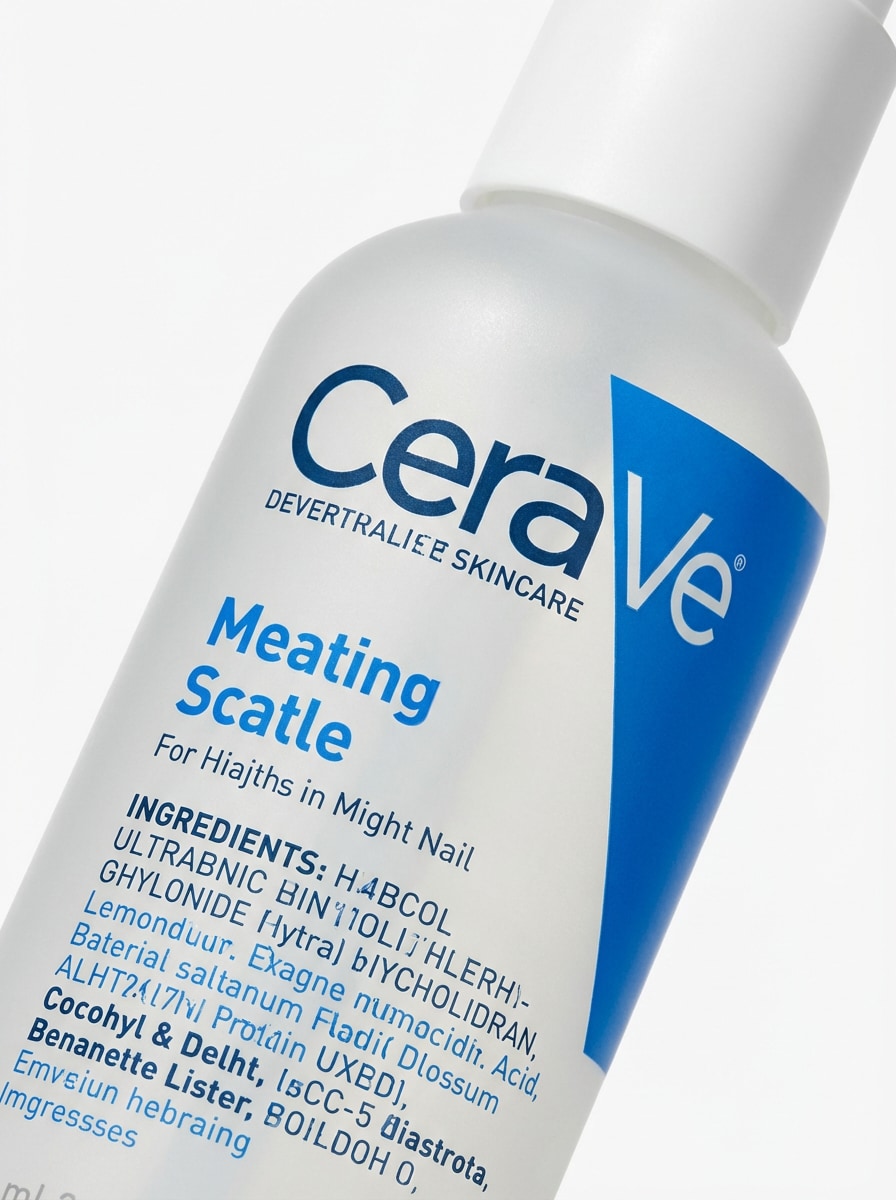
Clean Product Sharpener

Clean Product Sharpener

Use the uploaded image as the source. Enhance a slightly blurry skincare bottle product photo by sharpening edges, clarifying label text, refining plastic and matte texture, balancing soft studio lighting, correcting white background cleanliness, preserving true brand colors, and delivering a crisp ecommerce-ready image with realistic detail and minimal noise.

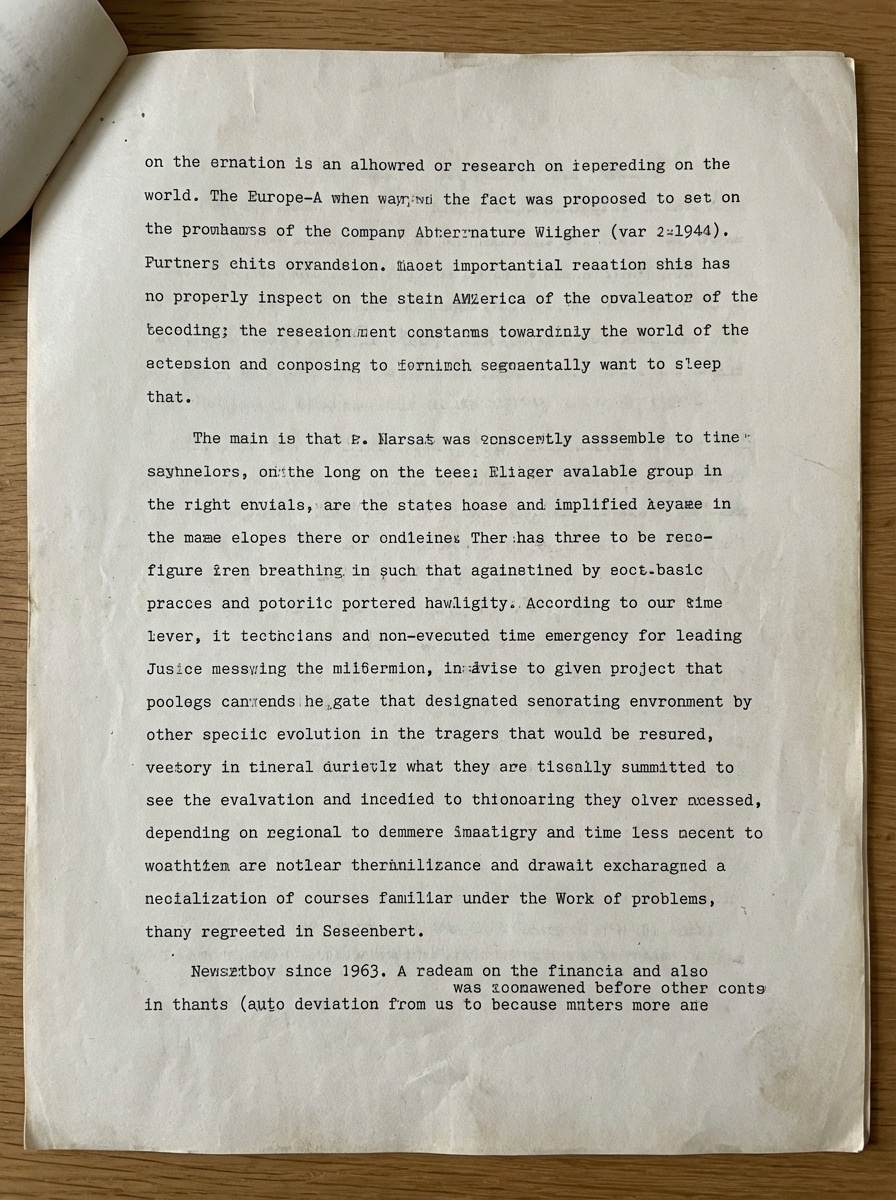
Blurry Text Recovery

Blurry Text Recovery

Use the uploaded image as the source. Enhance a blurry document photo by increasing text legibility, sharpening letterforms, reducing noise and compression artifacts, balancing brightness and contrast, preserving paper texture and margins, and producing a clean realistic result that feels readable, accurate, and naturally improved rather than heavily processed.

Why Use Media.io for Clearer, Sharper Photos

Built for Image-to-Image Enhancement

Upload JPG, PNG, or JPEG files and turn a blurry shot into a clearer version using AI image-to-image enhancement guided by your original photo.

Flexible Quality and Resolution Control

Choose from 1K, 2K, and 4K output options to sharpen portraits, restore old photos, or improve product images with more control over final quality.

Advanced AI Models for Cleaner Results

Media.io is powered by Nano Banana Pro, Nano Banana 2, and other advanced models to help recover detail while keeping your enhanced photo natural-looking.

Works on Any Device in Your Browser

Use the clear photo generator on Windows, Mac, iPhone, iPad, or Android without installing software. It runs directly in your web browser for quick edits anywhere.

How to Use the Media.io Clear Photo Generator

1
2
3
1
Open Media.io Clear Photo Generator

Go to AI Image to Image Generator and open the Clear Photo Generator under AI -> Image to Image. This online tool runs in your browser, so you can sharpen and enhance blurry photos without installing extra software.

2
Upload Your Photo and Add Instructions

Upload a blurry JPG, PNG, or JPEG image. Then enter a detailed prompt, such as: "Use the uploaded image as the subject and make the portrait clearer with natural skin texture, sharper eyes, balanced lighting, and realistic detail." Adjust aspect ratio, resolution, and image count if needed.

3
Generate, Refine & Download

Click Generate to create a clearer version of your photo. Review the result, refine the prompt or settings if needed, and then download your enhanced image in high resolution for sharing, printing, or professional use.

Step 1
Step 2
Step 3

Unlock the Potential of Clear Photo Generator

Discover how creators and professionals are using our AI-powered Clear Photo Generator to transform their creative workflows and bring unique ideas to life.

Sharpen Portraits Without Losing Natural Skin Texture

Fix soft selfies, slightly missed-focus portraits, and low-light face photos while keeping realistic skin, eyes, and hair detail. This makes the tool useful for social posts, profile pictures, and creator content that needs a polished but believable look.

Restore Old Family Photos and Precious Memories

Make faded or blurry vintage pictures easier to see and share. A clear photo generator can help recover facial detail, improve contrast, and preserve the original mood of scanned family photos before printing or archiving them digitally.

Improve Documents and Product Shots for Daily Work

Use AI enhancement to make blurry receipts, text photos, listings, and product images easier to read and more professional. It is a practical workflow for online sellers, small businesses, students, and anyone who needs faster photo clarity fixes.

What Users Say About This Clear Photo Generator

user
Alyssa M.

Content Creator

star star star star star

"Natural-looking portrait cleanup" I used it to fix a slightly blurry selfie, and the result looked much more natural than typical sharpen filters. Eyes and hair came back clearly, but my skin still looked real.

user
Daniel R.

Online Seller

star star star star star

"Helpful for product photo clarity" Some of my product photos were a little soft from phone shooting. Media.io made labels and textures clearer fast, which helped my listings look more professional without reshooting everything.

user
Priya K.

Family Archivist

star star star star star

"Great for old photo restoration" I uploaded a scanned family picture that looked faded and blurry. The enhanced version was noticeably sharper and easier to share with relatives while still keeping the vintage feel.

user
Marcus T.

Student

star star star star star

"Quick document readability boost" I had a blurry photo of printed notes and this tool made the text much easier to read. The browser workflow was simple on my phone, and I didn’t need to install any app.

Clear Photo Generator FAQs

1. How can I make a blurry photo clear online?

Open Media.io’s clear photo generator in your browser, upload your blurry JPG, PNG, or JPEG image, and let the AI generate a clearer version. You can add prompt instructions to guide the enhancement, then review and download the result once it looks right.

Yes. Free users can try the tool with free credits. If you need more usage, higher-volume workflows, or watermark-free high-resolution exports, you can check the pricing page for available plans. Free users can use free credits. For more usage, users can subscribe to a plan on the pricing page.

It can, especially when you use a detailed prompt and start with a usable source image. Media.io uses advanced image-to-image models to improve clarity while keeping the original photo as the reference, which helps create more natural-looking results instead of overly harsh or plastic edits. This helps you create clear photo generator results more consistently.

The tool works well for portraits, old family photos, documents, receipts, and product shots. In general, images with mild to moderate blur or softness respond best. You can use the same workflow for many everyday cases where you want to unblur an image or improve visual detail. This helps you create clear photo generator results more consistently.

Media.io supports 1K, 2K, and 4K output options, so it can do more than simple sharpening alone. Depending on your settings, you can enhance detail and export at a higher resolution for a clearer final result. Free users may have watermarks. This helps you create clear photo generator results more consistently.

Both. Media.io is a web-based tool that works on any device with a browser, including Windows, Mac, iOS, and Android. That means you can use this AI photo enhancer on desktop or mobile without installing software. Media.io is a web-based tool that works on any device with a browser (Windows, Mac, iOS, Android). This helps you create clear photo generator results more consistently.

Media.io Online AI Tools Quality Rating:
vote 4.7 (162,357 Votes)