すべて
画像
ビデオ
オーディオ

AI Cover Photo YouTube Maker for Unique Channel Banners Fast

Create original YouTube cover photos and channel art from a simple text prompt. Media.io helps you generate banner-ready visuals for gaming, vlog, music, business, and travel channels with flexible styles, wide layouts, and high-resolution export for polished creator branding.

Create My YouTube Banner

Type your idea -> AI designs it. Free to try.

Explore our curated collection of cover photo youtube maker styles.

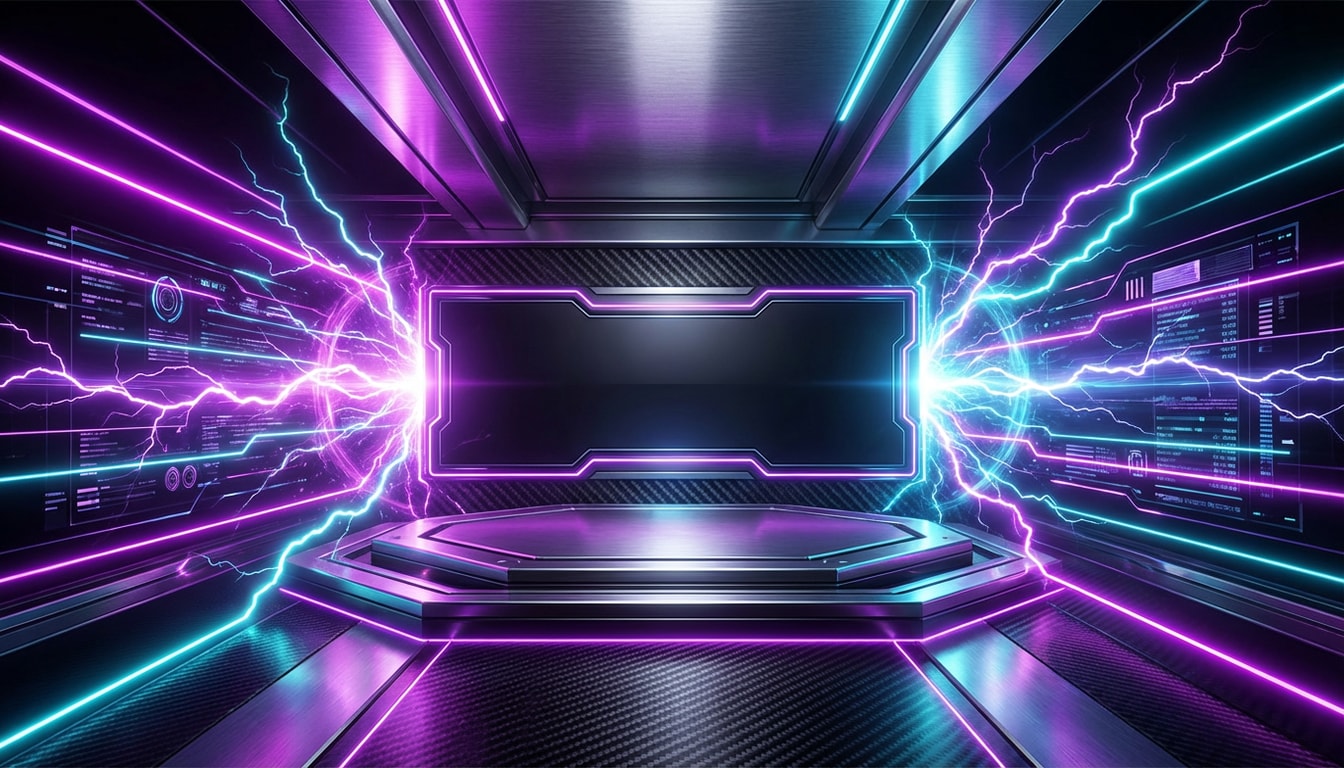
Neon Esports Banner

Neon Esports Banner

Create a wide YouTube banner background for a gaming channel with neon purple and cyan lighting, esports energy, futuristic HUD accents, metallic textures, dramatic glow, and strong contrast. Keep the composition centered with a clean safe area for the channel name and upload schedule, ultra-sharp modern digital art.

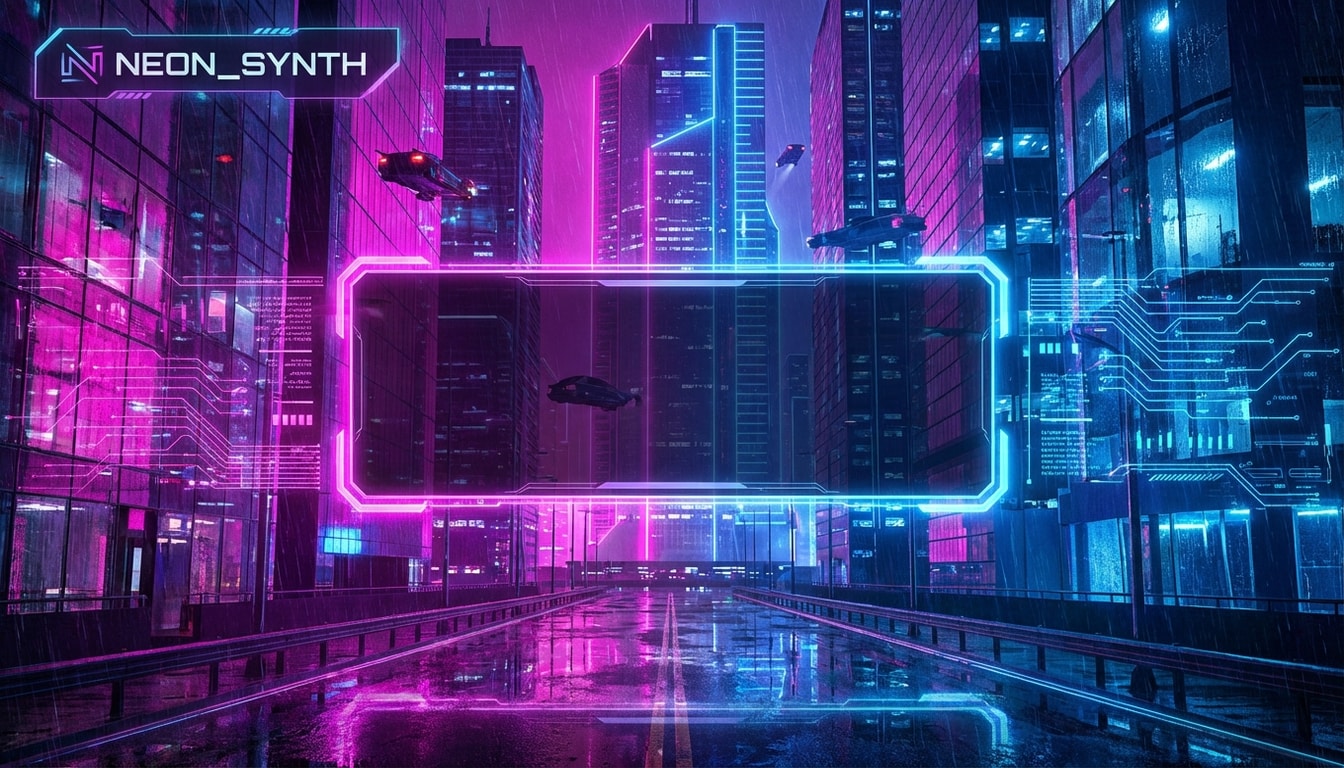
Cyberpunk Streamer Header

Cyberpunk Streamer Header

Design a cinematic YouTube banner in cyberpunk style with magenta and electric blue city glow, moody urban depth, holographic interface details, glossy reflections, and a sleek creator-branding layout. Leave a centered text-safe zone for the channel title, with high-detail lighting and polished futuristic atmosphere.

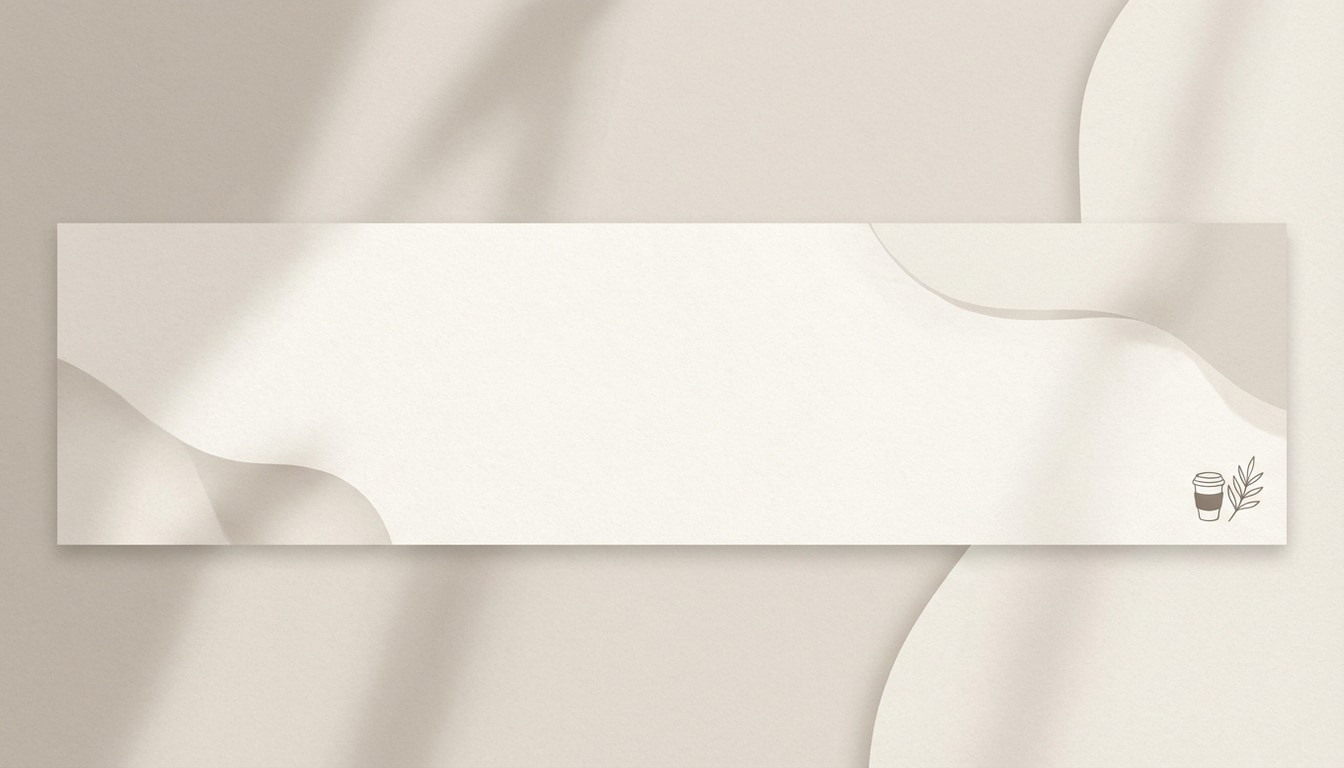
Minimal Creator Aesthetic

Minimal Creator Aesthetic

Generate a minimalist YouTube banner for a lifestyle creator using soft beige and cream tones, subtle shadows, clean editorial composition, smooth paper-like texture, and elegant spacing. Keep the center area open for the channel name and tagline, with a premium personal-brand mood and refined, modern social media styling.

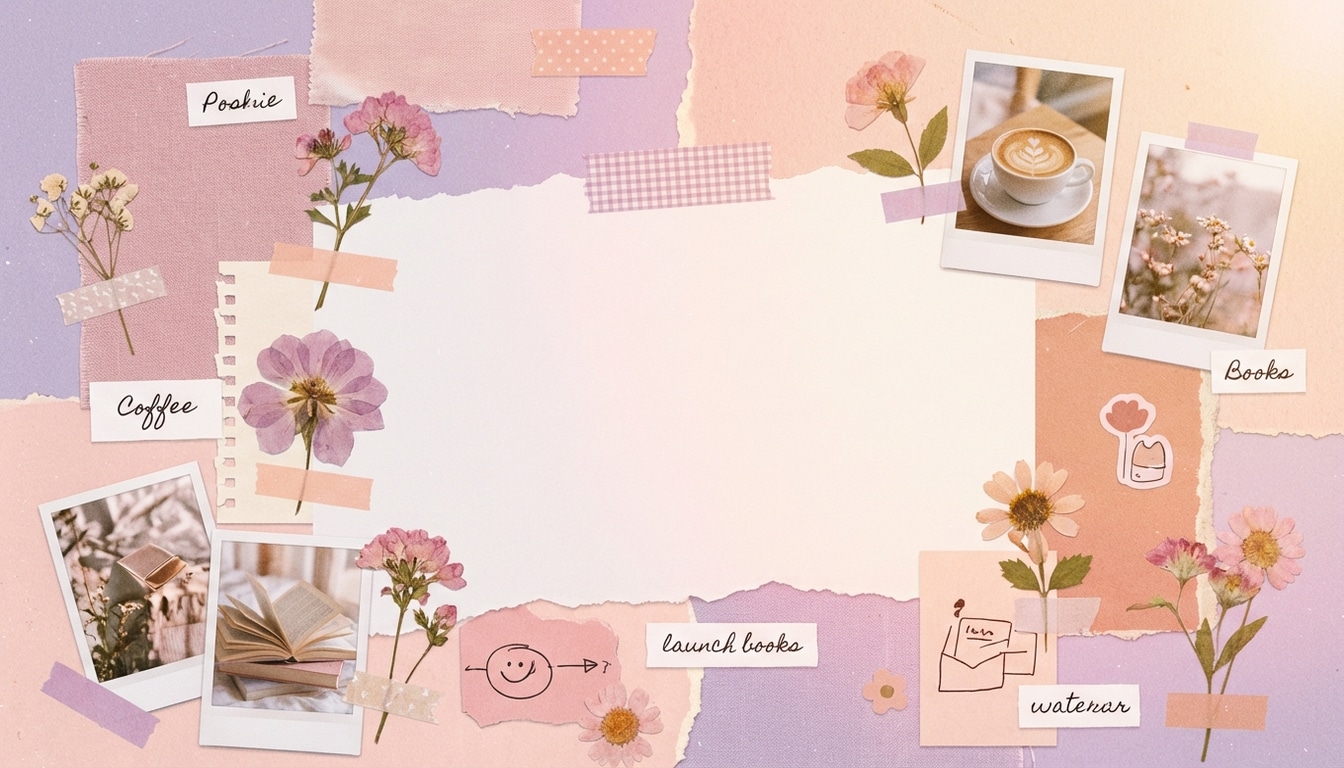
Soft Pastel Collage

Soft Pastel Collage

Create a pastel collage-style YouTube cover photo with soft pink, lavender, and peach tones, layered scrapbook textures, lifestyle moodboard elements, gentle lighting, and a trendy but uncluttered layout. Preserve a centered safe area for creator text, balancing playful aesthetic details with readable banner composition.

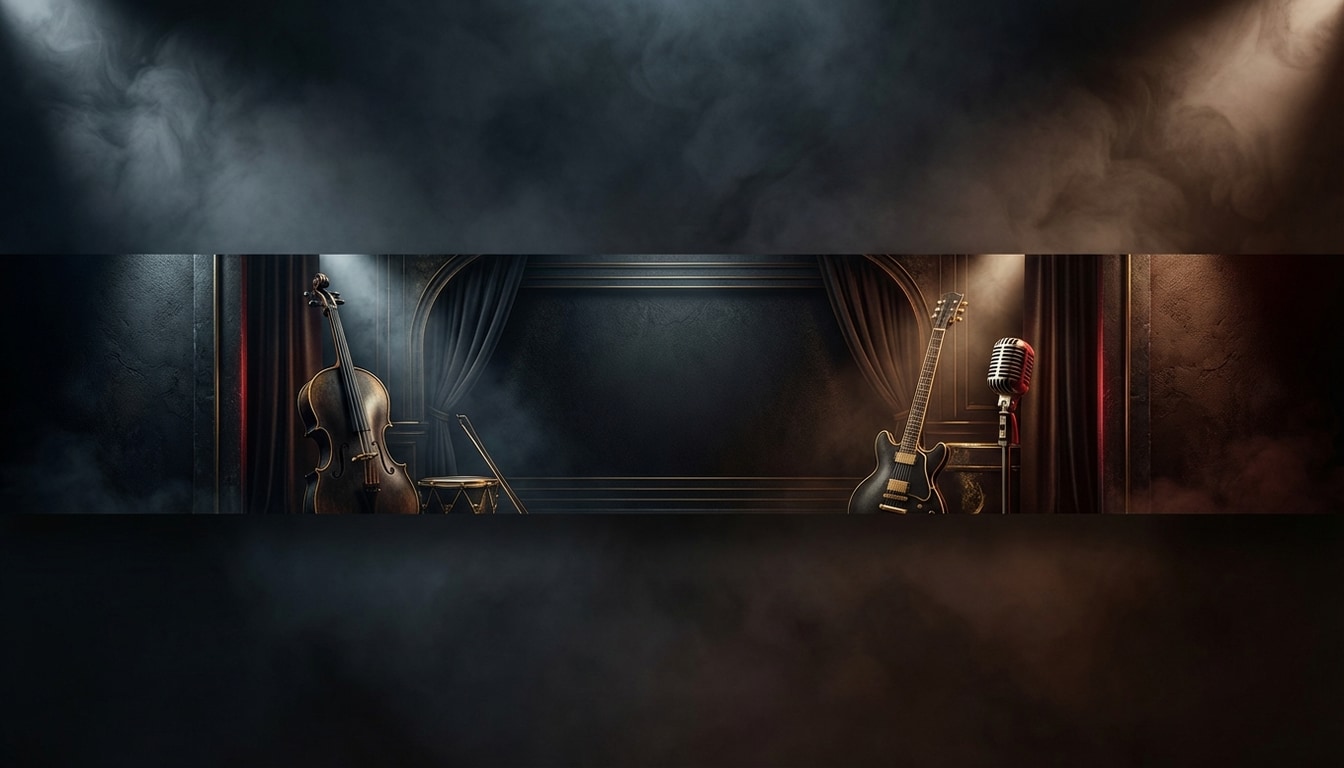
Cinematic Music Channel Art

Cinematic Music Channel Art

Create a dramatic YouTube banner for a music channel with moody spotlighting, smoky gradients, dark premium tones, and subtle gold or crimson accents. Use a cinematic composition with depth and texture, leaving a central safe zone for the artist or channel name while keeping the overall look bold and high-end.

Retro Y2K Pop Banner

Retro Y2K Pop Banner

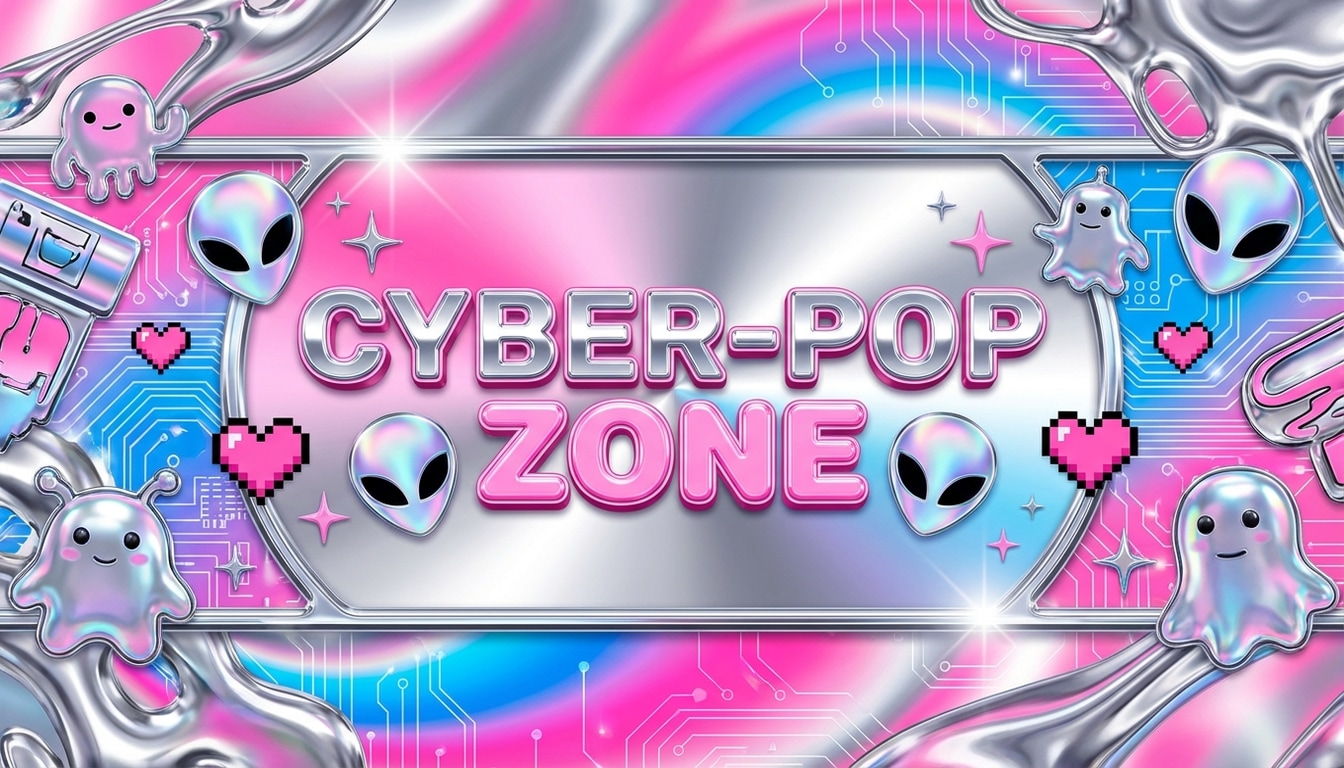
Design a Y2K-inspired YouTube banner with chrome textures, glossy gradients, playful retro-futuristic graphics, and a bright pink, silver, and electric blue palette. Keep the layout wide and eye-catching with a center-safe area for the channel title, blending viral pop energy with polished creator-brand styling.

Professional Expert Header

Professional Expert Header

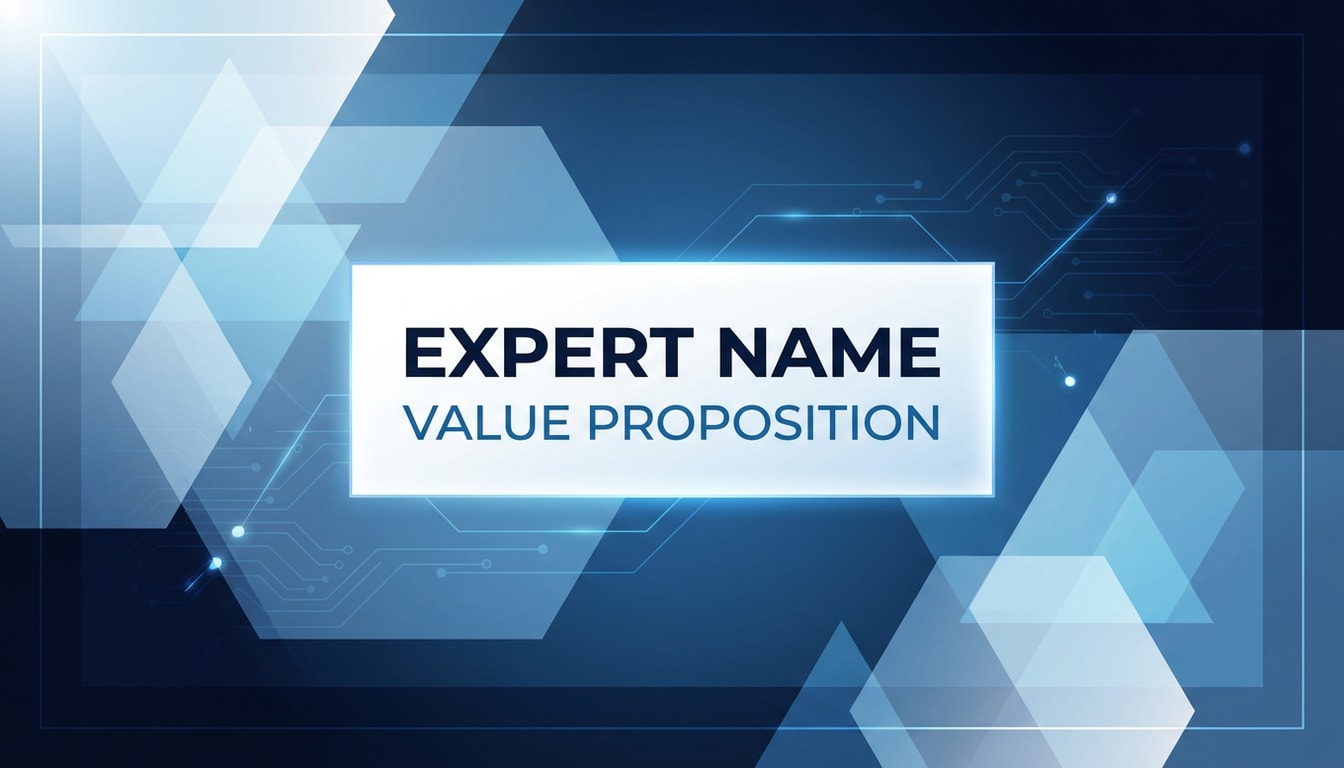
Generate a clean professional YouTube banner for a business or education channel using a blue, white, and dark navy palette, geometric shapes, subtle tech accents, and crisp lighting. Maintain a trustworthy modern tone with a centered safe area for the expert name and value proposition, polished and highly readable.

Modern Tech Explainer Banner

Modern Tech Explainer Banner

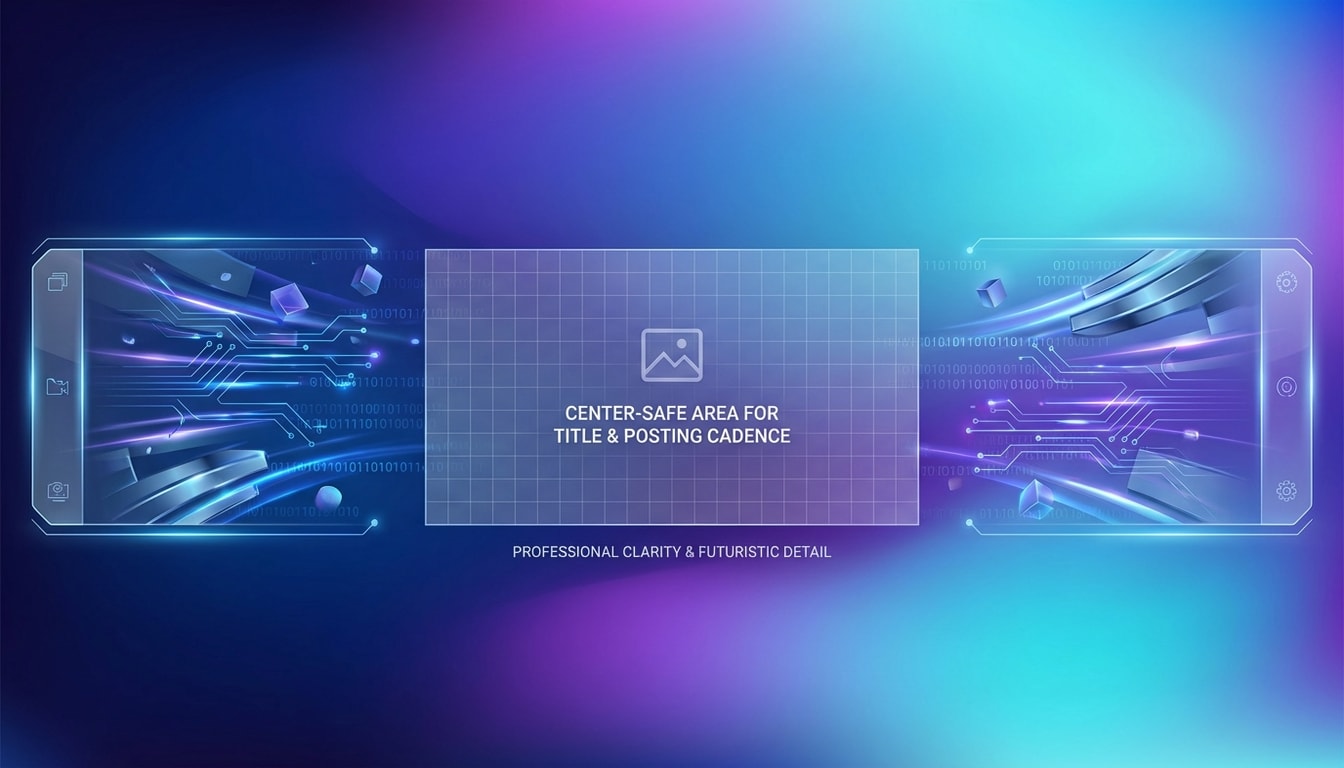
Create a modern tech-themed YouTube banner with a gradient mesh background, abstract data visuals, cool blue and violet highlights, sleek digital textures, and a clean structured layout. Leave a center-safe area for the title and posting cadence, with professional clarity and futuristic detail optimized for channel branding.

Adventure Panorama Banner

Adventure Panorama Banner

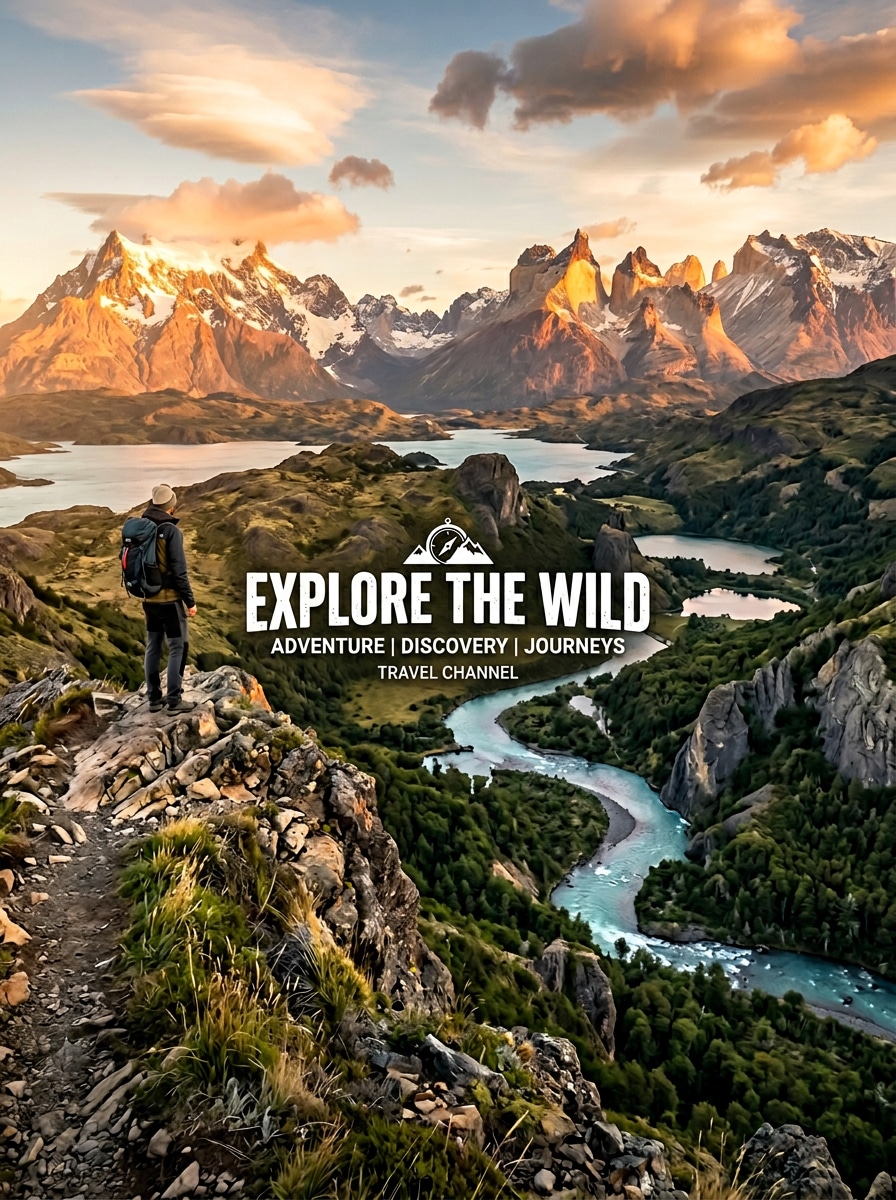
Create a panoramic YouTube banner for a travel channel featuring epic landscape scenery, warm golden-hour lighting, crisp natural textures, and an aspirational adventure mood. Compose the scene with balanced depth and a clean central safe zone for the channel name, delivering premium explorer-style branding across wide screens.

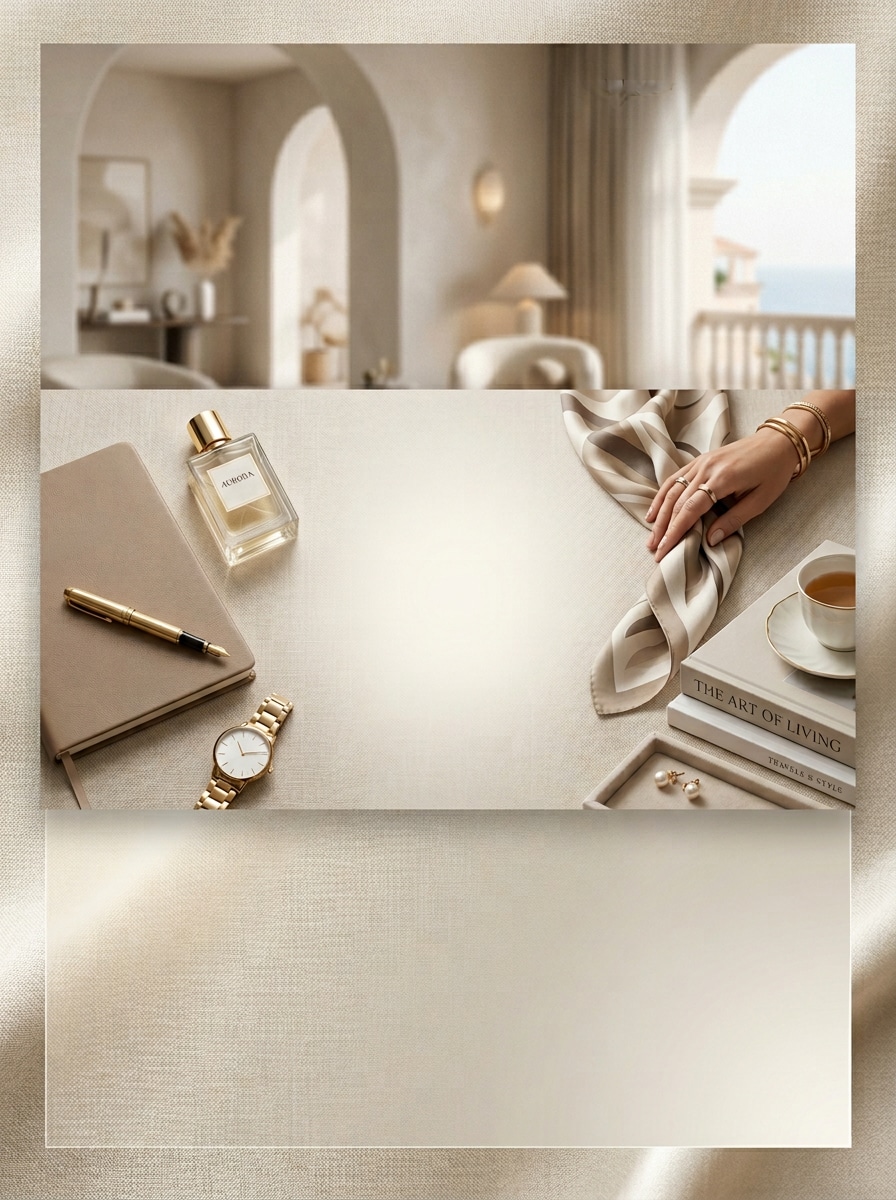
Luxury Lifestyle Gradient

Luxury Lifestyle Gradient

Design a luxury lifestyle YouTube banner with elegant neutral gradients, soft editorial lighting, refined fabric-like texture, and an upscale modern composition. Keep the center area open for the creator name and tagline, using a muted premium palette and sophisticated visual balance for stylish personal-brand channel art.

Why Use Media.io as Your YouTube Banner Maker

Turn Text Prompts Into Original Channel Art

Describe the look you want for your YouTube banner maker workflow, then generate a custom background instead of relying only on repeated templates. It is ideal for gaming, vlog, music, business, and travel branding.

Choose High Resolution and Wide Ratios

Create banner visuals in 1K, 2K, or 4K with flexible aspect ratios including 16:9. That makes it easier to build a wide youtube cover photo maker layout that looks sharp across desktop and other devices.

Explore Multiple Styles for Any Niche

Use styles such as realistic, 3D render, oil painting, cyberpunk, and more to create a niche-specific youtube channel art maker result. Try different looks for creator branding without needing advanced design skills.

Works in Your Browser on Any Device

Media.io is web-based, so you can make YouTube banner online on Windows, Mac, iPhone, iPad, or Android. No installation is required—just open the tool, enter your prompt, and generate your channel cover.

How to Make a YouTube Cover Photo with AI

1
2
3
1
Open Media.io AI Image Generator

Go to Media.io and open the AI Image Generator under AI -> Image. This online tool runs in your browser, so you can create a cover photo YouTube maker design on desktop or mobile without installing anything.

2
Enter a Banner Prompt

Type a detailed prompt such as “Create a wide YouTube banner for a gaming channel, neon purple and cyan glow, futuristic HUD accents, center safe area for channel name, ultra-sharp digital art.” Then choose your preferred style, ratio, and resolution.

3
Generate, Refine & Download

Click Generate to create your YouTube banner. If needed, adjust the prompt to improve composition, safe-area spacing, or color mood. When you are happy with the result, download the high-resolution image and add your channel name or schedule.

Step 1
Step 2
Step 3

What Creators Say

user
Mason Lee

Gaming Creator

star star star star star

"Fast way to make gaming banner backgrounds" I wanted a cover photo YouTube maker that could create something original instead of the same esports template everyone uses. Media.io gave me several strong gaming banner concepts from one prompt, and the wide layout worked well for my channel art.

user
Sofia Bennett

Lifestyle Vlogger

star star star star star

"Great for clean personal-brand banners" I used it as a YouTube cover photo maker for my vlog channel and liked how easy it was to generate soft, minimal backgrounds. The results looked polished, and I could quickly test different color moods before choosing my final banner.

user
Arjun Patel

Music Channel Owner

star star star star star

"Helpful for cinematic channel art ideas" Most banner tools push templates first, but I wanted a custom atmosphere for my music brand. Media.io helped me create a darker cinematic YouTube header with enough clear space in the middle to add my artist name afterward.

user
Chloe Ramirez

Business Educator

star star star star star

"Simple AI workflow for professional branding" As someone without design skills, I liked the prompt-to-banner workflow. I used it as a YouTube channel art maker for my business content and got clean, modern backgrounds that felt much more tailored than generic editable templates.

FAQs About YouTube Cover Photo Makers

1. How do I make a cover photo for YouTube with Media.io?

Open Media.io AI Image Generator in your browser, enter a detailed prompt describing the banner style you want, then choose settings like ratio and resolution before generating. This makes it easy to create original YouTube banner backgrounds for gaming, vlog, music, business, and other channel niches.

Media.io works as a web-based YouTube banner maker, so you do not need to install an app. It runs on Windows, Mac, iOS, and Android through a browser, making it convenient for creating channel art on almost any device.

Yes. Free users get 3 credits per day to generate images. Free downloads may include watermarks, while paid subscribers can download watermark-free high-resolution images. If you need more credits or cleaner exports for creator branding, you can compare plans here: https://www.media.io/pricing.html

Media.io supports 1K, 2K, and 4K output, along with multiple aspect ratios including Auto, 1:1, 9:16, 16:9, 4:3, 3:4, 3:2, and 2:3. For a wide YouTube cover image or channel art concept, 16:9 is a useful starting point when generating banner-style visuals.

Yes. Media.io supports a range of visual styles including Anime, Realistic, 3D Render, Oil Painting, Cyberpunk, and more. You can use the same banner concept and try different looks to find the best fit for your creator branding.

Yes. Media.io automatically deletes uploaded images from its servers after 7 days to help protect user privacy. Since this page focuses on text-to-image banner creation, you can also generate original channel art without uploading any reference image at all.

Media.io Online AI Tools Quality Rating:
vote 4.7 (162,357 Votes)