画像から画像生成
Nano Banana Pro
0/2000
1K
自動
1
Banana Pro無制限モード
作品
アイデアハブ
すべて
生成リスト
作品は 7 日間保存されます。アップグレード後に作成されたアセットは永久保存されます。
ai_video_generator創造力を解き放ち、Media AIの魔法をすぐに体験しよう!

AI Ukiyo E Filter for Turning Photos into Woodblock Art

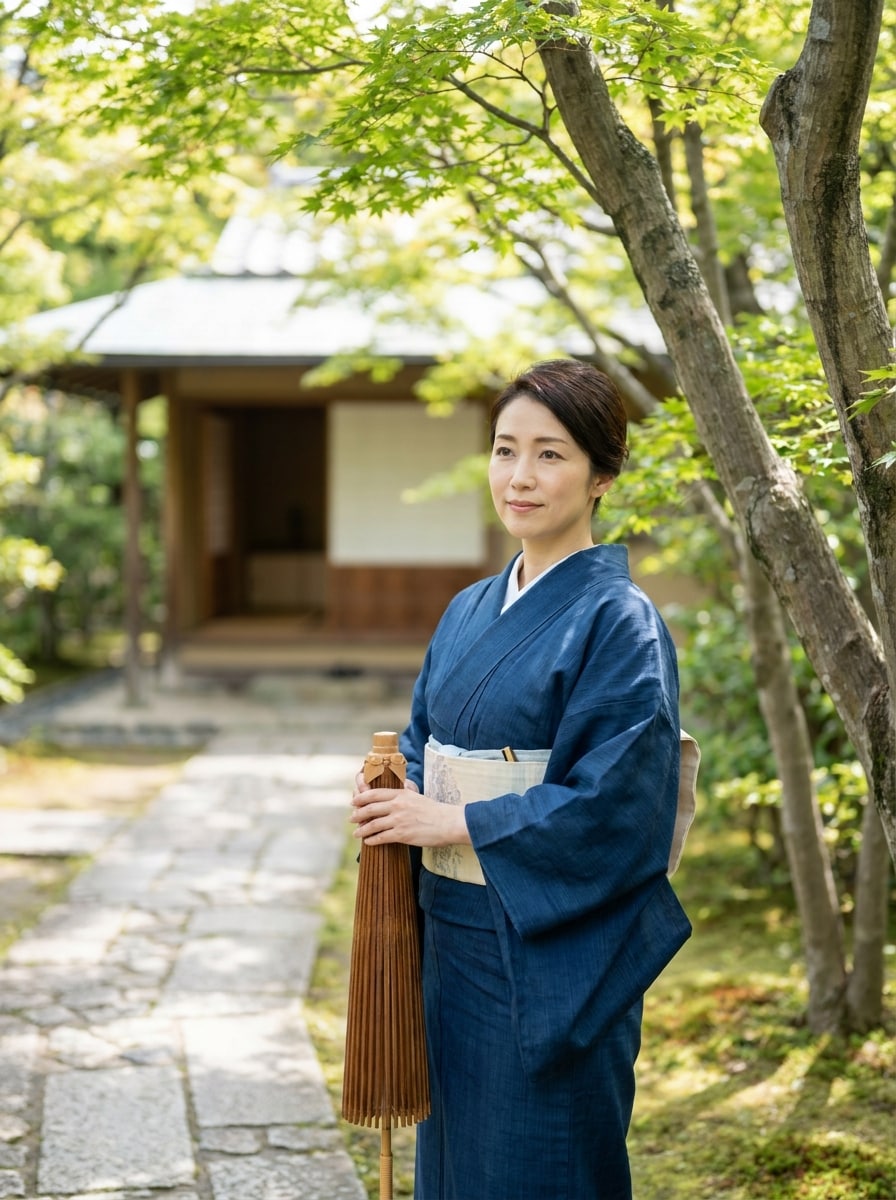
AI Ukiyo E Filter Before
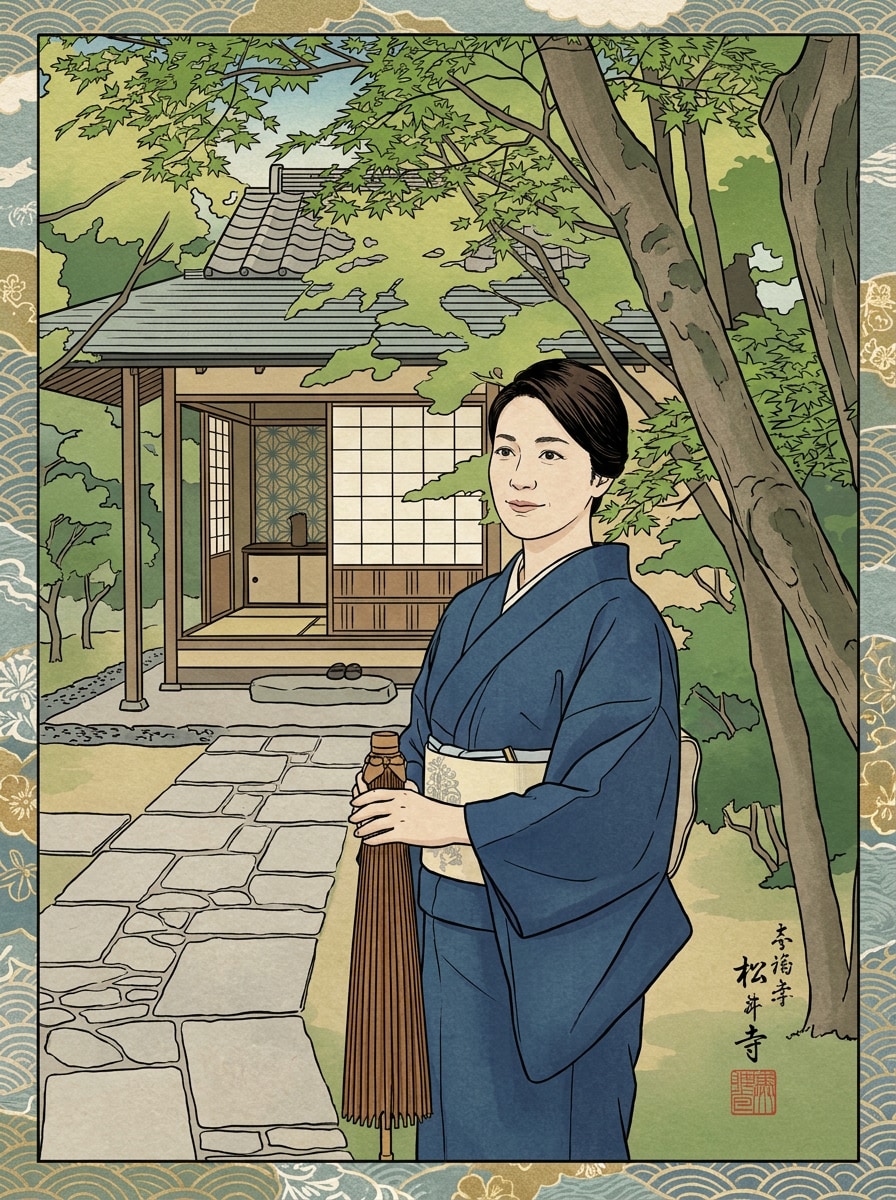
AI Ukiyo E Filter After

Create striking Japanese woodblock-style images from your own photos with AI ukiyo e filter effects. Upload a portrait, pet photo, or landscape, then transform it into an edo art filter, japanese print filter, or classic ukiyo-e filter look with bold lines, flat colors, and paper texture.

Try My Ukiyo-e Filter

Type your idea -> AI designs it. Free to try.

Review these example directions, then tailor the prompt details to get stronger results with this Ukiyo E Filter.

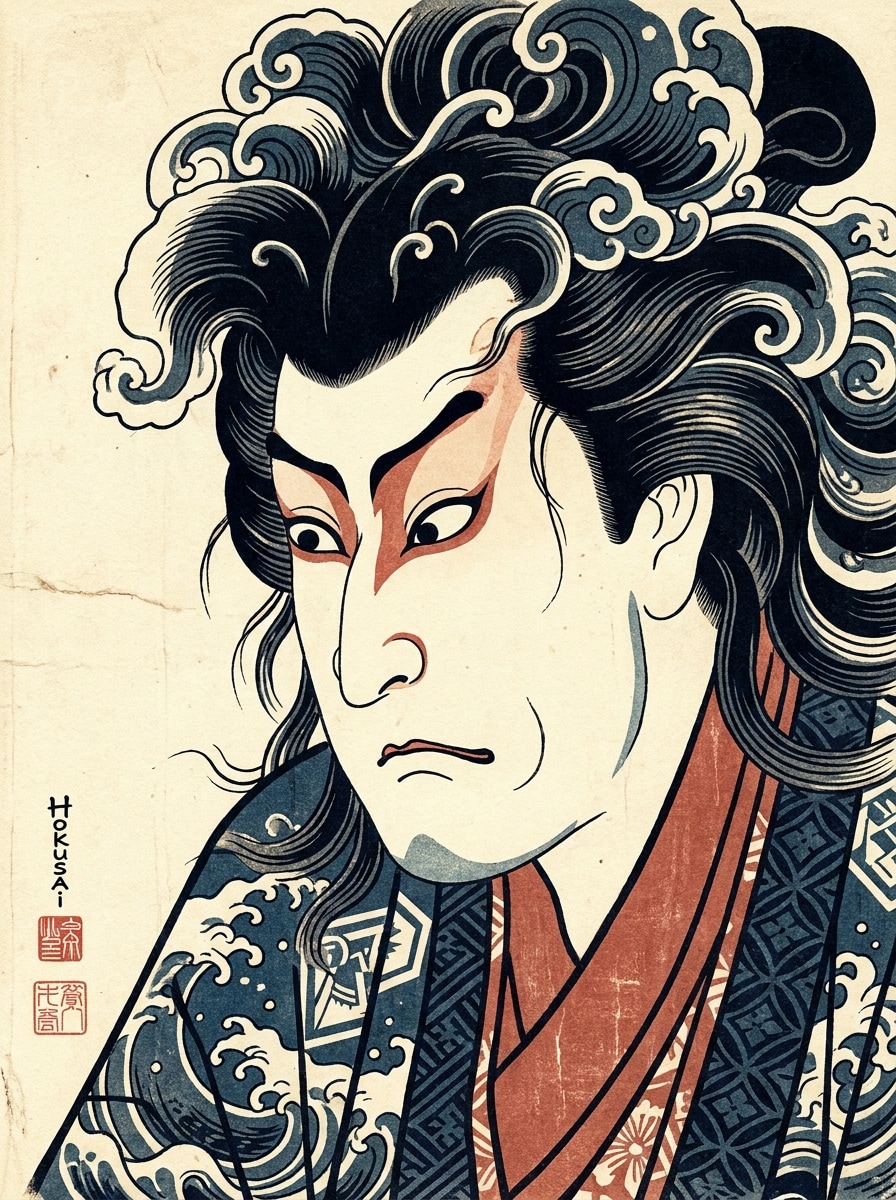
Hokusai Portrait

Hokusai Portrait

Use the uploaded image as the subject and transform it into a Hokusai-inspired ukiyo-e portrait with bold black contour lines, flat indigo and muted vermilion color blocks, soft cream paper texture, elegant asymmetrical composition, calm refined mood, and crisp handcrafted Japanese woodblock print detail.

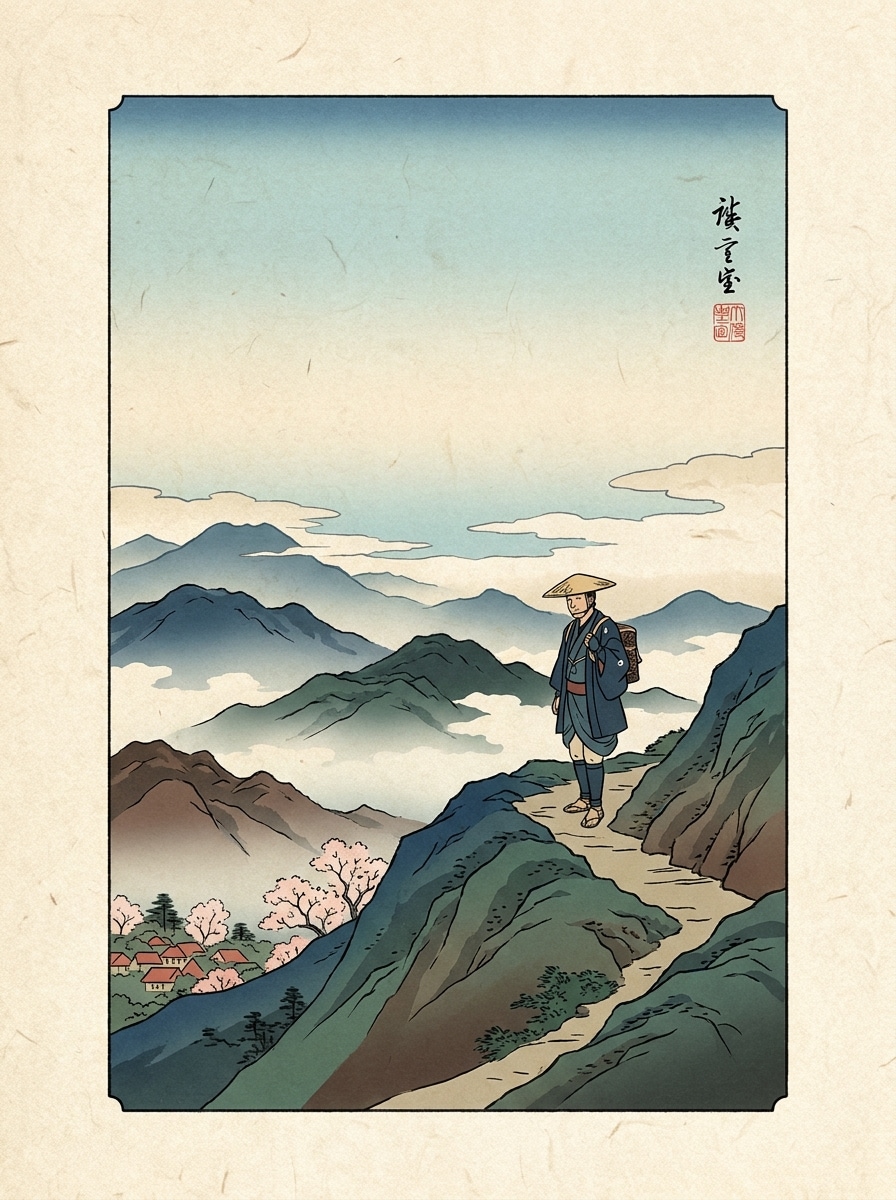
Hiroshige Travel Portrait

Hiroshige Travel Portrait

Use the uploaded travel photo as the main subject and restyle it into a Hiroshige-inspired ukiyo-e scene with layered landscape depth, fine contour lines, soft sky gradients, flat color planes, misty atmosphere, aged washi paper texture, and graceful Edo-period travel print composition.

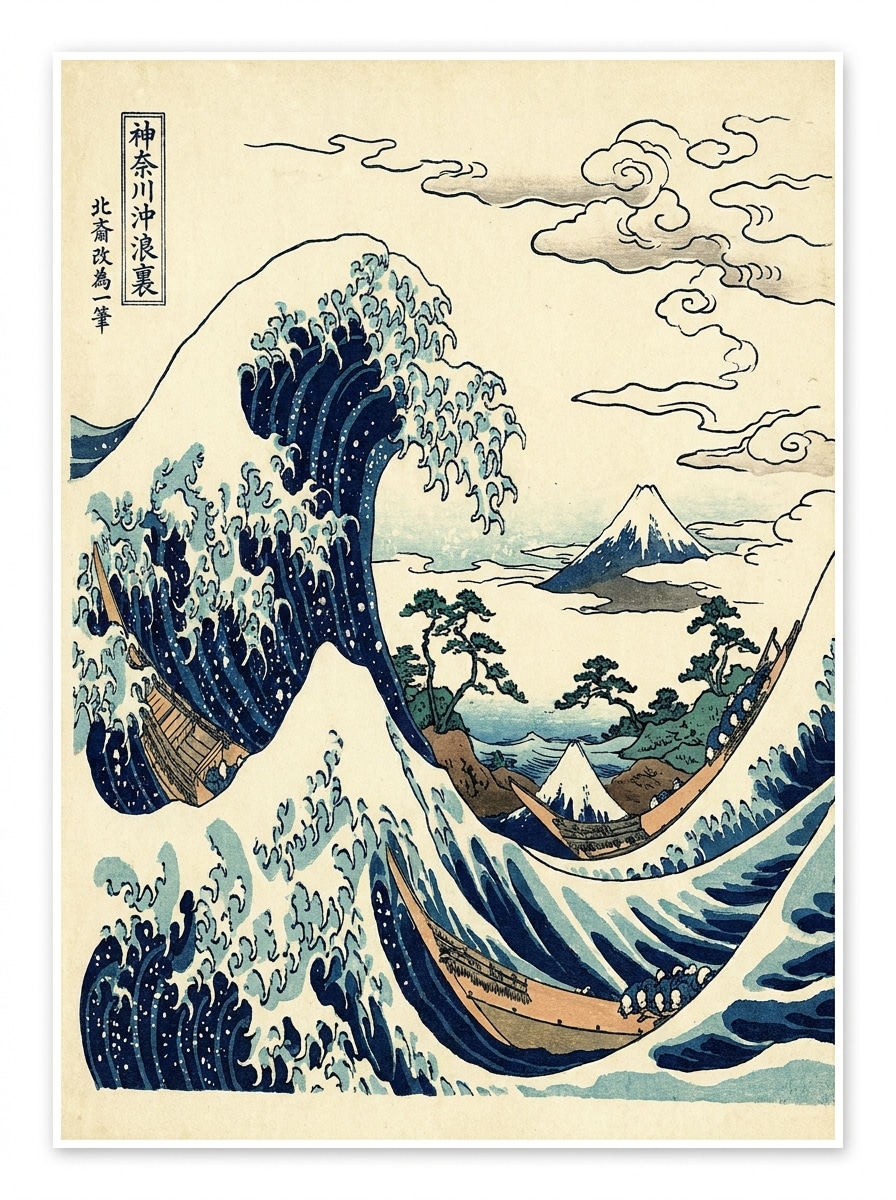
Great Wave Landscape

Great Wave Landscape

Use the uploaded beach or ocean image as the base and apply a dramatic Great Wave-style ukiyo-e transformation with curved wave motifs, deep navy and ivory palette, bold black outlines, stylized clouds, visible paper grain, energetic motion, and classic Japanese print composition.

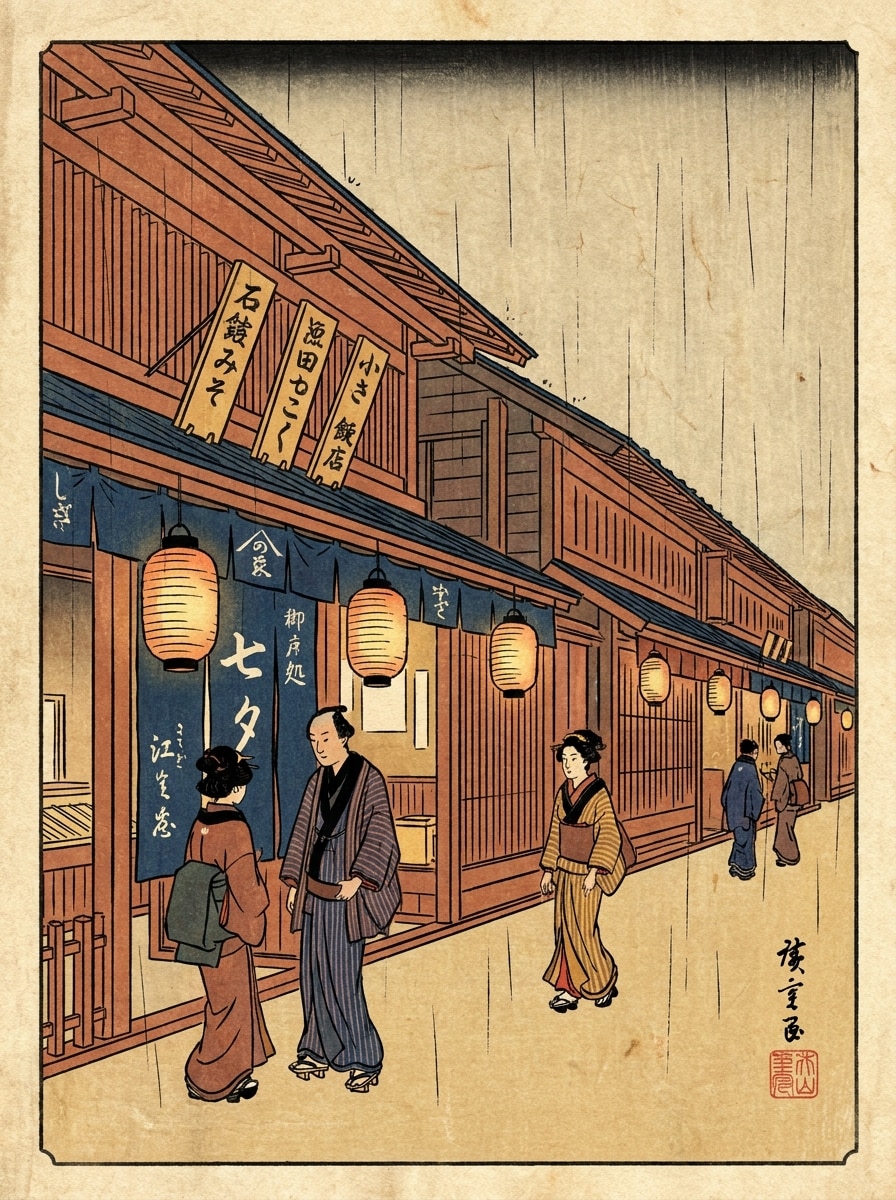
Edo Street Scene

Edo Street Scene

Use the uploaded city photo as the source and turn it into an Edo-period street print with simplified architecture, flat layered colors, warm lantern-like accents, black ink outlines, subtle paper texture, lively yet orderly atmosphere, and traditional Japanese woodblock scene composition.

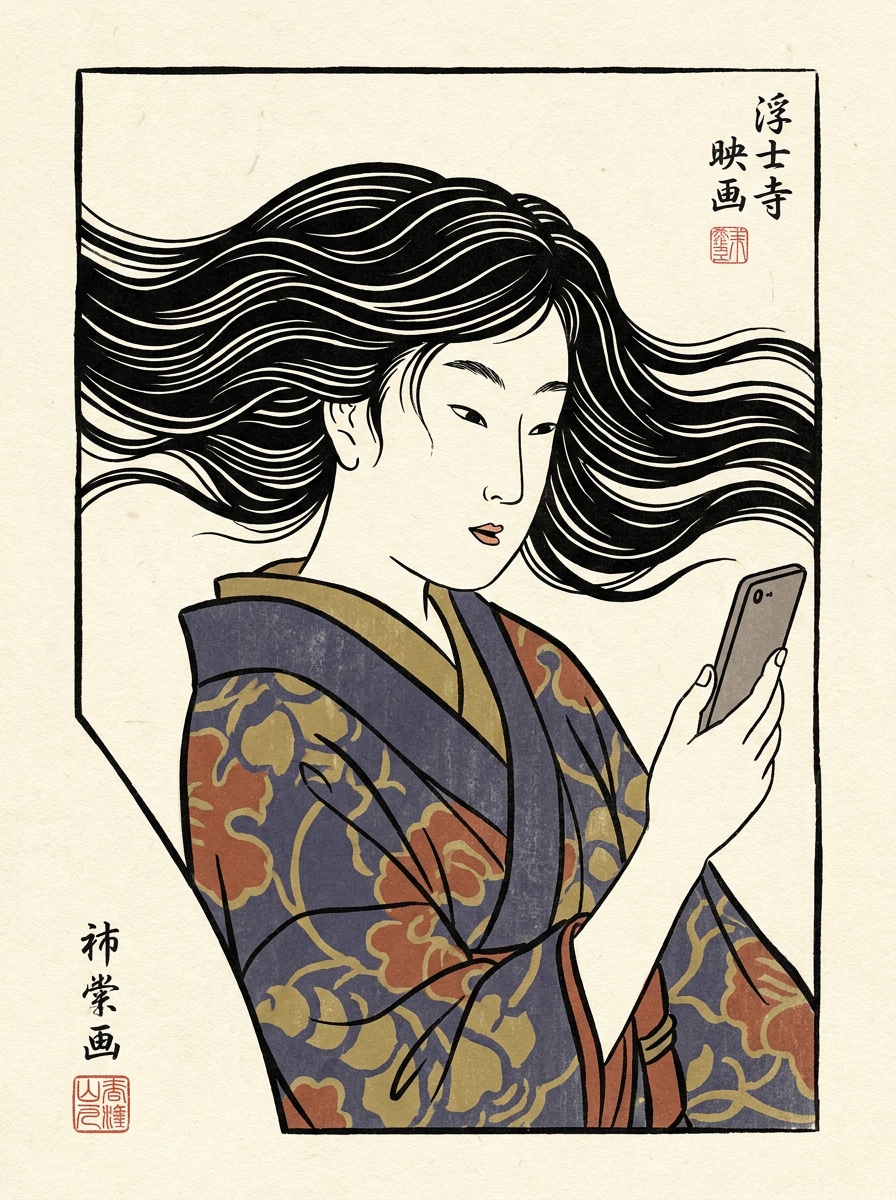
Selfie to Ukiyo-e Poster

Selfie to Ukiyo-e Poster

Use the uploaded selfie as the main character and transform it into a modern ukiyo-e poster with woodblock-inspired linework, soft cream background, limited ink palette, stylized hair shapes, elegant asymmetrical framing, smooth flat shading, and a refined graphic editorial finish.

Pet Ukiyo-e Illustration

Pet Ukiyo-e Illustration

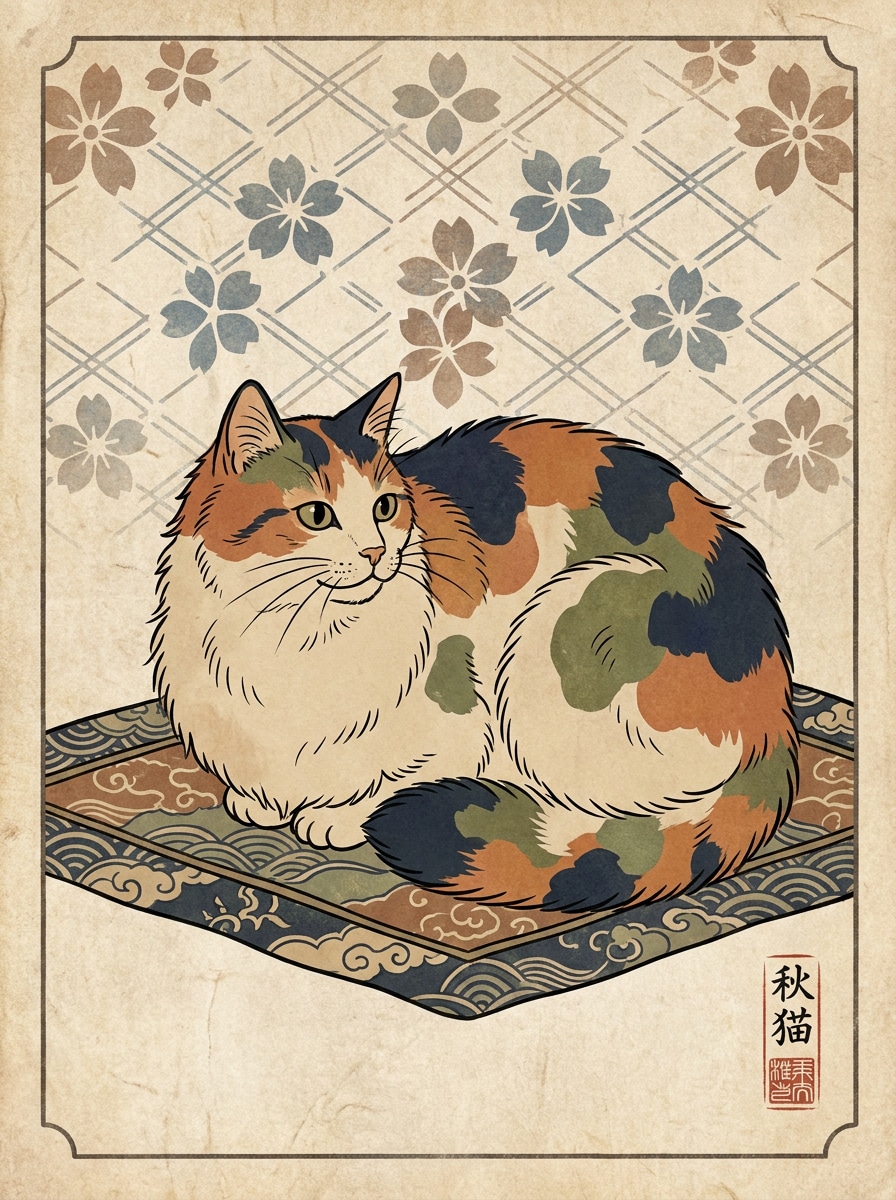
Use the uploaded pet photo as the subject and convert it into a charming ukiyo-e-style illustration with crisp outlines, flat natural tones, patterned backdrop, delicate paper texture, balanced Japanese print composition, calm playful mood, and decorative handcrafted detail.

Vintage Woodcut Hybrid

Vintage Woodcut Hybrid

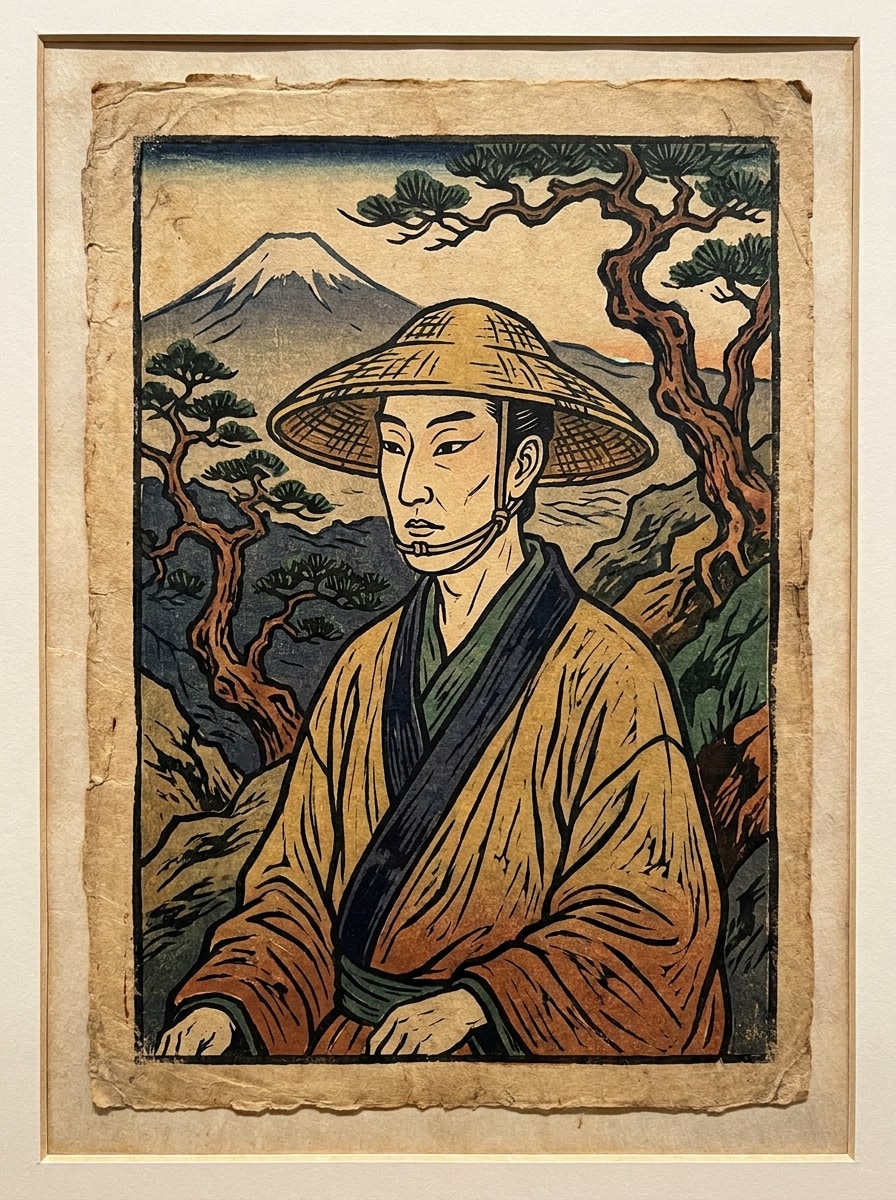
Use the uploaded image as the reference and apply a hybrid ukiyo-e and vintage woodcut treatment with carved-line texture, reduced color palette, weathered paper edges, strong graphic contrast, dark contouring, and an artisanal printmaking feel with historical character.

Minimal Flat-Color Ukiyo-e

Minimal Flat-Color Ukiyo-e

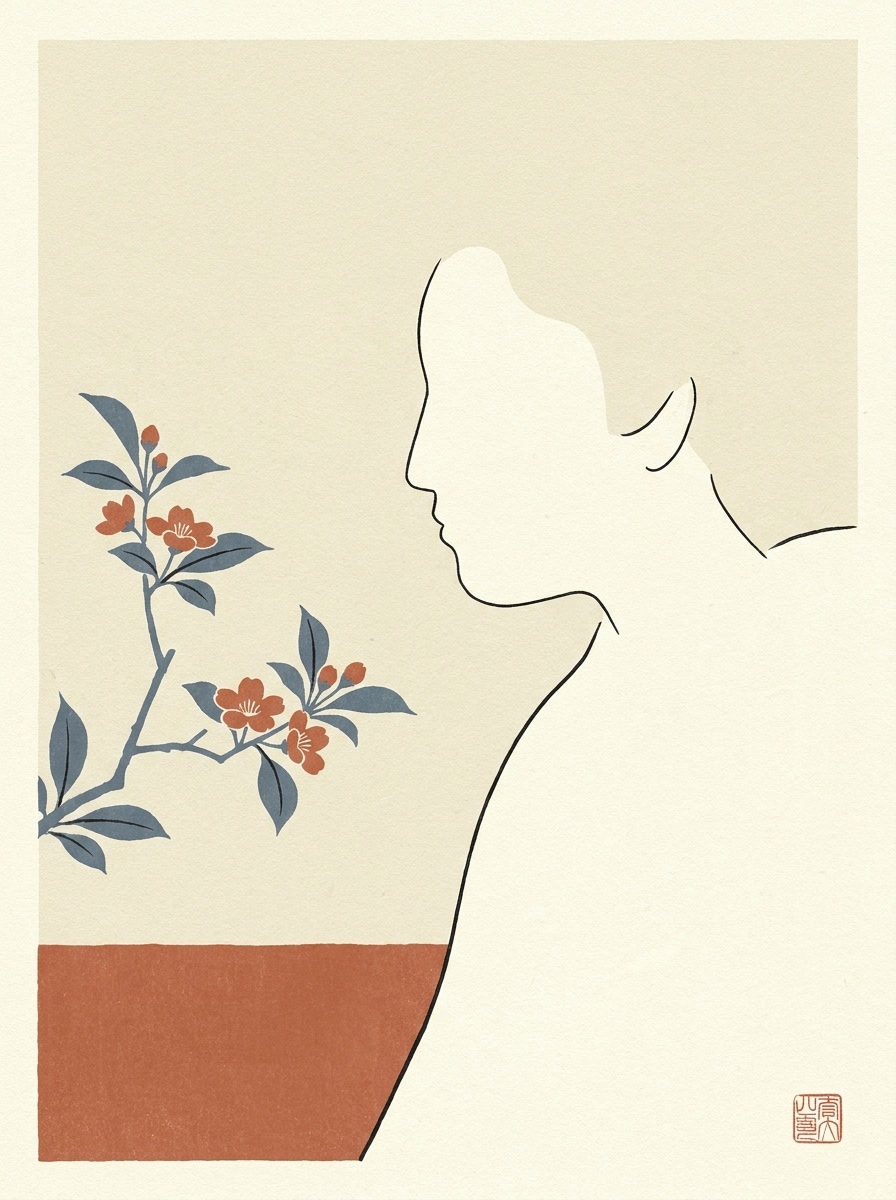
Use the uploaded image as the source and create a minimalist ukiyo-e artwork with simplified forms, balanced negative space, thin black outlines, flat muted colors, subtle rice-paper texture, quiet elegant mood, and clean modern composition rooted in traditional print design.

Cherry Blossom Ukiyo-e

Cherry Blossom Ukiyo-e

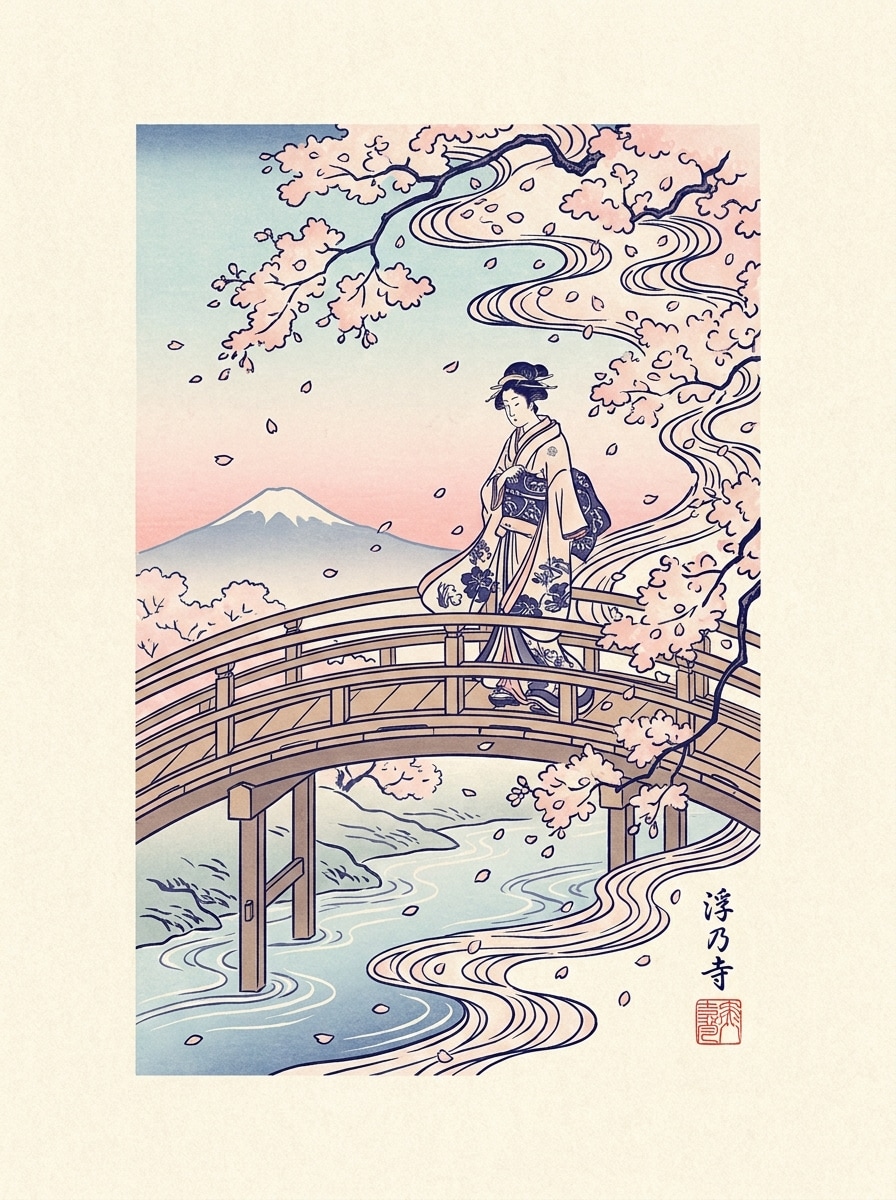
Use the uploaded spring photo as the base and transform it into a cherry blossom ukiyo-e print with pale pink accents, indigo contouring, floral rhythm, soft sky gradients, antique paper texture, graceful seasonal atmosphere, and elegant woodblock-style composition.

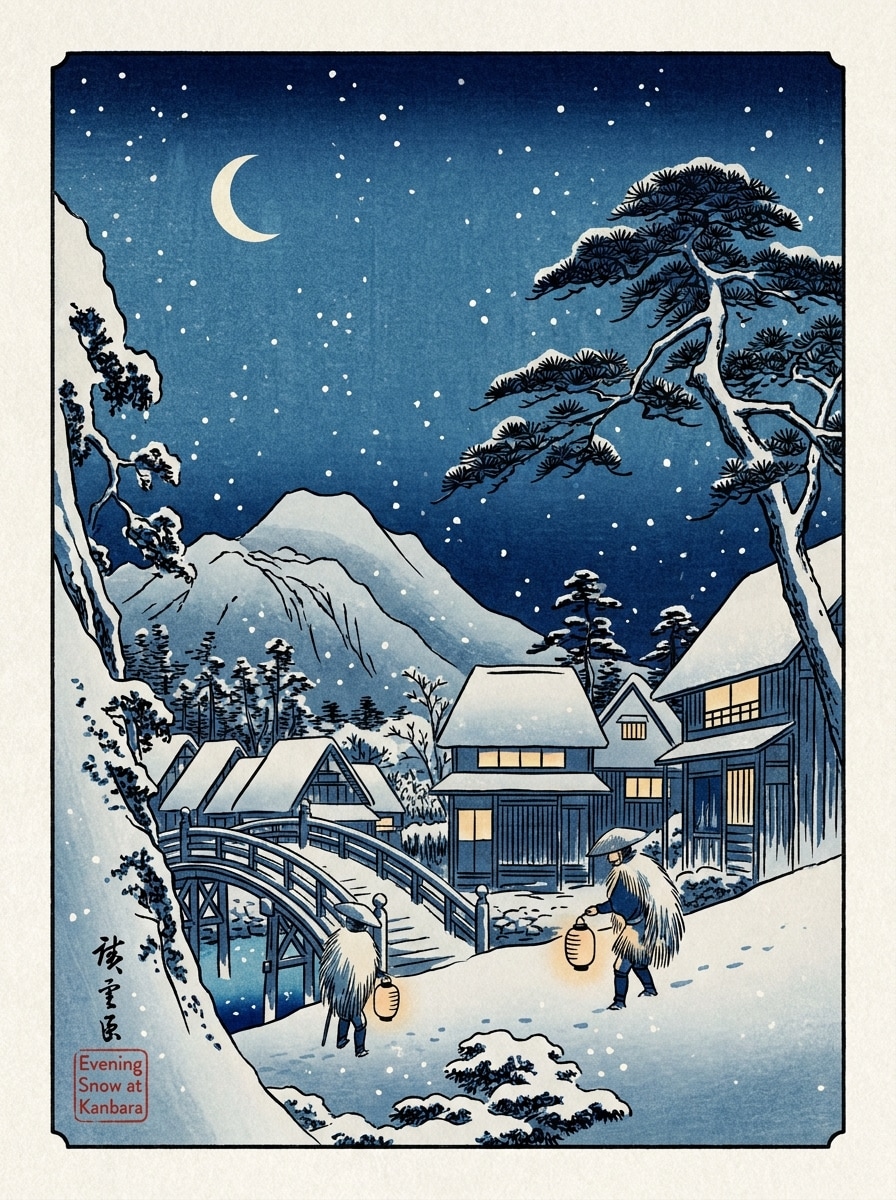
Snowy Night Ukiyo-e

Snowy Night Ukiyo-e

Use the uploaded winter image as the source and restyle it into a snowy ukiyo-e woodblock print with layered blues, falling snow detail, crisp linework, calm atmospheric perspective, textured print surface, subdued evening mood, and poetic Japanese winter scene balance.

Why Use Media.io for Ukiyo-e Style Photo Transformations

Authentic Woodblock Styling From Your Own Photo

Media.io lets you upload a portrait, pet image, or landscape and restyle it with bold outlines, flat color blocks, and paper-like texture, so the final artwork feels closer to a classic japanese woodblock filter instead of a generic cartoon effect.

Explore Different Looks Without Losing Direction

A single idea often needs more than one look. Media.io helps reinterpret the same ukiyo e filter visual across different styles so each version can better match the project brief.

Create High-Resolution Images for Real Use

Some results need to do more than look good in a preview. Media.io helps generate cleaner ukiyo e filter visuals with output up to 4K so the final image holds up in wallpapers, decks, and mockups.

Fast Browser Workflow With No Design Setup

When a ukiyo e filter visual idea starts away from your main setup, Media.io lets you create and refine it in the browser so moving between mobile and desktop feels seamless instead of disruptive.

How to Apply an AI Ukiyo-e Filter in 3 Simple Steps

Turn your words into stunning visuals in three simple steps, then continue refining the result if you want to take it further.

how to use image to image AI for ai ukiyo e filter step 1
Step 1

Upload Your Reference Image

Start with a clear portrait, travel shot, pet photo, street scene, or landscape. Upload a JPG, PNG, or JPEG that has a visible subject and clean lighting for the best traditional print-style transformation.

how to use image to image AI for ai ukiyo e filter step 2
Step 2

Describe the Change and Set Options

Tell the AI the look you want, such as Hokusai-inspired waves, a Hiroshige travel scene, or a minimalist Japanese poster feel. Then choose your model and adjust aspect ratio, quality, and image count to match your project.

how to use image to image AI for ai ukiyo e filter step 3
Step 3

Generate, Download, and Keep Improving

Create multiple variations, compare the results, and download the version you like best. You can refine the prompt, try another style direction, or generate new edits until the woodblock aesthetic feels just right.

Unlock the Potential of Edo Art Filter

See how creators use this Ukiyo E Filter for content, marketing, and personal projects, then adapt each idea to fit the brief.

Turn Portraits Into Master-Inspired Art Prints

Upload selfies or studio portraits and restyle them with Edo-era linework, paper texture, and limited color palettes. It is a strong fit for profile art, gifts, posters, or anyone wanting a refined Japanese illustration look without hand-drawing the piece.

Reimagine Travel and Street Photos With Historic Atmosphere

Convert city scenes, temples, markets, and scenic viewpoints into stylized print compositions that feel timeless. This works especially well for creators building travel carousels, mood boards, or souvenir-style visuals with a distinctive japanese print filter aesthetic.

Create Decorative Wall Art From Pets, Seasons, and Landscapes

Use spring blossoms, snowy streets, beach waves, or pet portraits as source images, then give them a classic printmaking finish. If you want a softer ukiyo-e filter feel or a more carved woodblock print photo filter look, you can explore both directions from one upload.

What Users Say About This Ukiyo-e Photo Tool

user
Mina K.

Travel Content Creator

star star star star star

"Beautiful print texture for travel photos" I uploaded a Kyoto street photo and got a result that actually felt inspired by classic Japanese prints. The paper texture, flat colors, and composition looked far better than the generic art filters I had tried before.

user
Jordan L.

Poster Designer

star star star star star

"Great for portrait posters" The portrait output kept the subject recognizable while adding strong woodblock-style linework. I also liked being able to change the aspect ratio so the final image worked for a vertical poster layout.

user
Aya S.

Social Media Manager

star star star star star

"Easy browser workflow on mobile" I used it from my phone to turn a simple selfie into a Japanese poster-style visual for Instagram. The process was quick, and trying different variations was much easier than editing by hand.

user
Chris W.

Pet Owner & Hobby Creator

star star star star star

"Fun and surprisingly elegant pet results" My dog's photo came out as a charming woodblock-style illustration with clean outlines and nice texture. It looked decorative enough to print, not just like a novelty filter.

AI Ukiyo-e Filter FAQs

1. What is an AI ukiyo e filter and how does it work?

An AI ukiyo e filter is an image-to-image tool that transforms an uploaded photo into artwork inspired by traditional Japanese woodblock prints. In Media.io, you upload a JPG, PNG, or JPEG reference image, enter the style direction you want, choose settings like aspect ratio or resolution, and generate a new version with bold outlines, flatter color shapes, and print-like texture.

Yes, many kinds of images can be restyled, including portraits, pets, travel photos, street scenes, and landscapes. Media.io works best when the uploaded image has a clear subject and readable composition, making it easier to create a convincing ukiyo-e filter or japanese woodblock filter result from the original photo.

Photos with strong lighting, visible subject separation, and clean framing usually produce the best results. Portraits, ocean scenes, blossom photos, city streets, and scenic travel shots are especially effective because Media.io can translate their shapes and atmosphere into a classic japanese print filter or Edo-style composition more clearly.

Generation is designed to be fast in the browser, so you can upload an image, set your prompt, and create variations in a short workflow. The exact time can vary depending on the model and settings you choose, but Media.io is built for quick photo-to-art experimentation rather than a slow manual editing process.

Free users can try Media.io with free credits. If you need more generations or want expanded usage, you can view available plans on the pricing page. Free downloads may include a watermark, while paid subscribers can download watermark-free high-resolution images. Free users can use free credits. For more usage, users can subscribe to a plan on the pricing page. Upgrade to a paid plan on the pricing page for more credits and watermark-free high-resolution downloads.

Media.io supports 1K, 2K, and 4K resolution options for image-to-image generation. You can also choose from multiple aspect ratios such as 1:1, 9:16, 16:9, 4:3, and 3:4, which is useful if you want results suited for wallpapers, posters, social posts, or printable art. Free users may have watermarks.

Media.io Online AI Tools Quality Rating:
vote 4.7 (162,357 Votes)