画像から画像生成
Nano Banana Pro
0/2000
1K
自動
1
Banana Pro無制限モード
作品
アイデアハブ
すべて
生成リスト
作品は 7 日間保存されます。アップグレード後に作成されたアセットは永久保存されます。
ai_video_generator創造力を解き放ち、Media AIの魔法をすぐに体験しよう!

AI Avant Garde Filter for Bold Editorial Photo Transformations

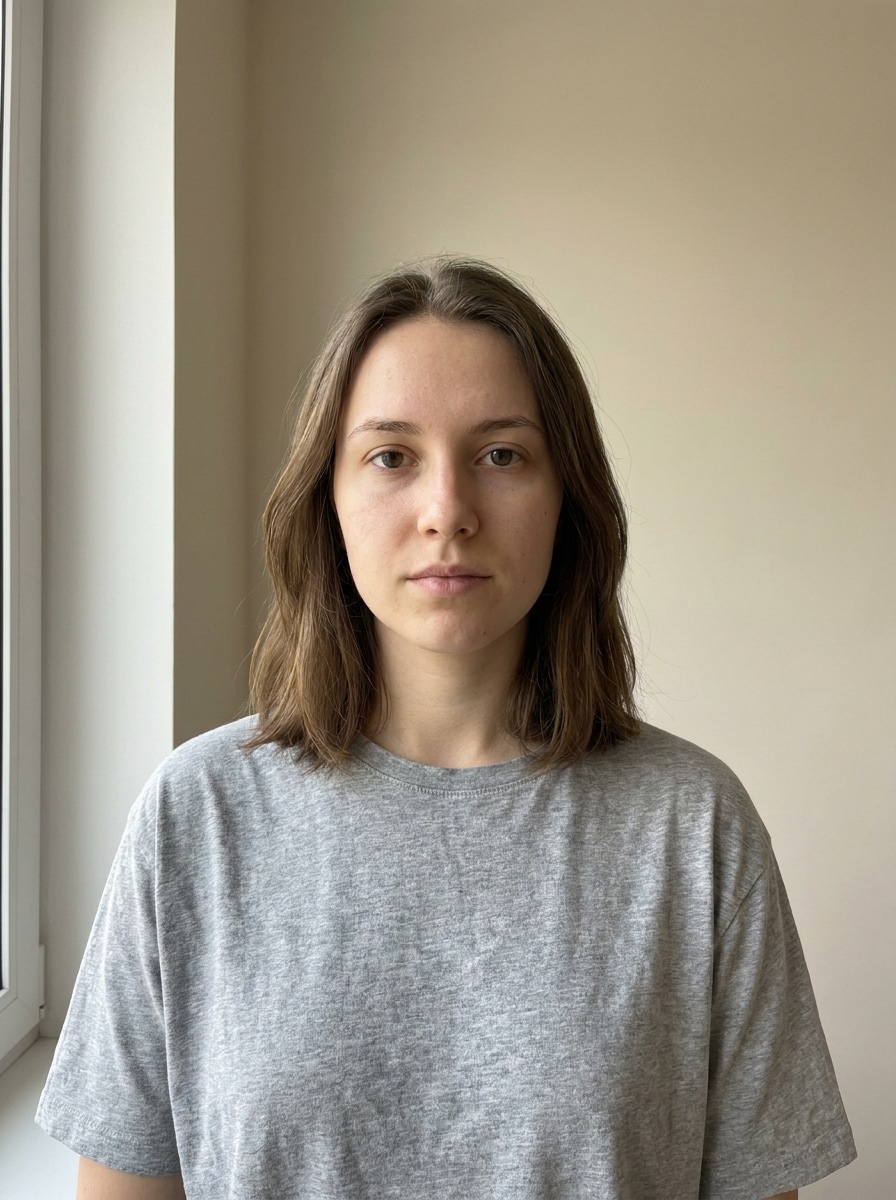
AI Avant Garde Filter Before
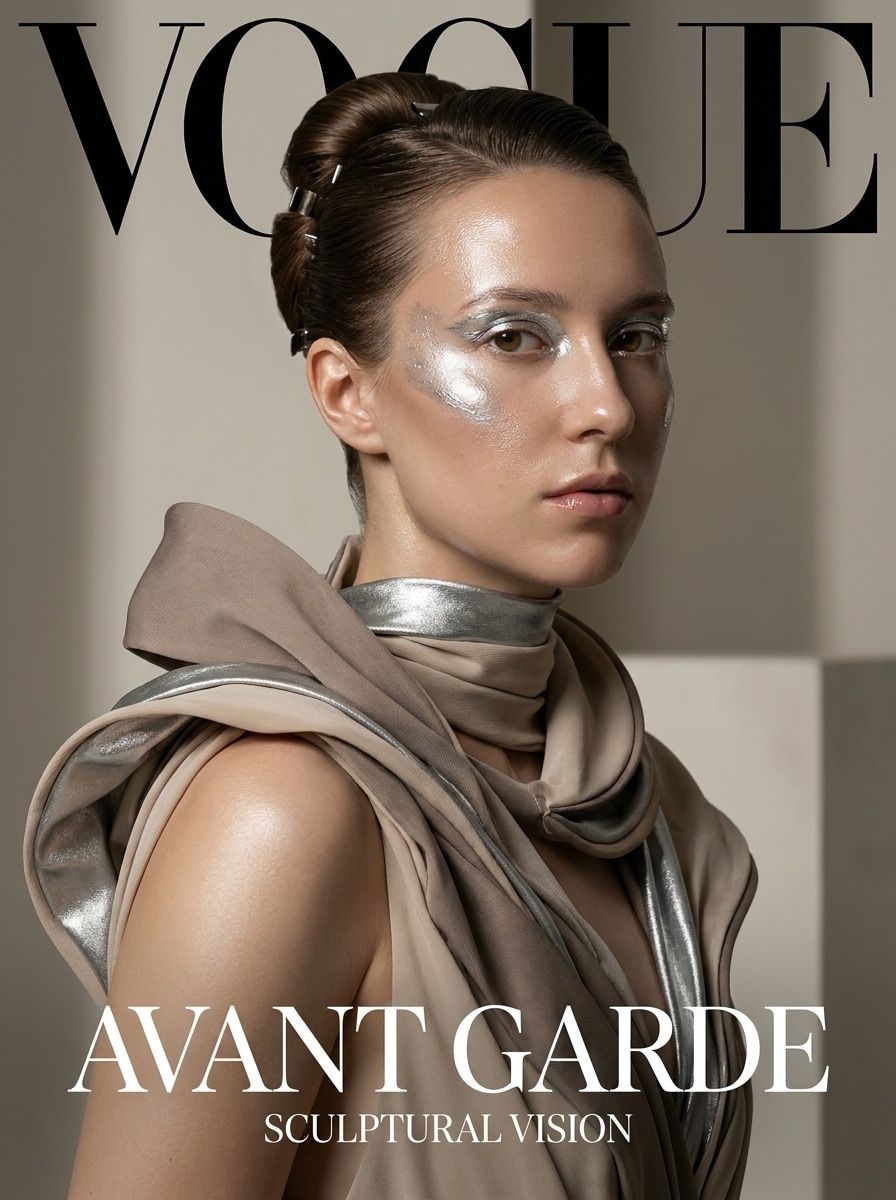
AI Avant Garde Filter After

Use AI avant garde filter tools to turn portraits into surreal, fashion-forward artwork online. Upload a selfie or photo, apply couture, metallic, abstract, or runway-inspired styling, and create striking visuals fast with an avant garde fashion filter or avant garde photo filter workflow.

Create My Avant Garde Look

Type your idea -> AI designs it. Free to try.

Review these example directions, then tailor the prompt details to get stronger results with this Avant Garde Filter.

High-Fashion Magazine Cover

High-Fashion Magazine Cover

Use the uploaded image as the subject and transform it into a high-fashion avant garde magazine cover portrait with sculptural couture styling, dramatic studio lighting, glossy skin, strong facial definition, clean luxury composition, muted neutral tones with metallic accents, sharp editorial retouching, and premium fashion-photography detail.

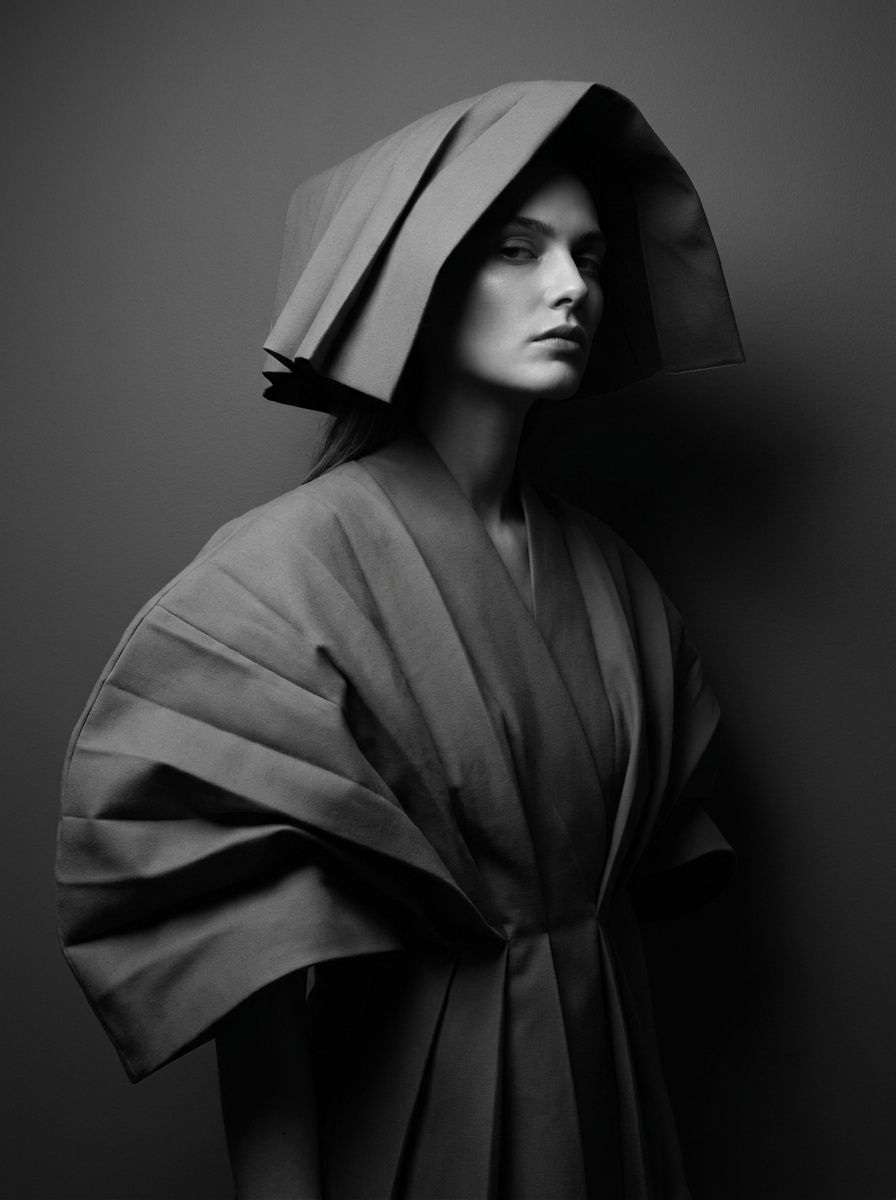
Monochrome Couture Portrait

Monochrome Couture Portrait

Use the uploaded image as the subject and restyle it into a black-and-white avant garde couture portrait with sculptural silhouette, dramatic contrast, refined shadows, minimalist backdrop, elegant pose, crisp facial features, matte fabric textures, museum-like fashion mood, and polished editorial sharpness.

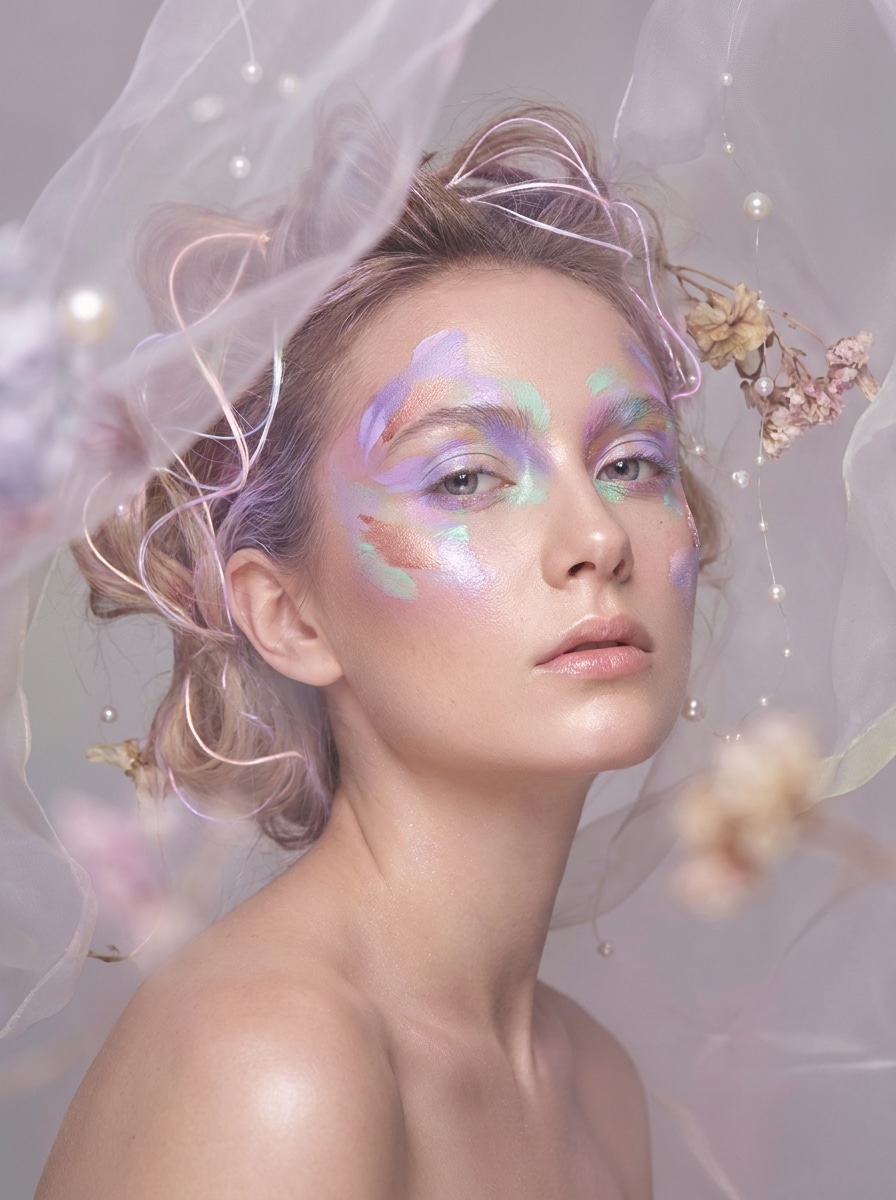
Dreamlike Surreal Beauty

Dreamlike Surreal Beauty

Use the uploaded image as the subject and transform it into dreamlike avant garde beauty art with ethereal glow, abstract makeup details, floating textures, soft haze, pastel highlights, delicate shadows, cinematic close-up framing, glossy skin finish, and an imaginative fashion-fantasy atmosphere.

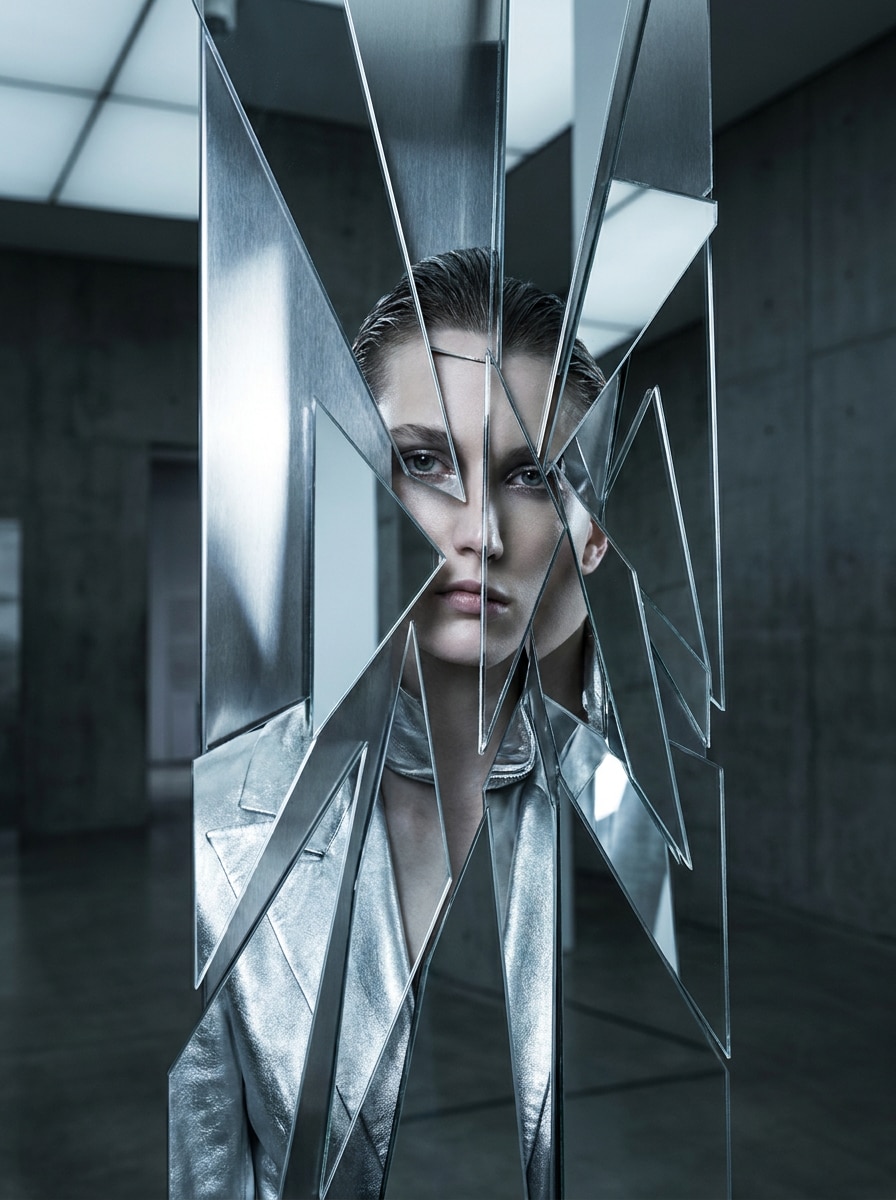
Fragmented Mirror Concept

Fragmented Mirror Concept

Use the uploaded image as the subject and create an avant garde conceptual portrait with fractured mirror reflections, asymmetrical composition, reflective glass textures, cool-toned editorial lighting, precise face focus, dark modern background, clean skin detail, and gallery-style visual storytelling.

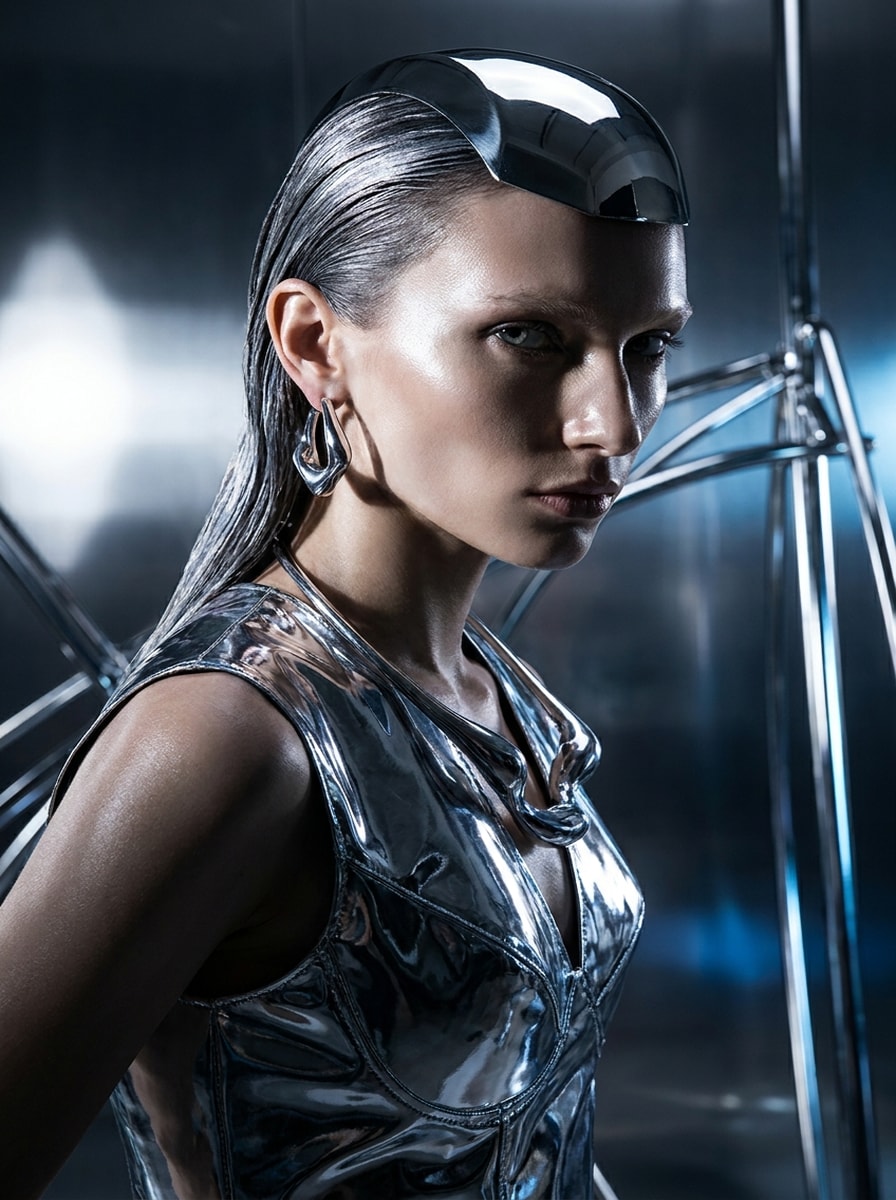
Chrome Skin Editorial

Chrome Skin Editorial

Use the uploaded image as the subject and give it a futuristic avant garde chrome editorial look with metallic silver textures, reflective accessories, sculpted cheekbones, dramatic shadows, sleek black background, glossy surfaces, high-contrast lighting, and luxury fashion-art polish.

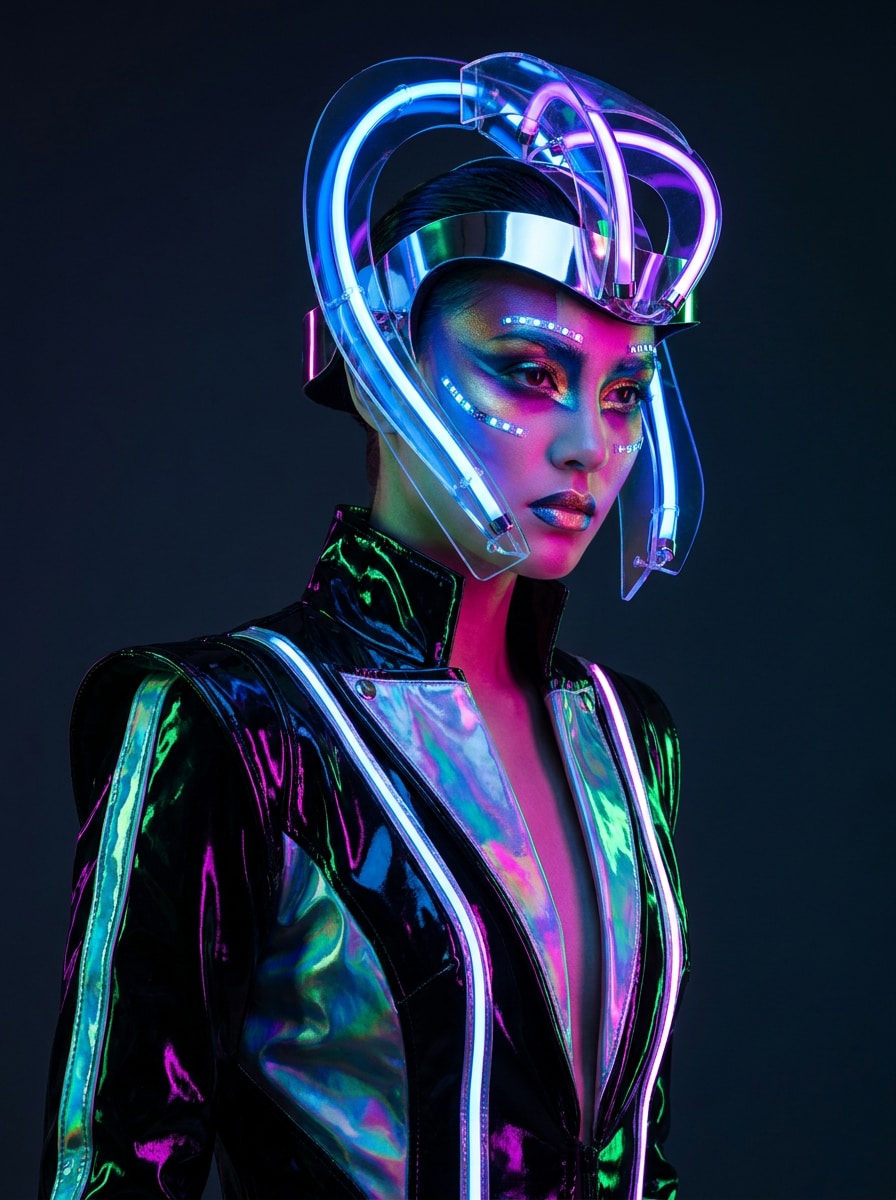
Cyber Couture Neon

Cyber Couture Neon

Use the uploaded image as the subject and transform it into a neon cyber avant garde fashion shot with futuristic headpiece elements, vivid magenta and cyan gel lighting, glossy textures, bold makeup styling, dark studio mood, sharp composition, and premium editorial energy.

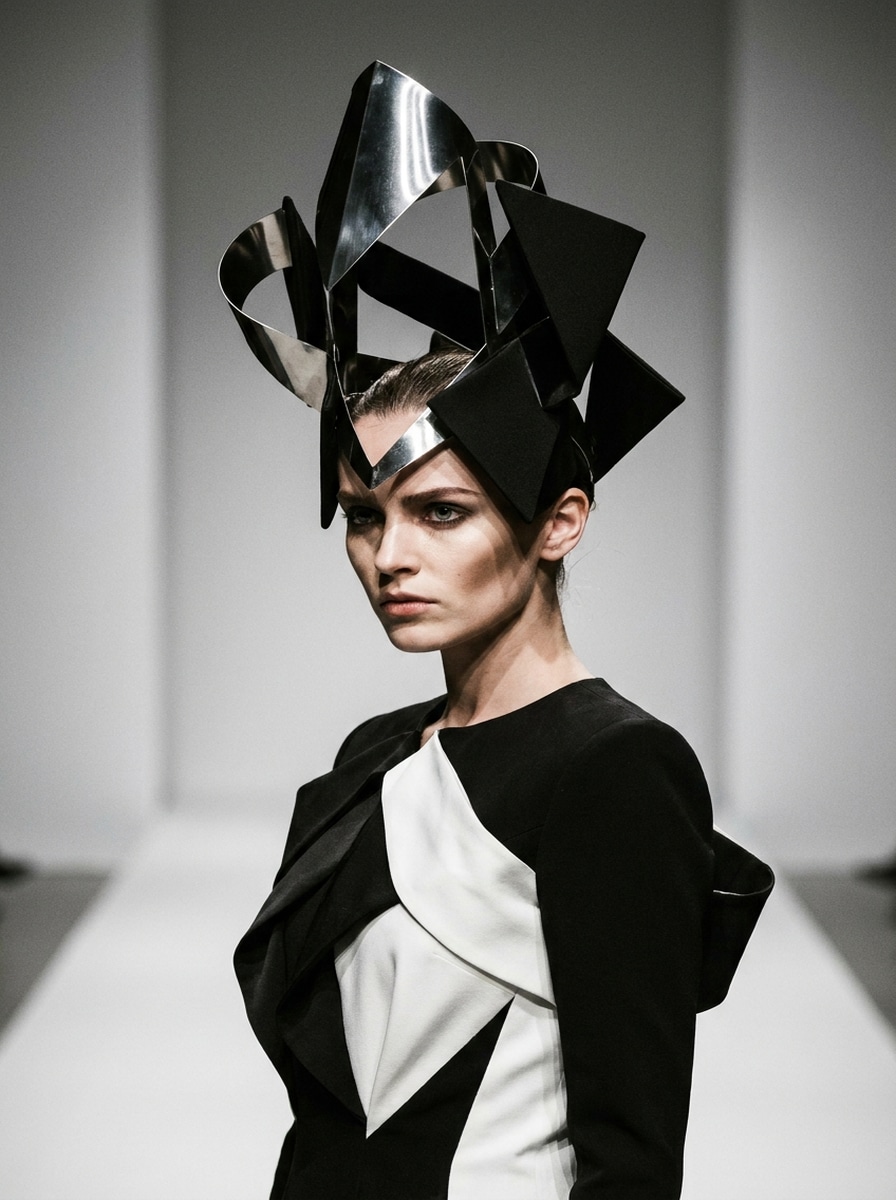
Sculptural Headpiece Portrait

Sculptural Headpiece Portrait

Use the uploaded image as the subject and add a dramatic avant garde runway transformation with architectural headwear, couture-inspired styling, clean backdrop, poised expression, crisp studio lighting, elegant shadows, structured materials, and a polished fashion-week editorial finish.

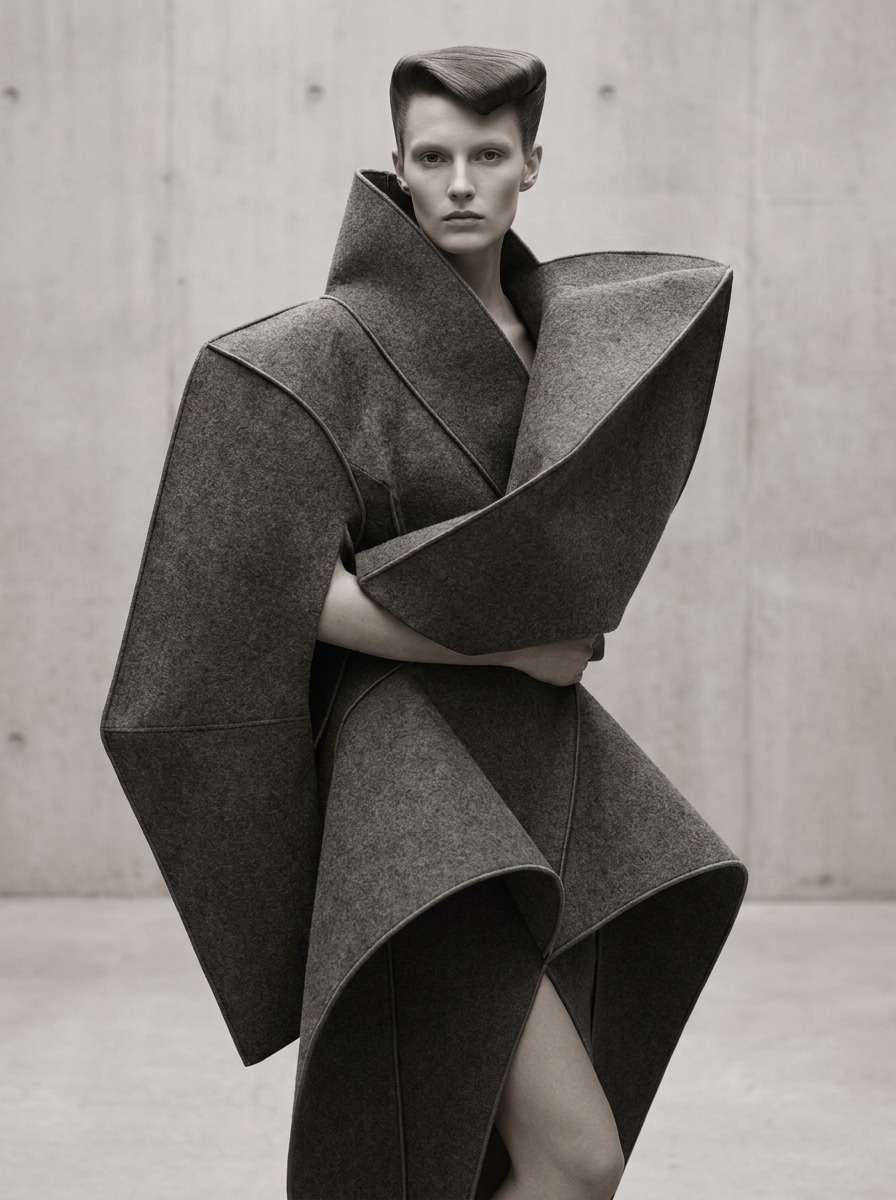
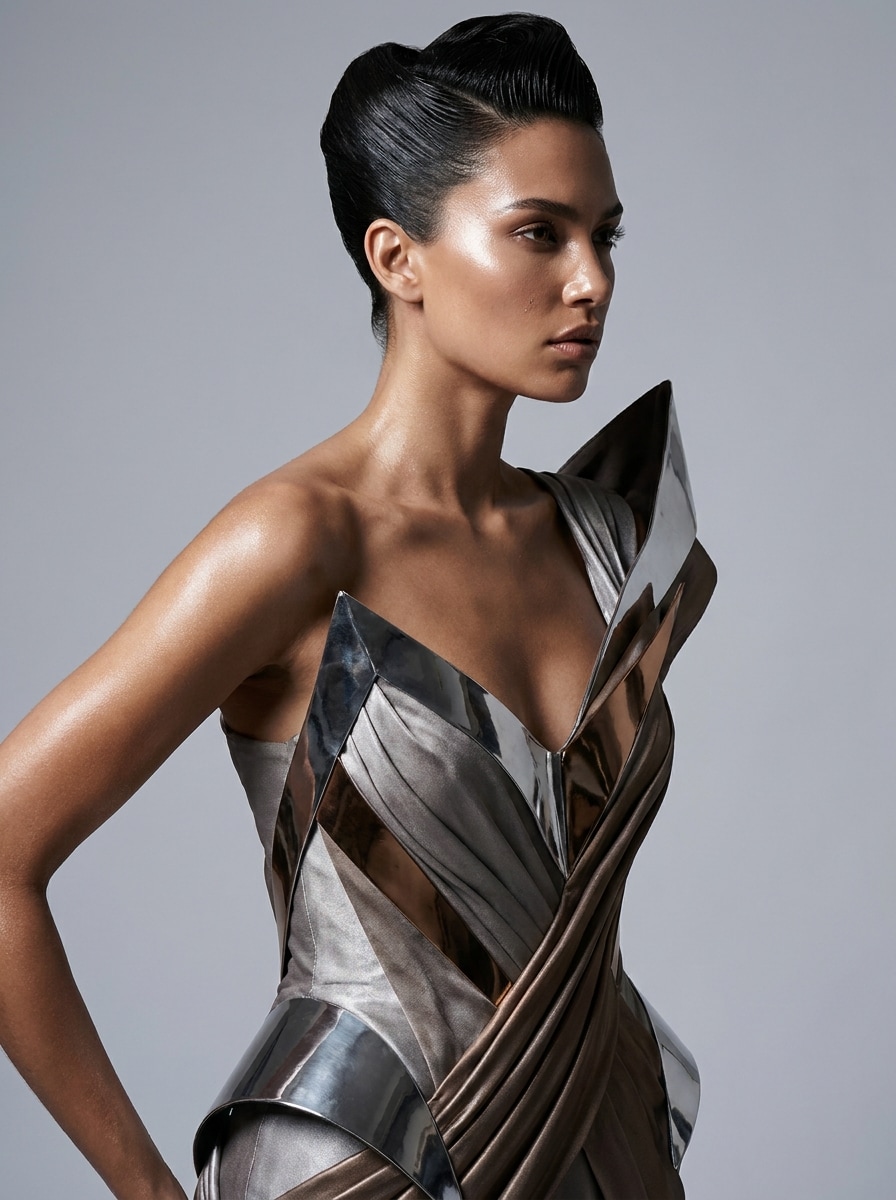
Exaggerated Silhouette Fashion

Exaggerated Silhouette Fashion

Use the uploaded image as the subject and restyle it into an avant garde fashion portrait with exaggerated silhouette forms, conceptual garment shapes, minimalist set design, dramatic pose, controlled lighting, matte and satin textures, strong composition, and premium editorial clarity.

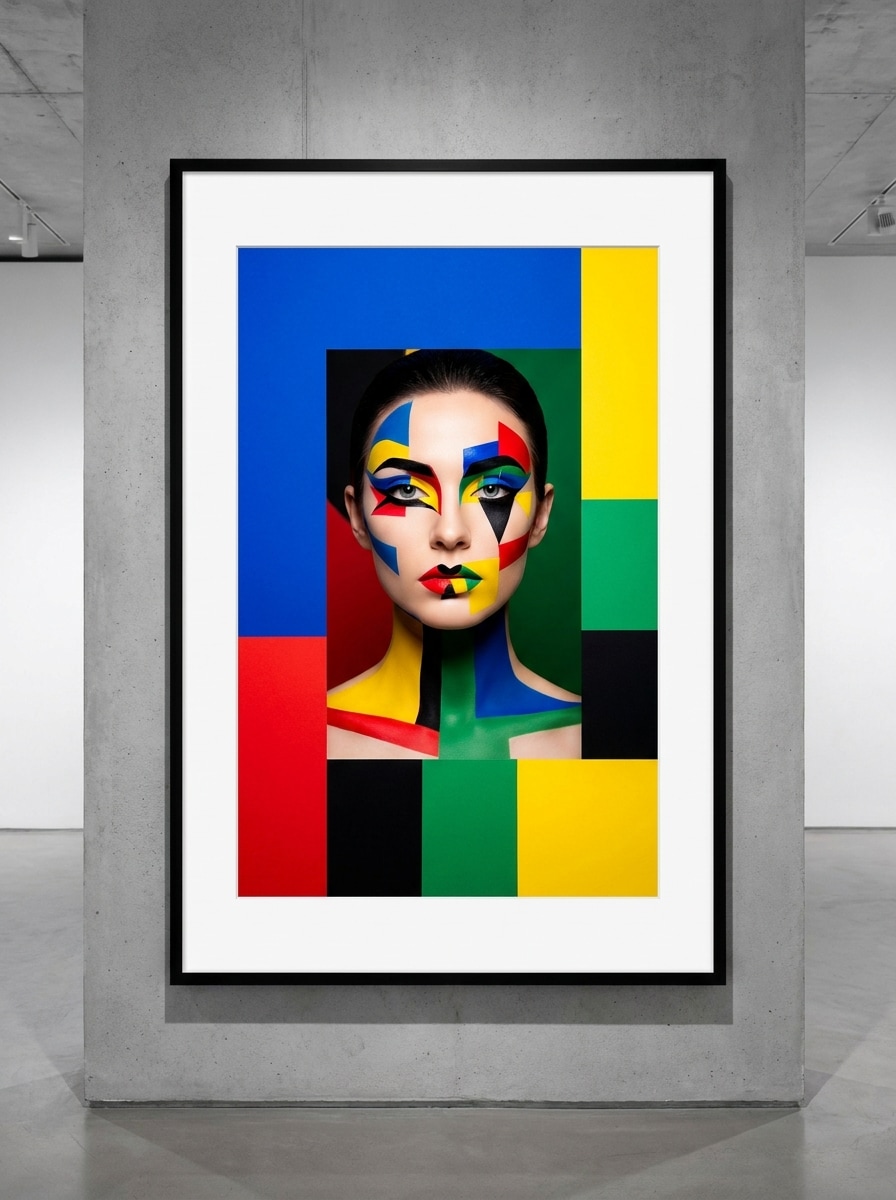
Color-Block Art Portrait

Color-Block Art Portrait

Use the uploaded image as the subject and turn it into an avant garde color-block art portrait with bold geometric color fields, artistic makeup accents, saturated red, cobalt, and cream palette, high contrast lighting, clean editorial framing, and a modern gallery-inspired finish.

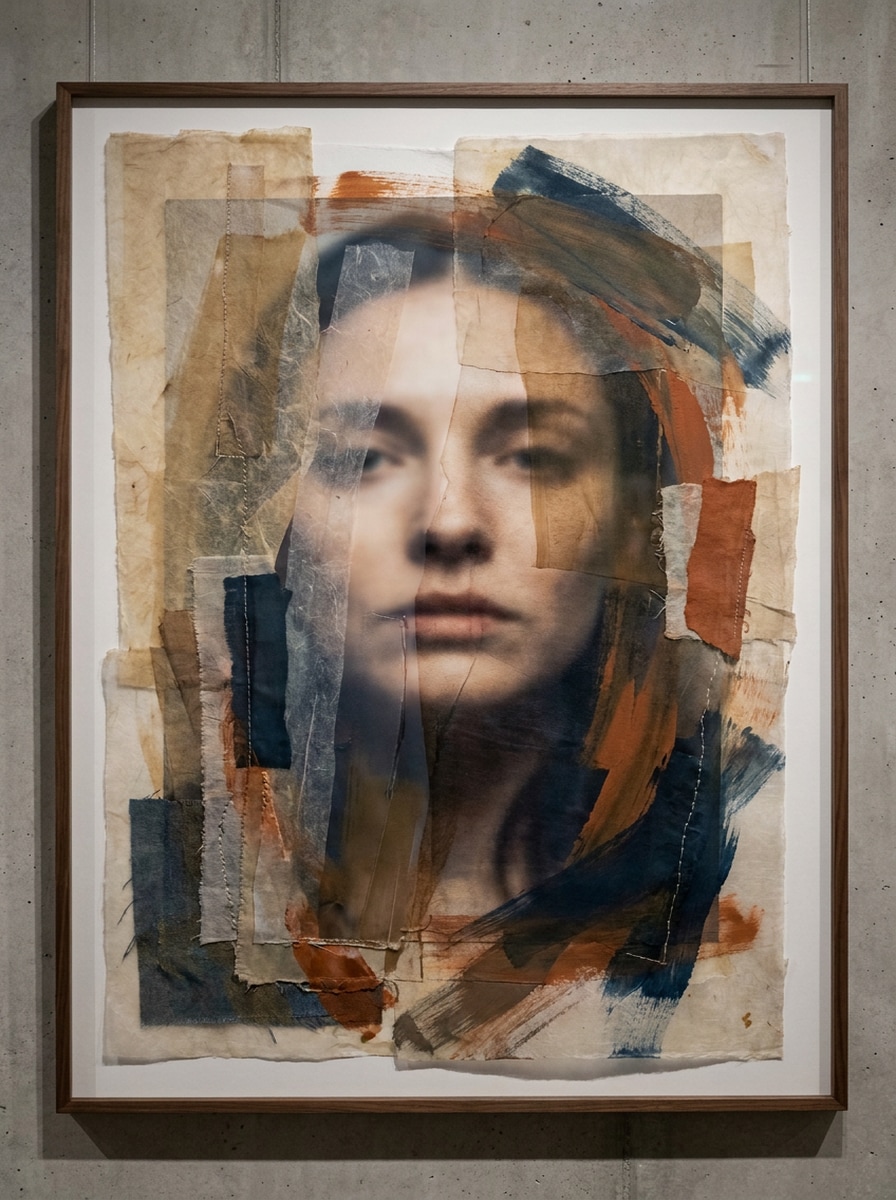
Painted Texture Fusion

Painted Texture Fusion

Use the uploaded image as the subject and blend it with painterly avant garde textures, expressive brush-like overlays, tactile layering, rich accent colors, soft atmospheric light, editorial portrait structure, artistic depth, and a mixed-media finish that still preserves facial focus.

Why Use Media.io for Avant Garde Photo Transformations

Keep Your Identity While Pushing the Style

Reference-based work needs more than a loose style shift. Media.io helps keep key identity details recognizable while reworking the avant garde filter visual look, so the result feels personal instead of generic.

Switch Between Editorial, Metallic, and Abstract Looks

When the art direction is still open, Media.io lets you test multiple looks around the same avant garde filter visual idea, making it easier to find the right style without rebuilding from zero.

Generate Cleaner Output Up to 4K

If the final avant garde filter visual will be reused beyond a small preview, Media.io helps deliver sharper results up to 4K so the image stays more reliable in practical design and presentation work.

Keep the Workflow Moving Across Devices

Some avant garde filter visual concepts get drafted on the go and finished later at a desk. Media.io keeps that process online, so you can return to the same workflow without extra installs or setup.

How to Use an avant garde photo filter Online

Turn your words into stunning visuals in three simple steps, then continue refining the result if you want to take it further.

how to use image to image AI for ai avant garde filter step 1
Step 1

Upload Your Reference Image

Start with a clear portrait, selfie, or fashion photo in JPG, PNG, or JPEG. A well-lit image with visible facial features gives the AI a stronger base for avant garde styling while keeping the subject easier to recognize.

how to use image to image AI for ai avant garde filter step 2
Step 2

Describe the Change and Set Options

Enter the look you want, such as surreal beauty, chrome editorial, monochrome couture, or sculptural runway styling. Then choose your preferred model and adjust aspect ratio, image quality, or variation count to match your project.

how to use image to image AI for ai avant garde filter step 3
Step 3

Generate, Download, and Keep Improving

Create your transformed image, compare the results, and download your favorite version. If needed, refine the prompt, try another visual direction, or generate more variations until the final image matches your creative brief.

Unlock the Potential of Avant Garde Fashion Filter

See how creators use this Avant Garde Filter for content, marketing, and personal projects, then adapt each idea to fit the brief.

Upgrade Selfies Into Editorial Statement Portraits

Turn an everyday headshot into a dramatic fashion image for profile photos, creator branding, or social posts. This is ideal when you want a recognizable face with a more artistic, magazine-inspired finish.

Build Moodboard-Ready Concepts for Styling Projects

Experiment with couture silhouettes, metallic textures, surreal makeup, and conceptual framing before a shoot. Designers, stylists, and visual artists can quickly explore multiple directions without arranging a full production.

Create Scroll-Stopping Visuals for Content and Campaigns

Use bold transformations for cover art, poster concepts, carousel posts, or promos that need a stronger visual hook. An upload-based avant garde fashion filter effect can help small brands and creators produce high-impact imagery faster.

What Users Say

user
Maya R.

Fashion Content Creator

star star star star star

"Great for editorial-style selfies" I uploaded a simple portrait and got a dramatic couture-style result in minutes. The before-and-after contrast was strong, but my face still looked like me.

user
Jordan L.

Art Director

star star star star star

"Useful for rapid concept testing" We used it to explore surreal and metallic looks before a campaign shoot. It helped us narrow the creative direction much faster than building mockups manually.

user
Sofia K.

Social Media Manager

star star star star star

"Easy to use on mobile" I tried it from my phone and the workflow was straightforward. The vertical outputs worked well for reels covers and profile visuals.

user
Ethan P.

Digital Artist

star star star star star

"Strong style variety" What I liked most was being able to move between monochrome editorial, painted textures, and futuristic chrome looks from the same source image.

AI Avant Garde Filter FAQ

1. What is an AI avant garde filter?

An AI avant garde filter is an image-to-image effect that transforms a portrait or photo into a more experimental fashion-art style. With Media.io, you upload a reference image and apply prompts that can push the result toward editorial, surreal, metallic, runway, or abstract visual directions.

Upload a JPG, PNG, or JPEG to Media.io, then describe the style you want, such as chrome editorial, couture monochrome, or painterly mixed media. After that, choose your image options, generate variations, and download the version that best matches your creative goal.

Media.io offers free credits so you can try this avant garde photo filter workflow online before upgrading. Free users may see watermarks, while paid plans unlock watermark-free high-resolution downloads. You can compare options on the pricing page. Free users can use free credits. For more usage, users can subscribe to a plan on the pricing page. Upgrade to a paid plan on the pricing page for more credits and watermark-free high-resolution downloads.

Media.io can generate a wide range of looks from one uploaded image, including editorial magazine portraits, surreal beauty edits, chrome and futuristic effects, sculptural runway styling, monochrome couture, and abstract color-block or painted-texture treatments.

It can, especially when you start with a clear reference image and use prompts that focus on style transfer instead of complete subject replacement. Media.io’s upload-based workflow is designed to guide the transformation from your original photo, which helps preserve recognizable identity better than creating a portrait from text alone.

Media.io is web-based, so you can use this AI avant garde filter from iPhone, Android, Mac, or Windows as long as you have a browser and an internet connection. That makes it easy to upload a selfie and edit from mobile or desktop. Media.io is a web-based tool that works on any device with a browser (Windows, Mac, iOS, Android).

Media.io Online AI Tools Quality Rating:
vote 4.7 (162,357 Votes)