画像から画像生成
Nano Banana Pro
0/2000
1K
自動
1
Banana Pro無制限モード
作品
アイデアハブ
すべて
生成リスト
作品は 7 日間保存されます。アップグレード後に作成されたアセットは永久保存されます。
ai_video_generator創造力を解き放ち、Media AIの魔法をすぐに体験しよう!

AI Moonlight Filter for Dreamy Night Portraits and Scenic Edits

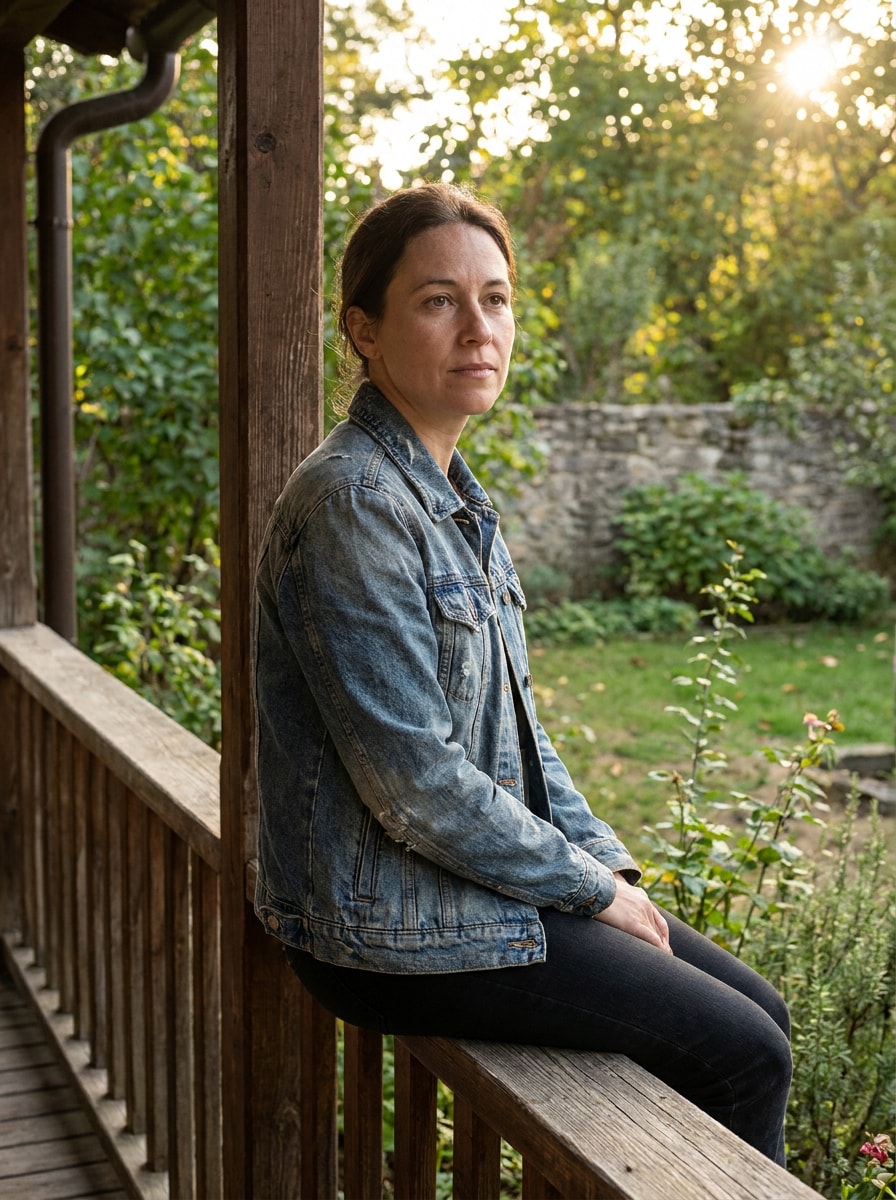
AI Moonlight Filter Before
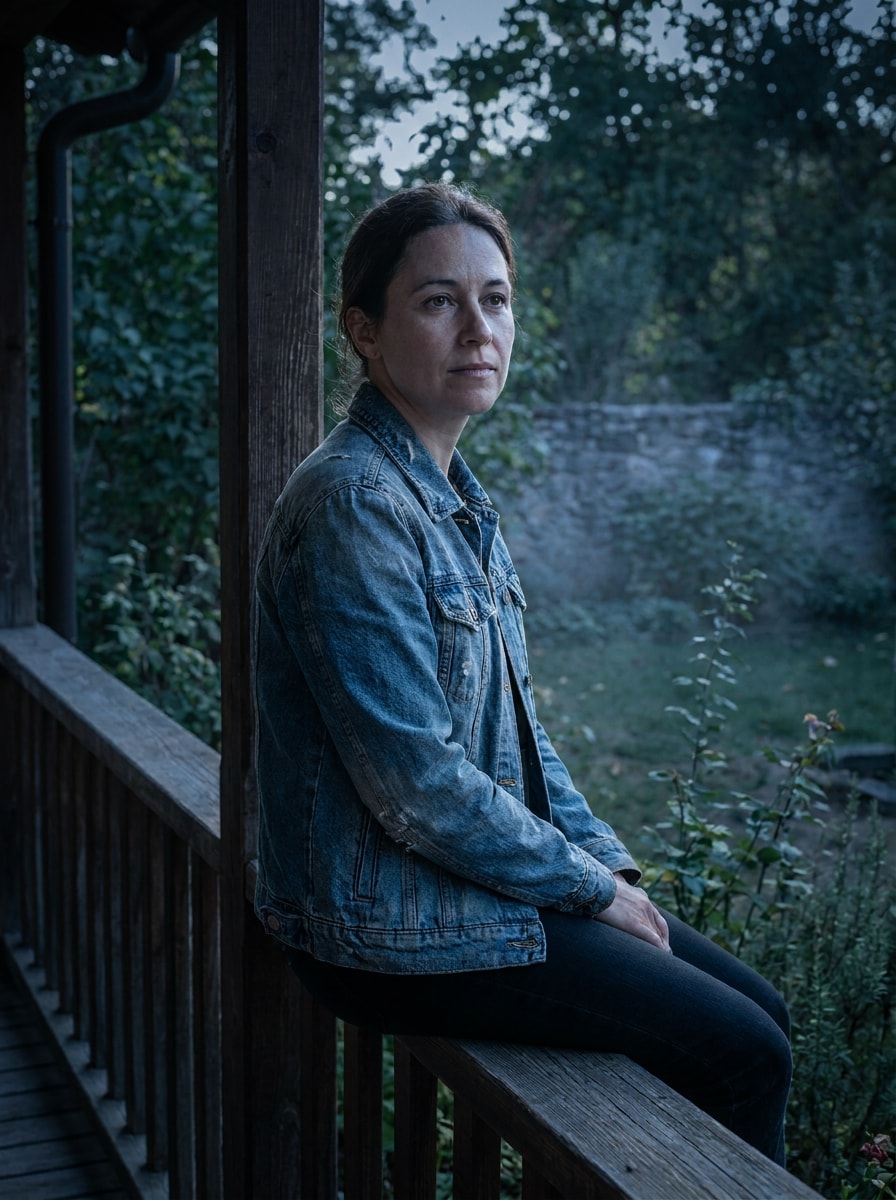
AI Moonlight Filter After

Turn your photos into cinematic moonlit scenes with AI Moonlight Filter. Add a natural moonlight photo effect to portraits, couples, and landscapes with cool blue tones, silver highlights, soft shadows, and dreamy nighttime atmosphere in a fast browser-based workflow.

Create My Moonlight Look

Type your idea -> AI designs it. Free to try.

Review these example directions, then tailor the prompt details to get stronger results with this Moonlight Filter.

Blue Hour Moon Portrait

Blue Hour Moon Portrait

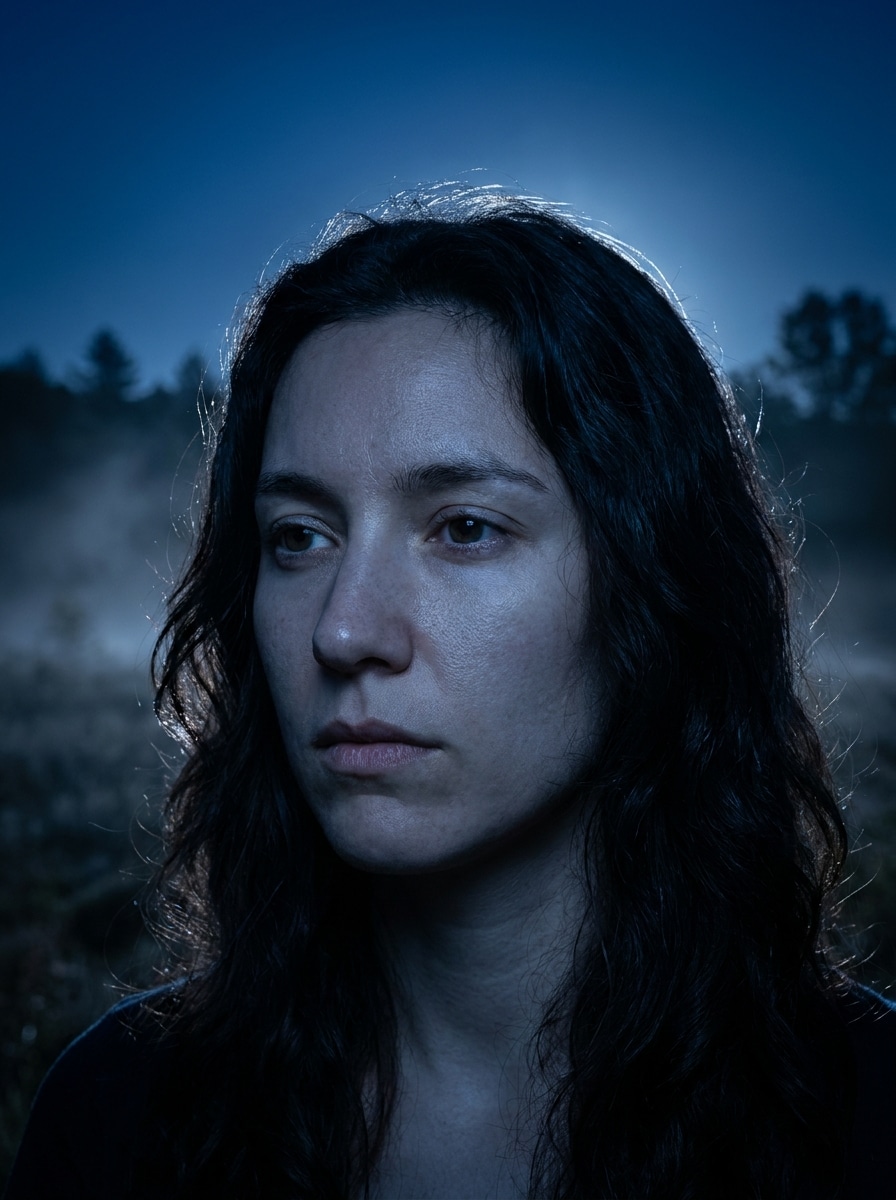
Use the uploaded image as the main subject and transform it into a cinematic blue-hour moon portrait. Add cool blue color grading, soft silver highlights on the face and hair, gentle moon glow from one side, realistic skin texture, clean background separation, subtle mist, and polished night photography detail.

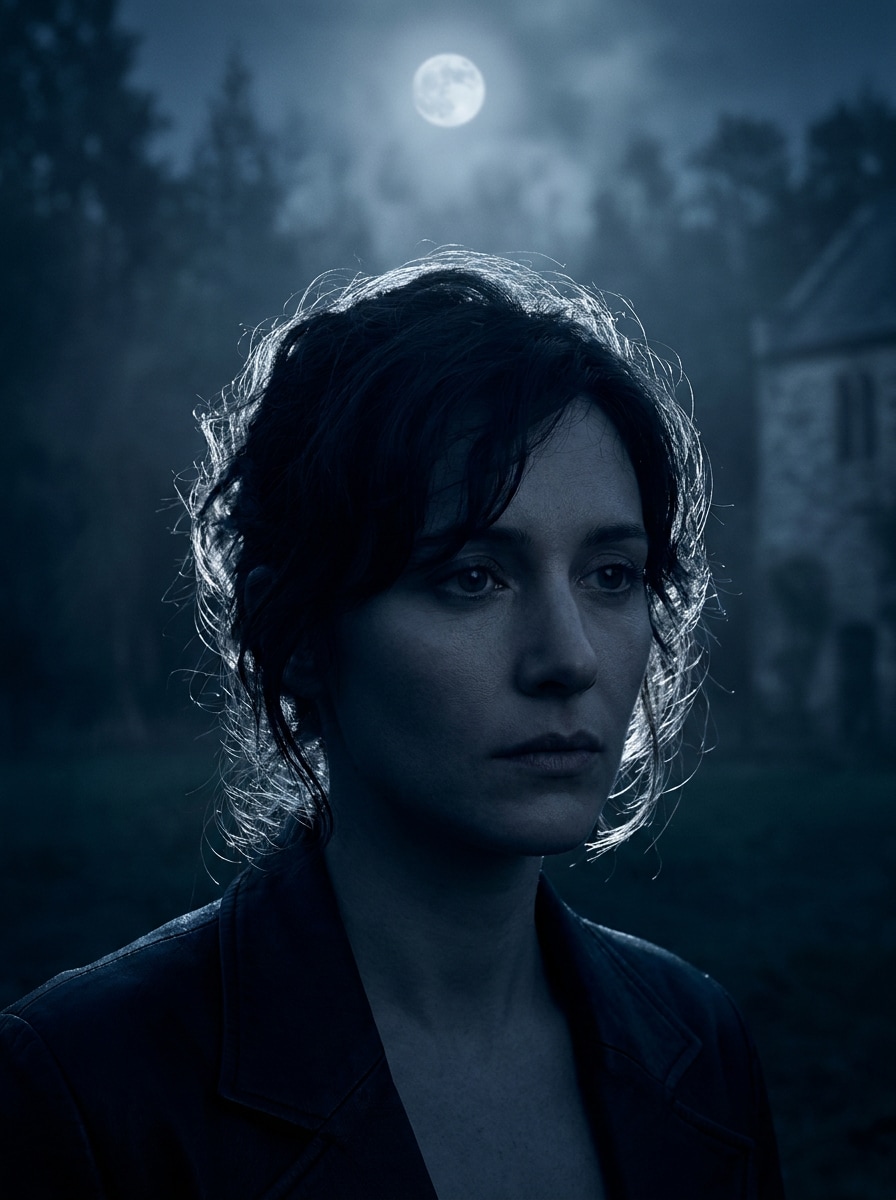
Silver Rim Light Portrait

Silver Rim Light Portrait

Use the uploaded portrait as the subject and apply a realistic moonlit transformation with bright silver rim light around the hair and shoulders. Create deep navy shadows, soft contrast, luminous edges, cool desaturated blues, refined skin detail, and an elegant nocturnal mood with cinematic clarity.

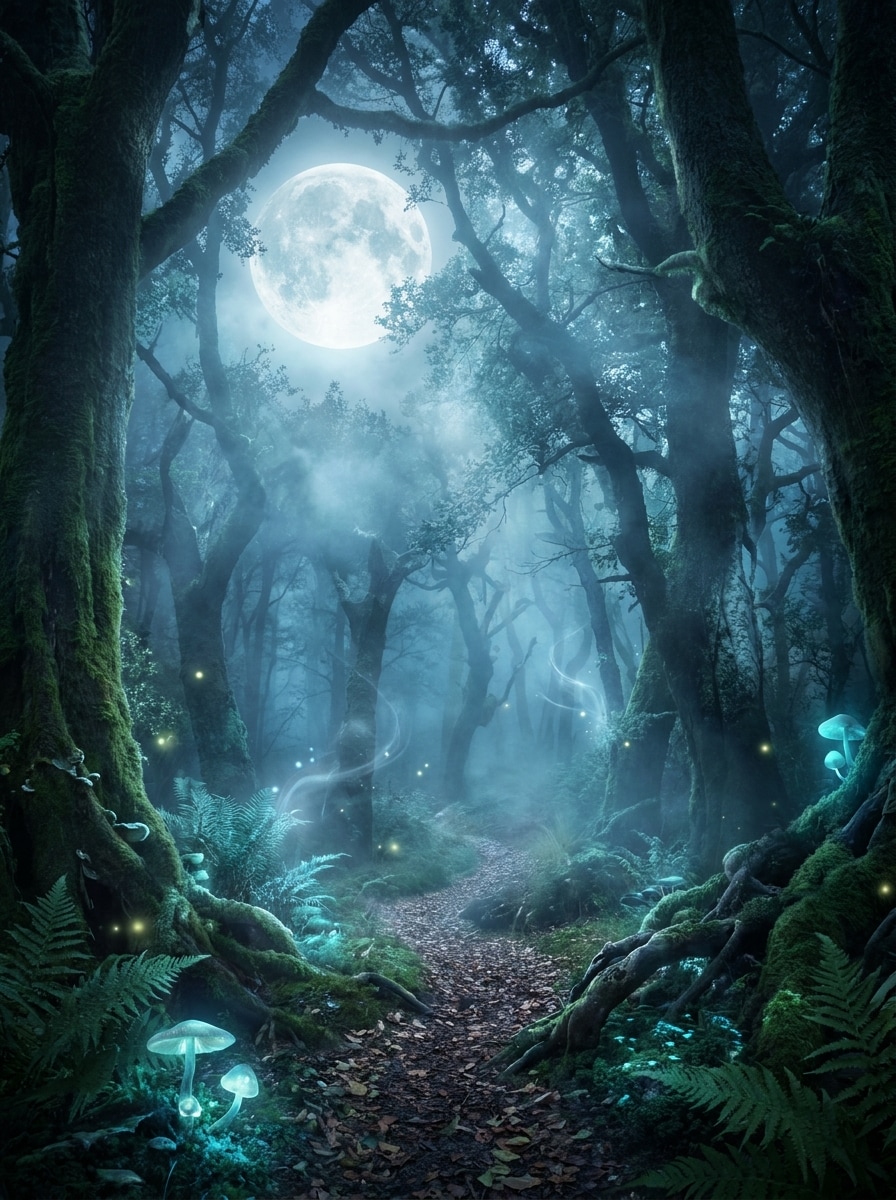
Enchanted Forest Moonlight

Enchanted Forest Moonlight

Use the uploaded image as the subject and place it in an enchanted forest under moonlight. Add a glowing full moon, misty trees, ethereal blue lighting, soft fog layers, luminous highlights on clothing and hair, detailed foliage, magical realism, and a calm fantasy night atmosphere.

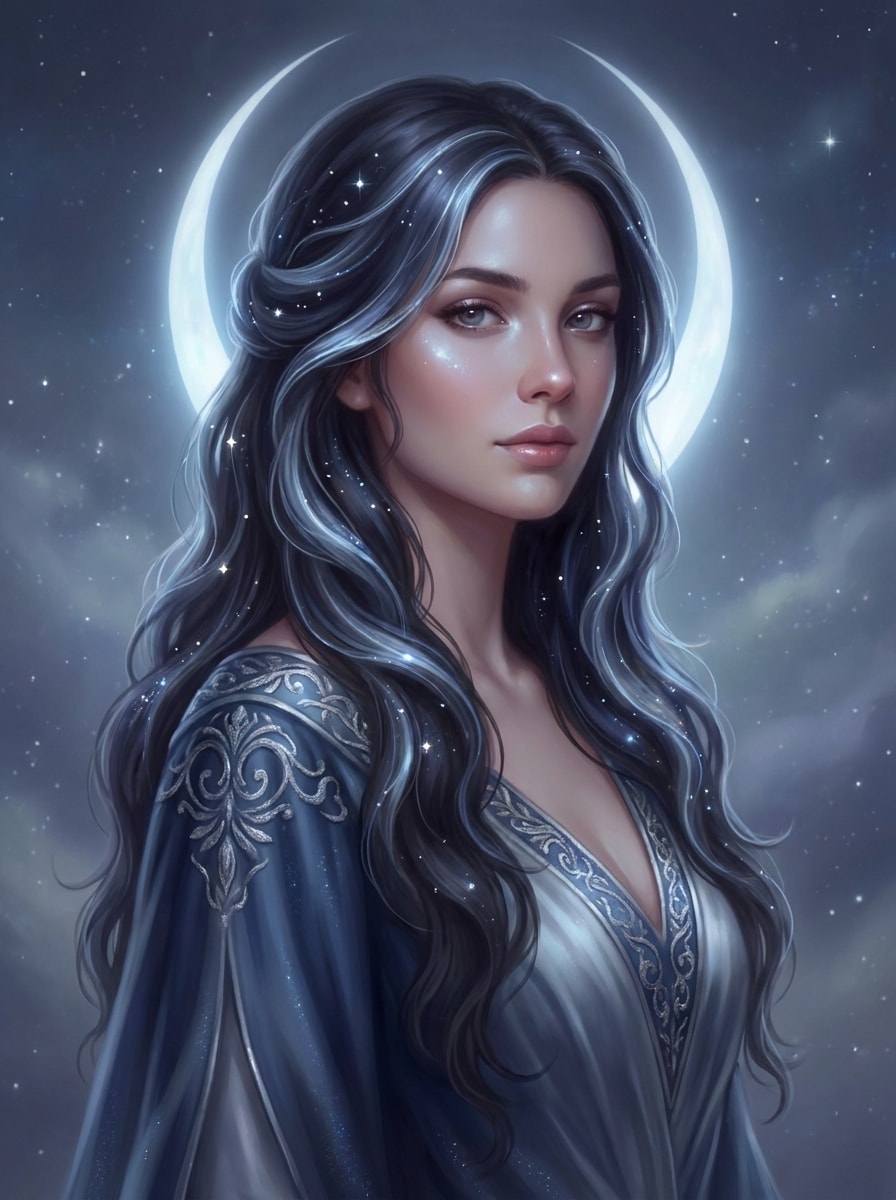
Moon Goddess Aesthetic

Moon Goddess Aesthetic

Use the uploaded portrait as the base and restyle it into a moon goddess scene. Add a luminous halo, flowing silver-blue highlights, celestial sparkles, soft glowing skin, elegant fantasy styling, smooth fabric texture, dreamy contrast, and a refined mystical atmosphere with realistic facial preservation.

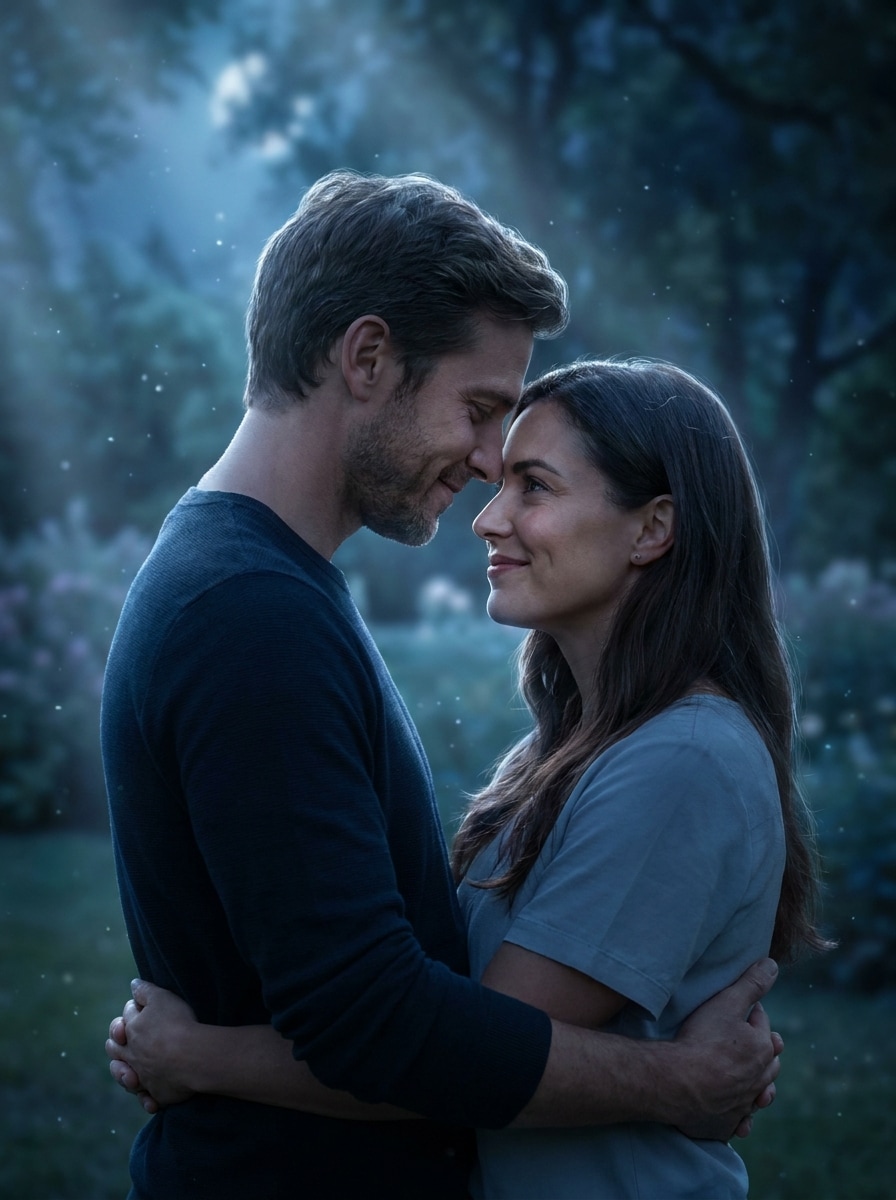
Romantic Moonlight Couple

Romantic Moonlight Couple

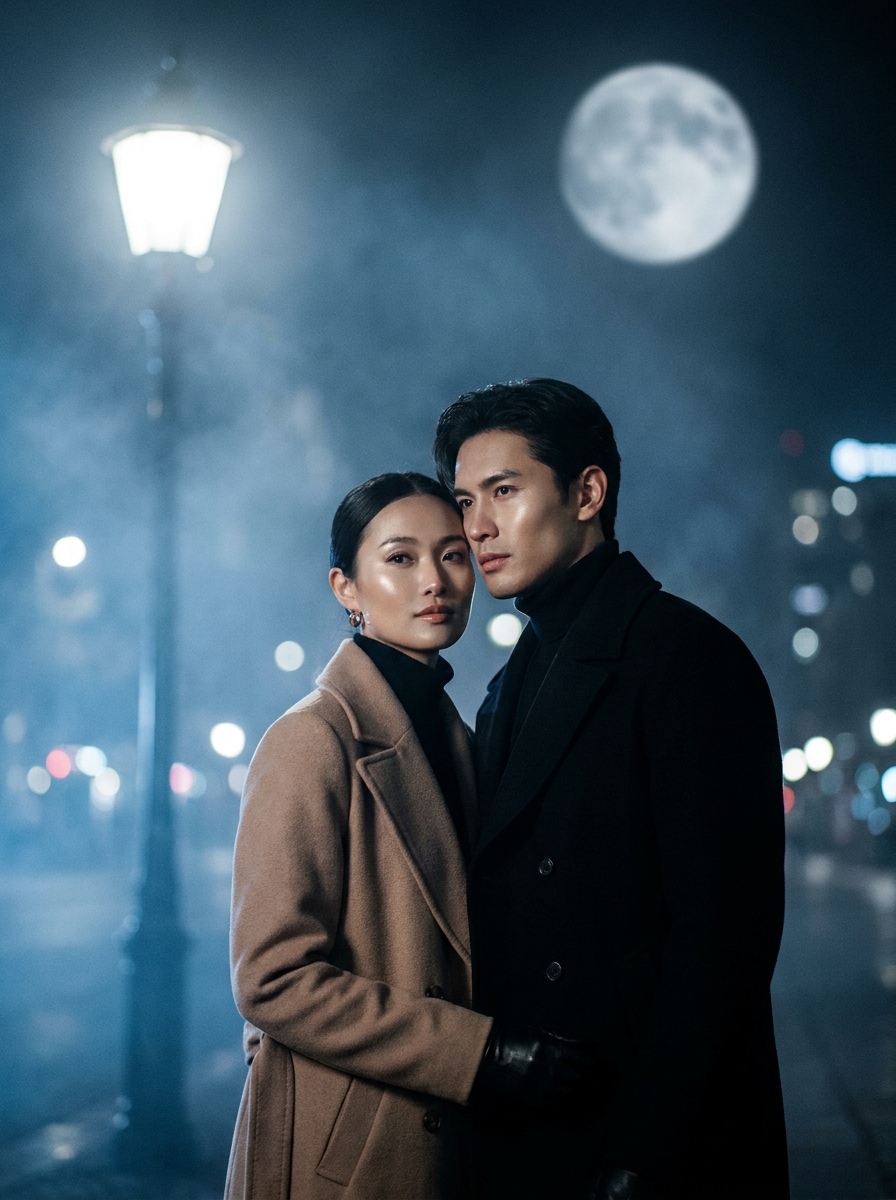
Use the uploaded couple photo as the reference and transform it into a romantic moonlit scene. Add soft moonbeam lighting, cool blue tones, gentle sparkle in the air, realistic facial detail, dreamy background blur, silver edge highlights, and an emotional cinematic mood without losing natural expressions.

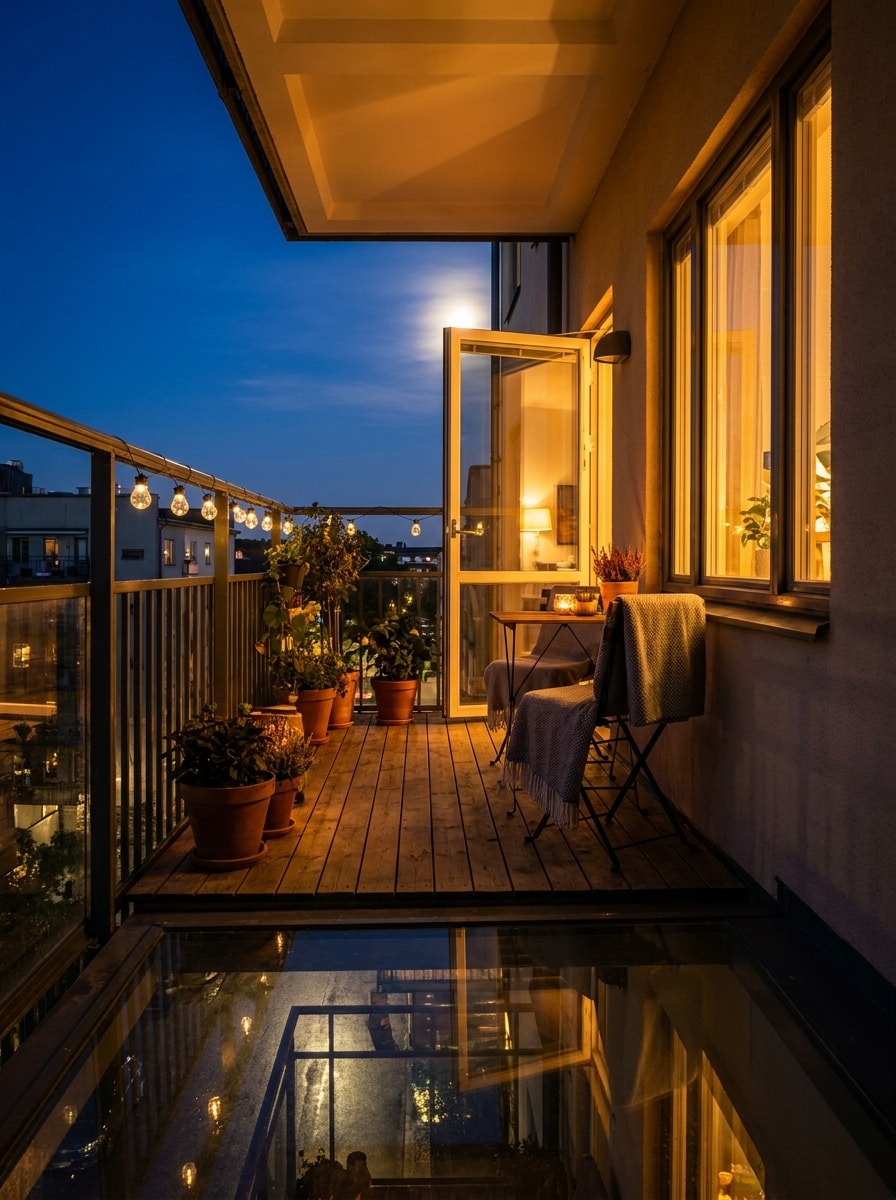
Balcony Night Scene

Balcony Night Scene

Use the uploaded image as the subject and turn it into a cozy balcony night scene. Create deep blue sky tones, visible moonlight glow, soft ambient shadows, warm indoor spill mixed with cool exterior light, realistic urban atmosphere, subtle reflections, and a polished cinematic finish.

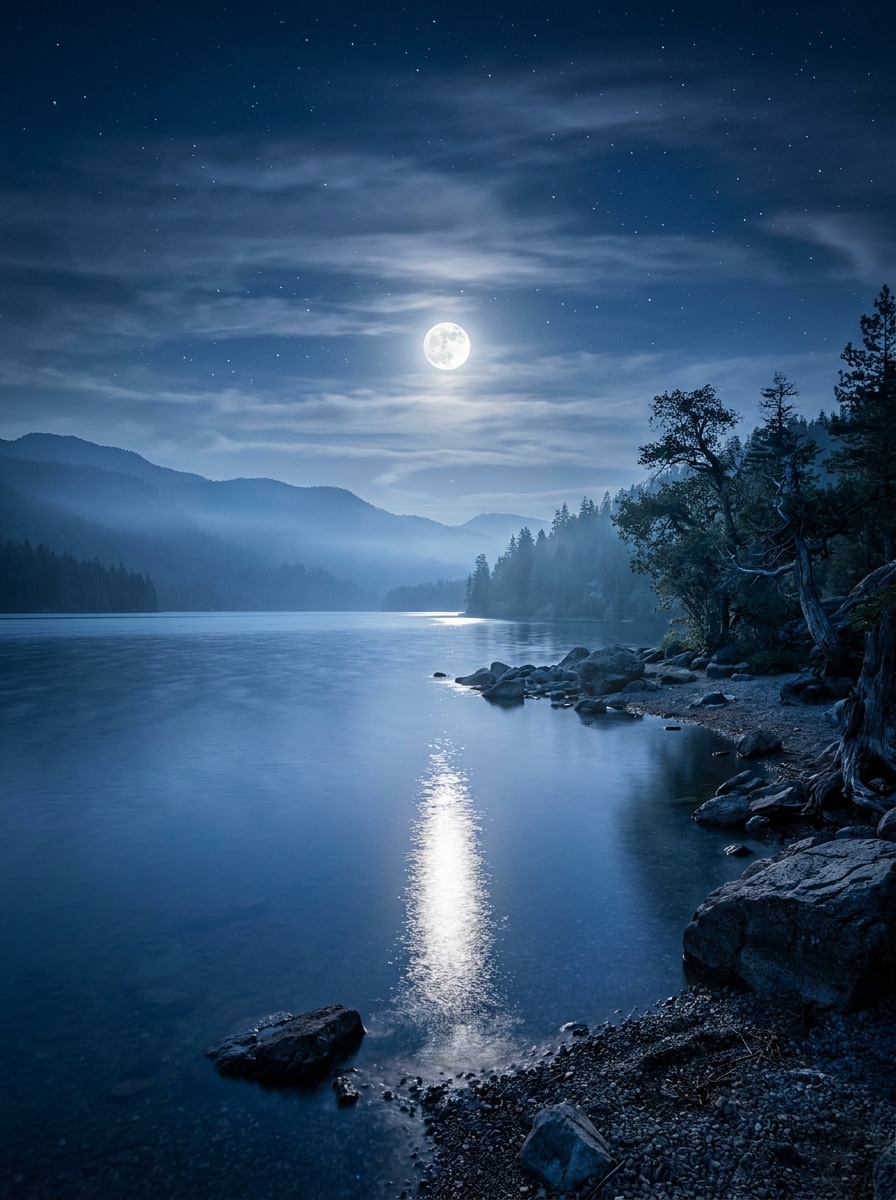
Moonlit Lake Reflection

Moonlit Lake Reflection

Use the uploaded landscape image and transform it into a serene moonlit lake scene. Add a bright full moon reflected on calm water, cool blue tones, soft haze, crisp shoreline detail, layered night sky, smooth tonal contrast, and peaceful cinematic atmosphere with photorealistic clarity.

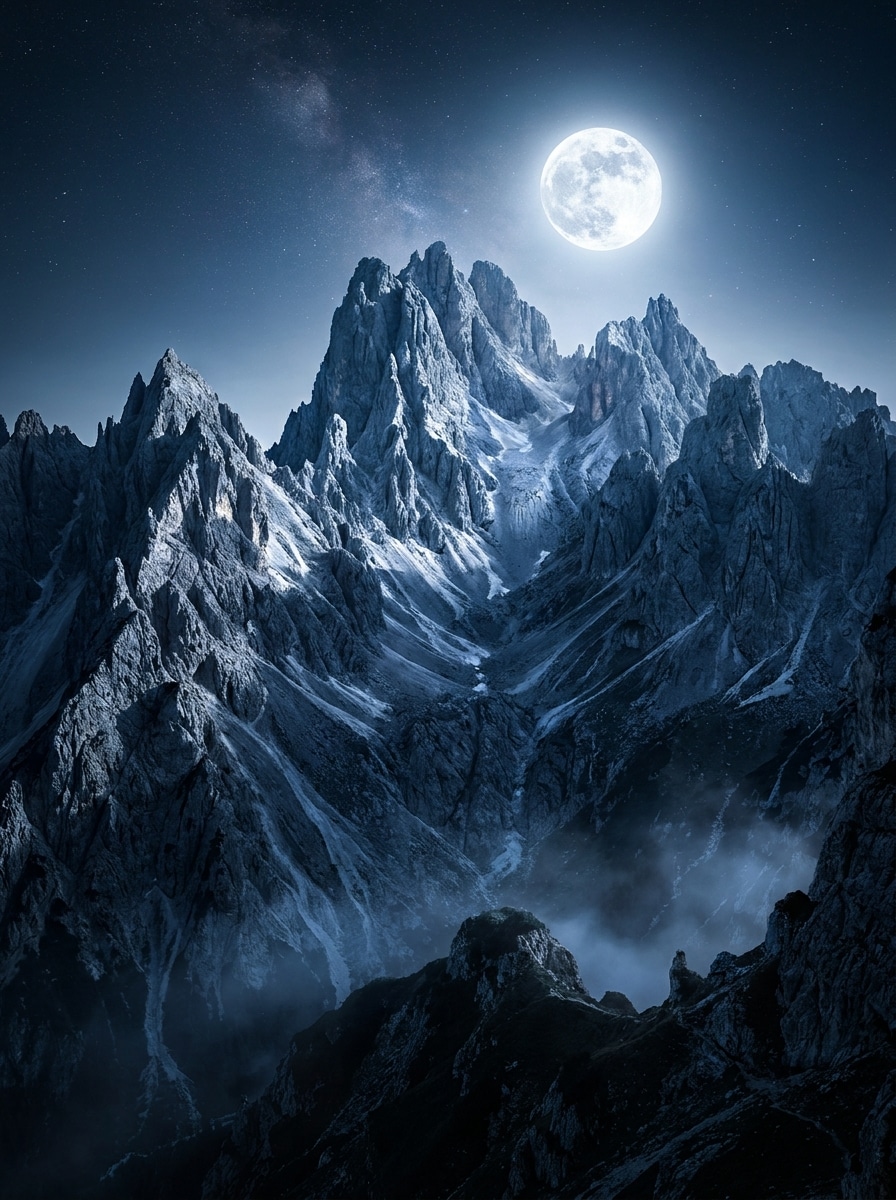
Mountain Night Glow

Mountain Night Glow

Use the uploaded mountain or travel photo and add dramatic moonlight across the scene. Create a bright moon glow, cool shadows, enhanced depth in the terrain, crisp rock textures, clear night sky, faint mist, and a bold photorealistic finish with cinematic contrast.

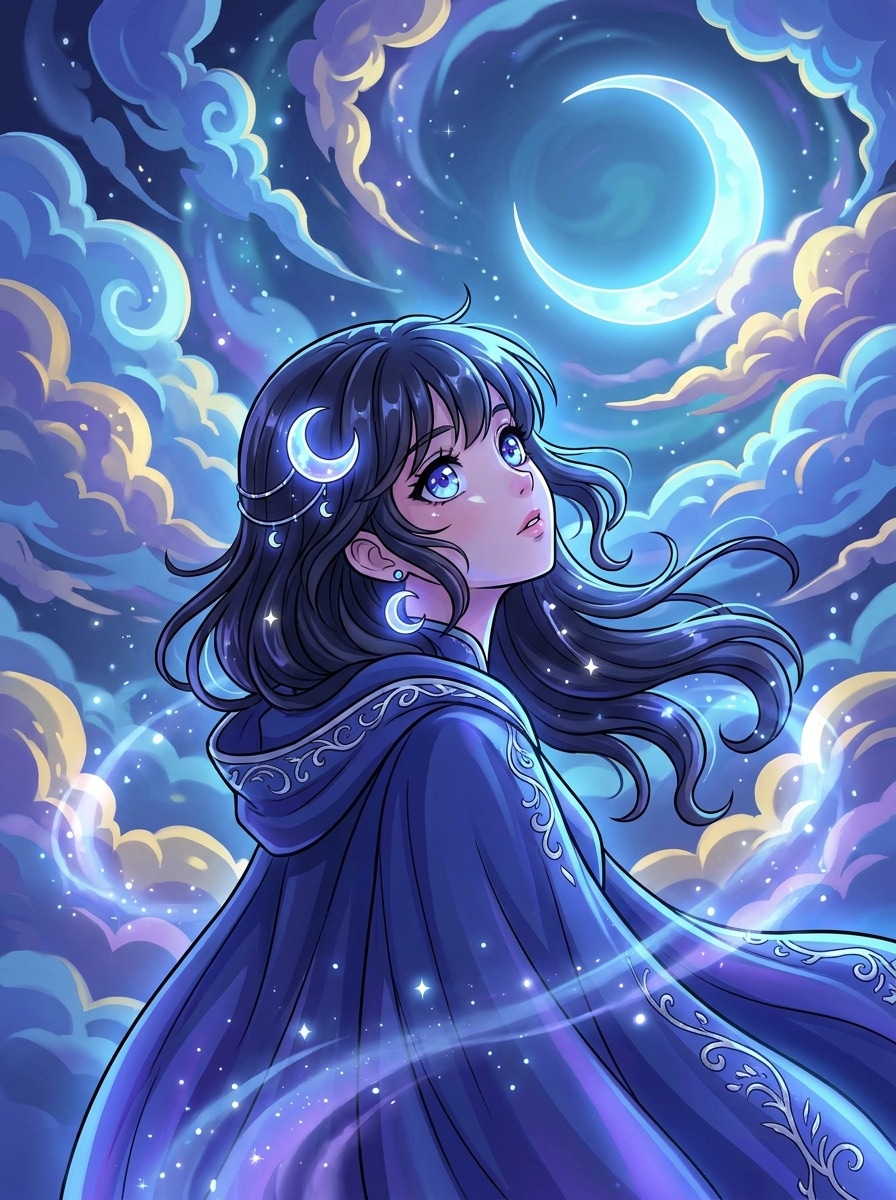
Anime Moonlight Filter

Anime Moonlight Filter

Use the uploaded image as the subject and convert it into anime-inspired moonlight art. Add a luminous night sky, soft cel shading, blue-purple glow, expressive highlights, clean outlines, reflective eyes, magical atmosphere, and polished composition while keeping the original pose recognizable.

K-Drama Night Scene

K-Drama Night Scene

Use the uploaded image as the subject and give it a K-drama-inspired moonlit edit. Add soft cinematic bloom, cool blue grading, polished skin tones, emotional night mood, gentle backlight, subtle street bokeh, elegant contrast, and a premium editorial finish.

Why Use Media.io for Moonlight Photo Transformations

Natural Moonlit Edits Guided by Your Own Photo

With Media.io, you can upload a real portrait, couple shot, or landscape and restyle it into a believable night scene while keeping the subject recognizable, making each moonlight portrait filter result feel personal instead of generic.

Rework One Subject Into Multiple Styles

If the subject still needs to look like itself after the transformation, Media.io helps hold onto core identity cues while updating the final Moonlight Filter visual style for a cleaner finished result.

Generate Cleaner Output Up to 4K

If the final Moonlight Filter visual will be reused beyond a small preview, Media.io helps deliver sharper results up to 4K so the image stays more reliable in practical design and presentation work.

Browser-Based Editing That Fits Quick Creative Workflows

Some Moonlight Filter visual concepts get drafted on the go and finished later at a desk. Media.io keeps that process online, so you can return to the same workflow without extra installs or setup.

How to Use an AI Moonlight Filter

Turn your words into stunning visuals in three simple steps, then continue refining the result if you want to take it further.

how to use image to image AI for ai moonlight filter step 1
Step 1

Upload Your Reference Image

Start with a clear JPG, PNG, or JPEG portrait, couple photo, travel shot, or landscape. Cleaner lighting and visible subject detail help the AI create a more convincing moonlit transformation.

how to use image to image AI for ai moonlight filter step 2
Step 2

Describe the Change and Set Options

Enter the moonlight style you want, such as cool blue tones, silver rim light, mist, or a fantasy night mood. Then choose your model, aspect ratio, image count, and quality settings for the final look.

how to use image to image AI for ai moonlight filter step 3
Step 3

Generate, Download, and Keep Improving

Create multiple versions, compare the mood and realism, and download your favorite result. You can refine the prompt, try a stronger night glow, or generate new variations until the scene feels right.

Unlock the Potential of Moonlight Photo Effect

See how creators use this Moonlight Filter for content, marketing, and personal projects, then adapt each idea to fit the brief.

Transform Everyday Portraits Into Cinematic Night Shots

Give casual selfies or professional portraits a richer nighttime mood with cool shadows, silver highlights, and soft glow. It is a fast way to create stylized social content without setting up an actual evening shoot.

Build Dreamy Couple and Storytelling Edits

Create romantic evening scenes for anniversary posts, reels covers, or mood boards by adding moonbeams, atmospheric blur, and emotional color grading. The effect helps ordinary photos feel more polished and memorable.

Restyle Travel and Nature Photos With Night Ambience

Turn daylight lakes, mountains, and city views into moody scenic visuals for wallpapers, posters, or creative projects. A realistic moonlight photo effect can add depth, calm, and dramatic contrast to otherwise flat outdoor images.

What Users Say About This Moonlight Effect

user
Alyssa R.

Lifestyle Creator

star star star star star

"Great for dreamy portrait edits" I wanted a soft night look for Instagram portraits, and this tool gave me cool blue lighting and gentle glow without making my face look fake. The before-and-after difference was exactly the vibe I needed.

user
Marcus T.

Travel Photographer

star star star star star

"Useful for turning day scenes into moody landscapes" I tested it on a mountain photo taken in daylight and was surprised by how natural the shadows and moon glow looked. It is a quick way to mock up nighttime concepts before doing heavier edits.

user
Nina C.

Short-Form Video Editor

star star star star star

"Fast browser workflow" The best part for me is speed. I uploaded a reference image, described the mood, and got several moonlit variations in minutes. It is very handy when I need eye-catching covers for reels and story posts.

user
Devon P.

Digital Artist

star star star star star

"Helpful for fantasy-style concepts" I used it to create a moon goddess concept from a simple portrait. The silver highlights, mist, and celestial atmosphere came through nicely, and I could keep refining the result with prompt changes.

AI Moonlight Filter FAQs

1. What is an AI moonlight filter?

An AI moonlight filter is an image-to-image editing effect that transforms an existing photo into a night-style scene with cool tones, soft shadows, glow, and moonlit atmosphere. In Media.io, you upload a reference image and use AI prompts plus style settings to create cinematic nighttime variations for portraits, couples, and landscapes.

Upload a JPG, PNG, or JPEG image to Media.io, then describe the look you want, such as blue-hour lighting, silver rim light, mist, or a dreamy night mood. After that, choose your model and image options, generate results, and refine the prompt until the moonlight scene matches your idea.

Media.io offers free credits so you can try the effect before upgrading. If you need more generations or want watermark-free high-resolution downloads, you can view the available plans on the pricing page. Free users can use free credits. For more usage, users can subscribe to a plan on the pricing page. Upgrade to a paid plan on the pricing page for more credits and watermark-free high-resolution downloads.

You can usually get a first draft quickly, then improve it with short prompt edits instead of rebuilding the entire design from scratch.

Media.io supports subject-driven edits like portraits and couples, as well as scenic images such as lakes, mountains, and city views. That makes it useful whether you want a soft moonlight portrait filter for social media or a more dramatic nighttime transformation for travel and nature photos.

Media.io offers multiple output options, including 1K, 2K, and 4K resolution settings. You can also choose aspect ratios such as 1:1, 9:16, 16:9, 4:3, and 3:4, which helps when preparing moonlit edits for social posts, wallpapers, covers, or other creative layouts. Free users may have watermarks.

Media.io Online AI Tools Quality Rating:
vote 4.7 (162,357 Votes)