Remove Video Backgrounds Online with AI

Media.io Video Background Remover lets you remove background from video online without a green screen. Powered by AI, it automatically detects the subject, erases unwanted backgrounds, and helps you create clean, professional-looking videos for social media, product demos, online courses, and more.

Everything You Need to Remove Video Backgrounds Online

Media.io’s AI video background remover makes it simple to remove background from video online without green screen setup, manual masking, or complex editing software. Whether you want to erase unwanted backgrounds, change video backgrounds, or create cleaner videos for social media, product demos, tutorials, and presentations, Media.io gives you a fast, browser-based way to get professional-looking results.

One-Click AI Video Background Removal

Use Media.io to remove video background online from MP4, MOV, and other popular formats without a green screen. Powered by AI, the video background remover automatically detects the subject and separates it from the background frame by frame, so you can create clean videos for social media, product demos, tutorials, and marketing content in just a few clicks.

Effect Generator

Create Transparent Videos for Flexible Reuse

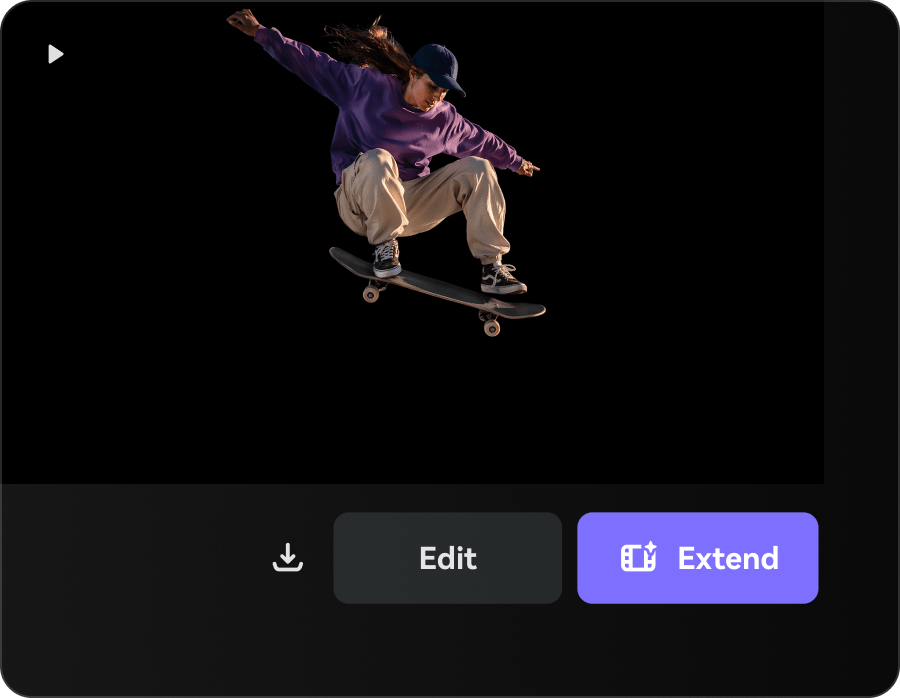
Turn your video into a clean cutout with a transparent background, so you can reuse the subject across different creative projects. Add your transparent video to product pages, ads, thumbnails, landing pages, presentations, or social posts without being limited by the original shooting environment. This is especially useful when you want to keep the person or product in the video but remove distracting backgrounds, messy rooms, low-quality scenes, or inconsistent brand visuals.

Effect Generator

Replace Video Backgrounds with Custom Images

Go beyond simply removing the background. Upload your own image background to instantly place your subject in a new scene, match your brand style, or create a more polished studio-like look without reshooting. Use branded graphics, product scenes, lifestyle images, office backgrounds, seasonal visuals, or campaign-specific designs to make every video feel more intentional and on-brand.

Effect Generator

One AI Background Remover for Videos and Images

Need to clean up still images too? Media.io also helps you remove image backgrounds for product photos, profile pictures, thumbnails, banners, and social media graphics. Start with video background removal, then use the image background remover to create consistent visuals across your full content workflow. This gives creators and marketers a smoother way to build both video and image assets in one place 鈥?from transparent product photos to background-free promo videos.

Effect Generator

Remove Video Background in 3 Easy Steps

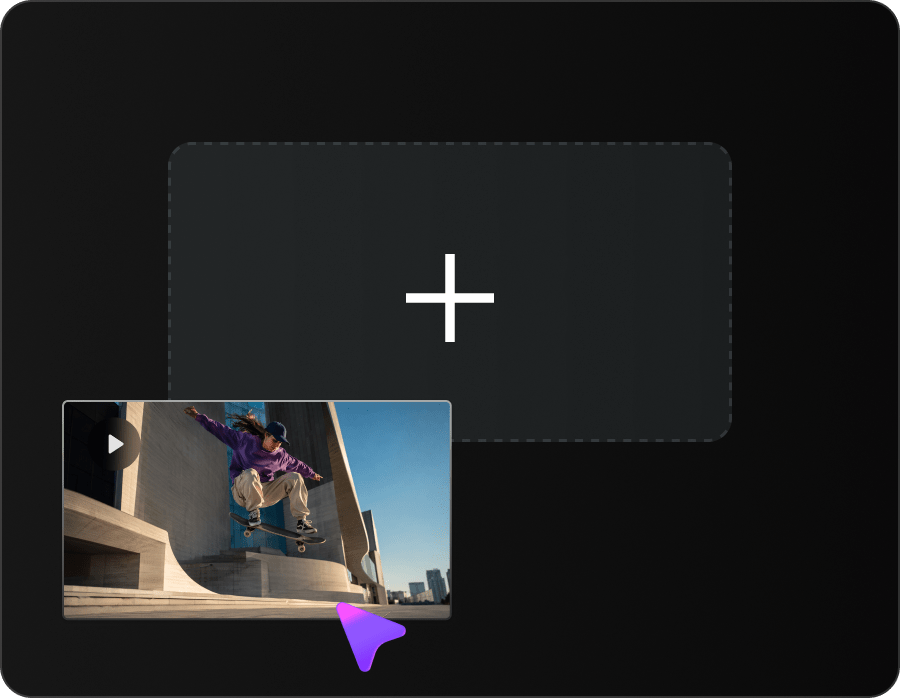
Removing a video background is simple with Media.io. Upload your video, let the AI background remover process it automatically, then preview and download your clean video in just a few steps.

step1
Step 1

Upload Your Video

Upload your MP4 or MOV video to Media.io Video Background Remover. No green screen, filming setup, or editing experience required.

step2
Step 2

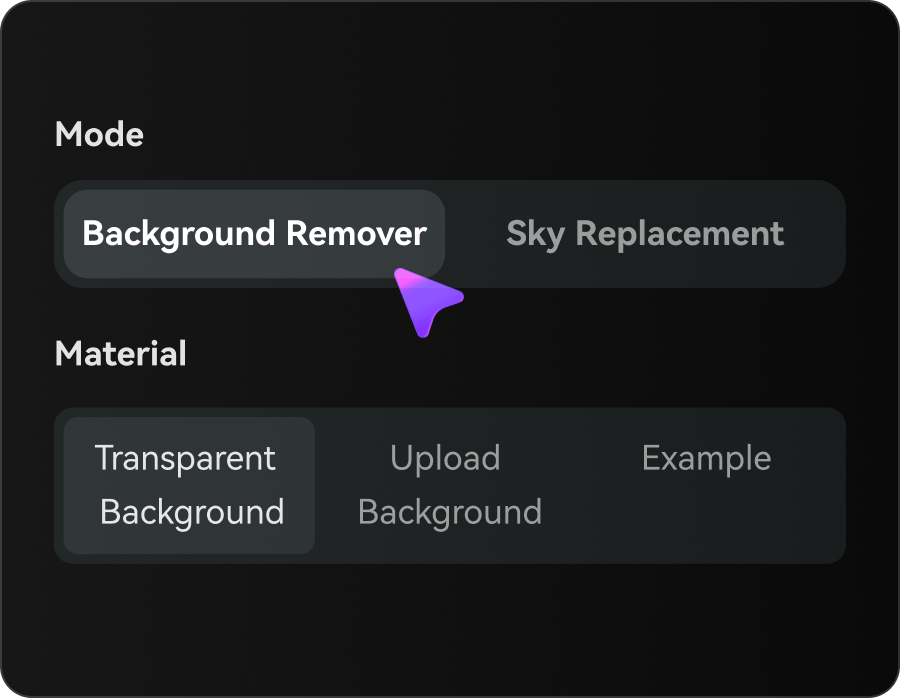
Remove or Replace the Background

Choose to remove the background, export with a transparent background, upload your own image background, or use Sky Replacement for outdoor videos. Media.io AI will automatically detect the subject and process your video frame by frame.

step3
Step 3

Download and Create More

Download your background-free video for social media, ads, product demos, tutorials, and presentations. Need matching visuals for thumbnails, banners, or product photos? Try Media.io Image Background Remover to clean up your images too.

What Users Say About Media.io Video Background Remover

See how creators, marketers, educators, and everyday users use Media.io to remove video backgrounds online faster and create cleaner videos with less editing work.

poster
Emily Carter
Social Media Creator
star

Media.io saved me a lot of editing time. I uploaded a talking-head video, removed the background automatically, and used the clean result for my course intro.

poster
Jason Miller
Digital Marketing Specialist
star

I didn't have a green screen, but the AI video background remover still gave me a clean result. It's perfect for short videos, reels, and social media content.

poster
Aaron Bennett
Small Business Owner
star

I use Media.io to remove video backgrounds from quick product demos before posting them online. The workflow is simple and much faster than manual editing.

poster
Daniel Brooks
YouTube Content Creator
star

I like that everything works in the browser. No software download, no complicated tools. Just upload a video, remove the background, and download the result.

poster
Olivia Turner
Content Marketing Manager
star

For campaign assets, Media.io helps our team change video backgrounds quickly and keep brand visuals consistent across social media posts, ads, and landing pages.

poster
Ethan Wilson
Freelance Video Editor
star

Media.io is a great online video background remover for quick client previews. I can clean up MP4 and MOV footage faster without masking every frame by hand.

FAQs About AI Video Background Remover

Can I remove video background online without green screen?

Yes. Media.io's AI video background remover lets you remove video background online without green screen setup, chroma key editing, or manual masking. Upload your video, and AI will detect the subject and separate it from the original background automatically.

To remove background from video, upload your clip to Media.io, let the AI background remover process the video frame by frame, then preview and download the finished result. The whole workflow runs online, so you do not need to install complex video editing software.

Media.io supports popular video formats such as MP4, MOV, and more. You can use it as an online MP4 background remover or MOV background remover to erase unwanted backgrounds from creator videos, product demos, tutorials, presentations, and social media clips.

Yes. After AI removes the original background, you can create a transparent video background for overlays, compositing, presentations, and further editing. You can also replace the removed background with a clean color or custom visual.

Yes. Media.io helps you remove and change video background online. Once the subject is separated, you can add a new background, use a solid color, create a cleaner studio look, or prepare the video for editing in another tool.

Processing time depends on video length, resolution, file size, and scene complexity. Short videos with a clear subject and simple background usually process faster, while longer clips or videos with motion, hair, and detailed edges may take more time.

For the best video background removal results, use footage with a clear foreground subject, good lighting, and enough contrast between the subject and background. Talking-head videos, product videos, tutorials, and social media clips usually work well.

No. Media.io is designed as an online video background remover for beginners and creators. You can remove background from video automatically with AI, without frame-by-frame editing, rotoscoping, or advanced video editing skills.