Seleziona / @ carattere, descrivi la scena che desideri generare.
0/2000
9:16
1K
1
Unlimited Banana Pro
Creations
Ideas Hub
How It Works
All
Popular features
View All
Sfida creativa di Halloween
View All
Storia di Frutta con IA
View All
Video Storia con AI
View All
Video virali oggi
View All
Video di prodotti IA
View All
Personaggio AI
View All
Tendenze di Danza
View All
GPT Image 2
View All
Seedance 2.0
View All
Match Celebrità con AI
View All
Suggerimenti per Pose di Coppia
View All
Prompt di Pose per Ragazze AI Estetiche
View All
Prompt di Pose per Ragazzo AI Elegante
View All
Generate List
Creations are stored for only 7 days. Assets created after upgrading to a Membership plan will be stored permanently.
Unlock your creative potential and experience the magic of Media AI right away!
Applica un Filtro Coquette AI per Modifiche Fotografiche Sognanti ed Editoriali
Trasforma ritratti, selfie e foto di moda in morbide modifiche coquette rosa con ispirazione ai fiocchi in pochi minuti. Media.io ti aiuta a creare un filtro coquette con un bagliore sognante, romanticismo vintage e dettagli facciali raffinati per post social, moodboard o styling personale.
Scrivi la tua idea -> L'AI la progetta. Gratuito da provare.
Esamina questi esempi di istruzioni, poi personalizza i dettagli del prompt per ottenere risultati migliori con questo filtro coquette in Media.io.
Bagliore Coquette Rosa Morbido
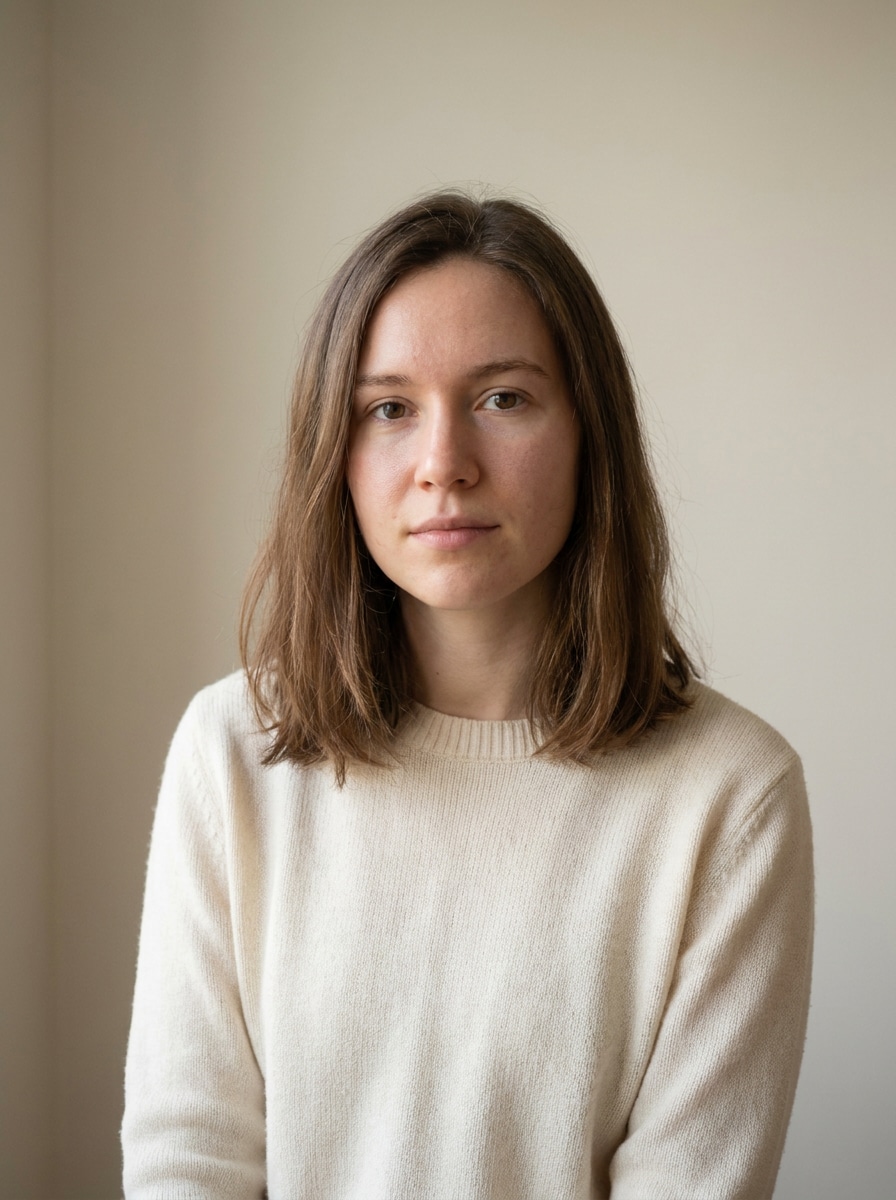
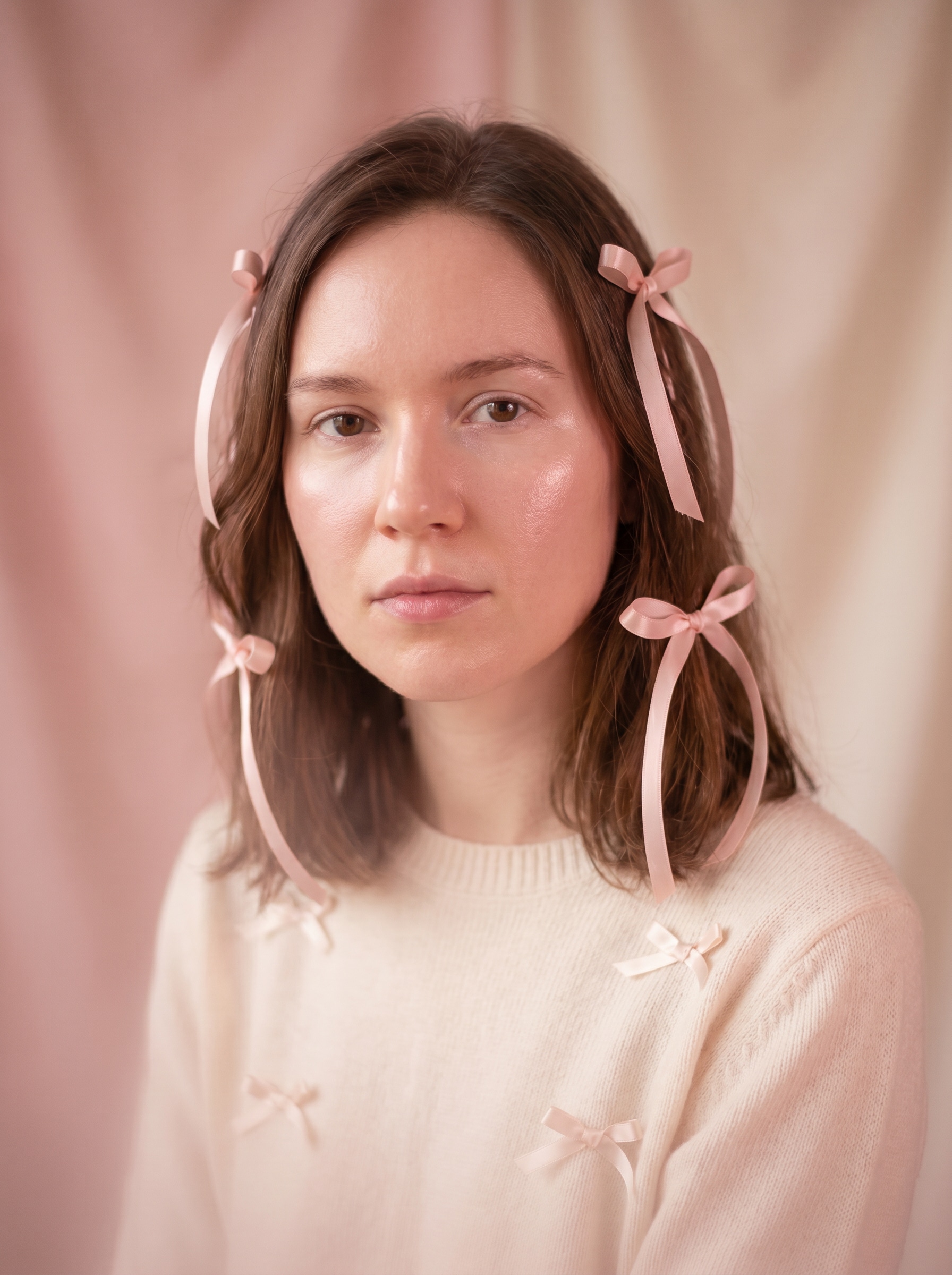
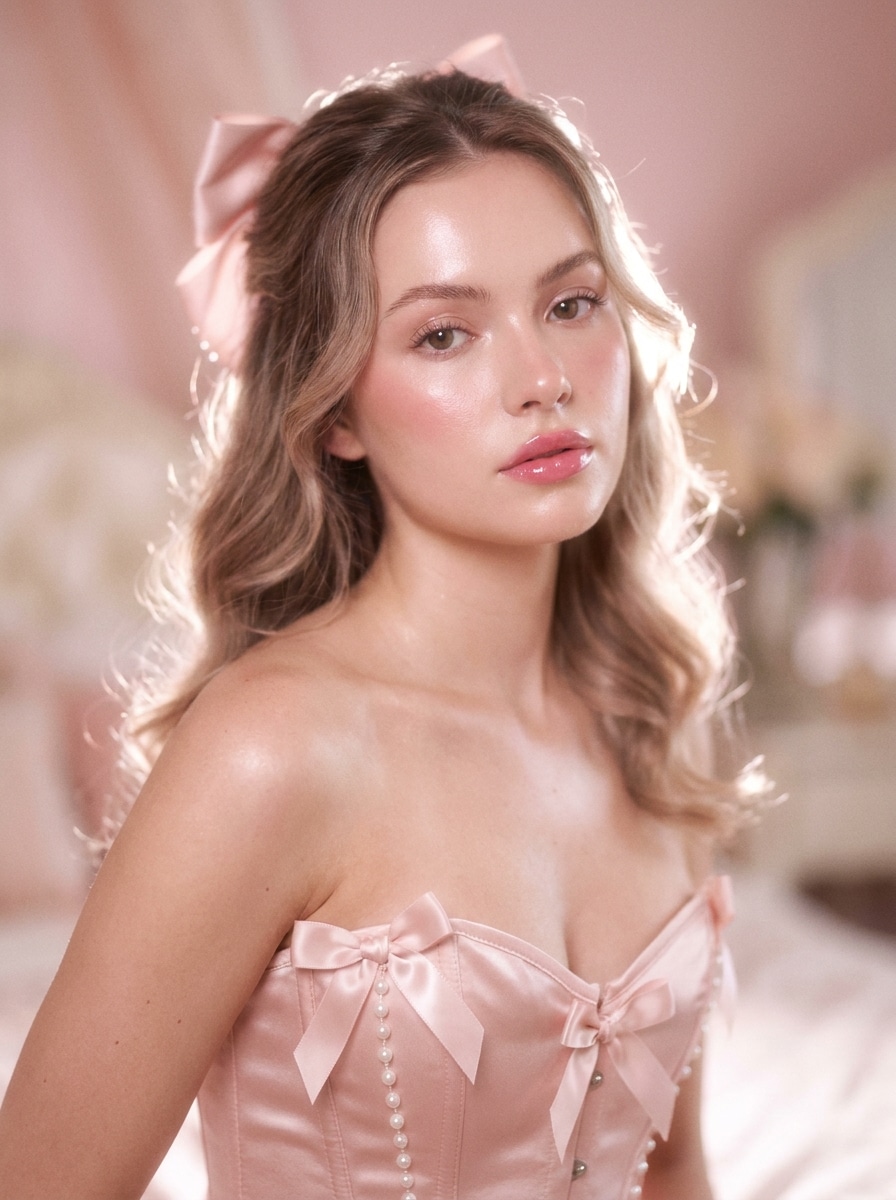
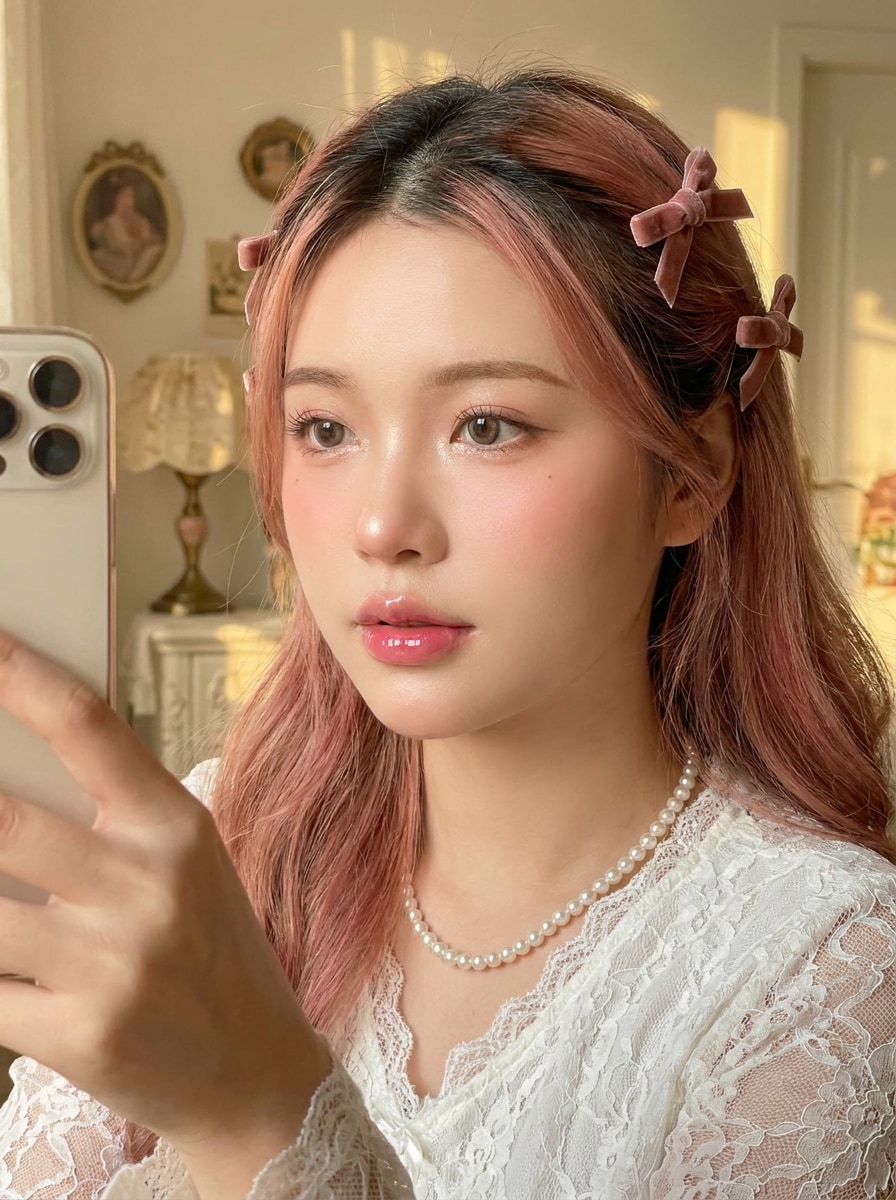
Usa l'immagine caricata come soggetto e trasformala in un ritratto coquette morbido con gradazione cromatica rosa cipria, pelle luminosa, delicati accenti con nastri, luci sognanti, morbidezza cremosa, profondità di campo ridotta, umore romantico femminile, dettagli facciali raffinati e una finitura editoriale levigata.
Editoriale Perle e Nastri
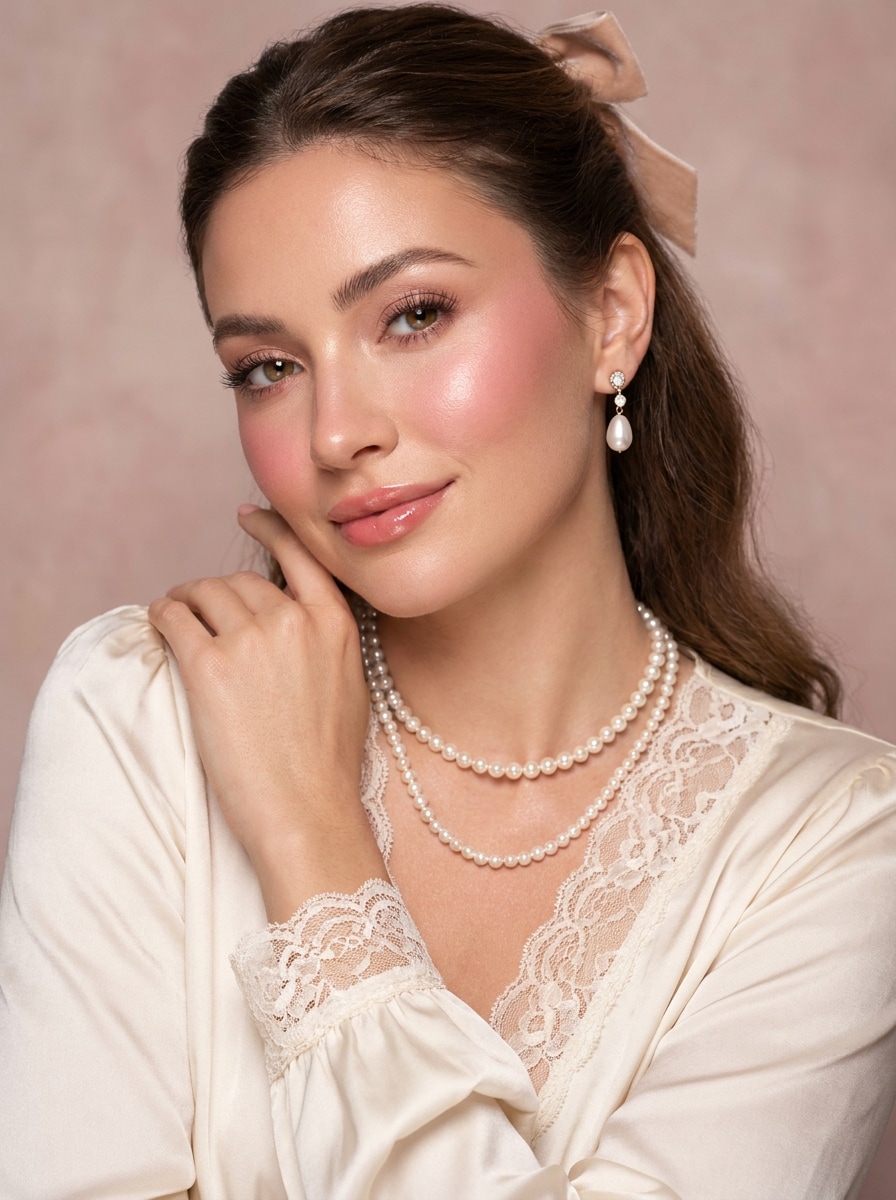
Usa la foto caricata come base e ridisegnala in un ritratto editoriale coquette di lusso con accessori in perle, motivi di nastri setosi, trucco glamour morbido, tonalità pastello cremose, illuminazione romantica da studio, composizione elegante, texture della pelle liscia ma realistica e un'atmosfera raffinata da rivista di moda.
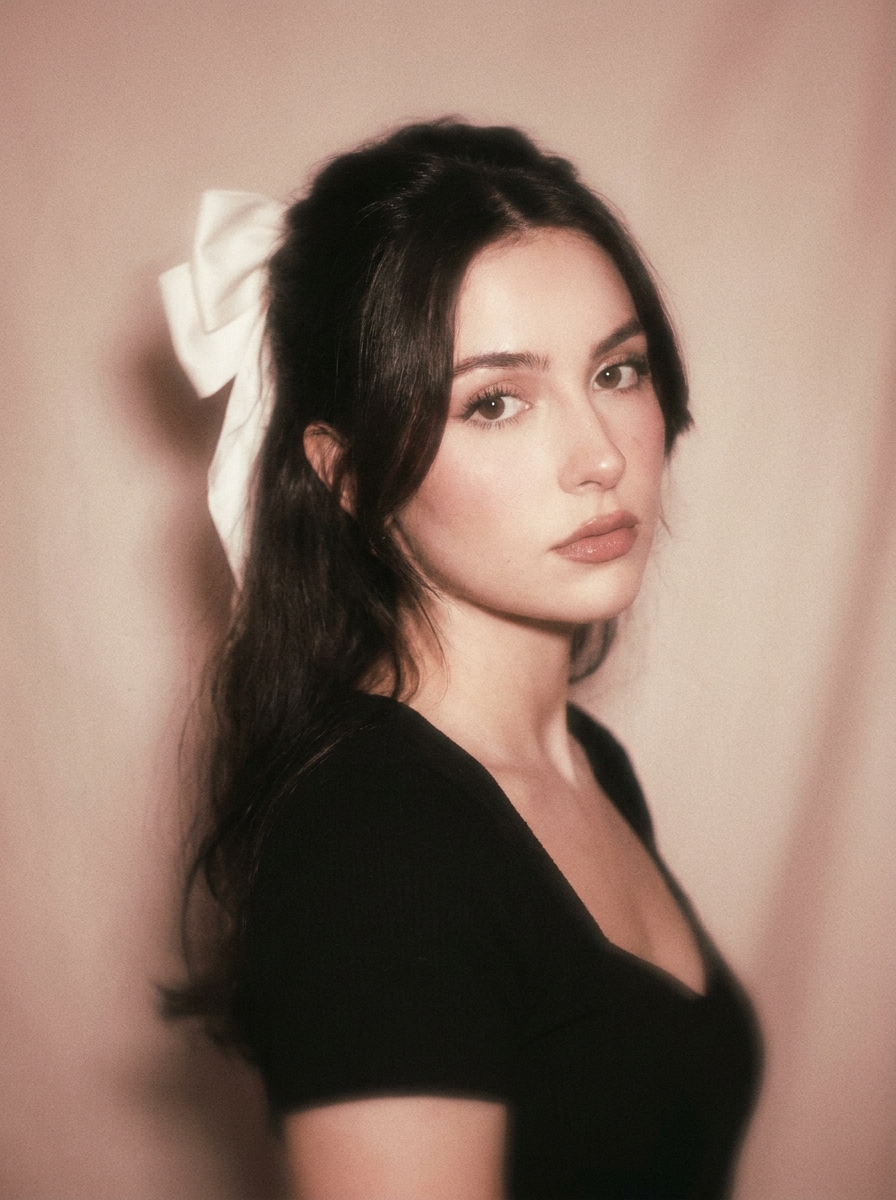
Coquette con Grana Cinematografica
Usa l'immagine caricata come soggetto e trasformala in un ritratto romantico vintage con tonalità rosa-beige sbiadite, sottile grana da pellicola 35mm, effetto flash morbido, sfocatura nostalgica, contrasto delicato, styling femminile delicato e un umore coquette malinconico mantenendo la persona riconoscibile.
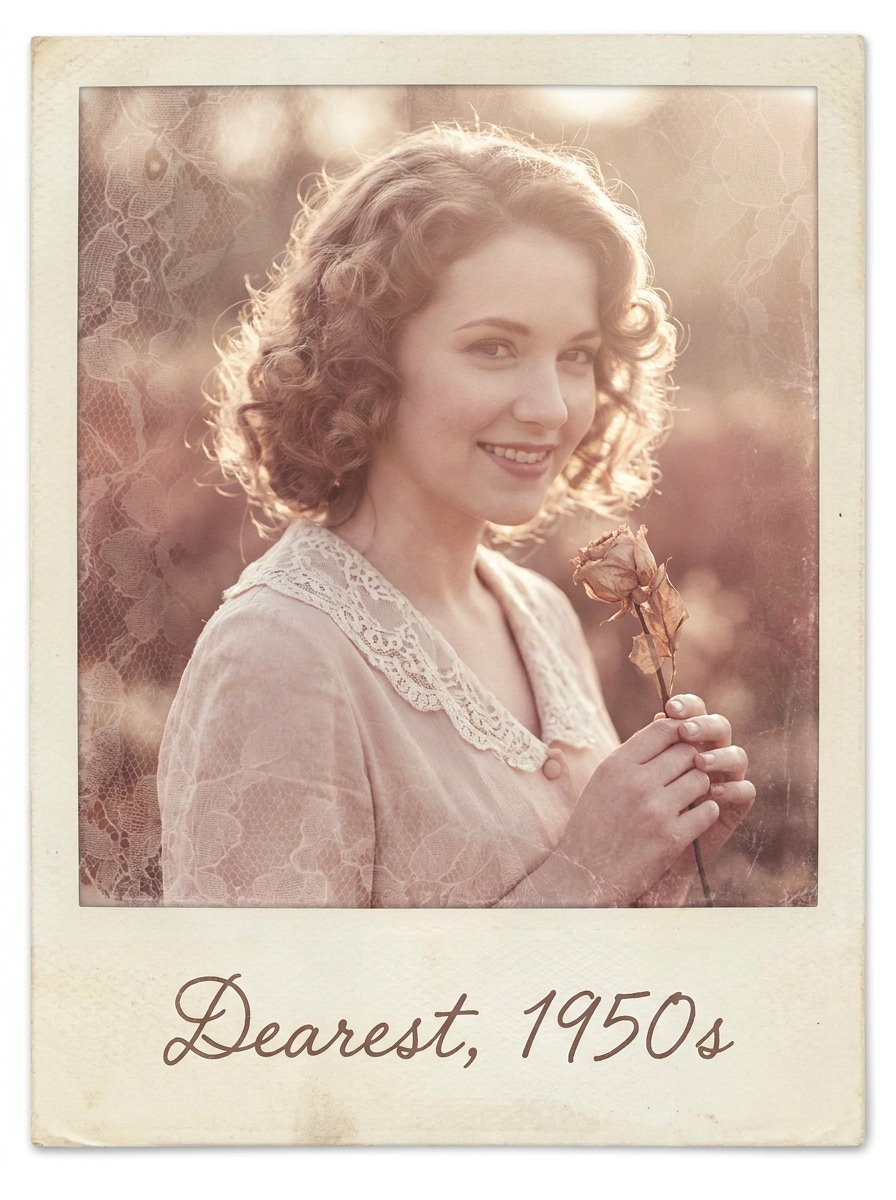
Lettera d'Amore Polaroid
Usa la foto caricata come punto focale e ridisegnala come una polaroid coquette nostalgica con bianchi cremosi, sottotoni rosati, bordi sbiaditi, umore da lettera d'amore scritta a mano, messa a fuoco morbida, texture ispirata al pizzo, luci ariose e uno styling romantico tenero che preserva comunque la nitidezza del viso.
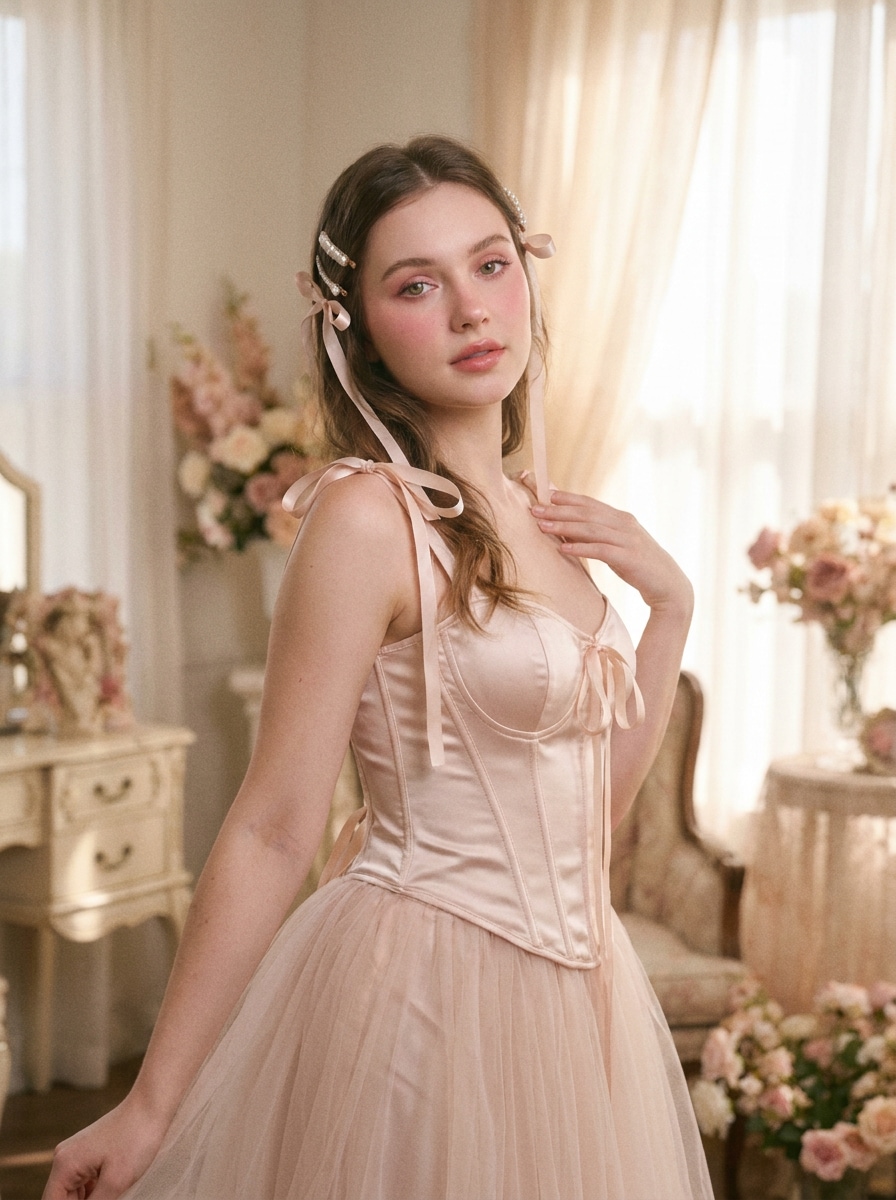
Coquette Balletcore
Usa l'immagine caricata come soggetto e trasformala in un'elaborazione coquette ispirata al balletcore con palette rosa pallido, texture satinate, eleganza graziosa, illuminazione ariosa, trucco morbido, enfasi su una postura raffinata, bagliore delicato e un'atmosfera da ritratto in studio delicata.
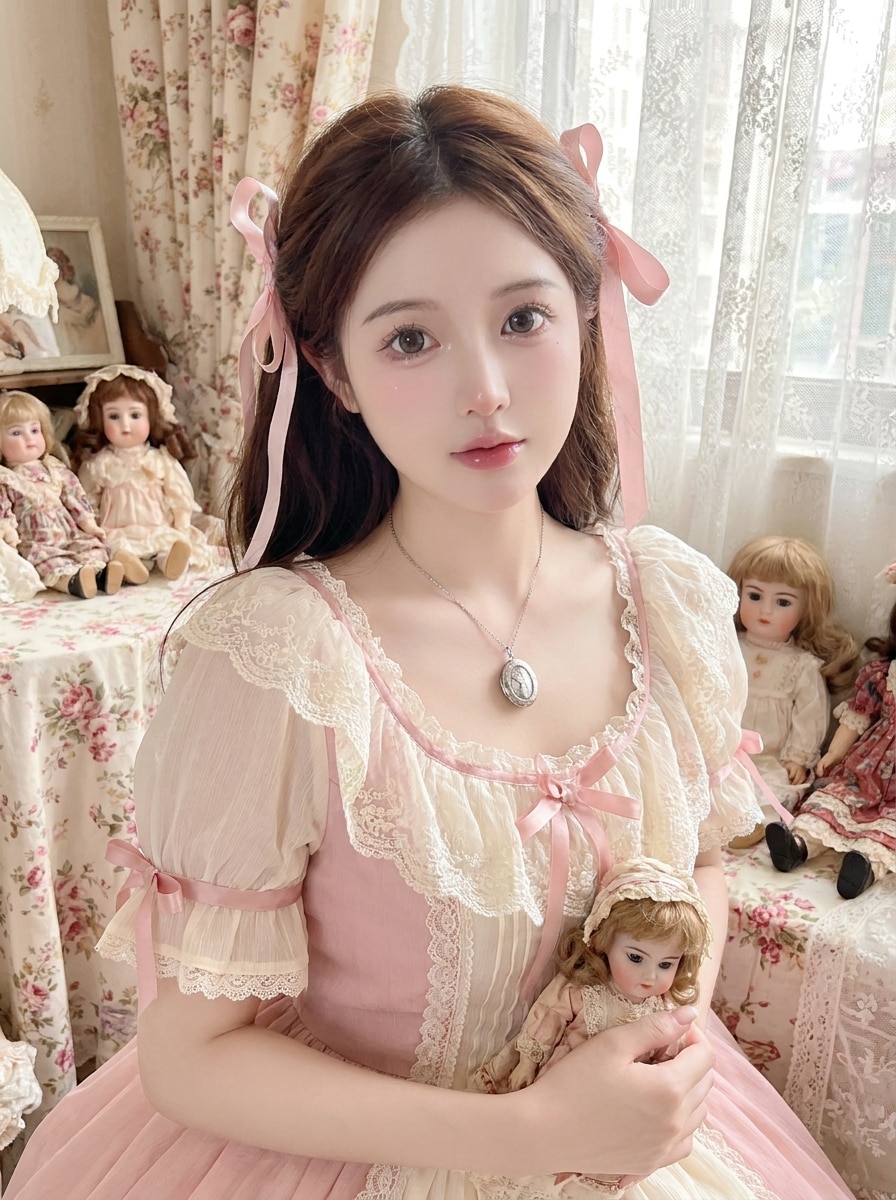
Morbidezza Bambola Dollette
Usa la foto caricata come base e crea una trasformazione coquette dollette con morbidezza porcellana, tonalità rosa pastello e avorio, occhi lucidi, dettagli di pizzo e nastri, illuminazione uniforme, dolcezza fantasiosa e una finitura sognante simile a una bambola che mantiene l'identità naturale e riconoscibile.
Filtro Selfie Coquette
Usa il selfie caricato come soggetto e miglioralo trasformandolo in un'elaborazione beauty coquette pronta per i social con levigatura della pelle lusinghiera, guance rosate, labbra lucide, occhi luminosi, luci rosa morbide, styling sottile ispirato ai fiocchi, illuminazione pulita e una finitura realistica ma curata per la condivisione.
Elaborazione Beauty Blush a Cuore
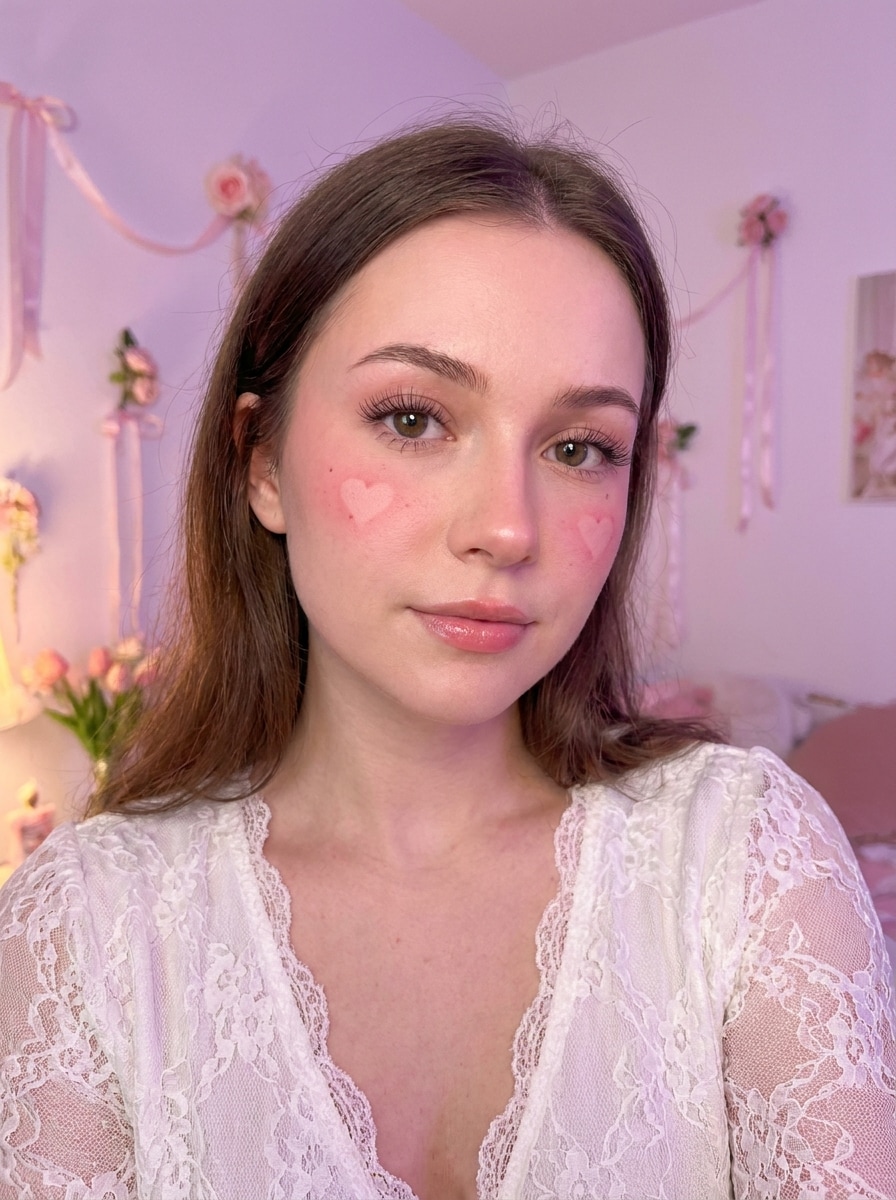
Usa il ritratto caricato come soggetto e aggiungi una trasformazione del trucco coquette romantica con applicazione del blush a forma di cuore, ciglia morbide, guance rosate, leggero lucidalabbra, illuminazione pastello, bagliore sognante, styling femminile delicato e fedeltà facciale naturale durante tutta l'elaborazione.
Sovrapposizione di Pizzo e Rose
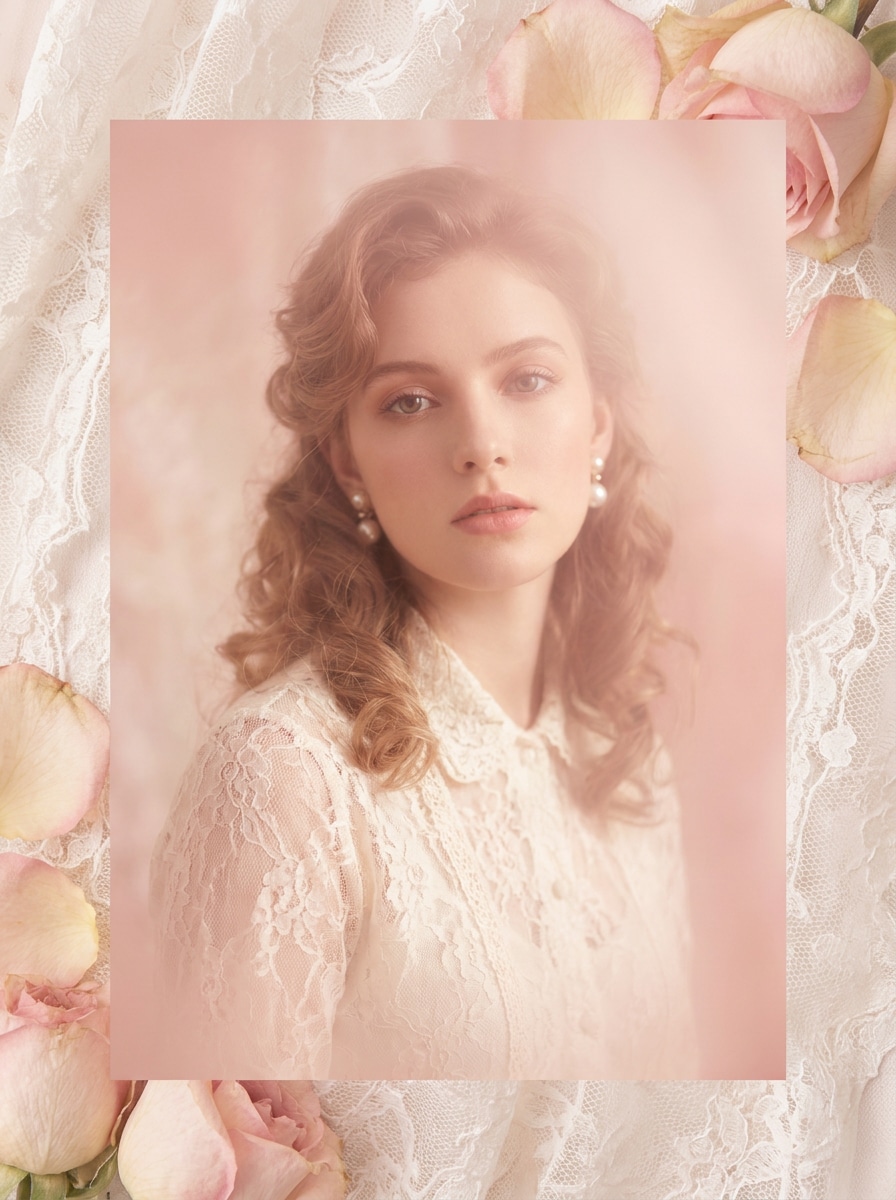
Usa l'immagine caricata come soggetto principale e aggiungi un trattamento decorativo coquette con texture di pizzo, dettagli di rose morbide, foschia rosa pastello, vignettatura elegante, luci lucide e un'atmosfera femminile romantica mantenendo il viso o l'outfit chiaramente visibili.
Elaborazione Sognante con Cornice di Fiocchi
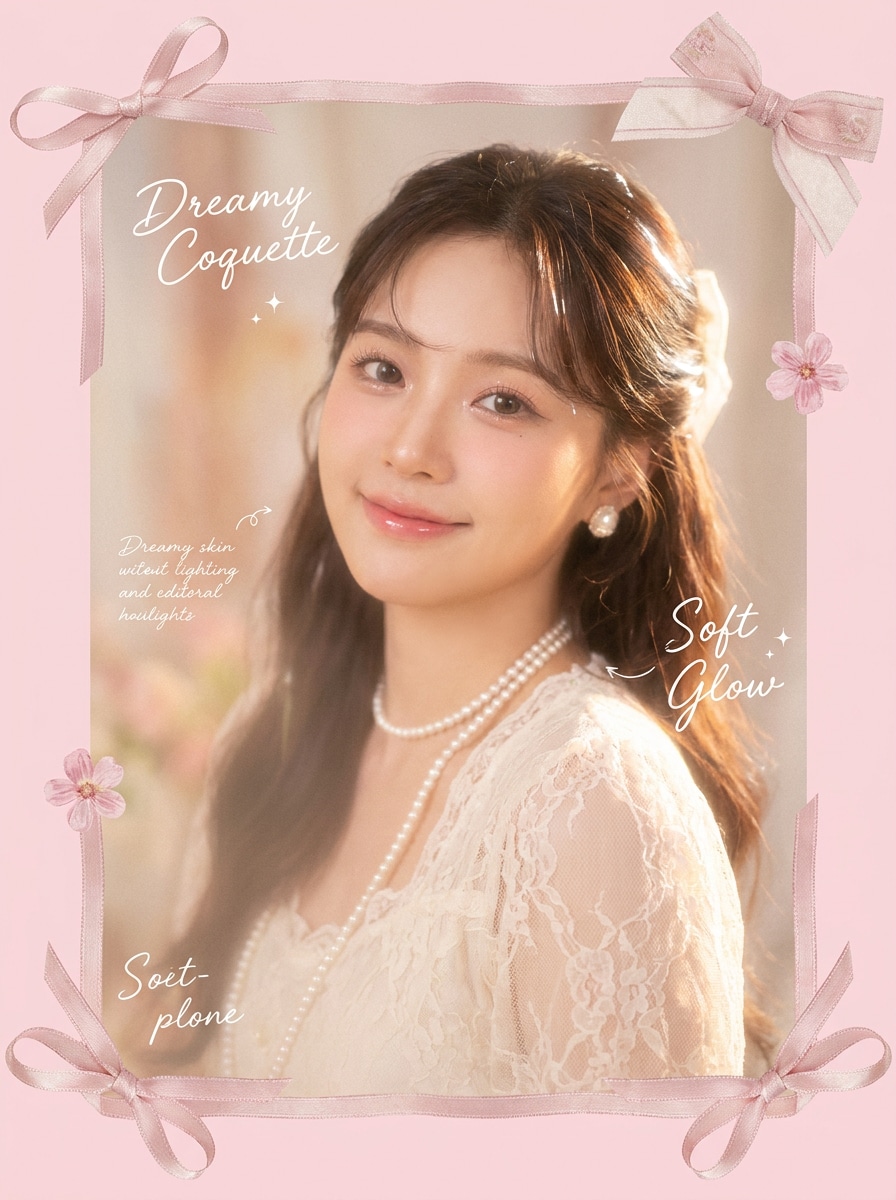
Usa la foto caricata come punto focale e trasformala in una composizione coquette sognante con elementi di cornice a fiocchi, bordi rosa pastello, bagliore morbido, luci lucide, elementi di design femminili delicati, texture ariosa e un'estetica affascinante per i post social.
Perché Usare Media.io per un Filtro Estetico Coquette
Preserva l'Identità Cambiando l'Aspetto
Per selfie, ritratti o foto di outfit, Media.io ti permette di caricare una foto reale e applicare un filtro estetico coquette senza perdere l'identità del soggetto. L'aspetto rimane sognante e stilizzato mentre i tratti del viso, la posa e i dettagli chiave rimangono credibili.
Rielabora un Soggetto in Più Stili
Per le elaborazioni basate sul caricamento, Media.io mantiene il soggetto di riferimento visivamente coerente cambiando la direzione visiva finale del filtro coquette, il che rende gli output personalizzati più facili da usare con sicurezza. Ciò conferisce alle elaborazioni basate su riferimenti un senso di continuità più credibile.
Mantieni le Immagini Finali Nitide per Progetti Reali
L'attrattiva dell'anteprima non è sufficiente per i lavori creativi finiti, quindi Media.io aiuta a generare immagini del filtro coquette più nitide con output fino a 4K. L'immagine finale è più adatta per sfondi, presentazioni e mockup dove la qualità dell'immagine è ancora importante.
Crea nel Browser su Qualsiasi Dispositivo
I creator spesso passano dal telefono al computer, e Media.io mantiene la creazione del filtro coquette nel browser in modo che il processo rimanga semplice. Puoi continuare a modificare ovunque lavori senza aggiungere software extra al flusso di lavoro.
Come Applicare un Filtro Coquette Online
Trasforma le tue parole in immagini straordinarie in tre semplici passaggi, poi continua a perfezionare il risultato se vuoi approfondire.
Passaggio 1
Carica la Tua Immagine di Riferimento
Inizia con un selfie chiaro, un ritratto o una foto a figura intera in formato JPG, PNG o JPEG. Un'immagine nitida con tratti del viso visibili, dettagli dell'outfit e illuminazione equilibrata fornisce all'AI una base migliore per elaborazioni in rosa morbido, ispirate ai fiocchi o al romanticismo vintage.
Passaggio 2
Descrivi il Cambiamento e Imposta le Opzioni
Inserisci l'aspetto che desideri, come perle, pizzo, blush pastello, bagliore sognante, grana cinematografica o styling balletcore. Poi scegli il modello preferito e regola il rapporto d'aspetto, la qualità dell'output e il numero di varianti dell'immagine in base all'uso finale.
Passaggio 3
Genera, Scarica e Continua a Migliorare
Crea le tue immagini trasformate, confronta le versioni e scarica quella più adatta. Se desideri un umore editoriale più forte o una finitura più morbida, perfeziona il prompt, rigenera e continua a esplorare nuove varianti coquette dalla stessa foto.
Scopri come i creator usano questo filtro coquette per contenuti, marketing e progetti personali, poi adatta ogni idea al brief.
Migliora i Selfie per i Feed Social
Trasforma le foto quotidiane dalla fotocamera frontale in ritratti romantici e raffinati con fiocchi, tonalità rosate, luci lucide e morbidezza sognante. Questo stile da filtro selfie coquette funziona bene per le foto del profilo, le copertine del carosello o i post estetici nelle storie che richiedono un tocco editoriale femminile.
Costruisci Serie di Ritratti Pronti per Moodboard
Genera più varianti stilizzate da un singolo caricamento per abbinarle a bacheche Pinterest, fan edit o raccolte di ispirazione personale. Un aspetto da filtro foto coquette con texture cinematografiche morbide, sovrapposizioni di pizzo e cornici pastello aiuta le immagini a sembrare curate invece di un preset generico.
Ridisegna Rapidamente Foto di Outfit e Moda
Dai alle foto del lookbook o alle foto casual allo specchio una direzione romantica più raffinata senza dover rifare le riprese. Un filtro estetico coquette con bagliore sognante, accenti di perle e gradazione cromatica vintage può rendere i contenuti di moda più coesi per le pagine del brand, i diari di stile o le campagne tematiche.
Cosa Dicono gli Utenti di Questo Filtro Coquette
Maya R.
Creatrice di Contenuti Beauty
"Perfetto per le elaborazioni selfie rosa morbide" Volevo un modo rapido per trasformare i selfie comuni in qualcosa di più carino e editoriale. Media.io mi ha dato quel bagliore rosa sognante, la finitura lucida e l'umore ispirato ai fiocchi senza far sembrare il mio viso artificiale.
Elena T.
Curatrice di Moodboard su Pinterest
"Gli stili romantici vintage sembrano incredibili" Ho testato diversi look da una sola foto e mi è piaciuto quanto fosse facile passare da elaborazioni polaroid, grana cinematografica e ricche di perle. I risultati si adattano alle mie bacheche molto meglio dei filtri rosa standard.
Sophie L.
Lifestyle Influencer
"Facile da usare anche senza competenze di editing" Non sono brava nel ritocco manuale, quindi questo flusso di lavoro mi ha davvero aiutato. Ho caricato una foto, descritto l'atmosfera e ho ottenuto un look coquette raffinato in pochi tentativi che ha funzionato bene per le copertine di Instagram.
Nina C.
Studentessa di Moda
"Ottima conservazione dei dettagli nei ritratti" Ciò che mi ha impressionato di più è stato che lo stile è cambiato molto, ma i miei tratti del viso sembravano ancora i miei. Quell'equilibrio ha reso le immagini finali creative, non sovraelaborate.
Esplora i più popolari effetti video e immagini AI
1. Cos'è un filtro coquette e come modifica una foto?
Un filtro coquette è uno stile fotografico che conferisce a un'immagine un aspetto morbido, romantico e femminile attraverso tonalità rosa cipria, bagliore sognante, morbidezza vintage, fiocchi, perle, accenti ispirati al pizzo o delicate indicazioni di trucco. Con Media.io, carichi una foto e usi l'AI per cambiare l'umore e lo styling mantenendo il soggetto originale visibile e riconoscibile.
2. Come posso applicare un filtro coquette alla mia immagine online?
Carica un'immagine JPG, PNG o JPEG su Media.io, poi descrivi l'aspetto che desideri, come un ritratto rosa morbido, una finitura romantica vintage o un effetto editoriale sognante. Dopodiché, scegli il modello preferito, imposta opzioni come il rapporto d'aspetto o la risoluzione e genera l'immagine online nel tuo browser.
3. C'è un filtro coquette gratuito che posso provare prima di passare a un piano a pagamento?
Media.io offre crediti gratuiti per provare un'elaborazione coquette prima di passare a un piano a pagamento. L'utilizzo gratuito può includere filigrane, mentre i piani a pagamento forniscono più crediti e download in alta risoluzione senza filigrana nella pagina dei prezzi.
4. Un filtro coquette AI può funzionare su selfie e foto a figura intera?
Media.io può lavorare con selfie ravvicinati, ritratti e immagini a figura intera purché la foto caricata sia sufficientemente chiara perché l'AI possa leggere il soggetto. Ciò lo rende utile per elaborazioni beauty, foto di outfit, ritratti di moda romantici e contenuti stilizzati per i social media.
5. Il filtro estetico coquette manterrà il mio viso e i dettagli realistici?
Sì, soprattutto se inizi con una foto di riferimento chiara e usi un prompt focalizzato su umore, illuminazione, trucco e styling decorativo piuttosto che su cambiamenti estremi. Media.io è costruito per l'editing da immagine a immagine, quindi può preservare la struttura facciale e i dettagli importanti applicando uno stile di filtro estetico coquette.
6. Posso usare un filtro foto coquette su iPhone, Android e desktop?
Media.io è basato sul web, quindi puoi usarlo su iPhone, Android, Mac, Windows o altri dispositivi con un browser. Ciò rende facile creare un'elaborazione con filtro foto coquette dal tuo telefono, tablet o computer senza installare software separati.