Seleziona / @ carattere, descrivi la scena che desideri generare.
0/2000
9:16
1K
1
Unlimited Banana Pro
Creations
Ideas Hub
How It Works
All
Popular features
View All
Sfida creativa di Halloween
View All
Storia di Frutta con IA
View All
Video Storia con AI
View All
Video virali oggi
View All
Video di prodotti IA
View All
Personaggio AI
View All
Tendenze di Danza
View All
GPT Image 2
View All
Seedance 2.0
View All
Match Celebrità con AI
View All
Suggerimenti per Pose di Coppia
View All
Prompt di Pose per Ragazze AI Estetiche
View All
Prompt di Pose per Ragazzo AI Elegante
View All
Generate List
Creations are stored for only 7 days. Assets created after upgrading to a Membership plan will be stored permanently.
Unlock your creative potential and experience the magic of Media AI right away!
Generatore di Sfondi AI per Prodotti per Scene Ecommerce Realistiche e Veloci
Crea scatti in studio puliti, set di lifestyle e ritagli trasparenti da una sola foto del prodotto caricata. Questo generatore di sfondi AI per prodotti aiuta venditori e marketer a sostituire sfondi noiosi con immagini realistiche e pronte per la pubblicità per annunci, post social e campagne in pochi minuti. I creatori lo usano spesso come AI per cambiare lo sfondo del prodotto.
Digita la tua idea -> L'AI la progetta. Gratuito da provare.
Esamina questi esempi di indicazioni, poi personalizza i dettagli del prompt per ottenere risultati migliori con questo generatore di sfondi AI per prodotti.
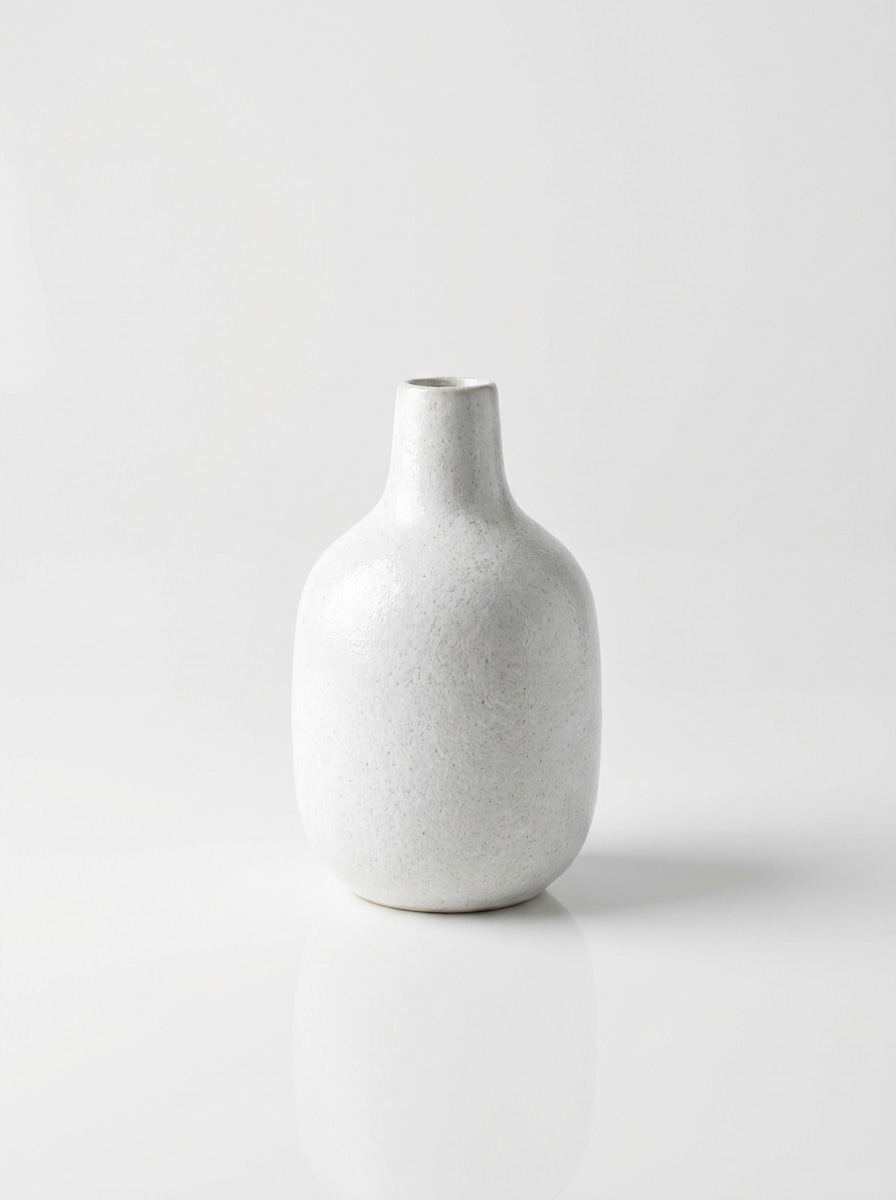
Studio Bianco Pulito
Usa l'immagine del prodotto caricata come soggetto e trasformala in uno scatto da studio con sfondo bianco pulito. Mantieni il prodotto centrato con illuminazione morbida e diffusa, un'ombra naturale sottile, un leggero riflesso sulla superficie, bordi nitidi, composizione minimale e realismo premium pronto per l'ecommerce.
Sfondo con Gradiente Morbido
Usa l'immagine del prodotto caricata come soggetto e posizionala su uno sfondo con gradiente pastello morbido. Aggiungi un'illuminazione delicata, un'ombra realistica tenue, una transizione cromatica fluida, una composizione minimalista di lusso, un controllo raffinato della texture e un'illuminazione da campagna beauty di alta gamma per un aspetto commerciale curato.
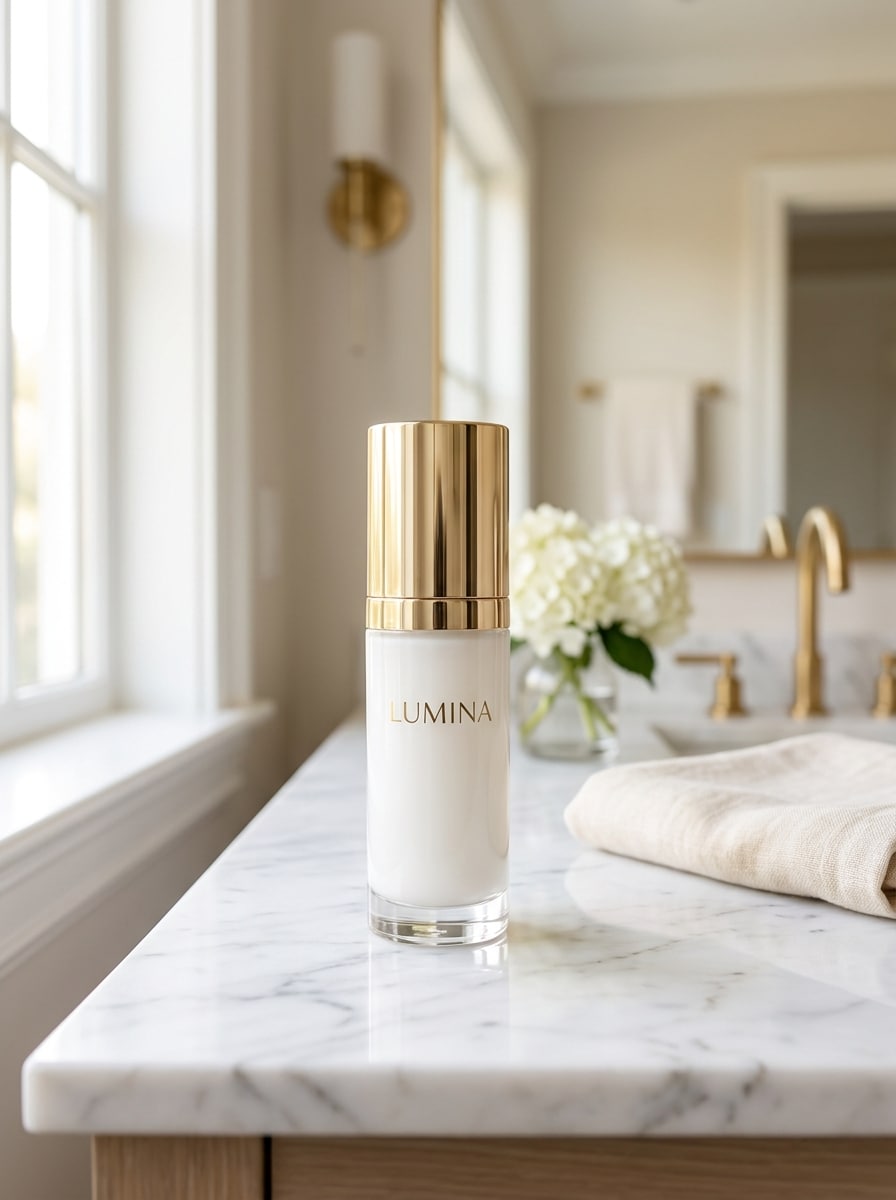
Piano del Bagno in Marmo
Usa l'immagine del prodotto caricata come soggetto e posizionala su un elegante piano in marmo in un bagno luminoso. Aggiungi luce soffusa dalla finestra, riflessi eleganti, profondità di campo ridotta, toni neutri premium, riflessi sottili e continuità delle ombre realistica per una scena editoriale di prodotto di alta gamma.
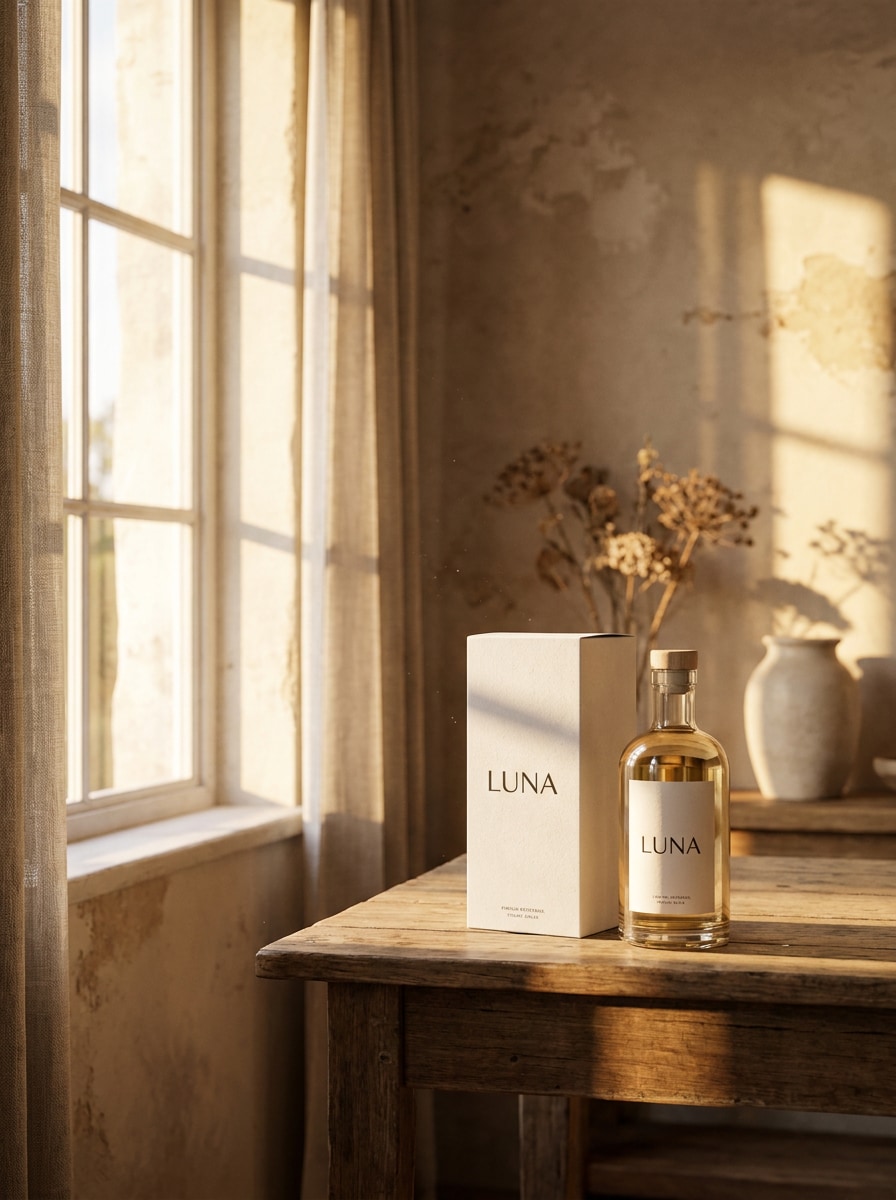
Scena con Luce dell'Ora Dorata
Usa l'immagine del prodotto caricata come soggetto e trasformala in una calda scena d'interni all'ora dorata. Includi il bagliore solare dalla finestra, ombre allungate e morbide, composizione editoriale, riflessi ambra caldi, materiali credibili e un'atmosfera lifestyle premium e pulita che mantiene il prodotto completamente leggibile.
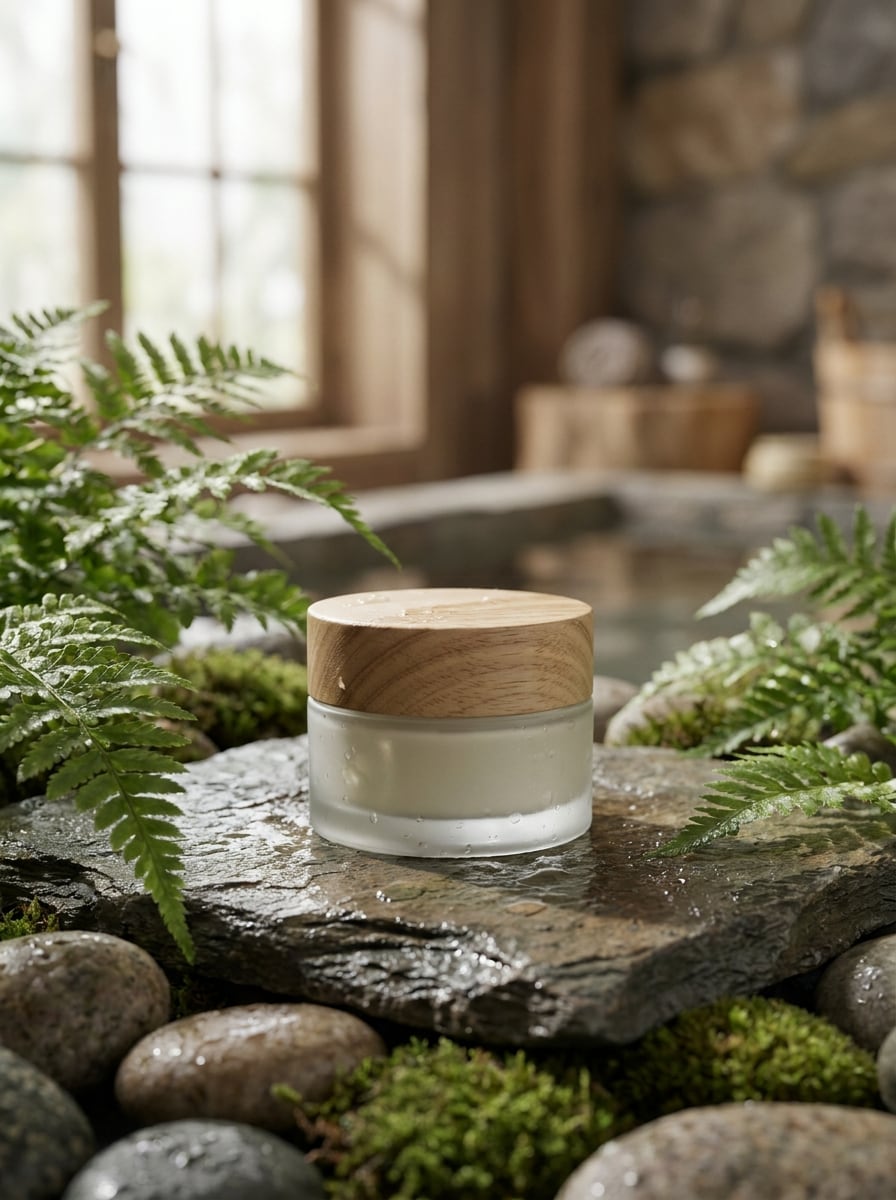
Ambientazione Spa Botanica
Usa l'immagine del prodotto caricata come soggetto e crea uno sfondo spa botanico con foglie verdi, texture di pietra liscia, luce diurna soffusa, colori terrosi attenuati, delicati riflessi di umidità e un'atmosfera wellness premium e tranquilla. Mantieni la scena realistica, ordinata e adatta alla pubblicità per la cura della pelle.
Scena con Schizzo d'Acqua Fresca
Usa l'immagine del prodotto caricata come soggetto e aggiungi uno sfondo con schizzo d'acqua fresca, illuminazione fredda e dettagli nitidi. Mantieni lo schizzo dinamico ma credibile, preserva la forma e la leggibilità del prodotto e mantieni una composizione pronta per la pubblicità con riflessi realistici e contrasto pulito.
Allestimento Regalo per le Feste
Usa l'immagine del prodotto caricata come soggetto e trasformala in un'esposizione festiva di regali per le feste. Aggiungi luci calde, eleganti accessori regalo, bokeh morbido, colori stagionali raffinati, stile retail premium e ombre e riflessi realistici, mantenendo il prodotto come chiaro punto focale.
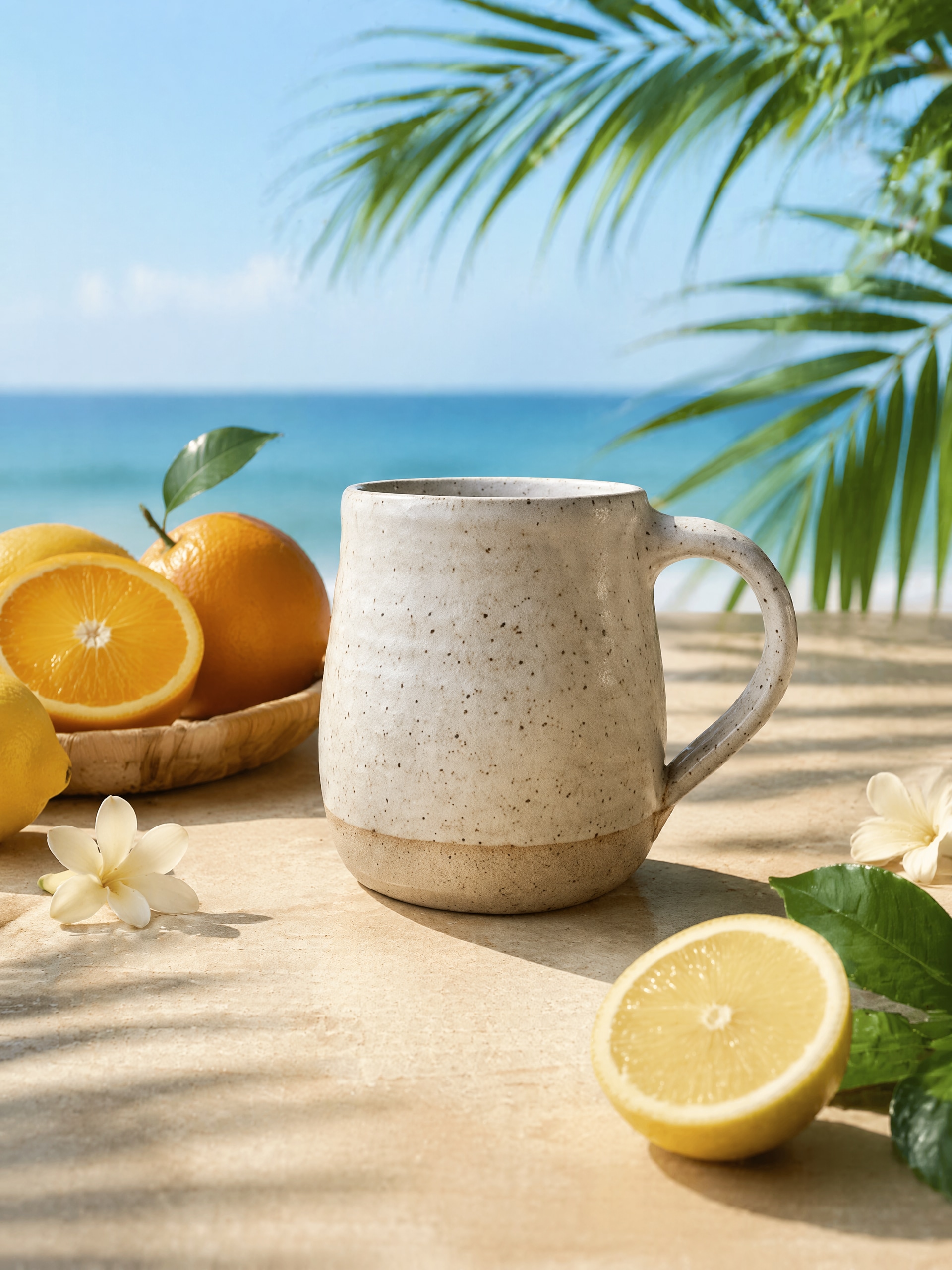
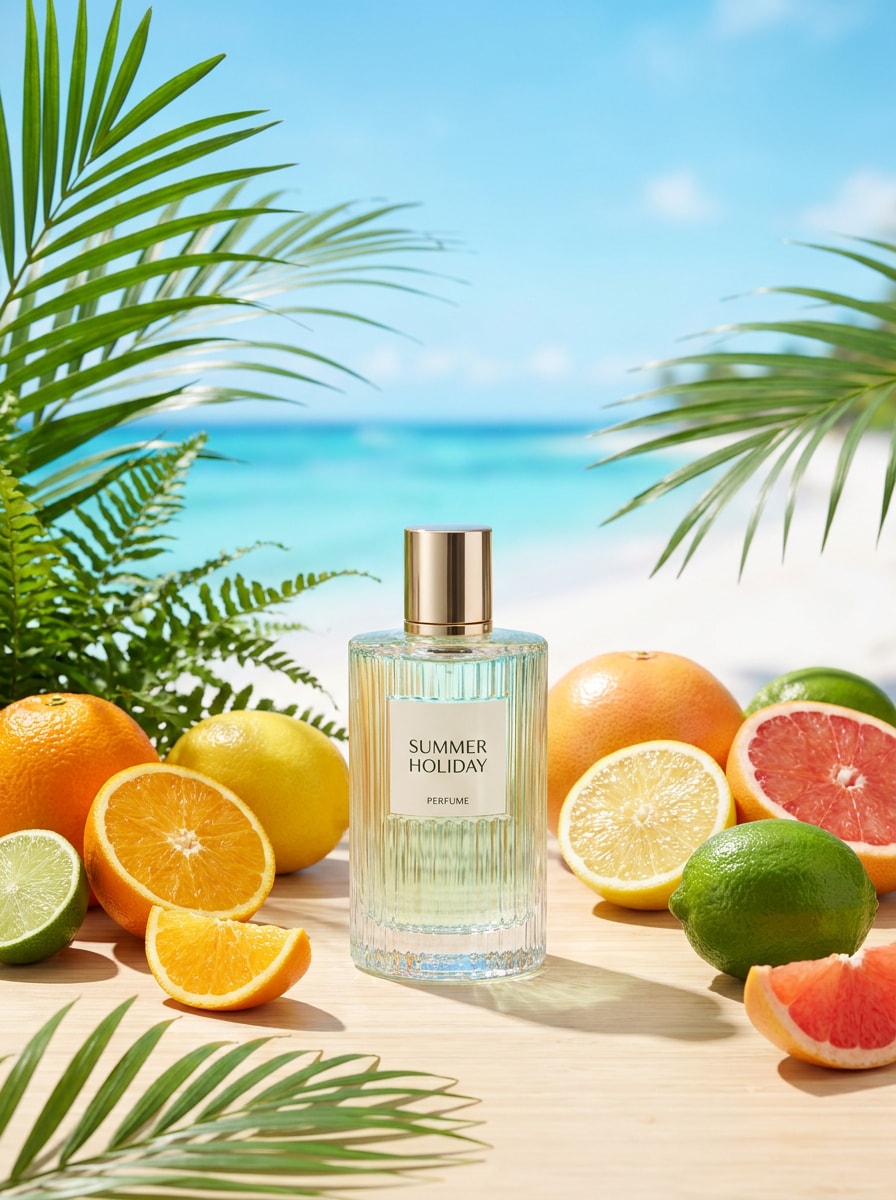
Campagna Estiva Tropicale
Usa l'immagine del prodotto caricata come soggetto e crea una vivace scena da campagna tropicale. Aggiungi accenti di agrumi freschi o palme, luce diurna brillante, composizione pulita, colori vividi ma controllati, ombre realistiche ben ancorate e realismo commerciale curato adatto per annunci stagionali e creatività social.
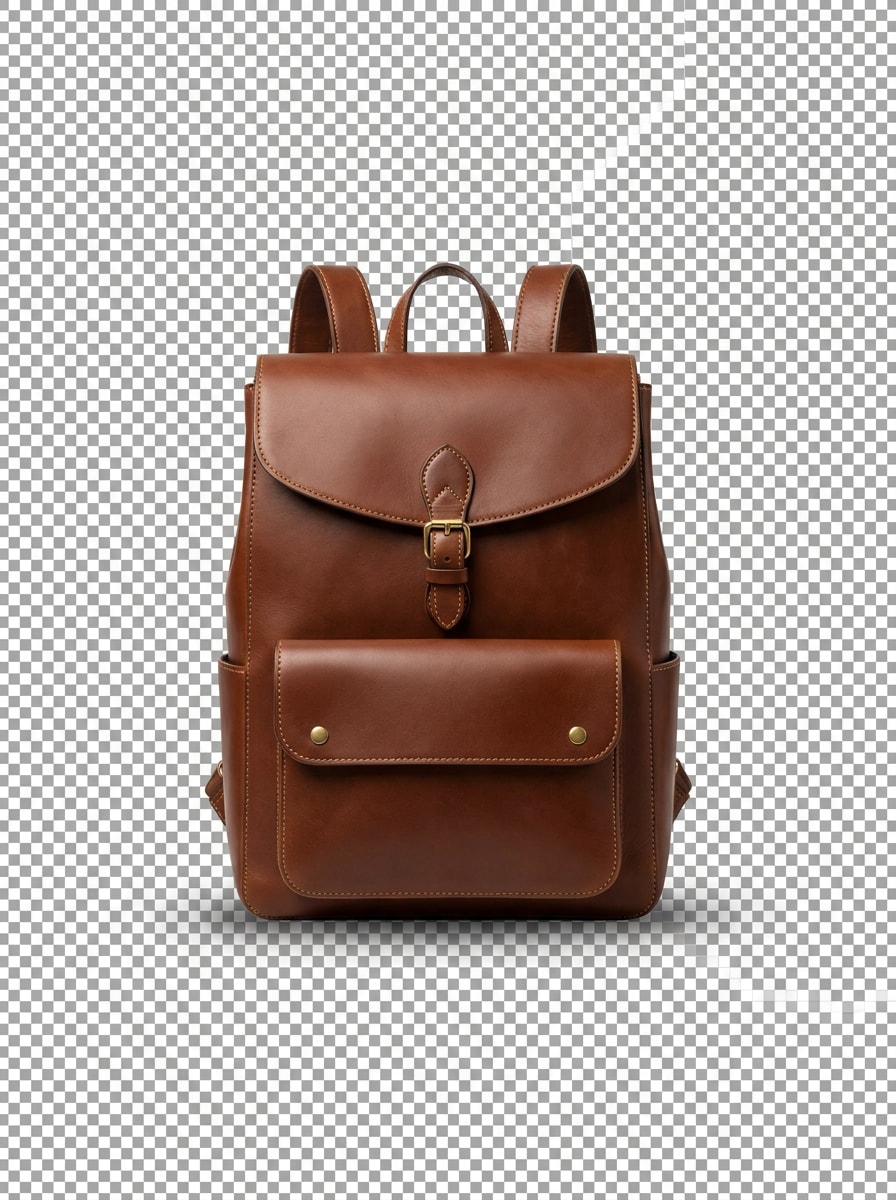
Rimozione Sfondo Trasparente
Usa l'immagine del prodotto caricata come soggetto e rimuovi l'intero sfondo in modo pulito. Preserva la forma originale del prodotto, i bordi, i dettagli fini e le proporzioni naturali, con un'ombra sottile opzionale per il realismo, creando un ritaglio trasparente adatto per gli annunci ecommerce e i layout grafici.
Base Infografica in Stile Amazon
Usa l'immagine del prodotto caricata come soggetto e genera uno sfondo neutro e pulito adatto per gli annunci su Amazon o Shopify. Mantieni il layout ordinato con illuminazione realistica, un'ombra di ancoraggio sottile, dettagli nitidi e spazio sufficiente per testo o elementi infografici.
Perché Usare Media.io per Cambiare gli Sfondi dei Prodotti
Trasforma una foto del prodotto in più scene pronte per la vendita
Per Amazon, Shopify, Etsy e campagne social, Media.io ti permette di caricare un'immagine di riferimento e generare rapidamente nuovi sfondi da studio o lifestyle, così puoi creare più varianti di annunci e inserzioni senza dover riscattare il prodotto.
Abbina lo Stile Giusto per Ogni Versione
Output diversi richiedono estetiche diverse. Media.io ti aiuta a esplorare trattamenti variati dello stesso concetto di sfondo prodotto, così il risultato visivo finale raggiunge il tono giusto più rapidamente.
Adatta gli output per inserzioni, annunci e layout social
Quando lo stesso sfondo prodotto deve funzionare su più posizionamenti, Media.io aiuta a personalizzare l'output per formati social, di presentazione e promozionali senza ricostruire il concept da zero.
Mantieni la Nitidezza delle Immagini di Sfondo nell'Output Finale
Per le immagini di prodotto che devono essere visualizzate oltre una piccola anteprima, Media.io ti aiuta a cambiare lo sfondo del prodotto con AI trasformando i flussi di lavoro in output più nitidi fino a 4K, così l'immagine finale rimane più affidabile per uso in design, marketing e presentazioni.
Come Usare il Generatore di Sfondi AI per Prodotti
Trasforma le tue parole in immagini straordinarie in tre semplici passaggi, poi continua a perfezionare il risultato se vuoi approfondire.
Passo 1
Carica la Tua Immagine di Riferimento
Inizia con una foto del prodotto in formato JPG, PNG o JPEG chiara. Un'immagine centrata con bordi visibili, illuminazione pulita e dettagli del packaging ben definiti fornisce allo strumento un riferimento migliore per ritagli, ombre realistiche e sostituzioni di scena.
Passo 2
Descrivi il Cambiamento e Imposta le Opzioni
Indica all'AI quale sfondo desideri, come uno studio bianco, un piano in marmo, una scena spa o un ritaglio trasparente. Poi scegli il modello e regola il rapporto d'aspetto, la risoluzione e il numero di immagini per adattarli ai formati ecommerce, pubblicitari o social.
Passo 3
Genera, Scarica e Continua a Migliorare
Crea più varianti, confronta i risultati e scarica la versione che si adatta alla tua inserzione o campagna. Puoi perfezionare il prompt, provare un altro stile di sfondo o generare più opzioni finché la scena non sembra giusta.
Sblocca il Potenziale dell'AI per Cambiare lo Sfondo del Prodotto
Scopri come i creatori usano questo generatore di sfondi AI per prodotti per contenuti, marketing e progetti personali, poi adatta ogni idea al tuo brief.
Aggiorna le inserzioni ecommerce senza un nuovo servizio fotografico
Carica un packshot esistente e crea immagini per vetrina più curate per Amazon, Shopify o Etsy. Media.io ti aiuta a sostituire un setup noioso con scene da studio o lifestyle di qualità professionale, mantenendo la presentazione del prodotto coerente in tutto il catalogo.
Crea creatività pubblicitarie per i social a pagamento più velocemente
I marketer possono trasformare un'unica immagine sorgente in diversi look curati per la campagna, dai gradienti minimali ai set stagionali. Media.io ti aiuta a testare rapidamente diversi mood e stili di merchandising, rendendo più facile produrre immagini fresche per lanci e promozioni.
Prepara ritagli e layout brandizzati per i team di design
Se il tuo flusso di lavoro richiede asset trasparenti e varianti di scena realistiche, Media.io supporta entrambe. I team possono prima isolare i prodotti, poi generare sfondi curati per banner, card, mockup o presentazioni incentrate sul prodotto con meno editing e revisioni.
Cosa Dicono gli Utenti
Maya Chen
Proprietaria di un Negozio Shopify
"Aggiornamenti rapidi delle inserzioni" Ho usato una foto del prodotto per creare diverse immagini per vetrina più curate in pochi minuti. Gli sfondi in stile studio e marmo sembravano abbastanza raffinati per le mie pagine Shopify, e il flusso di lavoro era molto più veloce rispetto a prenotare un nuovo servizio fotografico.
Daniel Brooks
Performance Marketing Manager
"Utile per i test degli annunci" Avevamo bisogno di più look per gli annunci social senza ridisegnare ogni asset da zero. Media.io ha reso facile generare scene di prodotto realistiche con mood diversi, e il flusso di lavoro basato su browser si adattava bene al nostro processo di revisione del team.
Alicia Romero
Content Lead di un Brand Beauty
"Abbastanza realistico per le campagne" La cosa migliore era mantenere il packaging riconoscibile mentre si cambiava lo sfondo. Abbiamo creato immagini in stile spa, gradiente e festivo dalla stessa immagine sorgente, il che ci ha aiutato a mantenere la coerenza tra email, social e pagine prodotto.
Kevin Patel
Venditore Amazon
"Ottimo per la preparazione rapida del marketplace" Avevo principalmente bisogno di sfondi più puliti e ritagli trasparenti per le inserzioni. I risultati erano nitidi, i prompt erano facili da perfezionare e mi è piaciuto poter generare diverse opzioni prima di scaricare la versione finale.
Esplora i più popolari effetti video e immagini AI
Domande Frequenti sull'AI per Cambiare lo Sfondo del Prodotto
1. Come funziona un generatore di sfondi AI per prodotti?
Un generatore di sfondi AI per prodotti utilizza l'immagine di riferimento caricata per identificare il prodotto come soggetto principale, quindi applica una nuova scena o sfondo in base al tuo prompt. In Media.io, puoi caricare una foto del prodotto in formato JPG, PNG o JPEG, descrivere l'aspetto desiderato, scegliere le opzioni dell'immagine e generare nuove varianti per inserzioni, annunci o contenuti social.
2. Posso usarlo gratuitamente o senza registrarmi?
Media.io offre crediti gratuiti per i nuovi utenti, così puoi provare il flusso di lavoro prima di eseguire l'upgrade. Se hai bisogno di un volume di generazione maggiore o di download di qualità superiore, puoi confrontare i piani nella pagina dei prezzi. L'uso gratuito potrebbe includere filigrane, mentre i piani a pagamento supportano esportazioni ad alta risoluzione senza filigrana.
3. Lo sfondo generato sembrerà realistico per le foto ecommerce?
Può sembrare realistico quando si parte da un'immagine del prodotto chiara e si utilizza un prompt specifico per illuminazione, mood e ambientazione. Media.io è progettato per l'editing da immagine a immagine, quindi puoi guidare l'output verso scene da studio credibili, sfondi neutri per inserzioni o setup lifestyle curati, mantenendo il prodotto come punto focale.
4. Quali formati di immagine posso caricare e scaricare?
Puoi caricare file JPG, PNG e JPEG da usare come immagine di riferimento in Media.io. Le opzioni di download dipendono dal flusso di lavoro e dalle impostazioni di output, e la piattaforma supporta le esigenze comuni di creazione e modifica di immagini per le immagini di prodotto generate online.
5. Posso creare sfondi trasparenti oltre che scene complete?
Media.io può aiutarti a isolare un prodotto per uno sfondo trasparente e anche a generare scene di sostituzione complete dalla stessa immagine di riferimento. Questo lo rende utile quando hai prima bisogno di ritagli puliti per il marketplace e poi vuoi immagini più stilizzate per annunci, mockup o contenuti brandizzati.
6. Quanto tempo ci vuole per generare un nuovo sfondo prodotto?
La generazione è tipicamente veloce, e il tempo esatto può variare in base alle impostazioni e al numero di immagini create contemporaneamente. Nella maggior parte dei casi, Media.io è progettato per un flusso di lavoro rapido di caricamento e generazione, così puoi testare idee, esaminare varianti e procedere al download senza un lungo processo di editing.
Oltre al Generatore di Sfondi per Prodotti Online Basato su AI