Seleziona / @ carattere, descrivi la scena che desideri generare.
0/2000
9:16
1K
1
Unlimited Banana Pro
Creations
Ideas Hub
How It Works
All
Popular features
View All
Storia di Frutta con IA
View All
Video Storia con AI
View All
Video virali oggi
View All
Video di prodotti IA
View All
Personaggio AI
View All
Tendenze di Danza
View All
GPT Image 2
View All
Seedance 2.0
View All
Match Celebrità con AI
View All
Suggerimenti per Pose di Coppia
View All
Prompt di Pose per Ragazze AI Estetiche
View All
Prompt di Pose per Ragazzo AI Elegante
View All
Generate List
Creations are stored for only 7 days. Assets created after upgrading to a Membership plan will be stored permanently.
Unlock your creative potential and experience the magic of Media AI right away!
Crea un Filtro Fotografico Realistico in Stile Anni '70 Online in modo Veloce
Trasforma qualsiasi ritratto o immagine caricata in un autentico editing ispirato agli anni '70 con toni caldi da pellicola, bagliore disco, grana analogica e texture vintage. Questo filtro fotografico stile anni '70 ti aiuta a creare stampe sbiadite, scatti da festa, editoriali boho e look glam rétro in pochi minuti, sia che tu voglia un richiamo sottile al passato o una forte vibrazione da filtro disco rétro. È anche un'opzione pratica per il filtro AI anni '70.
Digita la tua idea -> L'AI la realizza. Provalo gratis.
Consulta queste indicazioni esemplificative, poi personalizza i dettagli del prompt per ottenere risultati migliori con questo filtro fotografico stile anni '70, da un classico filtro disco a un ritratto rétro guidato dall'AI più raffinato.
Stampa Sbiadita dal Sole Anni '70
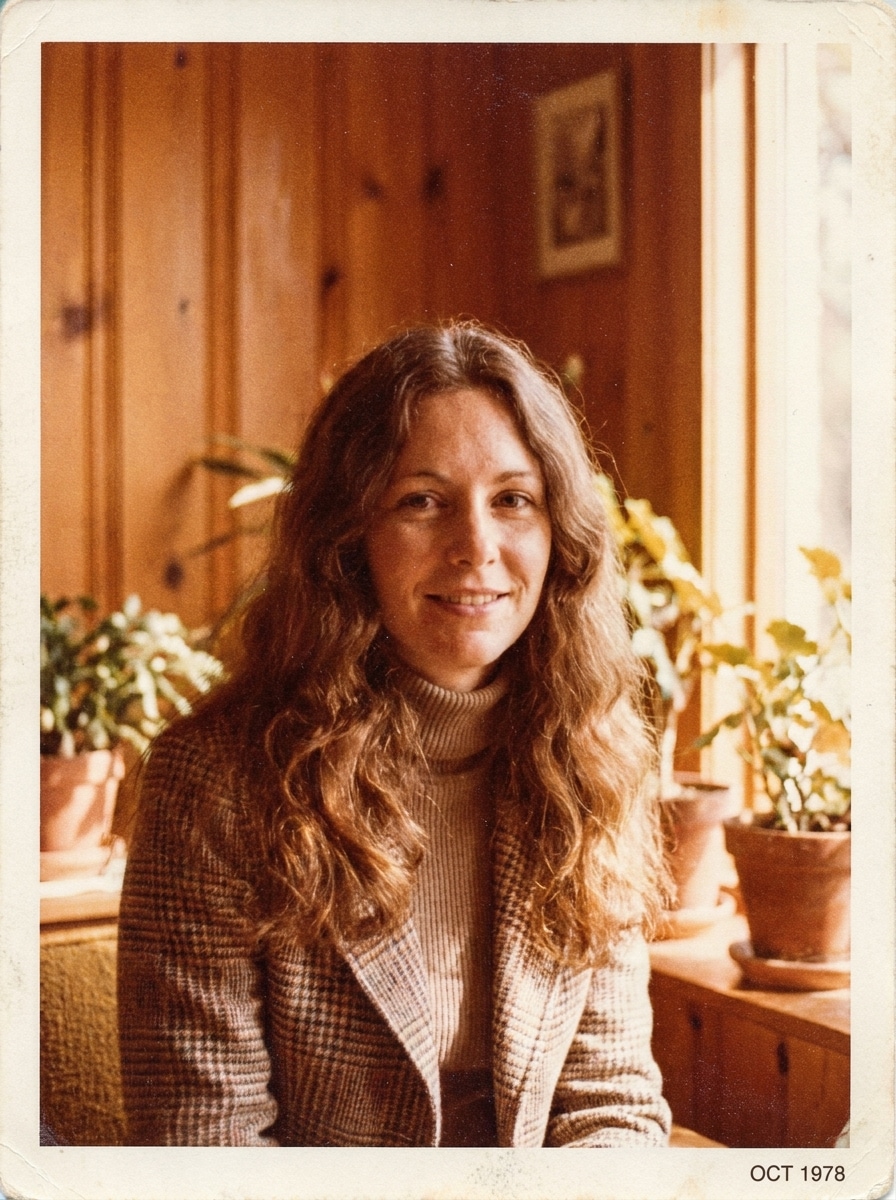
Usa l'immagine caricata come soggetto e trasformala in una fotografia stampata realistica e sbiadita degli anni '70. Aggiungi gradazione cromatica arancio-marrone calda, colori leggermente smorzati, contrasto soffice, sfocatura dolce, grana sottile da pellicola, texture carta leggera e un'atmosfera nostalgica da album di famiglia con autentico invecchiamento analogico.
Retro Ispirato al Kodachrome
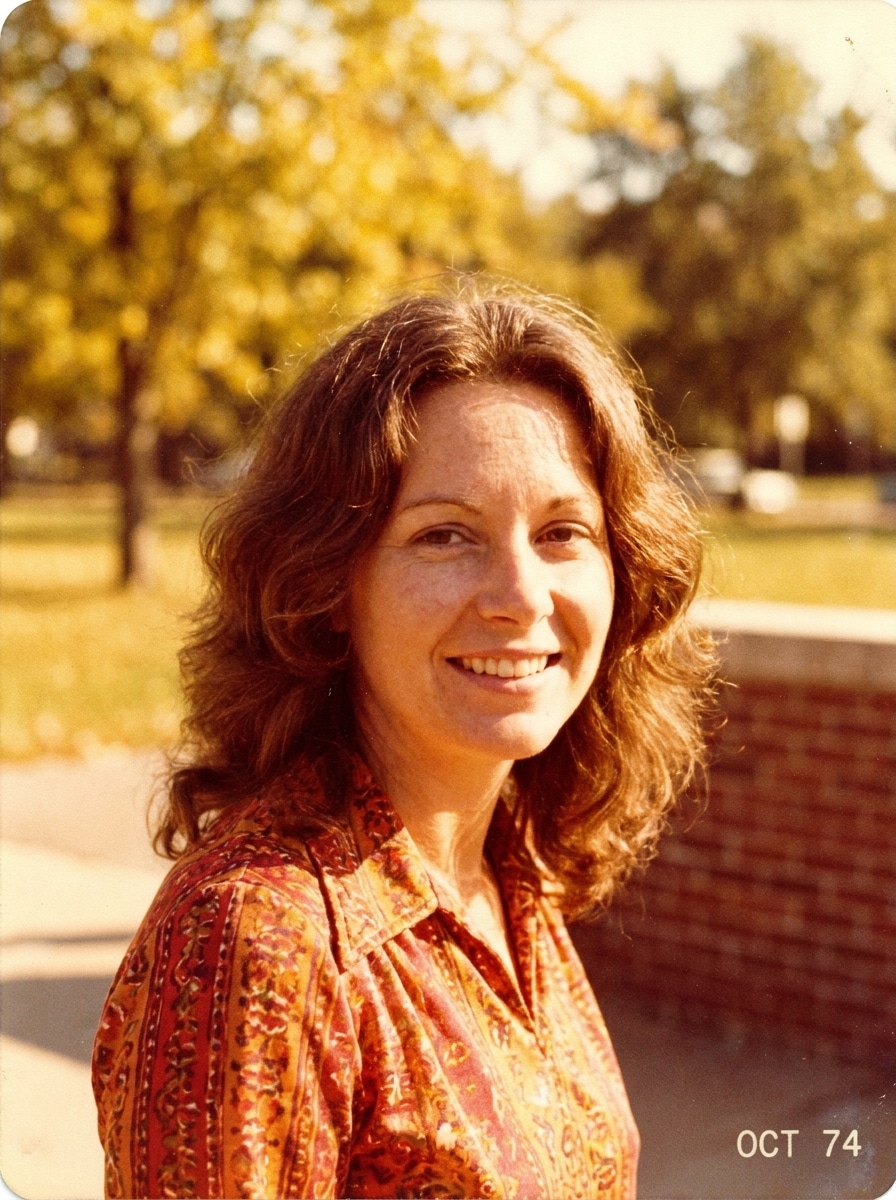
Usa l'immagine caricata come soggetto e riproponila come un vivido ritratto da pellicola rétro anni '70. Applica rossi e gialli intensi, toni caldi della pelle, grana moderata, dettagli nitidi con leggero invecchiamento, composizione pulita e resa autentica dei colori vintage per un look analogico raffinato da rivista.
Disco Glam da Studio
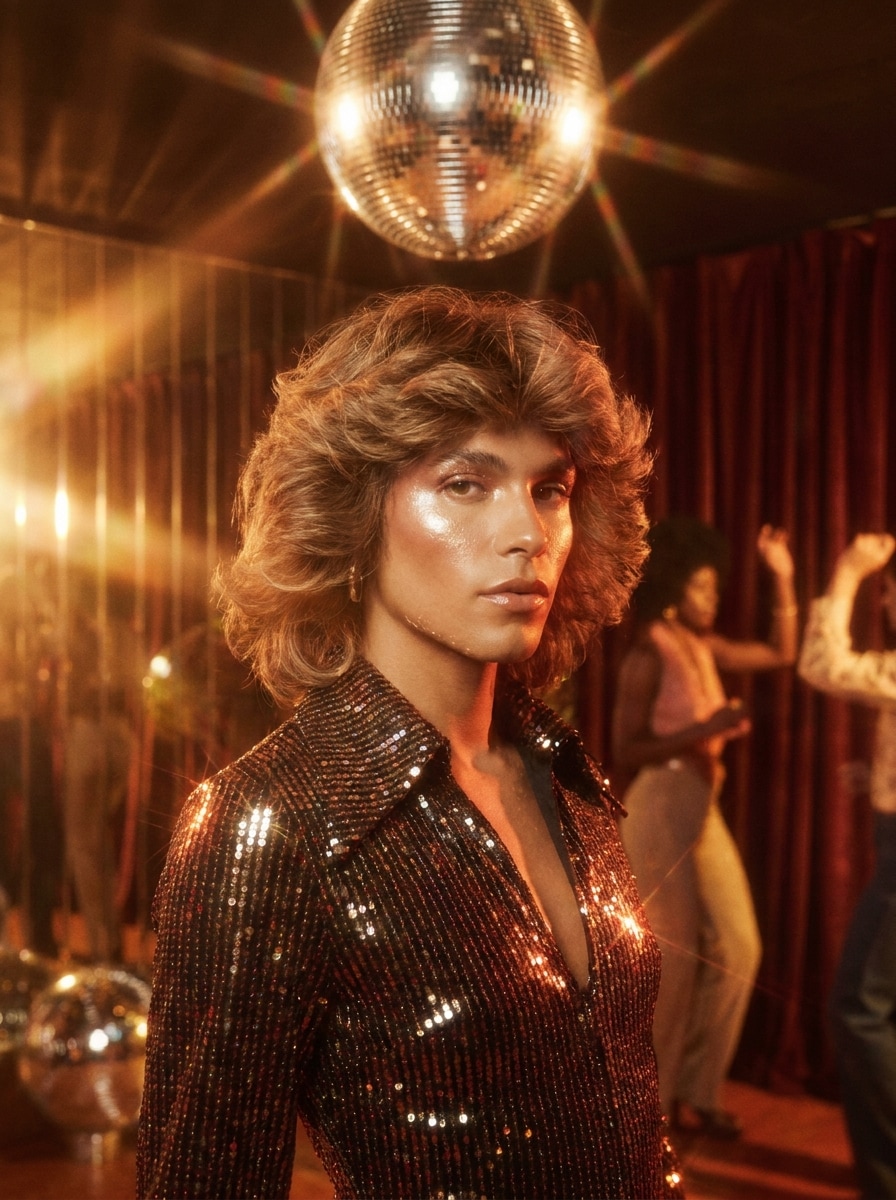
Usa l'immagine caricata come soggetto e donale un makeover glamour da studio disco anni '70. Aggiungi illuminazione calda e lucida, effetto bloom con lente soft-focus, riflessi drammatici, tonalità dorate scintillanti, gradazione rétro ricca e una finitura elegante stile rivista che sembra lussuosa, festosa e decisamente disco-era.
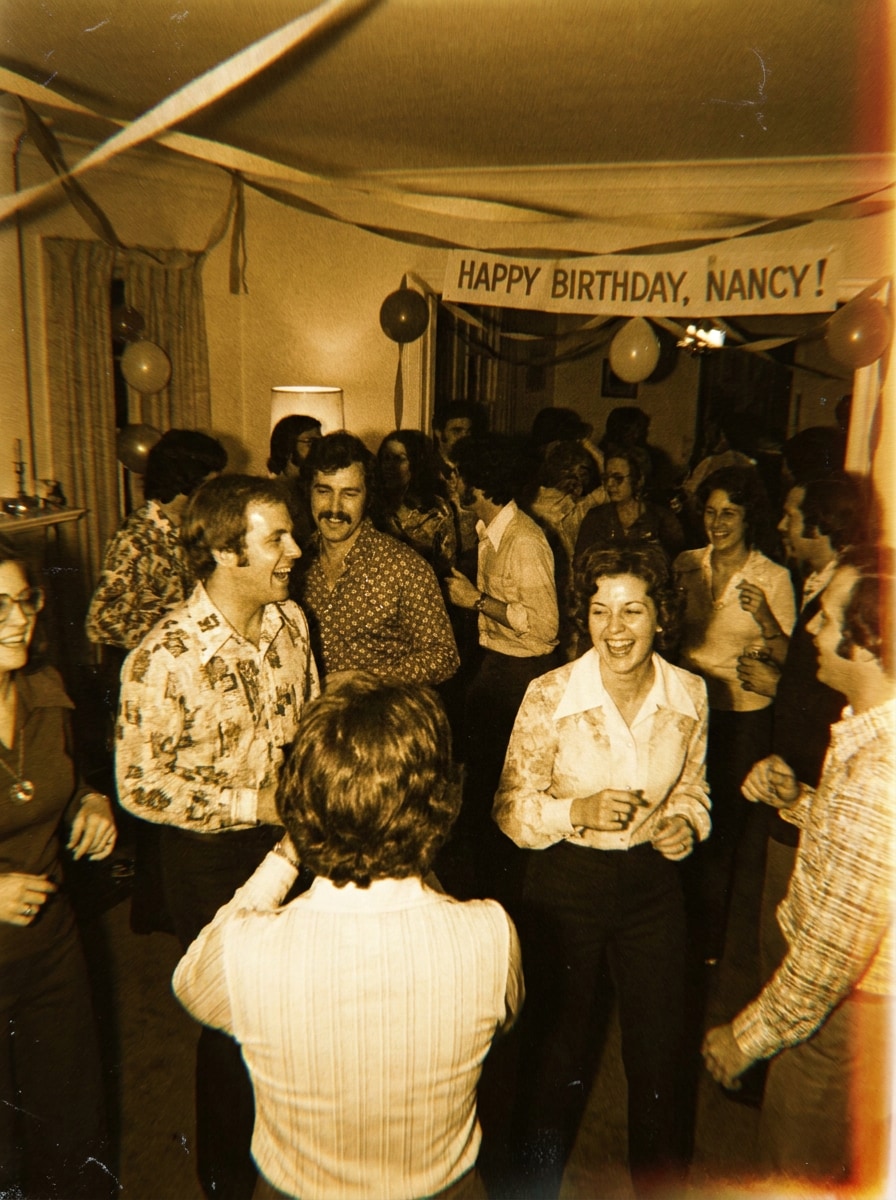
Scatto da Festa con Flash
Usa l'immagine caricata come soggetto e trasformala in uno scatto spontaneo da festa anni '70. Aggiungi illuminazione diretta da flash, grana visibile, lieve morbidezza da movimento, toni caldi da interno, variazioni di colore vintage e piccole imperfezioni per evocare un ricordo spontaneo da pista da ballo notturna scattato con una vecchia fotocamera.
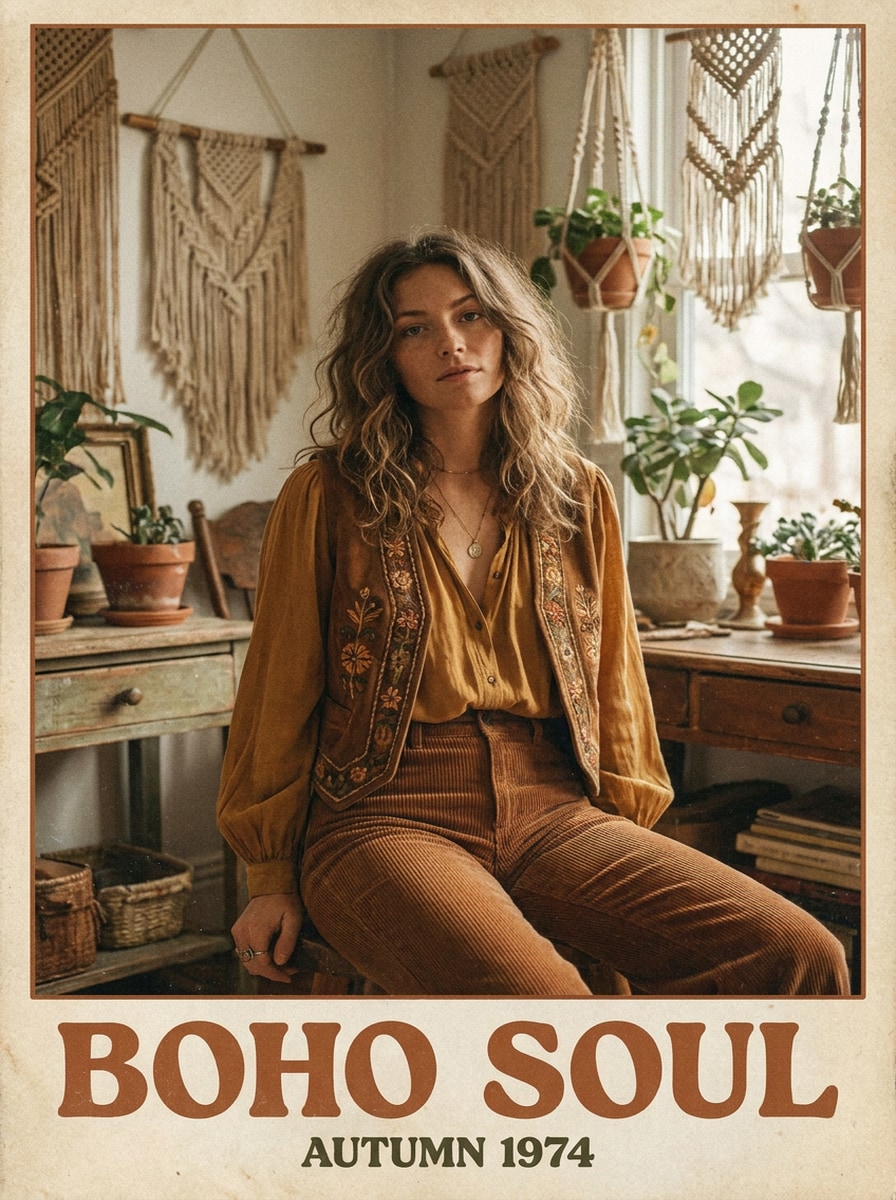
Editoriale Boho Anni '70
Usa l'immagine caricata come soggetto e trasformala in un ritratto editoriale bohemienne anni '70. Mescola toni terrosi, senape attenuato, accenti ruggine, luce naturale morbida, texture opaca, grana raffinata e un'atmosfera tranquilla da rivista di moda per un ritratto vintage elegante con calore rétro artigianale.
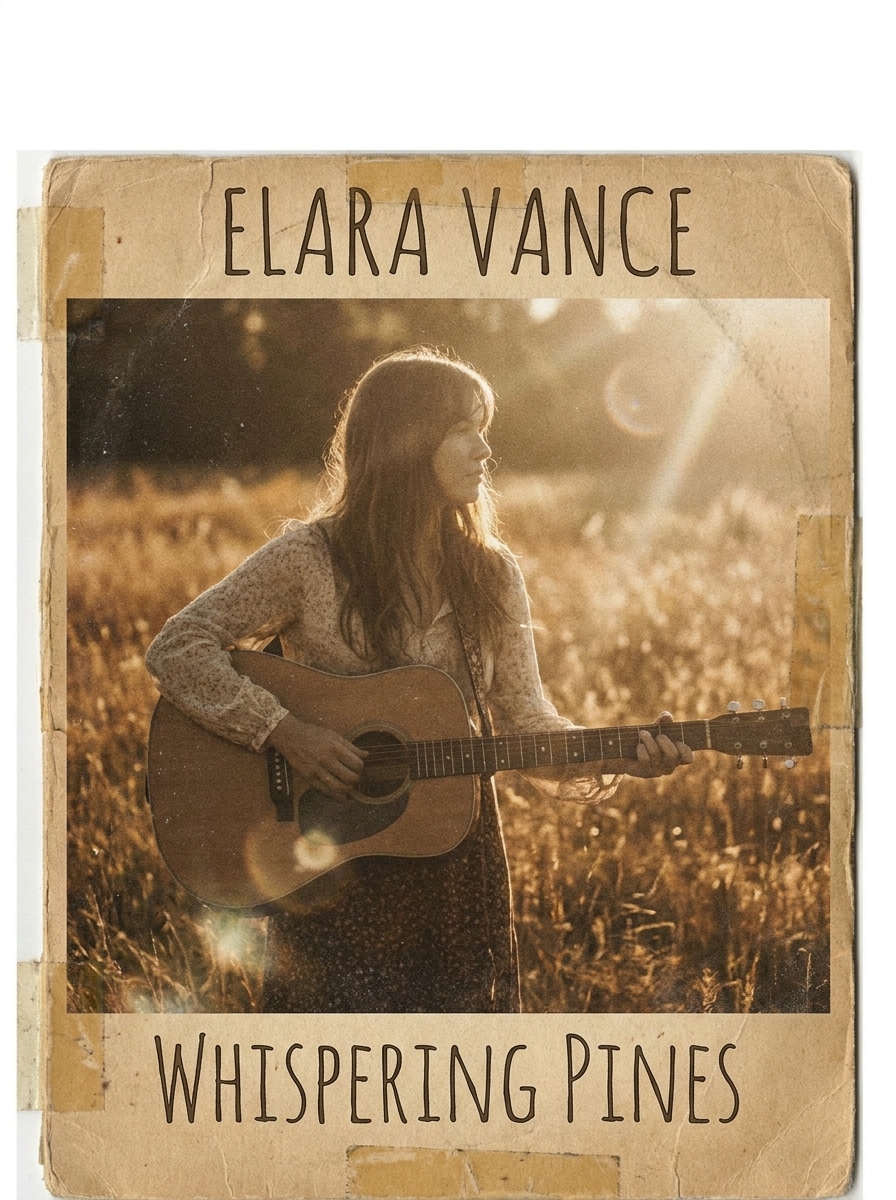
Retro Folk da Deserto
Usa l'immagine caricata come soggetto e dagli l'aspetto di una copertina album folk anni '70. Aggiungi toni lavati dal sole, calore polveroso, saturazione bassa, texture da pellicola, vignettatura sottile e energia rilassata all'aperto per un look rétro malinconico ispirato alla luce del deserto e alla fotografia musicale analogica.
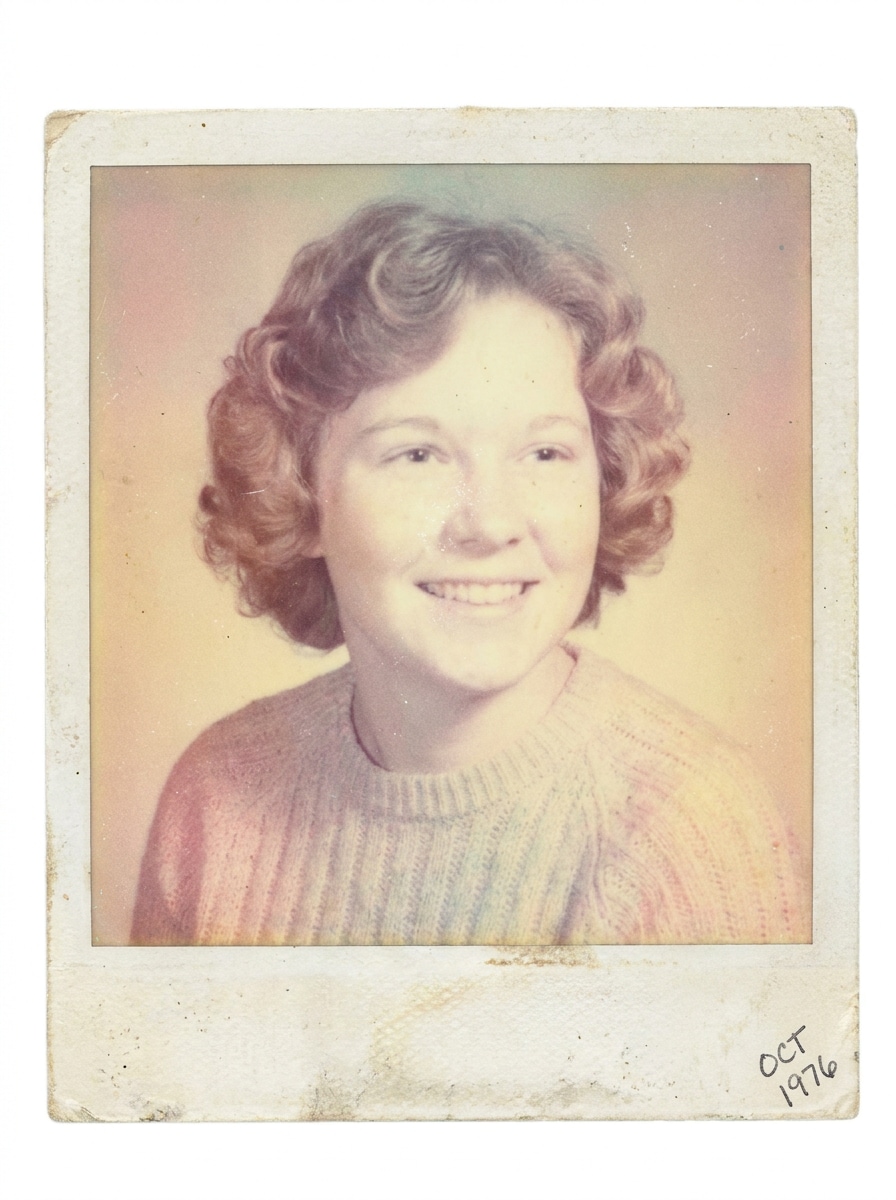
Cornice Anni '70 in stile Polaroid
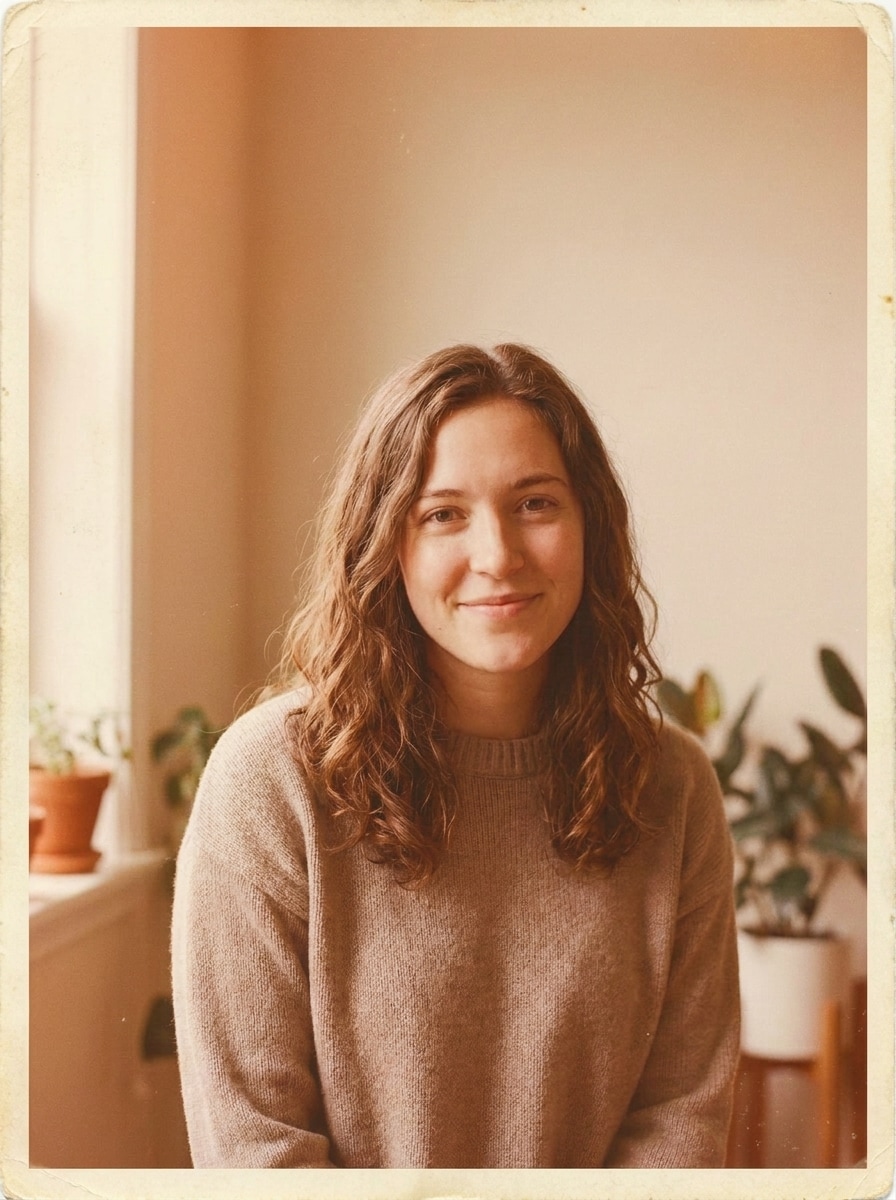
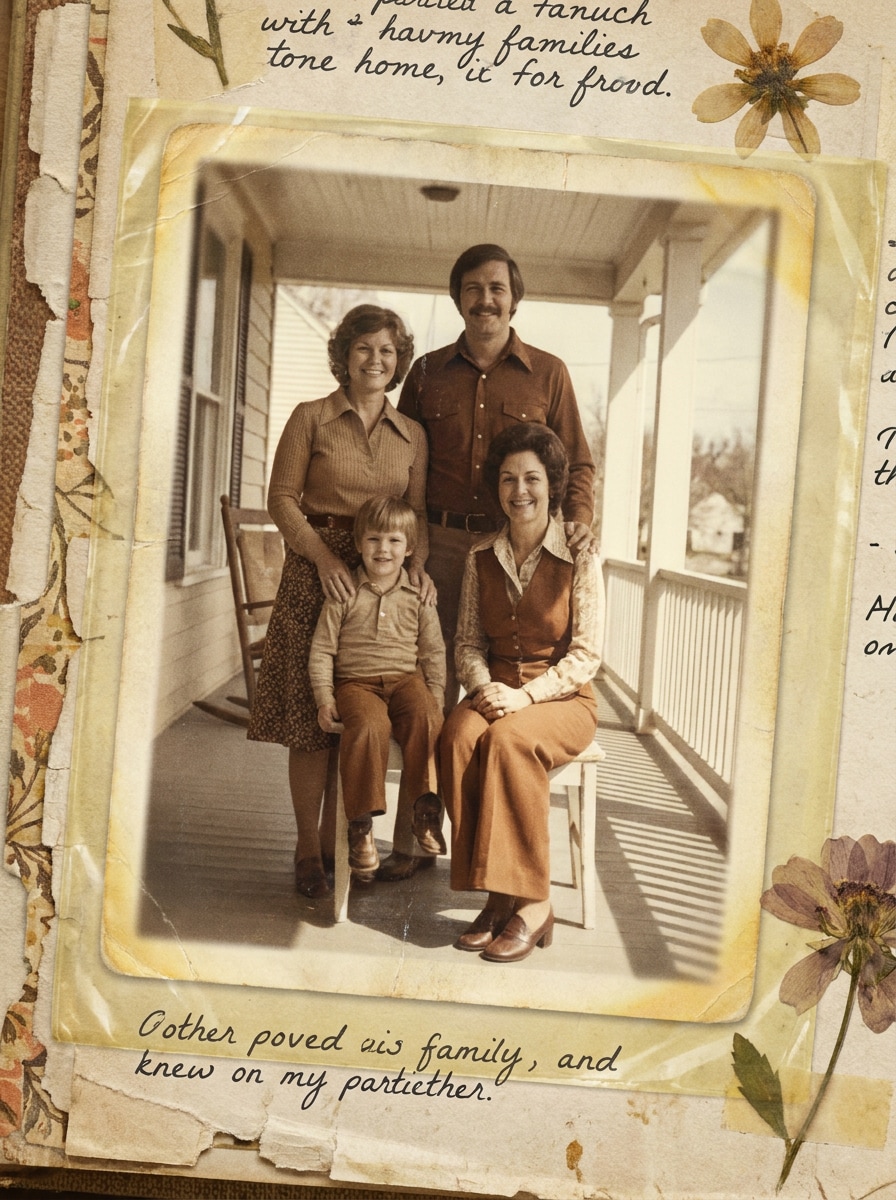
Usa l'immagine caricata come soggetto e applica un makeover da pellicola istantanea anni '70. Aggiungi colori tenui e sbiaditi, bianchi cremosi, grana delicata, leggera dominante colorata vintage e un bordo realistico da foto istantanea così il risultato sembra una stampa rétro preziosa tirata fuori da una scatola di ricordi di famiglia.
Look da Scrapbook di Ricordi
Usa l'immagine caricata come soggetto e trasformala in una foto nostalgica da scrapbook anni '70. Aggiungi texture consumata della stampa, toni leggermente ingialliti, messa a fuoco morbida, grana analogica, invecchiamento sottile della carta e un mood tenero da ricordo personale, artigianale e custodito per decenni.
Fermo Immagine da Cinema Anni '70
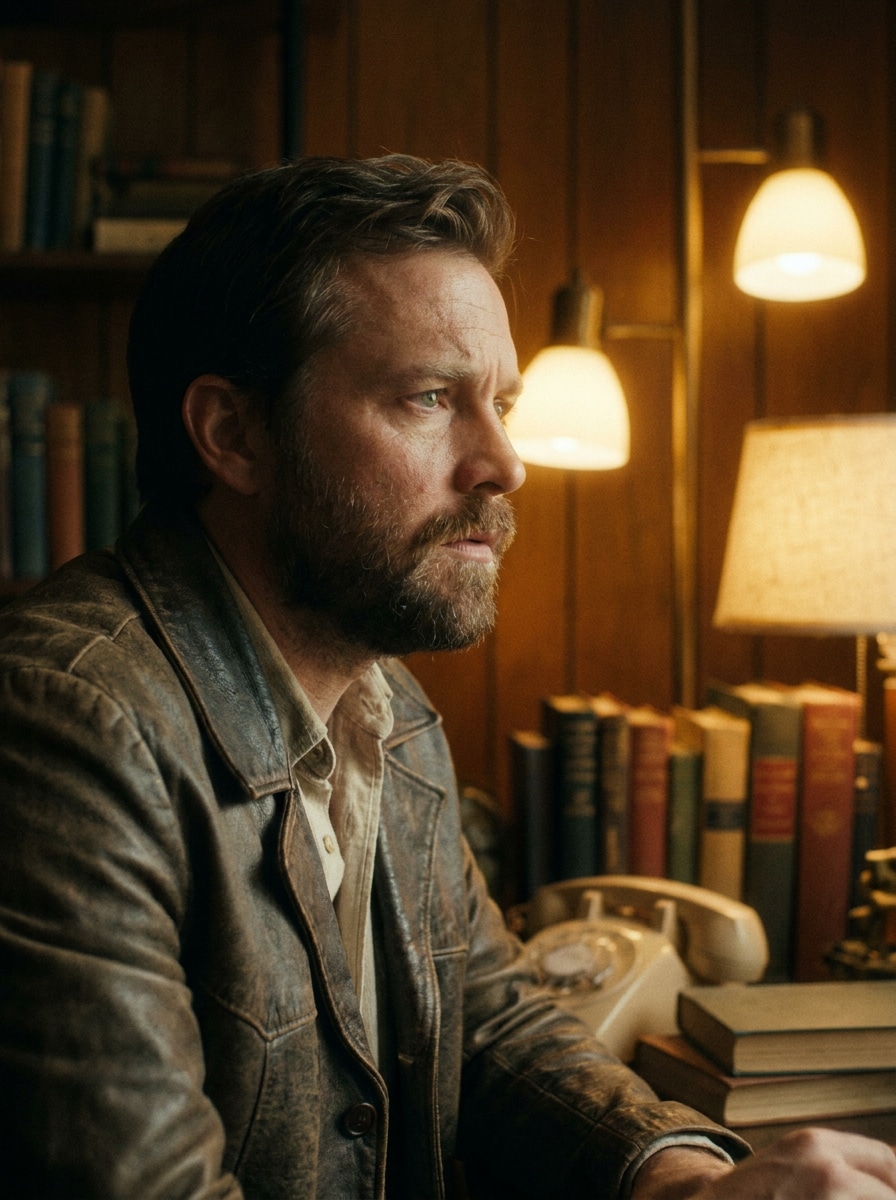
Usa l'immagine caricata come soggetto e trasformala in un fermo immagine cinematografico da film anni '70. Aggiungi tonalità tungsteno calde, grana visibile, lieve alone di luce, contrasto attenuato, leggera sfocatura e styling cromatico autentico per creare una scena suggestiva che sembra tratta da un classico dramma rétro.
Poster Retro Copertina Album
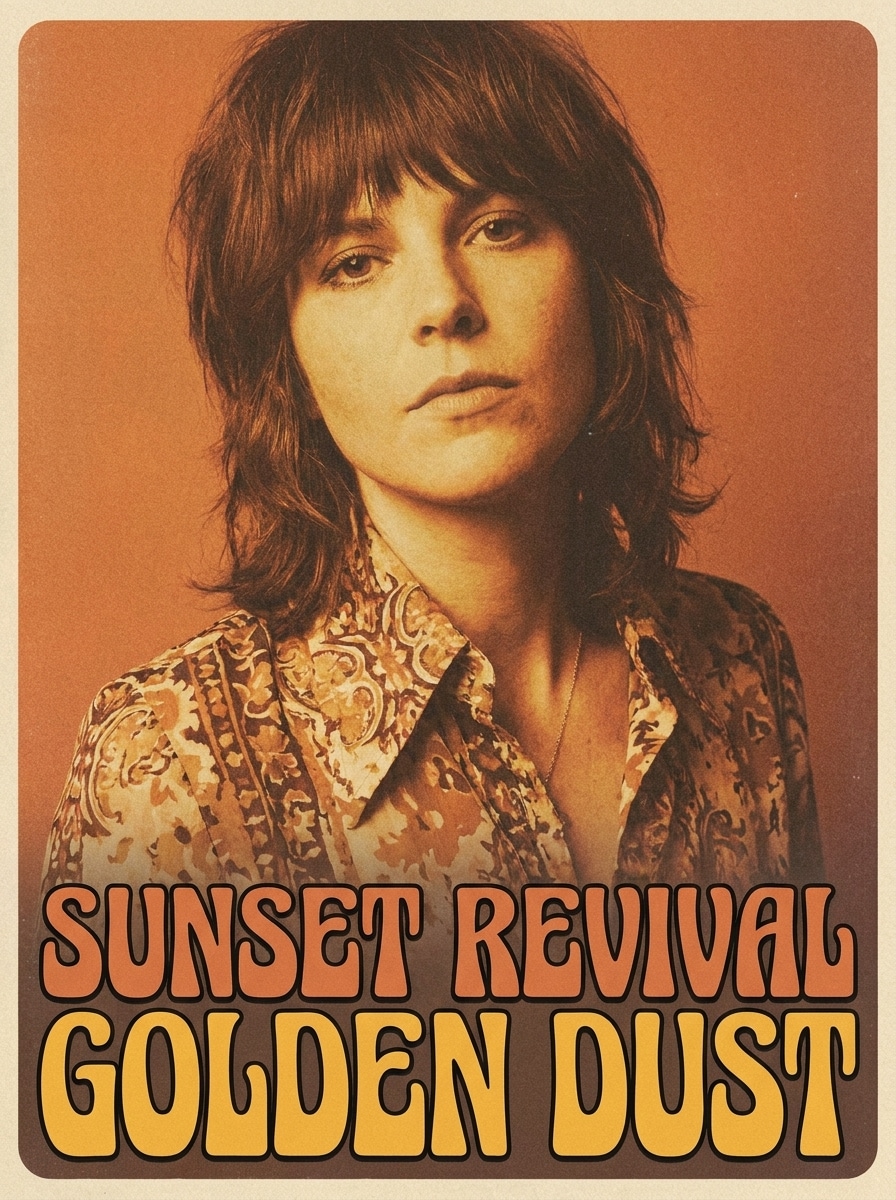
Usa l'immagine caricata come soggetto e crea un effetto audace da copertina album anni '70. Aggiungi morbidezza da stampa vintage, grana visibile, gradazione rétro calda, contrasto grafico e energia nostalgica da poster così il risultato sarà abbastanza stiloso per post social, arte da parete o branding musicale.
Perché Usare Media.io per Editing Foto Ispirati agli Anni '70
Mantieni il Soggetto Riconoscibile in Nuovi Stili
Se il soggetto deve mantenere la sua identità dopo la trasformazione, Media.io ti aiuta a preservare gli elementi principali aggiornando lo stile finale del filtro anni '70 per un risultato pulito e riconoscibile.
Passa Facilmente tra Look Disco, Film ed Editoriale
Quando lo stile è importante, Media.io ti consente di confrontare diverse opzioni partendo dallo stesso filtro fotografico anni '70, rendendo la scelta creativa più efficiente.
Crea Immagini ad Alta Risoluzione per Utilizzo Reale
Quando il filtro fotografico anni '70 deve essere usato per pubblicazioni reali, Media.io ti offre output nitido fino a 4K, aiutando l'immagine a restare chiara in presentazioni, sfondi e materiali riutilizzati.
Modifica Online da Qualsiasi Dispositivo Senza Software Extra
Se l'idea del filtro anni '70 nasce lontano dal tuo setup principale, Media.io ti permette di creare e rifinire direttamente dal browser, così passare da mobile a desktop è semplice e non crea interruzioni.
Come Applicare un Filtro Foto Anni '70 Online
Trasforma le tue parole in immagini sorprendenti in tre semplici passaggi, poi continua a perfezionare il risultato se vuoi andare oltre.
Passo 1
Carica la tua Immagine di Riferimento
Inizia con un selfie, ritratto o scatto più datato nitido in JPG, PNG o JPEG. Un'immagine sorgente chiara offre più dettagli al filtro, così il tuo editing rétro sarà più realistico e il soggetto rimarrà riconoscibile.
Passo 2
Descrivi il Cambiamento e Imposta le Opzioni
Inserisci il look anni '70 che desideri, come pellicola sbiadita, disco glam, editoriale boho o un filtro disco anni '70. Scegli il modello e regola rapporto, risoluzione e quantità di immagini per raggiungere il tuo obiettivo creativo.
Passo 3
Genera, Scarica e Continua a Migliorare
Crea le tue varianti, confronta i risultati e scarica quella che si adatta meglio. Se vuoi un effetto analogico più forte o un ritratto vintage ancora più pulito, modifica il prompt e rigenera finché mood, grana e colori non saranno perfetti.
Sblocca il Potenziale del Filtro Fotografico Anni '70
Scopri come i creator usano questo filtro fotografico stile anni '70 per contenuti, marketing e progetti personali, poi adatta ogni idea alle tue esigenze.
Crea Foto Profilo Retro che Fermano lo Scorrimento
Trasforma selfie quotidiani in ritratti analogici caldi con bagliore disco, flash granuloso o colori sbiaditi dal sole. È un modo rapido per creare avatar social e post nostalgici con un mood disco-era giocoso, più specifico rispetto al semplice effetto vintage.
Progetta Visual di Musica, Feste ed Eventi
Crea copertine, inviti e grafiche promozionali ispirate all’epoca con calore da album e texture da stampa antica. Un look raffinato filtro fotografico anni '70 or filtro disco anni '70 può dare ai campagne nightlife, eventi a tema e playlist un’identità visiva più memorabile.
Rinnova Vecchie Foto con uno Stile Anni '70
Usa ritratti attuali o foto scansionate come base, poi trasformali in cornici editoriali boho, fotogrammi da pellicola o scatti da festa. Ideale se vuoi un'estetica rétro credibile per regali, moodboard o storytelling personale con una finitura naturale vintage.
Cosa Dicono gli Utenti di Questo Filtro Retrò
Maya R.
Creator di contenuti
"Perfetto per post di ritratti vintage" Volevo un mood anni '70 vero, non una semplice sovrapposizione seppia, e questo filtro ha soddisfatto le aspettative. Grana, calore e sfocatura delicata sono sorprendenti sui miei selfie.
Jordan P.
Marketer musicale indie
"Ottimo per concept di copertina" L'ho usato per creare rapidamente grafiche rétro e idee per copertine. Gli stili copertina-album e cinema mi hanno fornito concept subito pronti, senza bisogno di app di design.
Alina K.
Blogger lifestyle
"Facile da usare su mobile!" Ho modificato un ritratto dal telefono e in pochi minuti ho ottenuto un risultato disco-glam davvero raffinato. Sembrava molto più una stampa reale scansionata che un filtro usa-e-getta.
Chris D.
Designer di eventi
"Utile per campagne a tema" Abbiamo testato diversi look per una flyer da festa rétro, e la flessibilità era il vero vantaggio. Si poteva passare da vibe folk sbiadite a disco lucido da studio senza ricominciare.
Esplora i più popolari effetti video e immagini AI
1. Cosa fa un filtro fotografico stile anni '70 a un'immagine?
Un filtro foto anni '70 trasforma la tua foto caricata in un'immagine dall'aspetto rétro con dettagli specifici dell'epoca come gradazione cromatica calda, grana da pellicola, contrasto ammorbidito, texture di stampa sbiadita e styling disco o editoriale. Con Media.io puoi orientare il risultato verso un ritratto classico, uno scatto da festa o un look rivista vintage raffinato, incluso un filtro disco rétro.
2. Come posso creare un'estetica anni '70 realistica online?
Carica un’immagine nitida su Media.io, descrivi il look rétro che desideri e scegli il modello e le impostazioni di output preferite. Per un risultato credibile, specifica dettagli come grana analogica, toni arancio-marrone caldi, fotografia con flash, texture di stampa sbiadita o mood disco-glam, invece di usare un prompt generico vintage.
3. Questo filtro foto anni '70 è gratuito?
Sì, gli utenti gratis possono provare lo strumento con crediti gratuiti. Se ti servono più generazioni o vuoi download ad alta risoluzione senza watermark, puoi consultare la pagina prezzi di Media.io per i piani disponibili.
4. Posso applicare il filtro anni '70 su selfie e vecchie foto?
Media.io supporta il caricamento di immagini di riferimento, quindi puoi usare selfie, ritratti e foto scansionate in JPG, PNG o JPEG. Media.io è utile sia per un filtro ritratto anni '70 sofisticato, sia per un restyling rétro più morbido su foto di famiglia o immagini di archivio, tutto da uno strumento web che funziona direttamente nel browser.
5. L'immagine modificata manterrà la qualità e risoluzione originale?
Media.io è progettato per output di alta qualità e offre risoluzioni 1K, 2K e 4K. Il risultato finale dipende dall'immagine sorgente e dallo stile scelto, ma Media.io aiuta a mantenere dettagli forti ed esportare una versione adatta per social, copertine, poster o stampa. Gli utenti free possono avere watermark.
6. Posso usare il filtro fotografico anni '70 su iPhone, Android o desktop?
Media.io è web-based, quindi puoi usarlo su iPhone, Android, Windows o Mac purché tu abbia un browser. Questo rende semplice creare un editing filtro anni '70 rapido su mobile o rifinire l'immagine finale su desktop.
Oltre al Filtro Fotografico Anni '70 Online Potenziato dall'AI