Prima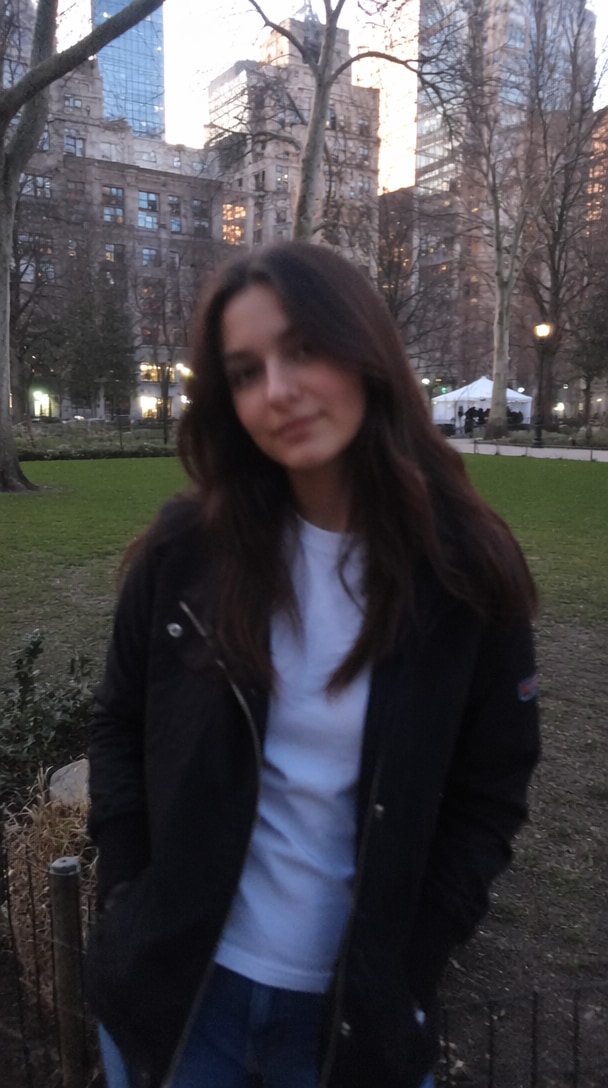
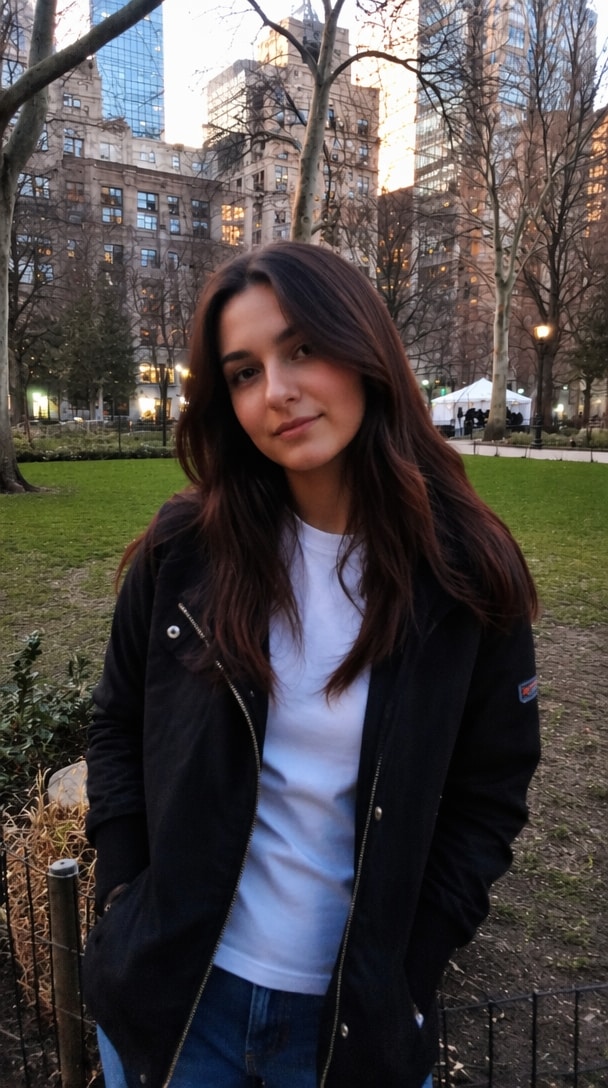 ↔
↔
↔Miglioramento Ritratto
Tocca per confrontare la nitidezza del viso.
Usa un prompt AI per foto nitide online gratis già pronto per nitidificare immagini sfocate, ripristinare vecchie foto, ridurre il rumore e recuperare dettagli naturali. Copia un prompt, carica la tua immagine e crea un risultato più nitido e ad alta risoluzione con gli strumenti AI di Media.io.
Crediti gratuiti alla registrazione.
Scegli una delle cinque scene di miglioramento reale, trascina il cursore di confronto principale o tocca qualsiasi scheda per passare dal risultato originale a quello migliorato dall'IA.
PrimaDopo
Rimuovi la sfocatura da movimento e il rumore preservando identità, espressione, texture della pelle, posa e sfondo.
↔Tocca per confrontare la nitidezza del viso.
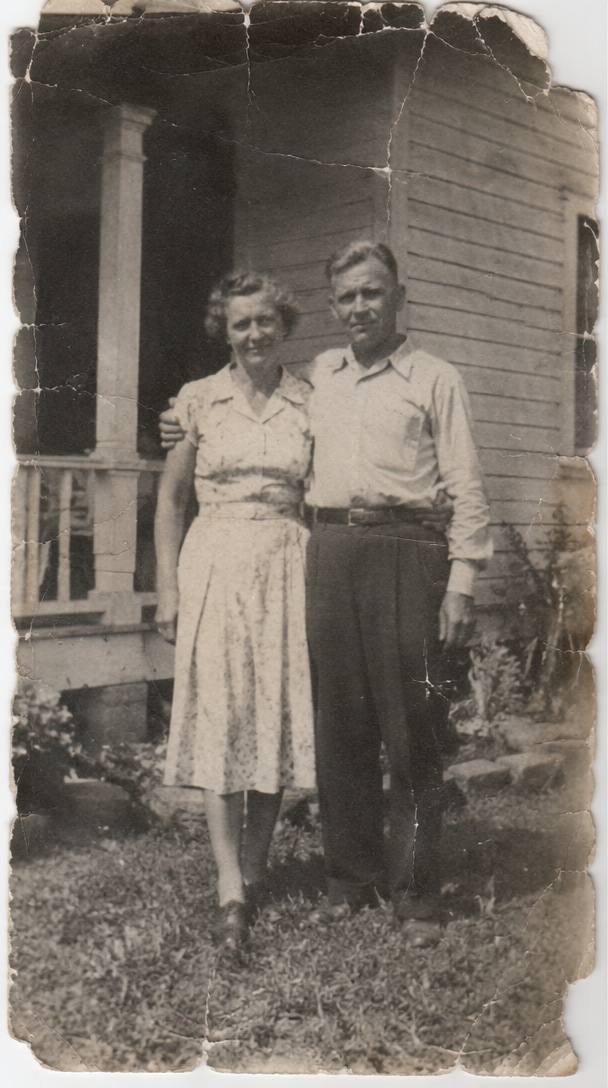
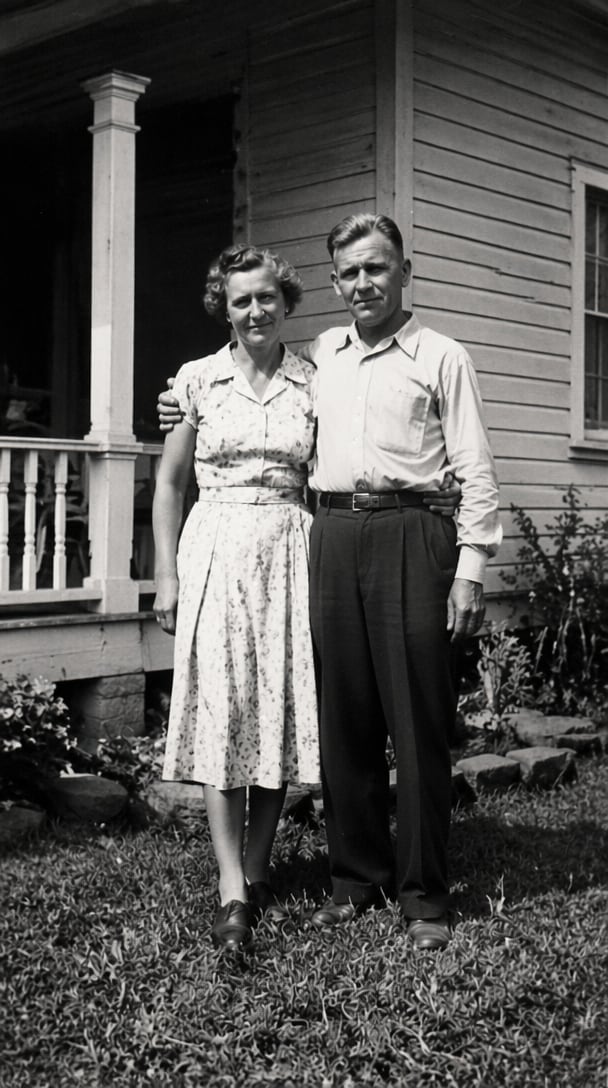 ↔
↔Tocca per rivelare i dettagli riparati.
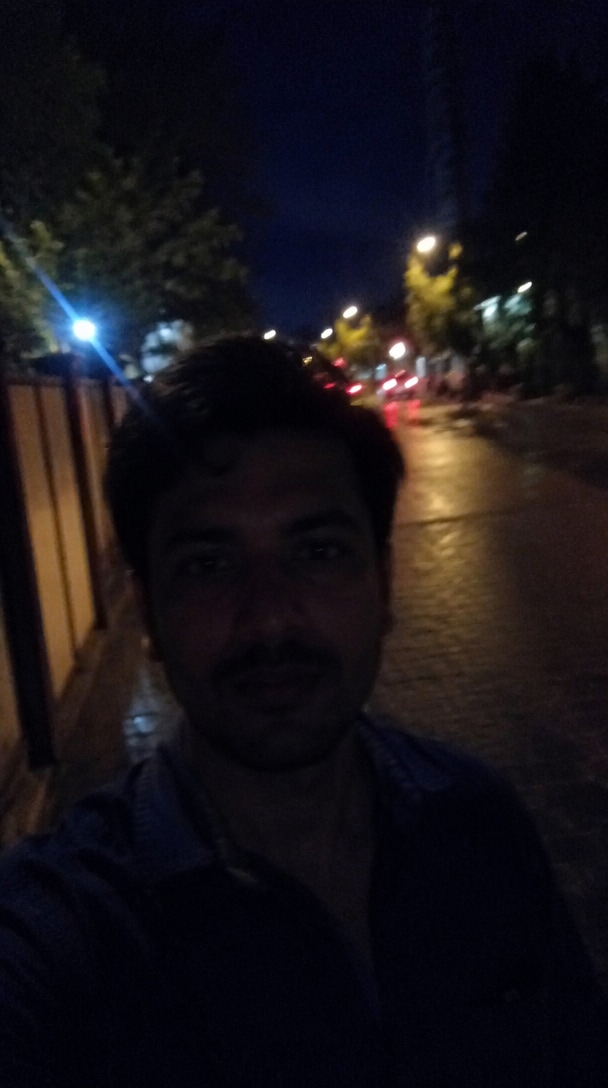
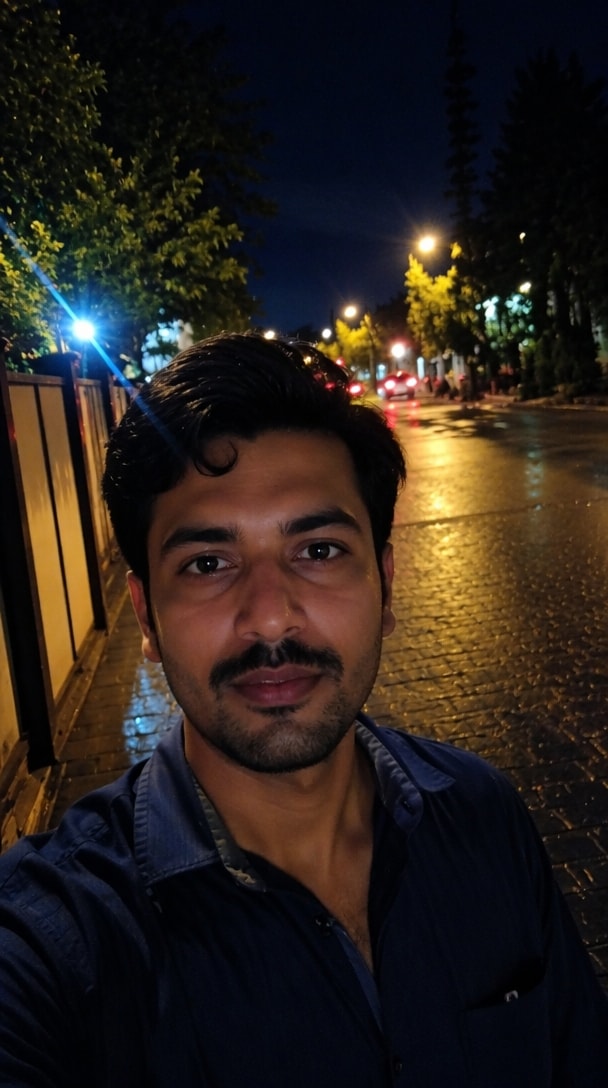 ↔
↔Tocca per confrontare la rimozione del rumore.
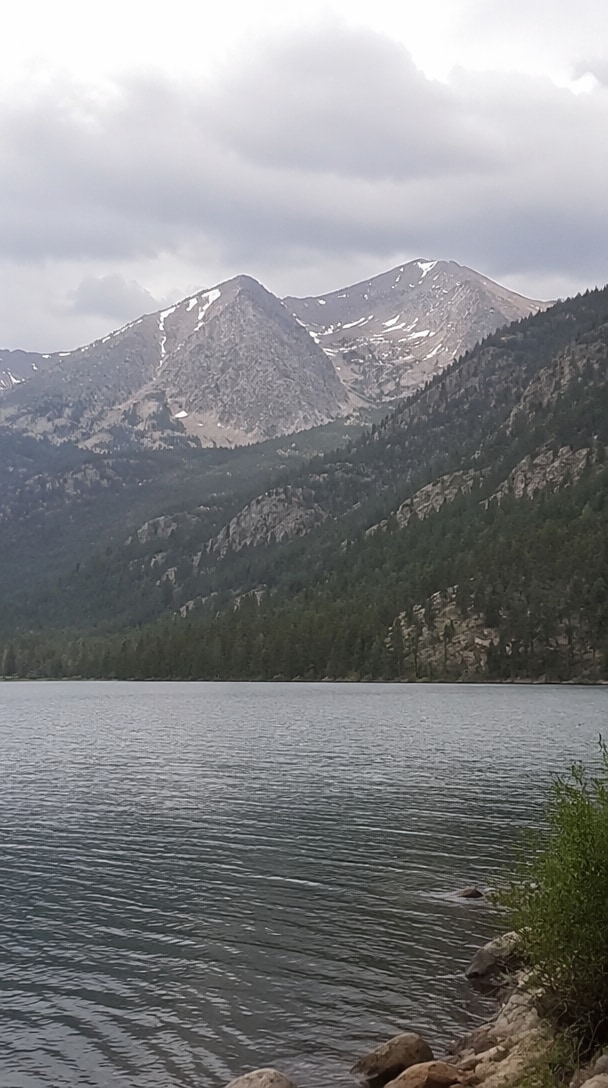
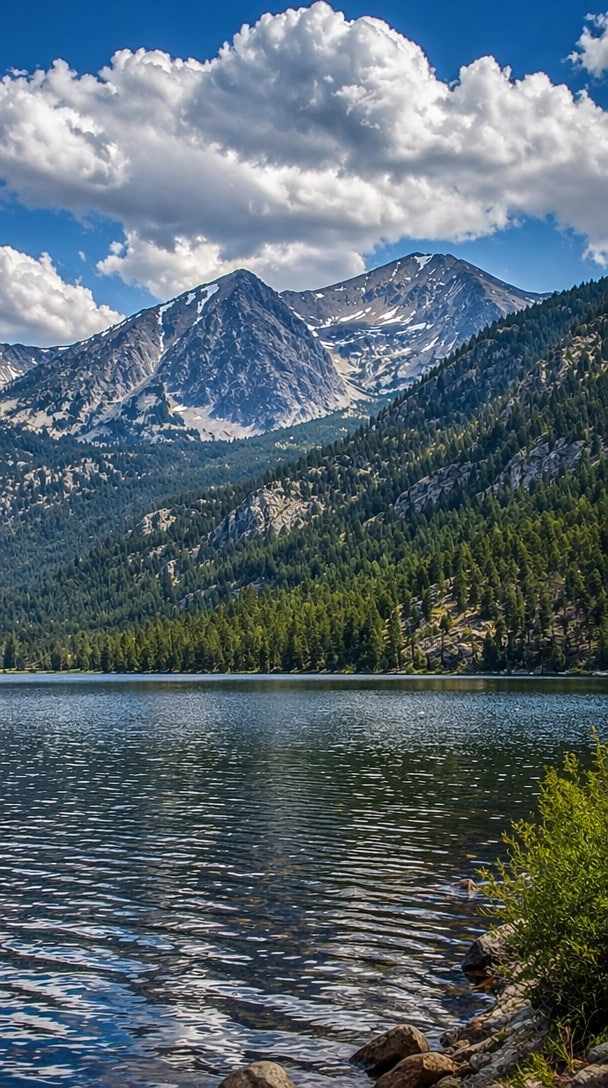 ↔
↔Tocca per rivelare una scenografia più nitida.
 ↔
↔Tocca per confrontare la rifinitura commerciale.
Interazione: trascina il cursore grande, scegli una scena o tocca ogni scheda per alternare Prima e Dopo.
Salta tentativi ed errori con pratici template di prompt AI per foto da copiare e incollare per ritratti, foto vecchie, scatti in poca luce, prodotti e paesaggi. Inizia con formule già testate, poi adatta i dettagli alla tua immagine.
Usa il prompt AI per foto nitide online senza installare software desktop. Media.io funziona nei browser moderni su Windows, Mac, Android, iPhone e tablet, rendendo il miglioramento rapido delle foto facile ovunque tu crei.
Prompt efficaci indicano all'IA di nitidificare i volti, ripristinare la texture di pelle e capelli, ridurre la sfocatura e migliorare l'illuminazione preservando identità, espressione, composizione e colori realistici invece di creare un risultato dall'aspetto artificiale.
Media.io combina la creazione basata su prompt con il miglioramento e la modifica delle immagini tramite IA. Dopo aver migliorato la nitidezza, puoi continuare a perfezionare lo sfondo, la composizione, il formato o lo stile creativo in un unico flusso di lavoro integrato.
Scegli un selfie sfocato, un'immagine social compressa, una foto di famiglia sbiadita, uno scatto in poca luce o un'altra foto che necessita di dettagli più nitidi e una qualità visiva migliore.
Copia un prompt per il miglioramento generale, ritratti, foto vecchie, prodotti, paesaggi o immagini in poca luce. Aggiungi dettagli sul soggetto, i danni, l'illuminazione e l'output desiderato.
Genera una versione più nitida, confronta il risultato con l'originale e perfeziona il testo se necessario. Scarica la foto migliorata o continua a modificarla con Media.io.
Scegli una direzione per il prompt in base al problema nella tua immagine. Ogni template può essere copiato direttamente, personalizzato per Gemini o un altro editor AI e perfezionato per un risultato più naturale.
Ripristina foto di famiglia sbiadite, ripara graffi e polvere, riduci la grana, recupera i dettagli del viso e migliora il contrasto preservando il periodo originale, l'espressione, l'abbigliamento e l'aspetto autentico.
Prompt: Ripristina questa vecchia fotografia rimuovendo graffi, polvere, macchie, sbiadimento e grana. Ripara le aree danneggiate, nitidifica i tratti del viso, recupera le texture naturali, migliora il contrasto e preserva l'identità originale, l'abbigliamento, la composizione e l'aspetto storico.
Migliora ritratti sfocati per profili, social media, curriculum o album personali. Nitidifica occhi e capelli, bilancia la texture della pelle, riduci il rumore e preserva l'identità riconoscibile della persona.
Prompt: Migliora questo ritratto in una foto nitida ad alta risoluzione. Nitidifica gli occhi, i capelli e i contorni del viso, riduci sfocatura e rumore, ripristina la texture naturale della pelle, bilancia l'illuminazione e preserva il viso originale, l'espressione, la posa e lo sfondo.
Pulisci foto scure al chiuso, immagini notturne e foto di prodotti. Illumina le ombre, migliora il dettaglio dei bordi, riduci gli artefatti da compressione e mantieni colori accurati senza sovraesposizione.
Prompt: Migliora questa foto in poca luce riducendo il rumore digitale, illuminando le ombre, ripristinando colori accurati, nitidificando i bordi importanti e aumentando la nitidezza senza sovraesporre le alte luci o modificare il soggetto originale.

Fotografa di Viaggio

Foto di Viaggio più Nitide. Ho usato il prompt AI per foto nitide su diverse foto di viaggio morbide e compresse. I risultati sembravano più nitidi mantenendo i colori originali e l'atmosfera naturale.
Content Creator
Prompt Che Aiutano Davvero. Gli esempi di prompt AI per foto da copiare e incollare mi hanno dato un punto di partenza molto migliore rispetto a istruzioni di miglioramento vaghe. Le mie immagini del profilo hanno richiesto molti meno tentativi.
Storica di Famiglia
Dettagli Vecchi Ritrovati. Il prompt per foto vecchie nitide ha aiutato a recuperare volti e dettagli dell'abbigliamento da una foto di famiglia danneggiata senza renderla troppo moderna o artificiale.
Un prompt AI per foto nitide online gratis è un'istruzione scritta che indica a un editor di immagini AI come migliorare una foto di bassa qualità. Un prompt utile può richiedere la rimozione della sfocatura, la riduzione del rumore, dettagli del viso più nitidi, la riparazione dei danni, una migliore illuminazione, colori naturali e una risoluzione apparente più elevata preservando il soggetto originale e la composizione.
Un prompt efficace per foto nitide per Gemini dovrebbe descrivere sia le correzioni che i dettagli che devono rimanere invariati. Ad esempio: Migliora questa immagine in una foto nitida ad alta risoluzione. Rimuovi sfocatura e rumore, nitidifica occhi, capelli, texture e bordi, migliora l'illuminazione naturale e il bilanciamento del colore e preserva l'identità originale, l'espressione, la posa, lo sfondo e la composizione.
Sì. Un prompt per foto vecchie nitide può chiedere all'IA di rimuovere polvere, graffi, macchie, sbiadimento, grana, strappi e piccole aree mancanti. Per un restauro più autentico, istruisci anche il modello a preservare l'identità della persona, l'abbigliamento d'epoca, la composizione originale, la texture della pellicola e l'aspetto storico invece di ridisegnare l'immagine.
Media.io supporta flussi di lavoro di immagini AI basati su prompt e fornisce idee di prompt già pronte per attività di modifica comuni. Puoi iniziare con un template in stile generatore di prompt per editor fotografico AI, personalizzarlo per la tua immagine, generare un risultato più nitido e continuare a migliorare o modificare creativamente l'output all'interno della stessa piattaforma online.
Puoi provare le funzionalità gratuite di photo clear AI supportate su Media.io con i crediti di registrazione. I risultati dipendono dall'immagine sorgente e dal modello selezionato. Per ridurre le modifiche indesiderate al viso, usa un'immagine nitida quando possibile e aggiungi istruzioni come preserva l'identità esatta, le proporzioni del viso, l'espressione, l'età, il tono della pelle, l'acconciatura e la posa. Genera diverse varianti e confrontale con l'originale prima di scaricare.
 4.7 (162.357 Voti)


