All-in-One Elsa AI Transformations
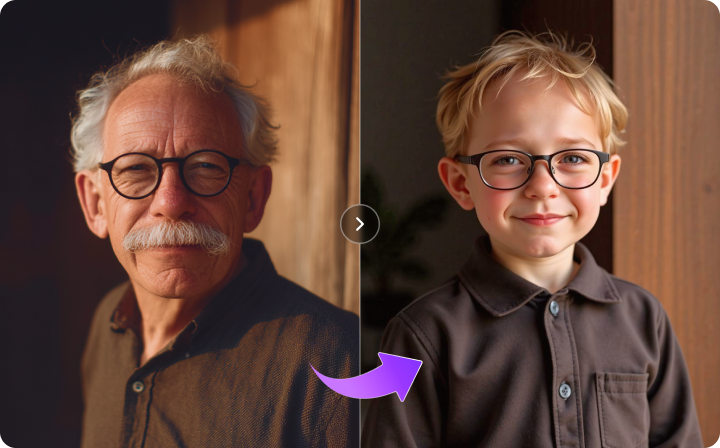
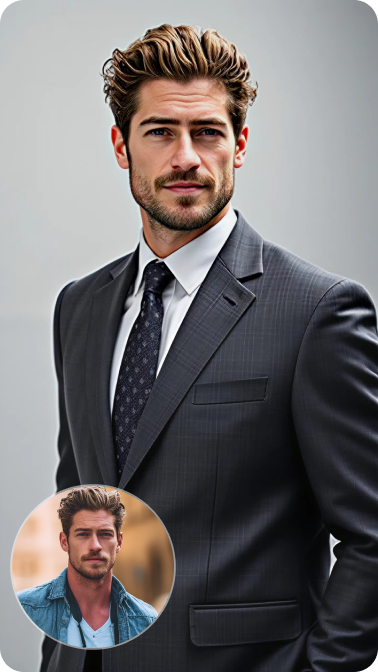
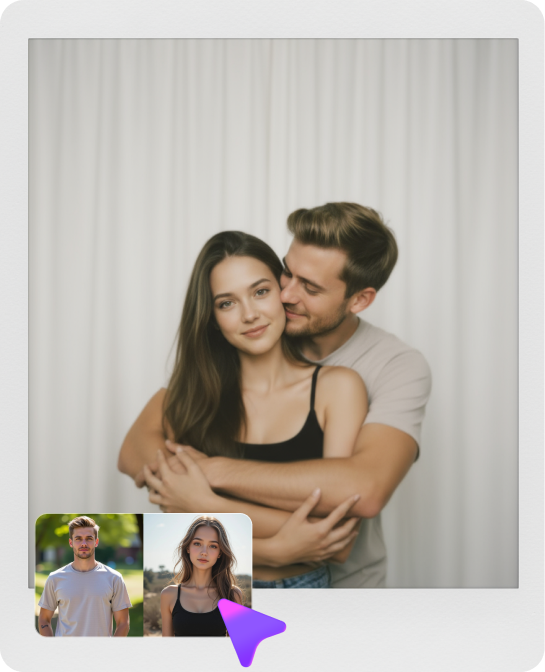
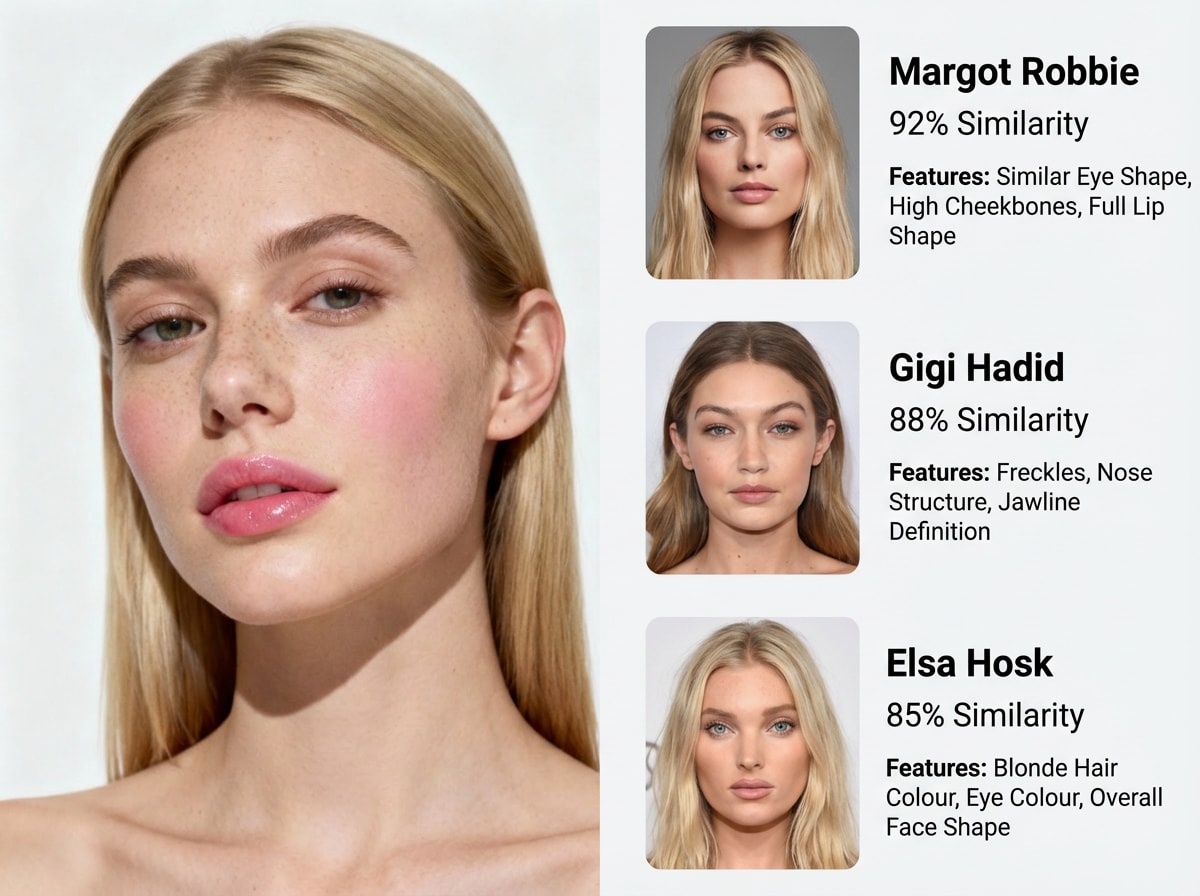
Create every version of the trend in one place—Baby Transformation, Kids Elsa Dance, Adult Ice Queen, and Pet Elsa videos. No need to switch tools or apps.
Step into the viral Frozen AI transformation! Use Media.io to turn a single photo of your baby, child, or pet into a magical Ice Queen singing "Let It Go." Create breathtaking, shareable AI videos in seconds.
Free credits on signup.
Create every version of the trend in one place—Baby Transformation, Kids Elsa Dance, Adult Ice Queen, and Pet Elsa videos. No need to switch tools or apps.
Simply pick an Elsa effect, upload a photo, and let AI do the rest. In seconds, your image becomes a polished, 9:16 share-ready Frozen creation with singing and dancing motions.
Media.io uses advanced image models to keep real faces and pet features natural while applying gorgeous ice castles, snow effects, and blue Frozen dresses.
Generate Elsa AI videos fully online with free credits on signup. Download watermark-free 9:16 vertical results in high quality—perfect for TikTok and social media.
Explore the Elsa AI Video Trend Zone. Choose between Baby Transformation, Kids Elsa Dance, or Pet Elsa to match your creative idea.
Upload a clear photo of your baby, child, or pet. Media.io will automatically apply the Ice Queen dress, snow effects, and 'Let It Go' singing motions.
Preview your magical transformation in seconds. Download your Elsa AI video in 9:16 format, completely watermark-free and ready to share.

Mother of Two

“My daughter is now a Frozen Ice Queen!” She loves Elsa but I couldn't find a good app to make her a real Let It Go video. I used the Kids Elsa Dance template, uploaded her photo, and she was dancing in an ice castle in seconds. So magical!
Pet Content Creator
“Finally, a Pet Elsa video that looks real!” I wanted to put my cat in the Frozen trend but other apps distorted her face. Media.io's Pet Elsa AI template kept her face totally natural while adding the cutest ice queen outfit and snow effects. It went viral on TikTok!
TikTok Influencer
“Clean, watermark-free 9:16 videos!” My biggest issue with AI trends is the annoying watermarks ruining the aesthetic. With Media.io, I generated my Adult Elsa Transformation and downloaded it in perfect 9:16 quality without any watermarks. Gained 50k likes overnight!
New Parent
“The Baby Elsa video melted my heart.” I wanted to see my toddler as a little Ice Queen. The Baby Transformation template perfectly added the blue snow dress and magical snow particles while keeping his cute baby face intact. It brought tears to my eyes!
The Elsa AI Video Trend is a viral TikTok movement where users upload a photo of their baby, child, themselves, or their pets, and AI transforms them into an Ice Queen singing and dancing to "Let It Go" in a magical Frozen-style ice palace.
Absolutely! Media.io offers a dedicated Pet Elsa AI template. Simply upload a clear photo of your cat or dog, and the AI will dress them in ice-themed accessories and place them in a snowy palace, keeping their natural facial features intact.
Just select the "Baby Transformation" template in our Elsa AI Video Trend Zone, upload a clear front-facing photo of your baby, and click generate. The AI will automatically apply the blue ice dress, snowflake effects, and magical particles.
Yes! Media.io provides free credits upon signup, allowing you to generate your Let It Go AI videos without any cost. You can download your creations in high quality, completely watermark-free, ready for TikTok and Instagram.
For the best results, use a high-quality, well-lit photo where the subject (baby, child, adult, or pet) is facing the camera directly. Avoid heavy shadows or obstructions on the face so the AI can perfectly preserve their identity during the Ice Queen transformation.
 4.7 (162,357 Votes)