Creations are stored for only 7 days. Assets created after upgrading to a Membership plan will be stored permanently.
Unlock your creative potential and experience the magic of Media AI right away!
Create Realistic Tote Bag Mockups Online from Your Uploaded Design
Turn your logo, artwork, or flat product image into polished tote bag mockup generator results in minutes. Upload once, generate studio, lifestyle, or flat-lay scenes, and create visuals for ecommerce, social posts, or even related packaging concepts like a paper bag mockup generator.
Review these example directions, then tailor the prompt details to get stronger results with this Tote Bag Mockup Generator.
Neutral Studio Tote
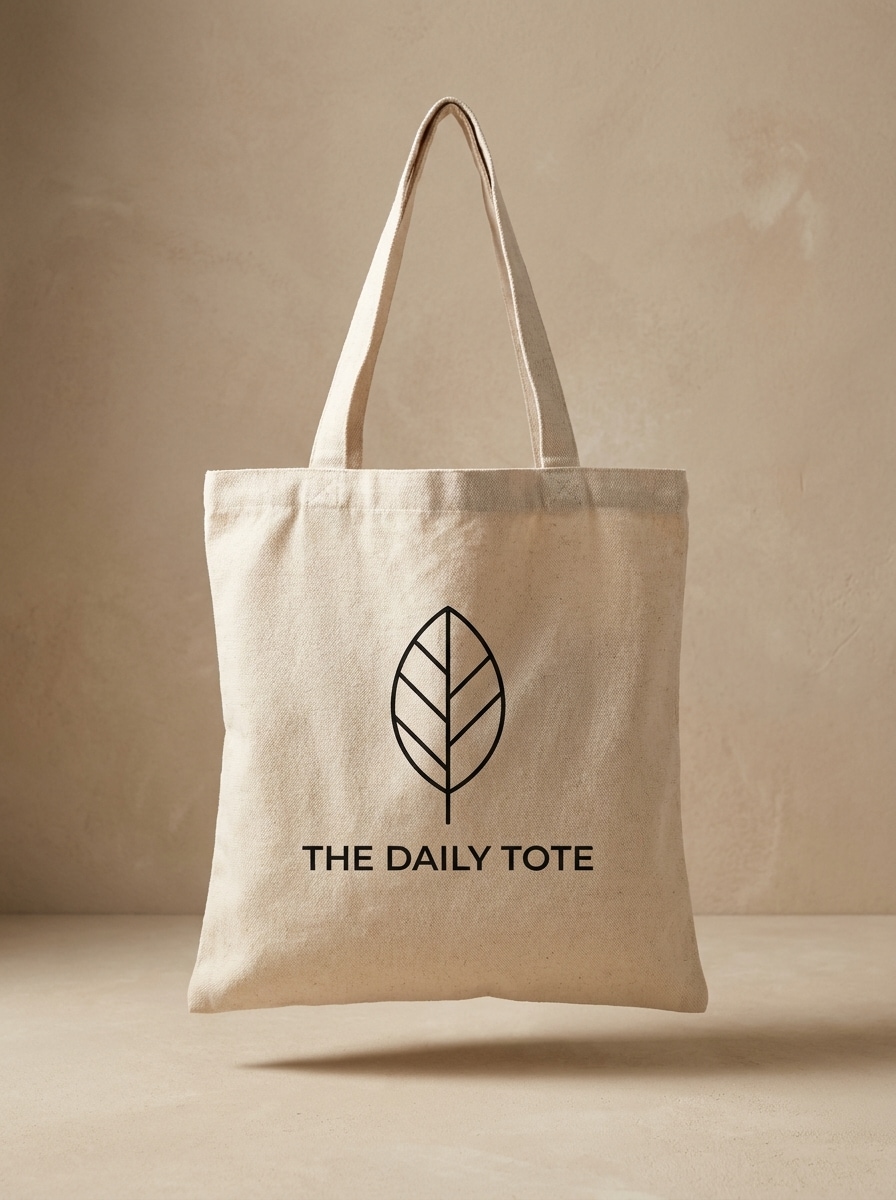
Use the uploaded image as the design reference and transform it into a clean canvas tote bag mockup in a neutral ecommerce studio. Front-facing bag, centered composition, warm beige backdrop, soft diffused lighting, subtle grounding shadow, realistic cotton texture, crisp print placement, premium catalog quality.
White Background Catalog
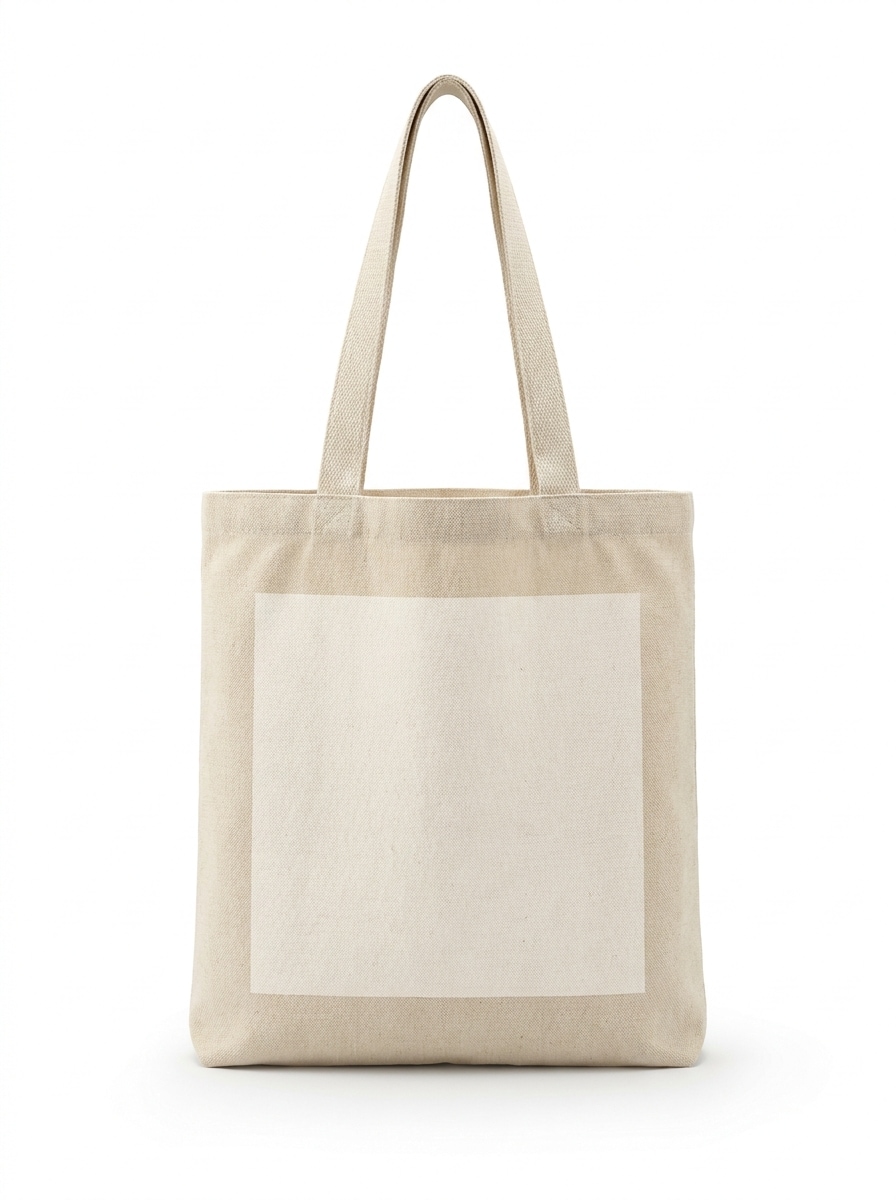
Use the uploaded design and place it onto a photorealistic tote bag product image with a pure white catalog background. Show the front of the bag clearly, keep edges crisp, lighting bright and even, cotton texture visible, shadows minimal, and the printed area sharp for a clean online store presentation.
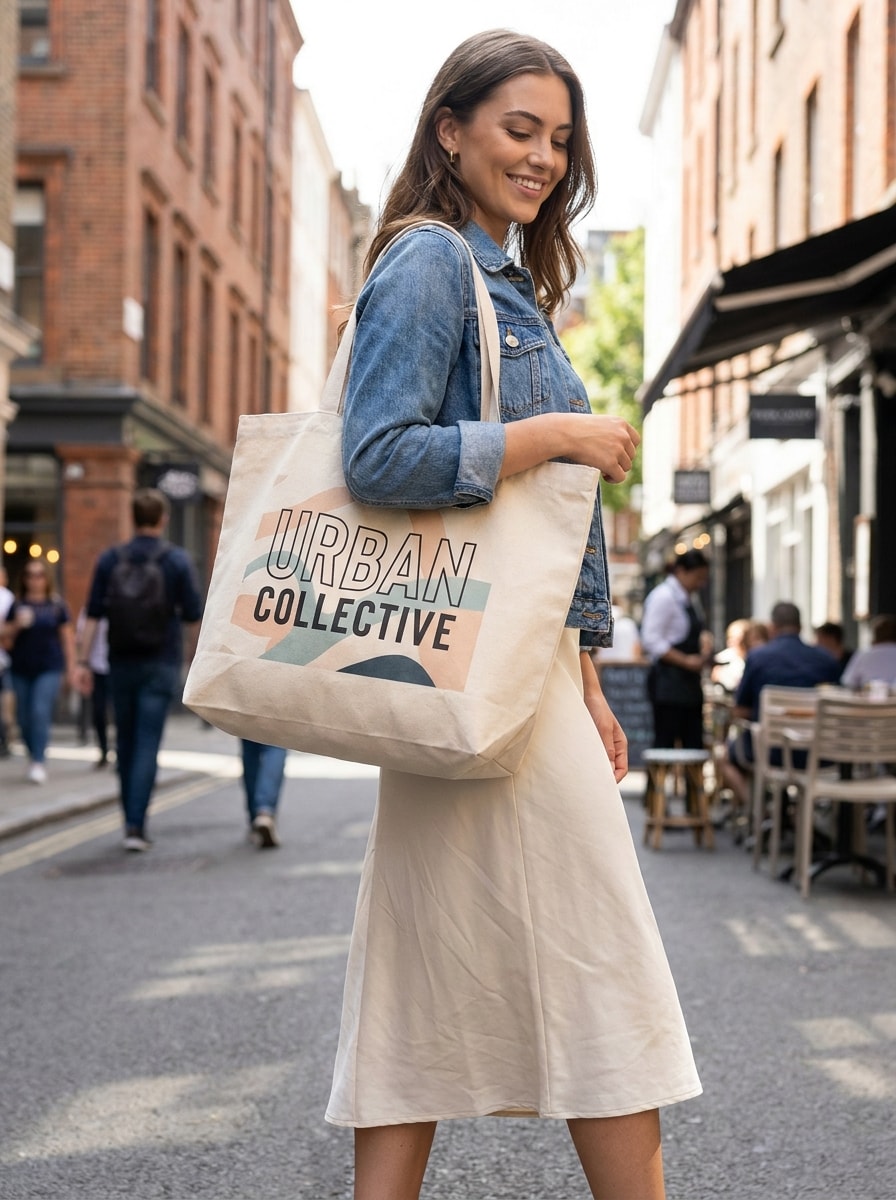
Model Holding Tote
Use the uploaded image as the printed artwork and transform it into a lifestyle tote bag mockup held by a stylish model. Urban street setting, natural daylight, casual fashion wardrobe, realistic pose, bag hanging naturally at the side, visible print area, soft skin tones, modern social-media-friendly framing.
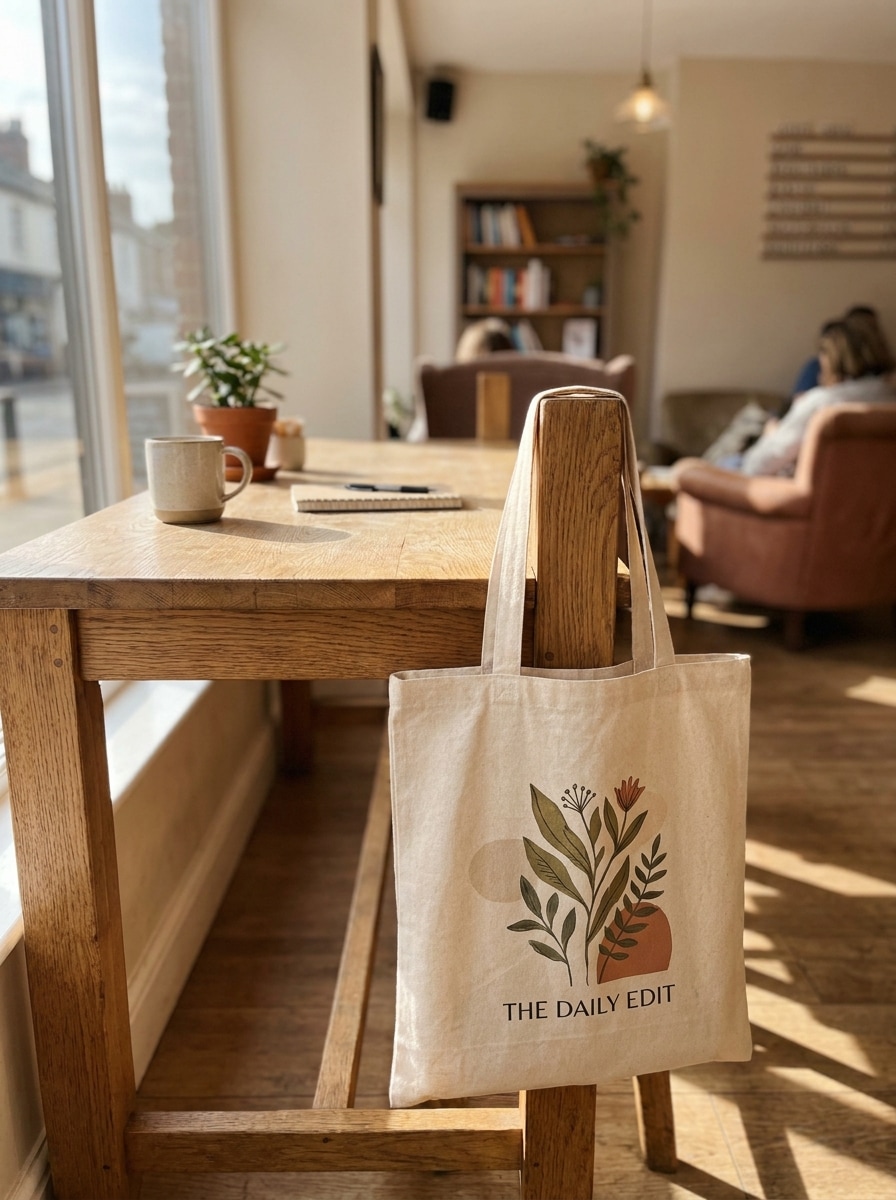
Cafe Aesthetic Tote
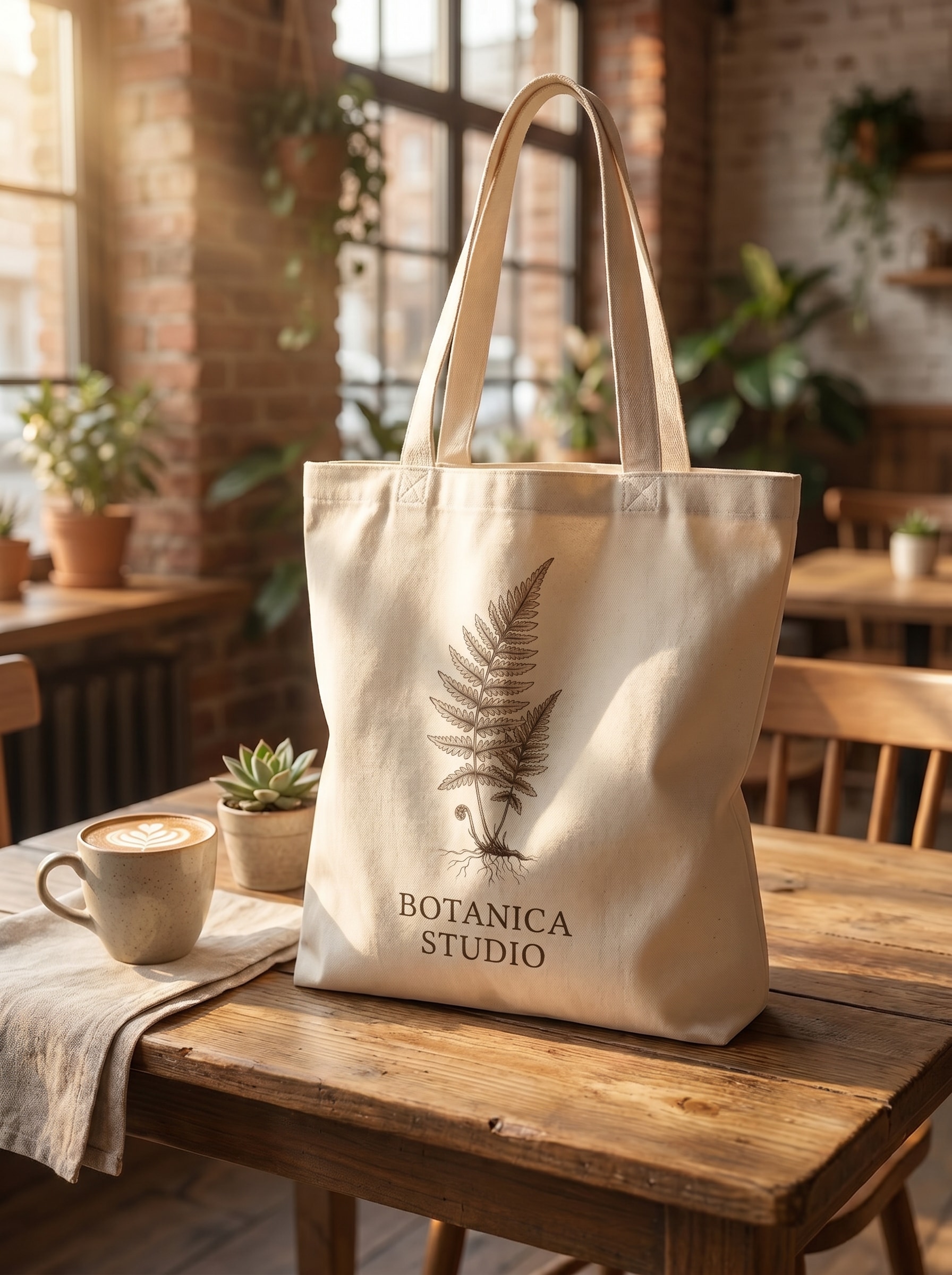
Use the uploaded artwork to create an aesthetic tote bag mockup in a cozy cafe environment. Cream canvas bag resting naturally near a wooden table, warm sunlight through windows, soft highlights, earthy tones, inviting boutique mood, realistic print placement, gentle depth of field, lifestyle branding photography quality.
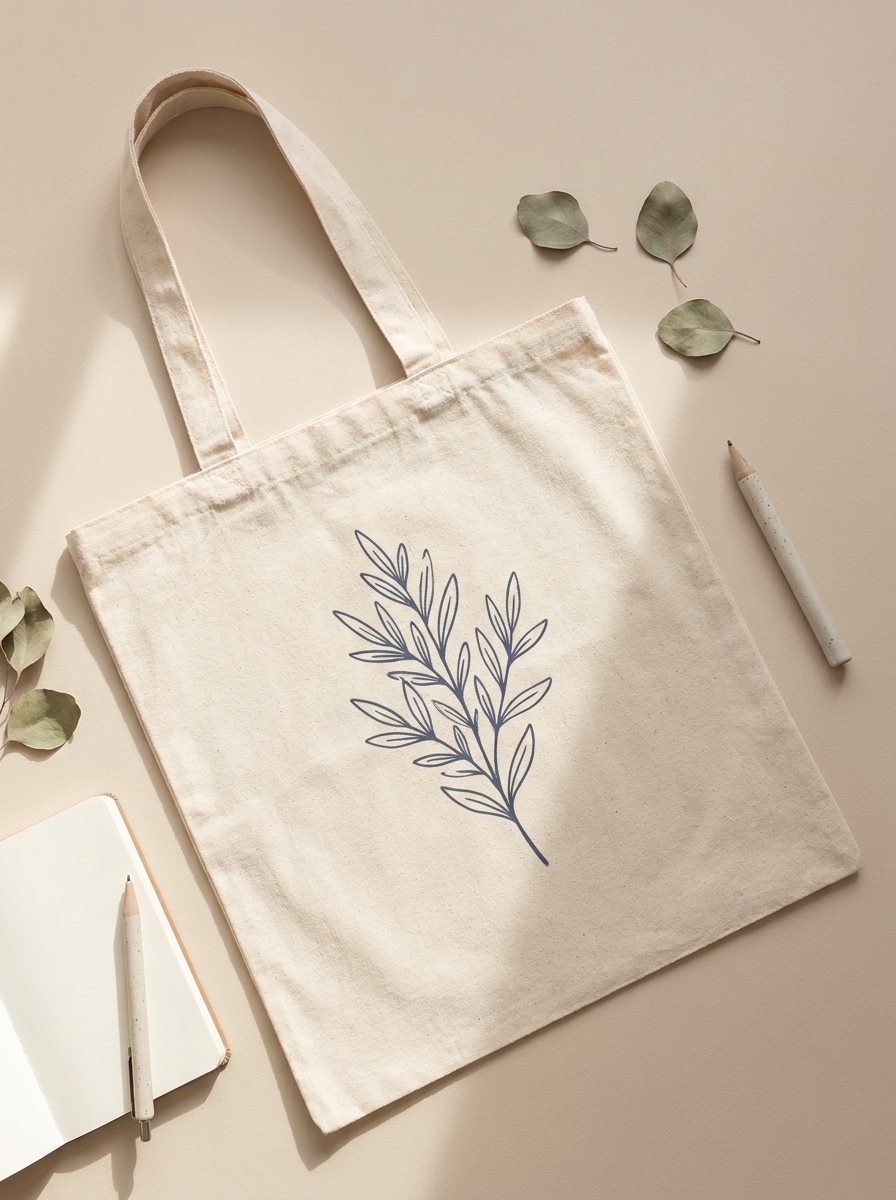
Desk Flat Lay
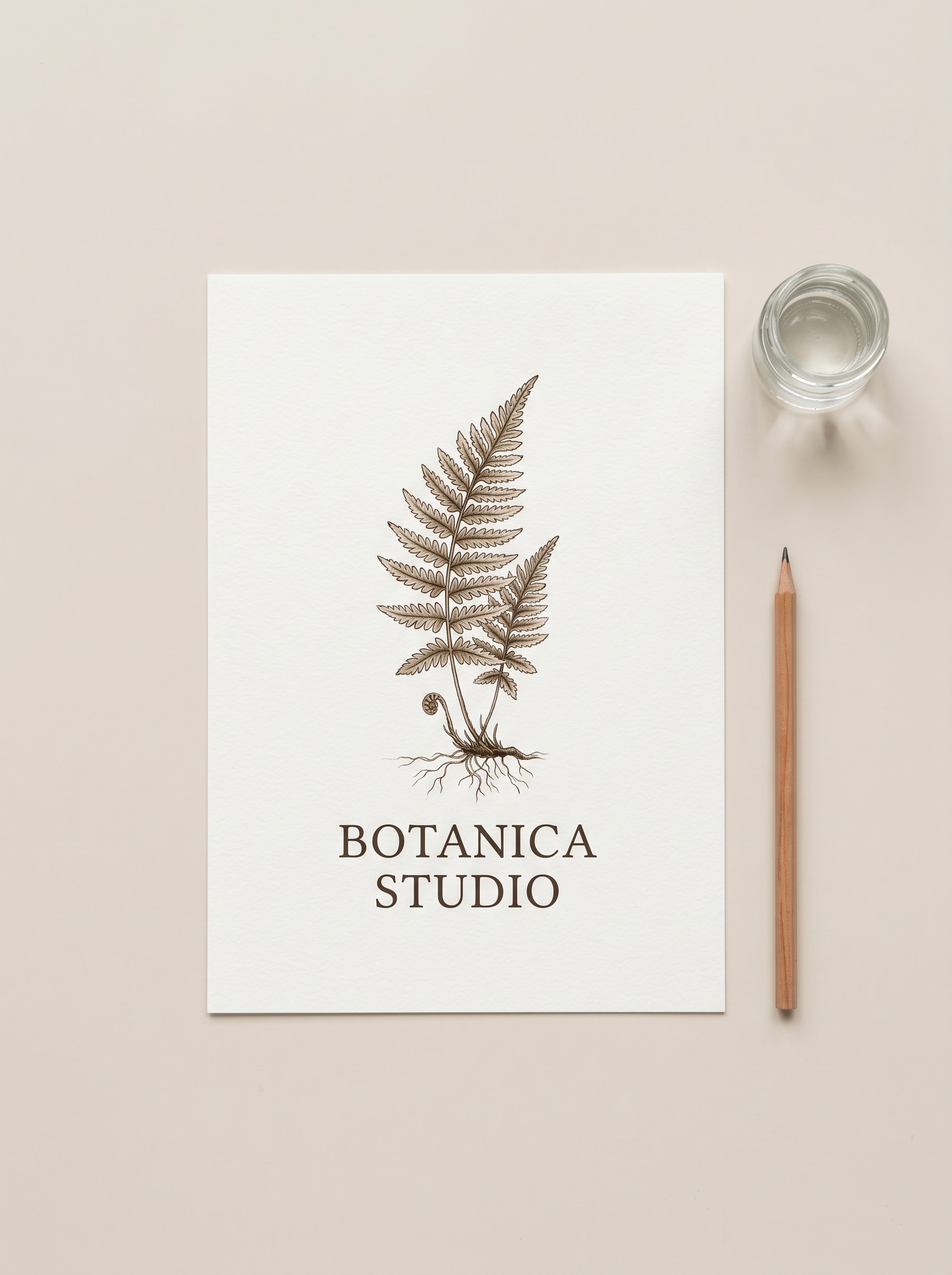
Use the uploaded design and transform it into a top-down flat lay tote mockup for a shop listing. Neutral desk surface, minimal stationery props, soft daylight from one side, clean spacing, natural folds in the fabric, centered artwork, calm beige-and-ivory palette, sharp and organized product presentation.
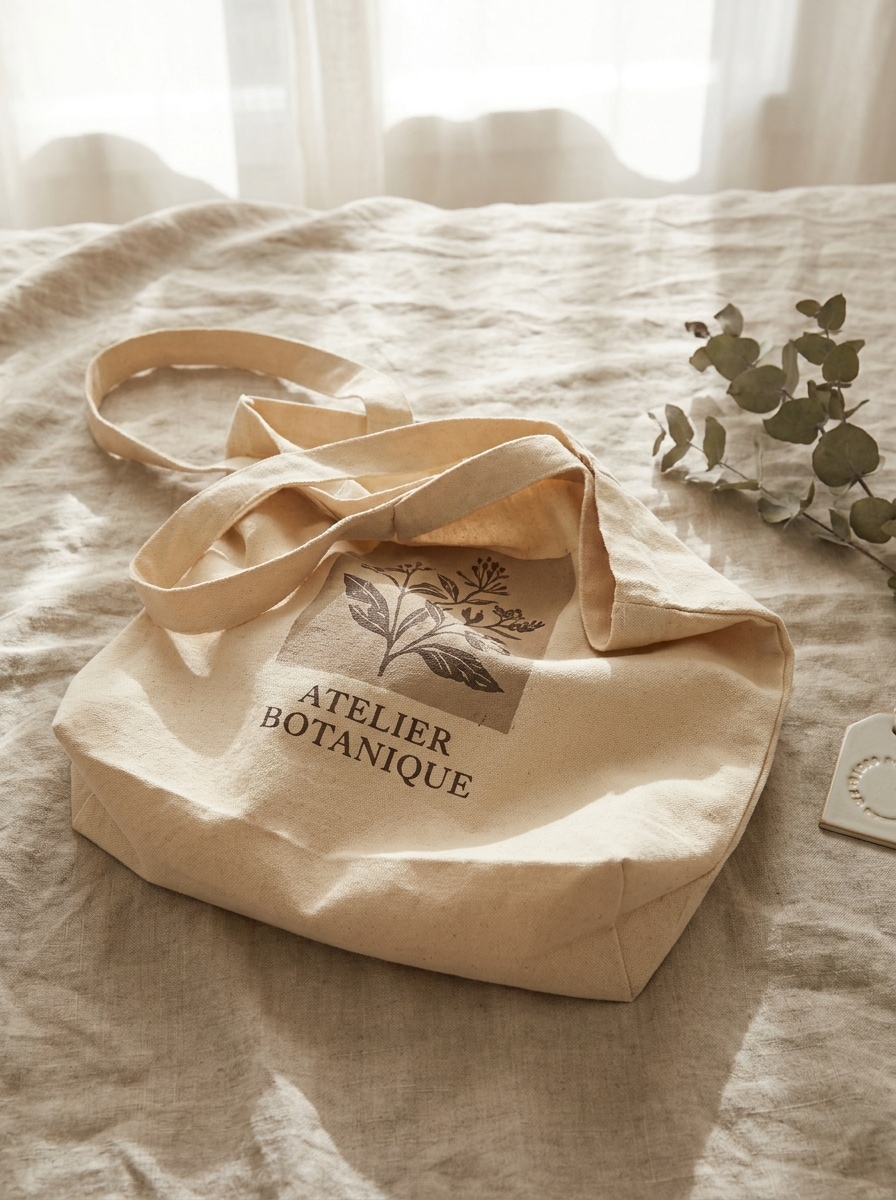
Folded Fabric Scene
Use the uploaded image as the graphic and create a premium folded tote bag mockup. Show the canvas bag partially folded on a soft neutral surface, elegant boutique styling, rich cotton texture, delicate shadows, muted warm palette, visible printed area, refined product-photo realism, and a subtle artisanal feel.
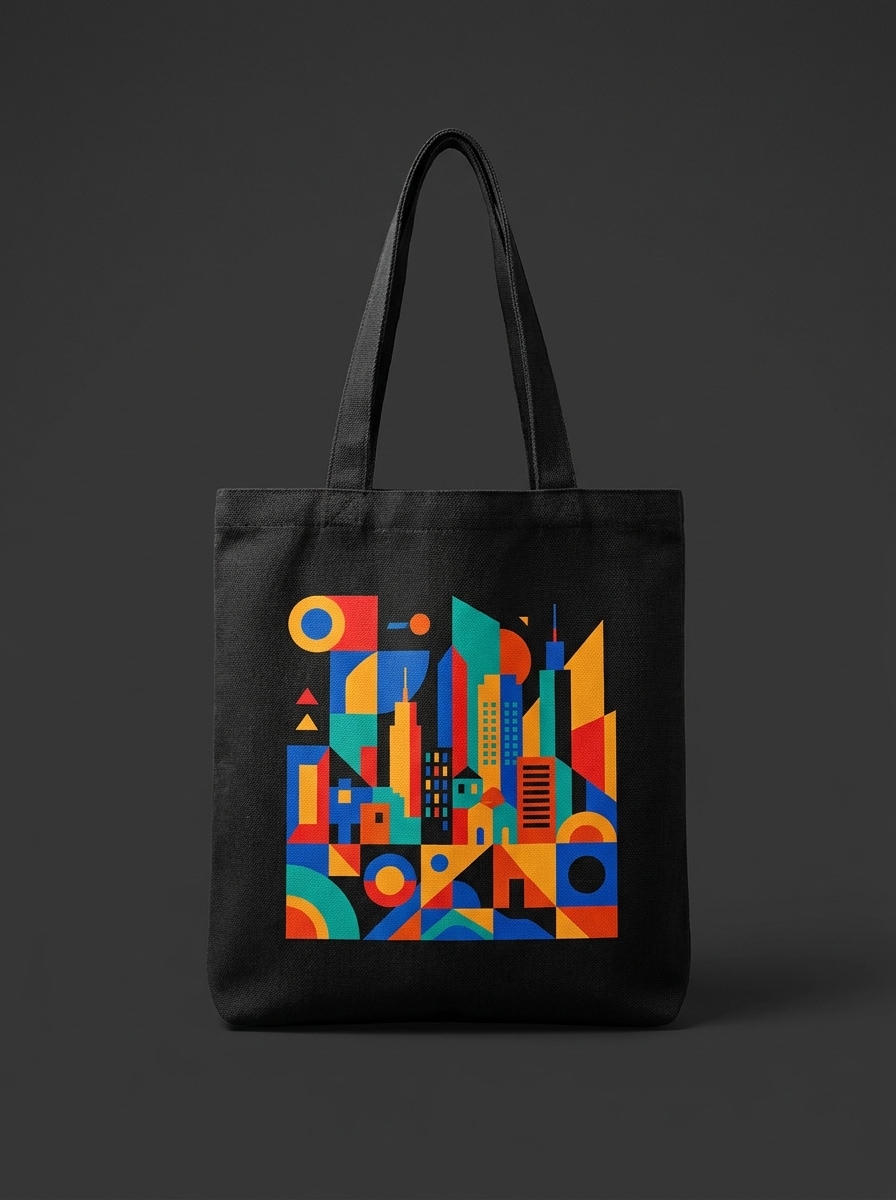
Black Canvas Tote
Use the uploaded logo or artwork and place it on a black canvas tote bag mockup. Front-facing composition, balanced lighting for strong print visibility, rich dark fabric texture, subtle highlights on the handles, modern ecommerce styling, high contrast, realistic textile detail, and a bold premium retail look.
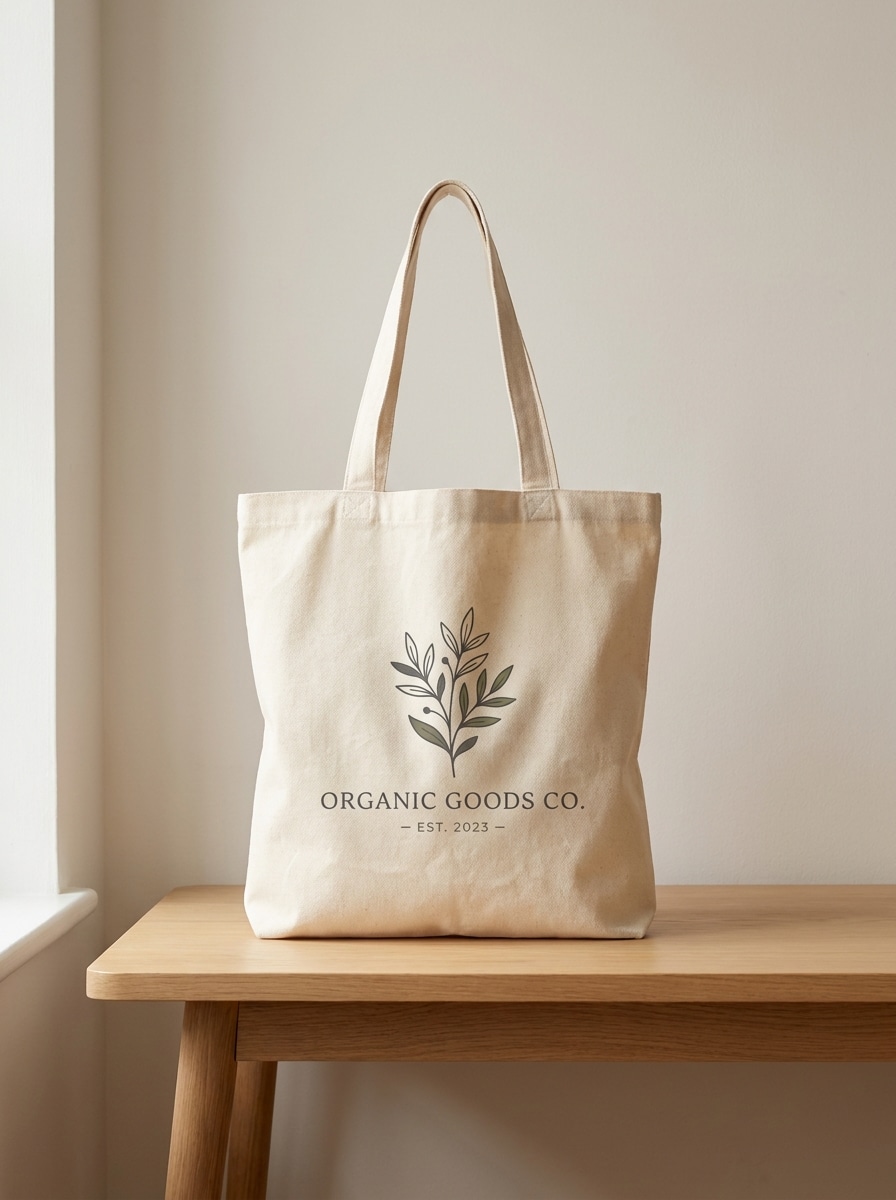
Natural Cotton Tote
Use the uploaded image as the print and transform it into a natural cotton tote bag mockup. Warm off-white fabric, front-facing bag, soft daylight, subtle wrinkles, gentle handmade brand mood, organic earthy palette, realistic cotton grain, and a clean artisanal product-photo style suitable for small-shop listings.
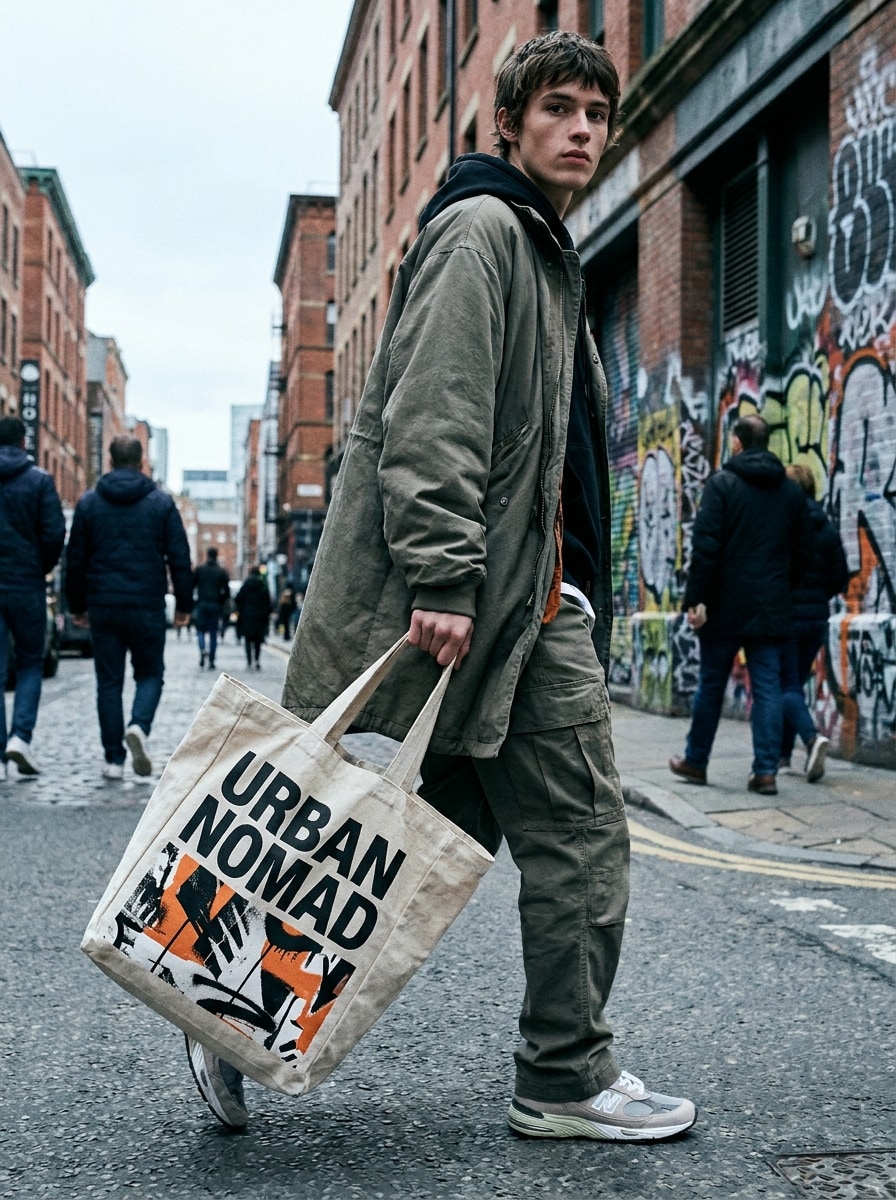
Streetwear Brand Tote
Use the uploaded artwork and turn it into a trendy streetwear tote bag mockup. Show a model carrying the bag in an outdoor city setting, dynamic crop, cool daylight, confident fashion styling, bold visible print, realistic textile motion, urban concrete textures, and an energetic campaign-style mood.
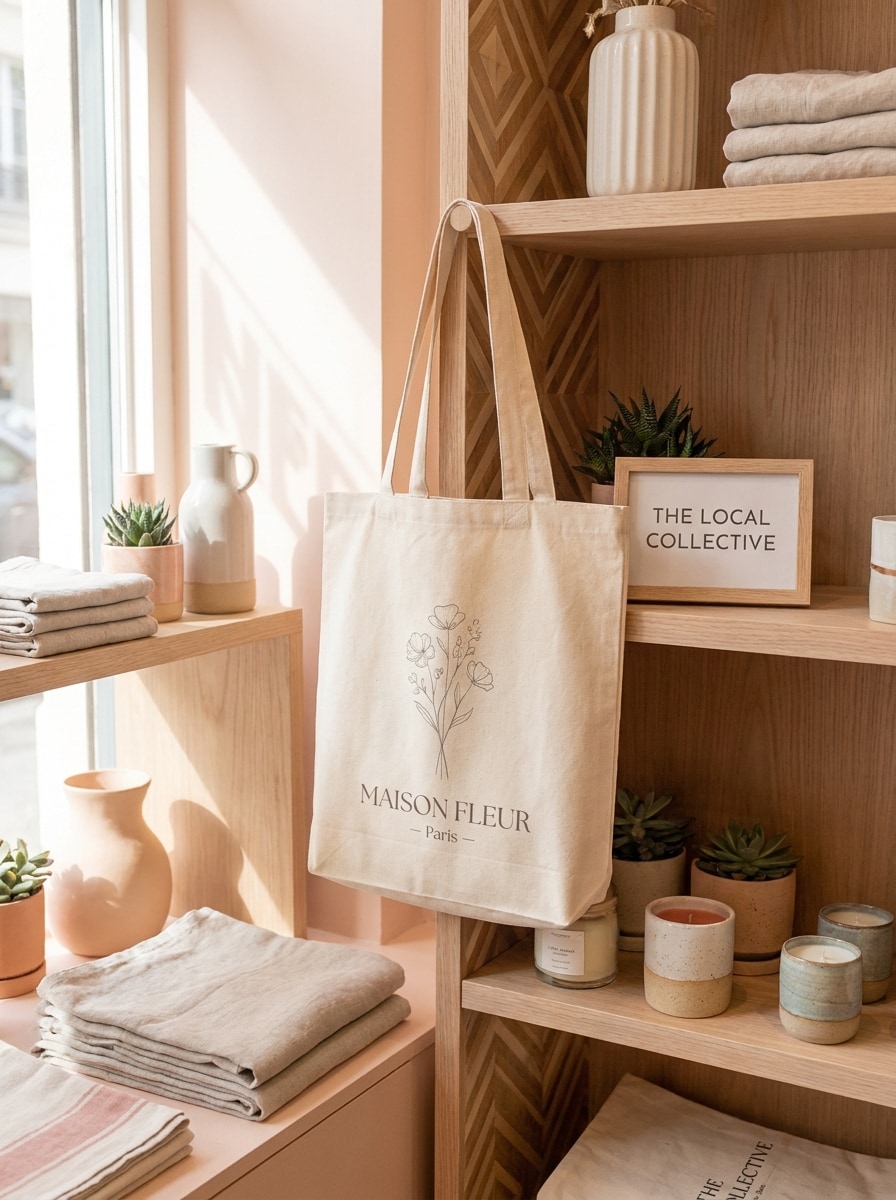
Gift Shop Mockup
Use the uploaded design and create a boutique gift shop tote bag mockup. Soft pastel retail background, cream or blush-toned styling, gentle natural light, inviting shelf details, realistic print placement, premium giftable mood, balanced composition, delicate shadows, and polished small-business branding photography.
Why Use Media.io for Tote and Bag Mockups
Upload Designs in Common Formats
Start fast by uploading JPG, PNG, or JPEG artwork, logos, or flat product images. It’s an easy workflow for a custom tote scene, a pouch mockup generator concept, or other bag branding visuals.
Create Realistic Mockups from One Reference
Use one uploaded image to guide polished tote mockups across studio, flat-lay, and lifestyle scenes. Media.io’s image-to-image workflow helps turn simple source art into realistic product visuals with clear print placement and fabric detail.
Export in High Resolution
Generate images in 1K, 2K, or 4K depending on your plan and project needs. That makes Media.io practical for ecommerce listings, ad creatives, print previews, and realistic brand presentations.
Works in Your Browser on Any Device
Media.io runs on Windows, Mac, iPhone, Android, and tablets with no app install required. You can make an online tote bag mockup, test a paper shopping concept, or refine brand visuals wherever you work.
How to Make a Tote Bag Mockup Online
1
2
3
1
Open Media.io Tote Bag Mockup Generator
Go to AI Image to Image Generator and open the Tote Bag Mockup Generator under AI -> Image to Image. This online tool runs in your browser, so you can create realistic bag visuals on desktop or mobile without installing extra software.
2
Enter a Prompt or Upload
Upload your logo, artwork, or flat design image. Then add a detailed prompt such as “Use my uploaded artwork on a cream canvas tote bag in a soft beige studio scene with realistic cotton texture and subtle shadows.” Adjust aspect ratio, resolution, and image count as needed.
3
Generate, Refine & Download
Click Generate. Review the tote mockup, refine your prompt or settings if needed, and download a high-resolution image for product listings, social content, or brand presentations.
See how creators use this Tote Bag Mockup Generator for content, marketing, and personal projects, then adapt each idea to fit the brief.
Launch Better Ecommerce Listings
Create polished tote product images without booking a full photo shoot. Studio, white-background, and flat-lay mockups help small shops present custom bags clearly on marketplaces, landing pages, and product catalogs.
Visualize Brand Merch Before Production
Test logos, illustrations, and seasonal graphics on different tote colors and scenes before printing. It’s a practical way to preview merch collections, compare layouts, and build stakeholder-ready presentations fast.
Repurpose Artwork Across Bag Formats
Use the same uploaded design to explore related packaging ideas, from tote concepts to a clean paper bag mockup generator look or a branded pouch mockup generator style. That helps creators build a more consistent product line with less manual design work.
What Users Say
Ava Martinez
Ecommerce Shop Owner
"Fast product visuals for my store" I uploaded my tote artwork and got realistic mockups much faster than building scenes manually. The studio and flat-lay results worked well for my shop listings.
Jordan Lee
Brand Designer
"Helpful for client previews" This made it easy to show clients how their graphics could look on canvas bags. The fabric texture and lighting felt more realistic than I expected from a browser tool.
Priya Shah
Social Media Manager
"Great variety of mockup scenes" I like that I can go from a clean catalog look to a lifestyle tote image using the same uploaded design. It saves time when I need content for both ads and Instagram.
Noah Bennett
Print-on-Demand Seller
"Easy workflow, even on mobile" I tested mockups from my phone and the process was straightforward. Uploading a PNG logo, adjusting the prompt, and downloading a usable image took only a few minutes.
A tote bag mockup generator is a tool that helps you turn artwork, logos, or a flat reference image into realistic tote bag visuals. Media.io uses an image-to-image workflow, so you can upload a design and generate polished studio, lifestyle, or catalog-style bag mockups online.
2. Can I create a tote bag mockup for free?
Free users can try Media.io with free credits. If you need more generations or higher-volume usage, you can check the pricing page. Free downloads may include watermarks, while paid subscribers can download watermark-free high-resolution images. Free users can use free credits. For more usage, users can subscribe to a plan on the pricing page. Upgrade to a paid plan on the pricing page for more credits and watermark-free high-resolution downloads.
3. How do I put my logo or artwork on a tote bag mockup?
Open the tool, upload your logo or artwork in JPG, PNG, or JPEG format, and describe the scene you want, such as a beige studio tote, a flat-lay product shot, or a lifestyle model image. Media.io uses your uploaded image as the visual reference to generate the mockup.
4. Can I generate realistic canvas bag mockups from a single image?
Media.io supports image-to-image generation, so one reference image can guide a realistic canvas bag mockup. You can use a single uploaded design or flat product image and generate different tote scenes, compositions, and aspect ratios from it.
5. What file types and image sizes work best for tote bag mockups?
Media.io supports JPG, PNG, and JPEG uploads. For best results, use a clear, high-quality source image with readable artwork and clean edges.
6. Can I make tote bag mockups on my phone or in a browser?
Media.io is web-based and works in a browser on Windows, Mac, iOS, and Android devices. That means you can create an online tote bag mockup, review variations, and download results from desktop, tablet, or phone. Media.io is a web-based tool that works on any device with a browser (Windows, Mac, iOS, Android).
Beyond AI-Powered Online Tote Bag Mockup Generator