Image to Image
Nano Banana Pro
0/2000
1K
Auto
1
Unlimited Banana Pro
Save to Characters
Creations
Ideas Hub
How It Works
All
Generate List
Creations are stored for only 7 days. Assets created after upgrading to a Membership plan will be stored permanently.
ai_video_generatorUnlock your creative potential and experience the magic of Media AI right away!

Transform Photos into Stunning Art with the Media.io AI Duotone Effect

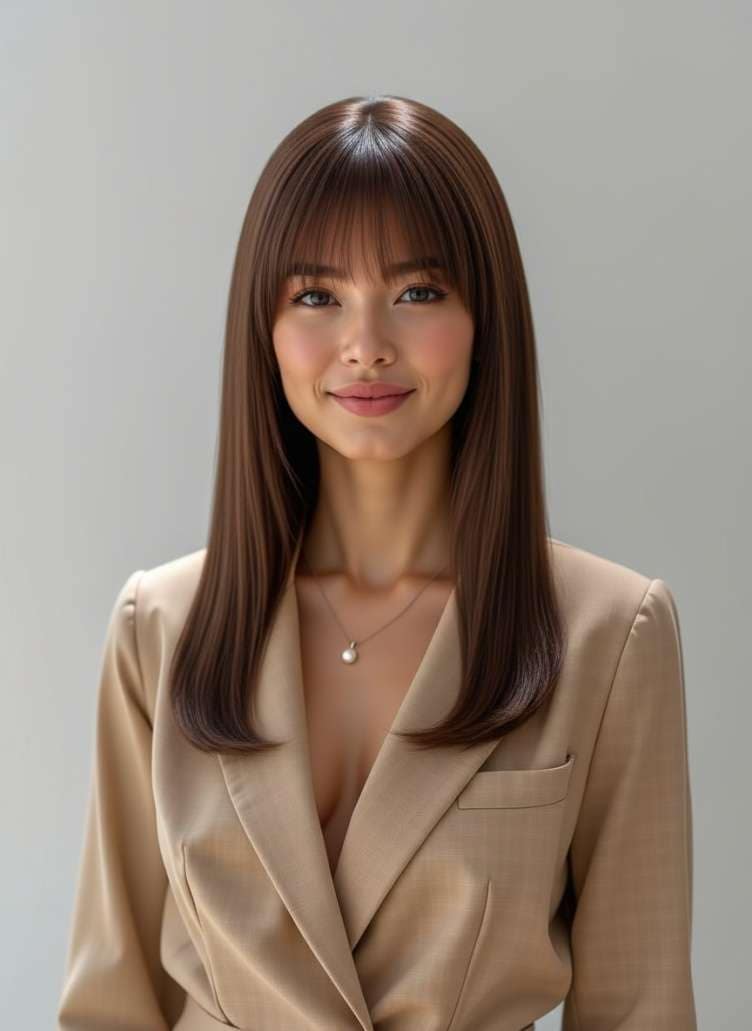
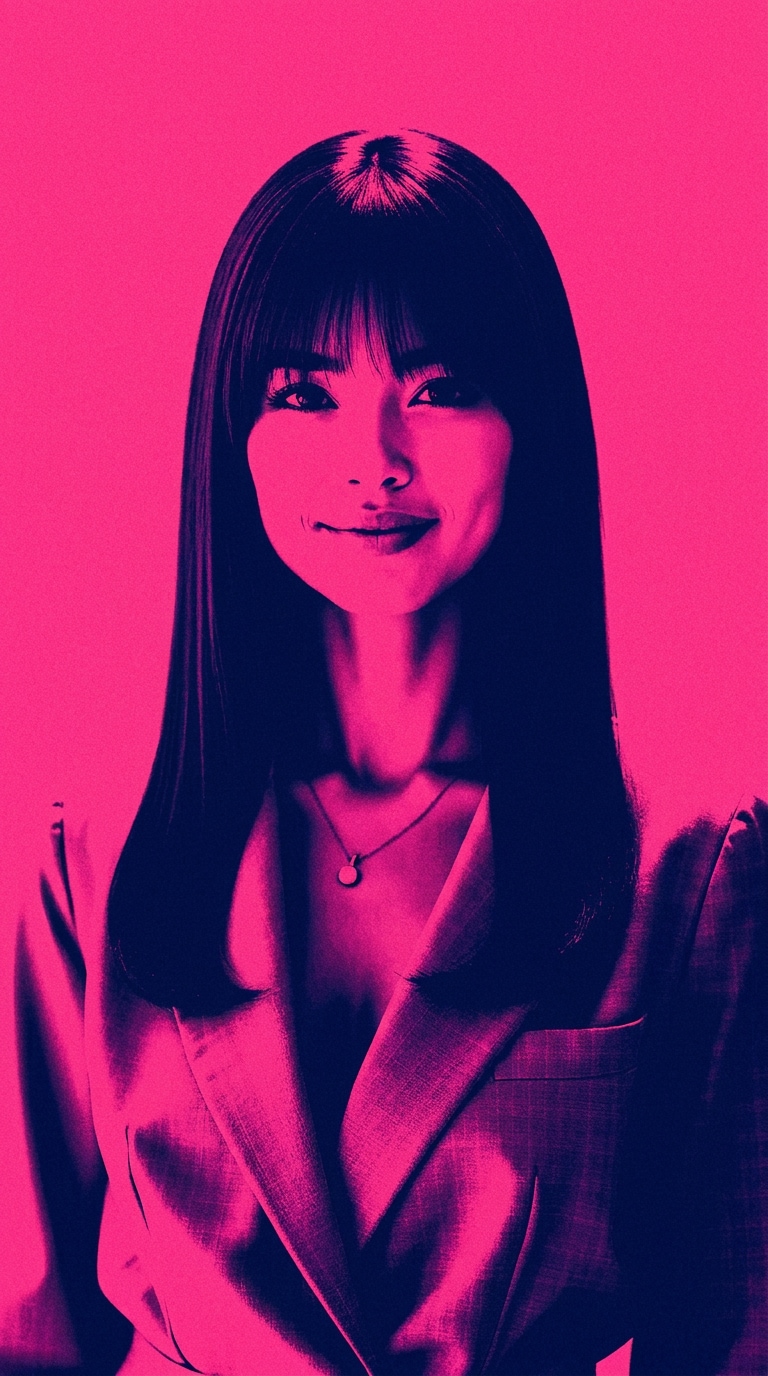
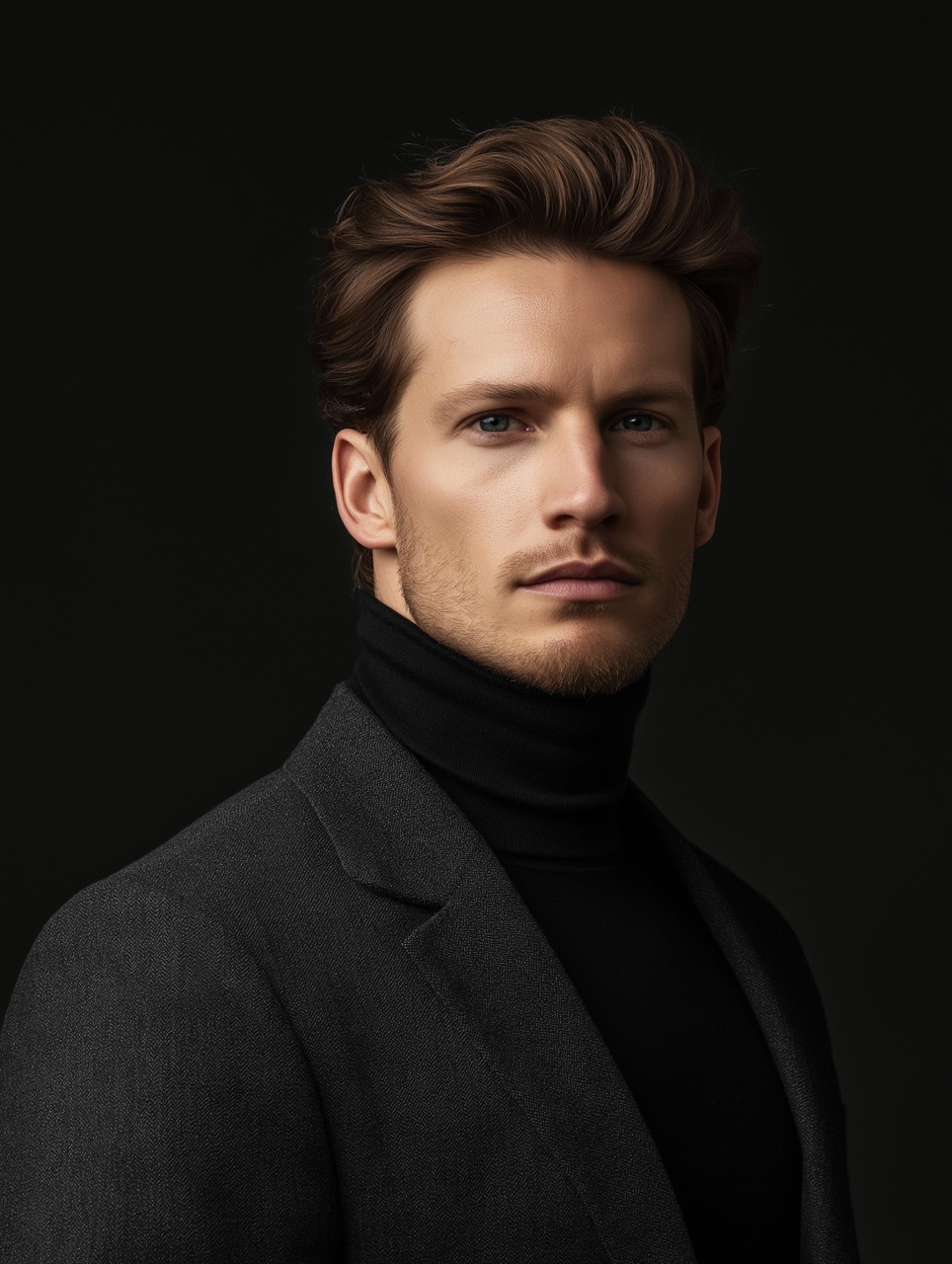
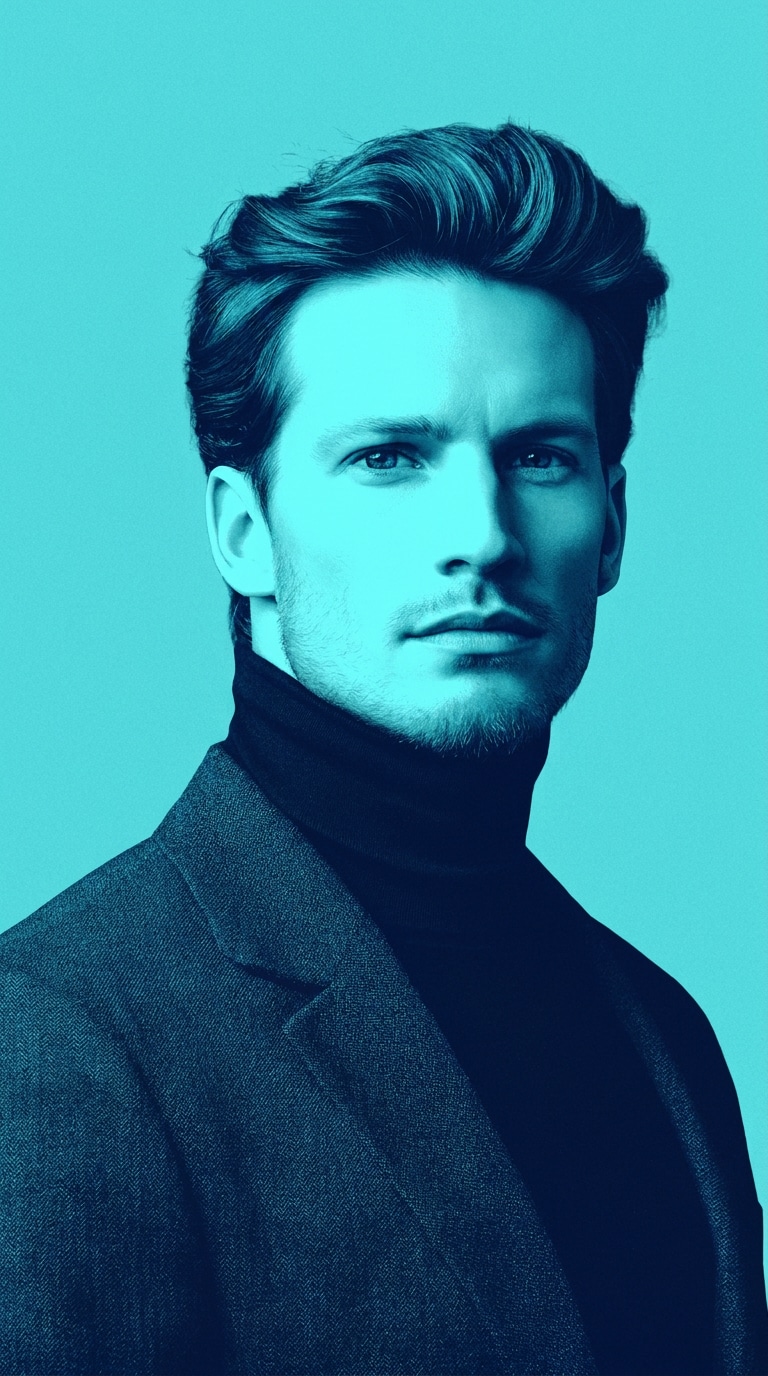
Turn portraits, products, and graphics into high-impact, two-color artwork. Simply upload your image and describe your color mood—our advanced AI duotone filter applies clean, poster-style contrast and modern gradient map effects while keeping your subject perfectly recognizable.

Duotone Effect 2 before Before
Duotone Effect 2 After
Duotone Effect 4 before Before
Duotone Effect 4 After
Create AI Duotone Art Now

Free credits on signup.

Why Choose Media.io for AI Duotone Photo Effects

Smart Color Restyling, Not Just a Filter

Instead of applying a basic "pick two colors" overlay, our smart AI maps tones dynamically. Describe your color mood, and the AI restyles your entire image using a balanced two-color photo effect.

High-Contrast Spotify-Style Visuals

Create iconic, campaign-style artwork instantly. Map rich gradient combinations over your photos to secure that distinct poster color effect and gorgeous editorial look.

Intelligent Subject Details Preserved

Standard gradient map effects can blur out fine features. Media.io uses advanced face and object recognition to preserve vital textures, shapes, and recognizable portrait details.

Limitless Custom Color Pairing

Ditch restrictive presets. Enter any color combination or description of your choice, and watch the AI duotone filter perfectly adjust highlights and midtones to match your brand style.

How to Turn Photos into Bold AI Duotone Art Online for Free

01

Step 1: Upload Your Target Photo

Upload your portrait, product shot, or graphic. Our tool supports all standard image formats for instant two tone photo filter mapping.

02

Step 2: Describe Your Colors & Restyle

Select a built-in duo color palette or simply type in your preferred color mood. The AI will restyle the entire image into a perfect high-contrast design.

03

Step 3: Save Your Duotone Artwork

Preview the stylized look. Once satisfied with the sharp editorial contrast, download your high-quality, watermark-free visual with one click.

Join Creators Generating Breathtaking AI Duotone Artwork in Seconds

user
@marcus_design

Poster Designer

star star star star star

“Perfect Spotify-style poster artwork instantly.” I used to spend half an hour setting up gradient map effects in Photoshop for our playlist banners, only for the facial details to look muddy. Media.io's AI duotone filter keeps facial features clean while giving me that bold, high-contrast two tone photo filter look immediately.

user
@sarah_mktg

Social Media Manager

star star star star star

“Effortless brand-colored campaigns.” Finding a two color photo effect that matches our exact brand colors was impossible with standard presets. With this tool, I can literally describe my color mood and get gorgeous, consistent brand assets for Instagram in seconds. It's a lifesaver!

user
@elena_photo

Portrait Photographer

star star star star star

“Stunning, high-contrast artistic results.” Most duotone filters just apply flat colors on top of images. This tool behaves like a smart neural stylizer, giving me beautifully balanced highlights and deep shadows that preserve the drama of my original portrait photography without washing out features.

user
@devon_creates

Content Creator

star star star star star

“Iconic poster color effect for my album cover.” I uploaded a casual selfie, selected a deep red and blue duotone photo effect, and it generated a cover-ready graphic that looks like an editorial poster. Absolute masterpiece of an AI tool!

FAQs Related to AI Duotone Effect

1. What is an AI Duotone Effect?

An AI Duotone Effect is a creative image stylization process that reduces a photo's color spectrum into a high-contrast, two-color palette. Unlike traditional static filters, Media.io's AI-powered duotone filter analyzes your image's elements to map colors dynamically, ensuring the main subject remains clear, recognizable, and artistically striking.

2. Can I use my own custom color pairings with the duotone photo effect?

Yes! Media.io offers a "describe your color mood" feature alongside predefined presets. You can specify precise color pairings (such as "emerald green and rich gold") or even ask the AI to generate a specific aesthetic, and the two tone photo filter will restyle your image accordingly.

3. How does the AI duotone filter differ from a basic gradient map effect?

A basic gradient map effect simply overlays colors based on light levels, which can often result in washed-out faces or lost details. Our AI duotone filter recognizes facial features, products, and backgrounds to intelligently distribute colors, retaining natural contrast and photographic crispness.

4. What types of images work best with the two-color photo effect?

While any image can be transformed, the poster color effect works exceptionally well on close-up portraits, bold product photography, editorial fashion shots, and minimalist graphics. High-contrast images tend to yield the most dramatic and eye-catching Spotify-style results.

5. Can I use the generated duotone graphics for commercial purposes?

Absolutely! After applying the AI duotone effect, you can download your high-quality, watermark-free images and use them for marketing campaigns, editorial designs, social media graphics, Spotify album covers, or personal portfolio projects.

Media.io Online AI Tools Quality Rating:
vote 4.7 (162,357 Votes)