Tus creaciones solo se guardan durante 7 días. Los recursos creados después de actualizar a Membresía se almacenarán de forma permanente.
¡Desbloquea tu potencial creativo y experimenta la magia de Media AI ahora mismo!
Transferencia de estilo de Imagen de IA en línea gratis - Transformar cualquier foto en un nuevo estilo visual al instante
Usa la Transferencia de estilo de Imagen de IA para convertir al instante cualquier foto en arte anime, visuales cinematográficos, ilustraciones de acuarela u otros estilos creativos manteniendo el sujeto reconocible. Con Media.io, puedes cambiar el estilo de retratos, mascotas, imágenes de productos y contenido social en segundos con textura, iluminación y detalle artístico mejorados, ahora con generación gratuita ilimitada para una exploración creativa rápida y flexible.
Explora nuestra colección seleccionada de ideas de Transferencia de estilo de Imagen de IA.
Transferencia de estilo cinematográfico
Usa la imagen cargada como sujeto y transfórmala con Gradación de color cinematográfica, contraste dramático, iluminación intensa, Profundidad de campo reducida, sombras ricas y textura inspirada en el cine. Preserva la identidad y composición originales mientras haces que la imagen final se sienta como un fotograma pulido de una escena de película de alto nivel.
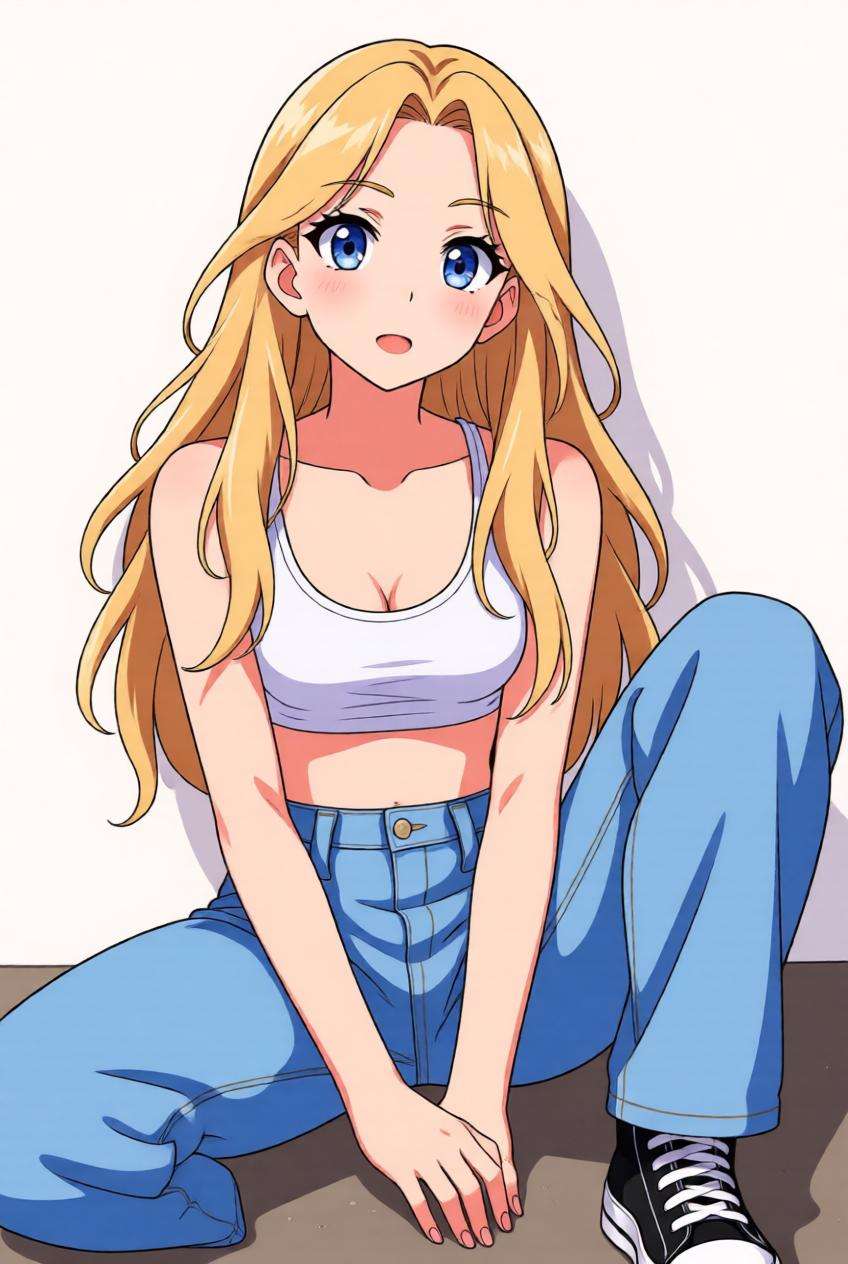
Transferencia de estilo anime
Usa la imagen cargada como sujeto y conviértela en una obra de arte inspirada en el anime. Mantén el rostro, la pose y el sujeto general reconocibles mientras aplicas un trazo limpio, sombreado cel Suave, ojos expresivos, armonía de colores vívidos y un acabado de ilustración anime pulido, adecuado para Avatares, publicaciones en redes sociales e imágenes de perfil creativas.
Transferencia de estilo de pintura al óleo
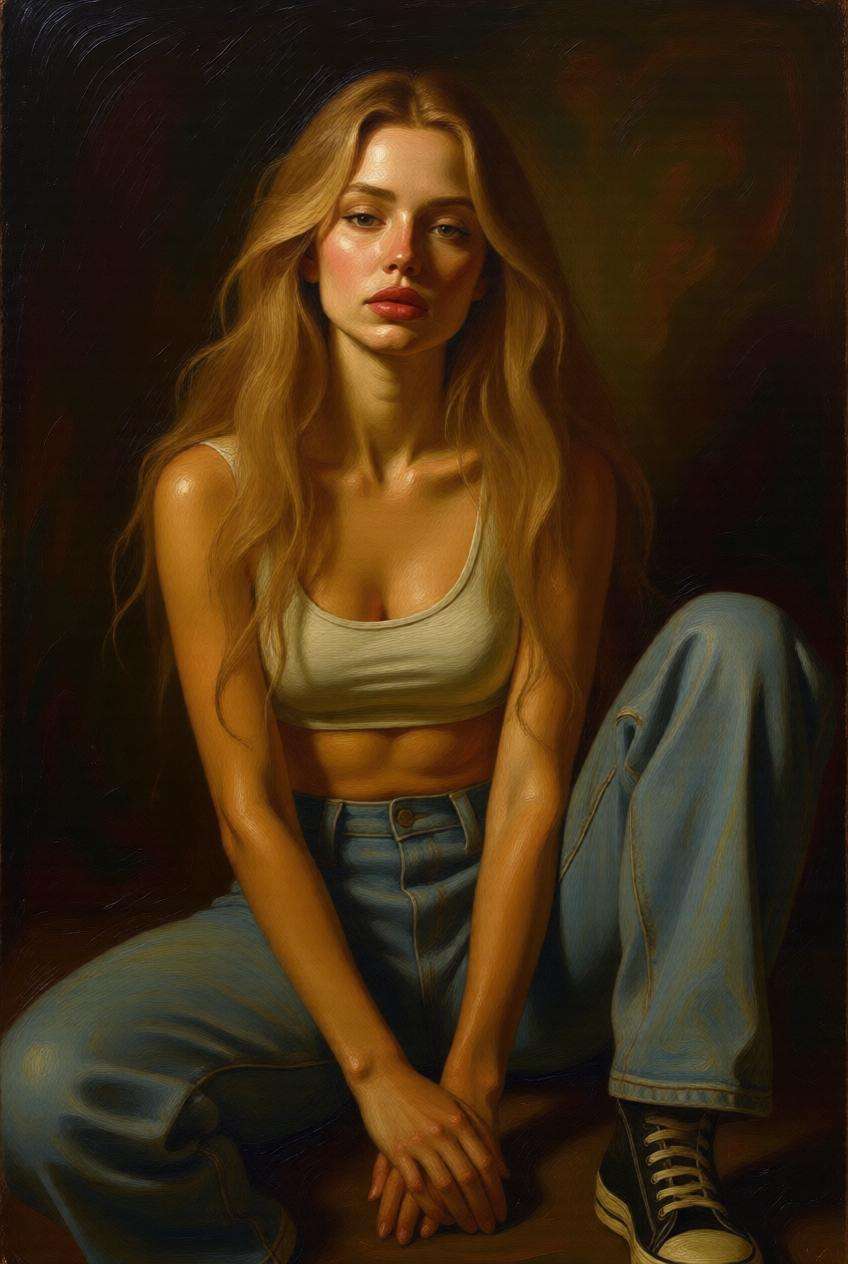
Usa la imagen cargada como sujeto y rediseña su estilo como una pintura al óleo clásica. Preserva los detalles faciales y de composición importantes mientras añades pinceladas artísticas con Pincel, sensación de lienzo texturizado, pigmentos ricos, iluminación estilo museo y una elegante profundidad artística para una apariencia de bellas artes atemporal.
Transferencia de estilo acuarela
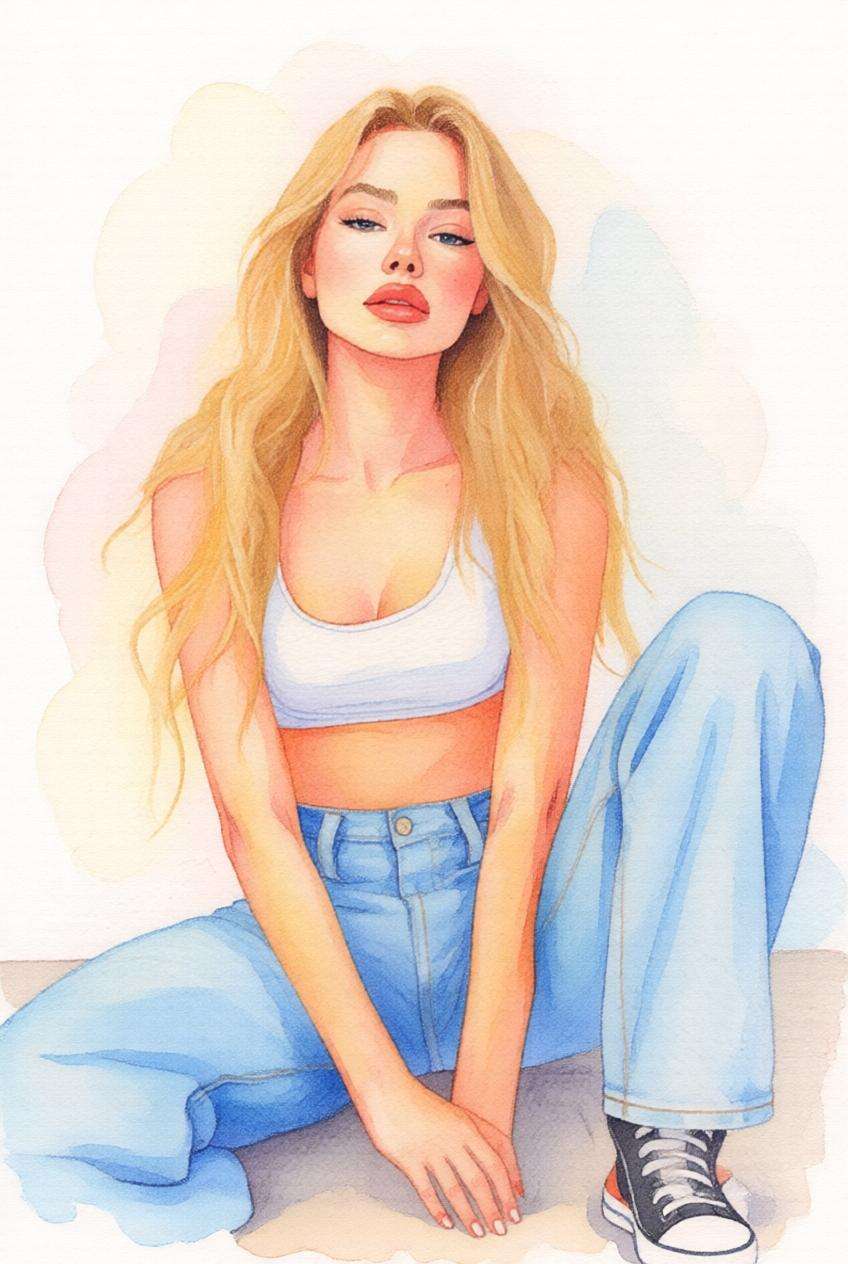
Usa la imagen cargada como sujeto y transfórmala en una ilustración Suave de acuarela. Mantén la forma y expresión reconocibles del sujeto mientras añades texturas de pigmento fluidas, grano de papel ligero, bordes Suaves, mezcla de colores etérea y una atmósfera artística hecha a mano que se sienta delicada, elegante y lista para compartir.
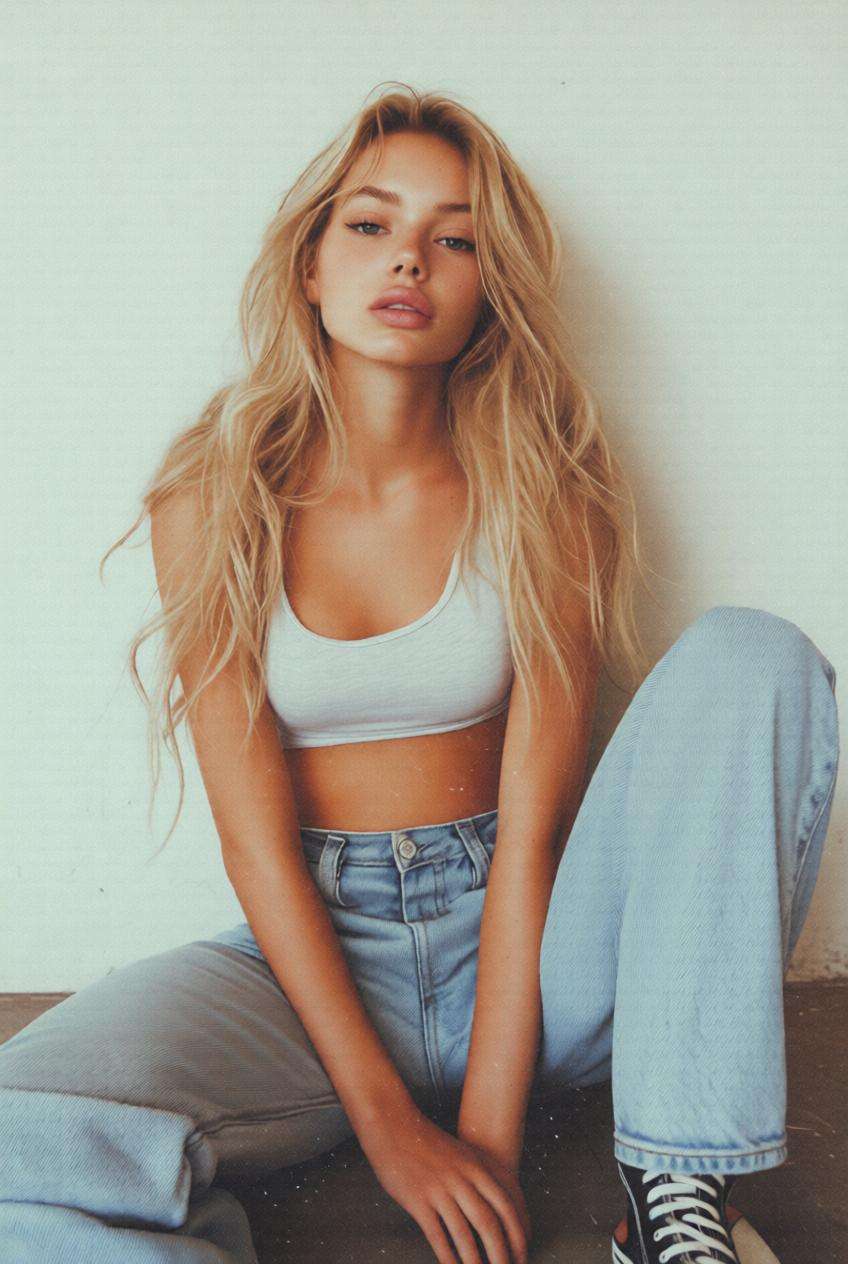
Transferencia de estilo retro
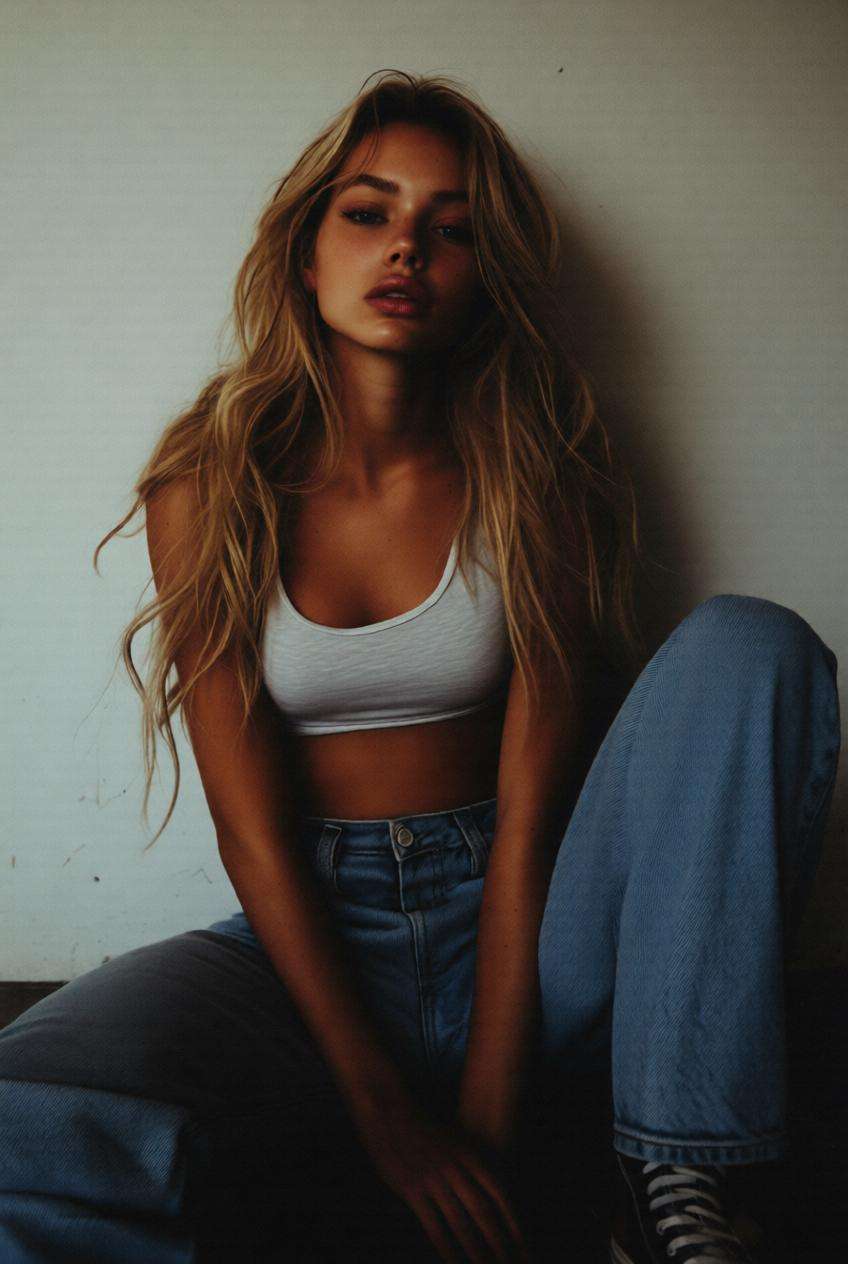
Usa la imagen cargada como sujeto y aplica una Transferencia de estilo retro con tonos nostálgicos, lavado de color vintage, grano sutil, luces ligeramente desvanecidas y un ambiente inspirado en lo analógico. Preserva el sujeto principal mientras le das al resultado final una identidad visual moderna, lista para redes sociales, inspirada en cámaras clásicas y estética editorial.
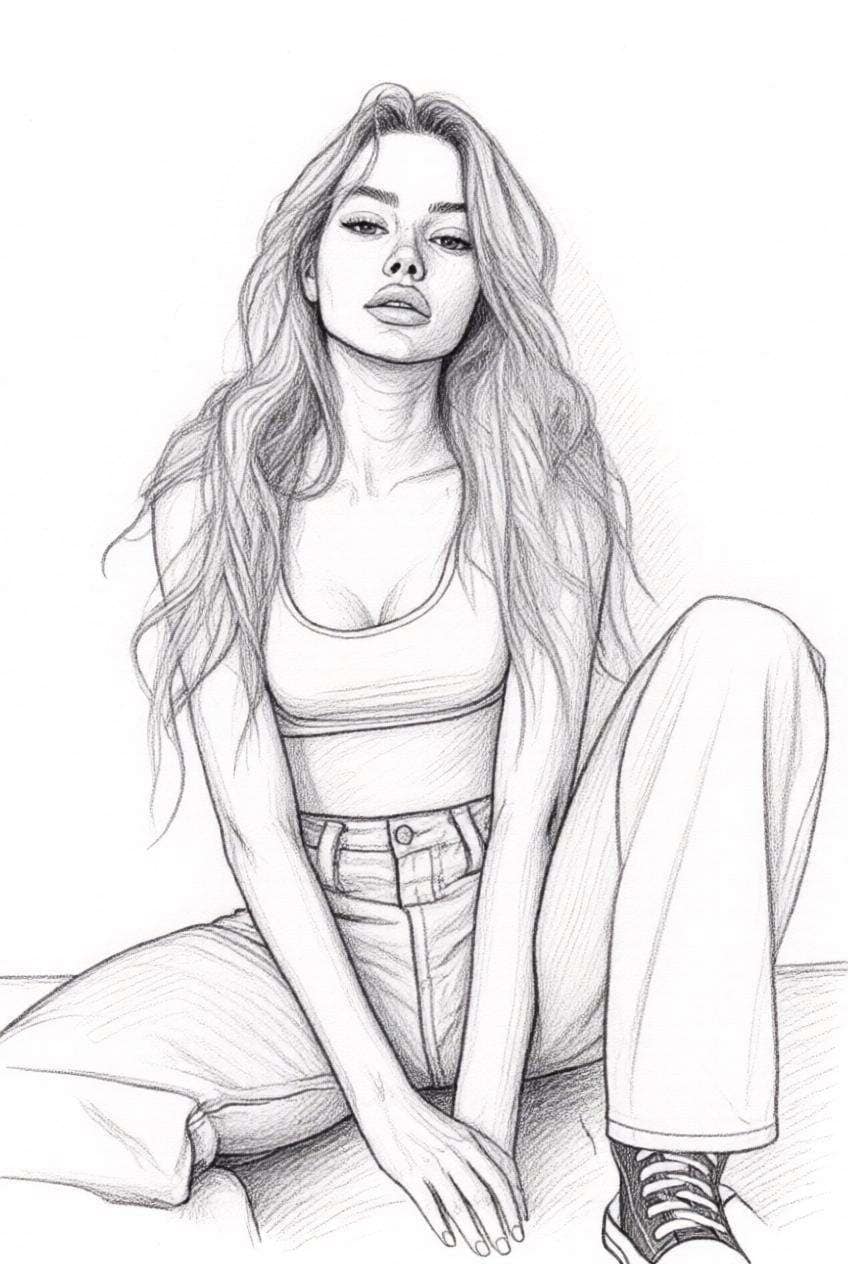
Transferencia de estilo de dibujo a lápiz
Usa la imagen cargada como sujeto y conviértela en un dibujo de boceto refinado con textura de lápiz, sombreado elegante, detalle de líneas limpias, contraste Suave en escala de grises y un acabado artístico dibujado a mano, manteniendo la composición original y la identidad facial reconocibles.
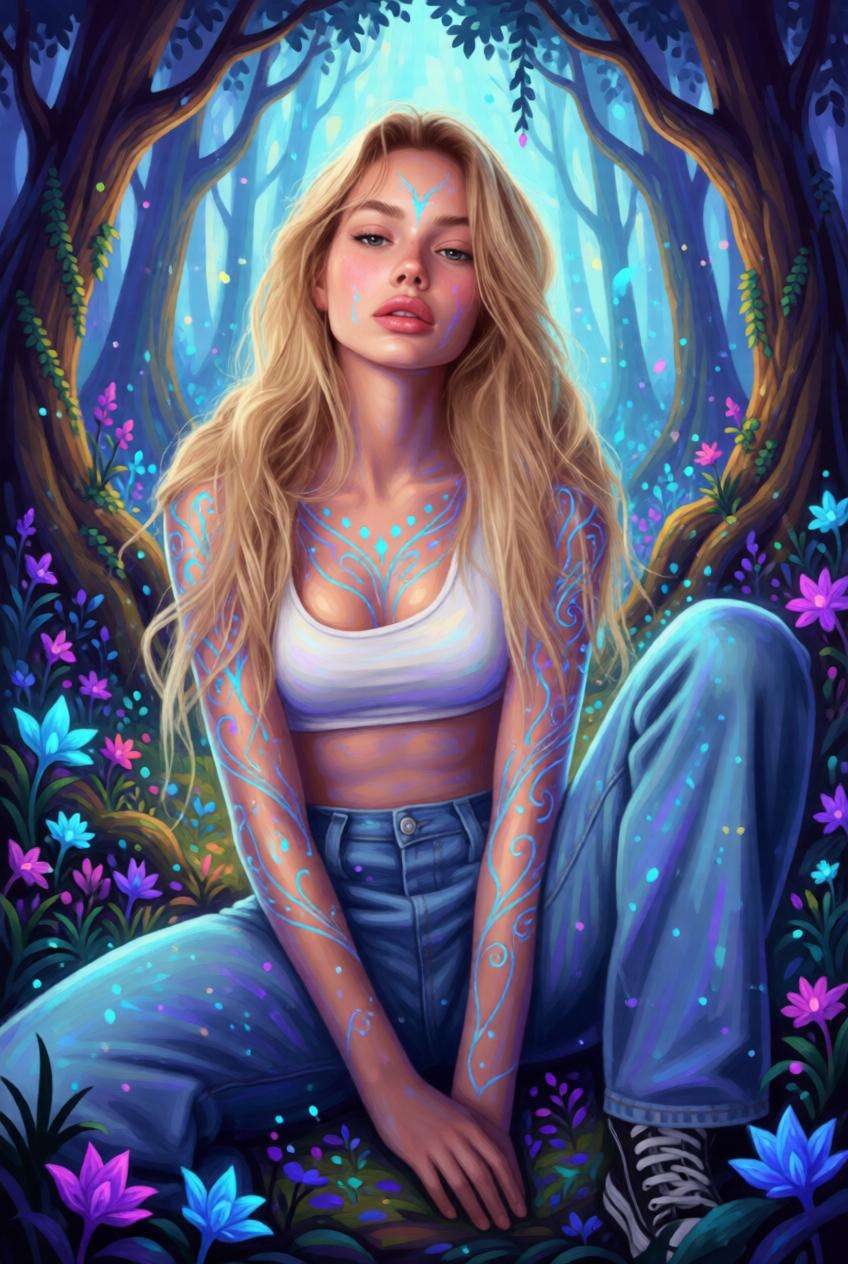
Transferencia de estilo de arte fantástico
Usa la imagen cargada como sujeto y transfórmala en una obra de arte inspirada en la fantasía con iluminación mágica, atmósfera onírica, tonos de color encantados, detalles ricamente estratificados y profundidad visual estilo libro de cuentos, preservando la pose e identidad originales.
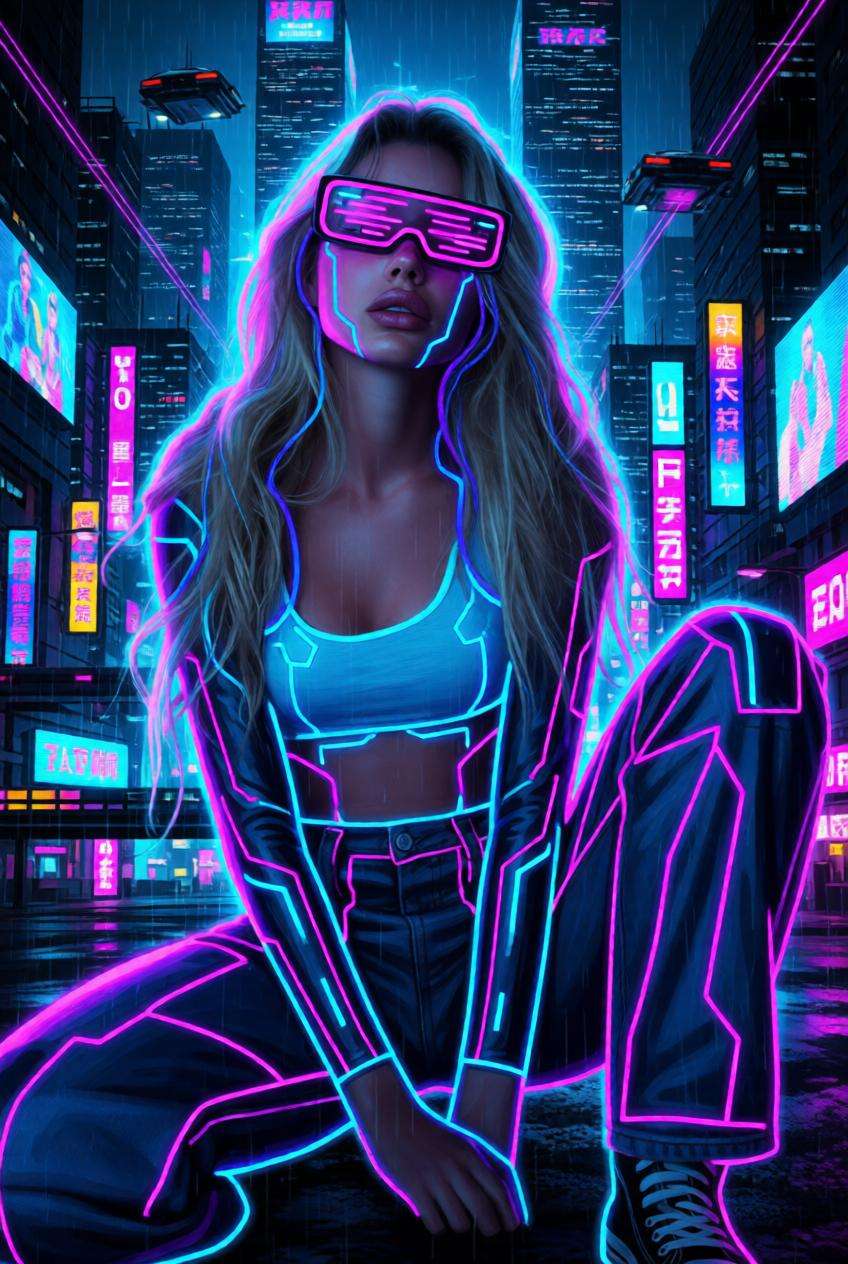
Transferencia de estilo cyberpunk
Usa la imagen cargada como sujeto y cambia su estilo a una obra de arte cyberpunk con reflejos de neón, ambiente de ciudad futurista, acentos de color eléctrico, iluminación de alto contraste y atmósfera de ciencia ficción elegante, manteniendo a la persona u objeto reconocibles.
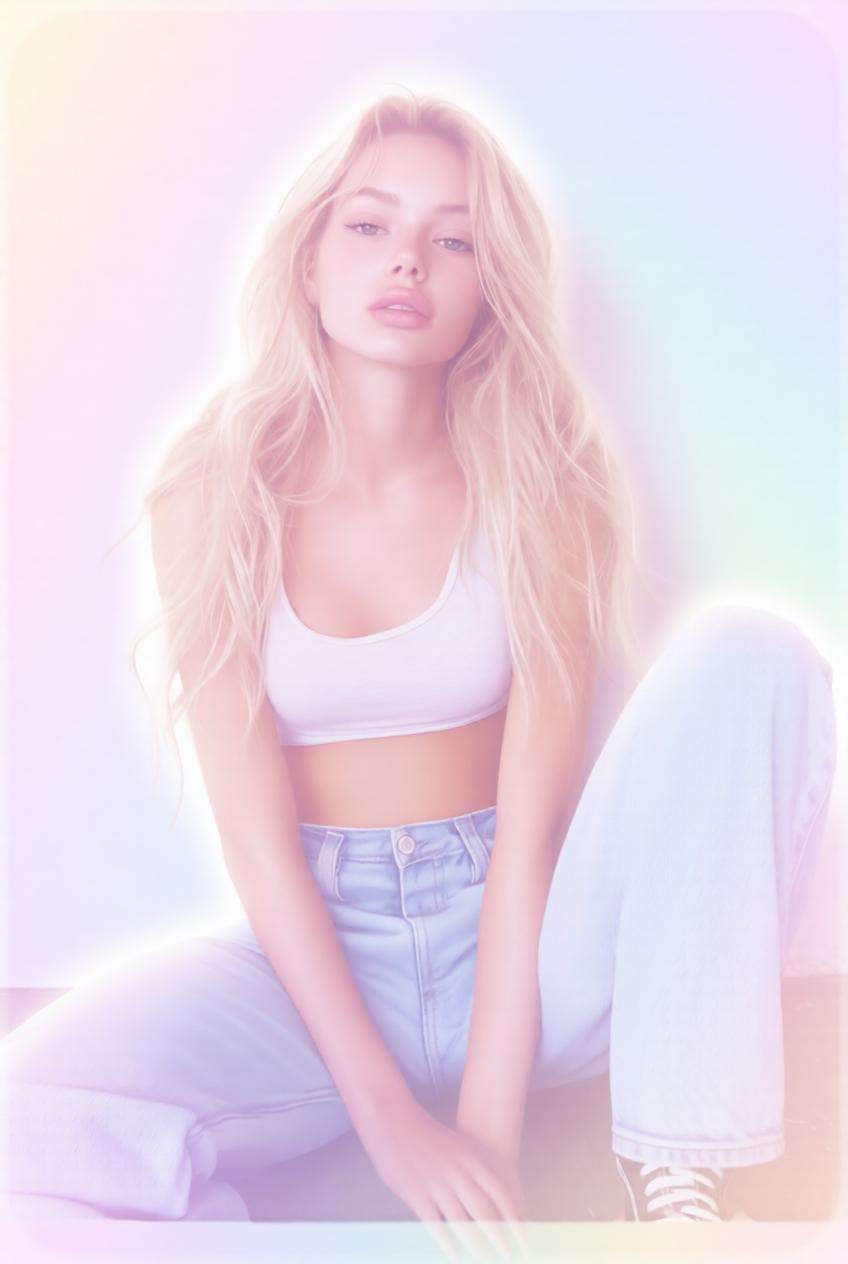
Transferencia de estilo sueño pastel
Usa la imagen cargada como sujeto y transfórmala en una estética de ensueño pastel con armonía de colores Suaves, iluminación etérea, degradados delicados, brillo sutil y un ambiente visual dulce y delicado que se sienta pulido y listo para redes sociales.
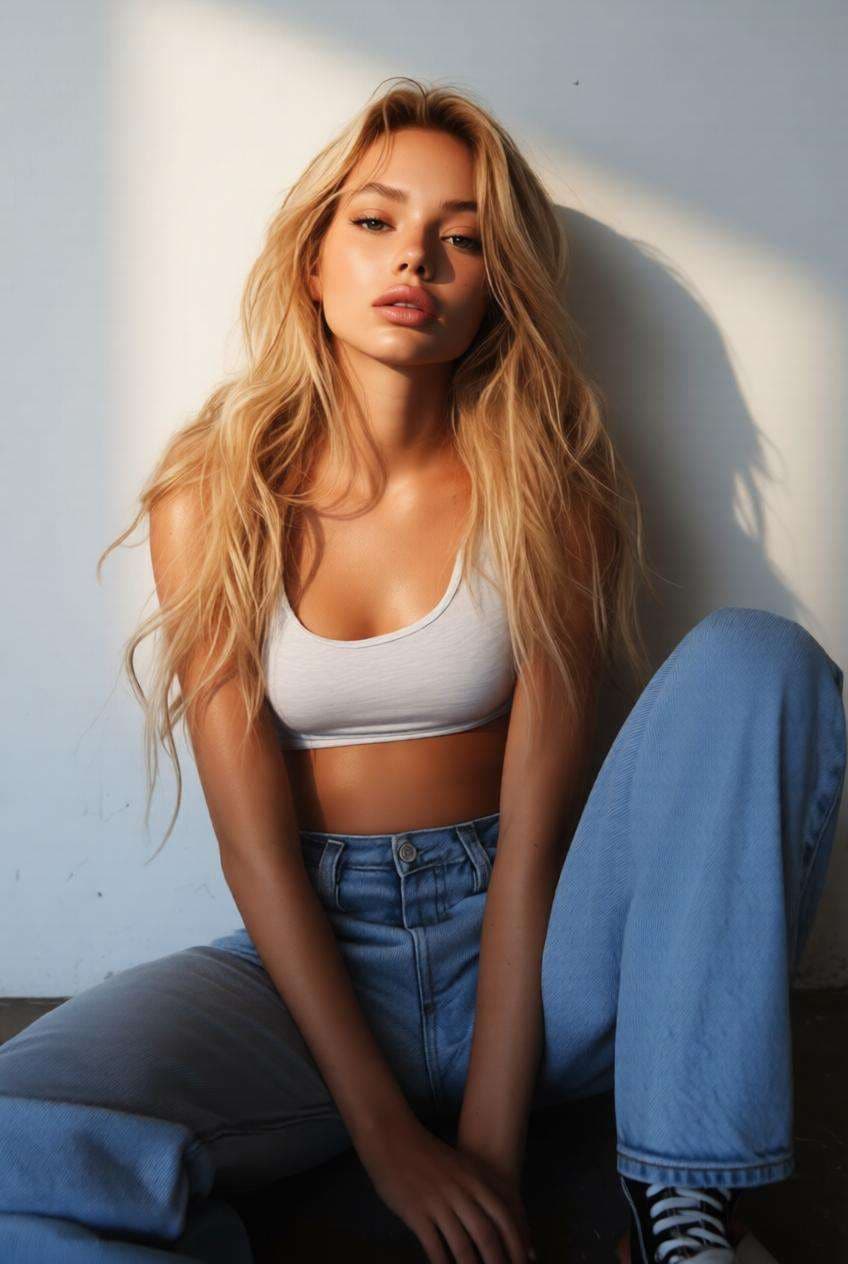
Transferencia de estilo de retrato de estudio
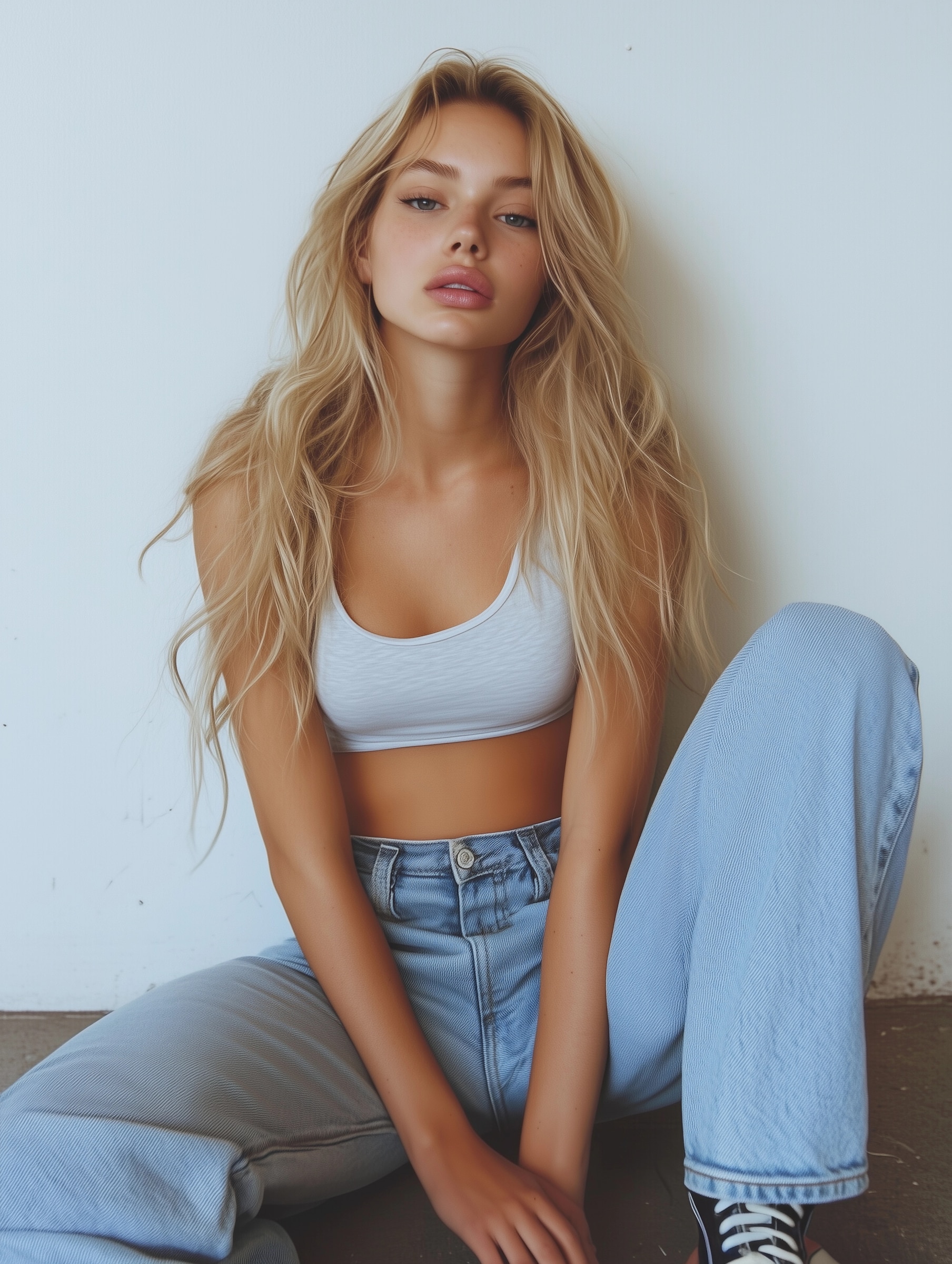
Usa la imagen cargada como sujeto y transfórmala en un retrato de estudio Premium con iluminación direccional Suave, Gradación de color refinada, textura de piel pulida, sombras equilibradas y un acabado fotográfico profesional de alto nivel.
Por qué los usuarios aman la Transferencia de estilo de Imagen de IA
Convierte cualquier foto en un nuevo estilo al instante
Aplica la Transferencia de estilo de Imagen de IA a retratos, mascotas, fotos de productos, paisajes e imágenes sociales en solo unos clics.
No se requiere Edición manual, retoque avanzado ni conocimientos de diseño.
Preserva el sujeto mientras cambias el aspecto
Media.io ayuda a mantener tu rostro, pose, objeto o composición reconocibles mientras transforma el estilo visual.
Esto lo hace ideal para cambio de estilo basado en referencia, imágenes de perfil y visuales creativos compatibles con tu marca.
Desde anime hasta pintura y estilos cinematográficos
Explora una amplia gama de estilos populares que incluyen arte de estilo anime, acuarela, pintura al óleo, gradación cinematográfica y estética retro.
Un solo flujo de trabajo te ofrece múltiples direcciones creativas para contenido, branding y proyectos personales.
Perfecto para contenido en redes sociales, Avatares y branding creativo
Usa la Transferencia de estilo de foto para crear fotos de perfil llamativas, publicaciones sociales estéticas, imágenes de productos estilizadas y visuales de campaña únicos.
Es una forma rápida de hacer que tu contenido luzca más pulido, artístico y memorable.
Cómo usar la Transferencia de estilo de Imagen de IA en línea
01
Paso 1 – Abre la herramienta de Transferencia de estilo con IA
Ve a Media.io en tu navegador y abre la herramienta de Transferencia de estilo de Imagen de IA.
No se necesita descargar software ni realizar configuraciones complejas para comenzar.
02
Paso 2 – Sube tu imagen y elige un estilo
Sube tu foto original, retrato, imagen de mascota o Toma de producto, luego elige el estilo objetivo que deseas aplicar.
Puedes usar direcciones artísticas, inspiradas en anime, cinematográficas, vintage, pintura, boceto, fantasía, cyberpunk, pastel o retrato de estudio.
03
Paso 3 – Genera y descarga la imagen con nuevo estilo
Haz clic en Generar para Transferenciair el estilo visual y crear una nueva versión de tu imagen.
Descarga el resultado final para fotos de perfil, Creación de contenido, campañas creativas o uso personal.
Qué dicen los usuarios sobre la Transferencia de estilo de Imagen de IA de Media.io
Ava
Diseñadora
"Rápido y sorprendentemente flexible"
Usé un retrato y probé múltiples estilos en minutos: cinematográfico, acuarela y anime, y todos se veían lo suficientemente pulidos para compartir.
Noah
Creador de contenido
"Genial para contenido visual en redes sociales"
Quería imágenes de perfil y portada más artísticas sin pasar horas en Edición. Esto facilitó convertir fotos básicas en contenido llamativo.
Mia
Propietaria de pequeño negocio
"Útil para la creatividad de productos"
Usé la Transferencia de estilo para probar diferentes direcciones visuales para imágenes de productos y marca antes de publicar. Me ahorró tiempo y me dio más opciones creativas.
Explora los efectos de video e imagen con IA más populares
Preguntas frecuentes sobre la Transferencia de estilo de Imagen de IA
1. ¿Qué es la Transferencia de estilo de Imagen de IA?
La Transferencia de estilo de Imagen de IA es un proceso que aplica el estilo visual de una dirección artística a otra imagen. Puede cambiar el ambiente de color, la textura, la iluminación y la estética general mientras mantiene el sujeto principal reconocible.
2. ¿Puedo Transferenciair el estilo de una imagen a otra?
Sí. Con Media.io, puedes subir tu imagen original y aplicar una nueva dirección artística como anime, pintura, cinematográfica, retro o estilo acuarela. Esto facilita Transferenciair el estilo de una imagen a otra sin Edición manual.
3. ¿Qué tipos de imágenes funcionan mejor para la Transferencia de estilo?
Retratos, fotos de mascotas, paisajes, Tomas de producto e imágenes de perfil funcionan bien. Las imágenes claras y bien iluminadas suelen producir resultados de Transferencia de estilo fotográfico más estables y visualmente atractivos.
4. ¿Es la Transferencia de estilo de Imagen de IA lo mismo que un filtro?
No exactamente. Un filtro simple generalmente ajusta el color o el tono, mientras que la Transferencia de estilo con IA puede Cambiar forma a la apariencia artística general de una imagen, incluyendo texturas, estilo de renderizado, profundidad y ambiente visual.
5. ¿Puedo usar la Transferencia de estilo de Imagen de IA gratis?
Sí. Puedes probar la Transferencia de estilo de Imagen de IA en línea con Media.io y probar rápidamente diferentes direcciones creativas para publicaciones en redes sociales, Avatares, visuales de productos y ediciones artísticas de imágenes.
Explora más herramientas de Tendencias para la generación de Imagen de IA