



























Langganan pertama hinggaDiskon 50%
Beli Sekarang

Pusat Prompt Foto AI | 100+ Prompt Gambar AI Tren & Ide Foto Viral

Temukan prompt foto AI terbaru untuk ChatGPT, Gemini, Midjourney, Flux, dan lainnya. Jelajahi lebih dari 100 prompt gambar AI yang sedang tren, ide foto viral di Instagram dan TikTok, potret sinematik, edit pasangan, gaya fantasi, anime, efek musiman, dan template prompt siap pakai - semuanya di satu tempat.
All Submissions

Shivam AI Prompt

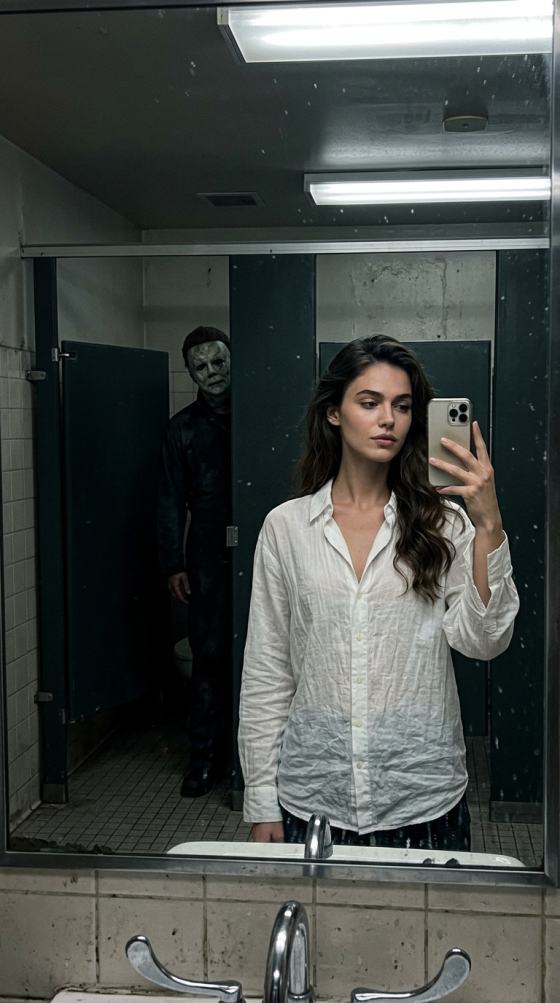
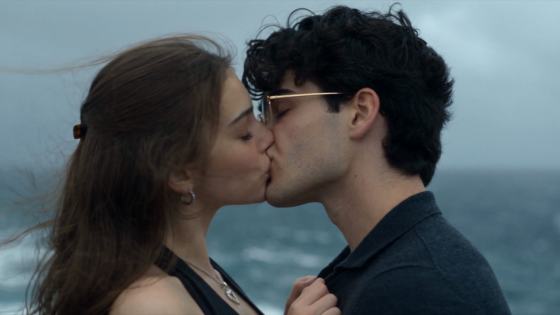
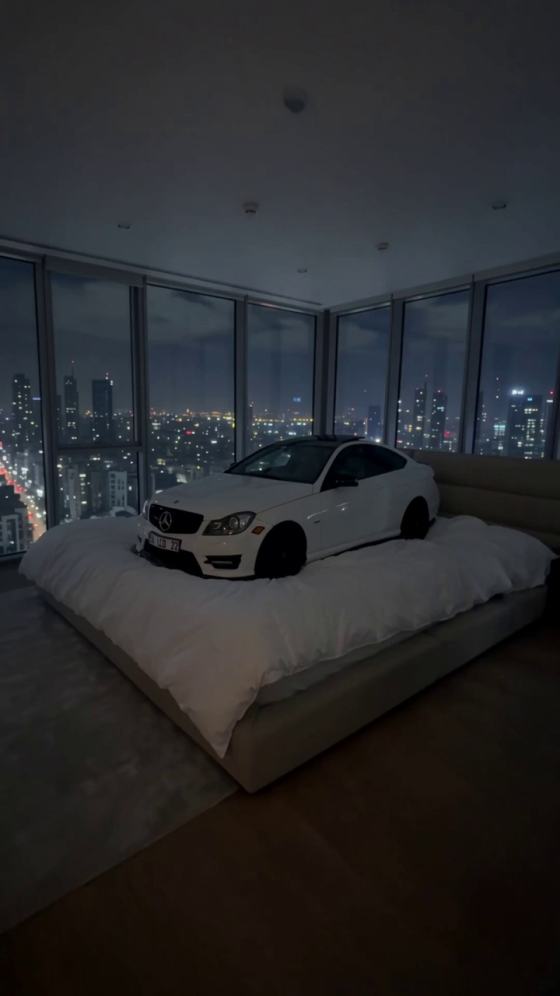
Explore Shivam AI prompt-inspired AI photo ideas for cinematic portraits, couple photos, retro looks, festivals, fashion, and social DPs. Choose a visual idea, upload your photo to Media.io, describe the look you want, and generate a personalized image without starting from a blank prompt.

Copy Prompt & Create AI Photo

Free credits on signup.

Why Create Shivam AI Prompt-Inspired AI Photos with Media.io?

Turn Prompt Ideas into Images

Bring a Shivam AI Prompt idea into Media.io and turn it into your own image. Describe the subject, pose, wardrobe, background, lighting, and camera feel, then refine the result without needing advanced prompt-writing skills.


Explore Trending Photo Styles

Try the categories commonly associated with Shivam AI Prompt searches: cinematic portraits, couple photos, 90s retro looks, traditional outfits, festivals, bikes and cars, fashion editorials, avatars, and social-media DPs.

Keep Your Look Recognizable

Upload a clear reference photo and ask the AI to preserve your face, hairstyle, skin tone, age appearance, and natural proportions. Review the result carefully, because identity consistency can vary by model and source image.

Create Social-Ready Portraits

Generate vertical or square-friendly portraits for Instagram posts, WhatsApp DPs, Reels covers, profile photos, wallpapers, and other personal creative uses. Adjust the framing, lighting, and mood to fit where you plan to share it.

Shivam AI Photo Prompts – Copy & Paste Ideas

Explore original AI photo prompt copy paste examples inspired by popular portrait editing styles. Choose a look, copy the text, and customize it for your own photo.

Cinematic Street Portrait

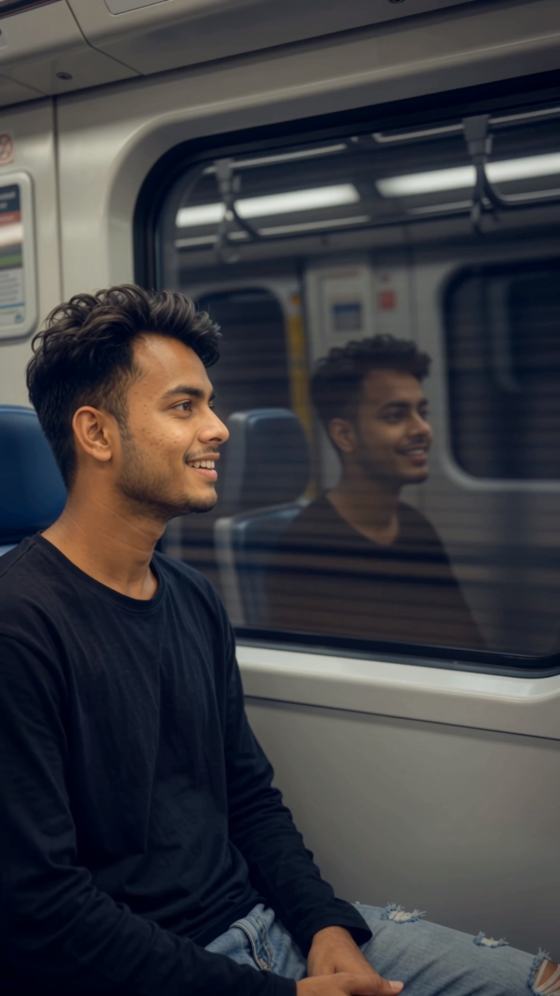
Transform the uploaded photo into a cinematic Indian street-style portrait at blue hour. Keep the same facial identity, hairstyle, skin tone, and natural body proportions. Black casual jacket, subtle city lights, 50mm portrait lens, shallow depth of field, realistic skin texture, vertical 4:5 composition.

Royal Traditional Look

Edit the reference into a sophisticated traditional Indian portrait. Preserve facial features and age appearance. Elegant embroidered kurta, warm palace courtyard, soft golden-hour light, tasteful jewelry, detailed fabric, realistic photography, vertical 4:5 framing.

Retro Bollywood Photo

Create a vintage 1970s Bollywood-inspired portrait from the uploaded image. Preserve the subject’s recognizable face. Period-appropriate outfit, warm analog film tones, subtle grain, classic studio lighting, realistic proportions, nostalgic poster-like composition without any text.

Monsoon Motorcycle Portrait

Use the uploaded portrait to create a dramatic rainy-street motorcycle photo. Keep the same face and natural proportions. Stylish denim jacket, parked motorcycle, wet reflective road, cinematic rain, realistic headlights, moody evening color grading, vertical 9:16.

Romantic Couple Golden Hour

Turn the uploaded couple photo into a natural golden-hour portrait. Preserve both people’s identities and facial features. Coordinated elegant outfits, soft sunlight, garden background, relaxed pose, realistic hands, warm editorial photography, vertical 4:5.

Minimal Studio Fashion

Transform the reference into a clean fashion editorial. Keep the original face, hair, and skin tone. Tailored neutral outfit, seamless beige studio background, softbox lighting, natural skin texture, full-body balanced composition, realistic high-end photography.

Create AI Photo with Media.io

How to Create a Shivam AI Prompt-Inspired AI Photo in 3 Steps

01

Step 1: Upload a Clear Reference Photo

Choose a clear selfie, waist-up portrait, couple photo, or full-body image you have permission to use. Visible facial details and simple lighting give the model a cleaner reference for personalized photo generation.

02

Step 2: Choose and Customize Your Prompt Idea

Start from a Shivam AI Prompt idea or another prompt you are allowed to use, then customize the outfit, pose, location, lighting, camera style, aspect ratio, and mood. Keep identity-preservation instructions when editing your own portrait.

03

Step 3: Generate, Refine & Download

Generate your image, review facial consistency, hands, clothing, background, lighting, and composition, then refine one detail at a time. Download the strongest result for your profile, post, wallpaper, or creative project.

Popular Shivam AI Prompt AI Photo Scenarios

Cinematic & Retro Portraits

Create cinematic portraits, 90s-inspired photos, film-grain looks, dramatic street scenes, or polished editorial images. Define the era, wardrobe, lighting, composition, and camera feel instead of relying on vague style words.

Couple, Fashion & Lifestyle Photos

Build romantic couple portraits, date-night scenes, pre-wedding concepts, fashion editorials, travel shots, bike or car portraits, and premium lifestyle photos with controlled pose and wardrobe details.

Festivals, DPs & Creative Avatars

Turn a reference photo into festival-themed portraits, traditional looks, aesthetic profile pictures, social DPs, 3D-style avatars, or other creative concepts while adapting the prompt to your own subject.

Sample Creator Feedback (Illustrative Examples)

user
Aarav Mehta

AI Portrait Creator · Illustrative

“Easy to personalize.” I started with a cinematic portrait idea, then changed the outfit and background for my own photo. Keeping the face instructions separate made the result easier to refine.

user
Maya Kapoor

Social Media Editor · Illustrative

“Good for quick variations.” I reused the same reference photo for a retro portrait and a social profile look. Changing the scene and lighting gave me two clearly different directions without rebuilding the idea from scratch.

user
Riya Sharma

Lifestyle Creator · Illustrative

“A useful creative starting point.” The prompt structure helped me think about pose, lighting, wardrobe, and framing. I customized those details instead of leaving the request generic.

FAQs About Shivam AI Prompt – Trending AI Photo Prompts for Gemini & ChatGPTs

1. What is Shivam AI Prompt?

Shivam AI prompt is a search term used to find copy-and-paste instructions for AI photo editing, often alongside terms such as Shivam Editz, Shivan prompt, and AI photo editor Shivam. This Media.io page offers original, customizable examples; it is not an official page for a creator named Shivam.

2. How do I copy and paste a Shivam AI photo prompt?

Choose one of the ready-to-use examples below and click Copy Prompt. Open Media.io Image to Image, upload a photo you have permission to use, paste the text, and customize the outfit, scene, lighting, and framing before generating. Output varies by model and source photo.

3. Can I use these prompts for Gemini or Flow AI?

These prompts are written in natural language and may be adapted for tools such as Gemini or Flow AI where the selected feature accepts text instructions and reference images. Supported inputs, editing controls, and results differ across tools; Media.io is independent of those services.

4. Are Shivan prompt, Yadav prompt, and prompt seen the same thing?

These are overlapping search phrases that may refer to creator-specific prompt collections, shared prompt screenshots, or copy-and-paste editing ideas. They are not necessarily the same author or prompt library. Use the original examples here as starting points rather than assuming affiliation.

5. How can I keep my face recognizable in AI prompt editing?

Start with a well-lit reference photo and request consistent facial features, hairstyle, skin tone, and natural proportions. Keep identity instructions separate from styling changes. Review the output and adjust one element at a time; exact likeness cannot be guaranteed.




