Turn Still Photos into Dance Videos
Bring a portrait or group photo to life with animated dance moves. Describe gentle swaying, coordinated steps, or playful rotations while asking the AI to keep the subjects recognizable.
Turn a photo into a playful Circle AI Dance video with coordinated group moves, circular formations, and rhythmic motion. Try friends, family, or pet-inspired characters, customize the dance prompt, and create a short clip for TikTok, Instagram Reels, or YouTube Shorts with Media.io.
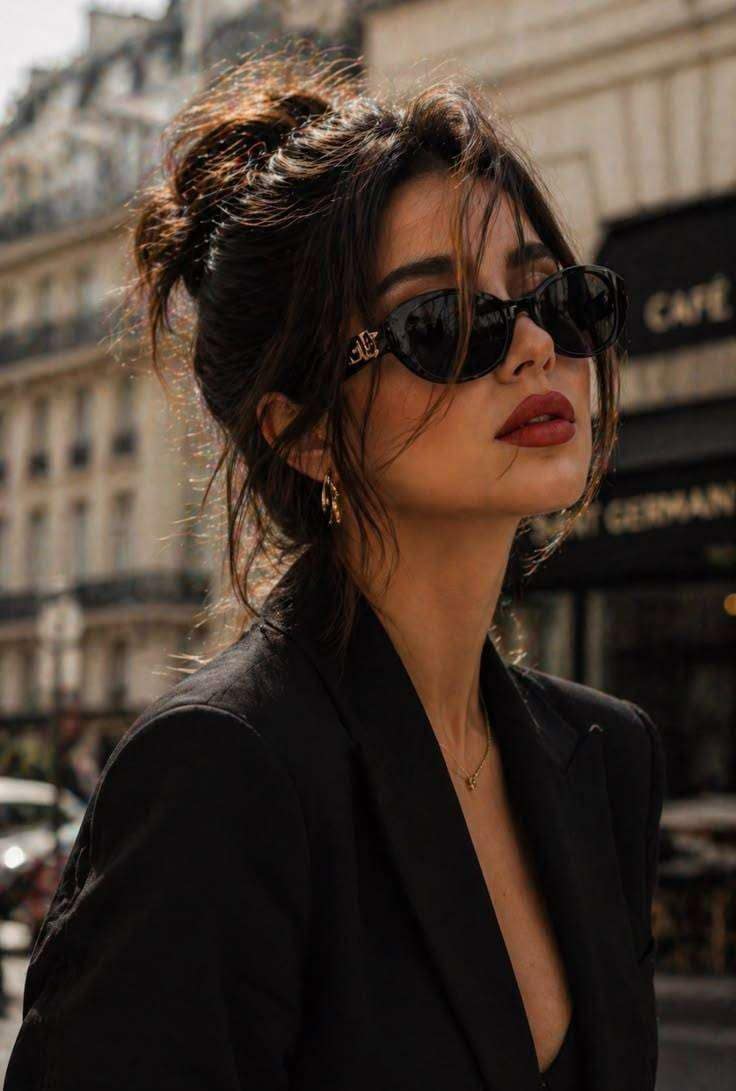 Reference Photo
Create coordinated circle dance moves from a photo with an editable AI prompt.
Tip: Start with a clear photo and simple, repeated dance steps. Complex group movements may require several generations.
Bring a portrait or group photo to life with animated dance moves. Describe gentle swaying, coordinated steps, or playful rotations while asking the AI to keep the subjects recognizable.
Make a group appear to dance together in a circular formation. Define the number of dancers, spacing, movement direction, and rhythm to help the model interpret the choreography.
Explore funny variations featuring friends, cartoon-style characters, or dancing animals. Experiment with costumes, locations, and expressive reactions to make each Circle AI Dance video different.
Create short-form dance content with a 9:16 composition, clear subjects, and energetic movement. Add suitable music during editing when the selected generation workflow does not provide audio.
Open Media.io Image-to-Video and add a clear portrait, group photo, or pet image. Choose a photo where the main subjects are visible.
Describe the dancers forming a circle, moving to the beat, and performing synchronized steps. Specify the camera movement, background, and preferred video style.
Create your video, review the dancers’ movements and appearance, and adjust the prompt if needed. Save the result and share it on your favorite social platform.
The Circle AI Dance Trend refers to AI-generated dance videos featuring subjects moving together in a circular formation or performing coordinated, looping dance steps. Different creators may use different characters, music, and choreography. There is no single verified original video established here.
Upload a clear photo to Media.io Image-to-Video, enter a prompt describing the circle formation and dance movements, then generate the clip. A group photo may help establish multiple subjects, but the AI can still change faces, positions, or the number of dancers.
Yes. You can use an editable text prompt as a starting point and customize the dancers, setting, camera movement, and visual style. A text prompt is not the same as a fixed motion-transfer template, so it may not reproduce an exact viral choreography.
You can try uploading a pet photo or describing animated animals dancing together. Specify the animal species, number of characters, and desired style. Results may vary, especially for complex movements, paws, and overlapping characters.
Start with clearly visible subjects and describe a simple, repeatable sequence of movements. Avoid requesting too many dancers or complicated choreography in one prompt. Review the output for distorted limbs, inconsistent identities, and abrupt changes before sharing.



