Instant System Crash Reveal
Turn an ordinary image into a sudden retro blue-screen crash. Begin with a recognizable scene, introduce a brief digital freeze, and reveal the error-screen moment for a clear visual punchline.
 Unlock your creative potential and experience the magic of Media AI right away!
Turn your photo into a retro system crash with the AI Blue Screen Glitch effect. Start with a normal portrait, add a sudden digital freeze, and reveal a dramatic blue error screen. Create nostalgic computer-crash memes and glitch videos for TikTok, Reels, and Shorts.
Upload a clear photo, describe the glitch transition, then generate and review your clip.
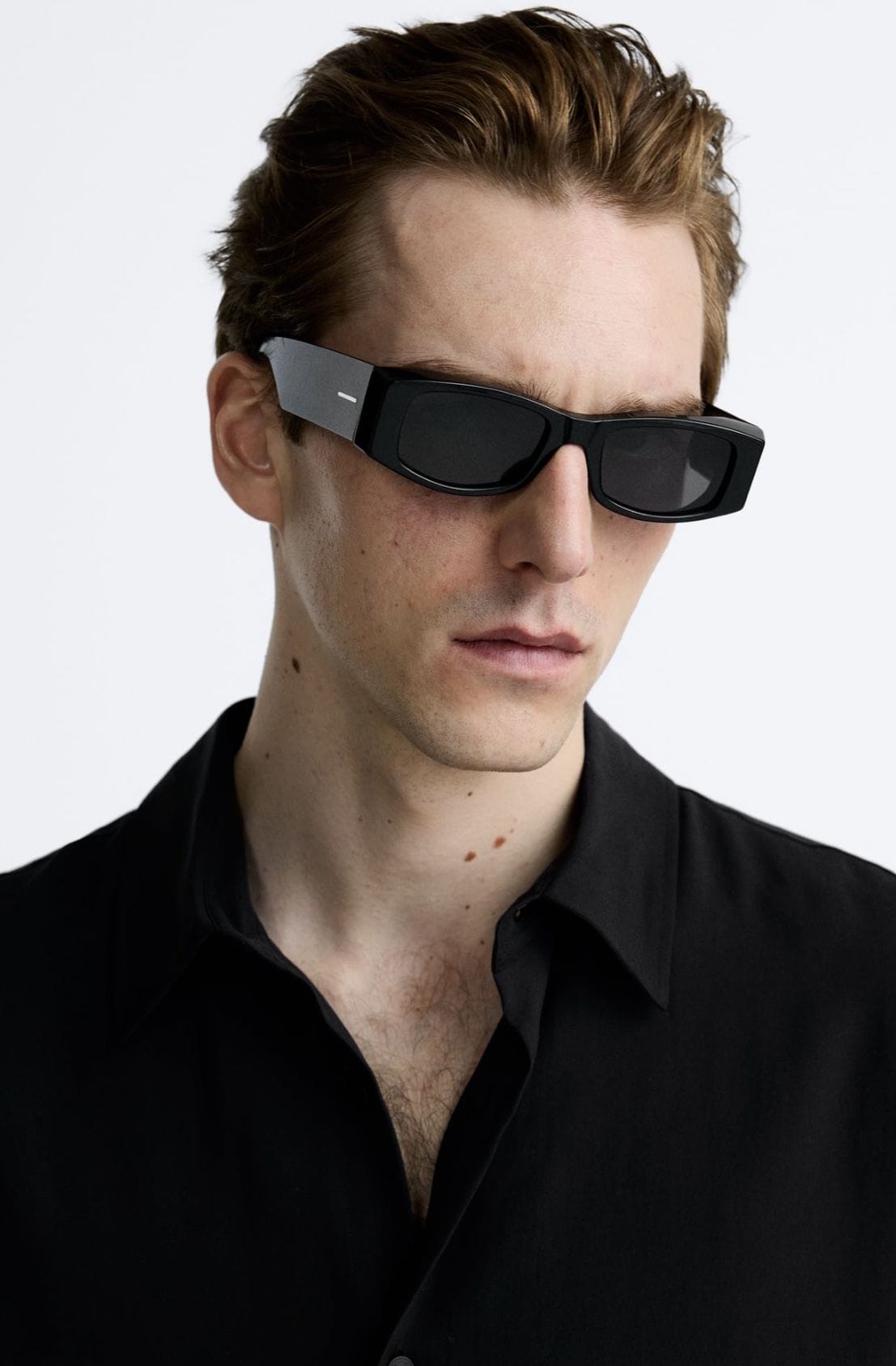
Turn an ordinary image into a sudden retro blue-screen crash. Begin with a recognizable scene, introduce a brief digital freeze, and reveal the error-screen moment for a clear visual punchline.
Create a nostalgic computer-crash look with blue backgrounds, pixel noise, scanlines, and broken-screen transitions. Keep any error text short because AI may distort small lettering.
Use a portrait, pet photo, gaming character, or product image as your starting frame. Describe what should stay recognizable before the screen appears to malfunction.
Make quick reaction edits, gaming memes, and retro-tech transitions. Choose a supported vertical format, review the timing, and add sound effects in your preferred editor.
Choose a sharp photo with one easy-to-recognize subject and enough room around the edges. Portraits, pet photos, and game-inspired images work well. Upload only images you have permission to use.
Use a prompt that starts with the unchanged image, adds a short freeze and RGB flicker, then switches to a classic blue error-screen look. Request a steady camera and simple transition.
Generate the AI video, then check that the original subject is visible before the crash and the blue-screen transition reads clearly. Adjust the timing or simplify the prompt if details become distorted.

Gaming Content Creator

“A Perfect Crash Punchline.” The sudden switch from a normal game portrait to a blue error screen is a funny way to end a gaming meme.

Short-Form Video Editor
“Retro Tech, Modern Meme.” I like the contrast between a clean opening frame and the abrupt computer-crash reveal for a short reaction edit.

Digital Art Enthusiast
“Fun Nostalgic Glitch Look.” A simple freeze and blue-screen transition makes an ordinary portrait feel like an old computer just gave up.
AI Blue Screen Glitch is a photo-to-video effect inspired by retro computer crashes. A normal image appears to freeze or distort before switching into a recognizable blue error-screen aesthetic. It is a visual joke, not an actual device failure.
Open Media.io Image to Video, upload a clear image, and describe a short sequence: normal image, quick digital stutter, then a blue-screen crash reveal. Generate the clip and check that the transition is readable. Duration, resolution, and output options depend on the selected model.
Try: “The reference photo stays unchanged for a moment. The image suddenly freezes, flickers with subtle RGB separation and horizontal digital artifacts, then snaps into a retro blue computer error screen. Static camera, fast comedic timing, sharp transition, nostalgic CRT texture, no camera movement.” Exact error-screen text may not render reliably; add readable text afterward in a video editor if needed.
Yes. Start with a portrait, avatar, pet, or gaming-themed image and use a short crash reveal as a punchline. Choose a vertical aspect ratio when available and add licensed sound effects or captions after generation. Avoid presenting the simulated crash as a genuine device warning.
AI video generation may distort small letters, icons, or fine details, especially during fast transitions. Keep the original photo clear, ask for a simple glitch sequence, and avoid requiring exact error codes. For precise readable blue-screen wording, overlay text in a video editor after export.



