Click or drag to upload, or choose from My HistoryClick To UploadMy History
No ideas? Generate an image first >
Upload jpg, jpeg, png images up to 50 MB, with a minimum width/height of 300 px.
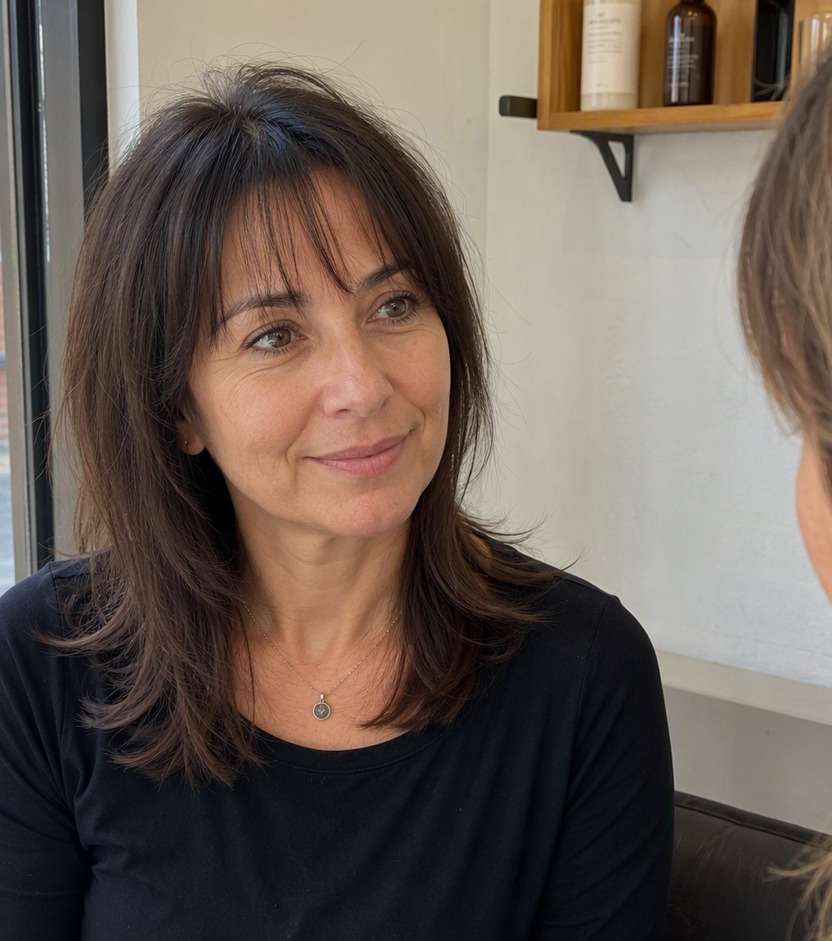
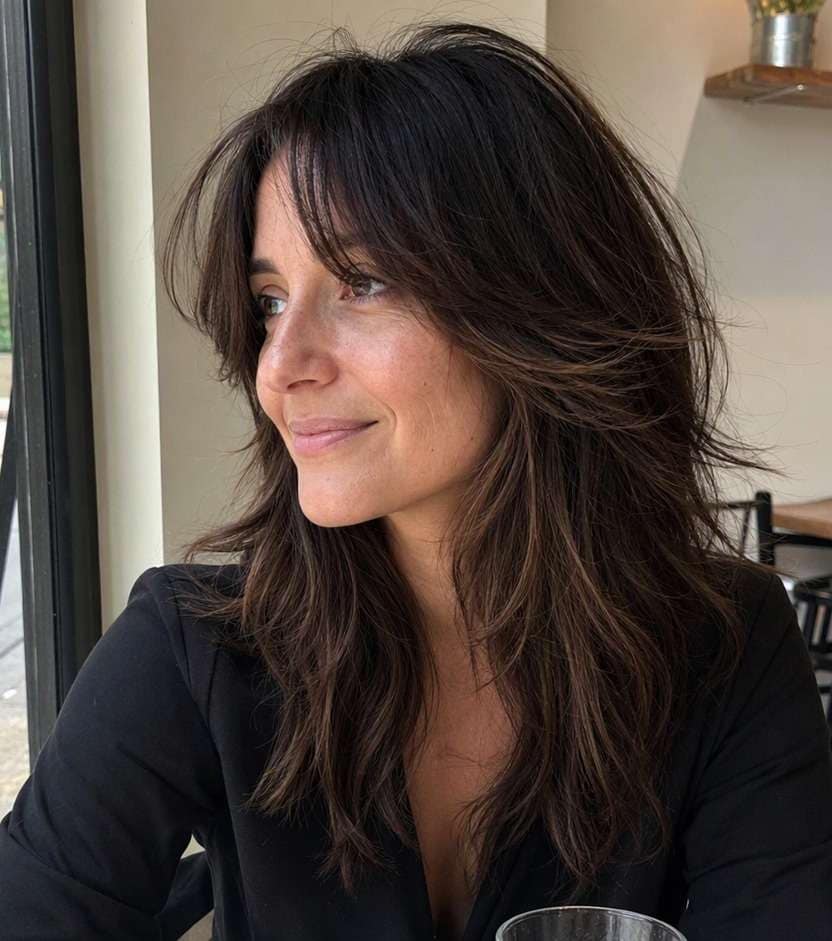
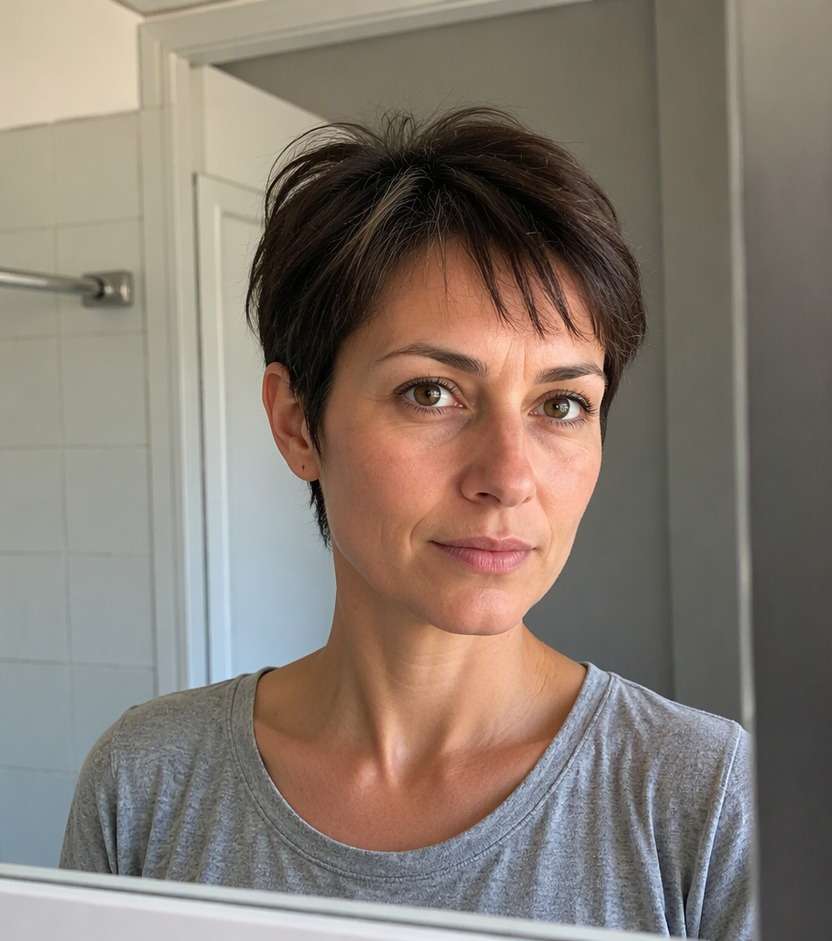
Try Feathered Bangs for a Softer Face Frame
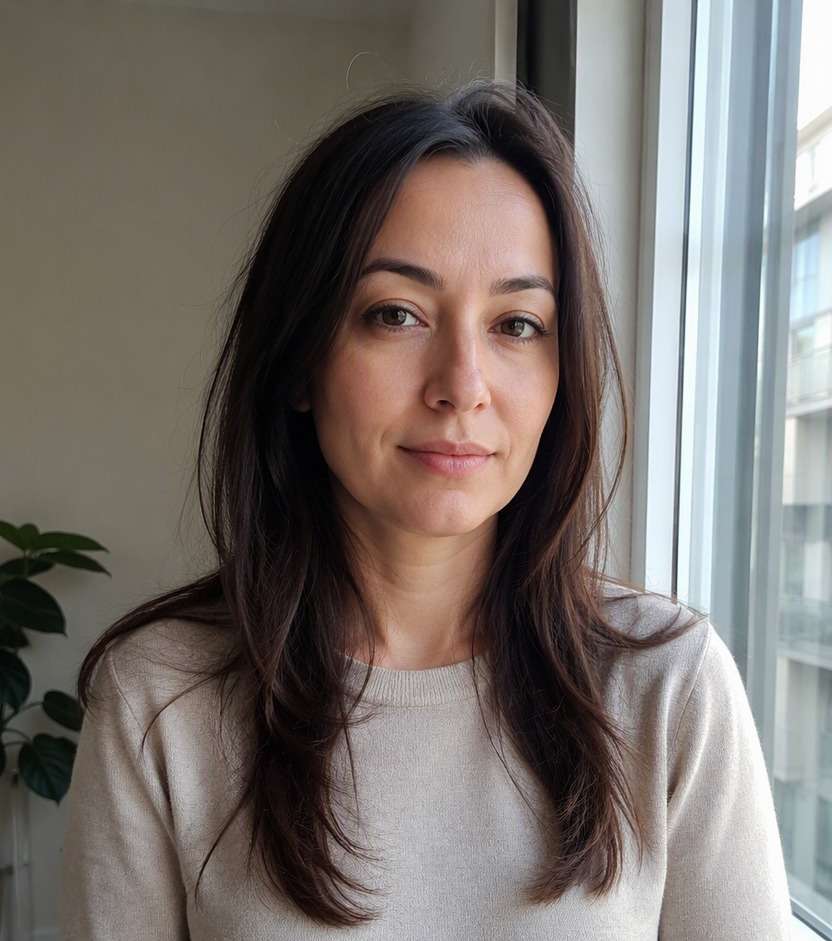
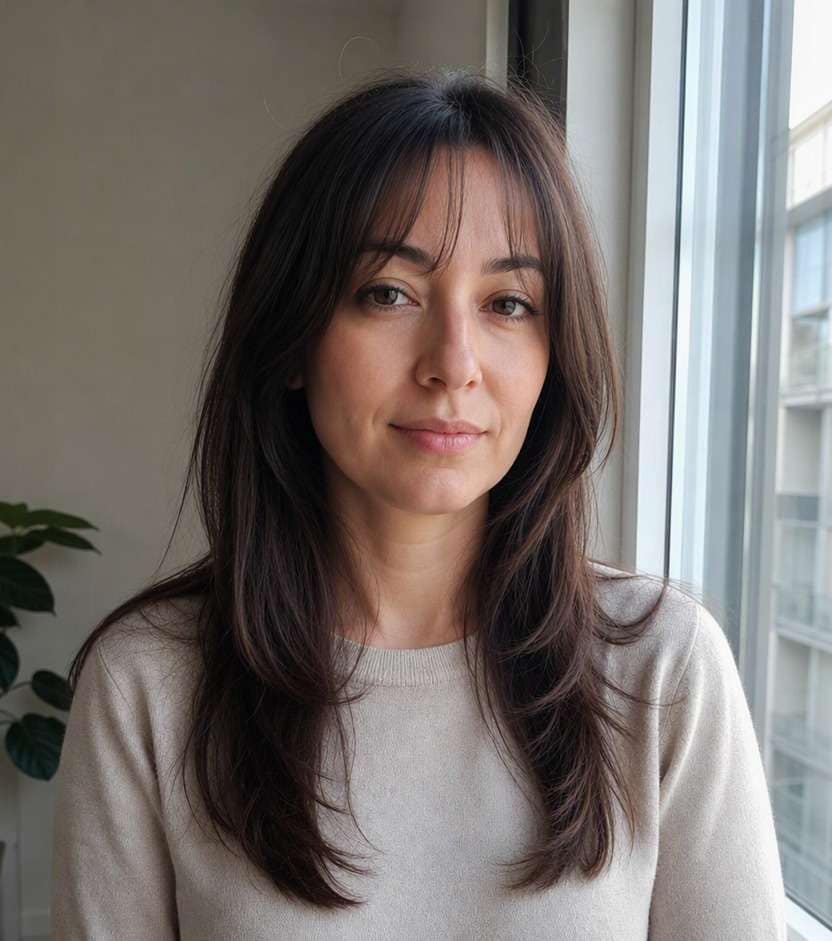
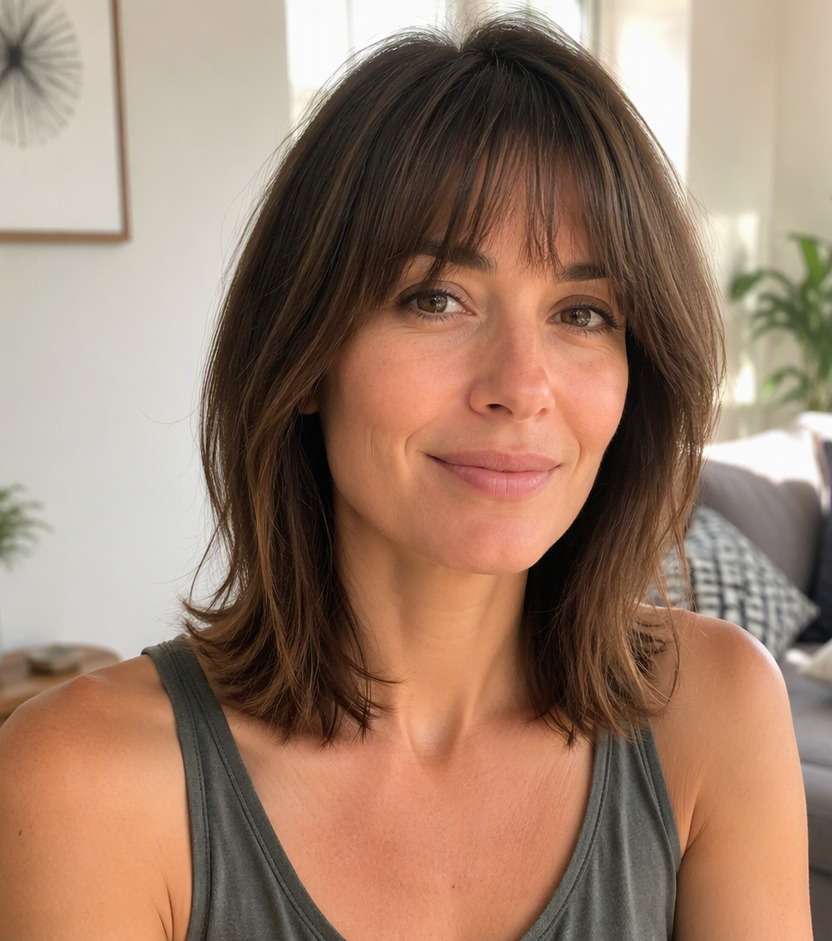
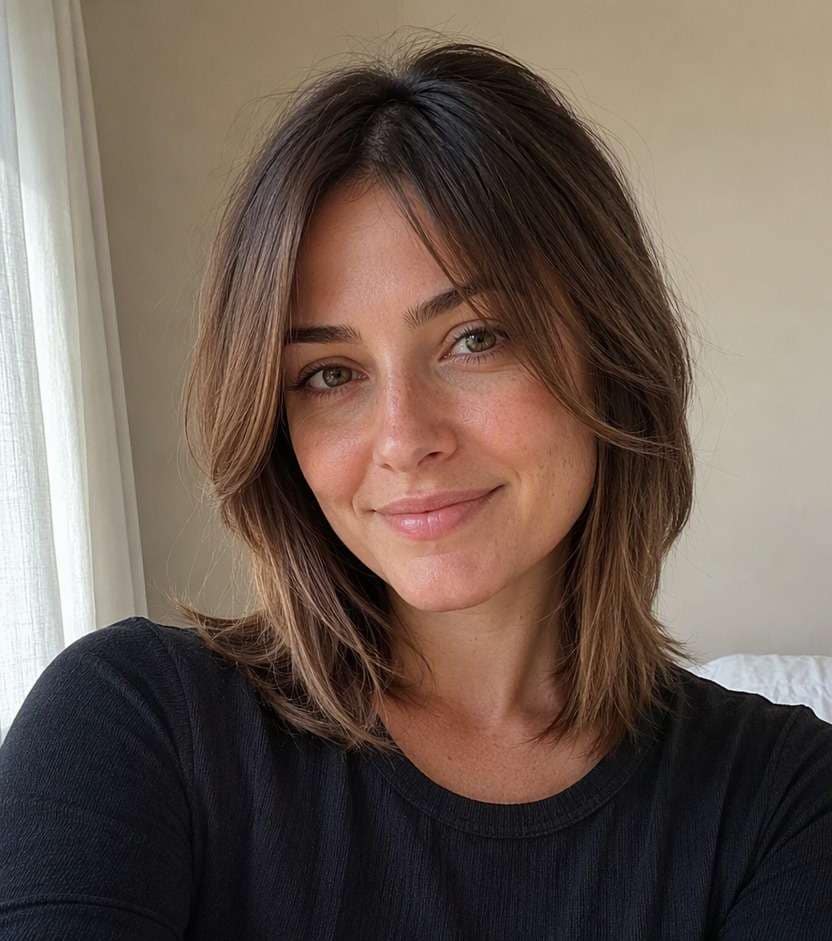
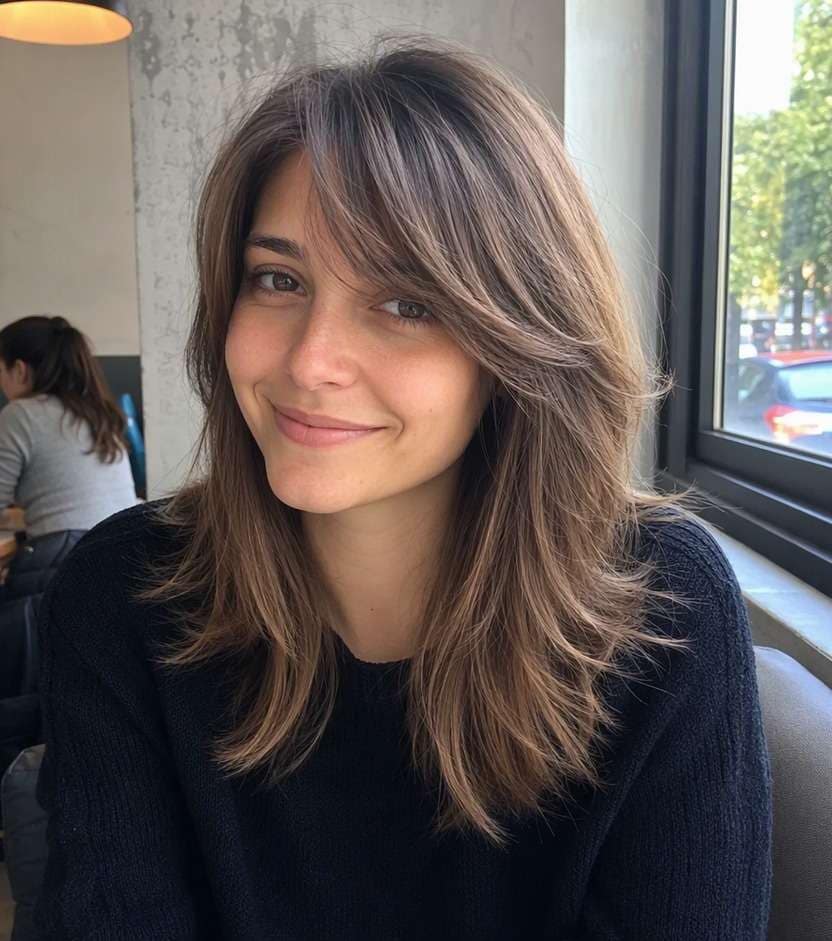
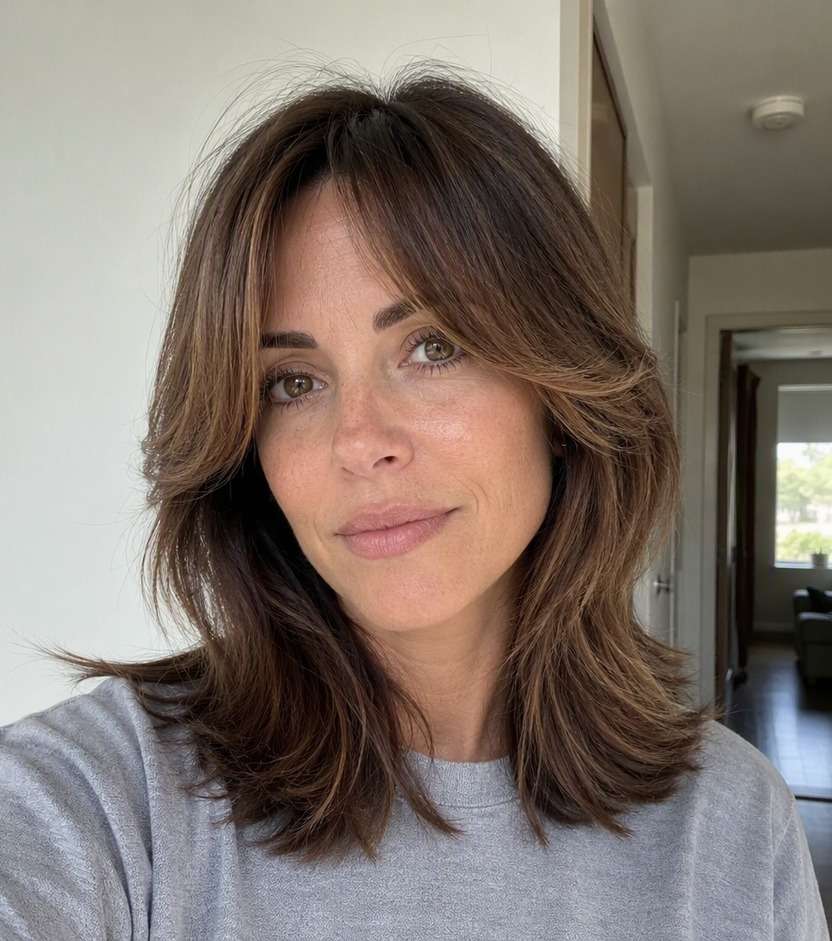
Want bangs that move instead of falling in one heavy sheet? A feathered bangs filter lets you try soft, lightly layered fringe that tapers toward the tips on your own portrait. Compare airy pieces, side feathering and longer face-framing strands before choosing a style that fits your everyday hair texture.
Choose natural daylight so individual strands show clearly.
Feathered Fringe Hairstyle Editing Prompts
Feathering refers to softened, tapered ends and movement, not a single fringe length. Explore side direction, thickness and how the pieces blend with the hair already around your face.
Classic Feathered Fringe
Use the uploaded photo as the reference. Create soft eyebrow-level bangs with airy tapered ends and gentle movement. Preserve facial identity, age appearance, expression, hair color, clothing, camera angle and room or street background. Avoid straight rigid line. Show natural strand direction and a credible hairline. Keep a casual real-life photographic finish, with no captions, branding or beauty-ad lighting.
Long Feathered Bangs
On this exact portrait, preview long light face-framing fringe fading into cheek-length pieces. Preserve facial identity, age appearance, expression, hair color, clothing, camera angle and room or street background. Do not hide eyes. Show natural strand direction and a credible hairline. Keep a casual real-life photographic finish, with no captions, branding or beauty-ad lighting.
Feathered Side Bangs
Edit only the hair in this reference image to show soft diagonal feathered bangs matching the natural side part. Preserve facial identity, age appearance, expression, hair color, clothing, camera angle and room or street background. Keep ends light and separated. Show natural strand direction and a credible hairline. Keep a casual real-life photographic finish, with no captions, branding or beauty-ad lighting.
Center Feathered Fringe
Make a believable hairstyle try-on with lightly parted feathered center bangs with soft outer sweep. Preserve facial identity, age appearance, expression, hair color, clothing, camera angle and room or street background. Avoid heavy curtains. Show natural strand direction and a credible hairline. Keep a casual real-life photographic finish, with no captions, branding or beauty-ad lighting.
Feathered Bangs with Bob
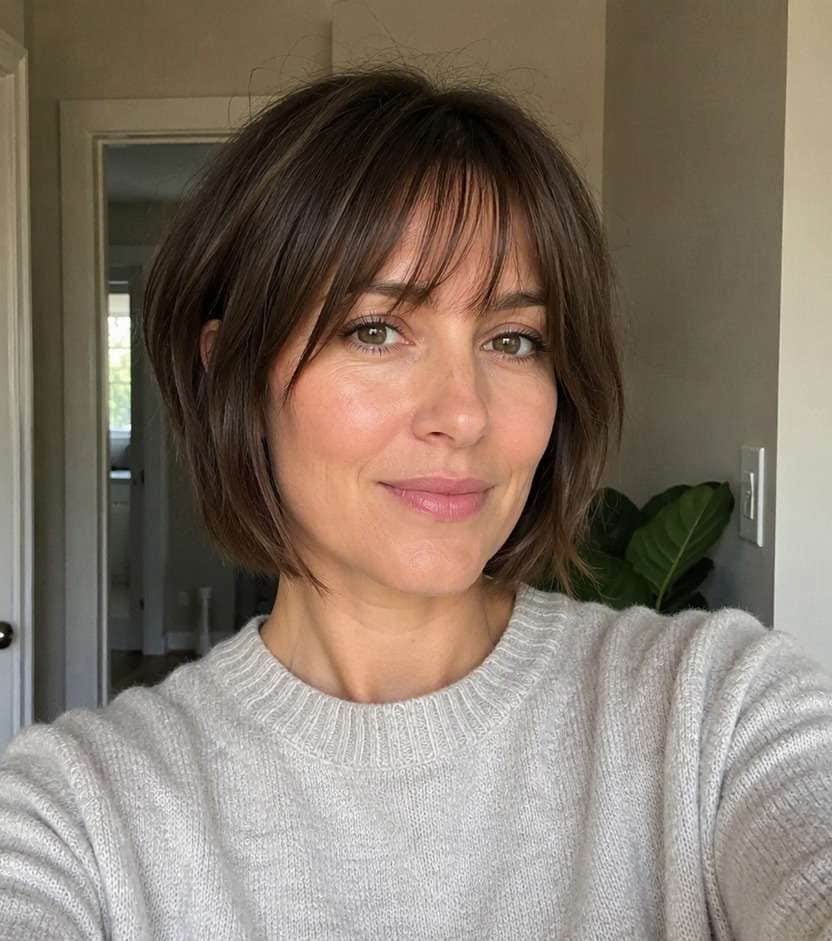
Use the uploaded photo as the reference. Create tapered soft fringe on unchanged short bob silhouette. Preserve facial identity, age appearance, expression, hair color, clothing, camera angle and room or street background. Keep bob baseline intact. Show natural strand direction and a credible hairline. Keep a casual real-life photographic finish, with no captions, branding or beauty-ad lighting.
Feathered Bangs with Layers
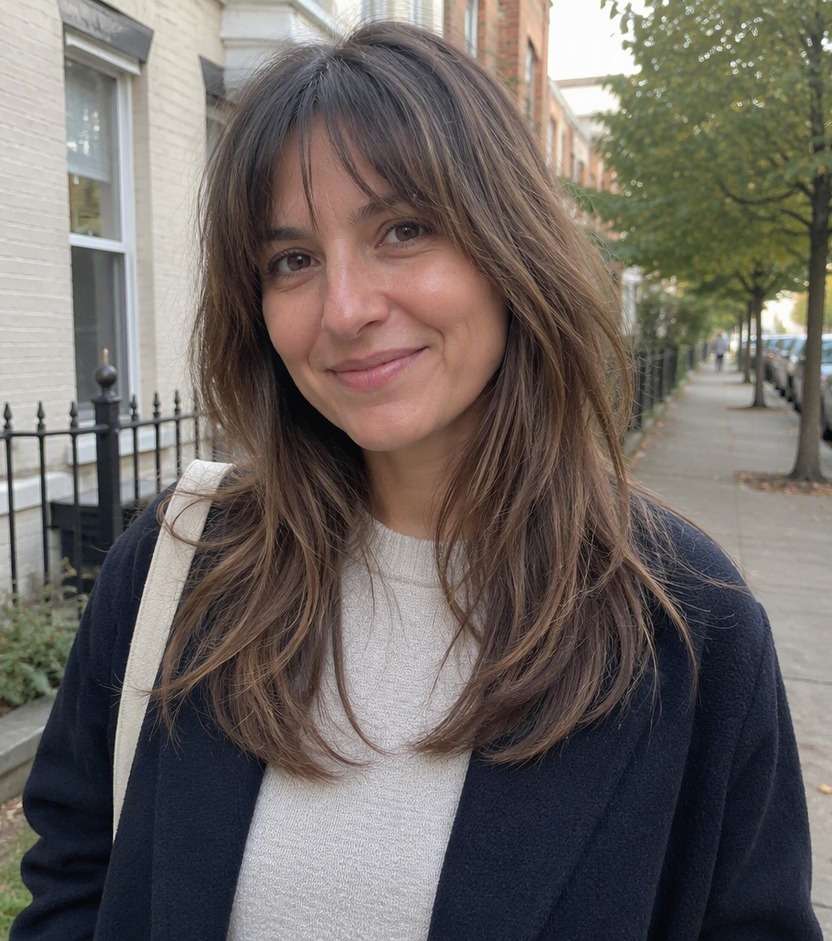
On this exact portrait, preview textured light bangs blending into existing long layers. Preserve facial identity, age appearance, expression, hair color, clothing, camera angle and room or street background. Do not change hair length. Show natural strand direction and a credible hairline. Keep a casual real-life photographic finish, with no captions, branding or beauty-ad lighting.
Fine-Hair Feathered Tips
Edit only the hair in this reference image to show delicate thin fringe with wispy textured taper. Preserve facial identity, age appearance, expression, hair color, clothing, camera angle and room or street background. Avoid artificial volume. Show natural strand direction and a credible hairline. Keep a casual real-life photographic finish, with no captions, branding or beauty-ad lighting.
Wavy Feathered Fringe
Make a believable hairstyle try-on with soft wave-matched feathered forehead strands. Preserve facial identity, age appearance, expression, hair color, clothing, camera angle and room or street background. Keep texture natural. Show natural strand direction and a credible hairline. Keep a casual real-life photographic finish, with no captions, branding or beauty-ad lighting.
Retro Soft Feathering
Use the uploaded photo as the reference. Create subtle outward feathered fringe at temples with gentle casual movement. Preserve facial identity, age appearance, expression, hair color, clothing, camera angle and room or street background. Avoid exaggerated 1970s blowout. Show natural strand direction and a credible hairline. Keep a casual real-life photographic finish, with no captions, branding or beauty-ad lighting.
Barely There Feathered Edge
On this exact portrait, preview few brow-skimming short pieces with very fine tapering. Preserve facial identity, age appearance, expression, hair color, clothing, camera angle and room or street background. No solid bangs across forehead. Show natural strand direction and a credible hairline. Keep a casual real-life photographic finish, with no captions, branding or beauty-ad lighting.
Find Soft Fringe with Natural Movement
Soften a Heavy Fringe Line
Feathered tips break up a solid bang shape and can create movement around the eyes. Compare a lightly layered fringe with fuller bangs on the same photo.
Choose a Side or Center Direction
The feathered look may skim the brow or sweep away from the eyes. Preview both directions to see how the texture works with your usual part.
Blend Bangs into Face-Framing Layers
The longest feathered pieces can connect toward the temples and cheekbones. Showing that transition is more useful than a fringe that stops abruptly at the forehead. This is especially helpful when comparing a feather bangs hairstyle try on with another closely related look.
Match Your Daily Hair Texture
Tapered fringe looks different when worn straight, wavy or naturally textured. Keep the color and overall cut unchanged and request feathered ends that resemble your normal hair.
How to Try Feathered Bangs on Your Photo
Upload a clear portrait, describe the exact change you want, and compare a realistic hairstyle preview before visiting a stylist.
Step 1
Upload Your Photo
Upload a well-lit portrait showing your face, hairline and hair around your temples. Choose a familiar photo so you can judge whether the new feathered bangs look fits you.
Step 2
Choose a Haircut Filter or Enter a Prompt
Choose a suitable haircut preset or write a custom prompt describing feathered bangs. Specify what should change, and ask the editor to preserve your face, clothing, hair color and background.
Step 3
Click Generate
Click Generate to preview the hairstyle on your portrait. If the shape is not quite right, adjust the length, density or direction in your description and compare another result.
Compare your preferred look on the same familiar photo, then save the version that fits your usual style and the amount of change you want.
Making Existing Bangs Feel Lighter
Try feathered tips when a thick fringe feels too heavy. Compare a softer outline while preserving the existing bang length before asking your stylist to remove weight. This gives your stylist a clearer target for lightening the ends without moving the entire bang line upward.
Adding Movement Around the Eyes
Soft fringe can create detail without a sharp horizontal bar. Preview long and short variations in a casual portrait to decide how much forehead coverage you actually want.
Updating a Layered Haircut
Feathered fringe can flow into short face-framing layers. Test the transition while keeping your original layers in the image instead of generating an unrelated cut. For a quick visual reference, describe the soft fringe filter option using your own natural texture.
What Media.io Users Say About Bob Hairstyle Previews
Alyssa M.
Salon Client
"Much more useful than a social filter" I wanted to know if a bob would actually suit my face, not just get a funny effect. Media.io gave me previews that looked polished and realistic enough to show my stylist.
Jenna R.
Beauty Content Creator
"Easy to compare several bob styles" I tested blunt, wavy, and curtain-bang versions from one selfie. The ability to generate multiple looks made this feel more like a real makeover tool than a random app filter.
Priya S.
Frequent Mobile User
"Worked well on my phone" I used it in my mobile browser without downloading anything. The results were quick, and the hairstyle blending looked surprisingly natural around my jawline and forehead.
Monica T.
Hair Stylist Assistant
"Helpful for consultation prep" Clients often ask to try a bob hairstyle before cutting. This made it easier to show different lengths and bangs visually, which helped narrow down the best direction faster.
1. Are feathered bangs and wispy bangs the same thing?
They overlap, but feathering describes how the ends are layered and tapered, while wispy usually describes how light or sparse the fringe appears. A fringe can be both feathered and wispy.
2. Can I test feathered bangs without changing hair length?
Yes. Keep your original hairstyle as the reference, then describe only a softer, tapered fringe. Inspect the generated photo to confirm the model has not changed your haircut elsewhere.
3. Do feathered bangs work with wavy hair?
They can, but wave patterns affect where each piece sits. Preview the intended texture and discuss dry length and layering with a stylist rather than assuming the AI image predicts the finished cut.
4. Which selfie works best for this feathered bangs look?
Use a bright, front-facing photo that clearly shows your forehead, hairline and both temples. Avoid sunglasses and strong beauty filters. Keep the same source portrait when comparing alternatives so differences reflect the hairstyle rather than changes in lighting.
5. Can I try this haircut online with my own hair color?
Yes. Ask for the hairstyle change only, preserving your existing hair color, skin tone, facial features, clothing and background. The preview is a visual idea rather than a precise prediction of how your hair grows or settles after cutting.
6. What if the AI preview changes more than the fringe?
Try again using a more specific prompt that names the exact fringe or layers and asks for every other feature to stay unchanged. Comparing two or three controlled versions is more informative than accepting a large unrelated makeover.