Click or drag to upload, or choose from My HistoryClick To UploadMy History
No ideas? Generate an image first >
Upload jpg, jpeg, png images up to 50 MB, with a minimum width/height of 300 px.
Try Baby Bangs Before Going That Short
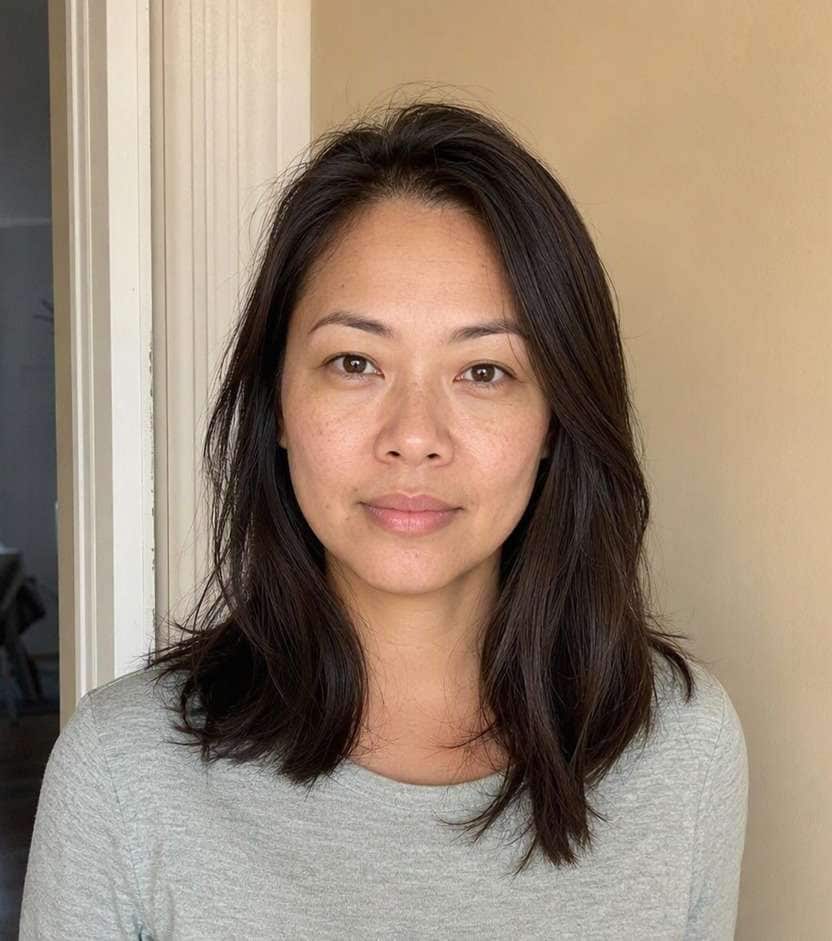
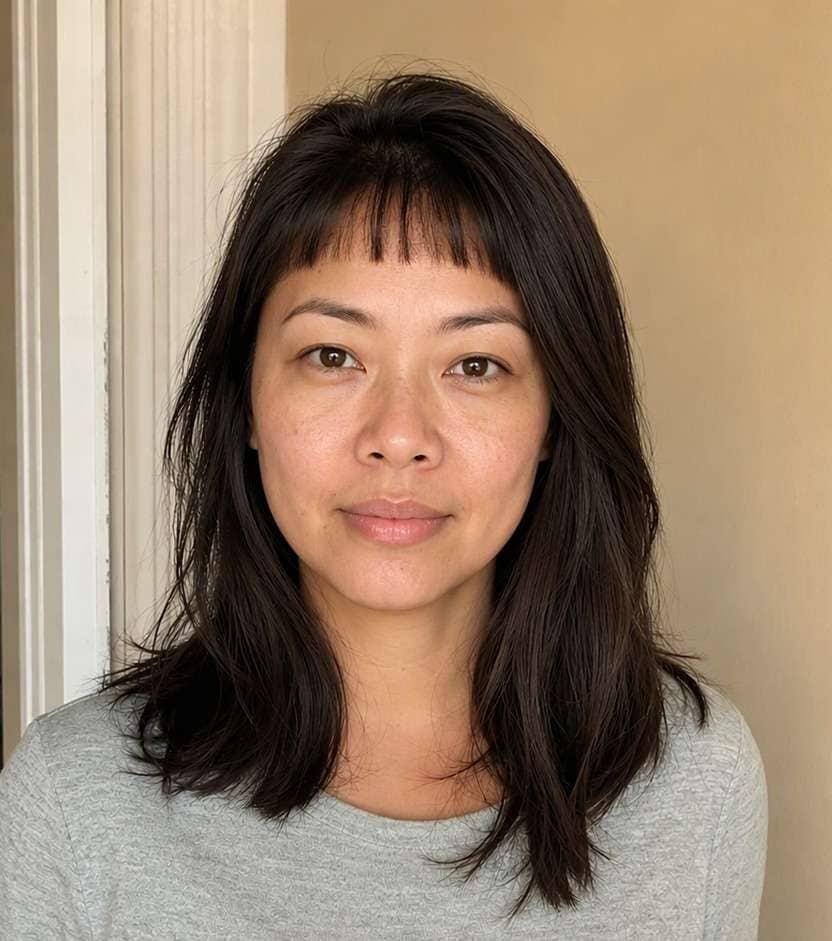
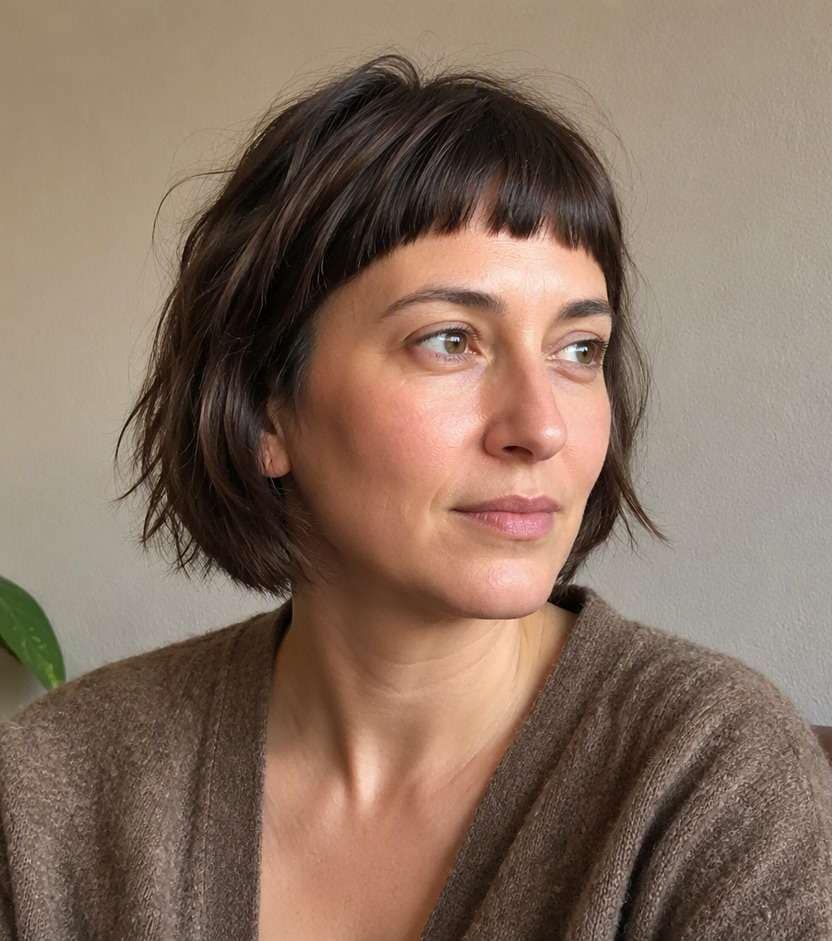
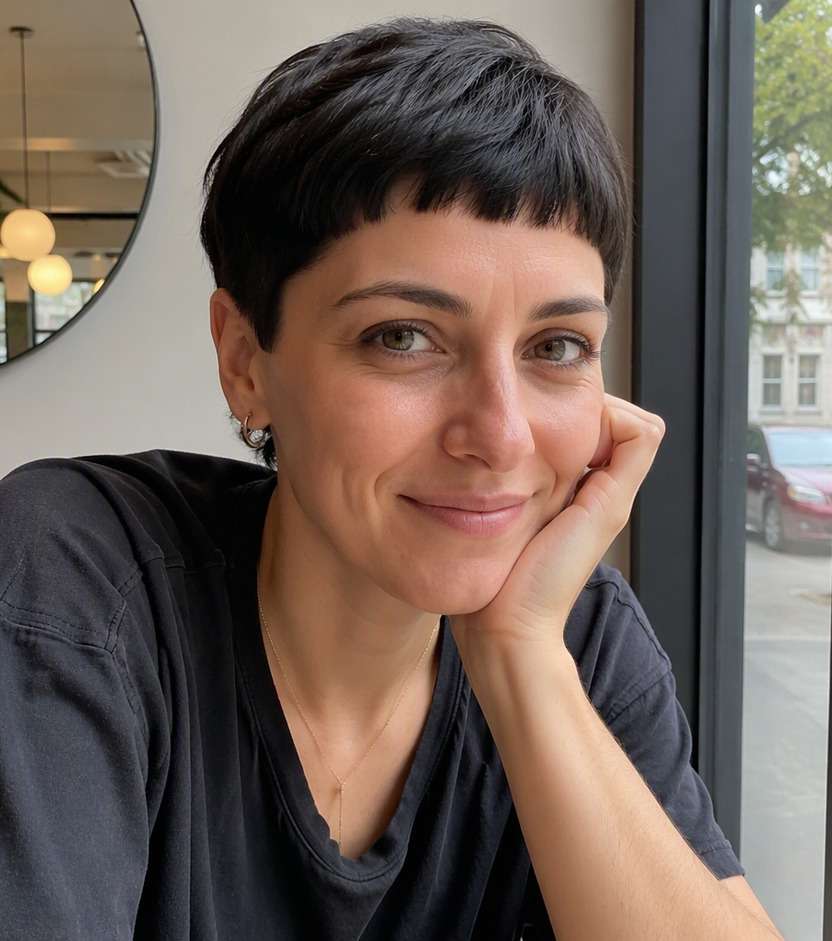
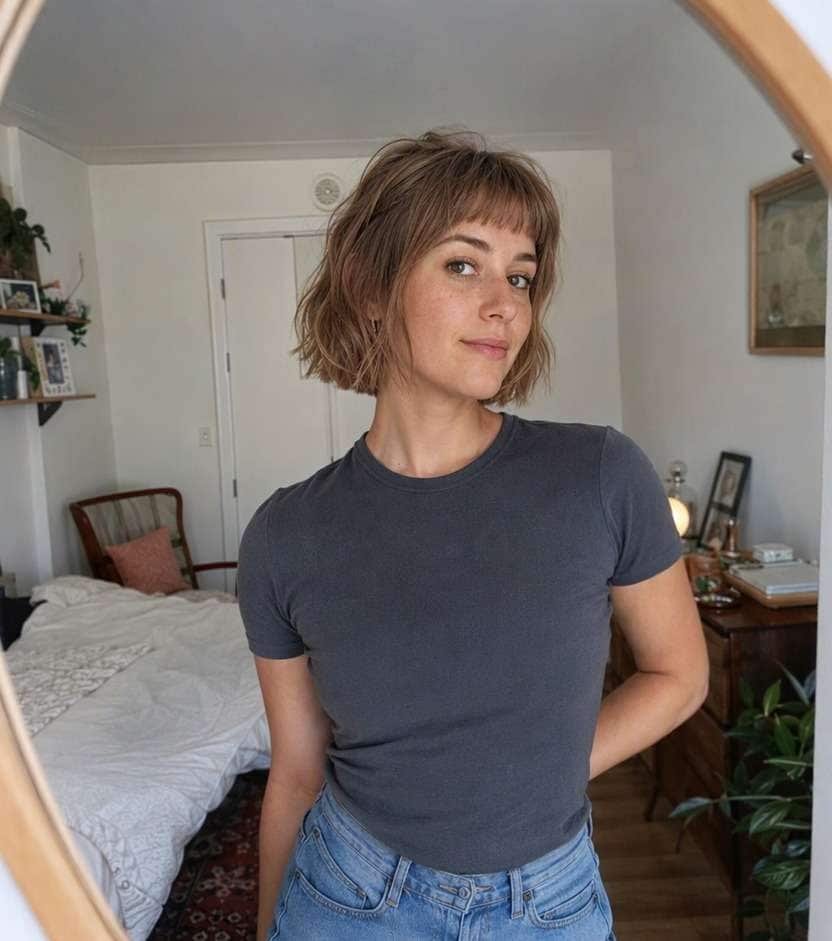
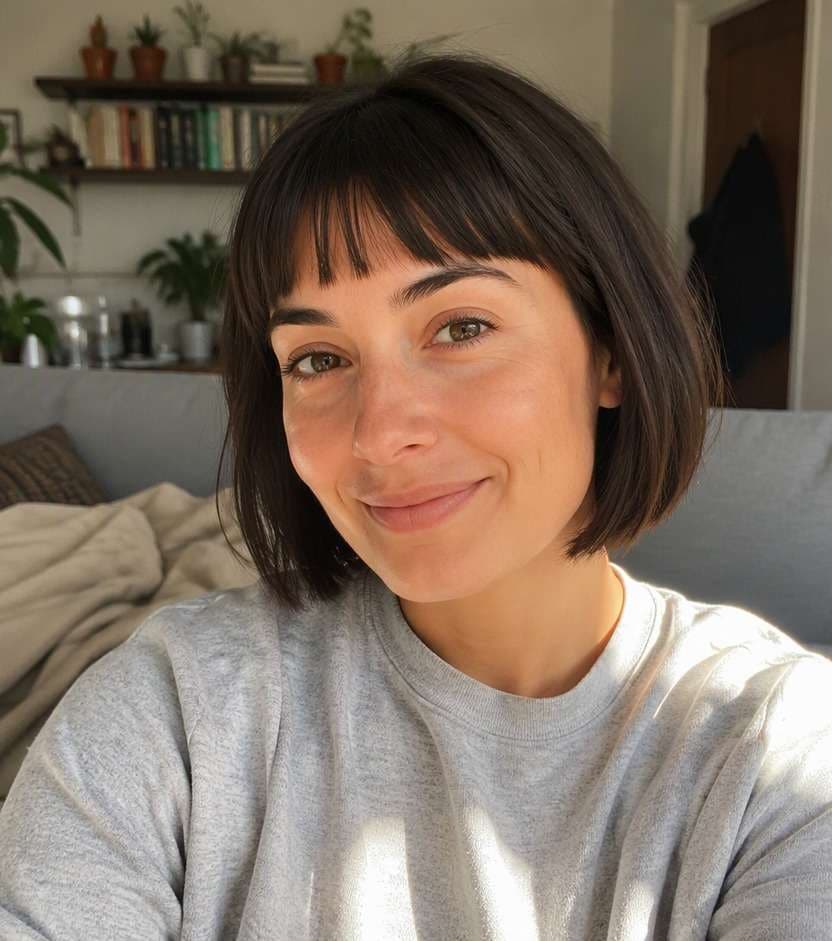
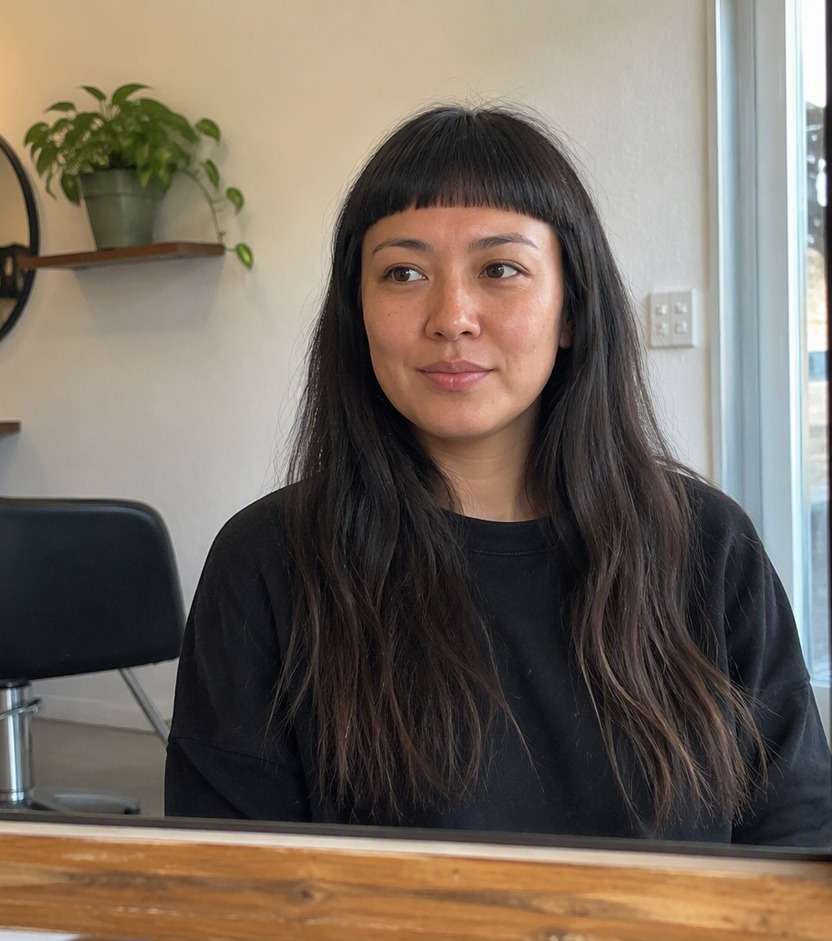
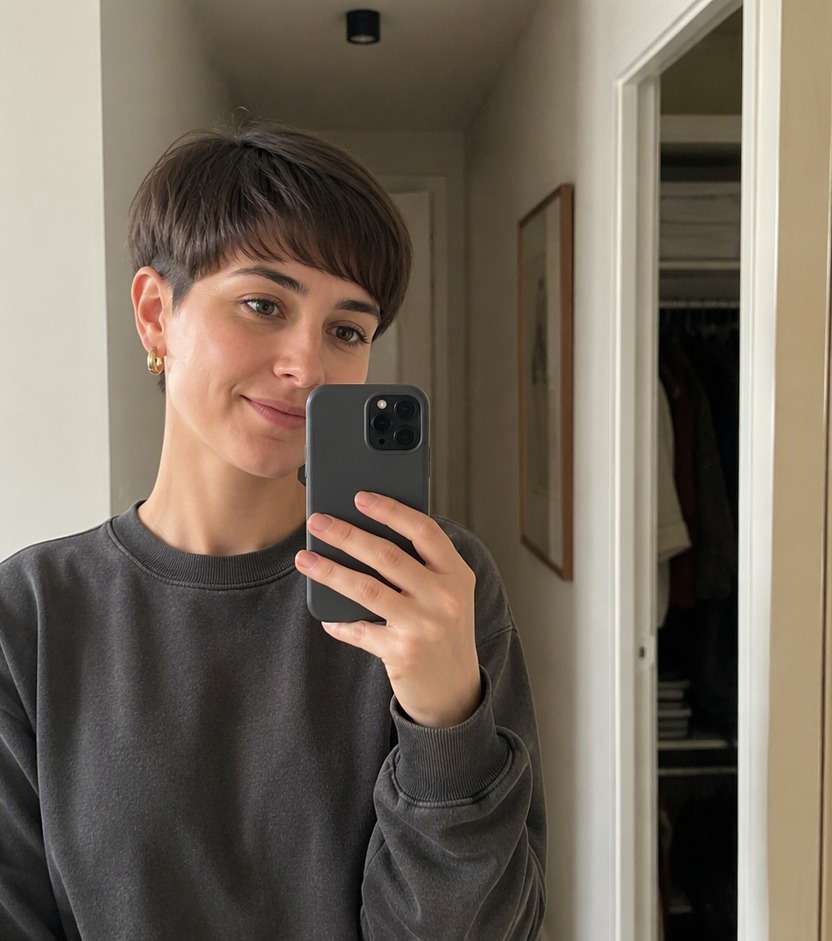
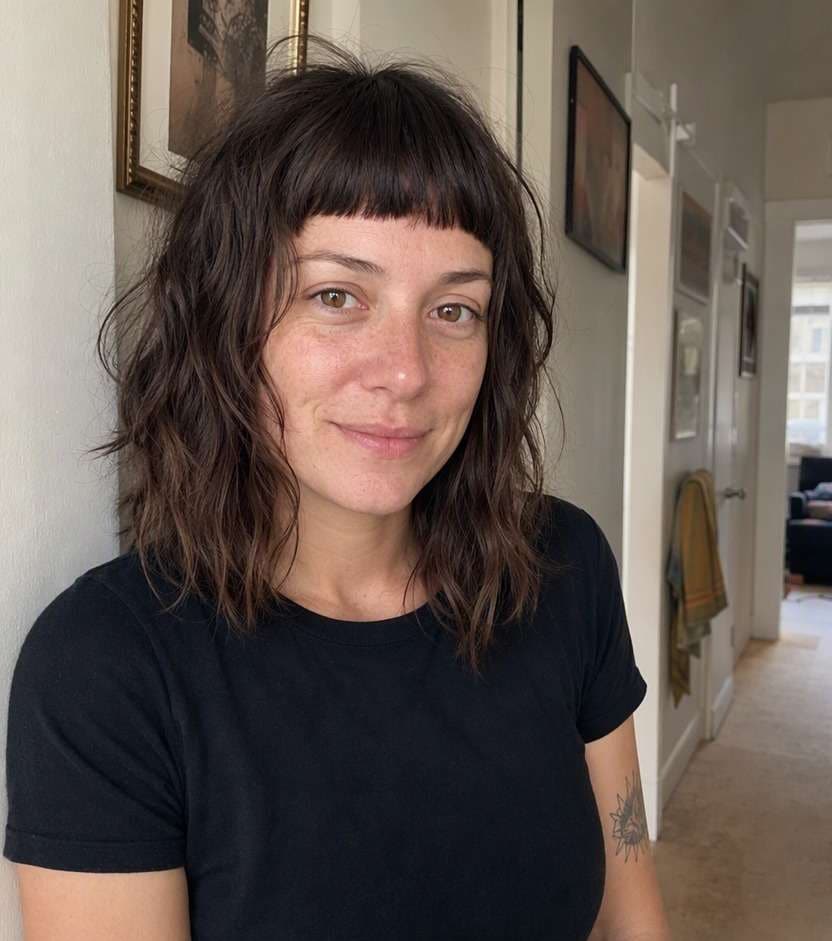
Baby bangs can change your whole expression because they sit well above the eyebrows. A micro bangs filter lets you preview that bold short fringe on your own face before you make a cut that takes time to grow out. Compare the edge height, density and texture so the result looks intentional rather than accidentally too short.
Use a clear portrait with the entire forehead visible.
Micro Bangs AI Haircut Photo Prompts
Micro bangs are about proportion. The space between the fringe and your eyebrows matters as much as the hair itself, so these ten prompts explore distinct heights, curves and textures.
Straight Baby Bangs
Use the uploaded photo as the reference. Create short straight level bangs clearly above eyebrows with smooth ends. Preserve facial identity, age appearance, expression, hair color, clothing, camera angle and room or street background. Keep a visible forehead gap. Show natural strand direction and a credible hairline. Keep a casual real-life photographic finish, with no captions, branding or beauty-ad lighting.
Choppy Micro Fringe
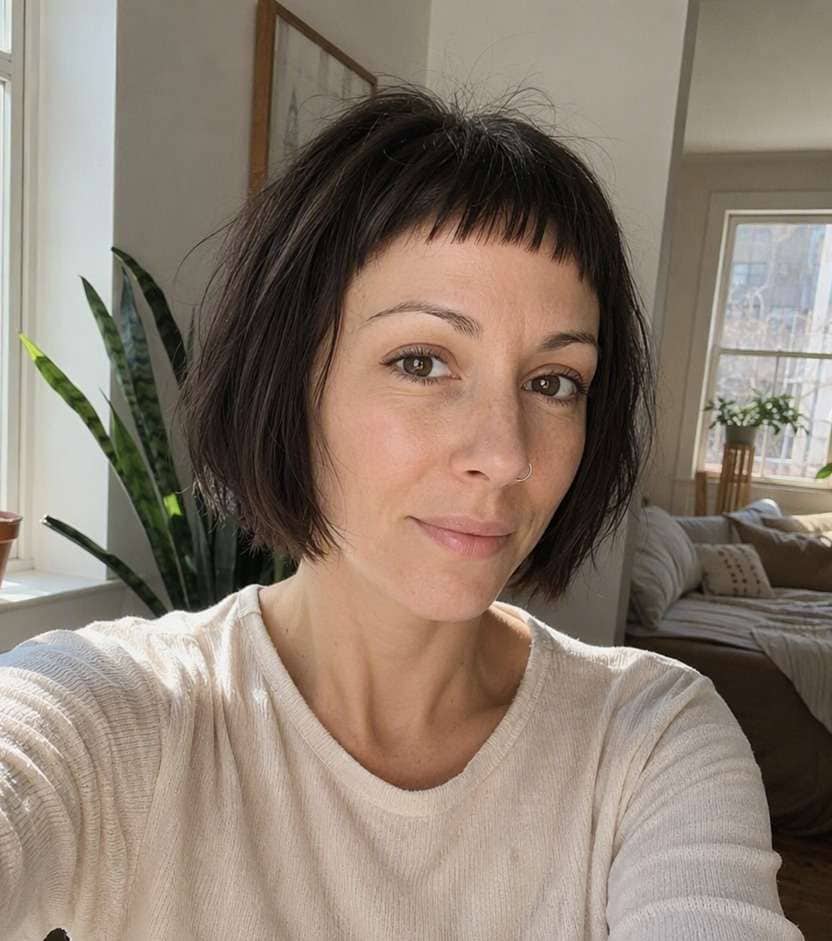
On this exact portrait, preview small separated short fringe tufts with slightly uneven cut tips. Preserve facial identity, age appearance, expression, hair color, clothing, camera angle and room or street background. Avoid ragged artificial spikes. Show natural strand direction and a credible hairline. Keep a casual real-life photographic finish, with no captions, branding or beauty-ad lighting.
Soft Arched Baby Bangs
Edit only the hair in this reference image to show short gently rounded micro fringe sitting above brows. Preserve facial identity, age appearance, expression, hair color, clothing, camera angle and room or street background. Keep natural temple blending. Show natural strand direction and a credible hairline. Keep a casual real-life photographic finish, with no captions, branding or beauty-ad lighting.
French-Inspired Micro Bangs
Make a believable hairstyle try-on with very short tidy fringe with understated natural texture and soft corners. Preserve facial identity, age appearance, expression, hair color, clothing, camera angle and room or street background. No costume styling. Show natural strand direction and a credible hairline. Keep a casual real-life photographic finish, with no captions, branding or beauty-ad lighting.
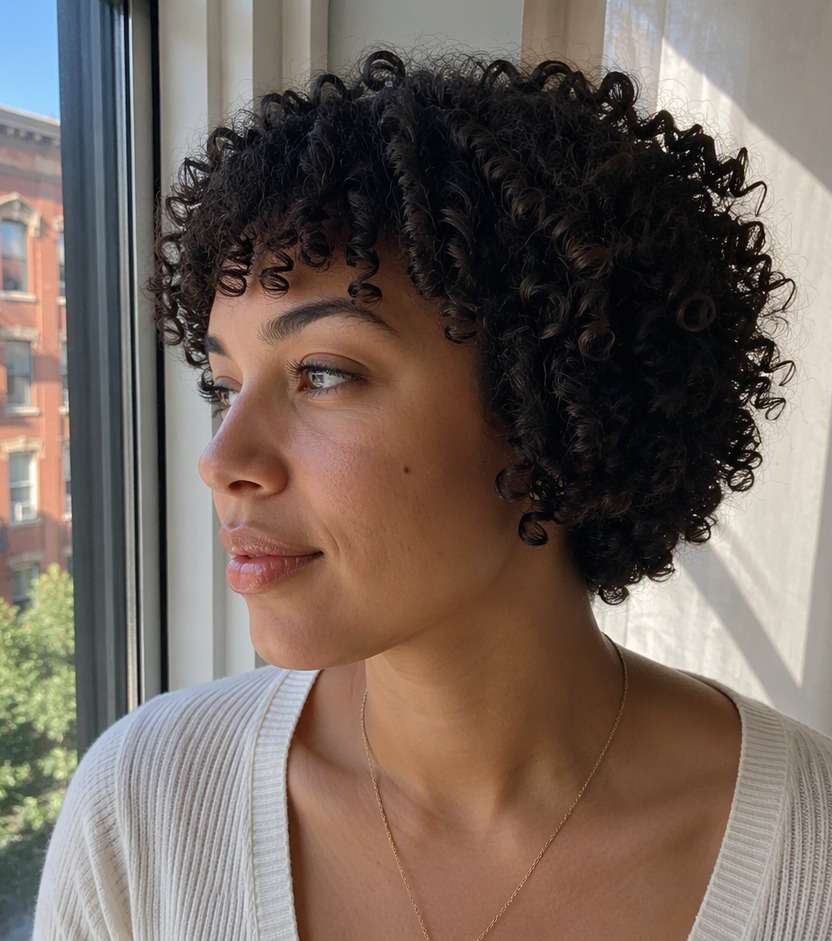
Curly Micro Fringe
Use the uploaded photo as the reference. Create short springy curl fringe leaving brows exposed. Preserve facial identity, age appearance, expression, hair color, clothing, camera angle and room or street background. Respect curl shrinkage. Show natural strand direction and a credible hairline. Keep a casual real-life photographic finish, with no captions, branding or beauty-ad lighting.
Fine-Hair Baby Bangs
On this exact portrait, preview light short fringe with fine strand separation above brows. Preserve facial identity, age appearance, expression, hair color, clothing, camera angle and room or street background. Do not add thick heavy hair. Show natural strand direction and a credible hairline. Keep a casual real-life photographic finish, with no captions, branding or beauty-ad lighting.
Micro Bangs and Bob
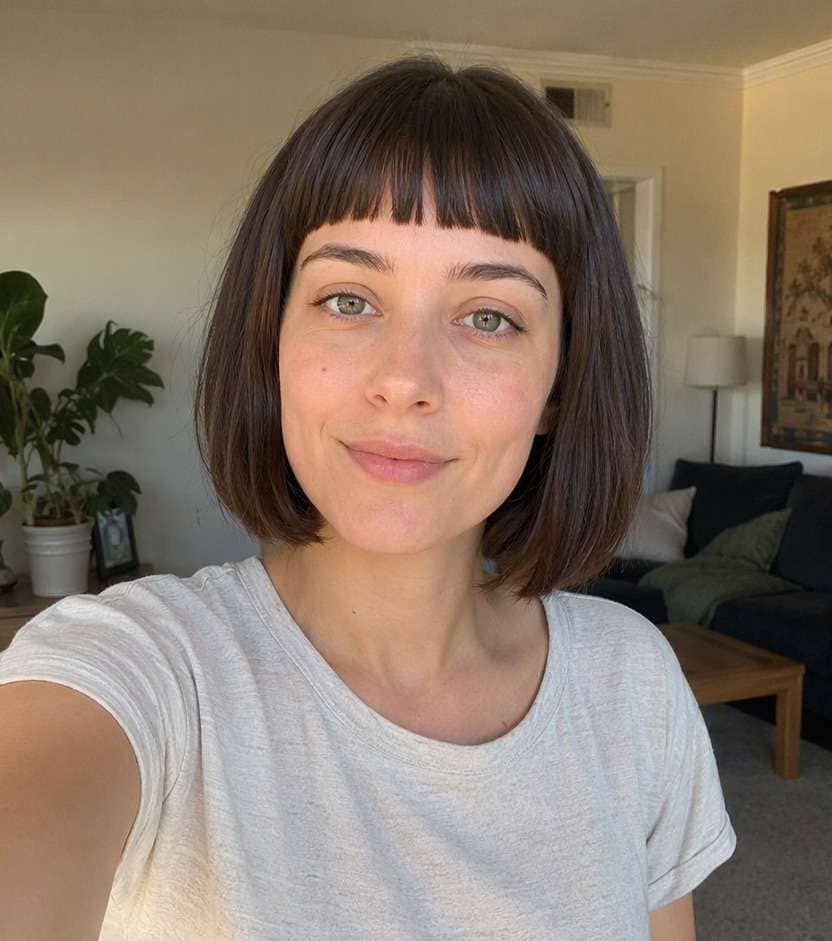
Edit only the hair in this reference image to show baby bangs on existing short bob without changing the cut sides. Preserve facial identity, age appearance, expression, hair color, clothing, camera angle and room or street background. Retain original bob length. Show natural strand direction and a credible hairline. Keep a casual real-life photographic finish, with no captions, branding or beauty-ad lighting.
Micro Fringe with Long Hair
Make a believable hairstyle try-on with tiny straight-above-brow fringe paired with unchanged long hair. Preserve facial identity, age appearance, expression, hair color, clothing, camera angle and room or street background. Do not shorten lengths. Show natural strand direction and a credible hairline. Keep a casual real-life photographic finish, with no captions, branding or beauty-ad lighting.
Diagonal Micro Bangs
Use the uploaded photo as the reference. Create short subtle asymmetric fringe above brows with gentle side taper. Preserve facial identity, age appearance, expression, hair color, clothing, camera angle and room or street background. Do not create long side bangs. Show natural strand direction and a credible hairline. Keep a casual real-life photographic finish, with no captions, branding or beauty-ad lighting.
Rounded Graphic Baby Fringe
On this exact portrait, preview bold curved short bangs tracing upper forehead above brows. Preserve facial identity, age appearance, expression, hair color, clothing, camera angle and room or street background. Keep the edge clean and wearable. Show natural strand direction and a credible hairline. Keep a casual real-life photographic finish, with no captions, branding or beauty-ad lighting.
See How Short Baby Bangs Really Look
Judge the Exposed Forehead
A baby fringe leaves a visible band of forehead beneath the hairline. Compare a barely-above-brow micro cut with a much shorter one to find a height that suits your comfort level.
Pick Sharp or Soft Tips
A geometric baby fringe feels striking, while irregular feathered tips are easier to wear casually. View both with your own features before choosing a cut that cannot be swept away.
Keep the Rest of Your Hair Familiar
Micro bangs look different with a pixie, bob or long lengths. Hold your existing haircut constant in the preview so you are actually deciding on fringe length, not reacting to an unrelated makeover. This is especially helpful when comparing a baby bangs try on with another closely related look.
Plan for Real-Life Grow-Out
Very short bangs take time to reach eyebrow length again. A preview helps decide whether you want that commitment, and a hairstylist can explain how your cowlicks may change the finished line.
How to Try Micro Bangs on Your Photo
Upload a clear portrait, describe the exact change you want, and compare a realistic hairstyle preview before visiting a stylist.
Step 1
Upload Your Photo
Upload a well-lit portrait showing your face, hairline and hair around your temples. Choose a familiar photo so you can judge whether the new micro bangs look fits you.
Step 2
Choose a Haircut Filter or Enter a Prompt
Choose a suitable haircut preset or write a custom prompt describing micro bangs. Specify what should change, and ask the editor to preserve your face, clothing, hair color and background.
Step 3
Click Generate
Click Generate to preview the hairstyle on your portrait. If the shape is not quite right, adjust the length, density or direction in your description and compare another result.
Compare your preferred look on the same familiar photo, then save the version that fits your usual style and the amount of change you want.
Testing an Edgier Look Carefully
If you like alternative styles but have never cut bangs, compare neat baby bangs with short choppy fringe on the same photo. Notice how the exposed eyebrows change the overall balance.
Pairing a Micro Fringe with a Bob
An ultra-short fringe creates a strong line with a compact bob. Preview the combination but also save a version where only the bangs change if you want to keep your current length.
Checking Your Natural Hairline
A cowlick or strong growth pattern can lift baby bangs. A virtual preview is not a forecast of that behavior; use it to describe the shape you want at a consultation. For a quick visual reference, describe the micro fringe simulator option using your own natural texture.
What Media.io Users Say About Bob Hairstyle Previews
Alyssa M.
Salon Client
"Much more useful than a social filter" I wanted to know if a bob would actually suit my face, not just get a funny effect. Media.io gave me previews that looked polished and realistic enough to show my stylist.
Jenna R.
Beauty Content Creator
"Easy to compare several bob styles" I tested blunt, wavy, and curtain-bang versions from one selfie. The ability to generate multiple looks made this feel more like a real makeover tool than a random app filter.
Priya S.
Frequent Mobile User
"Worked well on my phone" I used it in my mobile browser without downloading anything. The results were quick, and the hairstyle blending looked surprisingly natural around my jawline and forehead.
Monica T.
Hair Stylist Assistant
"Helpful for consultation prep" Clients often ask to try a bob hairstyle before cutting. This made it easier to show different lengths and bangs visually, which helped narrow down the best direction faster.
Micro or baby bangs typically end noticeably above the eyebrows, exposing more forehead than a standard fringe. The actual height depends on hairline and face proportions, so comparing two positions is useful.
2. Can I try baby bangs online before cutting them?
Yes. Upload a portrait and describe a short fringe above the eyebrows while retaining your original hairstyle. Save several lengths rather than relying on one preview of a high-commitment cut.
3. Do micro bangs work with curly hair?
They can, but curls shorten visually as they dry and spring back. Ask a stylist to account for shrinkage and growth direction; a photo edit cannot measure the final dry length.
4. Which selfie works best for this micro bangs look?
Use a bright, front-facing photo that clearly shows your forehead, hairline and both temples. Avoid sunglasses and strong beauty filters. Keep the same source portrait when comparing alternatives so differences reflect the hairstyle rather than changes in lighting.
5. Can I try this haircut online with my own hair color?
Yes. Ask for the hairstyle change only, preserving your existing hair color, skin tone, facial features, clothing and background. The preview is a visual idea rather than a precise prediction of how your hair grows or settles after cutting.
6. What if the AI preview changes more than the fringe?
Try again using a more specific prompt that names the exact fringe or layers and asks for every other feature to stay unchanged. Comparing two or three controlled versions is more informative than accepting a large unrelated makeover.