Conseils: Utilisez les conseils en anglais pour obtenir de meilleurs résultats.
Aspect ratio
9:16
16:9
1:1
4:3
3:4
3:2
2:3
21:9
Résolution
1K
2K
4K
Mode Illimité Banana Pro
Nombre d'images
1
2
3
4
Visibilité du public
Tout
Image
Vidéo
Audio
Générer une liste
Les résultats générés seront conservés pendant 7 jours. Veuillez les sauvegarder à temps.
Libérez votre potentiel créatif et découvrez la magie de l'IA médiatique dès mIAntenant!
AI Furniture Design Generator for Fast, Realistic Concept Visuals
Turn furniture ideas into polished visuals in seconds with Media.io. Generate sofas, beds, desks, tables, and statement pieces from simple text prompts, then explore styles, materials, and layouts for moodboards, pitches, and creative concept development.
Explore our curated collection of ai furniture design styles.
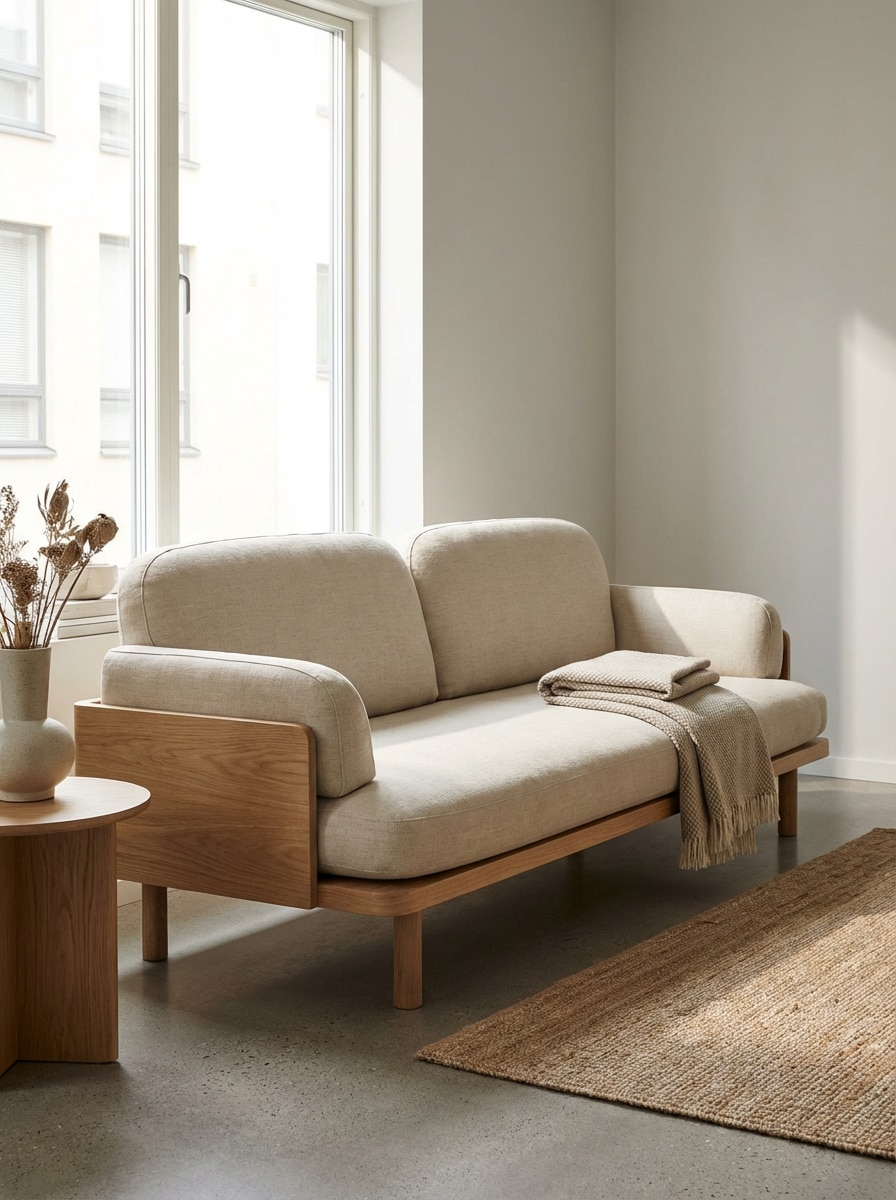
Japandi Sofa Concept
Photorealistic AI furniture design of a Japandi sofa for a small modern apartment, featuring a light oak frame, beige linen upholstery, low clean-lined silhouette, soft rounded cushions, natural daylight, calm neutral palette, subtle fabric texture, minimal studio styling, premium product photography quality.
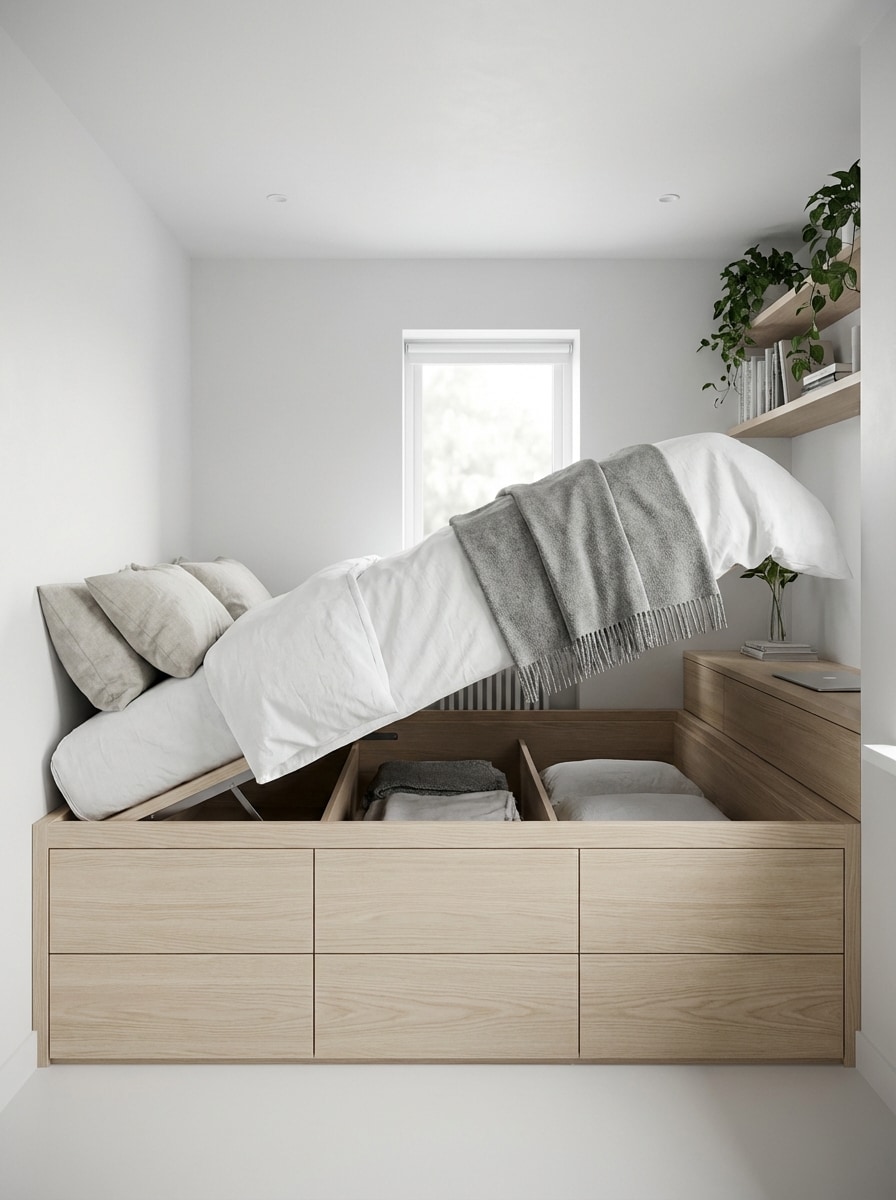
Storage Bed for Small Rooms
Generate a realistic space-saving bed with hidden drawers and under-bed storage, designed for a compact bedroom. Show light wood finish, minimalist modern lines, crisp bedding, practical built-in compartments, bright ambient lighting, soft shadows, Scandinavian-inspired palette, and high-detail furniture concept rendering.
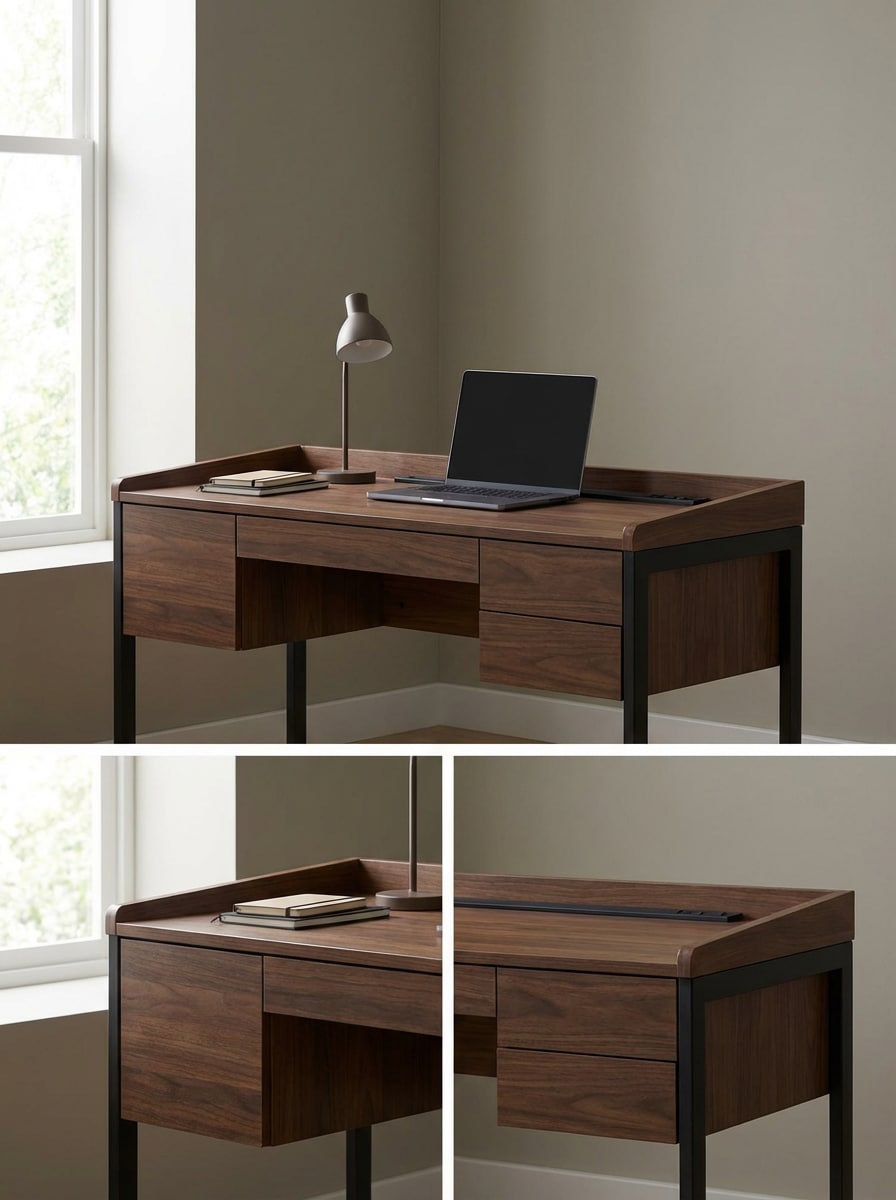
Minimal Home Office Desk
Create a premium minimalist home office desk with built-in storage, cable management, and sleek drawers. Use walnut wood and matte black metal, balanced proportions, soft daylight from the side, refined modern styling, realistic wood grain and metal texture, clean composition, and polished product visualization.
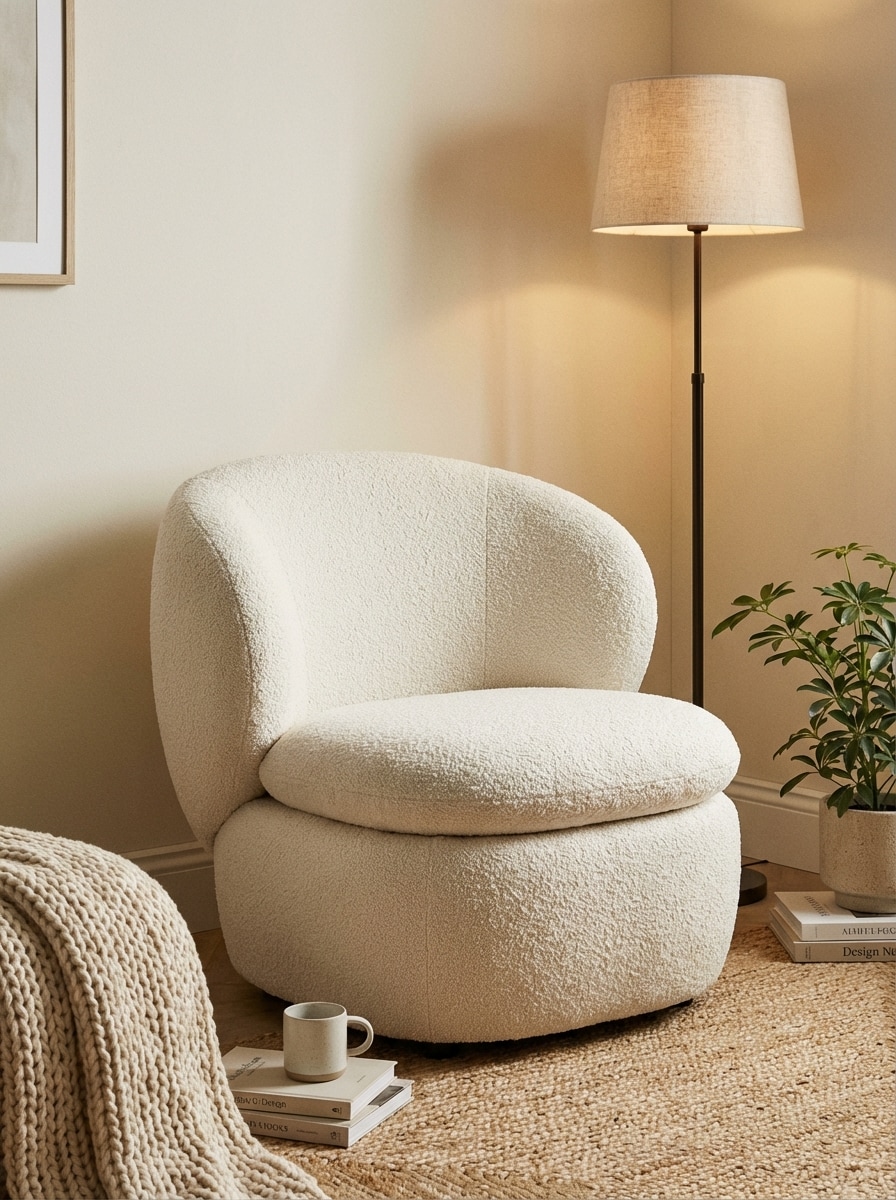
Bouclé Accent Chair
Design a trendy bouclé accent chair for a cozy bedroom corner, with an ivory textured fabric, rounded silhouette, sculpted backrest, soft plush seat, warm neutral palette, gentle ambient lighting, editorial furniture styling, tactile surface detail, and photorealistic rendering with inviting luxury mood.
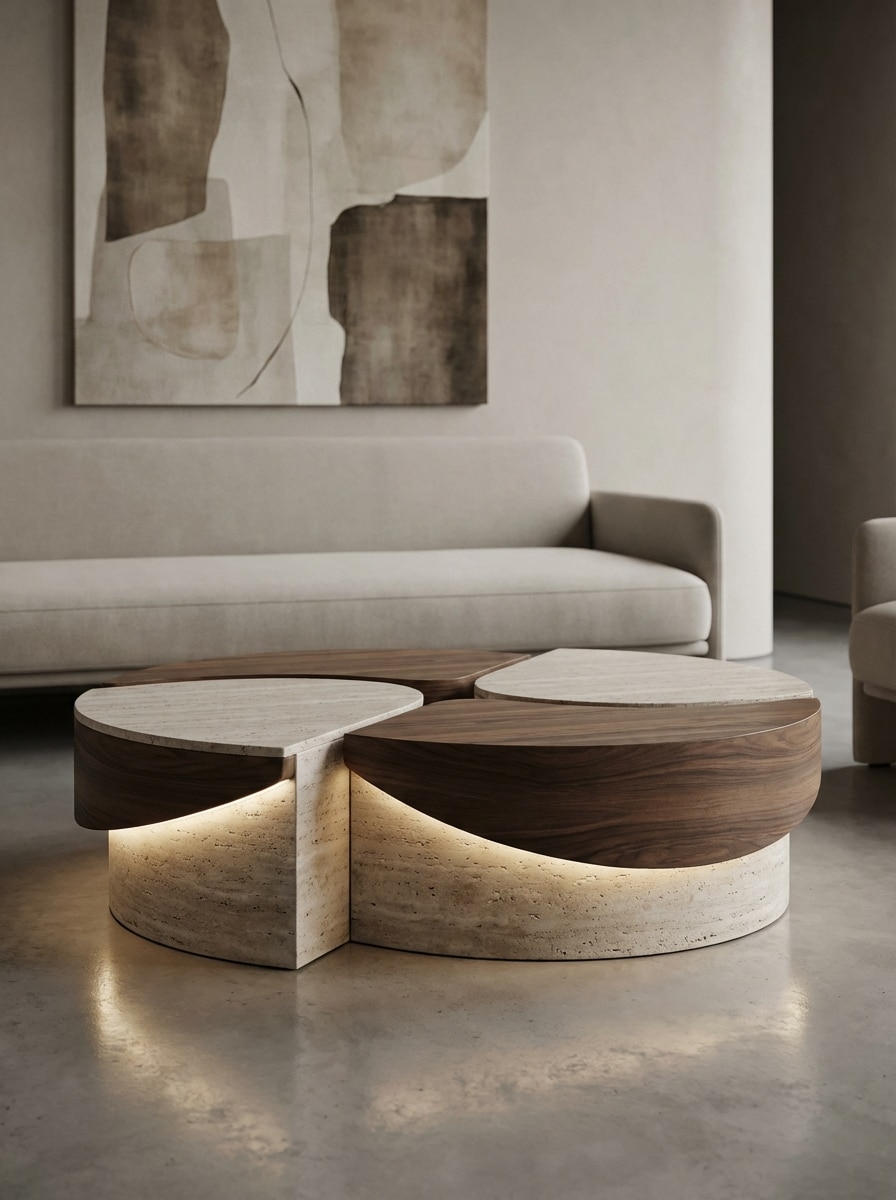
Sculptural Coffee Table
Generate a designer sculptural coffee table for a contemporary living room, combining travertine and rich wood materials. Emphasize artistic curved geometry, soft ambient lighting, gallery-inspired composition, elegant neutral tones, realistic stone texture, subtle reflections, and high-end furniture render quality with refined visual depth.
Why Use Media.io for AI Furniture Design
Text-to-Image Furniture Concepts in Seconds
Turn written ideas into AI furniture design visuals without sketches or room photos. Great for rapid ideation, moodboards, and early-stage concept exploration.
Multiple AI Models for Better Results
Choose from advanced generators like Nano Banana Pro, Nano Banana 2, Seedream 5.0 Lite, Soul Character, and Imagen 4 to match your furniture style, realism, and creative needs.
High-Resolution Renders for Presentations
Create realistic furniture images in 1K, 2K, or 4K resolution. Useful for client decks, product mockups, concept boards, and furniture concept generator workflows.
Flexible Styles and Aspect Ratios
Experiment with realistic, 3D render, anime, oil painting, cyberpunk, and more. Export furniture ideas in popular ratios like 1:1, 16:9, 3:4, and 4:3 for web, social, or presentations.
How to Create AI Furniture Design Images
1
2
3
1
Open Media.io AI Image Generator
Go to AI Text to Image Generator and open the AI Image Generator under AI -> Image Generator. This online tool runs in your browser, so you can create furniture concepts on desktop, tablet, or mobile without installing software.
2
Enter a Prompt
Type a detailed prompt, such as "photorealistic Japandi sofa, light oak frame, beige linen upholstery, soft natural lighting, studio product render." Adjust style, model, aspect ratio, and resolution to match your furniture design goal.
3
Generate, Refine & Download
Click Generate to create your AI furniture design. Refine the prompt if needed, try different styles or materials, and then download the high-resolution image for presentations, inspiration boards, or creative planning.
Discover how creators and professionals are using our AI-powered Furniture Design to transform their creative workflows and bring unique ideas to life.
Pitch Furniture Ideas to Clients Faster
Interior designers, stylists, and freelancers can turn rough concepts into polished visuals for client proposals. Instead of describing a sofa, desk, or bed in words alone, show realistic furniture options with materials, colors, and mood already visualized.
Explore Styles Before Building or Buying
Use AI furniture design to compare Japandi, Scandinavian, luxury, retro, or minimalist directions before committing to production or purchase. It is a practical way to test finishes, silhouettes, and space-saving concepts early in the decision process.
Create Moodboards and Product Mockups
Content creators, e-commerce teams, and furniture brands can generate clean concept renders for moodboards, social posts, and product planning. This helps teams present fresh furniture ideas quickly without waiting for expensive prototypes or photoshoots.
What Users Say About Media.io
Maya Chen
Interior Stylist
"Excellent for concept direction" I use Media.io to visualize furniture directions before sourcing pieces. The prompts are easy to refine, and the renders help clients understand style differences much faster.
Ethan Brooks
Furniture Startup Founder
"Great for early product ideation" This helped our team test chair, table, and storage ideas without sketching every version first. The realistic output is strong enough for internal reviews and moodboards.
Sofia Martinez
Content Creator
"Fast and visually impressive" I wanted stylish furniture images for social content and brand concepts. Media.io made it simple to generate premium-looking pieces in different aesthetics within minutes.
Daniel Reed
Home Office Consultant
"Useful across devices" I often work between laptop and phone, so the browser-based workflow is convenient. I can create desk and storage concepts on the go and download them later in higher resolution.
An AI furniture design generator is a text-to-image tool that turns written prompts into furniture visuals. With Media.io, you can describe items like sofas, beds, desks, or tables and generate stylized or realistic concept images for inspiration, planning, or presentations.
2. Can I create furniture designs from text prompts only?
Yes. Media.io supports a text-first workflow, so you can create text to image furniture concepts by simply entering a detailed prompt in English. This is ideal for exploring ideas quickly without needing sketches, CAD files, or room photos. This helps you create ai furniture design results more consistently.
3. Is there a free AI furniture design tool I can try?
Yes. Free users can try Media.io with free credits. For more usage, you can upgrade on the pricing page. Please note that free exports may include a watermark, while paid plans support watermark-free high-resolution downloads. Free users can use free credits. For more usage, users can subscribe to a plan on the pricing page.
4. How realistic are the AI-generated furniture images?
Media.io can generate highly detailed furniture images, especially when you use realistic prompts and supported models such as Nano Banana Pro, Nano Banana 2, or Soul Character. You can also export in 1K, 2K, or 4K resolution for sharper presentation-quality results. Features **Nano Banana Pro** (Next-gen AI generation model) and **Nano Banana 2** (Faster generation, enhanced creative features). Also supports Seedream 5.0 Lite, Soul Character (Hyper-realistic), Nano Banana, Seedream 4.0, and Imagen 4. This helps you create ai furniture design results more consistently.
5. Can I design specific items like sofas, beds, or tables?
Yes. You can generate specific furniture categories such as sofas, beds, dining tables, desks, accent chairs, cabinets, and coffee tables. Just describe the item, materials, lighting, color palette, and style to get more precise AI furniture design outputs.
6. Can I use AI furniture design on mobile or desktop?
Yes. Media.io is web-based and works on any device with a browser, including Windows, Mac, iPhone, iPad, and Android. That makes it easy to create furniture concept images on desktop or mobile without installing extra software. Media.io is a web-based tool that works on any device with a browser (Windows, Mac, iOS, Android).