Vos créations sont conservées pendant seulement 7 jours. Les éléments créés après la mise à niveau de l'Abonnement seront stockés de façon permanente.
Libérez votre potentiel créatif et découvrez la magie de l'IA médiatique dès mIAntenant!
Roblox Filter for Turning Photos Into Playful 3D Avatars
Create a roblox filter look from selfies, portraits, or group photos in just a few clicks. Media.io helps you apply a roblox avatar filter style with colorful blocky details, profile-picture-ready quality, and easy customization for social posts, party graphics, and fun character art. It can also help with roblox character filter.
Review these example directions, then tailor the prompt details to get stronger results with this Roblox Filter. You can also adjust the wording to filter roblox style details more precisely for your image and preferred character look.
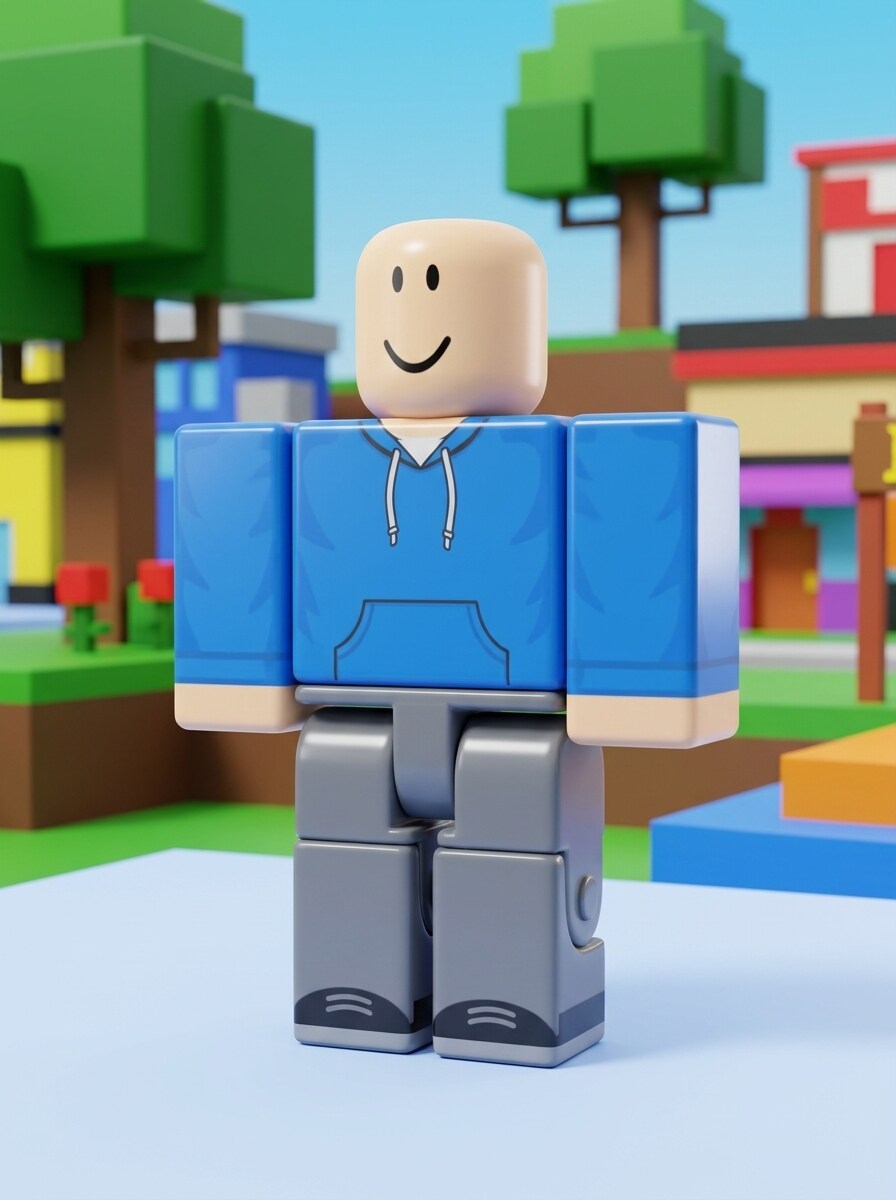
Blocky 3D Avatar
Use the uploaded image as the subject and transform it into a Roblox-inspired 3D avatar portrait with blocky body proportions, simplified facial features, smooth plastic textures, bright outfit colors, clean studio lighting, a cheerful expression, and a colorful game-style background with polished high-detail rendering.
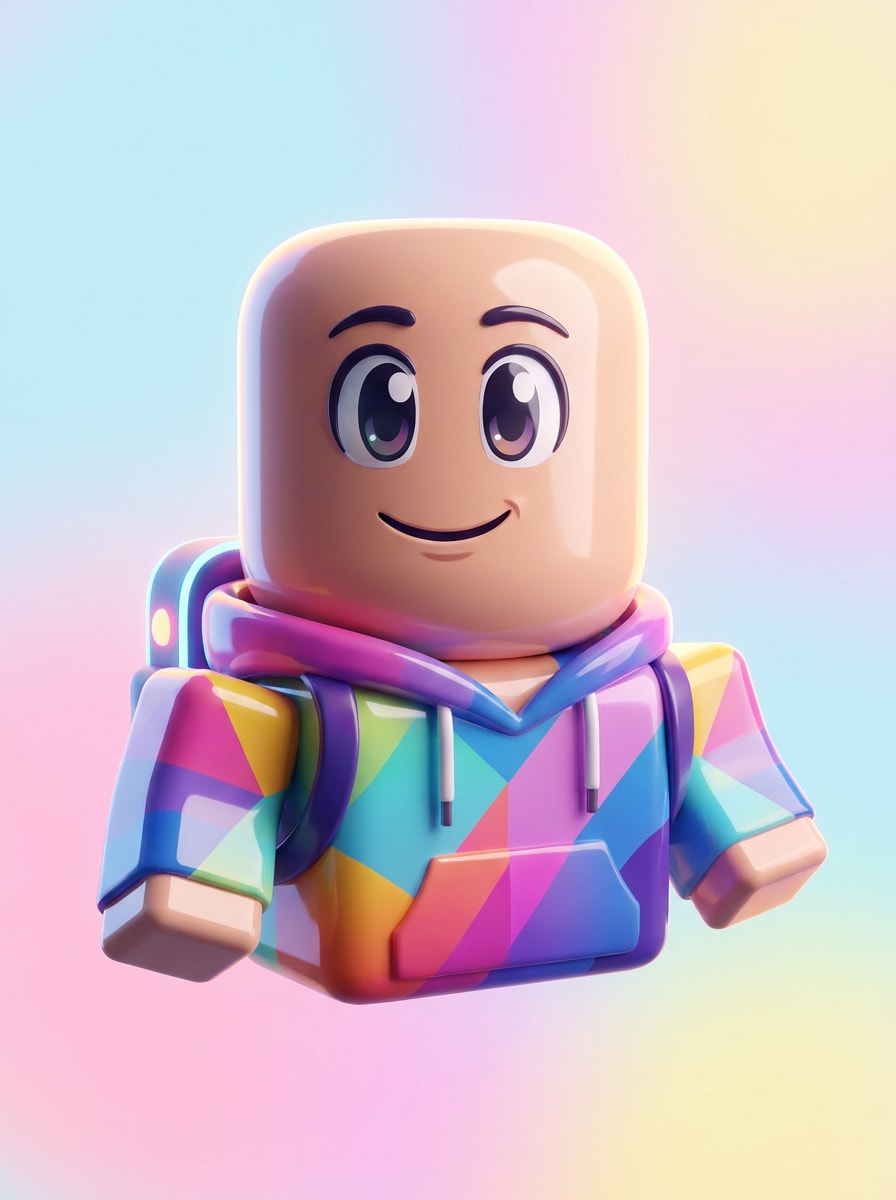
Smiling Profile Avatar
Use the uploaded photo as the subject and turn it into a polished Roblox-inspired profile picture with a centered head-and-shoulders composition, rounded block-style face, glossy materials, vibrant outfit accents, soft shadows, bright pastel background, and a clean social-avatar finish that feels friendly and modern.
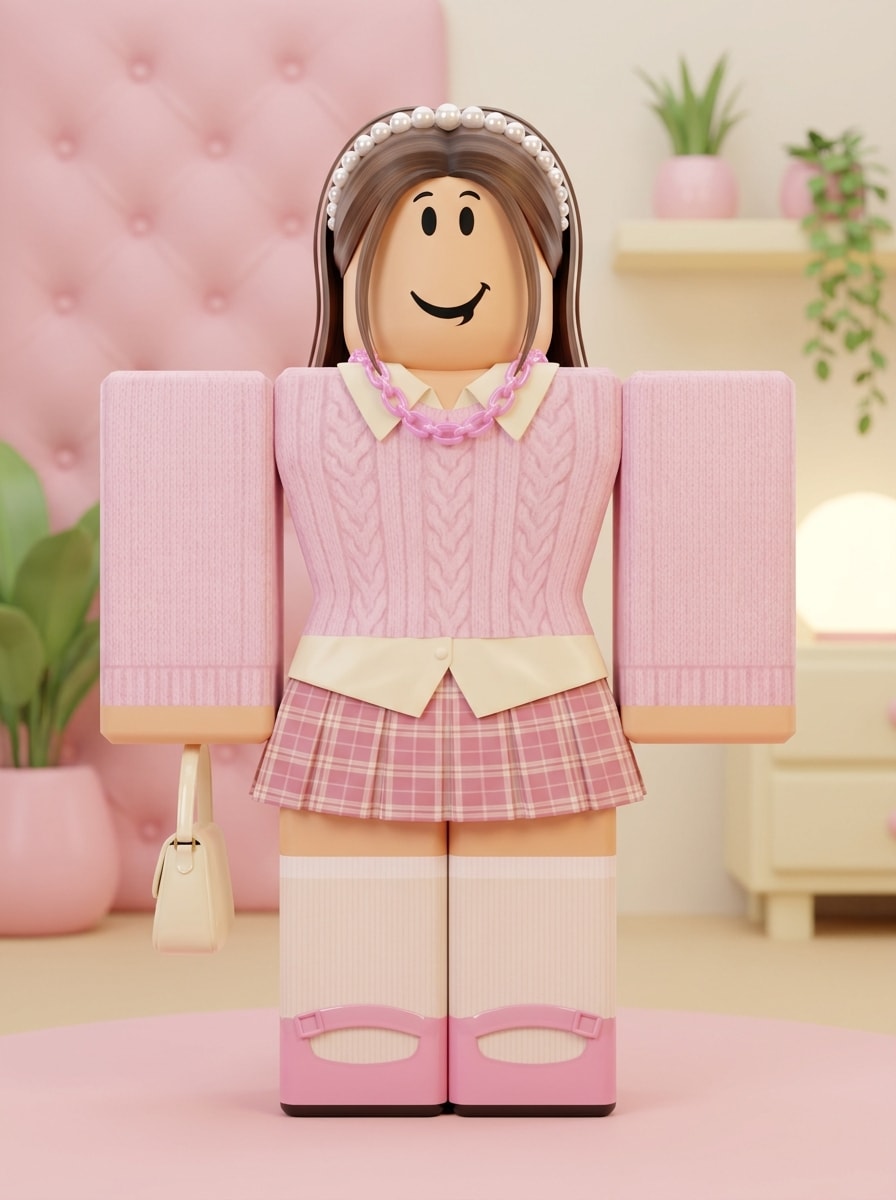
Preppy Roblox Look
Use the uploaded image as the subject and apply a cute preppy Roblox-inspired makeover with neat blocky styling, pastel pink and cream tones, glossy accessories, soft glow lighting, tidy layered outfit details, minimal background props, and a fashionable social-media-ready finish with cheerful energy.
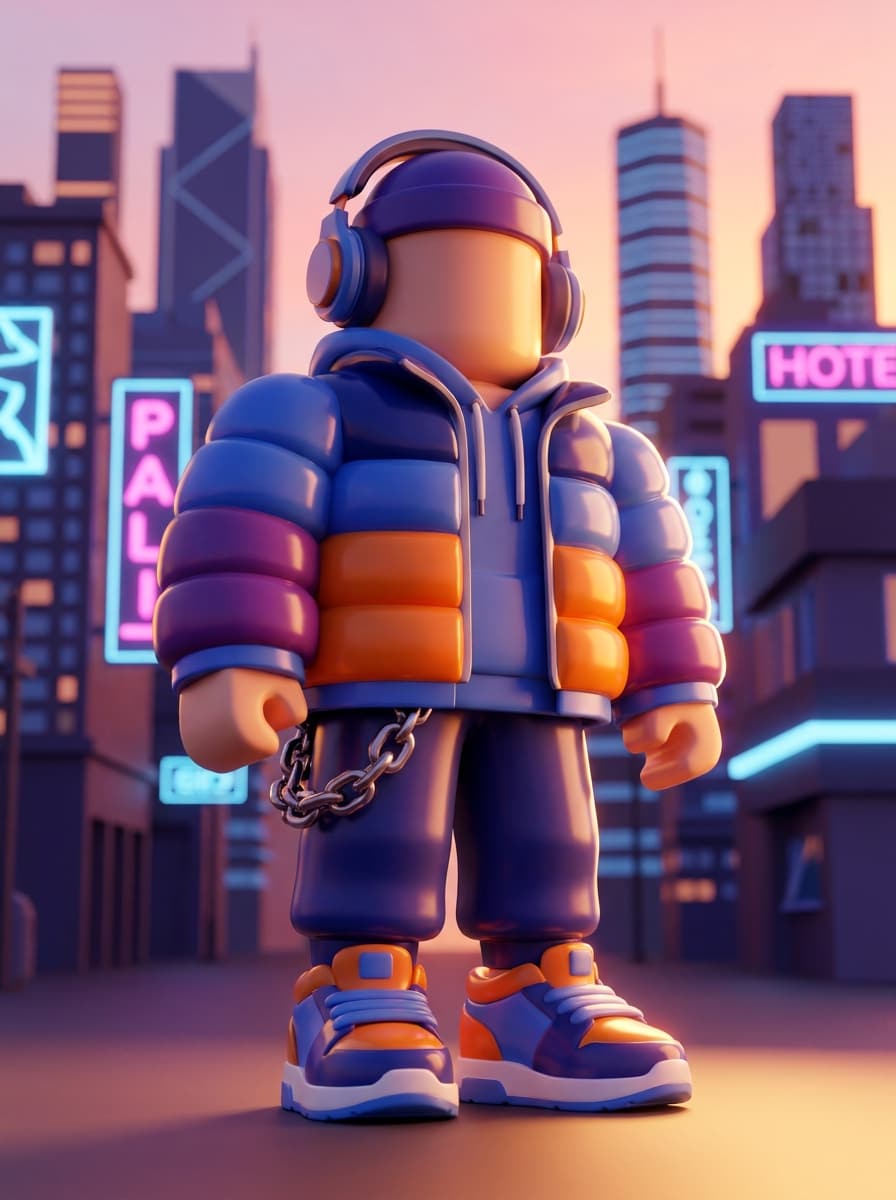
Streetwear Roblox Character
Use the uploaded image as the subject and transform it into a cool Roblox-inspired streetwear character with blocky geometry, layered jacket and sneakers, bold accessory details, dramatic but friendly lighting, crisp edges, saturated colors, and a stylized urban backdrop for a confident creator-profile look.
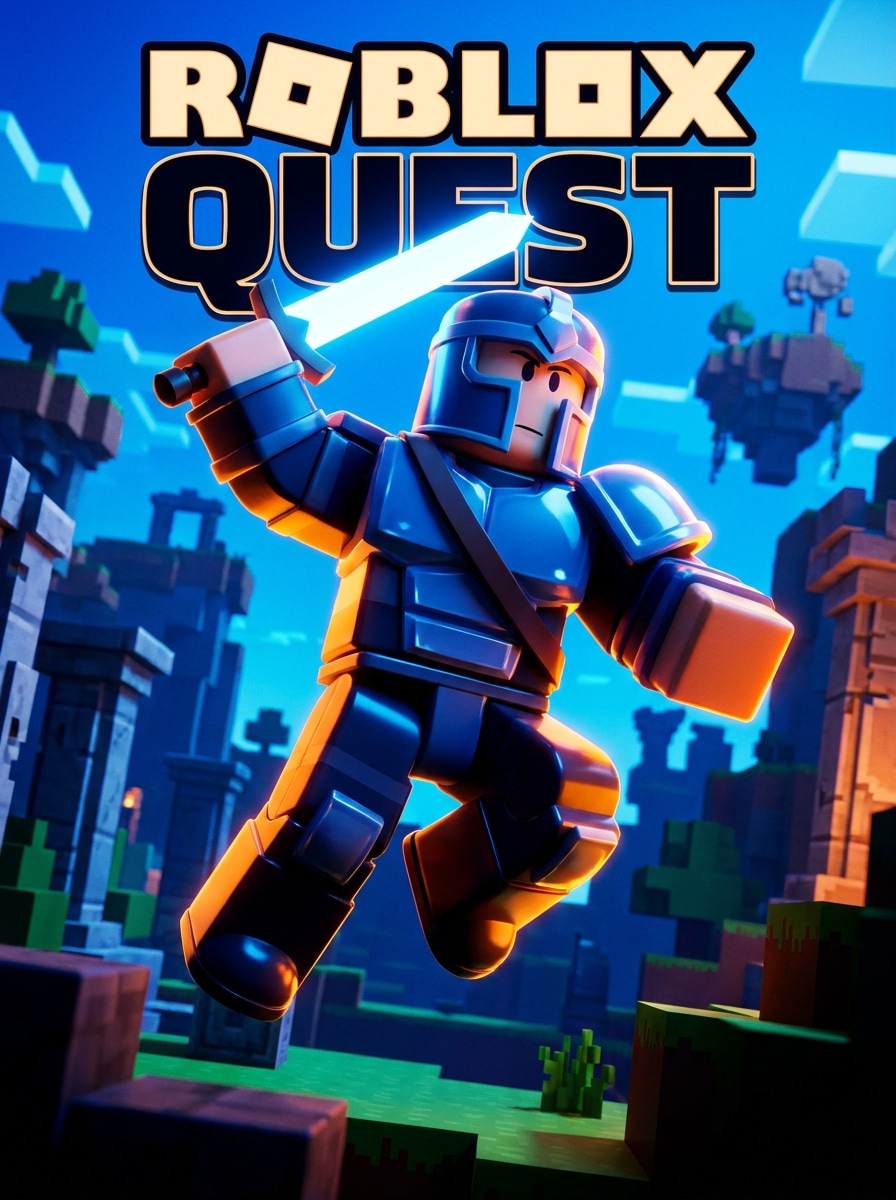
Action Game Roblox Poster
Use the uploaded image as the subject and convert it into a Roblox-inspired action poster character with a dynamic pose, bold cinematic lighting, high-contrast colors, sharp glossy textures, adventurous energy, and a dramatic game-thumbnail background designed to feel exciting, heroic, and instantly clickable.
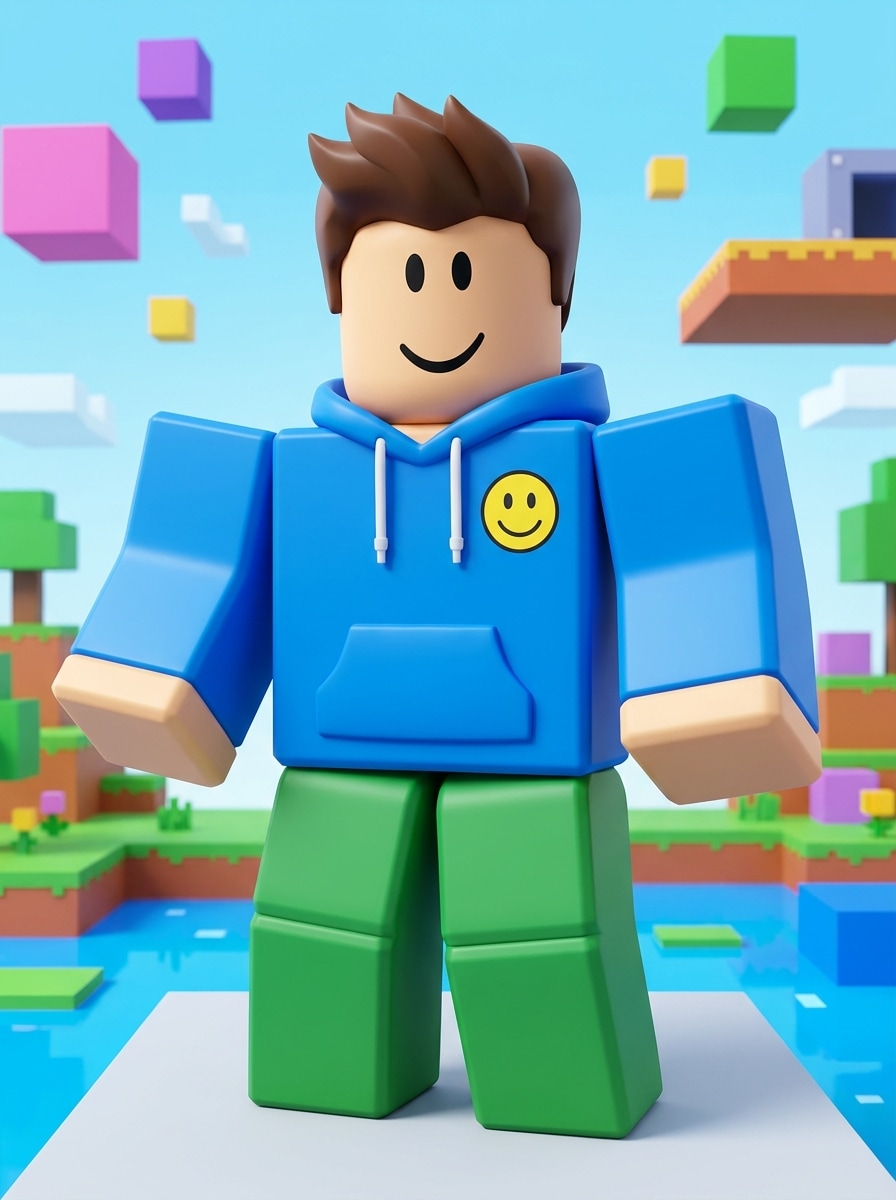
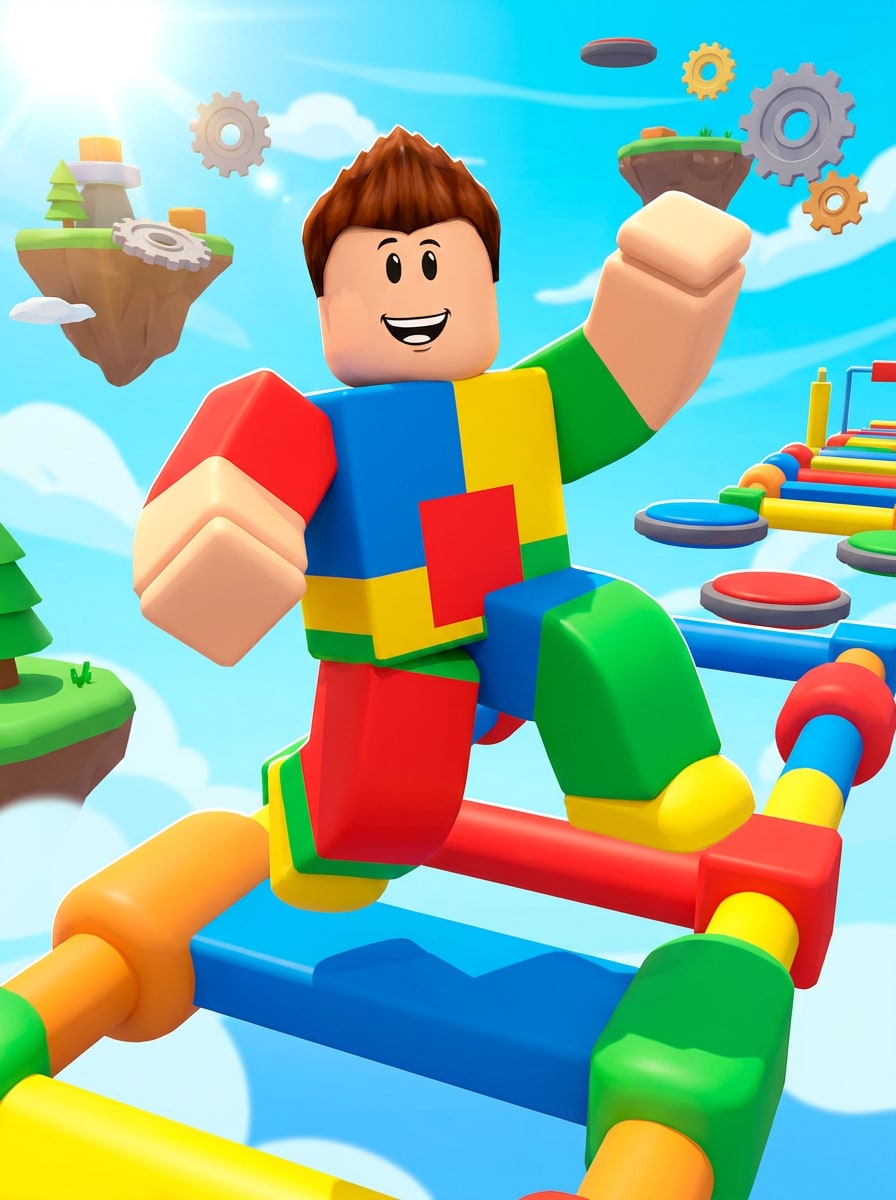
Obby Adventure Character
Use the uploaded image as the subject and make it look like a Roblox-inspired obby adventure character with bright color blocking, playful expression, smooth plastic textures, chunky geometric styling, lively game lighting, and fun obstacle-course elements in the background for an energetic, youthful finish.
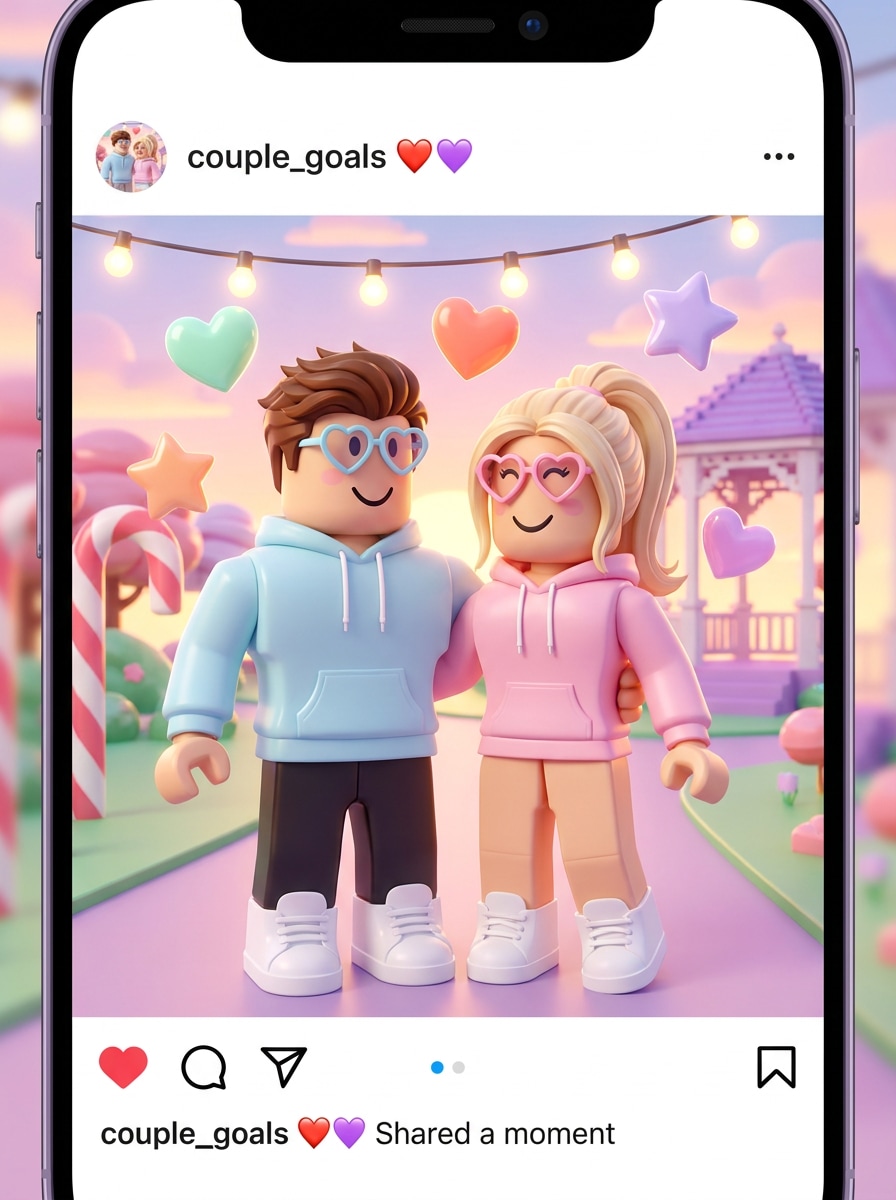
Couple Roblox Filter
Use the uploaded couple photo as the subject and transform both people into matching Roblox-inspired avatars with coordinated outfits, simplified blocky anatomy, glossy textures, soft romantic lighting, bright candy-color accents, and a cute social-post background that feels playful, sweet, and polished.
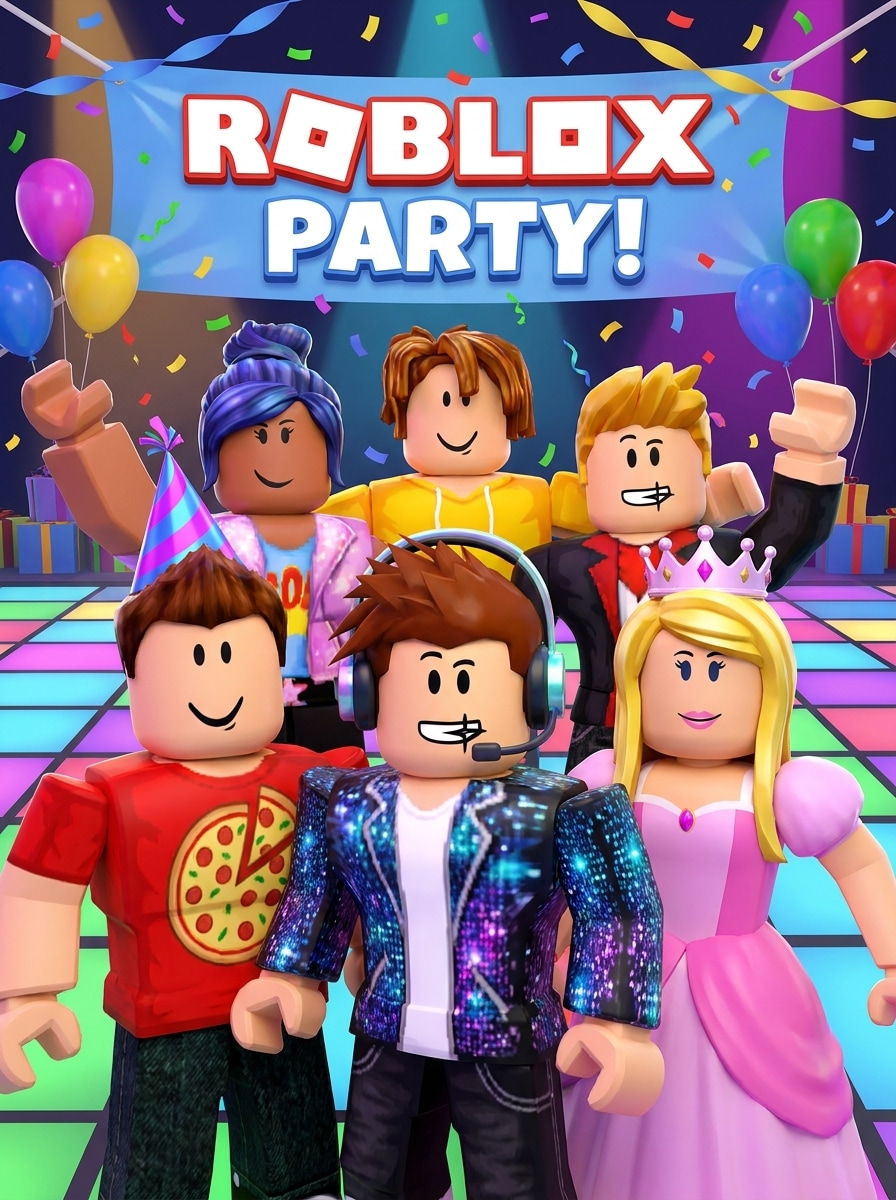
Best Friends Roblox Style
Use the uploaded friends photo as the subject and turn the group into Roblox-inspired characters with individualized outfits, friendly smiling faces, balanced composition, glossy surfaces, saturated festive colors, and a polished party-ready background that keeps each person distinct while matching a playful game aesthetic.
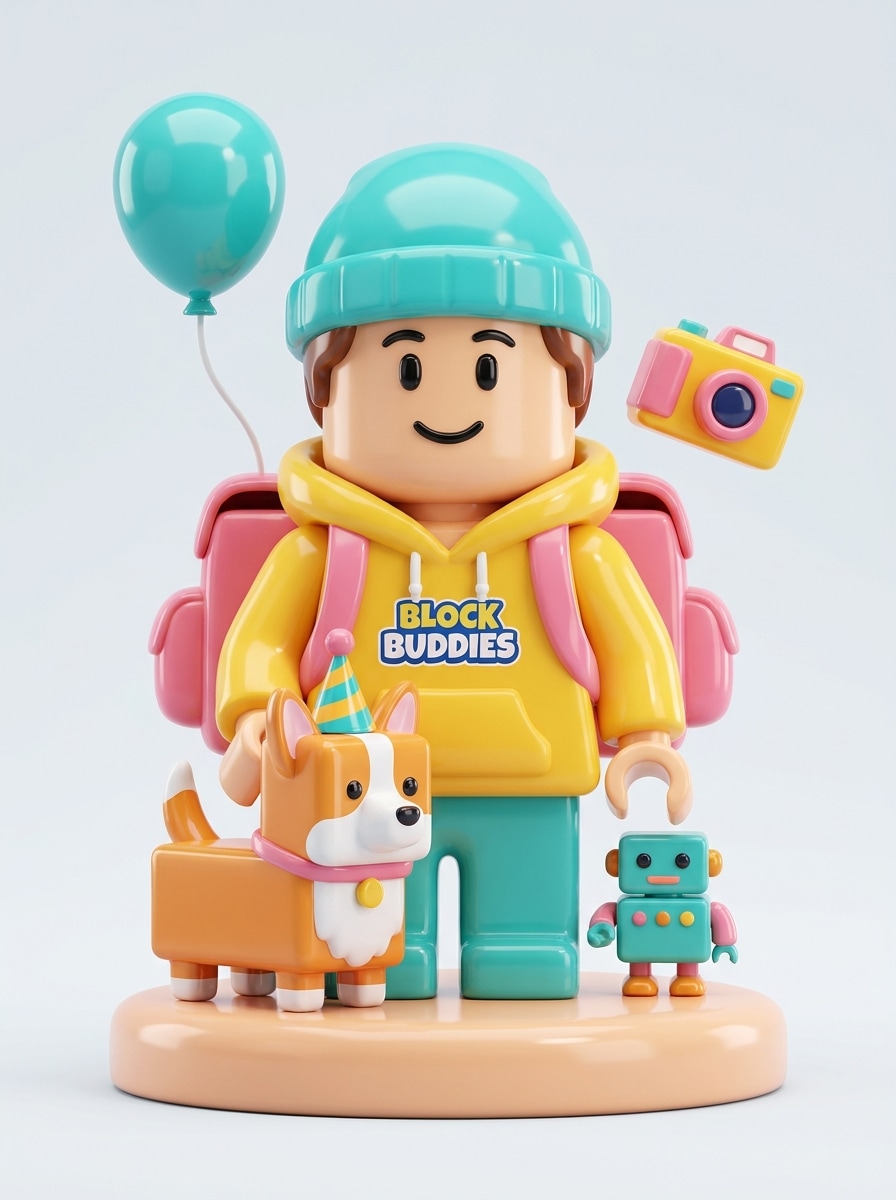
Roblox Avatar with Pet
Use the uploaded image as the subject and create a Roblox-inspired avatar portrait featuring the person with their pet, using blocky shapes, glossy materials, playful accessories, bright coordinated colors, soft lighting, and a cute collectible-style composition that feels personal, fun, and highly shareable.
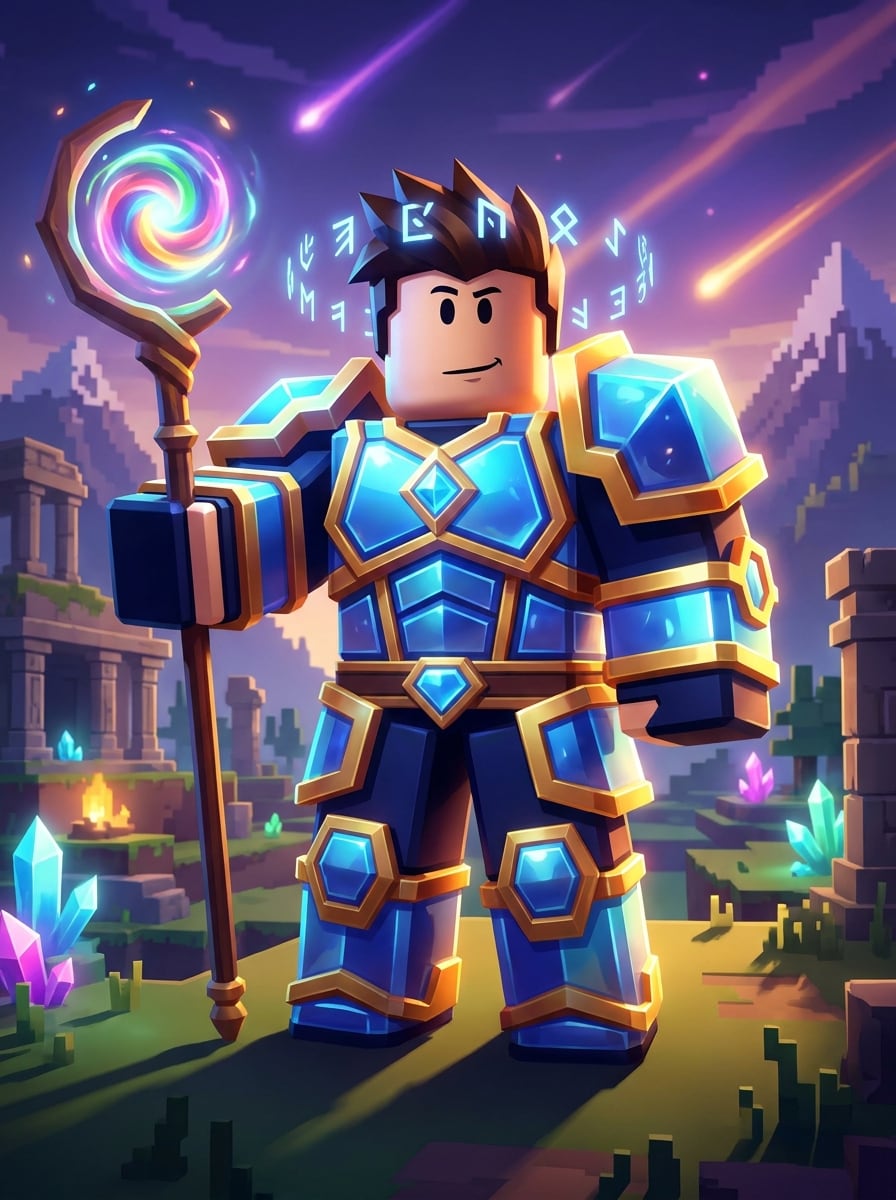
Fantasy Roblox Hero
Use the uploaded image as the subject and transform it into a fantasy Roblox-inspired hero with clean geometric armor, magical accessories, colorful energy effects, strong game lighting, glossy textures, and an adventurous world-building background that feels bold, imaginative, and ready for a gaming cover image.
Why Use Media.io for Roblox-Style Avatar Transformations
Personalize Results Around a Reference Subject
For selfies, profile photos, or creator portraits, Media.io uses your uploaded image as a reference so you can turn photo into roblox avatar art while preserving key facial cues. That makes the final character feel more personal, recognizable, and believable.
Switch Between Cute, Classic, and Gaming Looks Fast
Different outputs call for different aesthetics. Media.io helps you explore varied treatments of the same roblox filter visual concept so the final visual lands in the right tone faster.
Create High-Resolution Images for Real Use
For projects that need more than draft quality, Media.io helps produce roblox filter visuals with up to 4K output so details stay cleaner when you present, crop, or repurpose the final file.
Create From Any Browser Without Extra Apps
Switching between devices is simple because Media.io keeps the Roblox filter workflow in your browser. You can start on a computer, review drafts on your phone, and continue editing without installing extra software.
How to Make a Roblox-Style Avatar From Your Photo
Turn your words into stunning visuals in three simple steps, then continue refining the result if you want to take it further.
Step 1
Upload Your Reference Image
Start with a clear selfie, portrait, couple photo, or group image in JPG, PNG, or JPEG format. A clean, well-lit source photo helps Media.io produce a more polished Roblox-style transformation with stronger identity details.
Step 2
Describe the Change and Set Options
Enter the style you want, such as classic blocky avatar, cute preppy look, or gaming-poster energy. Then choose your model and adjust aspect ratio, resolution, and image count to match profile, post, wallpaper, or print needs.
Step 3
Generate, Download, and Keep Improving
Generate your avatar variations, compare the results, and download your favorite version. If needed, refine the prompt, try a different style direction, or create more versions for social posts, profile pictures, and party graphics.
See how creators use this Roblox Filter for content, marketing, and personal projects, then adapt each idea to fit the brief.
Make standout profile pictures for social accounts
Turn an ordinary selfie into a bright 3D avatar portrait that feels playful and polished. This use case is ideal for anyone who wants a recognizable Roblox-style profile image for TikTok, Discord, YouTube, or fan pages without manually drawing character art.
Create birthday party and fan-themed graphics
Use one portrait or a group shot to build character-style visuals for invitations, welcome signs, stickers, or printable decor. A Roblox-inspired makeover gives party materials a custom look that feels more personal than generic templates.
Design viral before-and-after content
Short-form creators can upload a photo, generate a stylized avatar version, and share the transformation as a reel or slideshow. It is a simple way to create eye-catching content around the before-photo-to-game-character trend.
What Users Say About This Roblox-Style Filter
Ava M.
TikTok Creator
"Perfect for before-and-after videos" I used this to turn selfies into Roblox-style avatars for short videos, and the results looked bright, clean, and instantly shareable. It was much faster than trying to build the look manually.
Jordan P.
Parent & Party Planner
"Great for party graphics" I uploaded my kid's photo and made a playful character version for birthday decorations. The image quality was strong enough for signs and printables, and the style matched the theme really well.
Nina R.
Student Designer
"Easy to customize from one photo" What I liked most was being able to try different looks from the same portrait. I tested cute, classic, and more dramatic gaming styles until I found the one I wanted for my profile picture.
Marcus T.
Gaming Channel Owner
"Useful for thumbnails and avatars" I wanted a Roblox-inspired version of my face for channel art, and this gave me several solid options quickly. The action-style result worked especially well for thumbnails and social banners.
A Roblox filter for photos is an AI image transformation that turns a selfie, portrait, or group picture into a colorful blocky avatar inspired by Roblox-style character design. With Media.io, you upload a reference image and apply a stylized character look with editable prompts, aspect ratios, and resolution options.
2. How do I turn a picture into a Roblox avatar?
Upload a clear JPG, PNG, or JPEG photo to Media.io, then describe the avatar style you want, such as classic blocky, cute preppy, or action-game inspired. After that, choose your image settings and generate variations until you get the Roblox-style result that best matches your photo and intended use.
3. Can I use a Roblox-style filter for free?
Media.io offers free credits so you can try a Roblox-style filter without paying upfront. Free users may see watermarks, while paid plans unlock more usage and watermark-free high-resolution downloads. You can compare options on the pricing page.
4. Will the Roblox photo filter work on iPhone and Android?
Media.io is web-based, so the Roblox photo filter works on iPhone, Android, tablets, and desktop devices as long as you have a browser connection. That makes it easy to upload a selfie and create avatar-style edits without installing a separate app.
5. Can I make a Roblox filter from a selfie or group photo?
Media.io supports image-to-image creation from selfies, portraits, couple photos, and group shots. If you want to make a Roblox-style result from multiple people, use a clear source image so the AI can keep each subject more distinct in the final stylized character scene.
6. How long does it take to generate a Roblox-style image?
Generation is designed to be fast, so you can usually create Roblox-style variations in a short workflow after uploading your image and setting the prompt. The total time depends on the model and settings you choose, but the process is built for quick avatar experimentation rather than long manual editing.