Vos créations sont conservées pendant seulement 7 jours. Les éléments créés après la mise à niveau de l'Abonnement seront stockés de façon permanente.
Libérez votre potentiel créatif et découvrez la magie de l'IA médiatique dès mIAntenant!
Convertisseur de photo en croquis au fusain pour des portraits artistiques de style galerie
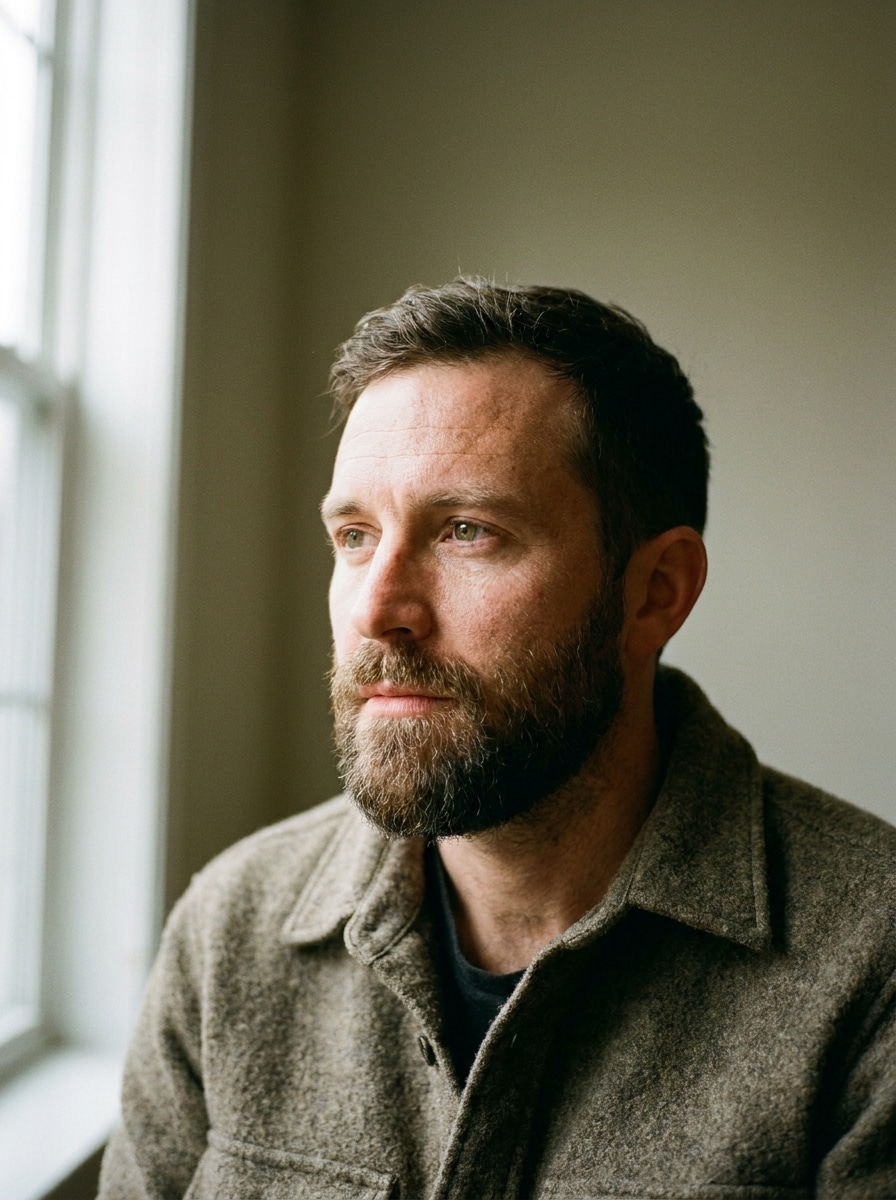
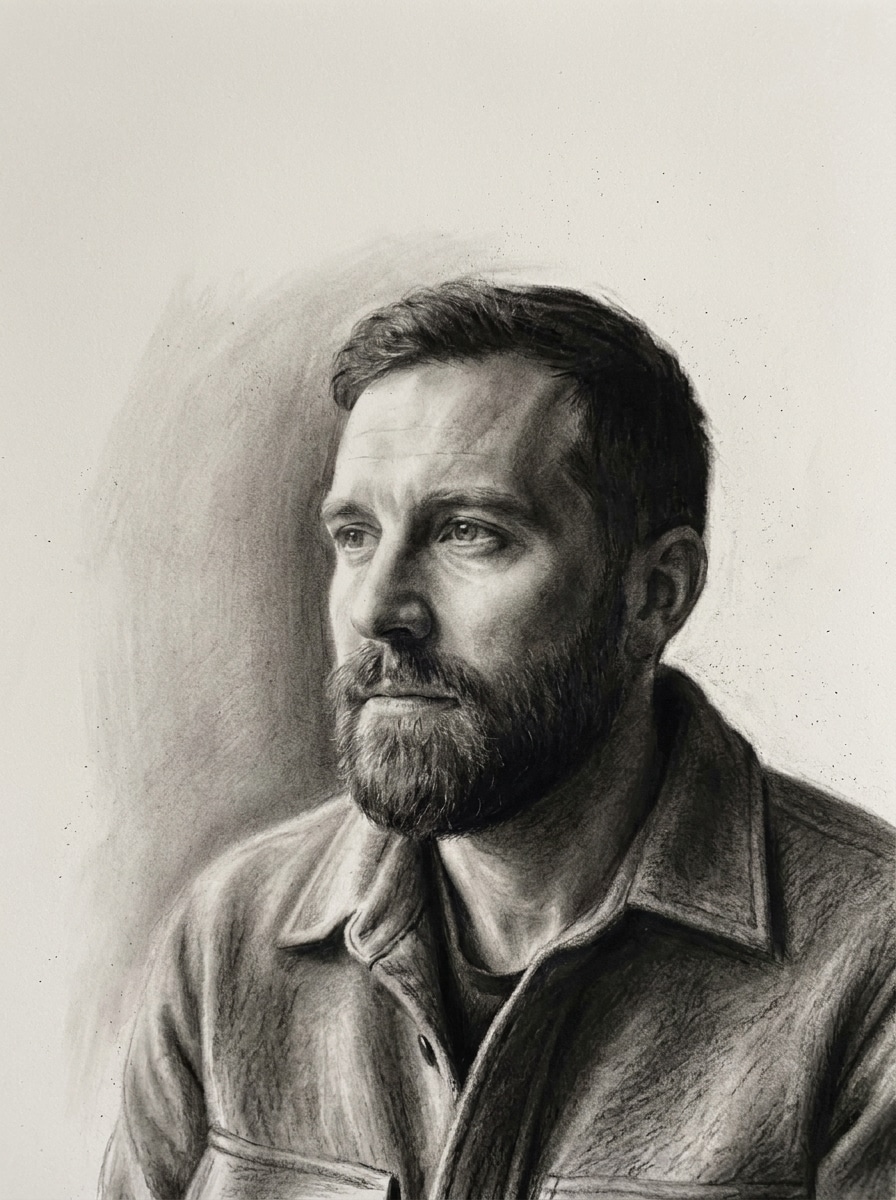
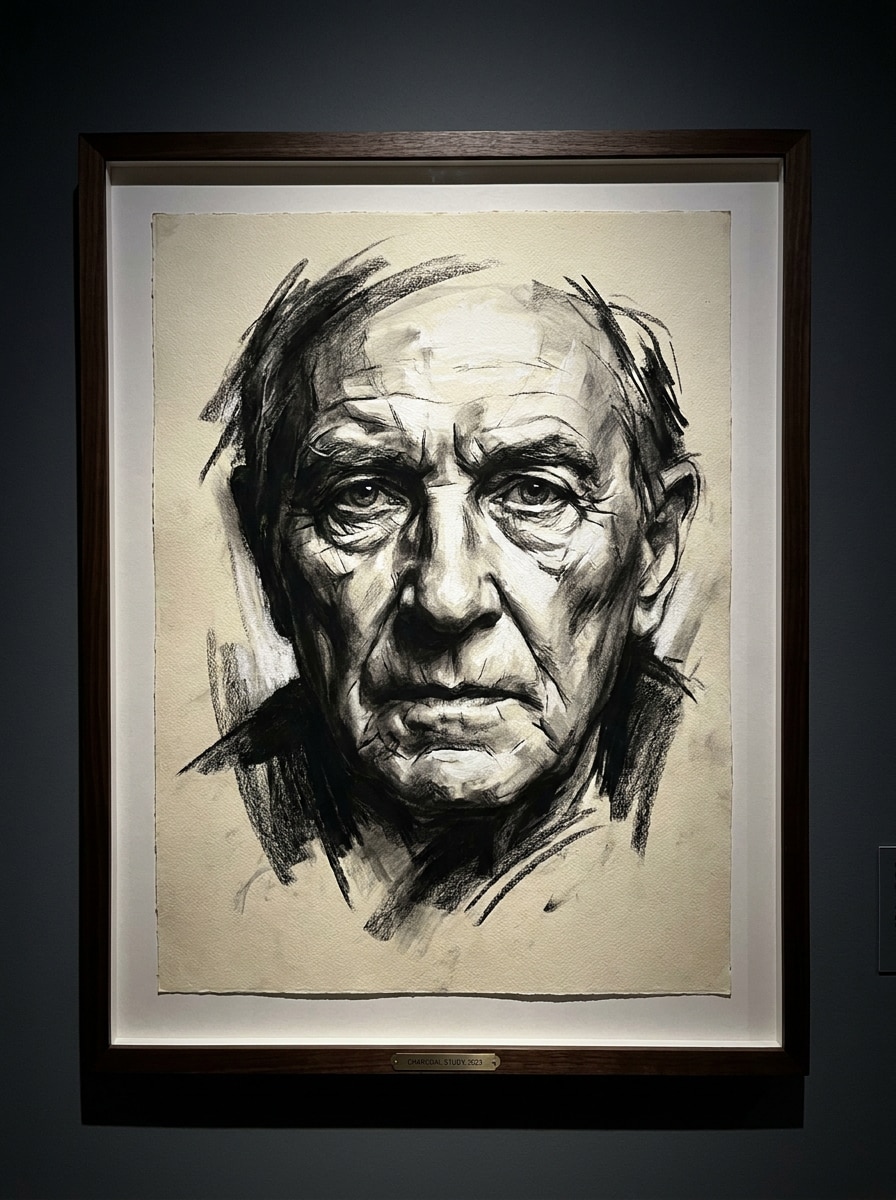
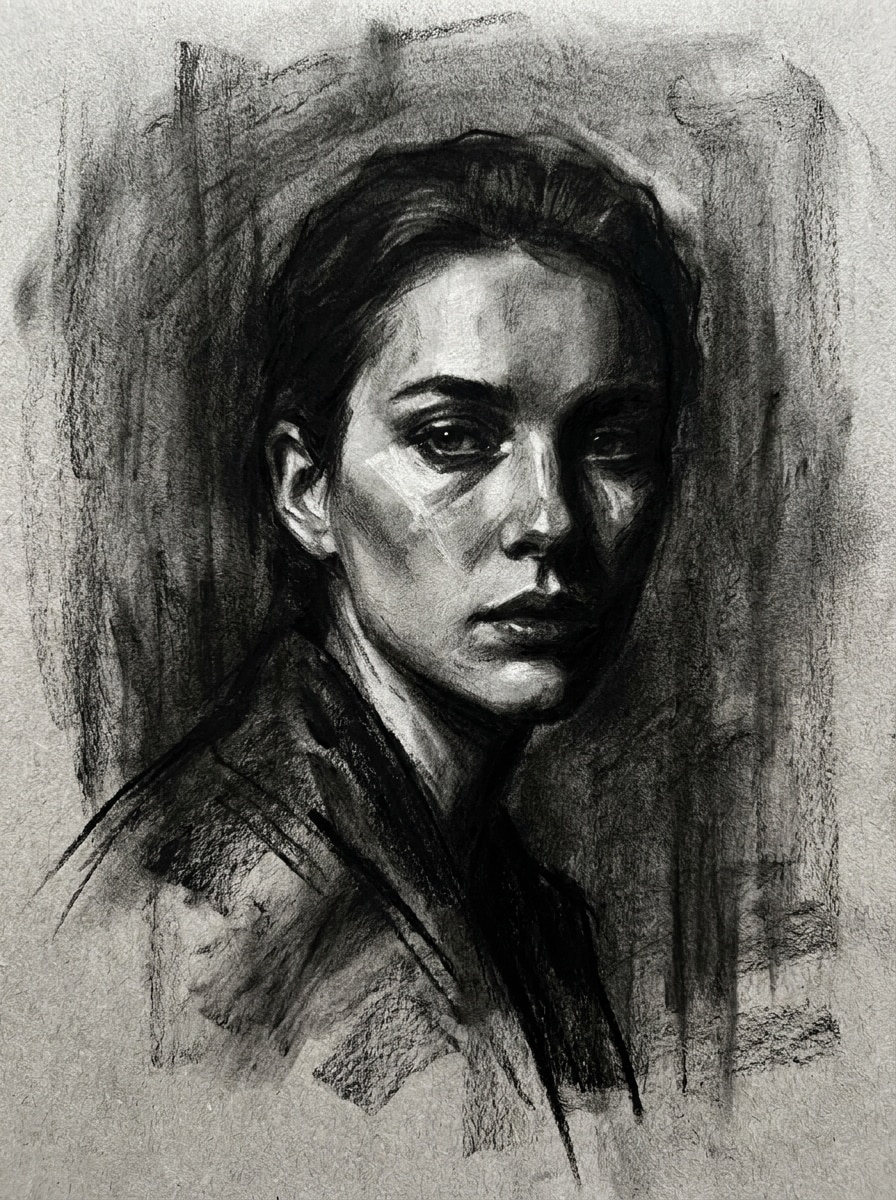
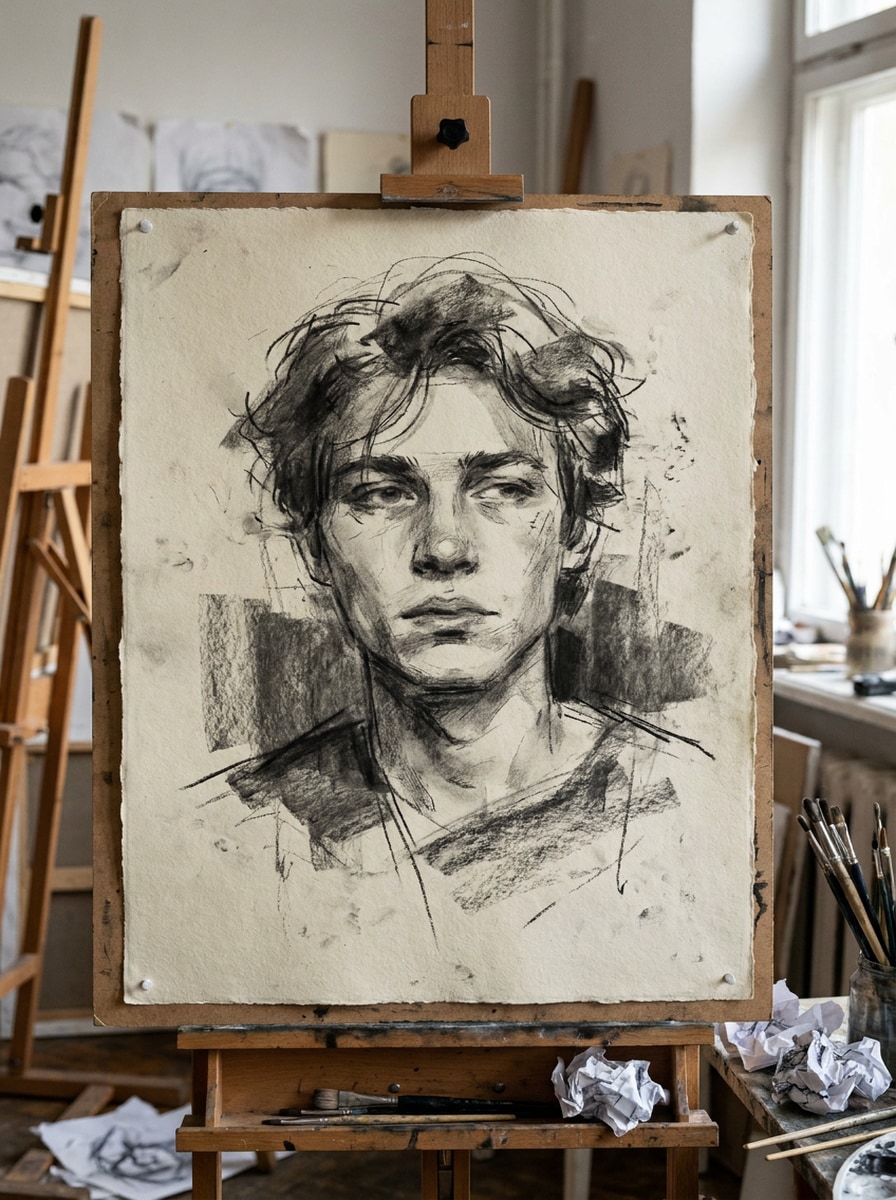
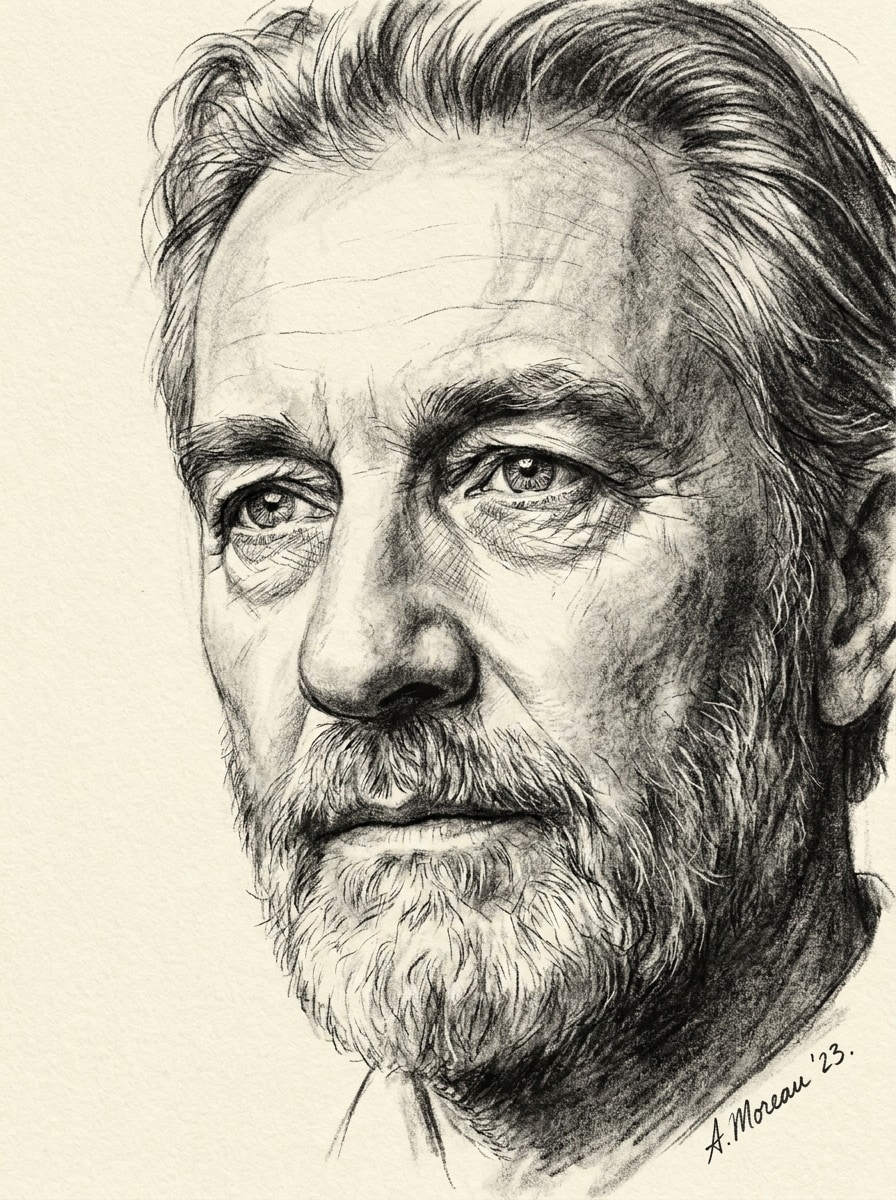
Transformez des portraits, des photos d’animaux ou vos souvenirs préférés en œuvres monochromes texturées grâce à un convertisseur photo en croquis au fusain. Media.io vous aide à appliquer un filtre de dessin au fusain naturel ou subtil filtre AI au fusain, à affiner le contraste et la composition, et à exporter rapidement des résultats soignés depuis n’importe quel navigateur. Cette solution est idéale pour effet photo noir au fusain.
Consultez ces exemples d’instructions, puis personnalisez la description pour obtenir de meilleurs résultats avec ce convertisseur photo en croquis au fusain sur Media.io.
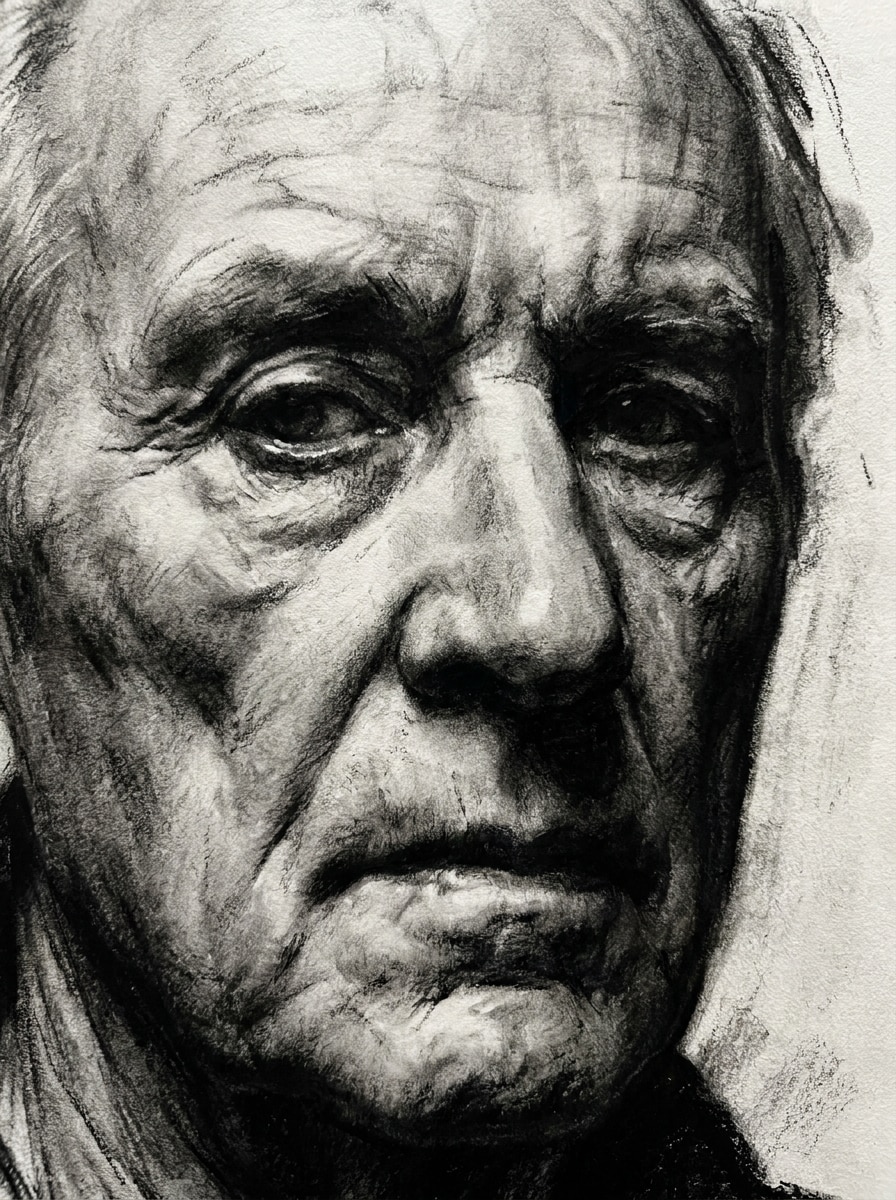
Portrait réaliste au fusain
Utilisez l’image téléchargée comme sujet et transformez-la en un portrait réaliste au fusain : proportions faciales précises, modelé des ombres profondes, dégradés doux et estompés, grain subtil du papier, texture visible de la poussière de fusain, palette monochrome noir et gris, composition épurée et atmosphère raffinée digne d’une galerie d’art.
Fusain fondu en douceur
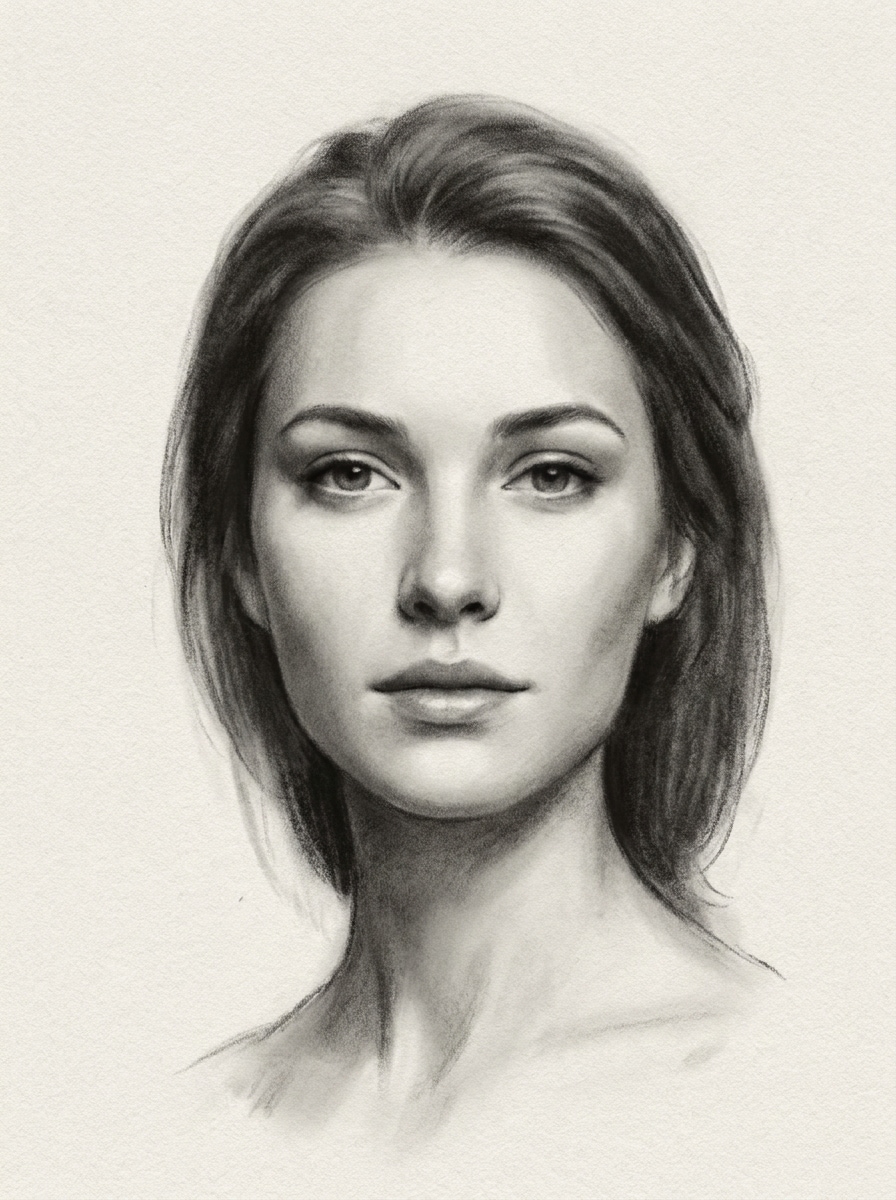
Prenez le portrait téléchargé comme base et redonnez-lui un aspect de dessin au fusain doux avec dégradés fondus, estompages délicats, demi-teintes lisses, zones ombrées noir mat et gris, papier légèrement texturé, ambiance émotionnelle paisible, cadrage centré et profondeur élégante rendue à la main, sans contours marqués.
Fusain de galerie à fort contraste
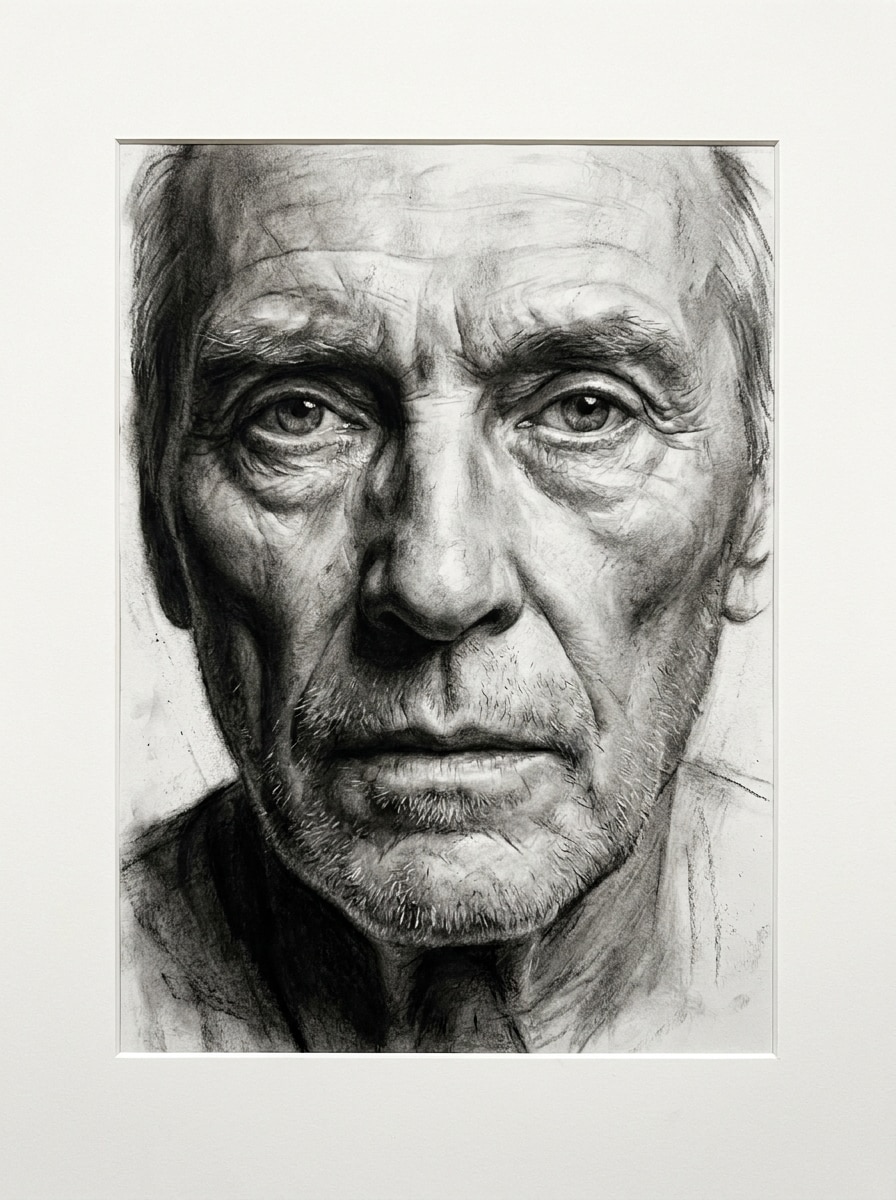
Utilisez la photo importée comme sujet et réalisez un dessin au fusain spectaculaire de style beaux-arts : contrastes prononcés, mise en valeur d’un arrière-plan sombre, séparation claire des rehauts, traces texturées, superpositions de noir, grain de papier artistique haut de gamme, composition façon musée et rendu mural monochrome saisissant.
Fusain éditorial expressif
Servez-vous de l’image comme référence pour créer un croquis éditorial au fusain, cinématique : ombres stylisées, rehauts nets, traces texturées et expressives, graduations monochromes, grain subtil du papier, composition inspirée de la mode, tonalités sombres et atmosphère raffinée de magazine.
Fusain artiste libre
Transformez la photo téléchargée en croquis au fusain artiste, avec traits visibles dessinés à la main, lignes expressives imparfaites, texture rugueuse du papier, grandes masses d’ombre naturelles, spontanéité de carnet de croquis, tons monochromes fusain, et ambiance de studio organique.
Croquis au fusain ultra-détaillé
Prenez le portrait importé et transformez-le en un croquis au fusain riche en détails : contours du visage, mèches de cheveux, regard défini et textures délicates, ombrages superposés noir-gris, grain de papier subtil, profondeur tonale nette, cadrage équilibré et finition réaliste rendue à la main.
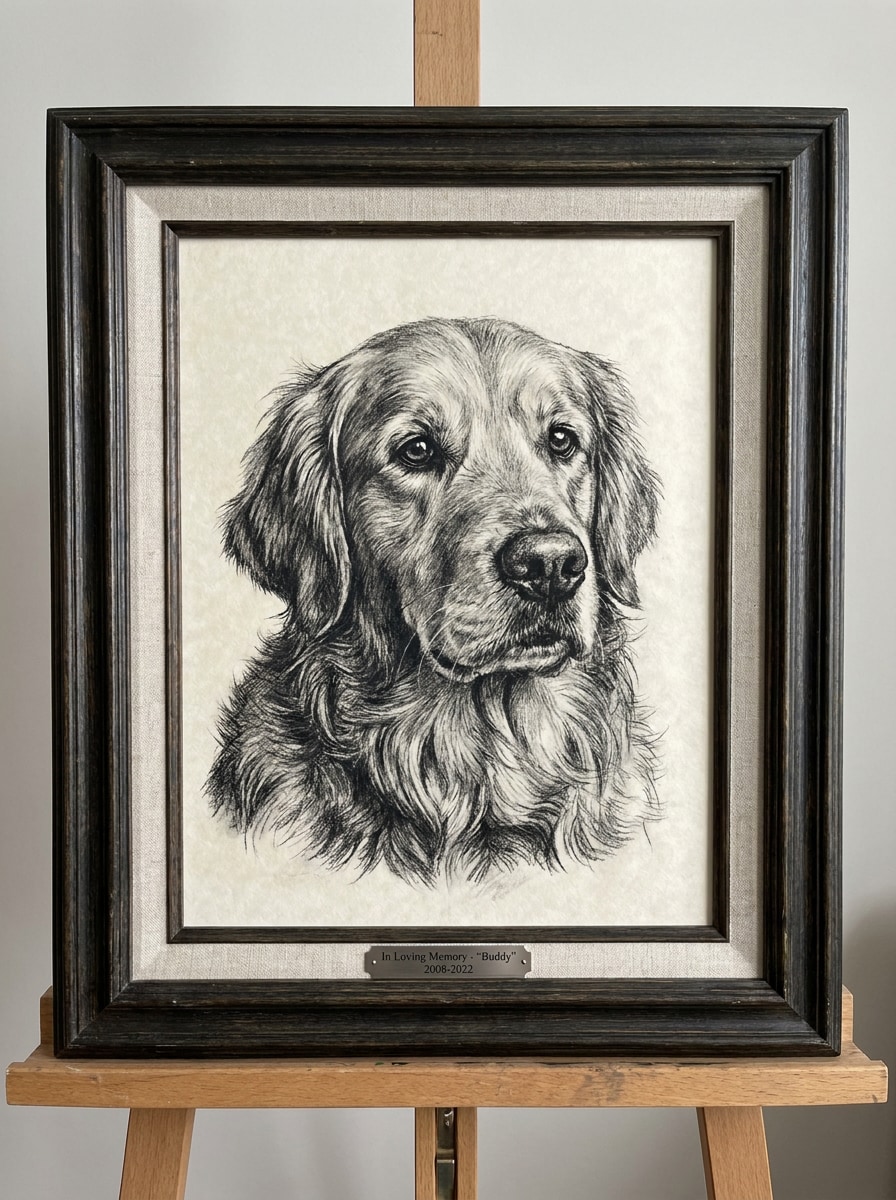
Portrait animalier au fusain
Utilisez la photo de votre animal de compagnie et convertissez-la en portrait réaliste au fusain avec regard expressif, fourrure détaillée, zones d’ombre douces et fondues, grain du papier texturé, dégradés monochromes riches, composition centrée, émotion chaleureuse et finition d’objet-souvenir premium.
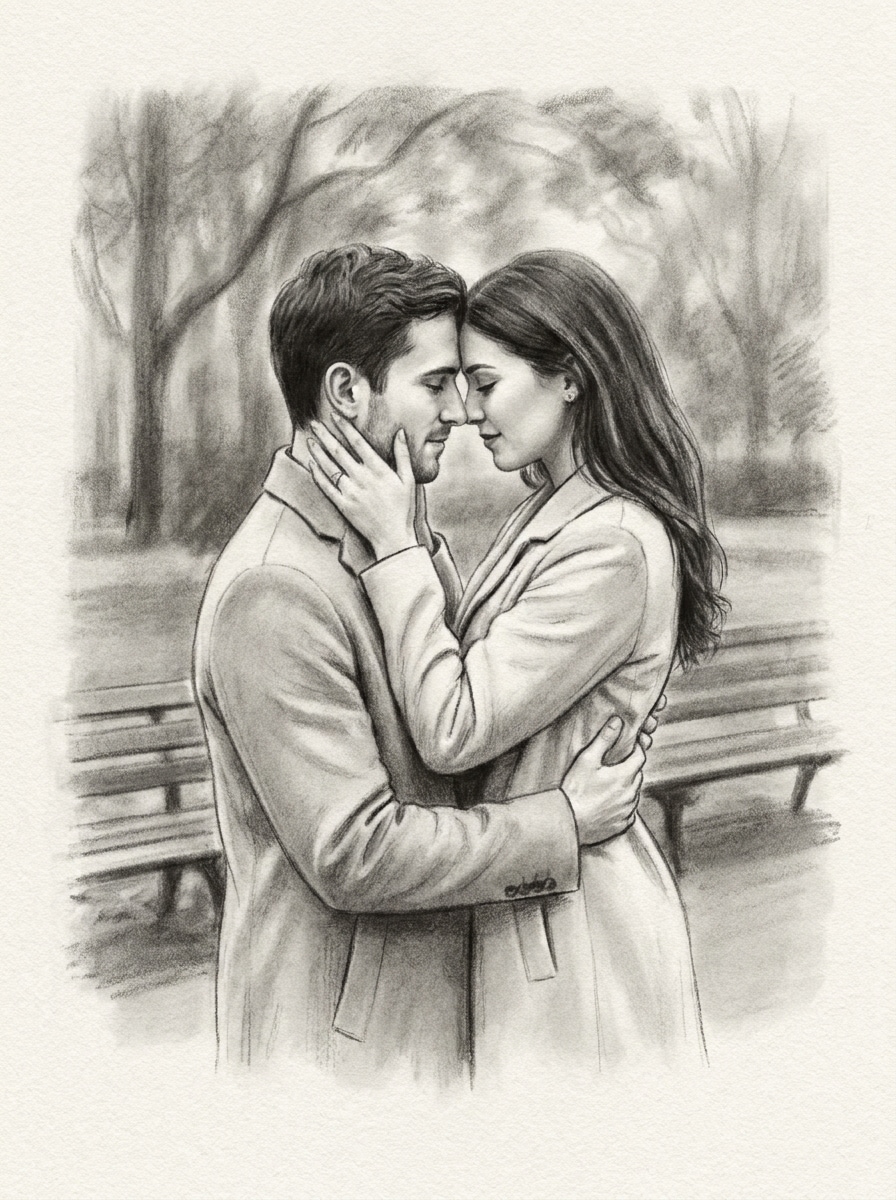
Dessin de couple au fusain
Prenez la photo de couple téléchargée comme référence et créez un dessin au fusain romantique avec composition équilibrée, dégradés doux, texture élégante, ombres fondues, grain subtil, ressemblance naturelle, chaleur monochrome et rendu raffiné dessiné à la main façon souvenir.
Comparaison fusain vs crayon
Choisissez une photo et convertissez-la en croquis foncé au style fusain, plutôt qu’en version légère au crayon : privilégiez des ombrages larges et foncés, profondeur estompée, marques noires texturées, grain mat du papier, contraste renforcé et belle finition monochrome.
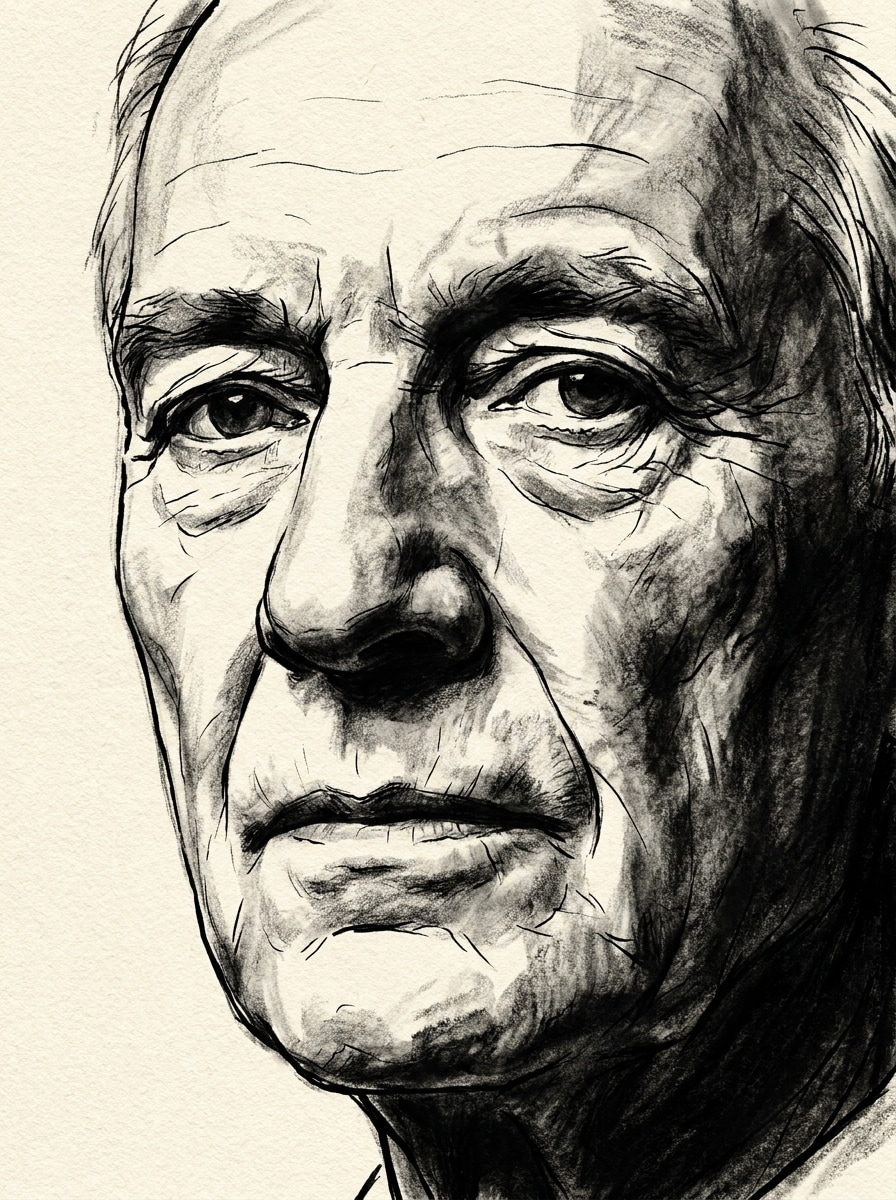
Hybride encre et fusain
À partir de l’image téléchargée, créez une œuvre hybride encre-fusain avec contours nets accentués, ombrages au fusain, contraste monochrome prononcé, texture visible du papier, ambiance dramatique et contrôlée, composition structurée et finition illustrée marquante, idéale pour prints créatifs.
Pourquoi utiliser Media.io pour transformer vos photos au fusain
Préservez la reconnaissance du sujet à chaque croquis
Pour des publications sur les réseaux sociaux, des visuels de marque ou des maquettes qui doivent ressembler à l’original, Media.io conserve les traits reconnaissables tout en appliquant le style filtre portrait au fusain. Ainsi, le résultat est expressif sans perdre l’identité du sujet.
Déclinez un même sujet en plusieurs styles
Pour des retouches sur photo importée, Media.io garde le sujet cohérent visuellement tout en modifiant le style du convertisseur photo-fusain, facilitant ainsi la personnalisation et l’utilisation en toute confiance.
Ajustez la finesse et la qualité du rendu
Pour des projets qui exigent plus que des esquisses, Media.io produit des croquis au fusain jusqu’en 4K : à la présentation ou à la recadrage, chaque détail est net dans le fichier final.
Créez depuis n’importe quel navigateur sans compétence graphique
Que vous exploriez le convertisseur photo en croquis depuis votre ordinateur portable ou smartphone, Media.io fonctionne depuis le navigateur pour garder un flux de travail identique sur tous les appareils.
Comment transformer une photo en œuvre au fusain en ligne
Transformez vos mots en visuels bluffants en trois étapes simples et continuez d’affiner le résultat si vous souhaitez aller plus loin.
Étape 1
Téléchargez votre image de référence
Commencez par un portrait clair, une photo d’animal, de couple ou tout autre sujet en format JPG, PNG ou JPEG. Une source bien éclairée avec des détails visibles facilitera la création d’un croquis photo au fusain de qualité sur Media.io.
Étape 2
Décrivez la modification souhaitée et réglez les options
Indiquez l’effet fusain voulu : estompage doux, contraste poussé, grain de papier ou style de dessin. Choisissez ensuite votre modèle et ajustez le ratio, la qualité ou les variations d’image si besoin.
Étape 3
Générez, téléchargez et continuez à améliorer
Créez votre visuel, comparez plusieurs versions, puis téléchargez le croquis au fusain que vous préférez. Si nécessaire, affinez la description, régénérez avec plus de texture ou testez l’axe crayon-fusain pour une ambiance différente.
Libérez le potentiel du dessin au fusain à partir d’une photo
Découvrez comment d’autres créateurs utilisent ce convertisseur photo-fusain pour le contenu, le marketing ou leurs projets personnels, puis adaptez chaque idée à votre besoin.
Transformez vos portraits en œuvres murales à offrir
Convertissez un portrait ou une photo de famille en une œuvre monochrome texturée, plus personnelle qu’un simple filtre. Media.io facilite la création de croquis au fusain idéaux pour des cadeaux encadrés, des portraits commémoratifs ou de la déco intérieure raffinée.
Créez des souvenirs animaliers ou de couple chargés d’émotion
Un rendu fusain apporte chaleur et profondeur aux clichés sentimentaux, en particulier animaux, anniversaires et fiançailles. Media.io aide à transformer chaque souvenir en une œuvre digne d’un croquis fait main tout en conservant l’expression et les détails reconnaissables.
Réussissez vos contenus avant/après sur les réseaux
Utilisez la transformation photo-en-croquis pour produire des publications « révélation » spectaculaires. Sur Media.io, un rendu monochrome texturé et riche ressort plus qu’un effet banal et offre un look éditorial premium aux créateurs.
Avis des utilisateurs
Ava Mitchell
Portraitiste amateur
"Superbe texture fusain en un clin d’œil" Je voulais une version réaliste de mon portrait au fusain sans apprentissage compliqué. Media.io m’a offert un ombrage doux, un contraste profond et un grain de papier naturel en quelques clics seulement.
Daniel Brooks
Propriétaire d’animal
"Idéal pour les œuvres souvenirs de mon animal" J’ai importé une photo de mon chien et le résultat était étonnamment détaillé au niveau du regard et du poil. Le croquis avait de l’émotion, un rendu soigné, rien à voir avec un effet de préréglage économique.
Sophia Reed
Créatrice de contenu
"Parfait pour les publications avant/après" Le style fusain a rendu mes contenus plus artistiques qu’une simple application de croquis. J’ai aussi aimé tester plusieurs rendus et télécharger une image suffisamment nette pour la publication.
Marcus Lee
Designer de cadeaux
"Des œuvres faciles et personnalisées à partir de photos" Je l’ai utilisé pour transformer une photo de couple en un cadeau à imprimer. Le workflow est simple, la ressemblance reste visible, et le visuel final est assez soigné pour être encadré.
Découvrez Les Effets Vidéo et d'Image IA Les Plus Populaires
Foire aux questions sur le convertisseur photo au fusain
1. Qu’est-ce qu’un convertisseur photo en croquis au fusain ?
Un convertisseur photo en croquis au fusain est un outil IA qui transforme une image en œuvre de style fusain. Sur Media.io, il suffit de télécharger une image JPG, PNG ou JPEG, de décrire le rendu voulu, et de générer un résultat monochrome texturé avec ombrage sombre, grain de papier réaliste et aspect dessiné à la main.
2. Comment fonctionne un convertisseur IA de croquis au fusain ?
L’outil utilise la photo téléchargée comme référence visuelle, puis applique le style de votre choix selon la description et le modèle sélectionné. Media.io vous laisse guider le rendu vers un estompage doux, un contraste poussé ou un dessin photo au fusain réaliste tout en gardant le sujet reconnaissable.
3. Cet outil de croquis au fusain est-il gratuit ?
Oui, Media.io propose des crédits gratuits pour tester l’outil avant de passer à une offre payante. L’usage gratuit peut comporter des filigranes, tandis que les abonnements permettent plus de crédits et des téléchargements sans filigrane en haute résolution. Comparez les formules sur la page des tarifs.
4. Puis-je transformer n’importe quelle photo en dessin au fusain en ligne ?
Dans la plupart des cas, oui. Media.io accepte les formats courants (JPG, PNG, JPEG), donc vous pouvez transformer portraits, animaux, couples ou autres images nettes directement dans votre navigateur. Pour un meilleur rendu, choisissez une photo bien éclairée avec des détails visibles et une composition propre.
5. Mon croquis au fusain conservera-t-il les détails de la photo d’origine ?
Oui, de nombreux détails importants seront préservés, surtout si la référence est bien nette. Media.io s’appuie sur la photo importée pour la transformation : structure du visage, expression, forme des cheveux et textures principales restent visibles après l’effet fusain, style portrait au fusain ou trait adouci.
6. Puis-je télécharger le croquis au fusain en haute résolution ?
Media.io permet des exports jusqu’en 4K – idéal pour imprimer, encadrer ou partager en numérique de façon plus nette. Selon la formule, les exports gratuits affichent un filigrane.