Vos créations sont conservées pendant seulement 7 jours. Les éléments créés après la mise à niveau de l'Abonnement seront stockés de façon permanente.
Libérez votre potentiel créatif et découvrez la magie de l'IA médiatique dès mIAntenant!
Transformez N'importe Quelle Photo en Look Esthétique Pastel Goth Rapidement
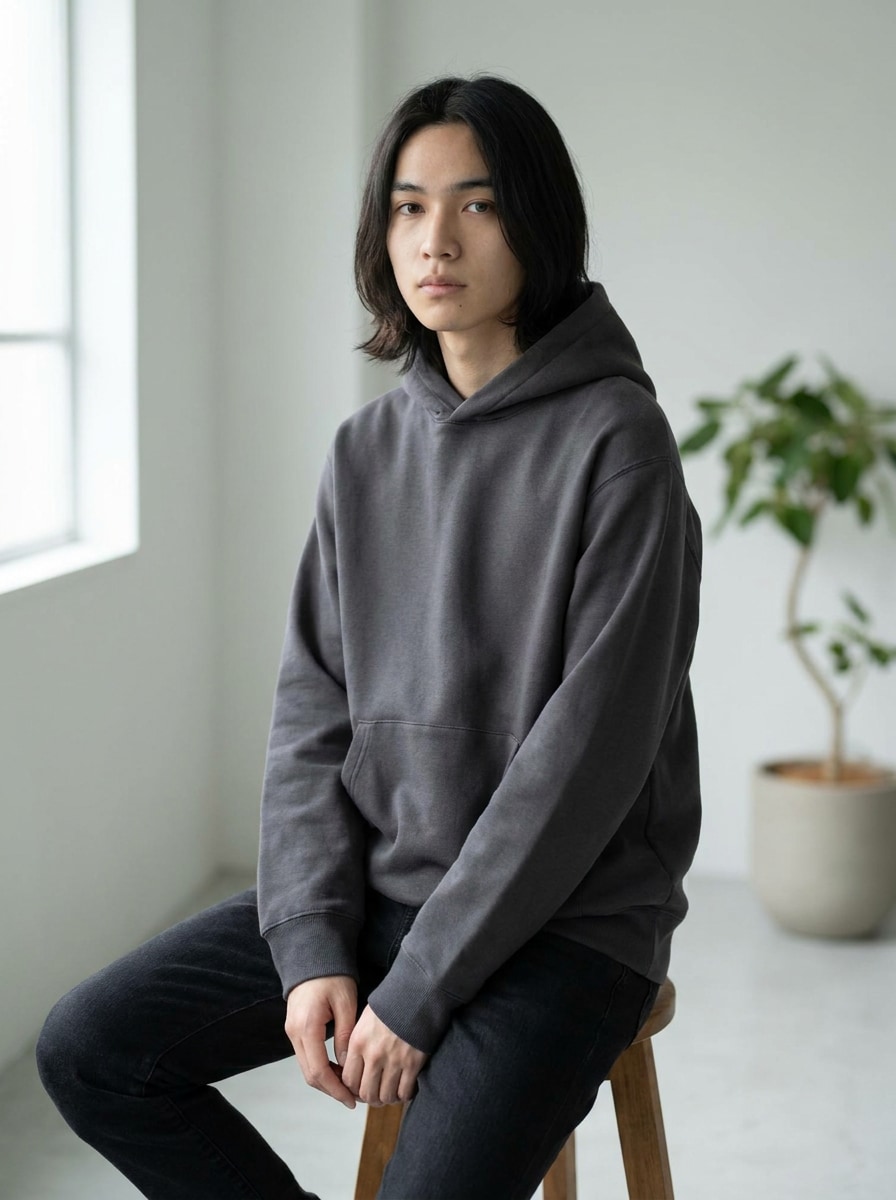
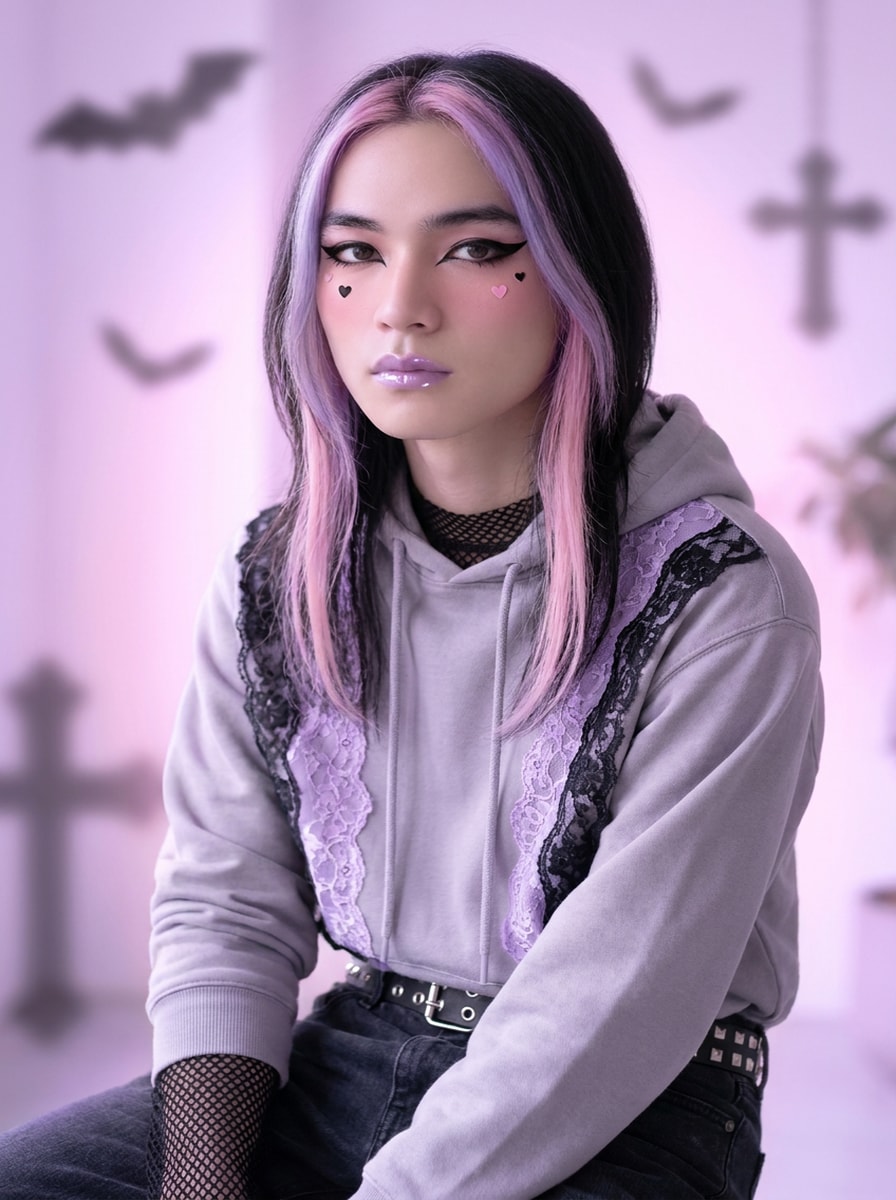
Créez une esthétique pastel goth image à partir de votre photo en quelques minutes. Utilisez Media.io pour appliquer un filtre pastel goth et créez un portrait doux-sombre, un avatar, une photo de tenue ou une transformation de chambre avec un style rose, lavande, menthe et noir qui paraît mignon, audacieux et prêt à être partagé.
Tapez votre idée -> L'IA la conçoit. Gratuit à essayer.
Consultez ces exemples de directives, puis personnalisez les détails pour obtenir de meilleurs résultats avec cette esthétique pastel goth dans Media.io.
Selfie Pastel Goth Doux
Utilisez l'image téléchargée comme sujet et transformez-la en portrait pastel goth avec des tons lavande et rose bébé, un eye-liner noir, un blush doux, de petits accents en forme de cœur, des lèvres brillantes, un éclairage à lueur diffuse, une texture de peau lisse et une composition éditoriale élégante avec une énergie de mode mignonne mais sombre.
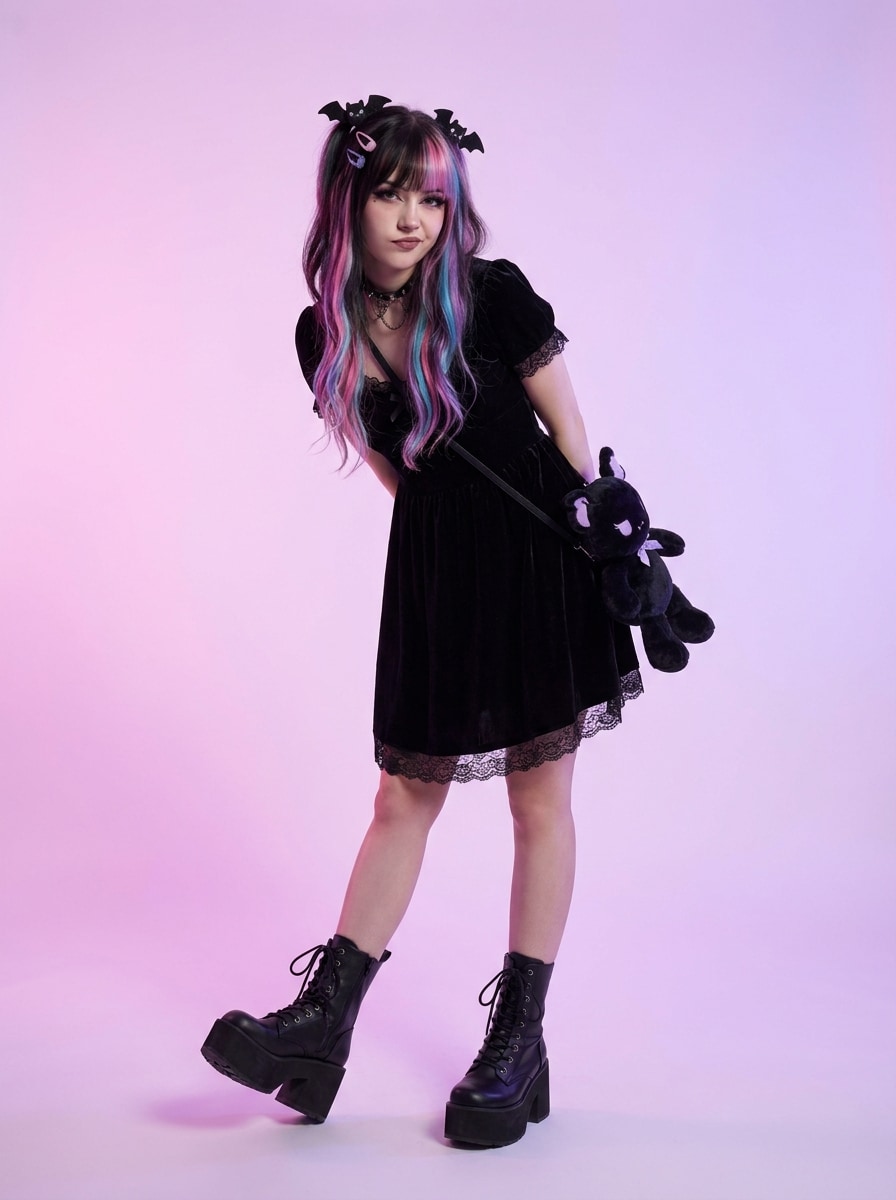
Portrait Kawaii Goth
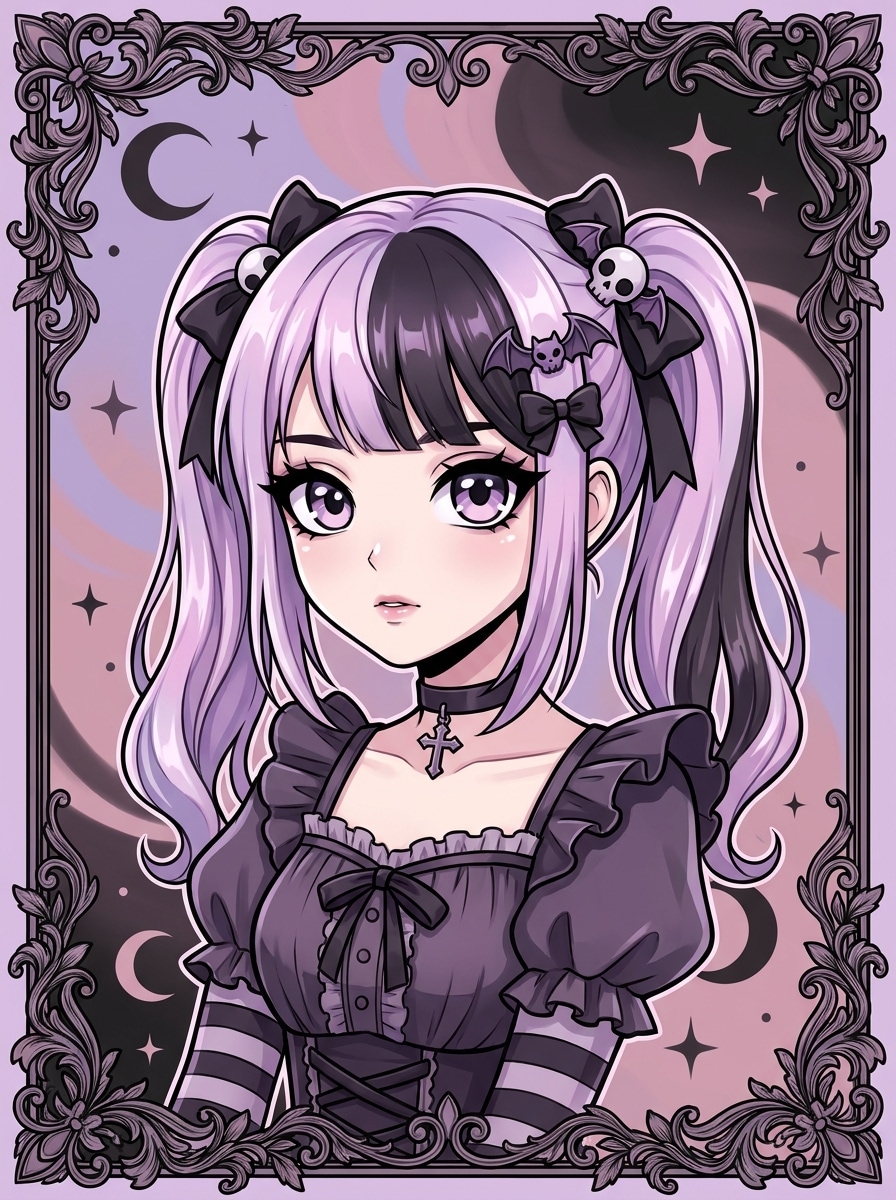
Utilisez la photo téléchargée comme sujet et restylisez-la en portrait kawaii pastel goth avec des tons rose et lilas, des accessoires en dentelle noire, des détails de collier ras du cou, des yeux brillants, des cœurs et étoiles en forme d'autocollants, une lueur néon douce, des textures en peluche et un look beauté de rêve pour les réseaux sociaux.
Look Studio Sombre et Mignon
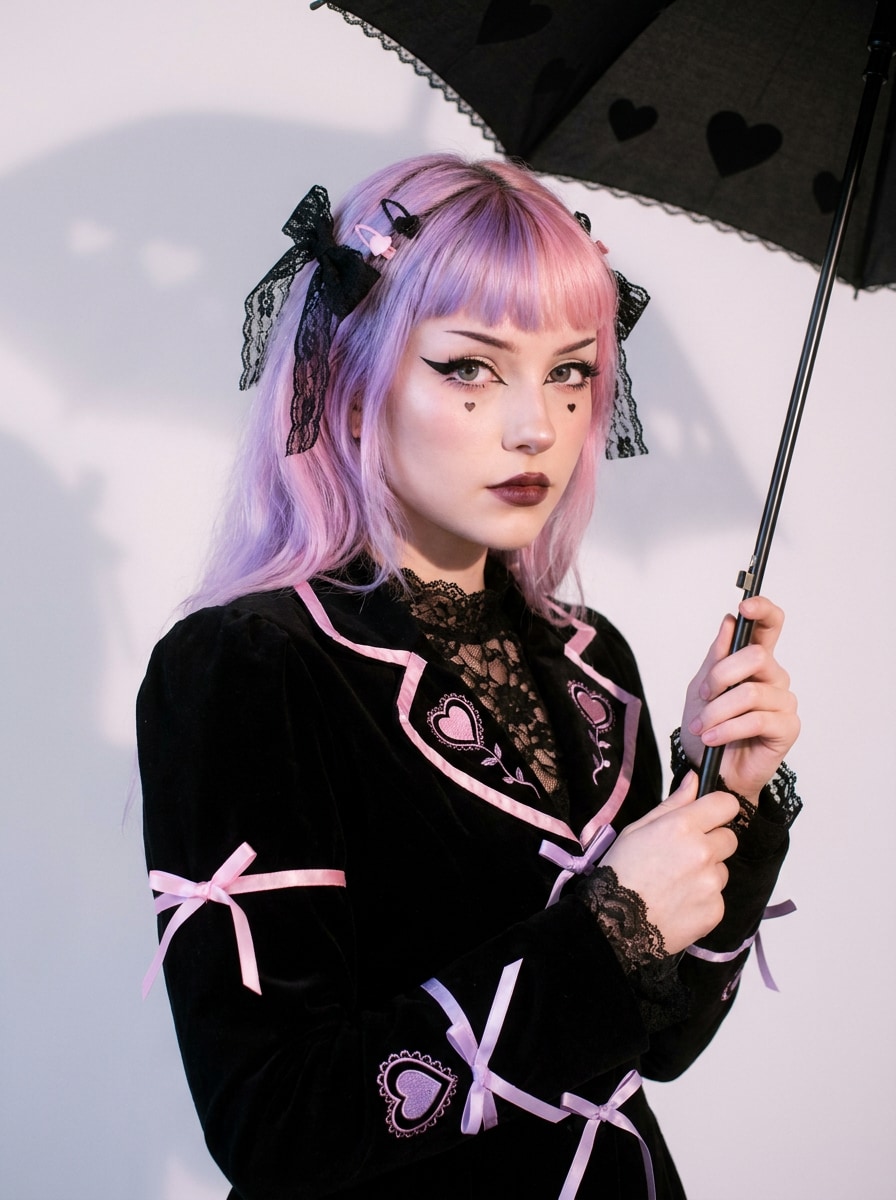
Utilisez le portrait téléchargé et transformez-le en une image de studio mignonne et sombre avec des arrière-plans rose pastel et violet, des accents en velours noir, un contourage doux, une expression mélancolique mais enjouée, des reflets aux couleurs de bonbons, un contraste maîtrisé et une finition soignée de style magazine pleine de texture et de profondeur.
Avatar Anime Pastel Goth
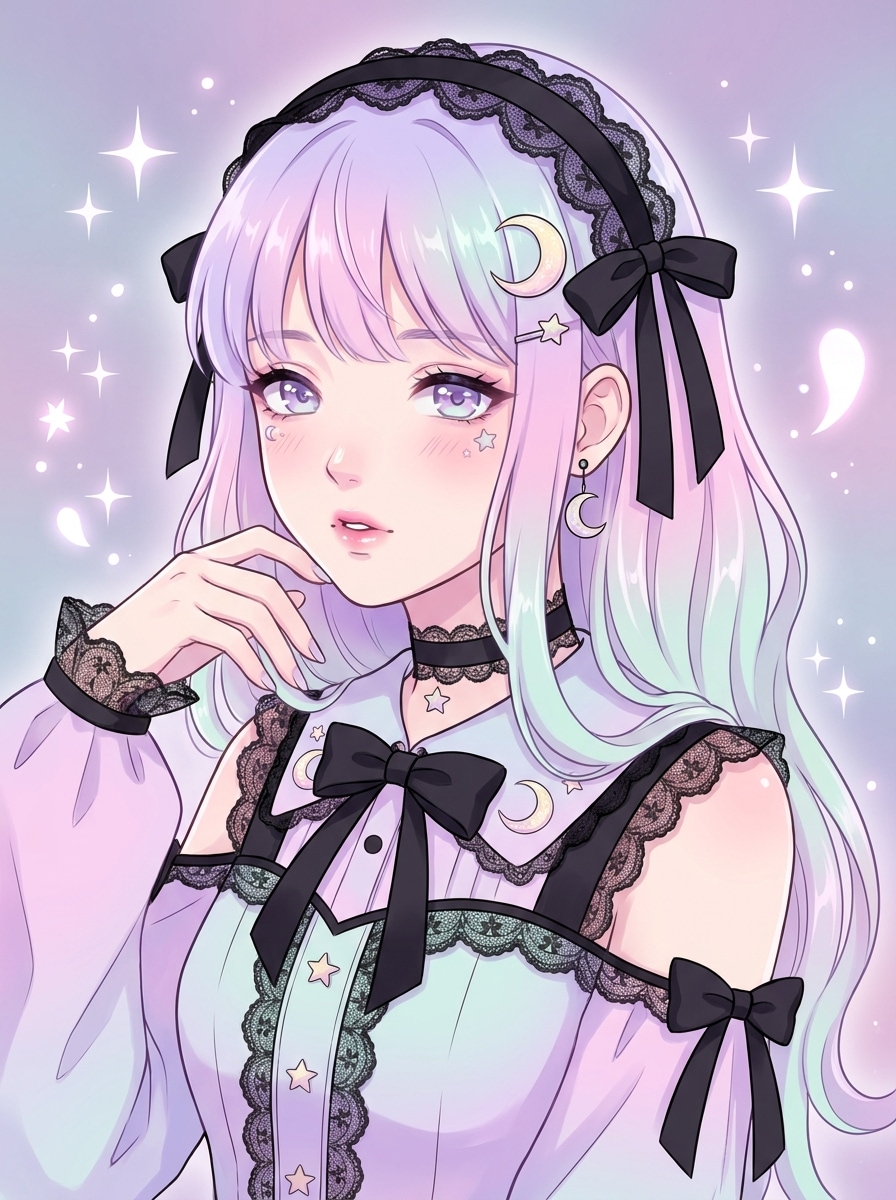
Utilisez l'image téléchargée comme référence d'identité et transformez-la en avatar pastel goth inspiré de l'anime avec des yeux expressifs surdimensionnés, une palette lilas-rose-noir, des barrettes gothiques, un dessin au trait propre, un ombrage brillant, des dégradés doux et une composition charmante de photo de profil.
Manga Goth Dreamcore
Utilisez la photo téléchargée comme base et convertissez le sujet en personnage pastel goth de style manga avec des dégradés pastels, des rubans noirs, des étincelles, des motifs de lune, un ombrage cel net, une atmosphère de rêve et des détails de mode qui mélangent la douceur sucrée avec le bord gothique.
Pastel Goth Runway
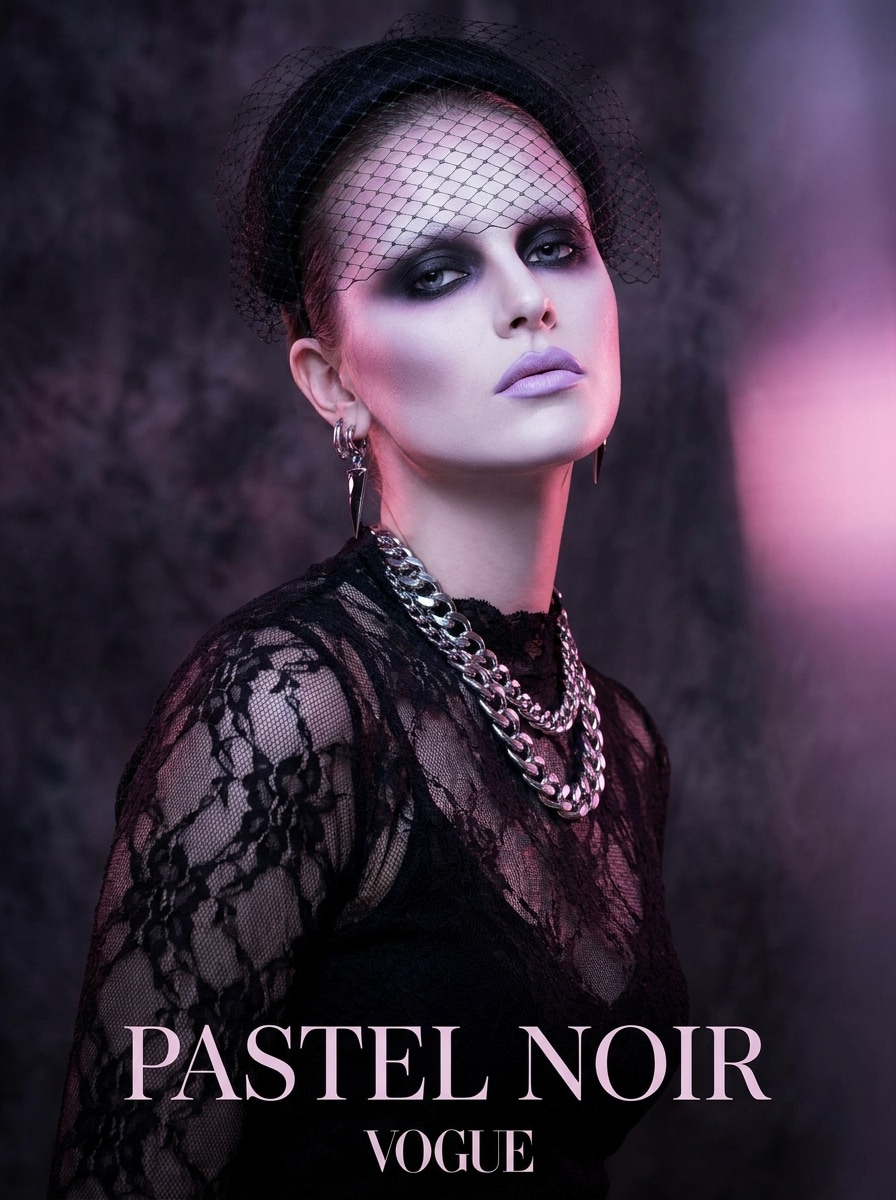
Utilisez le portrait téléchargé et donnez-lui un relooking éditorial pastel goth haute couture avec un maquillage dramatique, un éclairage rose pastel et violet, des textures de dentelle noire, un style luxueux, un retouche de magazine brillant, une composition nette et une énergie de podium confiante adaptée aux moodboards et aux publications sociales.
Y2K Pastel Goth
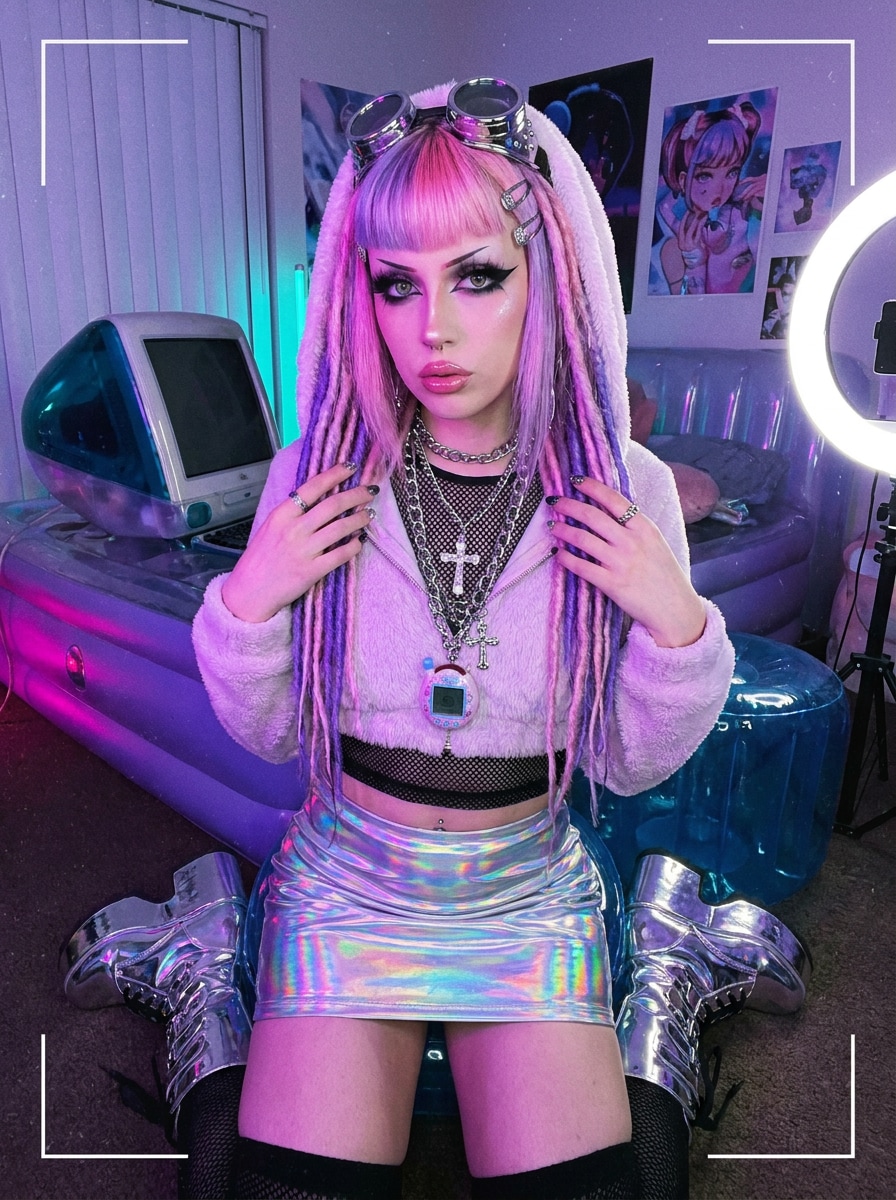
Utilisez l'image téléchargée comme sujet et appliquez un style pastel goth inspiré du Y2K avec des accessoires chromés, des tons rose bébé et violet, un eye-liner sombre, des détails cyber ludiques, des textures brillantes, une attitude de mode nostalgique et un contraste vibrant mais équilibré pour un relooking accrocheur.
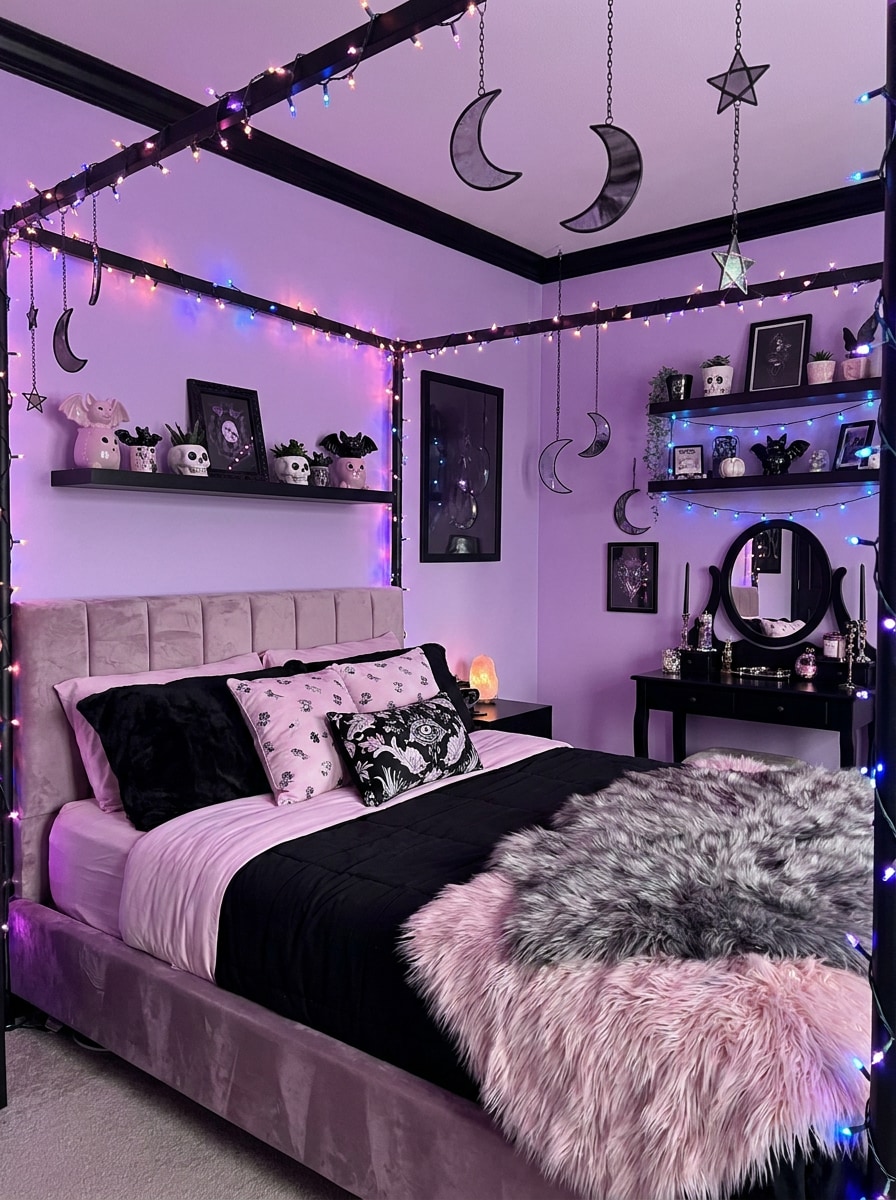
Chambre Pastel Goth
Utilisez la photo de chambre téléchargée et transformez-la en chambre pastel goth avec des murs lavande, des accents de décoration noire, des textures douces, des ornements de lune et d'étoiles, une lueur LED douce, une décoration gothique mignonne, une ambiance cosy et une composition de design intérieur équilibrée avec des détails nets.
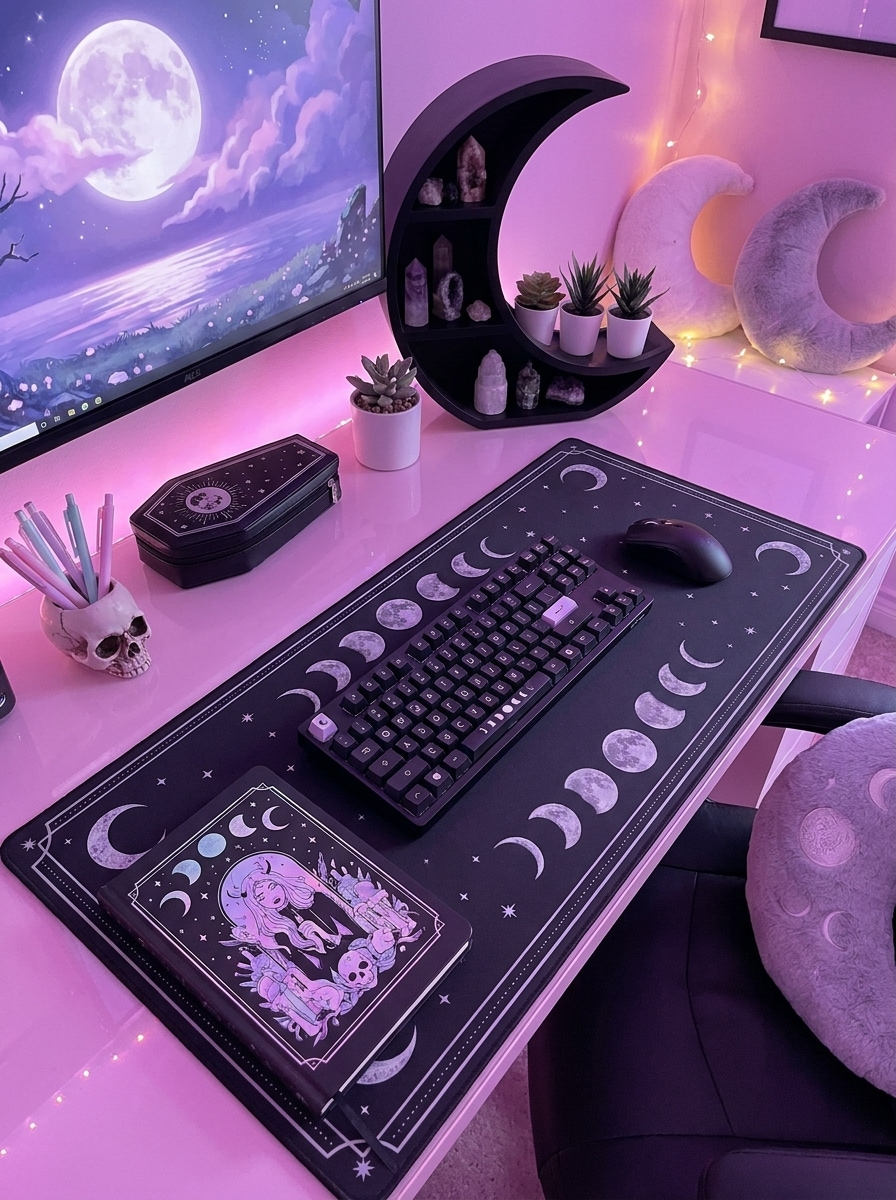
Configuration Bureau Pastel Goth
Utilisez la photo de configuration bureau téléchargée et restylisez-la avec un éclairage ambiant rose-violet, des accessoires noirs, une papeterie gothique mignonne, des détails de lune, des reflets de rêve, des surfaces réfléchissantes lisses et une composition moderne et propre qui paraît cosy, créative et légèrement audacieuse.
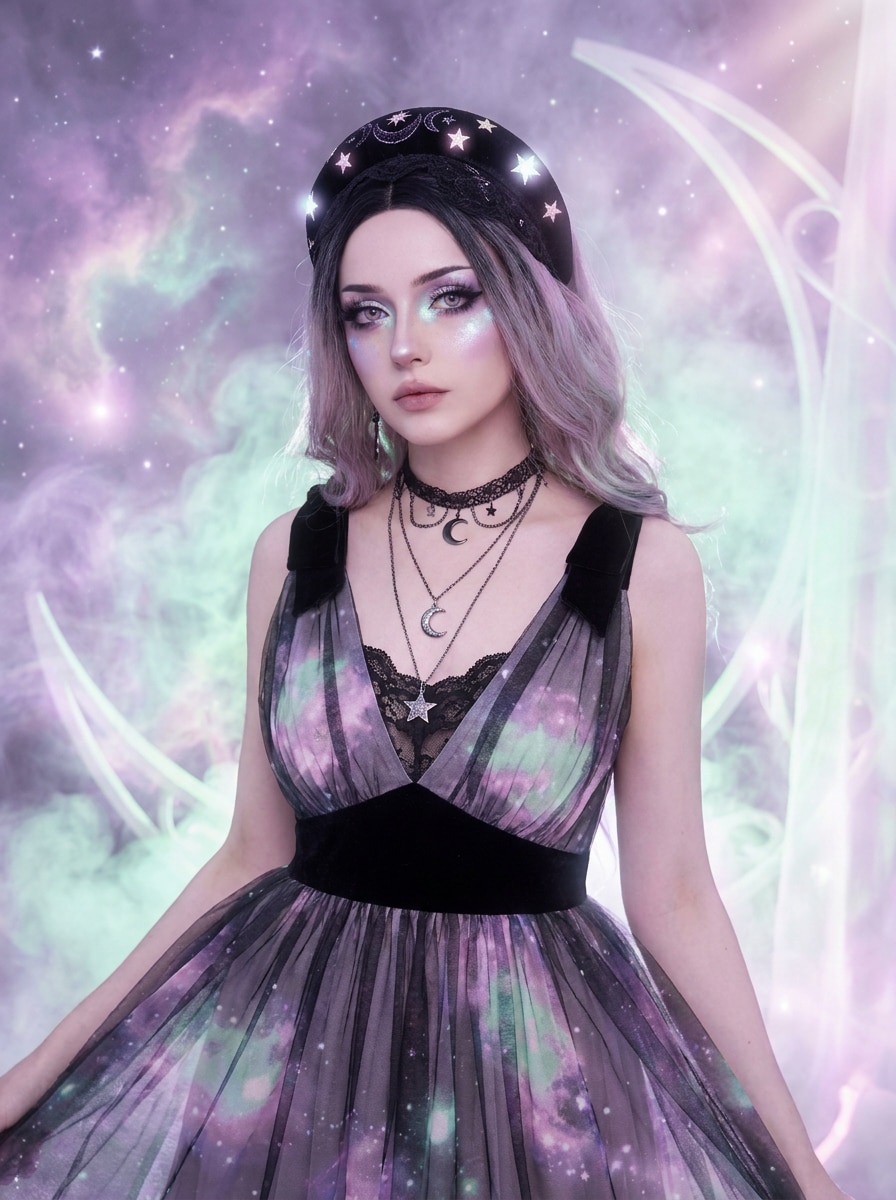
Pastel Goth Céleste
Utilisez l'image téléchargée comme sujet et transformez-la en scène pastel goth céleste avec des motifs de lune, des détails d'étoiles, des tons de nébuleuse pastel, des accents sombres, une lueur mystique, un voile éthéré et une ambiance fantasy audacieuse qui préserve tout de même le sujet reconnaissable.
Pourquoi Utiliser Media.io pour une Transformation de Photo Pastel Goth
Conservez Votre Identité Tout en Changeant l'Ambiance Entière
Commencez avec un vrai selfie, une base d'avatar, une photo de tenue ou une photo de chambre, et Media.io utilise l'édition basée sur des références pour conserver les détails reconnaissables tout en faisant passer l'image dans un style filtre pastel goth IA doux-sombre.
Retravaillez un Sujet en Plusieurs Styles
Si l'image est destinée à une utilisation de publication réelle, Media.io vous offre une sortie plus nette jusqu'en 4K afin que l'esthétique pastel goth reste claire sur les diapositives, fonds d'écran et ressources créatives réutilisées.
Générez une Sortie Plus Nette jusqu'en 4K
Lorsqu'un visuel esthétique pastel goth est destiné à une utilisation de publication réelle, Media.io vous offre une sortie plus nette jusqu'en 4K, ce qui aide l'image à rester claire sur les présentations, arrière-plans et ressources réutilisées.
Maintenez le Flux de Travail sur Tous les Appareils
L'édition créative se déplace souvent entre les appareils, et Media.io maintient le flux de travail dans votre navigateur afin que vous puissiez créer un look avec filtre goth mignon sur mobile et le peaufiner plus tard sur ordinateur de bureau sans installer de logiciel supplémentaire.
Comment Créer une Image Pastel Goth à Partir de Votre Photo
Transformez vos mots en visuels époustouflants en trois étapes simples, puis continuez à affiner le résultat si vous souhaitez aller plus loin.
Étape 1
Téléchargez Votre Image de Référence
Commencez avec un selfie clair, une photo de chambre, une photo de tenue ou une base d'avatar au format JPG, PNG ou JPEG. Un éclairage propre et des détails visibles aident Media.io à appliquer le style plus précisément tout en gardant le sujet ou la scène facile à reconnaître.
Étape 2
Décrivez le Changement et Définissez les Options
Entrez le look souhaité, comme un filtre esthétique sombre pastel avec des accents roses, lilas, menthe, noirs, une lueur de rêve ou des détails kawaii-goth. Choisissez ensuite le modèle et ajustez le rapport d'aspect, la résolution et le nombre de variations d'images.
Étape 3
Générez, Téléchargez et Continuez à Améliorer
Générez votre modification, comparez les variations et téléchargez le résultat que vous préférez. Vous pouvez affiner le prompt, essayer une direction visuelle différente ou créer davantage de versions pour des photos de profil, des moodboards, des concepts de décoration de chambre et du contenu social.
Découvrez comment les créateurs utilisent cette esthétique pastel goth pour le contenu, le marketing et les projets personnels, puis adaptez chaque idée à votre brief.
Restylisez des Selfies pour les Profils Sociaux
Transformez des portraits du quotidien en modifications douces-sombres soignées avec une lueur lilas, des détails noirs et des accessoires mignons. Media.io vous aide à créer des photos de profil, des couvertures de reels et une image de marque de créateur avec un look alternatif distinct tout en gardant vos vrais traits du visage reconnaissables.
Créez des Avatars de Personnages et de l'Art pour Moodboards
Utilisez un seul téléchargement pour explorer des icônes inspirées de l'anime, des portraits éditoriaux de rêve ou des concepts kawaii-goth pour les pages de fans, les graphiques de streaming et l'image de marque personnelle. Un filtre pastel goth bien dirigé dans Media.io vous aide à créer des visuels cohérents sur toutes les plateformes, y compris une ambiance subtile de filtre photo goth rose lorsque cela correspond au concept.
Transformez des Chambres, des Tenues et des Concepts Esthétiques
Allez au-delà des portraits en modifiant des photos de chambres, des configurations de bureau et des photos de mode en scènes pastel-et-noir coordonnées. Media.io facilite le test d'idées de décoration, de thèmes de contenu ou d'une filtre esthétique sombre pastel direction avant de publier, de diffuser ou de redéfinir.
Ce que les Utilisateurs Disent de Cet Outil de Style
Maya R.
Créatrice de Contenu Beauté
"Parfait pour les modifications de selfies doux-sombres" Je voulais un look rose et noir de rêve sans tout modifier manuellement. Les résultats étaient élégants dès le départ, et j'ai pu tester rapidement différentes ambiances de portrait à partir du même selfie téléchargé.
Jordan K.
Artiste Numérique
"Idéal pour les avatars et les concepts de personnages" Je l'ai utilisé pour transformer un portrait ordinaire en concept d'avatar pastel goth. La direction des couleurs était forte et cela m'a fait gagner du temps lors de la création de moodboards pour le design de personnages.
Elena T.
Blogueuse Lifestyle
"Utile au-delà des portraits" Je l'ai essayé sur une photo de chambre et une configuration de bureau, pas seulement des selfies. C'était étonnamment bon pour créer une esthétique cohérente mignon-rencontre-sombre pour la planification de contenu de style Pinterest.
Chris L.
Gestionnaire des Réseaux Sociaux
"Variations rapides pour les visuels de campagne" Les variations de style batch m'ont aidé à examiner rapidement plusieurs looks. Cela a facilité le choix de l'image la plus forte pour les publications sociales et les graphiques de couverture sans répéter tout le flux de travail.
Découvrez Les Effets Vidéo et d'Image IA Les Plus Populaires
1. Qu'est-ce qu'une modification de photo esthétique pastel goth?
Une modification de photo esthétique pastel goth mélange des couleurs pastel douces comme le rose, la lavande ou la menthe avec des éléments gothiques plus sombres tels que des accents noirs, de l'eye-liner, de la dentelle, des motifs célestes ou un éclairage mélancolique. Avec Media.io, vous pouvez télécharger une photo et la restyliser dans ce look mignon-rencontre-sombre pour des portraits, des avatars, des tenues ou des scènes de chambre.
2. Comment puis-je transformer une image en esthétique pastel goth en ligne?
Téléchargez une image JPG, PNG ou JPEG vers Media.io image à image, puis décrivez le style souhaité avec des détails tels que des tons rose et lilas, un contraste noir, une lueur de rêve, des accessoires kawaii-goth ou un maquillage éditorial. Vous pouvez également orienter le résultat vers un filtre pastel goth, un look de filtre photo goth rose ou un sentiment de filtre esthétique sombre pastel plus doux. Ensuite, choisissez votre modèle préféré, le rapport d'aspect et la résolution, puis générez et affinez l'image jusqu'à ce qu'elle corresponde à votre idée.
3. Puis-je utiliser Media.io image à image gratuitement?
Les utilisateurs gratuits peuvent essayer Media.io image à image avec des crédits gratuits. Selon votre abonnement, les sorties gratuites peuvent inclure des filigranes, tandis que les abonnés payants peuvent télécharger des images haute résolution sans filigrane. Pour plus de détails sur l'utilisation, consultez la page de tarification.
4. Quels types de photos fonctionnent le mieux pour un filtre ou un générateur pastel goth?
Les photos claires et bien éclairées fonctionnent généralement le mieux. Pour les portraits, utilisez une image de face ou légèrement inclinée où les détails du visage sont visibles. Pour les modifications de chambre ou de tenue, téléchargez une image nette avec suffisamment d'espace et des objets reconnaissables. Media.io utilise votre image de référence pour guider la transformation, donc les photos sources plus nettes ont tendance à produire des résultats esthétiques pastel goth plus cohérents.
5. Puis-je créer des portraits, avatars et images de chambre pastel goth à partir d'un seul outil?
Media.io image à image peut fonctionner sur différents types visuels, vous pouvez donc télécharger un selfie pour une modification de portrait, une base de personnage pour un concept d'avatar ou une photo de chambre pour un relooking intérieur. Cela rend Media.io utile si vous souhaitez un seul flux de travail pour les photos personnelles, les graphiques sociaux et les expériences de design esthétique.
6. La sortie de mon image pastel goth sera-t-elle en haute résolution?
Media.io propose des options de résolution 1K, 2K et 4K pour la génération image à image. Cela vous donne de la flexibilité que vous ayez besoin d'une publication sociale rapide, d'une photo de profil plus nette ou d'un fichier plus détaillé pour des couvertures, des affiches et des visuels de style moodboard. Les utilisateurs gratuits peuvent avoir des filigranes.
Au-delà du Filtre Pastel Goth Esthétique en Ligne Alimenté par l'IA