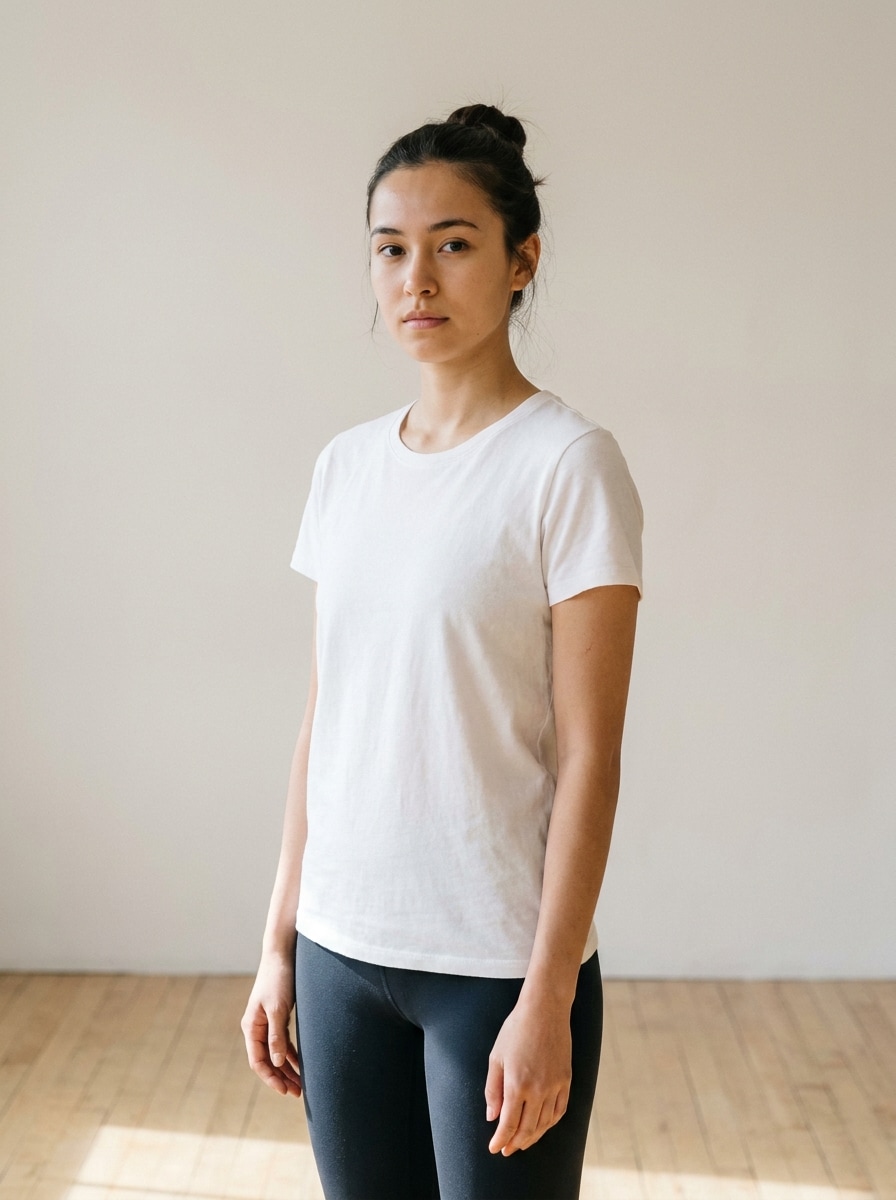
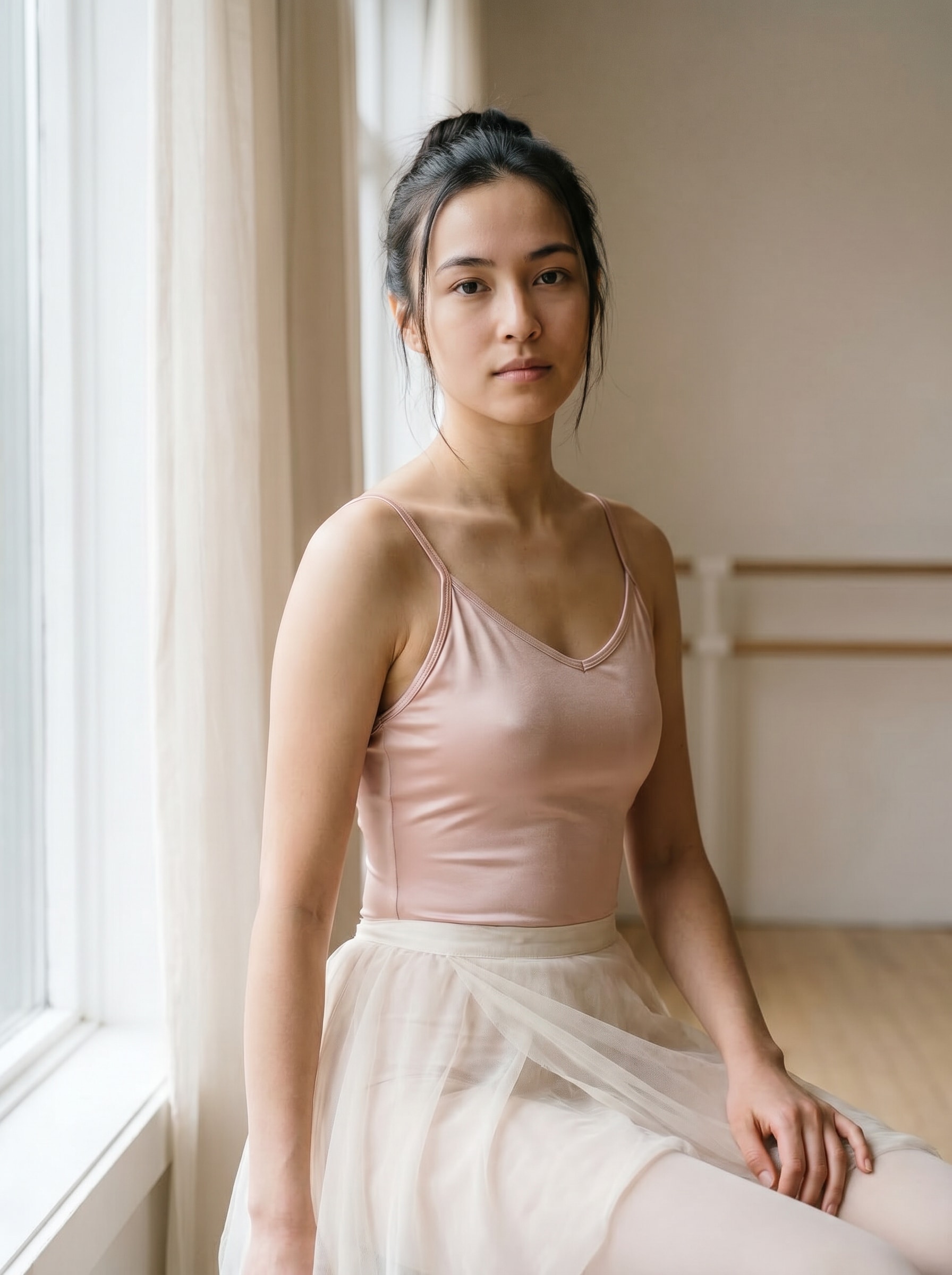
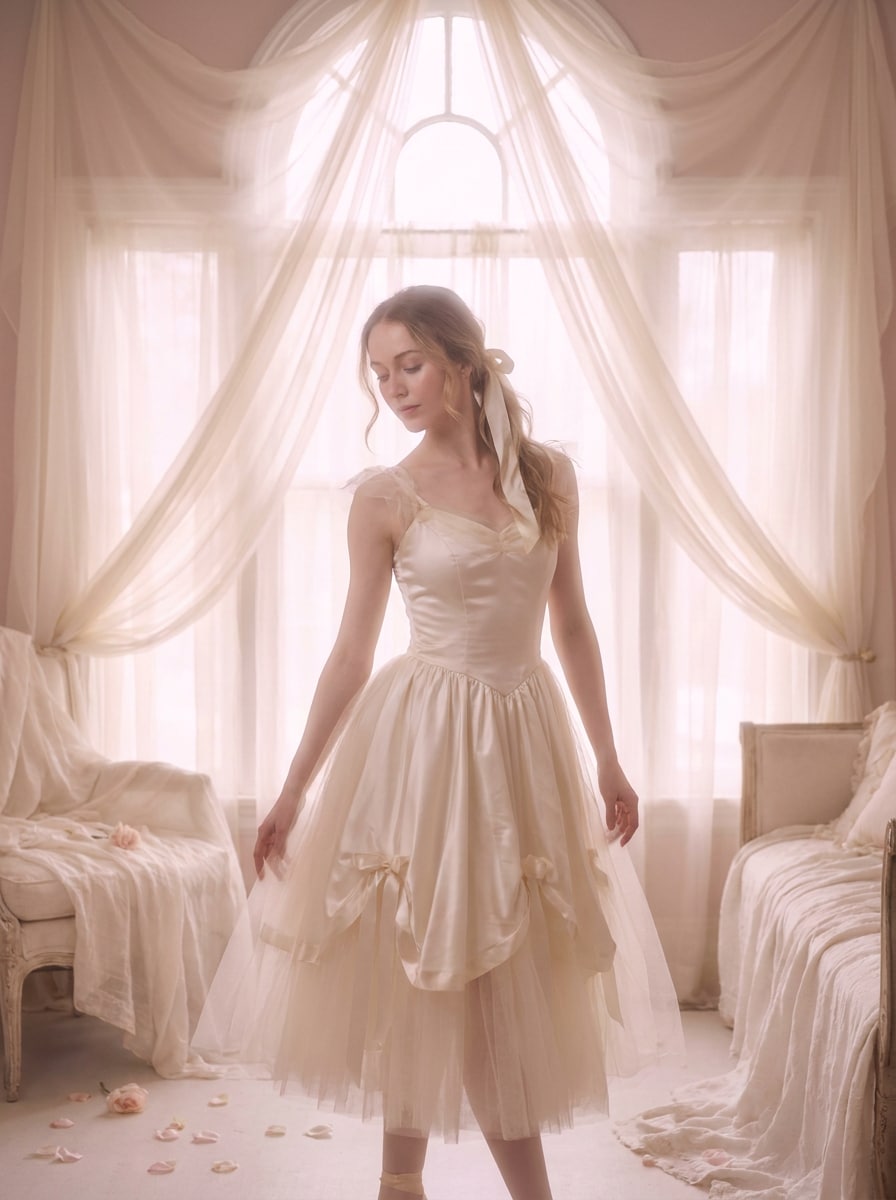
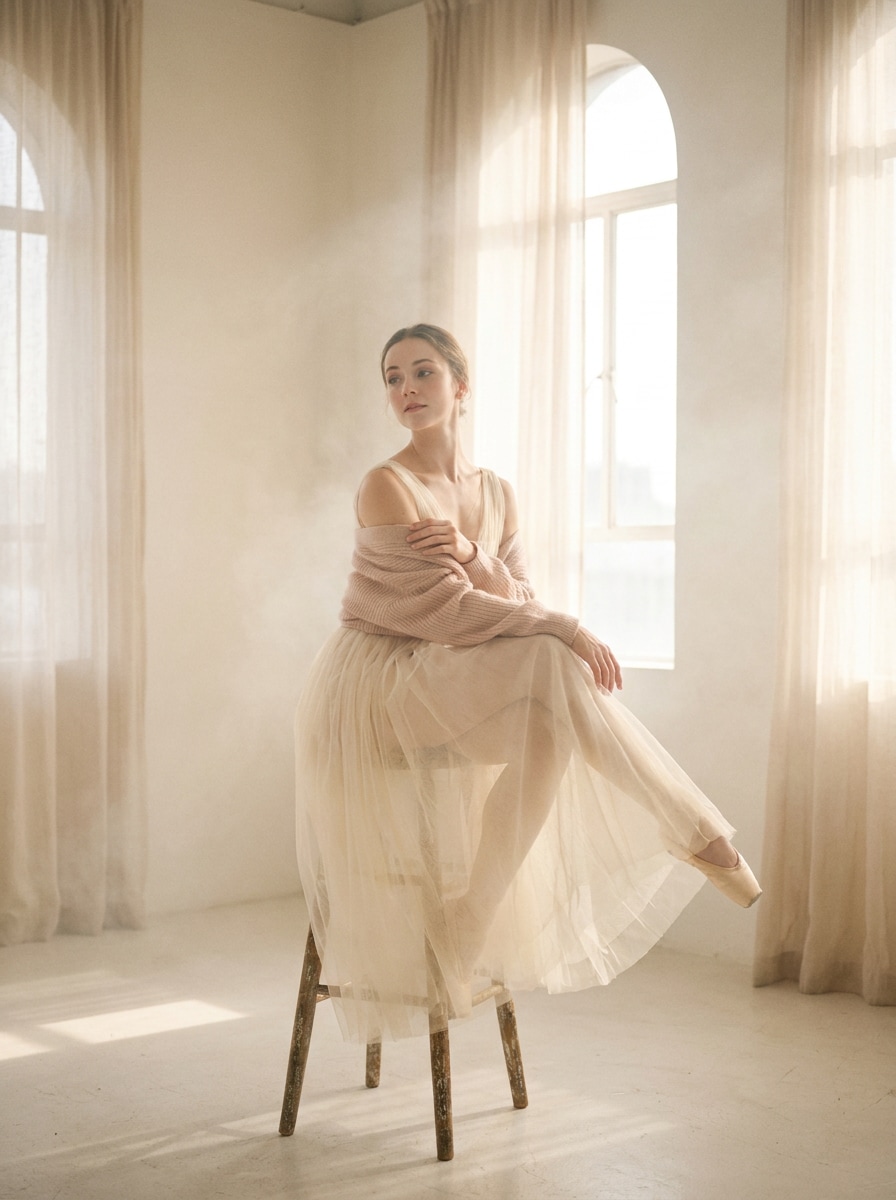
Sélectionnez / @ caractère, décrivez la scène que vous souhaitez générer.
0/2000
9:16
1K
1
Mode Illimité Banana Pro
Créations
Centre d’idées
Comment ça marche
Tout
Fonctionnalités populaires
Voir tout
Défi créatif d’Halloween
Voir tout
Histoire de Fruits Drama IA
Voir tout
Vidéo d'Histoire par IA
Voir tout
Vidéos virales aujourd'hui
Voir tout
Vidéos de produits IA
Voir tout
Personnage IA
Voir tout
Tendances de Danse
Voir tout
GPT Image 2
Voir tout
Seedance 2.0
Voir tout
Correspondance de Célébrités IA
Voir tout
Suggestions de Poses pour Couples
Voir tout
Prompts de Poses de Fille IA Esthétique
Voir tout
Invites de Poses Élégantes pour Garçon IA
Voir tout
Générer une liste
Vos créations sont conservées pendant seulement 7 jours. Les éléments créés après la mise à niveau de l'Abonnement seront stockés de façon permanente.
Libérez votre potentiel créatif et découvrez la magie de l'IA médiatique dès mIAntenant!
Appliquez un filtre Balletcore pour des transformations photo élégantes et oniriques
Transformez vos portraits et photos de mode en éditions douces et romantiques inspirées du balletcore en ligne. Media.io vous aide à créer un filtre balletcore look avec des tons pastel, une lueur aérienne et un style gracieux en quelques secondes — idéal pour un filtre ballerine, un raffiné filtre esthétique ballet, ou un soigné filtre photo ballerine.
Tapez votre idée -> L'IA le conçoit. Gratuit à essayer.
Consultez ces exemples de directives, puis adaptez les détails du prompt pour obtenir de meilleurs résultats avec ce filtre Balletcore.
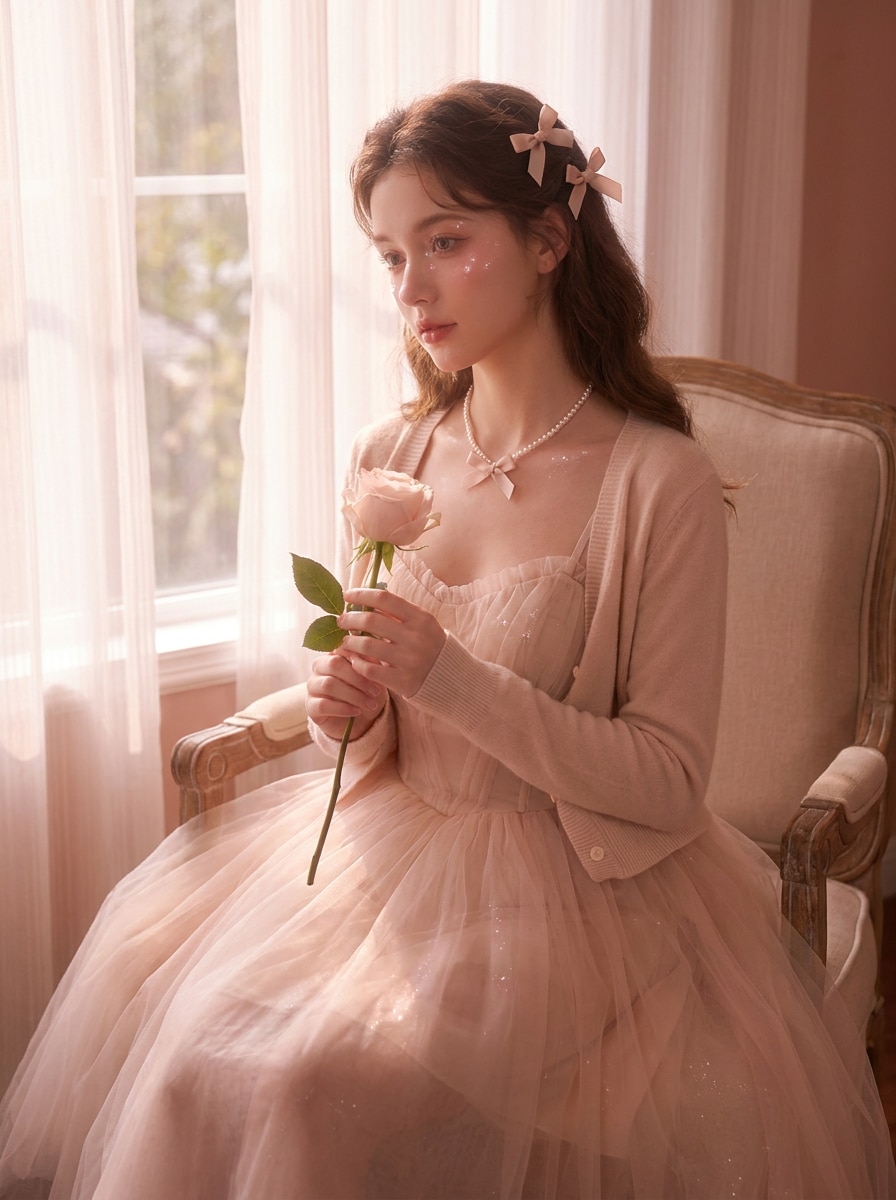
Portrait Pastel Éthéré
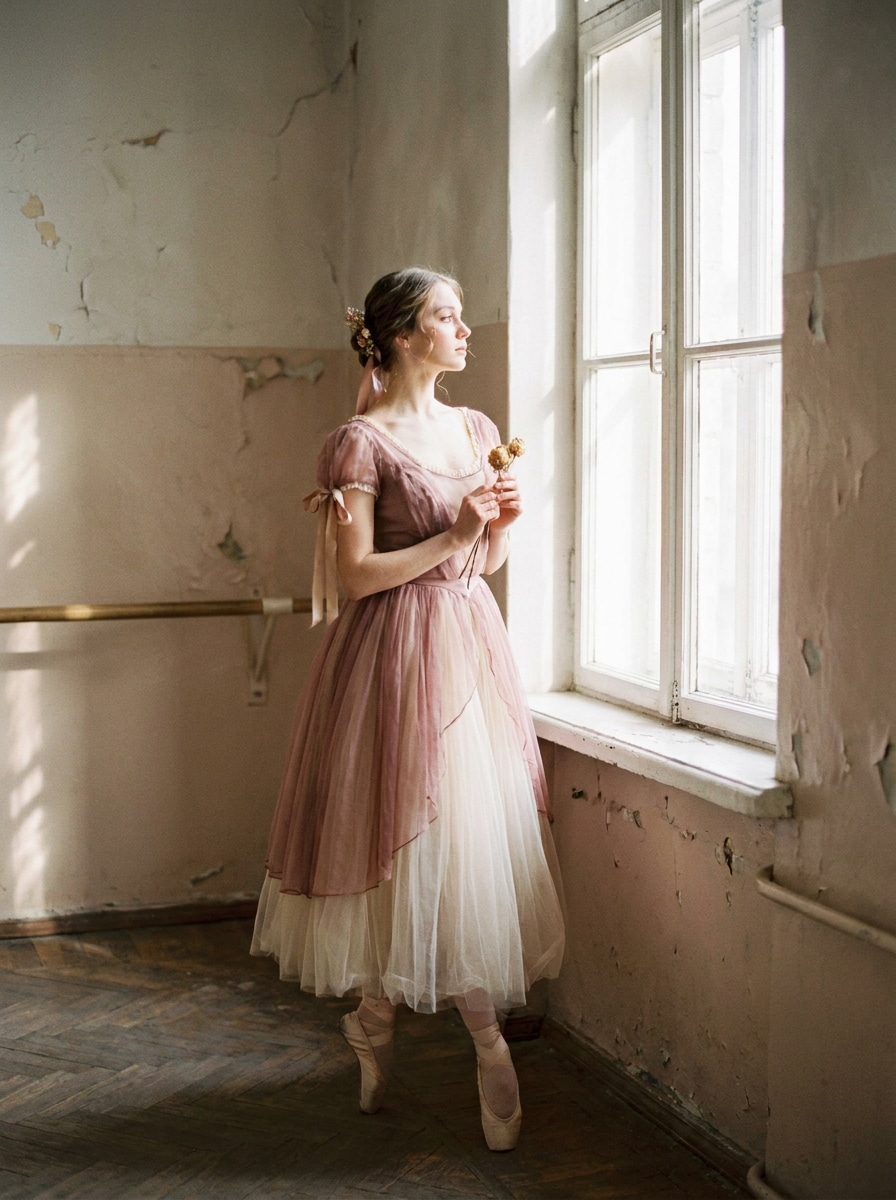
Utilisez l'image téléchargée comme sujet et transformez-la en un portrait éditorial balletcore doux avec des tons rose blush et ivoire, une lumière de fenêtre diffuse, des reflets satinés, un léger affinement de la peau, un faible contraste, une lueur onirique, un cadrage élégant, une ambiance féminine délicate et une préservation naturelle du visage.
Éclat de Ballerine en Studio
Utilisez la photo téléchargée comme sujet et restylisez-la en un gracieux portrait de studio de ballet avec des blancs crémeux, des sous-tons blush, une douce brume lumineuse, un fond épuré, un accent sur la posture élégante, de subtils reflets sur le tissu, un éclairage éditorial aérien et une ambiance calme et posée de ballerine.
Romance Ballet Cinématographique
Utilisez l'image téléchargée comme base et appliquez un effet balletcore vintage avec des hautes lumières estompées, un léger grain de film, des tons rose poudré et crème, un doux dégradé des ombres, un léger bloom, une douceur nostalgique, une ambiance éditoriale romantique et une identité faciale préservée pour un rendu onirique et intemporel.
Douceur Ballet Champêtre
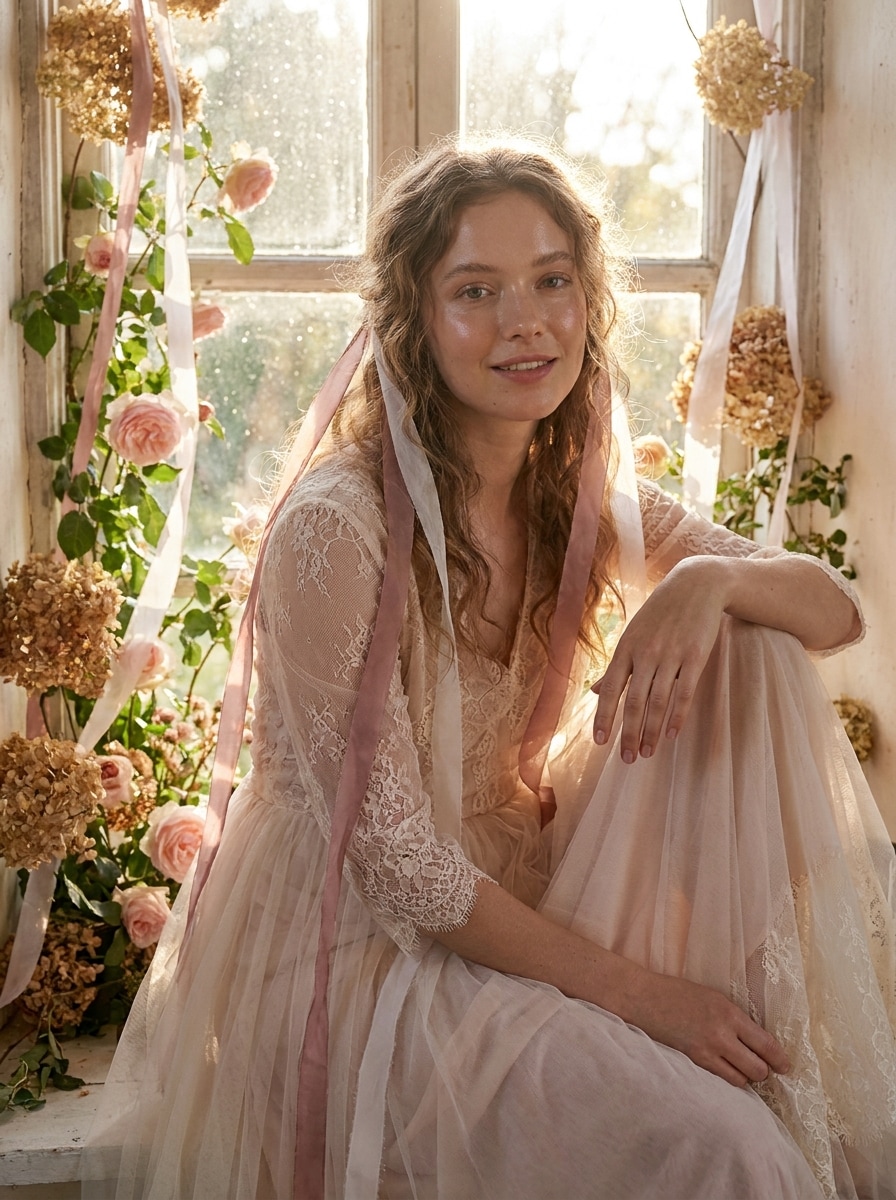
Utilisez la photo téléchargée comme sujet et transformez-la en un portrait balletcore d'inspiration champêtre avec des tons rose pâle, des blancs aériens, des détails en forme de ruban, une douce contre-jour, une texture de peau naturelle, une douceur florale fantaisiste, une ambiance romantique et un style léger et gracieux qui garde la personne reconnaissable.
Minimalisme Ballet de Podium
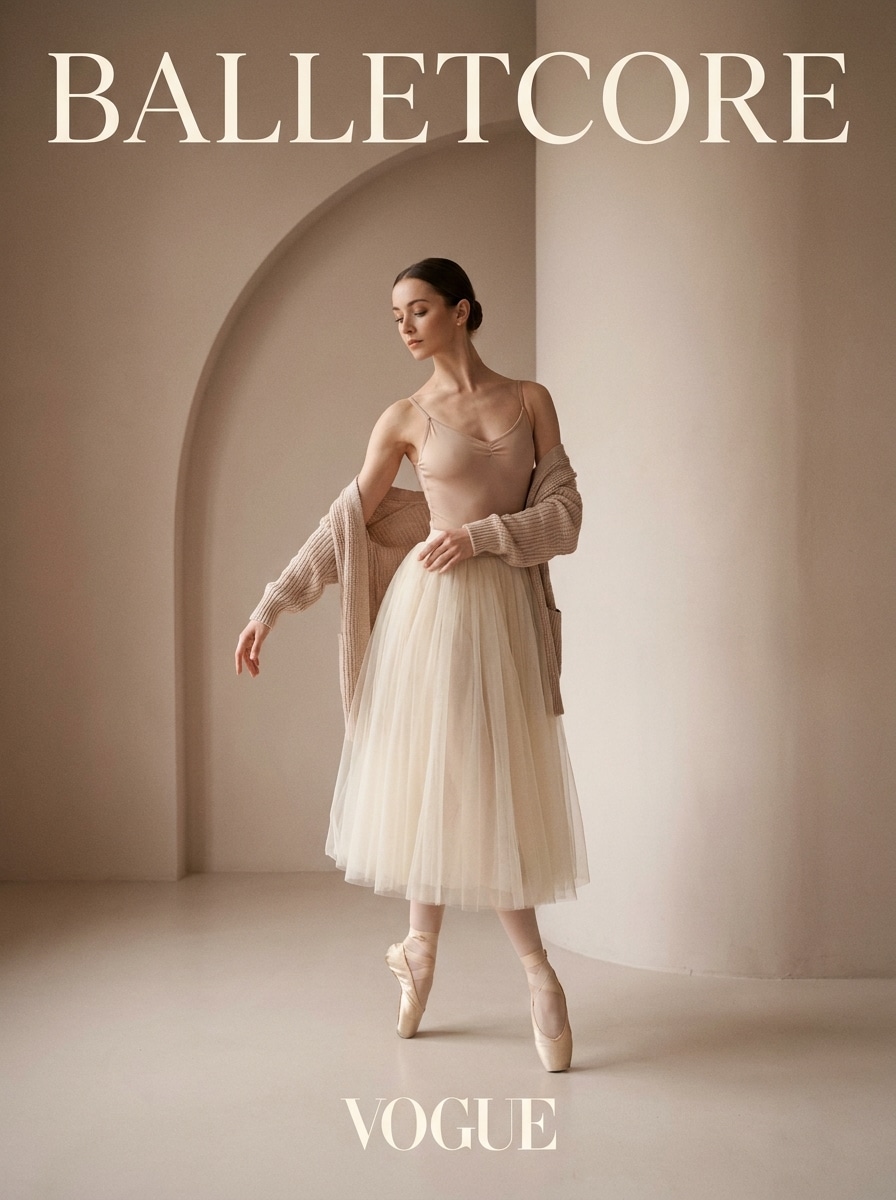
Utilisez l'image téléchargée comme sujet et convertissez-la en un éditorial de mode balletcore moderne avec des tons rose neutre, crème et beige, une composition épurée, de douces ombres directionnelles, une posture élégante, un style minimaliste, une finition magazine haut de gamme et une ambiance luxueuse et nette avec une identité préservée.
Éditorial Ruban de Satin
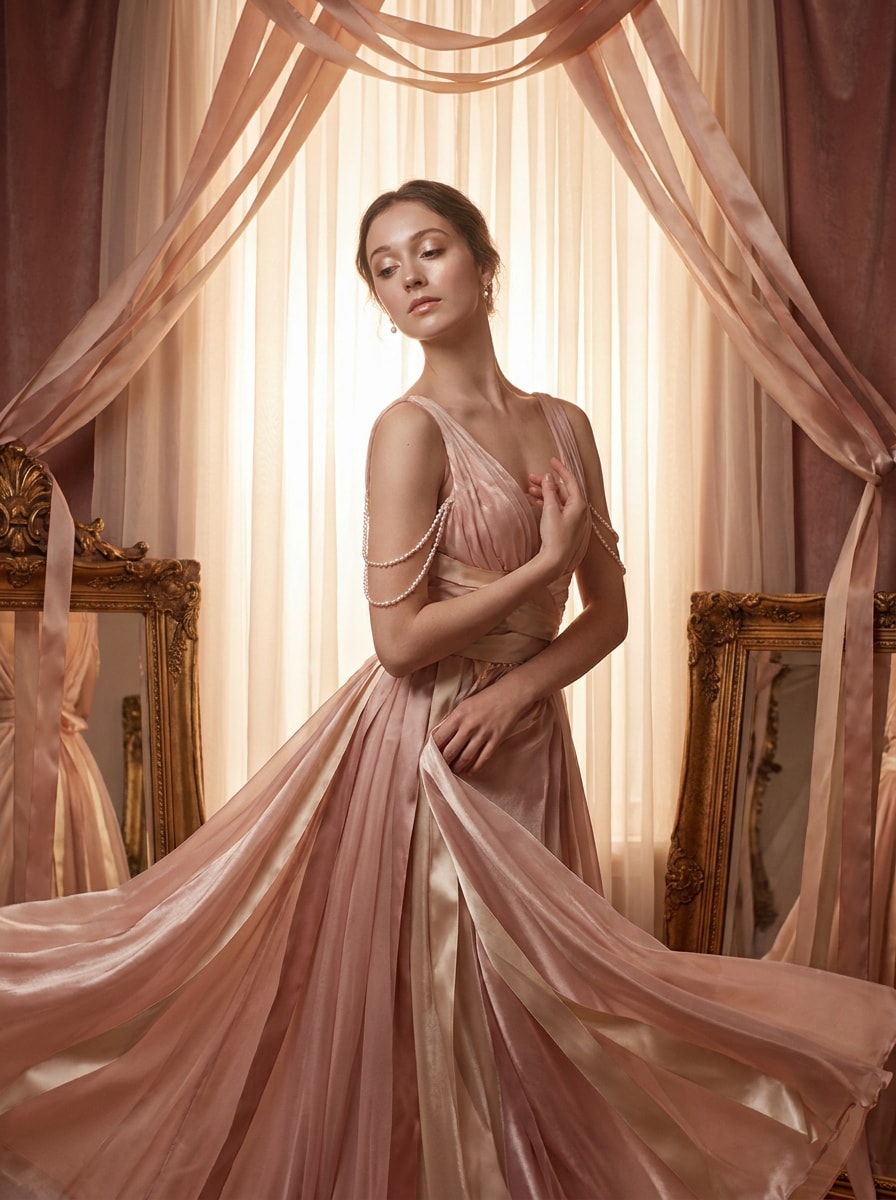
Utilisez la photo téléchargée comme sujet et ajoutez une esthétique balletcore en ruban de satin avec des tons rose blush et des reflets champagne, une lueur nacrée, une texture douce luxueuse, un contraste équilibré, un cadrage éditorial élégant, une ambiance féminine délicate et des détails de style subtils qui paraissent soignés plutôt qu'excessifs.
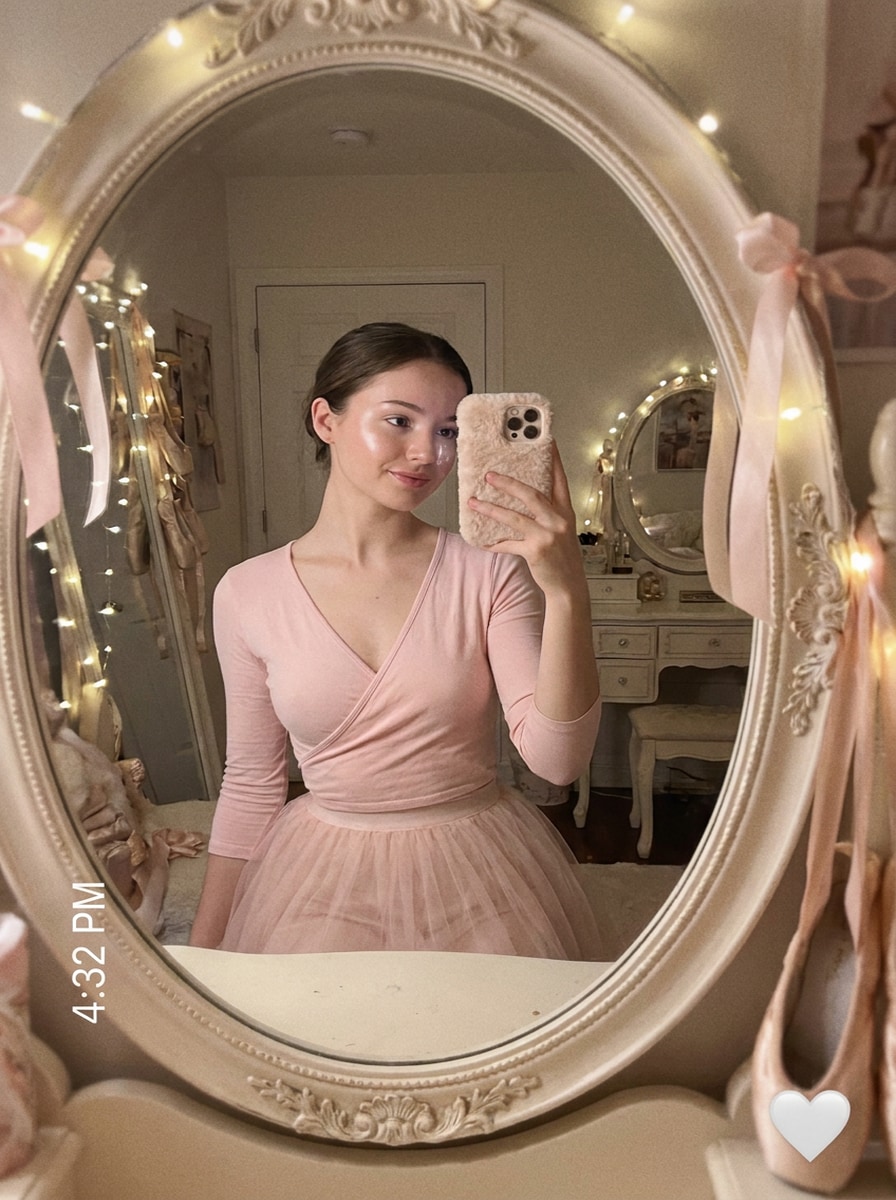
Selfie Miroir à Mise au Point Douce
Utilisez le selfie téléchargé comme sujet et transformez-le en une photo miroir balletcore onirique avec un étalonnage rose pastel, un doux effet de flou lumineux, des hautes lumières éclatantes, une composition réfléchissante épurée, un léger affinement de la peau, une atmosphère romantique et un style prêt pour les réseaux sociaux tout en gardant les traits du visage reconnaissables.
Mélange Coquette Ballet
Utilisez l'image téléchargée comme sujet et mélangez le style coquette et balletcore avec des tons pastel rosés, des accents inspirés des nœuds, des reflets nacrés, une peau lumineuse, une douce lumière romantique, une élégance ludique, une composition de portrait soignée et une finition délicate et avant-gardiste qui préserve tout de même l'identité.
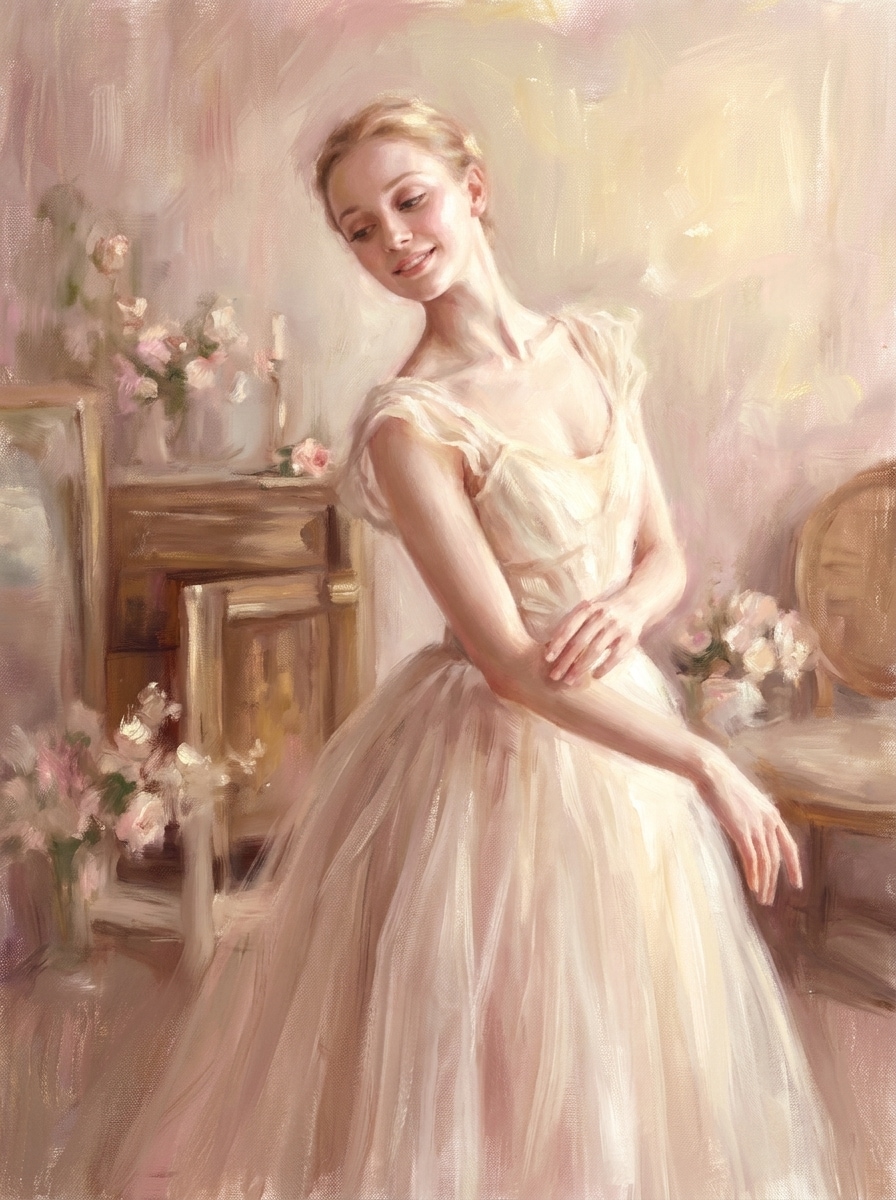
Portrait Ballet Pictural
Utilisez l'image téléchargée comme sujet et convertissez-la en un portrait balletcore pictural avec une texture de coup de pinceau doux, une palette rose pastel et ivoire, une peau lumineuse, un cadrage gracieux, une légère sensation de toile, un éclairage romantique de beaux-arts et une douce préservation des détails pour un rendu éditorial artistique.
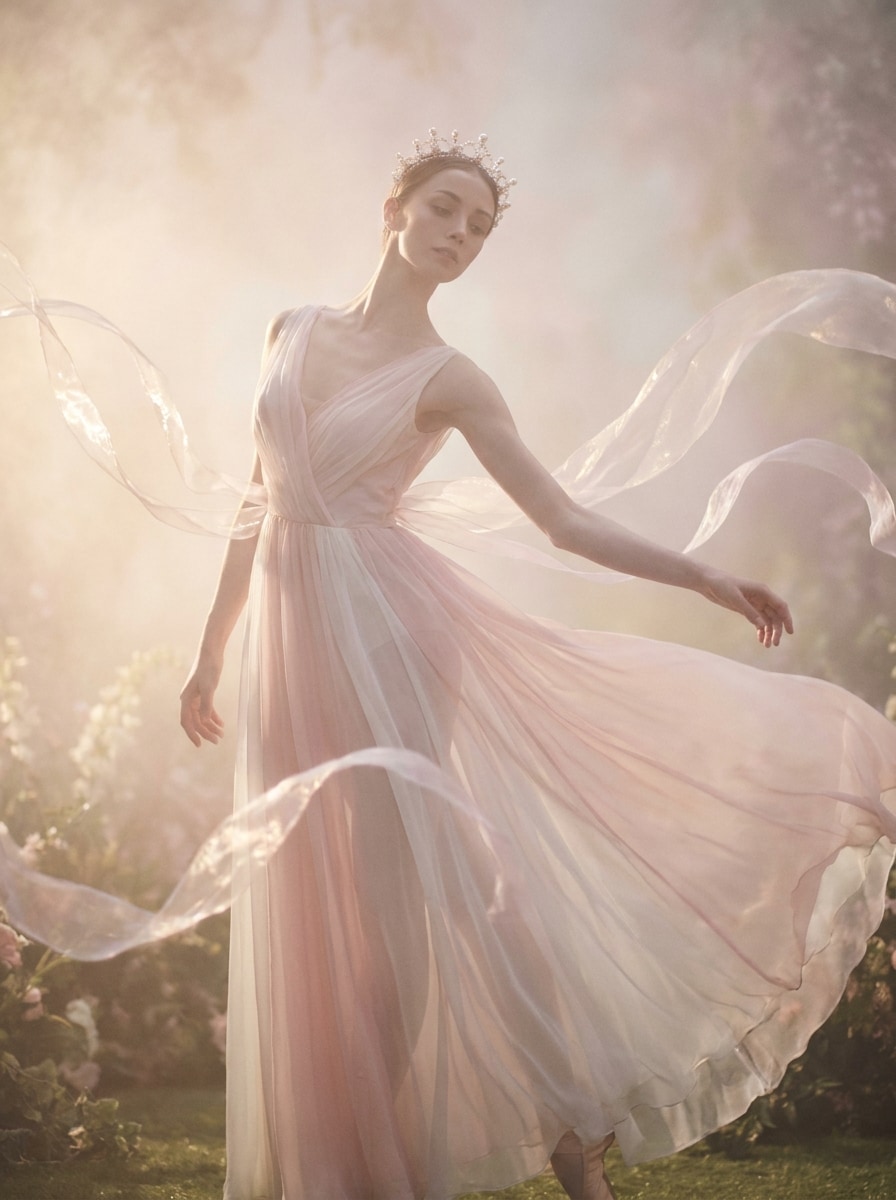
Fantaisie Ballet Féerique
Utilisez la photo téléchargée comme sujet et créez une transformation balletcore fantastique avec une douceur semblable au chiffon, une brume lumineuse, des tons rose pâle et blanc, des hautes lumières aériennes, un accent sur la silhouette élégante, une ambiance éditoriale de conte de fées, une délicatesse magique et des traits du visage reconnaissables pour un effet fantastique raffiné.
Pourquoi Utiliser Media.io pour les Retouches Photo Balletcore
Gardez Votre Sujet Reconnaissable Tout en Changeant l'Ambiance
Le travail basé sur des références nécessite plus qu'un simple changement de style. Media.io aide à conserver les détails d'identité clés reconnaissables tout en retravaillant le look visuel du filtre balletcore, de sorte que le résultat semble personnel plutôt que générique.
Créez des Esthétiques Ballet Similaires à des Presets Sans Retouche Manuelle
Une seule idée nécessite souvent plus d'un look. Media.io aide à réinterpréter le même visuel de filtre balletcore dans différents styles afin que chaque version puisse mieux correspondre au brief du projet.
Créez des Images Haute Résolution pour une Utilisation Réelle
Lorsqu'un visuel de filtre balletcore est destiné à une publication réelle, Media.io vous offre une sortie plus nette jusqu'en 4K, ce qui aide l'image à rester claire dans les présentations, les fonds d'écran et les ressources réutilisées.
Modifiez N'importe Où avec un Flux de Travail Rapide Basé sur Navigateur
Certains concepts visuels de filtre balletcore sont ébauché en déplacement et finalisés plus tard à un bureau. Media.io maintient ce processus en ligne, vous permettant de revenir au même flux de travail sans installations supplémentaires ni configuration.
Comment Appliquer un Filtre Ballerine en Ligne
Transformez vos mots en visuels époustouflants en trois étapes simples, puis continuez à affiner le résultat si vous souhaitez aller plus loin.
Étape 1
Téléchargez Votre Image de Référence
Commencez avec un portrait clair, un selfie ou une photo de mode au format JPG, PNG ou JPEG. Les images avec des détails faciaux visibles, un éclairage propre et une composition simple produisent généralement les transformations les plus élégantes inspirées du ballet.
Étape 2
Décrivez le Changement et Définissez les Options
Entrez le look souhaité, comme des tons pastel doux, une lueur satinée, une lumière de studio onirique ou une romance vintage. Choisissez ensuite votre modèle préféré et ajustez le rapport d'aspect, la qualité de l'image, la résolution ou le nombre de variations.
Étape 3
Générez, Téléchargez et Continuez à Améliorer
Créez vos versions balletcore, comparez les résultats et téléchargez celle qui correspond à votre style. Si nécessaire, affinez le prompt, testez une autre ambiance ou générez plus de variations jusqu'à ce que l'image vous convienne parfaitement.
Découvrez comment les créateurs utilisent ce filtre Balletcore pour le contenu, le marketing et les projets personnels, puis adaptez chaque idée au brief.
Sublimez les Portraits pour des Publications Sociales Douces et Romantiques
Transformez les selfies et portraits du quotidien en images aériennes et soignées avec des tons blush, de la lueur et un style gracieux. Cela fonctionne bien pour les créateurs qui construisent un feed onirique, un moodboard de mode ou une marque personnelle délicate sans retouche manuelle intensive.
Restylisez les Photos de Mode en Vibes Éditoriales Ballet
Donnez à de simples photos de tenues une finition plus raffinée et semblable à un magazine en ajoutant un étalonnage pastel, des indices de texture satinée et une lumière élégante. C'est une façon pratique de transformer des images de garde-robe décontractées en une histoire visuelle plus épurée inspirée du ballet.
Créez des Couvertures de Moodboard et des Ressources Visuelles Esthétiques
Utilisez la transformation pour des couvertures Pinterest, des graphiques de lookbook, des visuels de profil ou des œuvres de campagne de marque. La palette douce et l'atmosphère raffinée aident vos images à paraître cohérentes, féminines et visuellement mémorables dans différents formats.
Ce que les Utilisateurs Disent de Cet Effet Balletcore
Elena P.
Créatrice de Style de Vie
« Des résultats oniriques sans retouche compliquée » Je voulais que mes selfies paraissent doux et romantiques sans apprendre Lightroom. Cela m'a donné ce look de ballet pastel en quelques essais, et les images finales me ressemblaient toujours.
Maya R.
Créatrice de Contenu Mode
« Parfait pour les moodboards et les ébauches de campagne » La douce lueur, les tons blush et le style élégant ont très bien fonctionné pour des visuels conceptuels rapides. J'ai également apprécié la possibilité d'ajuster le rapport d'aspect pour les mises en page verticales et de couverture.
Sophie L.
Créatrice Étudiante
« Facile sur mobile et très esthétique » Je l'ai utilisé sur mon téléphone pour transformer un simple selfie miroir en une photo inspirée du ballet bien plus jolie. C'était rapide, simple et bien plus facile que d'utiliser plusieurs applications de retouche.
Nina C.
Propriétaire de Marque Boutique
« Utile pour des images de marque douces » Nous l'avons testé sur des portraits adjacents aux produits pour notre contenu social et avons obtenu un style éditorial délicat qui correspondait à notre marque. C'est une bonne option lorsque vous avez besoin d'un rafraîchissement esthétique rapide.
Découvrez Les Effets Vidéo et d'Image IA Les Plus Populaires
1. Qu'est-ce qu'un filtre balletcore pour les photos ?
Un filtre balletcore pour les photos est un style de retouche qui donne à une image un look doux, romantique et inspiré du ballet. Dans Media.io, vous pouvez télécharger une photo de référence et utiliser l'IA pour la transformer avec des tons pastel, une lumière aérienne, une douce lueur et un style élégant, ce qui en fait une alternative pratique aux presets pour les portraits et les images de mode.
2. Comment transformer une photo en style balletcore en ligne ?
Téléchargez votre image sur Media.io, entrez un prompt décrivant le look souhaité et choisissez votre modèle préféré ainsi que les paramètres de sortie. L'IA génère ensuite une version stylisée de votre photo, vous permettant de créer une retouche inspirée du ballet en ligne sans retouche manuelle ni logiciel de retouche de bureau.
3. Existe-t-il un filtre balletcore gratuit que je peux essayer ?
Media.io offre des crédits gratuits, vous pouvez donc essayer l'effet avant de passer à la version supérieure. Si vous avez besoin de plus d'utilisation, vous pouvez consulter la page de tarification pour les plans disponibles. Les exportations gratuites peuvent inclure un filigrane, tandis que les plans payants prennent en charge les téléchargements haute résolution sans filigrane. Les utilisateurs gratuits peuvent utiliser des crédits gratuits. Pour plus d'utilisation, les utilisateurs peuvent s'abonner à un plan sur la page de tarification. Passez à un plan payant sur la page de tarification pour plus de crédits et des téléchargements haute résolution sans filigrane.
4. Quelles photos fonctionnent le mieux avec un filtre balletcore IA ?
Les portraits clairs, les selfies et les photos de mode fonctionnent généralement le mieux, surtout lorsque le sujet est bien éclairé et facile à voir. Les images avec des arrière-plans simples, une exposition équilibrée et des détails faciaux visibles fournissent à Media.io de meilleures informations de référence pour une transformation plus raffinée et reconnaissable.
5. Puis-je appliquer un effet balletcore sur iPhone ou Android ?
Media.io est basé sur le web, vous pouvez donc l'utiliser sur iPhone, Android, tablettes ou ordinateurs de bureau tant que vous disposez d'un navigateur. Cela facilite la création d'une retouche douce inspirée du ballet sur mobile sans installer d'application séparée. Media.io est un outil web qui fonctionne sur n'importe quel appareil disposant d'un navigateur (Windows, Mac, iOS, Android).
6. L'image modifiée conservera-t-elle une haute résolution après la transformation balletcore ?
Media.io prend en charge les options de sortie 1K, 2K et 4K pour la génération d'image à image. Cela signifie que vous pouvez créer une retouche stylisée et onirique tout en conservant un résultat haute résolution pour les publications sur les réseaux sociaux, les couvertures, les moodboards ou d'autres utilisations visuelles soignées. Les utilisateurs gratuits peuvent avoir des filigranes.
Au-delà du Filtre Balletcore en Ligne Alimenté par l'IA