Image à image
Nano Banana Pro
Télécharger une image
0 / 9
Cliquez ou faites glisser pour télécharger, ou choisissez parmi Mon Historique
Pas d'idées ? Générer une image d'abord. >
Formats de téléchargement pris en charge : jpg, png, jpeg.
Prompt
0/2000
1K
Auto
1
Mode Illimité Banana Pro
Visibilité du public
Tout
Image
Vidéo
Audio
Générer une liste
Les résultats générés seront conservés pendant 7 jours. Veuillez les sauvegarder à temps.
ai_video_generatorLibérez votre potentiel créatif et découvrez la magie de l'IA médiatique dès mIAntenant!

Zombie AI Generator for Realistic Selfie-to-Undead Transformations

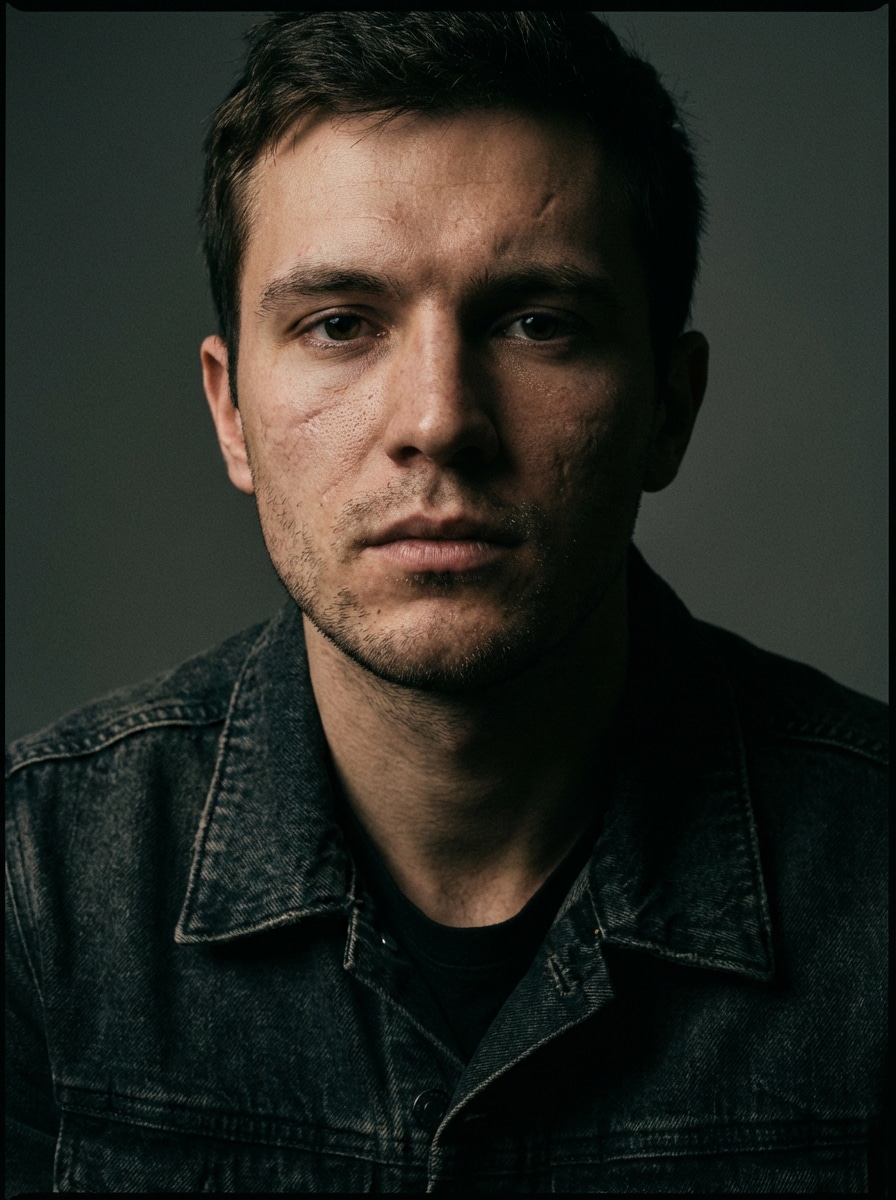
Zombie AI Before
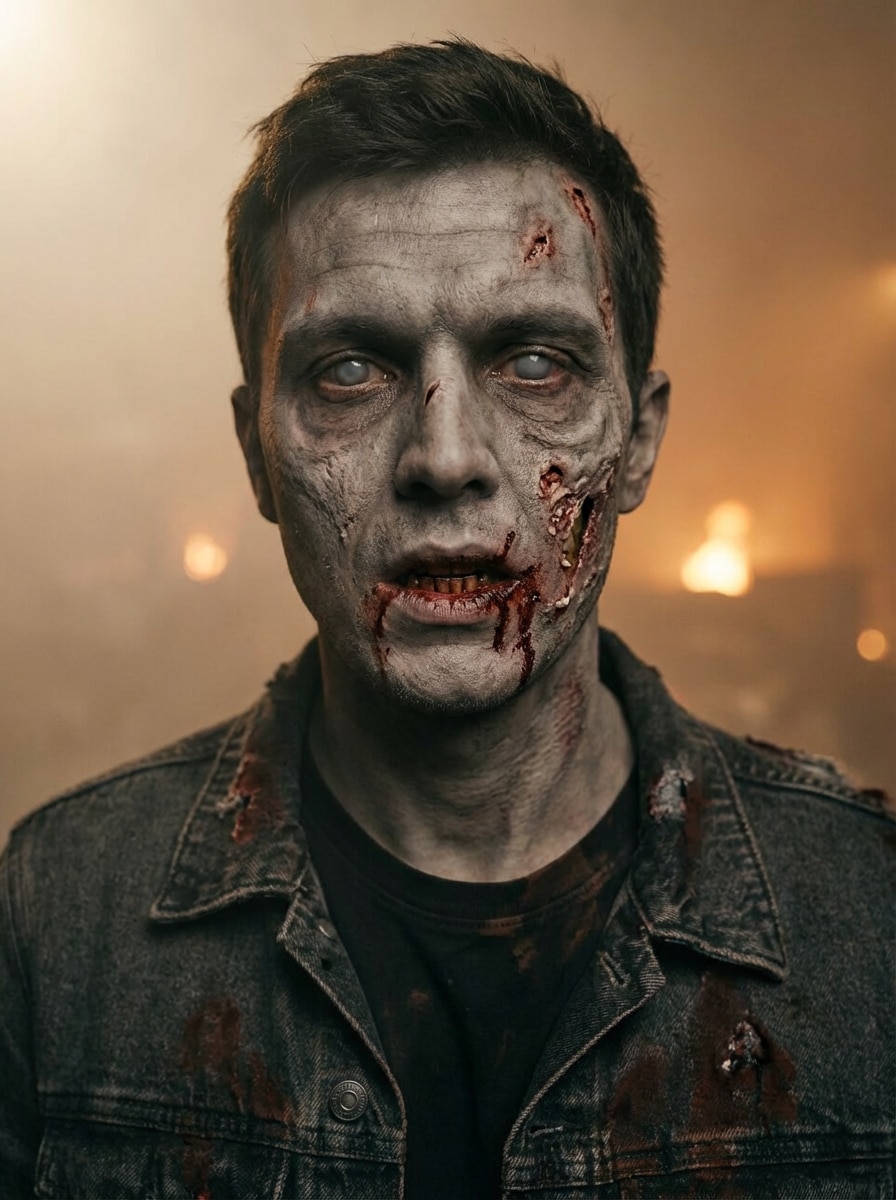
Zombie AI After

Turn any selfie into a chilling zombie portrait in minutes with Media.io. Upload your photo, pick a horror style, and create realistic infected looks, Halloween edits, or stylized undead avatars with mobile-friendly AI image transformation.

Create My Zombie Portrait

Type your idea -> AI designs it. Free to try.

Explore our curated collection of zombie ai styles.

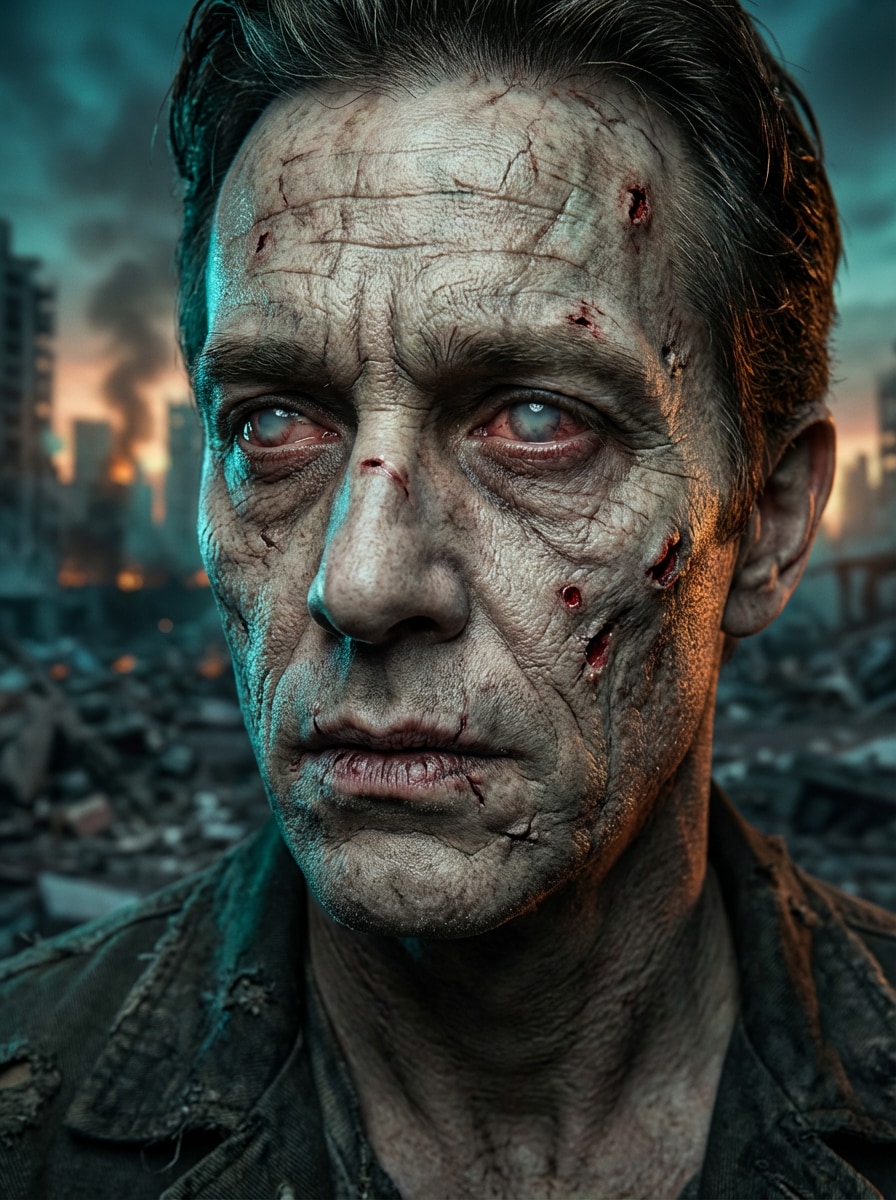
Cinematic Infected Zombie

Cinematic Infected Zombie

Use the uploaded image as the subject and transform it into a highly realistic cinematic infected zombie portrait. Preserve recognizable facial identity while adding cracked pale skin, subtle wounds, eerie desaturated eyes, dry lips, dramatic teal-and-orange movie lighting, shallow depth of field, and a smoky apocalyptic city background with ultra-detailed texture.

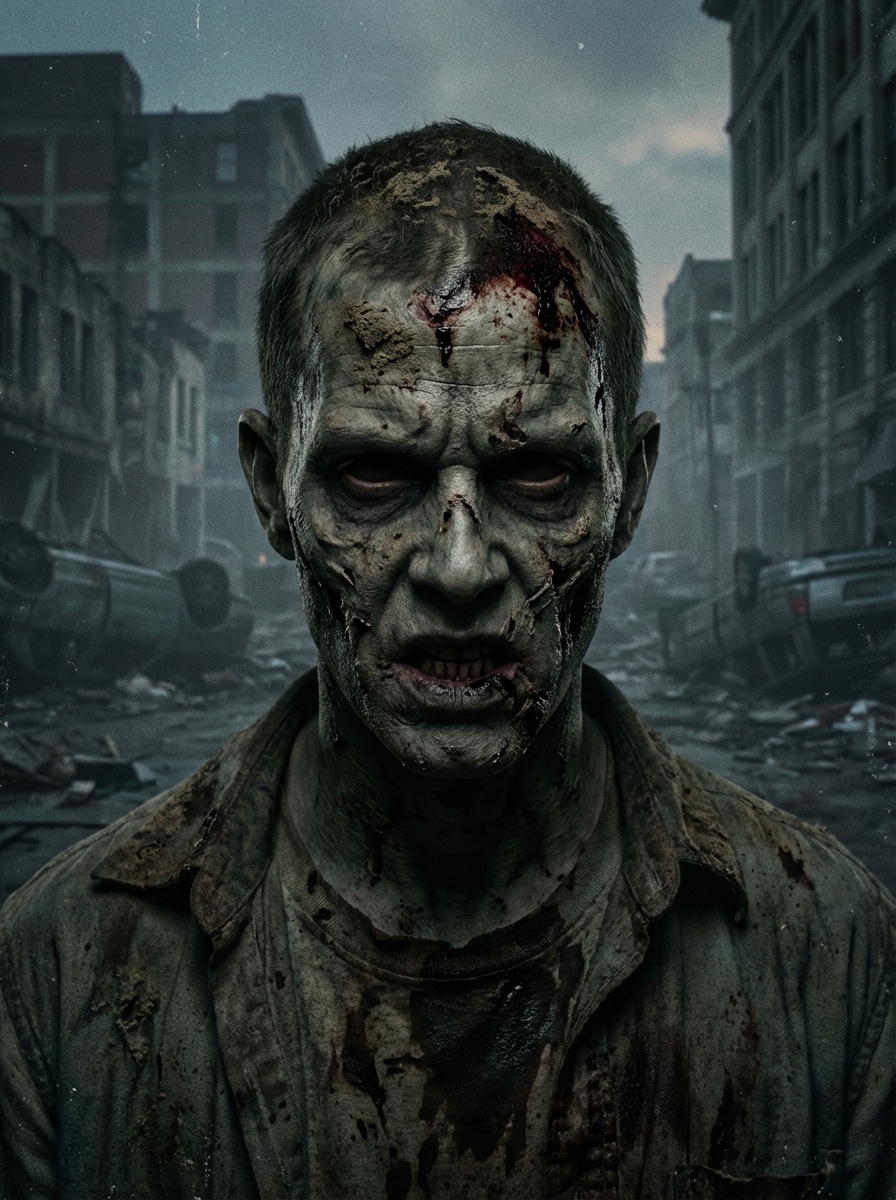
Apocalypse Walker

Apocalypse Walker

Use the uploaded image as the subject and turn it into an undead walker from a zombie apocalypse. Keep the face recognizable while adding torn skin details, dark eye sockets, muted gray-green complexion, gritty dirt textures, foggy ruined street scenery, low-key cinematic lighting, and distressed film-like color grading for a harsh survival mood.

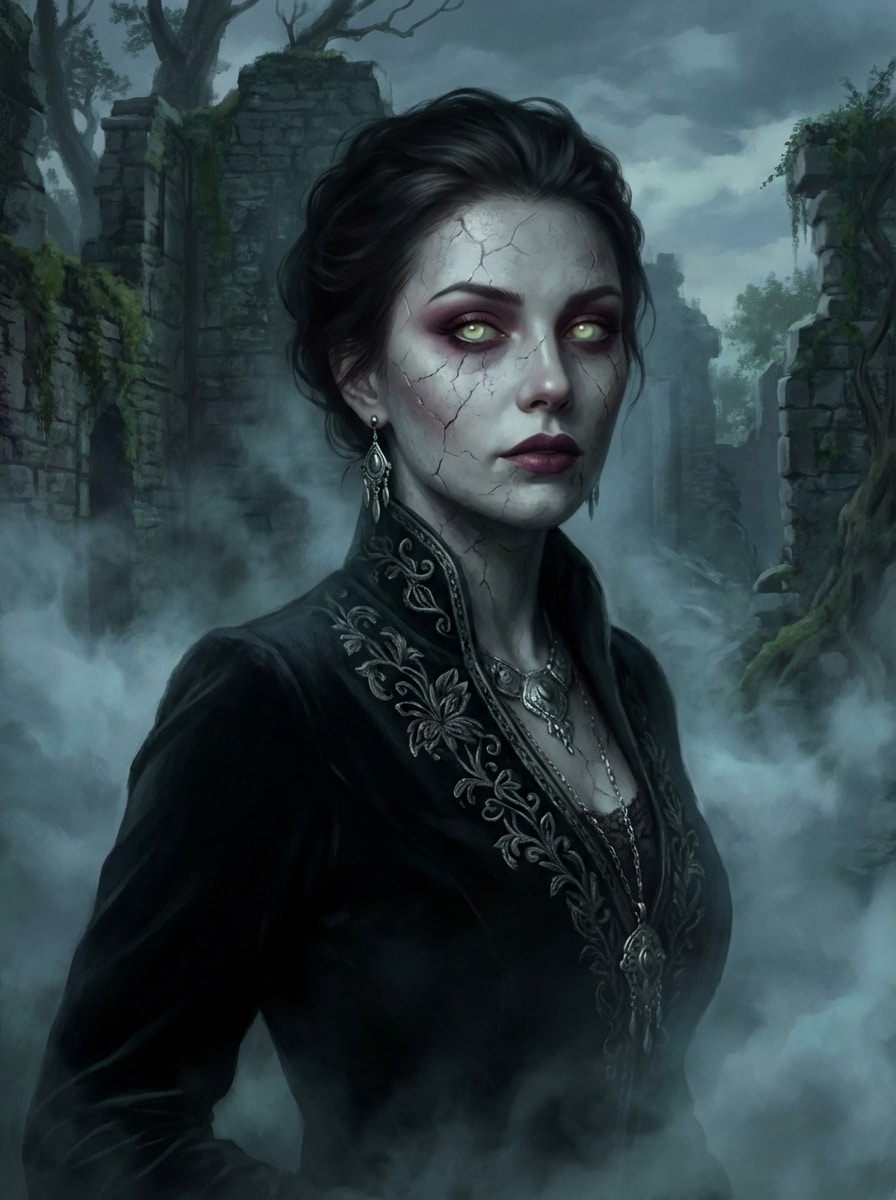
Dark Fantasy Zombie

Dark Fantasy Zombie

Use the uploaded image as the subject and transform it into a dark fantasy zombie character with elegant undead styling. Preserve the face while adding glowing eyes, refined cracked skin, dramatic shadows, gothic textures, desaturated jewel tones, atmospheric mist, and a moody fantasy backdrop for a regal but haunting portrait.

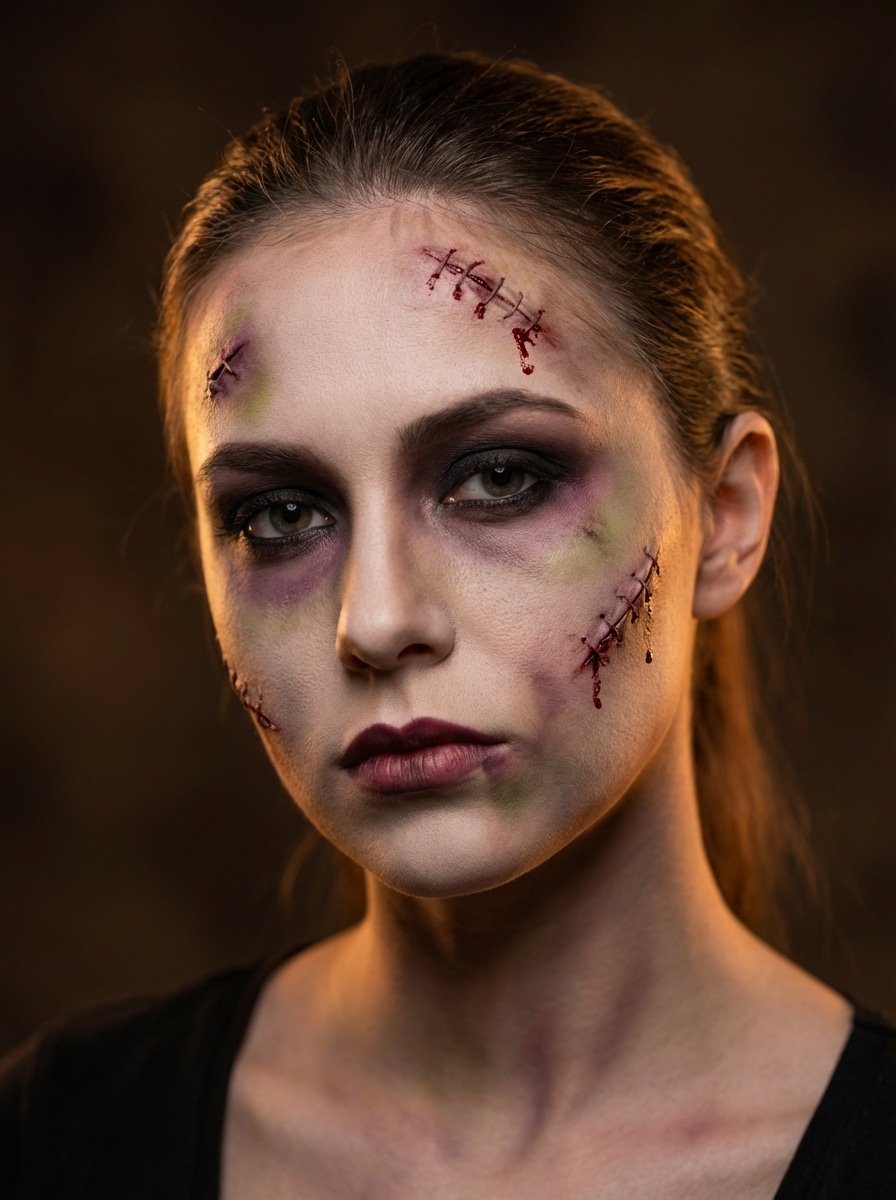
Zombie Makeup Filter

Zombie Makeup Filter

Use the uploaded image as the subject and apply a Halloween zombie makeover with realistic makeup-inspired effects. Keep facial identity clear while adding pale skin, stitched wounds, bruising, smoky eyes, textured prosthetic-style details, soft dramatic lighting, and a clean portrait composition that feels party-ready and shareable.

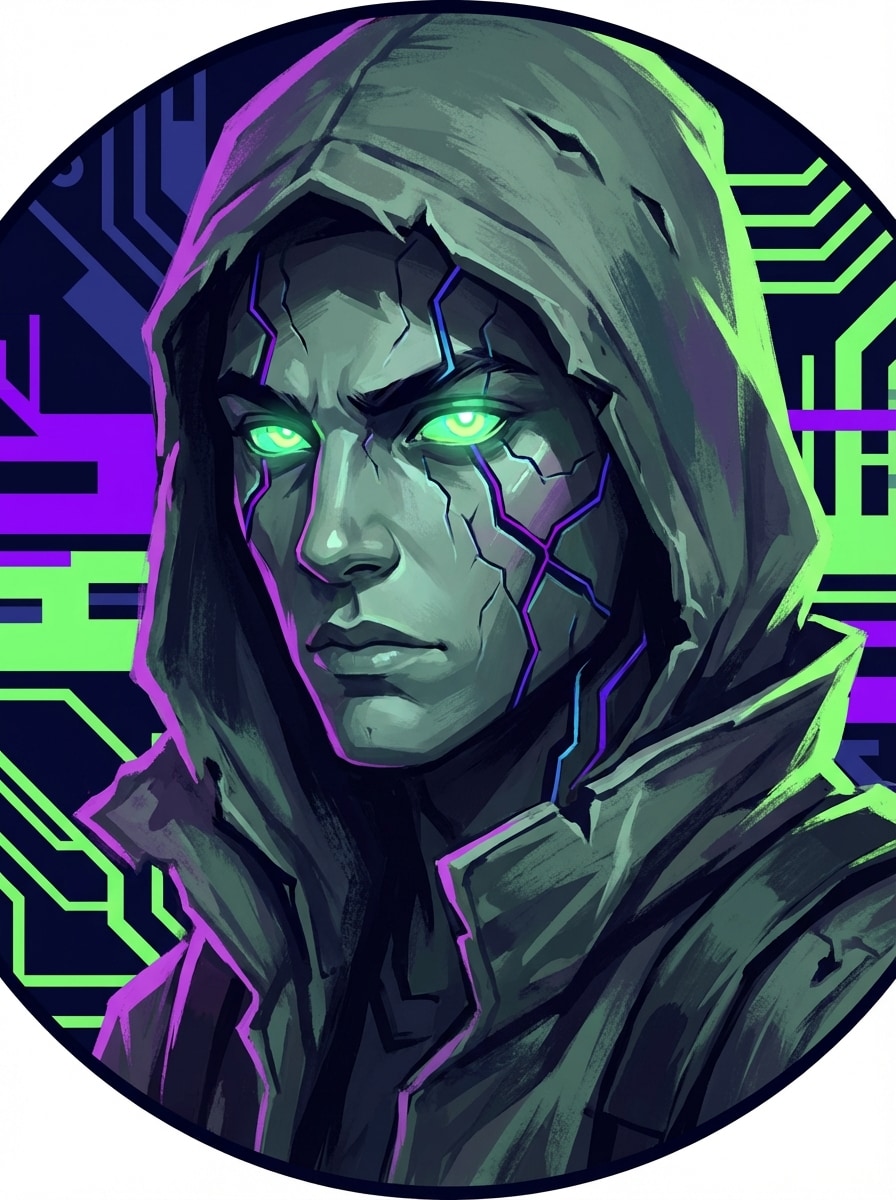
Zombie Game Avatar

Zombie Game Avatar

Use the uploaded image as the subject and create a stylized zombie gaming avatar. Preserve the face shape and key features while adding undead textures, sharp contrast, dark neon accents, glowing eyes, cool green-gray skin tones, crisp centered framing, and a bold background that works well for profile pictures.

Why Use Media.io for Zombie AI Portraits

Upload a Selfie and Transform Fast

Turn a single JPG, PNG, or JPEG photo into a zombie-style portrait quickly with an easy image-to-image workflow designed for fast creative edits.

Keep Faces Recognizable

Reference-image generation helps preserve your facial identity while adding undead skin, horror details, and stylized zombie effects for more convincing before-and-after results.

Fine-Tune Style, Size, and Framing

Choose from multiple aspect ratios, generate 1 to 4 images at a time, and download in 1K, 2K, or 4K for social posts, avatars, or Halloween posters.

Powered by Advanced AI Models

Media.io supports powerful image models including Nano Banana Pro and Nano Banana 2, plus specialized options for stronger character consistency and creative control.

How to Use the Zombie AI Generator

1
2
3
1
Open Media.io Zombie AI Generator

Go to AI Image to Image Generator and open the Zombie AI Generator under AI -> Image to Image. This online tool runs in your browser, so you can create a zombie ai portrait on desktop or mobile without installing extra software.

2
Upload Your Photo and Set the Style

Upload a JPG, PNG, or JPEG selfie, then enter a detailed prompt such as “Turn my selfie into a realistic infected zombie with cracked pale skin, eerie eyes, cinematic lighting, and a ruined city background.” Adjust aspect ratio, resolution, and style settings for your preferred look.

3
Generate, Refine & Download

Click Generate to create your turn photo into zombie result. If needed, refine the prompt, try another horror style, or generate more variations. Then download your final image in high resolution for sharing, profiles, or Halloween content.

Step 1
Step 2
Step 3

Unlock the Potential of Zombie AI

Discover how creators and professionals are using our AI-powered Zombie AI to transform their creative workflows and bring unique ideas to life.

Create Viral Halloween Selfie Edits

Turn everyday selfies into dramatic undead transformations for TikTok, Instagram Reels, and party invites. A strong zombie AI effect helps your content stand out with recognizable before-and-after reveals and shareable horror styling.

Make Custom Zombie Avatars for Profiles

Design a zombie avatar maker workflow for gaming profiles, Discord icons, or seasonal social banners. You keep your identity while adding stylized horror details that feel more personal than generic stock art.

Produce Fast Horror Concepts for Creative Projects

Use the zombie photo editor to mock up poster art, Halloween campaign visuals, or spooky character concepts quickly. It’s a practical way for creators, marketers, and designers to explore multiple undead looks from one reference image.

What Users Say About Media.io Zombie AI

user
Alyssa M.

Content Creator

star star star star star

"Perfect for dramatic before-and-after posts" I uploaded a normal selfie and got a super realistic zombie version in minutes. The face still looked like me, which made the transformation much more fun for short-form video content.

user
Jordan T.

Halloween Event Planner

star star star star star

"Fast zombie portraits for party promos" We used it to create spooky profile images and promotional graphics for our Halloween event. The different zombie styles made it easy to get both realistic horror and more playful undead looks.

user
Mina R.

Streamer

star star star star star

"Great for profile pictures and gaming art" The zombie game avatar style worked really well for my channel branding. I liked being able to keep my face recognizable while adding dramatic glowing eyes and darker horror textures.

user
Ethan C.

Mobile User

star star star star star

"Easy to use on phone" I made a zombie AI portrait right from my phone browser. The workflow was simple, and I didn’t need any app download to create something I could post right away.

Zombie AI Generator FAQs

1. How do I turn a photo into a zombie with AI?

Open Media.io’s image-to-image tool, upload a JPG, PNG, or JPEG photo, and describe the zombie look you want. You can ask for a realistic infected portrait, a Halloween makeover, or a stylized undead avatar, then generate and refine the result before downloading. This helps you create zombie ai results more consistently.

Yes. Free users can try the zombie AI generator with available free credits. If you need more generations or higher usage, you can check Media.io’s pricing page. Free exports may include a watermark, while paid plans support watermark-free high-resolution downloads. Free users can use free credits. For more usage, users can subscribe to a plan on the pricing page.

Yes. Media.io supports reference-image-based transformation, so you can upload a selfie and generate a realistic zombie portrait while keeping your face recognizable. This works especially well for cinematic infected looks, apocalypse walker styles, and other detailed horror edits. This helps you create zombie ai results more consistently.

The workflow is designed for fast browser-based creation. Upload your photo, choose the zombie style, and generate your result in just a short creation session, with no extra software required. This helps you create zombie ai results more consistently.

Yes. Media.io is web-based and works on devices with a browser, including iPhone, Android, Windows, and Mac. That makes it easy to create a zombie filter AI effect or undead selfie edit directly from your phone.

Yes. Uploaded images are automatically deleted from Media.io servers after 7 days to help protect user privacy. This gives you a more secure workflow when using a personal selfie for zombie image transformation. Uploaded images are automatically deleted from our servers after 7 days to ensure user privacy. This helps you create zombie ai results more consistently.

Media.io Online AI Tools Quality Rating:
vote 4.7 (162,357 Votes)