Vos créations sont conservées pendant seulement 7 jours. Les éléments créés après la mise à niveau de l'Abonnement seront stockés de façon permanente.
Libérez votre potentiel créatif et découvrez la magie de l'IA médiatique dès mIAntenant!
AI Eyeliner Filter for Realistic Virtual Try-On in Seconds
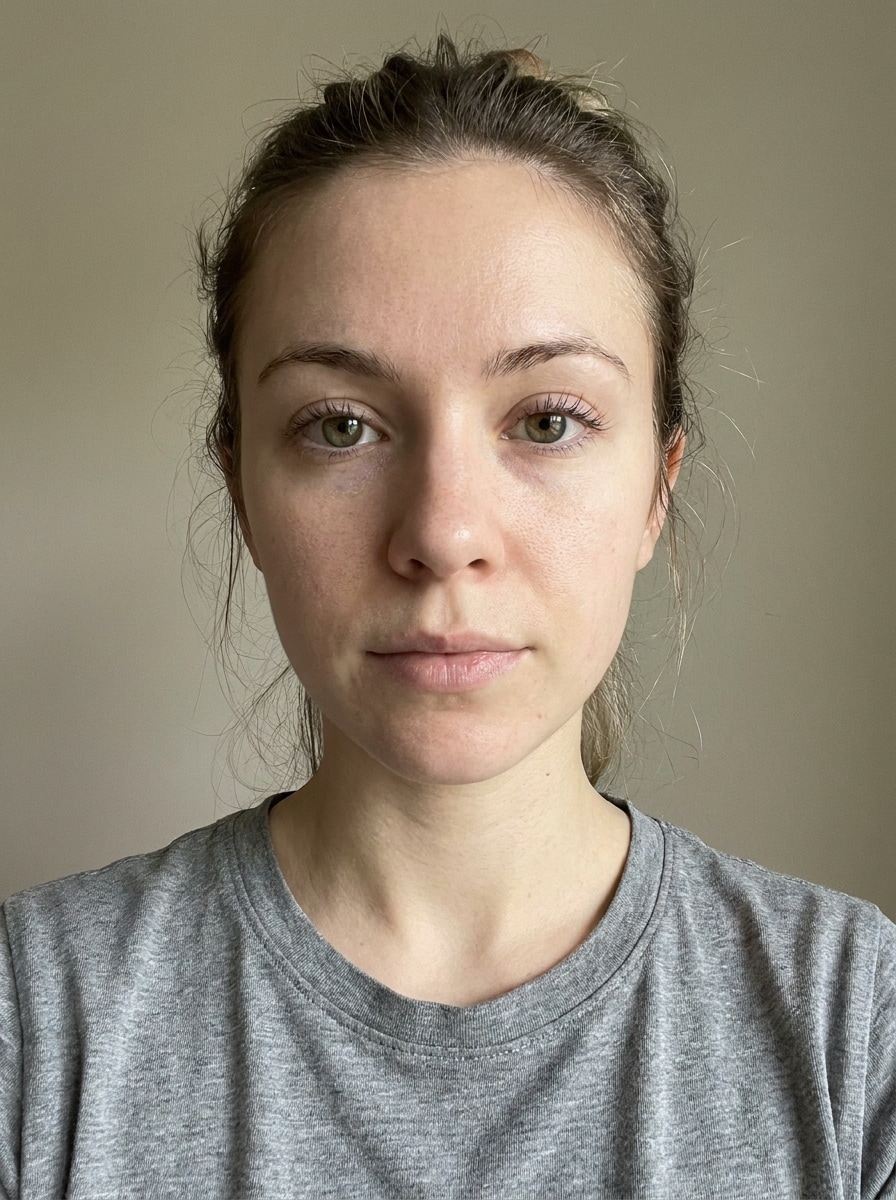
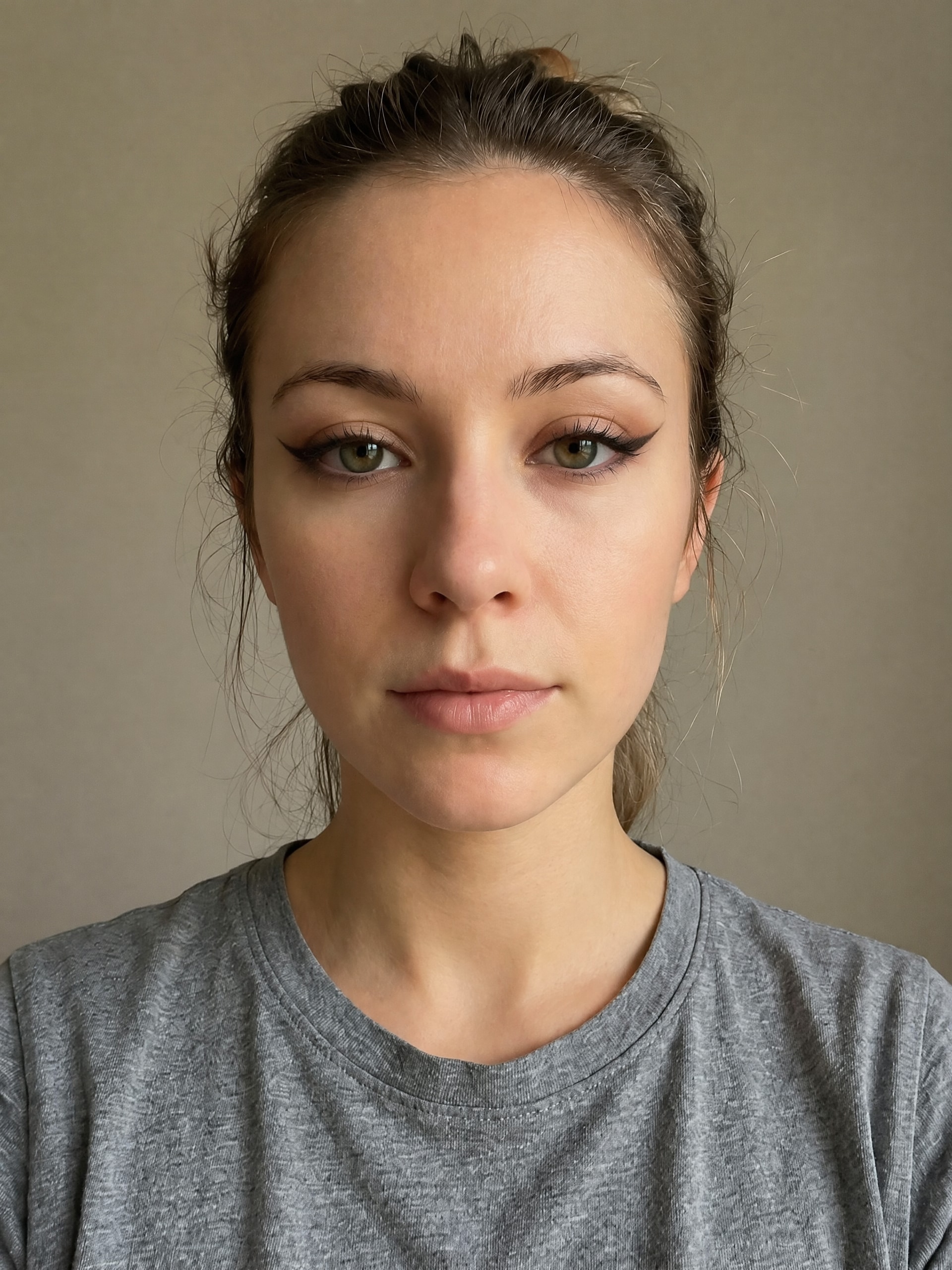
Upload a selfie and use an eyeliner filter to preview realistic makeup looks on your eyes. Media.io helps you test subtle liner, bold wings, and polished beauty edits fast, making it easy to compare eyeliner filters before you commit to a real look.
Review these example directions, then tailor the prompt details to get stronger results with this eyeliner filter in Media.io.
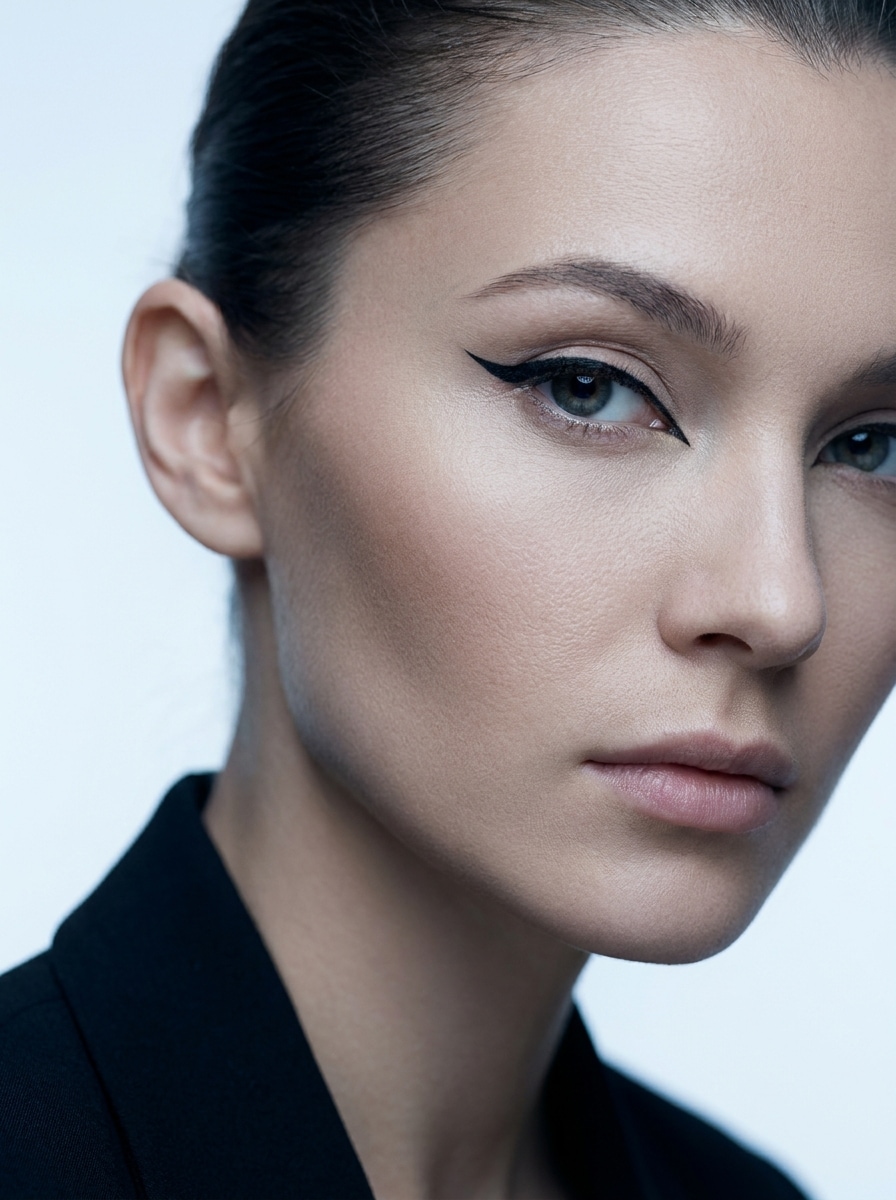
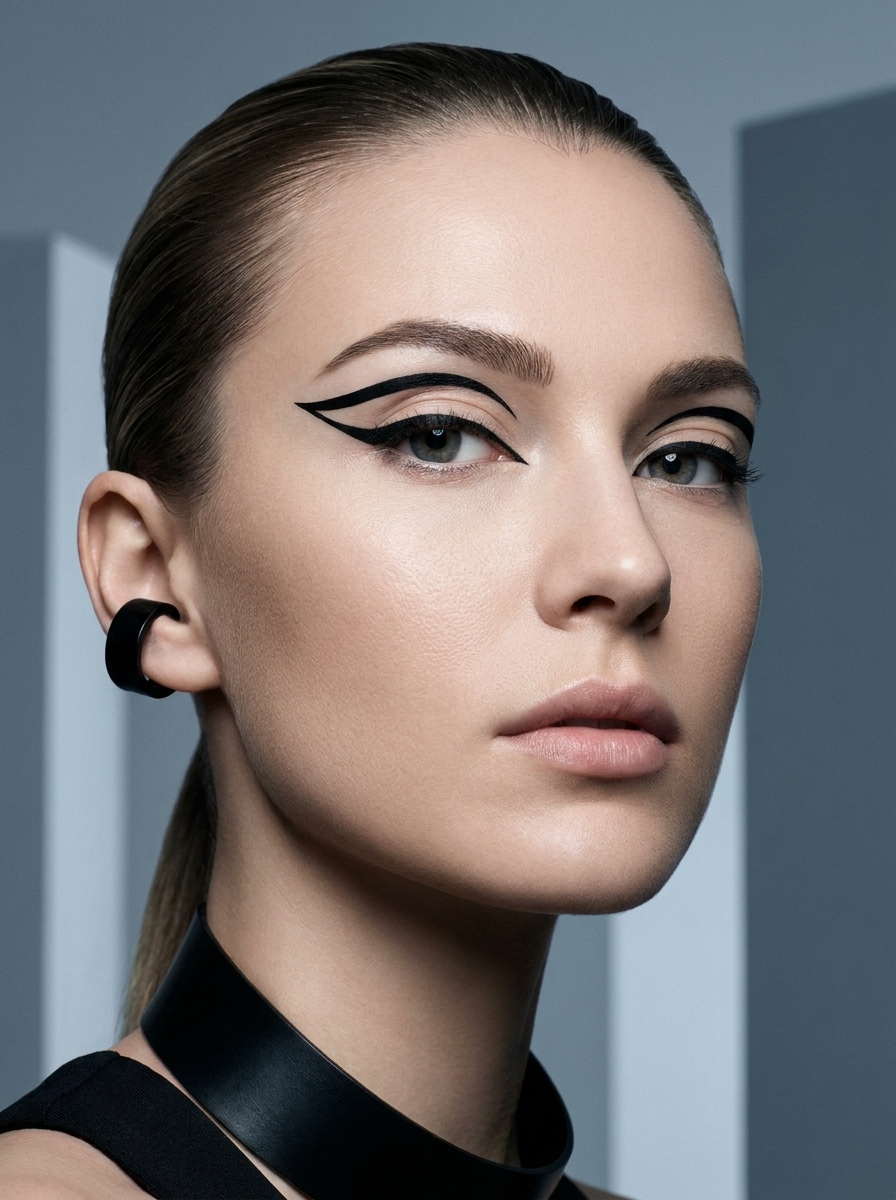
Sharp Cat Eye
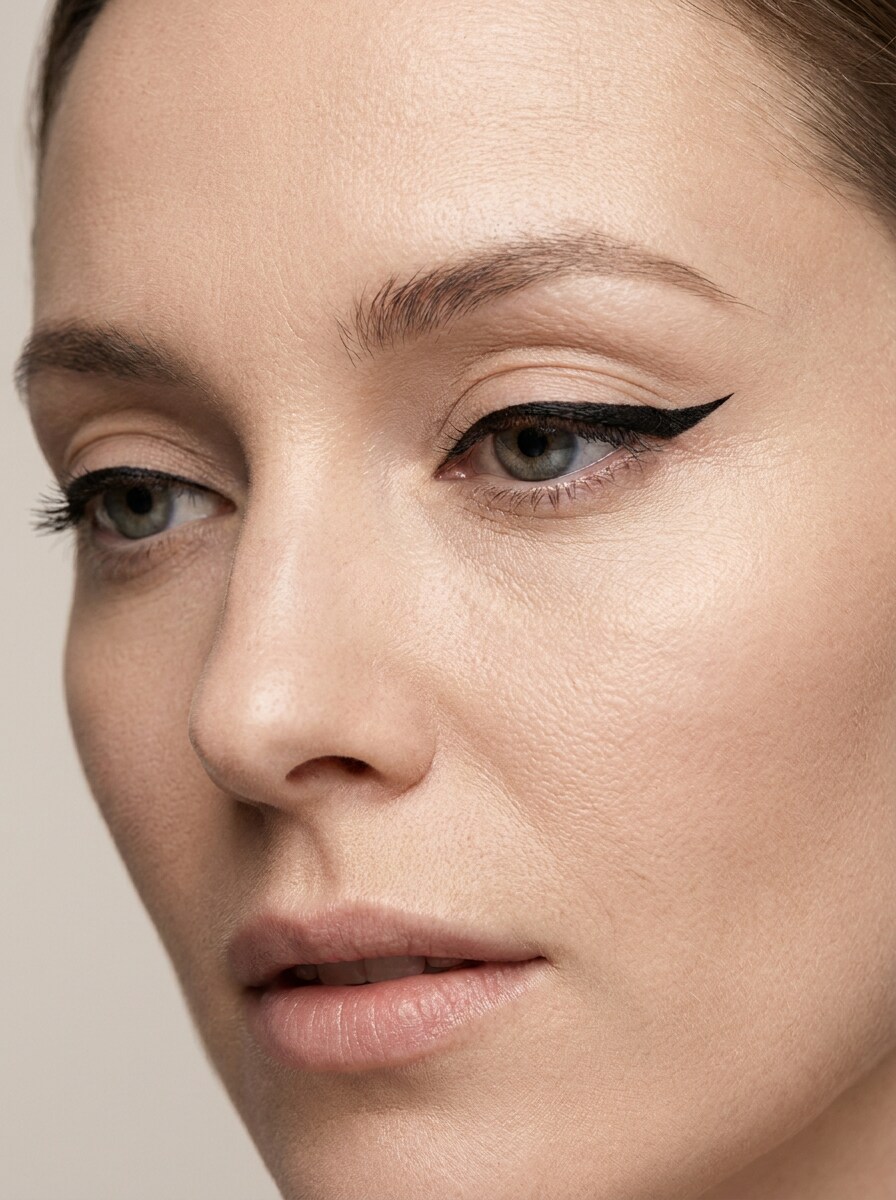
Use the uploaded image as the subject and transform the eye makeup with a precise black cat-eye eyeliner look. Add a crisp extended wing, clean lash-line definition, balanced symmetry, soft studio lighting, natural skin texture, and a polished beauty-editorial finish with high realism.
Soft Everyday Wing
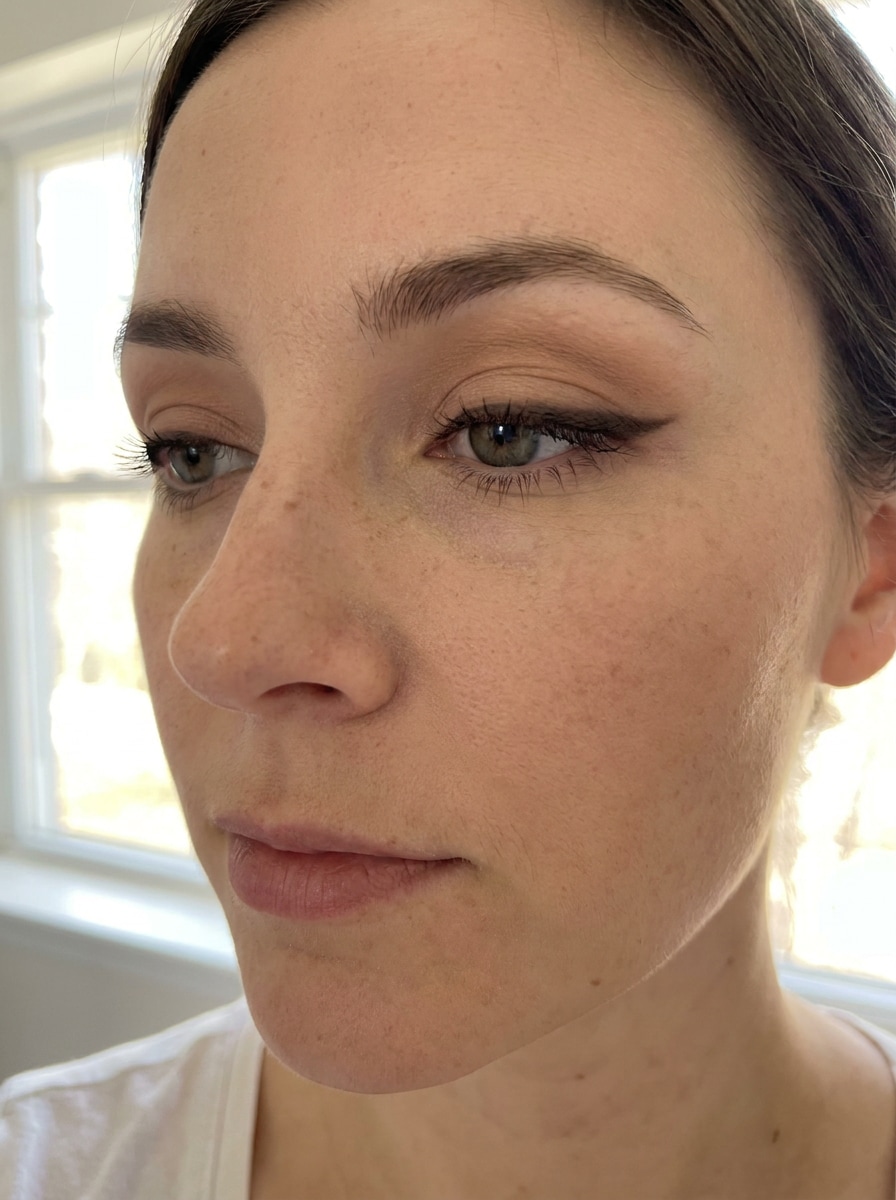
Use the uploaded photo as the subject and add a soft everyday eyeliner style. Create a short lifted wing in a brown-black tone, gently blended edges, natural lash-line enhancement, even symmetry, fresh daytime mood, flattering softness, and realistic makeup that still keeps the face looking natural.
Fox Eye Liner
Use the uploaded image as the base and create a lifted fox-eye eyeliner transformation. Add an elongated outer wing, sleek tapered inner-corner detail, sharp line control, sculpted high-fashion mood, soft matte skin texture, balanced contrast, and realistic blending that flatters the subject’s eye area.
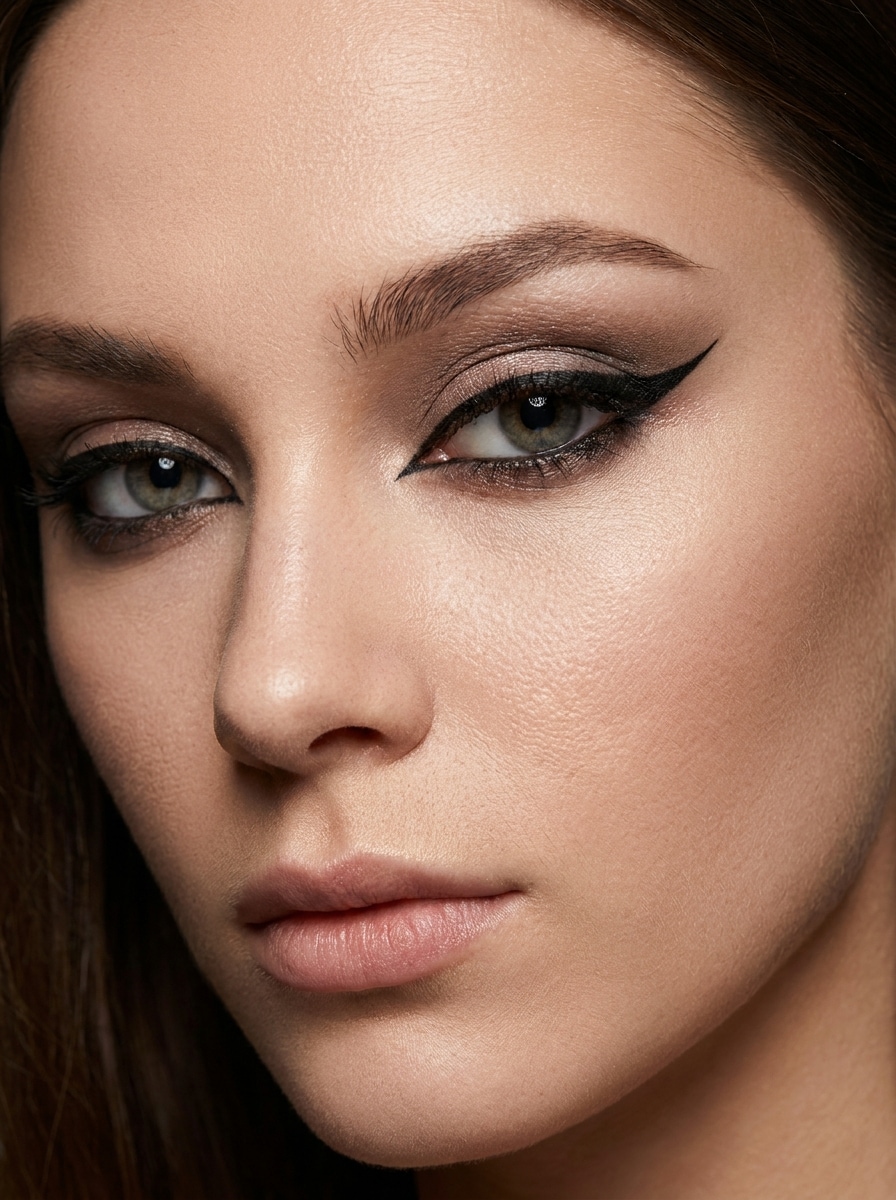
Siren Eyes
Use the uploaded selfie as the subject and transform it with a sultry siren-eyes eyeliner effect. Add elongated upper liner, subtle lower outer-corner definition, a lifted dramatic shape, moody elegance, soft shadow depth, smooth skin realism, and crisp cosmetic detail without looking like an artificial mask.
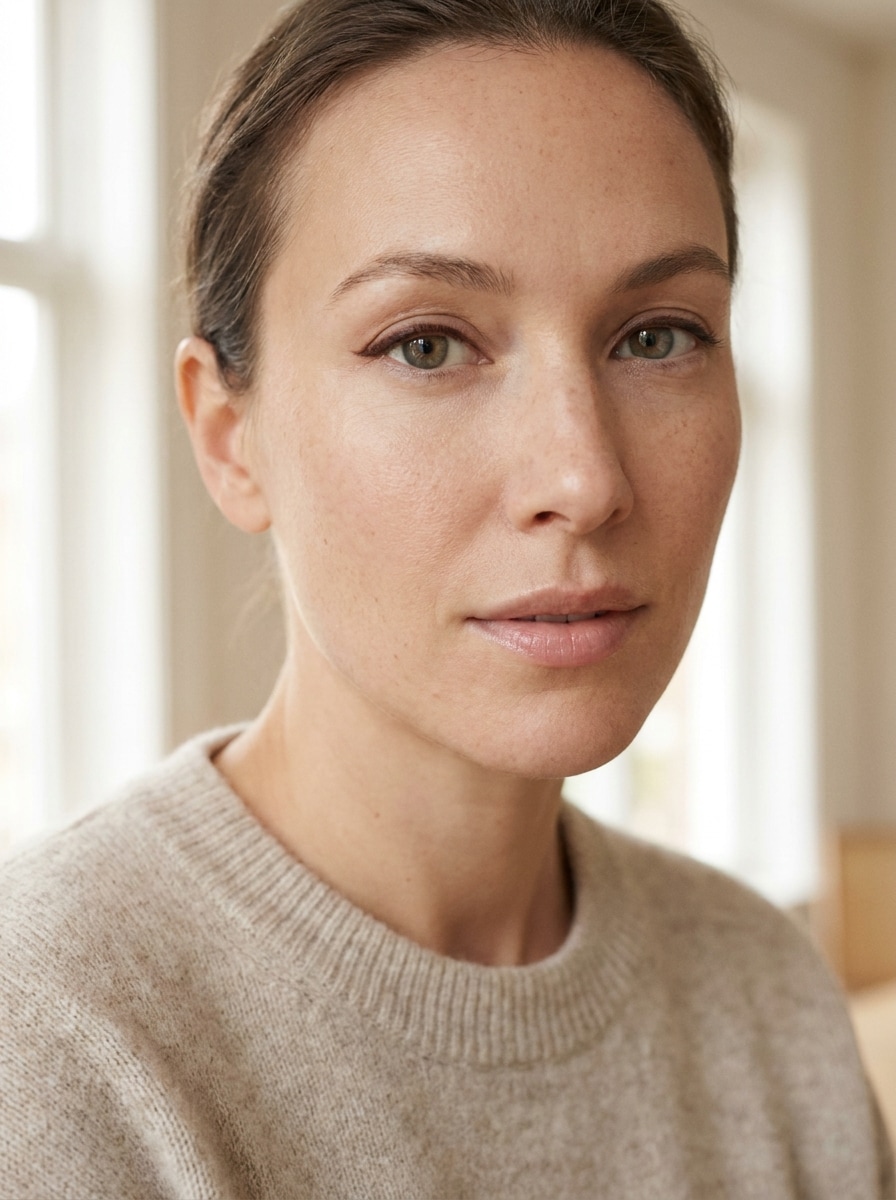
Tightline Definition
Use the uploaded image as the reference and add subtle tightline eyeliner along the upper lash line. Keep the effect barely there, clean, and refined, with natural realism, soft lighting, minimal-makeup mood, preserved skin texture, and a gentle eye-enhancing finish suited to everyday portraits.
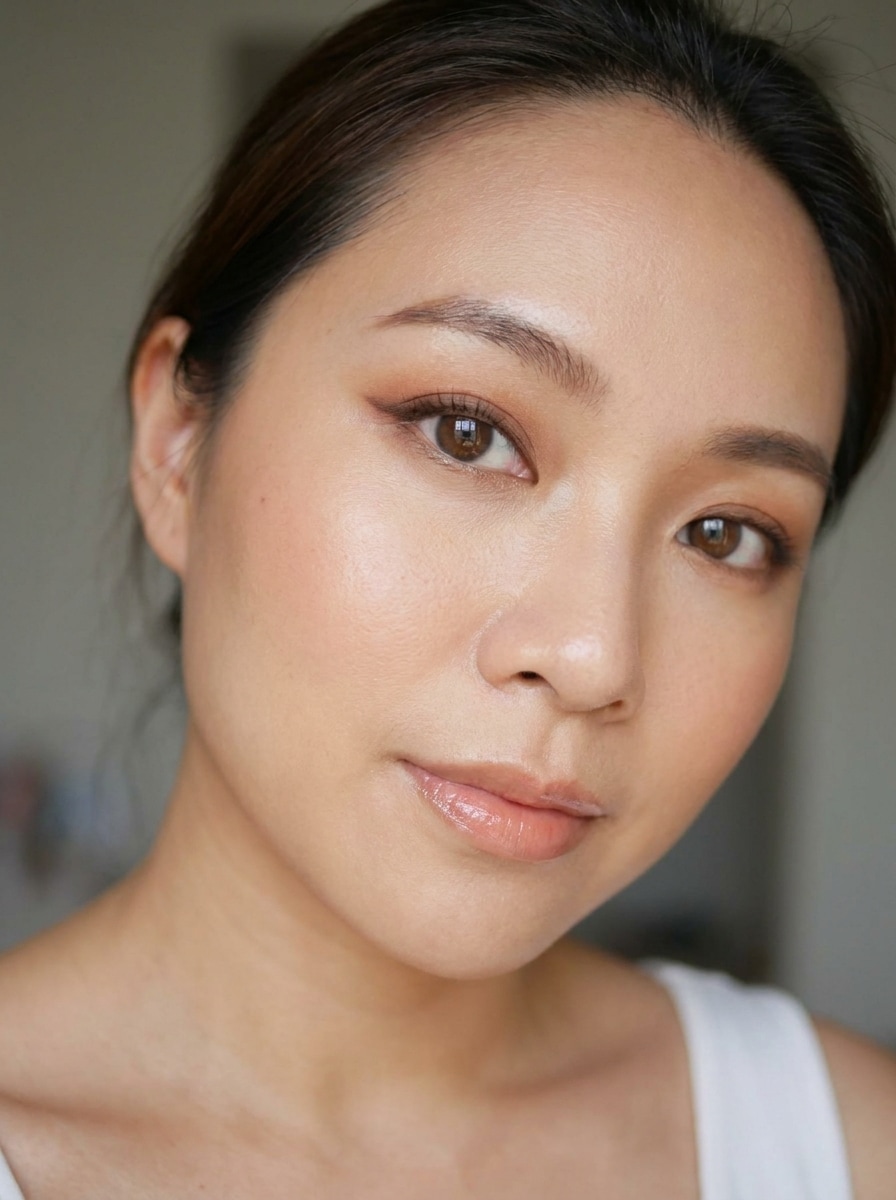
Brown Soft Glam
Use the uploaded photo as the subject and apply soft glam brown eyeliner. Add a smooth warm-brown line, gentle outer wing, blended outer corner, flattering romantic mood, luminous skin texture, subtle elegance, and realistic beauty styling that feels polished without becoming too dramatic.
Graphic Floating Liner
Use the uploaded image as the subject and create a graphic floating eyeliner look. Add bold liner above the crease with clean geometric spacing, sharp precision, editorial mood, high contrast, smooth skin realism, modern fashion-beauty styling, and crisp lines that remain believable in the portrait.
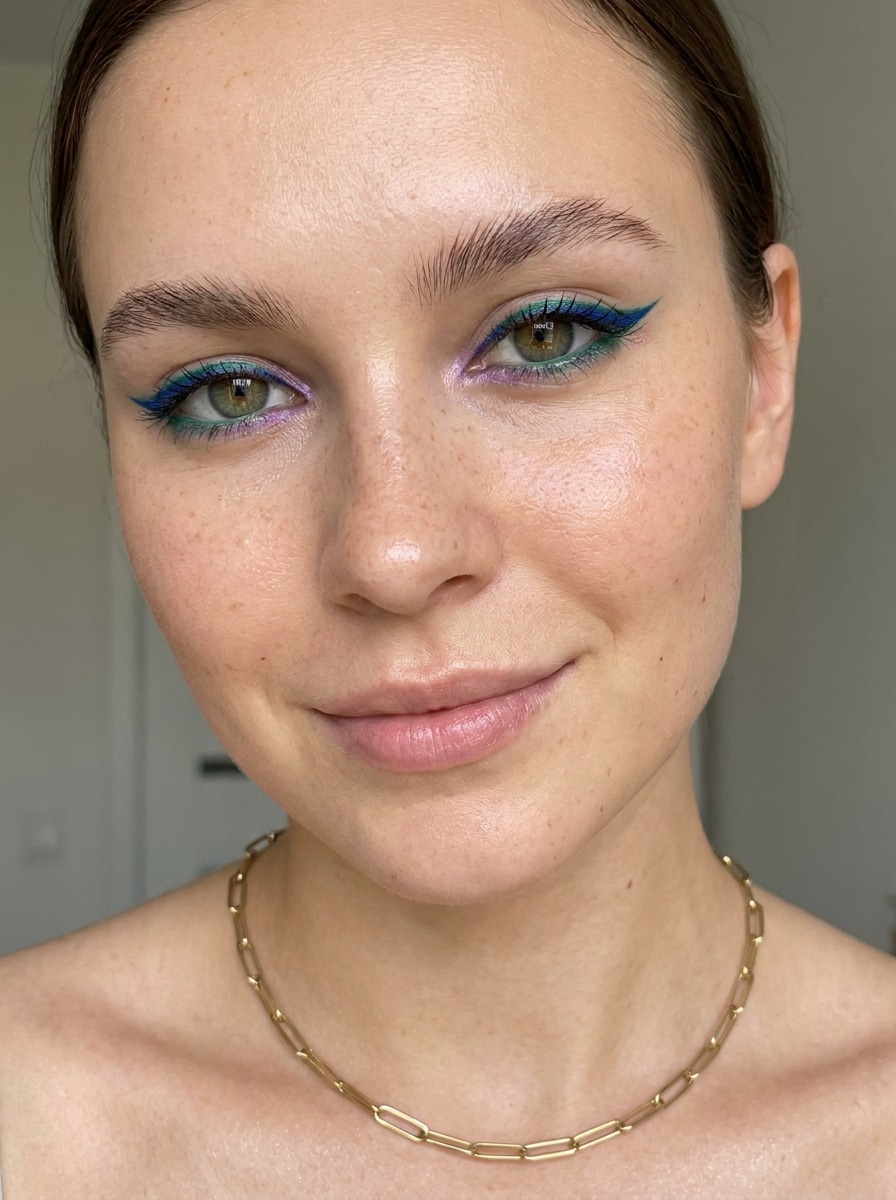
Colored Eyeliner Pop
Use the uploaded selfie as the base and add a vibrant colored eyeliner style. Create a precise wing in a bold jewel tone, keep the skin and lashes realistic, use bright clean contrast, energetic beauty mood, and a trendy finish that still looks wearable in a real portrait.
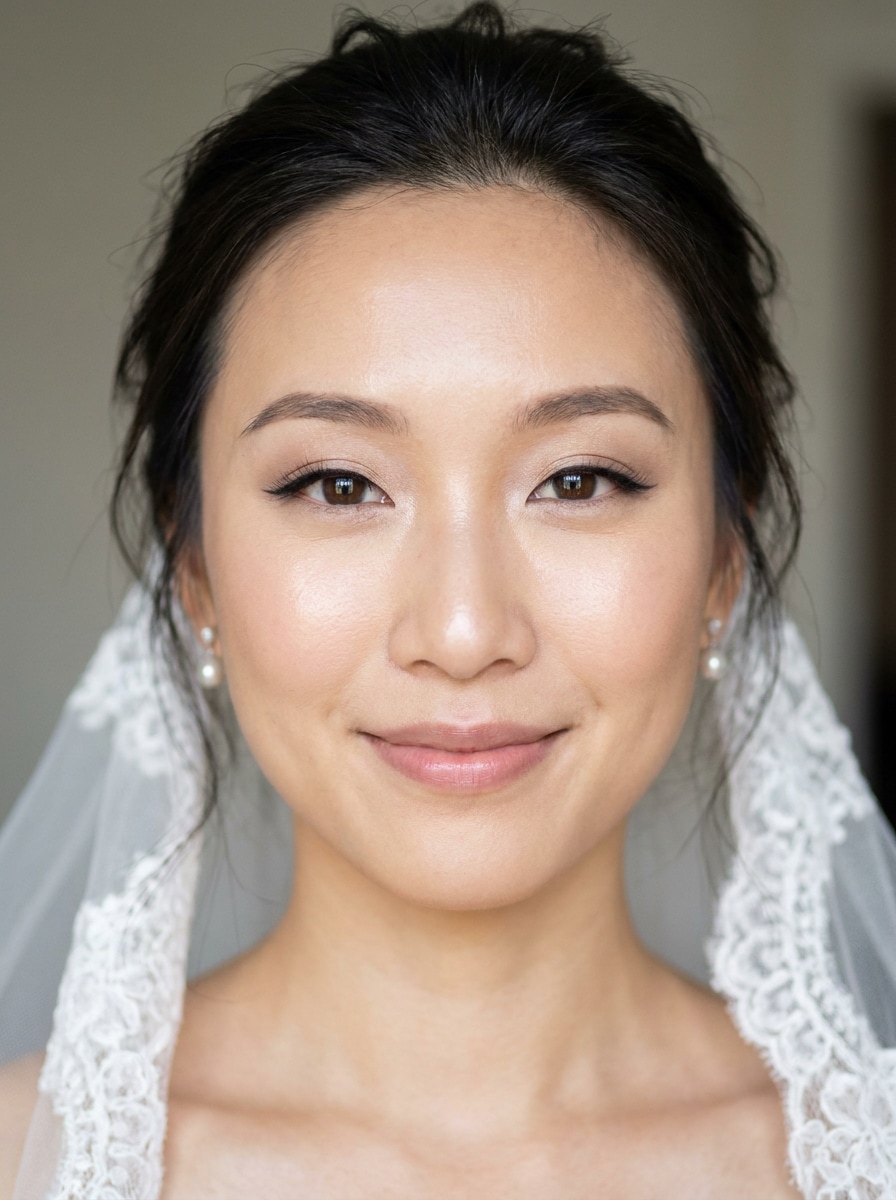
Bridal Elegant Liner
Use the uploaded image as the subject and add elegant bridal eyeliner. Apply a refined lifted wing, soft lash-line enhancement, romantic glow, delicate polish, smooth natural texture, flattering symmetry, and timeless makeup detail that suits wedding portraits and soft formal styling.
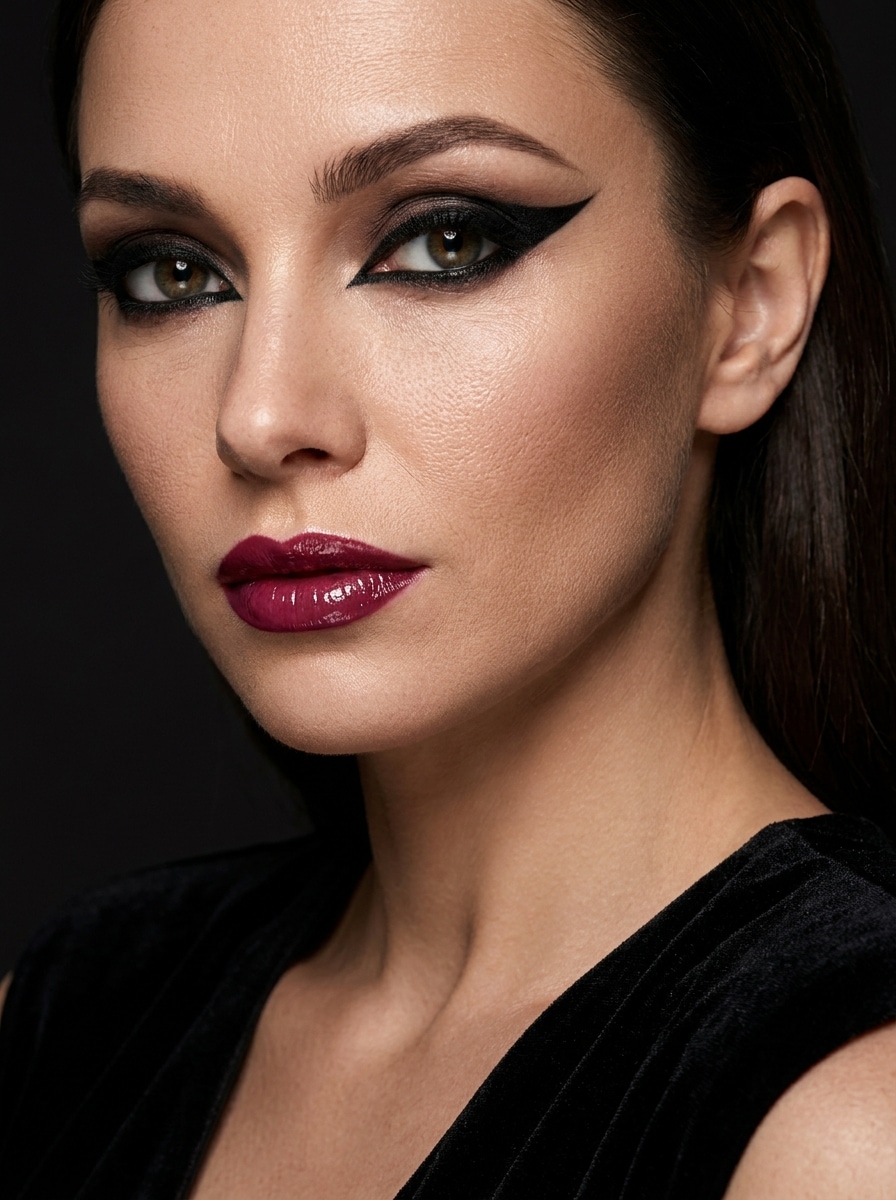
Bold Evening Glam
Use the uploaded photo as the subject and transform it with bold evening glam eyeliner. Add deep black liner, a defined dramatic wing, intensified outer-corner emphasis, rich contrast, sleek nightlife mood, polished beauty texture, and a high-detail finish that feels striking yet realistic.
Why Use Media.io for Virtual Eyeliner Try-On
Preserve Identity While Changing the Look
For beauty edits that still need to feel like the real person, Media.io helps preserve core facial identity cues while refining the eyeliner filter style, so the finished image looks polished without losing what makes the subject recognizable.
Try Soft, Winged, and Editorial Styles in One Workflow
Style exploration feels more practical in Media.io because you can compare multiple liner directions from the same base image, including a winged eyeliner filter or softer looks, which makes creative decisions faster and more flexible.
Create High-Resolution Images for Real Use
If your eyeliner look needs to go beyond a small preview, Media.io can generate sharper results up to 4K, helping the eyeliner filter stay clean and dependable for design mockups, beauty presentations, or shareable content.
Works Smoothly on Phone or Desktop Browsers
From a quick selfie edit on the go to a more refined beauty post at home, Media.io works in your browser on both phone and desktop, so you can try on eyeliner AI without switching devices or installing extra software.
How to Use the Eyeliner Filter Online
Turn your words into stunning visuals in three simple steps, then continue refining the result if you want to take it further.
Step 1
Upload Your Reference Image
Start with a clear selfie or portrait where the eyes are visible and well lit. Media.io supports JPG, PNG, and JPEG uploads, so you can use a casual phone photo, a beauty close-up, or a polished content image.
Step 2
Describe the Change and Set Options
Type the eyeliner look you want, such as a soft wing, fox-eye shape, graphic liner, or dramatic evening style. Then choose your preferred model and adjust image ratio, quality, or number of variations to fit your beauty editing goal.
Step 3
Generate, Download, and Keep Improving
Create your edited results, compare the different liner versions, and download the one you like best. If needed, refine the prompt, try another makeup mood, or generate more variations until the finish looks natural and flattering.
See how creators use this eyeliner filter for content, marketing, and personal projects, then adapt each idea to fit the brief.
Preview Your Makeup Before a Real Application
Test subtle daytime liner, lifted wings, or evening glam on your own selfie before you pick up a brush. Media.io makes it easier to preview a cat eye eyeliner filter or a softer finish for date-night makeup, wedding looks, or content-ready beauty styling with less guesswork.
Create Beauty Content With Strong Before-and-After Impact
Influencers and social creators can build polished comparison posts that show a clean eye area transformed into a dramatic, lifted finish. Media.io offers a fast way to visualize virtual eyeliner try-on ideas for reels, shorts, and beauty tutorials.
Compare Styles for Different Eye Shapes and Moods
Try a soft brown line for natural definition, a sleek fox-eye effect for a lifted look, or a bold graphic shape for editorial flair. Switching styles quickly with Media.io helps you find what feels most flattering for your portrait and overall aesthetic.
What Users Say About This Eyeliner Filter
Maya R.
Beauty Content Creator
"Surprisingly realistic eye makeup preview" I used this to test wing shapes for a reel, and the eyeliner looked much more natural than basic sticker-style apps. The before-and-after effect was clean, sharp, and easy to regenerate with different moods.
Jasmine T.
Makeup Enthusiast
"Great for trying styles before doing my makeup" I wanted to see whether a sharp wing or softer brown liner suited me better. Media.io made it easy to compare both on the same selfie, and the eye area still looked like my real face.
Lena P.
Social Media Manager
"Fast browser workflow on mobile" I edited a portrait on my phone without downloading anything. It was helpful for quick beauty concept mockups, especially when we needed a polished eyeliner look for short-form campaign visuals.
Ari S.
Lifestyle Blogger
"Helpful for polished glam experiments" The tool gave me a realistic glam liner effect without making the whole face look overfiltered. I liked being able to tweak the prompt and get a few variations instead of being stuck with one automatic result.
1. What is an eyeliner filter and how does it work on a photo?
An eyeliner filter is an AI photo-editing effect that adds or transforms eyeliner on an uploaded portrait. In Media.io, you upload a JPG, PNG, or JPEG image, then the image-to-image model uses that reference photo plus your prompt to generate a realistic eyeliner look that matches the face more naturally.
2. Can I try different eyeliner styles like winged, fox eye, or graphic liner?
Media.io is well suited for testing different liner directions, from soft everyday definition to a bold fox-eye, floating graphic style, or a dramatic black wing. You can describe the exact look you want, including a winged eyeliner filter effect, and generate multiple variations to compare side by side.
3. Will the AI eyeliner filter look realistic on my eye shape?
It can look realistic when you start with a clear photo and use a specific prompt. Because Media.io works from your uploaded reference image, the tool can adapt eyeliner placement to your visible eye area instead of applying a one-size-fits-all overlay.
4. How do I add eyeliner to a selfie online without makeup skills?
Upload your selfie to Media.io in a browser, describe the eyeliner style you want, and generate the edited image. This workflow is useful if you want to add eyeliner to a photo online without drawing it manually, because Media.io handles the transformation based on your prompt and reference image.
5. Is this eyeliner filter free to use or does it require credits?
Free users can try the tool with available free credits. If you need more generations or higher-volume access, you can check Media.io plans on the pricing page. Free exports may include a watermark, while paid plans support watermark-free high-resolution downloads.
6. Can I use the eyeliner filter on iPhone, Android, or desktop?
Media.io is web-based, so you can use the eyeliner filter on iPhone, Android, Windows, or Mac as long as you have a browser. That makes it convenient for quick selfie edits on mobile or more detailed beauty comparisons on desktop.