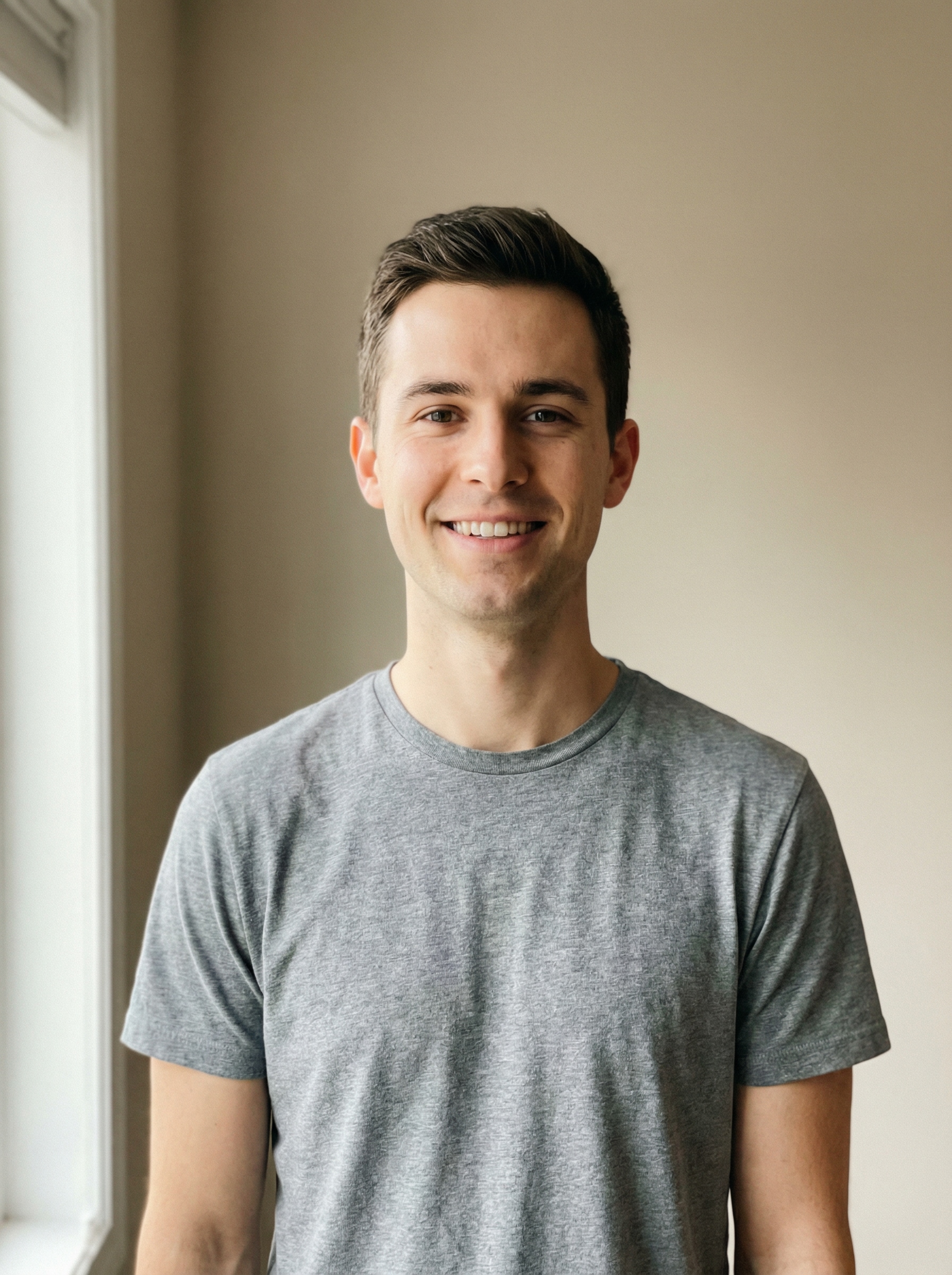
Sélectionnez / @ caractère, décrivez la scène que vous souhaitez générer.
0/2000
9:16
1K
1
Mode Illimité Banana Pro
Créations
Centre d’idées
Comment ça marche
Tout
Fonctionnalités populaires
Voir tout
Défi créatif d’Halloween
Voir tout
Histoire de Fruits Drama IA
Voir tout
Vidéo d'Histoire par IA
Voir tout
Vidéos virales aujourd'hui
Voir tout
Vidéos de produits IA
Voir tout
Personnage IA
Voir tout
Tendances de Danse
Voir tout
GPT Image 2
Voir tout
Seedance 2.0
Voir tout
Correspondance de Célébrités IA
Voir tout
Suggestions de Poses pour Couples
Voir tout
Prompts de Poses de Fille IA Esthétique
Voir tout
Invites de Poses Élégantes pour Garçon IA
Voir tout
Générer une liste
Vos créations sont conservées pendant seulement 7 jours. Les éléments créés après la mise à niveau de l'Abonnement seront stockés de façon permanente.
Libérez votre potentiel créatif et découvrez la magie de l'IA médiatique dès mIAntenant!
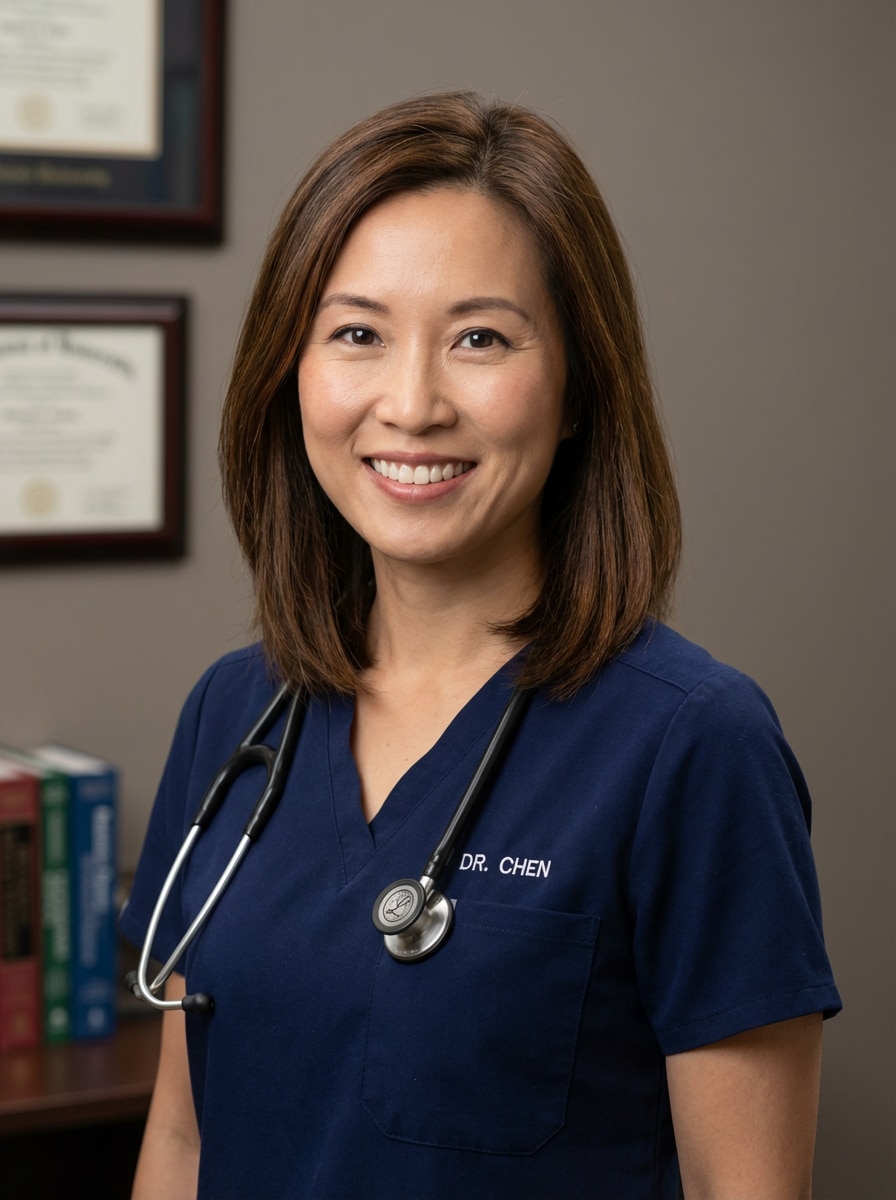
Créer une Photo de médecin professionnel à partir de n'importe quelle Photo
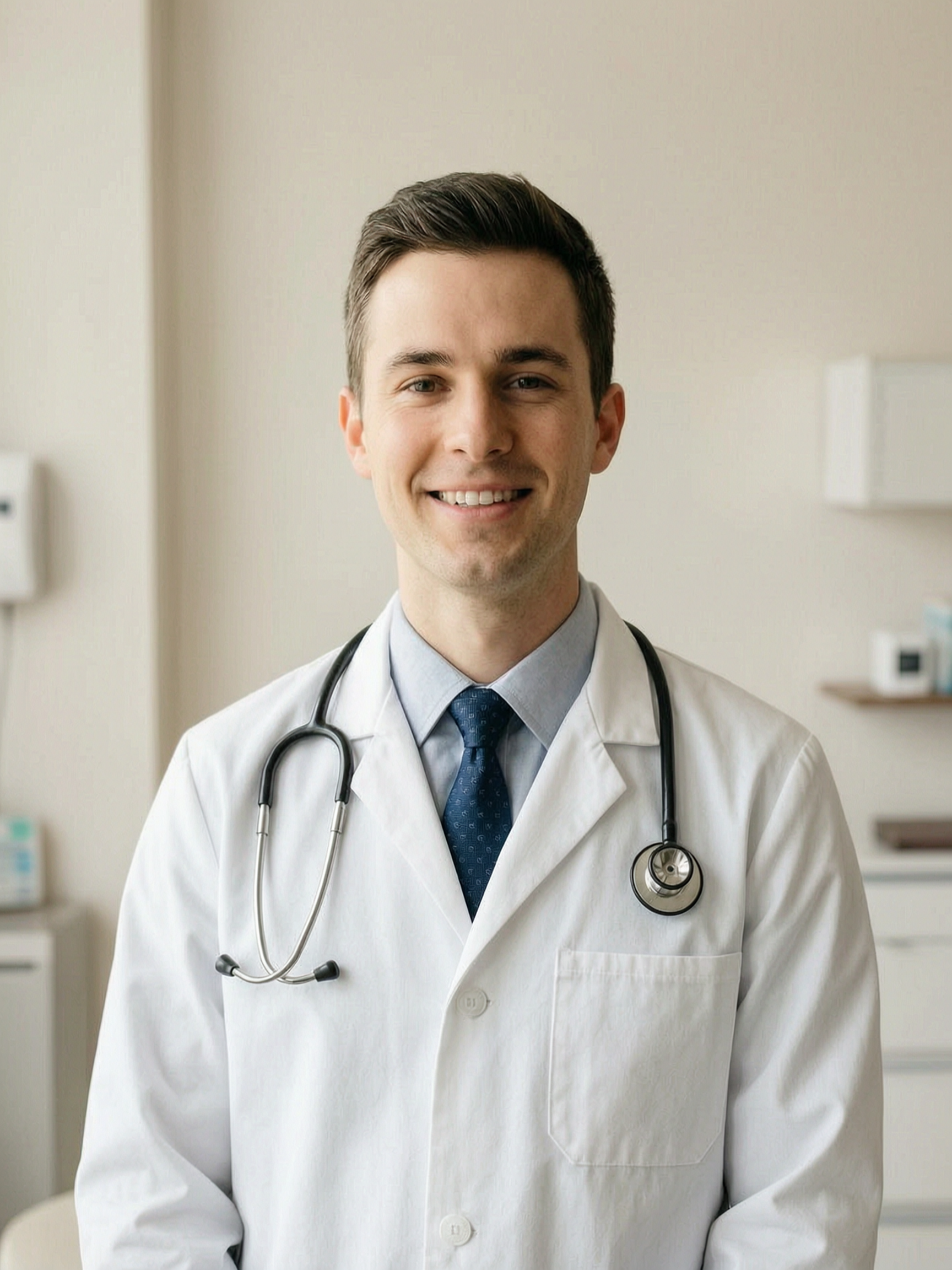
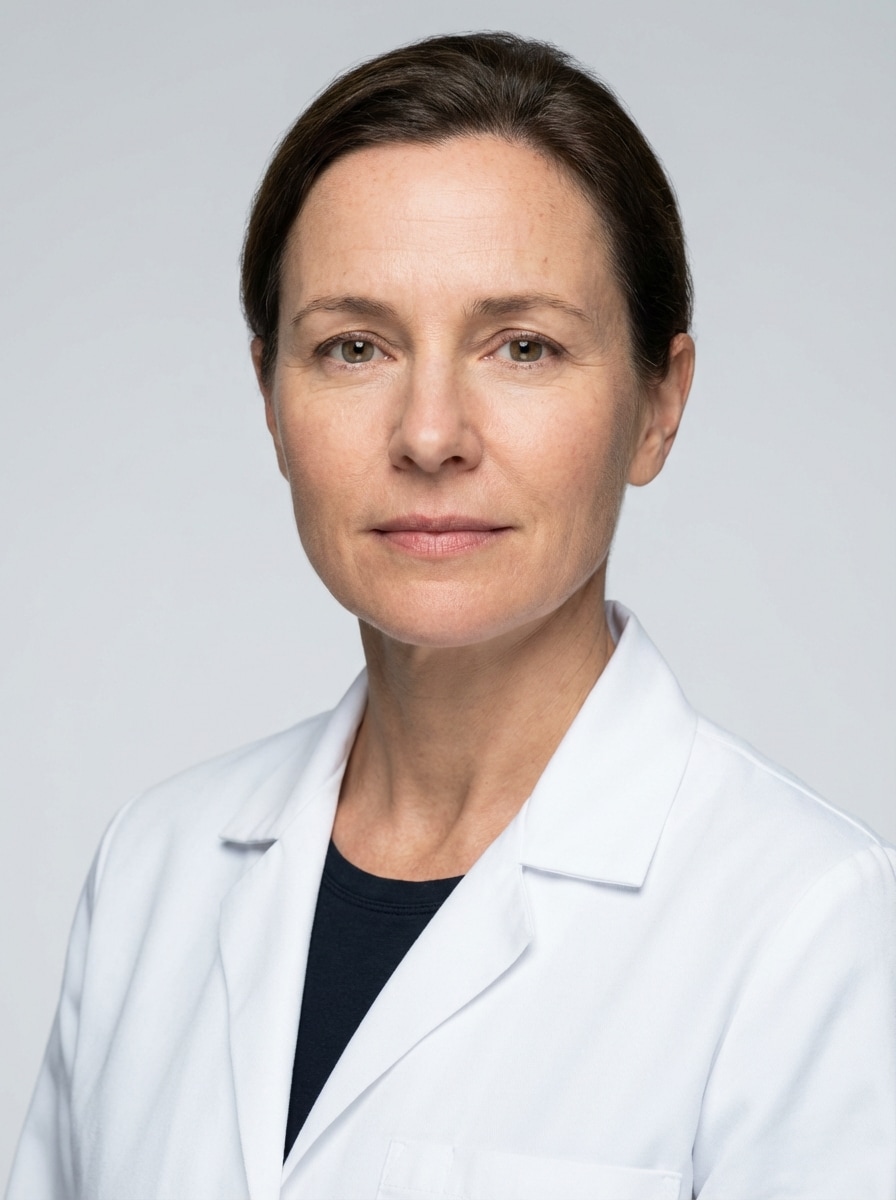
Transformer un selfie ou un portrait en un portrait poliDocteur headshotEn quelques minutes. Media.io vous aide à créer une image réalistephoto médecin IAAvec des manteaux blancs, des gommages, des toiles de fond de clinique et un styling prêt pour LinkedIn pour des profils, des sites Web et des annuaires médicaux.
Tapez votre idée-> AI la conçoit. Libre à essayer.
Examinez ces exemples d'instructions, puis adaptez les détails de l'invite pour obtenir des résultats plus forts avec cette prise de tête du médecin.
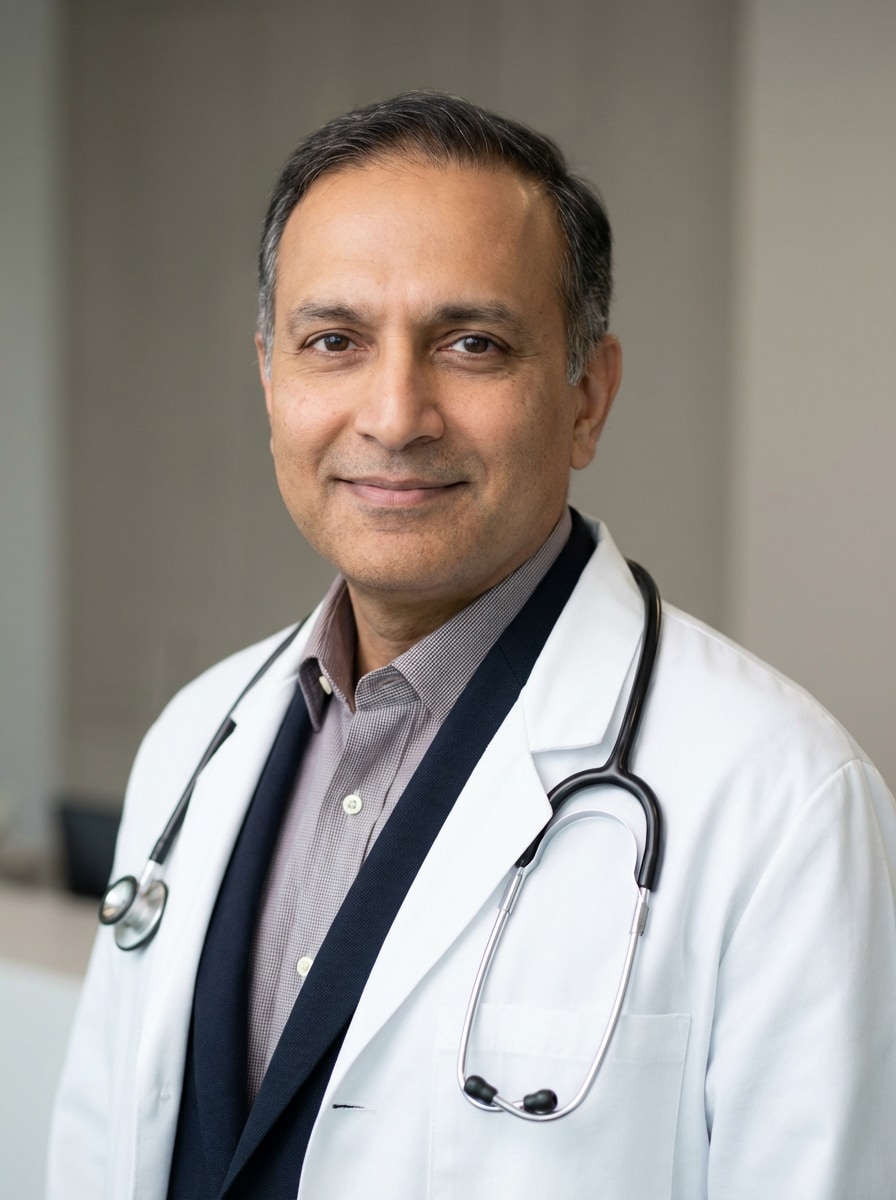
Manteau blanc Studio Headshot
Utilisez l'image téléchargée comme sujet et transformez-la en une photo de tête de médecin professionnel poli avec un manteau médical blanc net, un éclairage studio doux, une composition centrée poitrine, une texture naturelle de la peau, une expression calme et confiante, un fond gris clair sans couture, une marque de soins de santé propre et une qualité de portrait haut de gamme réaliste.
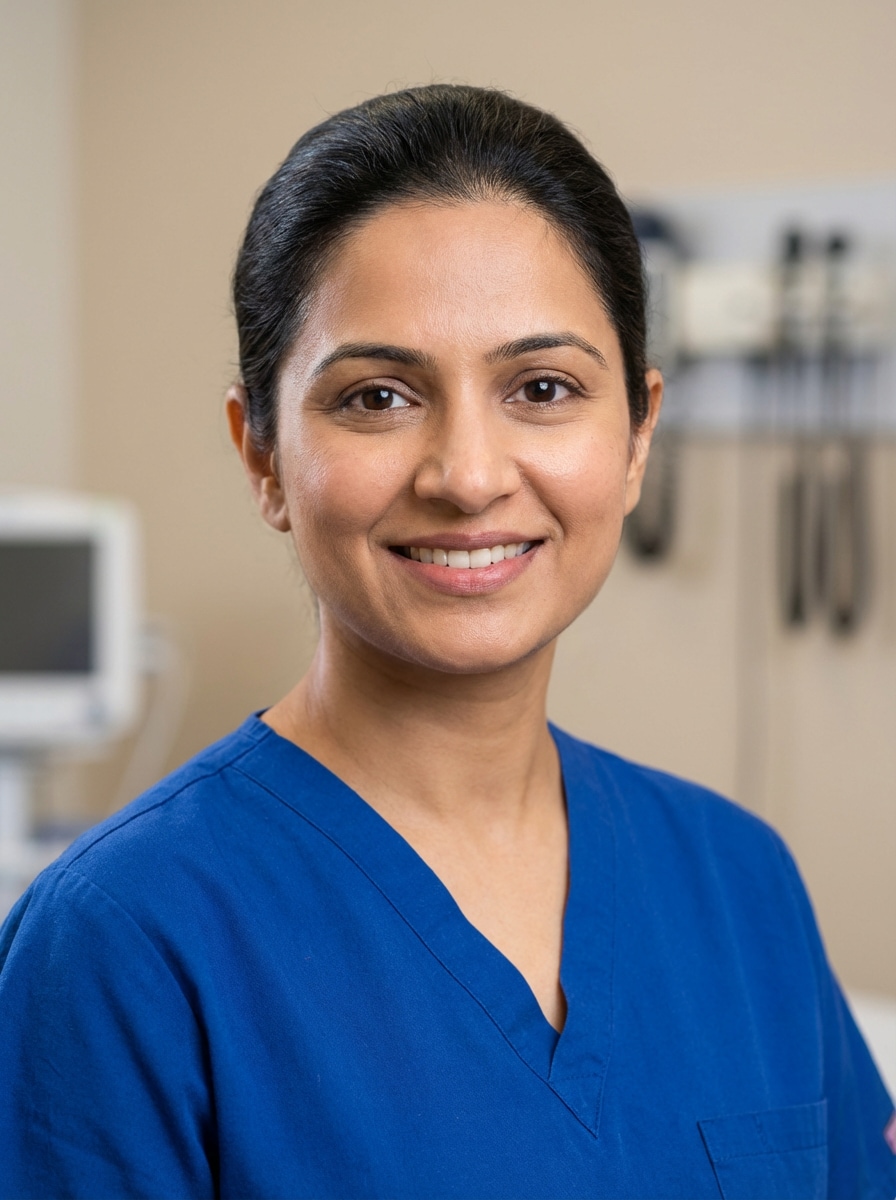
Scrubs Portrait
Utilisez l'image téléchargée comme sujet et transformez-la en une photo de tête raffinée de médecin prête à la clinique dans des gommages médicaux soignés, avec un éclairage frontal flatteur, des projecteurs doux, des tons bleu-verts propres, une expression accessible, un toilettage soigné, un retouchage subtil, un fond clinique doucement flou et une qualité photo professionnelle réaliste.
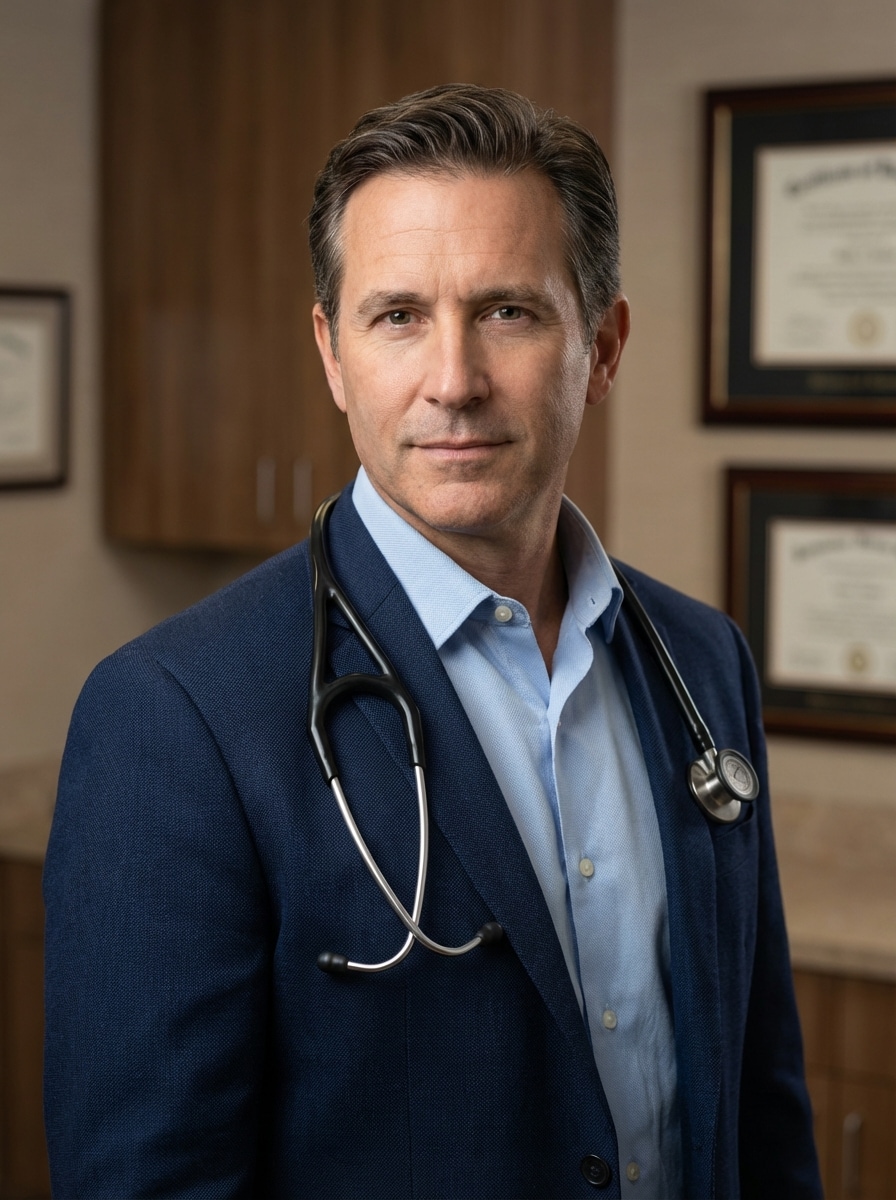
Profil médecin LinkedIn
Utilisez l'image téléchargée comme sujet et convertissez-la en une photo de médecin professionnelle de style LinkedIn avec un éclairage de studio équilibré, un sourire subtil, un fond neutre moderne, une tenue d'affaires sur mesure ou un manteau blanc, des détails du visage nets, une humeur fiable, une composition propre et une esthétique de marque personnelle médicale polie mais réaliste.
Portrait du site Web de la pratique privée
Utilisez l'image téléchargée comme sujet et créez une photo de médecin chaleureuse et digne de confiance pour un site Web de cabinet privé, avec un éclairage de portrait haut de gamme, un flou de fond doux, une tenue professionnelle, des détails naturels de la peau, un contact visuel amical, une palette neutre accueillante et un ton calme et accessible adapté au patient.
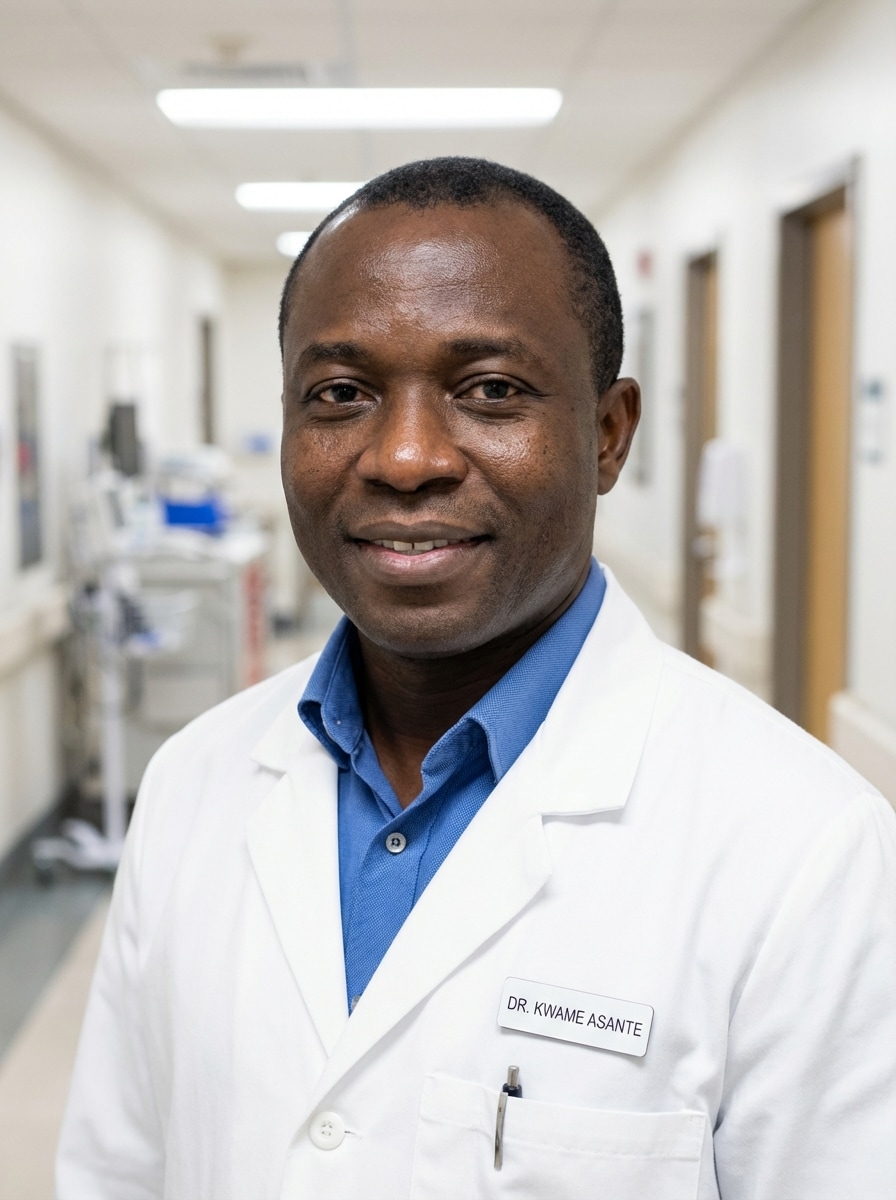
Arrière-plan du couloir de l'hôpital
Utilisez l'image téléchargée comme sujet et transformez-la en une prise de tête réaliste d'un médecin dans un couloir d'hôpital doucement flou, avec un éclairage éditorial vif, une mise au point nette sur le visage, un manteau blanc ou une tenue professionnelle, une composition propre, des tons neutres frais, une posture confiante et une crédibilité médicale-professionnelle authentique.
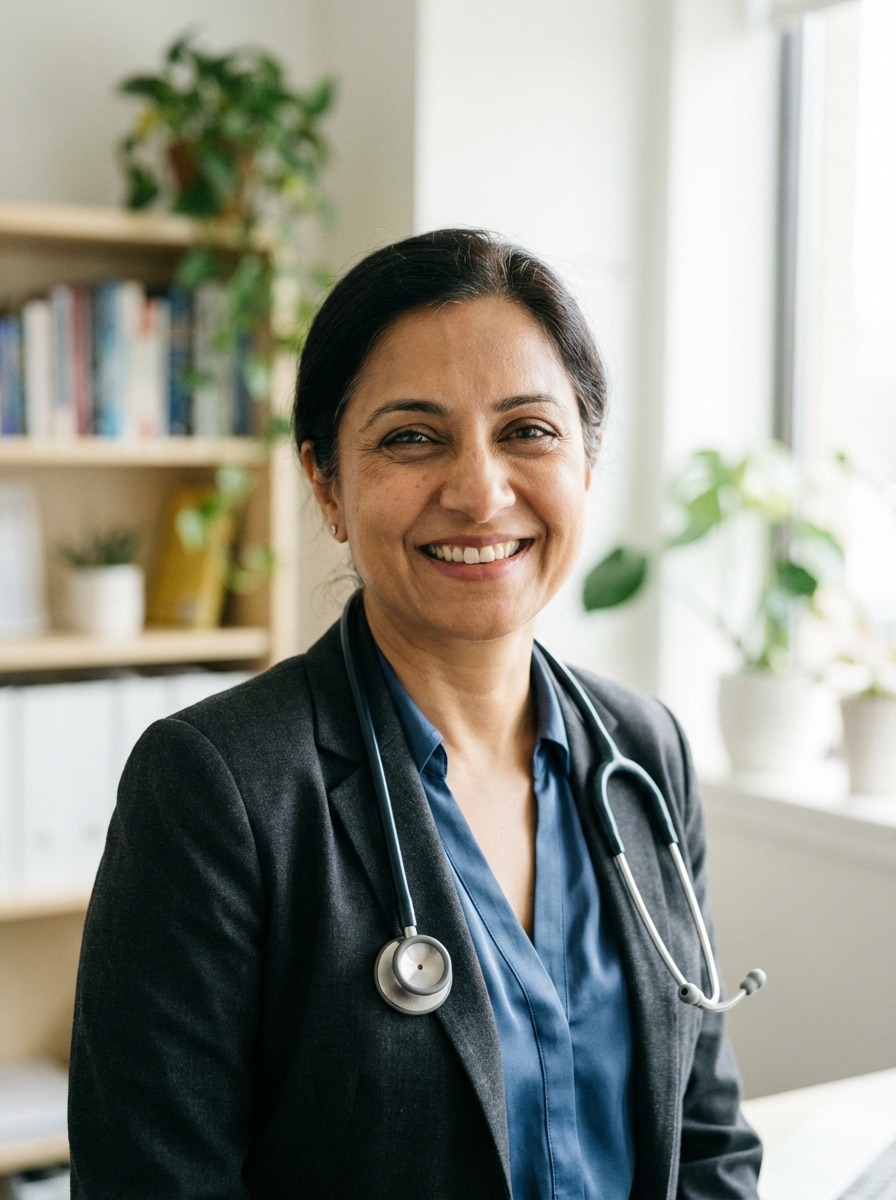
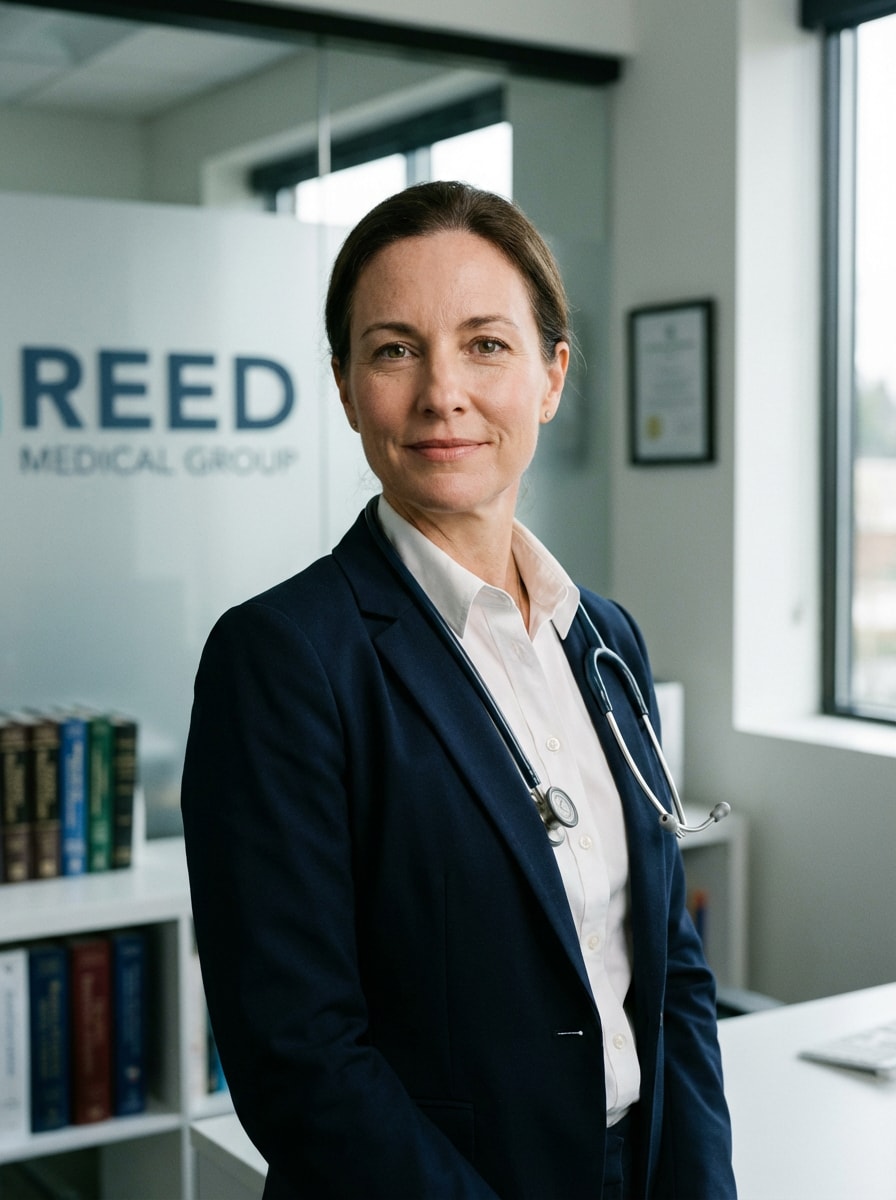
Portrait de bureau de clinique
Utilisez l'image téléchargée comme sujet et transformez-la en une photo de cabinet de clinique propre pour une page de bio d'un médecin, avec des détails de peau réalistes, une expression calme et confiante, des couleurs équilibrées de marque médicale, un flou de fond de bureau doux, un style de garde-robe nette, un éclairage flatteur et une qualité de portrait éditorial haute résolution.
Selfie à Doctor Headshot
Utilisez le selfie téléchargé comme sujet et transformez-le en une photo de médecin réaliste avec une posture corrigée, un éclairage du visage amélioré, une garde-robe médicale-professionnelle, un retouchage naturel, un nettoyage de fond neutre, des détails nets, une confiance amicale et un résultat authentique qui conserve toujours l'identité reconnaissable de la personne.
Photo décontractée au Portrait du médecin
Utilisez le portrait décontracté téléchargé comme sujet et transformez-le en une photo de médecin de qualité studio, en préservant l'identité faciale tout en améliorant la garde-robe au style médical-professionnel, en améliorant l'éclairage, en nettoyant l'arrière-plan, en raffinant la composition et en gardant l'apparence globale naturelle, digne de confiance et adaptée aux profils en ligne.
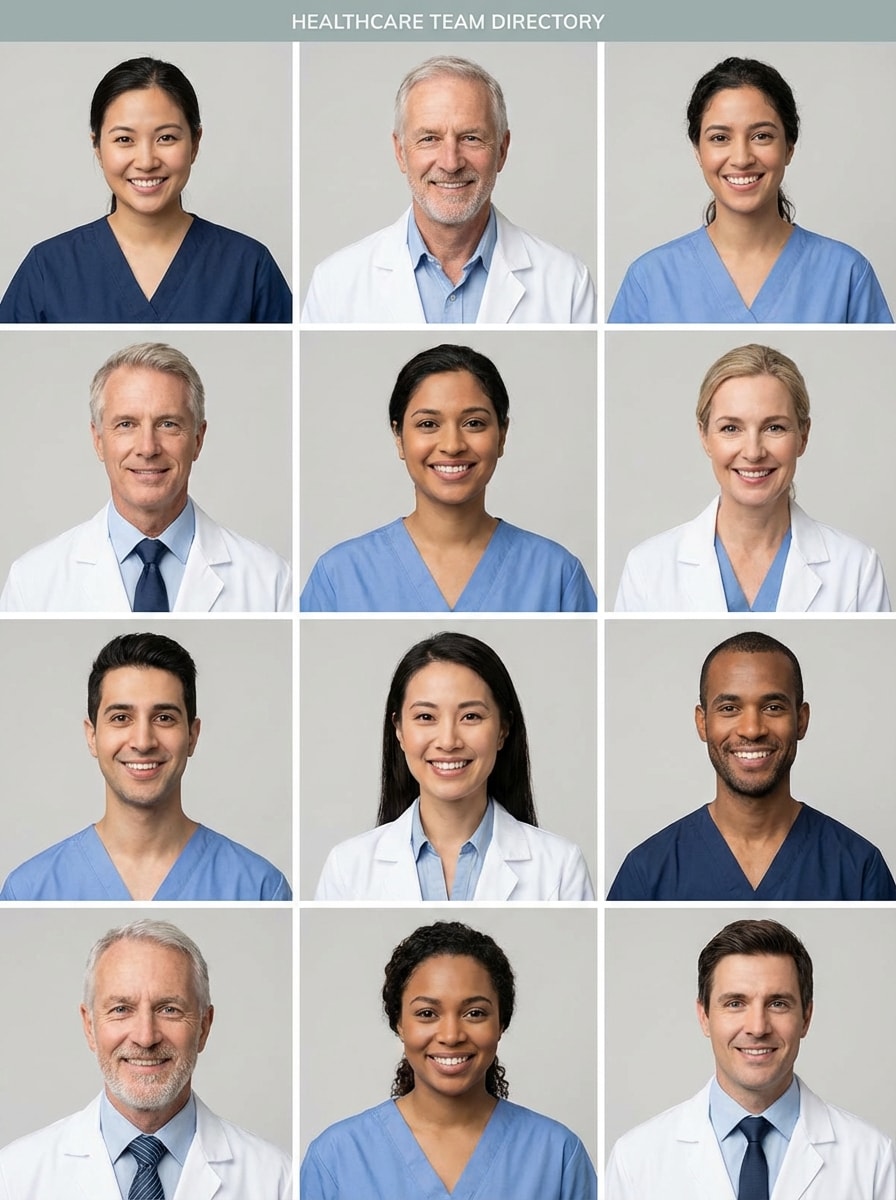
Répertoire des équipes Headshot
Utilisez l'image téléchargée comme sujet et créez une photo de tête standardisée du médecin de l'annuaire de l'équipe de clinique avec un cadre cohérent, un fond neutre, un éclairage réaliste, une expression naturelle, une garde-robe médicale-professionnelle propre, des détails nets et un look uniforme et poli, idéal pour les biographies du personnel, la marque de groupe et les listes d'hôpitaux.
Portrait de profil de spécialiste
Utilisez l'image téléchargée comme sujet et créez une photo de tête de médecin spécialiste polie avec un éclairage de portrait haut de gamme, un retouchage raffiné mais naturel, une garde-robe médicale professionnelle, une expression confiante composée, un fond neutre subtil, des détails du visage nets et une finition éditoriale élevée qui semble toujours réaliste et crédible.
Pourquoi utiliser Media.io pour les photos de médecin
Conçu pour les téléchargements de Photo à Headshot
Téléchargez des images JPG, PNG ou JPEG et transformez un selfie, un portrait décontracté ou une photo de tête d'un médecin existant en une image de profil médical polie grâce à l'édition d'IA image à image.
Préservation réaliste de l'identité
Propulsé par Nano Banana Pro, Nano Banana 2 et Media 2.0, Media.io aide à maintenir l'identité faciale cohérente tout en améliorant l'éclairage, la garde-robe et l'arrière-plan pour des photos de médecin fiables.
Contrôle précis de la sortie
Choisissez une résolution 1K, 2K ou 4K, ajustez les rapports d'aspect comme 3:4 ou 1:1 et générez 1 à 4 variations à la fois pour des photos de tête cohérentes pour les médecins sur toutes les plateformes.
Fonctionne sur n'importe quel appareil, n'importe où
Ce navigateur basé surGénérateur de photos médecin aiFonctionne sur Windows, Mac, iPhone, iPad et Android, de sorte que vous pouvez créer ou affiner unheadshot doctorimage sans installer un logiciel.
Comment faire une prise de tête d'un médecin IA en ligne
1
2
3
1
Ouvert Media.io Doctor Headshot Tool
aller àGénérateur d'Image à Image IAEt ouvrez l'outil Doctor Headshot sous AI-> AI Image Generator. Cet outil en ligne fonctionne dans votre navigateur, de sorte que vous pouvez créer une photo de profil médical professionnel sur votre ordinateur de bureau ou mobile sans rien installer.
2
Téléchargez une Photo et décrivez le Look
Téléchargez un portrait clair en JPG, PNG ou JPEG. Ajoutez ensuite une invite détaillée, telle que: "Utilisez l'image téléchargée comme sujet et transformez-la en une photo de médecin réaliste avec un manteau blanc, un éclairage studio doux et un fond gris propre." Ajustez le rapport d'aspect, la résolution et le style si nécessaire.
3
Générer, affiner et télécharger
Cliquez sur Générer pour créer votre nouvelle image. Comparez les versions, affinez l'invite pour les gommages, les paramètres de la clinique ou le cadrage prêt pour LinkedIn, puis téléchargez votre résultat haute résolution préféré pour des sites Web, des profils ou des annuaires.
Découvrez comment les créateurs utilisent cette photo de Doctor Headshot pour le contenu, le marketing et les projets personnels, puis adaptez chaque idée pour s'adapter au brief.
Mise à niveau de LinkedIn et de profils médicaux rapidement
Transformez un selfie ou un ancien portrait en un portrait poliimage médecin IAPour LinkedIn, speaking bios et le réseautage professionnel. C'est une option rapide pour les médecins qui veulent une photo de profil propre et crédible sans planifier une séance de studio complète.
Créer des Photos cohérentes de l'équipe du site Web de la clinique
Générez des styles de photos de médecins correspondants pour les pages des médecins, des spécialistes et du personnel. Un éclairage uniforme, un encadrement et un traitement de fond aident les cabinets et les cliniques privées à présenter une marque plus cohérente et fiable en ligne.
Actualiser le répertoire des hôpitaux et les Pages Bio
Utilisez un portrait existant pour créer des résultats réalistes de photos de médecin pour les annuaires d'hôpitaux, les portails de patients et les pages de bio. Ajoutez des manteaux blancs, des gommages ou des arrière-plans de bureau pour que votre photo de médecin ai soit mieux alignée sur les attentes de soins de santé.
Ce que disent les utilisateurs
Dr Maya Chen
Médecin de famille
"Mise à niveau rapide du selfie à la photo prête à la clinique"J'ai utilisé un simple selfie téléphonique et j'ai pris une photo de tête de médecin polie qui avait l'air suffisamment professionnelle pour mon site Web de pratique. Le manteau blanc et le nettoyage de l'éclairage ont été particulièrement utiles.
Ethan Brooks
Gestionnaire de pratique
"Utile pour des profils d'équipe cohérents"Nous avions besoin de photographies correspondantes de médecins pour plusieurs pages de fournisseurs. Media.io a facilité la normalisation de l'encadrement et de l'arrière-plan, de sorte que l'ensemble du répertoire des cliniques semblait plus unifié.
Dr Sofia Ramirez
dermatologue
"Aspect naturel et facile à affiner"J'ai aimé que le résultat me ressemblait toujours. J'ai testé des gommages, des vêtements d'affaires et un fond neutre jusqu'à ce que j'ai trouvé une version qui fonctionnait pour LinkedIn et ma page bio.
Noah Patel
Résident médical
"Utiles quand le temps est limité"J'avais besoin d'une image médicale professionnelle rapide pour les applications et les profils. Télécharger un portrait décontracté et affiner l'invite était beaucoup plus rapide que d'organiser un photographe.
Découvrez Les Effets Vidéo et d'Image IA Les Plus Populaires
1. Comment puis-je transformer un selfie en une prise de tête d'un médecin professionnel?
Ouvrez Media.io, téléchargez un selfie clair au format JPG, PNG ou JPEG et utilisez une invite image à image décrivant le résultat que vous souhaitez, comme un manteau blanc, des gommages, l'éclairage de studio ou un fond de clinique. L'outil peut générer un portrait de style médical poli tout en préservant votre identité faciale.
2. Puis-je créer une prise de tête réaliste d'un médecin sans séance photo?
Media.io vous permet de télécharger une photo existante et de la transformer en images de profil médical réalistes avec l'IA. Cela fonctionne bien si vous voulez un look plus raffiné pour une utilisation en ligne sans réserver un photographe, en particulier pour les biographies professionnelles, les profils sociaux ou les pages de pratique.
3. Combien coûte une prise de tête d'un médecin par rapport à un photographe?
Par rapport à un photographe traditionnel, cela peut être une option plus flexible pour les mises à jour de profil rapides.
4. Quelle photo fonctionne le mieux pour un générateur de photo de médecin AI?
La meilleure photo source est claire, bien éclairée et orientée vers le front, avec votre visage visible et un flou minimal. Un fond simple aide, mais il n'a pas besoin d'être parfait. Un selfie, un portrait décontracté ou une vieille prise de tête peut bien fonctionner si les traits du visage sont faciles à voir.
5. Puis-je choisir un manteau blanc, des gommages ou des vêtements d'affaires dans ma prise de tête médicale?
Dans votre invite, vous pouvez demander des manteaux blancs, des gommages ou des vêtements professionnels d'affaires, ainsi que des choix d'arrière-plan tels qu'un studio neutre, un bureau de clinique ou un couloir d'hôpital. Le flux de travail image à image de Media.io est conçu pour guider le styling à travers votre photo téléchargée et des instructions rapides.
6. Les photos de la tête des médecins IA sont-elles suffisamment bonnes pour LinkedIn ou un site Web de clinique?
Ils peuvent être adaptés à LinkedIn, aux sites Web de pratique et aux pages de biographie du personnel lorsque le résultat semble réaliste, professionnel et vous représente clairement. Media.io prend en charge les options de sortie 1K, 2K et 4K, ce qui vous aide lorsque vous avez besoin d'une image plus nette pour les profils numériques ou l'utilisation de sites Web. Media.io est un outil web qui fonctionne sur n'importe quel appareil avec un navigateur (Windows, Mac, iOS, Android).