


















Image à image
Nano Banana Pro
Télécharger une image
0 / 9
Cliquez ou faites glisser pour télécharger, ou choisissez parmi Mon Historique
Pas d'idées ? Générer une image d'abord. >
Formats de téléchargement pris en charge: jpg, png, jpeg
Prompt
0/2000
Aspect ratio
Auto
9:16
16:9
1:1
4:3
3:4
3:2
2:3
21:9
Résolution
1K
2K
4K
Mode Illimité Banana Pro
Nombre d'images
1
2
3
4
Visibilité du public
Tout
Image
Vidéo
Audio
Générer une liste
Les résultats générés seront conservés pendant 7 jours. Veuillez les sauvegarder à temps.
ai_video_generatorLibérez votre potentiel créatif et découvrez la magie de l'IA médiatique dès mIAntenant!

Virtual Tattoo Try-On: Preview Tattoos on Your Photo with AI Before You Ink

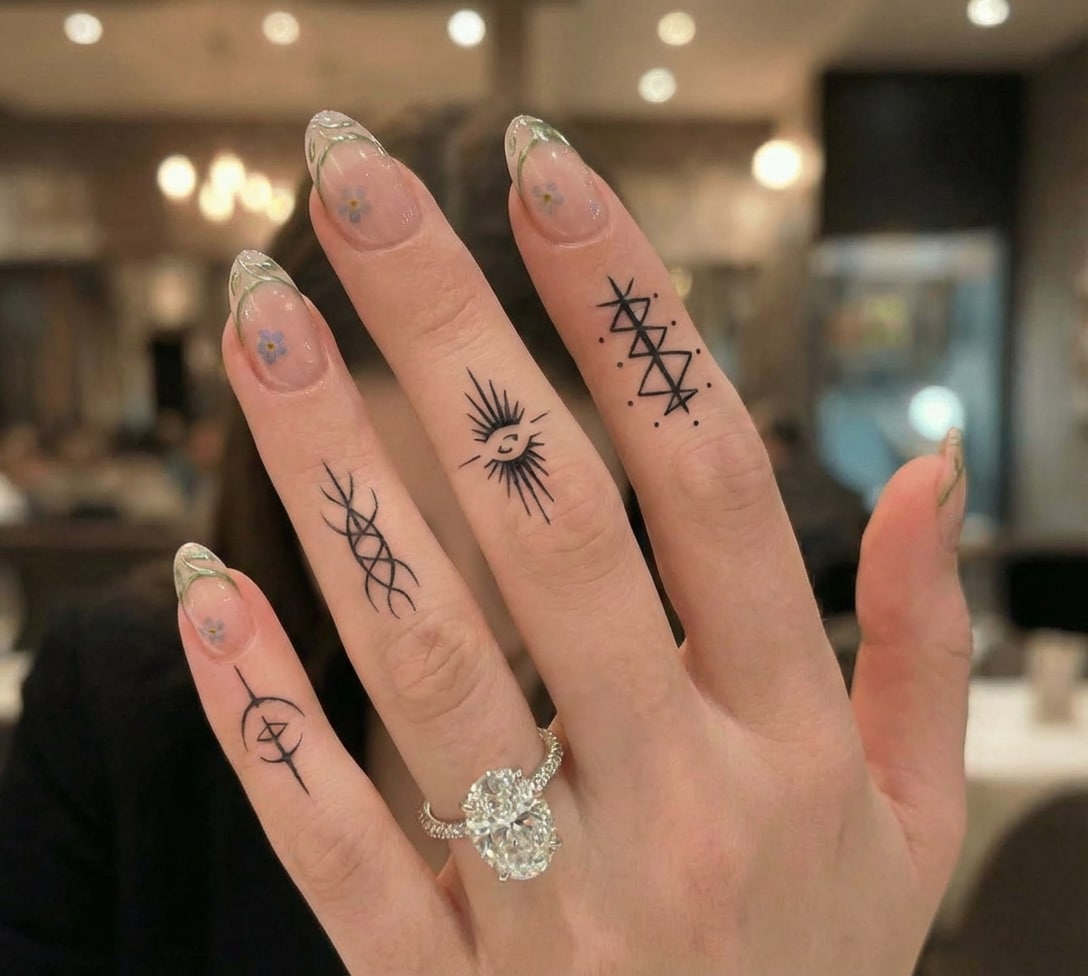
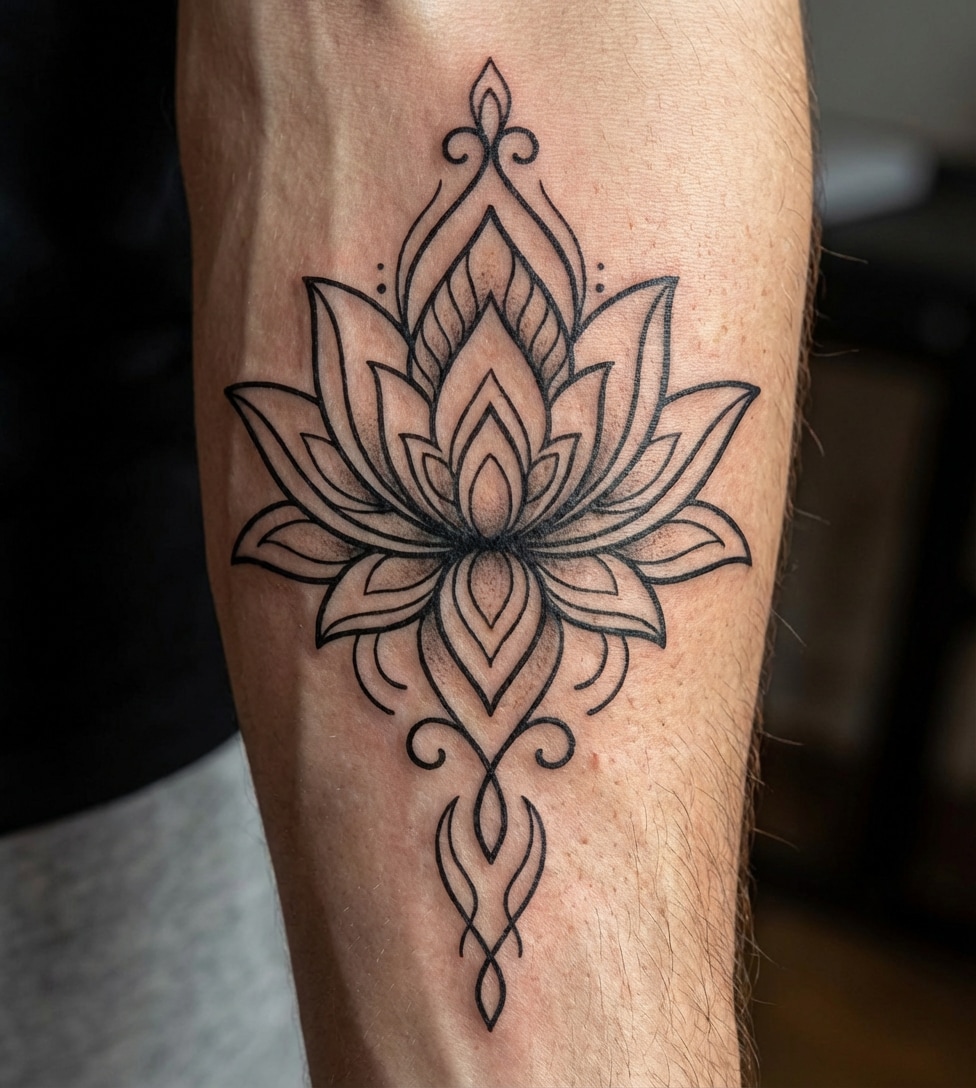
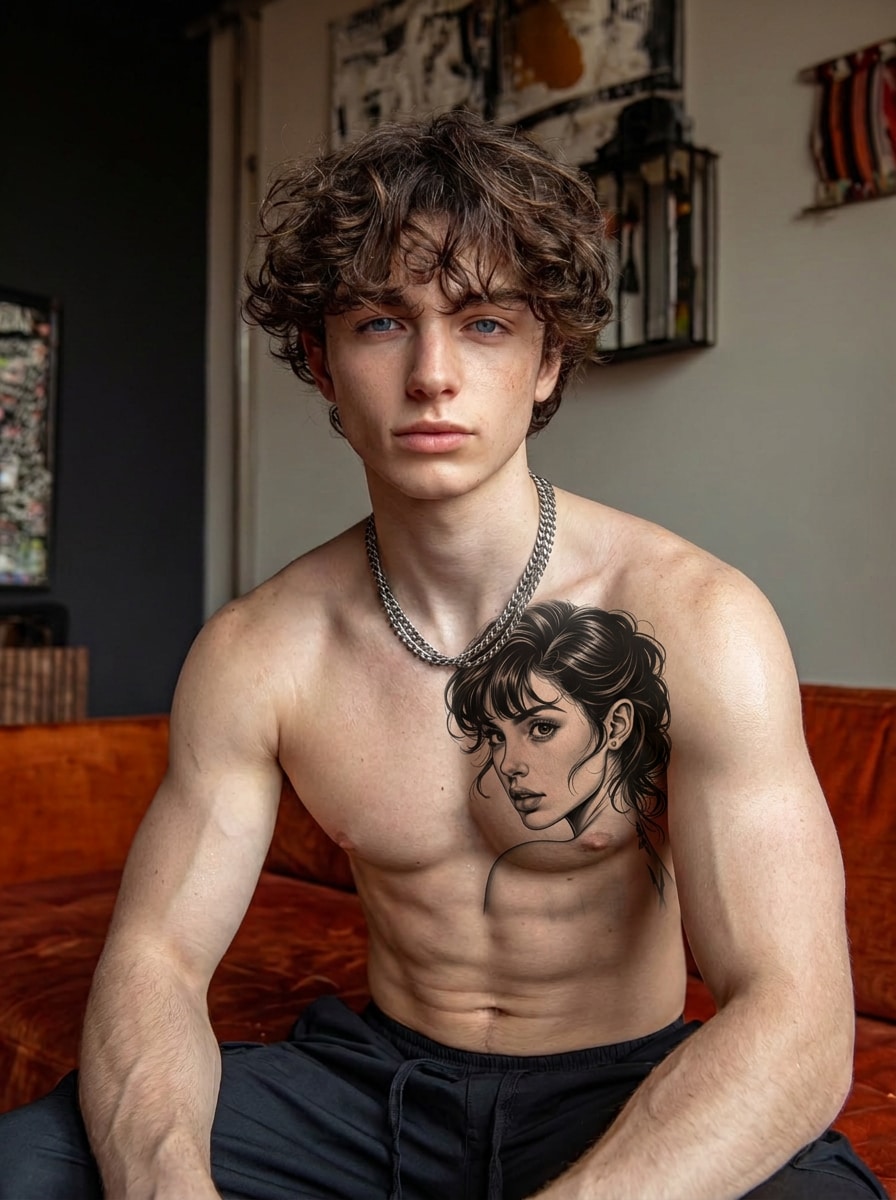
Thinking about getting a tattoo but not sure how it will look? Use our AI tattoo try-on to preview tattoos on your photo before committing. Upload a picture of your arm, neck, back, or shoulder and instantly see how different tattoo styles and placements look on your skin — realistic, fast, and completely online.

Try Tattoo on Your Photo Free

Preview tattoos before you get inked.

🖊️ Realistic tattoo preview 📸 Upload your own photo 🎨 Try multiple tattoo styles ⚡ Online & free to try

Why Use Our AI Tattoo Simulator?

Visualize Before You Ink

Eliminate regret by seeing how a tattoo would look on you first. Our tool serves as a realistic virtual tattoo try on for high-intent decision making.

Explore Endless Styles

Experiment with different vibes. From a minimalist tattoo to a bold tribal tattoo preview, browse styles to find your perfect match.

Precise Body Placement

Check placement on any body part. Use the tattoo preview on arm online or try a neck tattoo try on to ensure the location complements your physique.

Fun Edits & Pranks

Just for fun? Add a fake tattoo to photo instantly. Use the AI tattoo filter to create viral social media content without the permanent commitment.

How to Try Tattoos on Your Photo with AI in 3 Steps

01

Step 1: Upload Photo & Pattern

Upload your body photo and the desired tattoo pattern. This works for virtual tattoo placement on arms, legs, or back.

02

Step 2: Refine the Prompt

Twist the preset prompt to specify the design style (e.g., sleeve tattoo) and exact body part to ensure accurate blending.

03

Step 3: Generate & Preview

Hit generate to run the tattoo simulator. Preview how it looks on you and download the image to share or show your artist.

What Users Are Saying About Our AI Tattoo Preview

user
@MarcusT

Tattoo Enthusiast

star star star star star

“Saved me from a bad placement choice.” I used this virtual tattoo try on to see a sleeve on my arm. Realized the placement was off before I actually booked the appointment. Essential tool!

user
@Sarah_Ink

First-Time User

star star star star star

“Perfect for trying styles.” I wasn't sure if I wanted a minimalist tattoo or something tribal. This tool let me preview both on my neck instantly. The AI blending is super realistic.

user
@JakeVlogs

Content Creator

star star star star star

“So fun for pranks!” I used the fake tattoo filter to send a picture to my mom with a huge neck tattoo. She totally believed it! Great for fun social edits.

user
@ArtByLeo

Digital Artist

star star star star star

“Helps clients decide.” As a designer, I recommend this ai tattoo preview generator to clients who are indecisive. It helps them try the tattoo before getting it inked permanently.

FAQs About AI Virtual Tattoo Try On

1. How does the AI tattoo try on work?

Our virtual tattoo try on uses advanced AI to analyze your uploaded photo and body geometry. It seamlessly blends the tattoo design you upload onto your skin, adjusting for lighting and curvature to give you a realistic tattoo preview.

2. Can I preview a tattoo on my arm or neck specifically?

Yes! This tattoo simulator allows you to visualize designs on any body part. Whether you want a tattoo preview on arm online, a neck tattoo try on, or a leg sleeve, simply upload a photo of that area and let the AI do the rest.

3. Is this AI tattoo generator free to use?

Media.io offers free credits upon signup, allowing you to try tattoo before getting it without upfront cost. You can generate multiple previews to experiment with different designs like tribal or minimalist styles.

4. Can I upload my own tattoo sketches?

Absolutely. You can upload any image file, including your own sketches, internet designs, or flash art. The ai tattoo preview generator helps you check sizing and placement before you commit to the real ink.

5. Can I use this for pranks or social media?

Yes, many users use our tool as a fake tattoo filter. It creates realistic photos perfect for Instagram or TikTok trends, allowing you to add fake tattoo to photo edits for fun without any permanent changes.

Media.io Online AI Tools Quality Rating:
vote 4.7 (162,357 Votes)



