Seleccione / @ carácter, describa la escena que desea generar.
0/2000
9:16
1K
1
Modo Ilimitado Banana Pro
Creaciones
Centro de Ideas
Cómo funciona
Todo
Funciones populares
Ver todo
Desafío creativo de Halloween
Ver todo
Historia de Frutas con IA
Ver todo
Video de Historia de IA
Ver todo
Videos Virales Hoy
Ver todo
Videos de Productos de IA
Ver todo
Personaje de IA
Ver todo
Tendencias de Baile
Ver todo
GPT Image 2
Ver todo
Seedance 2.0
Ver todo
Emparejamiento de Celebridades con IA
Ver todo
Indicaciones de Poses para Parejas
Ver todo
Prompts de Poses de Chica AI Estética
Ver todo
Sugerencias de Pose Elegante para Chicos AI
Ver todo
Lista de generación
Tus creaciones solo se guardan durante 7 días. Los recursos creados después de actualizar a Membresía se almacenarán de forma permanente.
¡Desbloquea tu potencial creativo y experimenta la magia de Media AI ahora mismo!
Crea un mockup realista de tablet online a partir de tu imagen
Convierte tu captura de pantalla, diseño o imagen de producto en un mockup de tablet profesional en minutos. Media.io te ayuda a crear escenas de escritorio limpias, tomas de dispositivo en mano y visuales listos para Presentación con un flujo de trabajo de generador de tablet fácil y basado en navegador.
Escribe tu idea -> La IA la diseña. Pruébalo gratis.
Revisa estas indicaciones de ejemplo y luego ajusta los detalles del prompt para obtener mejores resultados con este mockup de tablet.
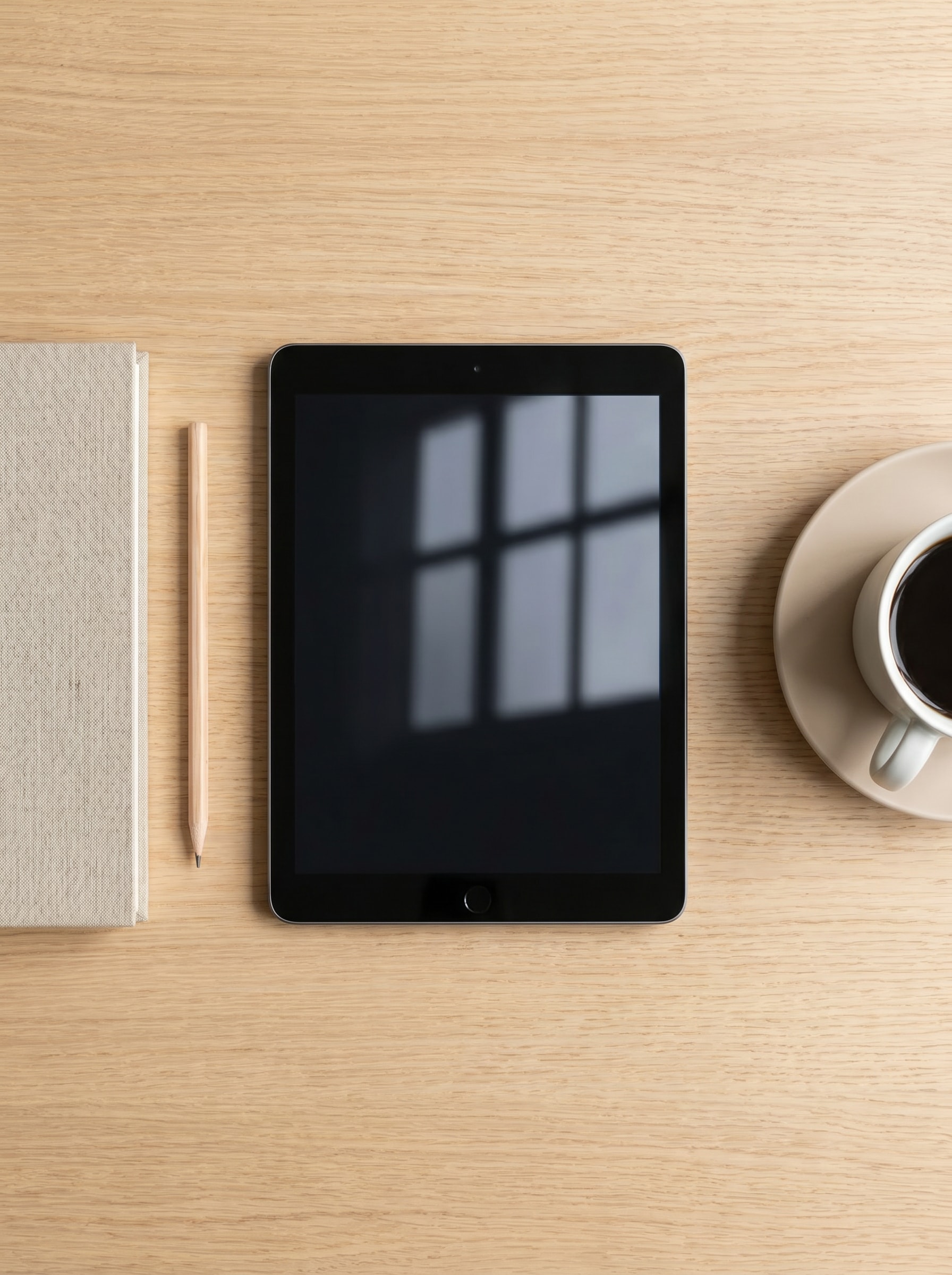
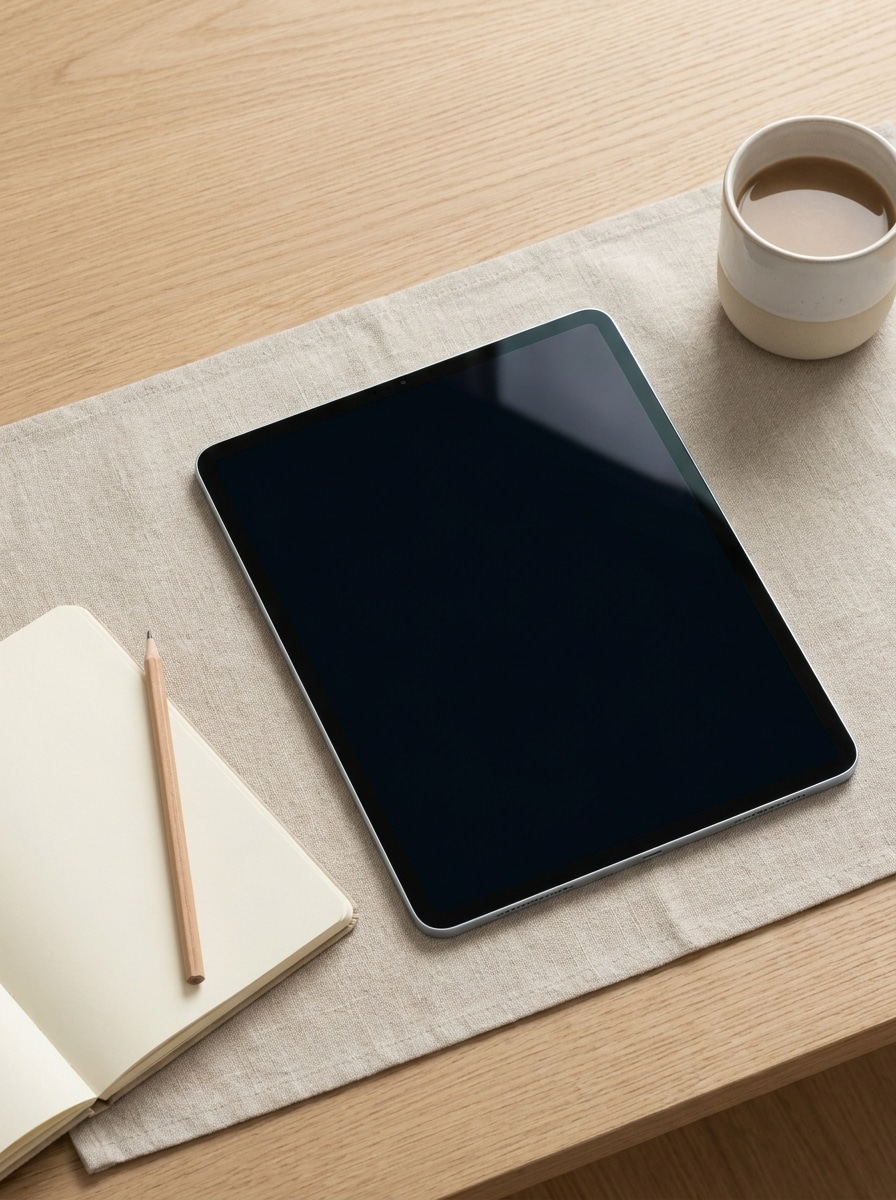
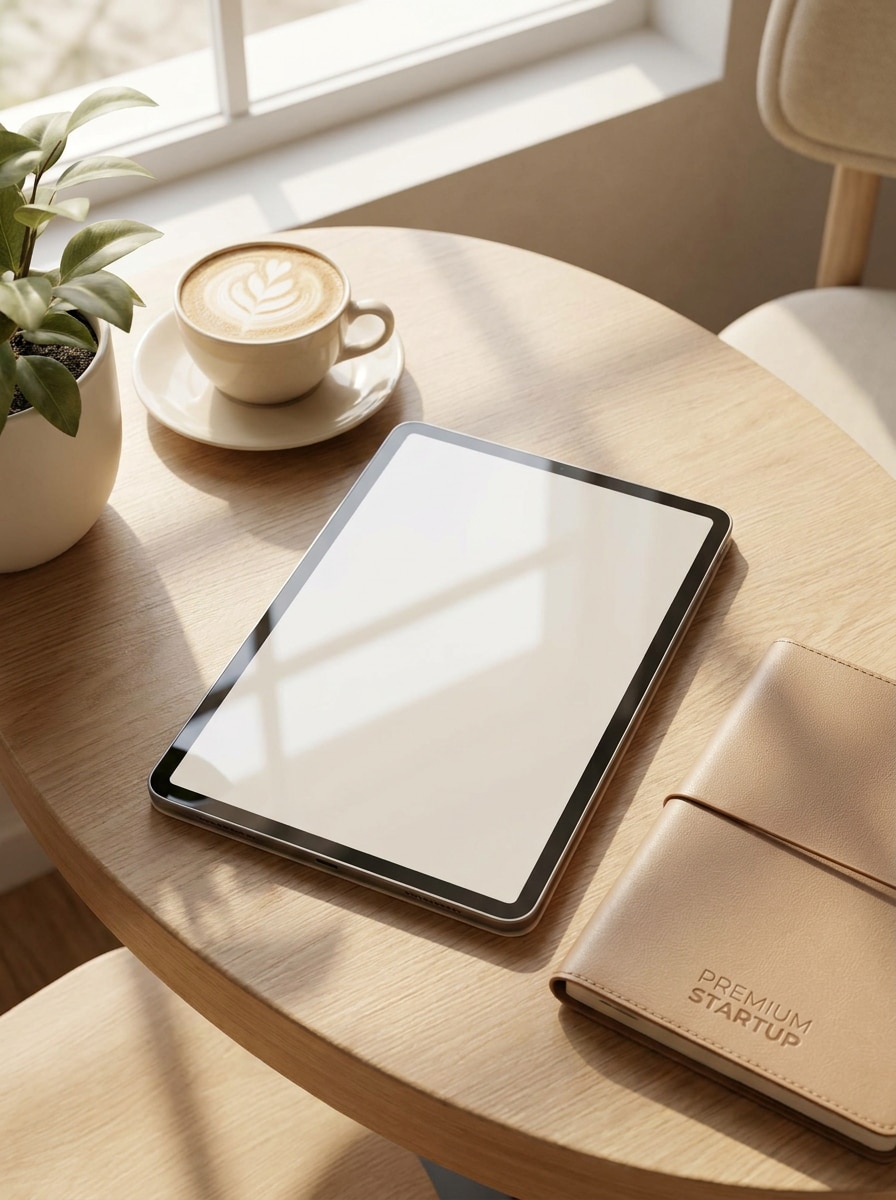
Flat lay de escritorio escandinavo
Usa la imagen cargada como contenido de pantalla y transfórmala en un mockup fotorrealista de tableta sobre un escritorio escandinavo minimalista en vista cenital. Composición desde arriba, paleta beige y blanca, luz Suave de ventana, cuaderno, lápiz y taza de café, sombras sutiles, reflejos realistas en el cristal, estilo Premium de comercio electrónico.
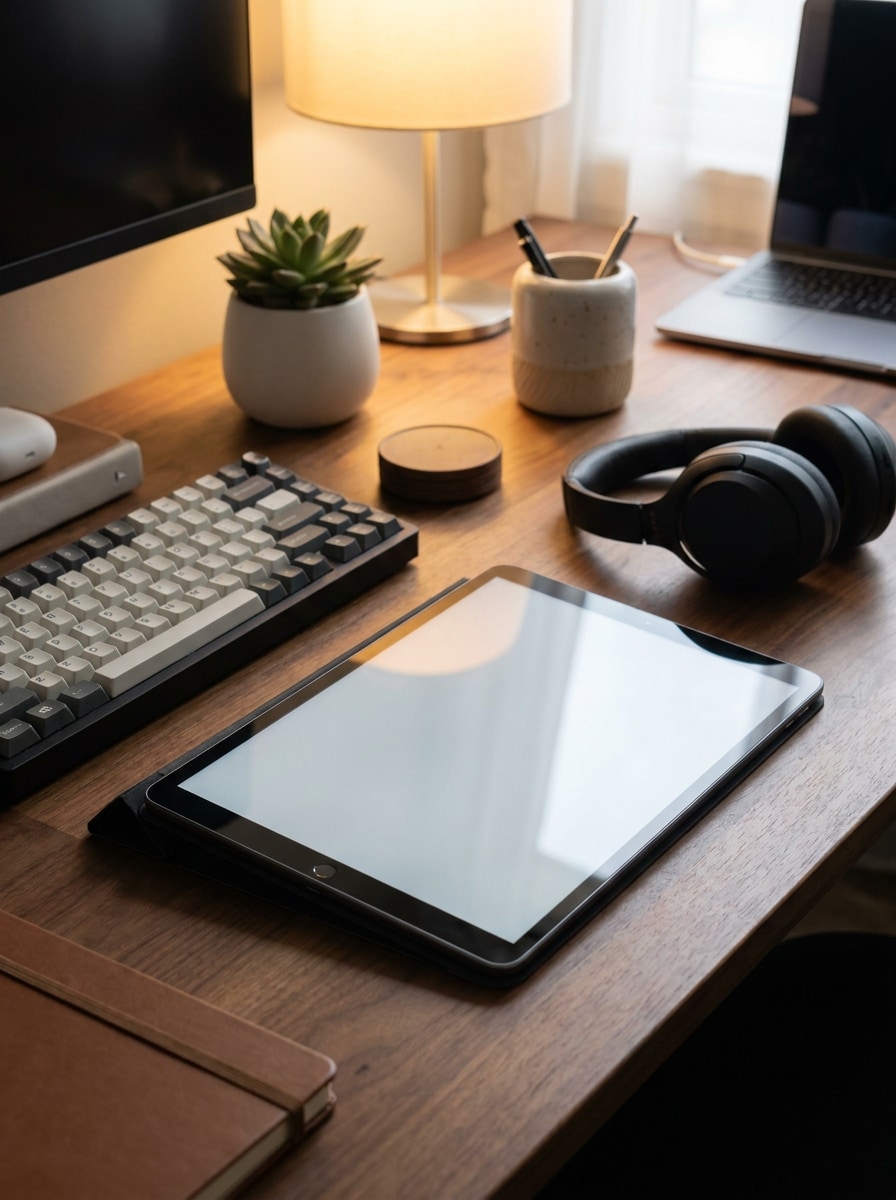
Configuración de escritorio de creador
Usa la imagen subida como pantalla de la tablet y colócala en un espacio de trabajo moderno de creador. Perspectiva en ángulo, teclado, auriculares, planta pequeña, iluminación de Ambiente cálida, accesorios de escritorio con estilo, área de pantalla de aspecto editable, reflejos realistas, Presentación comercial pulida, alto detalle y lista para redes sociales.
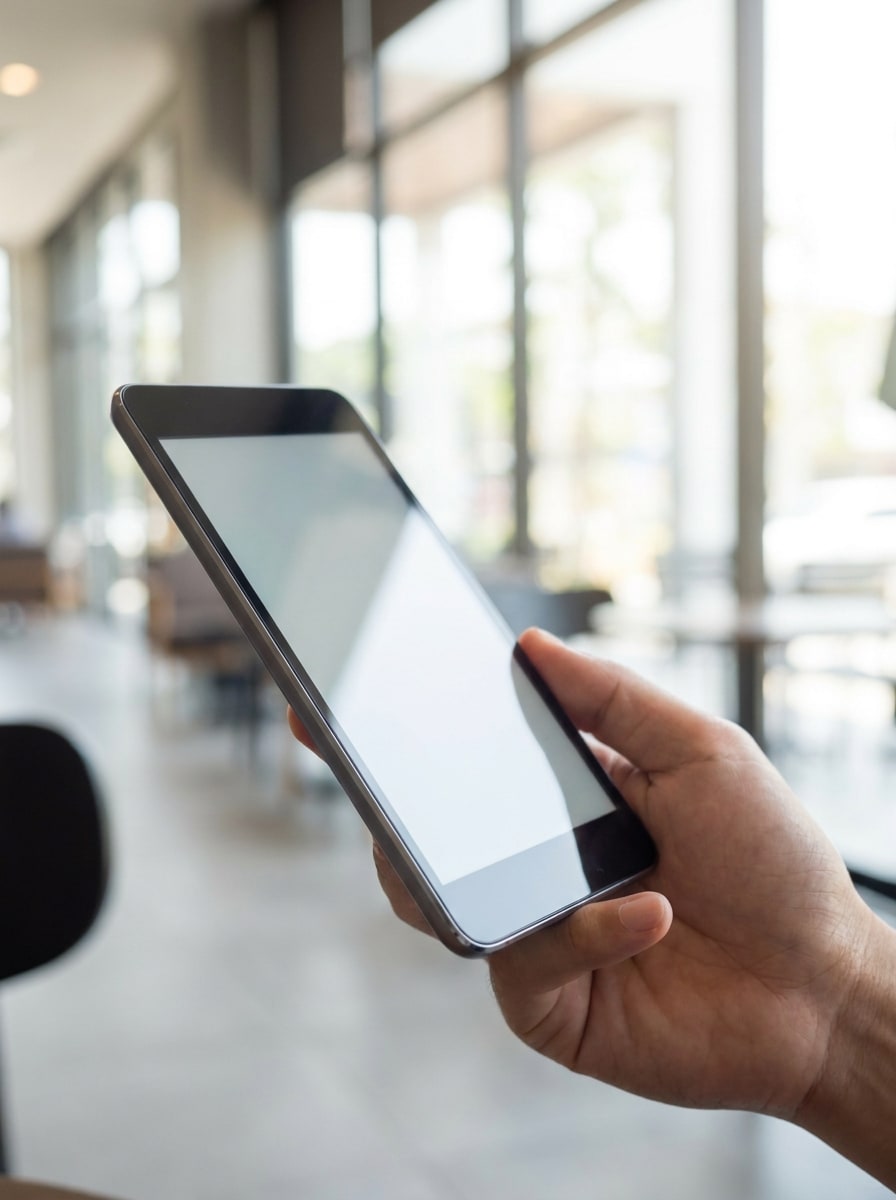
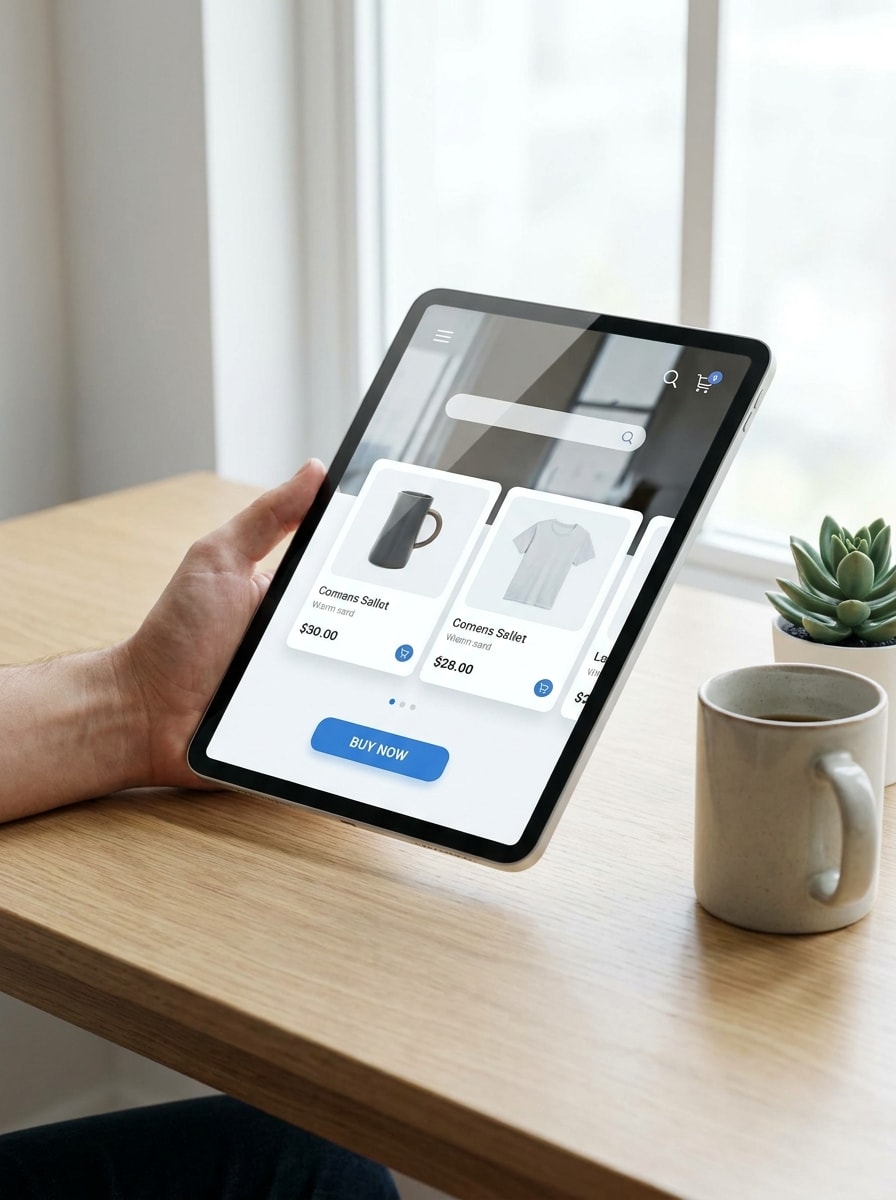
Mano sosteniendo tablet en interiores
Usa la imagen cargada como pantalla y transfórmala en una escena realista de tableta sostenida en la mano en interiores. Una mano sosteniendo un dispositivo de biseles delgados, luz diurna Suave, tonos de piel naturales, Profundidad de campo reducida, fondo limpio, reflejos realistas en el cristal, estética Premium de mockup comercial.
Escena de Presentación en cafetería
Usa la imagen cargada como contenido de pantalla y colócala en un entorno Premium de mesa de cafetería. Luz solar natural, capuchino, composición elegante, tonos neutros cálidos, reflejos realistas, sombras Suaves, ambiente de branding lifestyle, encuadre ideal para redes sociales y narrativa de producto refinada.
Vista frontal de dispositivo aislado
Usa la imagen subida como pantalla y conviértela en un mockup de tablet aislado con vista frontal. Composición centrada, fondo blanco liso, marco metálico realista, bordes nítidos, sombra mínima, estilo listo para catálogo, visibilidad de pantalla limpia y Presentación de producto de alta gama.
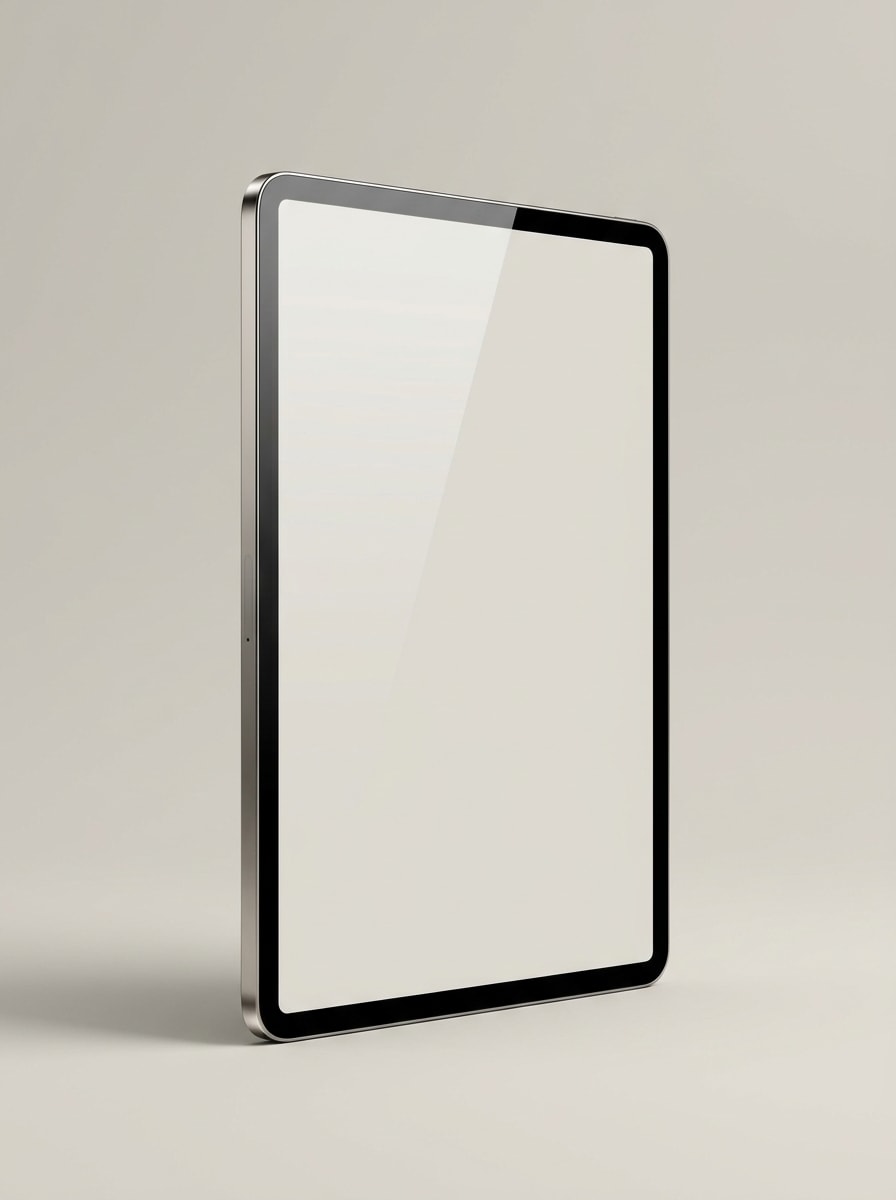
Render de dispositivo en perspectiva
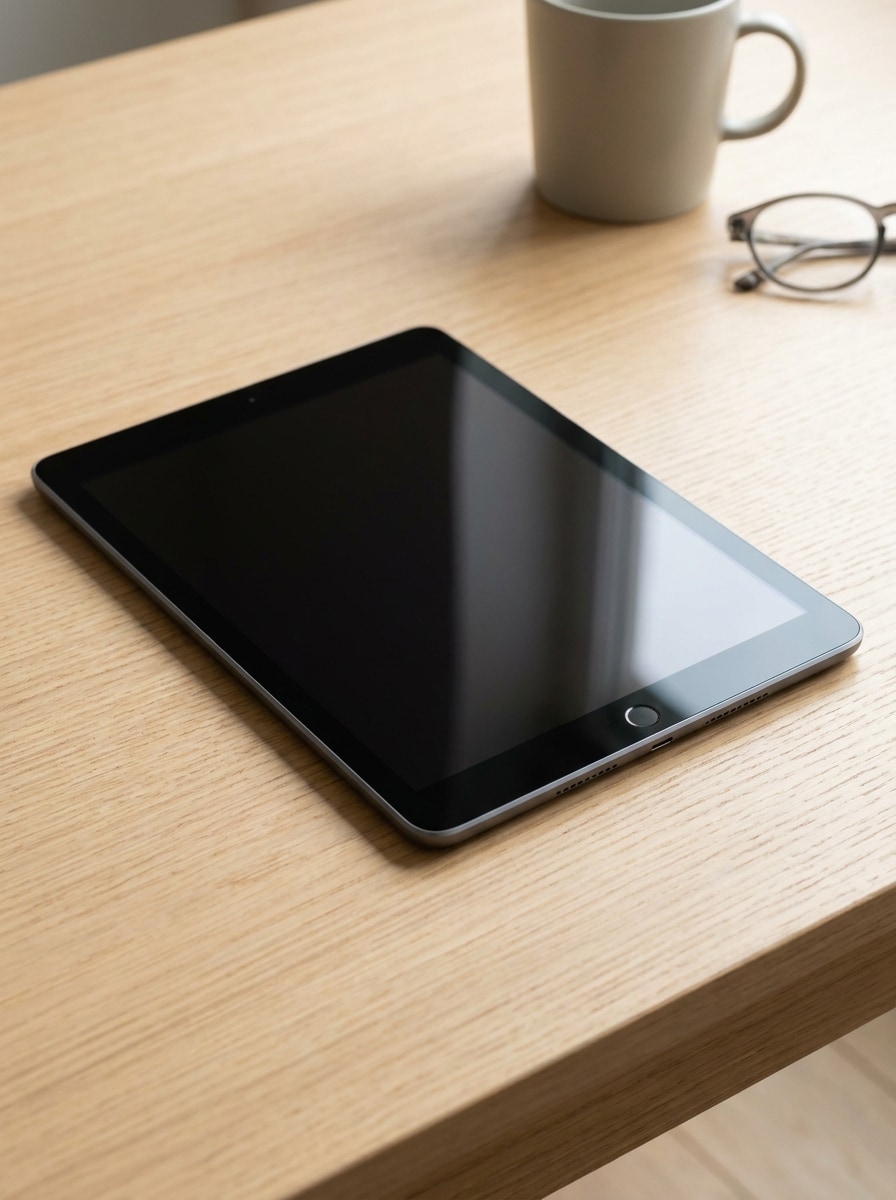
Usa la imagen cargada como pantalla y transfórmala en un render elegante de tableta en perspectiva de tres cuartos para páginas de destino. Iluminación de estudio, reflejo sutil en el cristal, acabado metálico Premium, fondo aislado, ambiente tecnológico moderno, profundidad marcada y calidad de imagen hero pulida.
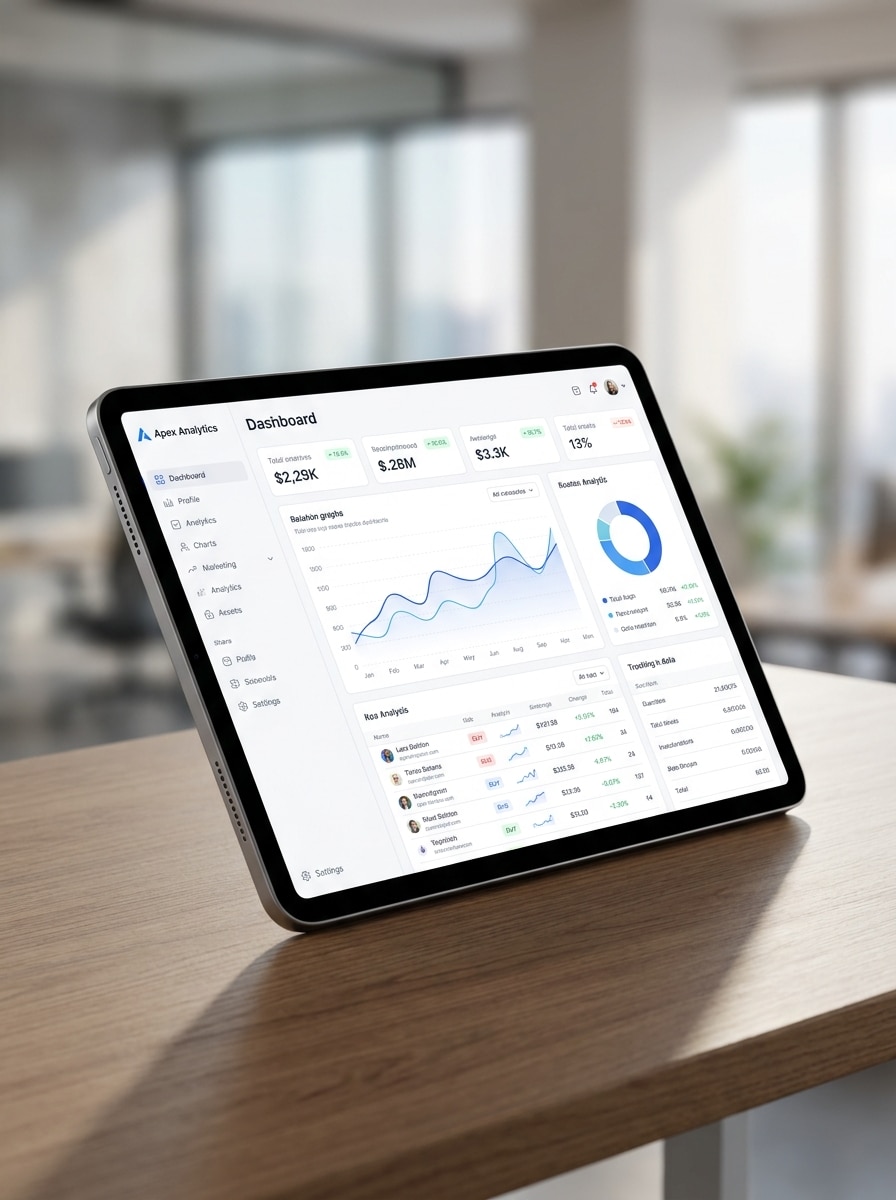
Muestra de interfaz de dashboard
Usa la imagen subida como pantalla de dashboard o app y colócala dentro de una escena moderna de espacio de trabajo con tablet. Vista de escritorio en ángulo, sombra Suave, fondo neutro, visibilidad de pantalla nítida, estilo de Presentación SaaS profesional, composición equilibrada y detalles de fotografía de producto realista.
Mockup de pantalla de app de ecommerce
Usa la imagen subida como interfaz de app y conviértela en una Presentación de tablet de ecommerce pulida. Sostenida en mano o con colocación estilizada en escritorio, iluminación moderna y brillante, estética comercial limpia, reflejos realistas, enfoque fuerte en la pantalla y encuadre listo para anuncios de campañas y lanzamientos de producto.
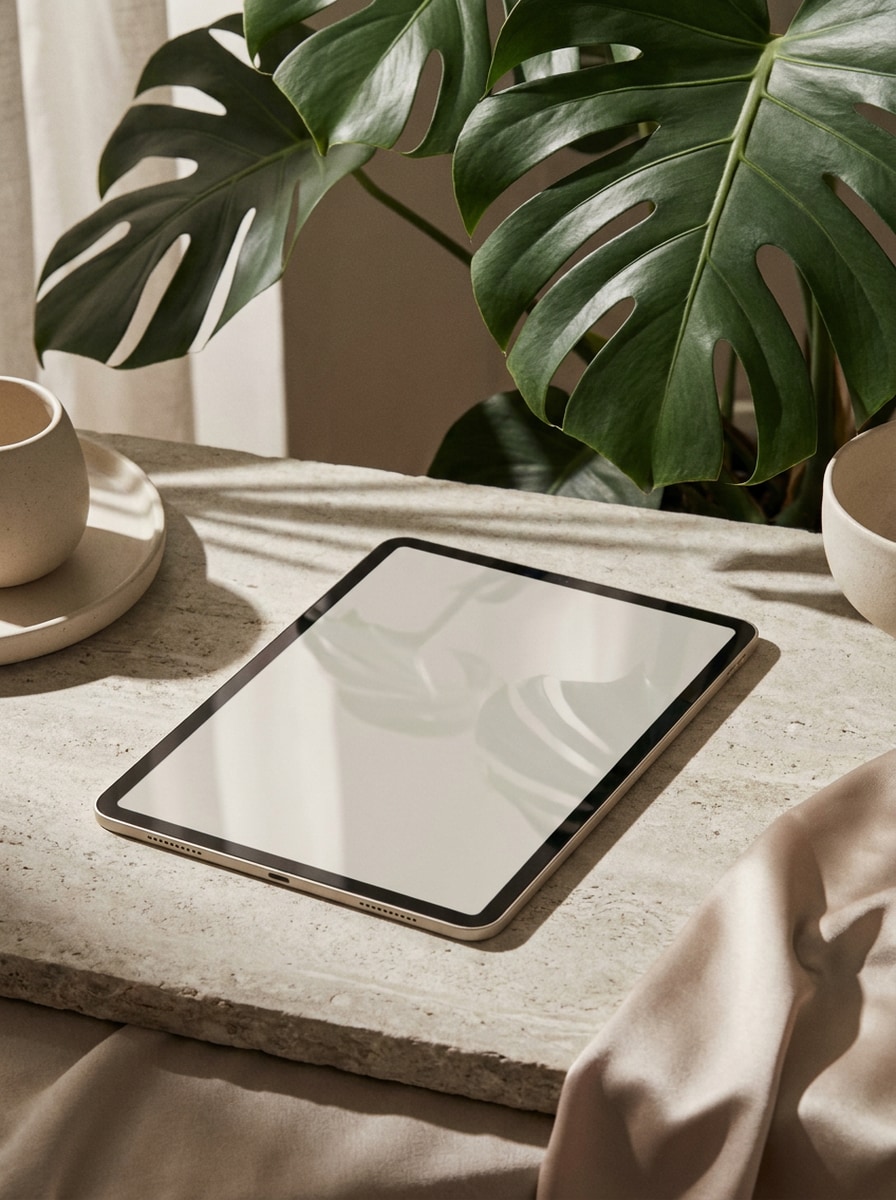
Sombra superponer Editorial
Usa la imagen cargada como contenido de pantalla y dale estilo de mockup editorial de tableta. Sombra dramática de hojas superponer, tonos neutros de lujo, reflejos realistas en el cristal, luz natural Suave, composición elegante, ambiente Premium de branding y narrativa visual refinada para campañas.
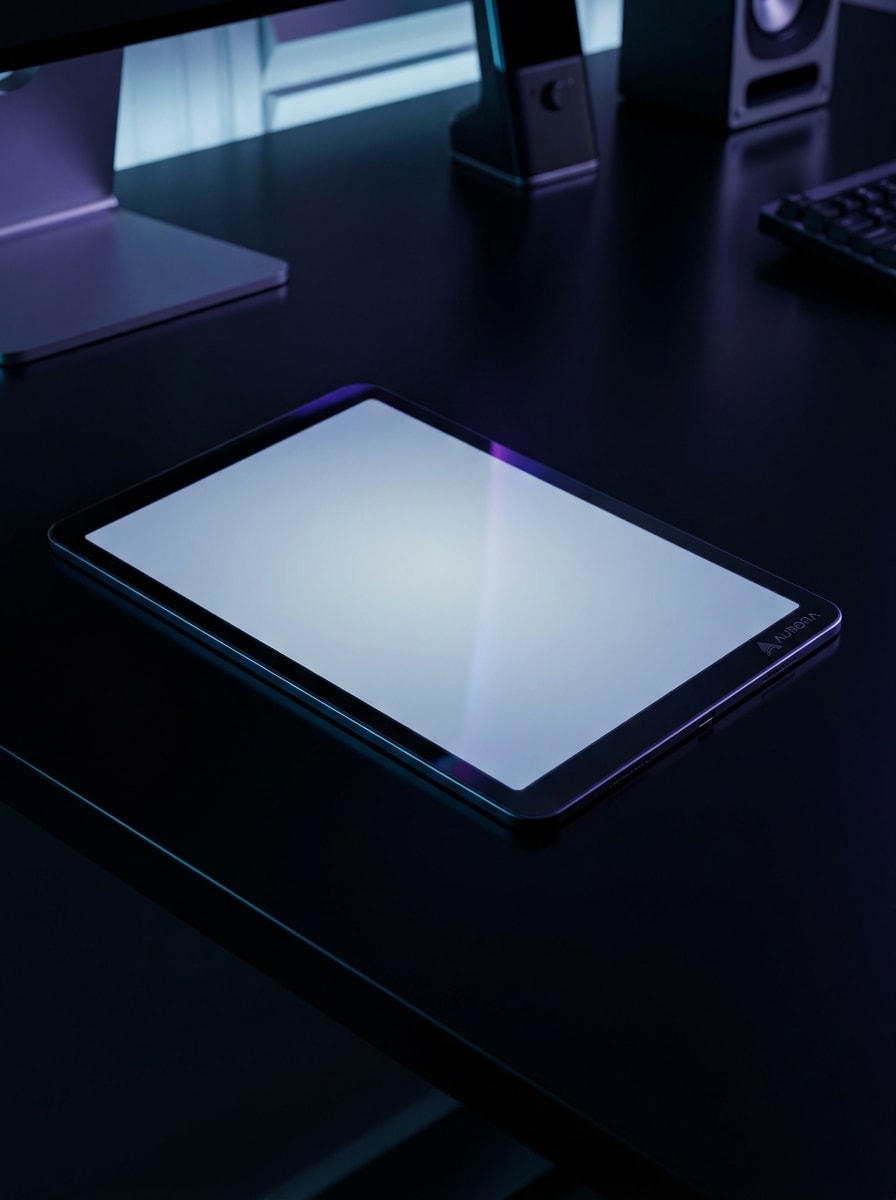
Escena tecnológica en modo oscuro
Usa la imagen cargada como pantalla y transfórmala en un mockup Premium de tableta oscura para una marca tecnológica moderna. Superficie de escritorio negra, iluminación dramática, acentos de neón sutiles, brillo de pantalla realista, reflejos elegantes, atmósfera de alta tecnología y calidad de campaña de lanzamiento.
Por qué usar Media.io para la Creación de mockups de tablet
Convierte una sola carga en múltiples escenas realistas de dispositivo
Media.io te permite subir un solo diseño de pantalla, captura o imagen y colocarla rápidamente en Diseños de escritorio, en mano, aislados o de estilo de vida, para que tu concepto de mockup de tablet luzca profesional en casos de uso de marketing, ecommerce y Presentación.
Encuentra el estilo adecuado para cada versión
Cuando el estilo es parte de la toma de decisiones, Media.io te ayuda a comparar múltiples direcciones desde la misma base de mockup de tablet, lo que hace que la selección creativa sea más eficiente.
Adapta el resultado para anuncios, tiendas y presentaciones para clientes
Los formatos cambian rápidamente de un proyecto a otro. Media.io ayuda a Cambiar forma del mockup de tablet para pantallas, portadas, tarjetas y mockups, para que puedas reutilizar un concepto sólido de manera más efectiva.
Mantén tu diseño de pantalla reconocible
Cuando un mockup de tableta está destinado a un uso editorial real, Media.io te ofrece una salida más nítida de hasta 4K, lo que ayuda a que la imagen se mantenga clara en Presentaciones, fondos y recursos reutilizados.
Cómo crear un mockup de tablet a partir de tu imagen
Convierte tus palabras en visuales impresionantes en tres simples pasos y luego continúa refinando el resultado si deseas llevarlo más lejos.
Paso 1
Sube tu imagen de referencia
Comienza con una captura de pantalla clara, diseño de interfaz, vista previa de sitio web o imagen de marca en formato JPG, PNG o JPEG. Una imagen fuente limpia ayuda a la IA a colocar tu contenido con mayor precisión dentro de una escena realista de dispositivo.
Paso 2
Describe el cambio y configura las opciones
Indica a Media.io cómo quieres que se vea la escena, como una tablet sostenida en mano, una configuración de escritorio minimalista o un render de producto aislado. Luego elige tu modelo, Relación de aspecto, Resolución y cantidad de imágenes para el resultado que necesitas.
Paso 3
Genera, descarga y sigue mejorando
Crea múltiples variaciones, compara composiciones y descarga la versión que se ajuste a tu campaña o Presentación. Puedes refinar el prompt, probar otro estilo de escena o Regenerar hasta que el mockup coincida con tu marca.
Descubre cómo los creadores usan este mockup de tablet para contenido, marketing y proyectos personales, y luego adapta cada idea a tu brief.
Muestra pantallas de apps en un contexto más convincente
Presenta flujos de onboarding, dashboards o interfaces de tienda dentro de escenas realistas de dispositivo en lugar de capturas de pantalla planas. Esto ayuda a equipos de producto y profesionales de marketing a comunicar la usabilidad y el acabado de forma más clara en páginas de destino, anuncios y materiales de lanzamiento.
Crea visuales más limpios para ecommerce y portafolio
Convierte diseños sin procesar en imágenes de producto refinadas para marketplaces, estudios de caso y Presentaciones para clientes. Una escena realista de tableta hace que el trabajo digital se sienta más tangible, especialmente cuando necesitas vistas previas Premium sin un proceso de diseño manual complejo.
Crea variaciones rápidas para pruebas de campaña
Genera múltiples Diseños para publicaciones en redes sociales, portadas de Presentación y banners de sitios web a partir de una sola imagen fuente. Esto es especialmente útil cuando deseas comparar escenas de escritorio, vistas de estilo de vida y renders de dispositivo aislados antes de publicar.
Lo que dicen los usuarios sobre Media.io
Lena Foster
Gerente de marketing de apps
"Mockups rápidos para campañas de lanzamiento" Usé Media.io para convertir las pantallas de nuestra app en visuales pulidos de tablet para anuncios y páginas de destino. El flujo de trabajo fue mucho más rápido que crear cada escena manualmente, y los resultados lucieron lo suficientemente limpios para uso en campañas.
Marcus Bell
Diseñador UI freelance
"Útil para presentaciones a clientes" Me ahorró tiempo cuando necesitaba vistas previas realistas de dispositivos para una presentación de cliente. Pude subir la interfaz, probar diferentes estilos de escena y obtener imágenes listas para Presentación sin abrir un archivo de diseño pesado.
Ava Chen
Líder creativa de ecommerce
"Buena variedad de escenas de tablet" Lo que más me gustó fue poder probar renders aislados, Diseños de escritorio y composiciones de estilo de vida a partir de la misma imagen fuente. Eso facilitó combinar los visuales con páginas de producto, creatividades para redes sociales y banners de correo electrónico.
Daniel Ortiz
Fundador de startup
"Flujo de trabajo simple basado en navegador" Necesitaba mockups rápidamente y no quería lidiar con Plantillas de Photoshop. Media.io me dio una forma práctica de crear una Presentación realista de tablet directamente en el navegador, lo cual fue perfecto para nuestro lanzamiento en etapa temprana.
Explora los efectos de video e imagen con IA más populares
Un generador de mockups de tableta es una herramienta que te ayuda a colocar un diseño de pantalla, interfaz de aplicación o imagen en una escena realista de tableta para Presentaciones, anuncios, páginas de comercio electrónico o portafolios. Con Media.io, puedes cargar una imagen de referencia y crear visuales de dispositivos pulidos en diferentes estilos, como configuraciones de escritorio, escenas con la tableta en la mano o renders de producto aislados.
2. ¿Cómo puedo convertir una imagen en un mockup realista de tablet en línea?
Sube tu captura de pantalla, diseño de interfaz o imagen a Media.io, luego describe el tipo de escena de tableta que deseas, como un escritorio minimalista, un entorno de estilo de vida o un render de estudio limpio. Después, elige opciones como Relación de aspecto, Resolución y modelo, genera variaciones y descarga la versión que se ajuste a tu proyecto.
3. ¿Puedo crear un mockup de tablet gratis con Media.io?
Media.io ofrece créditos gratuitos para que puedas probar a crear un mockup de tablet gratis antes de actualizar tu plan. Las salidas gratuitas pueden incluir una marca de agua, mientras que los planes de pago admiten descargas en alta resolución sin marca de agua. Puedes revisar las opciones actuales en la página de precios. Los usuarios gratuitos pueden usar créditos gratuitos. Para un mayor uso, los usuarios pueden suscribirse a un plan en la página de precios. Actualiza a un plan de pago en la página de precios para obtener más créditos y descargas en alta resolución sin marca de agua.
4. ¿Qué formatos de imagen puedo subir para un mockup de pantalla de tablet?
Media.io admite cargas en formato JPG, PNG y JPEG para crear un mockup de pantalla de tablet. Para obtener los mejores resultados, usa una imagen fuente clara con detalles de interfaz legibles para que la IA pueda colocar tu contenido de forma más natural dentro del marco del dispositivo y la escena.
5. ¿Mi mockup de tableta se exportará en alta Resolución?
Media.io admite opciones de Resolución de 1K, 2K y 4K, lo cual es útil cuando necesitas resultados nítidos para listados de comercio electrónico, presentaciones para clientes, recursos de marketing o exhibiciones detalladas de aplicaciones. La experiencia de exportación disponible puede variar según tu plan. Los usuarios gratuitos pueden tener marcas de agua.
6. ¿Puedo crear mockups de tablet en el móvil o solo en el escritorio?
Puedes usar Media.io tanto en dispositivos móviles como de escritorio porque es una herramienta basada en la web que funciona en un navegador. Ya sea que estés editando en Windows, Mac, iPhone, iPad o Android, puedes subir imágenes, generar escenas y descargar resultados sin instalar software adicional. Media.io es una herramienta basada en la web que funciona en cualquier dispositivo con un navegador (Windows, Mac, iOS, Android).