Seleccione / @ carácter, describa la escena que desea generar.
0/2000
9:16
1K
1
Modo Ilimitado Banana Pro
Creaciones
Centro de Ideas
Cómo funciona
Todo
Funciones populares
Ver todo
Desafío creativo de Halloween
Ver todo
Historia de Frutas con IA
Ver todo
Video de Historia de IA
Ver todo
Videos Virales Hoy
Ver todo
Videos de Productos de IA
Ver todo
Personaje de IA
Ver todo
Tendencias de Baile
Ver todo
GPT Image 2
Ver todo
Seedance 2.0
Ver todo
Emparejamiento de Celebridades con IA
Ver todo
Indicaciones de Poses para Parejas
Ver todo
Prompts de Poses de Chica AI Estética
Ver todo
Sugerencias de Pose Elegante para Chicos AI
Ver todo
Lista de generación
Tus creaciones solo se guardan durante 7 días. Los recursos creados después de actualizar a Membresía se almacenarán de forma permanente.
¡Desbloquea tu potencial creativo y experimenta la magia de Media AI ahora mismo!
Crea un mockup de Teléfono profesional a partir de tu captura de pantalla rápidamente
Convierte capturas de pantalla en visuales realistas de mockup de Teléfono para lanzamientos de apps, anuncios, presentaciones y sitios web. Media.io te ayuda a crear escenas de estudio limpias, tomas de estilo de vida y marcos de dispositivos Premium en minutos, haciendo que la Creación de mockups de apps móviles, mockups de apps de Teléfono y mockups de Teléfono móvil sea mucho más fácil sin Photoshop.
Escribe tu idea -> La IA la diseña. Pruébalo gratis.
Revisa estas instrucciones de ejemplo y luego adapta los detalles del prompt para obtener mejores resultados con este generador de mockups de Teléfono en Media.io.
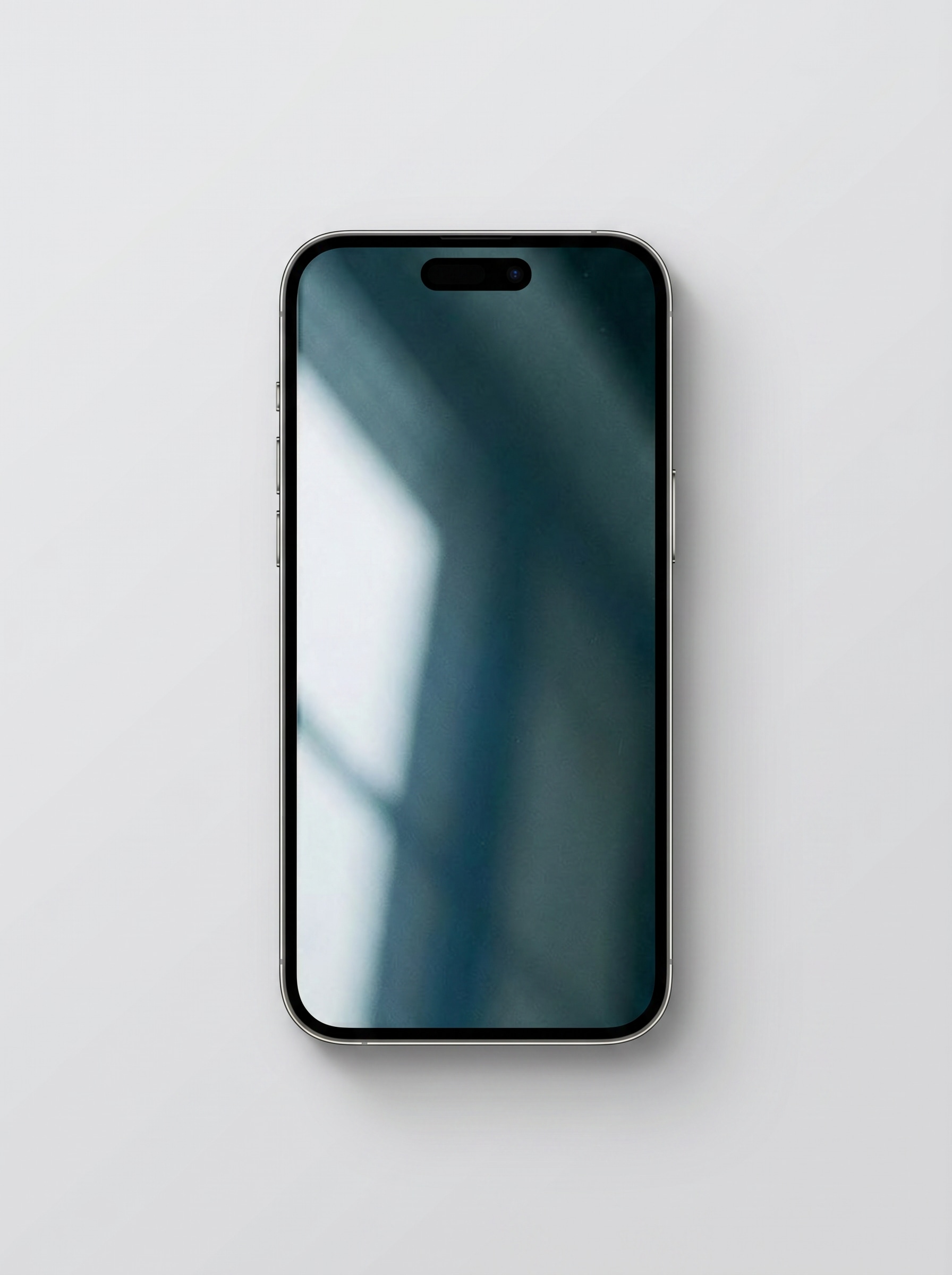
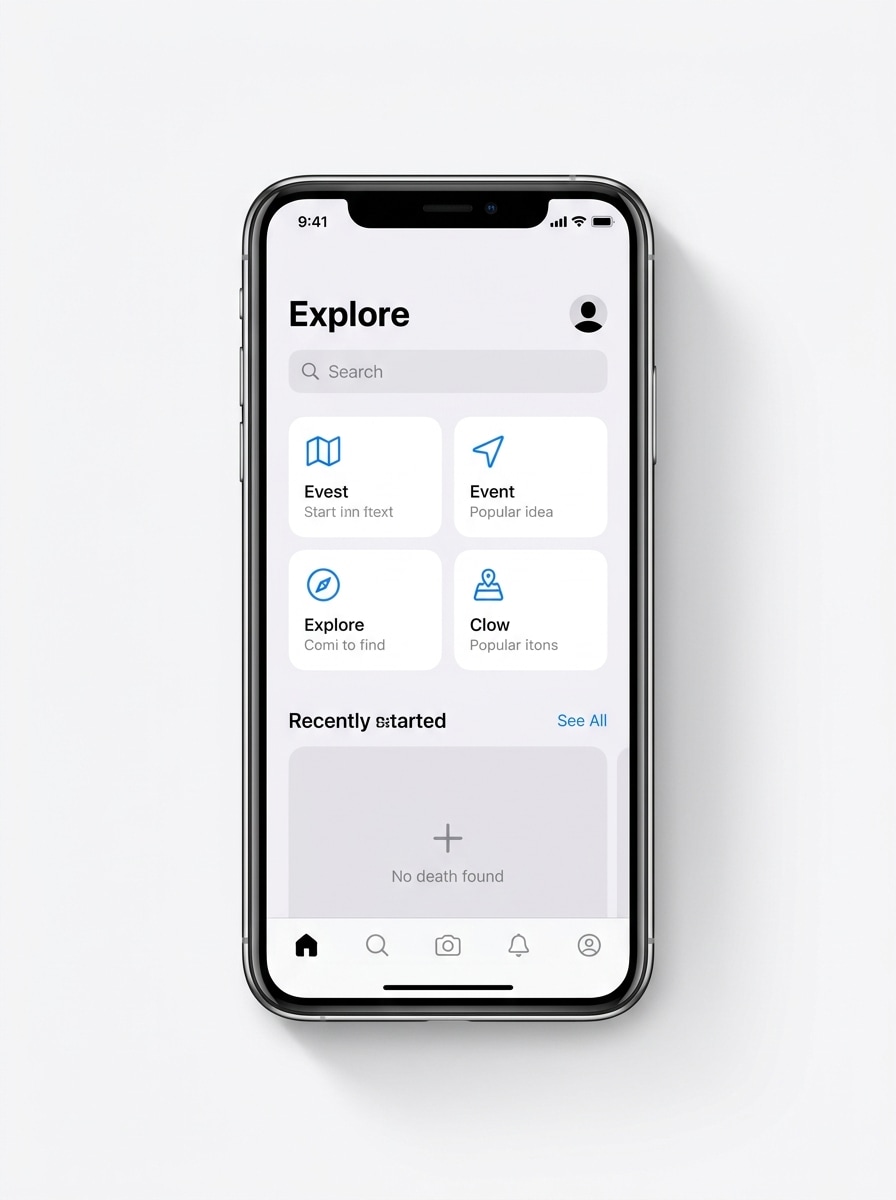
iPhone frontal limpio
Usa la imagen cargada como contenido de la pantalla del Teléfono y transfórmala en un mockup realista de smartphone moderno visto de frente, centrado sobre un fondo gris claro Suave, con iluminación de estudio Premium, bordes metálicos nítidos, sombra sutil debajo del dispositivo, estilo comercial minimalista, composición limpia y detalle nítido de alta Resolución.
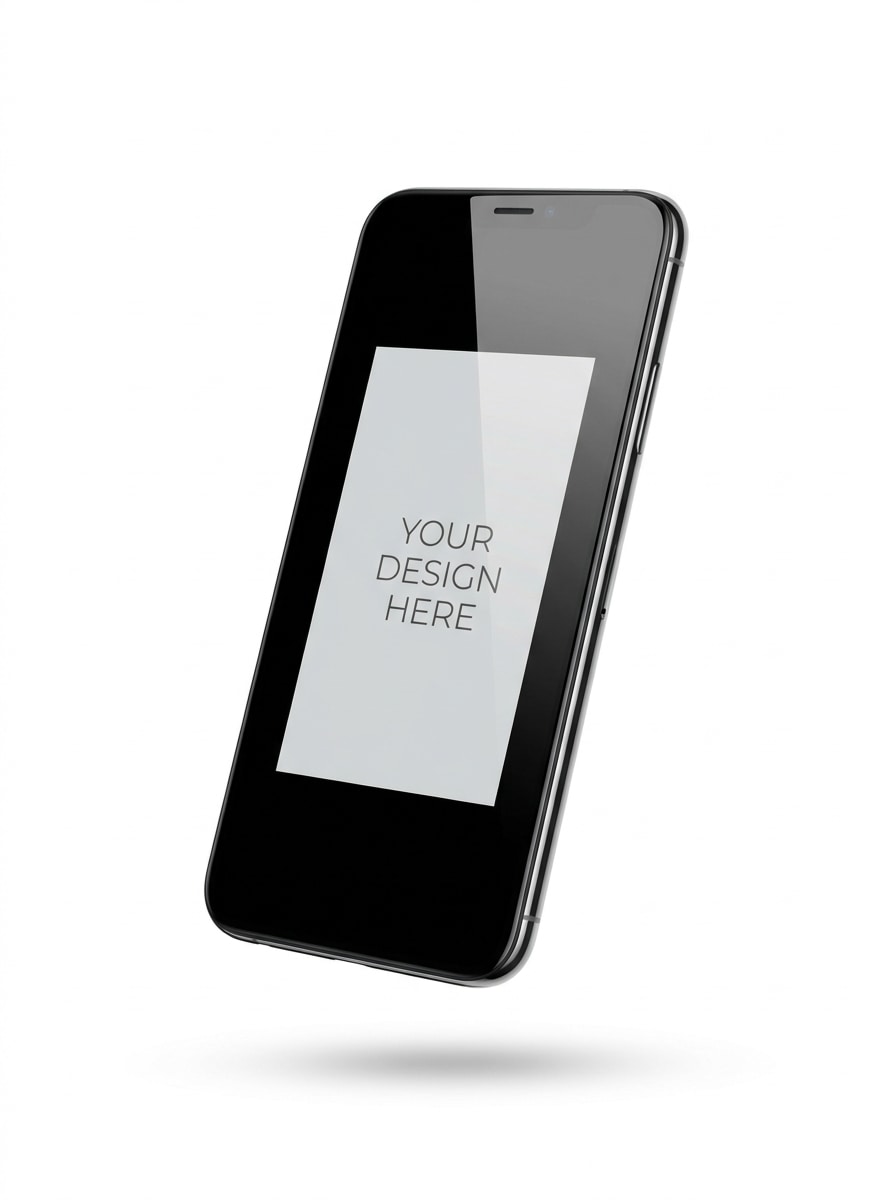
Teléfono flotante sobre blanco
Usa la imagen cargada como pantalla y transfórmala en un mockup de smartphone flotante sobre un fondo blanco puro, ligeramente inclinado para dar profundidad, con sombra proyectada Suave, reflejos suaves en el cristal, Presentación Premium de ecommerce, espacio negativo limpio, estilo minimalista moderno y renderizado nítido de calidad comercial.
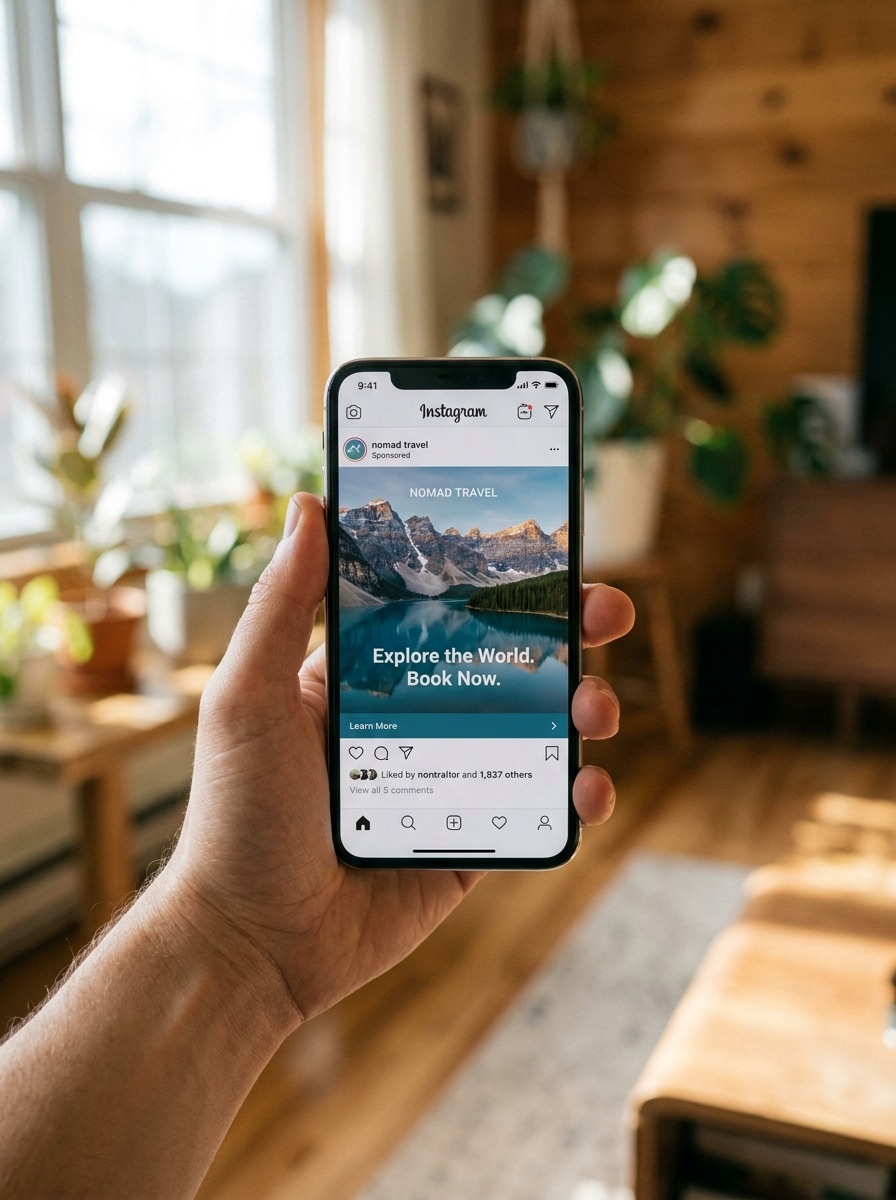
Mano sosteniendo un Teléfono
Usa la imagen cargada como contenido de la pantalla y colócala dentro de un smartphone realista sostenido en una mano, con tonos de piel naturales, luz diurna Suave, Profundidad de campo reducida, fotografía de estilo de vida moderna, Desenfocar suave del fondo, ambiente comercial auténtico y visibilidad clara de la pantalla para una Presentación atractiva de anuncio social.
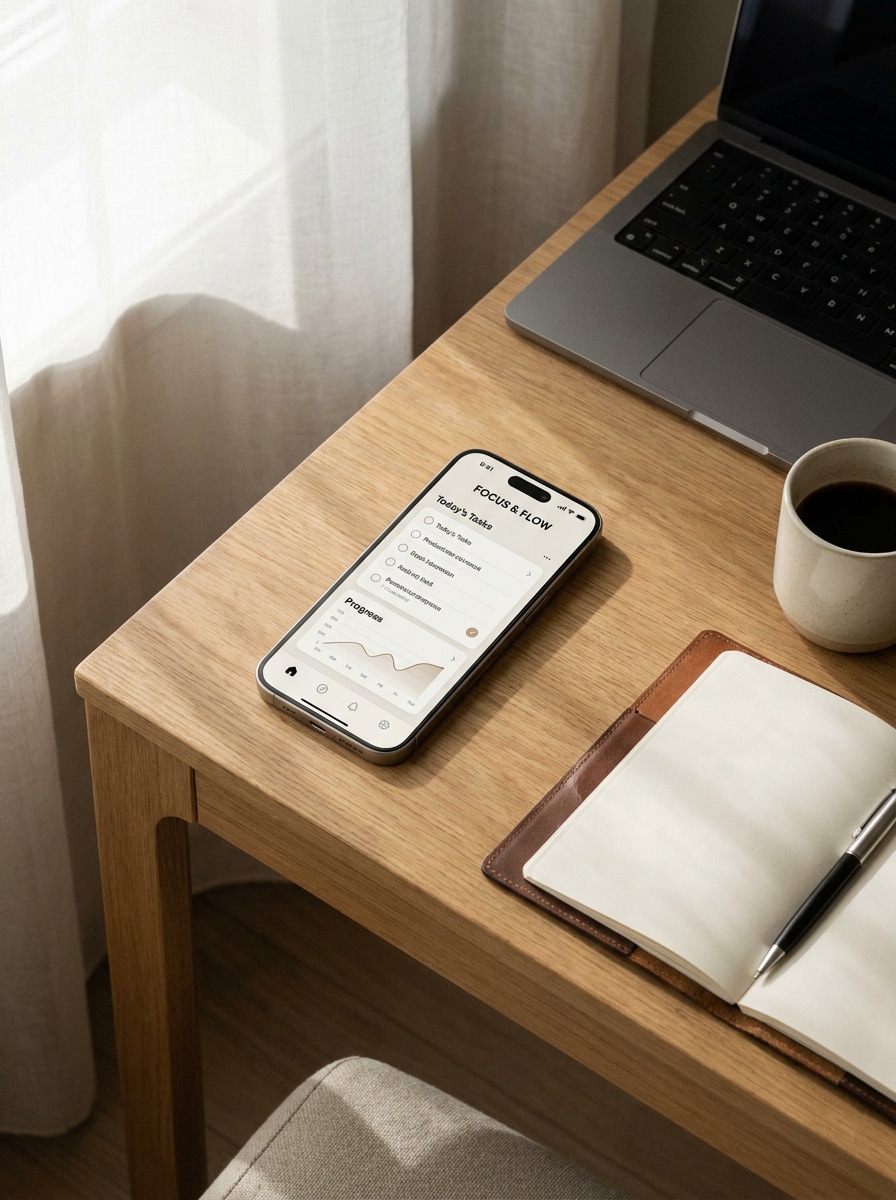
Mockup de escritorio de trabajo
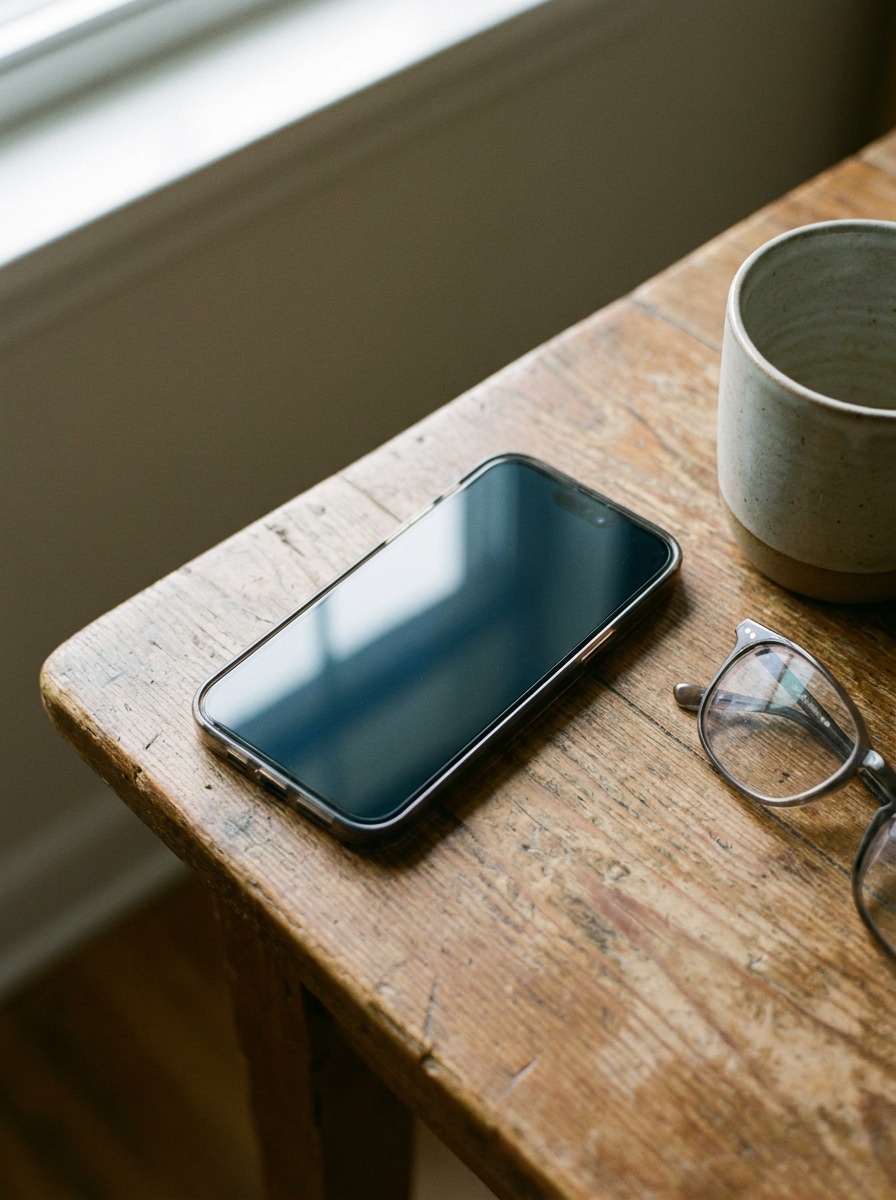
Usa la imagen cargada como pantalla y transfórmala en un smartphone realista apoyado sobre un escritorio moderno con un portátil, un cuaderno y una taza de café, iluminado por luz natural Suave de ventana, con una estética profesional y limpia, sombras sutiles, paleta cálida de tonos neutros y Presentación Premium de marca.
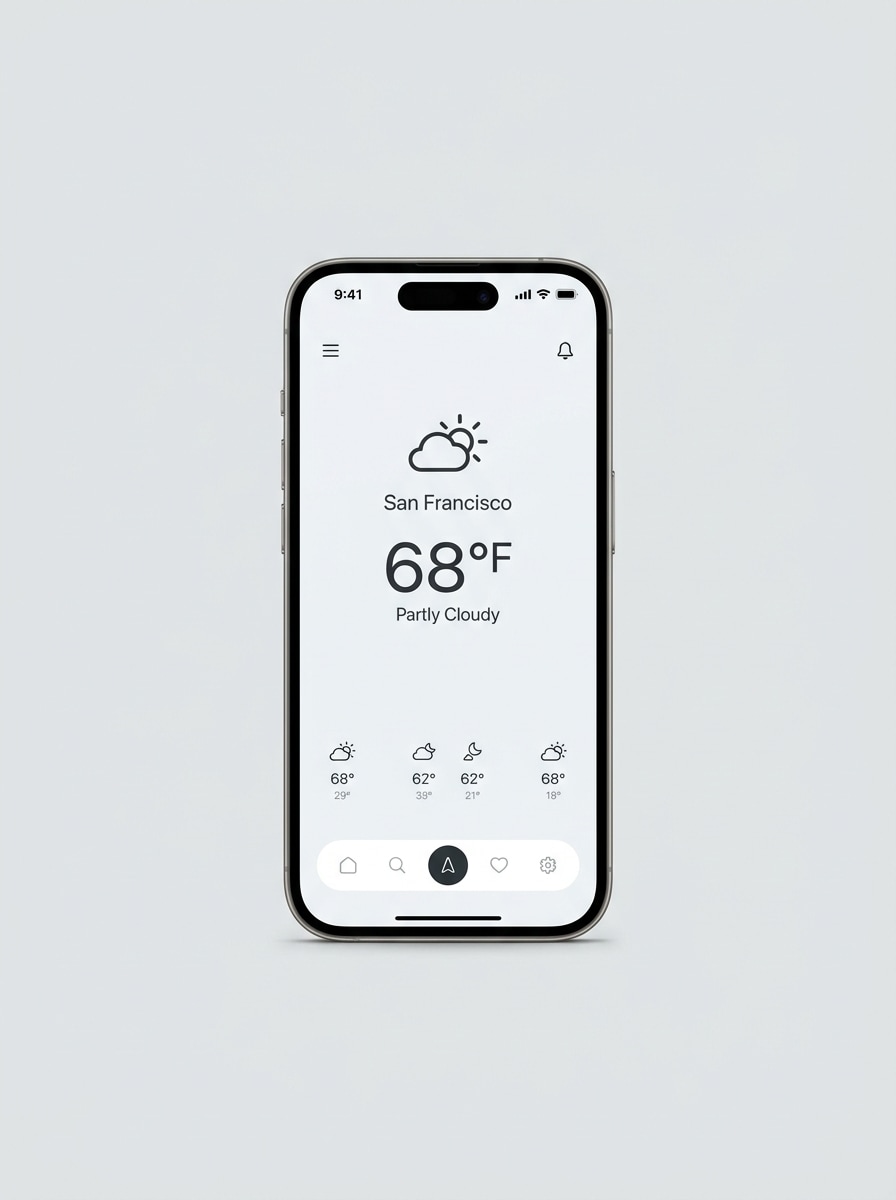
Marco de captura para App Store
Usa la imagen subida como contenido de la pantalla y conviértela en un marco de smartphone pulido para marketing de apps, con vista frontal, fondo limpio y brillante, líneas de bisel nítidas, sombra Suave, aspecto Premium listo para la tienda de apps, espaciado equilibrado y claridad visual nítida que destaque los detalles de la interfaz de forma profesional.
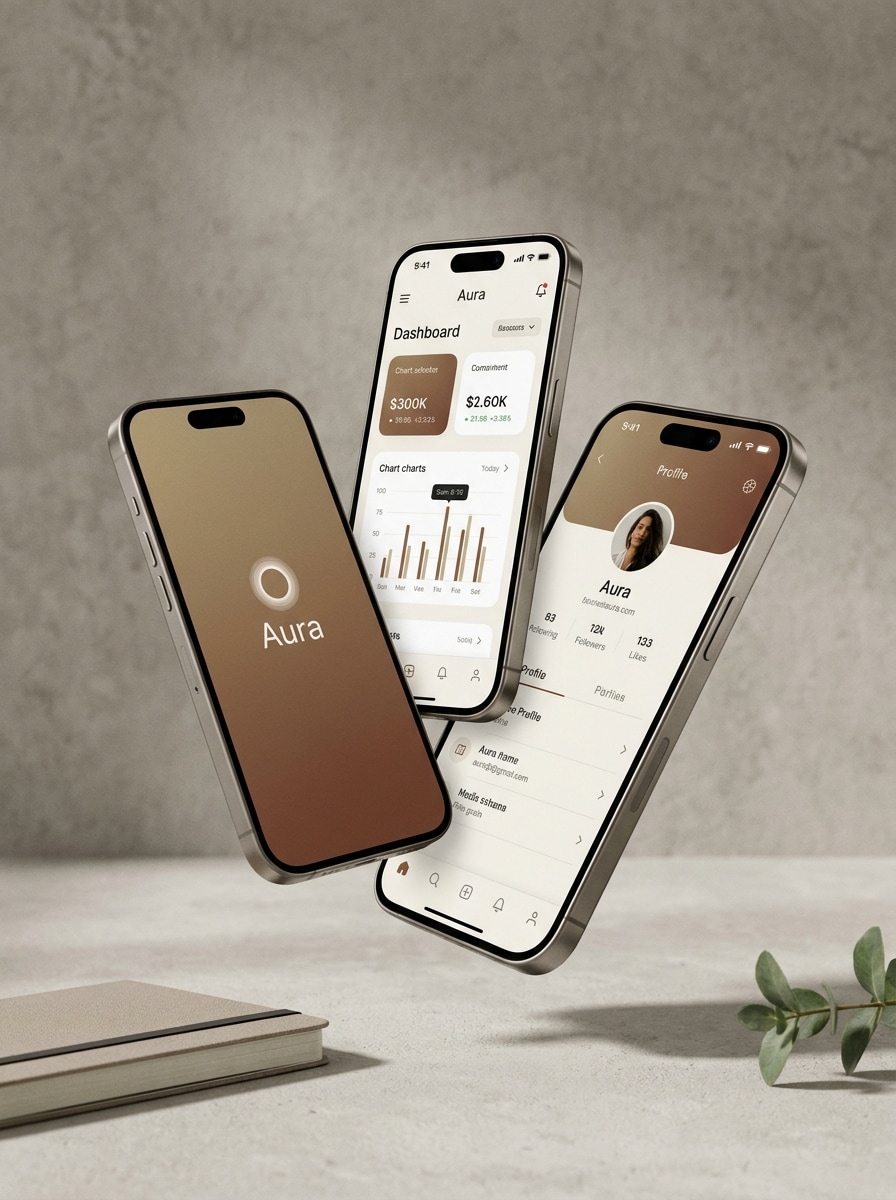
Carrusel multipantalla
Usa la imagen cargada como referencia de pantalla principal y transfórmala en una composición Premium de tres Teléfonos mostrando múltiples vistas de la app, con disposición en capas, sombras Suaves, fondo neutro, estética de lanzamiento de startup, separación limpia de profundidad, reflejos refinados y un Diseño editorial moderno adecuado para showcases de productos.
Render 3D de Teléfono en ángulo
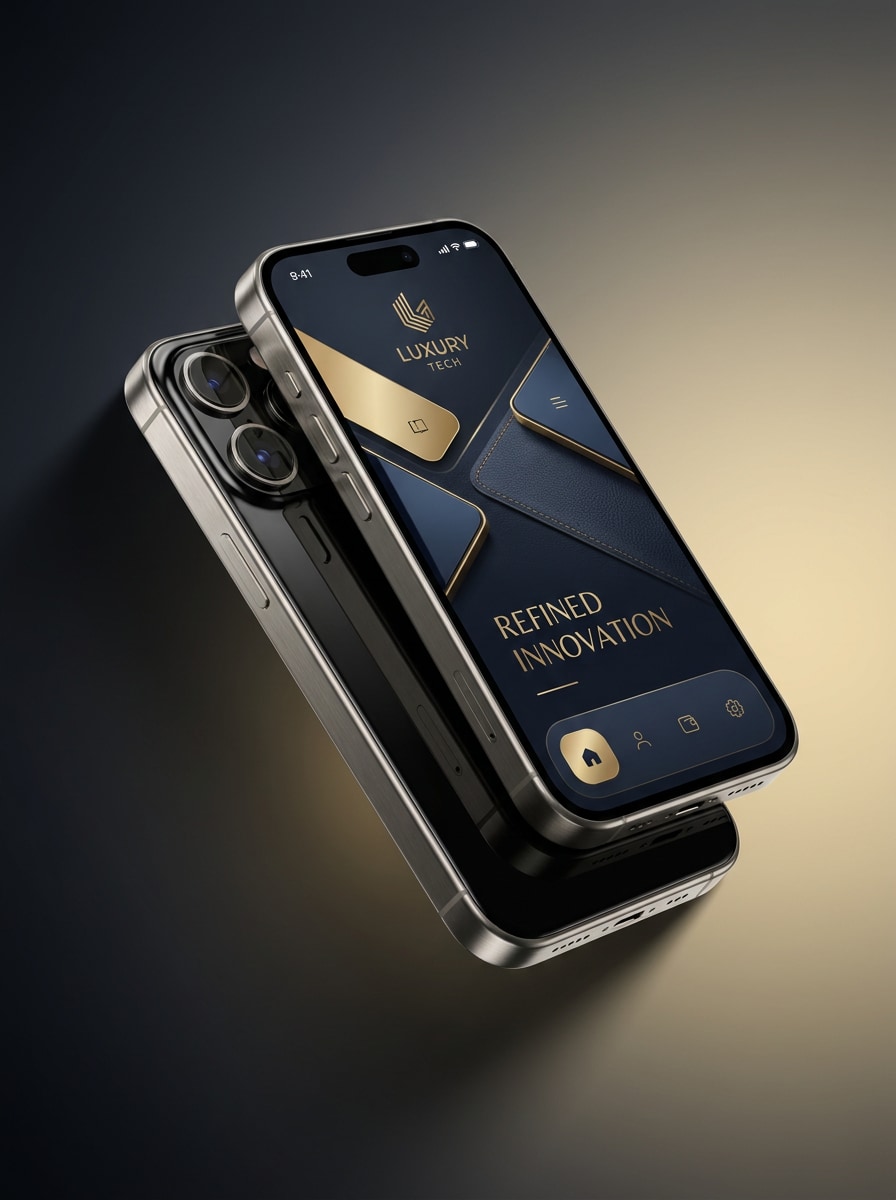
Usa la imagen cargada como pantalla y transfórmala en un render 3D Premium de smartphone inclinado con bordes metálicos, reflejos brillantes, iluminación de estudio dramática, un fondo degradado de oscuro a claro, ambiente de anuncio tecnológico de lujo, texturas de materiales refinadas, gran profundidad y detalle ultraclean de alta Resolución para visuales de marketing impactantes.
Mockup con reflejo de cristal
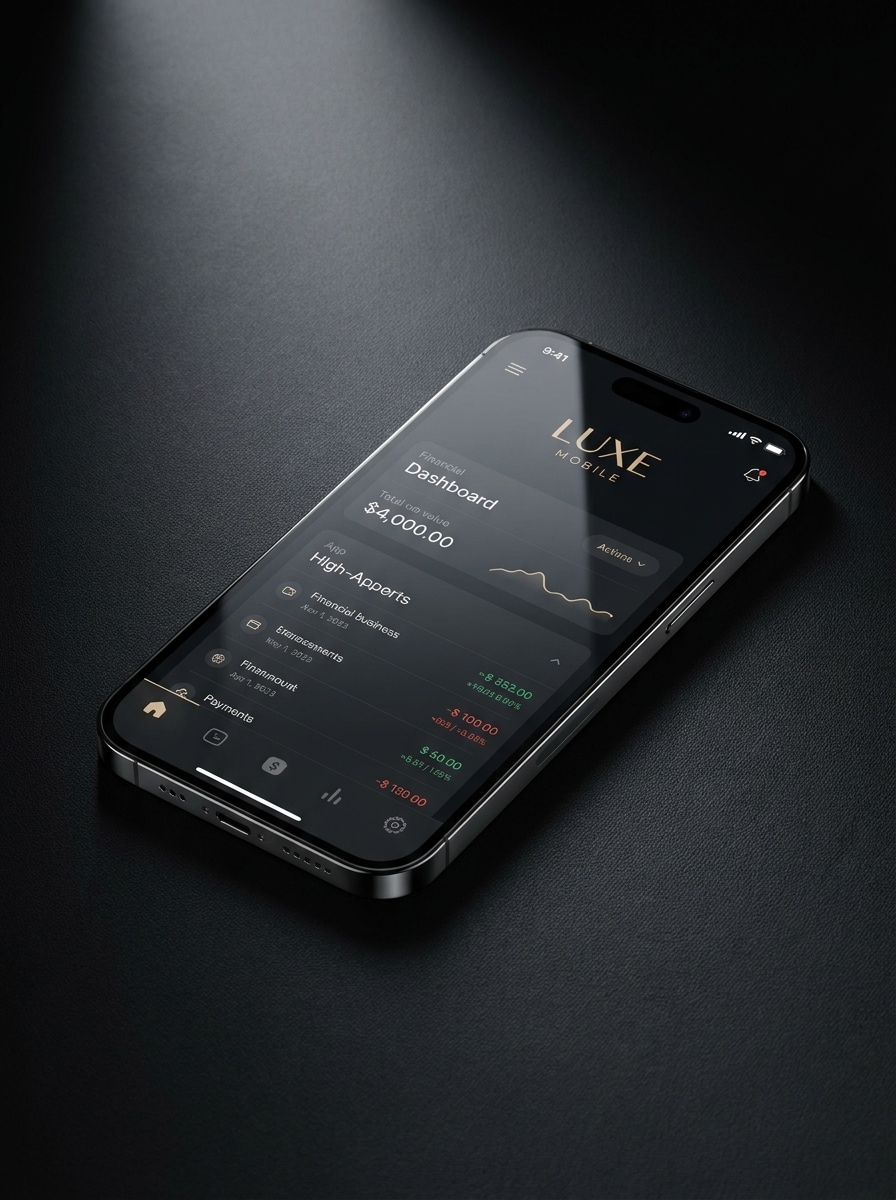
Usa la imagen subida como contenido de la pantalla y crea un mockup de smartphone brillante con elegantes reflejos de cristal, luces cinematográficas, materiales realistas del dispositivo, fondo oscuro Premium, gradientes de sombra sutiles, sensación de publicidad de lujo y detalle extremadamente nítido que hace que la interfaz luzca sofisticada y de alta gama.
Teléfono con fondo degradado
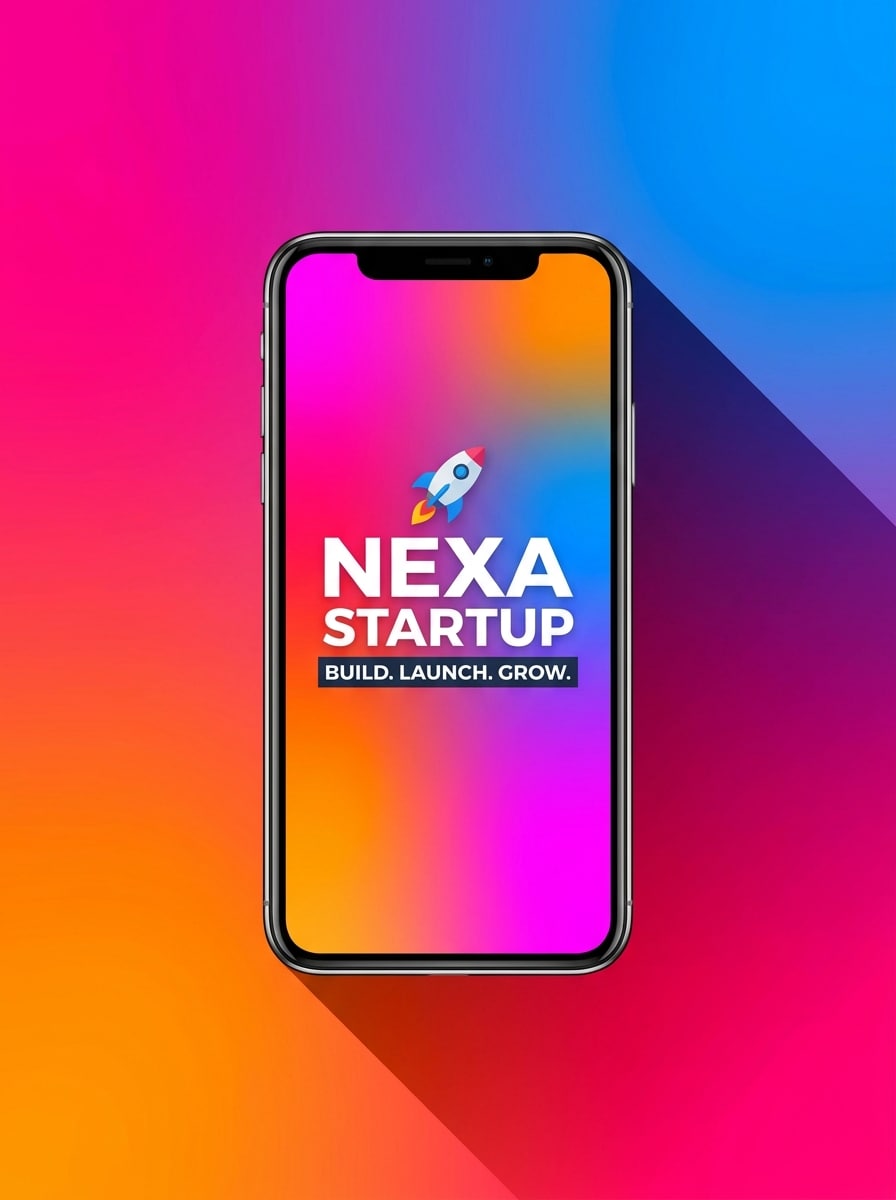
Usa la imagen cargada como pantalla y transfórmala en un mockup de smartphone llamativo centrado sobre un fondo de degradado vibrante, con sombra dramática, colores brillantes de campaña, energía moderna de anuncio de startup, énfasis limpio en la pantalla, contornos elegantes del dispositivo y una composición promocional pulida diseñada para creativos de redes sociales.
Teléfono con llamadas de interfaz
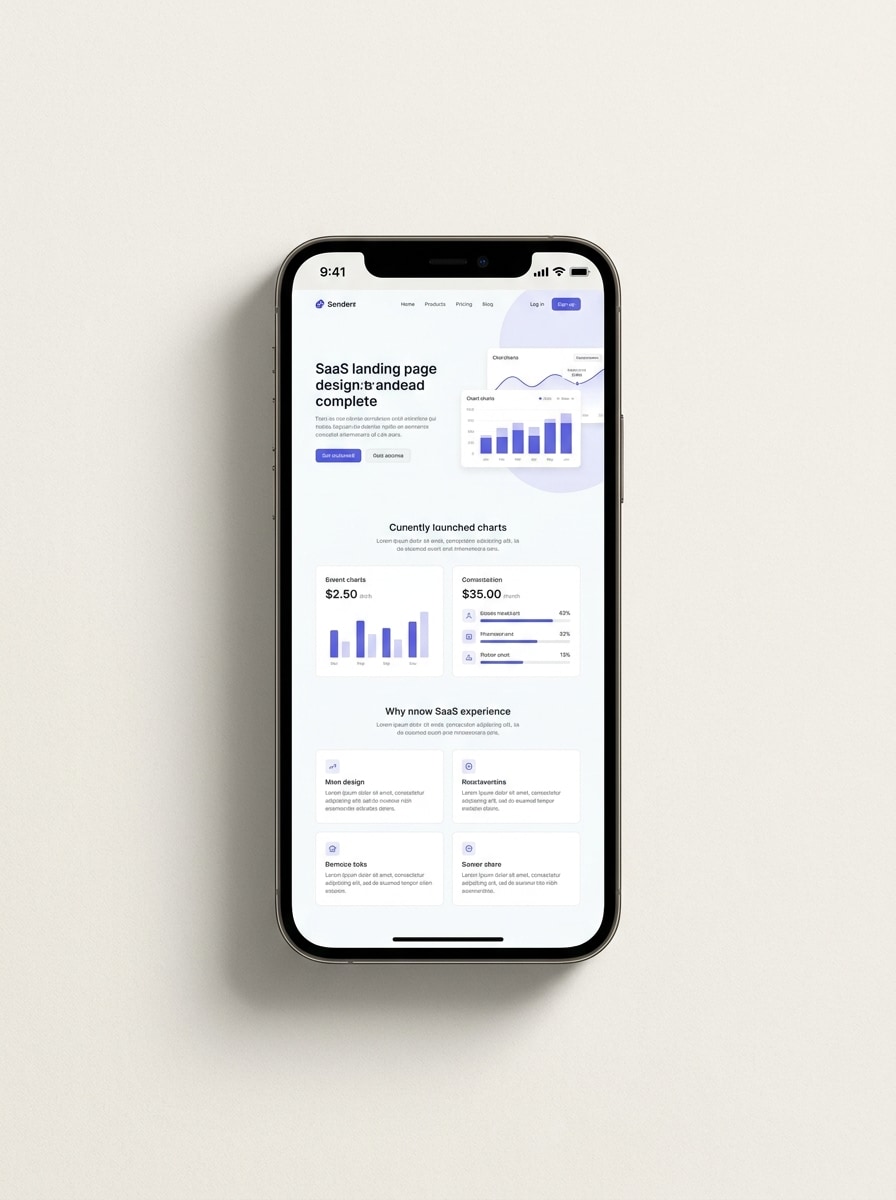
Usa la imagen subida como contenido de la pantalla y colócala dentro de un mockup de smartphone limpio con espacio abierto alrededor para llamadas de características, fondo claro, sombra sutil, estilo de Presentación Premium SaaS, composición equilibrada, iluminación de estudio Suave y una jerarquía visual clara para páginas de destino y presentaciones de ventas.
Por qué usar Media.io como generador de mockups de Teléfono
Personaliza los resultados en torno a una imagen de referencia
Para lanzamientos de apps, páginas de destino o presentaciones para inversores, Media.io te permite subir una captura de pantalla y Transformar la en mockups de Teléfono profesionales en minutos.
Explora diferentes estilos sin perder el rumbo
Cuando el estilo forma parte de la toma de decisiones, Media.io te ayuda a comparar múltiples direcciones desde la misma base de mockup de Teléfono, lo que hace la selección creativa más eficiente.
Exporta Diseños flexibles para anuncios, tiendas y Presentaciones
Una sola captura de pantalla a menudo necesita varias salidas, y Media.io te ayuda a adaptar el mismo diseño en un visual de mockup de app para publicaciones en redes sociales, páginas de producto, portadas o recursos de marketing de apps.
Genera resultados más limpios hasta en 4K
Los recursos de publicación deben mantenerse nítidos, y Media.io te ayuda a convertir tu mockup de Teléfono en una imagen lista para Presentación con salida de hasta 4K. Esa claridad adicional hace que el visual se mantenga mejor en diapositivas, fondos y materiales de marketing reutilizados.
Cómo crear un mockup de Teléfono online
Convierte tus palabras en visuales impresionantes en tres sencillos pasos y luego sigue refinando el resultado si quieres llevarlo más lejos.
Paso 1
Sube tu imagen de referencia
Sube una captura de pantalla clara de la app, pantalla de interfaz o visualización de producto en formato JPG, PNG o JPEG. Una imagen fuente nítida le da a Media.io una mejor base para crear un marco de Teléfono realista, ya sea que quieras una toma de estudio limpia o una escena de estilo de vida.
Paso 2
Describe el cambio y configura las opciones
Introduce un prompt que explique el estilo del dispositivo, fondo, iluminación, ángulo y ambiente que deseas. Luego elige tu modelo y ajusta la Relación de aspecto, Resolución y cantidad de imágenes para adaptarse a tu salida prevista, desde un anuncio social hasta una presentación de mockup de app móvil.
Paso 3
Genera, descarga y sigue mejorando
Genera varias versiones, compara los Diseños y descarga el que mejor se adapte. Puedes refinar el prompt para un marco diferente, crear más mockups móviles o pulir aún más el resultado para Presentaciones, páginas de lanzamiento y contenido promocional.
Desbloquea el potencial de los mockups de Teléfono
Descubre cómo los creadores usan este mockup de Teléfono para contenido, marketing y proyectos personales, y luego adapta cada idea a tu brief con Media.io.
Presenta pantallas de app para campañas de lanzamiento
Convierte capturas de pantalla sin editar en visuales de dispositivo pulidos para lanzamientos de productos, creatividades de tiendas de apps y anuncios de pago. Esto es ideal cuando necesitas una Presentación limpia de mockup de Teléfono que haga que las nuevas funciones luzcan listas para producción en páginas de destino, Tono decks y publicaciones en redes sociales.
Crea mejores visuales para sitios web y portafolios
Muestra tu interfaz dentro de marcos de dispositivos Premium en lugar de subir capturas de pantalla planas. Diseñadores, fundadores y agencias pueden usar Media.io para crear un mockup de app de Teléfono o mockup de Teléfono sólido para casos de estudio, banners principales y Presentaciones para clientes que resulten más creíbles y visualmente completos.
Crea recursos de marketing localizados y multiestilo
Haz que un diseño de pantalla funcione en diferentes campañas convirtiéndolo en un render de estudio minimalista, escena de estilo de vida o composición lista para anuncios. Esa flexibilidad ayuda a los equipos a usar Media.io como generador de mockups de dispositivo para probar direcciones creativas, crear una versión de mockup celular o crear un concepto de mockup de Teléfono gratuito para revisión.
Lo que dicen los usuarios
Avery Chen
Diseñador de producto
"Forma rápida de presentar pantallas de apps" Usé Media.io para convertir capturas de interfaz simples en Presentaciones de dispositivo pulidas para una revisión con un cliente. Los mockups lucían mucho más profesionales que las capturas de pantalla simples, y no necesité abrir Photoshop ni una vez.
Sofia Martinez
Gerente de marketing de apps
"Genial para creativos de lanzamiento" Necesitábamos visuales para la tienda de apps y anuncios en redes sociales rápidamente, y esta herramienta nos ahorró mucho tiempo. Pude probar un estilo de estudio minimalista, un marco de estilo de vida y un estilo promocional brillante desde la misma captura de pantalla.
Ethan Brooks
Fundador de startup
"Útil para Tono decks y páginas de destino" El flujo de trabajo en el navegador es sencillo, y los resultados son lo suficientemente limpios para diapositivas de inversores y visuales de Página de inicio. Nos ayudó a crear una Presentación móvil Premium sin contratar a un artista 3D.
Camila Reyes
Diseñadora UI freelance
"Fácil de iterar y refinar" Me gusta que puedo subir una pantalla y probar diferentes Diseños, fondos y estilos de iluminación. Es una forma práctica de hacer mockups de Teléfono listos para el cliente cuando necesito opciones rápidamente.
Explora los efectos de video e imagen con IA más populares
Preguntas frecuentes sobre el generador de mockups de Teléfono
1. ¿Qué es un generador de mockups de Teléfono?
Un generador de mockups de Teléfono es una herramienta que convierte una captura de pantalla o un diseño en una imagen de Presentación realista de smartphone. Con Media.io, puedes subir tu pantalla, describir el estilo que deseas y crear mockups profesionales para marketing de aplicaciones, sitios web, presentaciones y contenido para redes sociales directamente en tu navegador.
2. ¿Cómo coloco mi captura de pantalla en un mockup de Teléfono en línea?
Sube tu captura de pantalla a Media.io, añade un prompt describiendo el marco del Teléfono o la escena que deseas, y luego elige opciones como Relación de aspecto, Resolución y cantidad de imágenes. Media.io utiliza tu imagen subida como referencia, para que puedas convertir una captura de pantalla plana en un mockup realista con un trabajo de Edición mínimo.
3. ¿Puedo crear un mockup de Teléfono gratis?
Los usuarios gratuitos pueden probar Media.io con créditos gratuitos, lo cual es útil si deseas una prueba de mockup de Teléfono gratuito o un concepto rápido de mockup de Teléfono gratuito antes de comprometerte con proyectos más grandes. Para más uso y descargas en alta Resolución sin marca de agua, puedes consultar la página de precios.
4. ¿Puedo hacer mockups de iPhone y Android con la misma herramienta?
Media.io está diseñado para la Edición flexible de Imagen a imagen, por lo que puedes crear diferentes estilos de Presentación de smartphone a partir de la misma captura de pantalla subida. Esto lo hace útil para visuales de marketing estilo iPhone y estilo Android, dependiendo del marco, ángulo y escena que describas en tu prompt, y funciona en un navegador tanto en dispositivos de escritorio como móviles.
5. ¿Qué tamaño de imagen funciona mejor para un mockup de pantalla de Teléfono?
Una captura de pantalla clara y de alta calidad funciona mejor, especialmente cuando el texto de la interfaz y los iconos son fáciles de leer. Si planeas crear visuales detallados de marketing de aplicaciones, un mockup de aplicación de Teléfono u otros mockups móviles para pantallas más grandes, comienza con la captura de pantalla de mayor calidad que tengas para que el resultado final se mantenga nítido después de la Edición.
6. ¿Los mockups de Teléfono exportados son de alta Resolución?
Media.io admite opciones de Resolución de 1K, 2K y 4K, lo que resulta útil cuando necesitas exportaciones nítidas para sitios web, presentaciones, anuncios o páginas de productos. Los usuarios gratuitos pueden tener marcas de agua.