Tus creaciones solo se guardan durante 7 días. Los recursos creados después de actualizar a Membresía se almacenarán de forma permanente.
¡Desbloquea tu potencial creativo y experimenta la magia de Media AI ahora mismo!
Fortnite Filter That Turns Your Photo Into Bold Game Art
Create a fortnite filter look from your photo in seconds. Upload a selfie and turn it into a stylized gaming portrait, poster, or fortnite avatar filter-style image with bold color, cel-shaded detail, and easy browser-based editing—no TikTok, Snapchat, or CapCut required. This workflow is especially useful for snapchat fortnite filter.
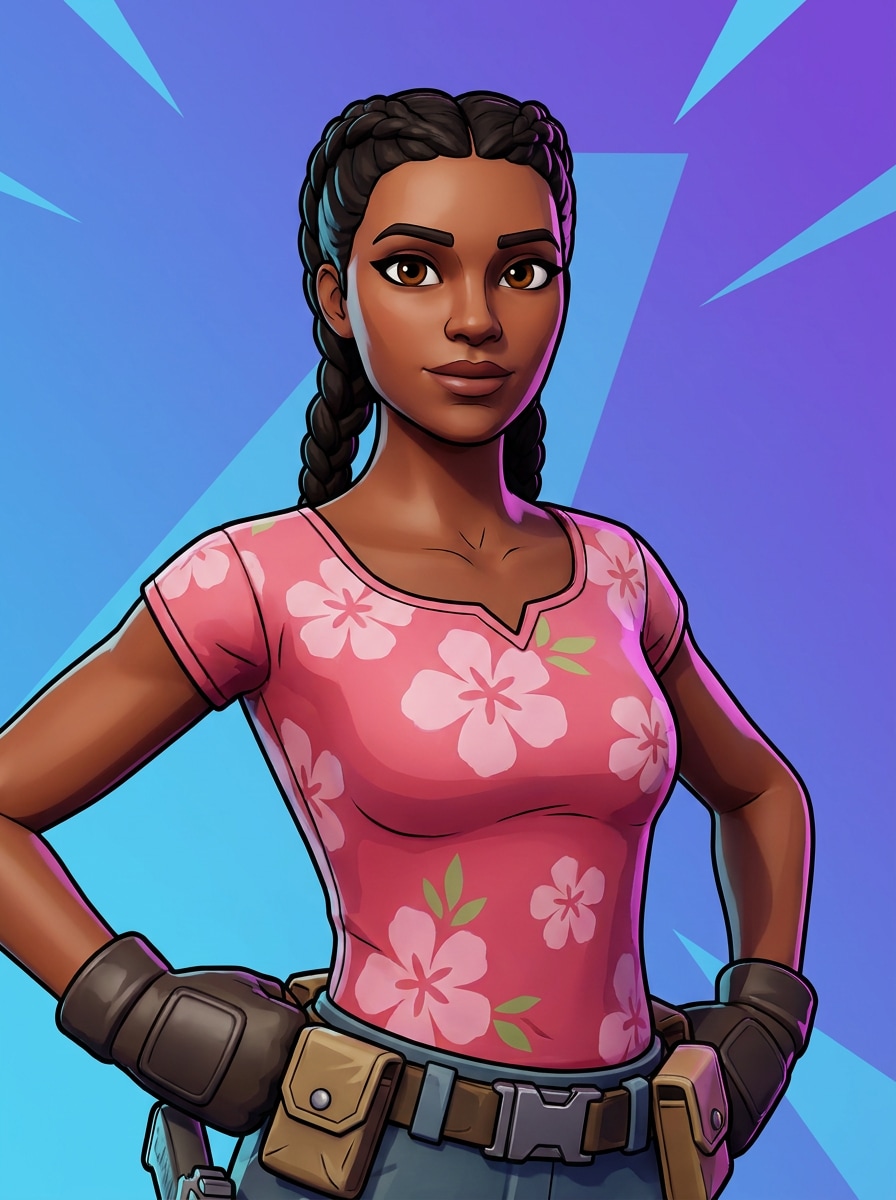
Review these example directions, then customize the details to get stronger results with this Fortnite Filter, whether you want a portrait closer to a fortnite character filter or a social-ready gaming avatar.
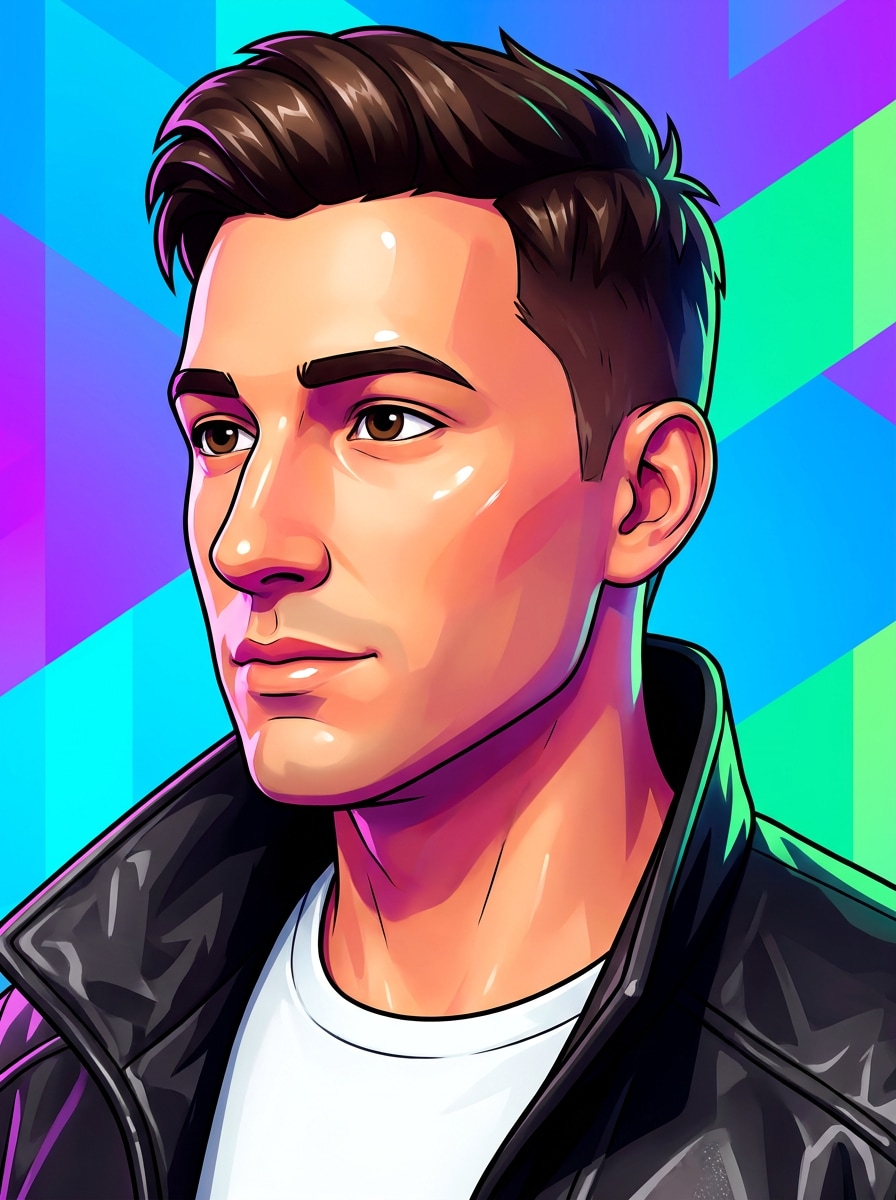
Fortnite Hero Portrait
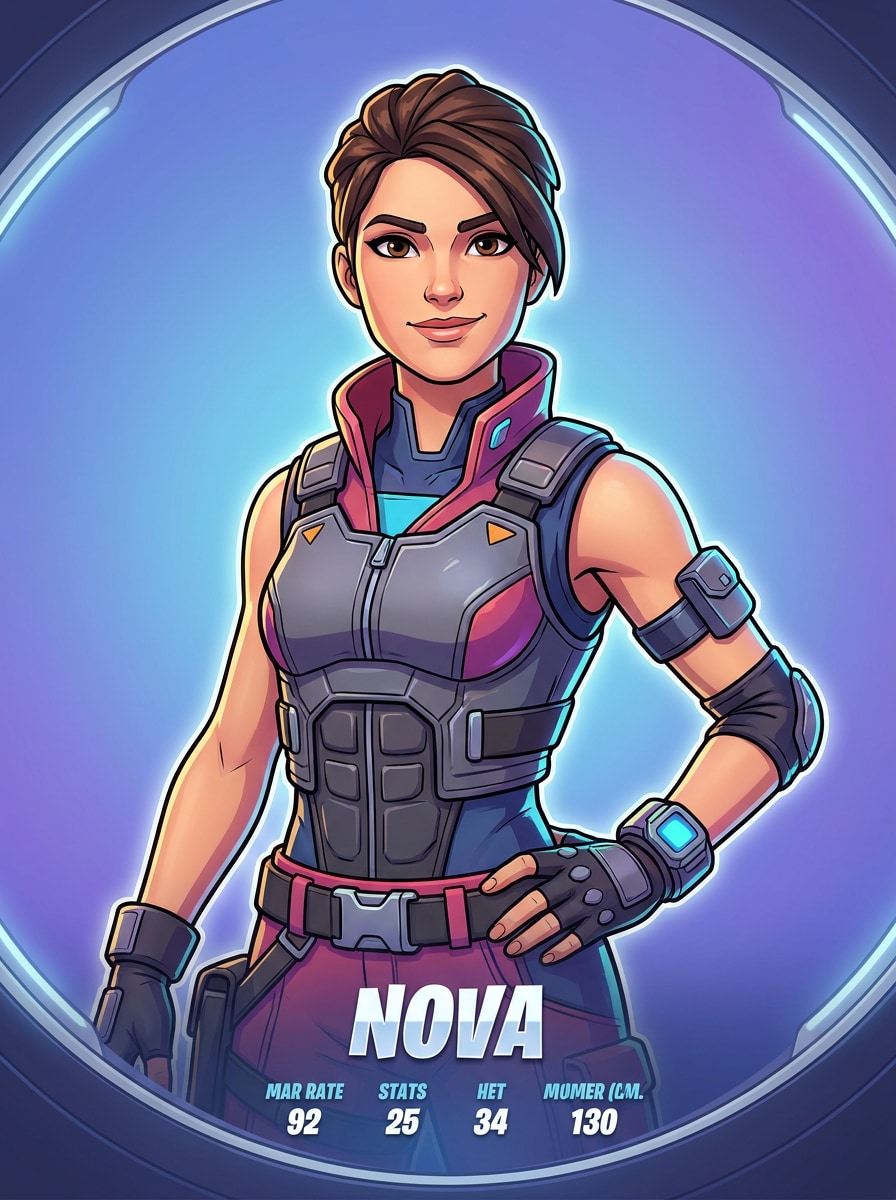
Use the uploaded image as the main subject and transform it into a Fortnite-inspired hero portrait with clean cel-shaded facial rendering, a confident expression, crisp outlines, soft rim lighting, vibrant blue and purple battle royale colors, polished skin shading, and a centered character-select screen composition.
Battle Royale Skin Style
Use the uploaded photo as the subject and restyle it into a Fortnite-inspired skin with bold outfit accents, playful action-game proportions, glossy highlights, cel-shaded texture, vivid purple and cyan background lighting, energetic mood, and polished promotional art quality that still keeps the person recognizable.
Fortnite Lobby Avatar
Use the uploaded image as reference and create a Fortnite-style lobby avatar with a stylized 3D-cartoon face, expressive eyes, clean outlines, polished shading, a simple game-like background, hero pose, high-contrast lighting, and a sleek profile-ready composition made for social sharing.
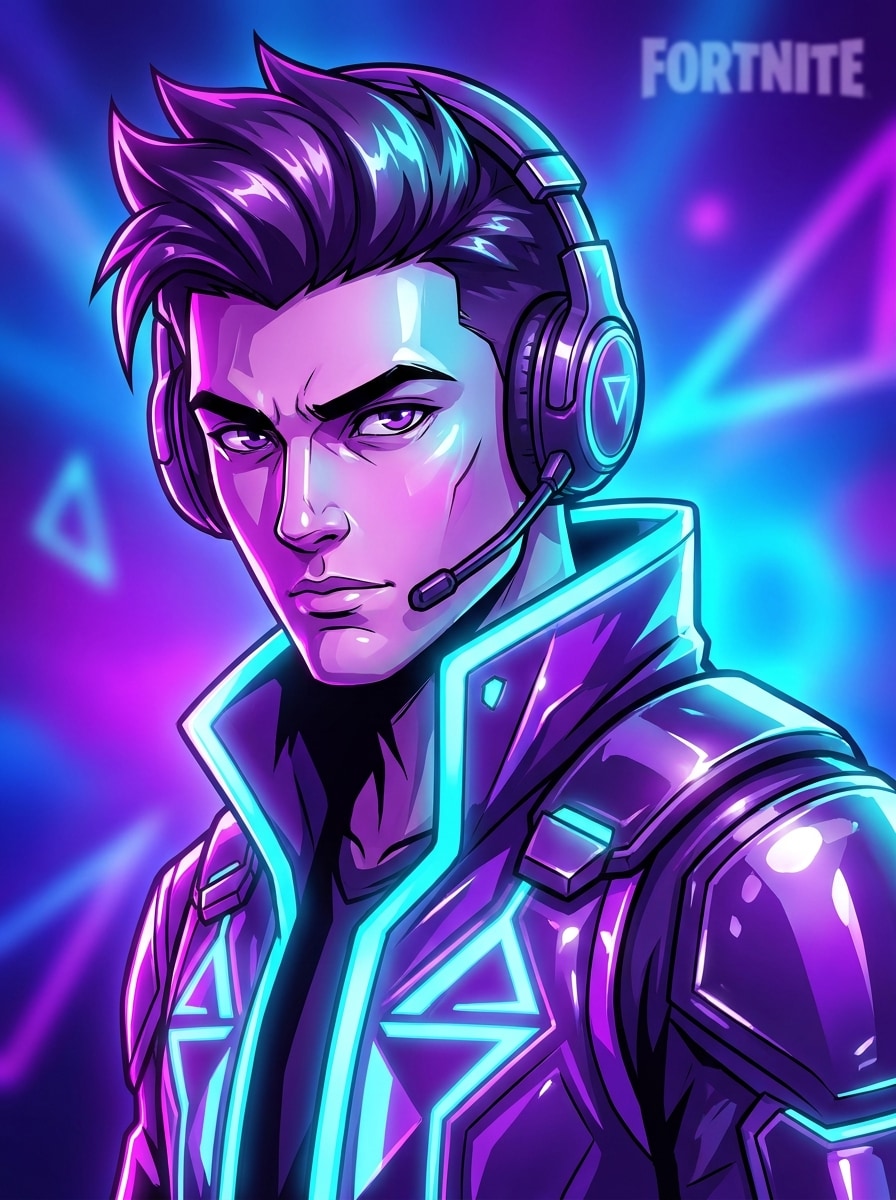
Neon Victory Glow
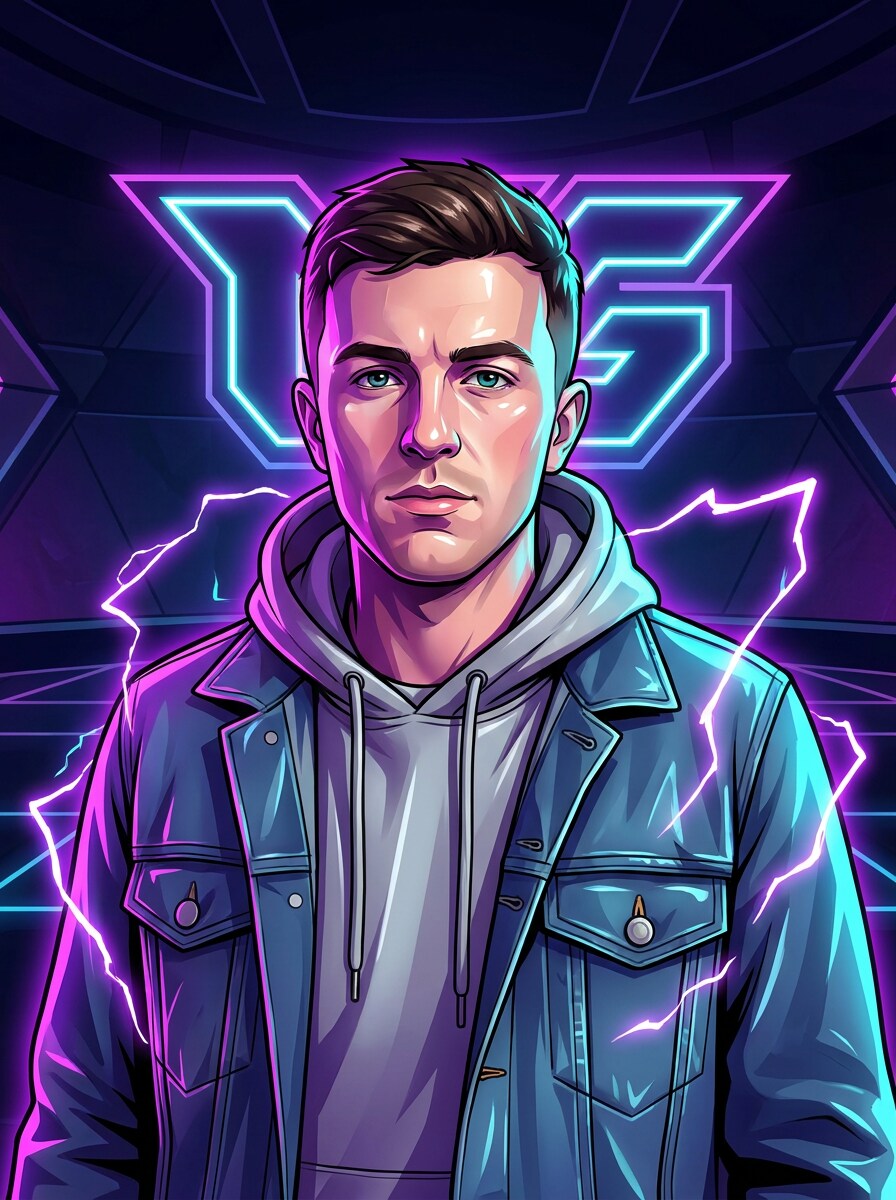
Use the uploaded portrait as the subject and apply a Fortnite-inspired neon gaming effect with electric purple and cyan glow, dramatic rim light, sharp cel-shaded facial features, glossy highlights, vivid contrast, a competitive esports mood, and a clean, high-energy hero portrait composition.
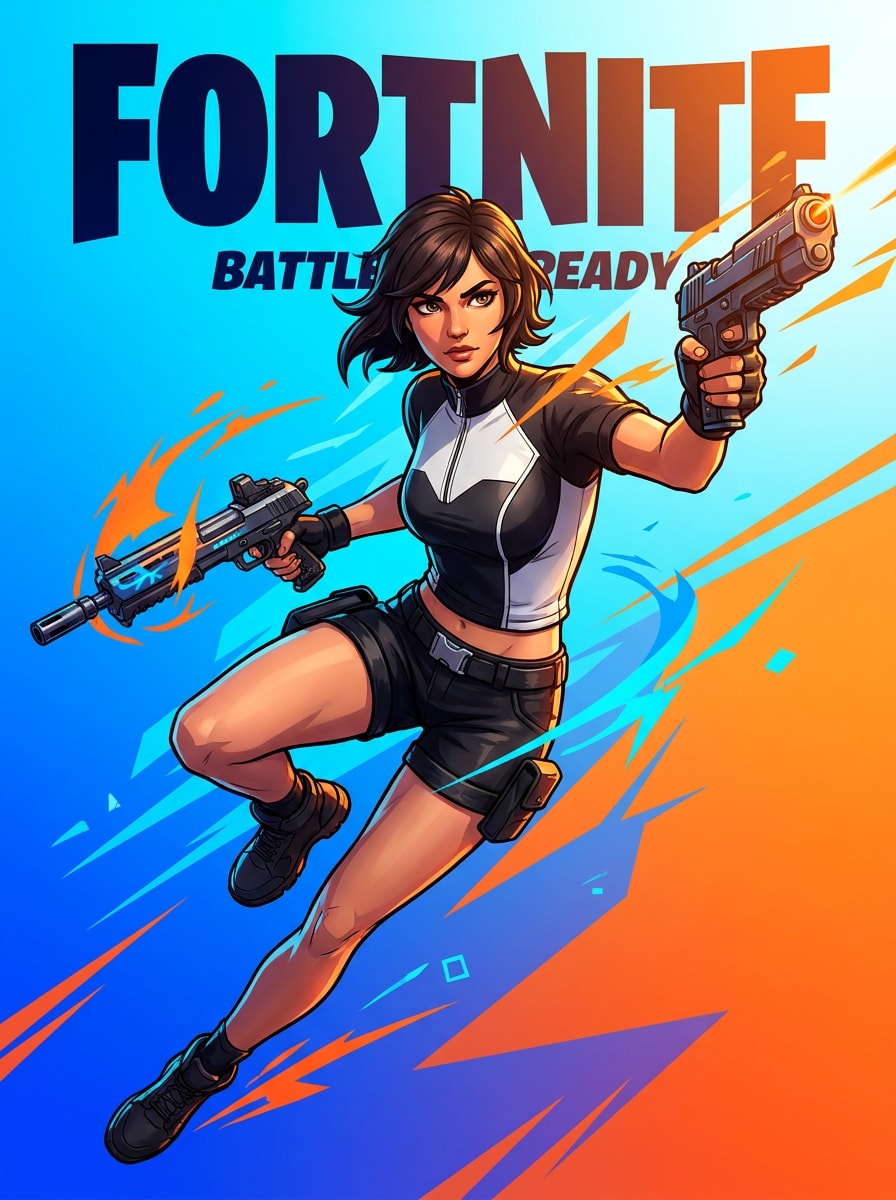
Action Poster Art
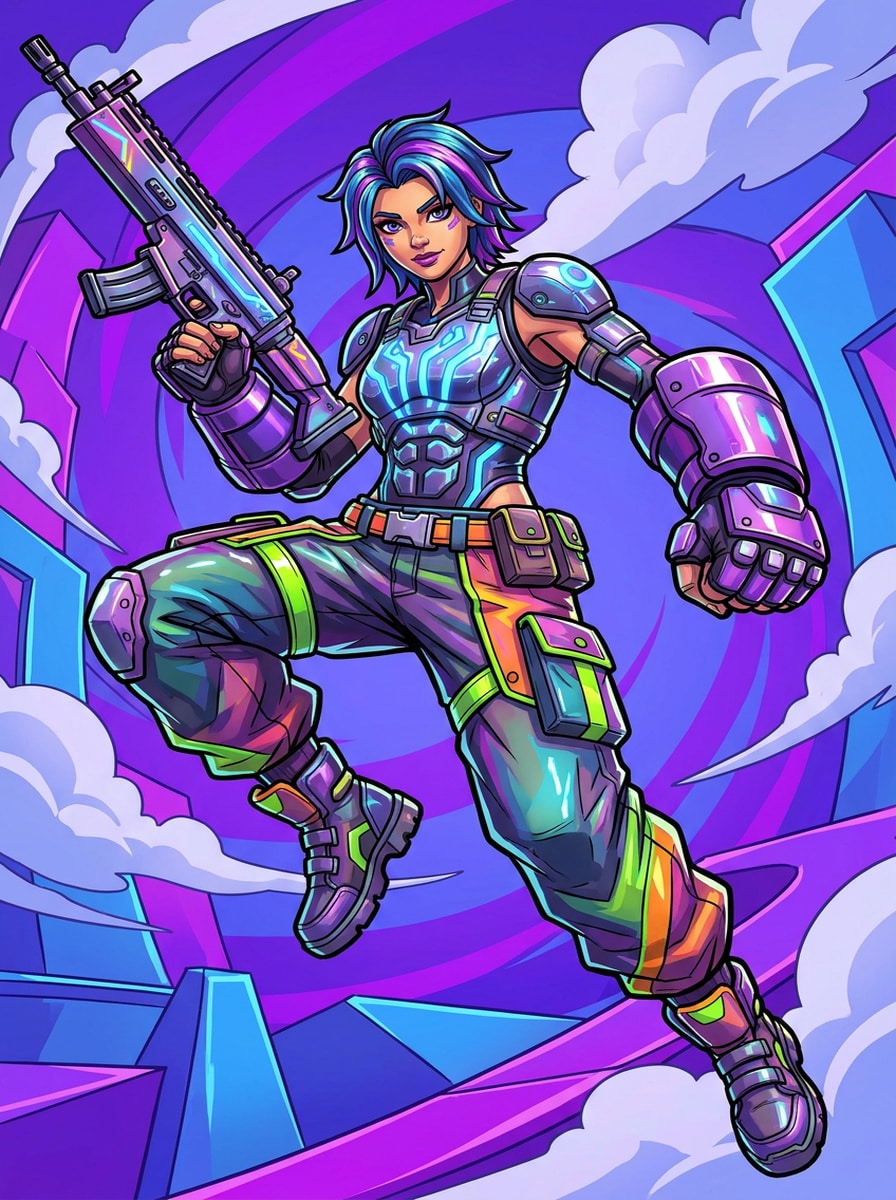
Use the uploaded image as the main figure and transform it into Fortnite-inspired poster art with dynamic composition, cinematic key lighting, cel-shaded illustration detail, bold action-game colors, subtle motion energy, smooth background gradient, and a dramatic promotional mood suitable for a thumbnail or wallpaper.
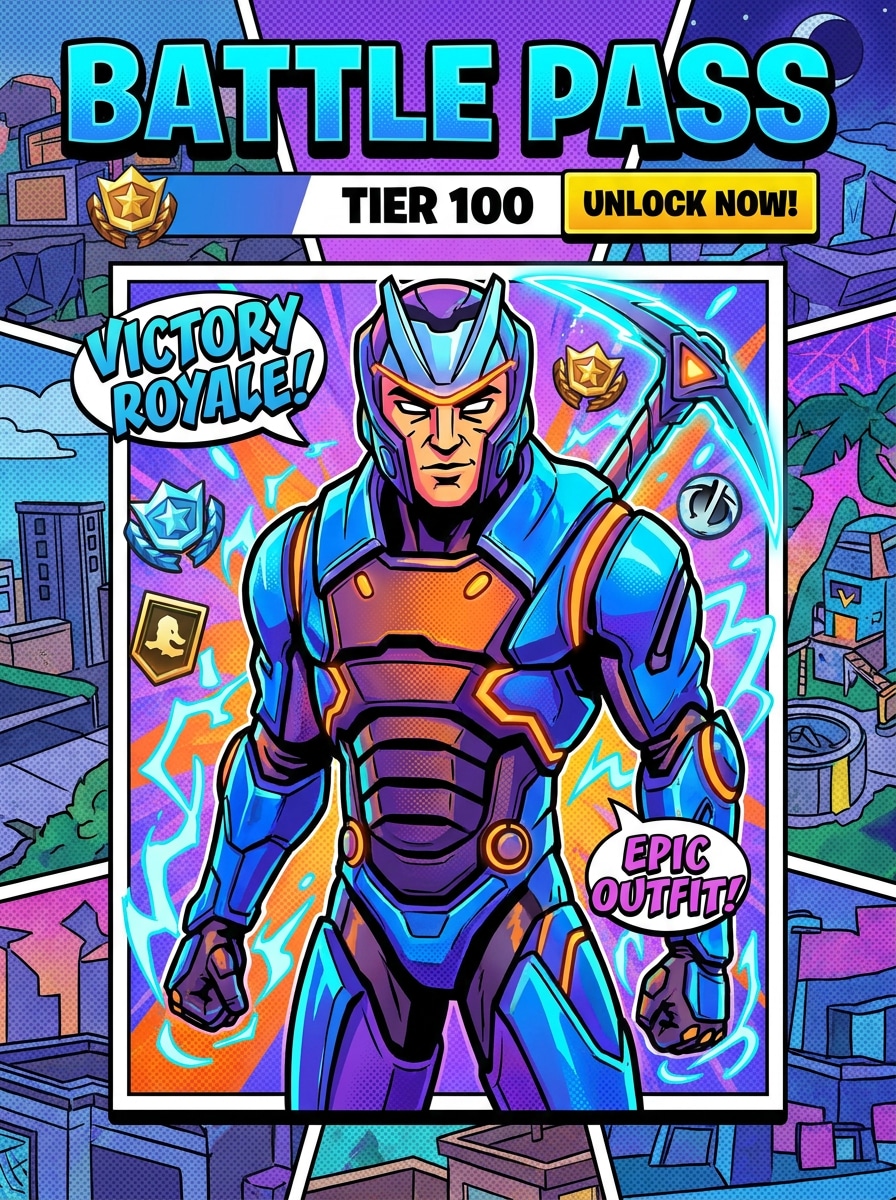
Comic Battle Pass Style
Use the uploaded portrait as reference and convert it into a Fortnite-inspired comic battle pass illustration with bold black outlines, punchy saturated colors, stylized shading, graphic facial rendering, collectible-card energy, playful mood, and a crisp vertical composition that feels polished and game-ready.
Fortnite PFP Style
Use the uploaded selfie as the subject and create a Fortnite-style profile picture with close-up framing, a cel-shaded 3D-cartoon face, bright gaming colors, smooth background blur, polished skin shading, clear recognizable features, and a clean social-media-ready avatar composition.
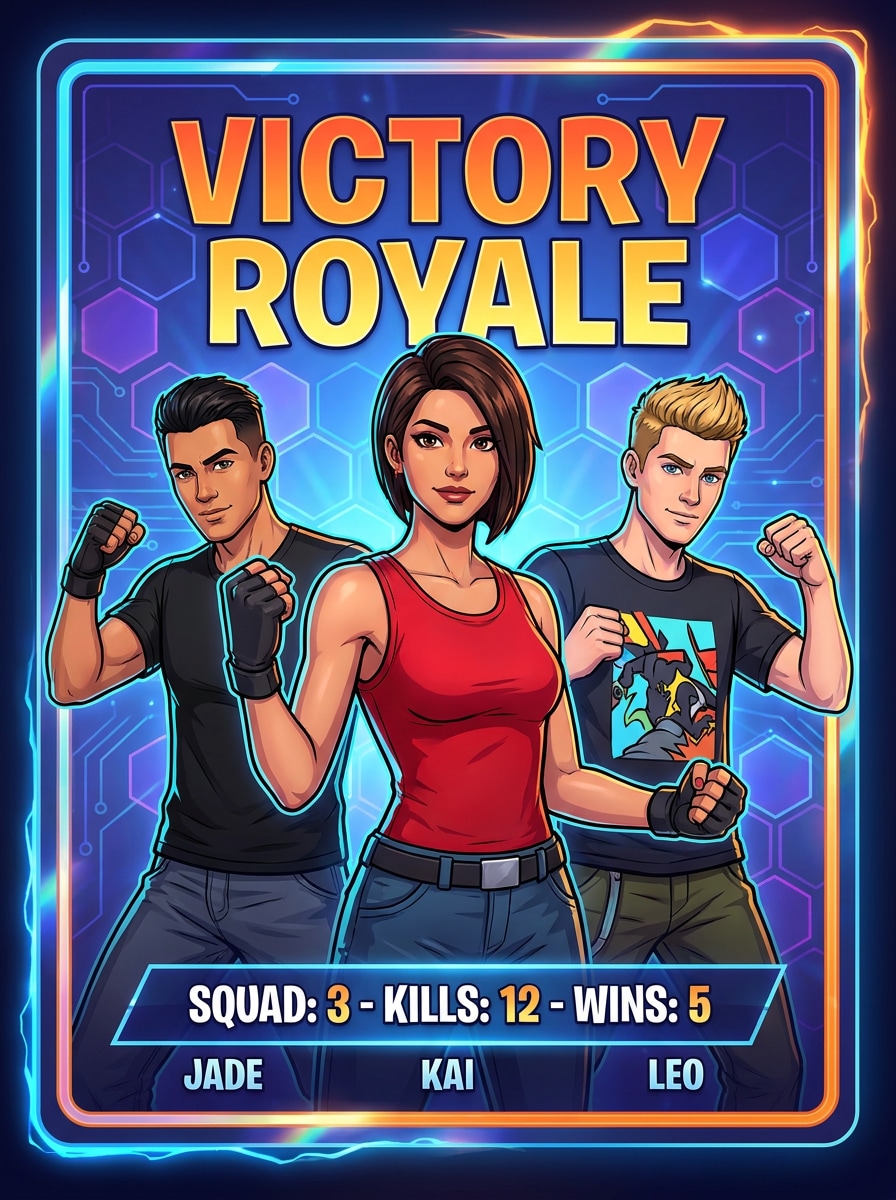
Squad Card Portrait
Use the uploaded image as your subject and restyle it into a Fortnite-inspired squad card portrait with collectible player-card framing, vivid accent colors, cel-shaded character rendering, subtle tech background details, energetic battle royale mood, and polished graphic depth for shareable gaming visuals.
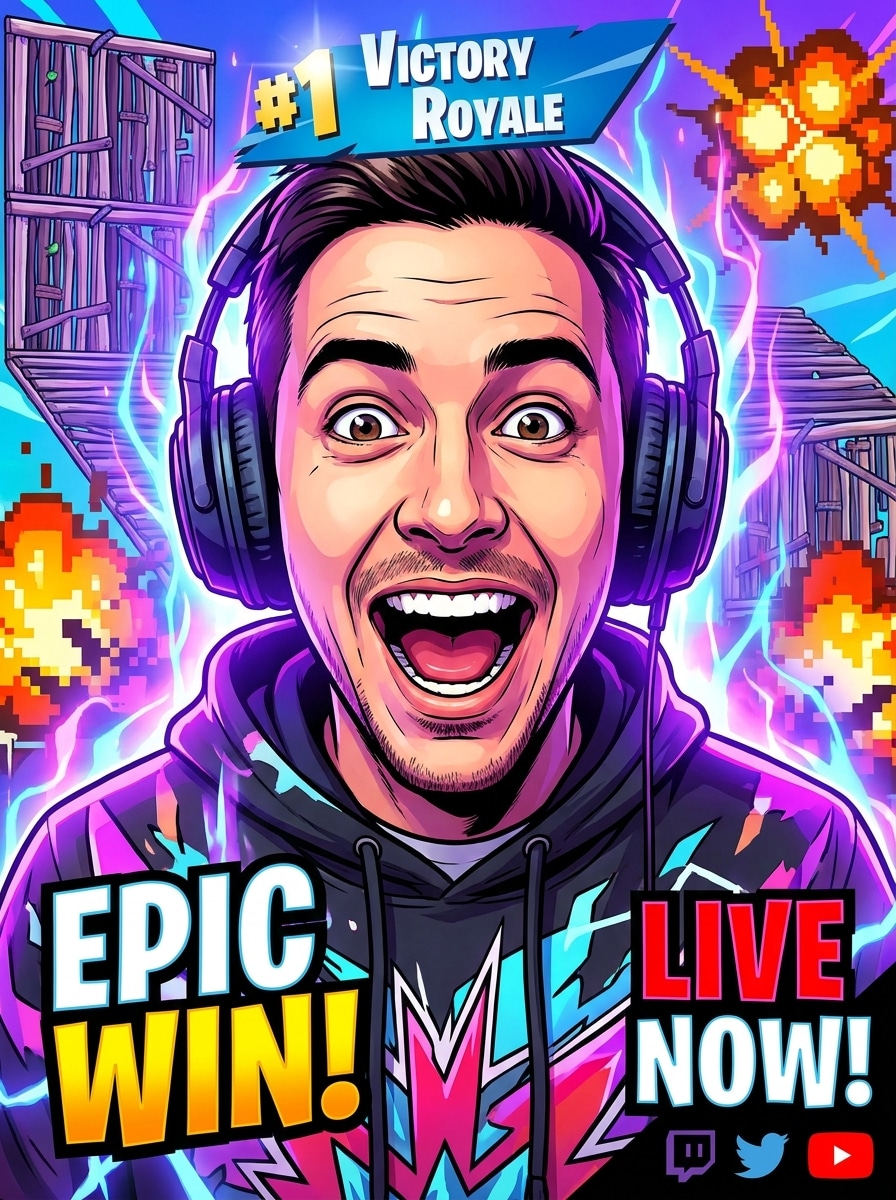
Streamer Thumbnail Look
Use the uploaded portrait as the main face and transform it into a Fortnite-inspired streamer thumbnail look with exaggerated expression, sharp cel shading, strong contrast, glowing background effects, bold blue-purple color palette, clickable energy, and a dramatic composition made for social posts or thumbnails.
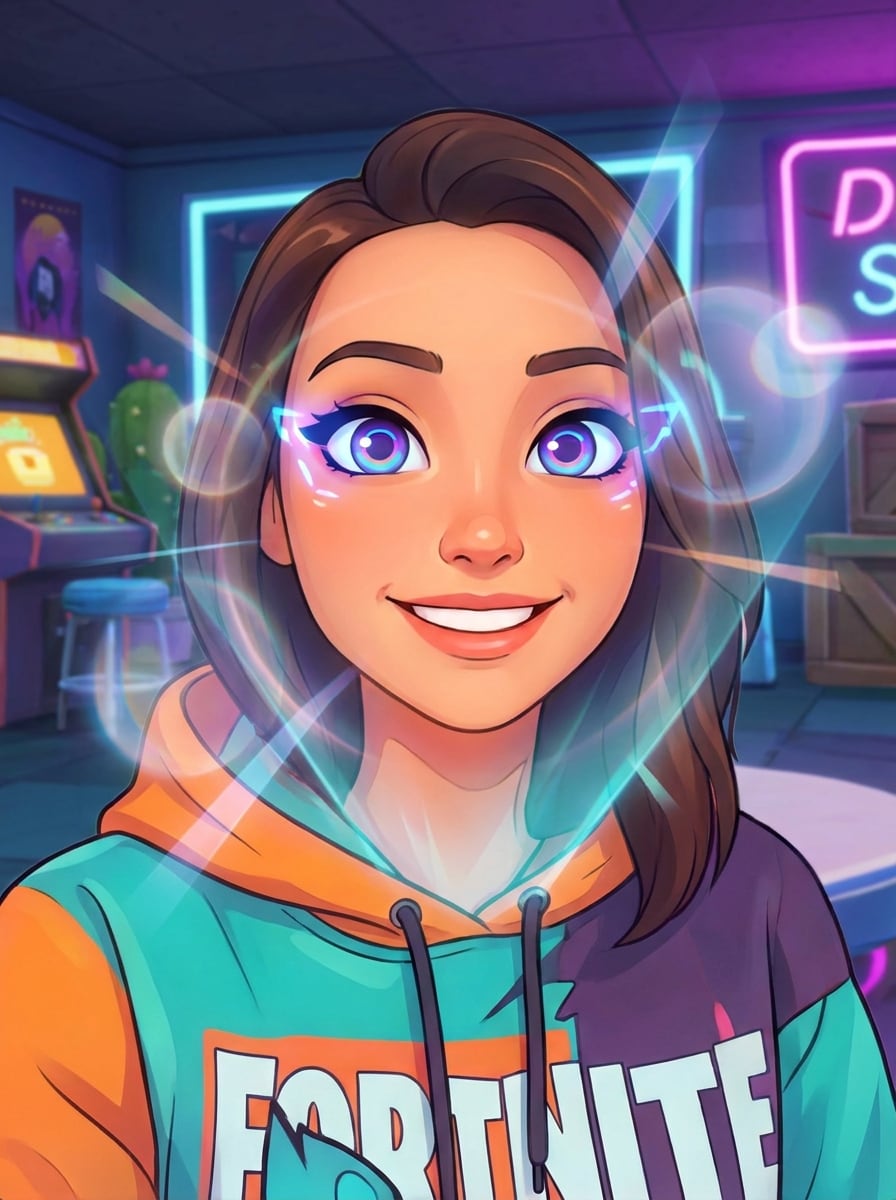
Instant Fortnite Lens Look
Use the uploaded photo as your subject and apply a playful Fortnite-inspired lens effect with smoother cel-shaded skin, bold eye detail, bright game colors, clean facial contours, a fun shareable mood, and a quick stylized transformation that feels like a social camera filter.
Why Use Media.io for Fortnite-Style Photo Transformations
Switch Between Social Avatar, Poster, and Card Layouts Easily
For social posts, branding, or mockups, Media.io helps keep the result tied to the original person while applying a recognizable fortnite filter style, so the final image feels stylized without losing the subject’s identity.
Keep Your Face Recognizable in a Game-Inspired Style
Different outputs call for different aesthetics. Media.io helps you explore varied treatments of the same fortnite filter visual concept so the final visual lands in the right tone faster.
Create High-Resolution Images for Real Use
For thumbnails, posters, and close-up profile images, Media.io helps you create sharp, colorful results with clean edges and clear facial detail. With support for up to 4K output, your fortnite skin filter image stays polished instead of turning soft or muddy.
Create in Browser Across Devices
Creative editing often moves between devices, and Media.io keeps the fortnite filter workflow in your browser so you can start on mobile and finish on desktop.
How to Make a Fortnite-Style Character From Your Photo
Turn your words into stunning visuals in three simple steps, then continue refining the result if you want to take it further.
Step 1
Upload Your Reference Image
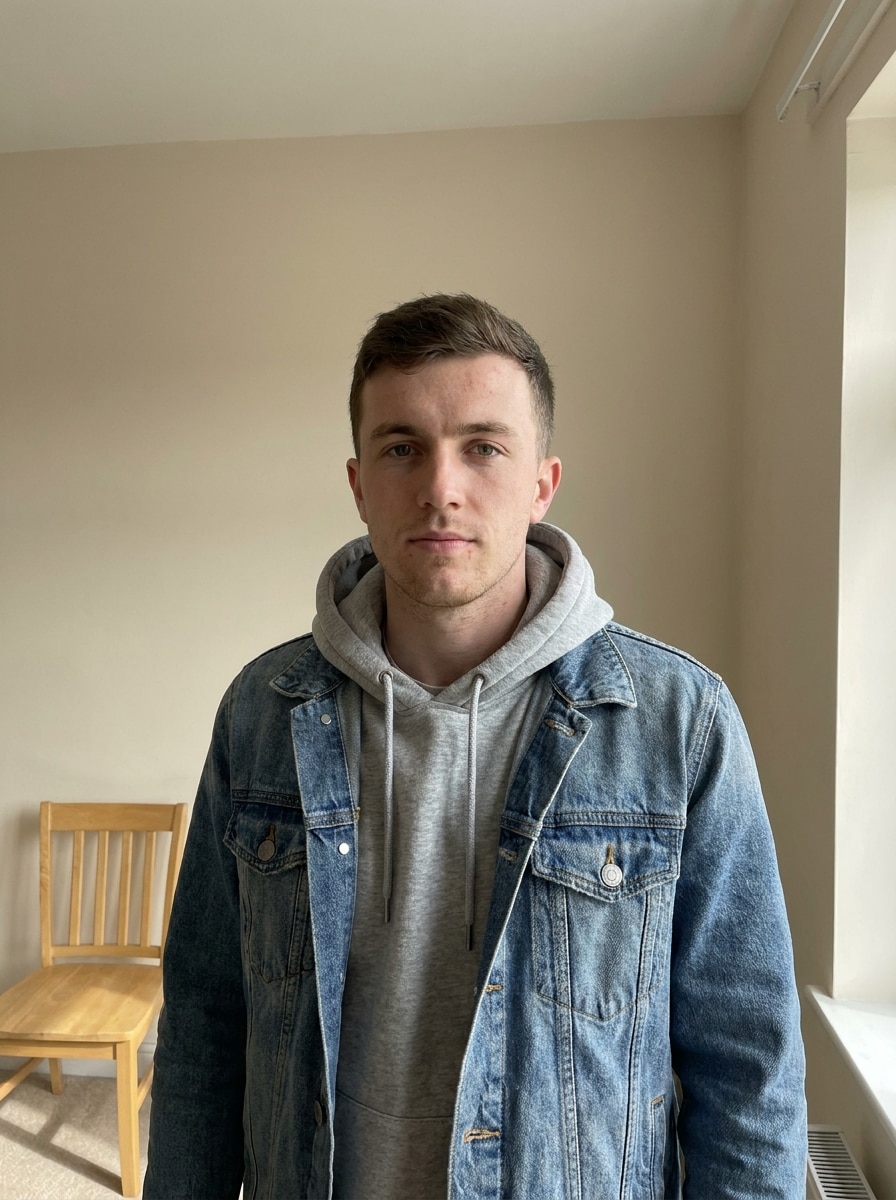
Start with a clear selfie, portrait, or upper-body photo in JPG, PNG, or JPEG format. A clean image with visible facial features gives the AI a better base for game-style character edits, avatar results, and poster-like transformations.
Step 2
Describe the Change and Set Options
Enter a prompt describing the look you want, such as a heroic game portrait, neon battle-royale glow, or fortnite character filter style. Then choose your model and adjust aspect ratio, quality, and image count to match your final use.
Step 3
Generate, Download, and Keep Improving
Generate several versions, compare the styling, and download your favorite result. You can refine the prompt, try a different model, or create more variations for avatars, wallpapers, thumbnails, or a snapchat fortnite filter-style social post.
See how creators use this Fortnite Filter for content, marketing, and personal projects, then adapt each idea to fit your brief.
Create a Gaming Profile Picture That Stands Out
Turn a simple selfie into a bold character-style portrait for Discord, TikTok, YouTube, or streaming profiles. This works well when you want a playful, game-inspired identity or a fortnite character filter look without drawing the artwork from scratch.
Design Shareable Before-and-After Social Posts
Make eye-catching transformation content for Reels, Shorts, and story posts by converting an everyday portrait into colorful battle-royale-style art. The result can feel like a viral social lens effect or a Fortnite-style selfie transformation, but with more control over the final image.
Build Custom Thumbnails, Posters, and Fan Graphics
Use your transformed portrait in YouTube thumbnails, gaming channel banners, printable posters, or fan edits. A stylized avatar or hero look helps casual photos feel more cinematic, branded, and visually consistent across your content.
What Users Say About This Fortnite Filter
Jayden R.
TikTok Creator
"Way more control than social filters" I wanted the viral Fortnite-style look without being locked into an app effect. Media.io let me upload my own selfie, tweak the prompt, and get a result that looked cleaner and more like real game art.
Mia L.
Student Gamer
"Perfect for profile pictures" I used it to make a gaming profile photo, and the character version still looked like me. The colors popped, the face stayed recognizable, and it was easy to download and post right away.
Carlos D.
YouTube Streamer
"Great for thumbnails and banners" The poster and thumbnail styles worked really well for my channel art. I liked being able to test different looks from the same photo instead of settling for one quick mobile filter.
Ava P.
Digital Artist
"Fast way to mock up character concepts" I tried it for fan-art inspiration and was surprised by how polished the outputs looked. It gave me strong Fortnite-style character ideas that I could use as a base for more custom edits.
A Fortnite filter for photos is an image effect that restyles a normal portrait into bold, game-inspired character art. With Media.io, you can upload a JPG, PNG, or JPEG photo and turn it into a stylized avatar, hero portrait, or gaming poster using AI-guided image-to-image editing.
2. How can I turn a picture into a Fortnite-style character?
Upload a clear photo to Media.io, then enter a prompt describing the look you want, such as a heroic avatar, cel-shaded poster, or neon battle-royale portrait. After that, choose your model, aspect ratio, and quality settings, generate a few variations, and download the version that best matches your style.
3. Is there a free Fortnite AI filter online?
Media.io offers free credits for new users, so you can try a Fortnite-style transformation online before deciding whether you need more usage. If you want additional generations or downloads, you can check the pricing page for available plans, including options for more credits and watermark-free high-resolution downloads.
4. Do I need TikTok, Snapchat, or CapCut to use a Fortnite filter?
Media.io is a web-based tool, so you can create this kind of gaming-style portrait directly in your browser without relying on TikTok, Snapchat, or CapCut. That makes Media.io useful if you want a custom result beyond a temporary social lens, a template effect, or a basic fortnite snapchat filter experience.
5. Can I make a Fortnite profile picture from my selfie?
Media.io works well for selfie-based avatar creation because you can upload your own reference image and guide the style with a prompt. That makes it easy to build a profile picture, character portrait, or Fortnite-style social avatar that keeps your features while adding a playful game-art finish.
6. How long does a Fortnite image-to-image transformation take?
The Media.io workflow is designed to be fast: upload your photo, describe the style, choose your settings, and generate. The exact time can vary based on your options and the number of images you create, but the process is built for quick browser-based editing rather than a long manual design workflow.