Tus creaciones solo se guardan durante 7 días. Los recursos creados después de actualizar a Membresía se almacenarán de forma permanente.
¡Desbloquea tu potencial creativo y experimenta la magia de Media AI ahora mismo!
Cowboy Hat Filter for Realistic Western Photo Transformations
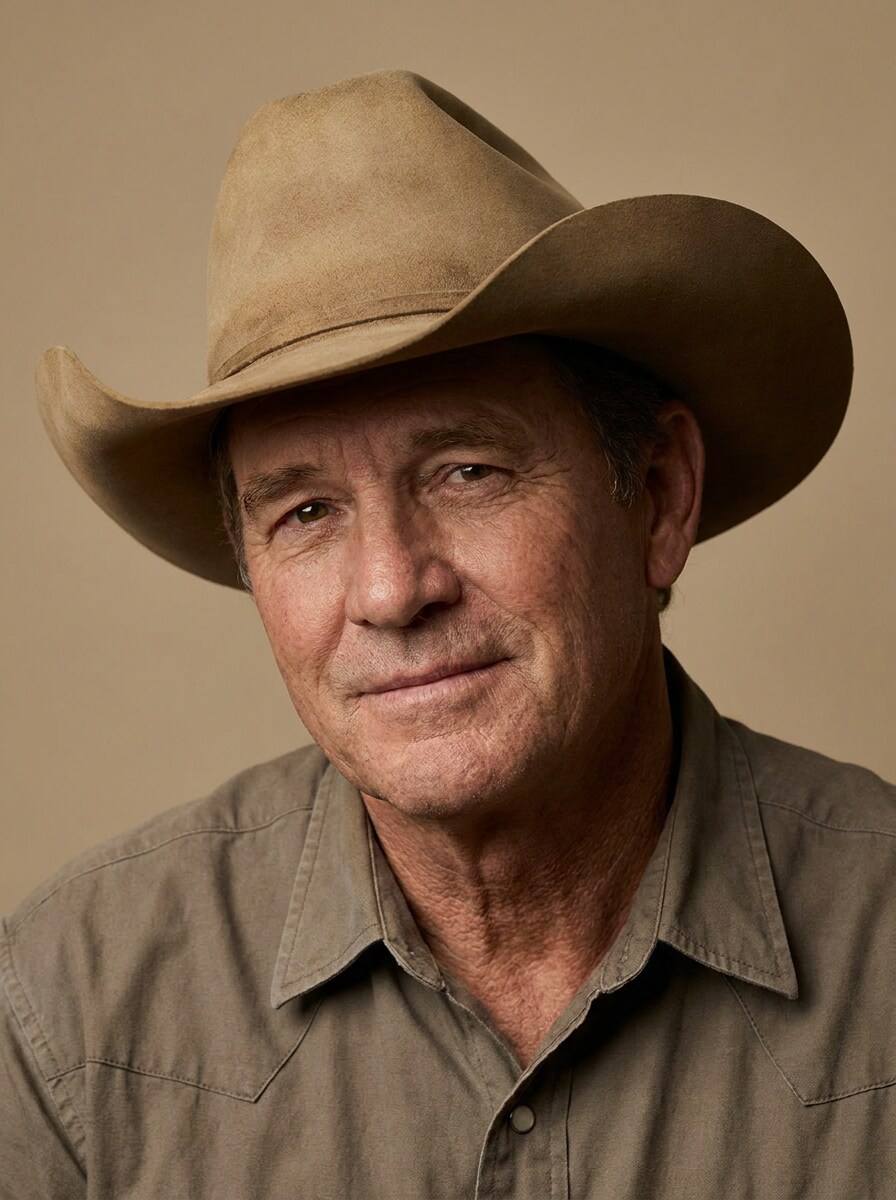
Create polished Western-style edits by adding a realistic cowboy hat to selfies, portraits, and full-body shots. This cowboy hat filter helps you turn any photo into a country-inspired look fast, whether you want a fun cowboy filter, a concert-ready vibe, or a clean western hat filter online. It can also help with add cowboy hat to photo.
Review these example directions, then tailor the prompt details to get stronger results with this Cowboy Hat Filter in Media.io.
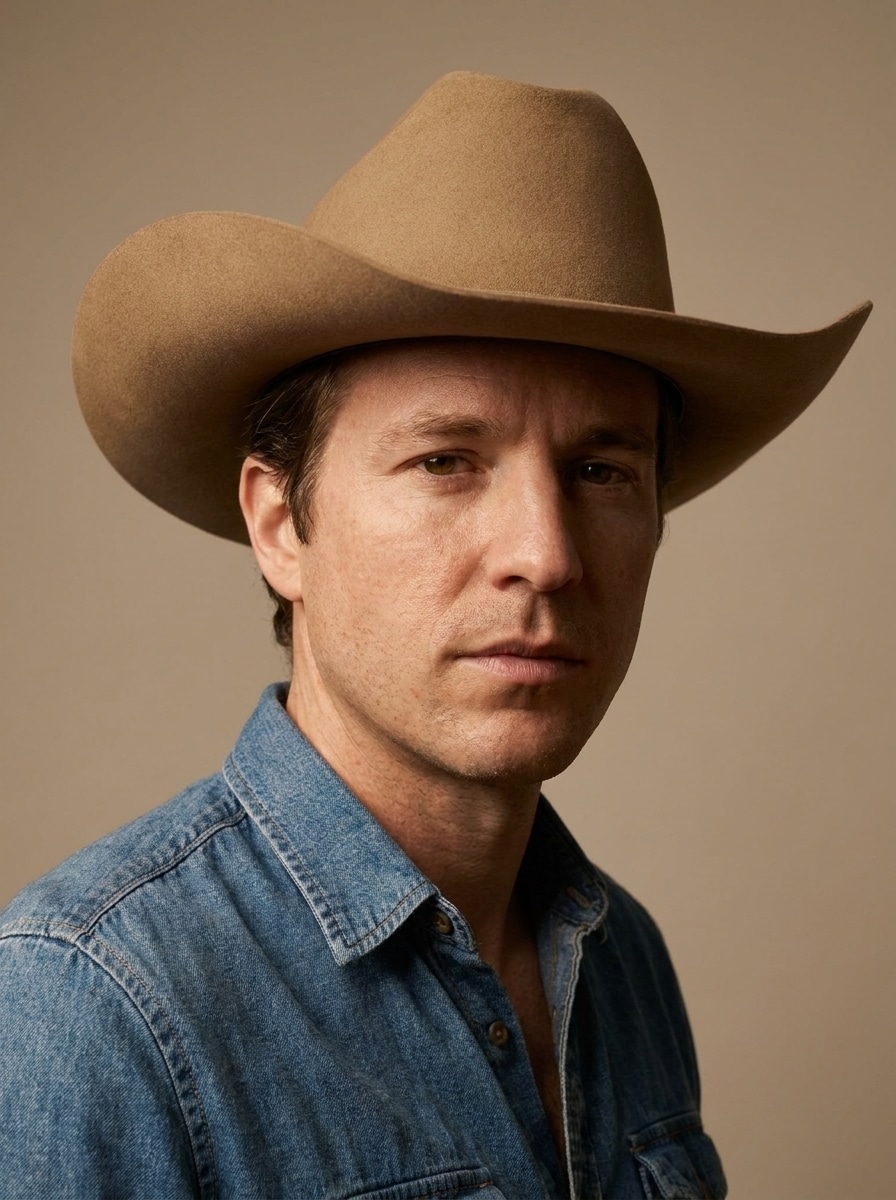
Photoreal Tan Cowboy Hat
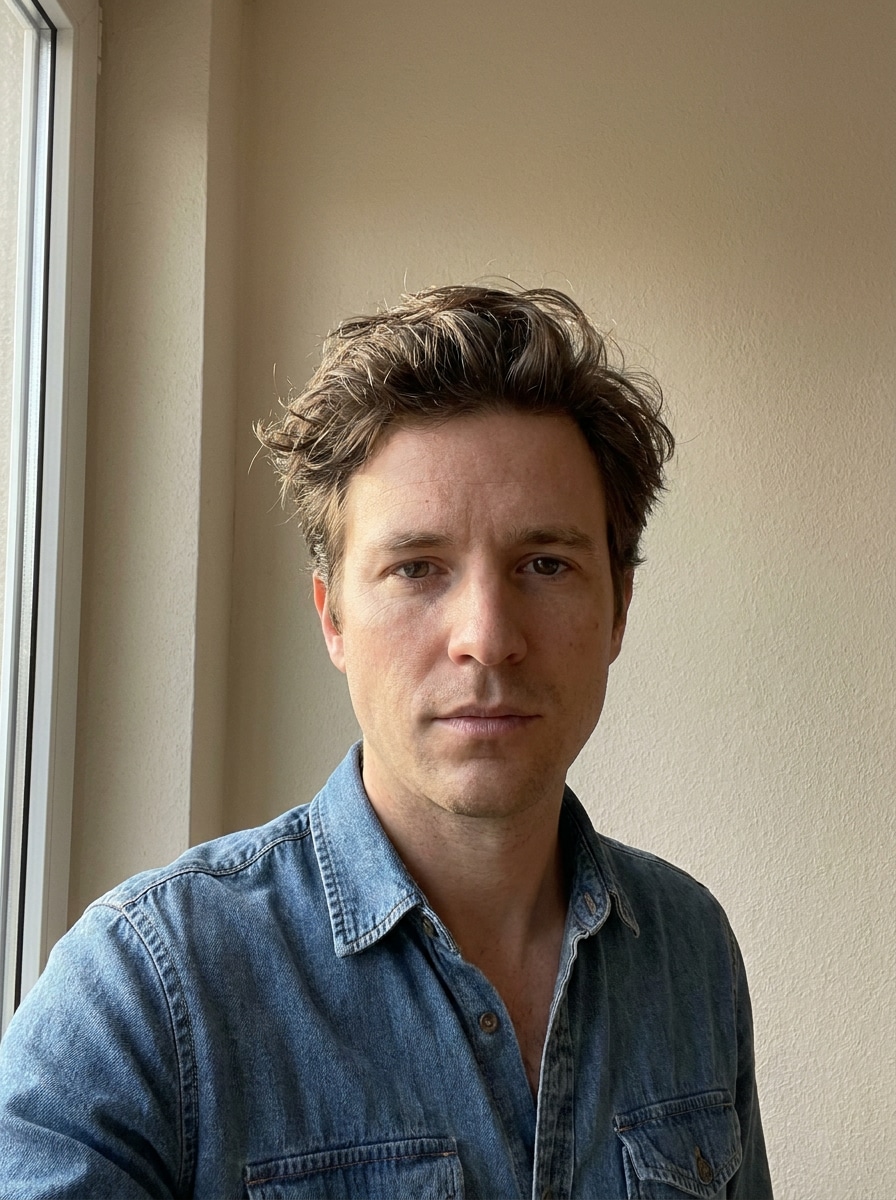
Use the uploaded image as the subject and add a realistic tan felt cowboy hat that matches the head angle and hairline naturally. Preserve facial identity, skin texture, and expression. Use soft studio lighting, warm neutral tones, subtle denim-inspired styling, clean portrait composition, and highly realistic shadow detail.
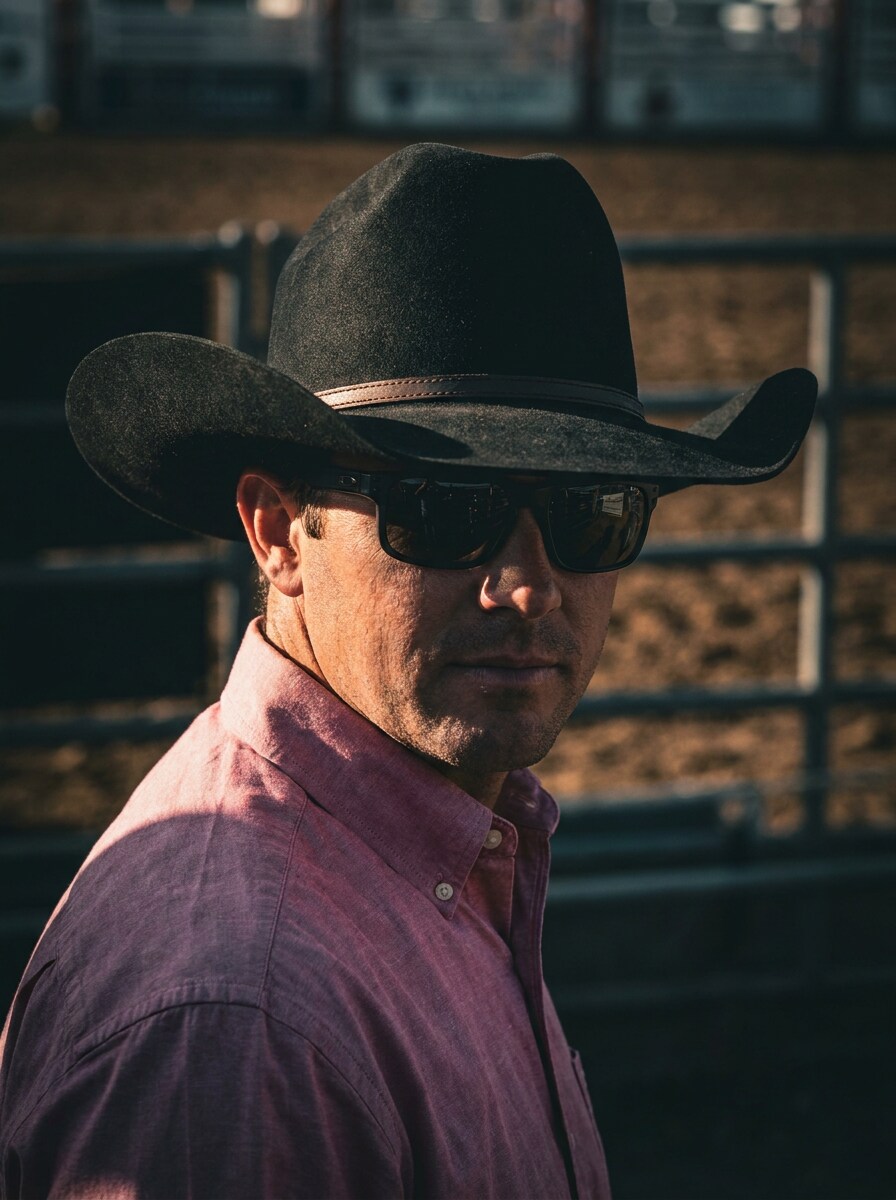
Black Rodeo Hat Portrait
Use the uploaded image as the subject and transform it into a modern rodeo-style portrait with a structured black cowboy hat. Keep the face recognizable and fit the hat to the head perspective. Add dramatic side lighting, rich contrast, crisp fabric texture, deep charcoal and bronze tones, and a confident editorial mood.
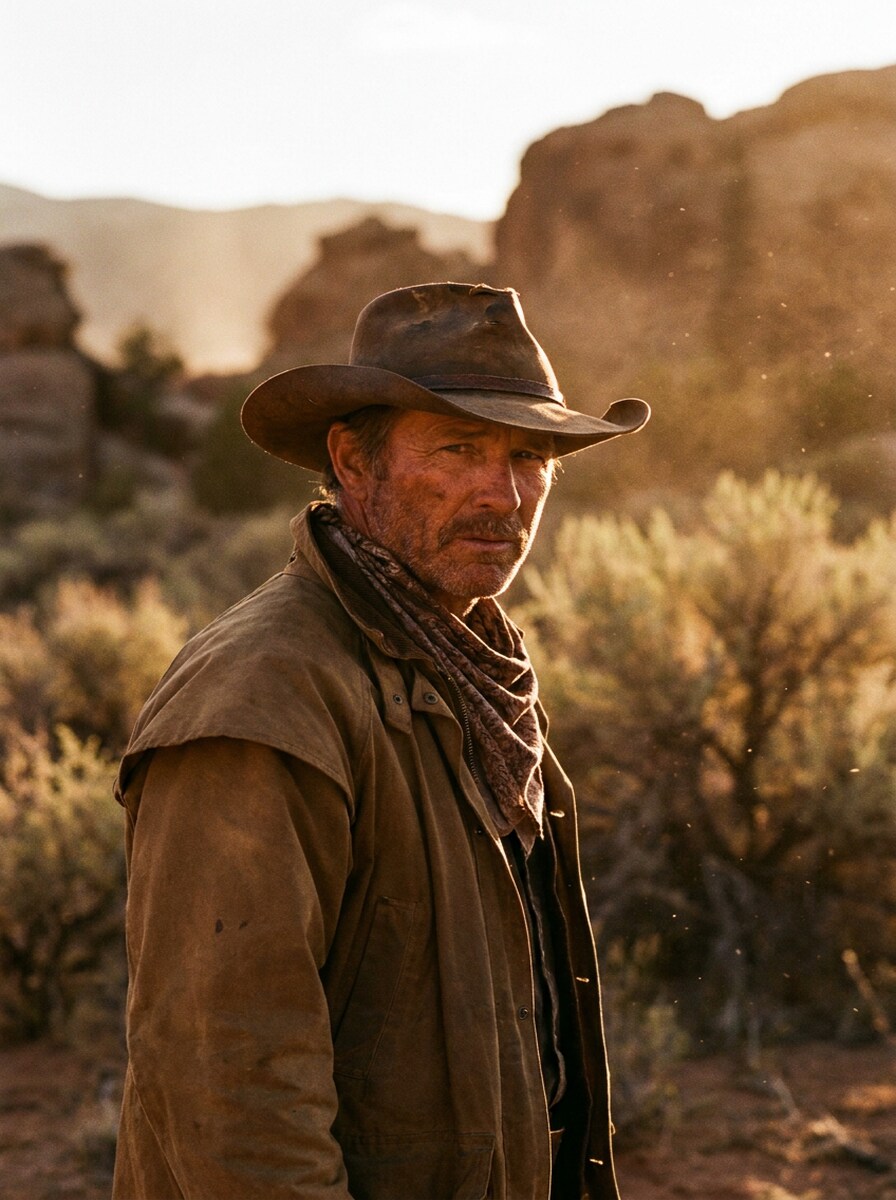
Golden Hour Desert Cowboy
Use the uploaded image as the subject and create a cinematic sunset Western portrait with a classic cowboy hat. Preserve the person’s likeness while adding warm golden-hour highlights, dusty desert atmosphere, soft backlight, earthy browns and amber tones, and a dramatic movie-like composition with realistic skin and fabric detail.
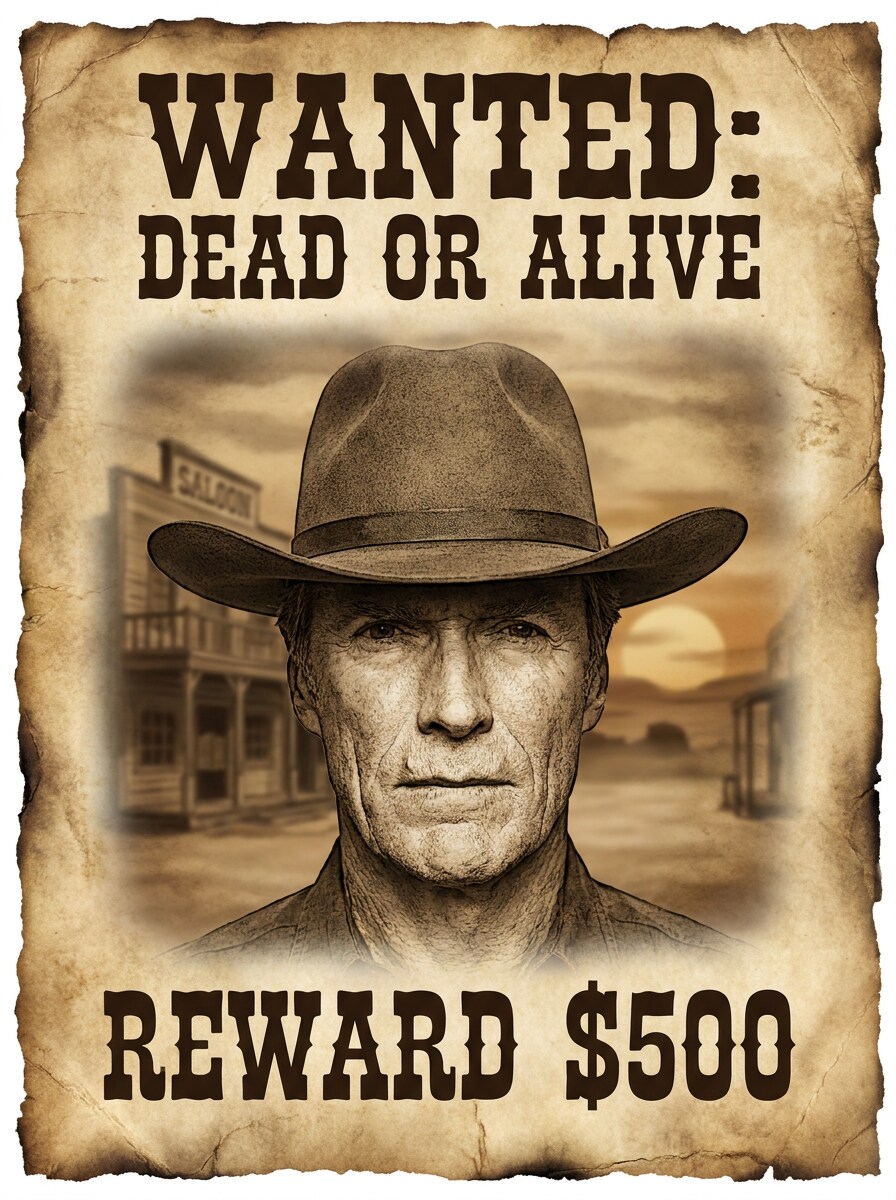
Vintage Saloon Poster
Use the uploaded image as the subject and turn it into an old Western saloon poster with a realistic cowboy hat and vintage styling. Keep the face identifiable while adding sepia grading, aged paper texture, subtle vignette, dramatic frontier mood, and poster-ready framing with empty space for headline text.
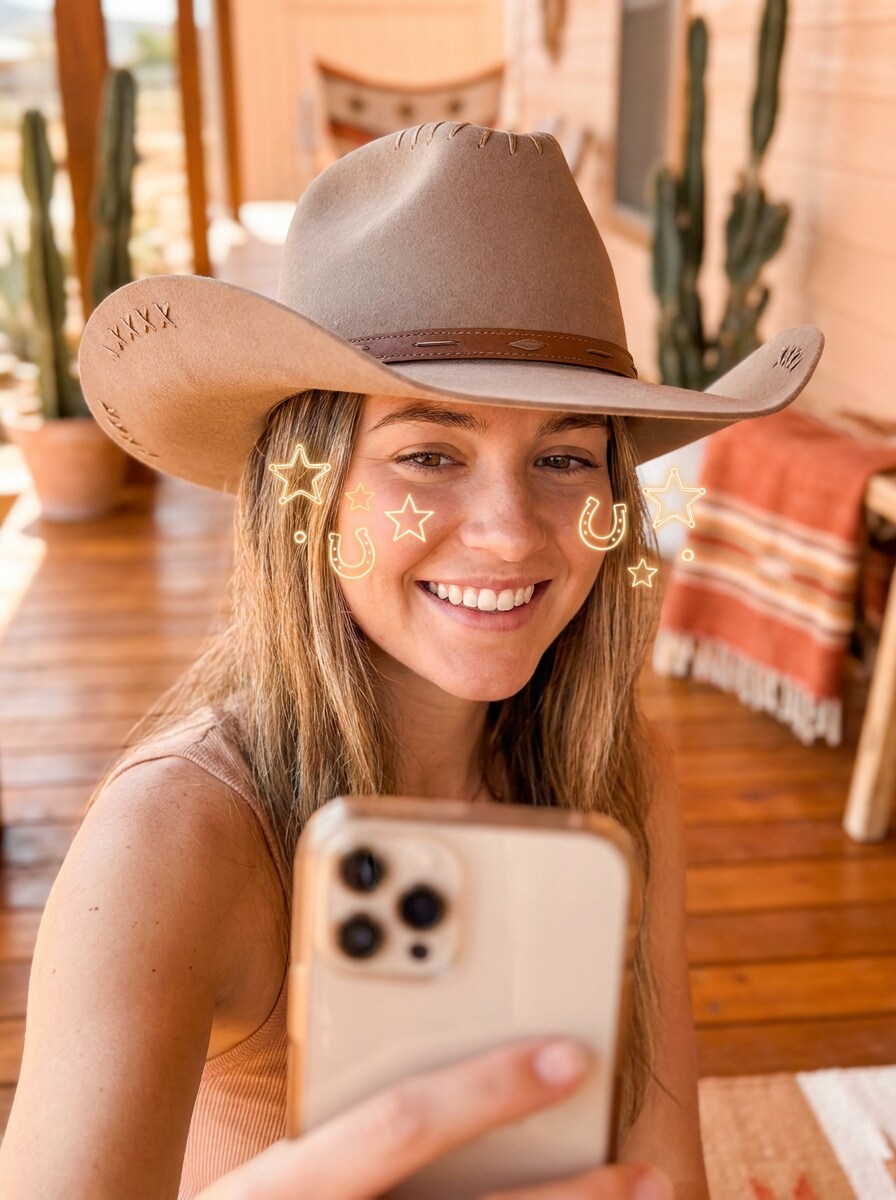
Yeehaw Selfie Filter
Use the uploaded image as the subject and apply a fun social-ready cowboy hat effect with flattering face framing. Keep features natural while adding a stylish hat, bright clean lighting, cheerful Western energy, warm peach and tan tones, smooth but realistic skin detail, and a polished selfie-friendly background.
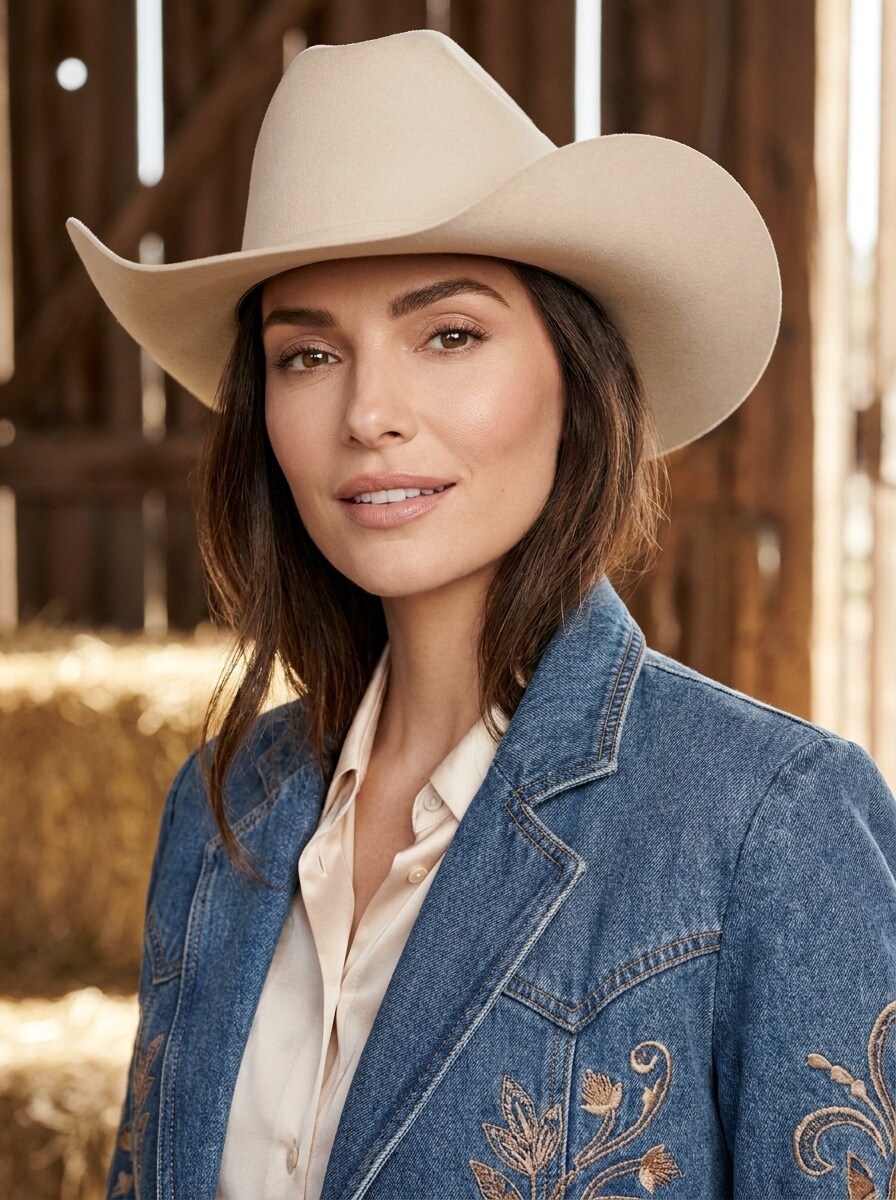
Cowgirl Glam Edit
Use the uploaded image as the subject and create a glam Western makeover with a cream cowboy hat. Preserve identity and natural face shape while enhancing the portrait with soft beauty lighting, glossy finish, refined makeup-inspired detail, beige and blush color tones, and a stylish modern cowgirl aesthetic.
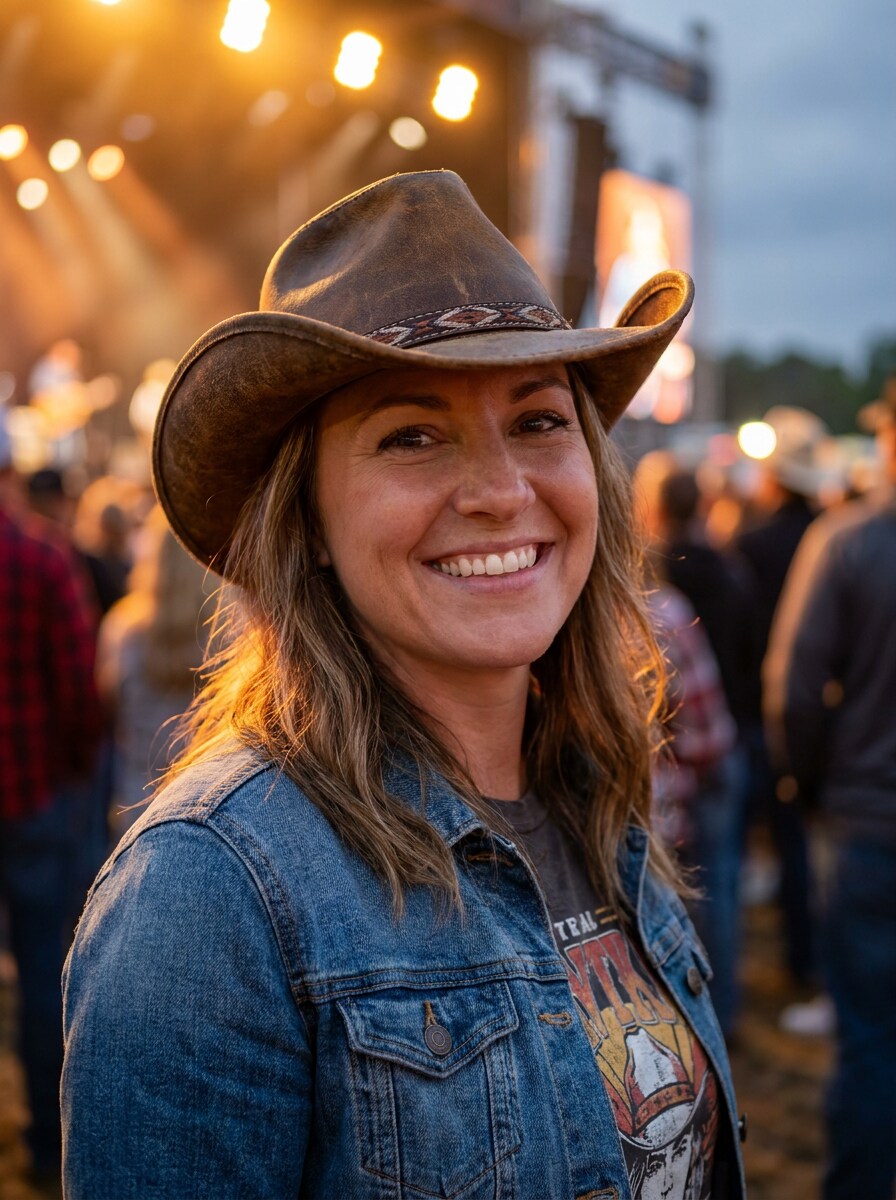
Country Concert Look
Use the uploaded image as the subject and transform it into a country concert-ready portrait with a fashionable cowboy hat. Keep the person recognizable while adding warm stage-inspired lighting, denim styling cues, lively contrast, amber highlights, clean skin texture, and an energetic but realistic festival atmosphere.
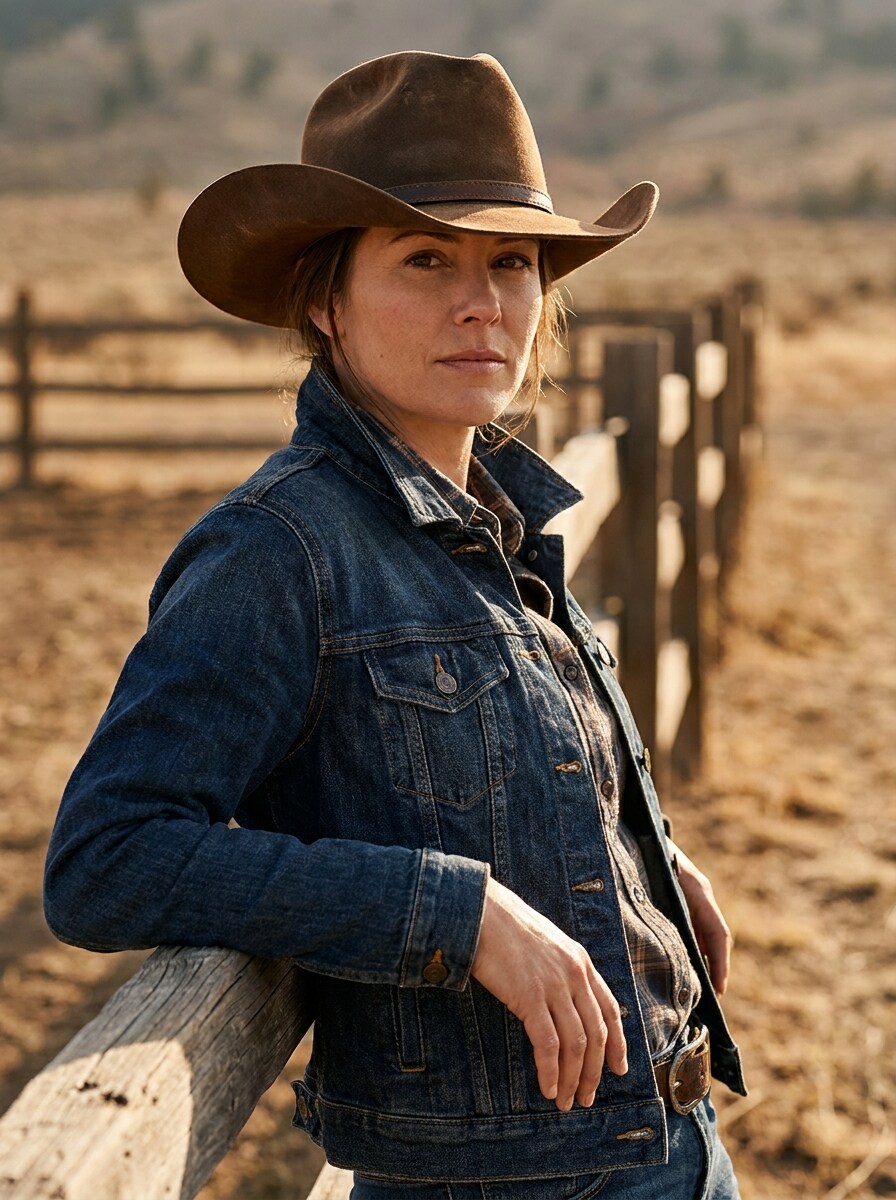
Boots and Hat Western Fit
Use the uploaded image as the subject and turn it into a full Western outfit portrait featuring a cowboy hat, denim jacket styling, and rustic tones. Preserve body proportions and facial identity, use balanced natural lighting, warm brown and blue contrast, and create a social-ready composition with realistic clothing textures.
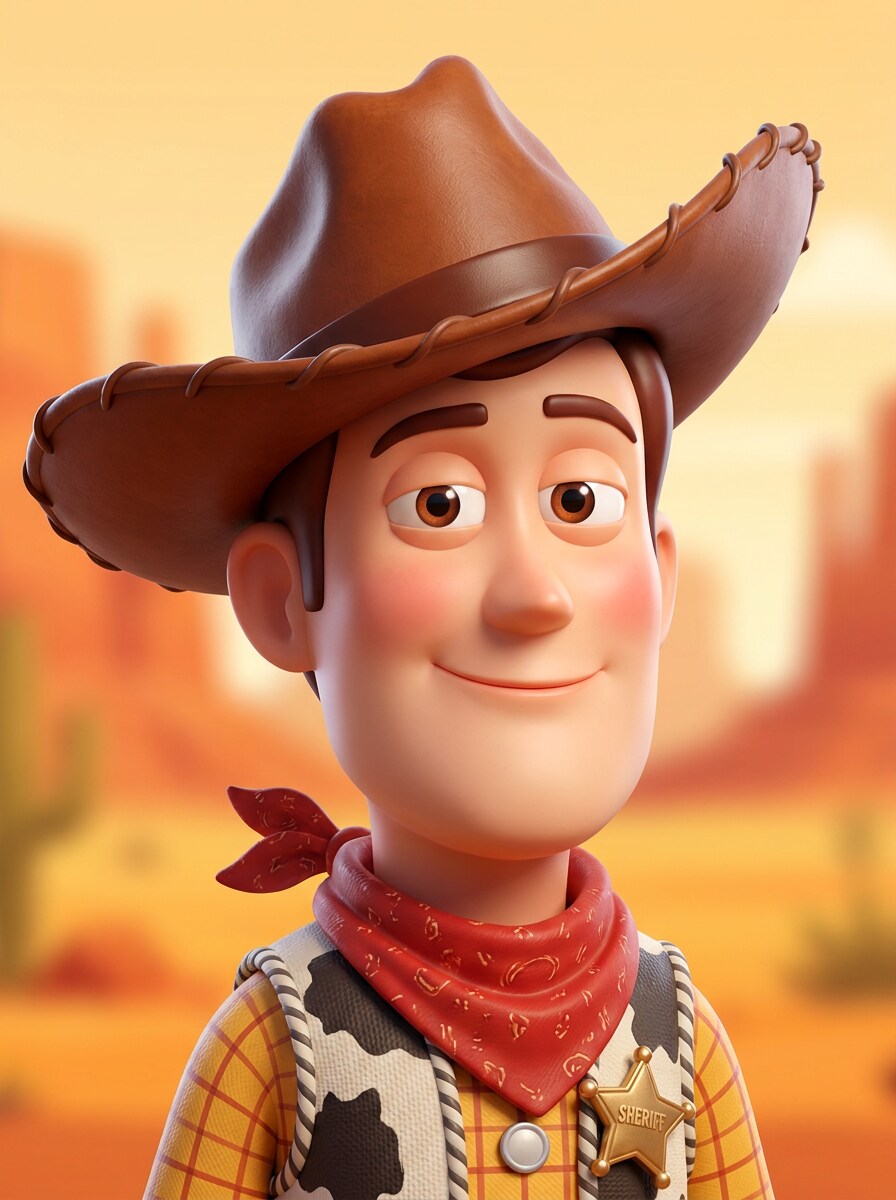
3D Cartoon Cowboy
Use the uploaded image as the subject and transform it into a polished 3D cartoon cowboy character with an oversized cowboy hat. Keep the person’s recognizable features while stylizing them with smooth shading, playful proportions, vibrant warm colors, clean background, and a glossy animated avatar finish.
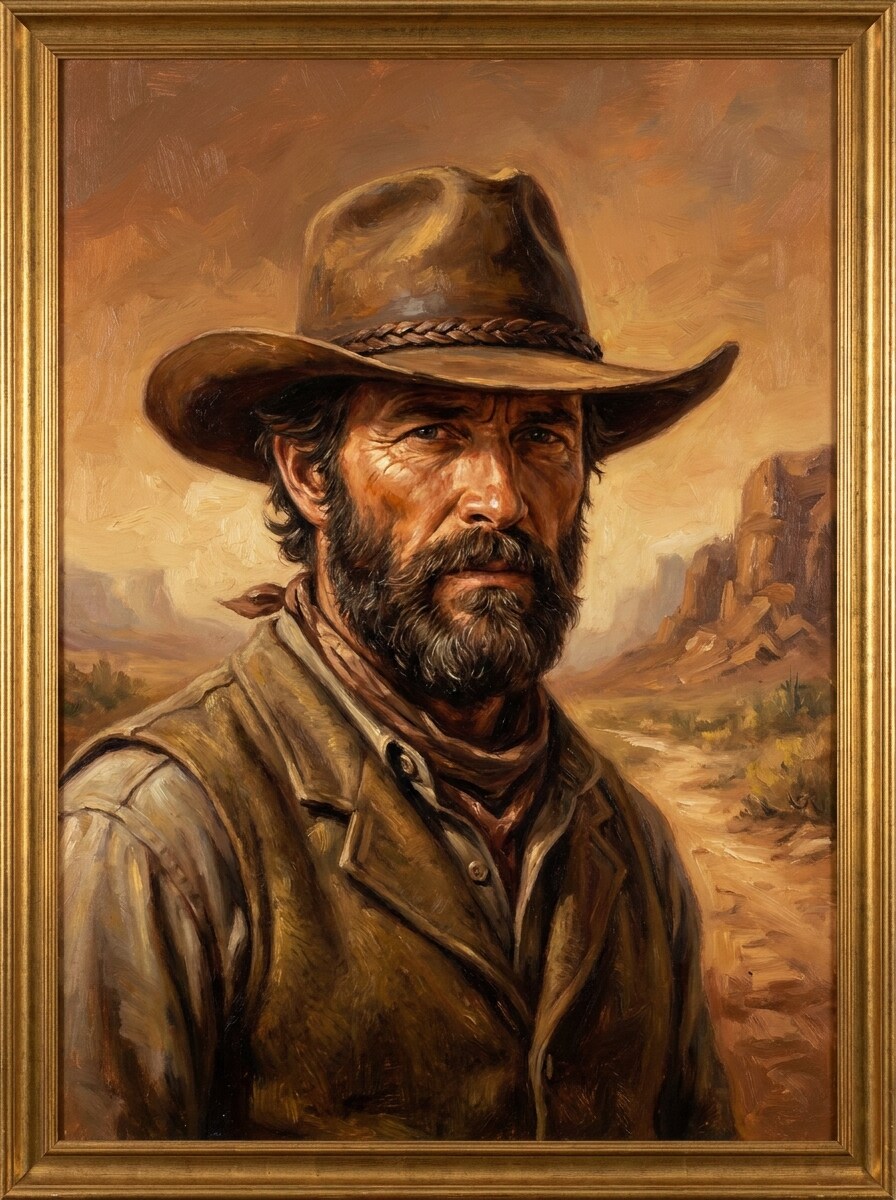
Western Oil Painting
Use the uploaded image as the subject and convert it into a classic Western oil painting with a detailed cowboy hat. Preserve the likeness while adding textured brushwork, warm earth tones, dramatic frontier atmosphere, soft shadow transitions, and a rich museum-style composition with artistic depth.
Why Use Media.io for a Cowboy Hat Photo Edit
Works for Selfies, Portraits, and Full Outfit Shots
Reference-based work needs more than a loose style shift. Media.io helps keep key identity details recognizable while reworking the cowboy hat filter visual look, so the result feels personal instead of generic.
Match the Right Style for Every Version
A single idea often needs more than one look. Media.io helps reinterpret the same cowboy hat filter visual across different styles so each version can better match the project brief.
Generate Cleaner Output Up to 4K
Preview-friendly images are not always enough for real projects. Media.io helps create cleaner cowboy hat filter visuals with output up to 4K, so the final image is more useful for wallpapers, presentation decks, and mockups.
Work Across Devices Without Extra Installs
A Western edit idea does not always start at your main workstation. Media.io lets you create and refine a western hat filter look in the browser, making it easier to move between phone and desktop while keeping the workflow smooth.
How to Use the Cowboy Hat Filter Online
Turn your words into stunning visuals in three simple steps, then continue refining the result if you want to take it further.
Step 1
Upload Your Reference Image
Start with a clear selfie, portrait, or full-body photo in JPG, PNG, or JPEG format. Choose an image where the face, hairline, and head angle are visible so the hat effect can fit naturally.
Step 2
Describe the Change and Set Options
Tell the AI the look you want, such as a realistic rodeo portrait, glam country makeover, or playful social edit. Then choose your model and adjust aspect ratio, quality, and number of variations if needed.
Step 3
Generate, Download, and Keep Improving
Create your edit, compare the results, and download your favorite version. You can refine the prompt, try another style, or generate more variations until the hat placement, mood, and finish look right.
See how creators use this Cowboy Hat Filter for content, marketing, and personal projects, then adapt each idea to fit the brief with Media.io.
Concert and Festival Profile Photos
Turn a regular selfie into a country-ready portrait for TikTok, Instagram, or event promos. Media.io helps add a realistic hat, warm grading, and denim-inspired styling so your photo feels intentional and camera-ready without needing a full costume shoot.
Fun Social Edits and Meme-Style Transformations
If you want the playful energy of a Snapchat-style effect with better realism, Media.io can create shareable Western looks for stories, reaction images, and group chats while keeping your face recognizable. It is a simple way to get the feel of a cowboy hat Snapchat filter with more polished results.
Poster, Cover, and Creative Branding Visuals
Design vintage saloon posters, rustic album art, or themed marketing graphics from your own photo. Media.io makes it easy to turn a simple portrait into polished Western campaign artwork with flexible aspect ratios and detailed styling.
What Users Say About This Cowboy Hat Effect
Maya R.
Content Creator
"Way more realistic than a sticker filter" I wanted a quick country-style selfie for social media, and the hat actually matched my head angle instead of floating awkwardly. The result looked polished enough to post right away.
Jordan T.
Festival Marketer
"Helpful for promo visuals" We used it to make Western-themed portraits for an event page. It was much faster than manual editing, and the different styles gave us both fun and more cinematic options.
Alyssa K.
Lifestyle Blogger
"Great for glam cowgirl looks" I tried a few portrait variations and liked how the AI kept my face recognizable while changing the mood. The cream hat and warm tones gave the photo a really flattering finish.
Ethan P.
Casual User
"Easy on phone and desktop" I made a quick Western edit from my phone first, then downloaded a larger version on desktop later. The workflow felt simple, and I didn’t need any design experience to get a good result.
1. What is a cowboy hat filter and how does it work?
A cowboy hat filter is an image-to-image effect that adds or transforms a photo with a Western hat look. In Media.io, you upload a selfie, portrait, or full-body image, then enter a prompt describing the style you want. Media.io uses your reference photo to guide hat placement, styling, and the overall transformation so the result feels more natural than a simple overlay.
2. Can I add a cowboy hat to a photo online for free?
Media.io lets free users try the tool with free credits, so you can test a cowboy hat filter online before upgrading. If you need more generations or higher-volume use, you can check the pricing page. Free downloads may include a watermark, while paid plans support watermark-free high-resolution exports.
3. Will the AI cowboy hat filter keep my face and hair looking natural?
Media.io is designed for reference-based editing, so your uploaded image helps the AI keep facial identity, pose, and overall likeness consistent during the transformation. Results are usually best when the source photo clearly shows the face, hairline, and head angle, which helps the hat blend more realistically into the portrait.
4. Can I use this cowboy hat effect on selfies and full-body pictures?
You can use this effect on close-up selfies, standard portraits, and full-body images as long as you upload a clear JPG, PNG, or JPEG file. That flexibility makes Media.io useful for profile photos, themed outfit edits, posters, and social content where you want anything from a simple hat addition to a fuller Western makeover.
5. How long does it take to generate a cowboy hat image edit?
Generation is typically fast because Media.io works online and creates the edited result from your uploaded reference image and prompt. The exact time can vary depending on the style, model choice, and number of images you generate in one batch, but the workflow is built for quick experimentation and easy retries.
6. What image quality or resolution can I download?
Media.io supports multiple output settings for edited images, including 1K, 2K, and 4K resolution options. You can also choose aspect ratios such as 1:1, 9:16, 16:9, 4:3, and 3:4, which is helpful if you want your finished AI cowboy hat filter image to fit social posts, posters, covers, or other layouts. Free users may have watermarks.