




Imagen a Imagen
Nano Banana Pro
Subir imagen
0 / 9
Haz clic o arrastra para subir, o elige de Mi Historial
¿Sin ideas? Genera primero una imagen. >
Formatos de carga admitidos: jpg, png, jpeg.
sugerencia
0/2000
Relación de aspecto
Auto
9:16
16:9
1:1
4:3
3:4
3:2
2:3
21:9
Resolución
1K
2K
4K
Modo Ilimitado Banana Pro
Número de imágenes
1
2
3
4
Visibilidad pública
Todo
Imagen
Video
Audio
Lista de generación
Los resultados generados se mantendrán durante 7 días. Por favor, guárdalos a tiempo.
ai_video_generator¡Desbloquea tu potencial creativo y experimenta la magia de Media AI ahora mismo!

AI Age Regression - See Your Younger Self in Seconds

Curious about what you might have looked like at a younger age? Upload your photo and let Media.io's AI Age Regression Generator create a realistic younger version of you in seconds. From a childhood look to a teenage version or a younger adult portrait, Media.io helps you transform your face naturally with fun, believable, and shareable results.

Upload one photo AI age regression 4 prompt examples Private and secure
Original Photo
Original portrait for AI age regression example
AI Processing
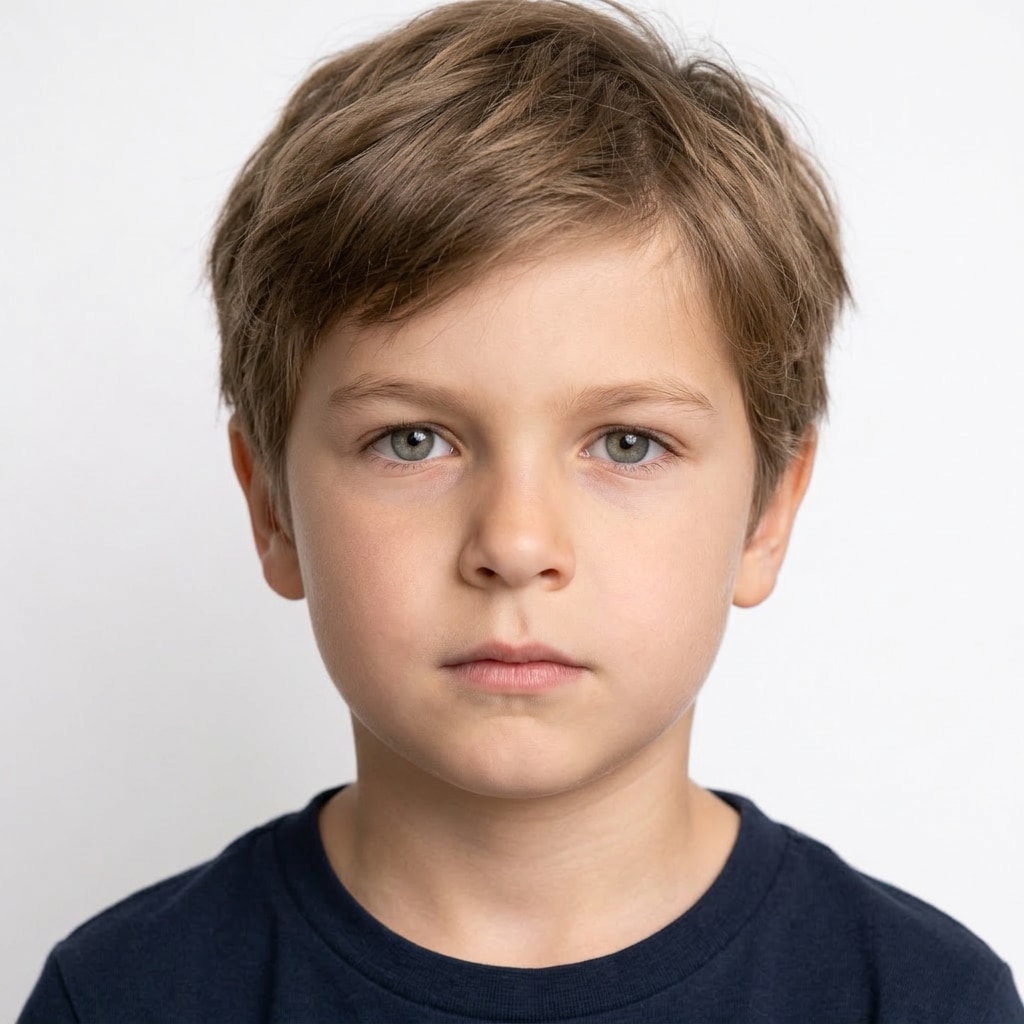
Child Version Result
AI age regression child version result
Generate a photorealistic childhood version of the same person in the uploaded image, around 6 to 8 years old. Preserve recognizable identity, facial structure, eye shape, nose, lips, and overall face proportions while adapting them naturally to a child's features. Use smoother skin, rounder cheeks, softer facial contours, and a youthful expression. Natural lighting, clean background, high detail, DSLR quality, realistic, not cartoon, not stylized.
Try Age Regression Now
Original Photo
Original portrait for younger me filter example
AI Processing
Teen Version Result
AI age regression teenage version result
Generate a photorealistic teenage version of the person in the uploaded image, around 13 to 16 years old. Keep the face clearly recognizable while reducing age-related details and adjusting bone structure, skin texture, and facial softness to match a realistic teenager. Preserve identity, expression, and core facial features. Studio portrait style, natural lighting, clean background, DSLR quality, highly realistic, not cartoon.
Try Age Regression Now
Original Photo
Original portrait for younger face generator example
AI Processing
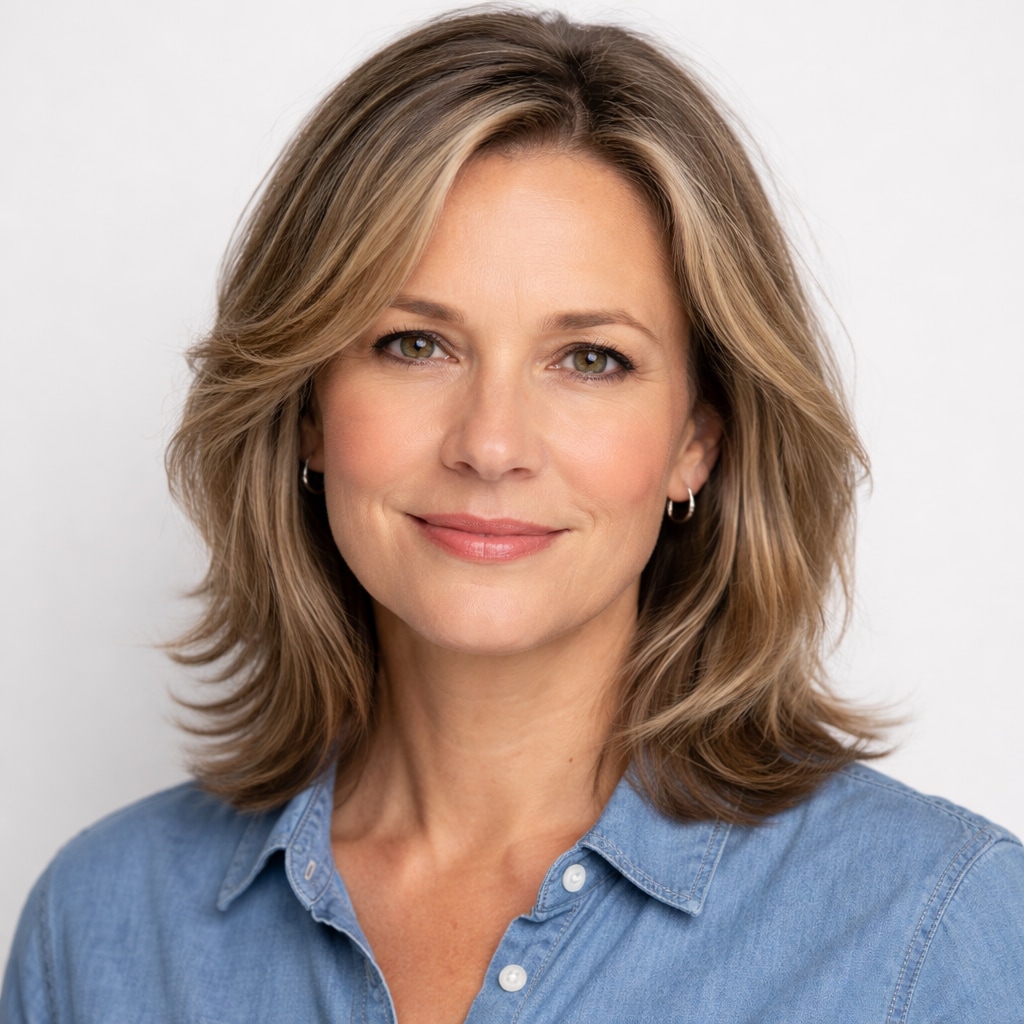
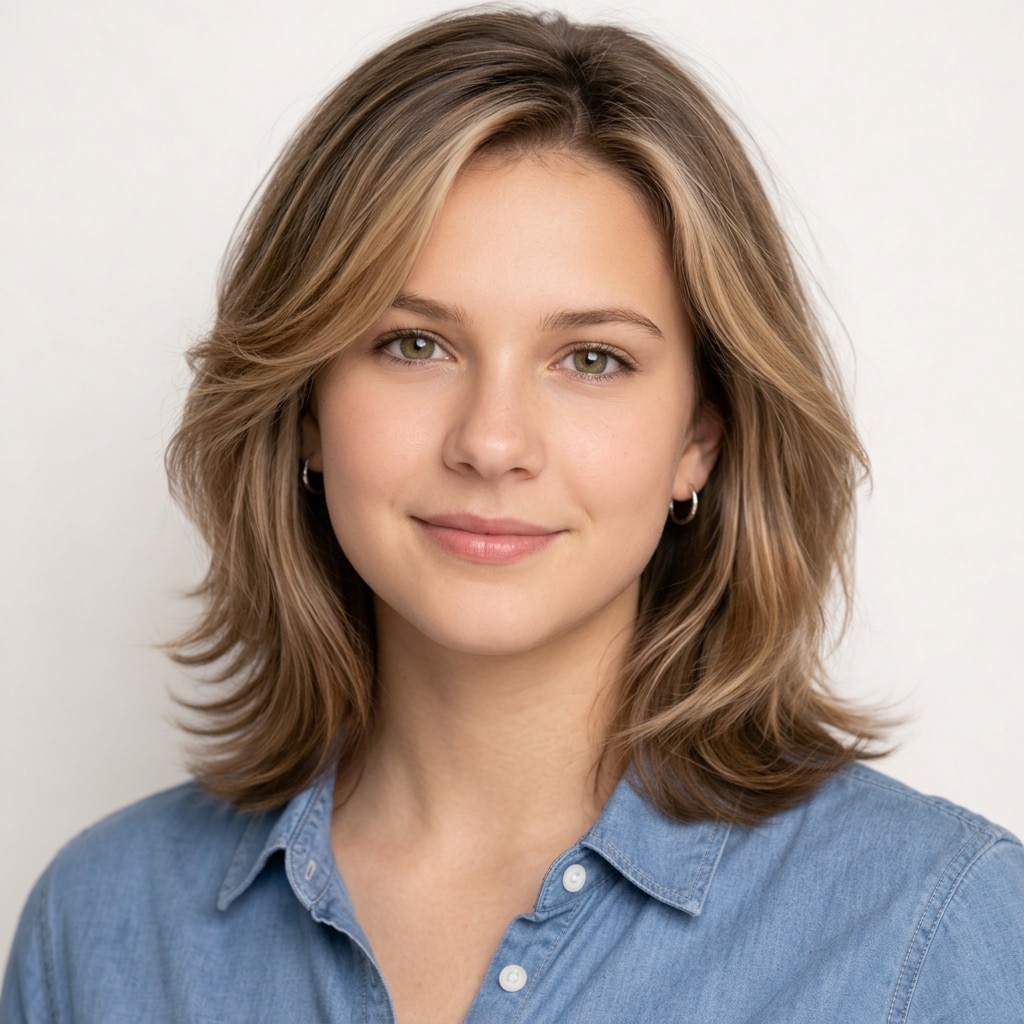
Young Adult Result
AI younger face generator result
Generate a photorealistic younger adult version of the person in the uploaded image, around 18 to 22 years old. Preserve the person's identity while making the face look naturally younger with smoother skin, fresher facial detail, and slightly more youthful contours. Keep the result realistic, clean, and believable. Natural lighting, sharp focus, realistic skin texture, clean background, DSLR quality, not stylized.
Try Age Regression Now
Original Photo
Original portrait for general age regression prompt
AI Processing
General Age Regression Result
General AI age regression result example
Generate a photorealistic younger version of the same person in the uploaded image. Preserve identity, facial structure, and recognizable features while naturally reducing the apparent age. Keep the result realistic, clean, and believable, with smoother skin, softer age details, and a more youthful appearance. Natural lighting, clean background, high detail, DSLR quality, realistic, not cartoon, not stylized.
Try Age Regression Now

Popular Social Post Ideas

Me now vs me as a kid Teen version reveal Guess which one is me AI turned me younger Before and after trend

Why Try Media.io's AI Age Regression Tool

Realistic AI Age Regression

Our Younger Me Filter analyzes your uploaded portrait and generates a believable younger version of your face. It preserves visible identity while adjusting age-related details such as skin texture, facial softness, and youthful proportions.

From Childhood to Teenage Versions

Explore different age ranges with one photo. Whether you want to see yourself as a kid, a teenager, or a younger adult, the AI creates natural-looking results that feel more personal and recognizable.

Perfect for Trends and Social Content

Age regression photos are fun to post, compare, and share. Create a younger me reveal, a childhood version of yourself, or a teen transformation for TikTok, Reels, Shorts, and before-and-after content.

Turn Your Younger Self into a Dynamic Video

Once you generate a younger version of yourself, you can take it a step further with AI Image to Video. Animate your transformed portrait into a smooth motion clip for social posts, reveal videos, and shareable short-form content.

Animate Your Younger Self with AI Image to Video

After creating a younger version of yourself, turn that image into a dynamic short video with Media.io's AI Image to Video tool. It's a simple way to make your age regression result more engaging for Reels, Shorts, and TikTok posts.

How to Use AI Age Regression Online

01

Step 1 - Upload a Clear Portrait

Open Media.io's AI Age Regression tool and upload one clear, front-facing portrait. Photos with visible facial details and even lighting usually produce the best results.

02

Step 2 - Choose a Younger Age Style

Pick a prompt style such as general de-age, child, teen, or young adult. The AI keeps your face recognizable while transforming it into a younger version.

03

Step 3 - Save, Share, or Turn It into Video

Generate your result in seconds, then save it, post it online, or animate it with AI Image to Video for a more eye-catching reveal.

See Why Users Love Turning Themselves Younger with Media.io

user
@katie.reacts

Lifestyle Creator

star star star star star

“This younger me effect is way more realistic than I expected.” I uploaded one selfie and got a childhood version of myself that still looked like me. It was fun, weirdly accurate, and perfect for posting.

user
@miles.edits

Video Editor

star star star star star

“I like that it lets me compare child, teen, and young adult versions.” Most tools only give one result. This one makes it easier to experiment with different age looks and create more engaging content.

user
@mia.shortform

Short-form Creator

star star star star star

“This is great for TikTok reveal videos.” I used the teen version in a transition clip and it performed really well. People love seeing a younger version of a familiar face.

user
@noah.tech

Tech Enthusiast

star star star star star

“The de-age result still keeps your identity.” That was the most impressive part. It doesn't just make a random younger face - it actually feels like a younger version of the same person.

user
@zoe.trends

Social Creator

star star star star star

“Super easy for before-and-after posts.” I made a me-now vs me-as-a-kid post and people instantly started tagging friends. Turning the result into a short motion clip made it even better for social media.

#AIAgeRegression, #YoungerMe, and #DeAgeChallenge are great hooks for TikTok, Reels, Shorts, and before-and-after content.

AI Age Regression FAQs

1. What is AI age regression?
faq

AI age regression is a photo transformation tool that makes a person appear younger in a realistic way. It uses AI to keep the face recognizable while adjusting age-related details so you can see a younger version of yourself.

Yes. Media.io can generate a younger-looking version of your face from a single photo. The AI reduces visible signs of age and adjusts facial proportions to create a child, teen, or younger adult result.

A clear front-facing portrait with even lighting works best. Try to use a photo where your eyes, nose, lips, and face outline are visible. Avoid sunglasses, heavy filters, blur, or strong shadows.

Yes. You can explore several age styles, including a child version, a teen version, and a younger adult version. This makes it easy to compare different looks and create multiple results from one photo.

That is the goal. The AI is designed to preserve your visible identity while making your face look younger. Results are meant to be realistic and entertaining, not random or generic.

Yes. After generating a younger version of yourself, you can use Media.io's AI Image to Video tool to animate the result into a short video. This is especially useful for social posts, reveal clips, and before-and-after content.

Yes. Media.io offers free access or trial usage for many AI tools, so you can try age regression first before deciding whether you want more generations or downloads.

Absolutely. Many users create younger-self photos for TikTok, Reels, Shorts, and before-and-after content. Once your image is ready, you can save it, share it, or even turn it into a motion clip for more engaging posts.

Media.io Online AI Tools Quality Rating:
vote 4.7 (162,357 Votes)