Tus creaciones solo se guardan durante 7 días. Los recursos creados después de actualizar a Membresía se almacenarán de forma permanente.
¡Desbloquea tu potencial creativo y experimenta la magia de Media AI ahora mismo!
Agrega una Mascarilla a tu Foto Online Gratis con Ajuste Realista por IA
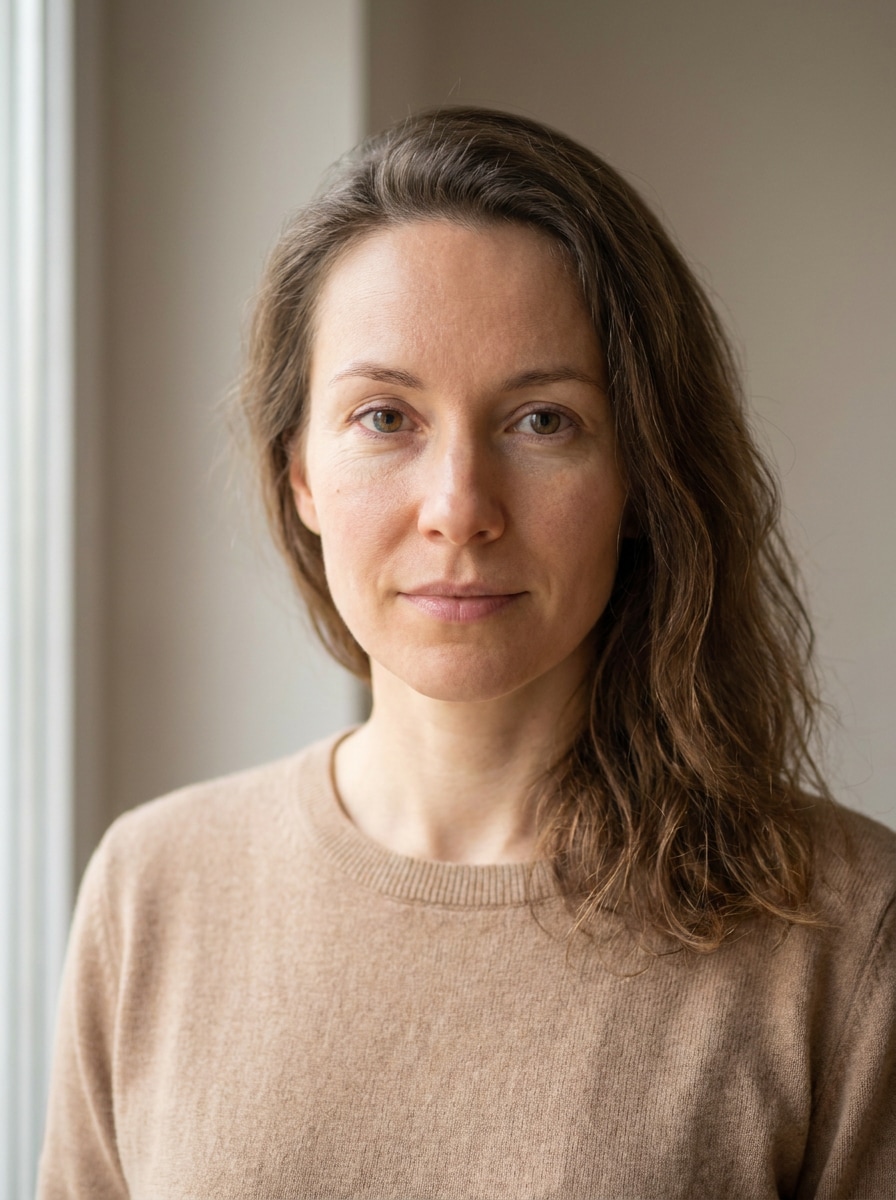
Crea selfies, retratos y visuales de campaña enmascarados realistas en segundos. Media.io te ayuda a añadir mascarilla a la foto online gratis con ajuste guiado por IA, para que puedas agregar mascarilla a la foto para estilos médicos, de moda o de marca directamente en tu navegador.
Escribe tu idea -> La IA la diseña. Pruébalo gratis.
Consulta estos ejemplos de indicaciones y luego ajusta los detalles del prompt para obtener mejores resultados usando la herramienta añadir mascarilla a la foto online gratis de Media.io.
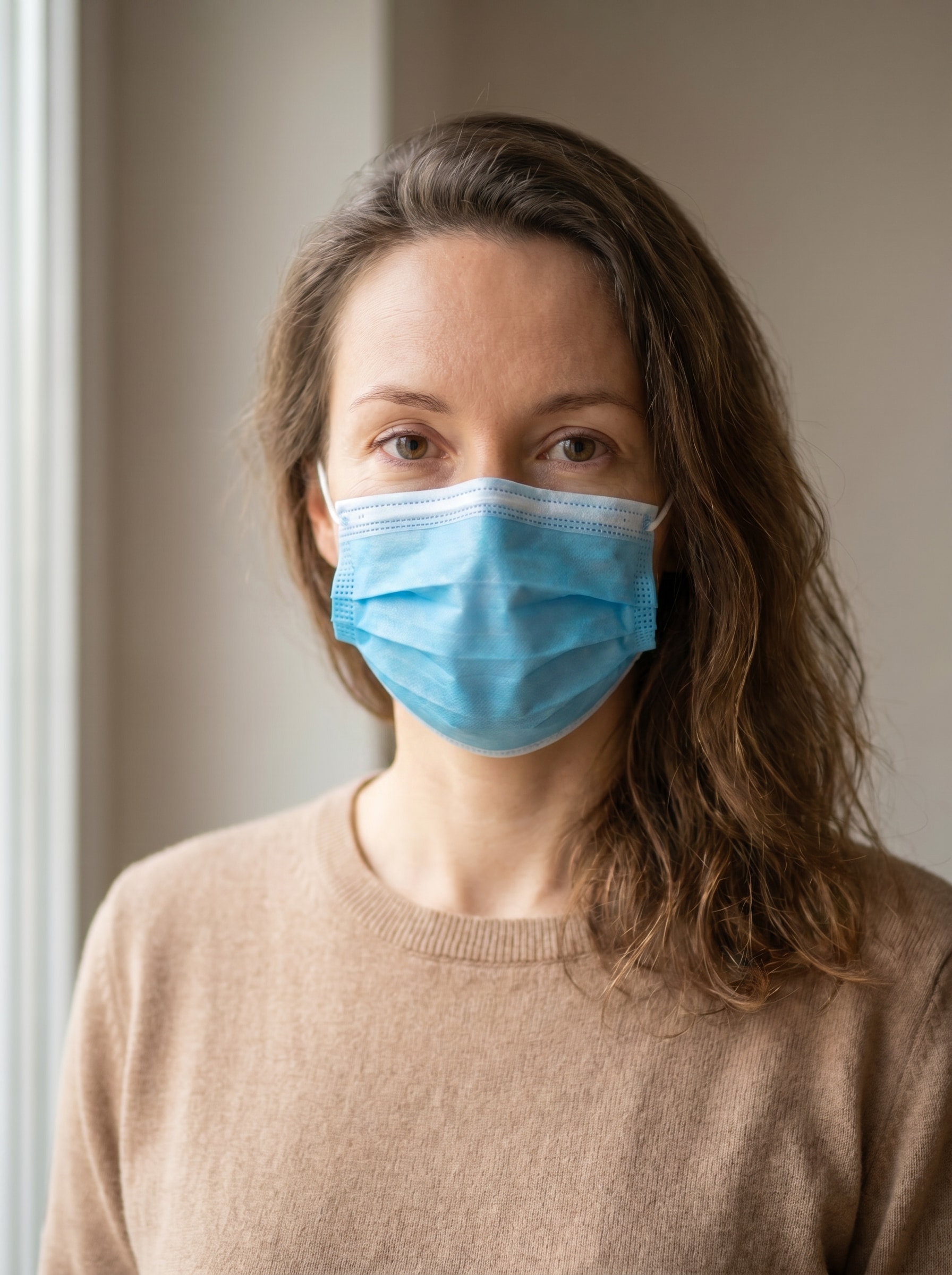
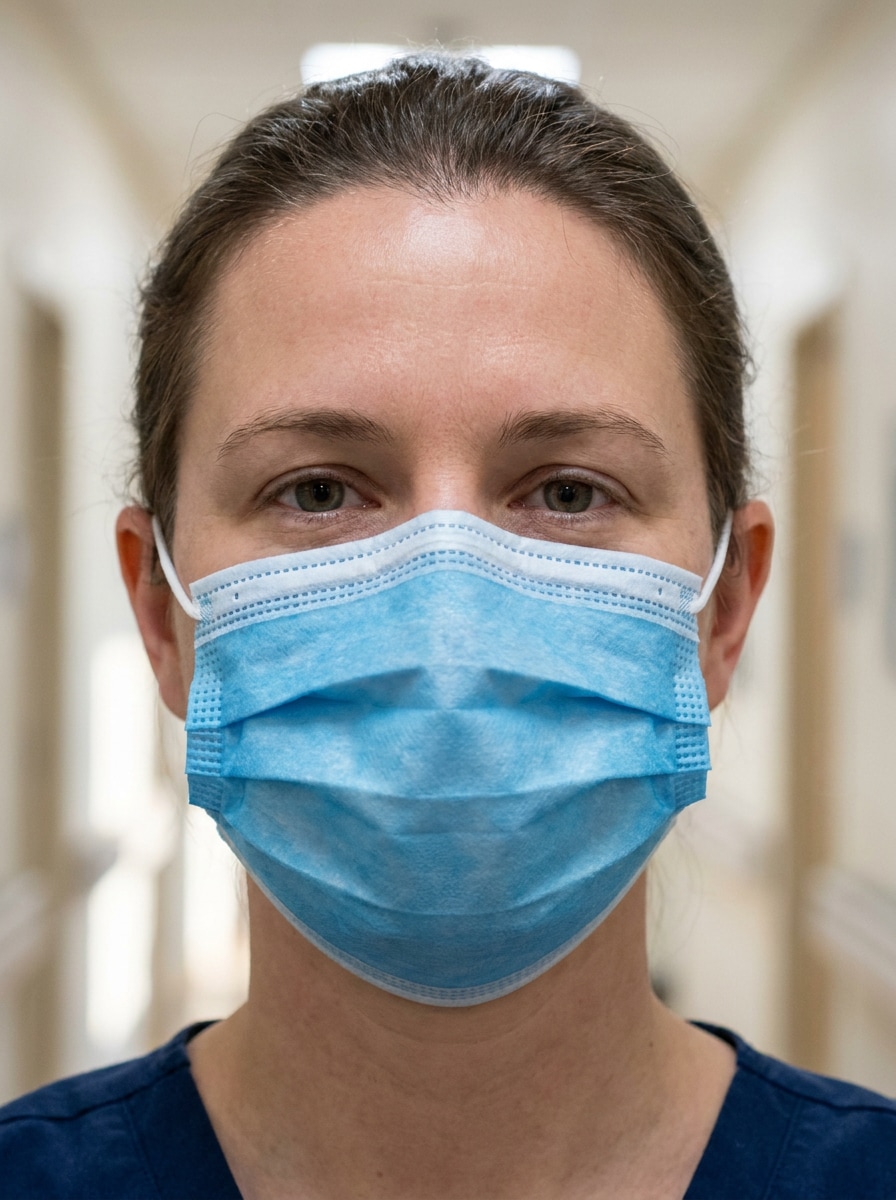
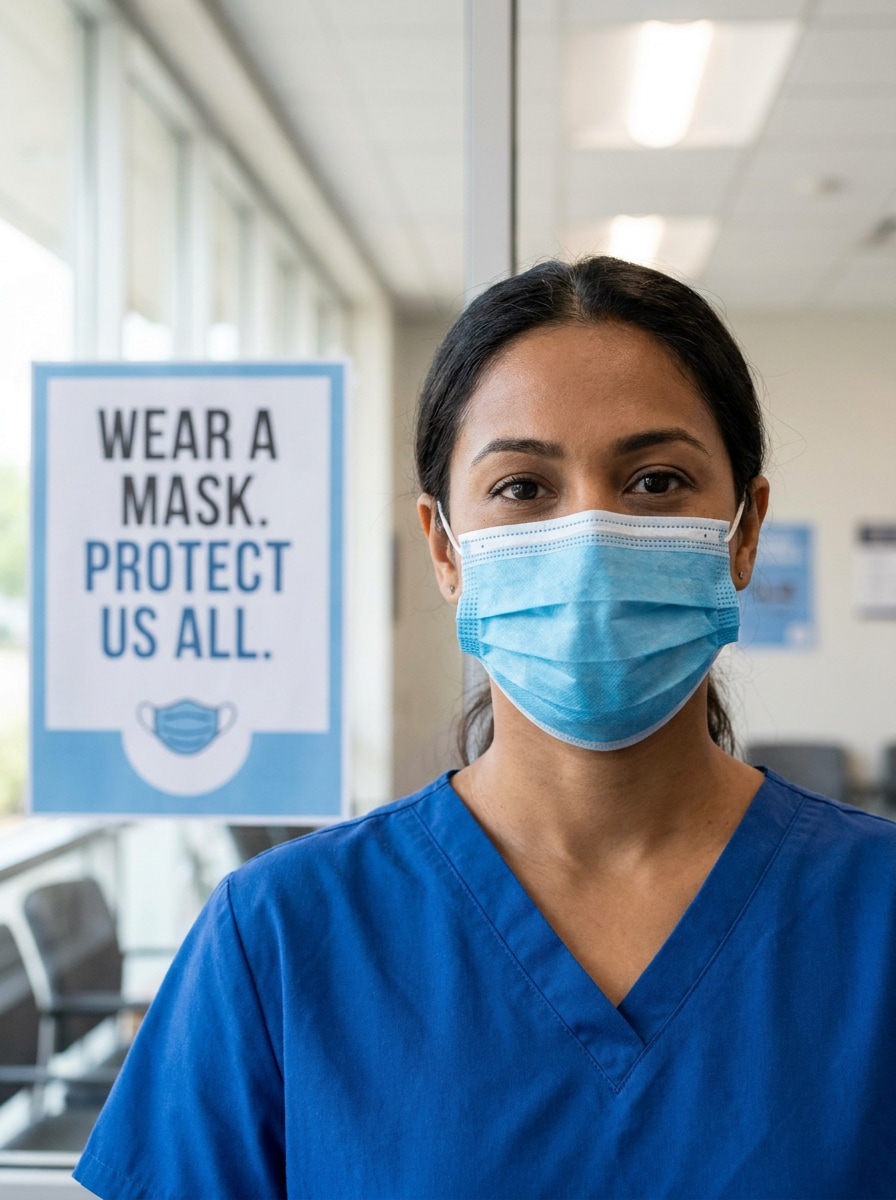
Mascarilla Quirúrgica Azul
Utiliza la imagen subida como sujeto y agrega una mascarilla quirúrgica azul realista sobre la nariz y la boca. Ajústala de manera natural a las mejillas y barbilla, preserva el tono de piel original y la iluminación, añade pliegues suaves en la tela, sombras sutiles, gomas limpias, y un aspecto médico creíble.
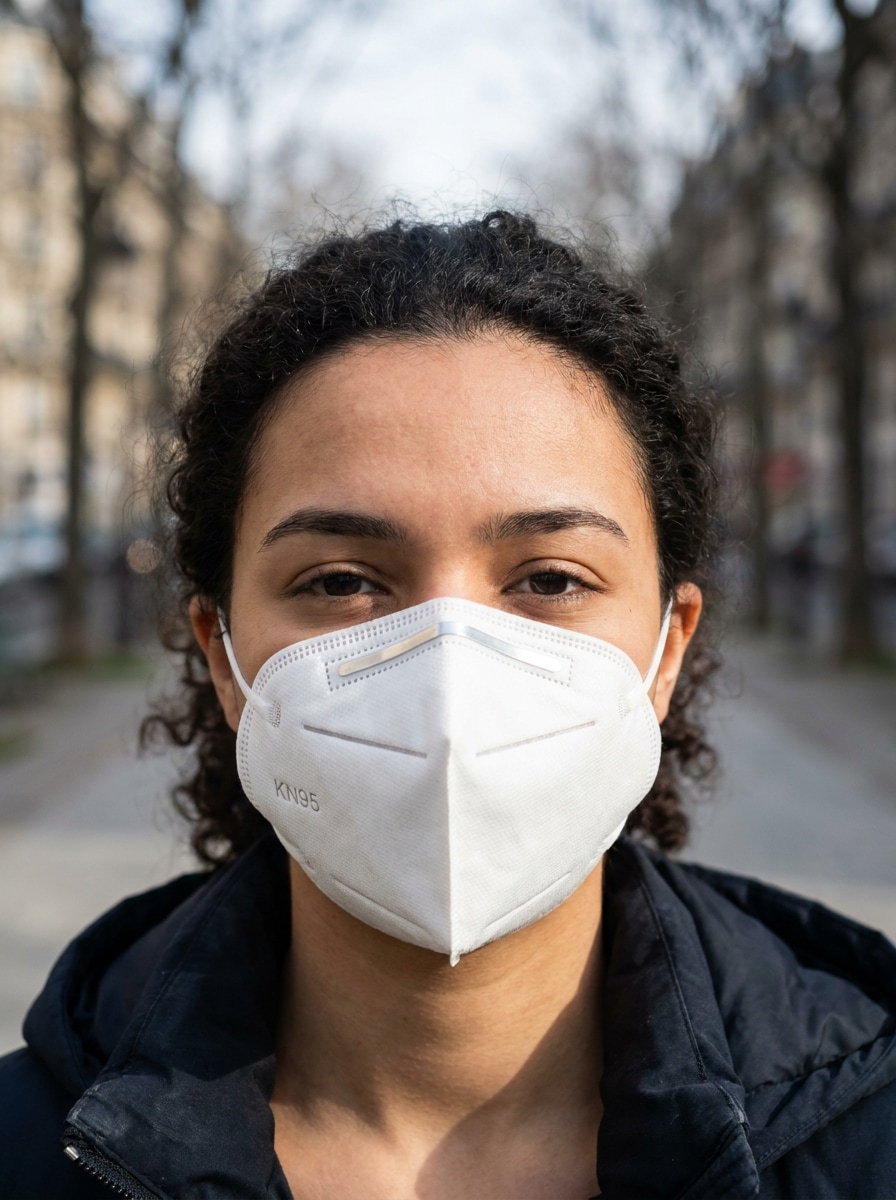
Mascarilla Blanca KN95
Usa la foto subida como referencia y coloca una mascarilla blanca KN95 estructurada en el rostro. Asegúrate de que el ajuste sea seguro sobre el puente nasal y la barbilla, mantén la perspectiva precisa, conserva la iluminación del retrato y añade pliegues, costuras y sombras de contorno suaves para una apariencia protectora y limpia.
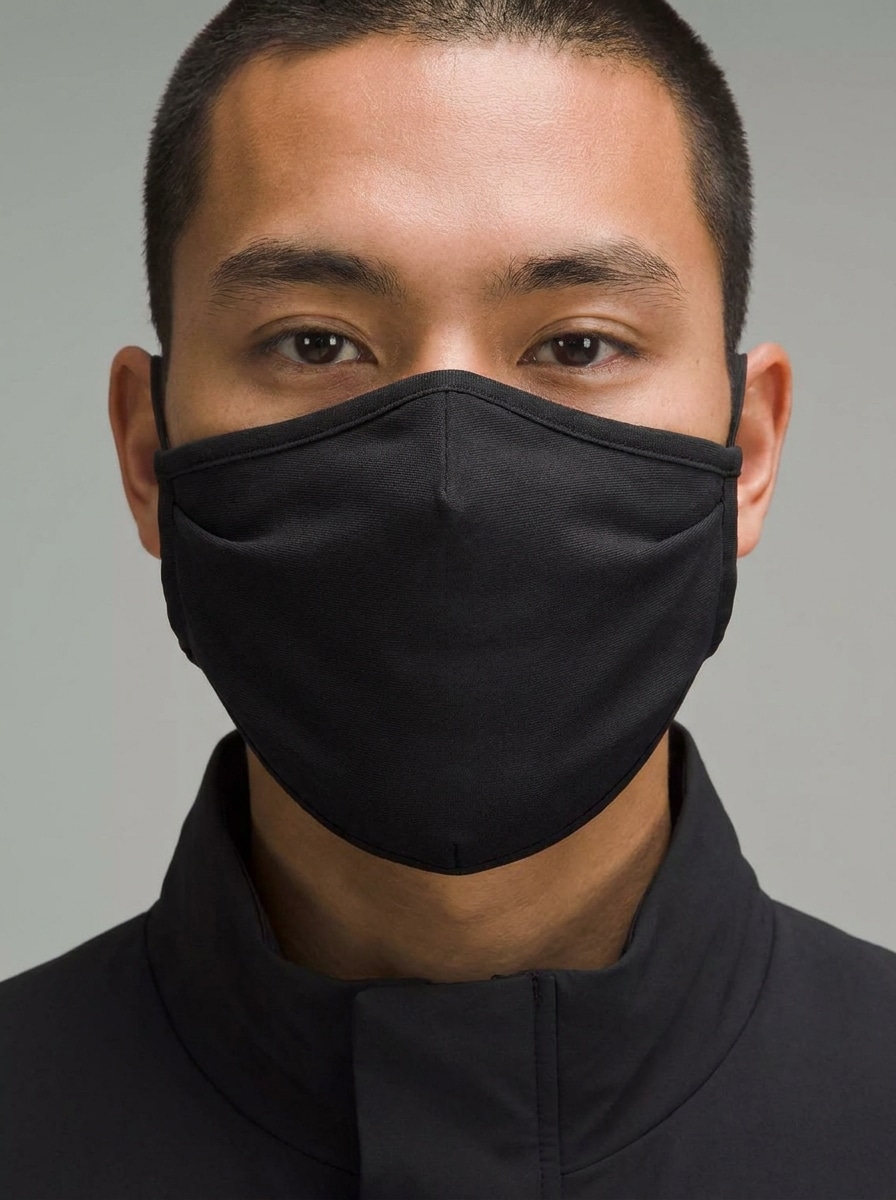
Mascarilla Minimalista Negra
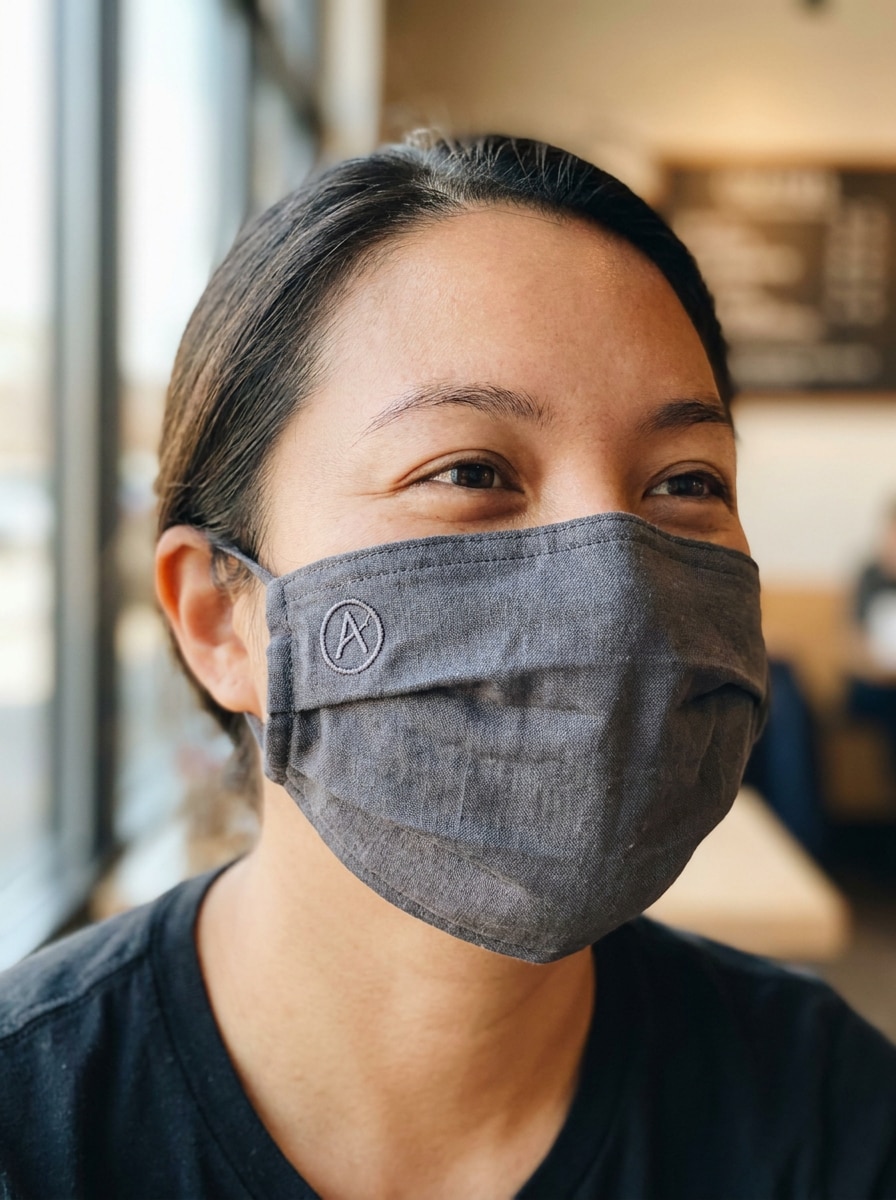
Utiliza el selfie subido como base y transfórmalo con una elegante mascarilla de tela negra. Mantén la mascarilla ceñida a las mejillas y debajo de la barbilla, preserva el ángulo y la iluminación del rostro, agrega textura fina de tela, un acabado mate suave y sombras sutiles para un look moderno de streetwear.
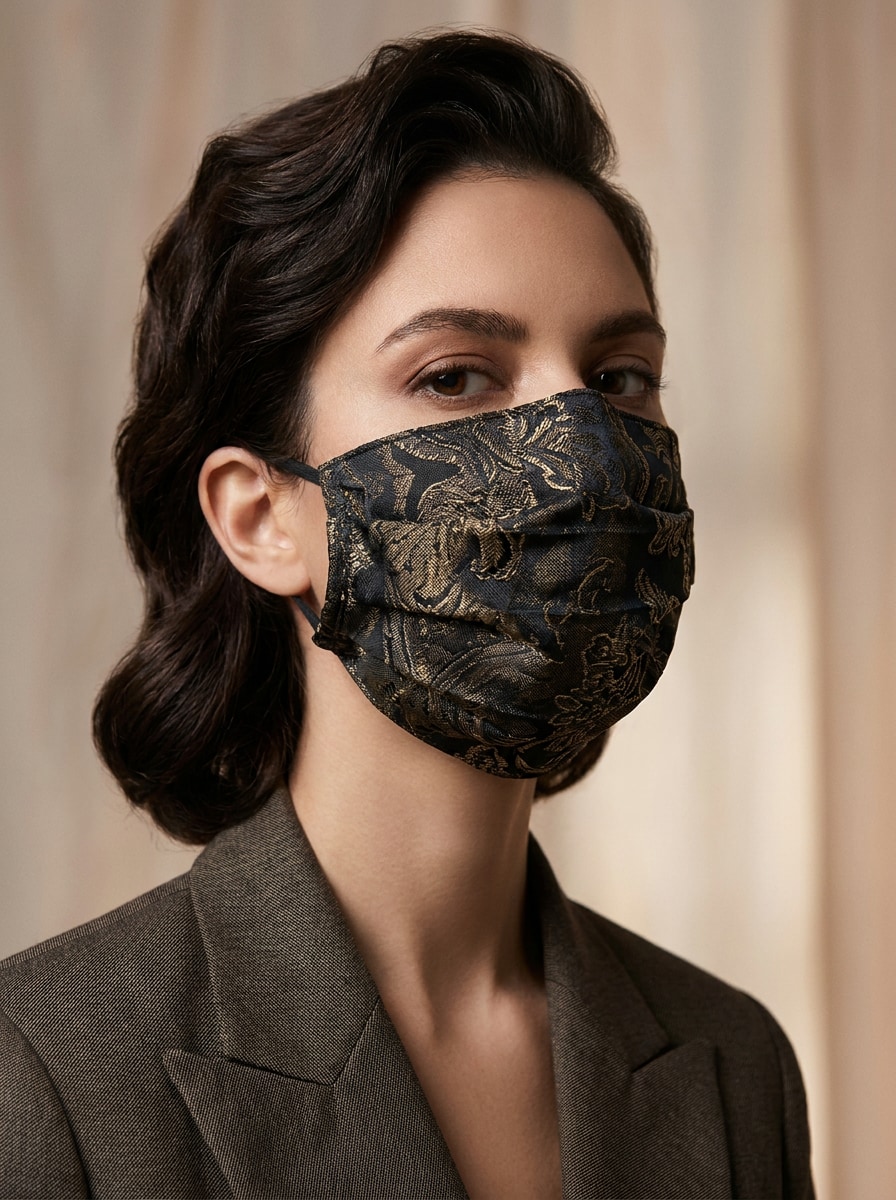
Mascarilla de Diseño con Estampado
Utiliza el retrato subido como imagen base y añade una mascarilla con estampado de moda y detalle de tela premium. Ajusta la mascarilla a los contornos del rostro, conserva el estado de ánimo y la iluminación original, incluye pliegues elegantes, textura rica y un acabado editorial pulido con ajuste realista.
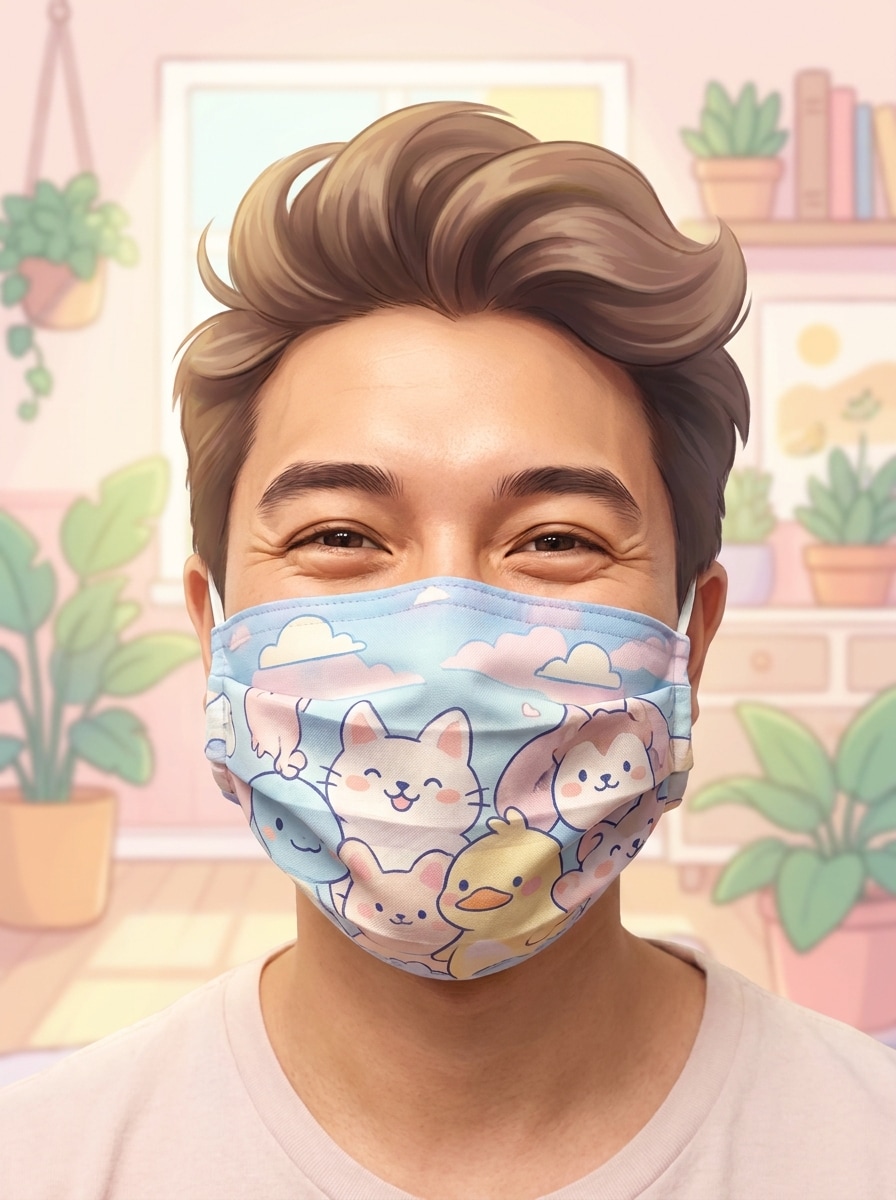
Mascarilla de Dibujos Animados
Usa la imagen subida como referencia y agrega una mascarilla facial inspirada en dibujos animados, con colores pastel suaves y detalles ilustrados divertidos. Mantén la colocación realista en el rostro, preserva la iluminación y la expresión y mezcla un diseño lúdico con sombreado creíble y textura de tela.
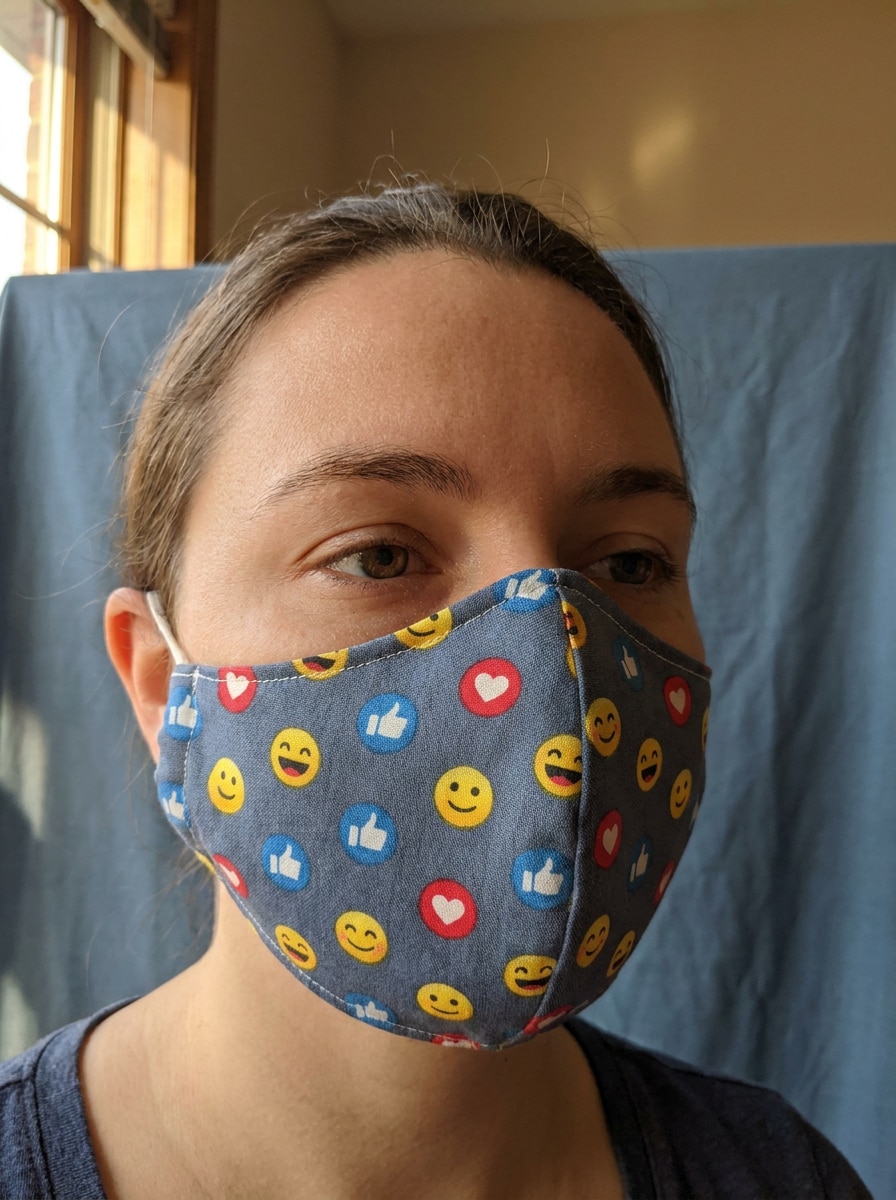
Mascarilla con Estampado de Emoji
Usa el selfie subido como sujeto y añade una mascarilla de tela con estampado de emojis. Ajústala naturalmente sobre nariz y boca, conserva el ángulo de la cabeza y el tono de piel, incluye pliegues suaves, bordes limpios, iluminación equilibrada y un ambiente animado y divertido que sigue viéndose realista.
Edición para Foto de Pasaporte
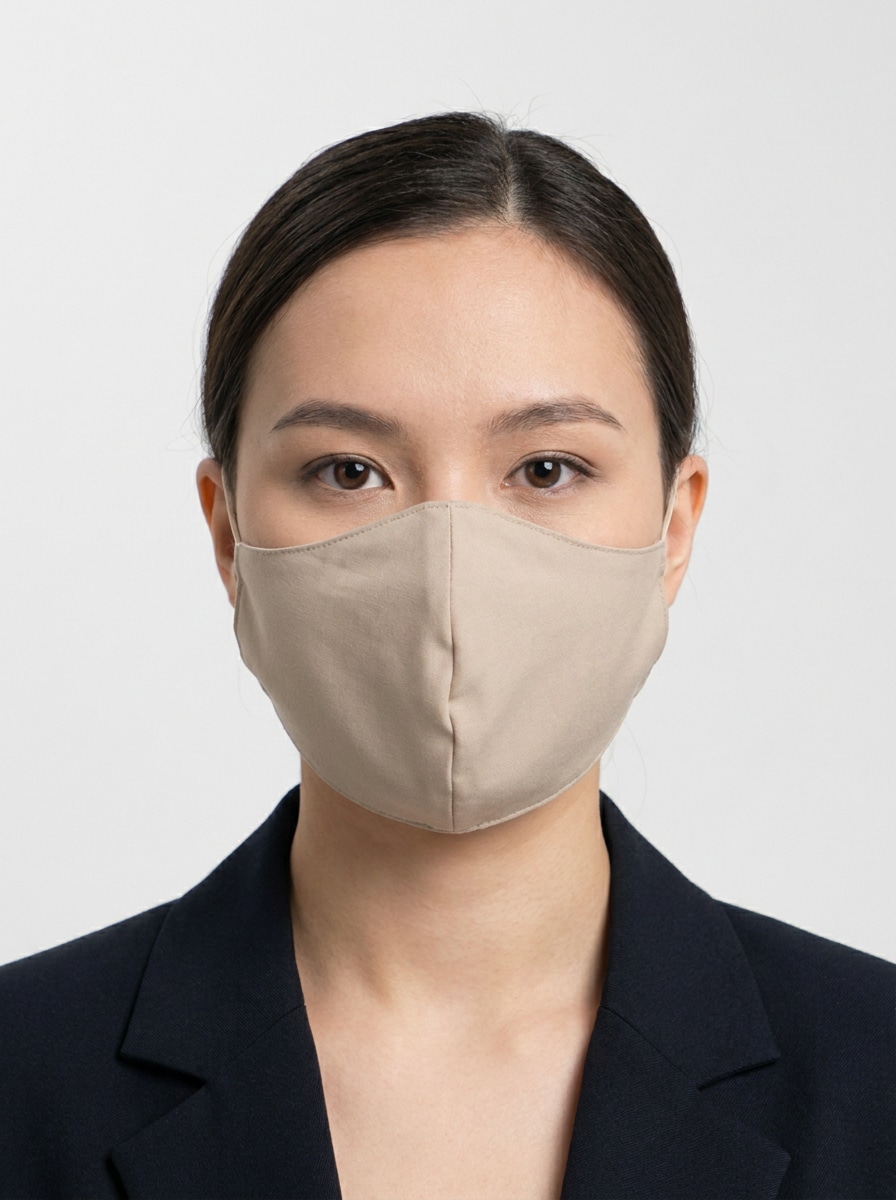
Utiliza la foto tipo ID que subiste y añade una mascarilla facial neutra y sencilla centrada en el rostro. Mantén la composición simétrica, el fondo limpio, alinea la mascarilla justo sobre nariz y boca, y crea bordes definidos, pliegues sutiles y un equilibrio realista de frente.
Mascarilla en Foto Corporativa
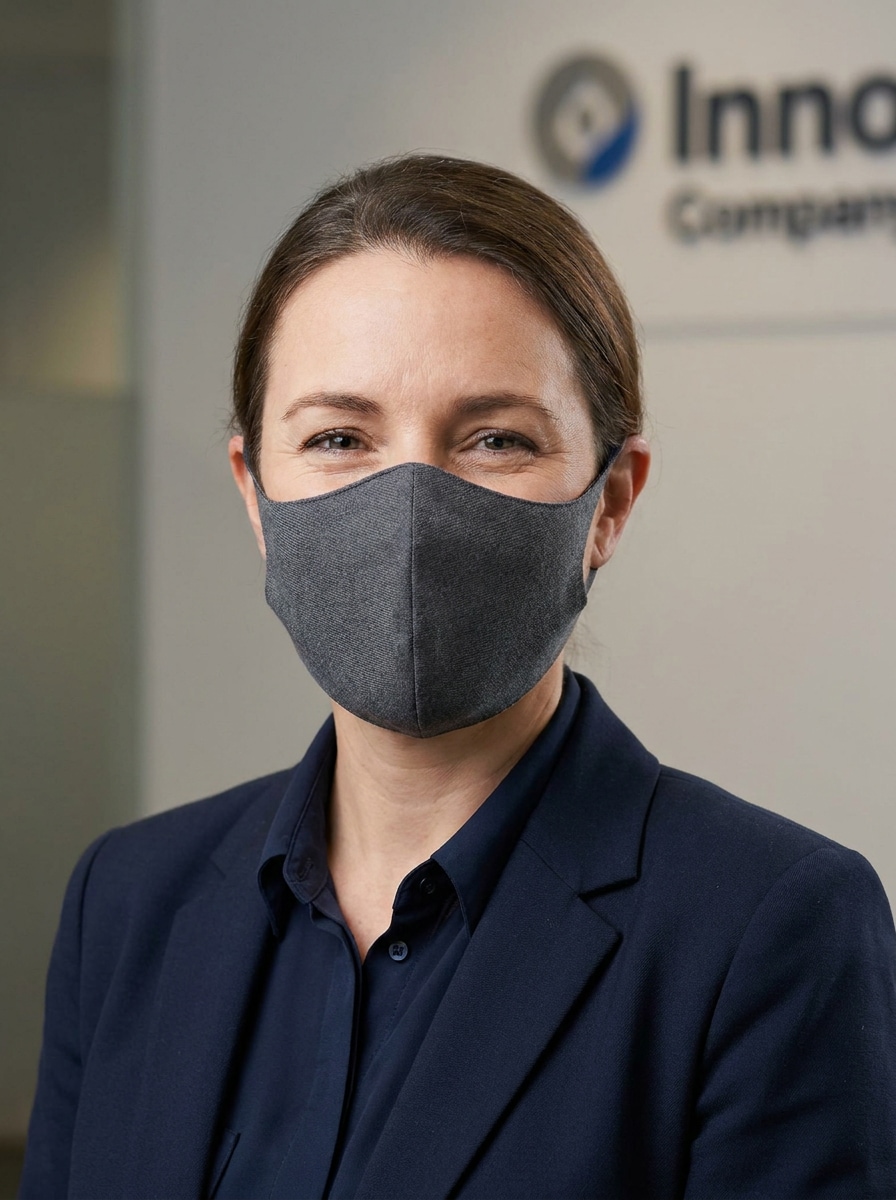
Usa la foto empresarial subida como referencia y agrega una mascarilla profesional limpia que se adapte a un retrato corporativo. Ajusta la iluminación y la perspectiva, mantén el ajuste refinado en mejillas y barbilla, y añade textura sutil para un resultado de calidad de estudio.
Mascarilla para Campaña de Salud
Utiliza la imagen subida como sujeto y añade una mascarilla médica realista para un visual de concienciación en salud. Asegura un ajuste correcto sobre la nariz y la barbilla, preserva la claridad facial, iguala la iluminación y crea un acabado confiable, limpio y con estilo informativo público.
Mascarilla Personalizada con Marca
Utiliza el retrato subido como imagen base y añade una mascarilla personalizada con logo o gráfico sutil. Mantén la mascarilla ajustada de forma natural al rostro, preserva la iluminación y la perspectiva, e incluye pliegues realistas, impresión limpia y un acabado promocional nítido.
Por Qué Usar Media.io para Pruebas Virtuales de Mascarillas
Preserva la Identidad Cambiando el Estilo
Para selfies, retratos o imágenes de perfil, Media.io te ayuda a añadir una mascarilla a una foto con edición basada en referencia que sigue mejor la forma del rostro, haciendo que la colocación de la mascarilla luzca más limpia y creíble alrededor de la nariz, boca y barbilla.
Estilos Flexibles para Salud, Moda o Marcas
En Media.io es más fácil comparar estilos, ya que puedes explorar múltiples opciones desde la misma imagen y así tener un flujo de trabajo de prueba de mascarilla por IAmás claro y elegir la versión que más se ajuste a tu objetivo creativo o de marca.
Imágenes en Alta Resolución para Uso Real
Algunos resultados requieren más que solo verse bien en la previsualización. Media.io te ayuda a generar imágenes añadiendo mascarillas en calidad de hasta 4K, para que la imagen final sirva en fondos, presentaciones y maquetas.
Edición Rápida en el Navegador Sin Software Extra
Cambiar entre teléfono y computadora es sencillo con Media.io, ya que todo el flujo de edición ocurre en el navegador y resulta práctico crear o mejorar imágenes donde trabajes.
Cómo Añadir una Mascarilla a una Imagen en 3 Pasos
Convierte tus palabras en visuales increíbles en solo tres pasos, luego sigue perfeccionando el resultado si quieres ir más allá.
Paso 1
Sube tu Imagen de Referencia
Empieza con un selfie, retrato, foto tipo carnet o imagen de campaña clara en formato JPG, PNG, o JPEG. Una imagen frontal con rasgos faciales visibles ayuda a que Media.io coloque la mascarilla de forma más natural y facilita añadir mascarilla a la imagen con alineación realista.
Paso 2
Describe el Cambio y Ajusta Opciones
Indica el estilo de mascarilla que quieres, por ejemplo quirúrgica, KN95, de tela negra, estampada o de marca. Luego elige el modelo preferido y ajusta el formato, la resolución o el número de imágenes para adaptarlo a publicaciones sociales, perfiles o diseños.
Paso 3
Genera, Descarga y Mejora Continuamente
Genera variaciones, compara el ajuste y descarga la versión que más te guste. Si lo necesitas, refina tu prompt, prueba otro estilo de mascarilla o sigue editando el resultado para un acabado más limpio antes de compartir o reutilizar en otros proyectos.
Descubre el Potencial de Añadir Mascarillas a Imágenes
Descubre cómo los creadores utilizan esta herramienta de añadir mascarilla a la foto online gratis para contenido, marketing y proyectos personales, adaptando cada idea a tus necesidades.
Renueva Selfies para Perfiles Sociales
Actualiza retratos informales rápidamente con cubrebocas realistas que coinciden con la iluminación y el ángulo de la foto original. Media.io te ayuda a probar un look enmascarado más pulido para perfiles, historias o contenido rápido sin perder tiempo en editores complejos.
Crea Gráficos de Salud y Concienciación Más Rápido
Los equipos pueden transformar retratos en visuales listos para campañas añadiendo mascarillas protectoras de aspecto natural. Media.io facilita la creación de publicaciones educativas, folletos y comunicaciones internas que requieren una presentación médica o de seguridad pública creíble.
Previsualiza Conceptos de Mascarillas con Estilo o de Marca
Diseñadores y pequeñas empresas pueden experimentar con cubrebocas estampados, minimalistas o con logos antes de producir los archivos finales. Media.io te ayuda a visualizar conceptos personalizados, probar variaciones listas para presentación y mostrar a los clientes el añadir mascarilla a la imagen concepto más claramente para una prueba de mascarilla de moda o maqueta de marca.
Qué Dicen los Usuarios
Alyssa P.
Creadora de Redes Sociales
"Mejor que un sticker básico" Necesitaba poner una mascarilla en un selfie rápido y el resultado se veía sorprendentemente natural. El ajuste en nariz y barbilla fue superior a arrastrar una pegatina manualmente.
Marcus T.
Coordinador de Campañas Comunitarias
"Útil para visuales de concientización" Lo usamos para crear retratos de estilo salud pública para publicaciones en redes. El flujo en navegador fue simple y las ediciones lucían suficientemente limpias para gráficos de campaña.
Jenna R.
Propietaria de Tienda Online
"Genial para probar conceptos de marca" Quería previsualizar mascarillas personalizadas en retratos antes de generar maquetas. Media.io me permitió crear varias opciones rápido, facilitando la retroalimentación del cliente.
David L.
Diseñador Freelance
"Fácil tanto en teléfono como en laptop" Lo probé primero en el móvil y terminé la exportación final en escritorio. Para colocar la mascarilla realista rápido, me ahorró tiempo comparado con hacerlo manualmente.
Explora los efectos de video e imagen con IA más populares
Preguntas Frecuentes Sobre Añadir Mascarilla a una Foto
1. ¿Cómo puedo añadir una mascarilla a una foto online gratis?
Puedes subir un selfie o retrato a Media.io, escribir una indicación describiendo el estilo de mascarilla que deseas y generar la imagen editada usando los créditos gratuitos disponibles. Así es sencillo utilizar Media.io para añadir mascarilla a la foto online gratis desde tu navegador sin instalar software. Si necesitas más uso, puedes visitar la página de precios para créditos extra y descargas en alta resolución sin marca de agua.
2. ¿Puedo poner una mascarilla quirúrgica realista en un selfie sin Photoshop?
Media.io es un editor de imágenes por IA en el navegador, así que puedes subir un selfie y detallar el estilo quirúrgico o KN95 sin usar Photoshop. Es una forma práctica de agregar mascarilla a tu foto rápido conservando iluminación, ángulo y proporciones originales.
3. ¿La herramienta ajusta automáticamente la mascarilla al rostro?
Media.io trabaja con edición basada en imagen de referencia, lo que ayuda a guiar la colocación de la mascarilla según el rostro subido. Con un retrato claro y una indicación precisa, Media.io puede crear un ajuste más natural alrededor de nariz, boca y barbilla, haciendo el resultado final más creíble que una superposición plana.
4. ¿Qué tipos de mascarillas puedo agregar a una imagen?
Puedes crear muchos estilos, incluyendo mascarillas quirúrgicas azules, modelos KN95 blancos, mascarillas negras de tela, versiones de moda con estampados, diseños inspirados en dibujos animados y conceptos personalizados de marca. Esa flexibilidad hace a Media.io útil tanto para edición protectora, prueba de mascarilla de moda, como imágenes de campaña creativa.
5. ¿Mi imagen editada mantendrá la calidad y resolución original?
Media.io ofrece opciones de resolución como 1K, 2K y 4K, por lo que puedes exportar una versión que se adapte a tus necesidades. Esto es útil si quieres añadir mascarilla a una foto para redes sociales, maquetas o presentaciones manteniendo una imagen final nítida y pulida. Los usuarios gratis pueden tener marca de agua.
6. ¿Puedo usar este editor de fotos y mascarillas en móvil y escritorio?
Media.io es web y funciona en teléfonos, tabletas y computadoras con navegador. Eso significa que puedes empezar una prueba virtual de mascarilla en el móvil o terminar ediciones más detalladas en escritorio sin cambiar de software.
Más Allá de Añadir Mascarilla a Foto Online Gratis con IA